Activity for User 538 - Wanda Krack - wandakrack@gmail.com

avatar
Avatar

Close this Tab when done


647 Comments / 371 Replies Posted

  = Current Round   = Previous Round
Group Round C/R Comment Date Image
28 Apr 22 Reply Thank you Kathy for your idea! Apr 19th
28 Apr 22 Comment You make this look like a lovely place to be. I like the sky, hills in the background, and the empty benches. Apr 14th
28 Apr 22 Reply Steve, I have during my photographic time, used two different close-up or macro lenses, and with both of these, I have experienced issues with dof. It must be part of the 'climate' when using macro lenses! Apr 14th
28 Apr 22 Reply Thanks Deb. Apr 7th
28 Apr 22 Reply Thank you Deborah. Apr 7th
28 Apr 22 Comment The enhanced colors in your final image work well together I think. Apr 7th
28 Apr 22 Comment I like the trim, and all three work well, including the original. However, great job with converting to a black and white, which works the best for me. Apr 7th
28 Apr 22 Comment I like the new crop. Deborah, you make hi key photos look so interesting, I wouldn't be surprised if we all try it out!! The only thing that I find myself looking for is a little more separation of the roof line from the snow. What a delightful picture this must make on matte paper. Apr 7th
28 Apr 22 Comment A one second exposure with the camera only braced against a wall is quite a feat. Your bringing out the details, improving the lighting and colors, and the cropping all are exceptional. The old coach looks brand new. Apr 7th
28 Apr 22 Comment Isn't it amazing that sometimes our 'accidents' turn out to be positives! You have taken advantage of a situation that sounded impossible, and turned the image into a delightful wall-hangers. Well-done Kathy! Apr 7th
28 Apr 22 Reply Thank you TJ. I have an older version of Topaz, what used to be sold as a larger package, with many different artistic possibilities. Within one of the listings is details, and under details, there are many possibilities. The two programs that I find myself using the most from this powerful platform are the micro contrast enhancement and the noise reducing one. I think topaz has changed through the years, and the program probably only loosely resembles the older versions. Sometimes I also use the high pass filter, and most of the time I just use the brush tool in PS and selectively sharpen only areas I choose. If I want just a portion of the image to have the topaz filter affect, I select in PS the area/s I want to use the topaz filter on. Topaz will apply the effect to only the area you have selected. Apr 7th
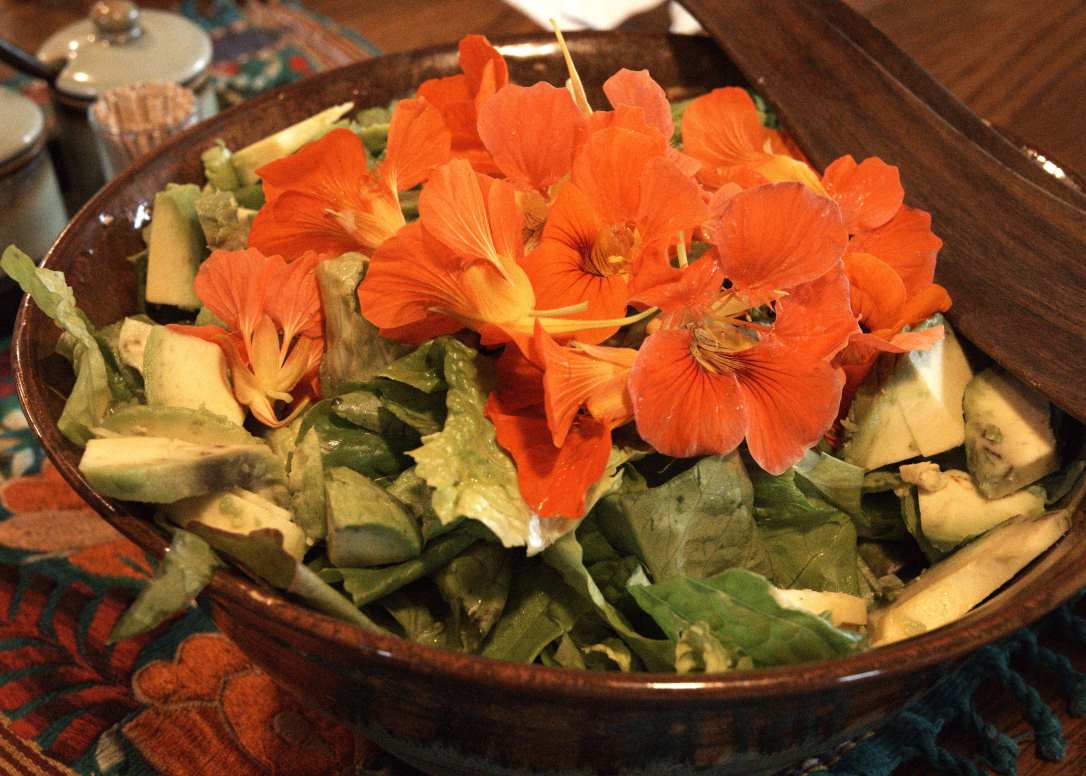
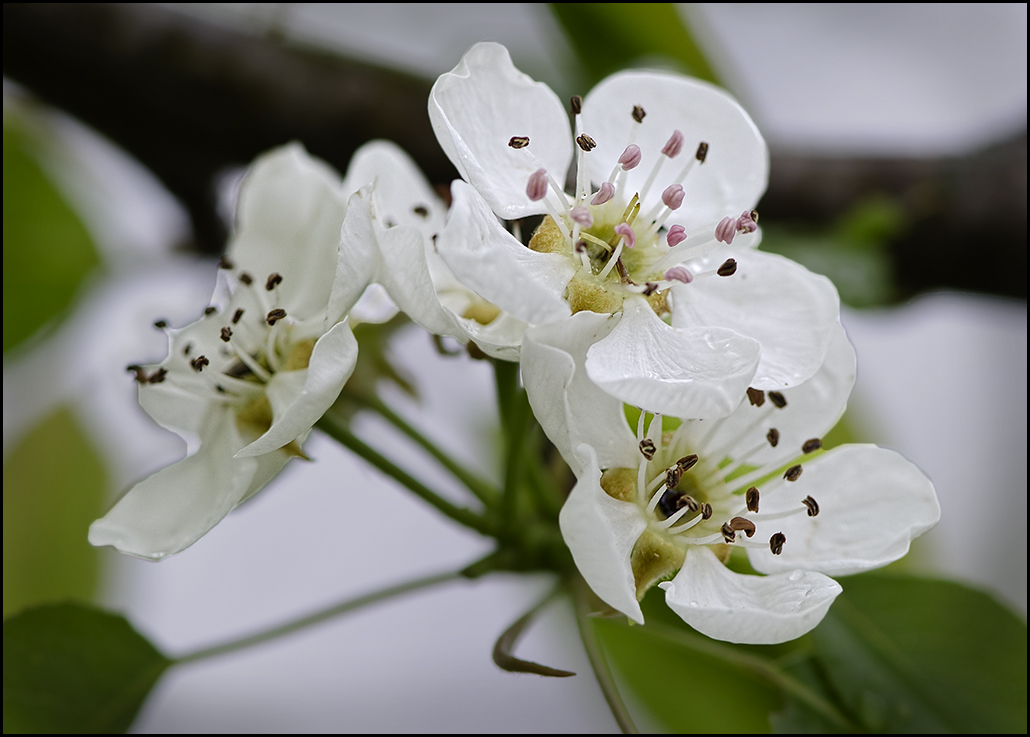
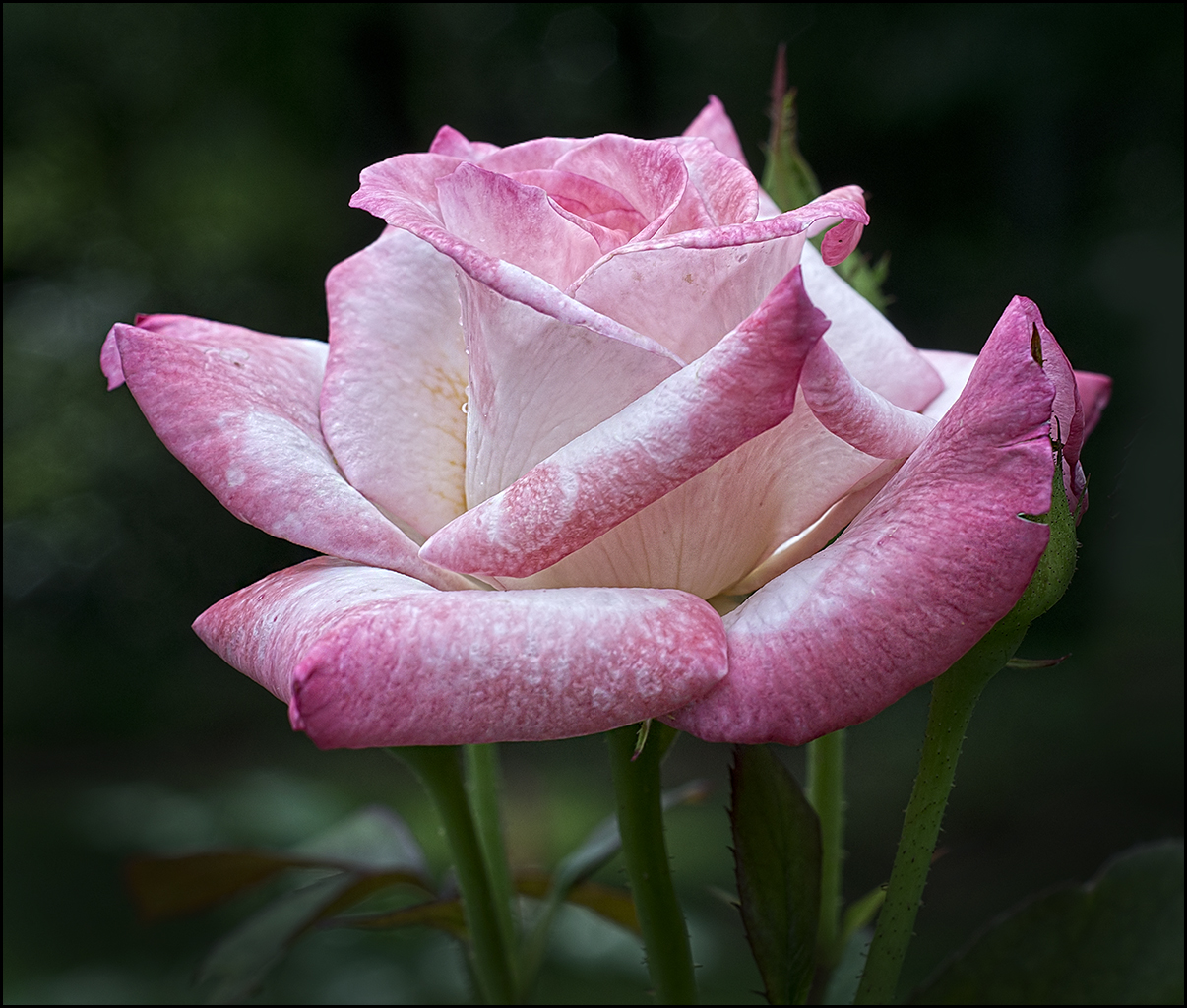
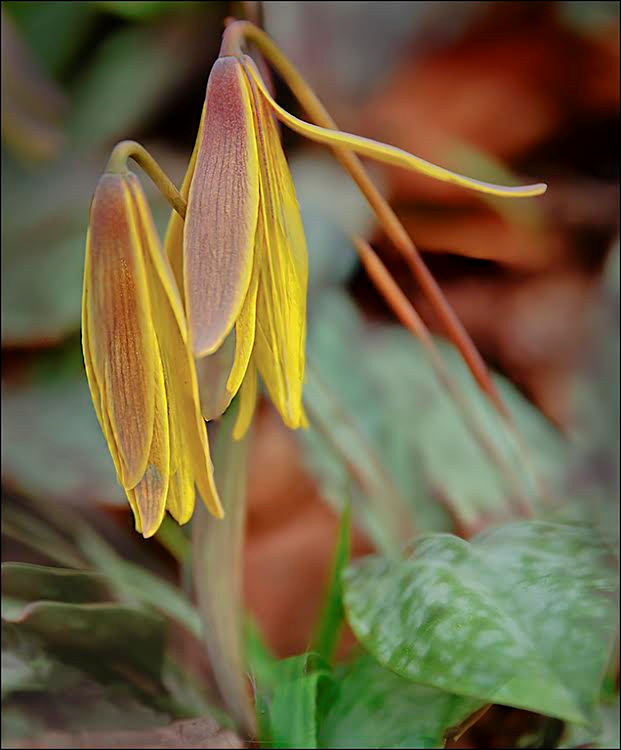
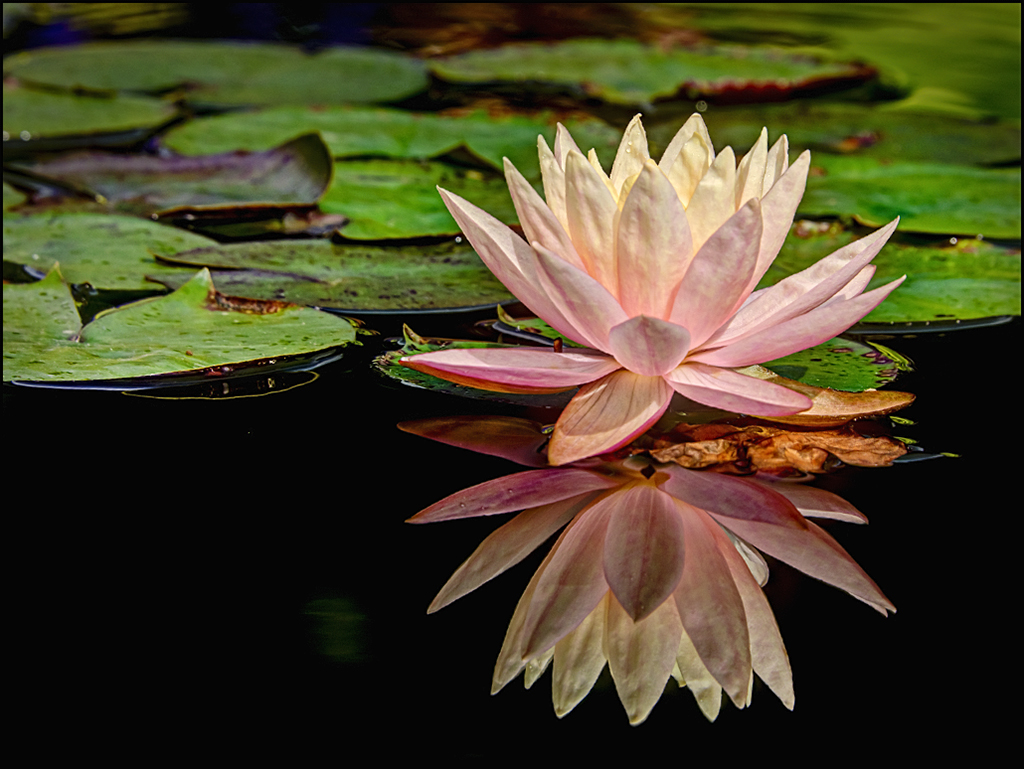
28 Apr 22 Reply Hi TJ. yes, speed priority is the same as shutter priority (you set the speed and the camera adjusts the other two items, such as ISO and F-stop.) CR is camera raw. Topaz Labs is a program that I have listed under my photoshop filters, and the one I use the most details, which does basic sharpening without getting the chromatic aberrations and light areas around the objects that have a large difference in light and dark range, and the program has a built-in noise reduction, with sliders that does a good job of removing the noise. The disadvantage of using this particular filter from the topaz program is that sometimes it blurs or renders areas almost too soft, which is probably what you are seeing here with the petal edge blur. Does this explain? If not, please continue our discussion.
Apr 6th

6 comments - 6 replies for Group 28


6 comments - 6 replies Total


117 Images Posted

  = Current Round   = Previous Round
Group 28

Sep 24

Jul 24

Jun 24

May 24

Apr 24

Mar 24

Dec 23

Nov 23

Oct 23

Sep 23

Aug 23

Jul 23

Jun 23

May 23

Apr 23

Mar 23

Feb 23

Jan 23

Dec 22

Nov 22

Oct 22

Sep 22

Aug 22

Jul 22

Jun 22

May 22

Apr 22

Mar 22

Feb 22

Jan 22

Dec 21

Oct 21

Sep 21

Aug 21

Jul 21

Jun 21

May 21

Apr 21

Mar 21

Feb 21

Jan 21

Dec 20

Nov 20

Oct 20

Sep 20

Aug 20

Jul 20

Jun 20

May 20

Apr 20

Feb 20

Jan 20

Dec 19

Nov 19

Oct 19

Sep 19

Aug 19

Jul 19

Jun 19

May 19

Apr 19

Mar 19

Feb 19

Jan 19

Dec 18

Nov 18

Oct 18

Sep 18

Aug 18

Jul 18

Jun 18

May 18

Apr 18

Mar 18

Feb 18

Jan 18

Dec 17

Nov 17

Oct 17

Sep 17

Aug 17

Jul 17

Jun 17

May 17

Apr 17

Mar 17

Feb 17

Jan 17
Group 46

May 19

Apr 19

Mar 19

Feb 19

Jan 19

Dec 18

Nov 18

Oct 18

Sep 18

Aug 18

Jul 18

Jun 18

May 18

Apr 18

Mar 18

Feb 18

Jan 18

Dec 17

Nov 17

Oct 17

Sep 17

Aug 17

Jul 17

Jun 17

May 17

Apr 17

Mar 17

Feb 17

Jan 17

Close this Tab when done