|
| Group |
Round |
C/R |
Comment |
Date |
Image |
| 28 |
Jul 20 |
Comment |
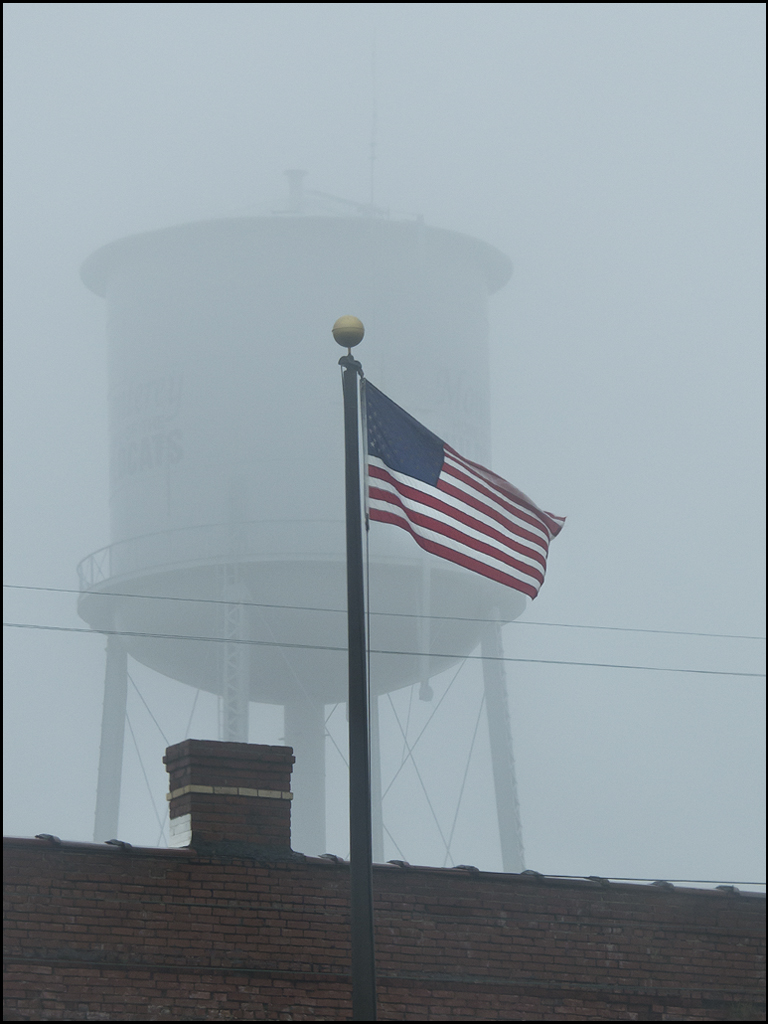
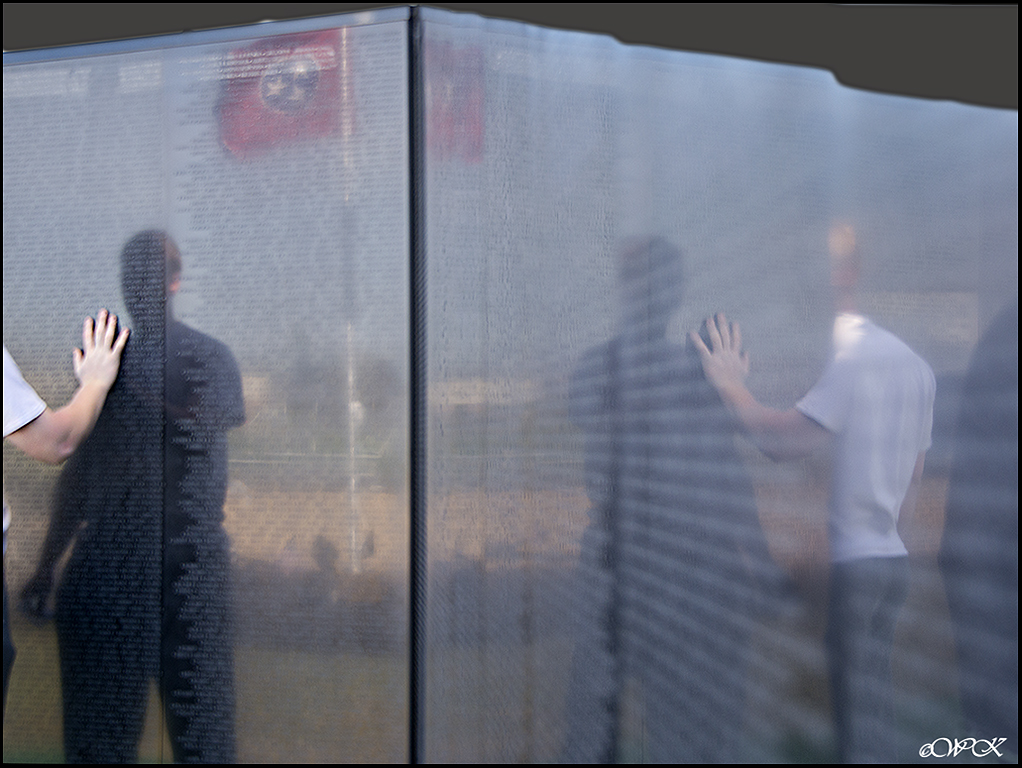
I suppose that we all do this Kathy, have pictures in our minds of things we drive by but don't take the time to stop and take a shot...at least I know that I do. It's good that you took the time. Wonderful lighting, and it helps the wording to be more prominent. Looks as if you caught it just right. |
Jul 19th |
| 28 |
Jul 20 |
Reply |
Isn't that often the case Tom........someitmes books and much of the art work happens that way. Maybe at least he left a legacy for his decendents. |
Jul 19th |
| 28 |
Jul 20 |
Reply |
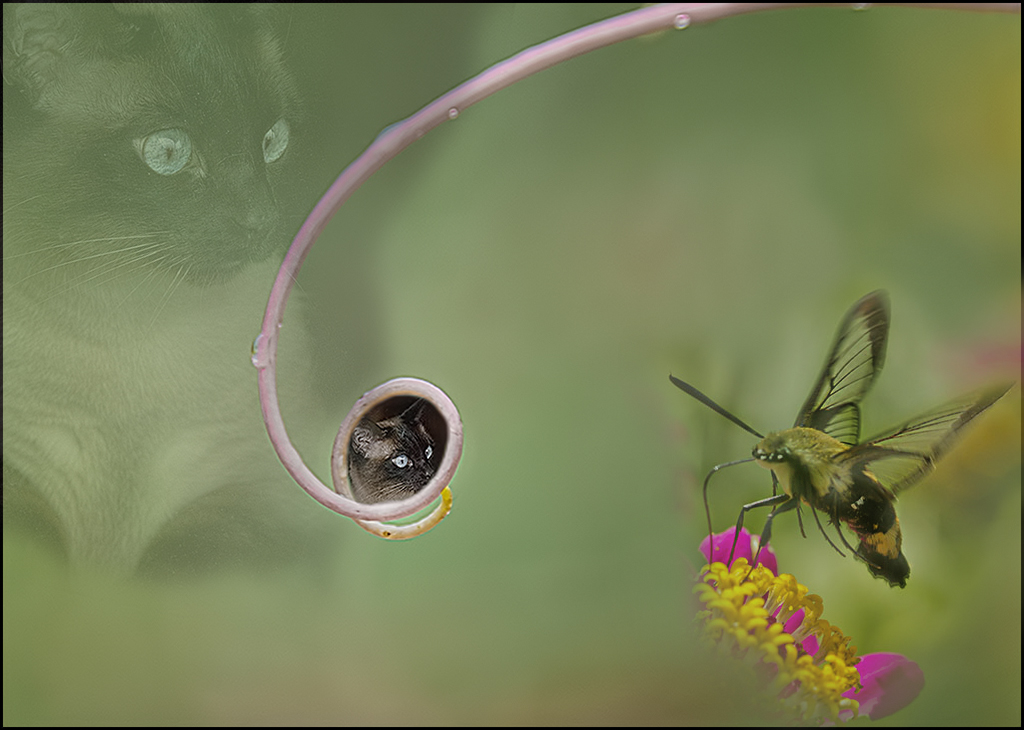
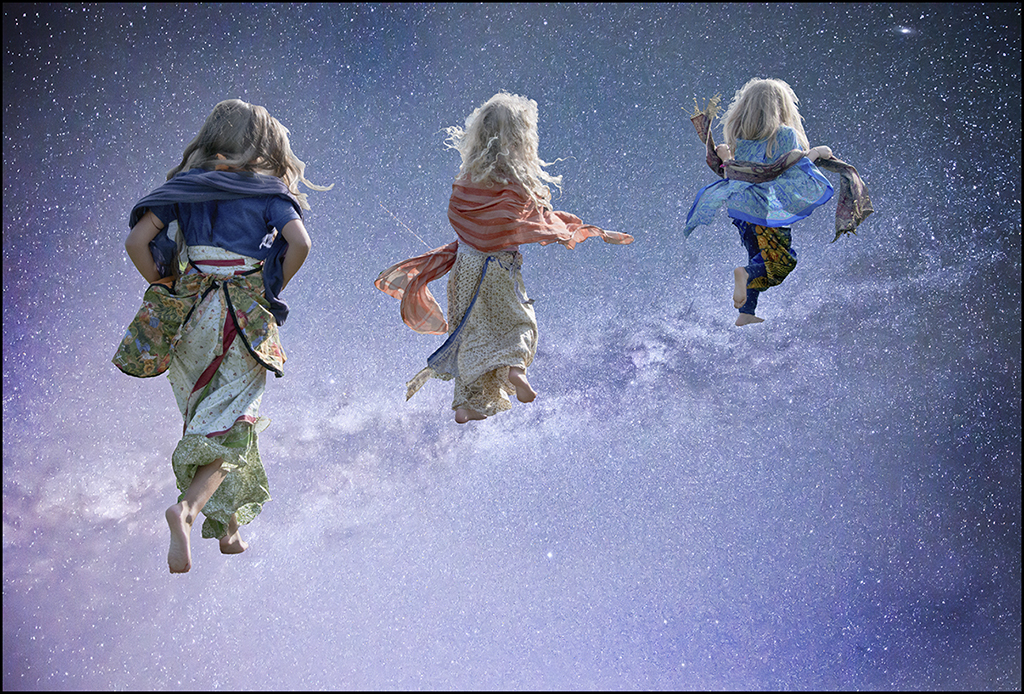
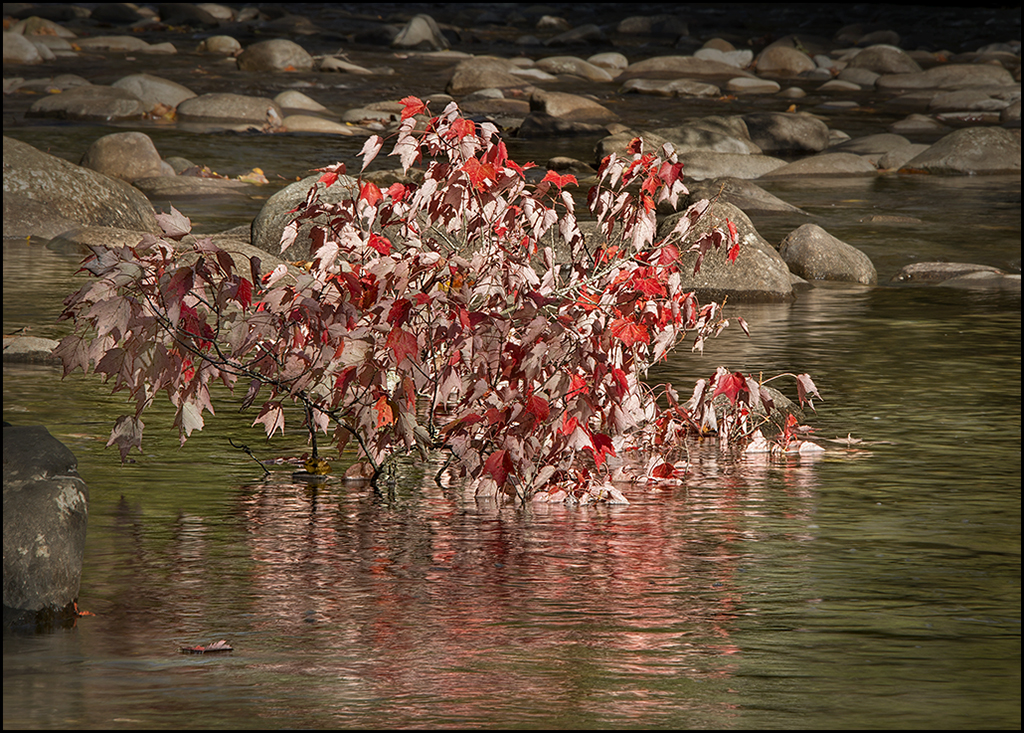
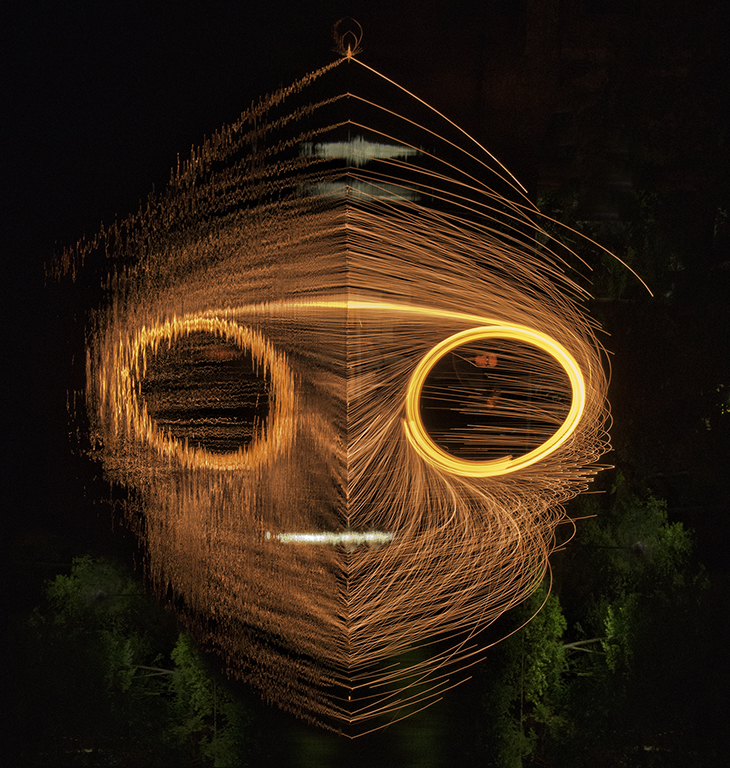
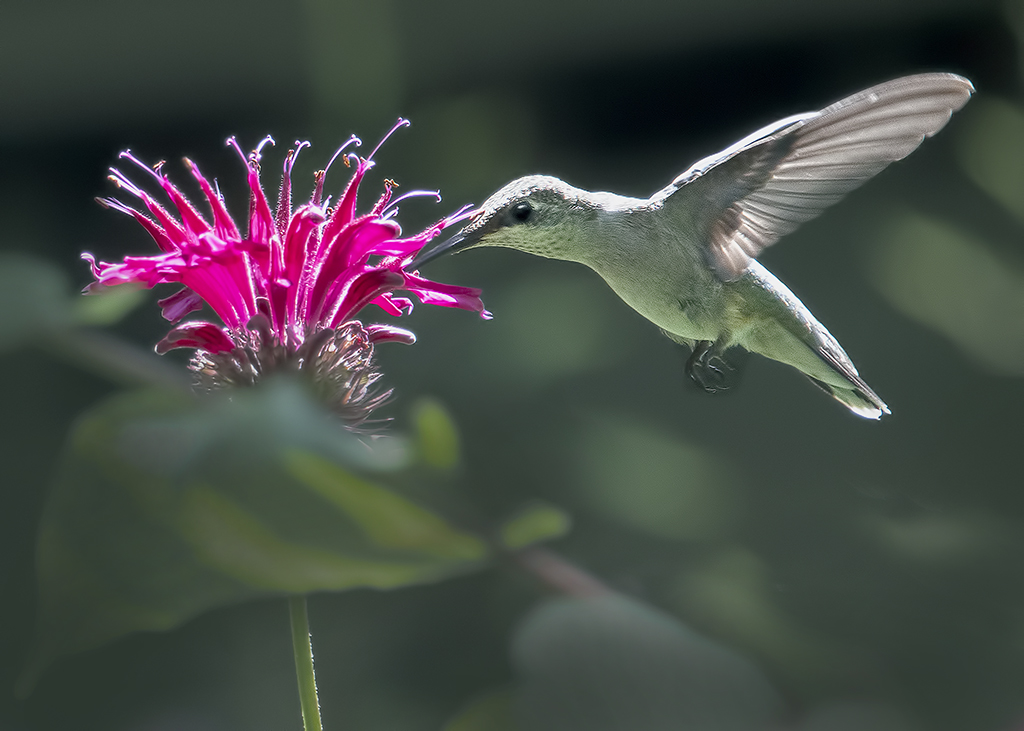
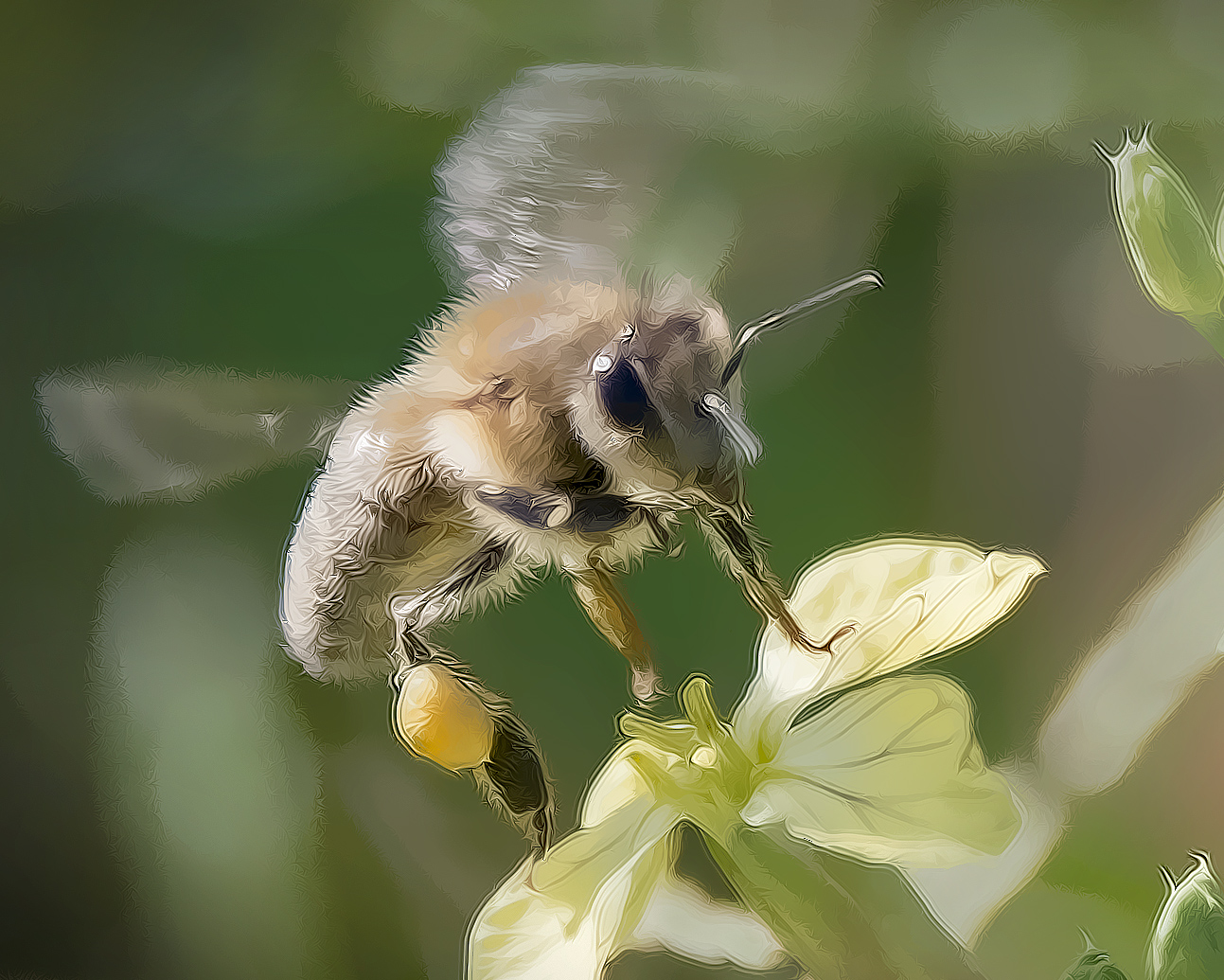
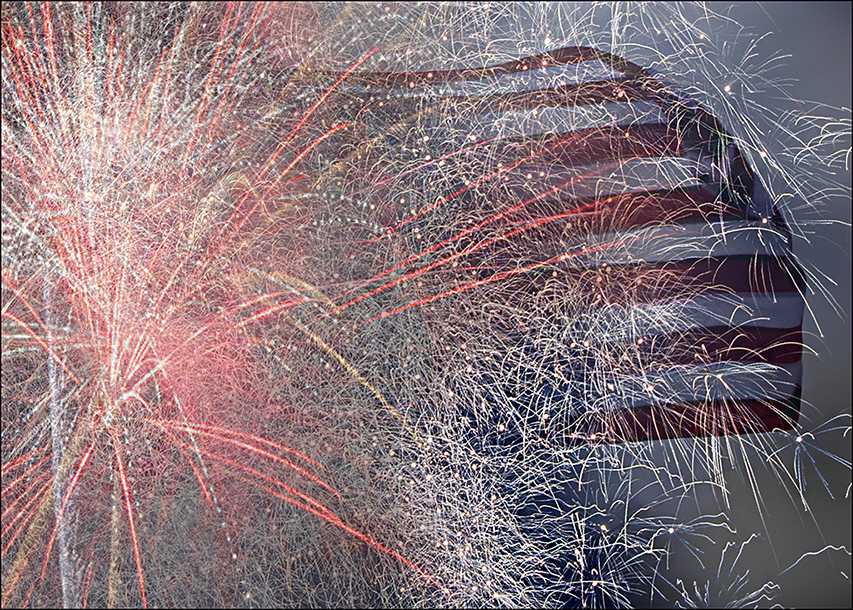
Thank you Tom for your input. Yes, it's fun to play around with some of the tools in PS. I did enter a couple of the very abstract images in this month's camera club competition, and one of them took second place in the contest, with a first place of club favorites. It seems that the judges also liked the heavily manipulated one better than one with multiple subjects (the honey bees) as an example of 'abstract'. |
Jul 19th |
| 28 |
Jul 20 |
Reply |
Thank you Beverly Caine for your input. I appreciate it. |
Jul 19th |
| 28 |
Jul 20 |
Comment |
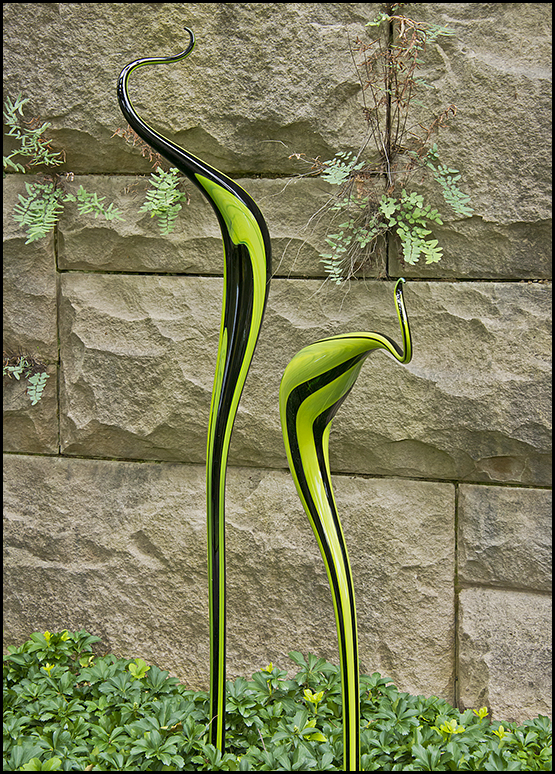
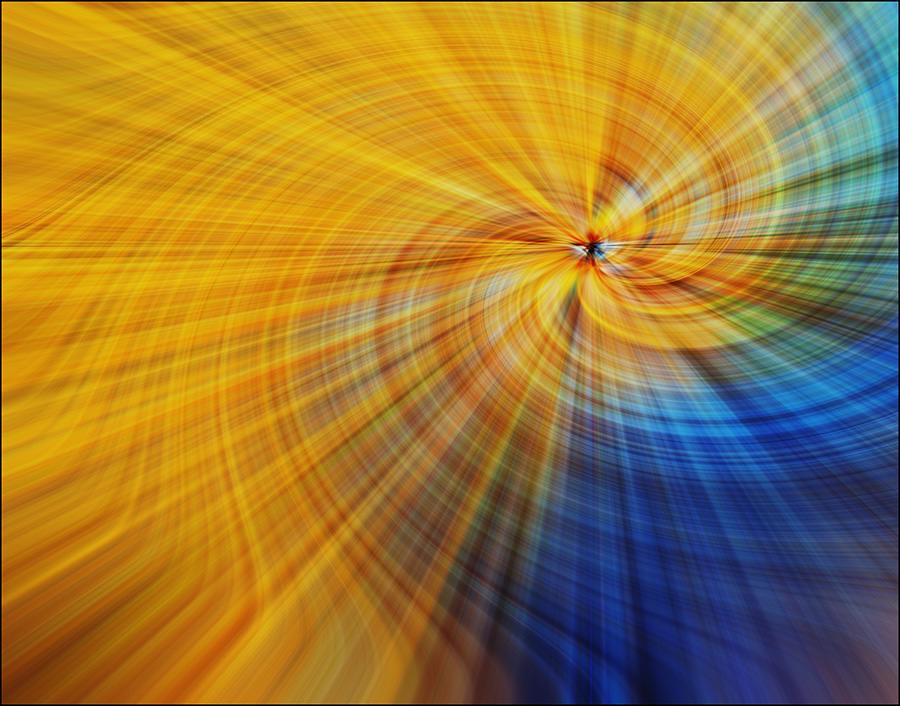
Nothing not to like about this image! I like the effect, colors, lines, and balance of the image. You must have a good imagination and working knowledge of the programs you used because the result is lovely. A wall-hanger for any wall, both commercial and for home! |
Jul 11th |
| 28 |
Jul 20 |
Comment |
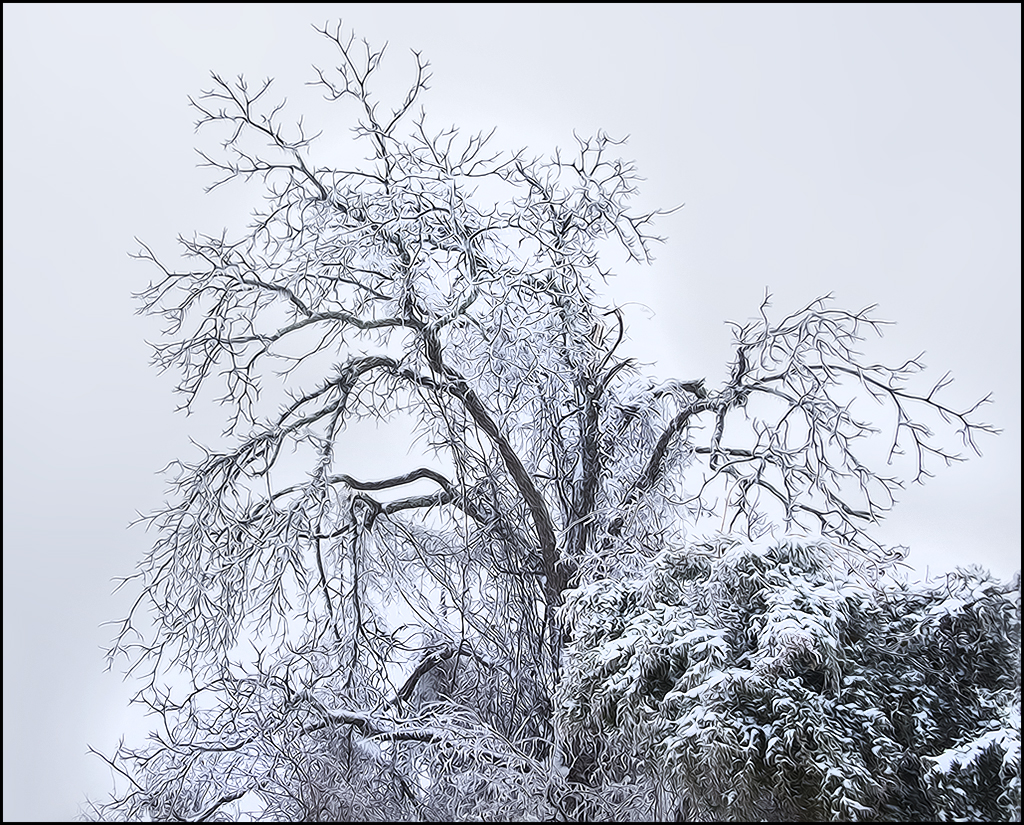
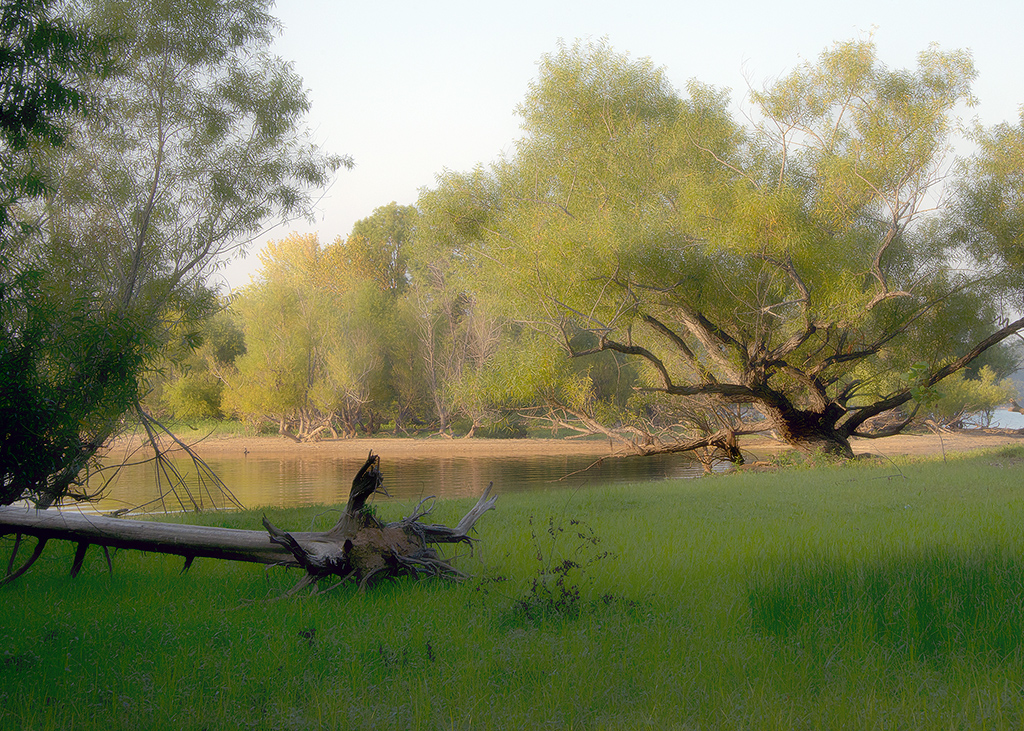
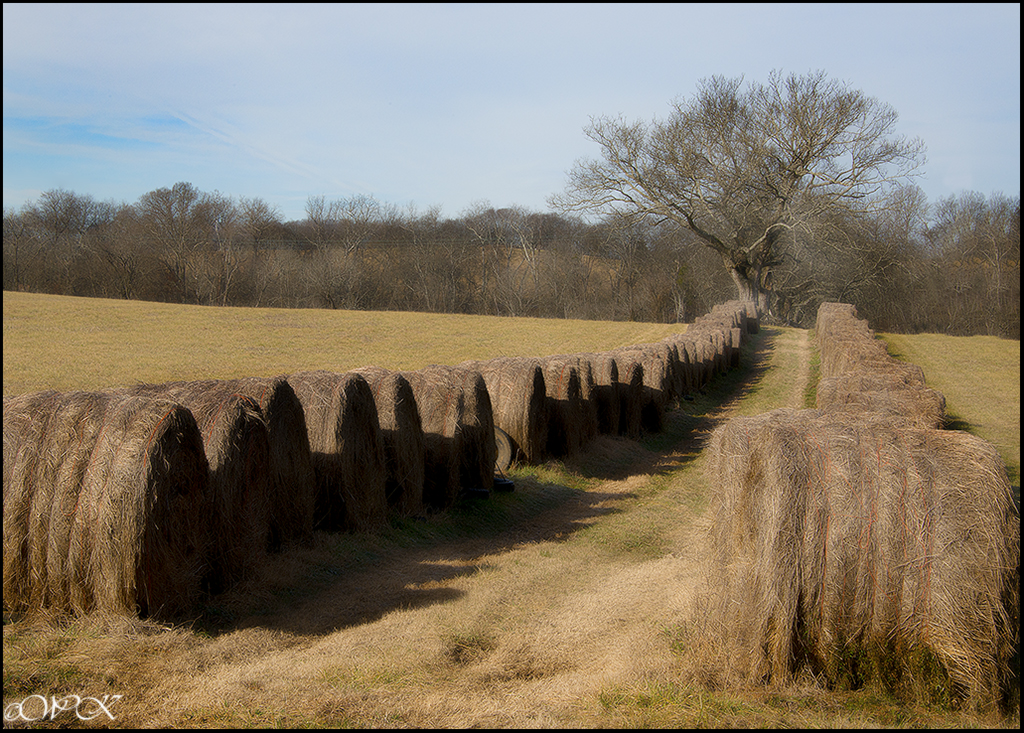
Deborah, I like both of the images, but lightening the tree did seem to bring out more details, also, removing some of the sky is an improvement too. I like the sky color in the original one better tho. Great image. I am envious, I've wanted to shoot these old trees, but have not made it there yet! |
Jul 11th |
| 28 |
Jul 20 |
Reply |
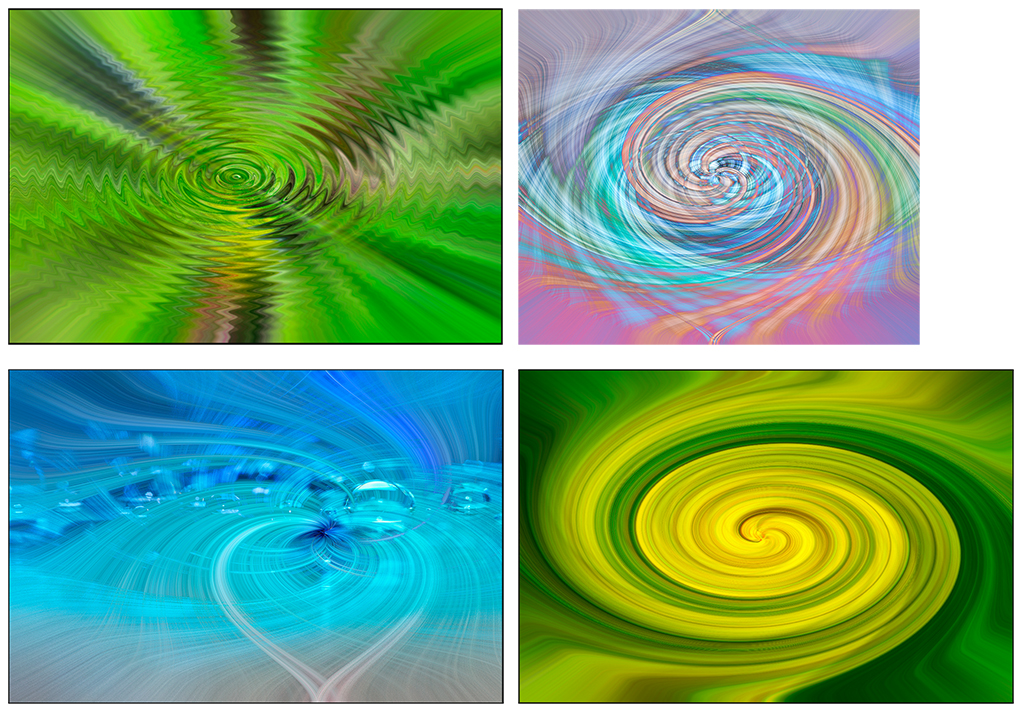
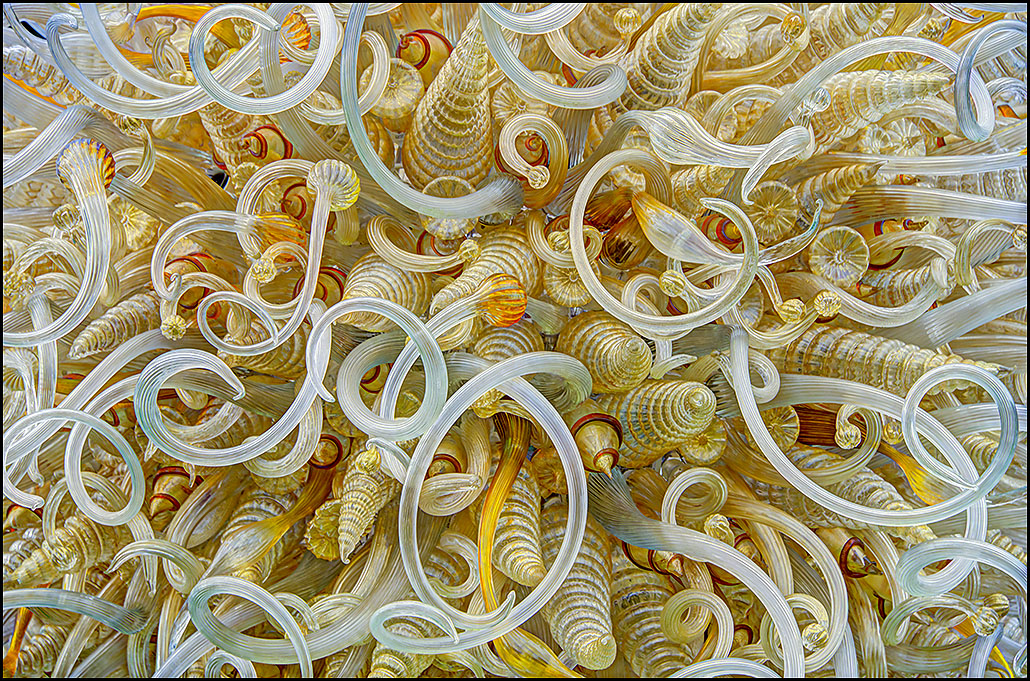
Thanks Tom. Since there are bout 9 or 10 steps to this 'twirl art', I suggest you might google it and follow the u-tube instructions. Basically you choose an image that you like the colors of, change to 8 bit if not already, duplicate the layer, use one of the pixelate filters, and then smooth the lines using ctrlX 2-4 times, duplicate layer, distort filter.......twirl (choose amount with slider), do two layers different directions and adjust the blending to your satisfaction. It is not a difficult project, but I still find myself needing to follow the written directions in order to get everything in sequence.
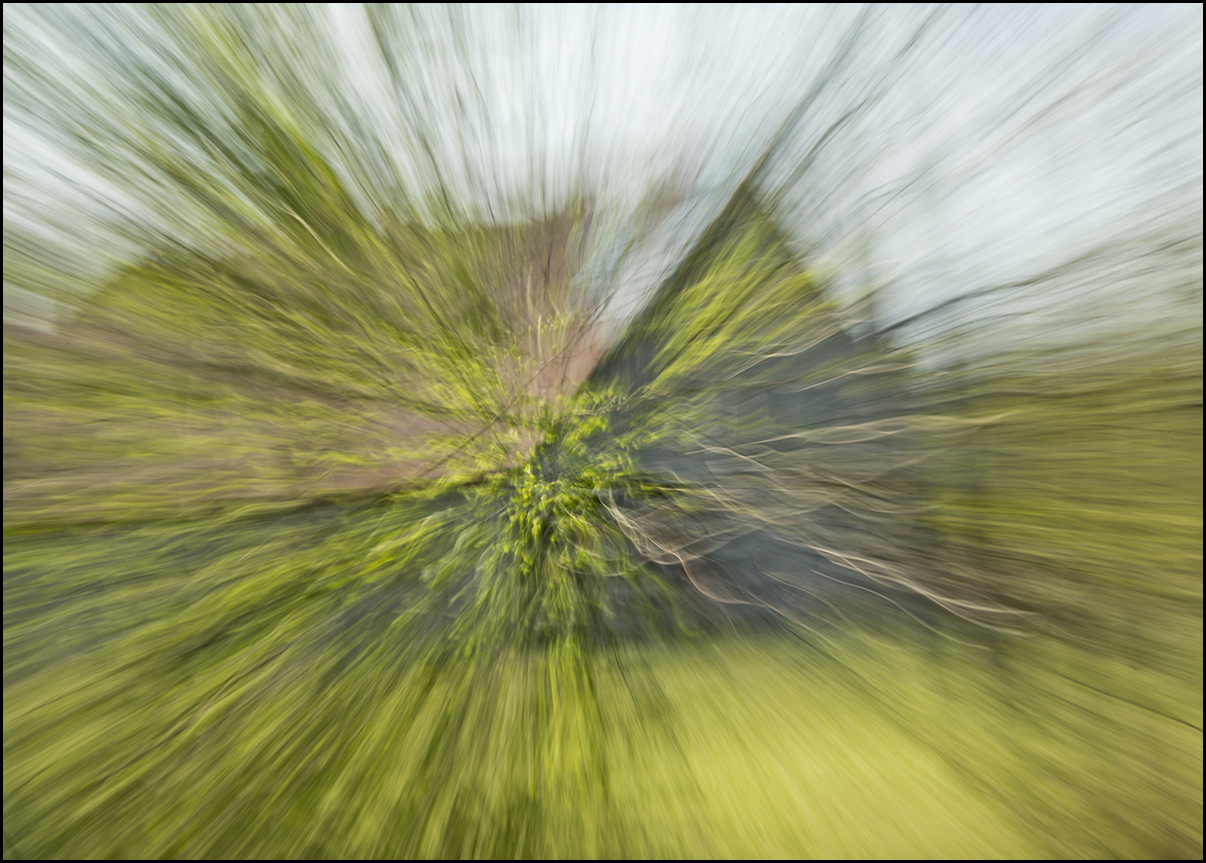
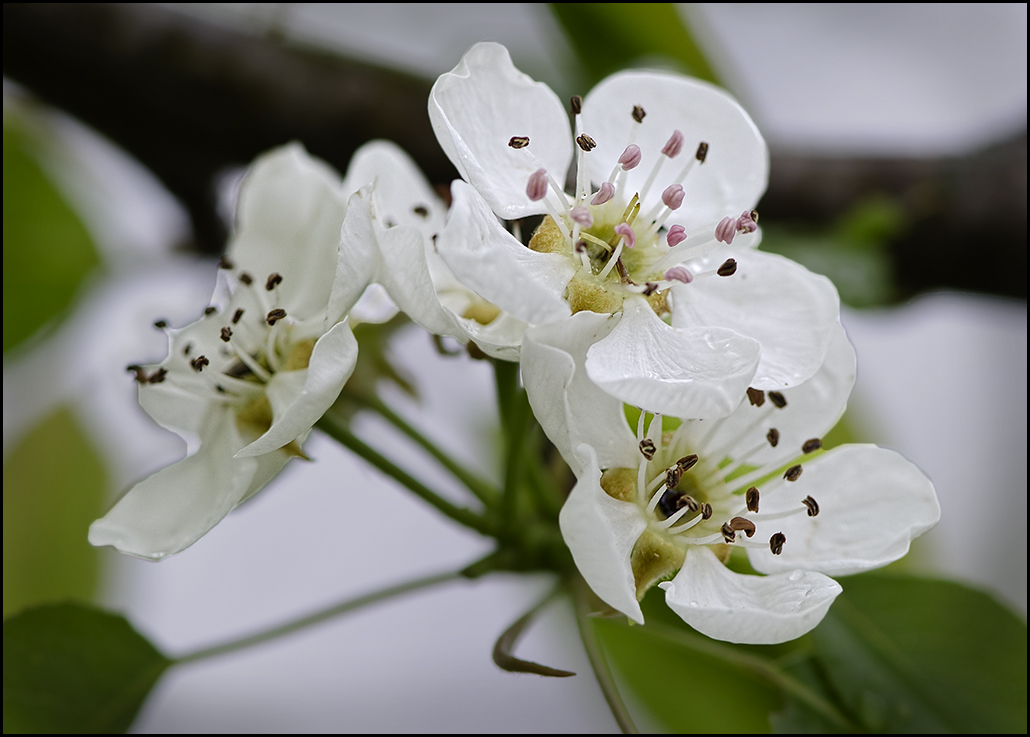
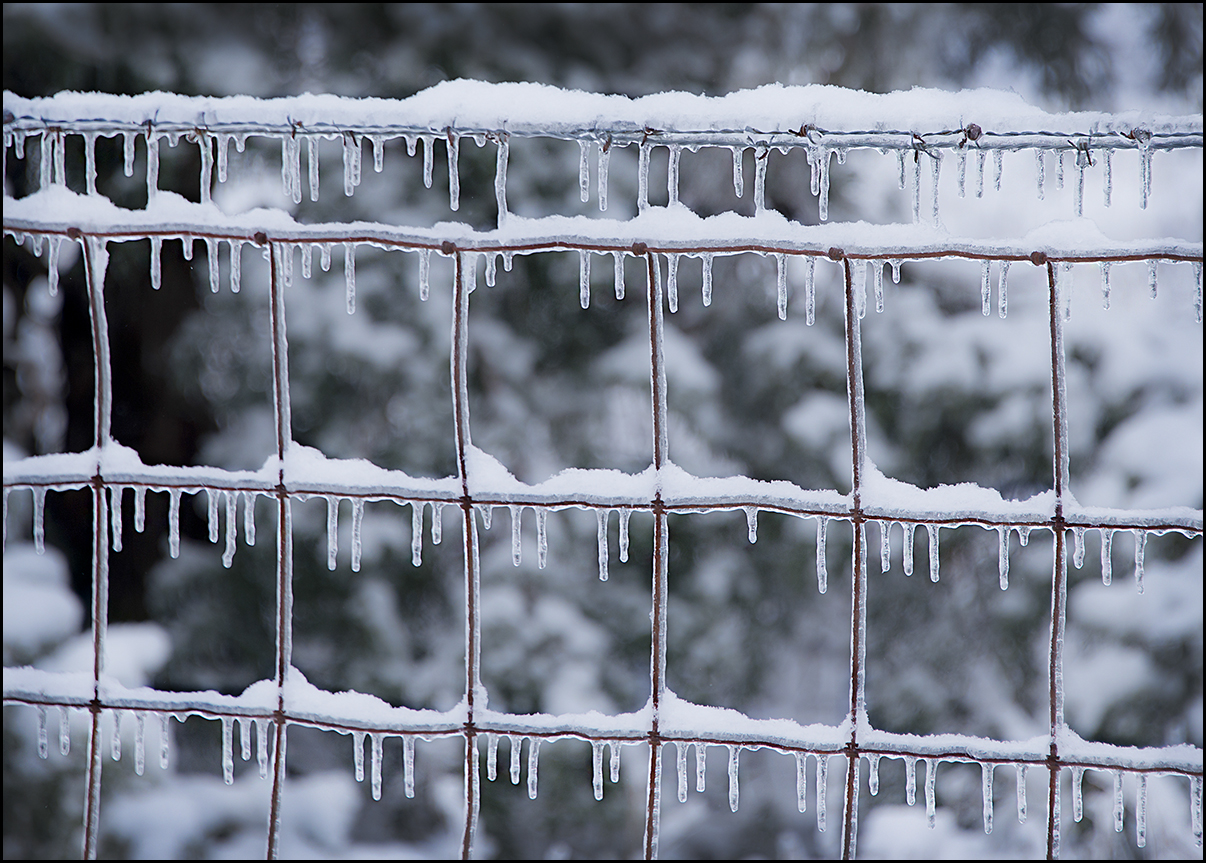
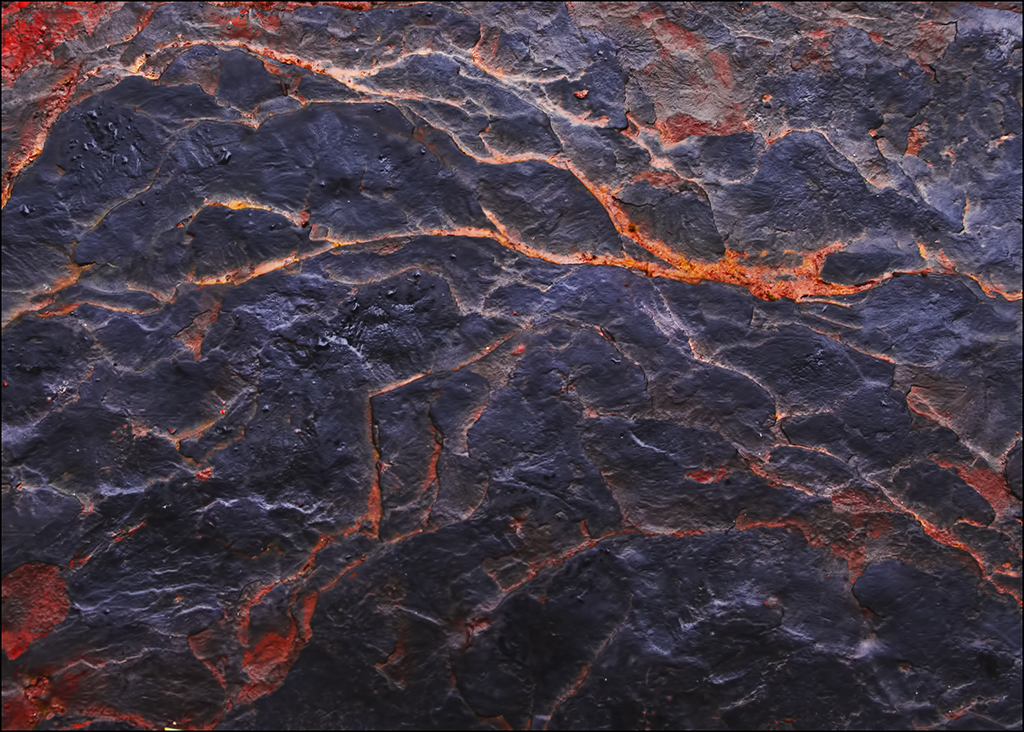
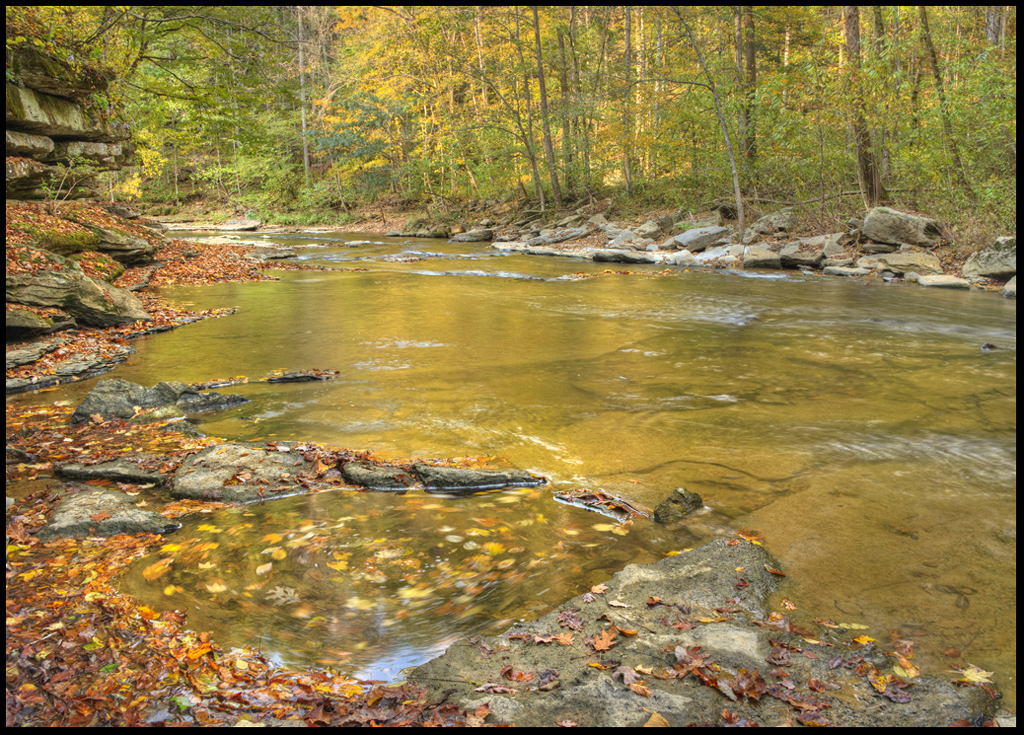
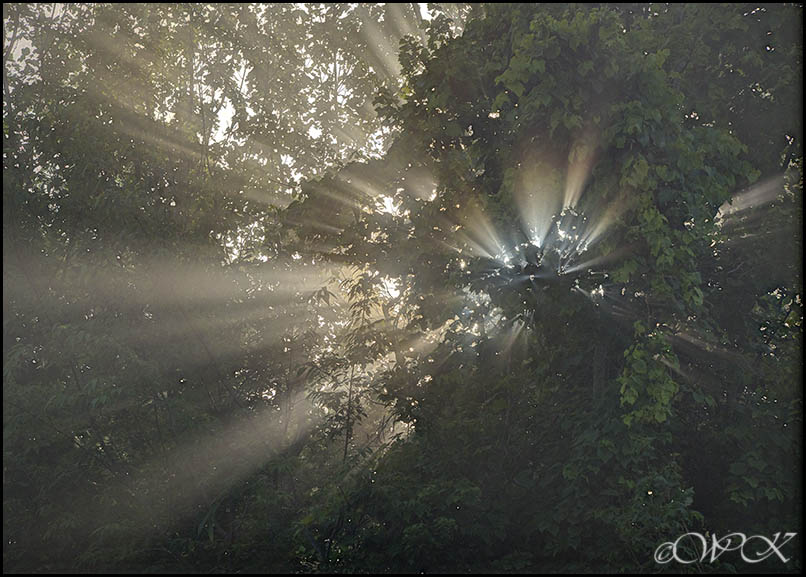
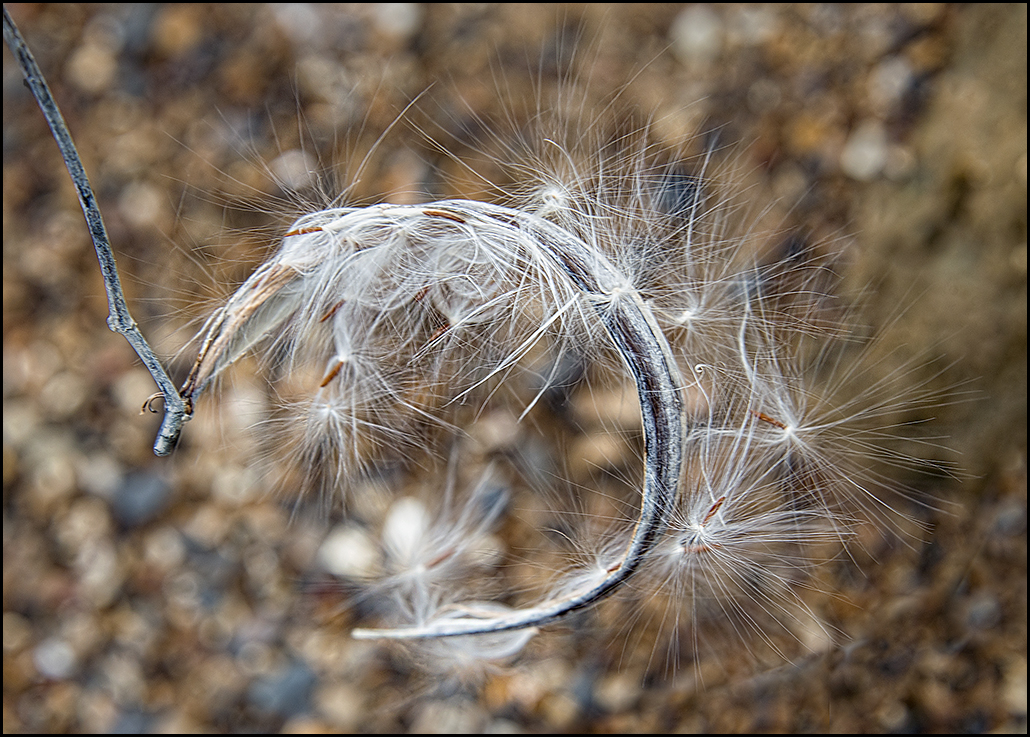
Also, I asked two questions in the original statement......when you think of 'abstracts', do you think of only lines, colors and the like.......perhaps even things that are not recognizable as objects..............or do you think of a picture that has no subject, or that has multiple subjects, such as the bee image?? Which kind would you expect to find in a photo contest? I have attempted to give examples of both kinds from my collections. The 'unrecognizable' images are not manipulated from those examples I am giving of other possible abstracts. (hope I am explaining this in a reasonable manner, and sorry for the confusion) |
Jul 11th |
| 28 |
Jul 20 |
Reply |
Thaks Kathy. Those are my favorites also. |
Jul 11th |
| 28 |
Jul 20 |
Reply |
Thanks Deborah. I used instructions called 'twirl art', which is a series of steps ending up with the possibility of a variety of designs that do not resemble the original image. |
Jul 11th |
| 28 |
Jul 20 |
Comment |
I agree with Kathy. This looks like an authentic Van Gogh painting. Good job Tom!
|
Jul 11th |
4 comments - 6 replies for Group 28
|
4 comments - 6 replies Total
|