|
| Group |
Round |
C/R |
Comment |
Date |
Image |
| 65 |
Jun 23 |
Comment |
Congratulations! Jodi, to the beautiful image in this month's Showcase. What a great shot of a dragonfly. Nice to see one of our own members in the Showcase. |
Jun 16th |
| 65 |
Jun 23 |
Reply |
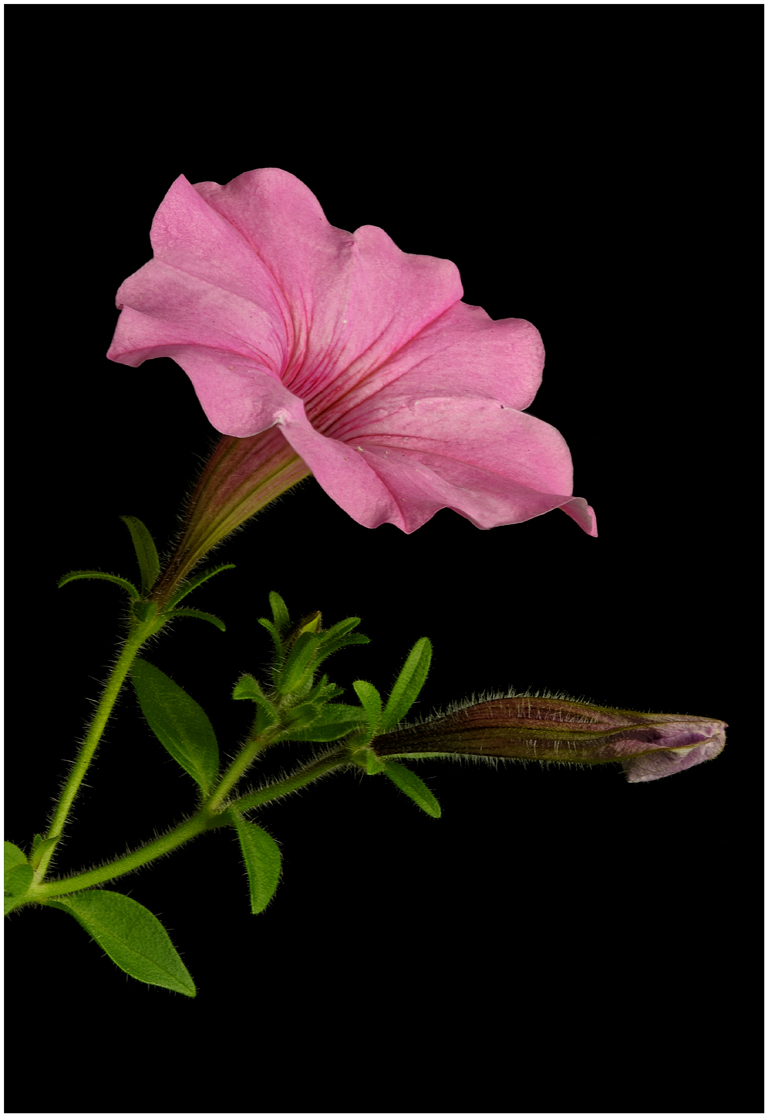
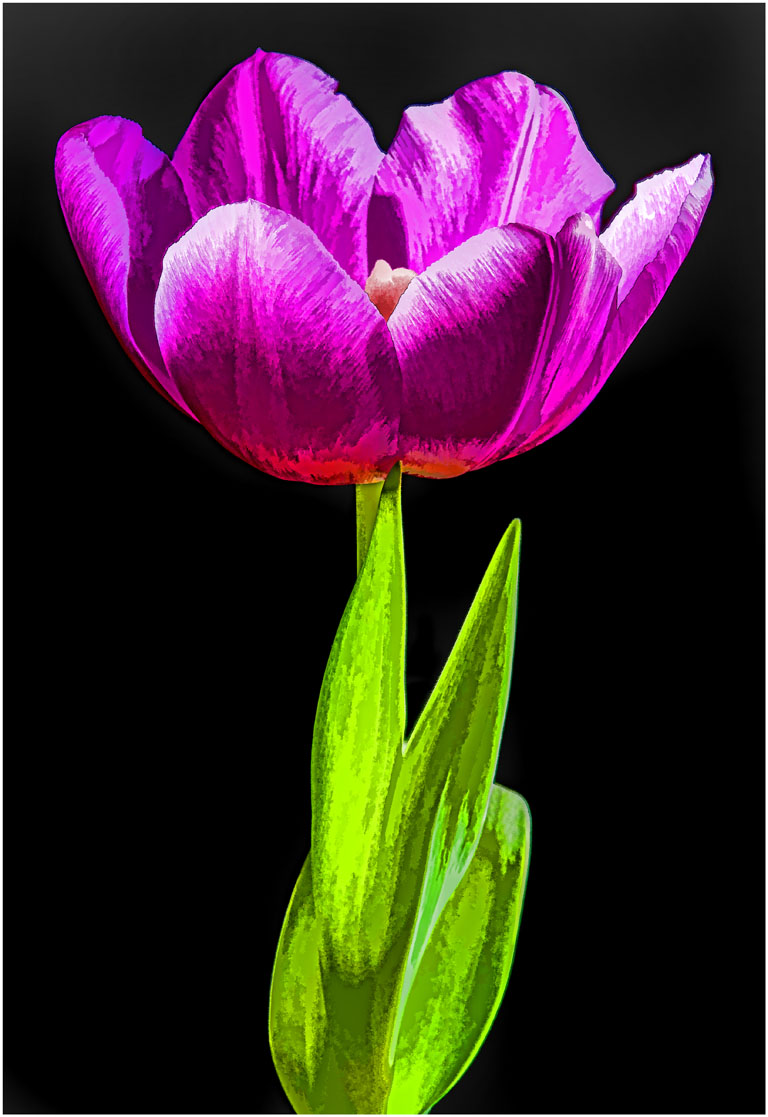
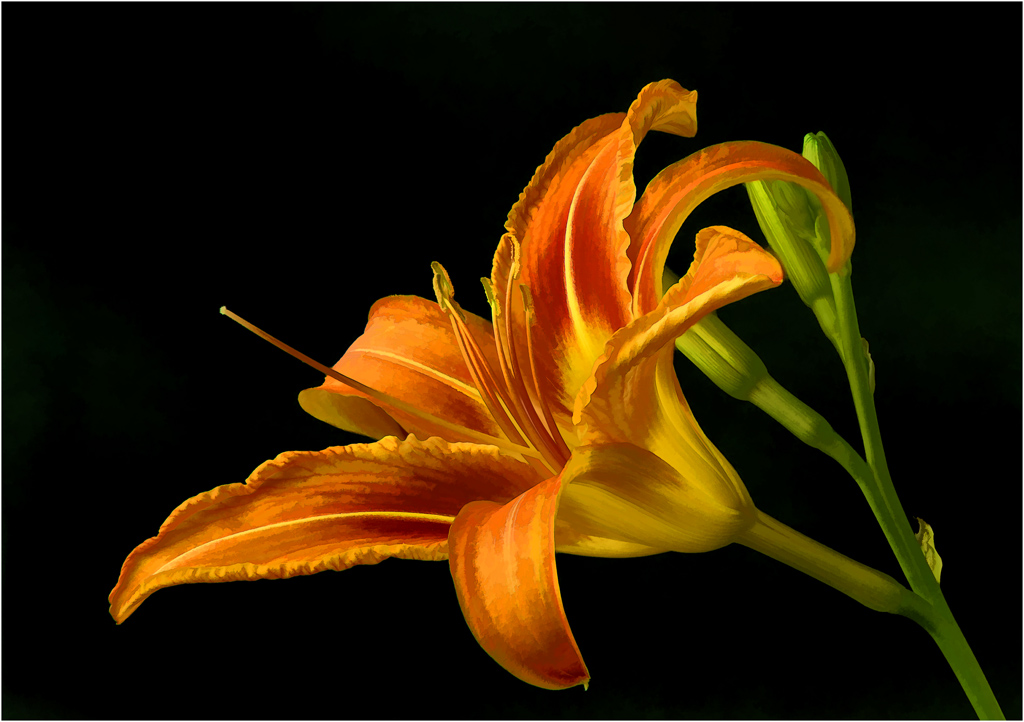
With poster edges the filter puts a black stroke on edges and where there's a tone change. You can adjust the width of stripe. This was a minimum amount. I did not change the saturation of the petals it just appears that way. I usually don't use most filters, I do not care for the results. |
Jun 14th |
| 65 |
Jun 23 |
Reply |
I don't know that much about histograms but as you move right on a histogram the number of pixels increase. Pixels make up the image so the more pixels the more information there is in the image to work with to a point of being blown out all the way to the right. There are five different parts to the histogram. Luminosity shows the overall brightness of a scene. It is a bar graft that starts on the left at zero (pure black) finishing on the right 255 (pure white) Go past 255 whites are blown out. RGB shows color distribution. Red shows reds, blue shows blues and green shows greens.
I find reds blow out sooner than whites. When whites or a color is blown out that information is lost and there is nothing in post to get that info. back.
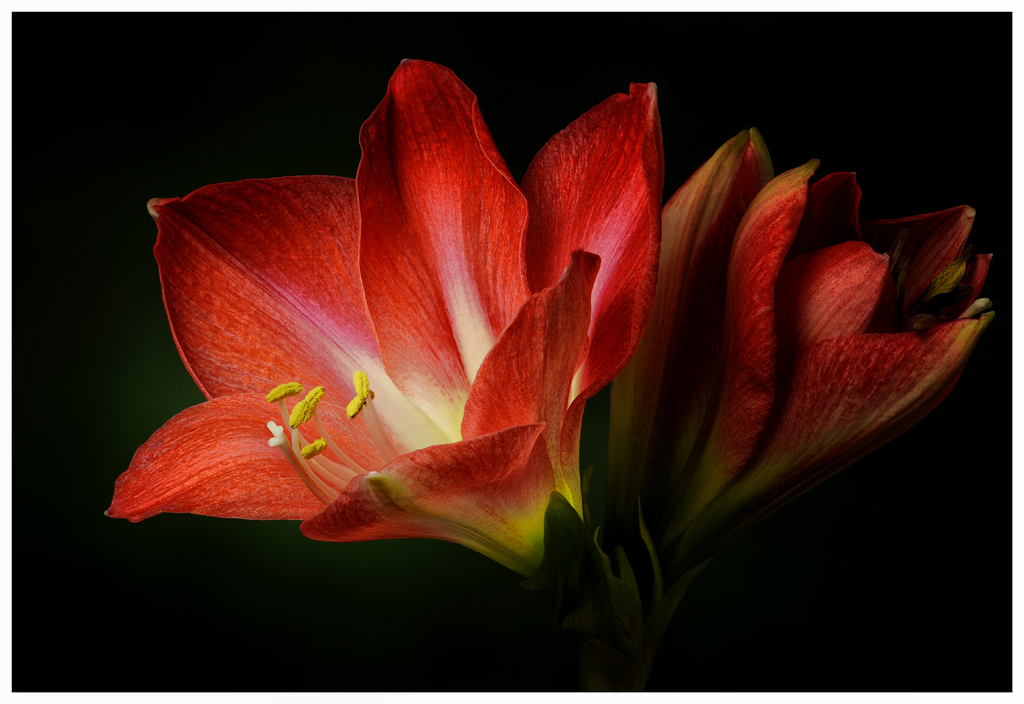
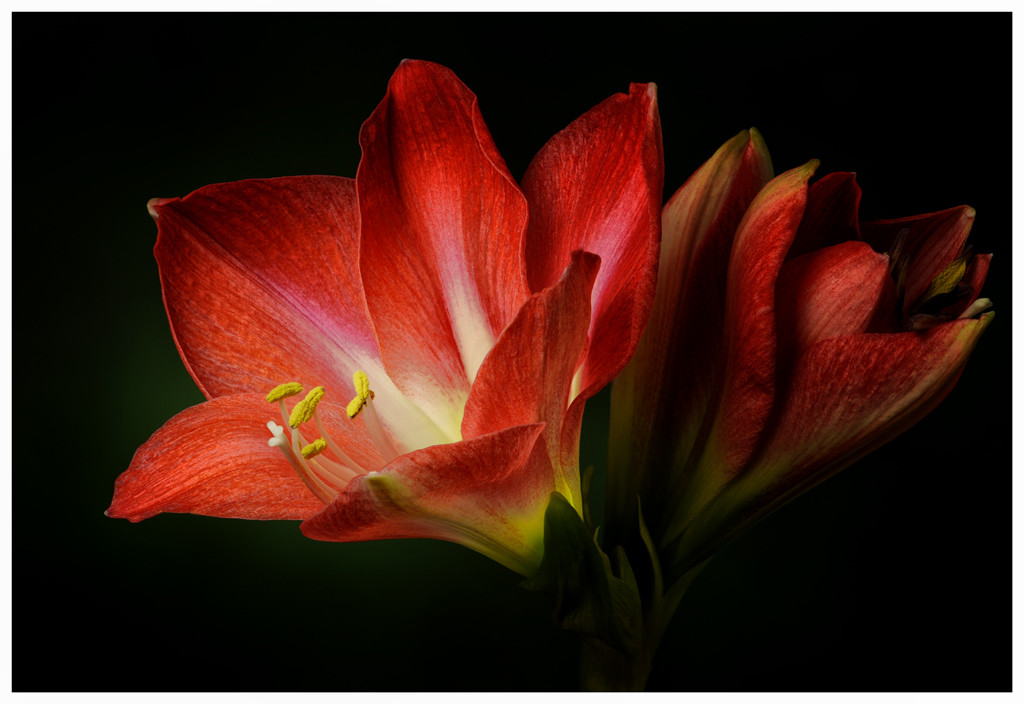
When I shoot an image of a red flower, I look at the histogram in the camera to see where the reds are. I will then adjust my exposure (+ or -) to have the Histogram to the right without being blown out. |
Jun 12th |
| 65 |
Jun 23 |
Reply |
I never use my LCD screen to check my exposure. The light from outside sources can fool you into thinking the exposure is correct when it is not. There can be error in what you see but there's no error in the histogram. The histogram is logarithmic so there is much more info. going right on the histogram. That is why when I shoot, I want a histogram all the way to the right without blowing out any colors. Say the histogram on the left bar is a 10 the next bar is a 100 the next a 1000 and so on. I want my image to have as much info. as possible that's why I want a histogram all the way to the right without blowing anything out. Use your histogram it's the best tool you have in the camera. |
Jun 12th |
| 65 |
Jun 23 |
Comment |
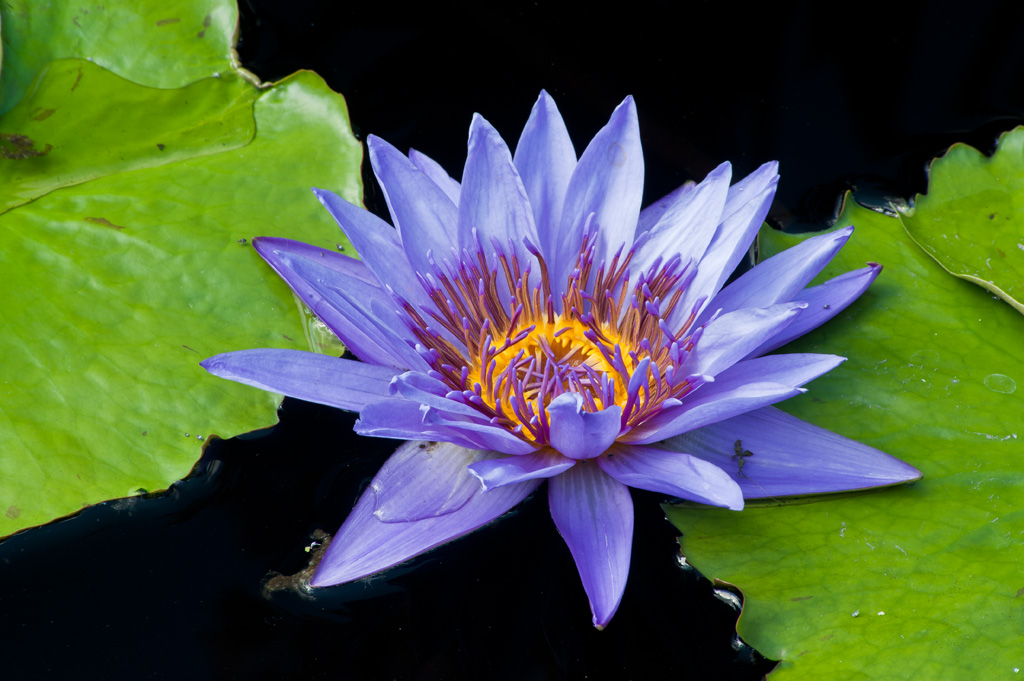
You can see beside what I said I did; I removed some white areas along the leaves and one petal where the polarizer did not work due to the angle the water was pulled up to the leaf. With out the polarizer that's how the water surface would be a silver color. With a circular polarizer you rotate the polarizer until you get the affects you desire. I also used the clone tool or the healing tool to remove some spots. |
Jun 9th |
| 65 |
Jun 23 |
Reply |
This is the original image. |
Jun 9th |
 |
| 65 |
Jun 23 |
Reply |
Thanks, Jodi for the nice comments. At Longwood Gardens they die the water black where the water lilies are. For me it is still important to use a polarizer. If I was not using a polarizer, I would not shoot these images that's how much I believe in a polarizer. The water would still come out silver depending on the direction of the light source.
I used and old version of Elements, Elements 9. I think I used a filter in Elements called artistic poster edges for this image. I also used NIK software. I always use a filter called structure which really gives depth to my images. I sharpen using NIK but that's about all.
If you would look at my original image you would see very little difference to the images I post. I really crop very little. If you were looking through my camera you would see what I posted. I do not and I mean I do not shoot a overall shot and then crop to come up with an close-up image. I learned a long-time ago, if you think you are close enough, get closer.
I spend a fair amount of time taking a shot, and always using a tripod to capture my images. Many of times if the shot is not what I want as a final image I walk away. I have lots of throw away shots. I learned and shot many years using slide film and you had to get it right in the camera. I just feel there's so much overkill in photography. People depend too much on fancy software to make a poor image a great image. A great image depends on the person holding the camera not all of this fancy overpriced cameras and software.
Please ask if you have more questions. Thats what these groups are all about. |
Jun 9th |
| 65 |
Jun 23 |
Comment |
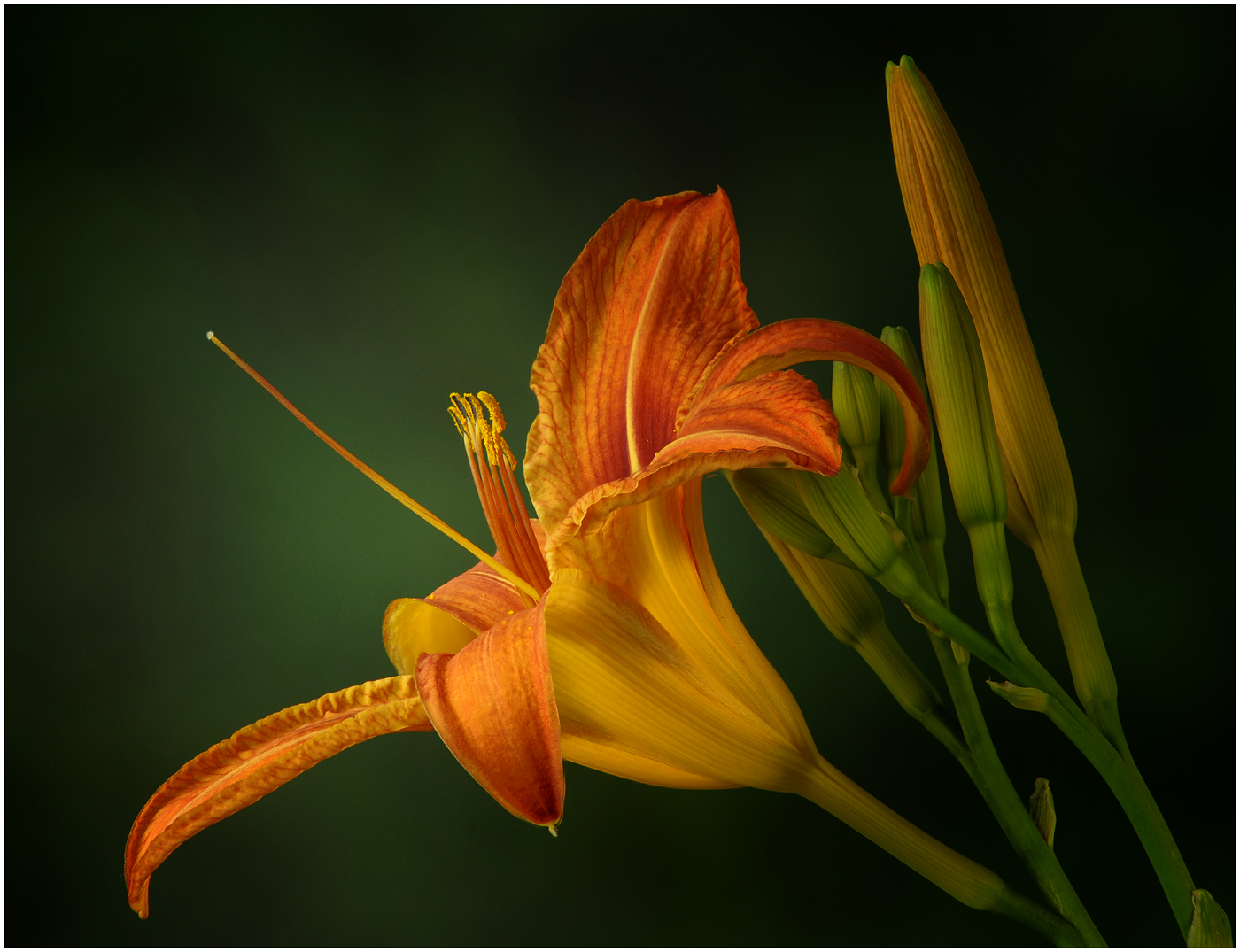
Hi Melanie, great composition with the eye reading this from left to right. Like the detail in the petals on the left. Great detail in the anthers at the tip of the filaments all part of the stamens. I agree with the depth of field in this image giving all the attention to the stamens. I only wish you would have moved a bit to the left so to eliminate the near out of focus bud in the lower right corner. It got in the way of the pistil just enough to interfere with clarity of the pistil. I feel the pistil needs to be part of image and as sharp or nearly as sharp as the stamens. Love the rich yellow color of the image. |
Jun 8th |
| 65 |
Jun 23 |
Comment |
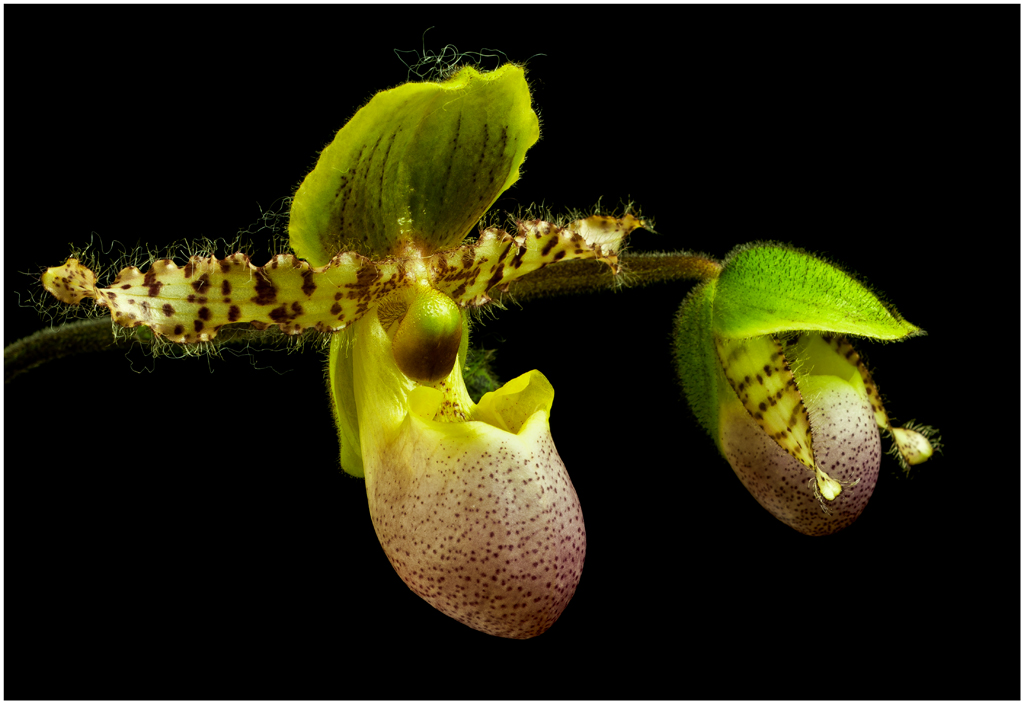
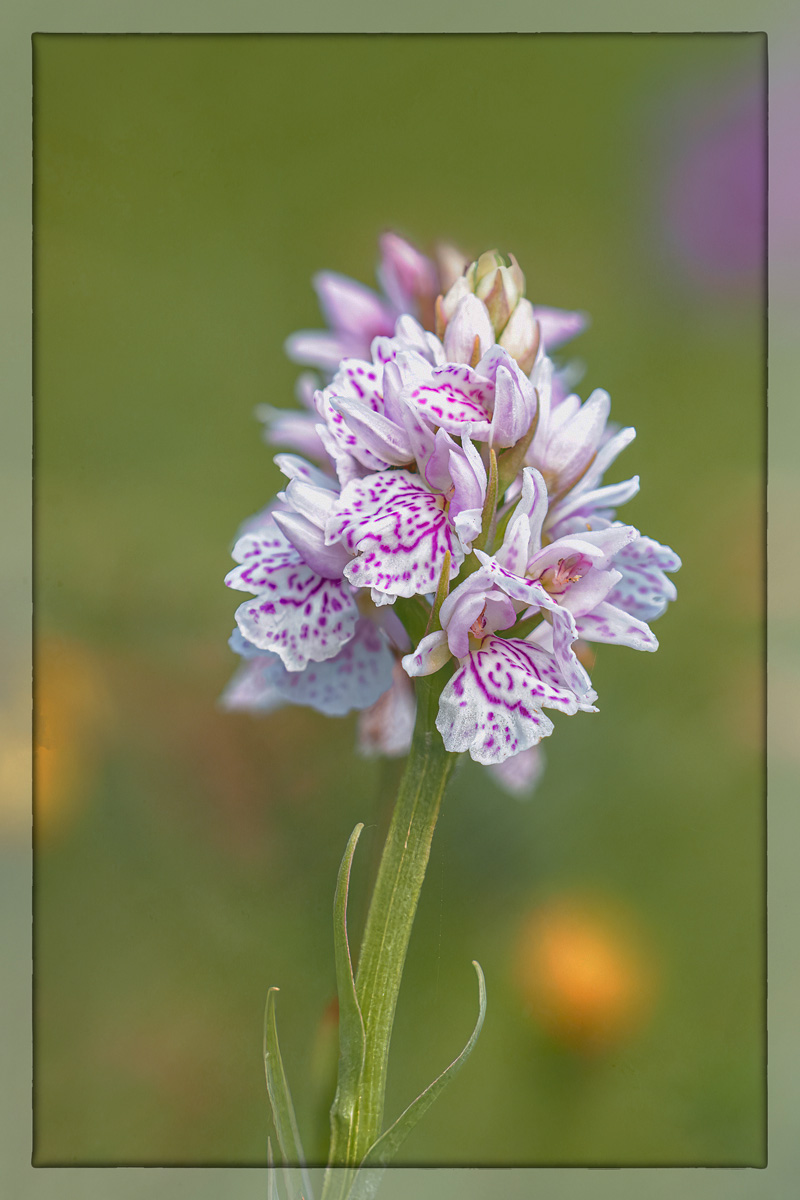
Orchids are great flowers to shoot but some are very difficult to capture and have impact. I think you had a great orchid to work with. I would like to see a flip and then tone down the overall brightness. I would like to see the yellow flowers in the background toned down some. I too think you could crop a little off the top.
I did a flip and darkened the image some. |
Jun 7th |
 |
| 65 |
Jun 23 |
Comment |
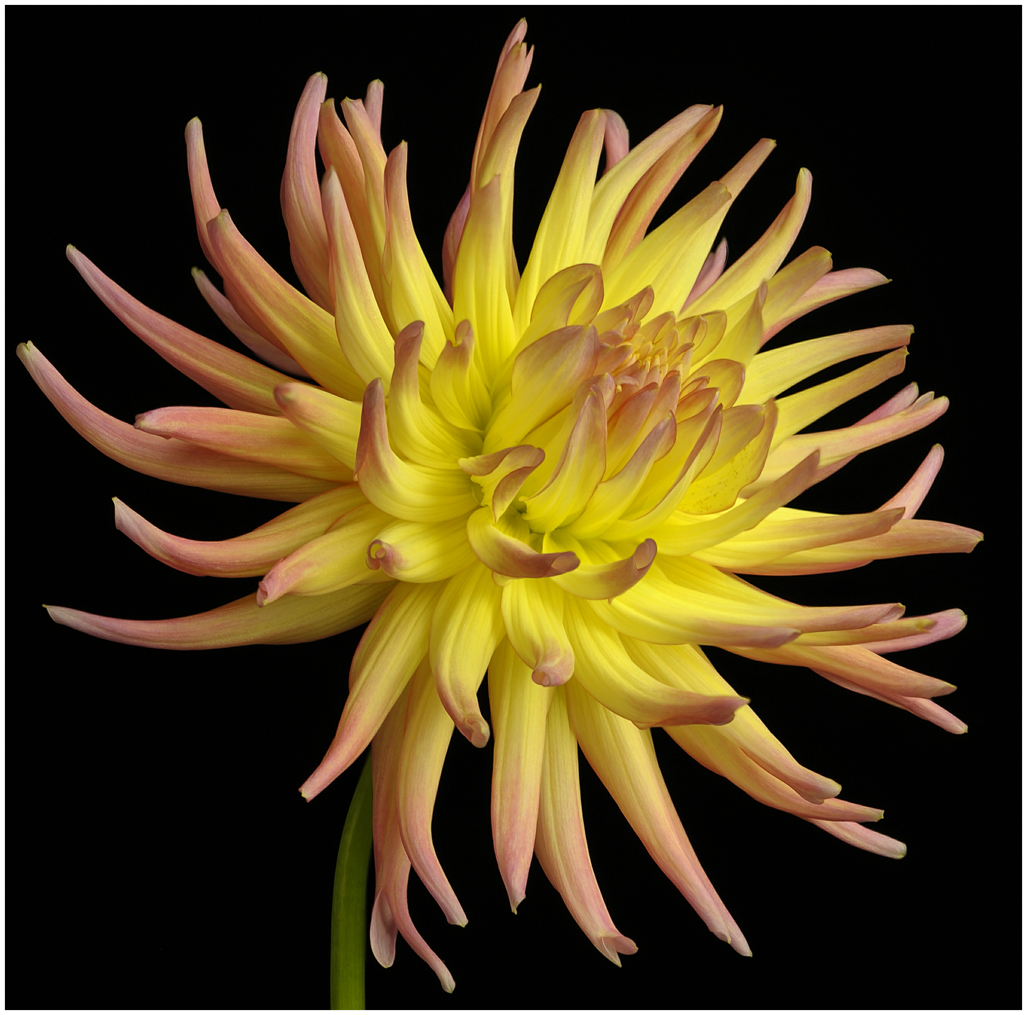
Really like the background in this image. Like the leaf in the lower left corner, helps bring the eye into the image. The lighting looks like it was a bit tricky. I don't know if the lighting was an overcast sky but it looks like there was a spot of sunlight that hit the middle of the flower with it also touching the tip of one petal on the bottom left. As Melanie mentioned, you seemed to loose detail in that area.
I might crop a little off the top. |
Jun 7th |
| 65 |
Jun 23 |
Comment |
I agree with Melanie this is a nice image. I like the composition. I like the background but would like to see the lower right bright spot toned down a little. A polarizer would work very well to remove the reflection or glare on the leaves on the plant in the upper left side and the leaves on the bottom which is a bit of a distraction to my eye. A polarizer does great things to most any image. I like the stroke making up the border. This makes a nice completion to an image.
One comment about the f-stop when doing stacks. Most all lens are sharpest two stops up from wide open. This will give you a little more depth of field to work with and will give you the sharpest area for the lens. |
Jun 7th |
| 65 |
Jun 23 |
Reply |
Without a polarizer water usually reflects light off the water which renders the water silver. I see this a lot in images, to my eye silver water is not attractive. This is known as glare.
A polarizer does wonders for an image. |
Jun 7th |
6 comments - 6 replies for Group 65
|
6 comments - 6 replies Total
|