|
| Group |
Round |
C/R |
Comment |
Date |
Image |
| 63 |
May 18 |
Reply |
Hi Priscilla: As you mention copying a slide into a digital file is a bit involved, but not as difficult as you may think. The slide of choice has to be letter perfect in every way too.
I started out using a 35mm film scanner with very so-so results, just fair color rendition and not super sharp either. I soon tried using my camera body and macro lens with far superior results. I need to be honest and admit there is a learning curve involved to achieve a really top notch digital file.
The whole process is a learning experience, you just refine your process until you get it as near perfect as you can. Not all 35mm slide films will provide a good digital file either; I found Kodachrome 25, Ektachrome Elite series, and Velvia gave far superior results to other slide films.
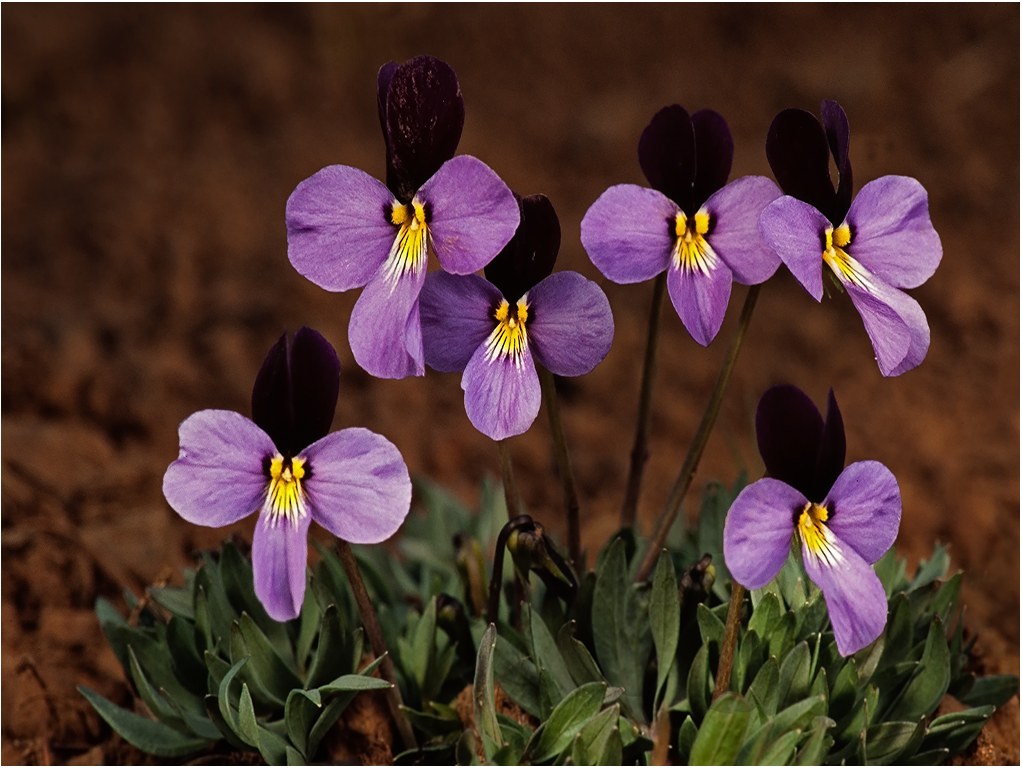
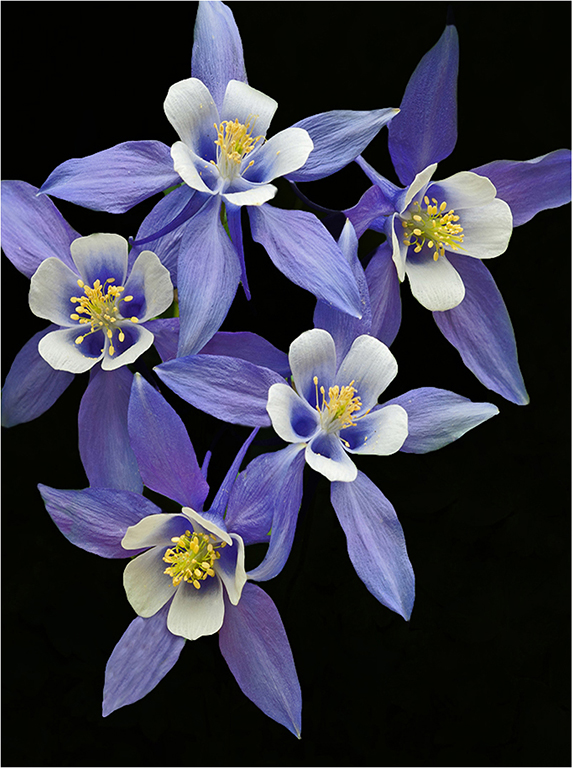
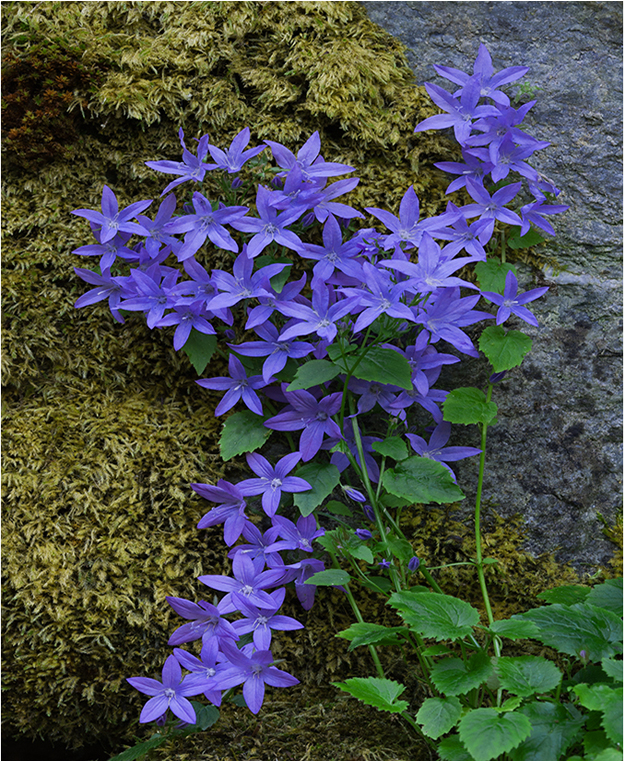
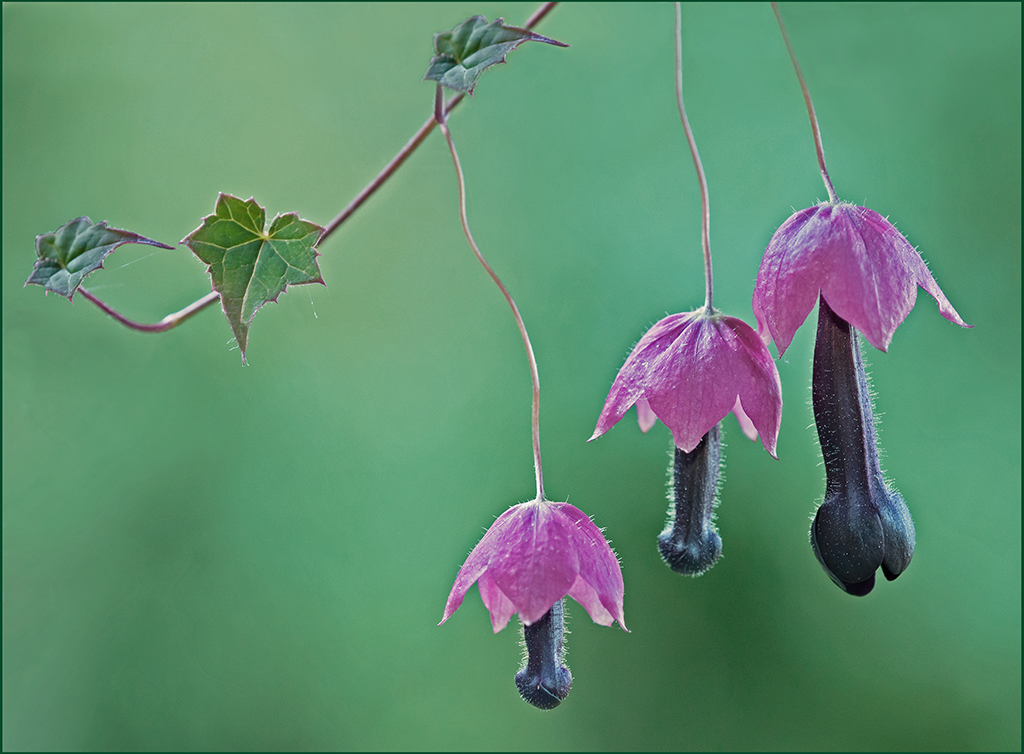
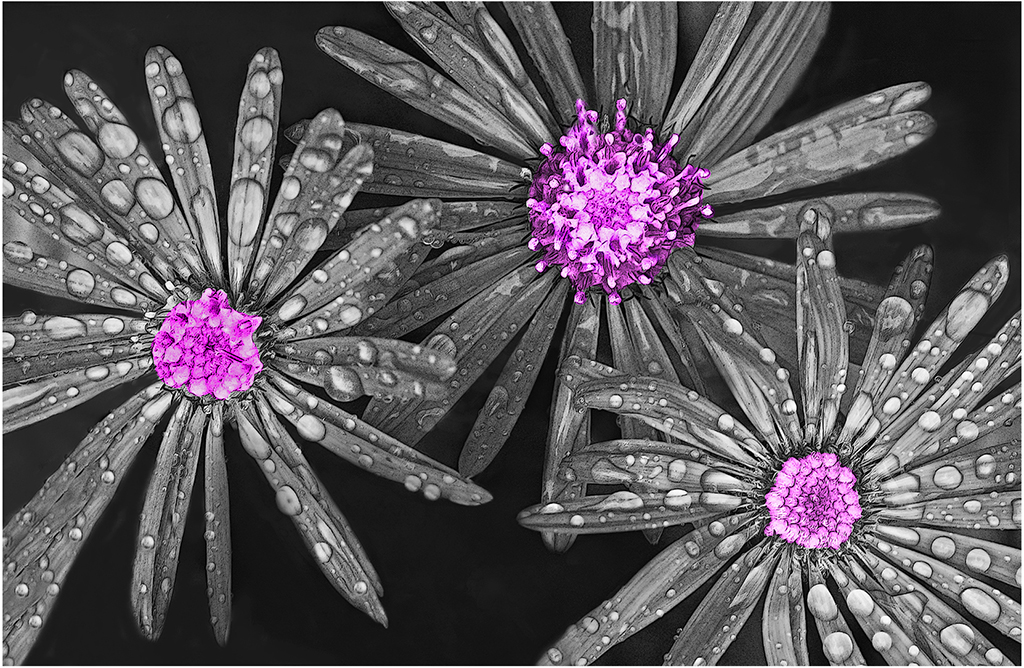
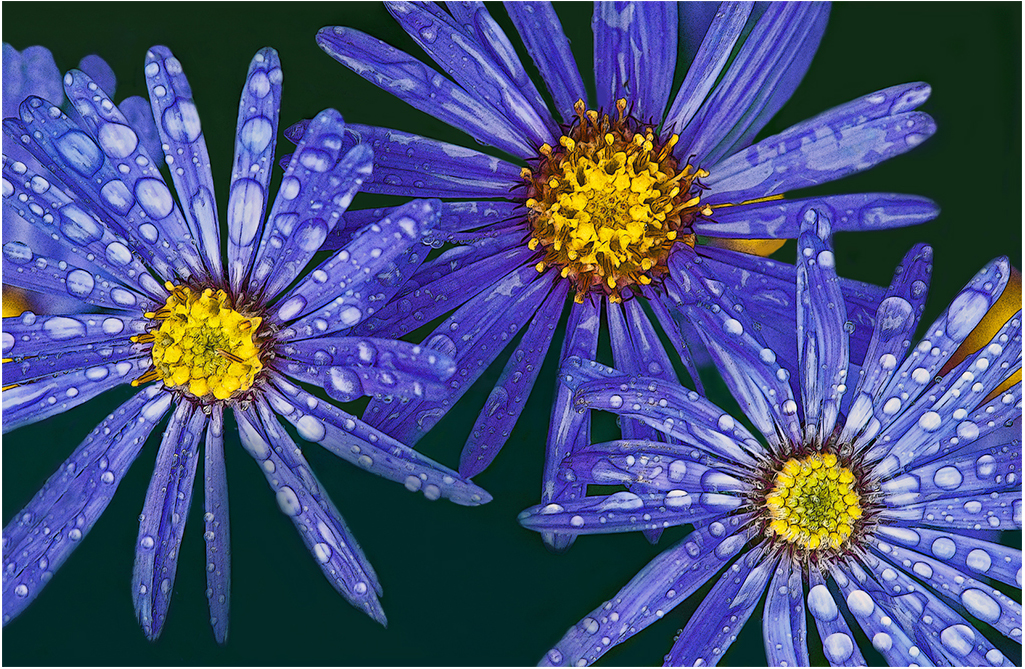
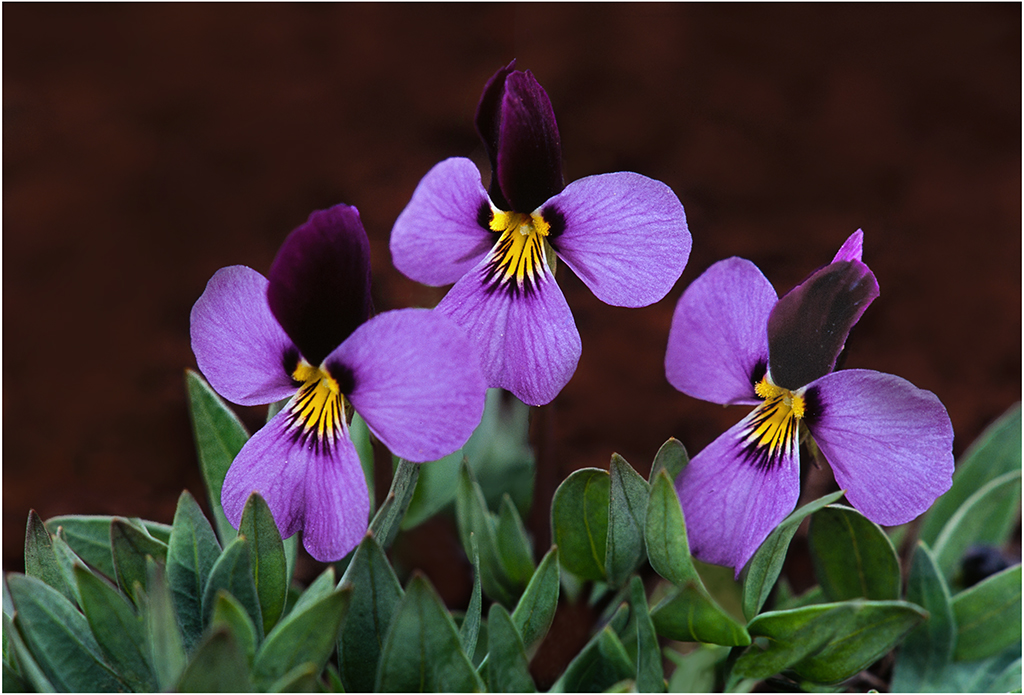
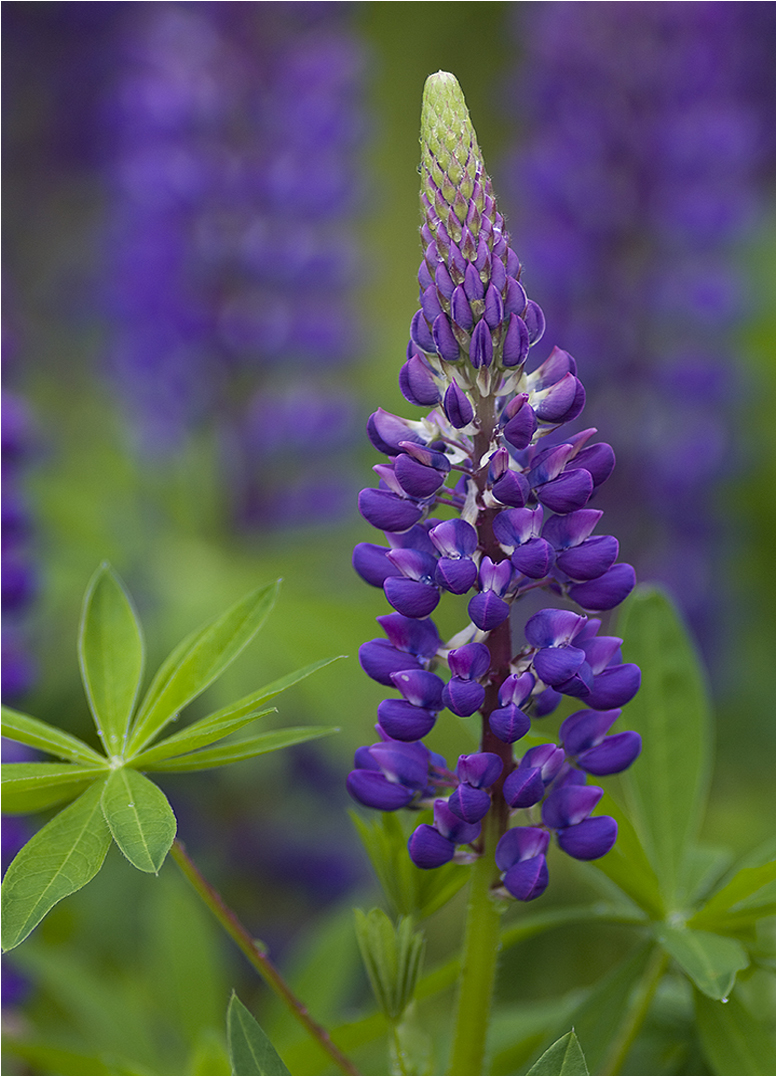
Pleased you liked the Sage Violet trio. |
May 26th |
| 63 |
May 18 |
Comment |
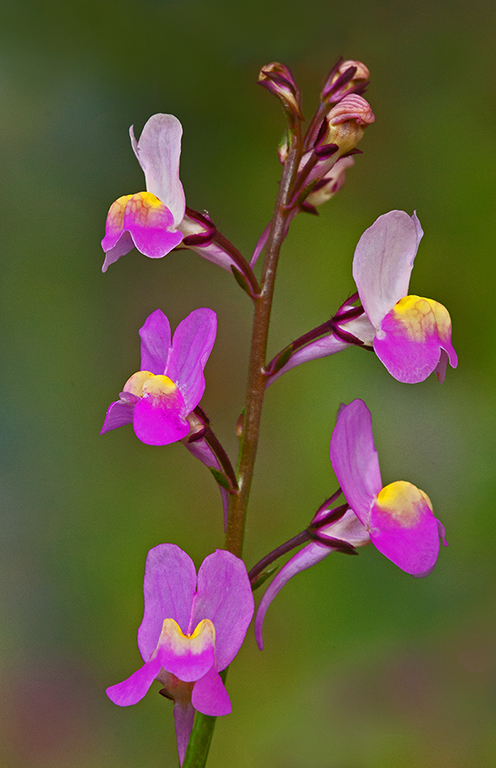
Hi Priscilla: Nicely composed with a soft muted background. I have not used sponge tool, but will try it out and see what it does. Quite nice as presented; if you want to experiment you could add some saturation and also a little brightness to the flower itself so the flower "pops" more. Do not mess with that nice soft background. Just a thought !! |
May 25th |
| 63 |
May 18 |
Comment |
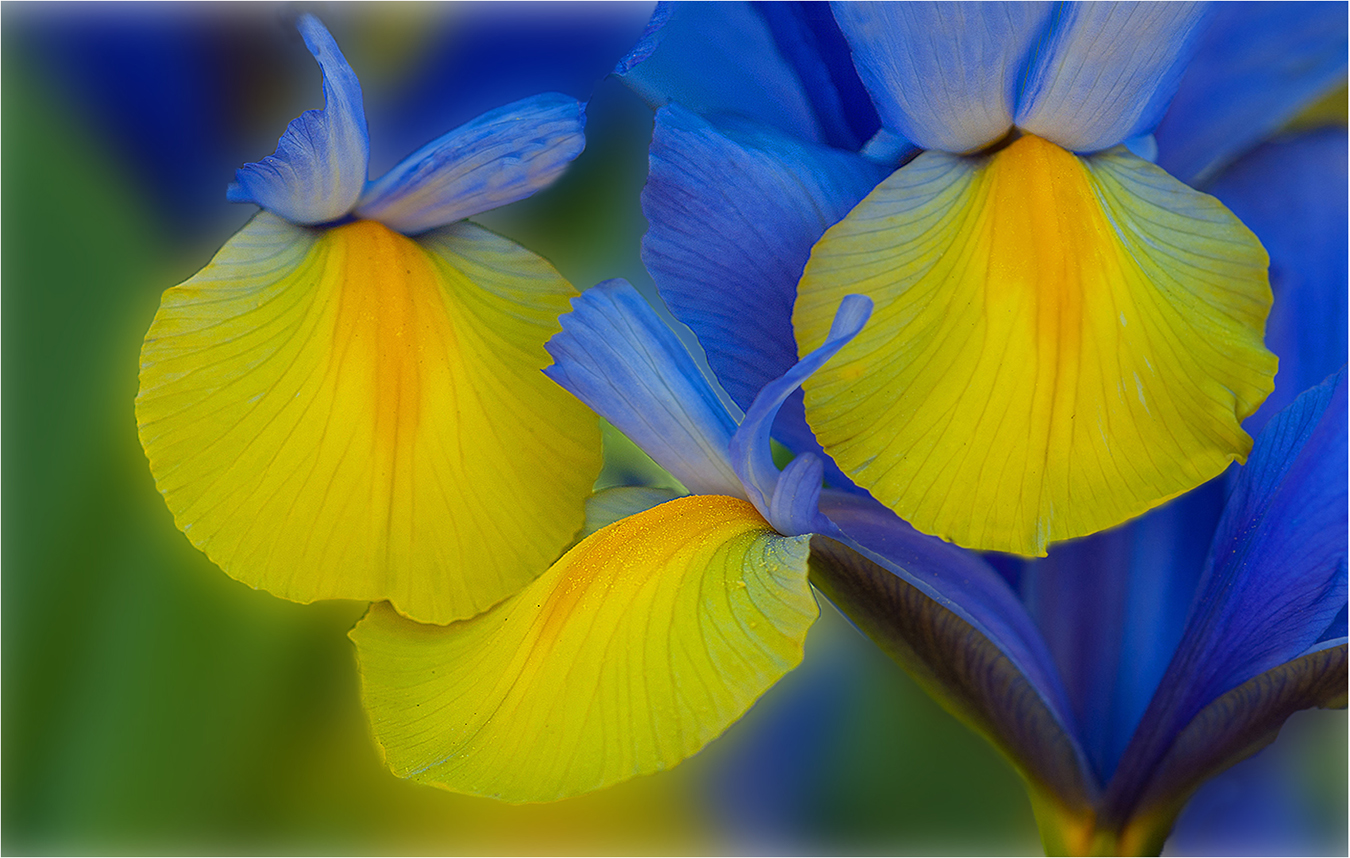
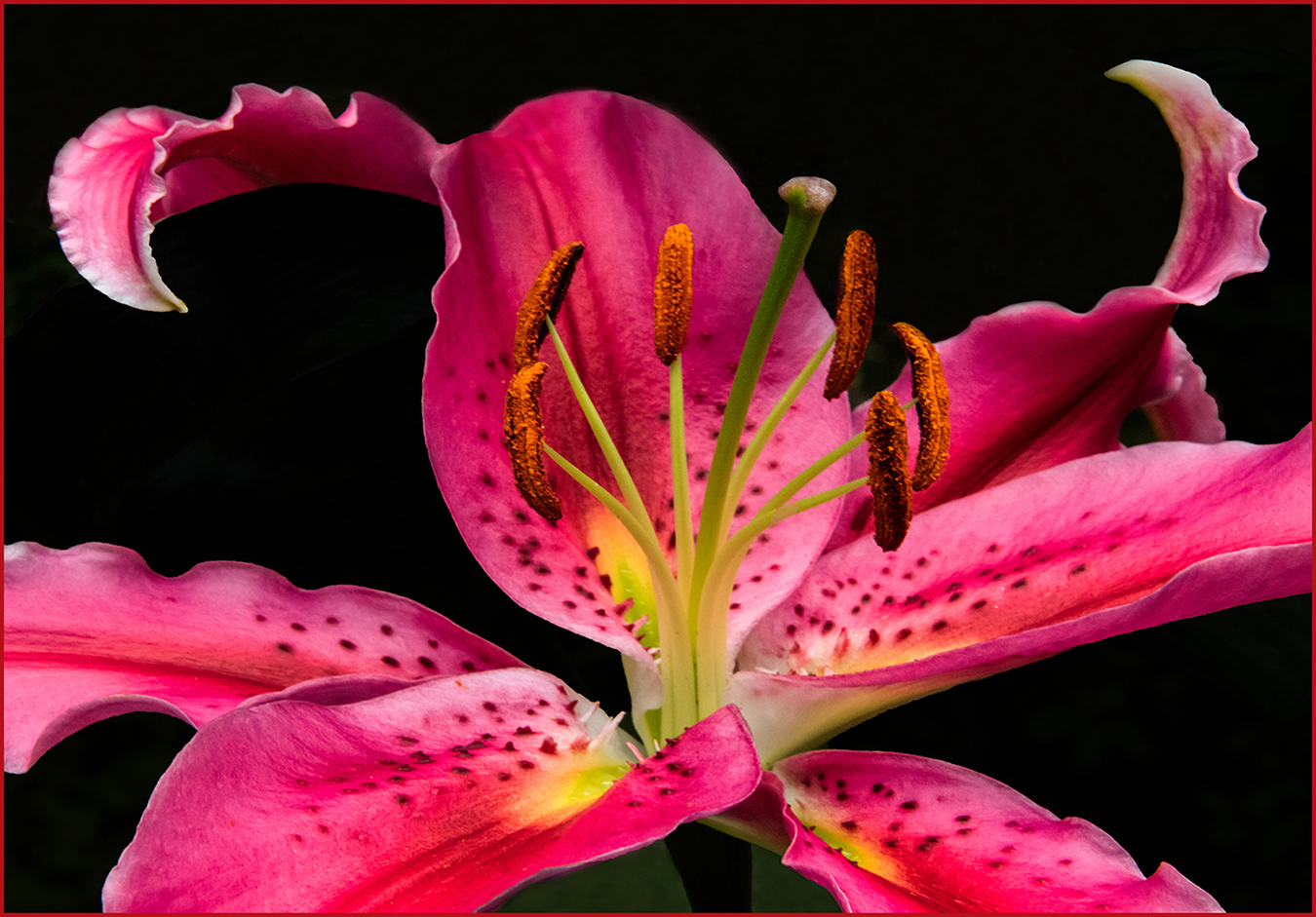
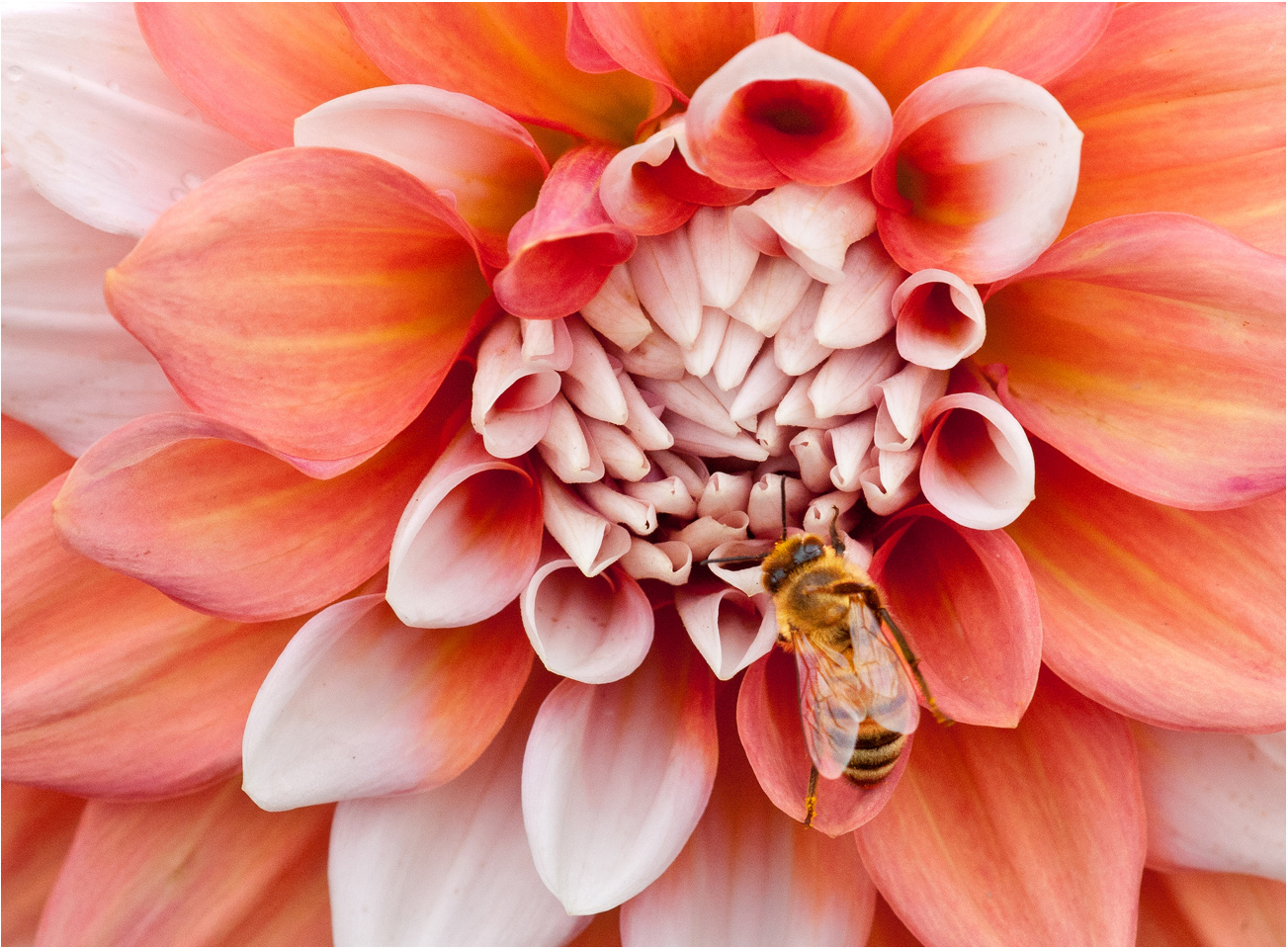
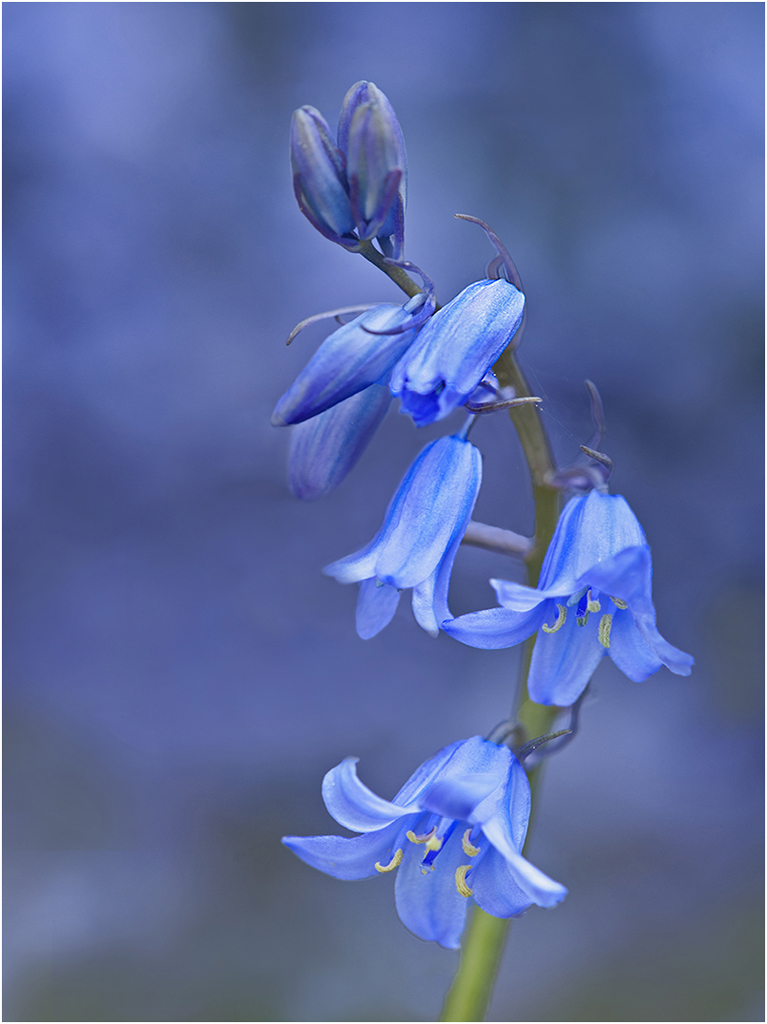
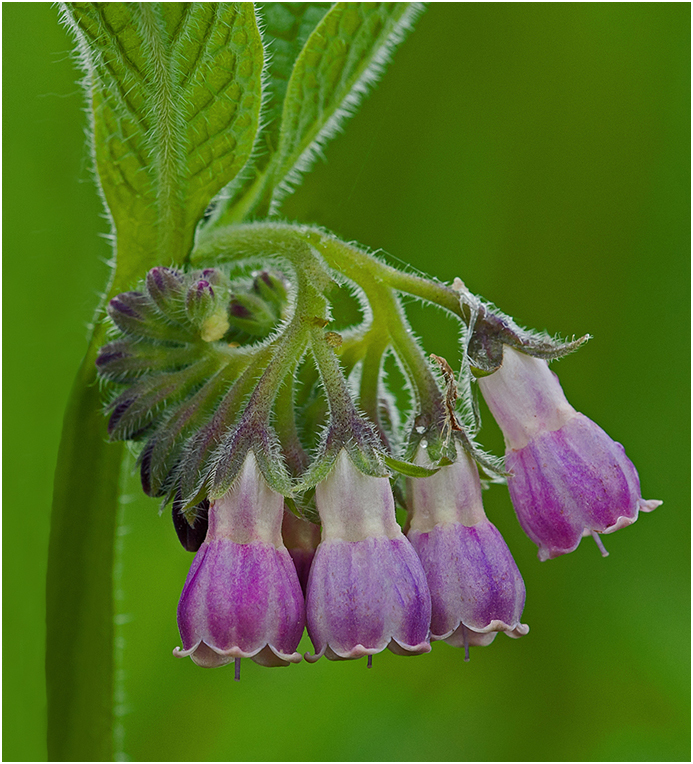
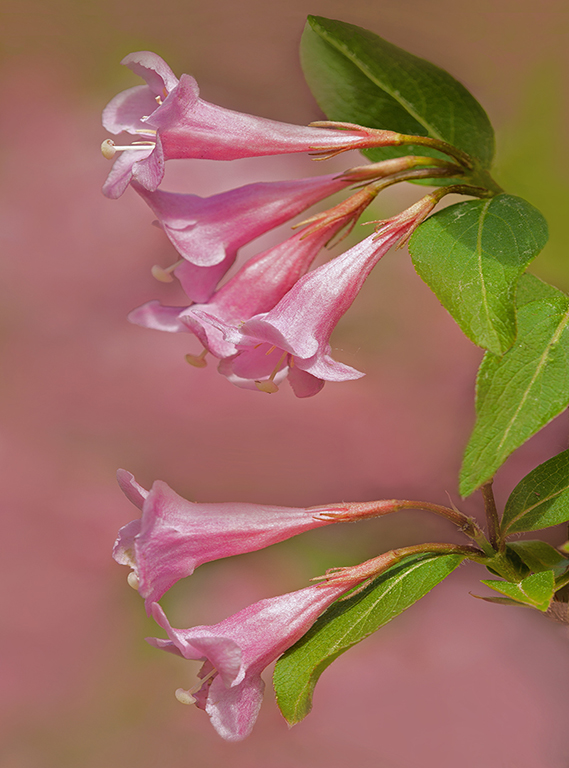
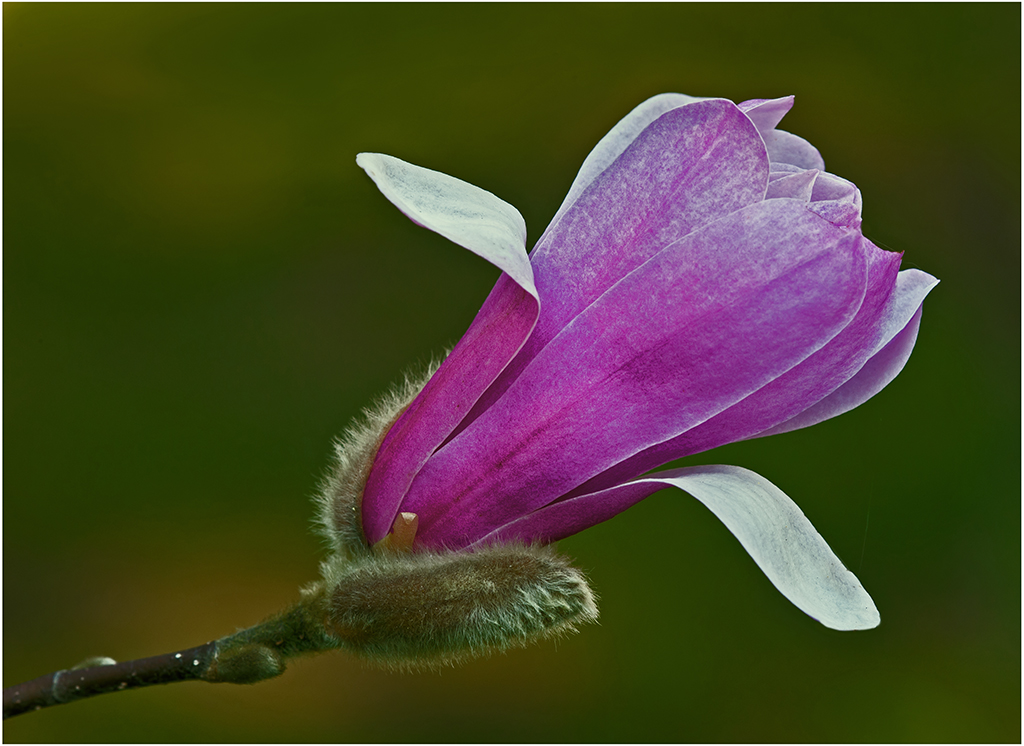
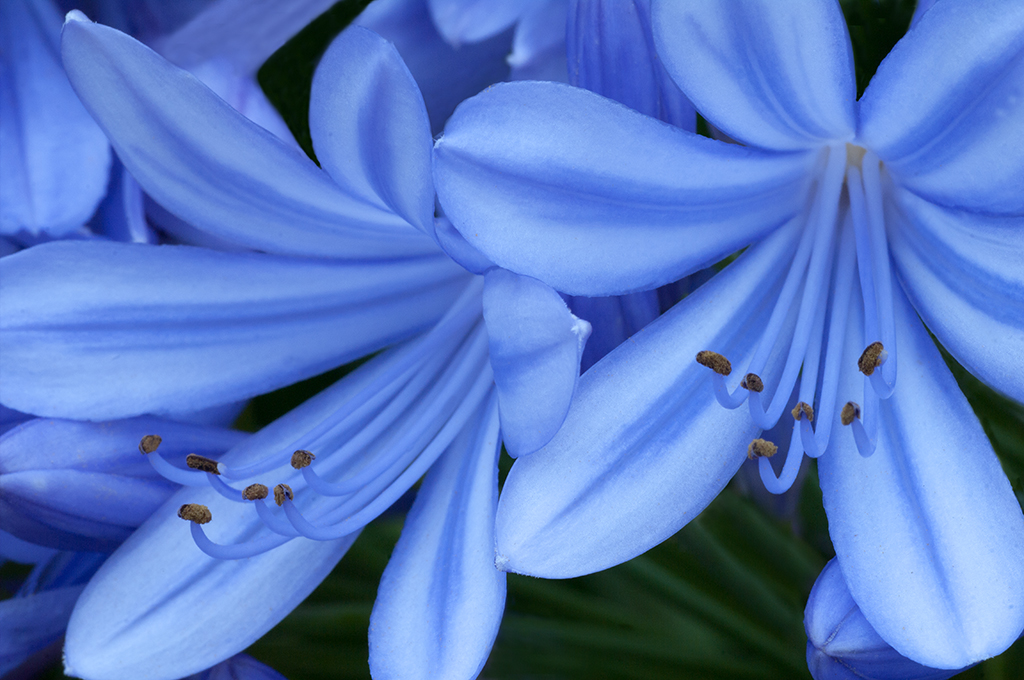
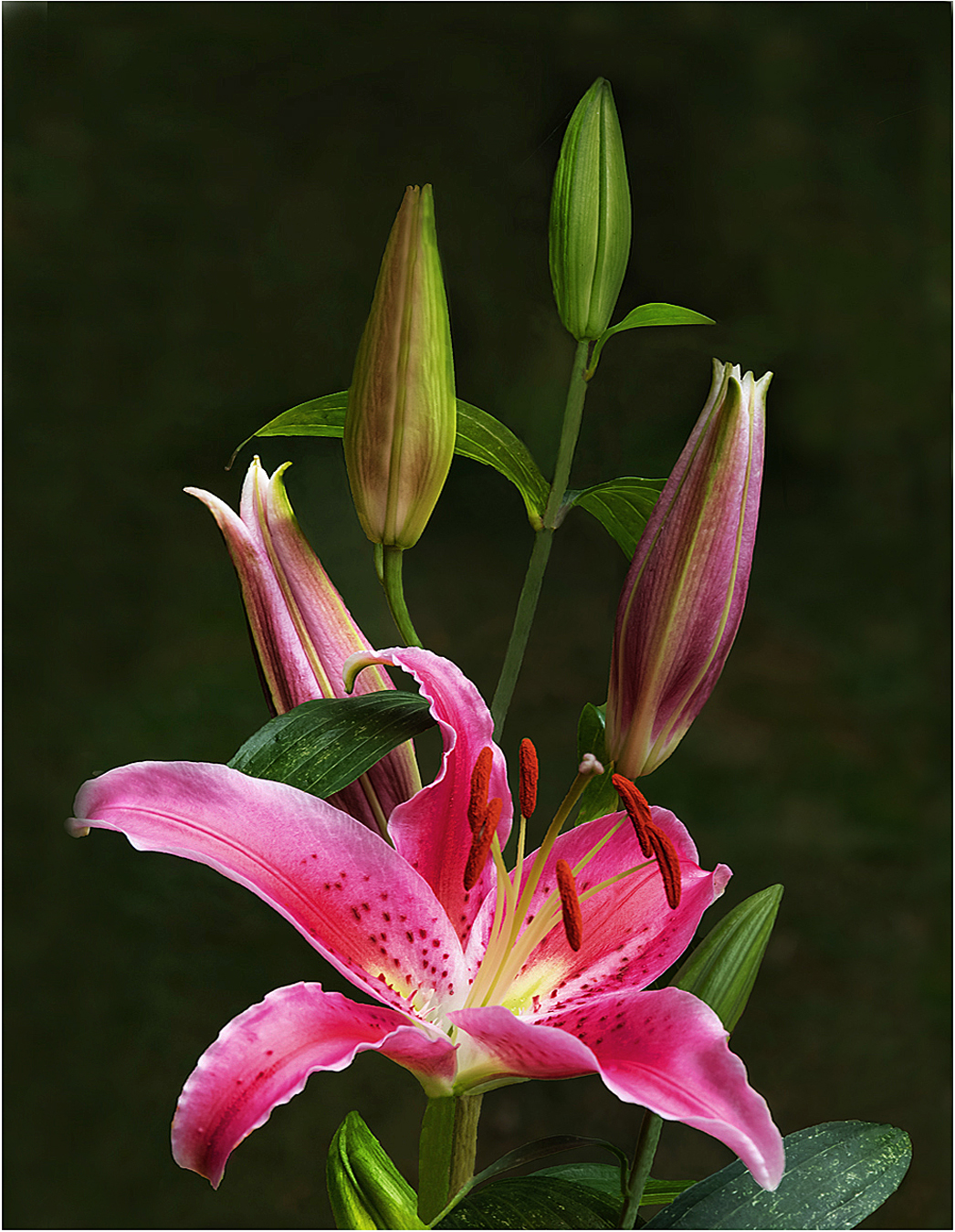
Hi Lisa: A good example of selective focus; Using f/4 allows the inner parts of the flower to be very sharp while the outer part is a soft out of focus. Your eye tends to focus on the sharp inner portion of the flower, and not so much on the soft outer part. I think you planned it this way. Nice flower shot. |
May 7th |
| 63 |
May 18 |
Comment |
Hi Rosangela: Lightroom is a very popular and widely used post processing program, it has a lot of tools for various tasks and takes a lot of study and practice to use it well. |
May 7th |
| 63 |
May 18 |
Comment |
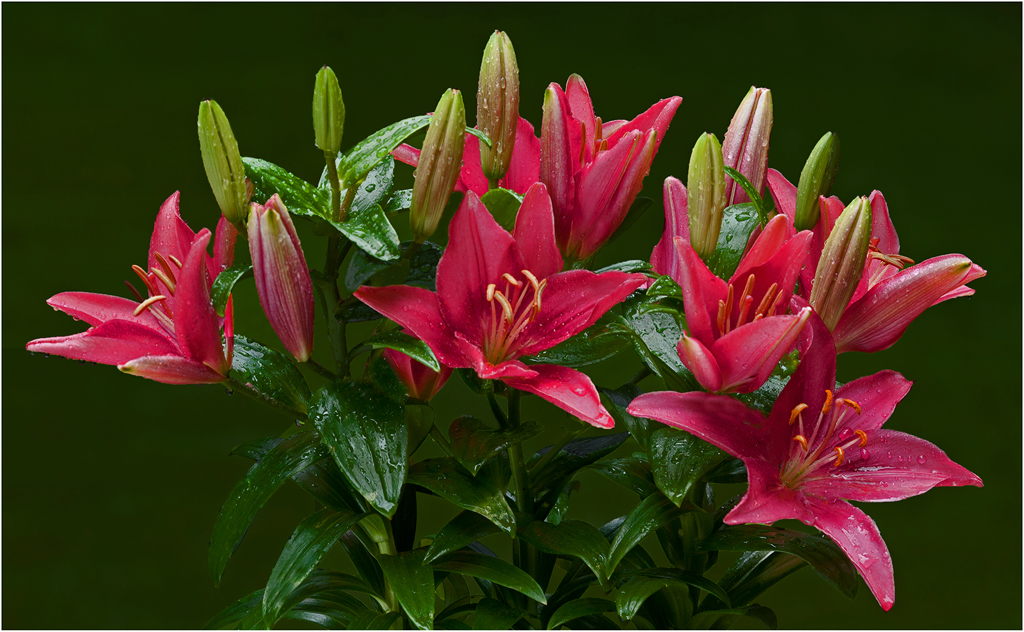
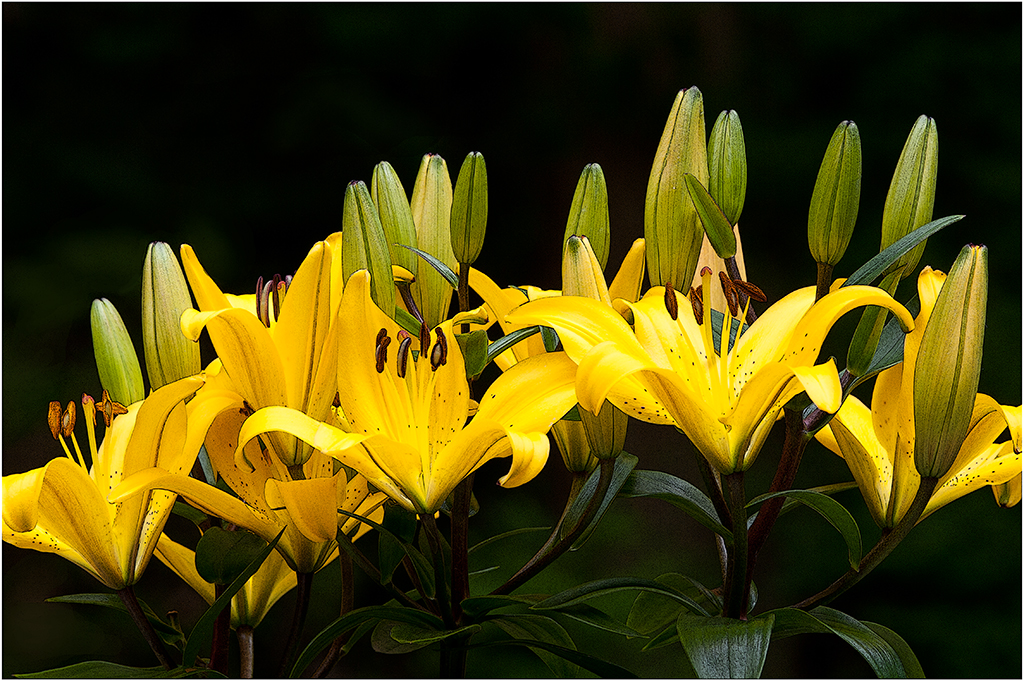
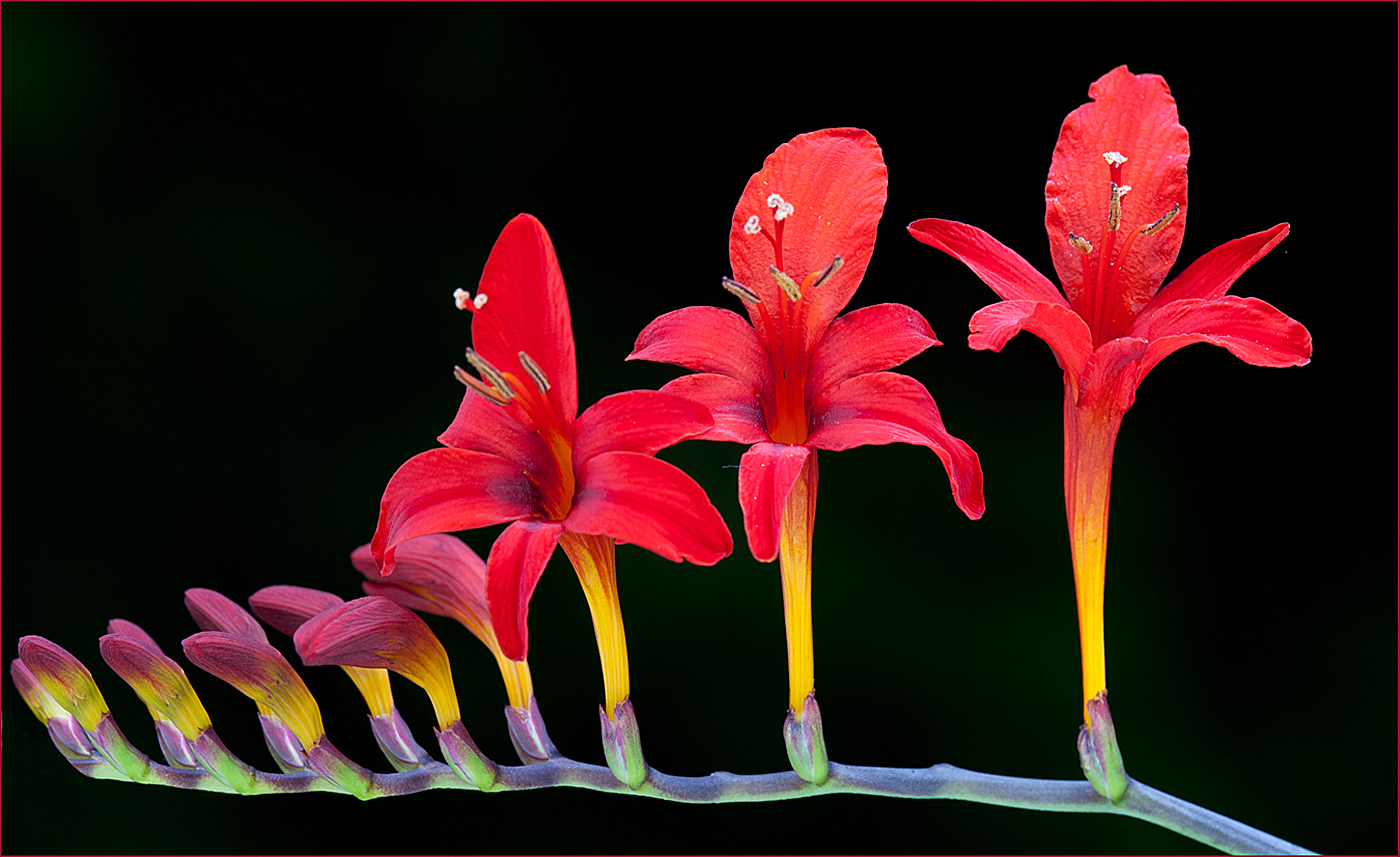
Hi Pat: I like your finished image with the golden colors at the bottom in the background. The BG color blends perfectly with the color of the flowers. The flowers just glow with the flash backlighting them.
Personally I would avoid using f/32 aperature. There is an issue known as diffraction that comes into play, while you may gain a slight amount of depth of field you loose over all sharpness in the picture. You can Google "lens diffraction" and many links will appear; the best website explaining the effects of diffraction is Photography Life.com, also this website has a lot of good photography information.
Nice flower picture.
|
May 3rd |
| 63 |
May 18 |
Comment |
Hi Khai: Very good bird portrait with a lot of impact, that red eye really draws your attention. The background has this interesting texture which seems to carry over to the bird. Did you use a filter on this picture, and if so would be curious as to what filter??
I am still using my D700, have not considered upgrading so far. There is some benefit to the 24mm sensor, you can crop in further than I can with the 12 megapixel D700 without the image loosing too much sharpness. If you are into print making you can make larger prints with more megapixels to work with. |
May 3rd |
| 63 |
May 18 |
Comment |
Hi Rosangela: You are on the right track with your frost on window picture. The top part of your image is very dark, exposure wise it needs to look the same as the bottom part of the picture. Also your background needs to be uniform in tone. The black BG in the middle is good as the frost patterns shows up very well, less so at the right side of frame where ice crystals do not show up very well against the medium gray BG, seem to merge with it. Composition wise I would consider flipping the picture 180 degrees so the ice arch is on the right side of the frame; I think the composition would be stronger that way. Just a thought !! Good first try on frost patterns. |
May 3rd |
6 comments - 1 reply for Group 63
|
6 comments - 1 reply Total
|