|
| Group |
Round |
C/R |
Comment |
Date |
Image |
| 63 |
Jun 17 |
Comment |
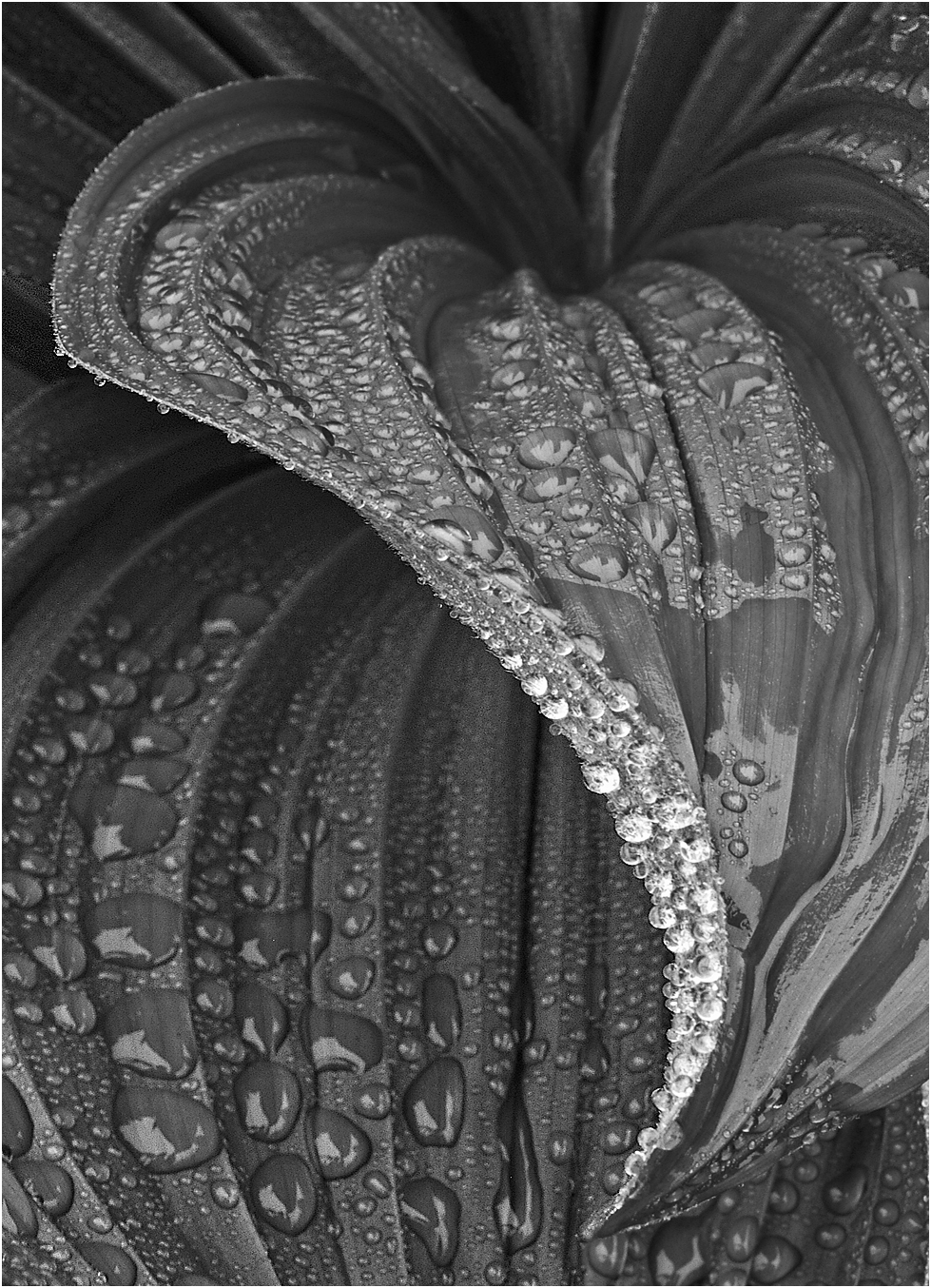
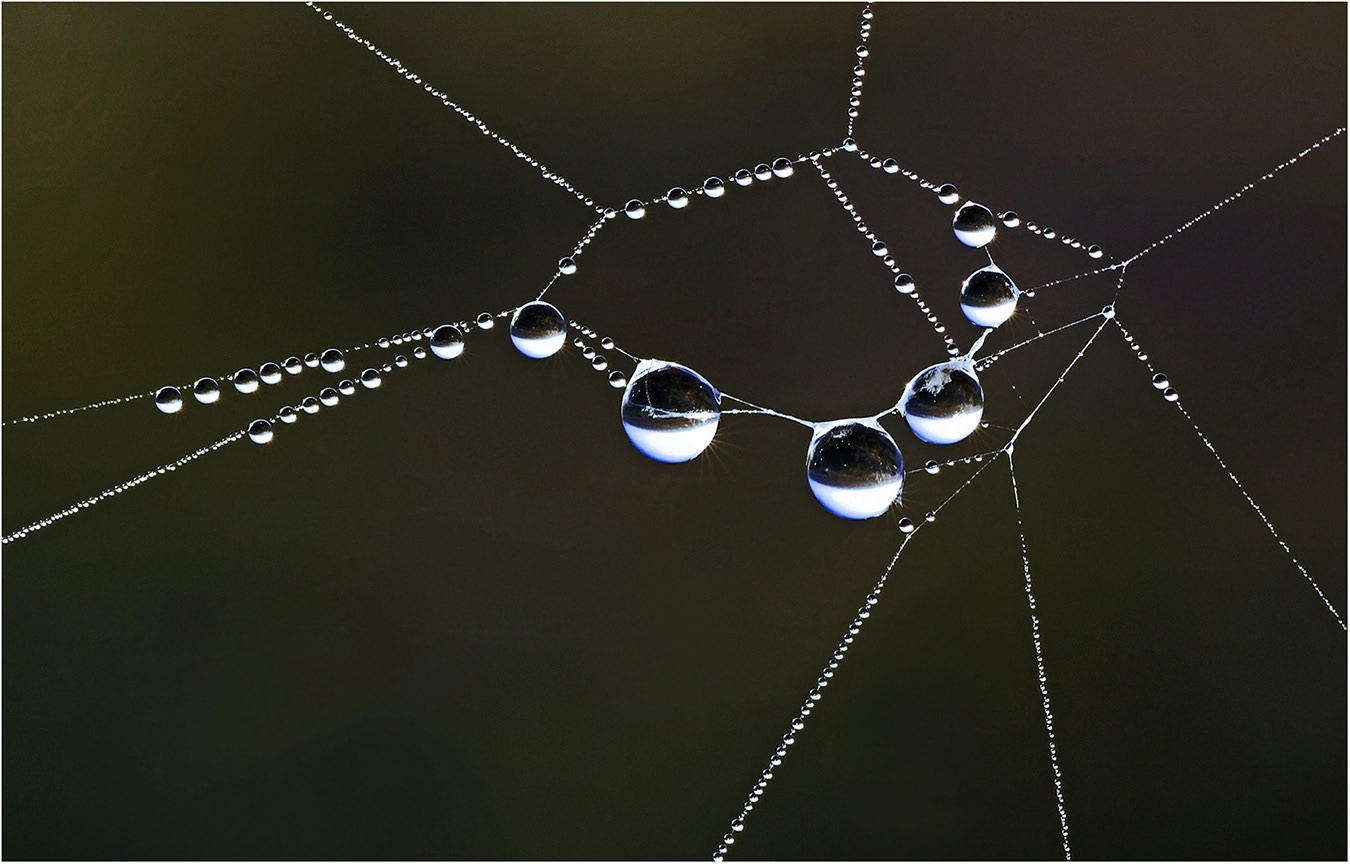
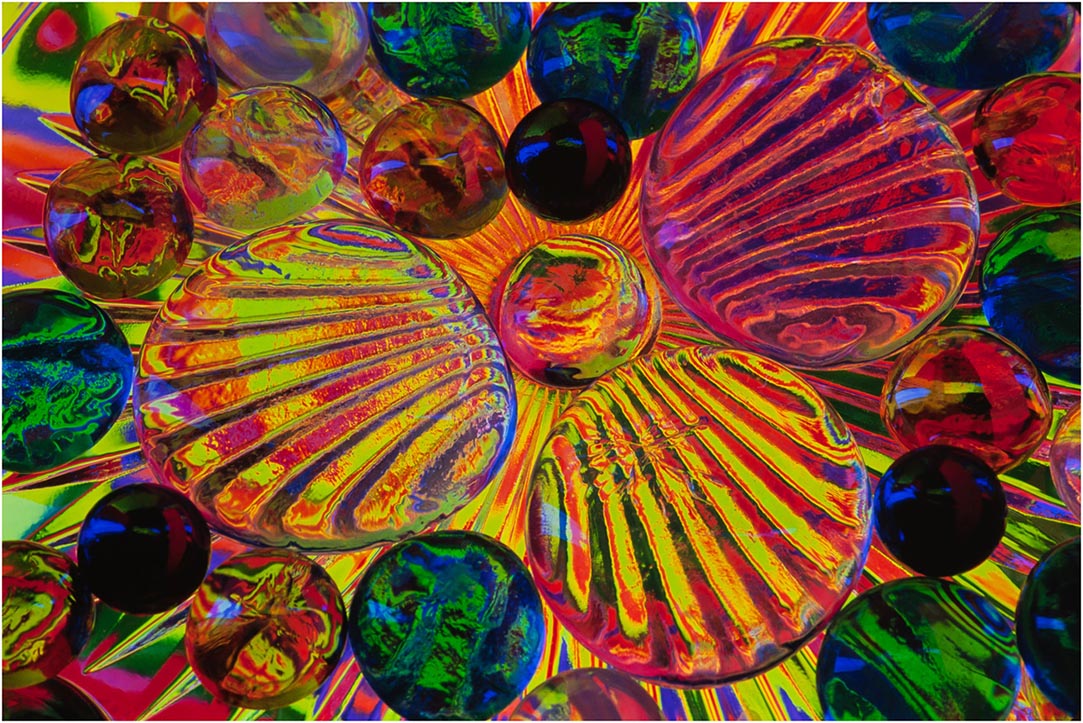
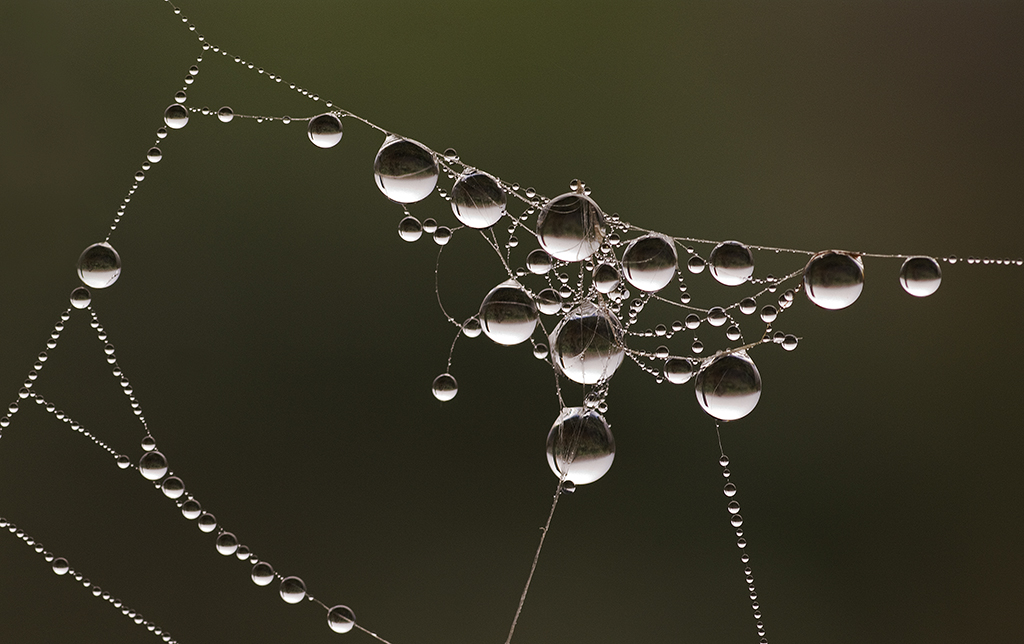
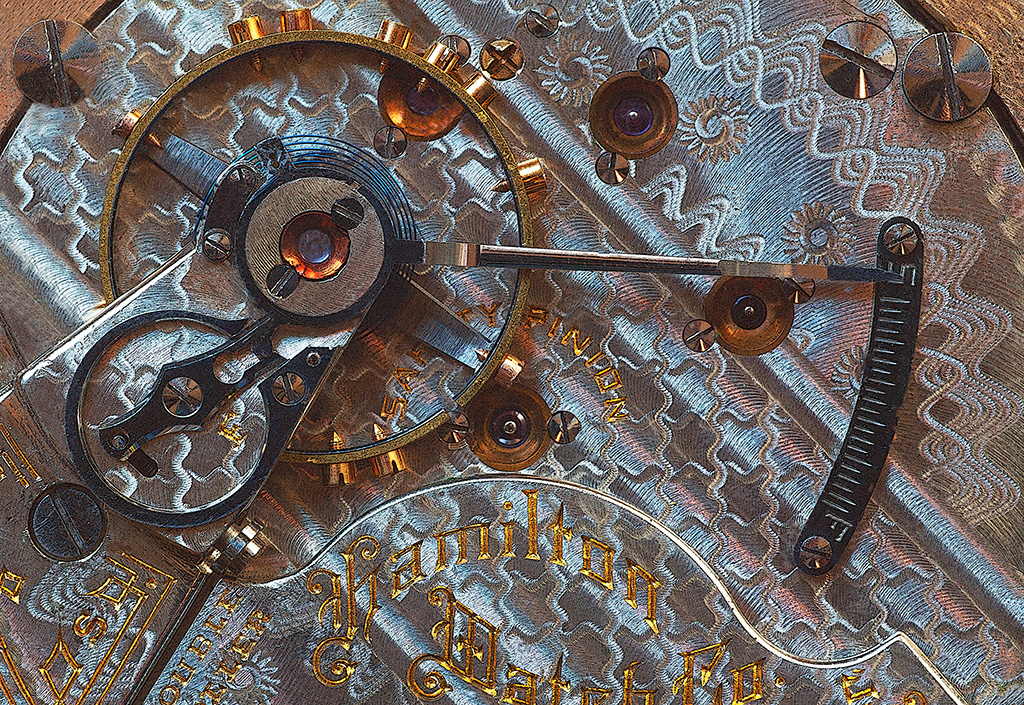
Hi Priscilla: Interesting subjects for sure, I probably would not have even thought to photograph this scene. A pleasant random pattern of round copper balls photographed in good lighting and in sharp focus through out. |
Jun 11th |
| 63 |
Jun 17 |
Comment |
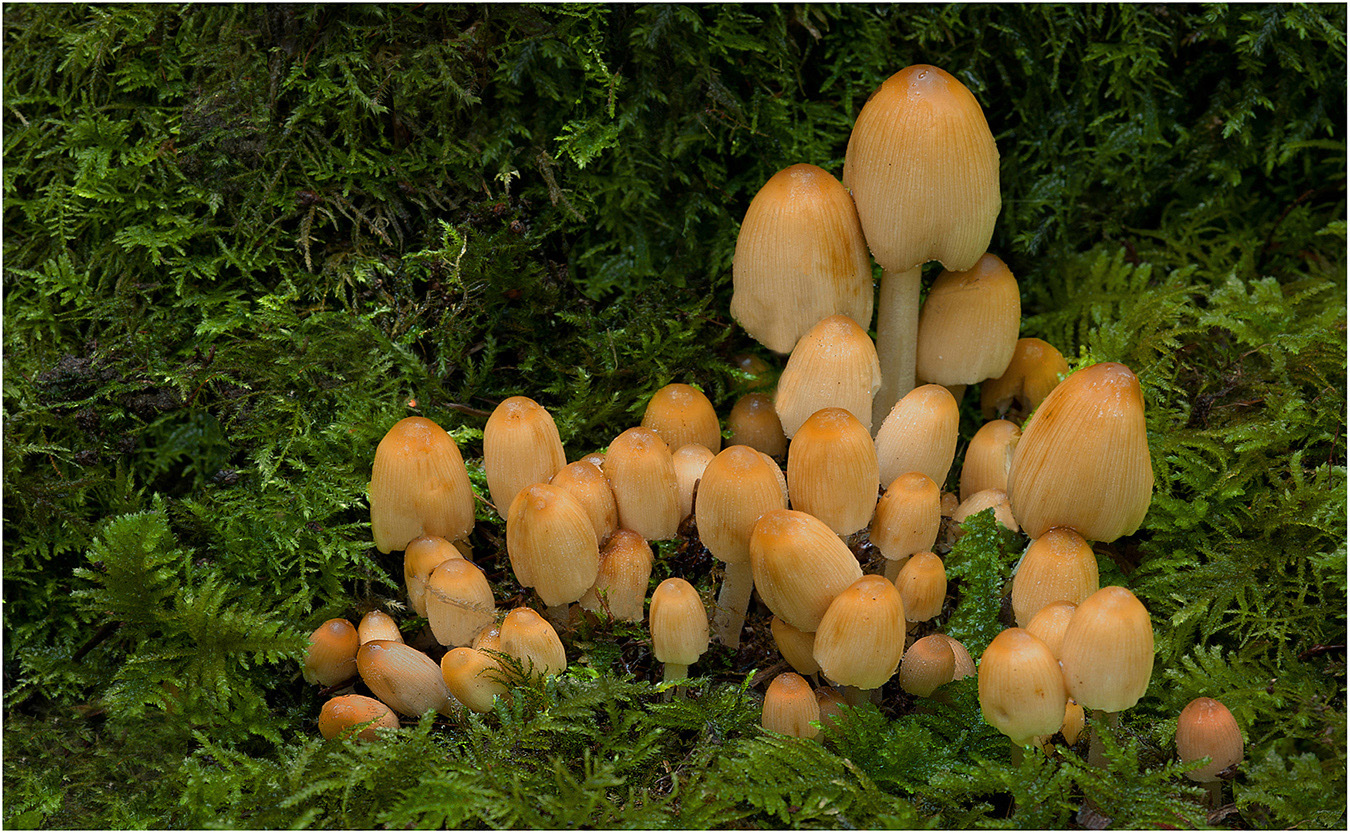
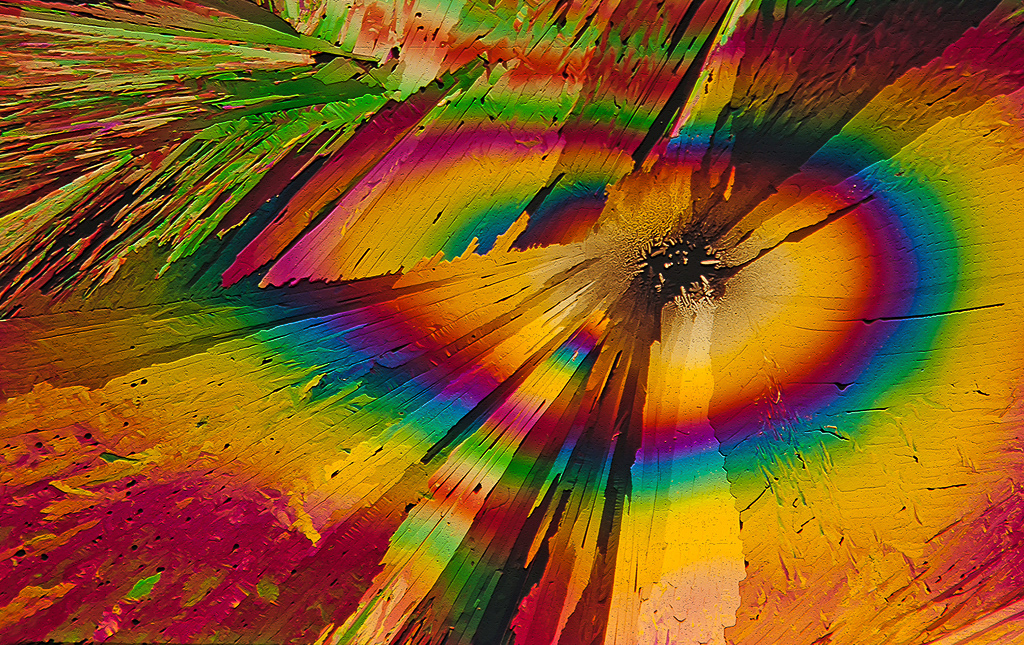
Hi Pat: Interesting subject photographed in good lighting. In my opinion the mottled background is somewhat busy to the point of being distracting. The way Khai has cropped the picture minimizes the background and improves the picture. There is some kind of strange digital artifacts in the background, more noticeable in Khai's cropped version, not certain what is causing it. |
Jun 11th |
| 63 |
Jun 17 |
Comment |
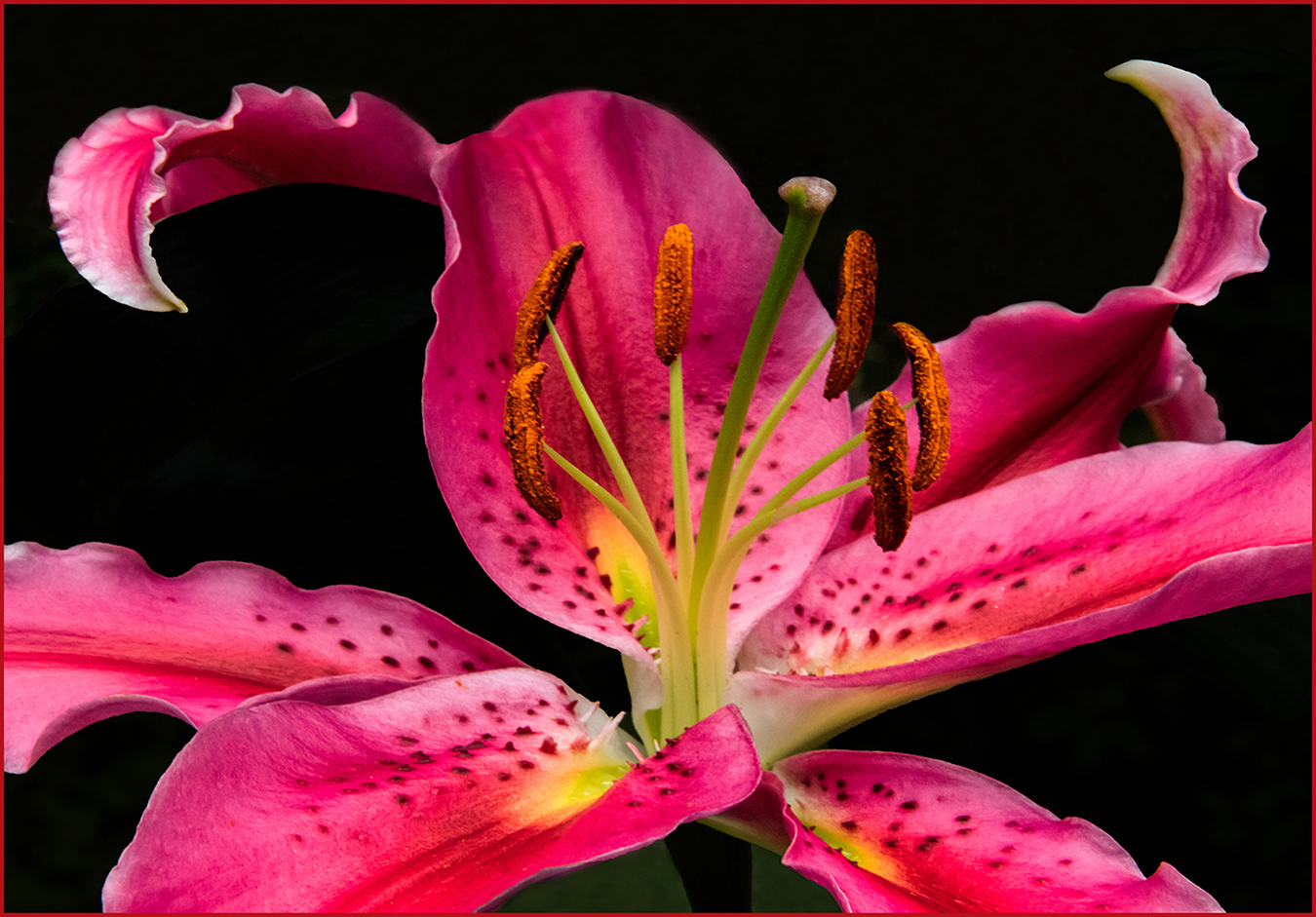
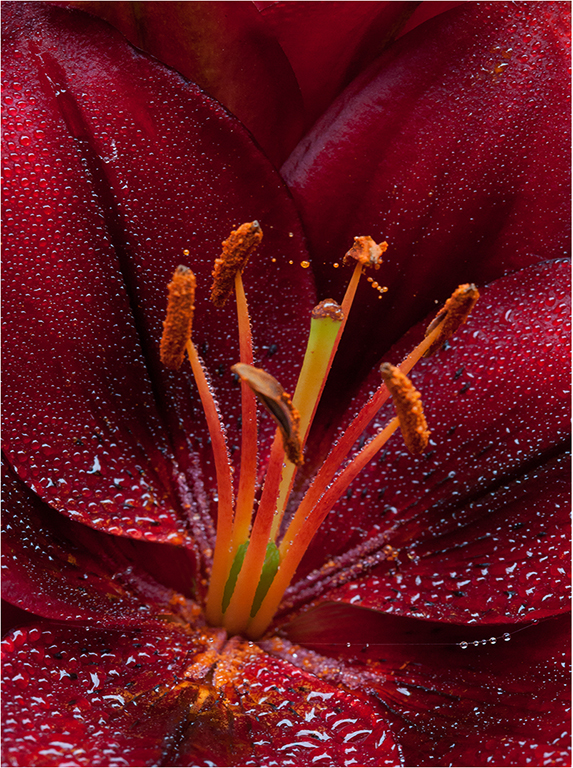
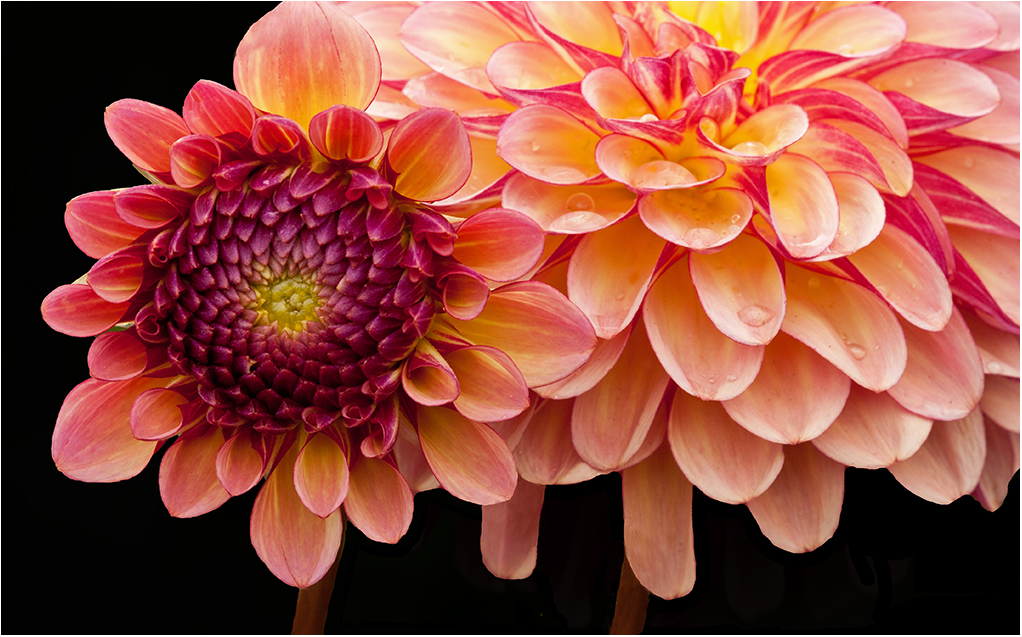
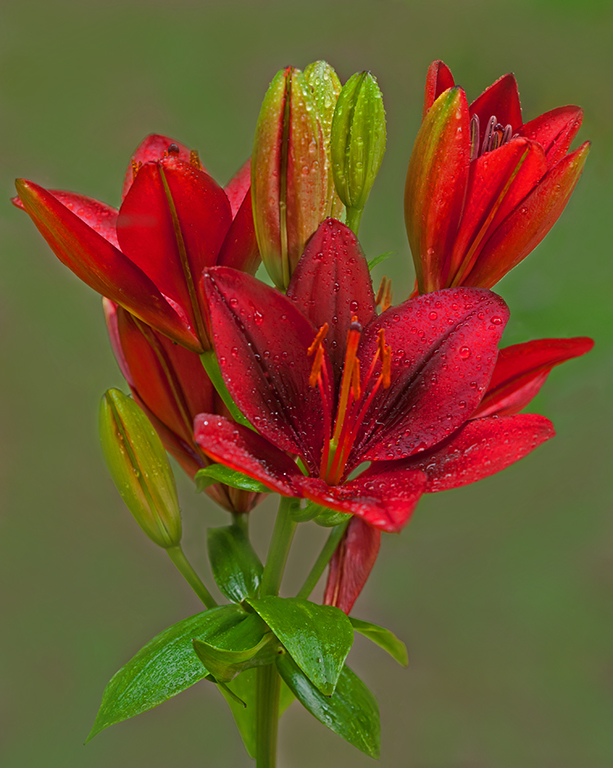
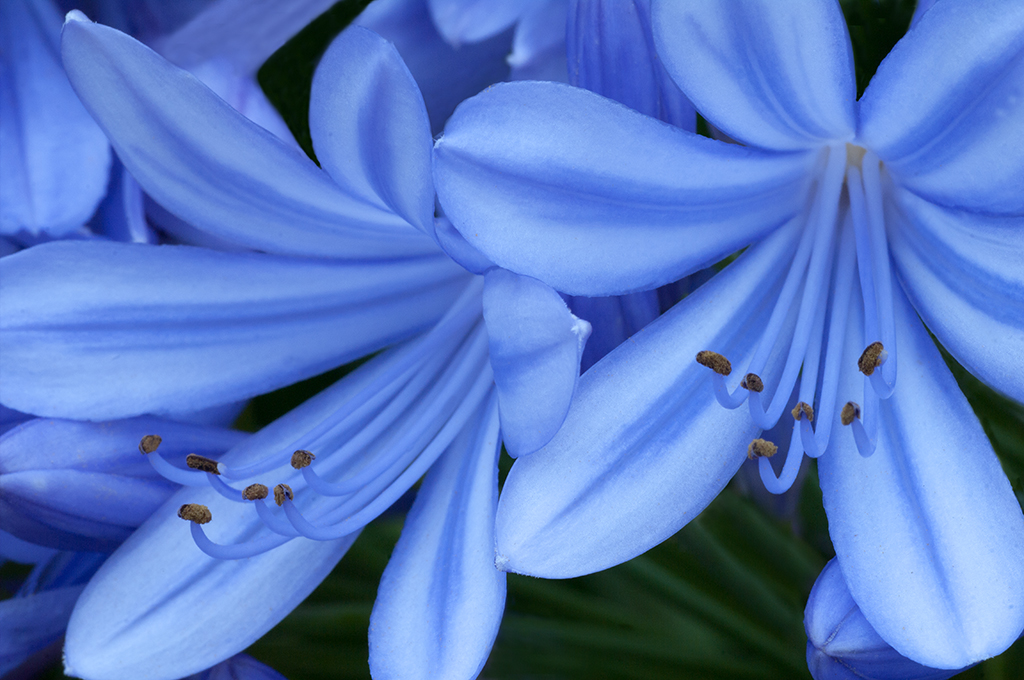
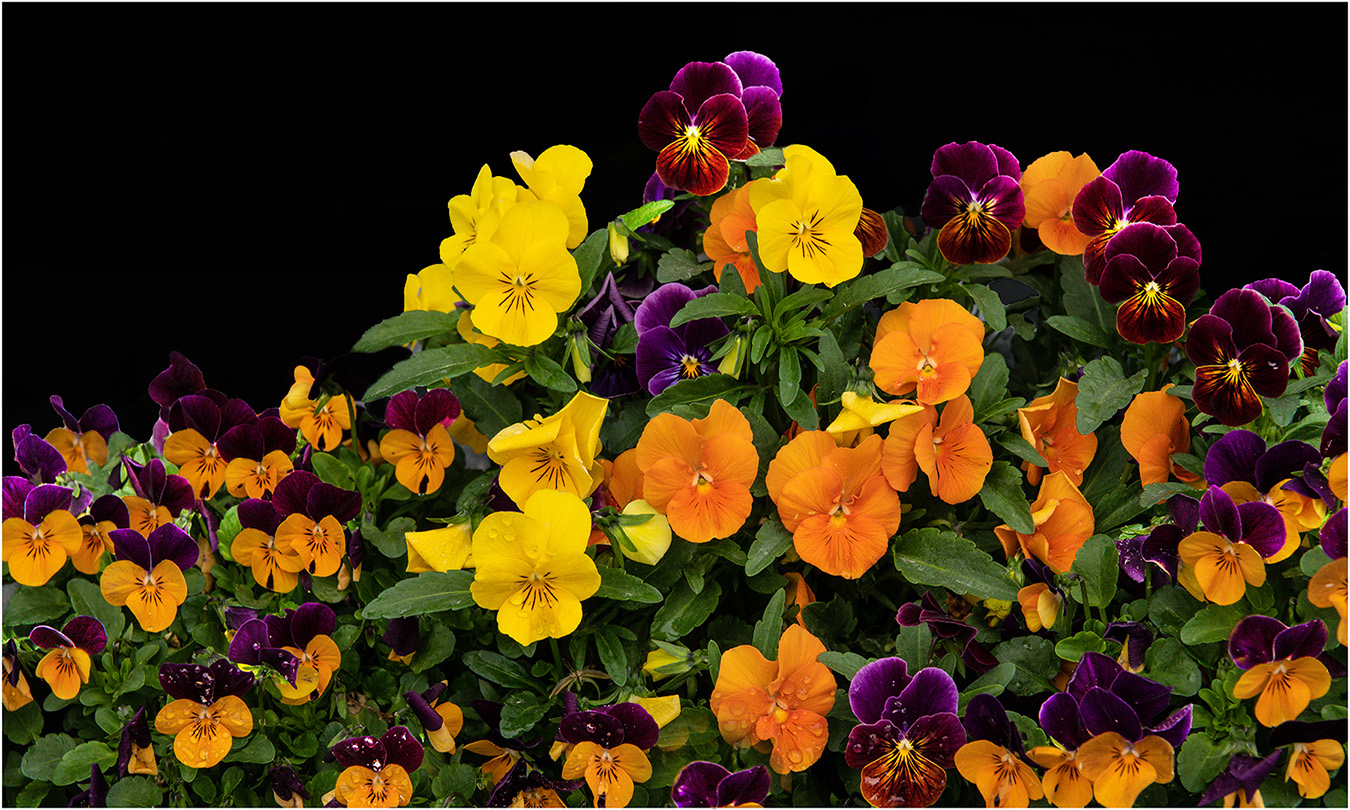
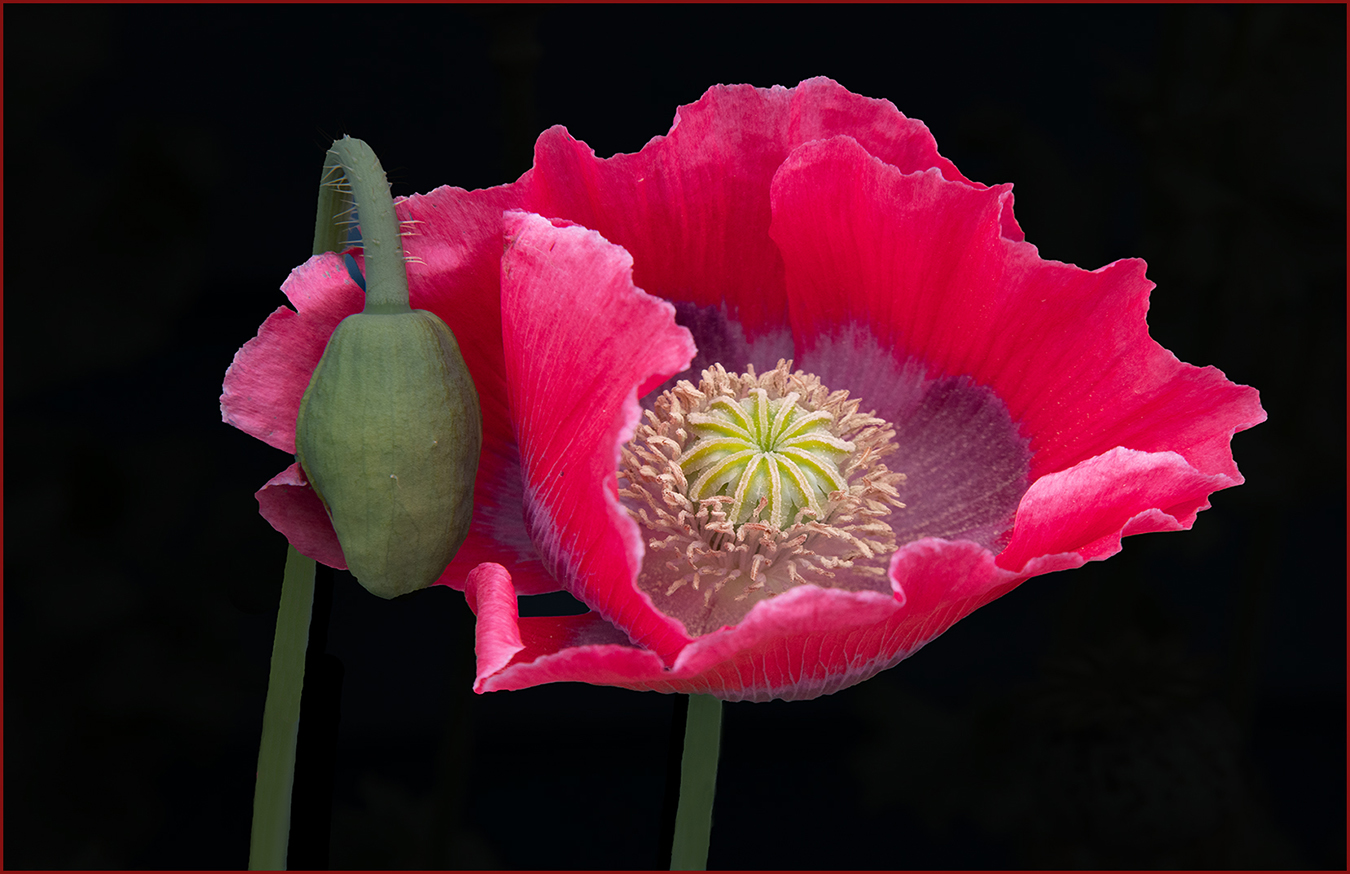
Hi Charles: You have handled all of your post processing techniques really well with the various tasks you have done.
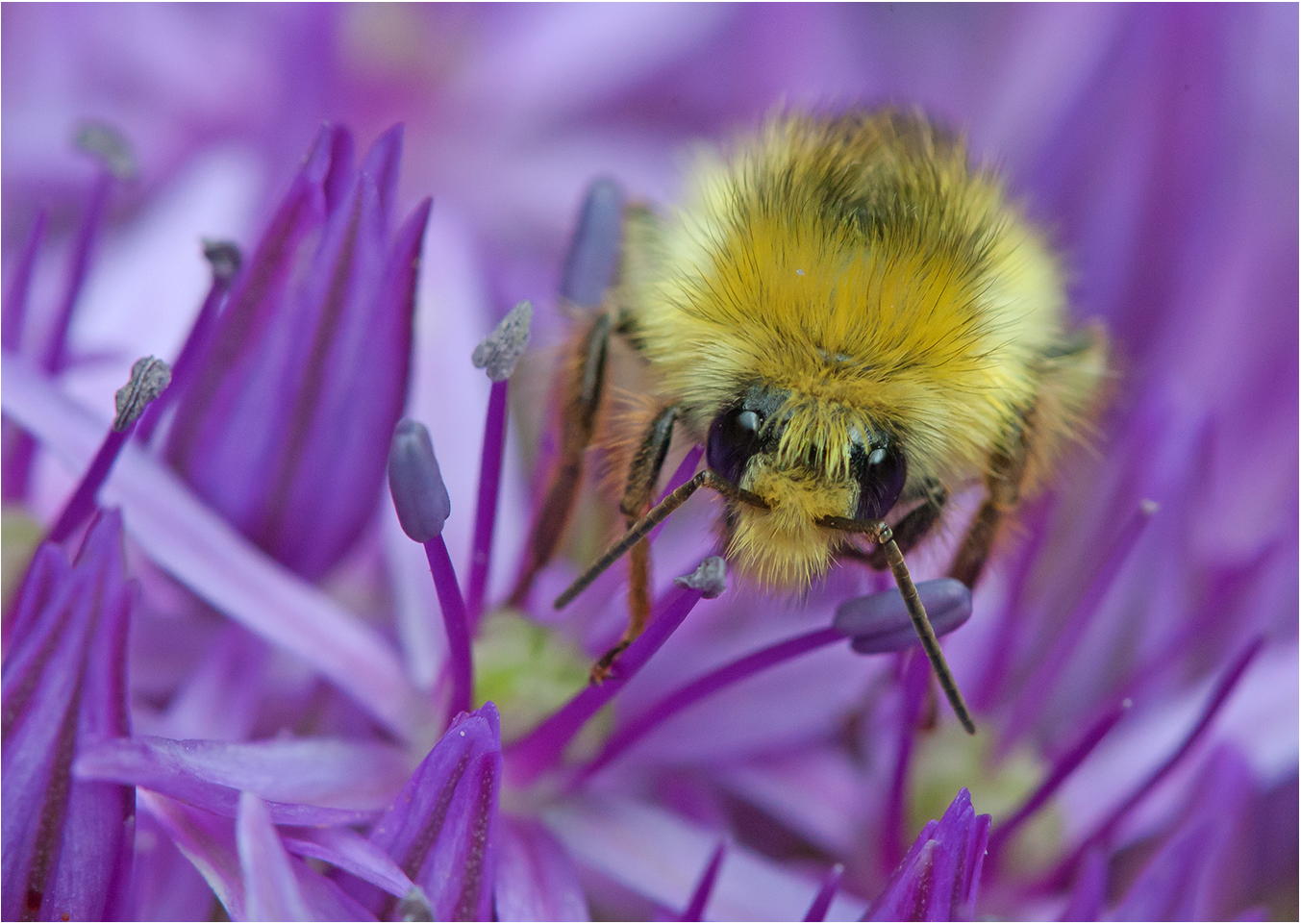
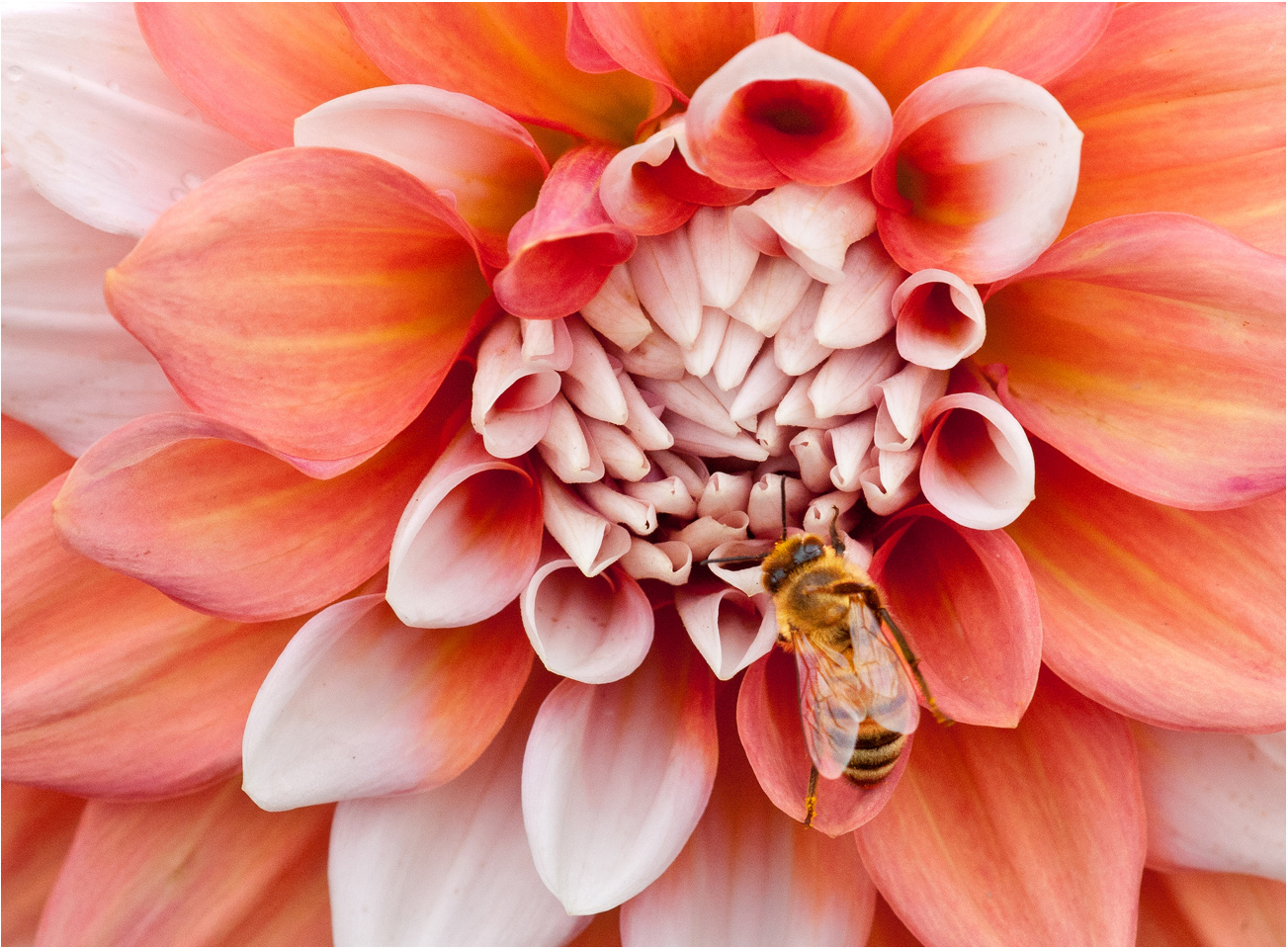
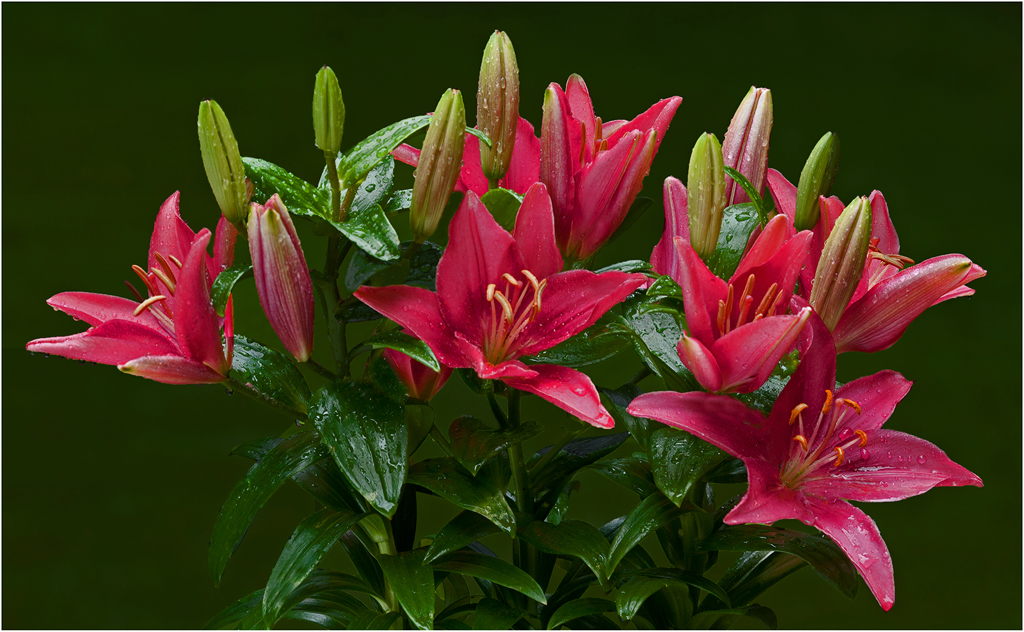
The overall sharpness is very good on the stamens and the surrounding flower petals. Sharpness falls off a little to the far rear of the flower, but to me this is perfectly acceptable. In my opinion the one nit would be cropping into the stamens at the bottom of the frame, you needed to leave a little more breathing room at the bottom of the frame to include the stamens in their entirety. Very pleasant warm toned colors through out.
|
Jun 11th |
| 63 |
Jun 17 |
Comment |
Hi Karen: Adding canvas to enlarge the size of your picture frame is quite easy. Just like anything else in Photoshop it takes some practice. The tool is in the same box as resizing your images, it will say "add canvas" If you log in on Google and type in adding canvas in Photoshop you will find several tutorials describing the procedure. Upon some exploration you will find several choices on how you want to enlarge one side of your frame, I have found if you use percent instead of pixels it is much simpler procedure. For instance the default on percent is set at 100 percent; if you type in for example 103 percent it will add a decent size white border on the side you set the anchor at. Then you simply clone in material from along the border edge to fill in the white area. It will take some experimentation and practice, but you will master it. It is a lot easier than some of the other procedures you commonly do. |
Jun 7th |
| 63 |
Jun 17 |
Comment |
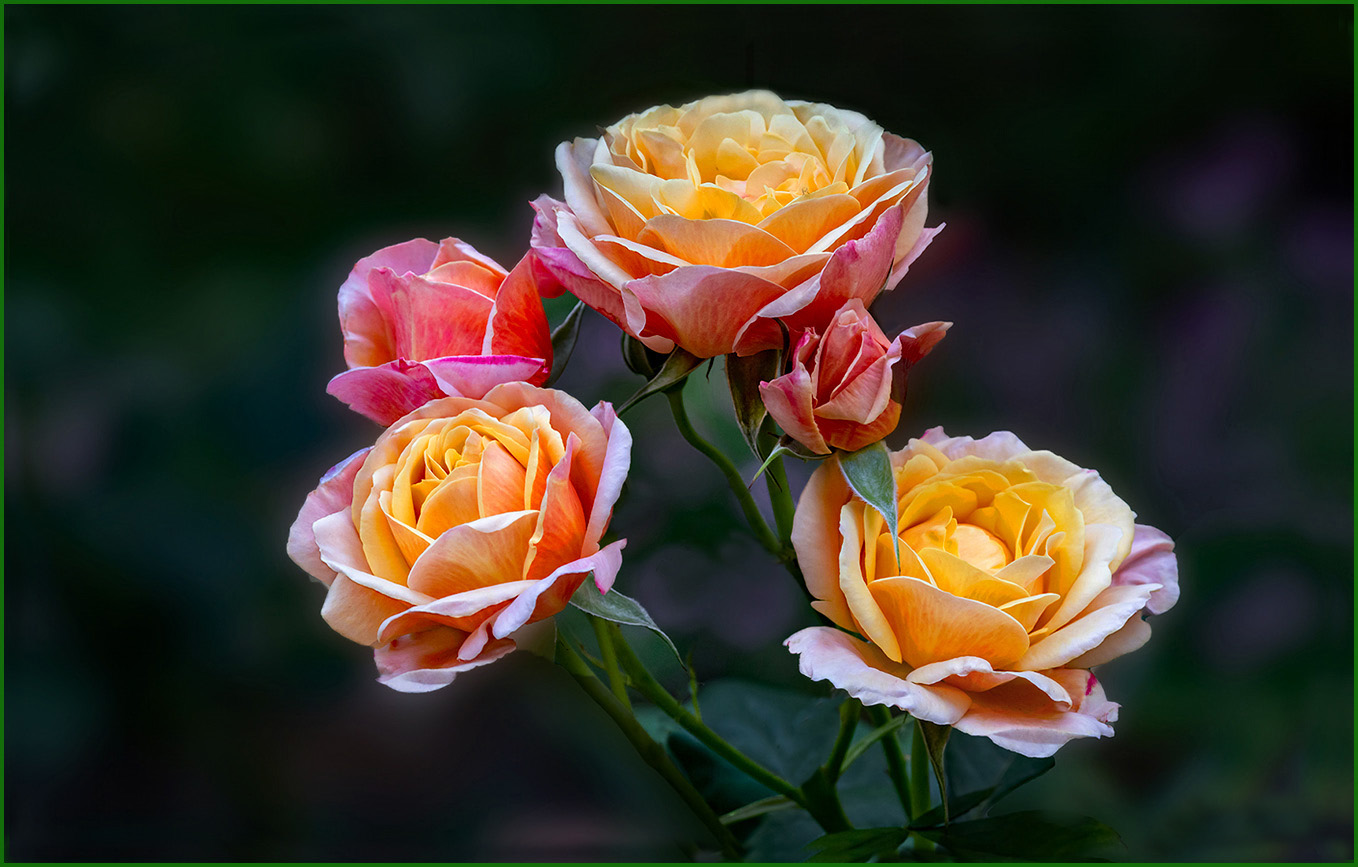
Hi Khai: The Yellow Rose stands out really well from the dark green background, which adds impact. The background leaves are far enough out of focus to create a fine backdrop for the rose, also the dew droplets on the rose flower add another point of interest. |
Jun 7th |
| 63 |
Jun 17 |
Comment |
Hi Lisa: To say this is creative would be an understatement. The white background fits this subject well, and the square format is perfect for this situation. The high degree of sharpness adds to the overall impact of this flower. Excellent work !! |
Jun 6th |
| 63 |
Jun 17 |
Comment |
Hi Karen: Interesting subject, it would not have occurred to me to photograph crayons as you have. The CamRanger sounds interesting, will read about it. New technology is amazing. The crayon box is tack sharp from front to back. |
Jun 6th |
| 63 |
Jun 17 |
Comment |
Hi Khai: Regarding my use of ISO 2000; I prefer to use high enough shutter speeds to obtain as much sharpness and detail in my subjects as possible. If I left my aperture set at f/16 for good depth of field and dialed back the ISO to 100 as you mention, I would have been shooting at 1/8 second. The only times I would use a shutter speed that slow would be on water scenes if I wanted to show water motion, or sporting events where I wanted to show the movement of the players. The quality of your D700 is so good you can shoot at ISO 2000 and even higher with little loss of resolution and very little noise which can easily be removed in post processing. |
Jun 6th |
| 63 |
Jun 17 |
Comment |
Hi Karen: Good point well taken on the flower tip at the bottom of the frame. I can easily add some canvas to the bottom of the frame to give more breathing room for that flower tip; and will do so. |
Jun 6th |
9 comments - 0 replies for Group 63
|
9 comments - 0 replies Total
|