|
| Group |
Round |
C/R |
Comment |
Date |
Image |
| 52 |
Apr 21 |
Reply |
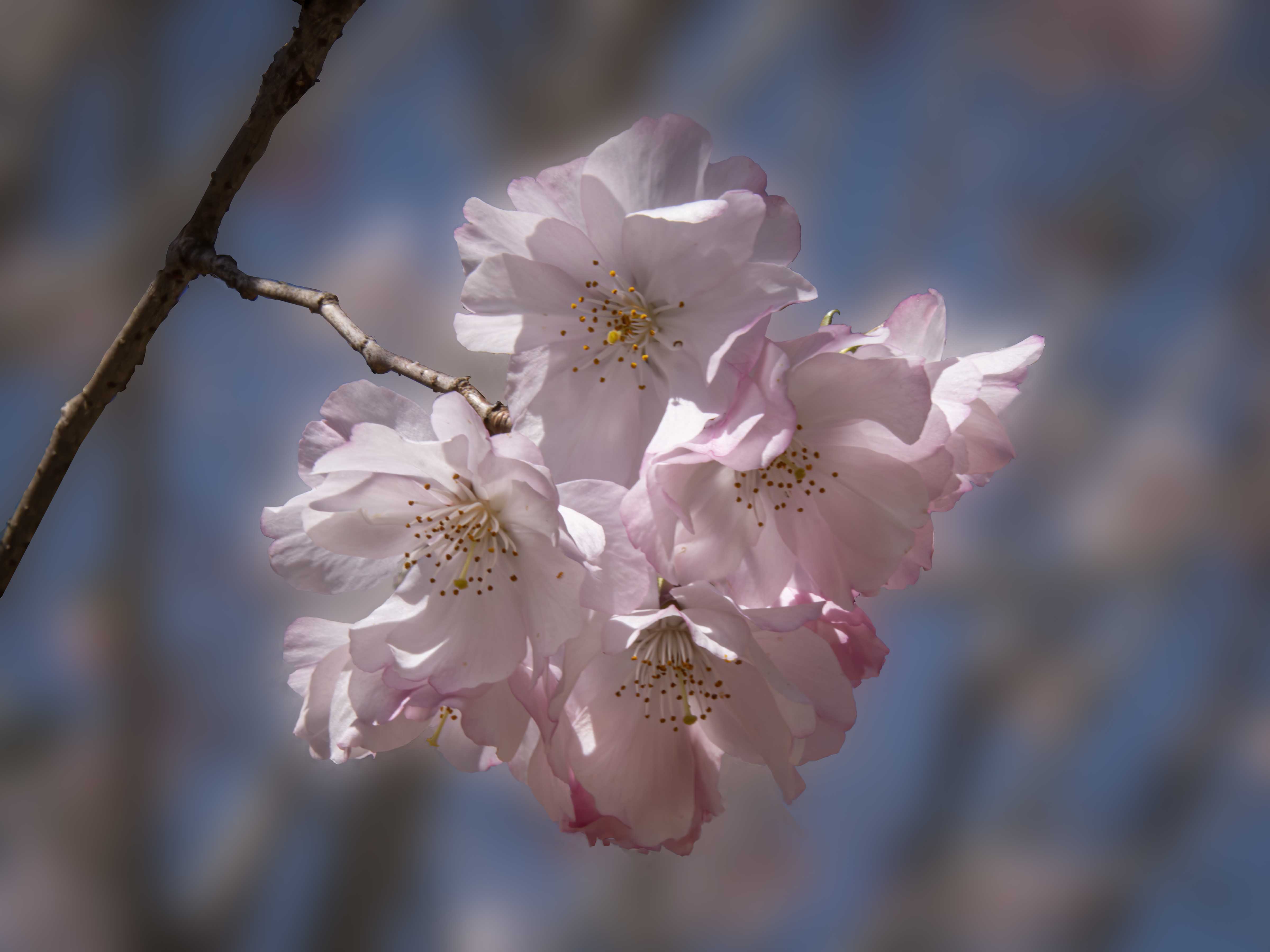
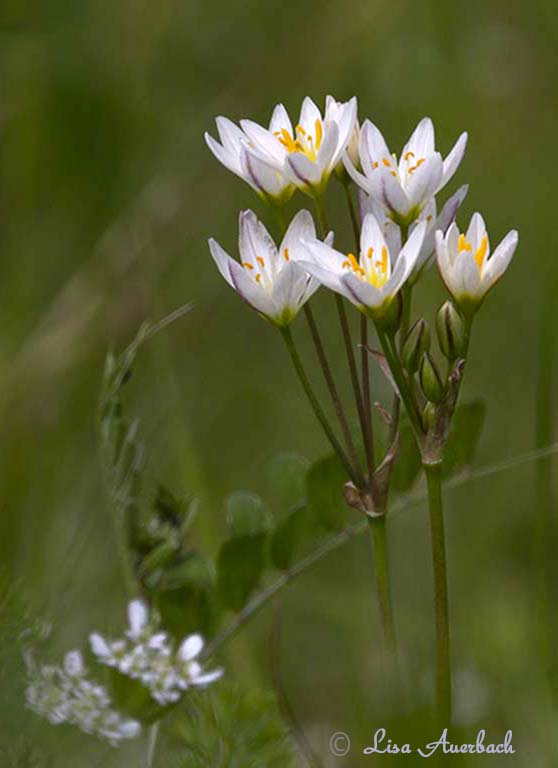
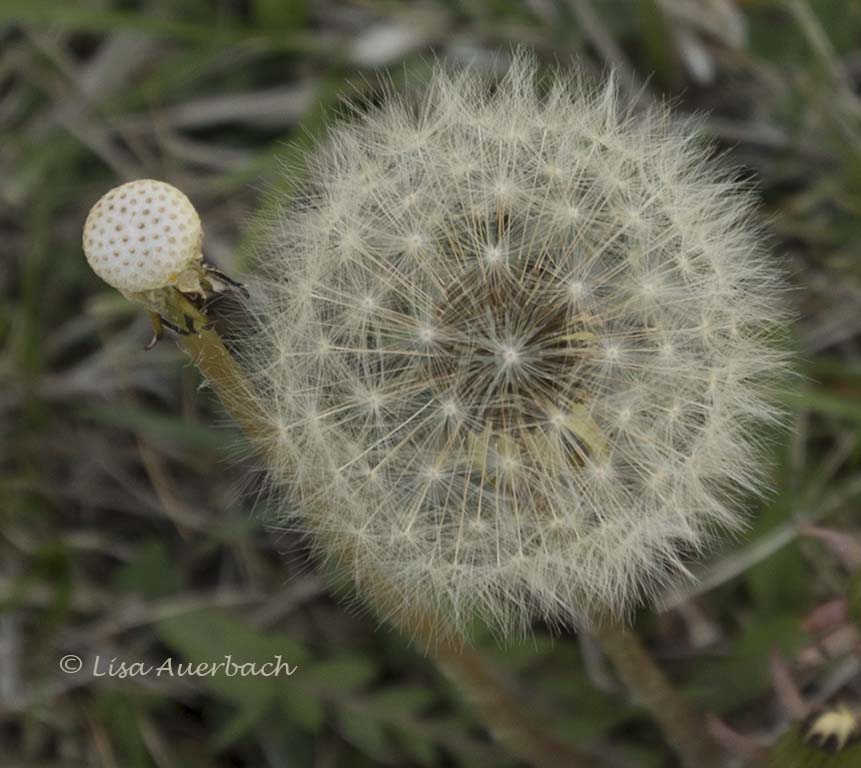
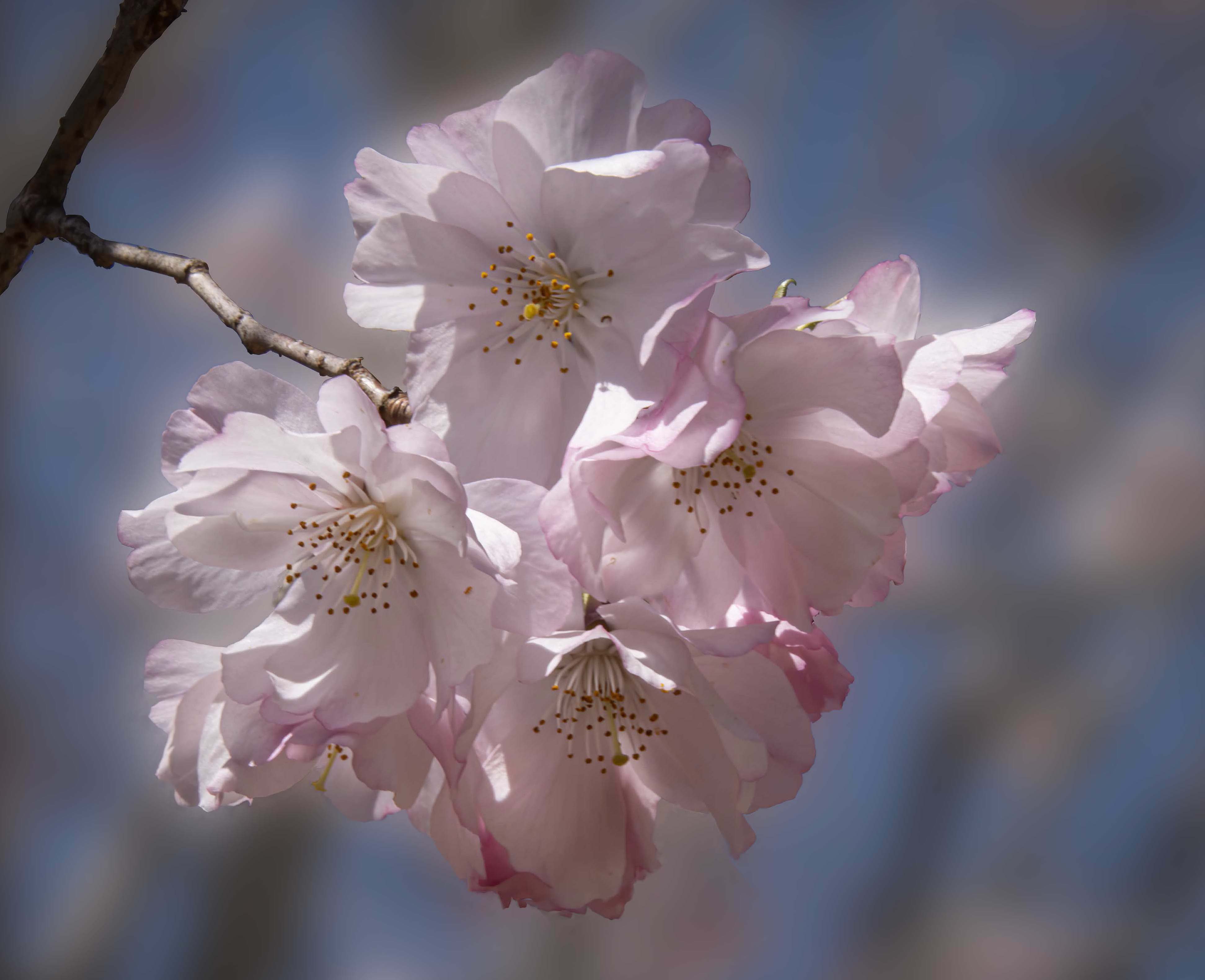
I tried reducing the stem both by blurring part of the branch and cropping. I like the effect. Thank you for comments |
Apr 23rd |
 |
| 52 |
Apr 21 |
Comment |
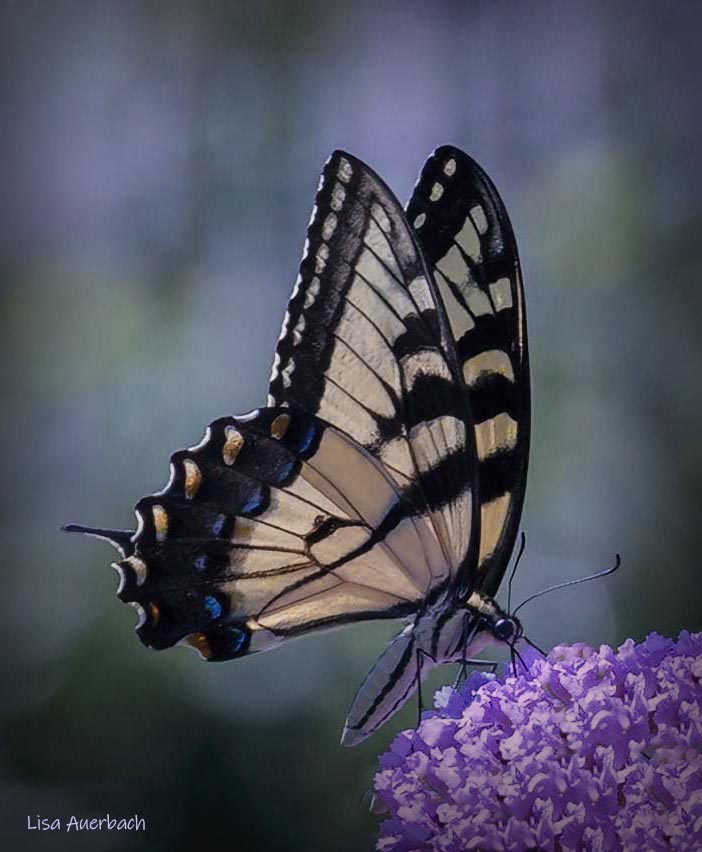
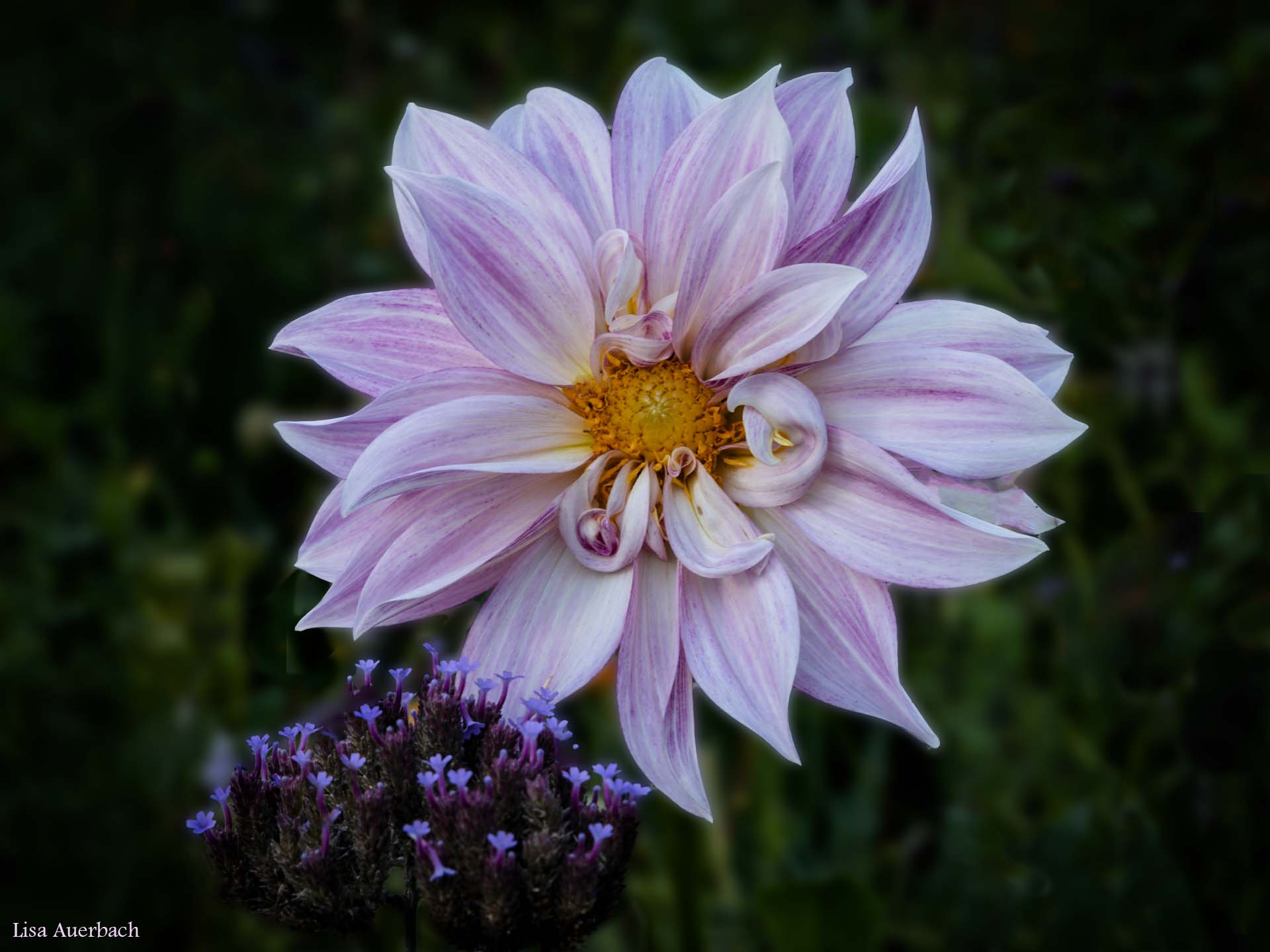
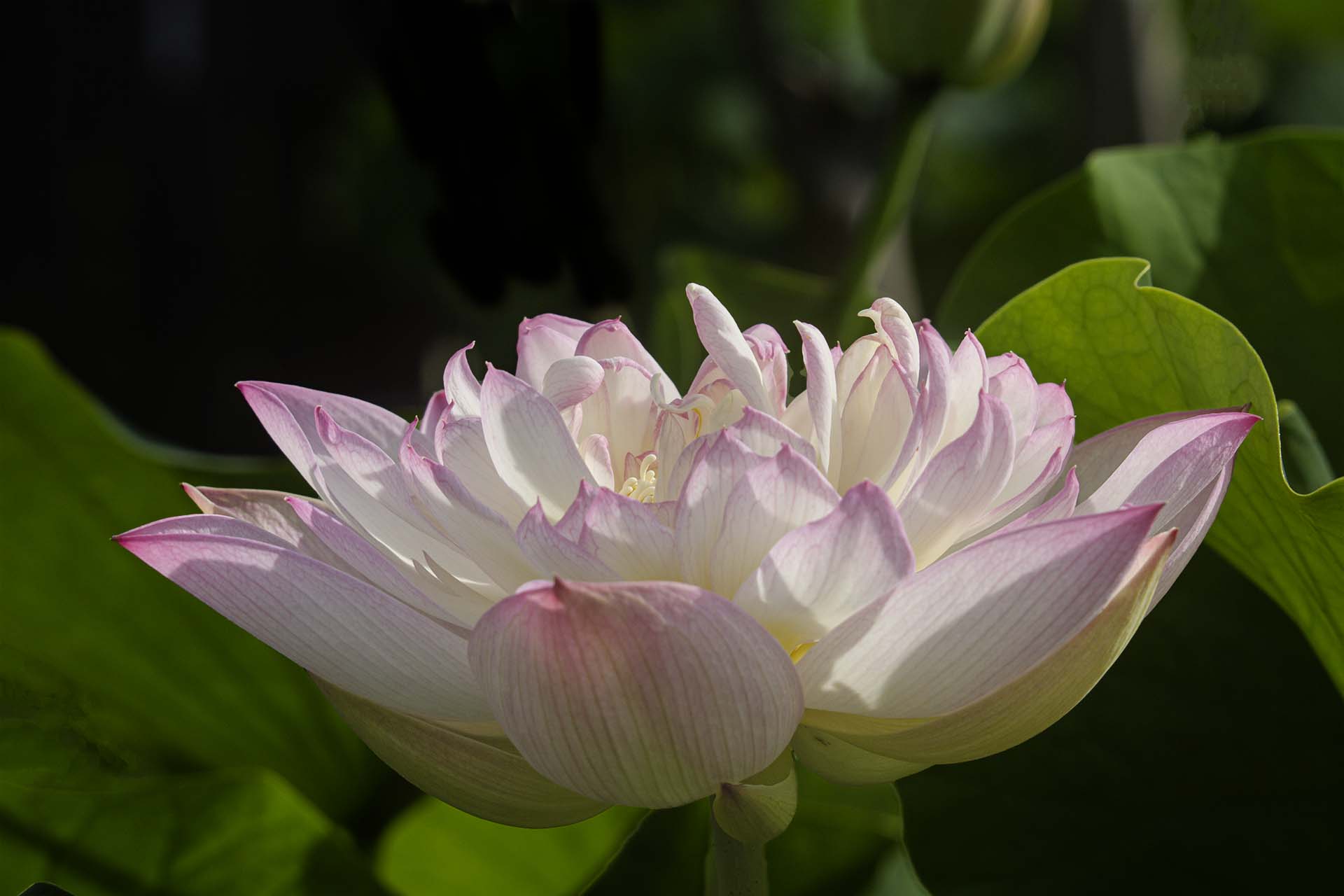
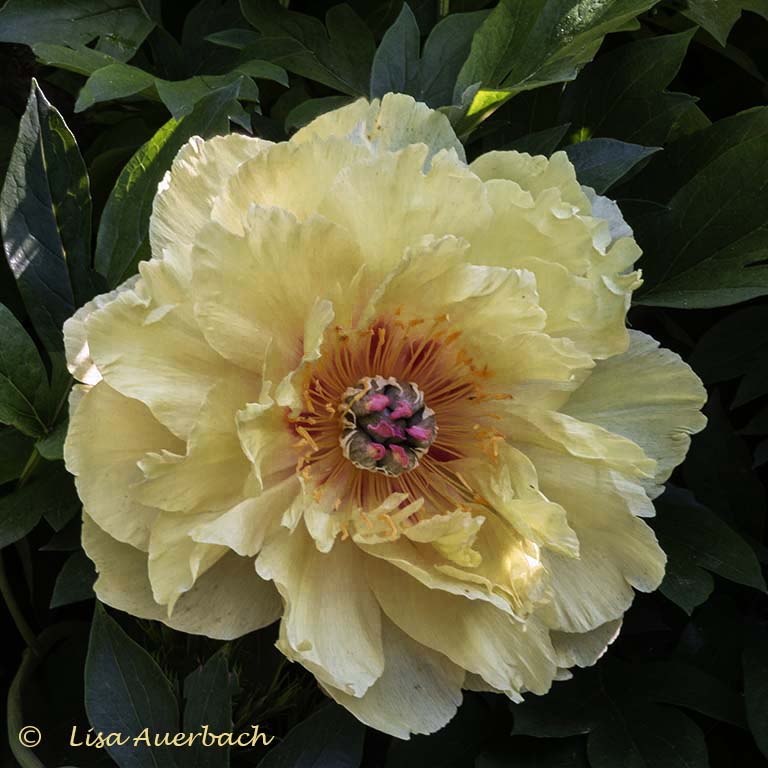
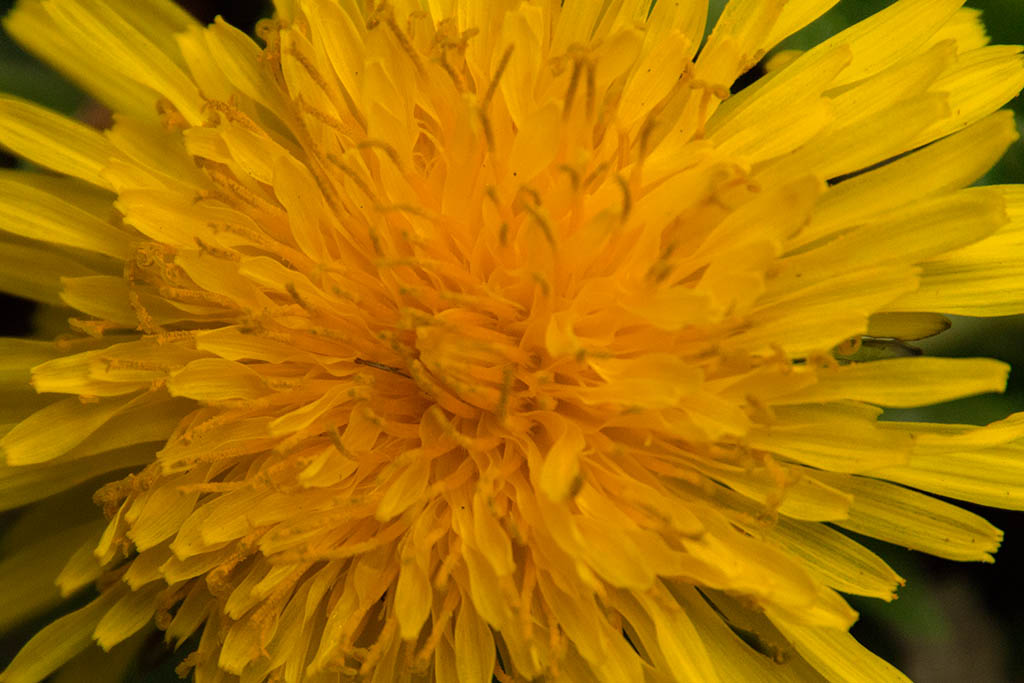
I used: Select> Select subject> Inverse> OK. This identified my flower and removed it from the blur. Only the background was active. Then I added a gaussian blur to the background.
When I tried to remove the unblurred edges from the flower, I might have softened the edges more than I wanted to.
This process involves the refine edge brush, which I am still trying to learn. |
Apr 23rd |
| 52 |
Apr 21 |
Comment |
I'm glad you mentioned aperture. I am never sure about that in a flower cluster. Often I get the center right and then the outer leaves soften. I think I chose an aperture for the whole image. When I am out again, I will try a smaller aperture.
|
Apr 15th |
| 52 |
Apr 21 |
Comment |
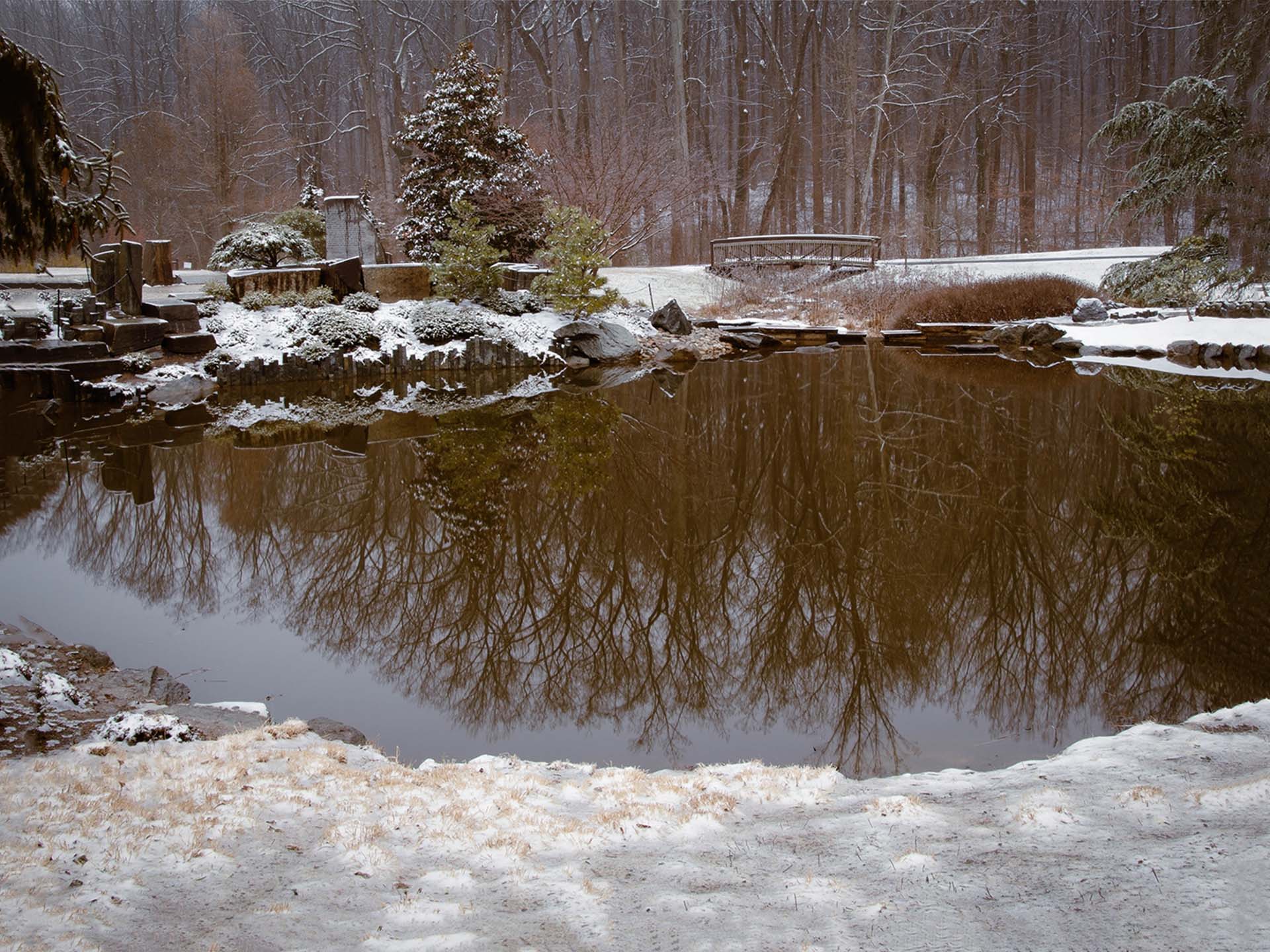
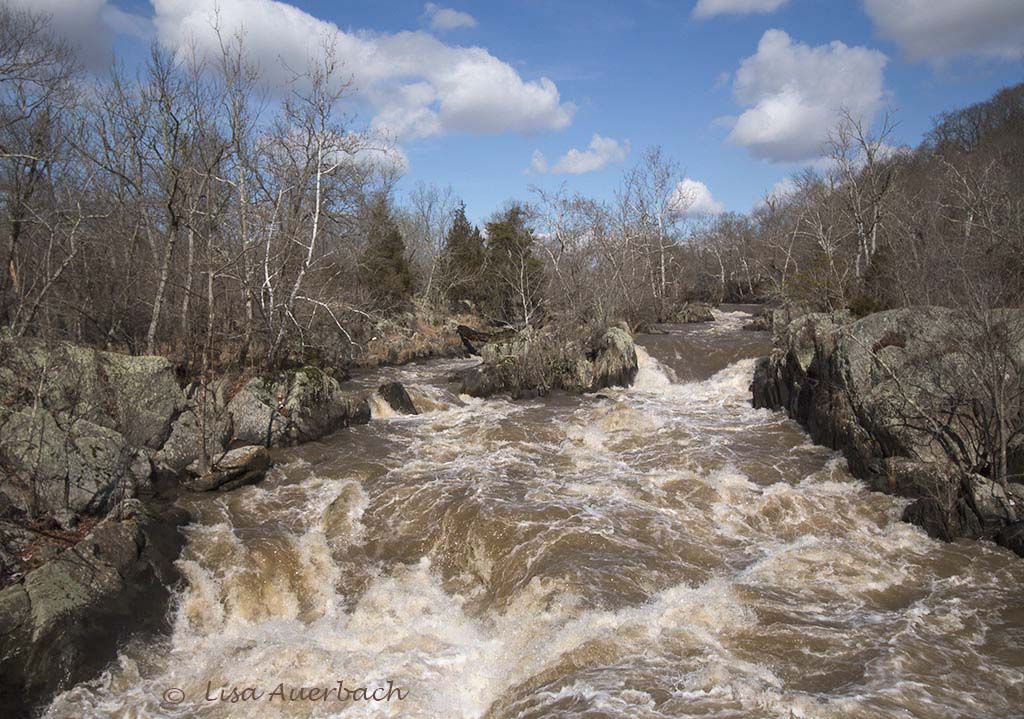
I think you began with a well shot and clear image. I am impressed with the way you handled the color. The blues change the impact and draw me into the picture. The reflection captures my attention more quickly than in the original. I would like to know which product you used most to turn a tan colored water to this pretty and natural looking blue. I've tried doing this with some success but need more practice with it. I think the shot would benefit from more room on both sides. I know you like square crops for flowers but in this case a rectangular crop might work better. |
Apr 15th |
| 52 |
Apr 21 |
Comment |
I like your crop; although I also think the lighthouse is interesting. I think there is more interest if you raise shadows to feature the texture of the cliff. I'd also suggest cropping some of the smooth water from the bottom to pull focus on the crashing water. You have done a good job of pulling a small part from a large image. |
Apr 15th |
| 52 |
Apr 21 |
Comment |
I like Pamela's suggestion. The colors do pop more. It is an interesting shot, and I like the people in the scene. They give proportion and add to the story. |
Apr 15th |
| 52 |
Apr 21 |
Comment |
I agree that the focus should have been on the chick. However, cropping that tight would leave you with a hazy image. I see that you had your lens set as long as it could go. A 4.5 aperture with spot metering on the chick might have helped pull in the shot. Otherwise, I suggest cropping the dark out so I focus on the chick. |
Apr 15th |
| 52 |
Apr 21 |
Comment |
Bravo, Judith. There is so much to know about Photoshop. You have done a splendid image with what you have learned. The others in the group have given you good suggestions. My suggestion is to use the spot healing brush to remove the light pink spots on the left petal. They are distractions. Once done, you will have a lovely petunia image. |
Apr 15th |
| 52 |
Apr 21 |
Comment |
Mike, I am confused by this image. I see 3 heads/bodies and 4 beaks. I keep looking for the 4th head but can't find it.
I like your sky color treatment but feel heads and bottom twigs are too dark. There is enough interest in the foreground to lighten it all.
|
Apr 15th |
| 52 |
Apr 21 |
Reply |
I like both. I think somewhere in the middle would be good. More than yours and less than mine. |
Apr 14th |
| 52 |
Apr 21 |
Comment |
I don't understand what you mean by "featuring" my mask. Please elaborate. |
Apr 14th |
9 comments - 2 replies for Group 52
|
9 comments - 2 replies Total
|