Activity for User 484 - David Allen - dwa.stereo@gmail.com

avatar
Avatar

Close this Tab when done


540 Comments / 116 Replies Posted

  = Current Round   = Previous Round
Group Round C/R Comment Date Image
68 Mar 17 Reply Thanks, I see what you mean. Mar 31st
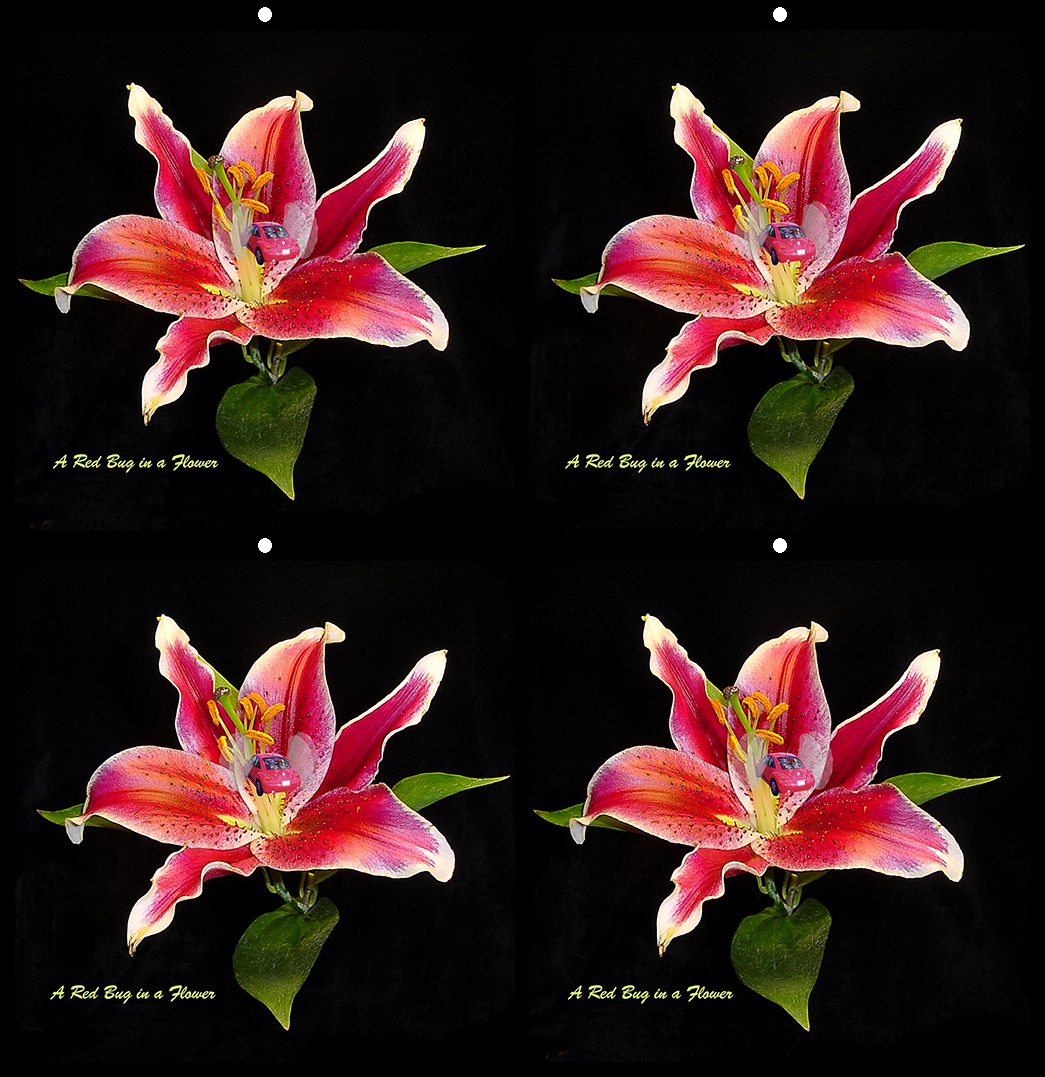
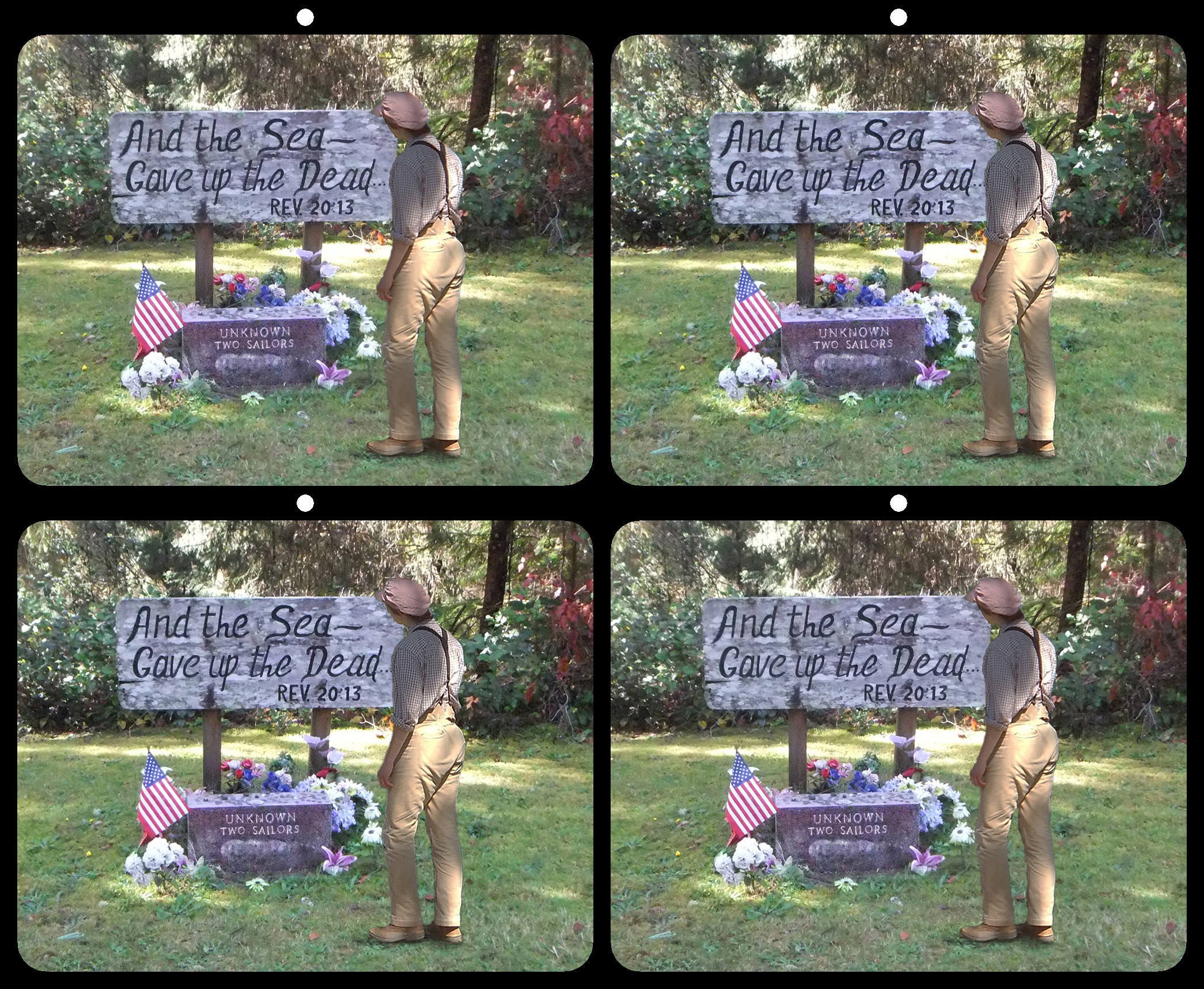
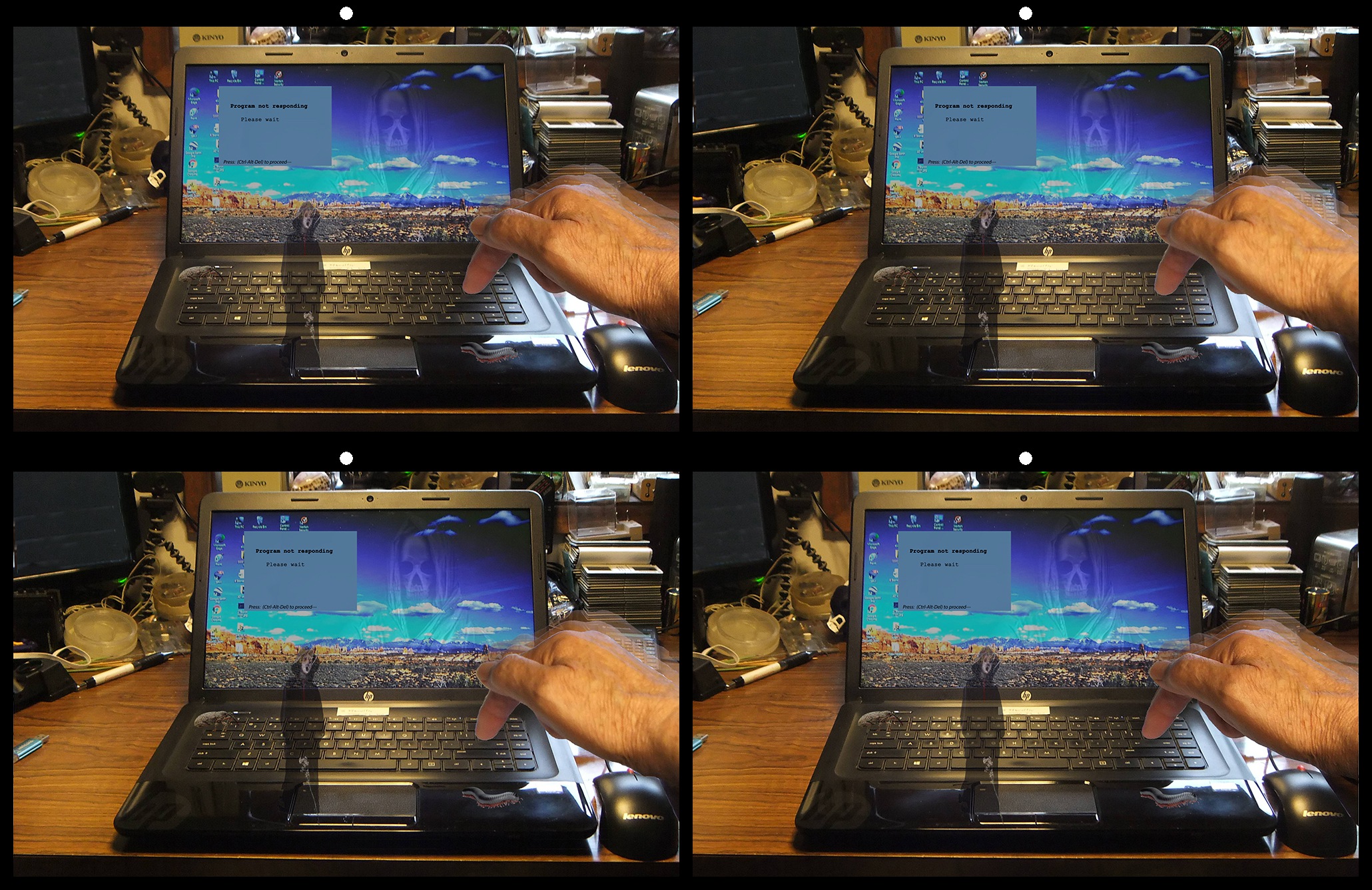
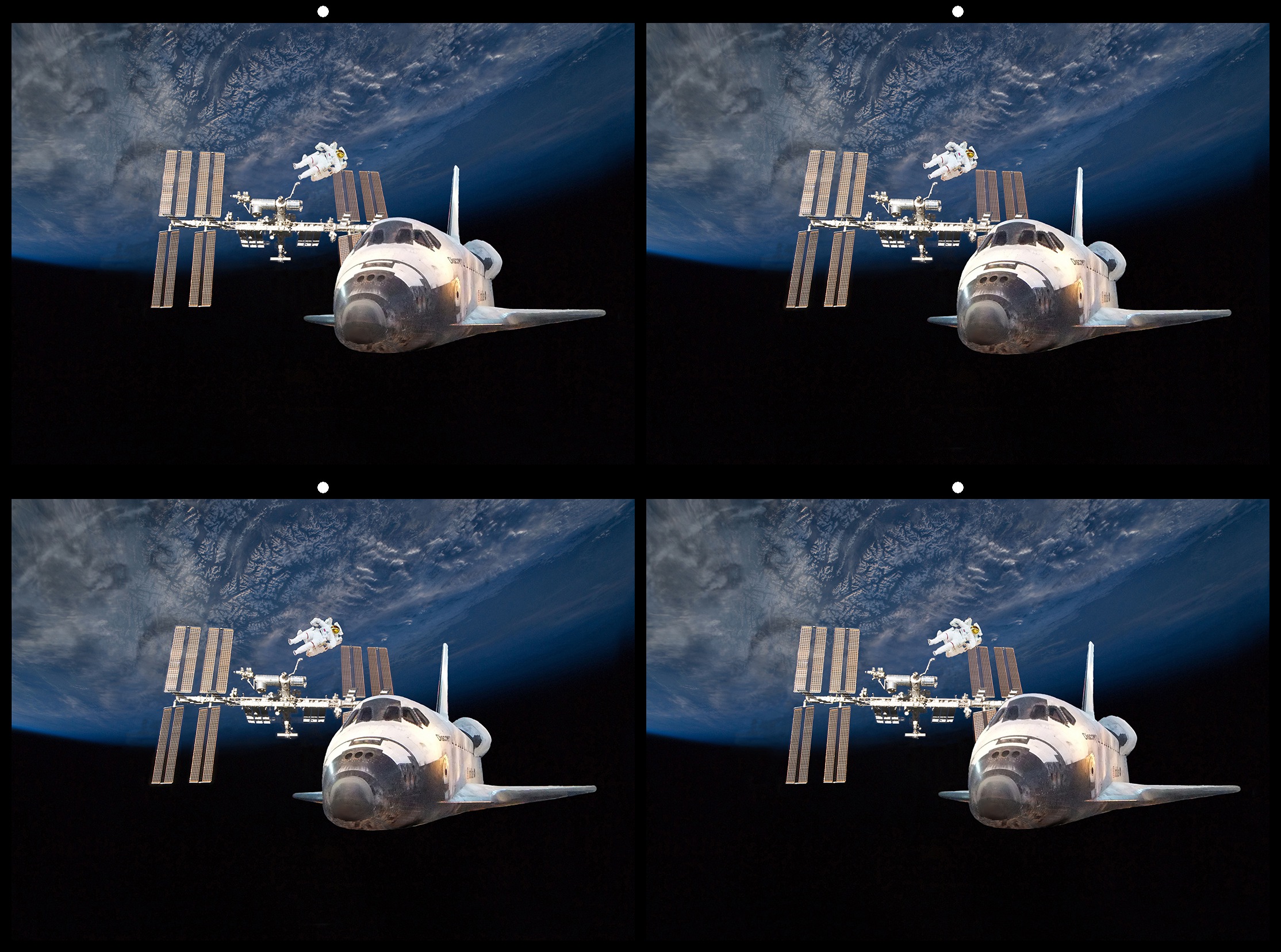
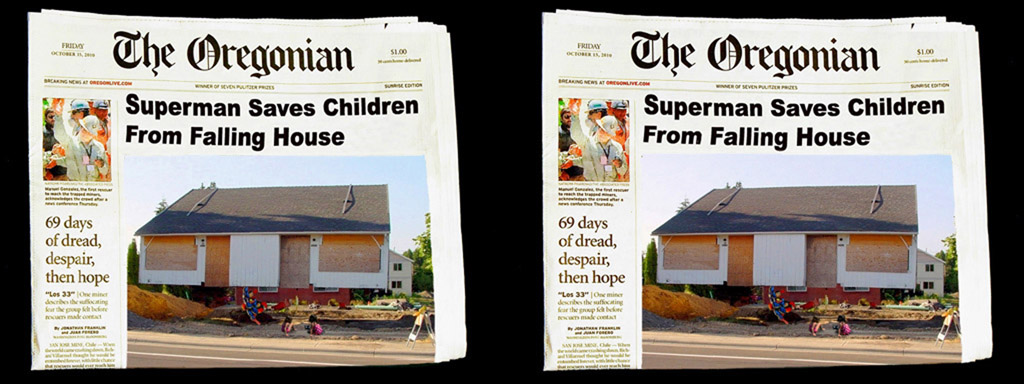
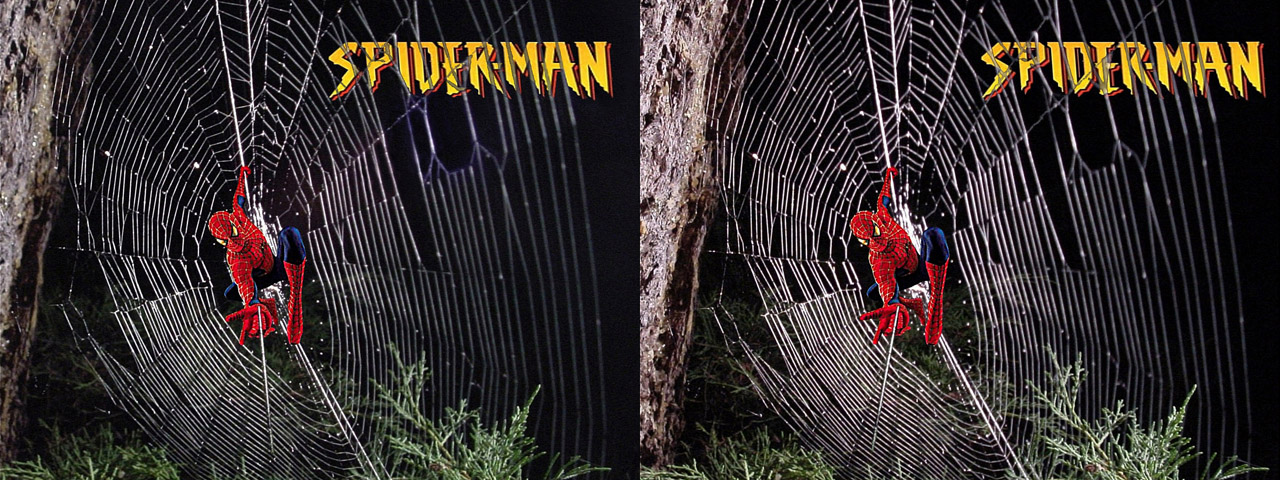
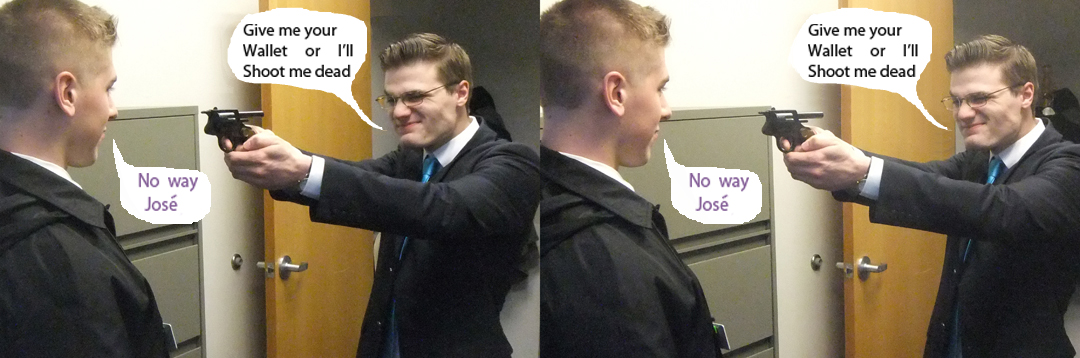
68 Mar 17 Reply The text boxes were added using Photoshop with layers in one image then copied and put over in the other image. One can move left or right each copied image to put it at the depth you want. It takes a little trial and error processing. Mar 21st
68 Mar 17 Reply All you have to do is load your image pair in to SPM and use the "easy Adjust" tool up on the right side of the tool bar. You will see your image in anaglyph 3D. Of course you'll need some anaglyph glasses. There is a slide bar above the anaglyph image that will allow you to move the image forward or back relative to the 3D window. Just adjust it so that there is nothing next to the 3D window that is in front of the window - then save your corrected image. I use an old program called "3Dpix-np" that allows me to put points on the left and right images and the program will align the points vertically and let me know if any are in front of the 3D window. Mar 20th
68 Mar 17 Comment Nice Human-interest image. My first impression was that what appears as a light house seems real small, almost part of just a sea wall, not a tall light house. My second question was: what is Ann seeing to take a picture of, off to the right? Lastly, this would look as a stereo card, but not projected on a big screen because there is a lot of stereo separation with Ann and the light house. I wish my wife enjoyed photography with me! Mar 10th
68 Mar 17 Comment All I can say is Well Done! The PS work fixes what you say, no bright lights on the right and even exposure all over. Mar 10th
68 Mar 17 Comment Too bad that it fell. Nice image. Not a lot of stereo, but would be viewed better on a large 60" screen. Well composed. Mar 10th
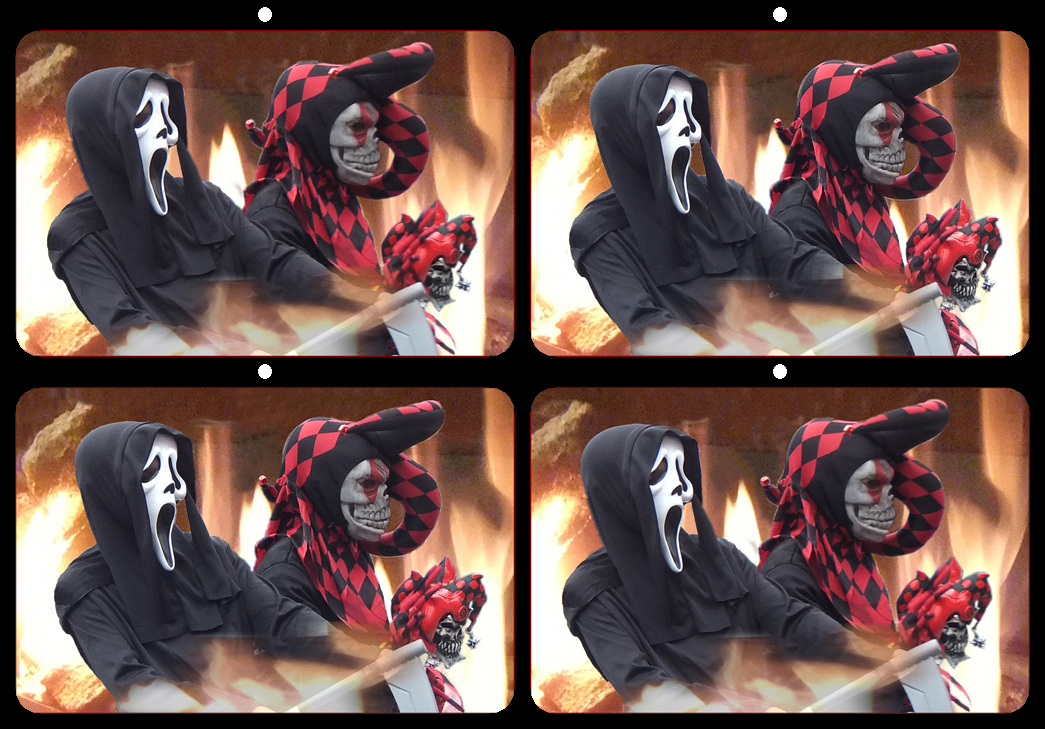
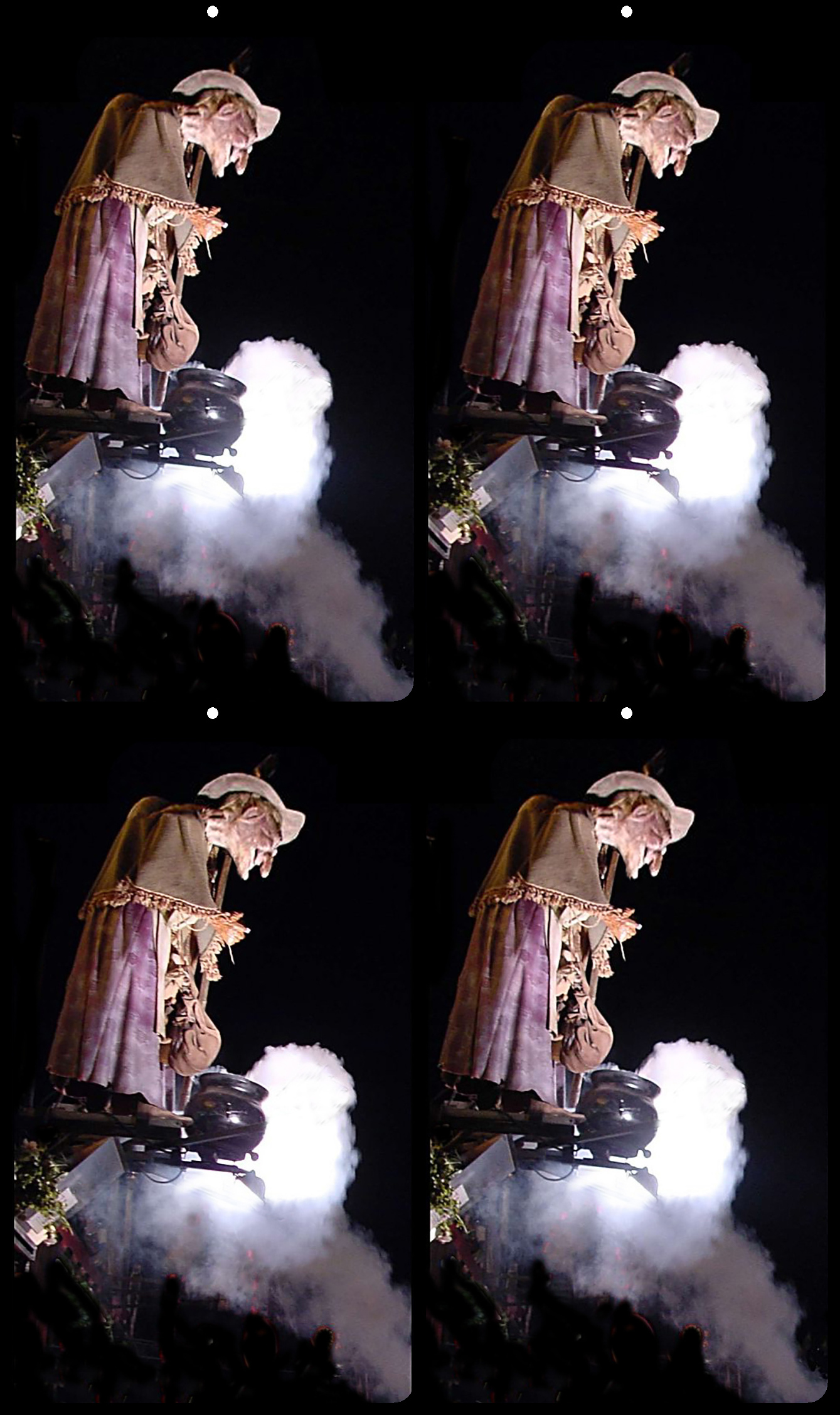
68 Mar 17 Comment Very interesting image. I didn't see that there were really people in the mask until I looked at with my 3D glasses full screen. Bright colors, lots of contrast, nicely done. The only thing I might say is the brown tassels on the right are if front of the 3D window. Mar 10th

4 comments - 3 replies for Group 68


4 comments - 3 replies Total


102 Images Posted

  = Current Round   = Previous Round
Group 68

Jul 25

Jun 25

May 25

Apr 25

Mar 25

Feb 25

Jan 25

Dec 24

Nov 24

Oct 24

Sep 24

Aug 24

Jul 24

Jun 24

May 24

Apr 24

Mar 24

Feb 24

Jan 24

Dec 23

Nov 23

Oct 23

Sep 23

Aug 23

Jul 23

Jun 23

May 23

Apr 23

Mar 23

Feb 23

Jan 23

Dec 22

Nov 22

Oct 22

Sep 22

Aug 22

Jul 22

Jun 22

May 22

Apr 22

Mar 22

Feb 22

Jan 22

Dec 21

Nov 21

Oct 21

Sep 21

Aug 21

Jul 21

Jun 21

May 21

Apr 21

Mar 21

Feb 21

Jan 21

Dec 20

Nov 20

Oct 20

Sep 20

Aug 20

Jul 20

Jun 20

May 20

Apr 20

Mar 20

Feb 20

Jan 20

Dec 19

Nov 19

Oct 19

Sep 19

Aug 19

Jul 19

Jun 19

May 19

Apr 19

Mar 19

Feb 19

Jan 19

Dec 18

Nov 18

Oct 18

Sep 18

Aug 18

Jul 18

Jun 18

May 18

Apr 18

Mar 18

Feb 18

Jan 18

Dec 17

Nov 17

Oct 17

Sep 17

Jul 17

Jun 17

May 17

Apr 17

Mar 17

Feb 17

Jan 17

Close this Tab when done