|
| Group |
Round |
C/R |
Comment |
Date |
Image |
| 41 |
Dec 22 |
Comment |
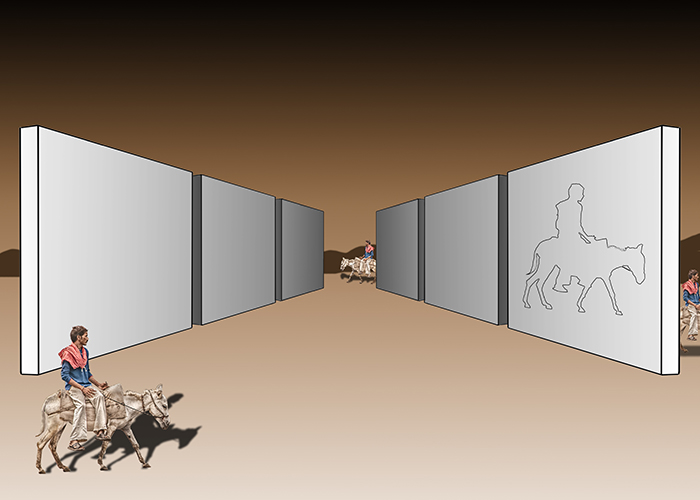
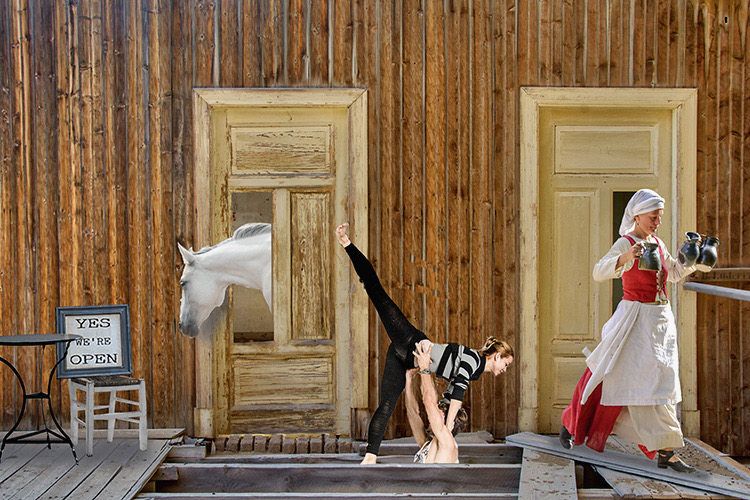
I figured it out. Thanks for using that technique in your composite. Now I get to play! |
Dec 13th |
| 41 |
Dec 22 |
Comment |
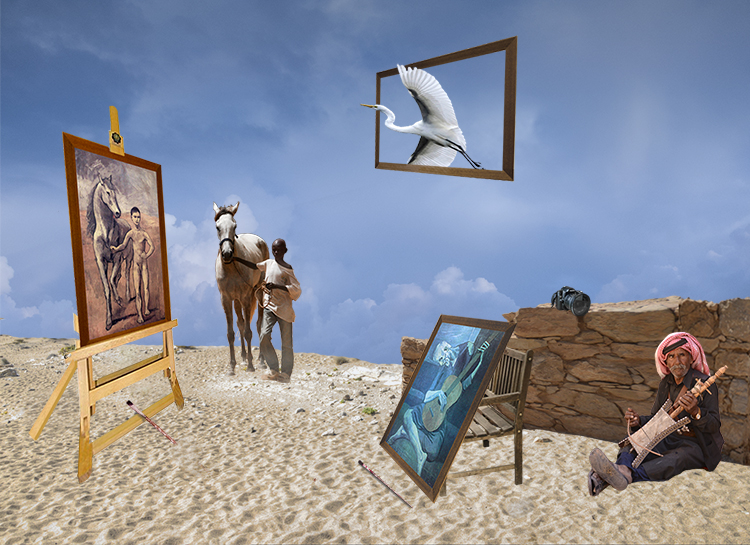
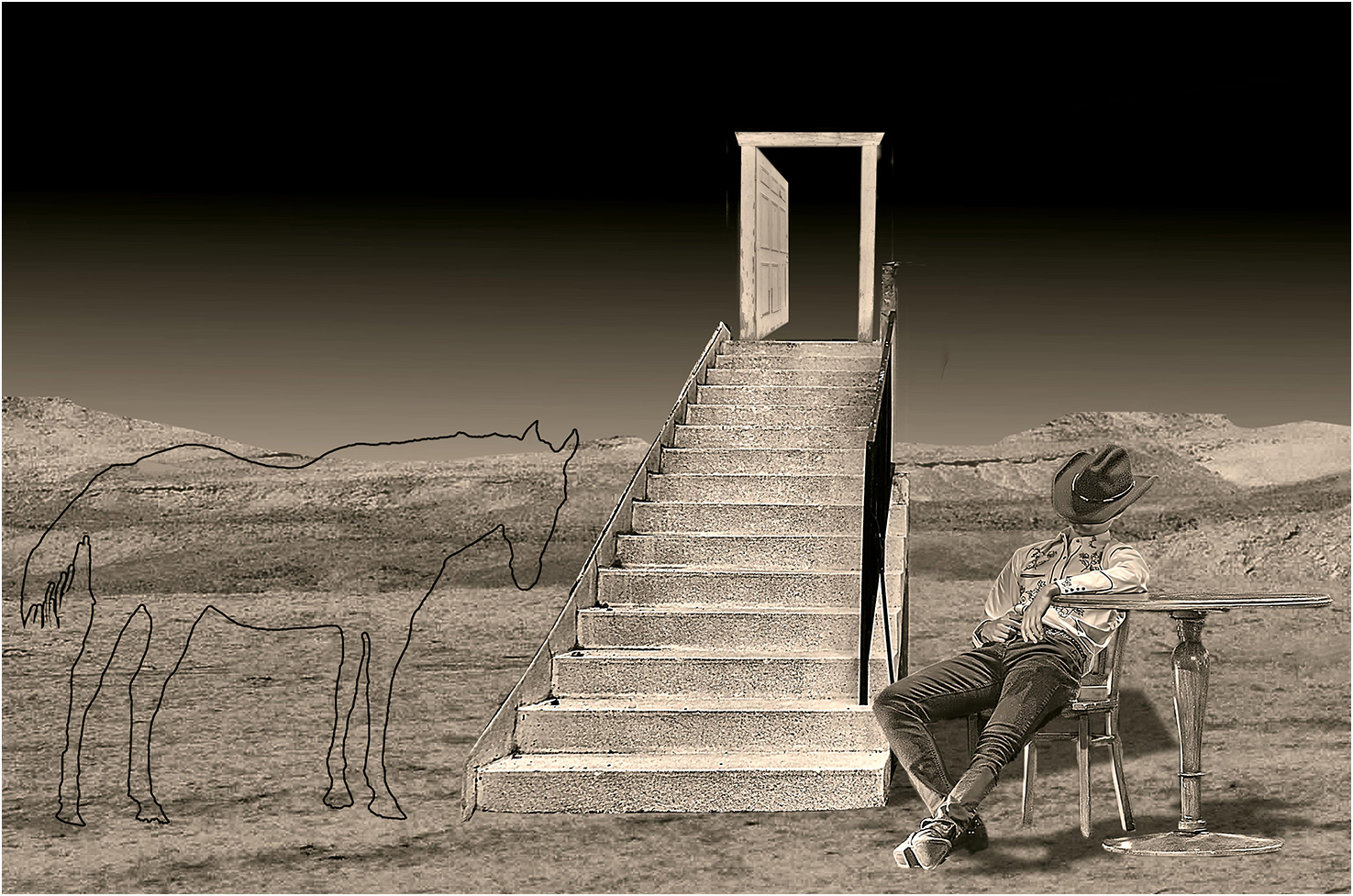
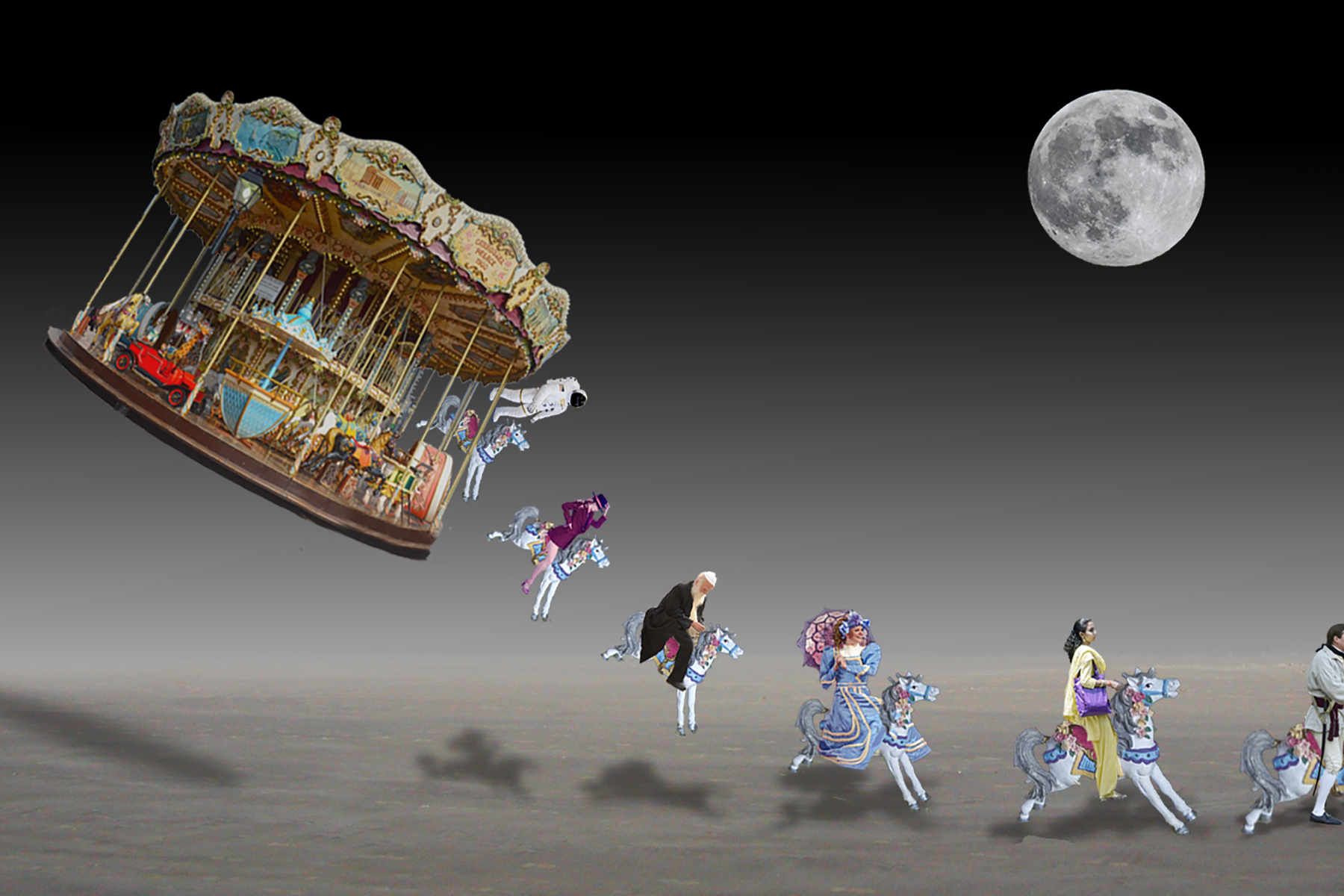
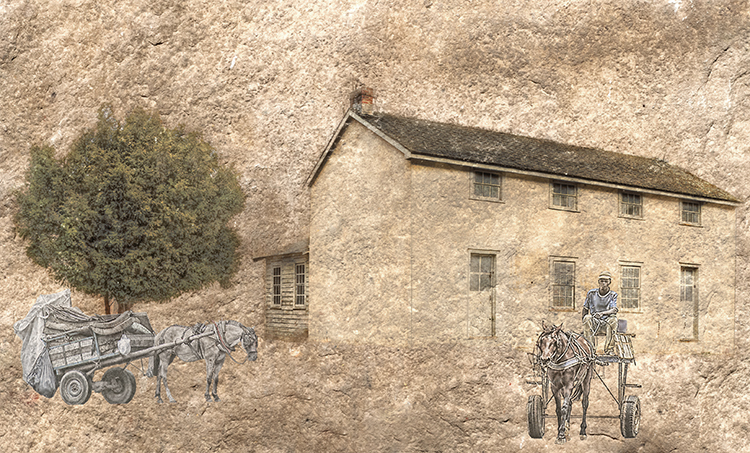
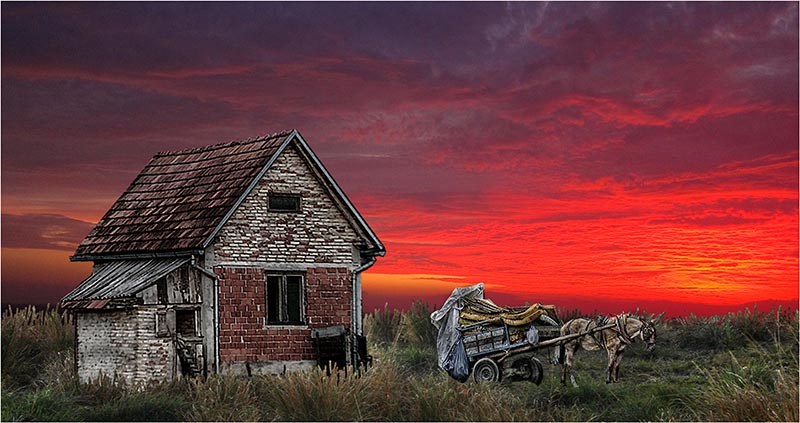
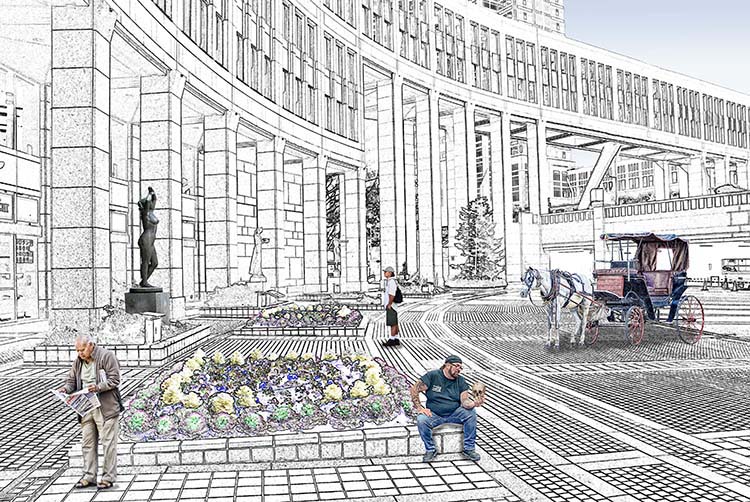
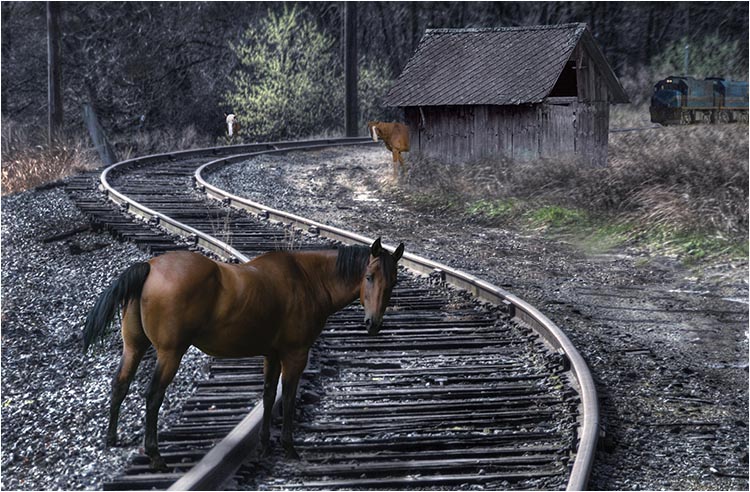
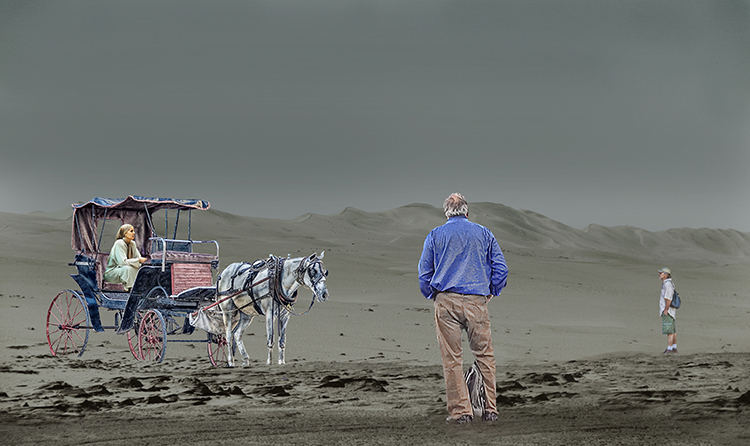
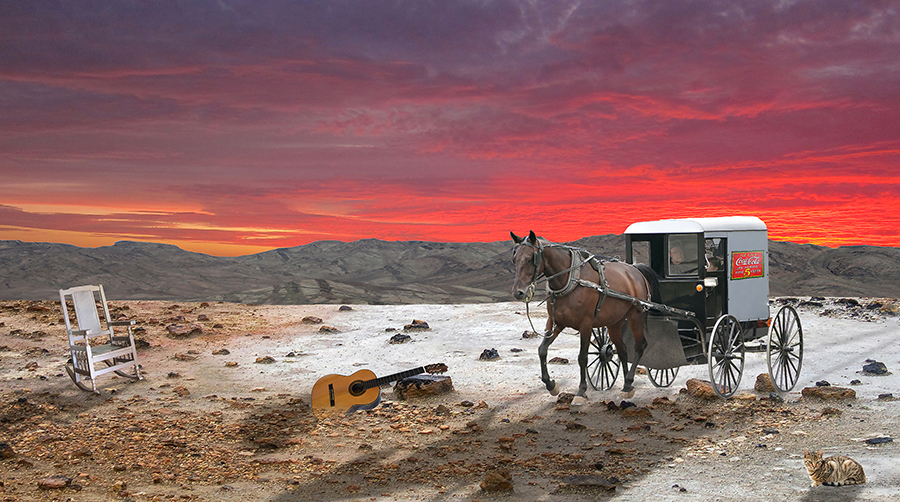
Congratulations on your retirement. I retired 15 years ago, and my mantra has been for the past 15 years, "I'm going back to work so I can get some rest!" Brian's comments are pretty complete. You probably know by now that I break the don't-put-images-close-to-the-edge rule as needed. I love the horse where he/she is. My only question is, how do you get the drop shadow effect? I really like it and want to play with it. |
Dec 12th |
2 comments - 0 replies for Group 41
|
| 54 |
Dec 22 |
Reply |
Everyone has unconscious processes, but it is the creative people who listen to these processes. |
Dec 22nd |
| 54 |
Dec 22 |
Comment |
Brad, I think you were definitely NOT mindless when you created "Mindless" that appears now in the Member Showcase. It's one of your best blended composites. I enjoy it every time it comes up. |
Dec 21st |
| 54 |
Dec 22 |
Comment |
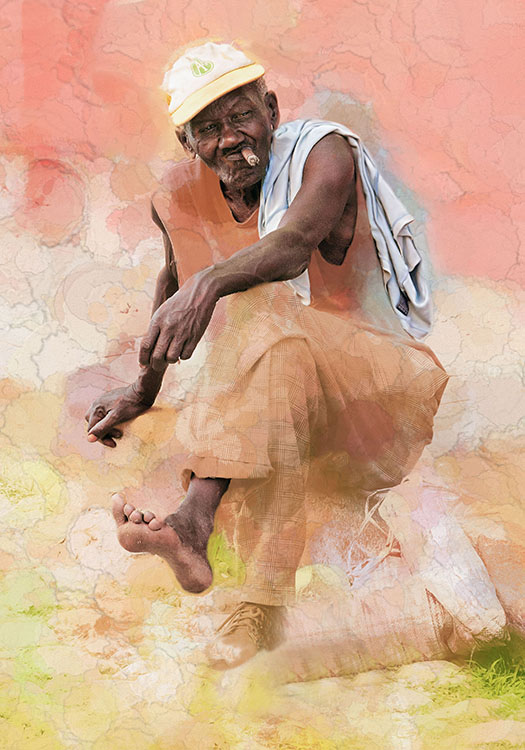
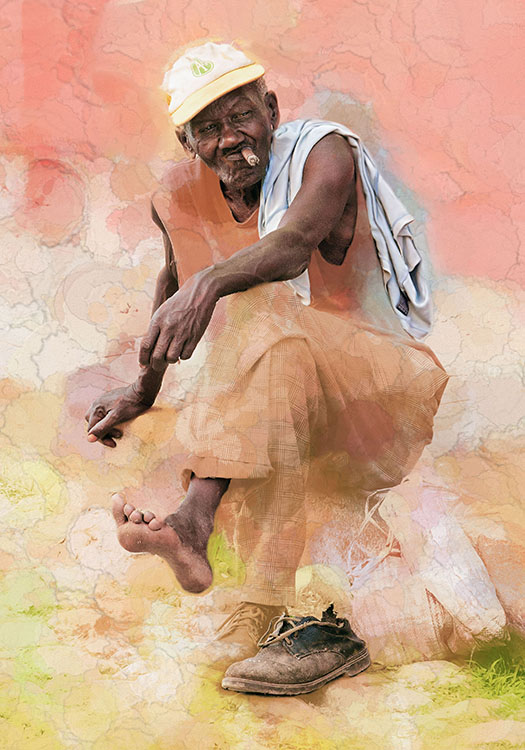
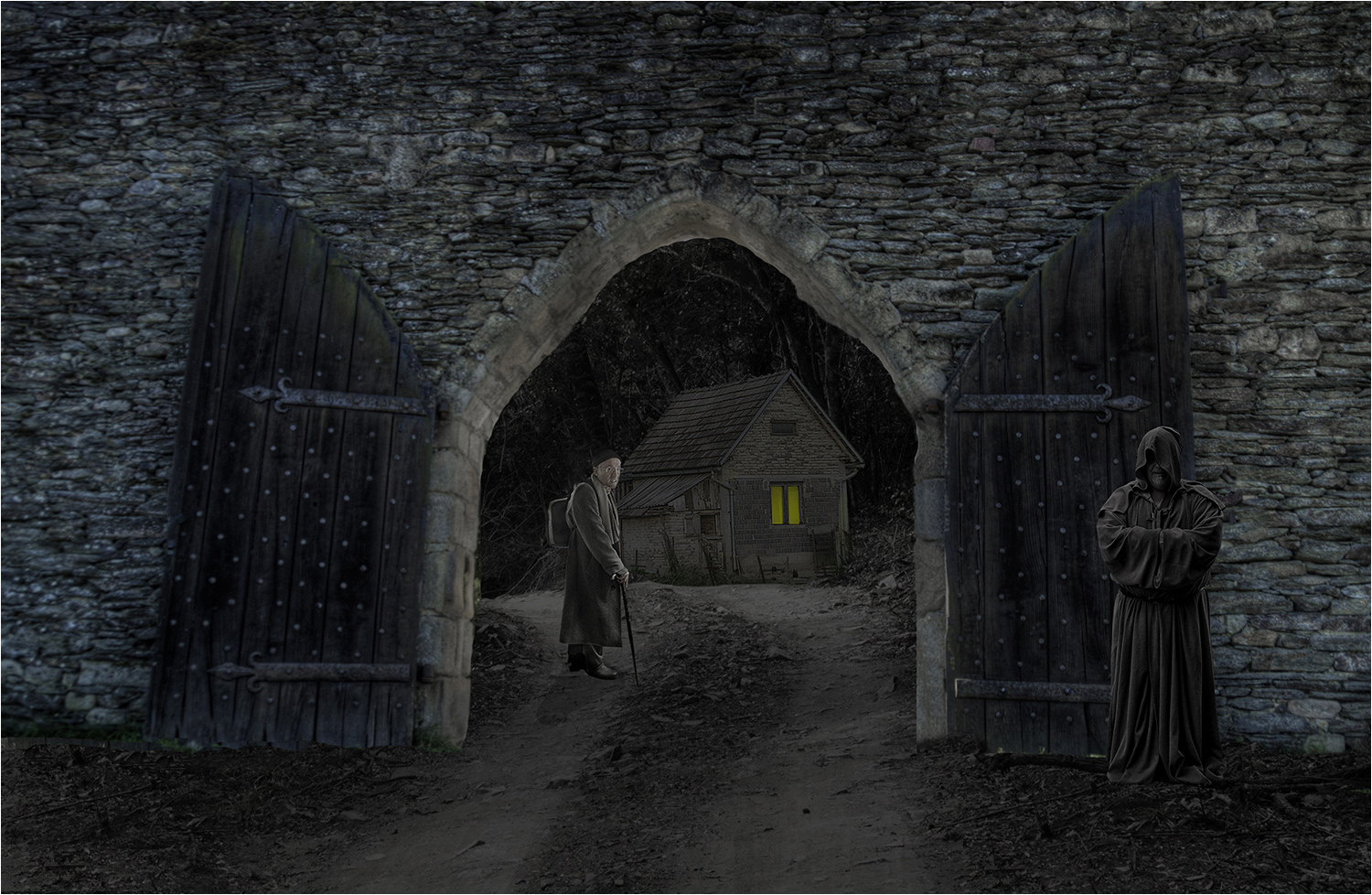
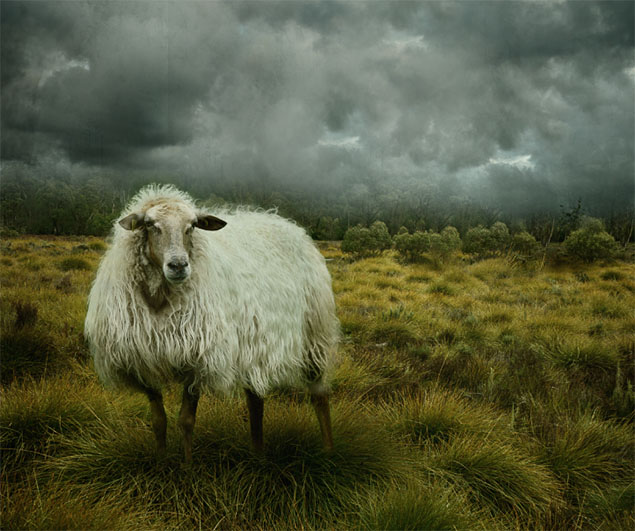
Peggy is very descriptive in her feedback, and it's hard to add to it . . . but I'll try. The judges who critique photos in my camera club are very sensitive to photos that need to be cropped as they remind us frequently. I took the liberty of cropping your image after following Peggy's suggestion to remove the shack. I didn't change the colors or textures as I agree with Peggy that they work well. See what you think of your newly cropped image. |
Dec 10th |
 |
| 54 |
Dec 22 |
Comment |
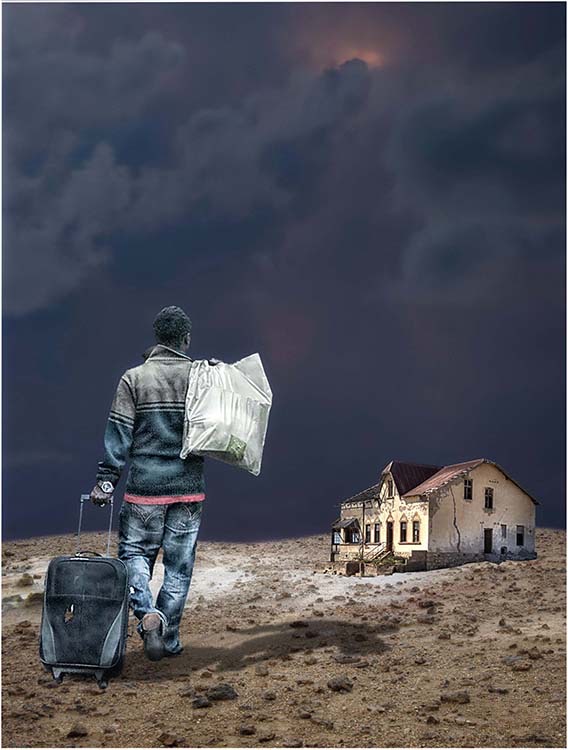
I think the over-the-shoulder perspective creates a powerful image as does the big bad wolf. A lot has been said above so let me spend direct my focus on a shortcut to taming burnt highlights. I use this method frequently I'm ashamed to say. In Photoshop, use a fairly soft brush with the foreground black. In the tool bar at the top, lower the Flow to 1%. Create a new layer above the layer with the problem and simply paint the bright spot that is too burned out. Using a new layer will be non-destructive to the layer you wish to change and can be altered without hurting the layer below it. It doesn't always work, but it works often enough so that I use it. Don't forget to return the flow to 100%. |
Dec 10th |
| 54 |
Dec 22 |
Comment |
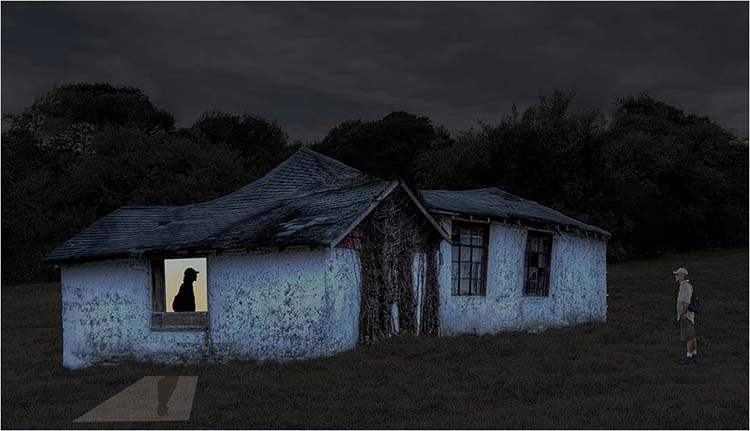
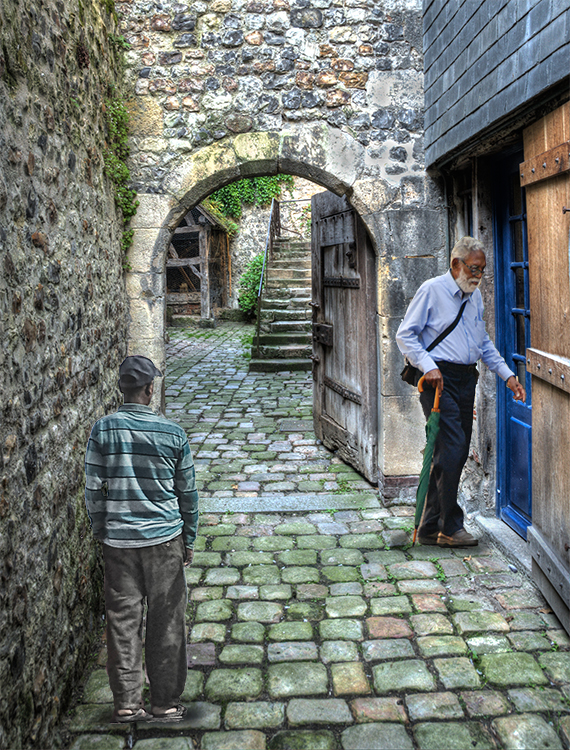
I agree with all of the above: the image has a nice resonance to it, the colors all work together well, and it's a good story. I also agree that the signs are a distraction. The windows in the stone wall make a terrific background. Nice work. |
Dec 10th |
| 54 |
Dec 22 |
Comment |
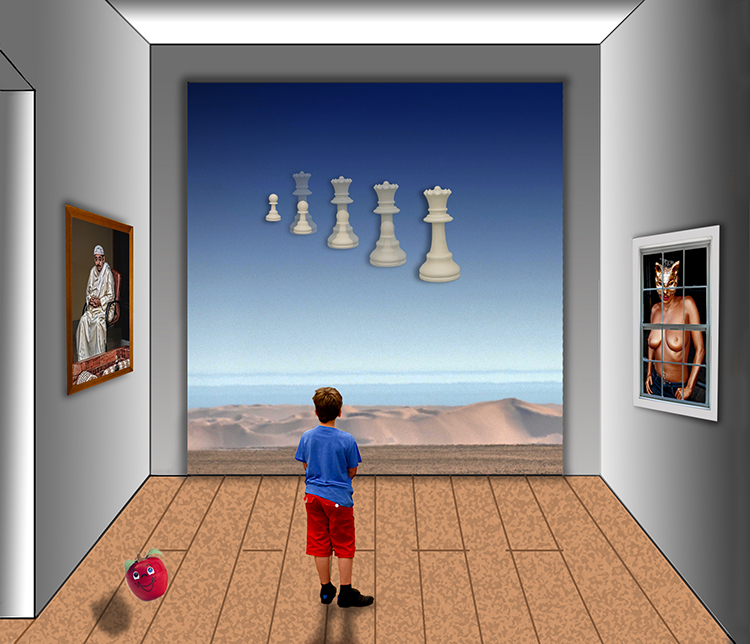
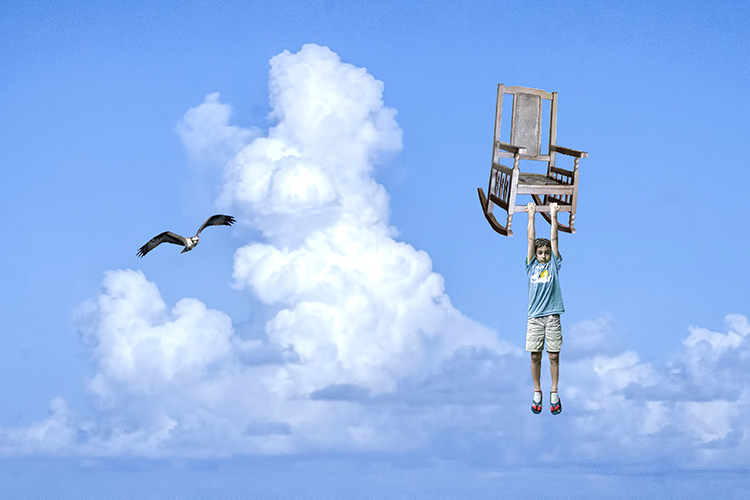
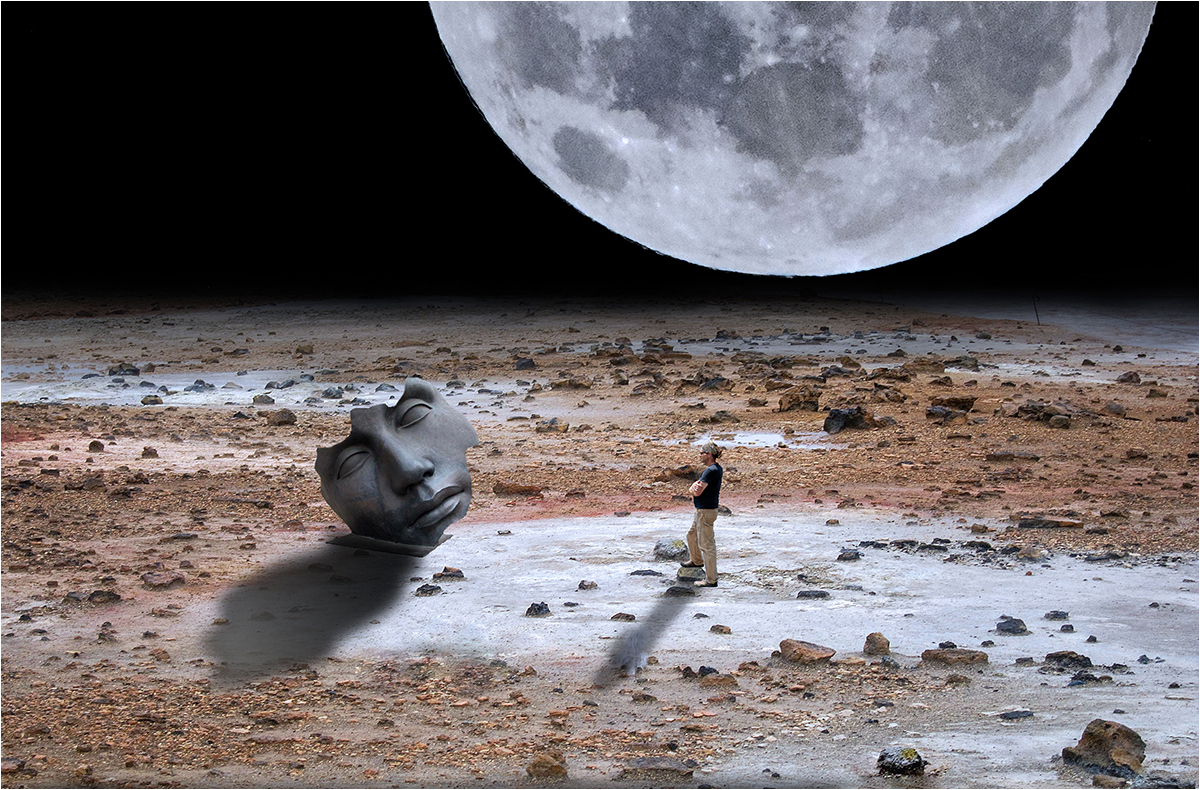
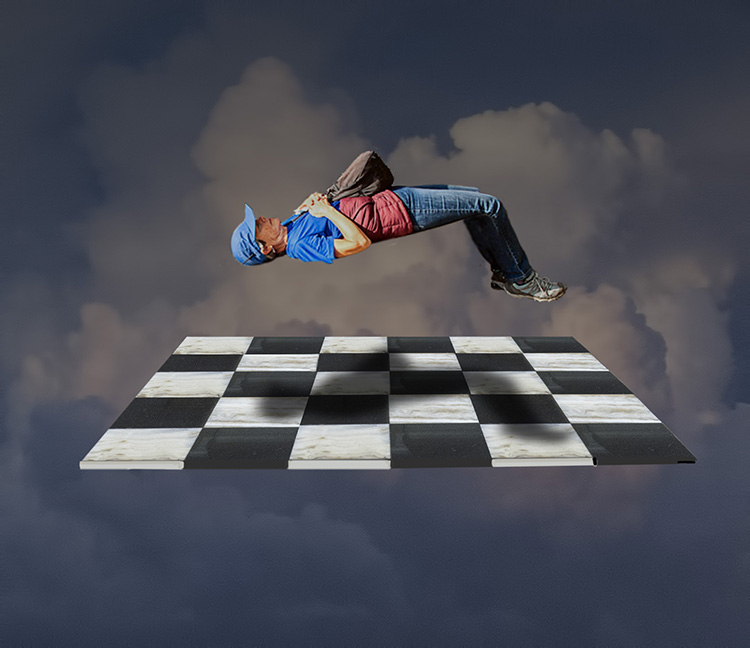
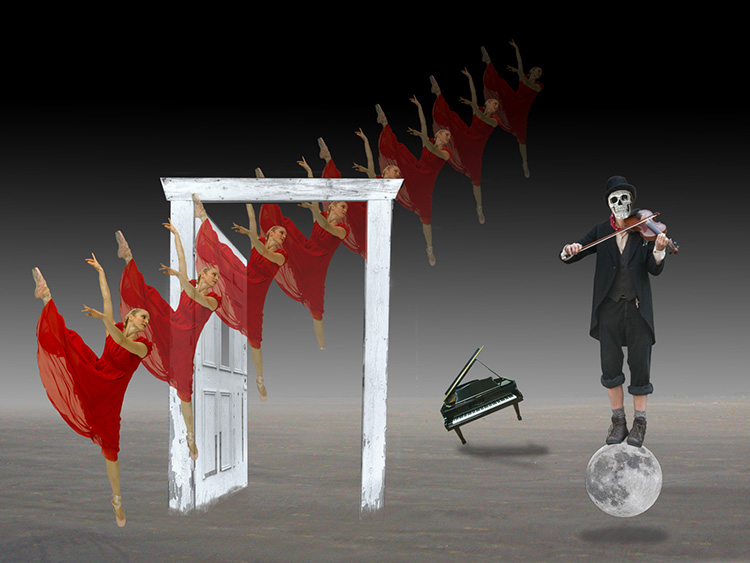
This is such a good image there's not much left for me to say. The seagull flying higher combined with the seal looking higher actually creates a dynamic diagonal from upper left to lower right. I use floating images frequently in my attempt at surrealism, and I usually add a shadow to enhance the feeling that the object is in the air. I liked the shadow when the seagull was lower, but it would spoil the diagonal if it were included in the final image. |
Dec 10th |
| 54 |
Dec 22 |
Comment |
I never saw Topaz Glow work well until I saw this composite. This is a poster for "less is more"! Nothing is wasted and nothing extraneous is added. You've even employed the theory of thirds. :) Nice work. |
Dec 10th |
| 54 |
Dec 22 |
Comment |
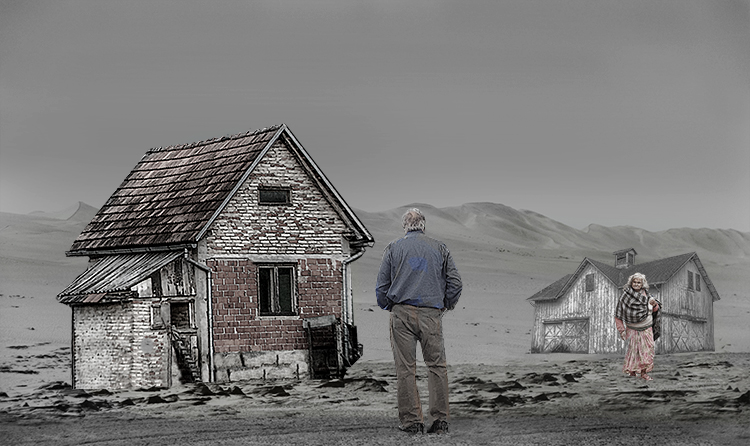
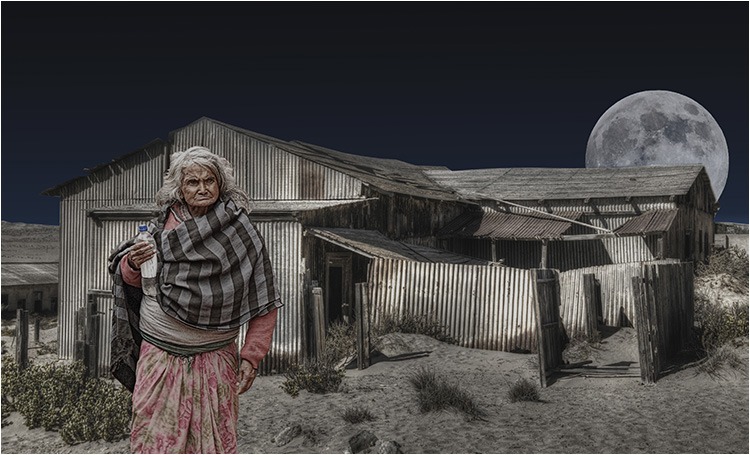
Christian, welcome to Group 54. Ansel Adams would be proud. You have details in the shadows AND in the highlights. Your blending works quite well. As Kirsti says above, this is a wonderful Zane Gray image of the old west. I have a couple of suggestions. First, the birds are, at once, a distraction and almost invisible. Your image of the west is so strong it does not need the birds. Second, I agree with Brad. The image works well without the giant rocks that look like a sailboat. I think something lower to the ground would work better. You have agood image here. It's worth re-visiting. |
Dec 10th |
| 54 |
Dec 22 |
Reply |
I value your observations and feedback and always take them both as dialogue, a natural derivitive of art. Dialogue is what separates art from decoration. |
Dec 9th |
| 54 |
Dec 22 |
Reply |
Brad, Please see my comment to Kirsti. It addresses your POV as well. Thanks for your valued feedback. |
Dec 9th |
| 54 |
Dec 22 |
Reply |
The difference between art and decoration is that art generates discussion. Thank you for your input. |
Dec 8th |
| 54 |
Dec 22 |
Reply |
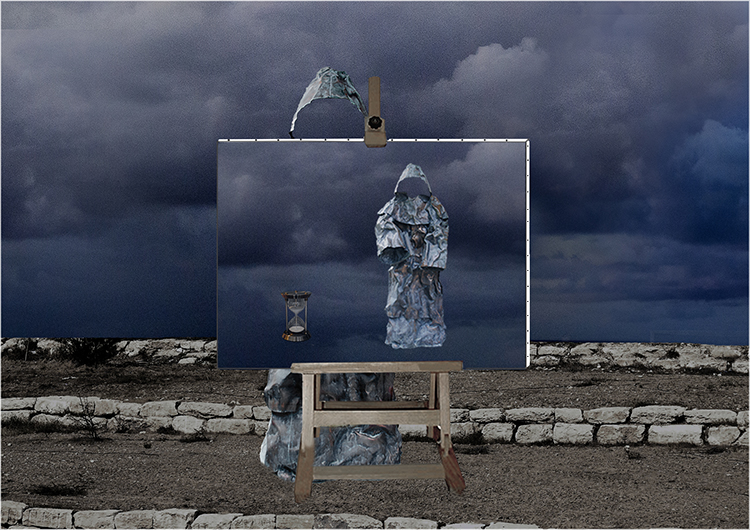
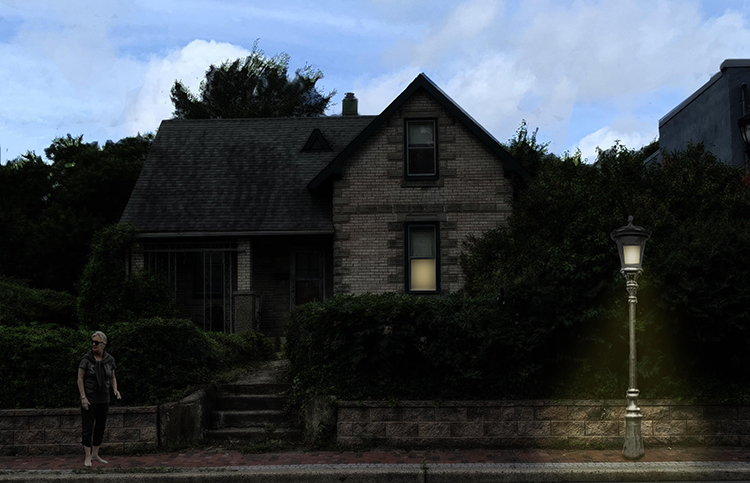
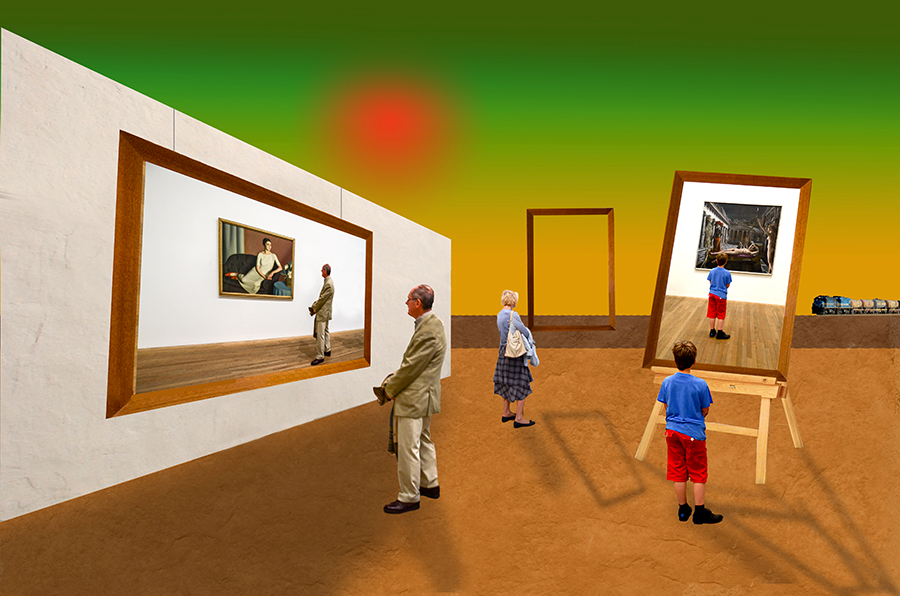
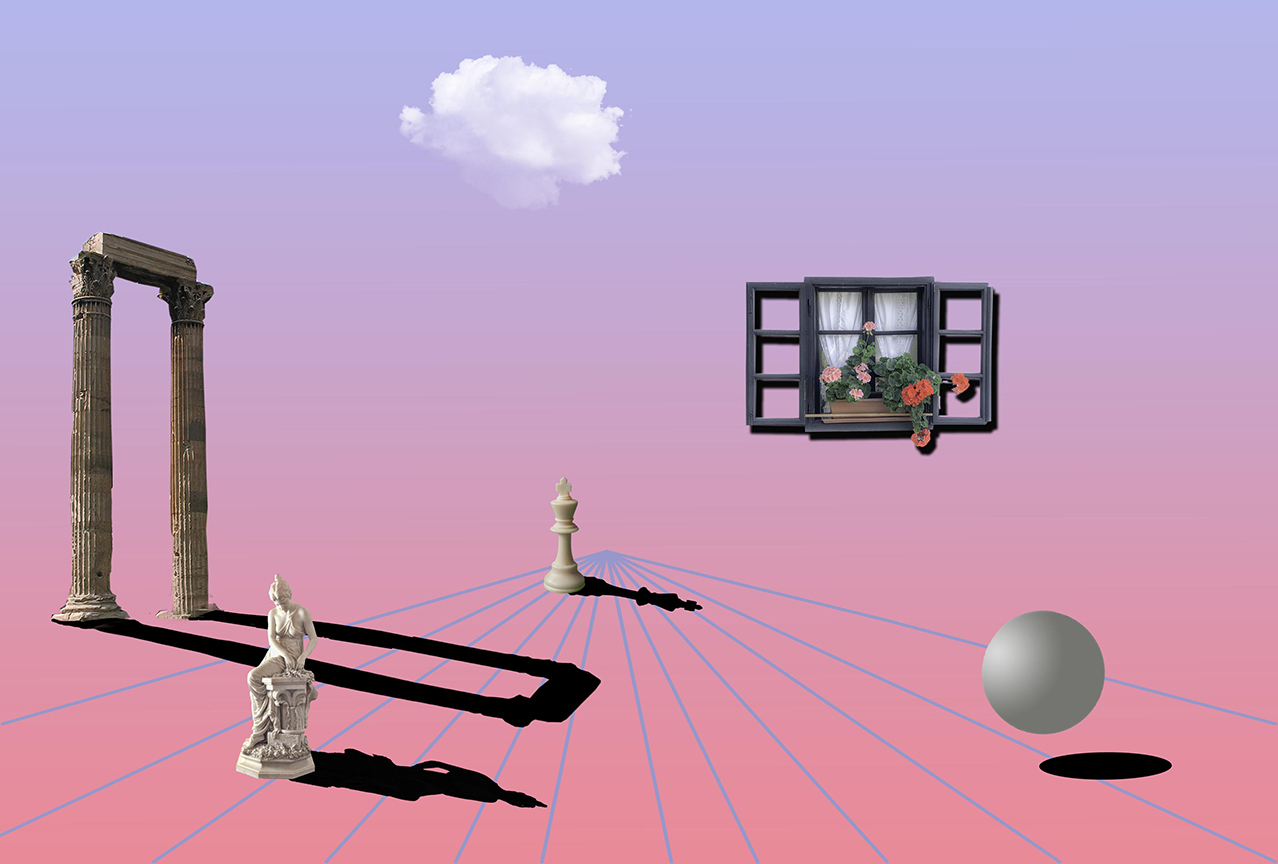
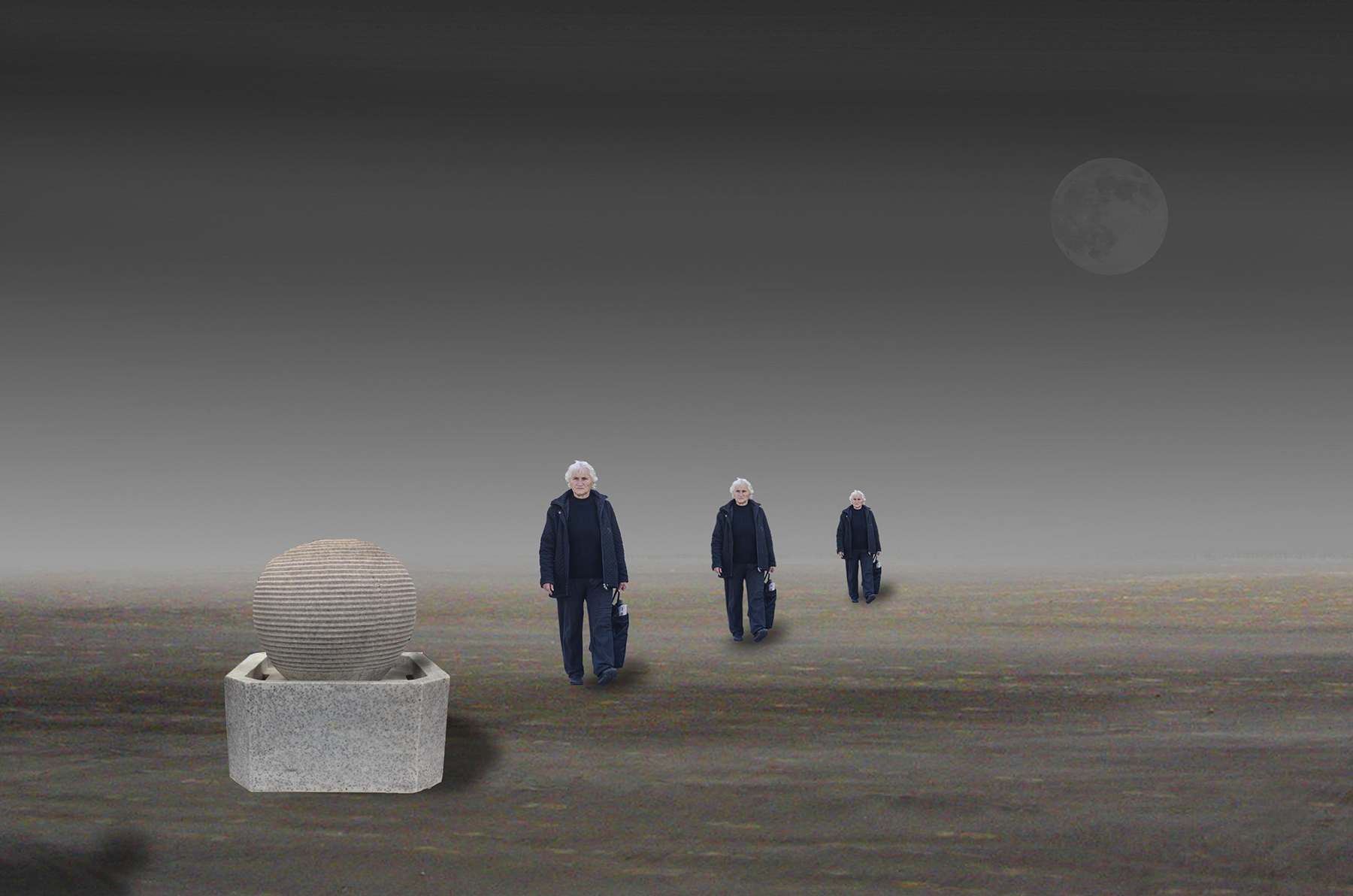
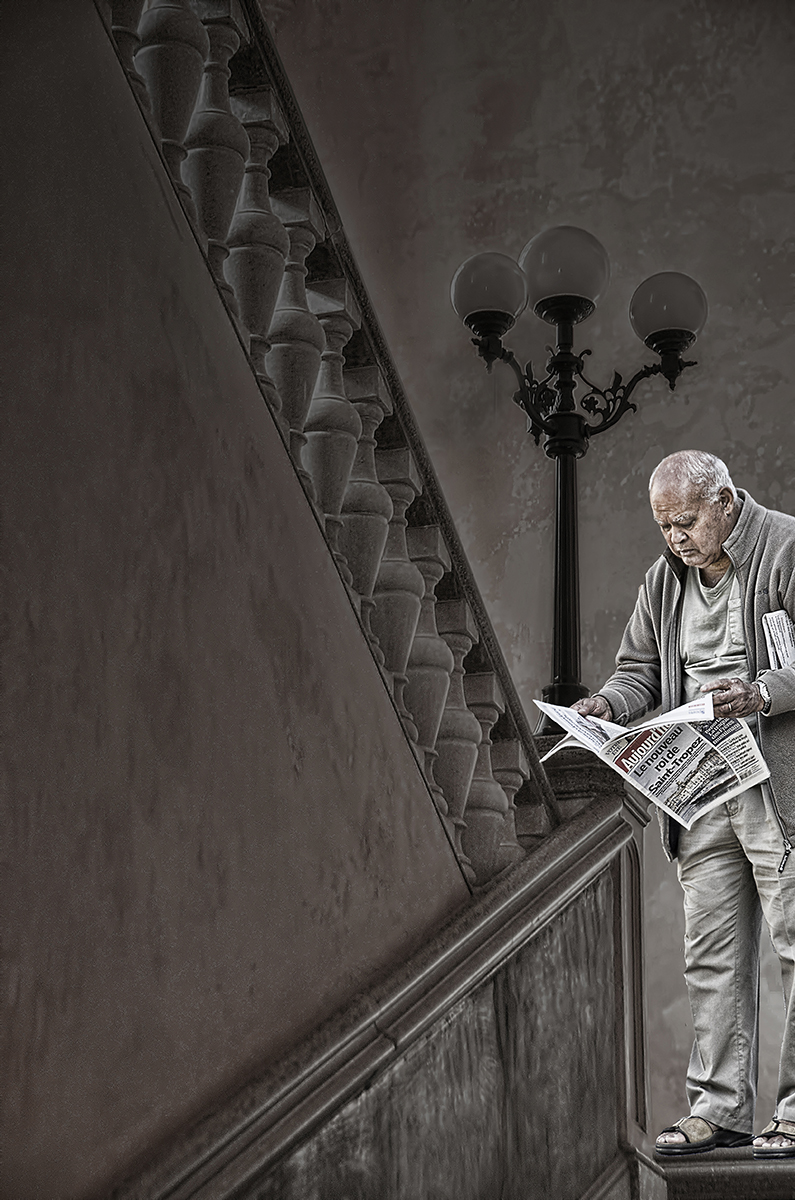
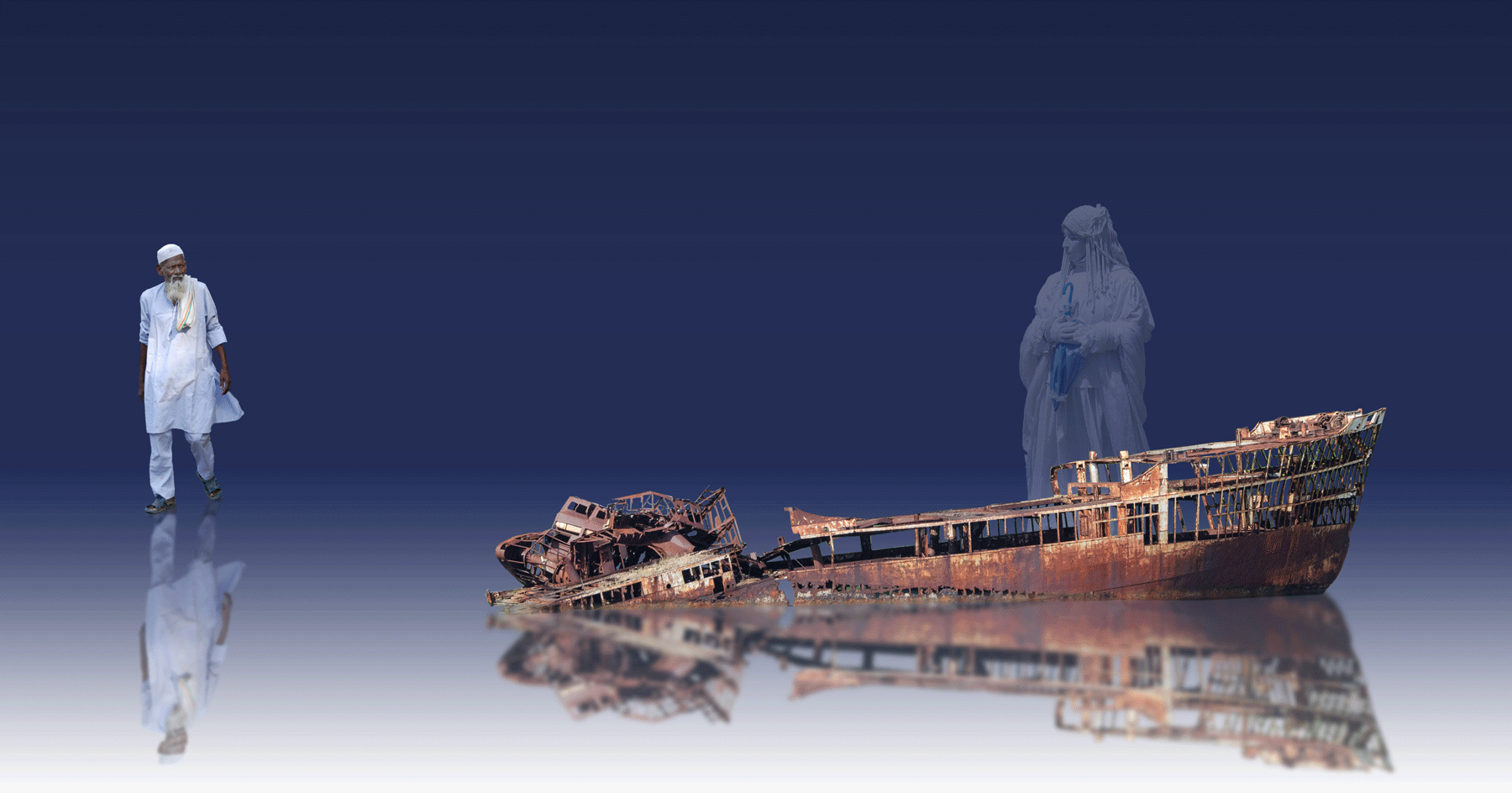
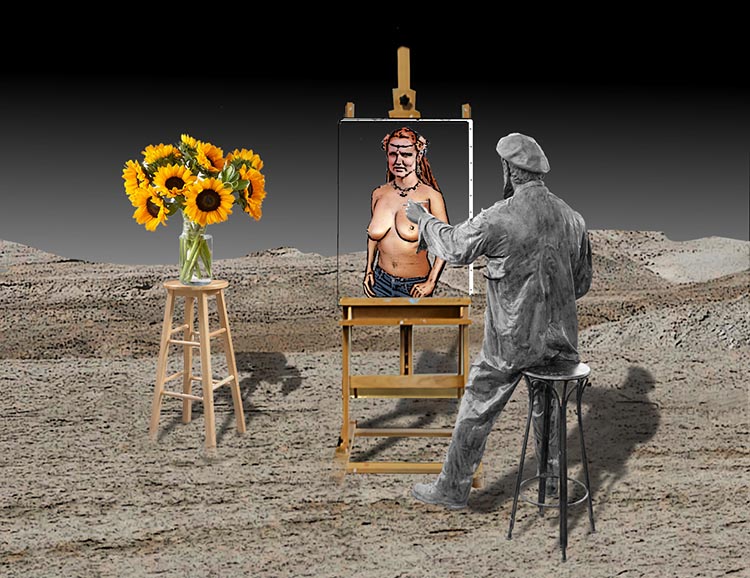
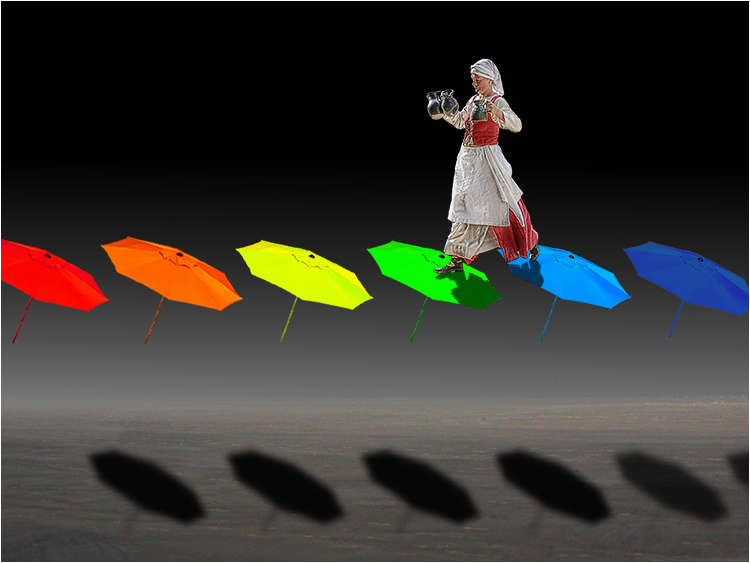
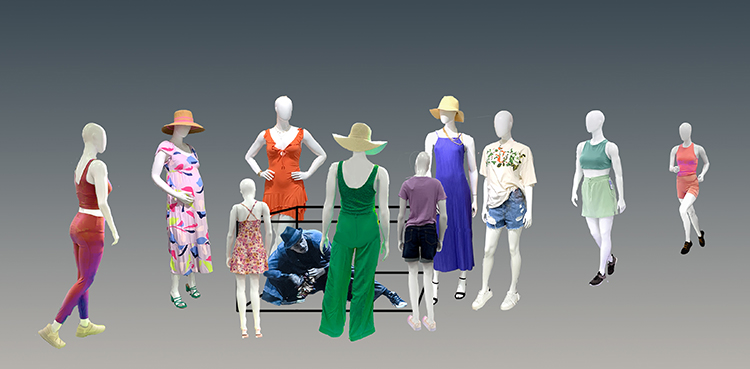
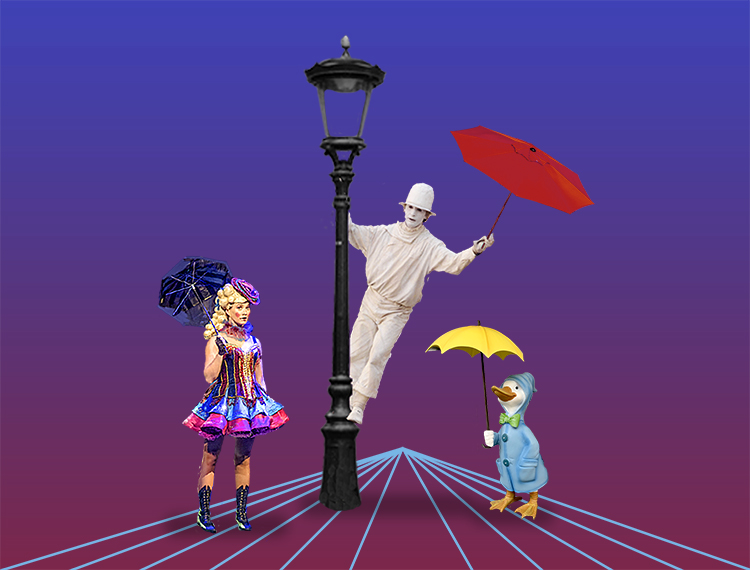
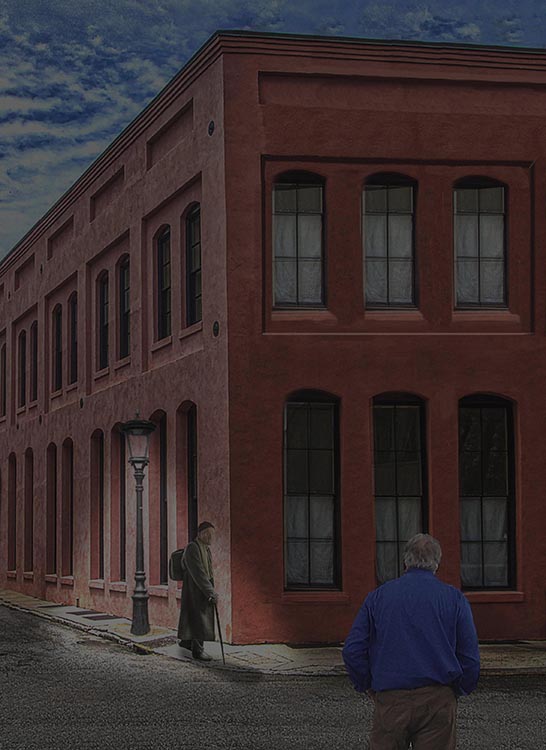
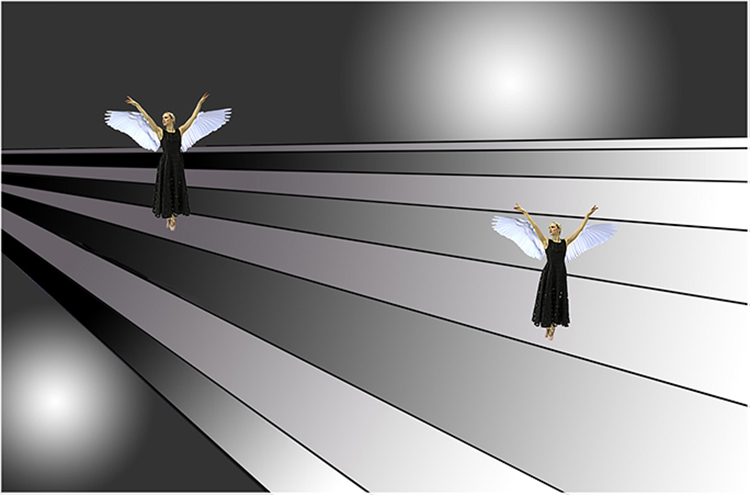
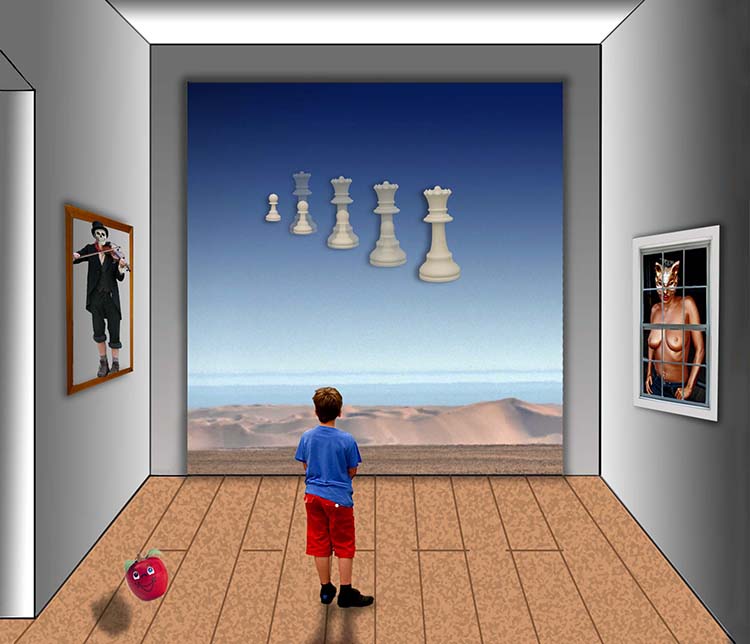
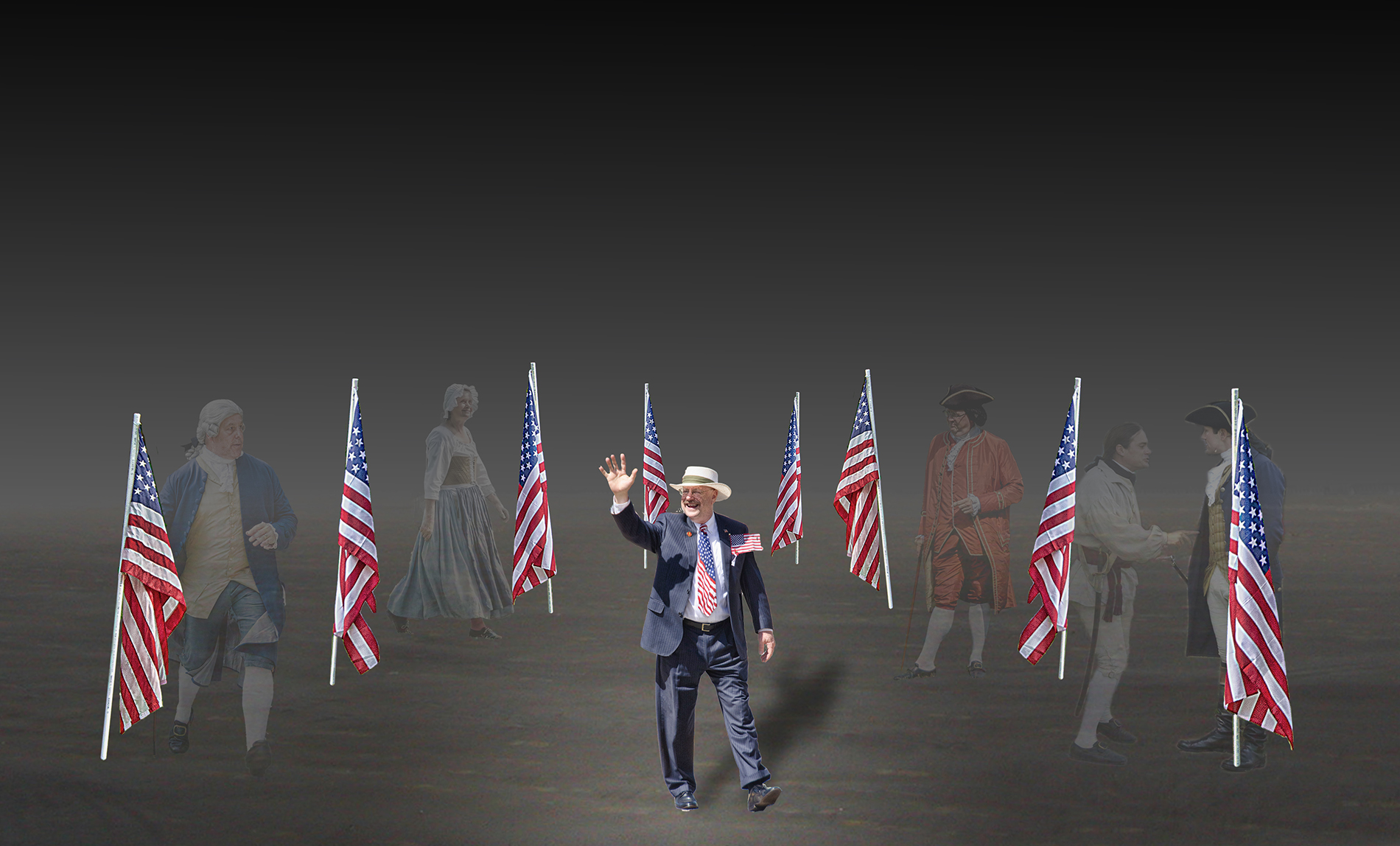
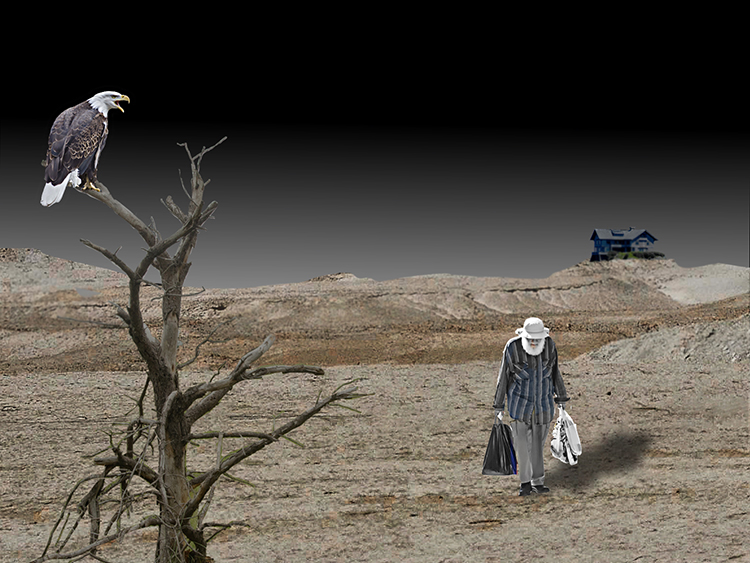
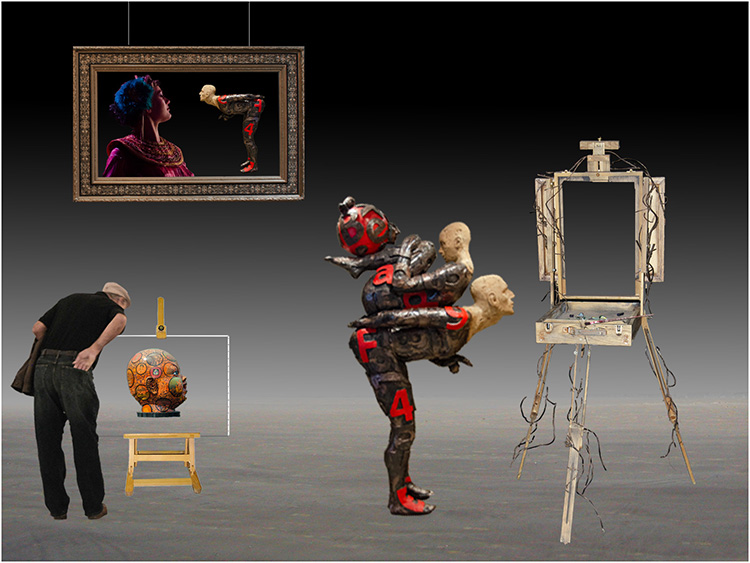
A prevailing theory in photography is that the eye is attracted to the brightest part of a photo. This is the reason I wanted the lamp to be unlit. In addition, your bright light would create sharp shadows which would add an element to the scene that would also be distracting. There are times when I don't add absolutely everything to a composite. I didn't add a background because it is there without being there. I used the gradient tool to create a horizon of sorts. That's all I wanted--a horizon of sorts. This was my thinking. I'm usually a "less is more" kind of guy. Thank you for your feedback. This is a good dialogue. |
Dec 8th |
7 comments - 5 replies for Group 54
|
9 comments - 5 replies Total
|