|
| Group |
Round |
C/R |
Comment |
Date |
Image |
| 20 |
Jun 21 |
Comment |
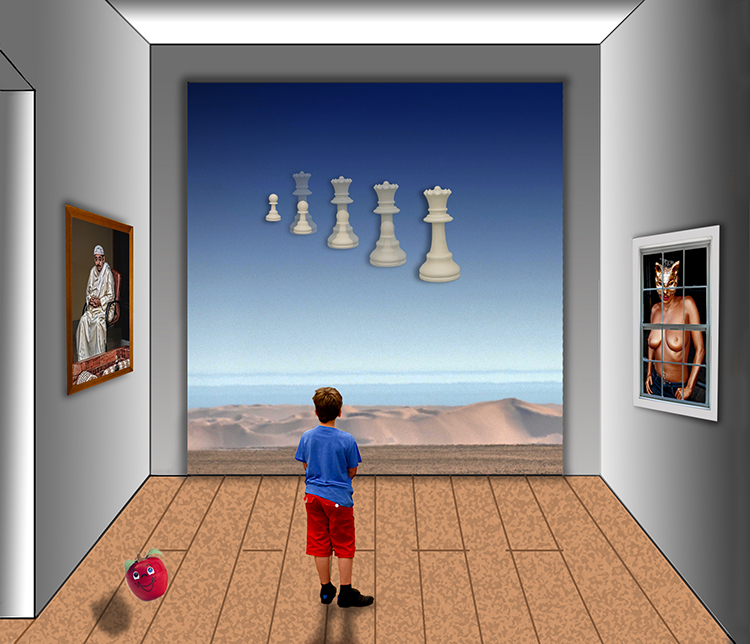
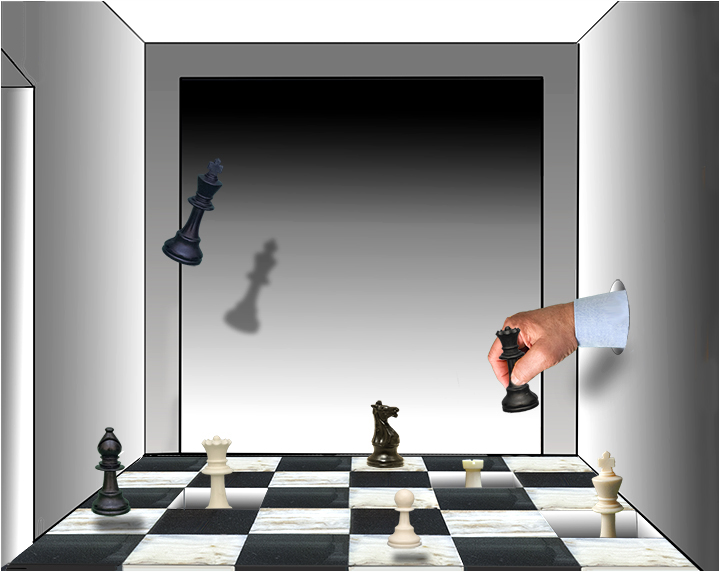
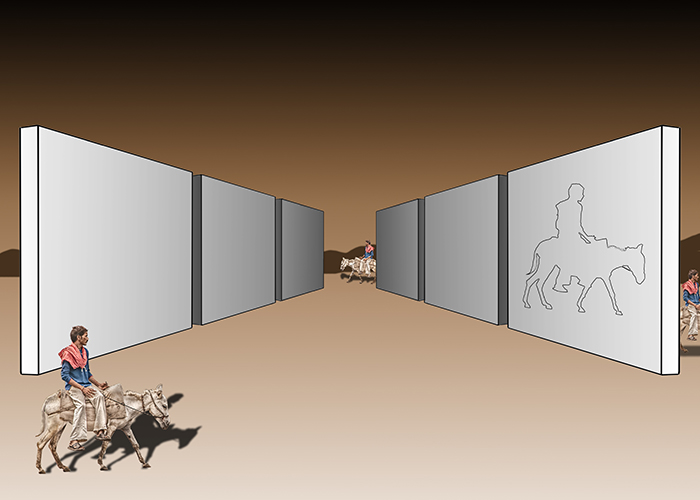
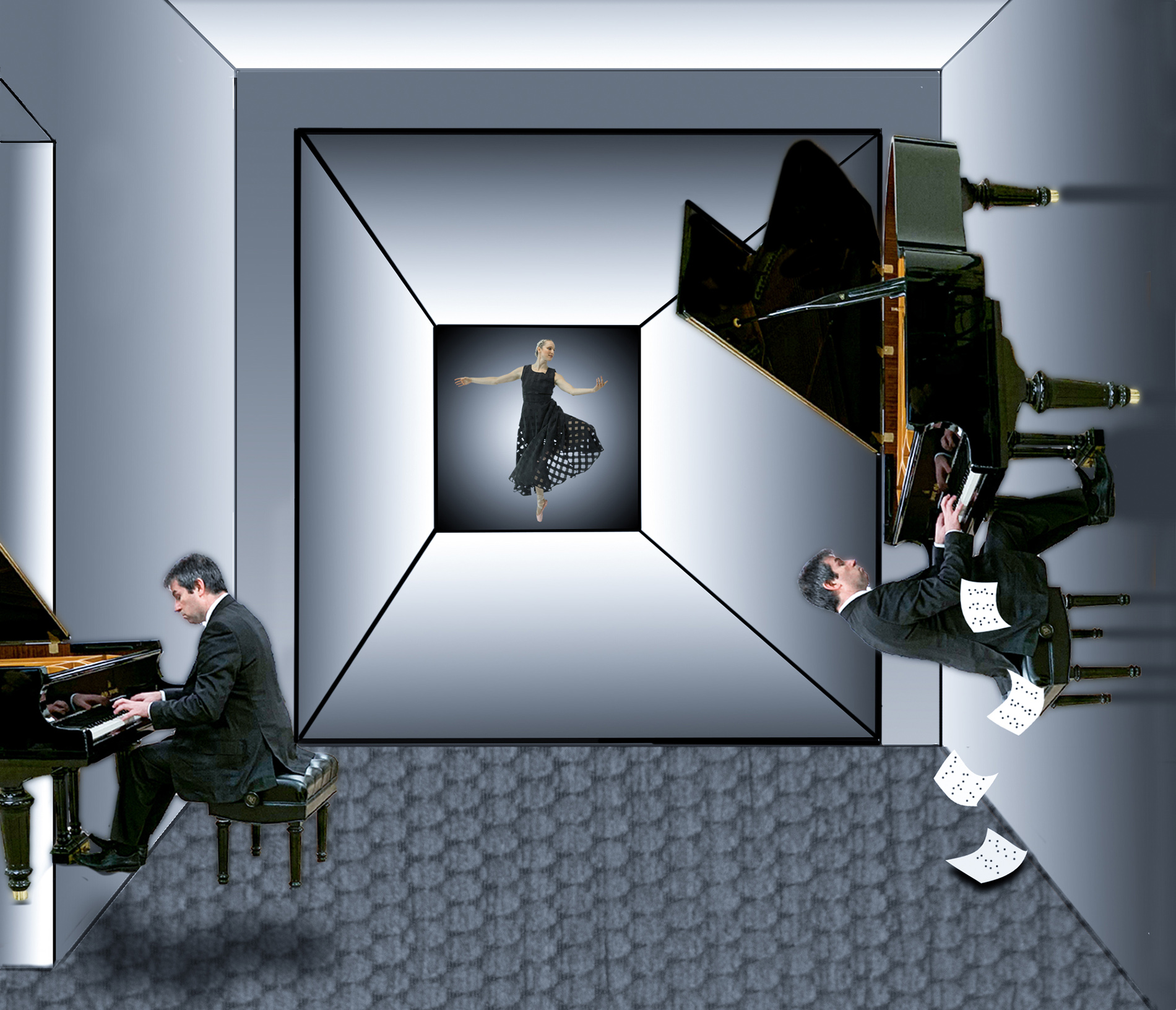
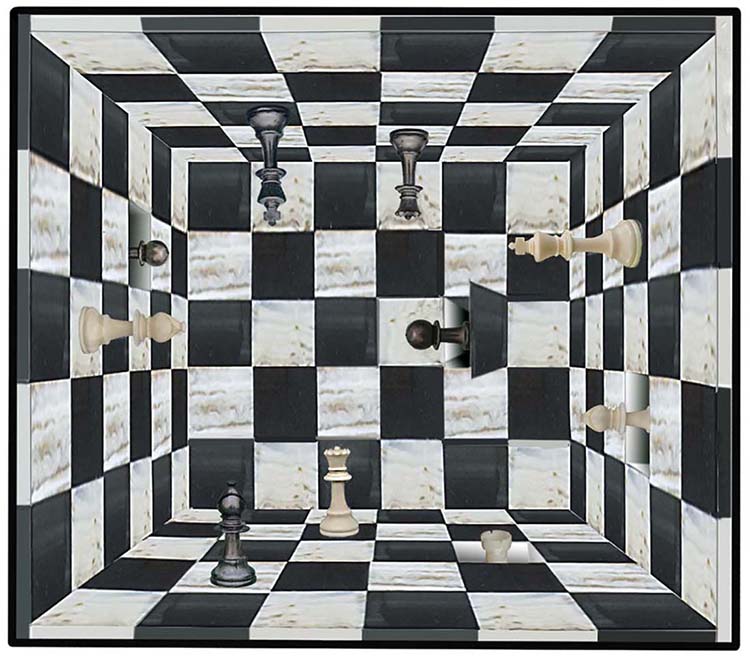
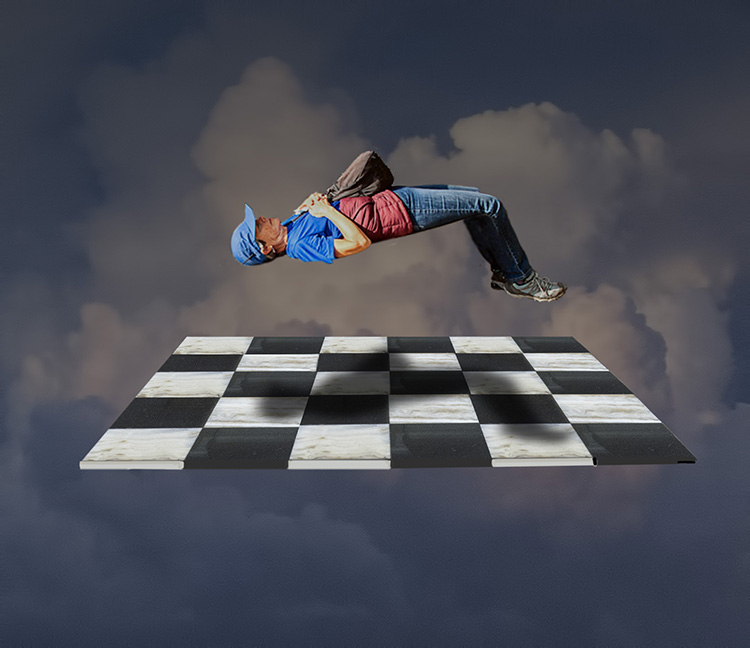
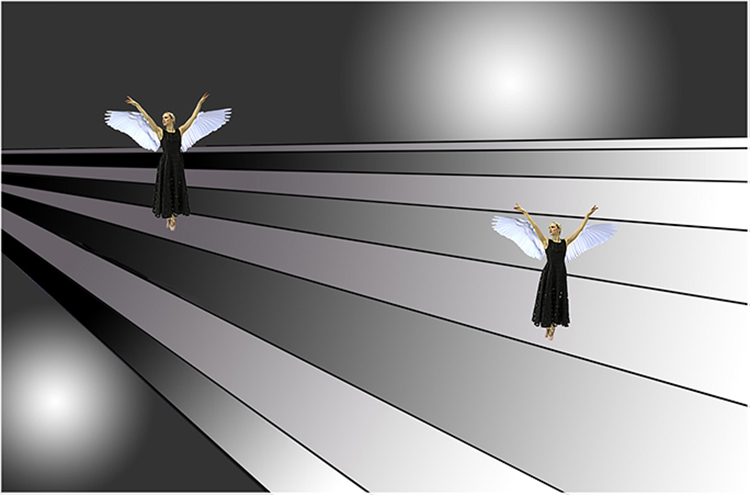
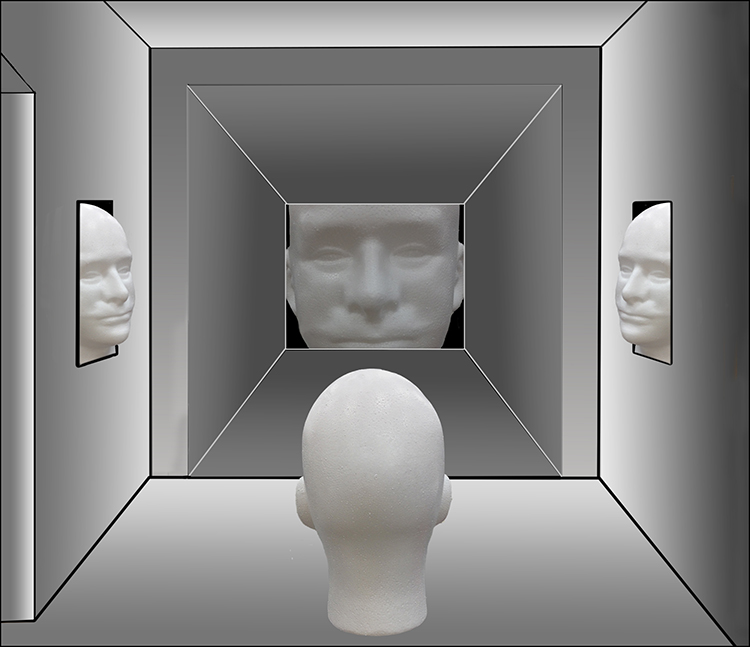
I, too, am a huge Escher fan. You have channeled him magnificently! This is a wonderful image! Somewhere, Escher is smiling! |
Jun 10th |
1 comment - 0 replies for Group 20
|
| 34 |
Jun 21 |
Reply |
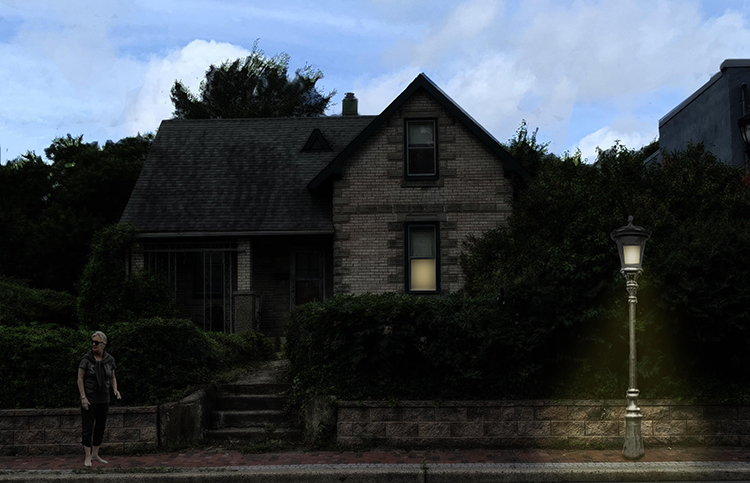
"Master" is too strong, but I appreciate the sentiment. I also find it refreshing to be less gray. July's entry leaves the gray background as well. It may be a trend. Thanks for all of your kind words. |
Jun 9th |
| 34 |
Jun 21 |
Reply |
Your "as always" is certainly encouraging. Thank you. |
Jun 7th |
| 34 |
Jun 21 |
Reply |
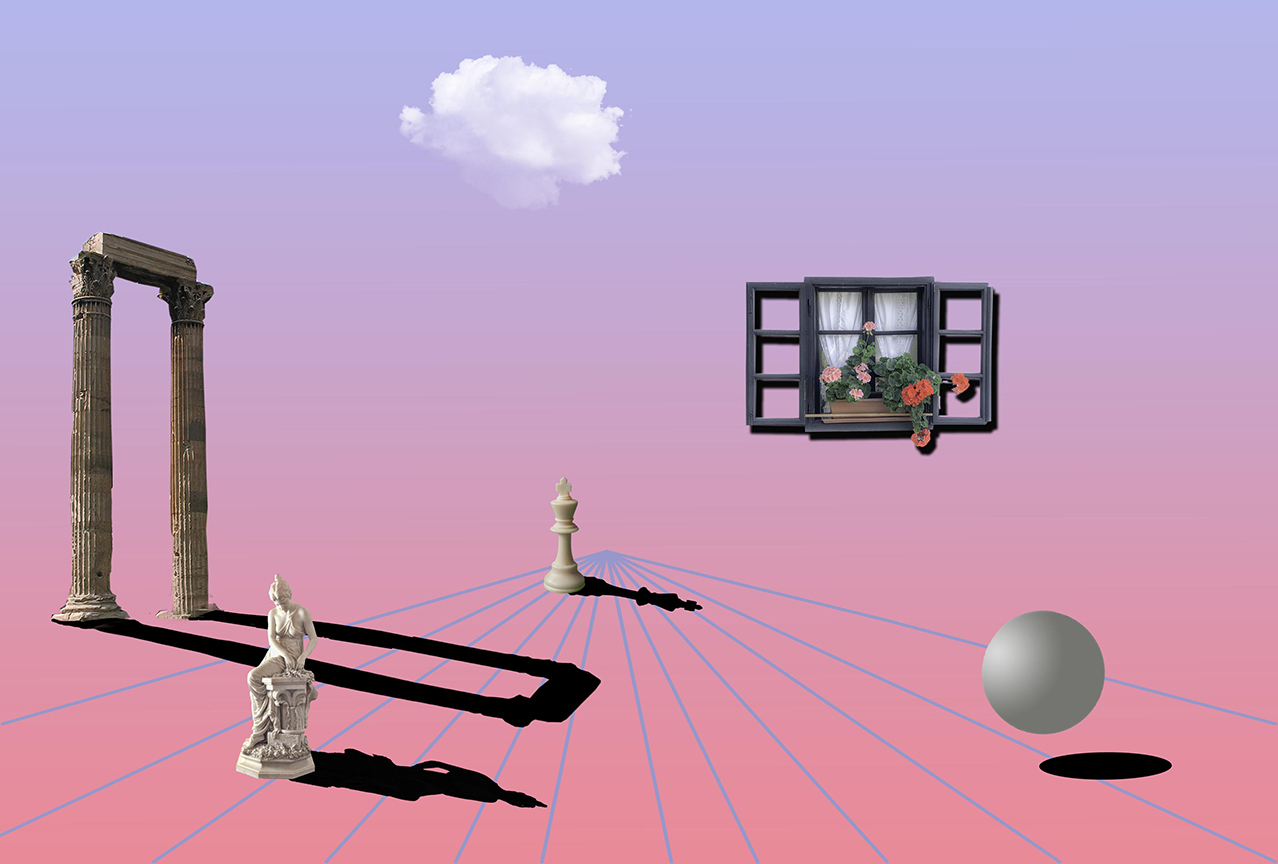
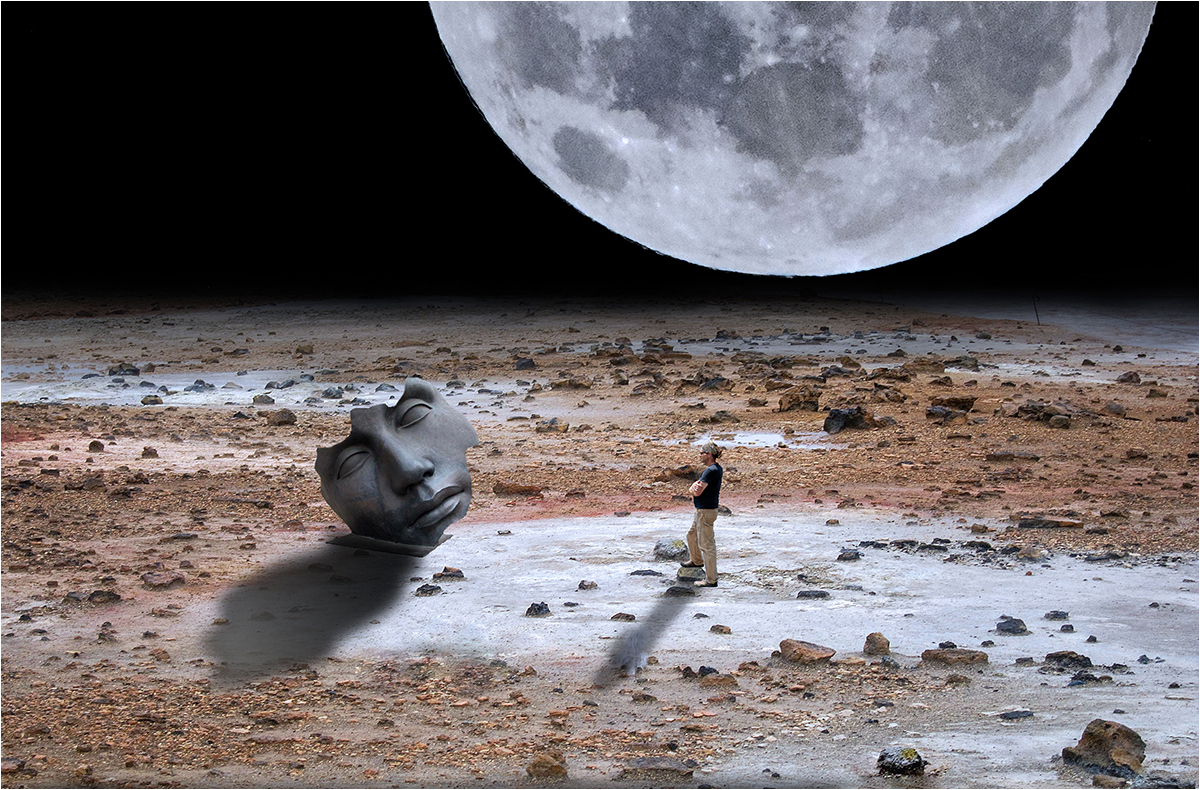
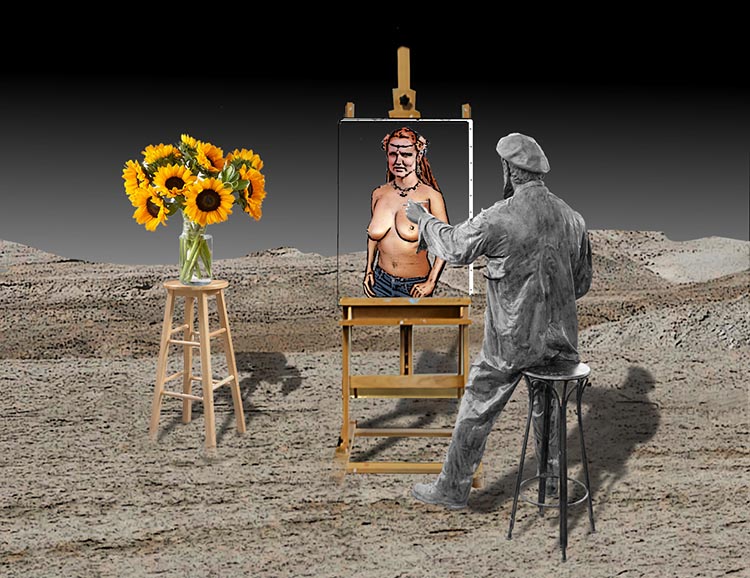
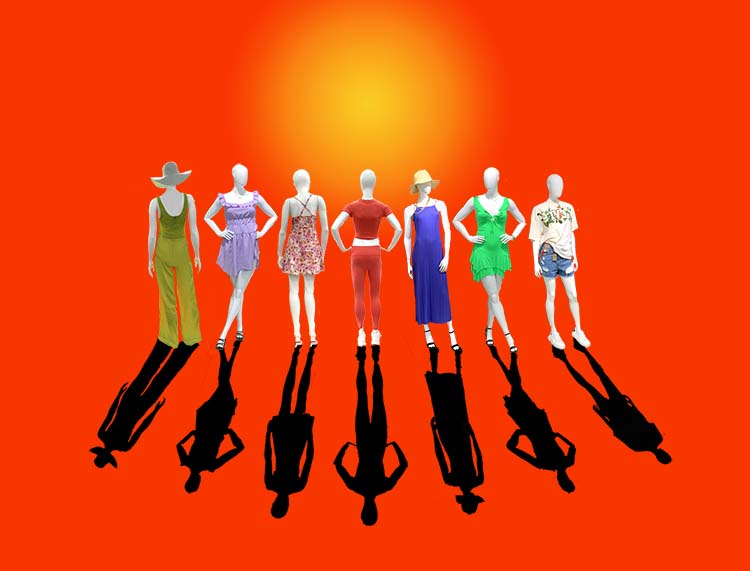
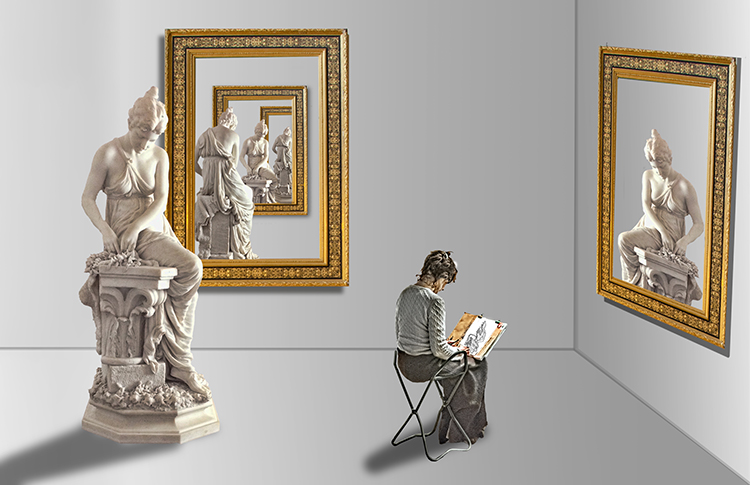
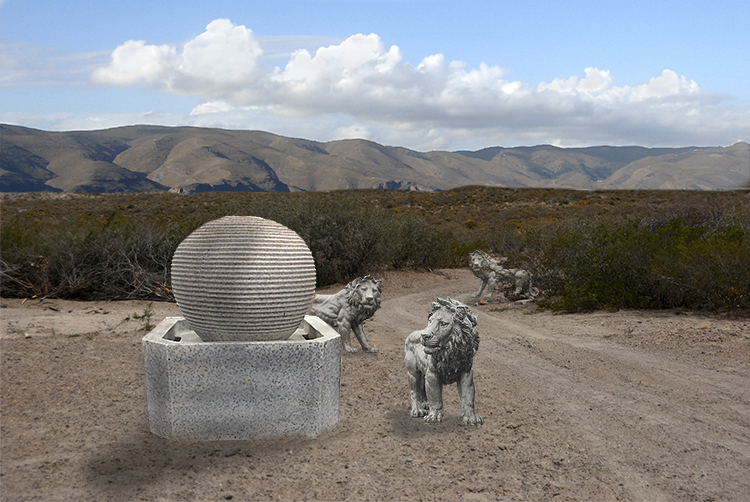
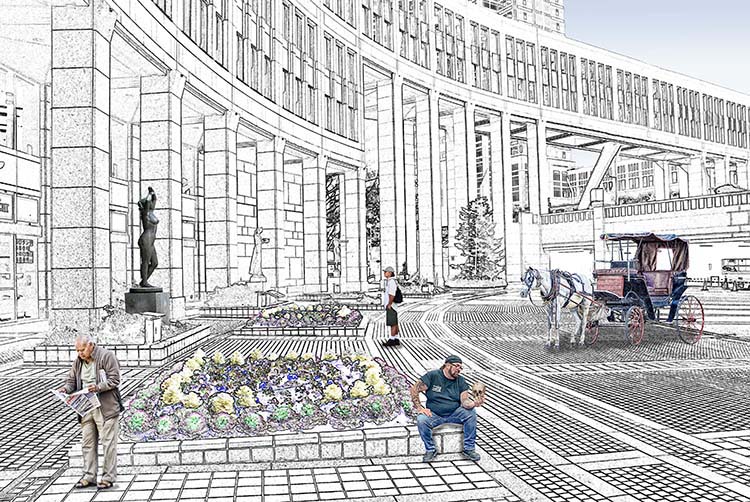
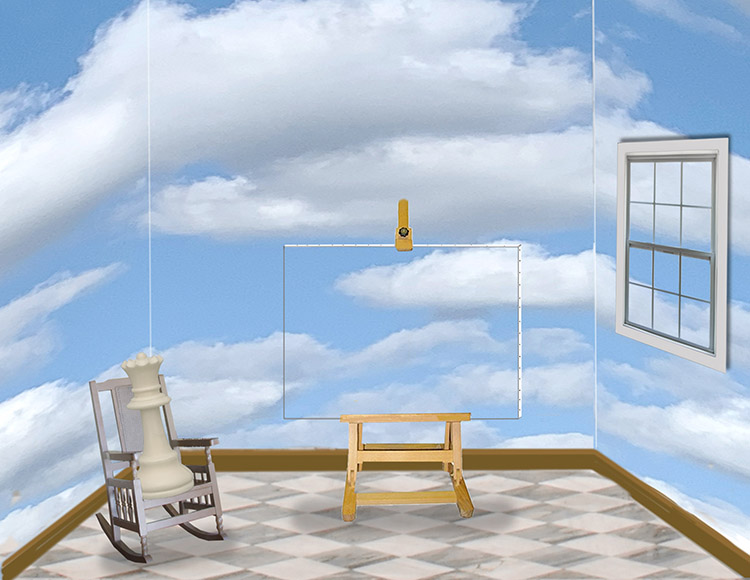
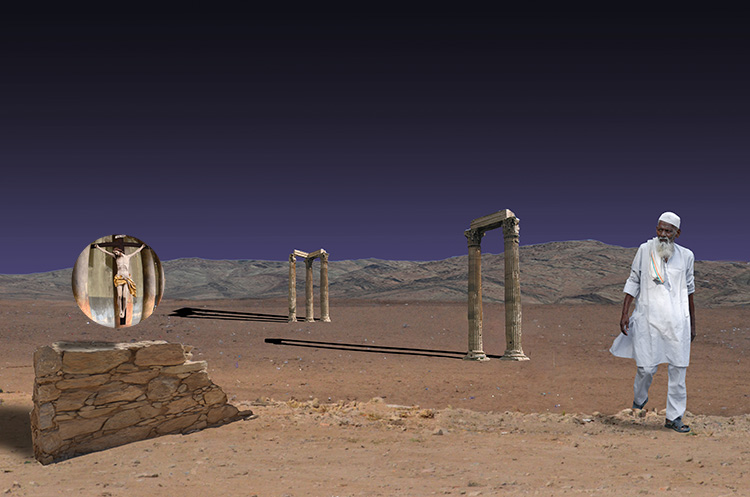
Thank you for your feedback. The method I describe above for creating shadows is specific to a shadow that matches the shape of the object or person casting the shadow. I could never paint a shadow to match the statue in this composite. I frequently use the technique you describe when I simply want to add weight to a figure as I did in December 2020's shadows for the doppelganger. As you mention, Photoshop has thought of everything with the click > shift > click technique. |
Jun 7th |
| 34 |
Jun 21 |
Reply |
Stephen, Thank you for dropping in again. I appreciate your feedback. I looked at the shadow link you included and found it a bit too technical for my purposes. As you state, here, in tribute to de Chirico, the shadows are totally dark as part of the tribute. I usually use shadows to give weight to imported images so I use my method described above in the "About the Image(s)" section. I've cherry picked the steps from different online sources. As an example of using shadows to add weight, in December 2020's image, I drew shadows to give the doppelgangers weight. |
Jun 5th |
| 34 |
Jun 21 |
Comment |
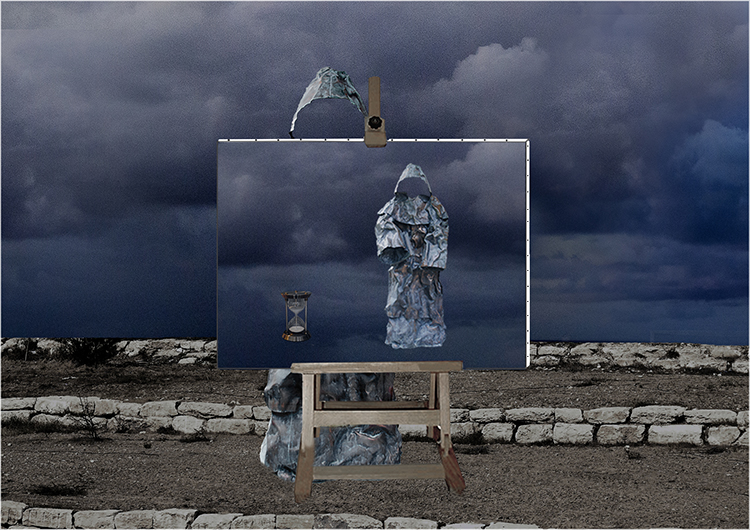
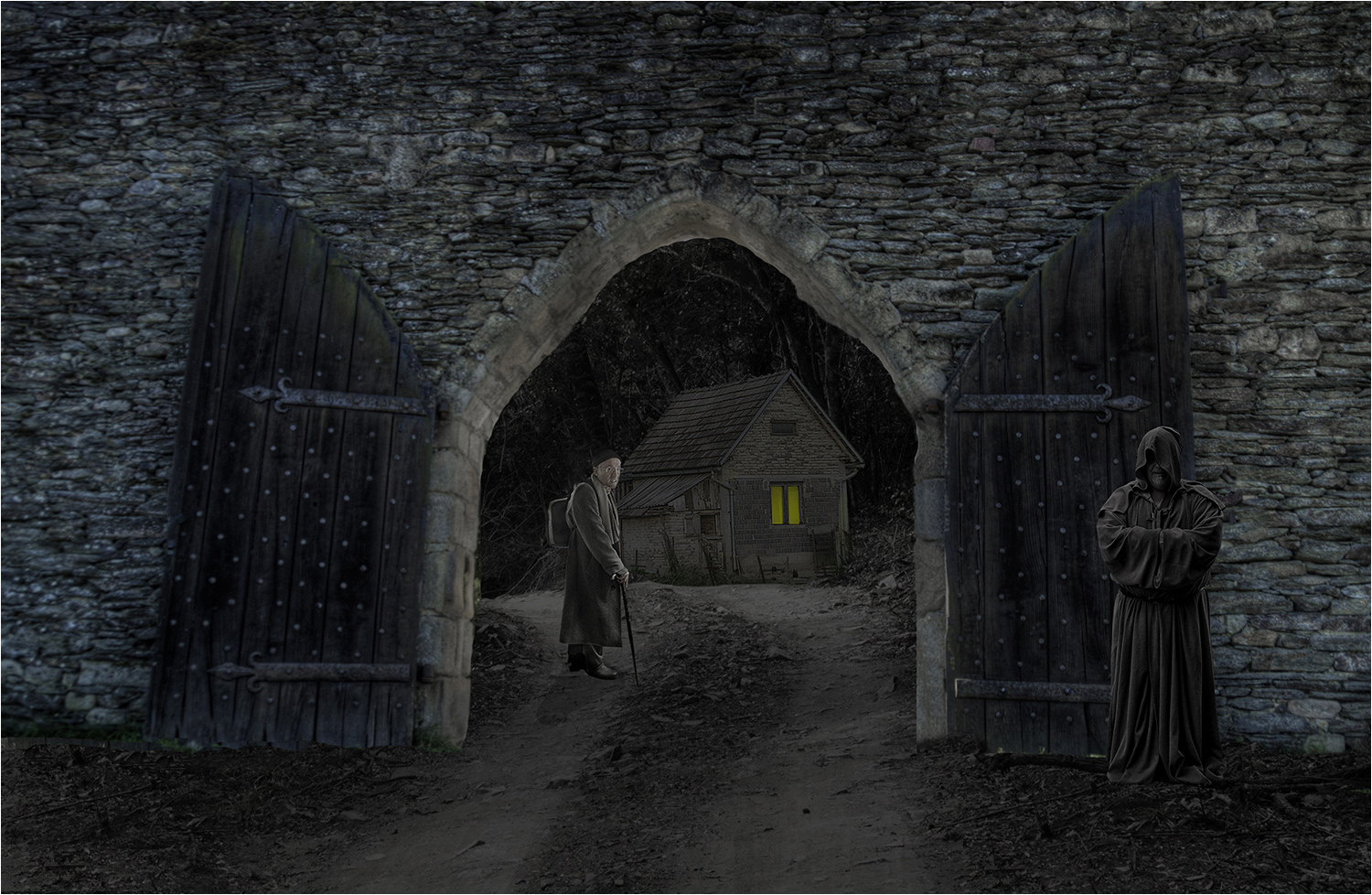
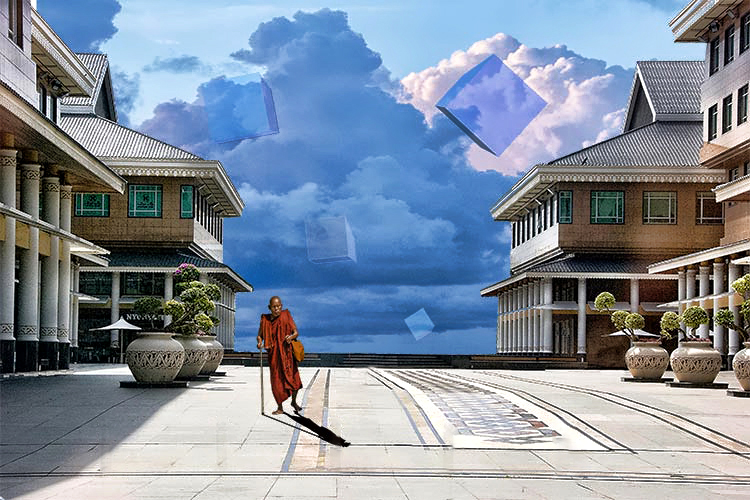
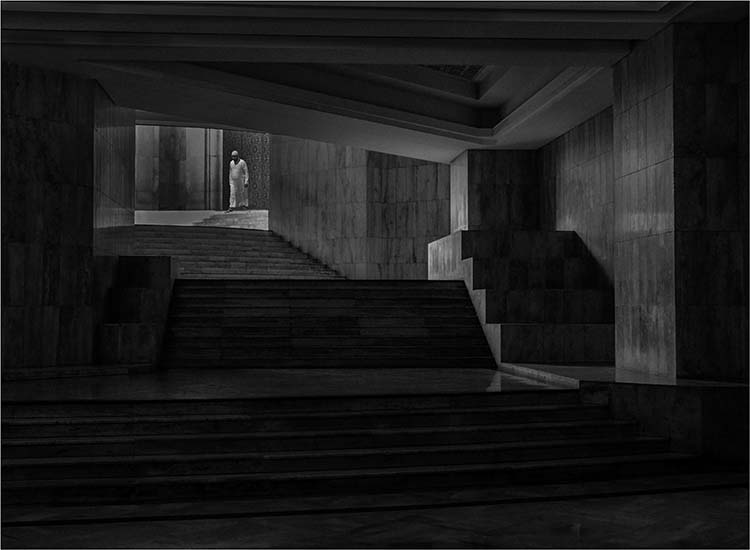
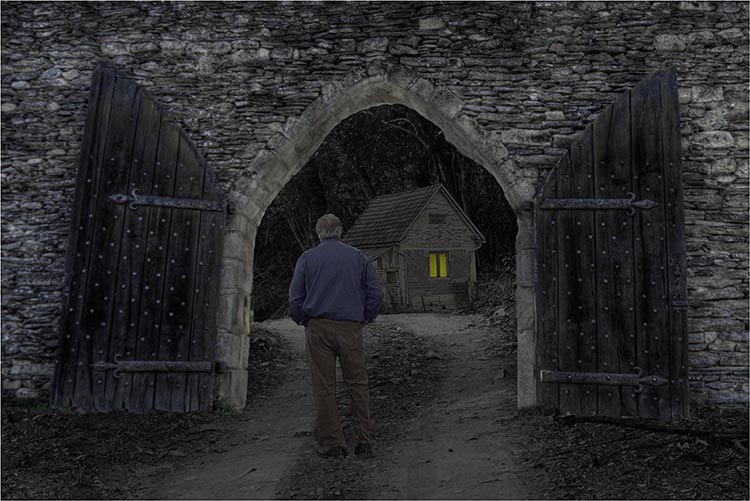
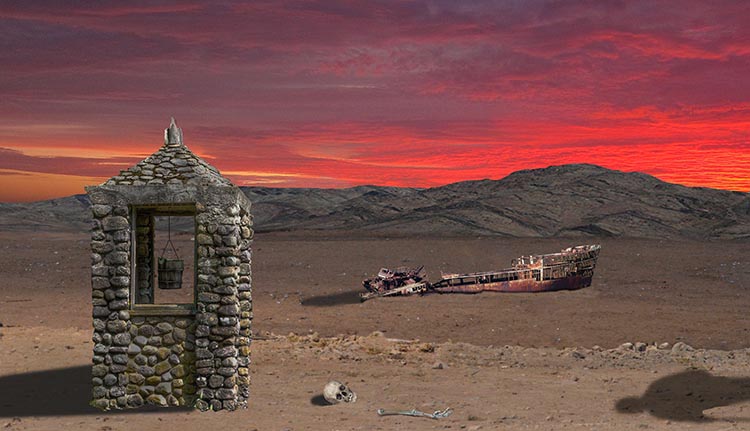
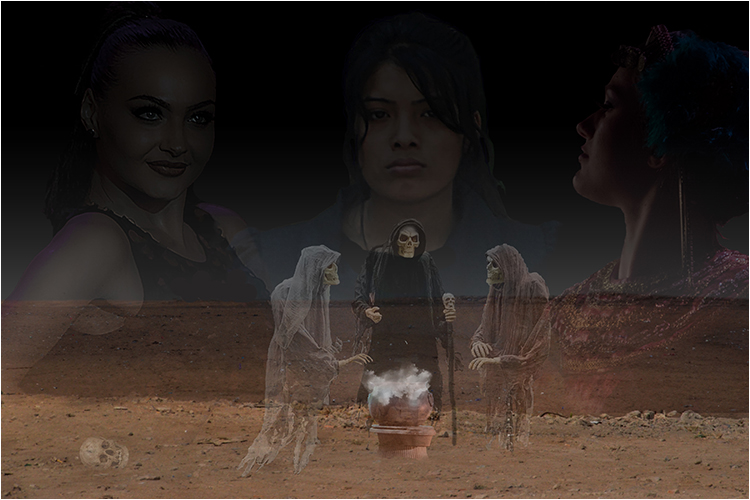
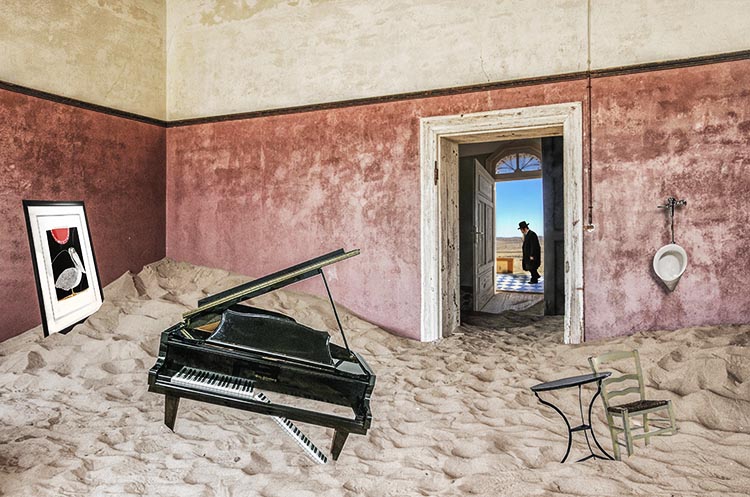
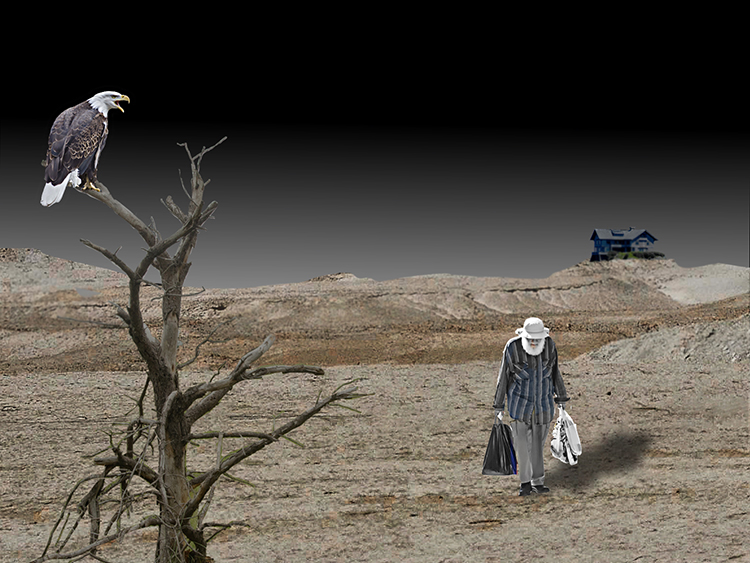
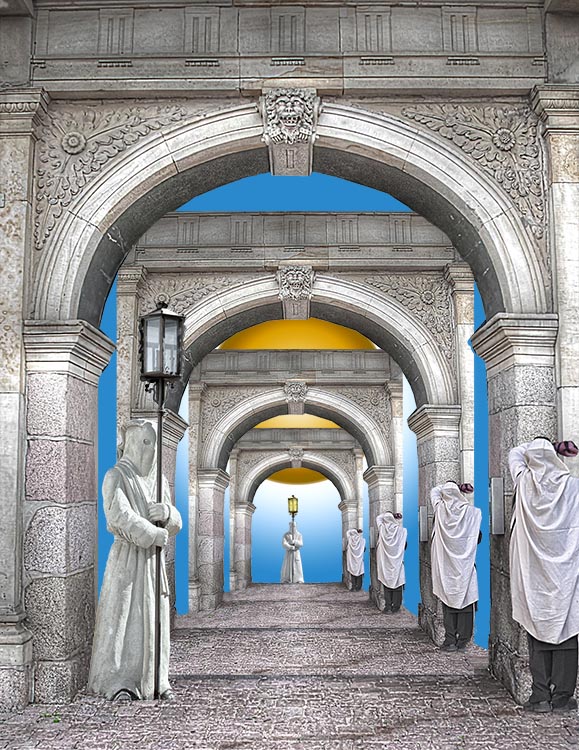
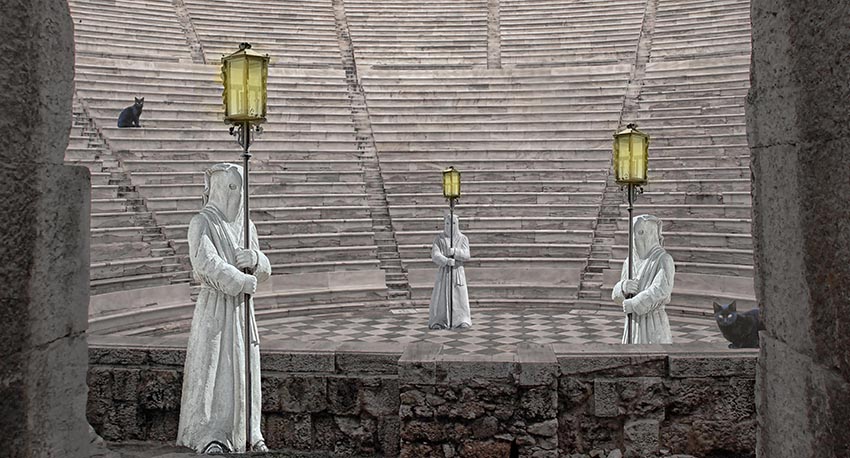
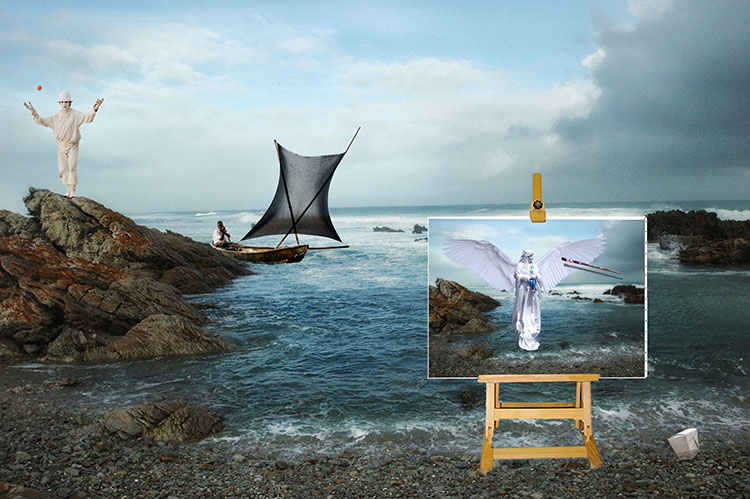
This is in keeping with the distinctive Handman style you used in May '21, Jan '21, Dec '20, and Oct '20. Here, I see the lone image as a grim reaper metaphor on the one hand and the path too indistinct on the other. Also, the ever present Handman tongue-in-cheek touch of humor is missing. Perhaps this is why, for me, this image is not as successful as the others. |
Jun 2nd |
| 34 |
Jun 21 |
Comment |
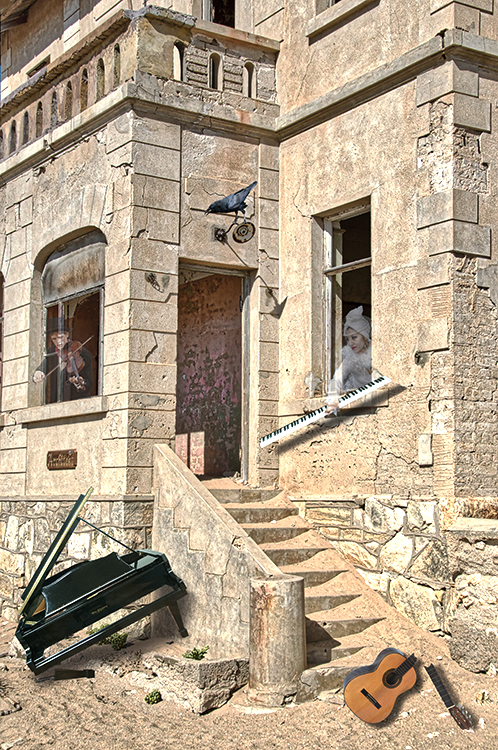
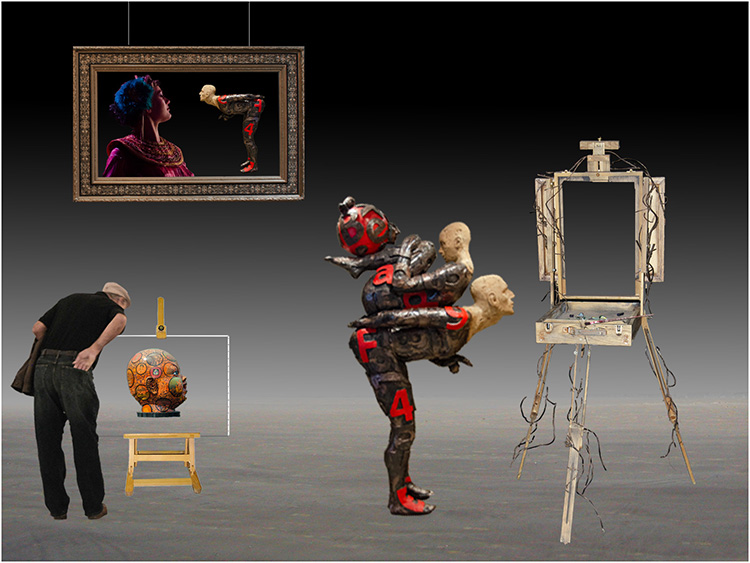
The work you did to blend the images into a unified whole was successful as far as blending goes. However, I don't really see beyond the blending of 3 images. I think if you moved the top guitar hands/person to the right to form a strong diagonal the image would come alive more. |
Jun 2nd |
| 34 |
Jun 21 |
Comment |
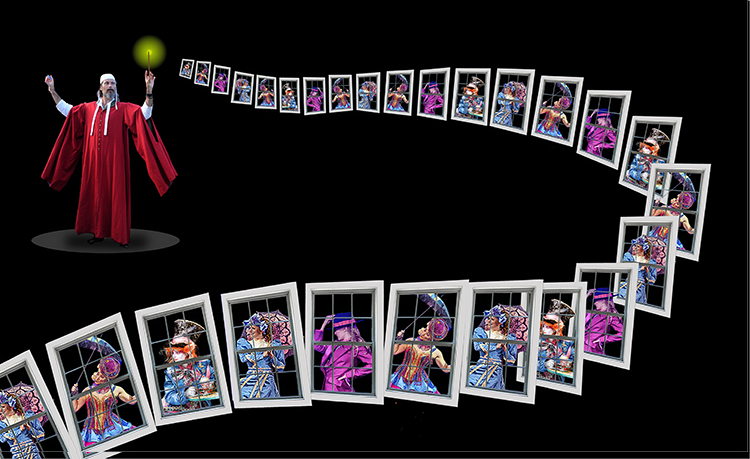
You have 2 images here. The first image is a very successful picture of you casting your spell. The black sheet works very well, and the slow shutter speed clearly illustrates the casting of the spell. However, the cup and the pink embodiment of the spell look too pasted on. Certainly a good effort. |
Jun 2nd |
| 34 |
Jun 21 |
Comment |
I came across a similar feather while filming wading birds in a local wildlife preserve and took several pictures of that lone feather. None of them came out as nice as yours. It was a more difficult shot than I imagined. I'm happy you succeeded so well. |
Jun 2nd |
| 34 |
Jun 21 |
Comment |
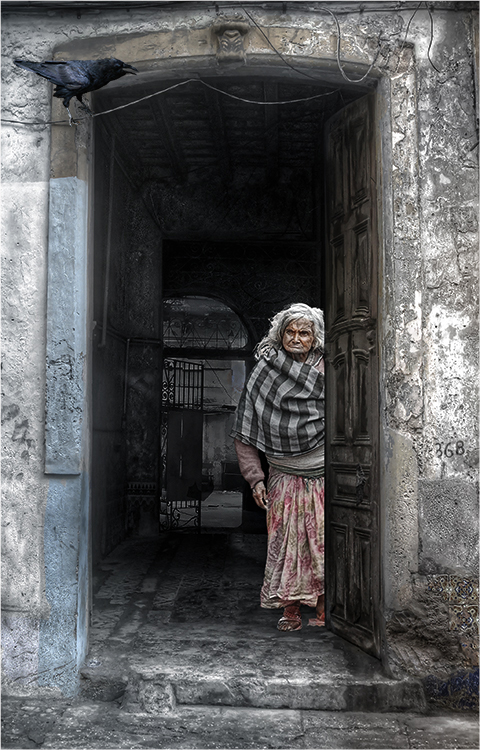
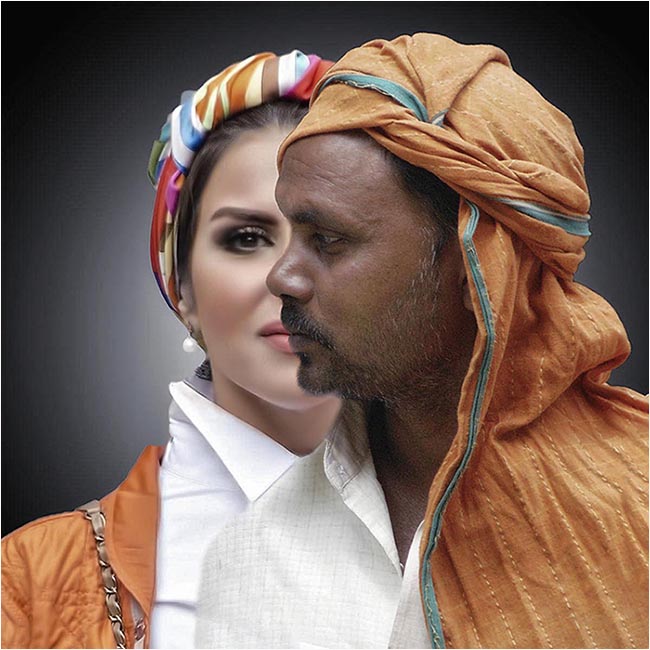
It looks like the woman in "Promise," your entry in February, 2021 has grown older. I liked "Promise," and I like this version. The various shades of blue are quite soothing, and the eyes are piercing. Nice work. |
Jun 2nd |
5 comments - 4 replies for Group 34
|
| 54 |
Jun 21 |
Reply |
As I said to you and Aavo, I missed it. Thanks for your added comments. |
Jun 15th |
| 54 |
Jun 21 |
Reply |
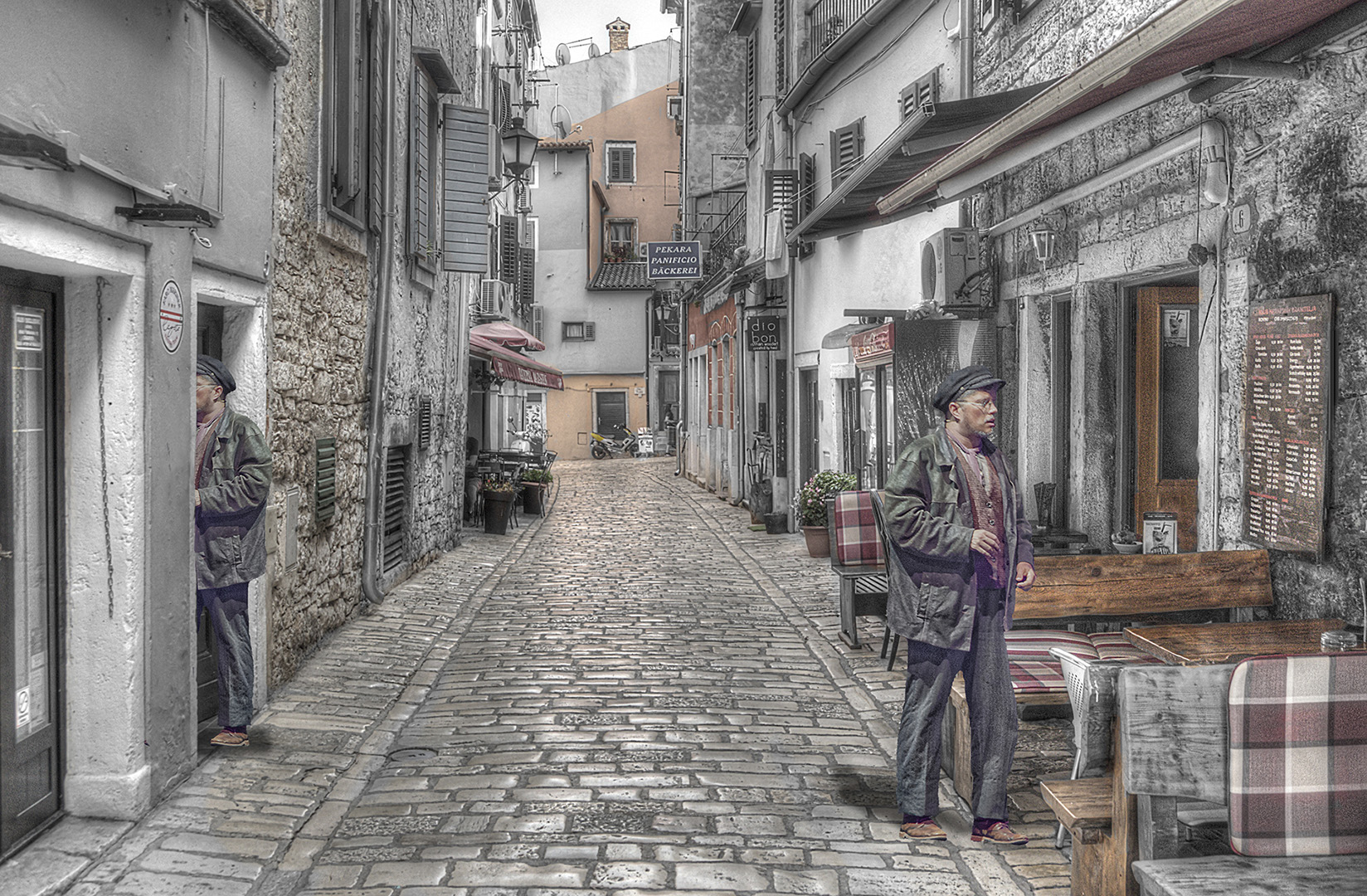
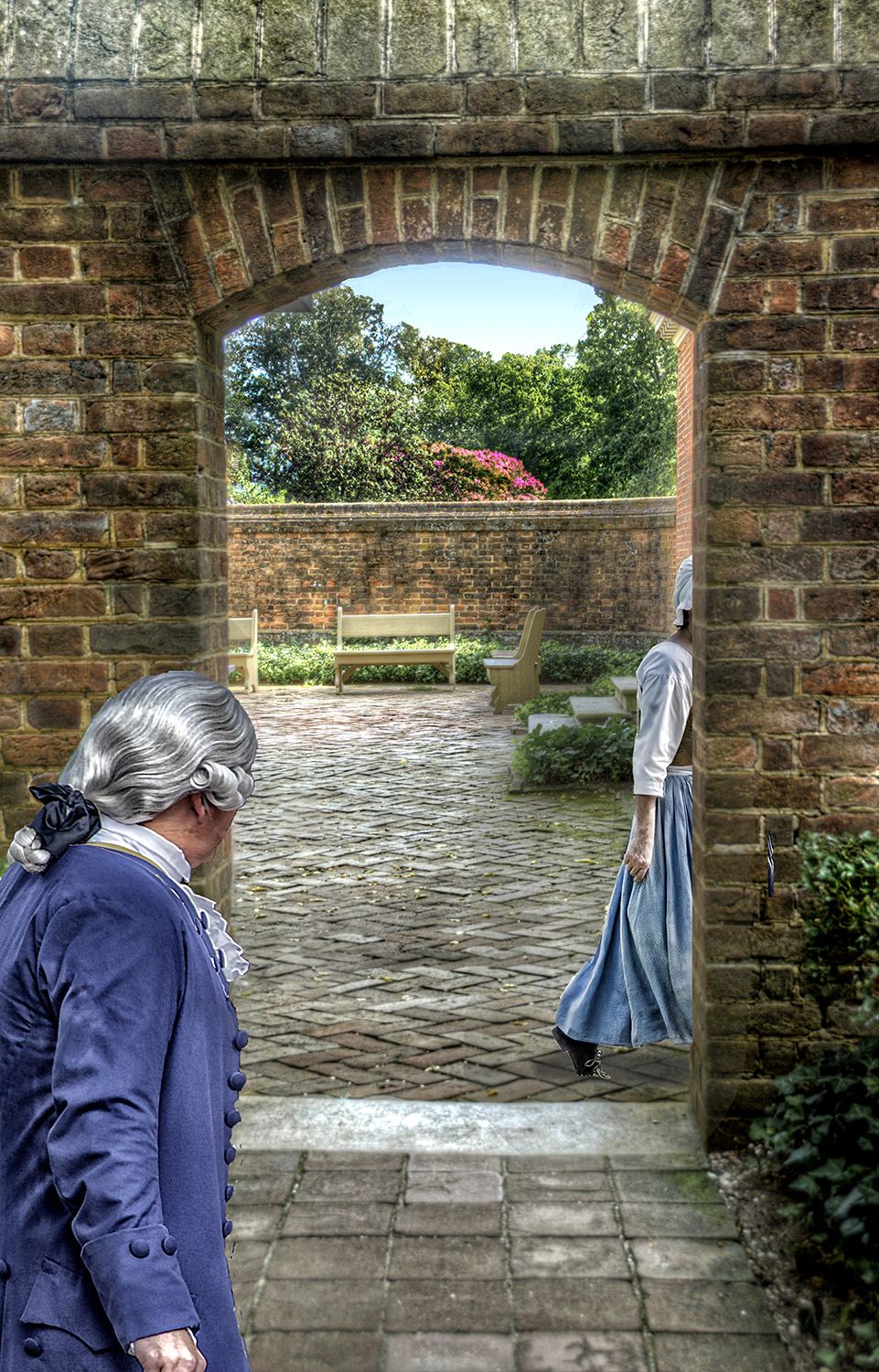
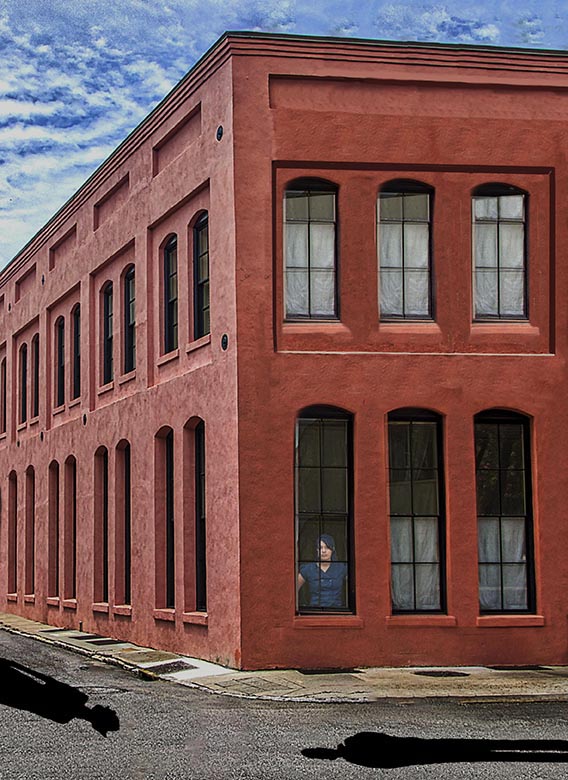
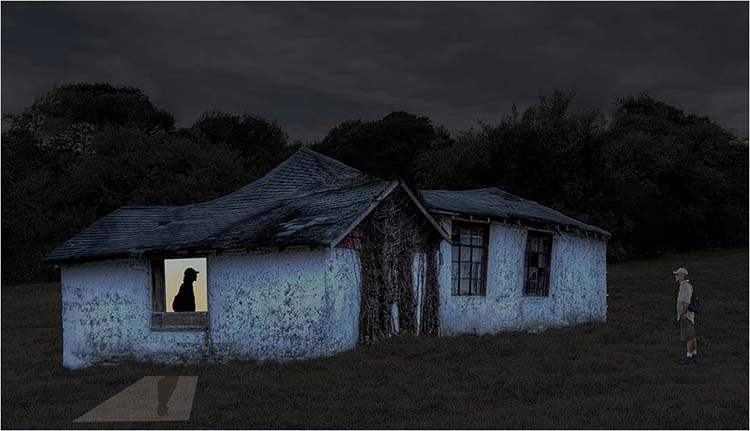
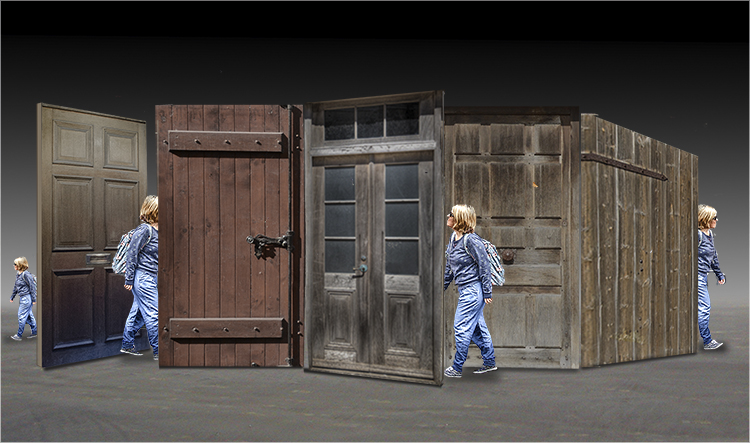
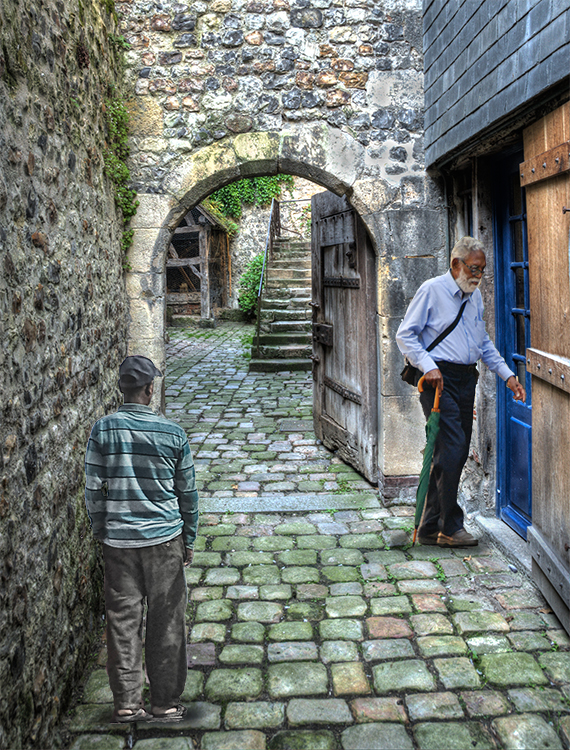
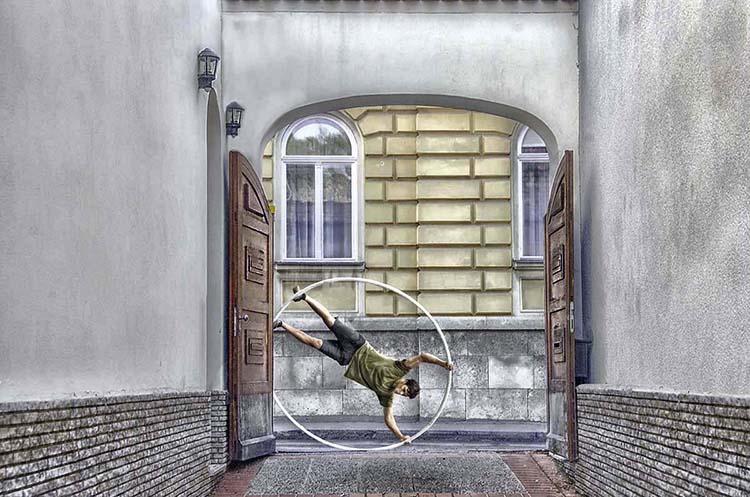
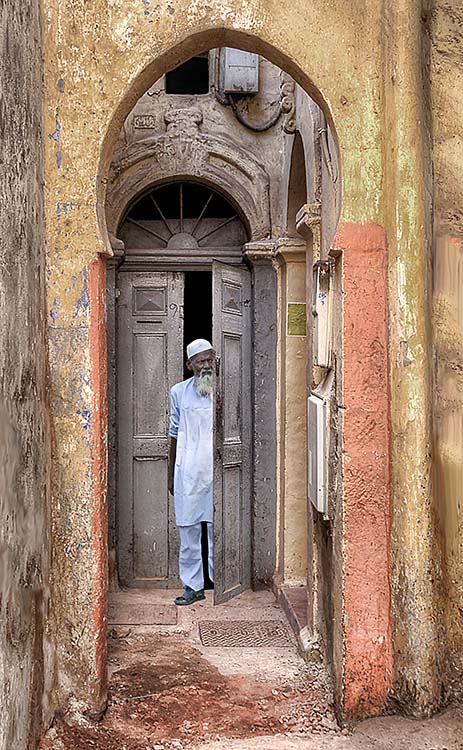
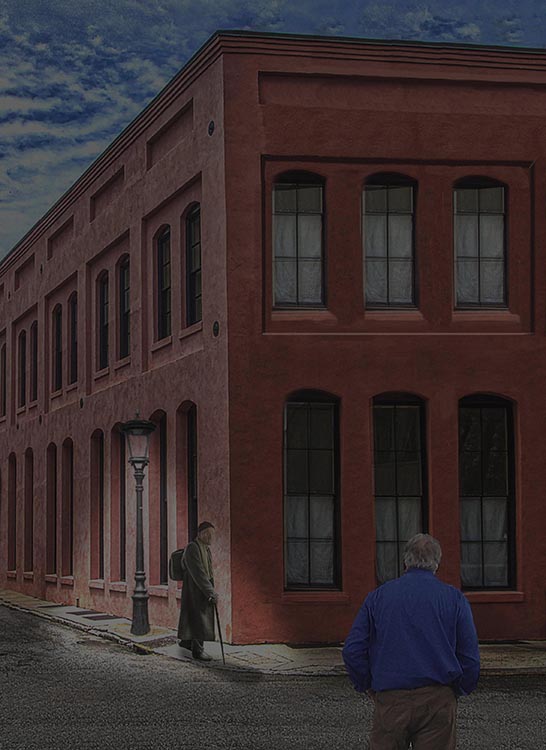
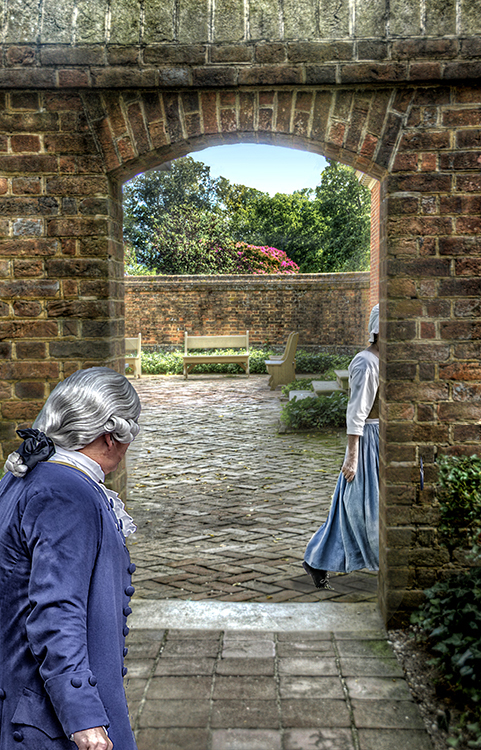
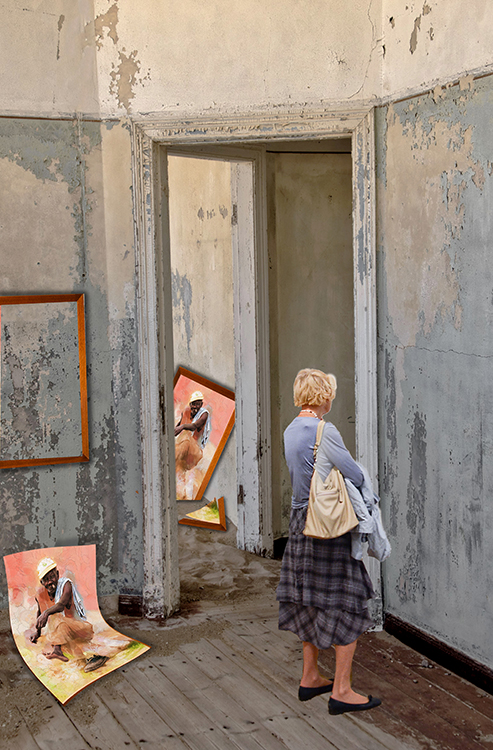
With all due respect, your comments, while supportive, do not address the composite that combines the 2 images you address. Perhaps I missed the mark. As the title suggests, I was hoping that the man leaving his apartment and looking into his neighbor's apartment would create a bit of angst in the viewer. I am more interested in the viewer's reaction to the situation than to the details of a wall. As I mentioned in my reply to Aavo, I guessed I missed. |
Jun 15th |
| 54 |
Jun 21 |
Reply |
I knew the composite was a bit subtle, but I hoped the title would lead one to wonder what mystery lies through "The Other Door." I guess I missed. |
Jun 11th |
| 54 |
Jun 21 |
Reply |
The Select tab in the menu bar at the top of Photoshop has a tool designed to eliminate the cut-and-paste look:
> Select an imported image
> Go to "Select" in the tool bar
> Next, highlight "Modify" in the drop down menu and click "Feather"
> Select a number of pixels to blur/feather and click OK
This is a trial-and-error method that will "feather" the edges all around to remove the cut-and-past look. It's rarely the same amount of pixels with different images. Have fun. |
Jun 5th |
| 54 |
Jun 21 |
Comment |
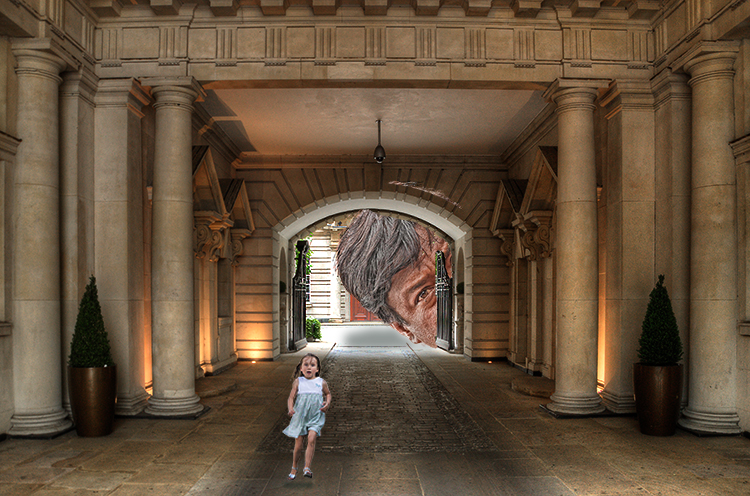
Are you looking for a Freudian viewpoint here? You certainly have 2 beautifully blended eyes emerging from a menacing forest, and the phallic symbol is a bit too obvious. Of course, there is the image itself without Freud's interpretation and that is a face with a nose and a mouth. The image is successful as it is open to interpretation, but personally, I prefer my phallic symbols more subtle. |
Jun 3rd |
| 54 |
Jun 21 |
Comment |
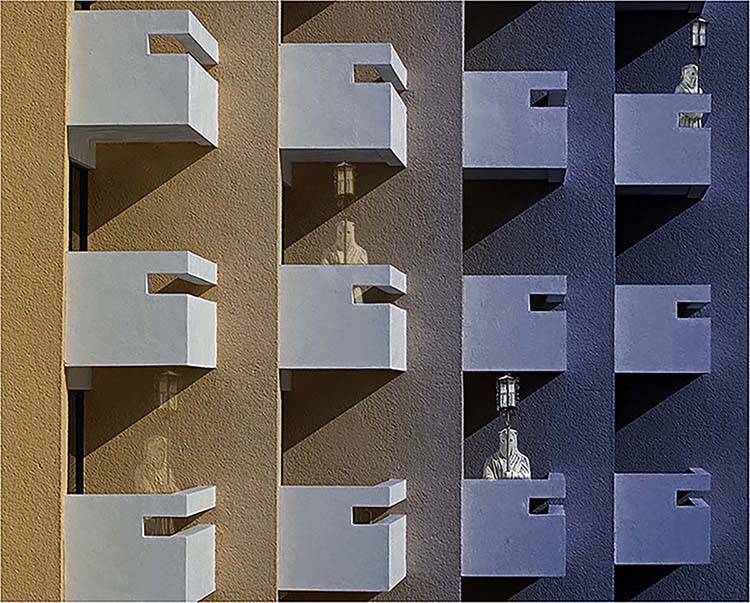
You've done well to see that mysterious figures belong in this architecture. These figures serve as guides down the twisting passageway as our eye follows them and gets to enjoy the wonderful design of the walls and windows. I've been to Copenhagen twice, but never saw the Rundetaarn. I guess I'll have to go back. Thanks for the introduction. |
Jun 3rd |
| 54 |
Jun 21 |
Comment |
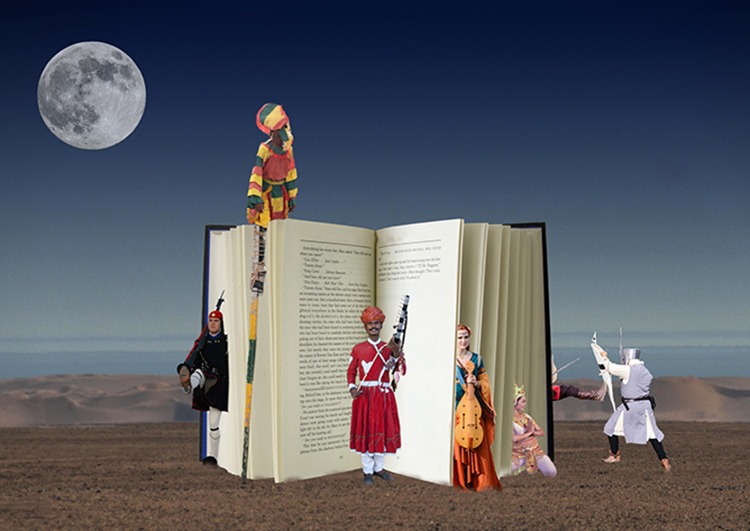
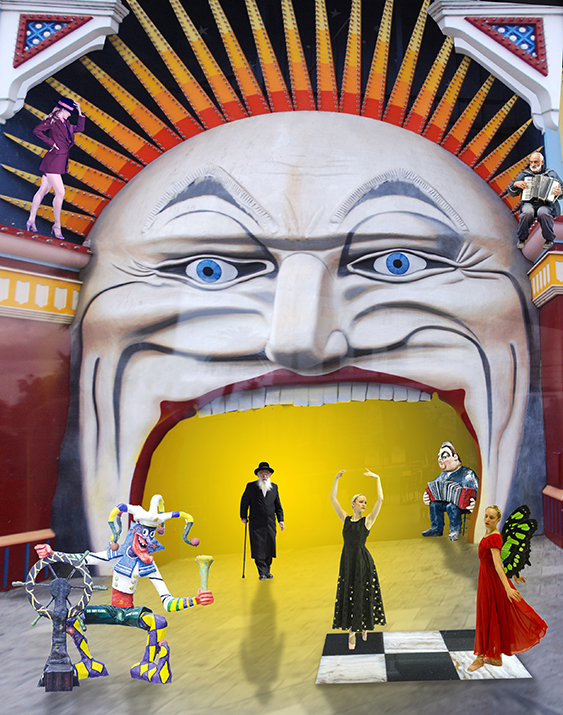
I love blended images/collages perhaps because I can't seem to get them right. You got it right, but I'm a proponent of "less is more." I see value in this collage, but it's a little too crowded/busy for my taste. |
Jun 3rd |
| 54 |
Jun 21 |
Comment |
What a relaxing image: a cat playing/hunting, beautiful butterflies, and healthy cactus. Unfortunately, the cat is in focus on the same plane that the cactus is a little out of focus. Also, the cat & butterflies look cut-and-pasted. It's a wonderful composite that is worth revisiting. |
Jun 3rd |
4 comments - 4 replies for Group 54
|
10 comments - 8 replies Total
|