Activity for User 480 - Alan Kaplan - akaplan973@gmail.com

avatar
Avatar

Close this Tab when done


637 Comments / 610 Replies Posted

  = Current Round   = Previous Round
Group Round C/R Comment Date Image
54 Sep 18 Reply There is a blur tool together with the sharpen tool and the smudge tool in Photoshop that I find works quite well on edges. The smudge tool is heavy-handed. Sep 7th
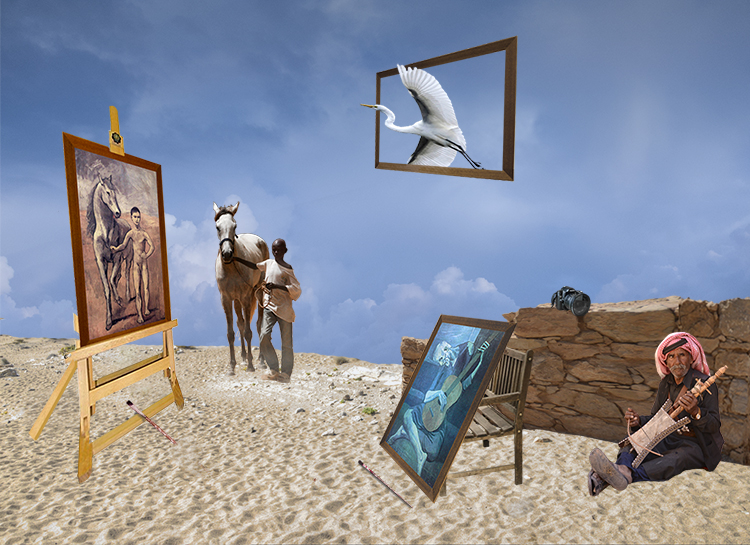
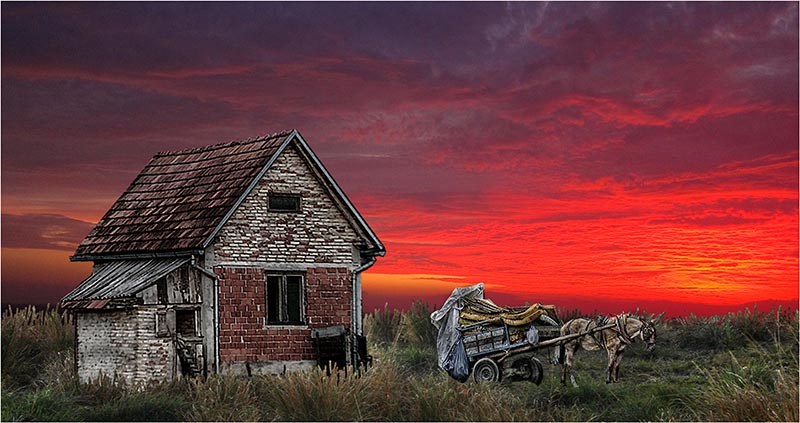
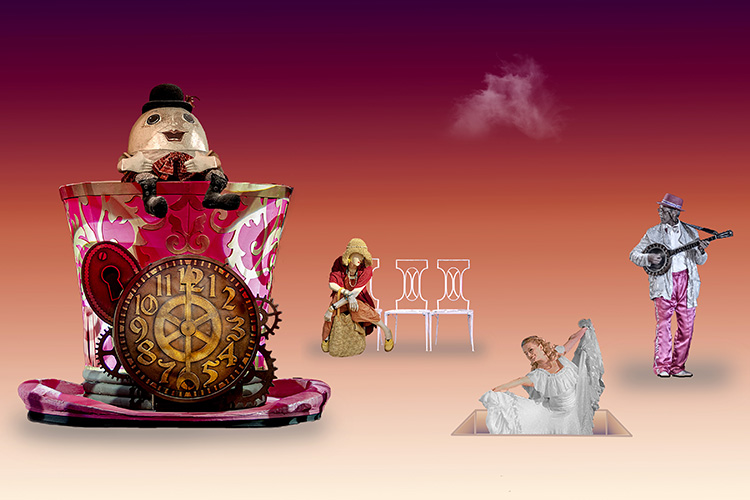
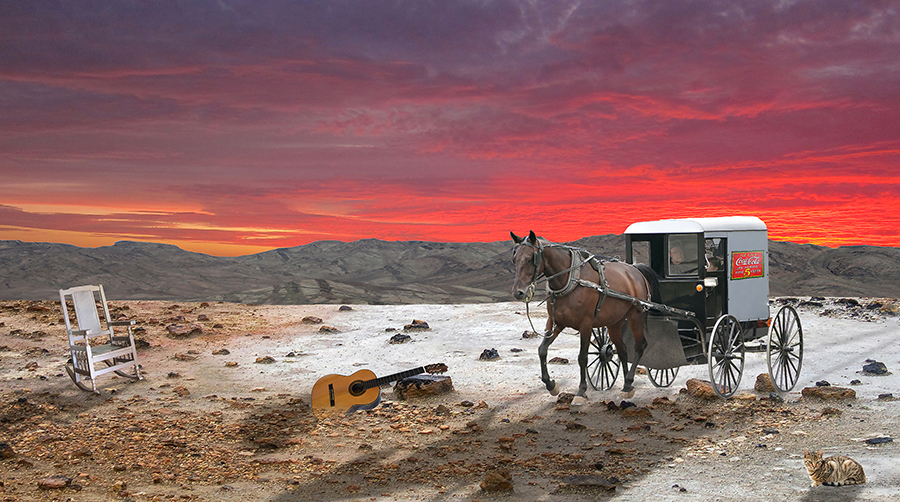
54 Sep 18 Reply I understand what you're saying about the guitar and the chair, but I'm not telling a story. I'm attempting a surrealistic composite in which the images create disequilibrium by almost making sense, hence the Coke ad on an Amish wagon and the cat. You're right about darkening the edge. I'll give it a try. Thank you. Sep 6th
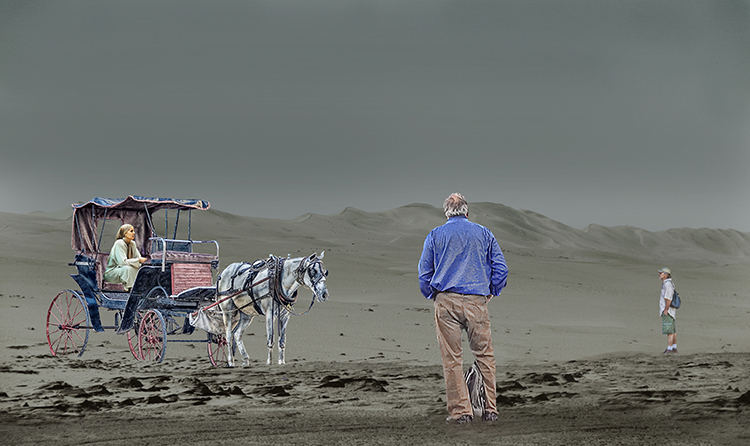
54 Sep 18 Reply I agree about the red reflection on the roof of the carriage. I'll work on it. Thank you. Sep 6th
54 Sep 18 Comment Aavo, Your idea for a well-equipped throne room is a book lovers dream. I hope you don't interpret the following observations as nit picking, but I pay a lot of attention to detail in my own composites. In addition, this is an advanced group. First of all, I disagree with the above comments about the curtains. You needed to shorten the curtains or else we wouldn't be able to eaves drop. The details that could be corrected to make a better throne room are, what looks like, the over-sharpening of the window and the books. Compare the snack table in Original 3 and in the Hideaway. The snack table in the hideaway is distorted. The throne is also distorted. Your idea is splendid, but for me, there are some easy corrections to make. Sep 3rd
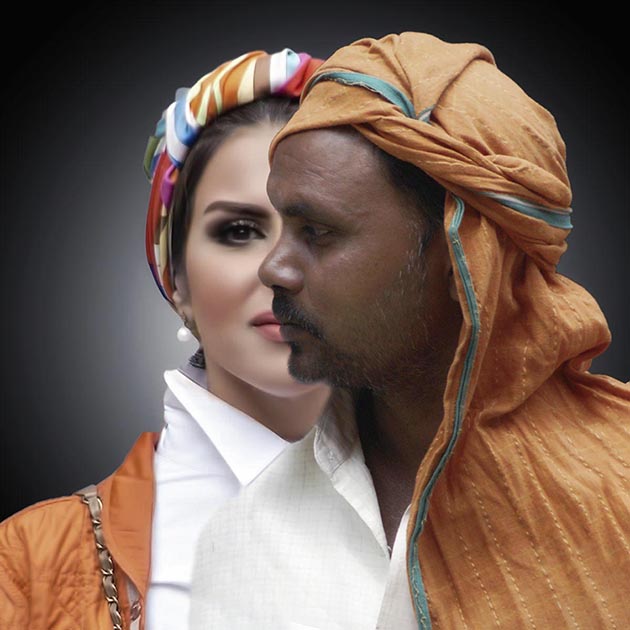
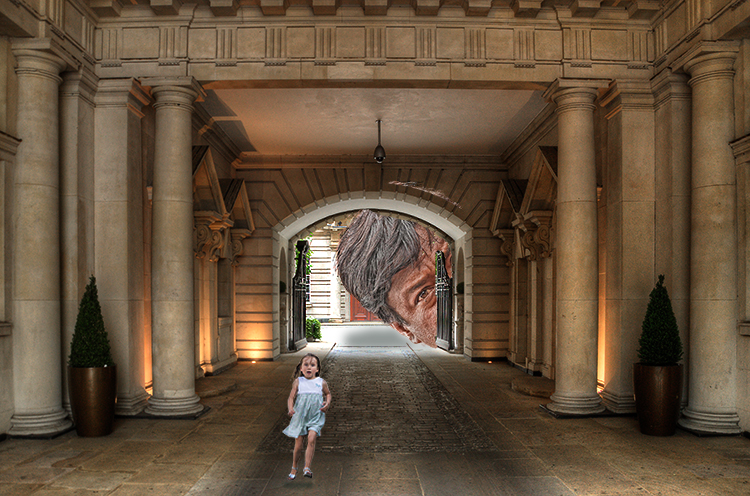
54 Sep 18 Comment Creativity lurks in our unconscious just waiting for the chance to make the image we have in mind morph into something else. In this case, the morph puts images in a place they don't belong and as a result creates a striking surrealist kind of composite. However, lighting and edges play havoc with composites. In such an environment, the girl and the giraffe would be lit differently from those in your composite. In addition, both have perfectly smooth skin and hair. The feathering tool in Photoshop is designed to care of edges. The opacity tool can do it, too.My camera club has trained me to be mindful of edges that aren't real. The eye catching surrealism in this composite may distract the viewer from the giveaway of the edges. Sep 2nd
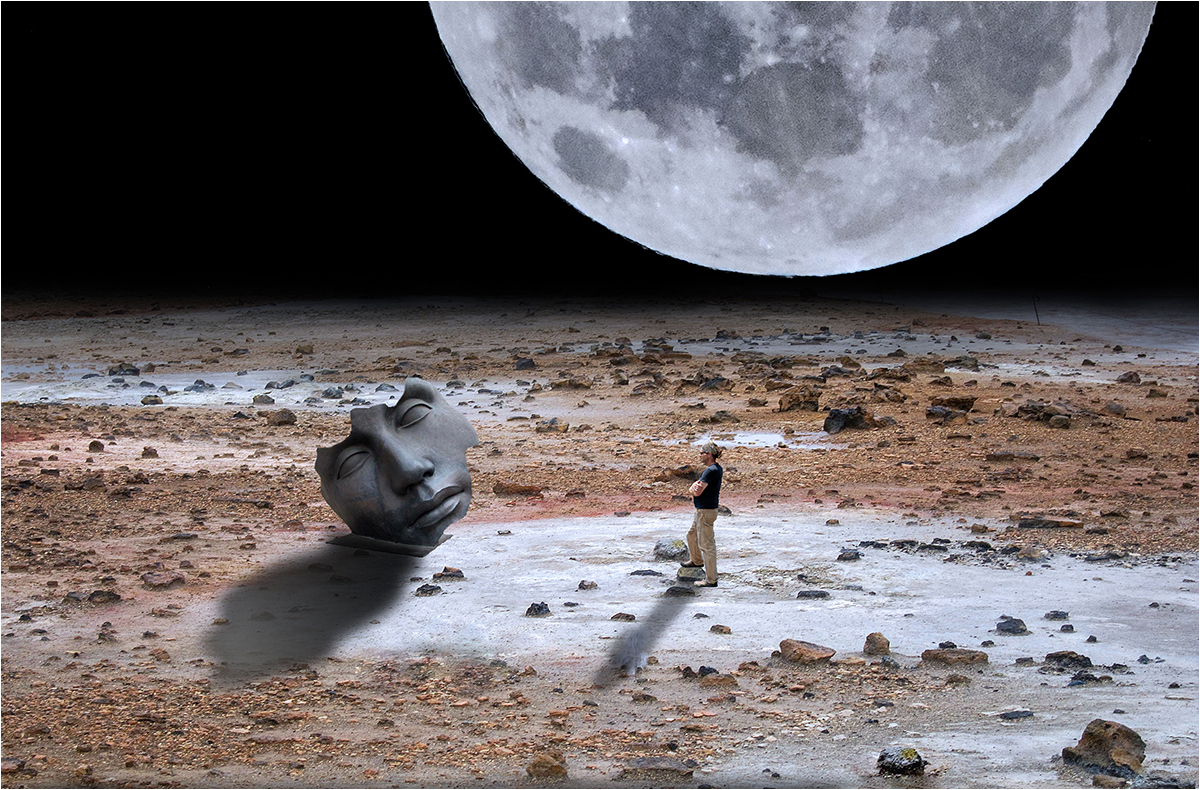
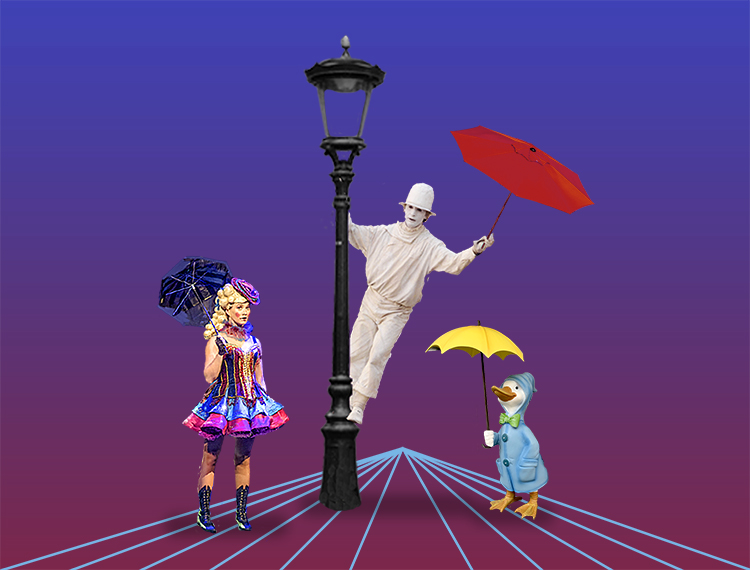
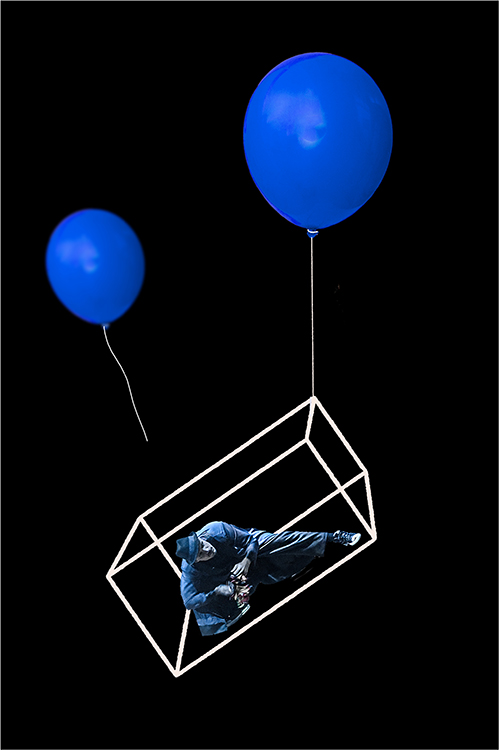
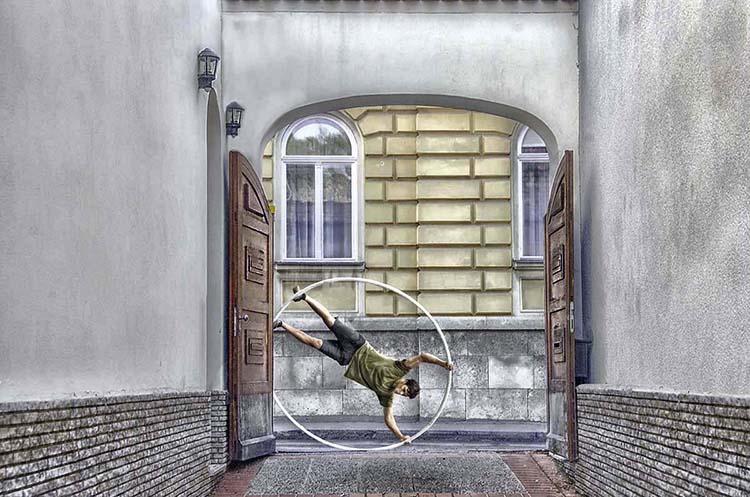
54 Sep 18 Comment The position of the man in the composite could be a man holding on because there is no gravity on his planet or a man doing flips. There is some gravity because there is mist, but it may no be enough to hold a man. You've created a mystery. There is a problem with the man, however. He is too bright for his surroundings and also too sharp. Try reducing the opacity a little. It does wonders in this type of situation. Don't add anything. It would spoil the mystery of the composite. Sep 2nd
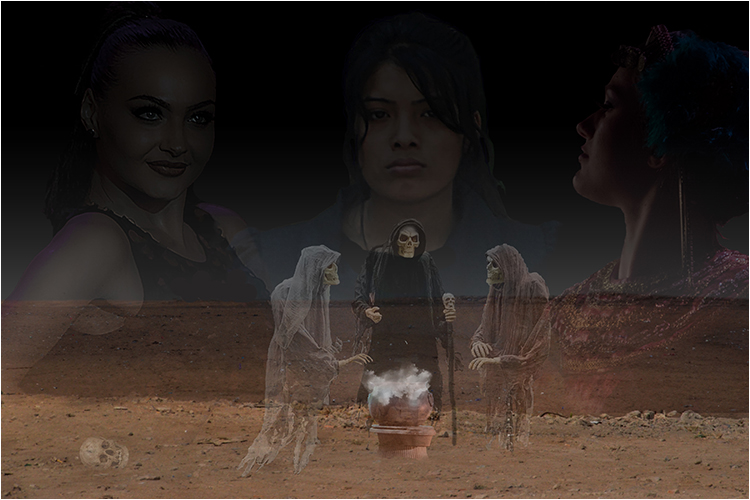
54 Sep 18 Comment Betty, I'm afraid I have to disagree with Phillipa. My comments may seem a bit direct, but I feel we are in this group to improve our skills. I have been trained by my camera club to look at the edges of the pieces that comprise a composite. The edges should not be sharp. Photoshop has a filter called "feathering" for just that purpose. It makes the edges soft without affecting the sharpness of the image as a whole. Also, all pieces should have the same lighting. The totem pole does not seem to have the same lighting as the 3 women. Lighting in a composite is tricky when the pieces come from various photos. One last observation. On my computer screen the skin of the women has a purple cast. If my computer is accurate, this can be corrected in Photoshop. Sep 2nd
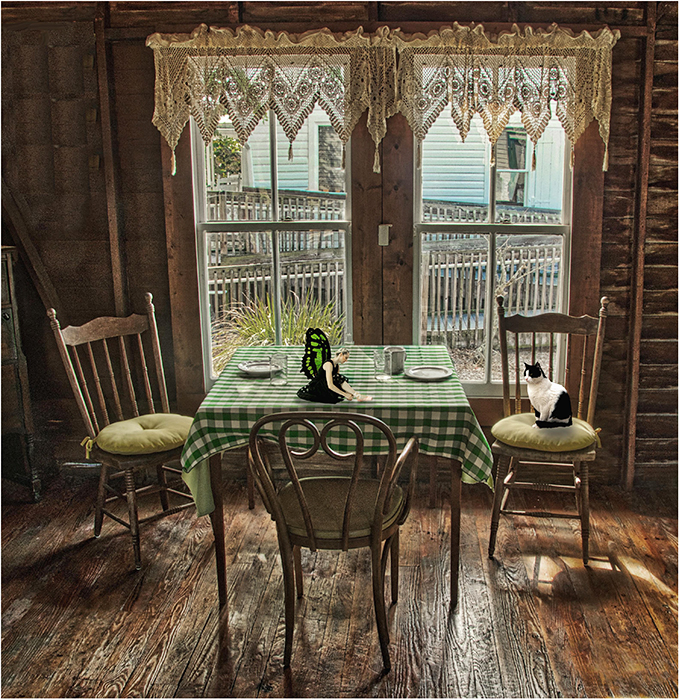
54 Sep 18 Comment Phillipa, I mentioned in a comment a few months back that the mantra of my camera club is not to place bright objects on the edge of a photo because bright objects attract the viewer's eye. Another mantra is to "make the edges of pieces that comprise composites real." Adding the fur to your cat has made the cat real. The only cat that would have a smooth back is the Mexican Hairless. The bright colours attract the eye, but the hair/edge makes the composite a success. Sep 2nd

5 comments - 3 replies for Group 54


5 comments - 3 replies Total


136 Images Posted

  = Current Round   = Previous Round
Group 21

Jan 18

Dec 17

Nov 17

Oct 17

Sep 17

Aug 17

Jul 17

Jun 17

May 17

Apr 17

Mar 17

Feb 17
Group 34

Feb 22

Dec 21

Nov 21

Oct 21

Sep 21

Aug 21

Jul 21

Jun 21

May 21

Apr 21

Mar 21

Feb 21

Jan 21

Dec 20

Nov 20

Oct 20

Sep 20

Aug 20

Jul 20

Jun 20

May 20

Apr 20

Mar 20

Feb 20

Dec 19

Nov 19

Oct 19

Sep 19

Jul 19

Jun 19

May 19

Apr 19

Mar 19

Feb 19
Group 54

Jan 26

Dec 25

Nov 25

Sep 25

Aug 25

Jul 25

Jun 25

May 25

Apr 25

Mar 25

Feb 25

Jan 25

Dec 24

Nov 24

Oct 24

Sep 24

Aug 24

Jul 24

Jun 24

May 24

Apr 24

Mar 24

Feb 24

Jan 24

Dec 23

Nov 23

Oct 23

Sep 23

Jul 23

Jun 23

May 23

Apr 23

Mar 23

Feb 23

Jan 23

Dec 22

Nov 22

Oct 22

Sep 22

Aug 22

Jul 22

Jun 22

May 22

Apr 22

Feb 22

Dec 21

Nov 21

Oct 21

Sep 21

Aug 21

Jul 21

Jun 21

May 21

Apr 21

Mar 21

Feb 21

Jan 21

Dec 20

Nov 20

Oct 20

Sep 20

Aug 20

Jul 20

Jun 20

May 20

Apr 20

Mar 20

Feb 20

Dec 19

Nov 19

Oct 19

Sep 19

Jul 19

Jun 19

May 19

Apr 19

Mar 19

Feb 19

Jan 19

Dec 18

Nov 18

Oct 18

Sep 18

Aug 18

Jul 18

Jun 18

May 18

Apr 18

Mar 18

Feb 18

Close this Tab when done