Activity for User 480 - Alan Kaplan - akaplan973@gmail.com

avatar
Avatar

Close this Tab when done


637 Comments / 610 Replies Posted

  = Current Round   = Previous Round
Group Round C/R Comment Date Image
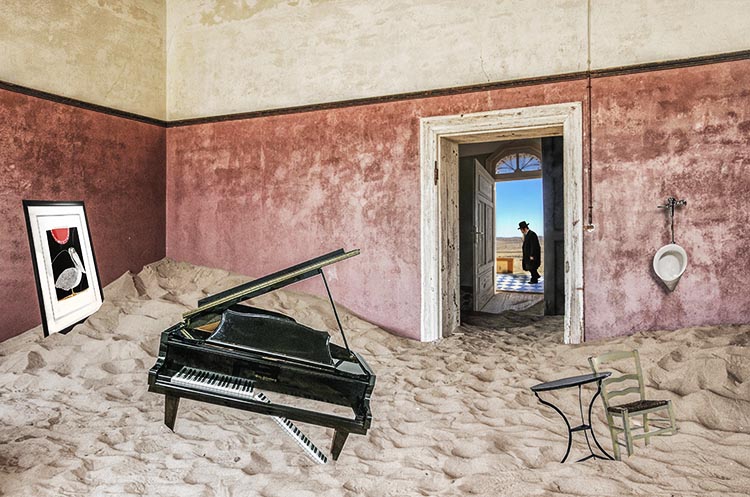
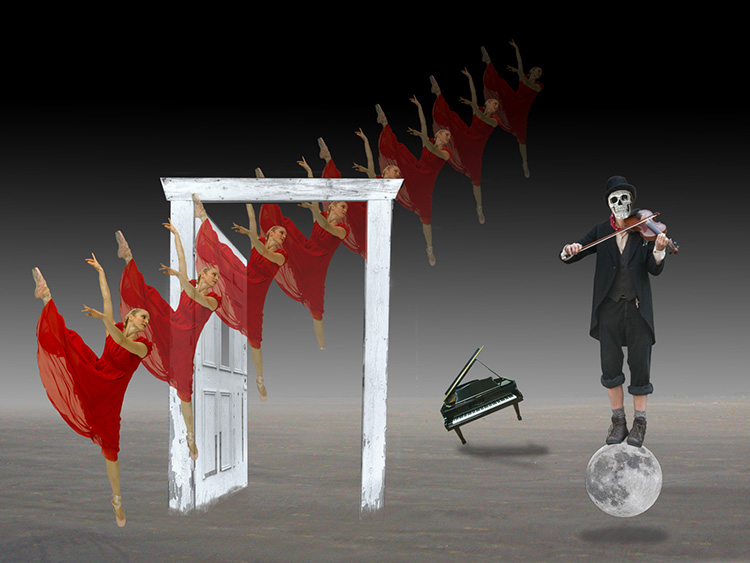
20 Oct 17 Comment Cindy, I'm a Group 21 member just browsing to look for interesting photos. Yours caught my eye as I agree with the comments above. Here comes the "however." However, The red light & door distract my eye from the effectiveness of the eclipse sequence and the beautiful lavatory. I did a quick bit of cloning in PS, including painting with the clone tool, to make the overall photo more blue. To my taste, it's more soothing without the red. But that's why Baskin Robbins makes 31 flavors.

Alan
Oct 9th

1 comment - 0 replies for Group 20

21 Oct 17 Comment John, I believe that you described this photo the best--a "standard shot" of Mount Rushmore. Presenting a standard shot as basically a B&W image does not stretch your talents. I would have enjoyed seeing a stone sculpture of Donald Trump as a 5th president on Rushmore. Your use of Topaz shows you can create the B&W part. There are tutorials online to turn a photo into stone. Voila! A fifth president. Oct 17th
21 Oct 17 Comment I've looked back over past entries and see that you have mastered this type of layered brush stroke image--particularly here. No dog is cuter than the one here. I look forward to your applying this talent in a new way or in exploring other creative talents. Oct 17th
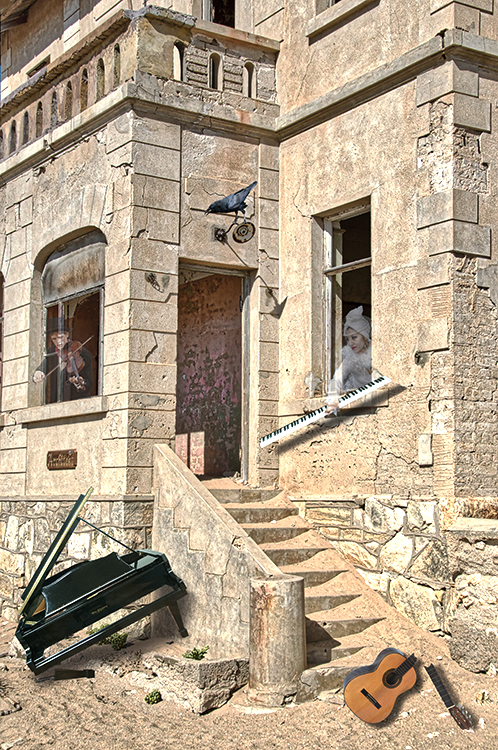
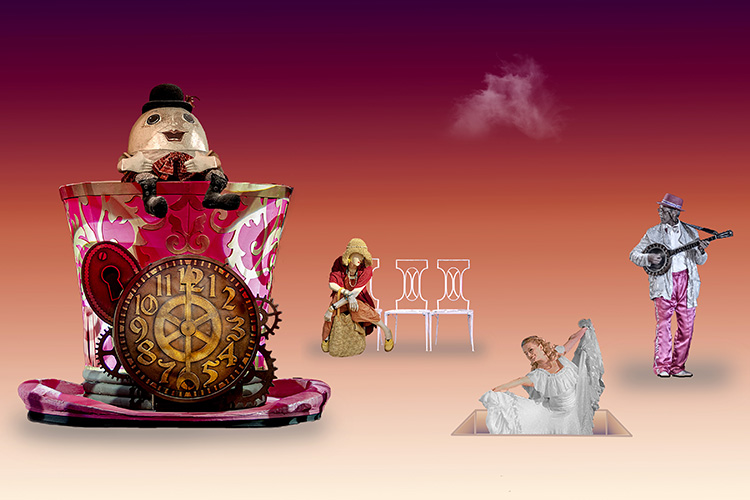
21 Oct 17 Comment For my taste, this is a little too much to digest visually. Also, I'm not sure what a "tree maiden" is. Putting a bird on the corrugated roof might tie in to the images of birds in the photo. This is a photo that needs a unifying image or theme. Oct 17th

3 comments - 0 replies for Group 21

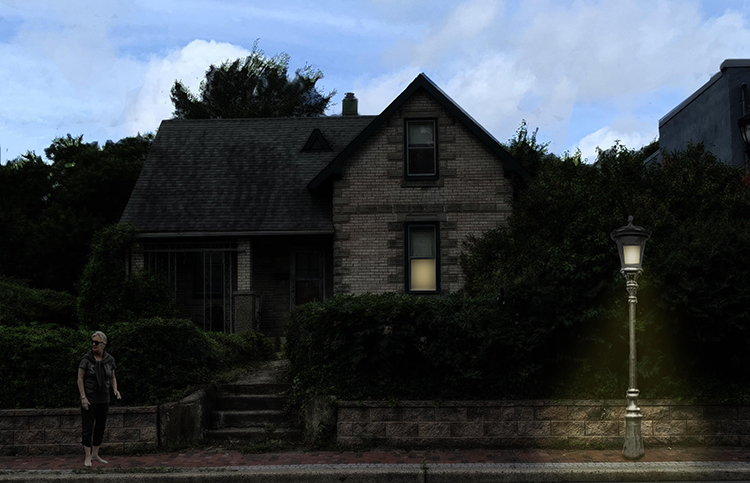
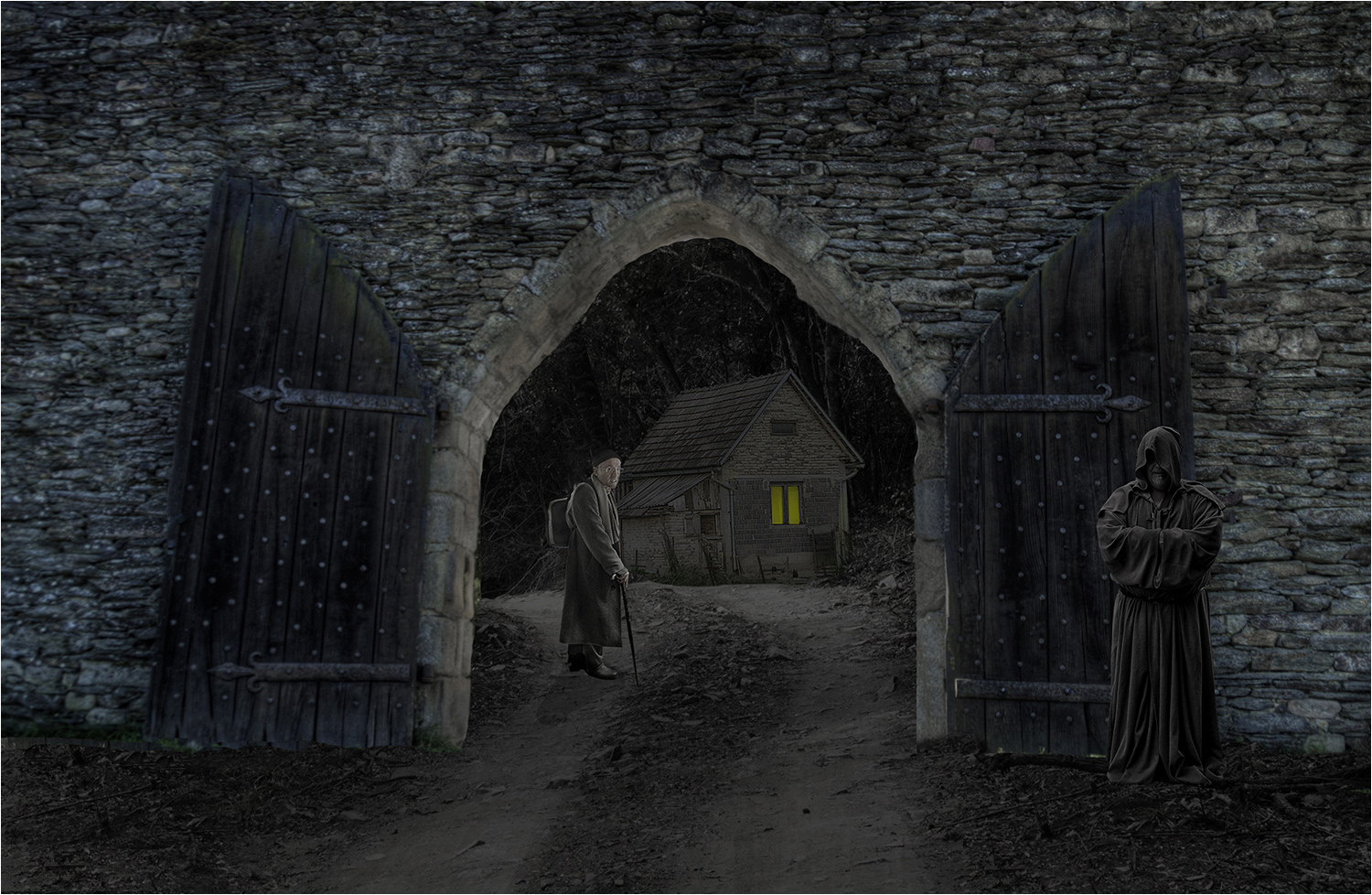
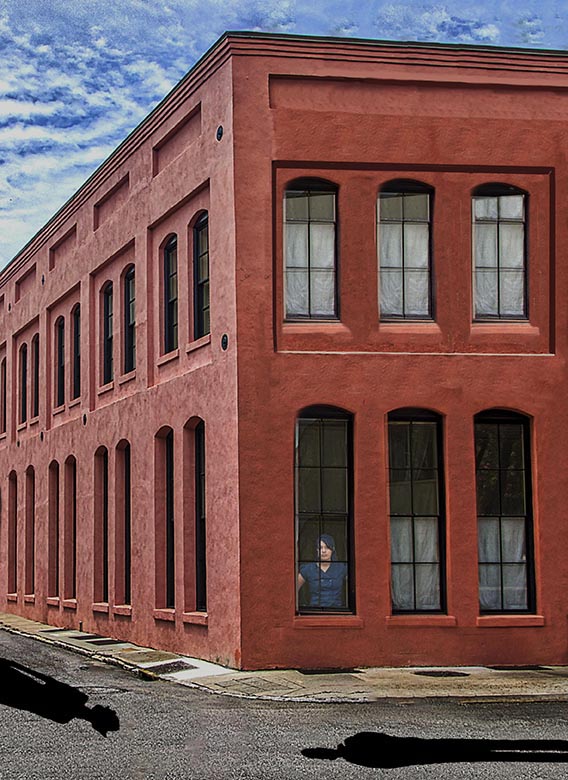
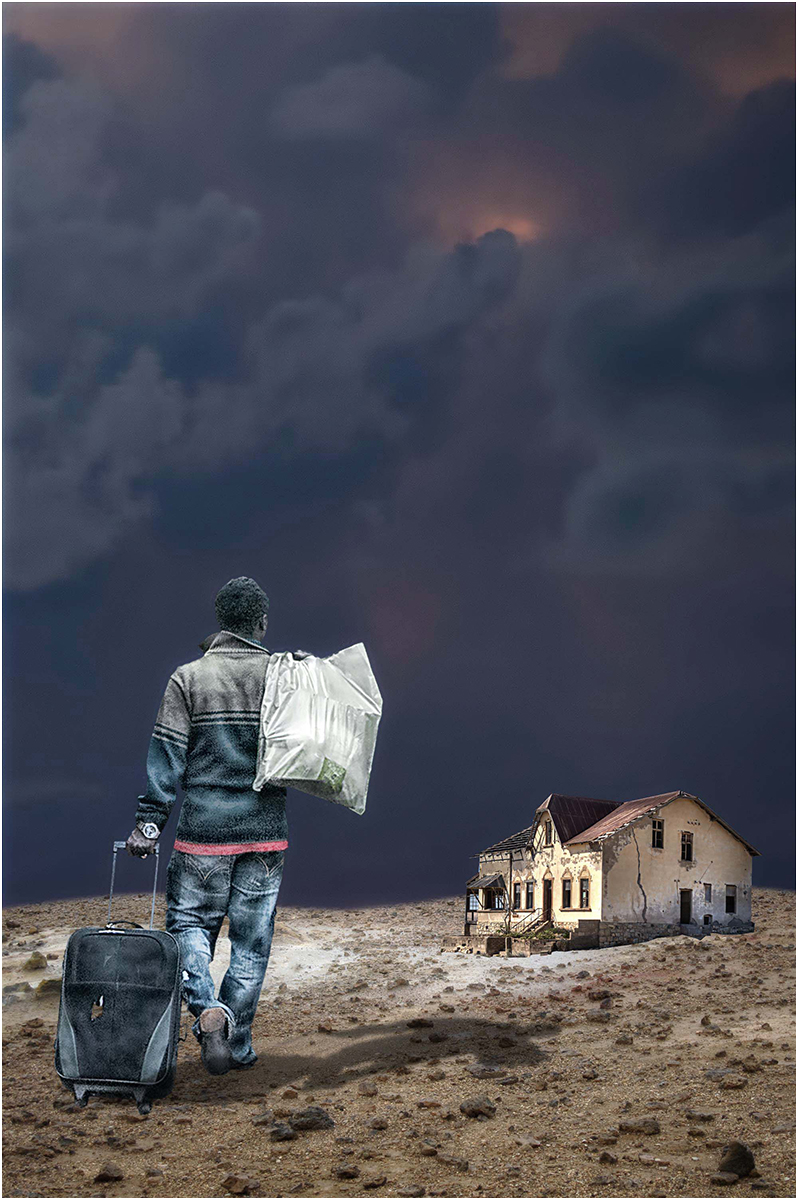
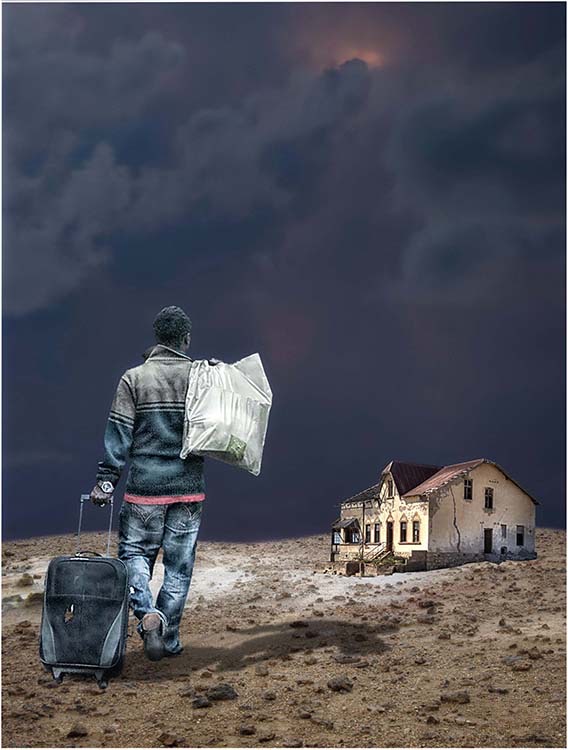
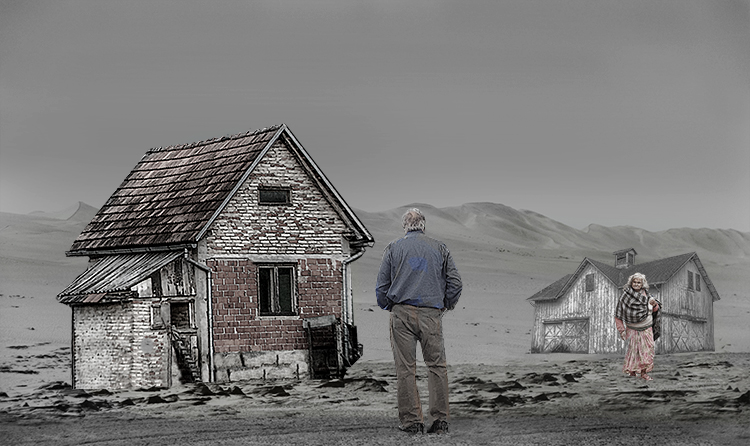
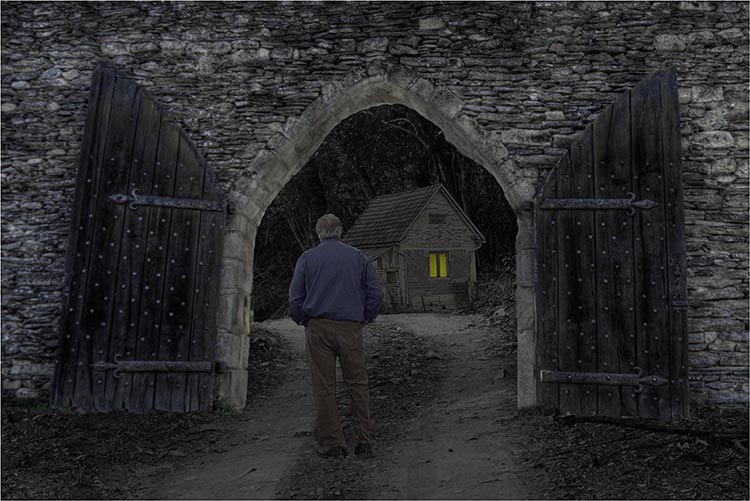
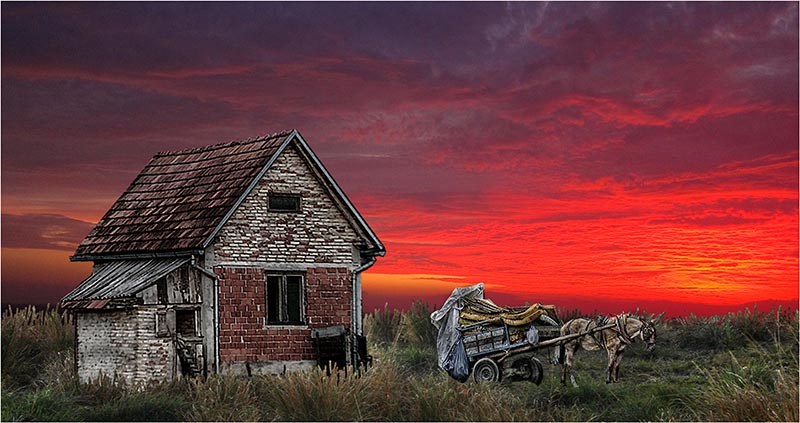
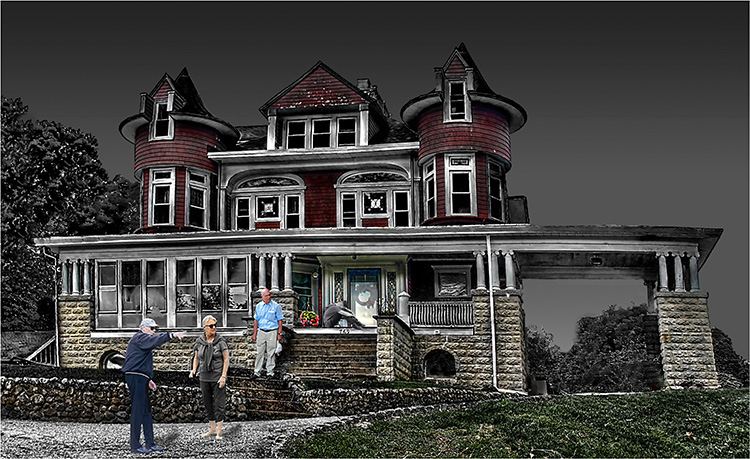
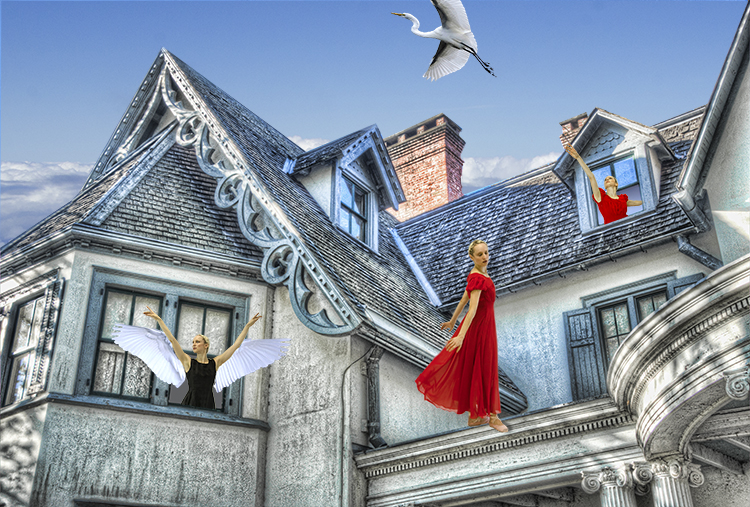
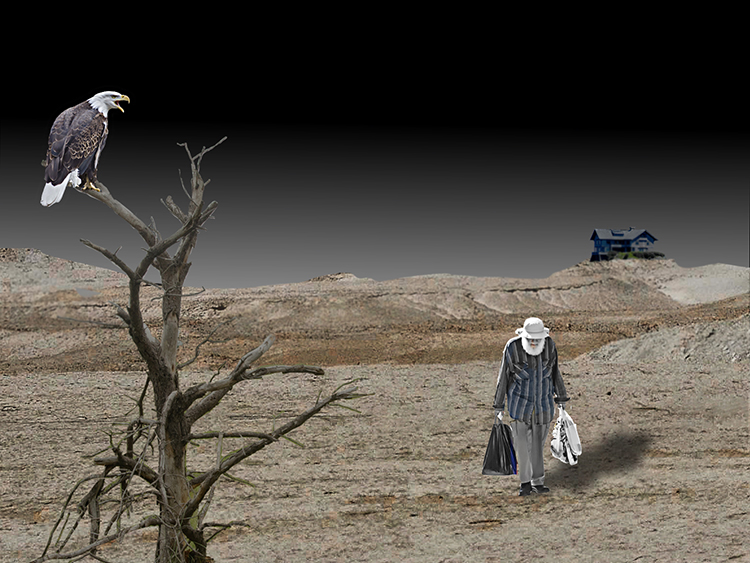
24 Oct 17 Comment Alan from Group 21: I've been exploring compositing for several months and have submitted some "successful" ones to group 21's PID. If I may, there a few things that can help the house look as if it belongs in the scene. First, use a layer mask to eliminate the white line beneath the house. Second, darken the house and dial back the opacity. Last, but certainly not least, use PS >Select >Modify > Feather to soften the edges (This takes practice.). Oct 20th

1 comment - 0 replies for Group 24


5 comments - 0 replies Total


136 Images Posted

  = Current Round   = Previous Round
Group 21

Jan 18

Dec 17

Nov 17

Oct 17

Sep 17

Aug 17

Jul 17

Jun 17

May 17

Apr 17

Mar 17

Feb 17
Group 34

Feb 22

Dec 21

Nov 21

Oct 21

Sep 21

Aug 21

Jul 21

Jun 21

May 21

Apr 21

Mar 21

Feb 21

Jan 21

Dec 20

Nov 20

Oct 20

Sep 20

Aug 20

Jul 20

Jun 20

May 20

Apr 20

Mar 20

Feb 20

Dec 19

Nov 19

Oct 19

Sep 19

Jul 19

Jun 19

May 19

Apr 19

Mar 19

Feb 19
Group 54

Jan 26

Dec 25

Nov 25

Sep 25

Aug 25

Jul 25

Jun 25

May 25

Apr 25

Mar 25

Feb 25

Jan 25

Dec 24

Nov 24

Oct 24

Sep 24

Aug 24

Jul 24

Jun 24

May 24

Apr 24

Mar 24

Feb 24

Jan 24

Dec 23

Nov 23

Oct 23

Sep 23

Jul 23

Jun 23

May 23

Apr 23

Mar 23

Feb 23

Jan 23

Dec 22

Nov 22

Oct 22

Sep 22

Aug 22

Jul 22

Jun 22

May 22

Apr 22

Feb 22

Dec 21

Nov 21

Oct 21

Sep 21

Aug 21

Jul 21

Jun 21

May 21

Apr 21

Mar 21

Feb 21

Jan 21

Dec 20

Nov 20

Oct 20

Sep 20

Aug 20

Jul 20

Jun 20

May 20

Apr 20

Mar 20

Feb 20

Dec 19

Nov 19

Oct 19

Sep 19

Jul 19

Jun 19

May 19

Apr 19

Mar 19

Feb 19

Jan 19

Dec 18

Nov 18

Oct 18

Sep 18

Aug 18

Jul 18

Jun 18

May 18

Apr 18

Mar 18

Feb 18

Close this Tab when done