|
| Group |
Round |
C/R |
Comment |
Date |
Image |
| 49 |
Jul 19 |
Reply |
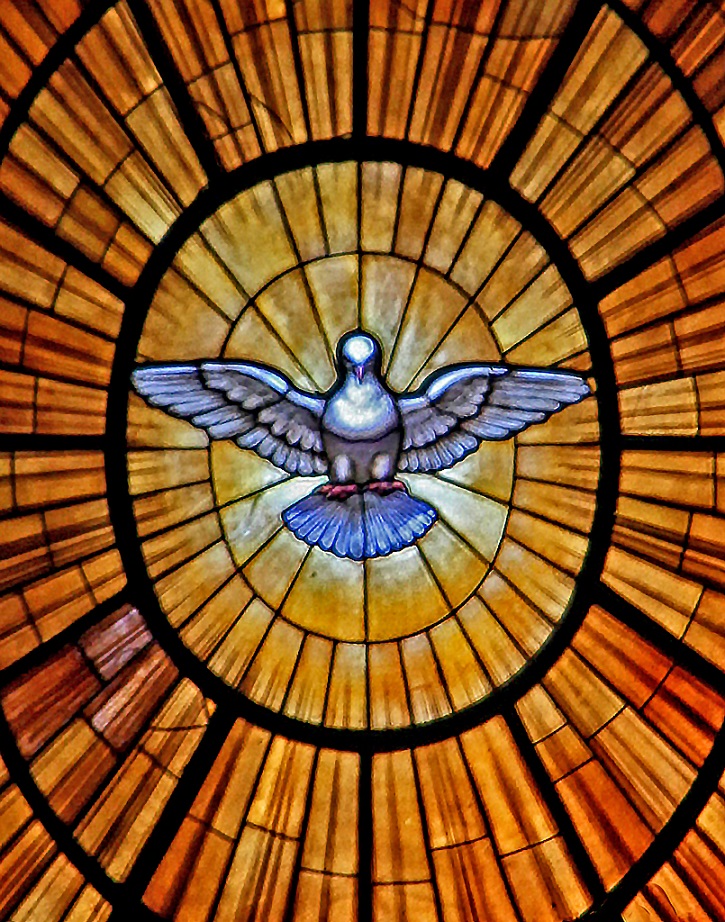
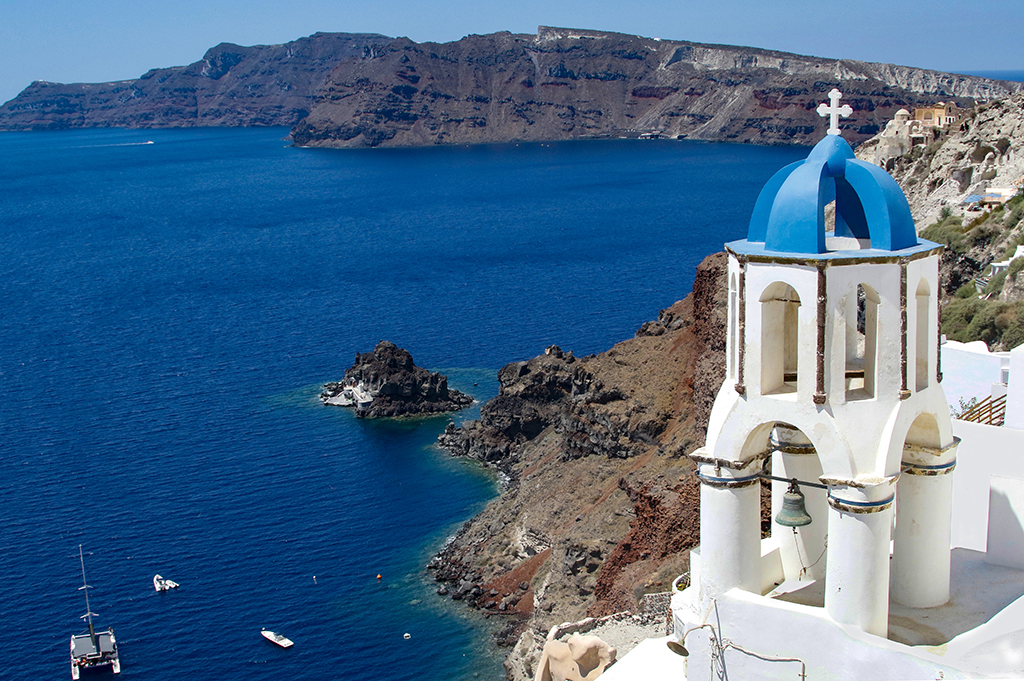
As I initially looked at it I thought maybe a circular polarizing filter might help somewhat in toning down that hot spot. It is really a shame because of all the wonderful (for lack of a better word) pseudo windows around the dome. |
Jul 19th |
| 49 |
Jul 19 |
Comment |
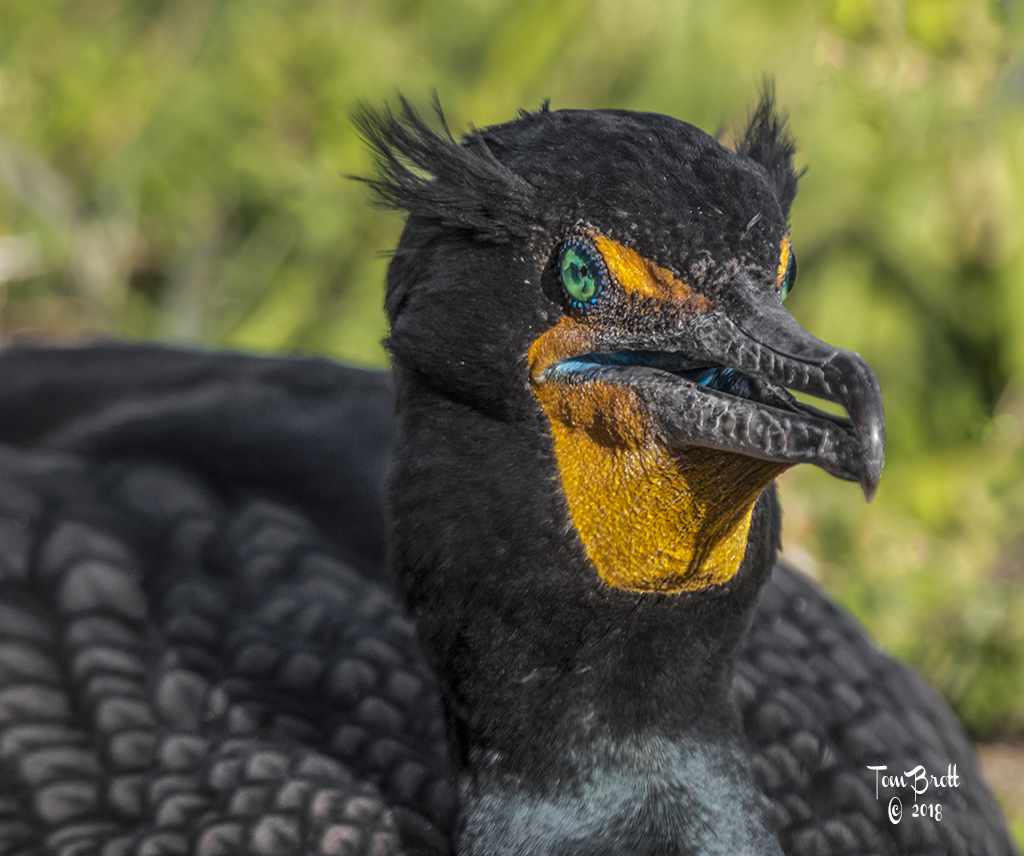
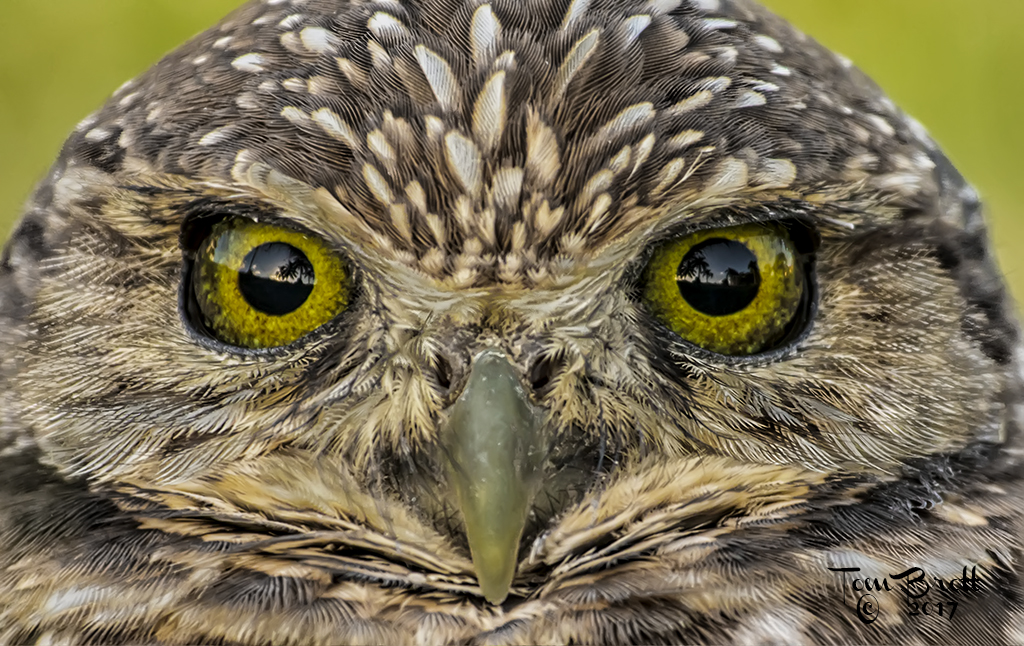
I like the image and the concept.
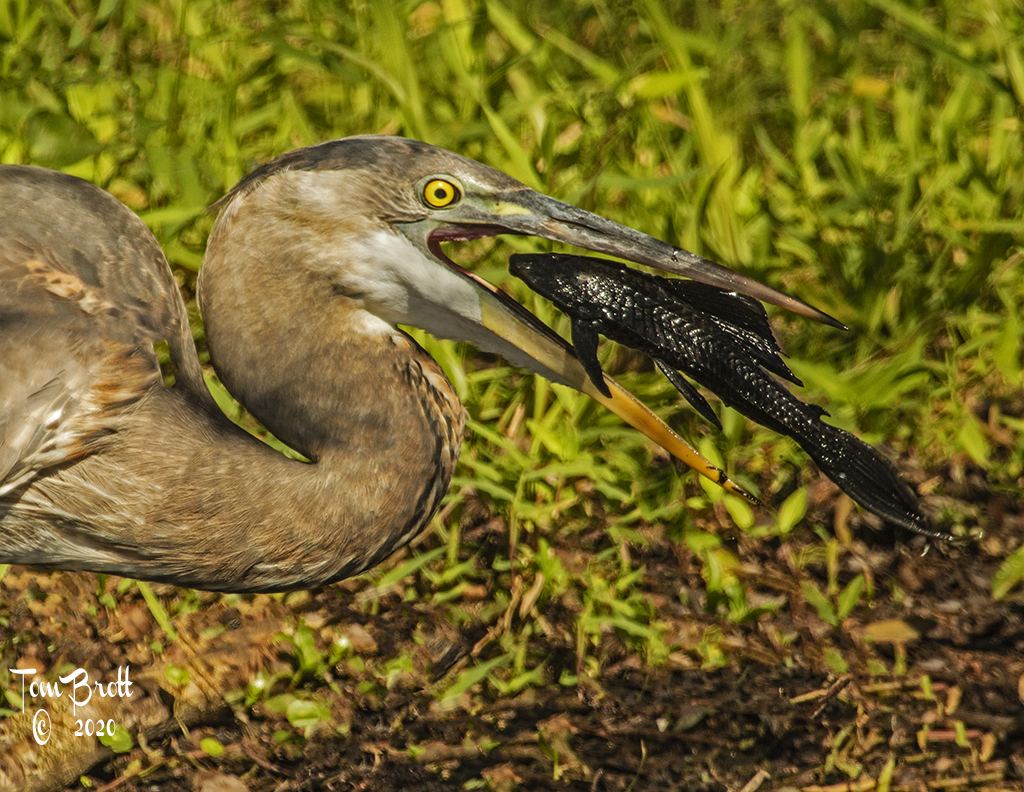
I think it could use a little more brightness and contrast on the rest of the bird - just a touch. |
Jul 19th |
 |
| 49 |
Jul 19 |
Comment |
A great shot and a great idea with placing the camera on the floor. I am a little concerned about the bright center spot in the ceiling. I am not sure how to compensate for that. I also think there should be a little more contrast in the wall design especially in the middle level of the image. |
Jul 19th |
| 49 |
Jul 19 |
Comment |
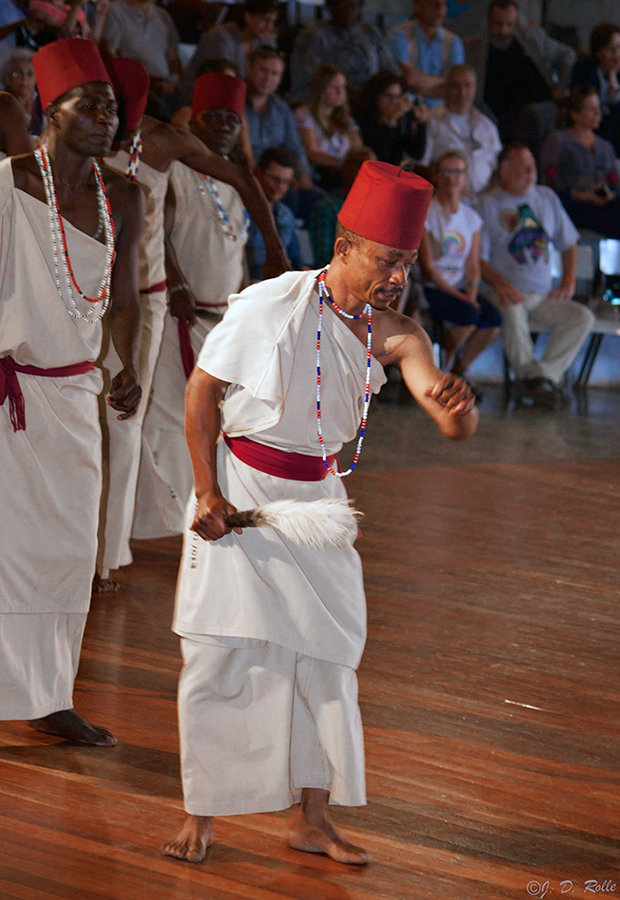
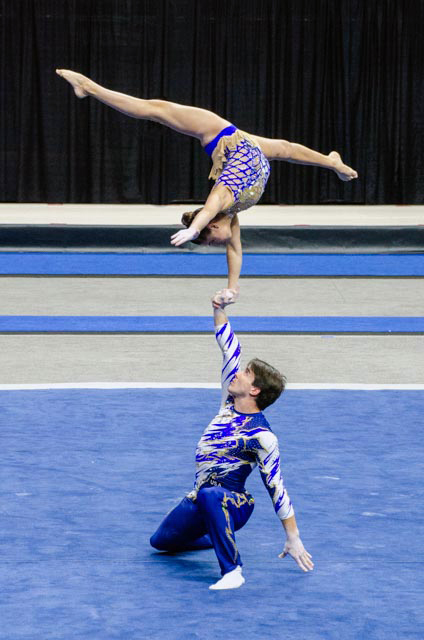
You are getting better! I make several minor adjustments to this image in Photoshop. First I straightened the image by about 2 degrees and cropped some off the top. I assume the outfits were white so I went to Hue/Saturation yellow adjustment and lightened the yellow hue making it look whiter. I then went to levels - options - dark & light colors to enhance the image. Your thoughts? |
Jul 19th |
 |
| 49 |
Jul 19 |
Comment |
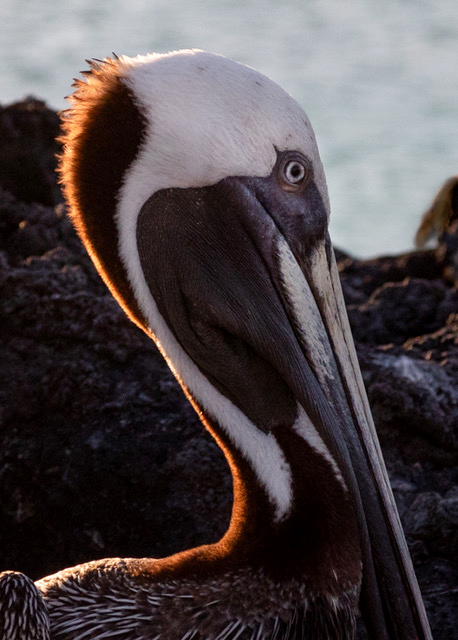
Nice crisp and sharp image.
For such a high powered lens with the high ISO the background has a lot of noise. I use a program called Imagenonic to help reduce that noise. |
Jul 19th |
 |
| 49 |
Jul 19 |
Comment |
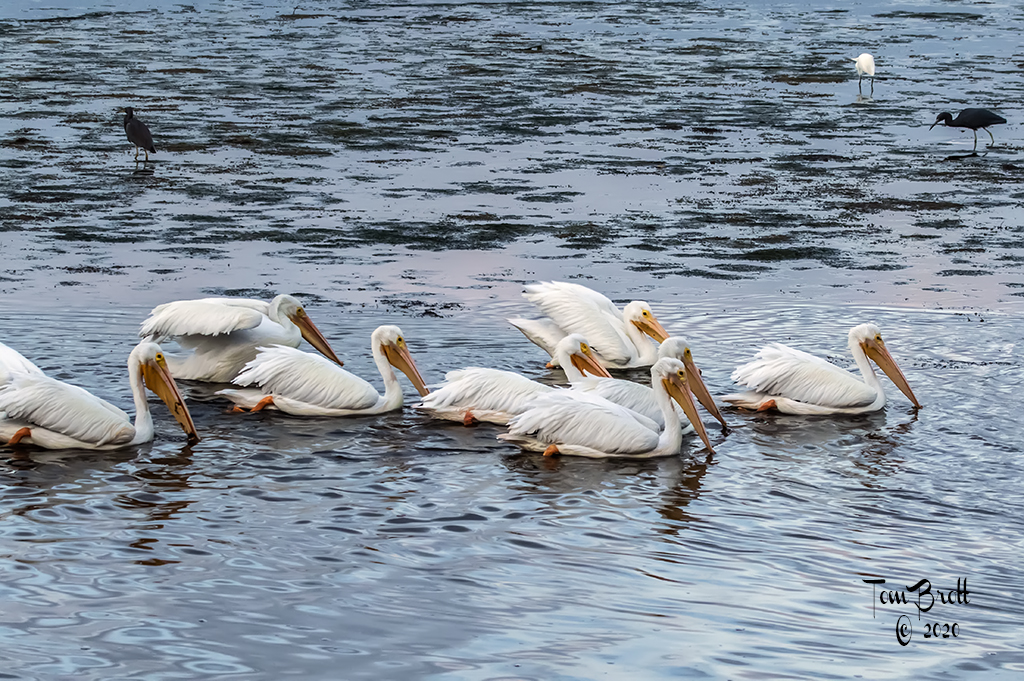
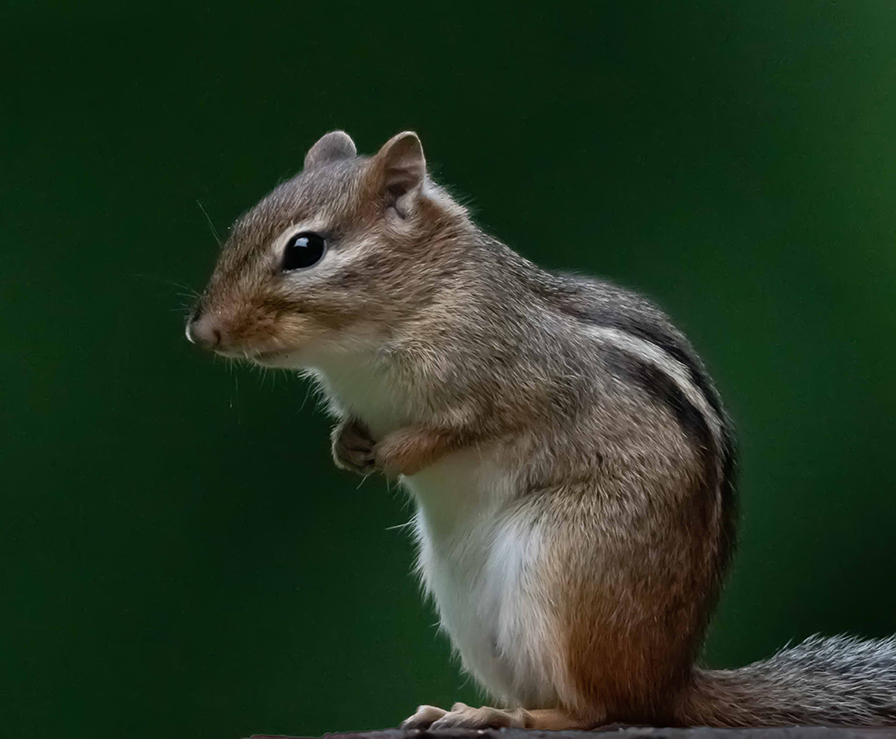
Nice image under difficult lighting. I think you captured great action but the image is a little flat. I went to Adjustments - Levels - Options - Find Dark & Light Colors. Also with the high ISO I used Imagenomics for noise reduction. Your thoughts on the revision? |
Jul 19th |
 |
5 comments - 1 reply for Group 49
|
| 52 |
Jul 19 |
Comment |
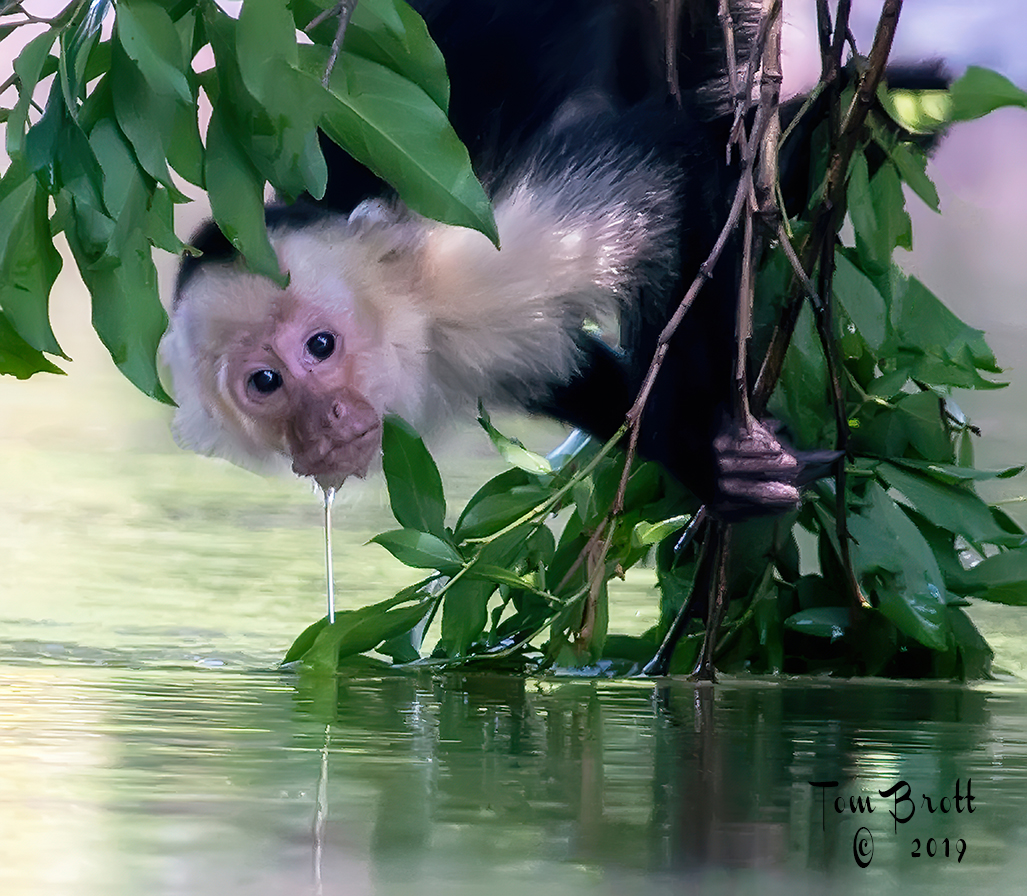
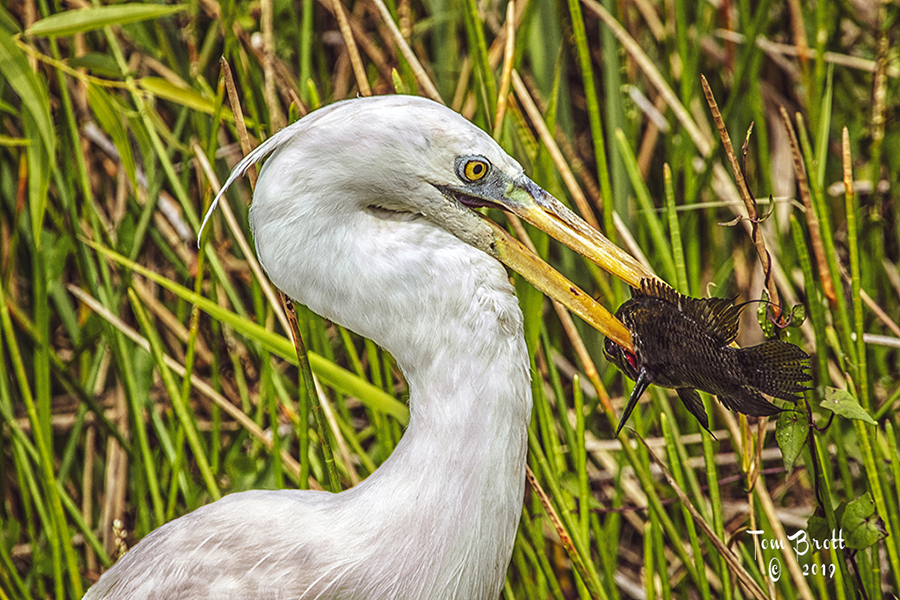
Great portrait. I have to agree with Sharon's comment on looking DOWN. Great sharpness and clarity and the green grass in the mouth create an interesting image especially with the water droplets on the grass and its nose. |
Jul 19th |
| 52 |
Jul 19 |
Comment |
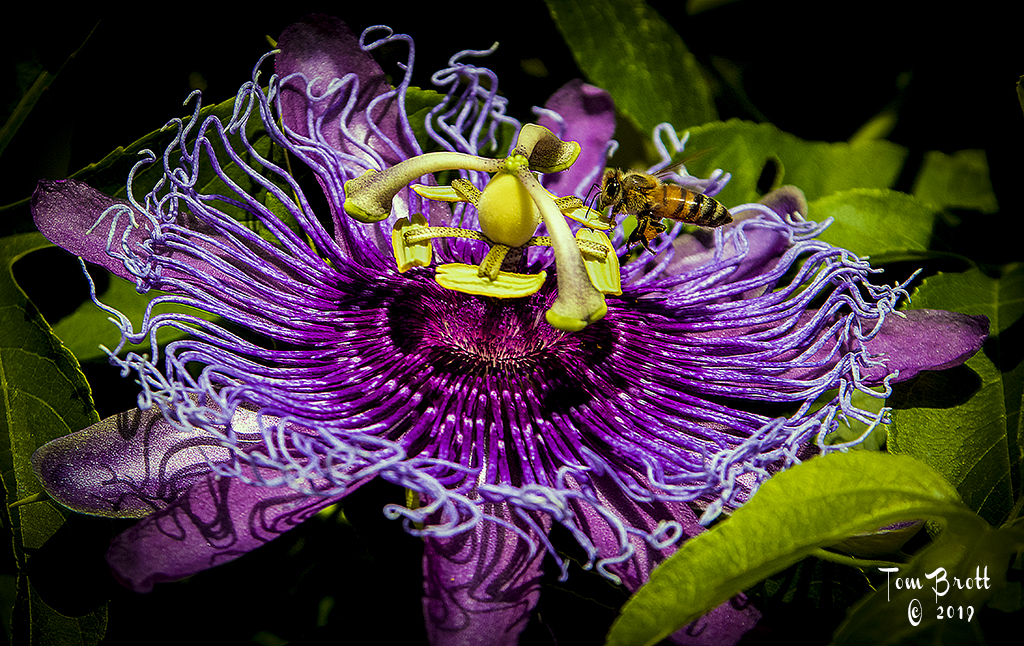
I do have to agree with the others on the bright spot and a tighter crop. The bee has good definition and the wings are visible with stop action. I love the complete shadow of the bee and feel the flower parts to the below to the left are distracting and need to be cropped. |
Jul 19th |
| 52 |
Jul 19 |
Comment |
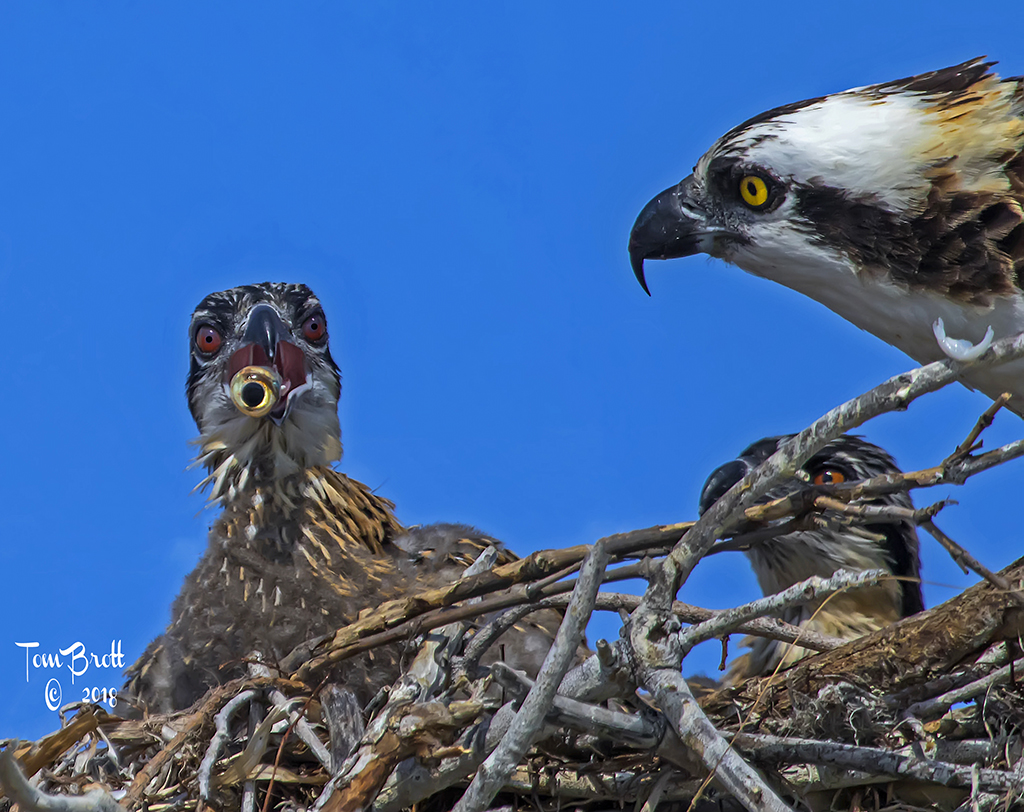
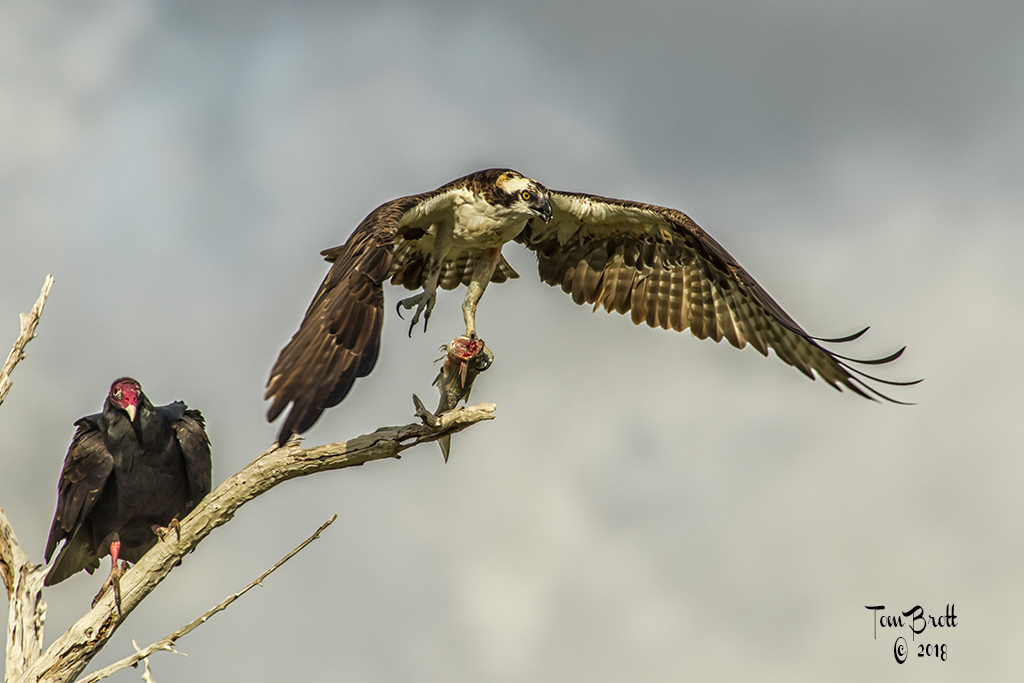
John, I love the action and subject of this image. My initial thoughts was the eagle was a touch flat and Sharon's suggestions seem to have remedied that thought.
I can make no suggestions to you on this wonderful image. |
Jul 19th |
| 52 |
Jul 19 |
Comment |
I can see all points of view with everyone's comments on this image. But, I think you nailed it pretty good on your original. As John mentioned a little tweak to tonality and the spot healing brush in a few small areas and I believe you have a definite winner.
I think that we all have different taste and views and you need to go with what feels right to you. |
Jul 19th |
| 52 |
Jul 19 |
Comment |
I like your handling of the image. There are many pictures/visions/views within the image. I think the way you centered the viewers eyes with the light is wonderful. You can feel the depth from the hill top to the valley below and back up to the volcano with all the lava flow ridges and also feel the destruction that was done to the area.
I did take the same image 15 to 20 years ago on film but there were only purple flowers then and a lot of ash and starkness visible. Nice to see nature is mending her devastation. |
Jul 19th |
| 52 |
Jul 19 |
Comment |
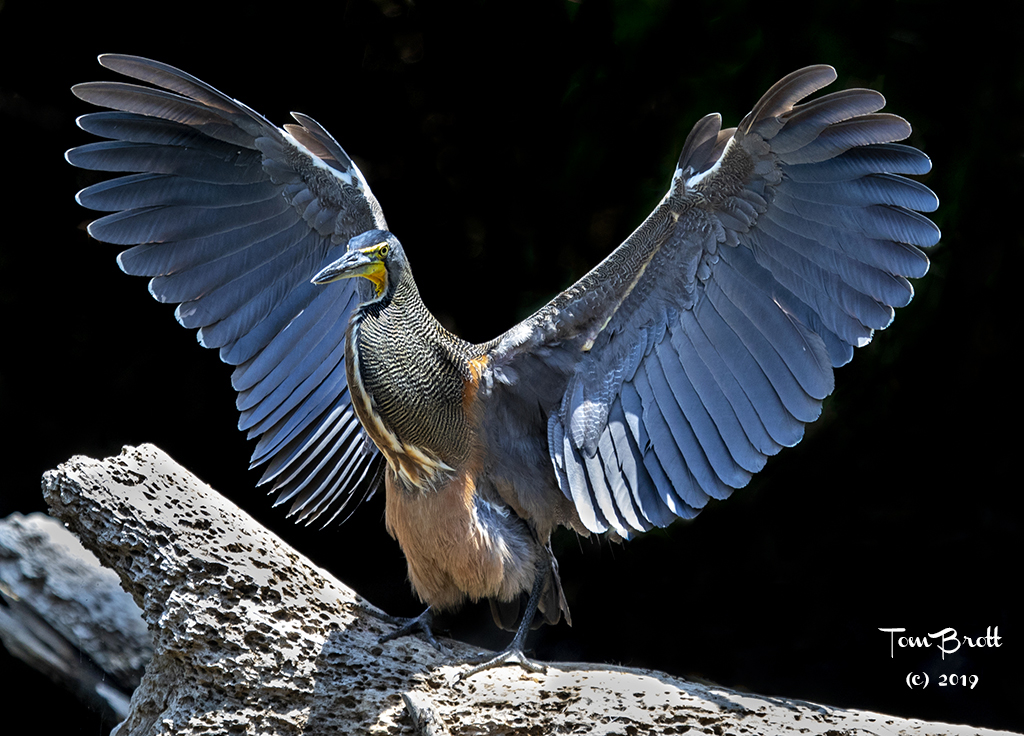
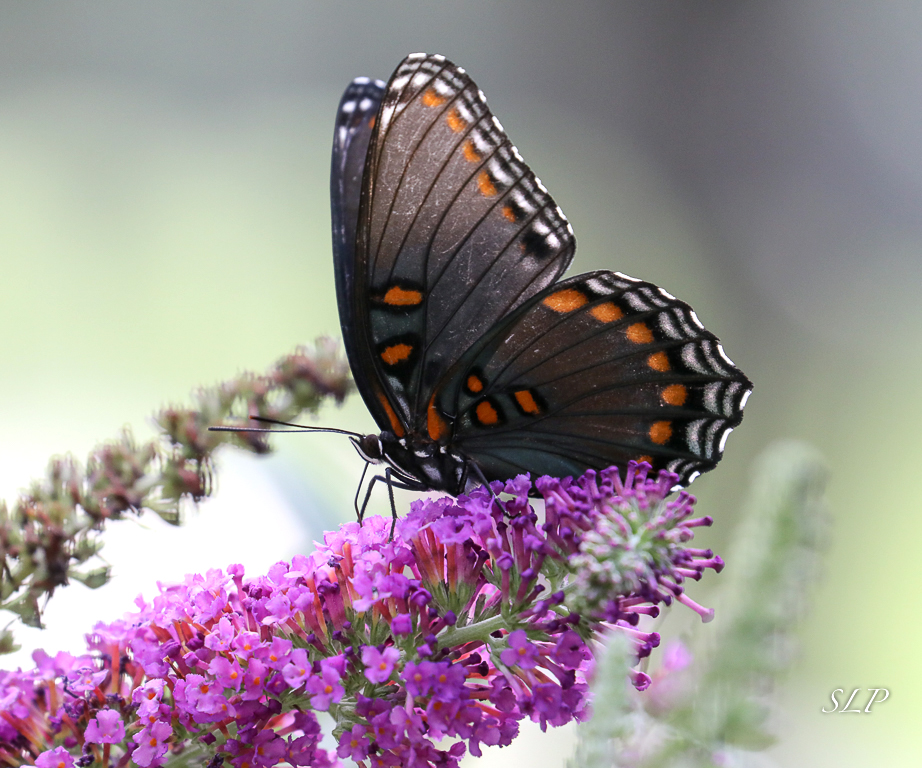
I like the true nature perspective of the image with the background and all. I see nothing that should be or needs to be removed. To my eye I do believe that a little more pop is needed in the body area. Adjustment - Levels - Options - Find Dark & Light colors. Then back to levels and moved the right side slider to the left to 235. I feel this gives it a little more pop and brightens the body area. Your thoughts? |
Jul 19th |
 |
6 comments - 0 replies for Group 52
|
11 comments - 1 reply Total
|