Activity for User 460 - Lisa Cuchara - photographer67@comcast.net

avatar
Avatar

Close this Tab when done


1068 Comments / 292 Replies Posted

  = Current Round   = Previous Round
Group Round C/R Comment Date Image
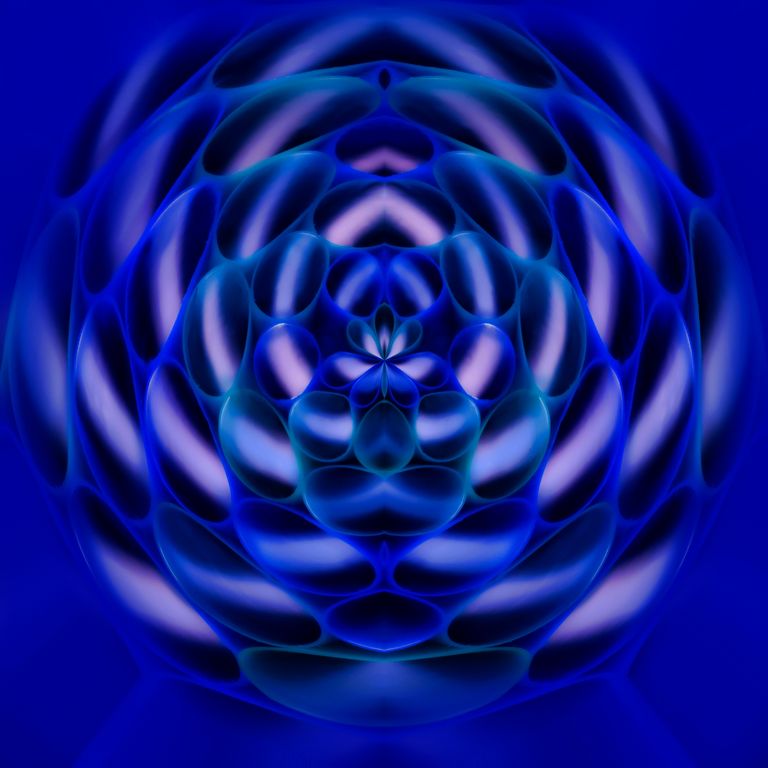
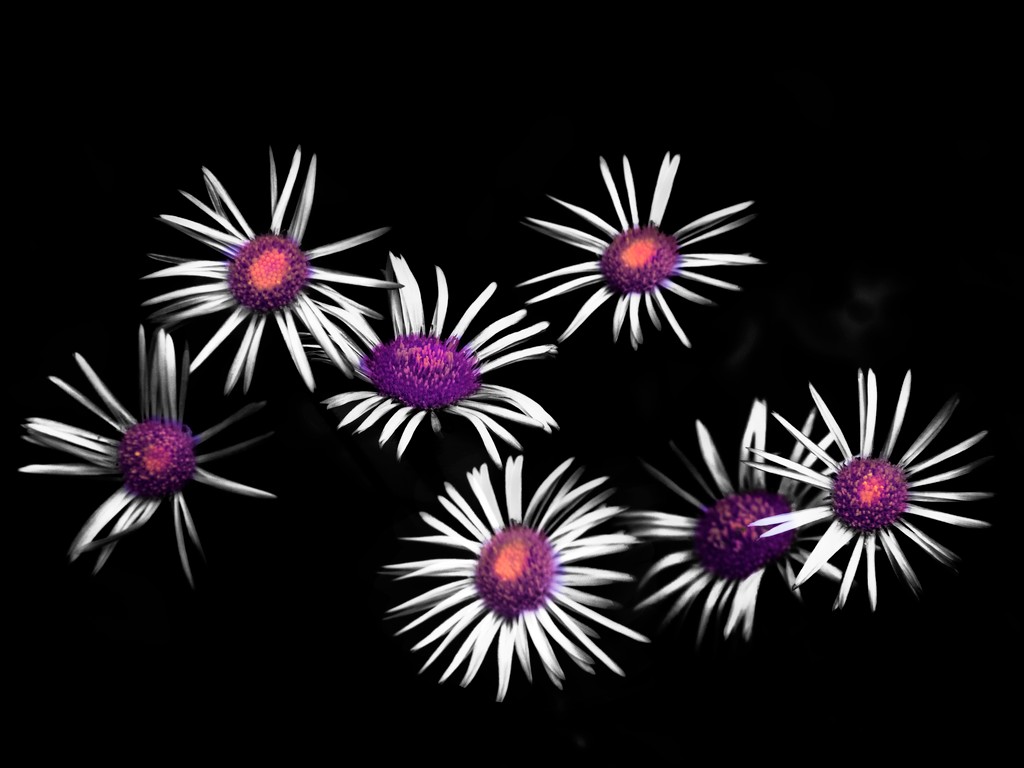
41 Jan 21 Reply I changed the blend mode to lighten
and then used selective color to eliminate the blue
Jan 27th
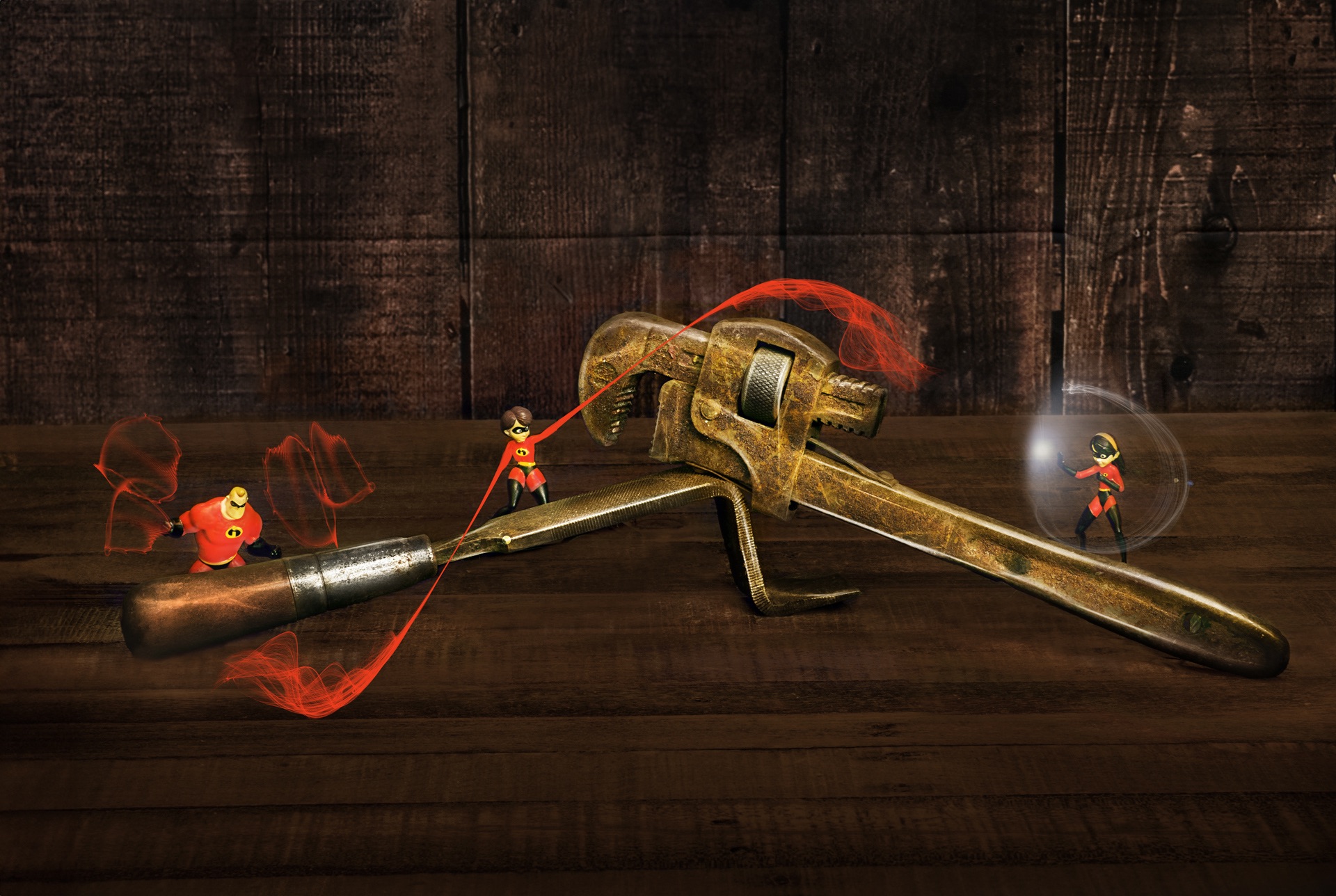
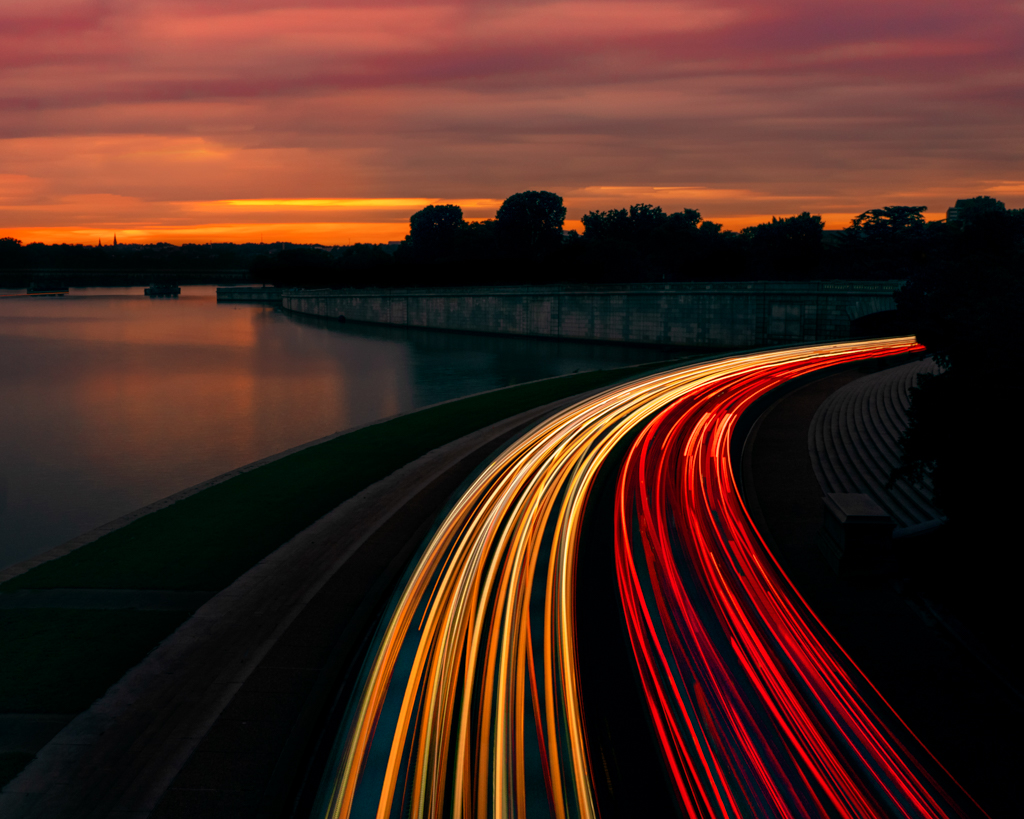
41 Jan 21 Reply no, live composite is done in camera, but similar to stacking in PS. In PS you would align a whole bunch of image layers and change the blend mode to lighten. The Olympus camera does this live and in real time so you can watch each image (layer) being added. And unlike PS where you have to mask, only NEW light is added for live composite. Jan 27th
41 Jan 21 Reply Thank you
Similar to http://psadigital.org/group41/image.php?iid=52801
The base image exposes for ambient light and then using live composite new light is added, painting with the flashlight (like a paint brush in one direction), building up light and looking at the back of the LCD as each stack comes in. I love light painting as it gives a different feel to the image.
Jan 27th
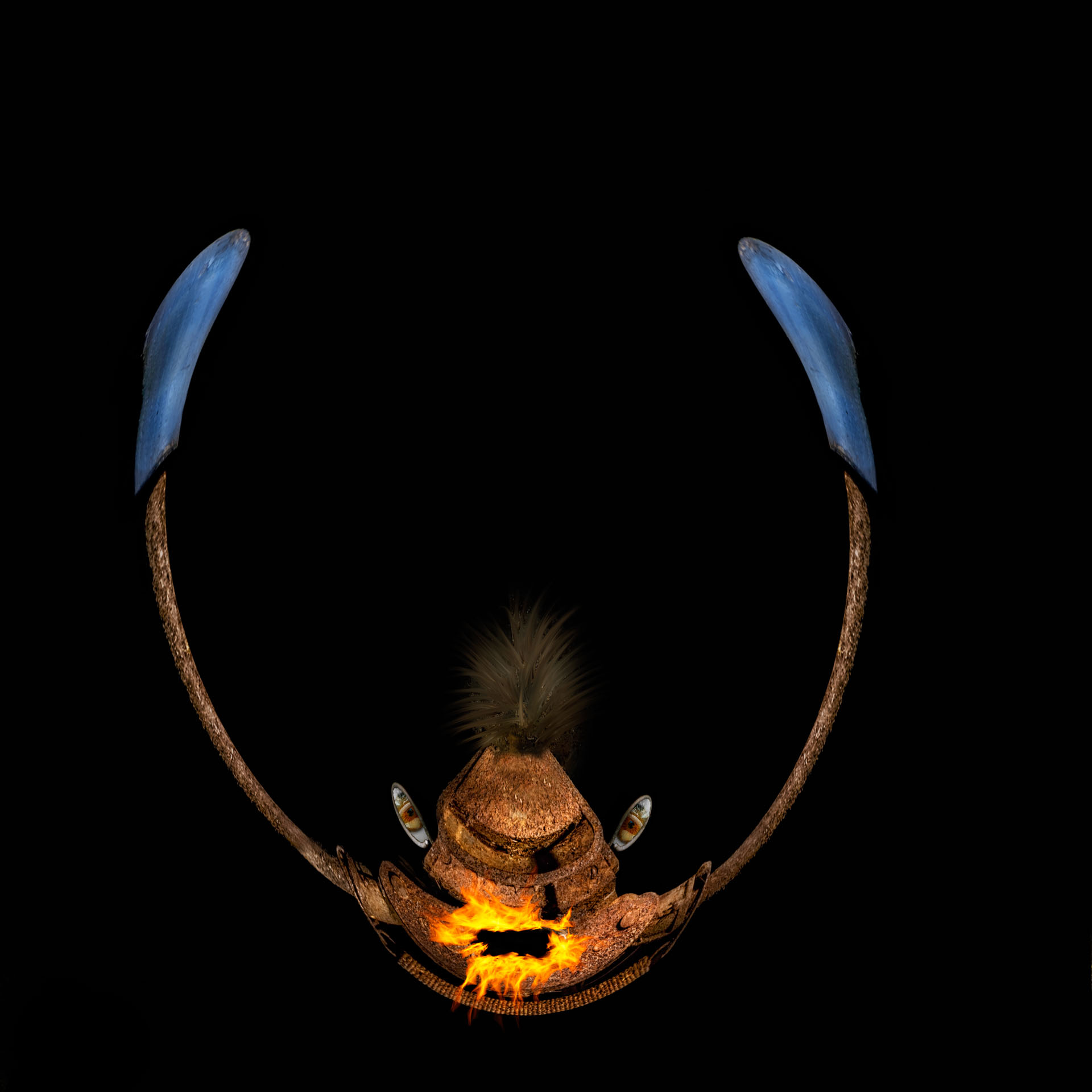
41 Jan 21 Comment I like the weird colors, but with the jellyfish being the only thing psychedelic, how about a more natural but still creepy version? Jan 18th
41 Jan 21 Comment Creepy! Science fiction!
The road and flowers are well composited. And you changed the sky (clouds) too. The darkened down image has a lot of moodiness which matches the fate against the jellyfish

The jellyfish certainly gives me the creeps, lol. Did you try extracting the blue away and changing the blend mode to lighten?
Jan 17th
41 Jan 21 Comment I looked up RafyA, never heard of it, the channel has some fun videos: https://www.youtube.com/channel/UCB69iibkyOYlODhrwJlrzsw

Jan 17th
41 Jan 21 Comment I love the little birds all lined up and the artistic effect applied. Whimsical and creative. The colors and expressions are awesome!!!

I would clone out the repeating nub in the branck that it a tell tale composite artifact, and if you can bring in just a little more of some of their tails.
Jan 17th
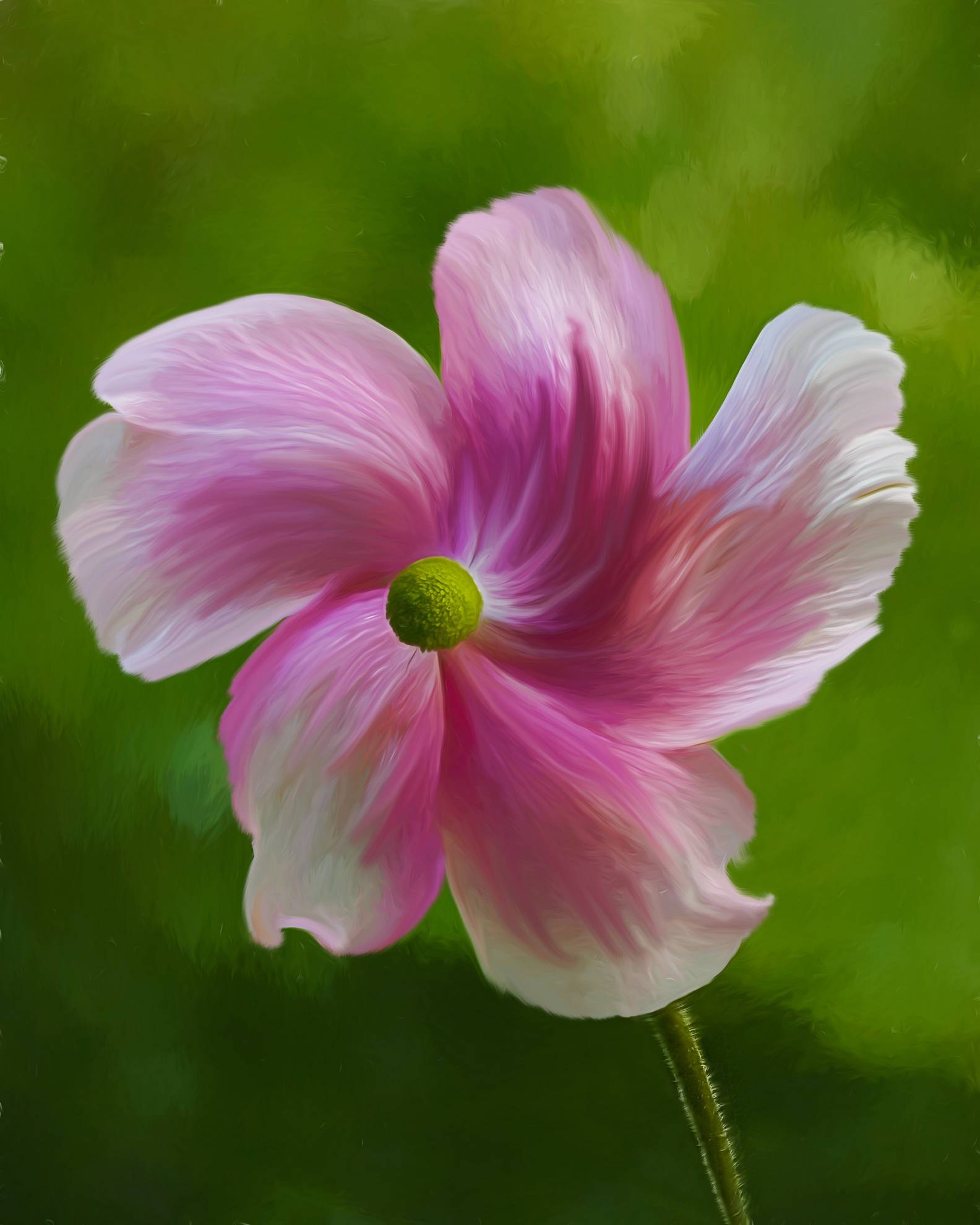
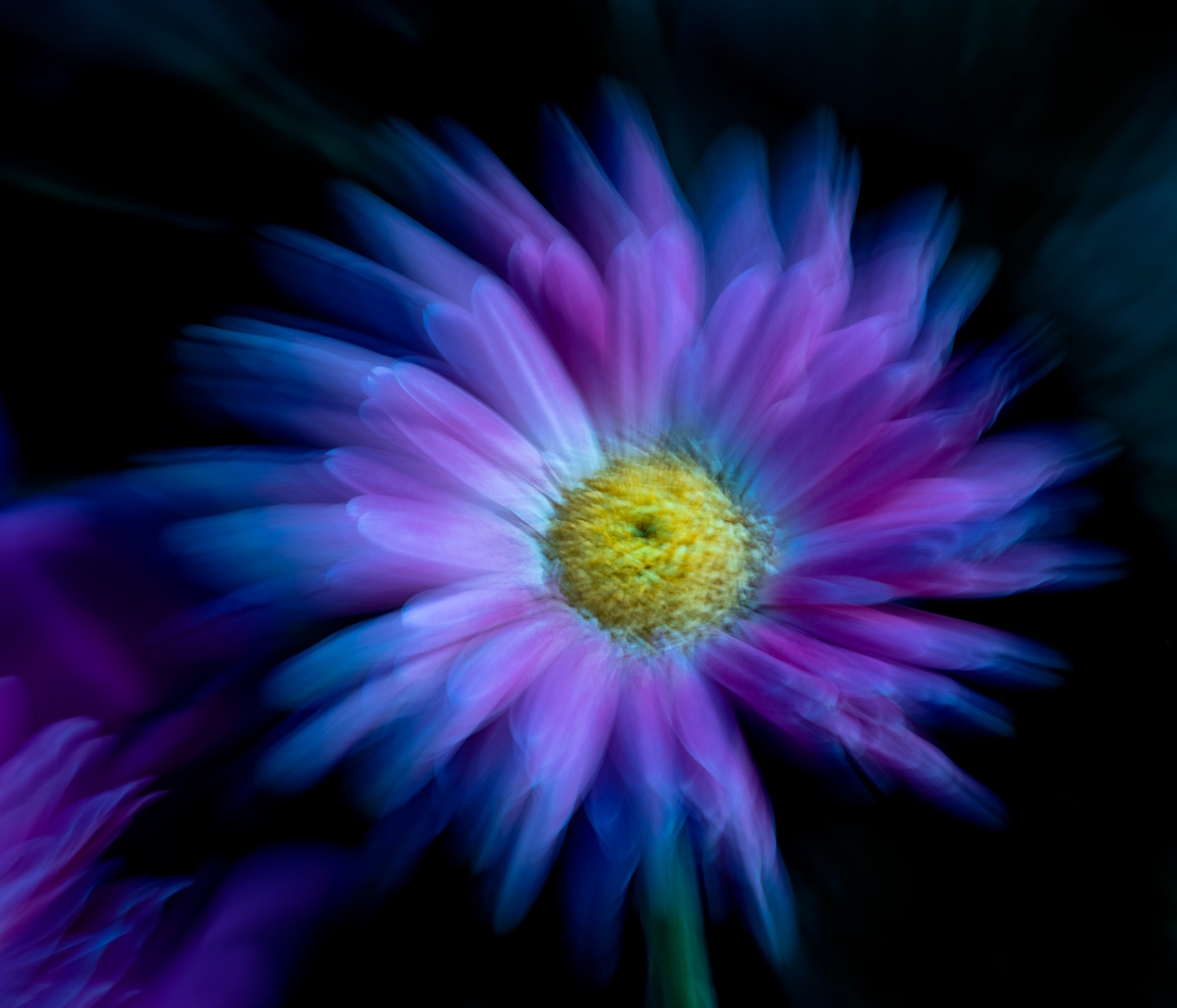
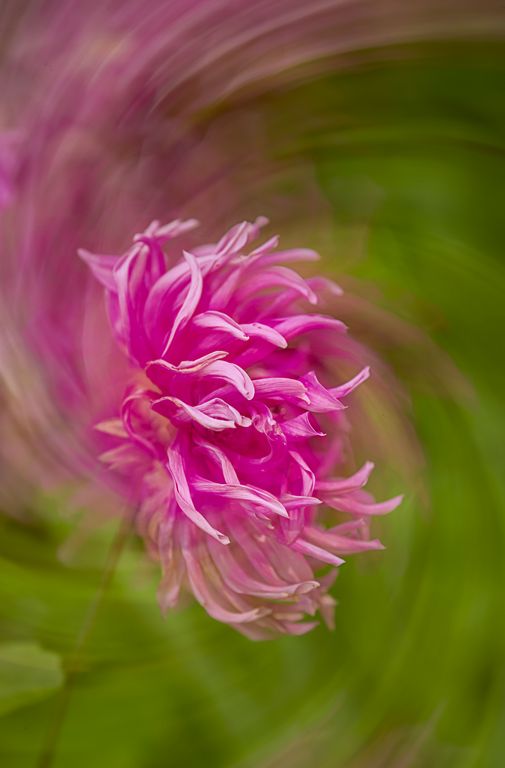
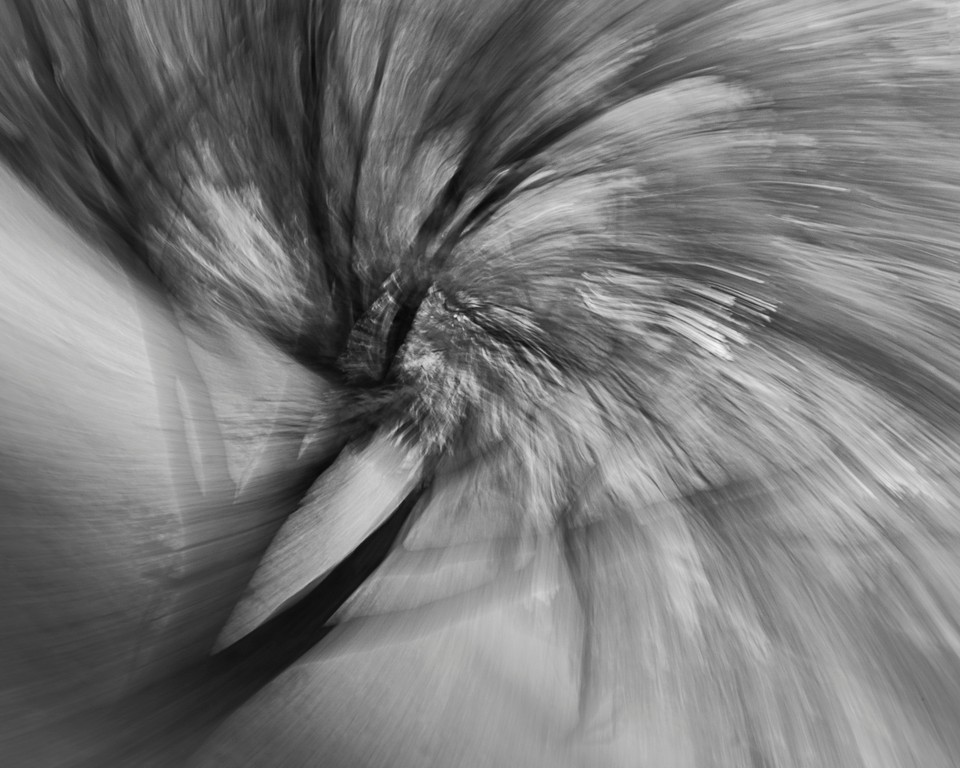
41 Jan 21 Comment I enjoy doing and seeing ICM, especially Zoom bursts. The flower looks pretty neat, even in the original zoom burst version.

There is a line on the left, even in the zoom burst pre-topaz, -- I would crop that out
Jan 17th
41 Jan 21 Comment What a great fine art image! These two photos make a great composite and you have styled them in a wonderful way that also creates color harmony that does not give an inkling that it was composited. And the three cranes are graceful and beautiful

The only thing I would change is clone or content aware fill over the bight white cylindrical thing in the center of the image
Jan 17th

6 comments - 3 replies for Group 41

44 Jan 21 Comment I like the view thru the 'window' Great tone mapping and composition.

I do wish that the cross was not merged with the tree. I also wonder about darkening the light coming in on the left
Jan 27th
44 Jan 21 Comment wow, dramatic scene! I like the composition.

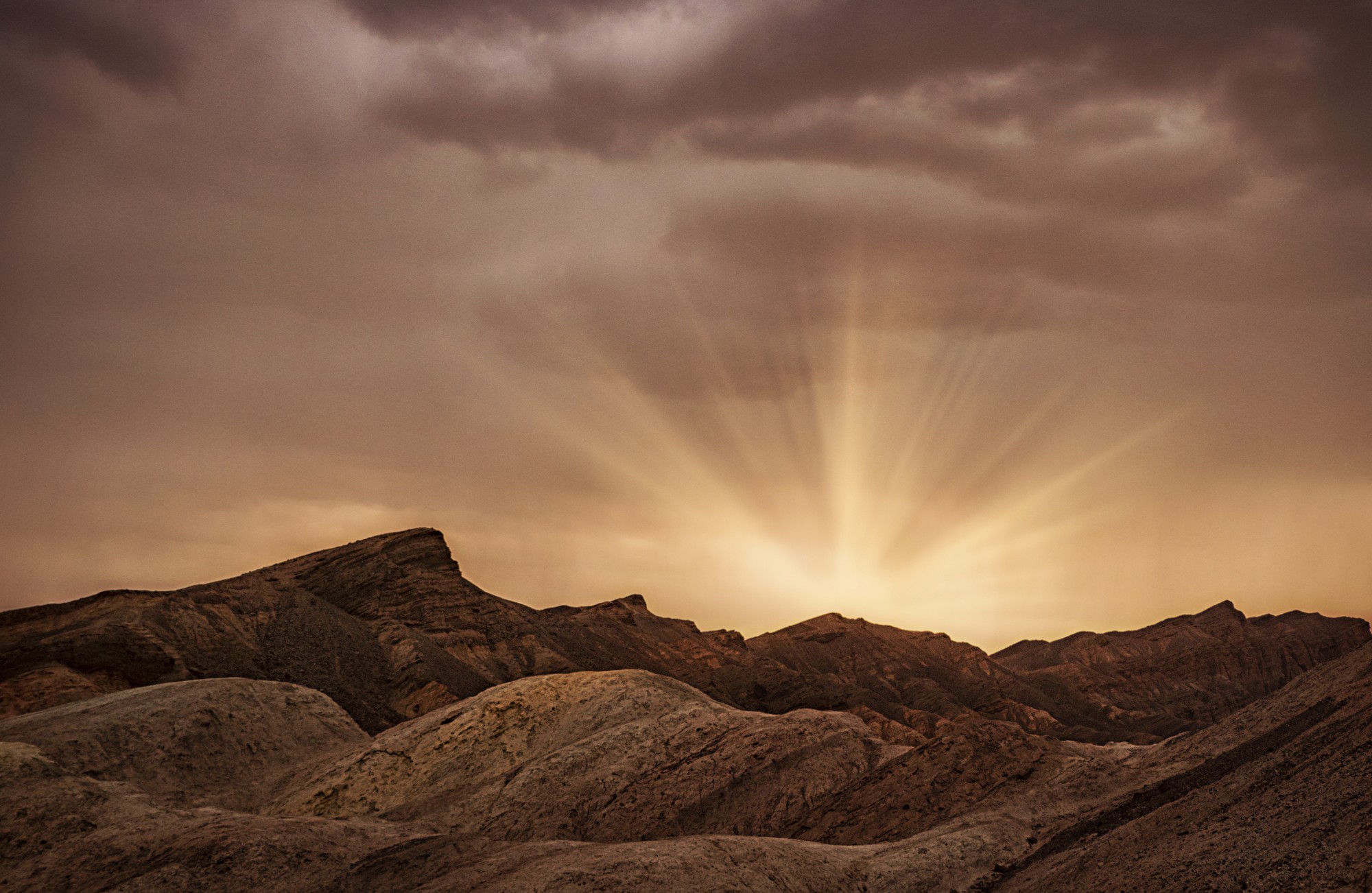
Take a look at the -2 and see if the clouds had more detail, or edit the RAW -2 image for the clouds and save it as a dng and use that for the clouds. The mountains seem to have a cyan tint.
Jan 27th
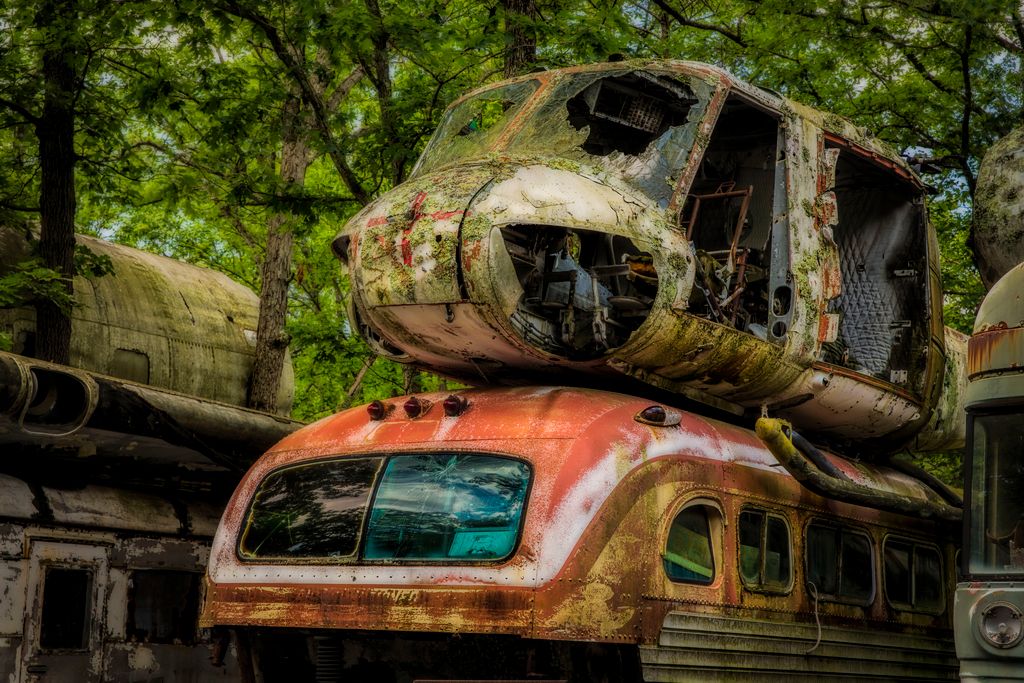
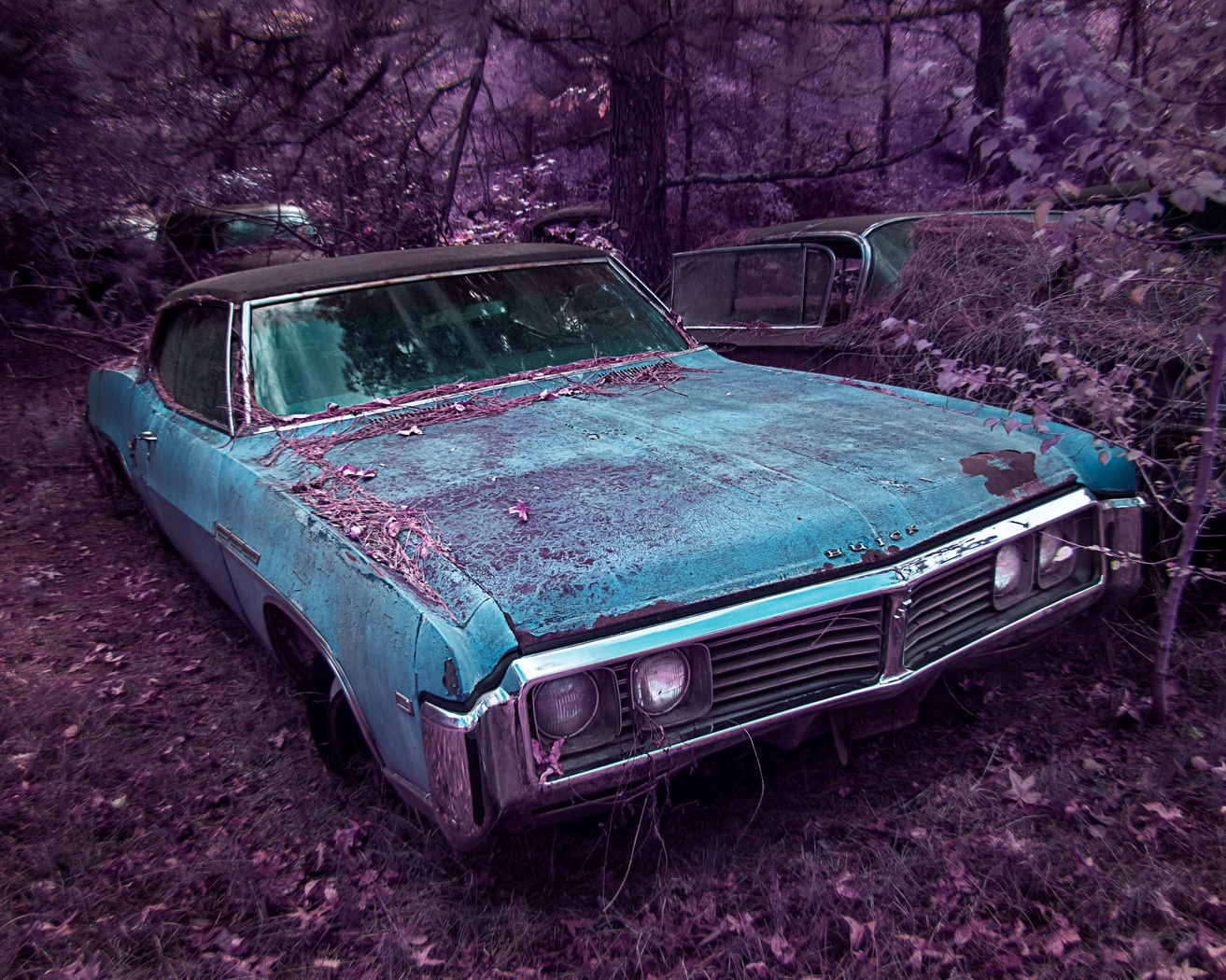
44 Jan 21 Comment I love this and love old car city, certainly missed not getting there in 2020, good idea to go back to my previous visits, I certainly have lots of unedited images from OCC.

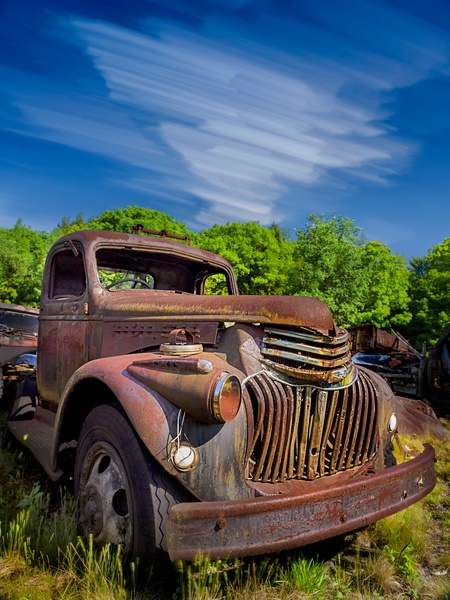
I like the truck and the composition. The snail trails, especially on the yellow fender, add interest. The green surrounding the truck adds a nice frame, although even seeing all that poison ivy makes me itchy.

I love it the way that it is, cannot think of anything to improve it.
Jan 27th
44 Jan 21 Comment I like the composition coming in on the left with the far red truck and then coming to the house and then to the awesome red tractor.

Some additional contrast would make this pop.

I wish that I lived near something like this, I need a nearby muse.
Jan 27th
44 Jan 21 Reply some cameras, like the EM1 Olmypus mark III, have ND filters built in. We still carry a full ND filter many times, but it is nice to have it built in for those times you go lighter or just aren't expecting to need one. Jan 27th
44 Jan 21 Comment The blend and composition are well done. After so many silky water images seeing one with more motion is nice.

I would tone down the rock on the left, maybe even warm it up a tad since the lower rocks have such rich color.
Jan 27th
44 Jan 21 Comment wow, makes me want to travel. Stunning image. I like the composition, the rock, the tone mapping.

I see a slight lens hood vignette at the top right, except for that perfect! The steam juxtaposed against the snowy scene is just stunning!!
Jan 27th
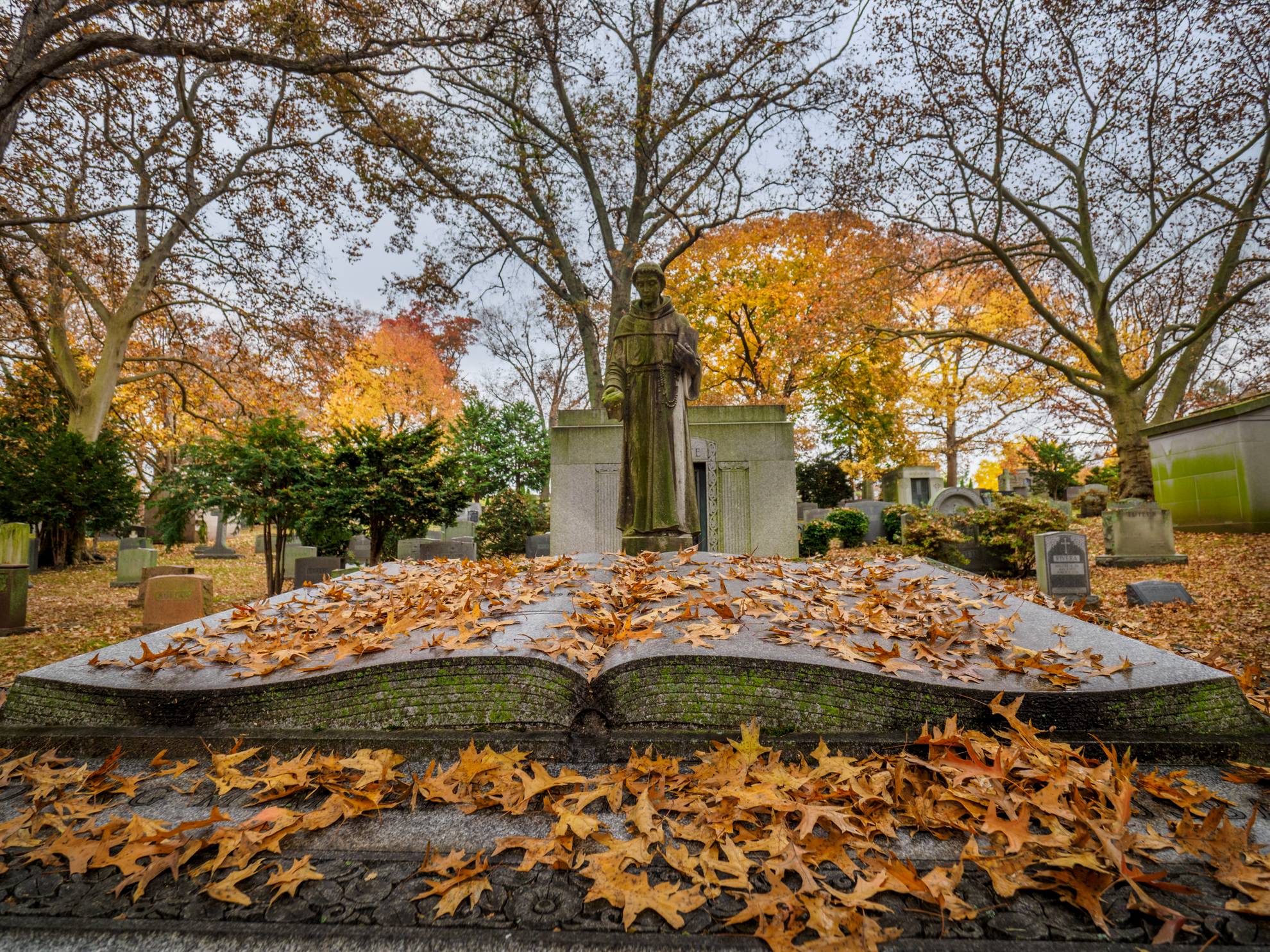
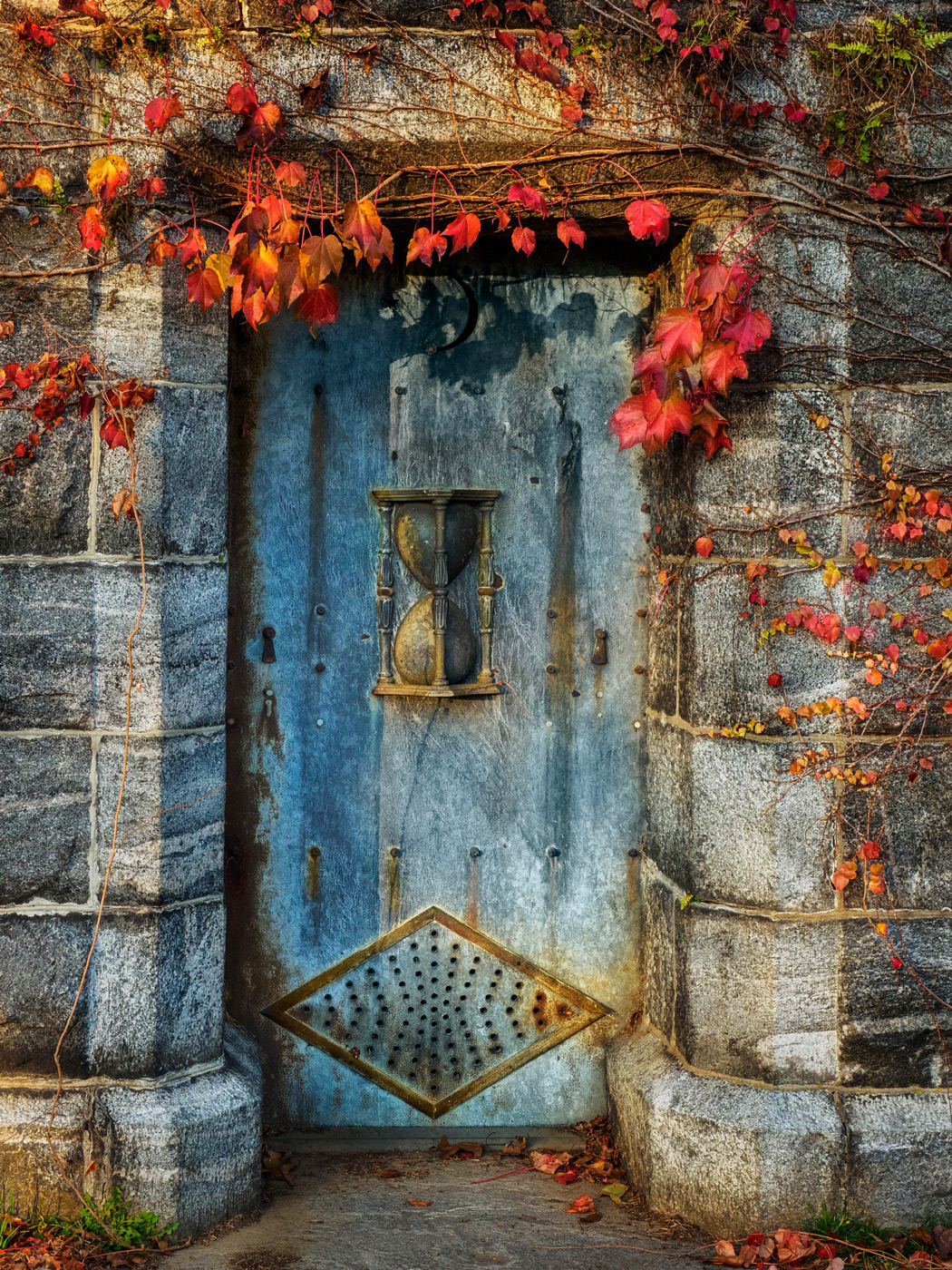
44 Jan 21 Reply Yes, the hourglass was there -- a message from the decedent that we all only have limited time on this earth. Jan 27th

6 comments - 2 replies for Group 44

91 Jan 21 Reply I do like darkening the background, thank you. Jan 27th
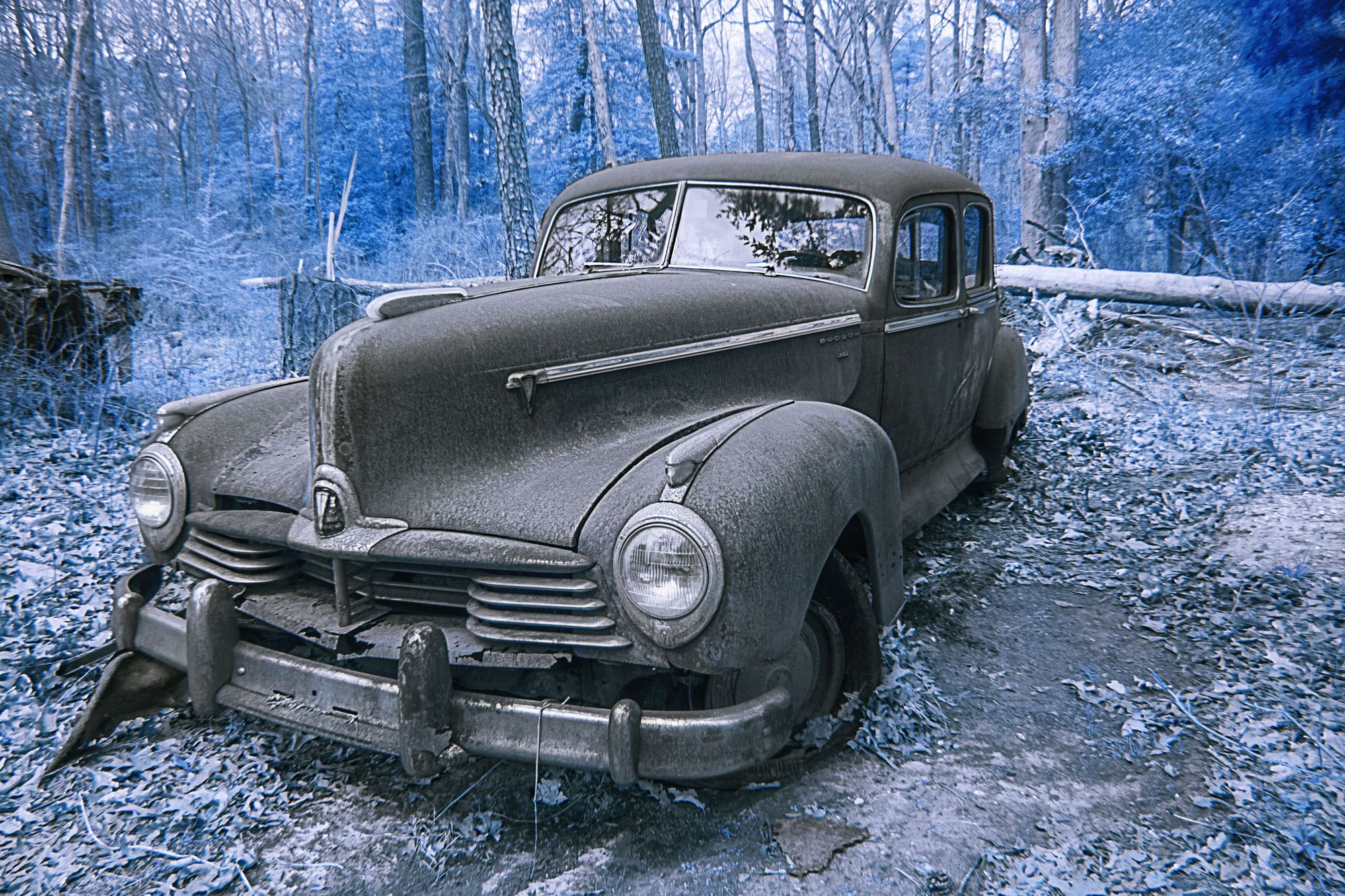
91 Jan 21 Comment what a great subject matter! I like the IR look especially for the trees/leaves.

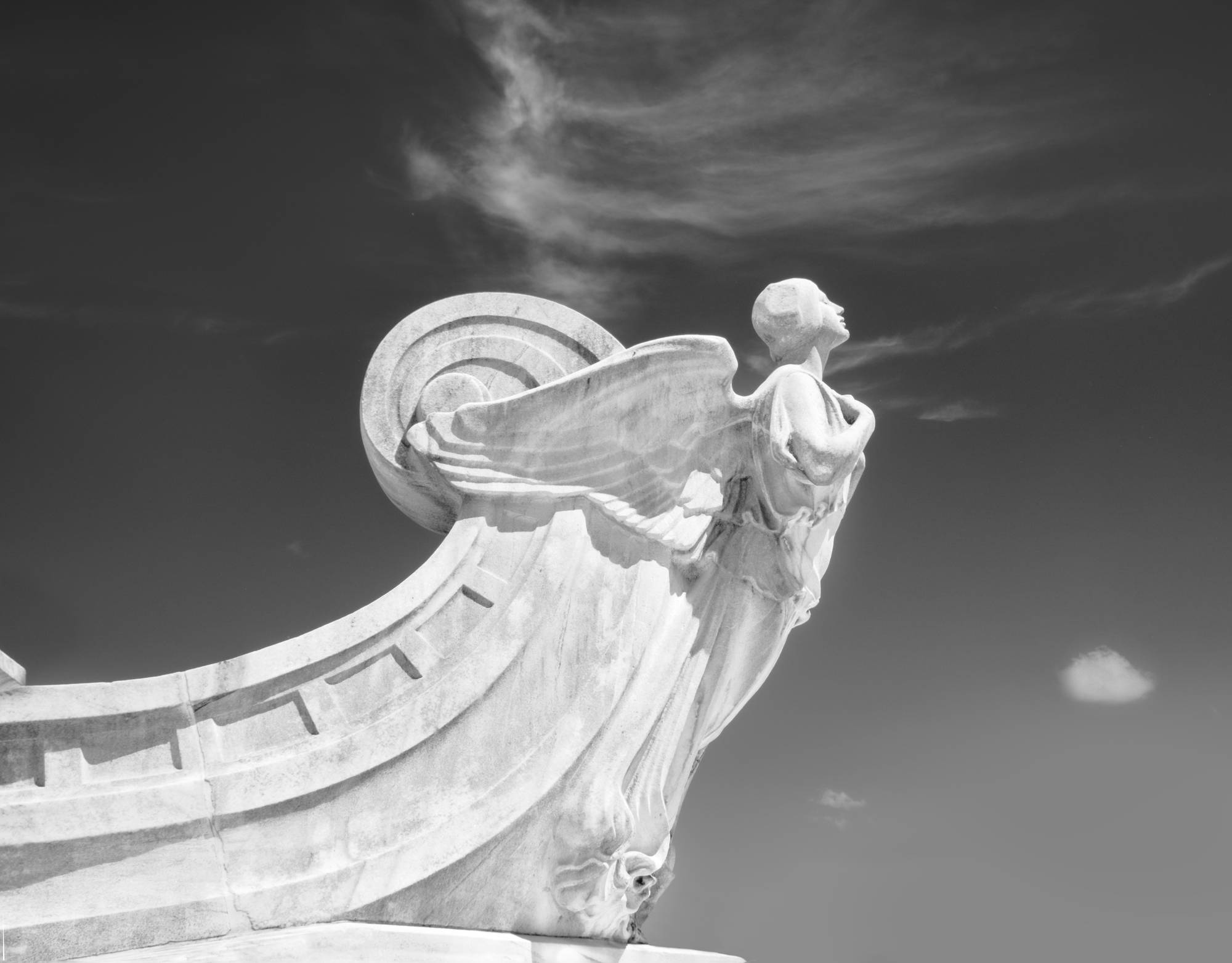
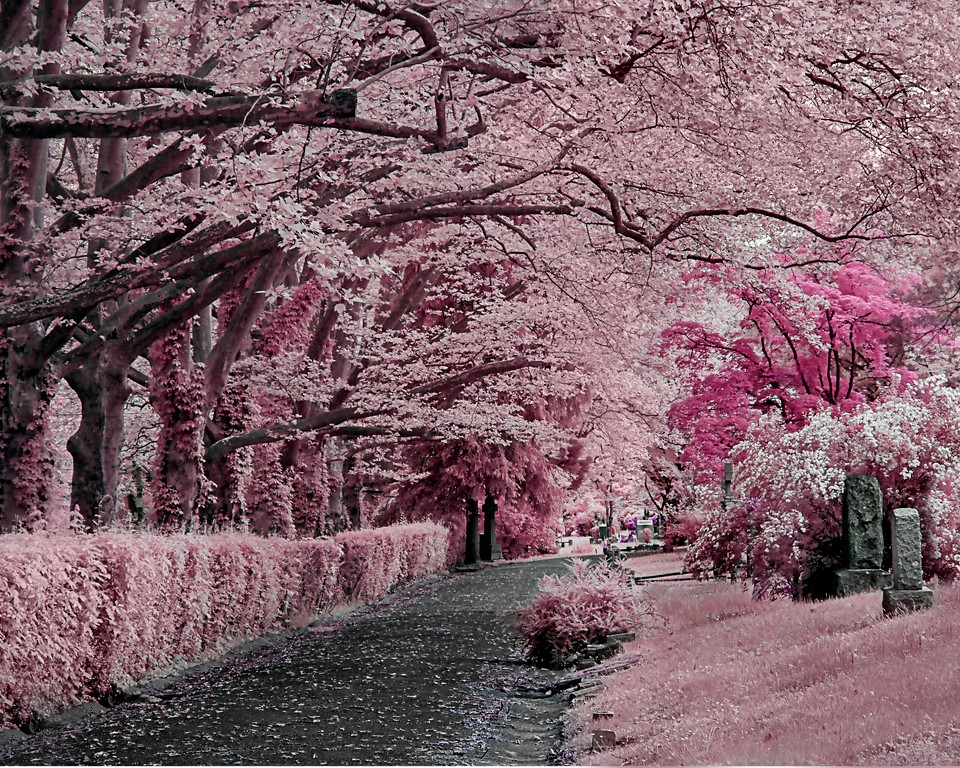
There are a few holidays around the mausoleum where the sky meets the upper right. Here is my version with a little dodging and geomemtry...
Jan 17th
91 Jan 21 Comment I love all of the pink tones the way that the IR light and your post-processing created this!
I like the bamboo on the left and love love love the plants on the bottom. Not sure about the blue or the white in the upper right.
I hope you did some create some images of the plants closer up too as they are way cool!
Jan 16th
91 Jan 21 Comment I love the boats and the palm trees really add a lot to this image. All of the foliage really give it a classic IR look and it works well.
I might crop more off of the bottom of the image as the sand does not have that same IR glow
Jan 16th
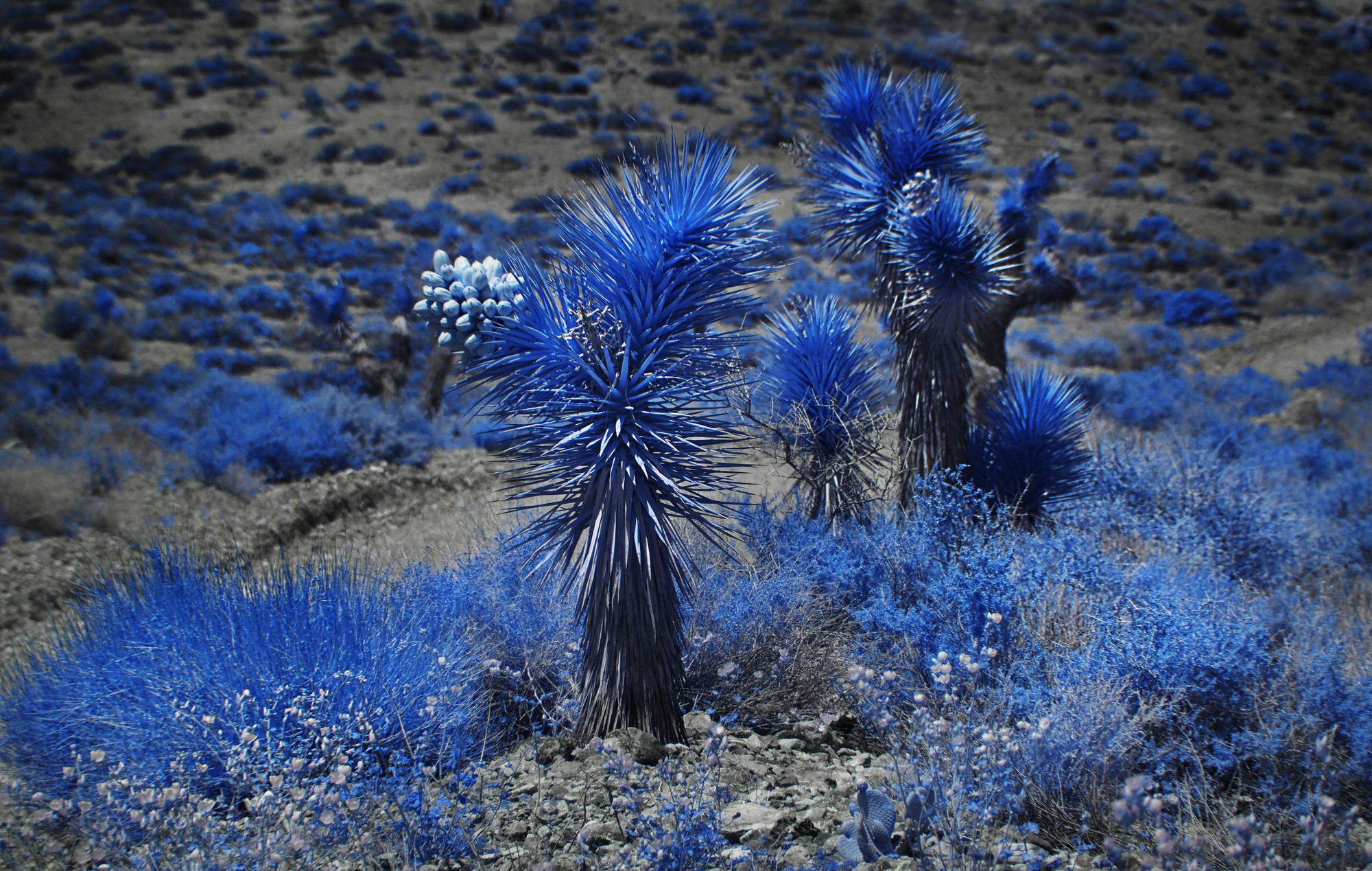
91 Jan 21 Comment I love the shapes and texture and shades in the leaves. Whta a cool plant! I need to do more plants in IR so thank you for the inspiration
The vignette adds a nice touch. I would darken the rim of the pot.
Jan 16th

4 comments - 1 reply for Group 91


16 comments - 6 replies Total


231 Images Posted

  = Current Round   = Previous Round
Group 41

Jan 25

Nov 24

Oct 24

Jul 24

Jun 24

Apr 24

Mar 24

Feb 24

Jan 24

Nov 23

Oct 23

Sep 23

Aug 23

Jul 23

Jun 23

May 23

Apr 23

Mar 23

Jan 23

Dec 22

Sep 22

Aug 22

Jul 22

Jun 22

May 22

Mar 22

Feb 22

Jan 22

Dec 21

Nov 21

Oct 21

Sep 21

Aug 21

Jul 21

May 21

Apr 21

Feb 21

Jan 21

Nov 20

Oct 20

Sep 20

Aug 20

Jul 20

Jun 20

May 20

Apr 20

Mar 20

Feb 20

Jan 20

Dec 19

Nov 19

Oct 19

Sep 19

Aug 19

Jul 19

Jun 19

May 19

Apr 19

Mar 19

Feb 19

Jan 19

Dec 18

Nov 18

Oct 18

Sep 18

Aug 18

Jul 18

Jun 18

Mar 18

Feb 18

Jan 18

Dec 17

Nov 17

Oct 17

Sep 17

Aug 17

Jul 17

Jun 17

May 17

Apr 17

Mar 17

Feb 17

Jan 17
Group 44

Jan 25

Nov 24

Oct 24

Aug 24

Jul 24

Jun 24

May 24

Apr 24

Mar 24

Feb 24

Jan 24

Nov 23

Oct 23

Aug 23

Jul 23

Jun 23

May 23

Apr 23

Mar 23

Jan 23

Dec 22

Nov 22

Sep 22

Aug 22

Jul 22

Jun 22

May 22

Mar 22

Feb 22

Jan 22

Dec 21

Nov 21

Sep 21

Aug 21

Jul 21

May 21

Apr 21

Feb 21

Jan 21

Dec 20

Nov 20

Oct 20

Sep 20

Aug 20

Jul 20

Jun 20

May 20

Apr 20

Mar 20

Feb 20

Jan 20

Dec 19

Nov 19

Oct 19

Sep 19

Aug 19

Jul 19

Jun 19

May 19

Apr 19

Mar 19

Feb 19

Jan 19

Dec 18

Nov 18

Oct 18

Sep 18

Aug 18

Jul 18

Jun 18

May 18

Apr 18

Mar 18

Jan 18

Dec 17

Nov 17

Oct 17

Sep 17

Aug 17

Jul 17

Jun 17

May 17

Apr 17

Mar 17

Feb 17

Jan 17
Group 46

Jan 25

Dec 24

Nov 24

Oct 24

Aug 24

Jul 24

Jun 24

May 24

Apr 24

Mar 24

Feb 24

Jan 24

Dec 23

Nov 23

Oct 23

Sep 23

Aug 23
Group 63

Jul 19

Jun 19

May 19

Apr 19

Mar 19

Feb 19

Jan 19

Nov 18

Sep 18

Aug 18

Jul 18

Jun 18

May 18

Apr 18

Mar 18

Feb 18

Jan 18

Nov 17

Oct 17

Sep 17

Aug 17

Jun 17

Jul 17

May 17

Apr 17

Mar 17
Group 64

Jan 17
Group 91

Apr 21

Feb 21

Jan 21

Sep 20

Aug 20

Jul 20

Jun 20

May 20

Apr 20

Mar 20

Feb 20

Jan 20

Dec 19

Nov 19

Oct 19

Sep 19

Aug 19

Jul 19

Close this Tab when done