Activity for User 460 - Lisa Cuchara - photographer67@comcast.net

avatar
Avatar

Close this Tab when done


1068 Comments / 292 Replies Posted

  = Current Round   = Previous Round
Group Round C/R Comment Date Image
41 Oct 20 Reply Yes, there are several pieces of software that capture what is on the screen, including Zoom.

I used to use Techsmith Relay (called Camatasia before that) and now I use Apowersoft.

You can also just take snapshots along the way and then, in Photoshop, do frame animation, but that is more to show the progression, not to teach.
Oct 31st
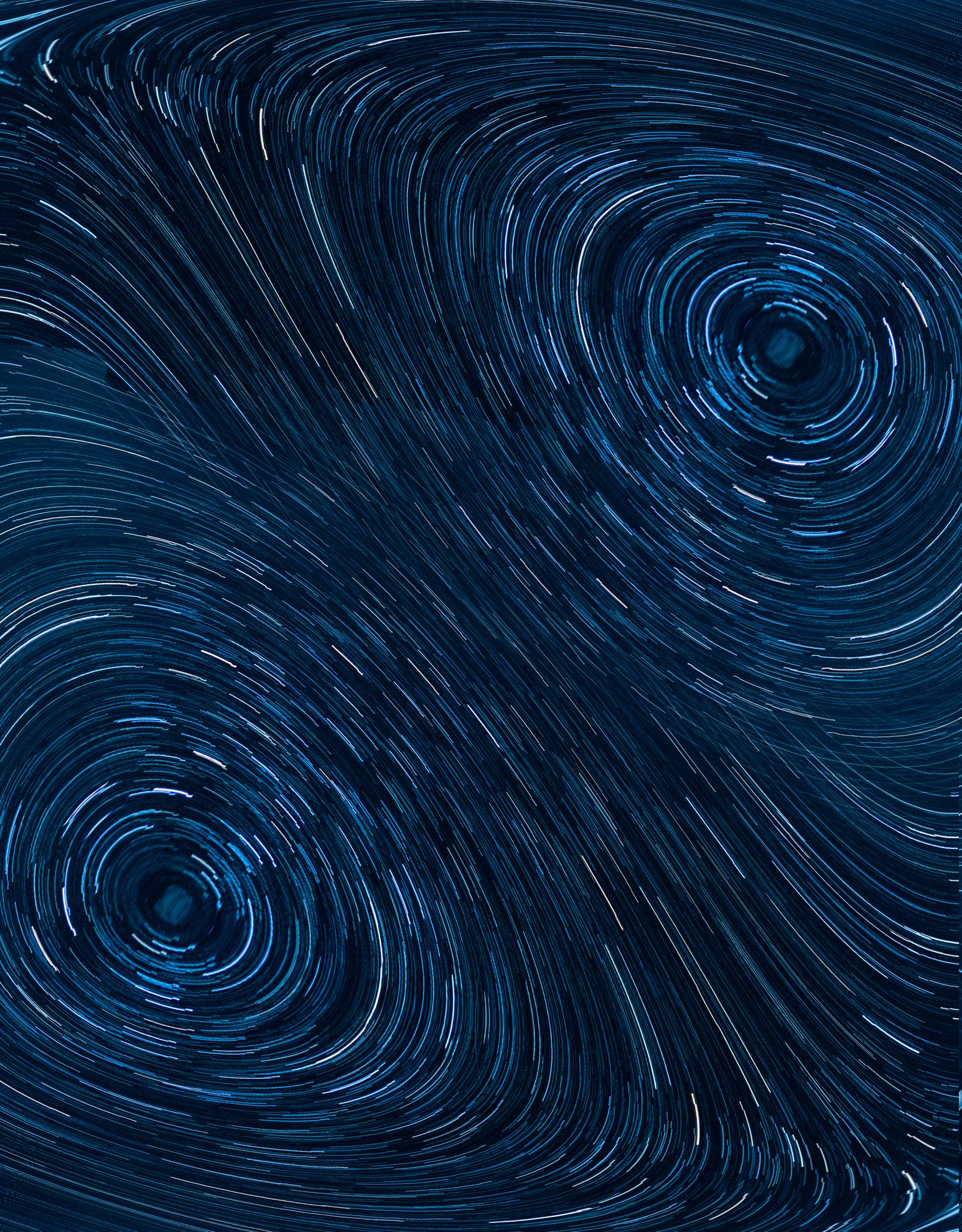
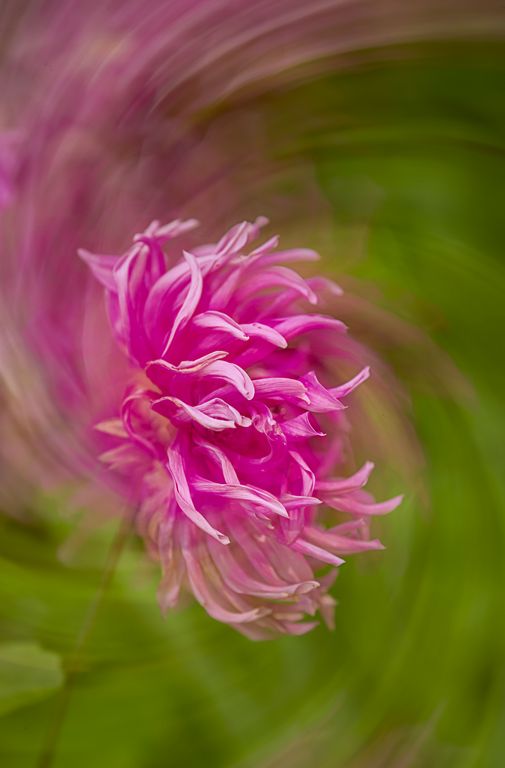
41 Oct 20 Comment Live composite...

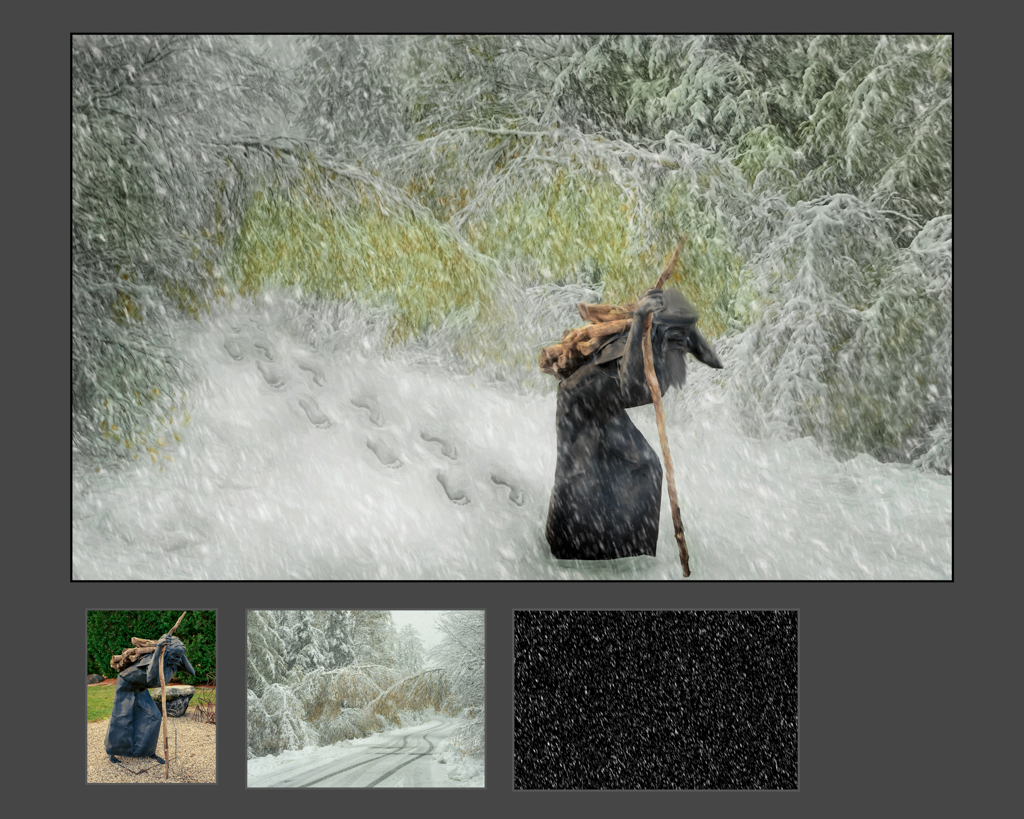
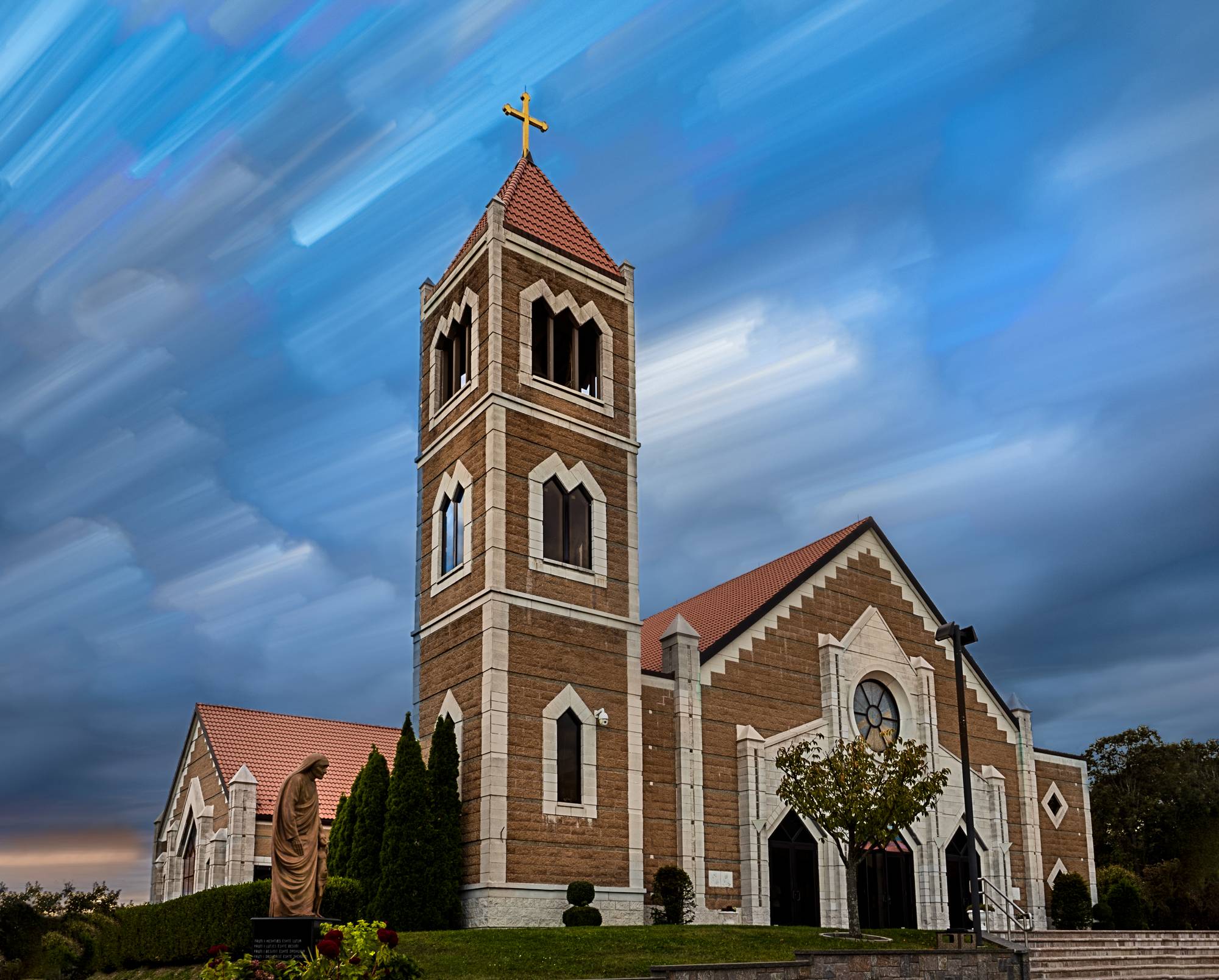
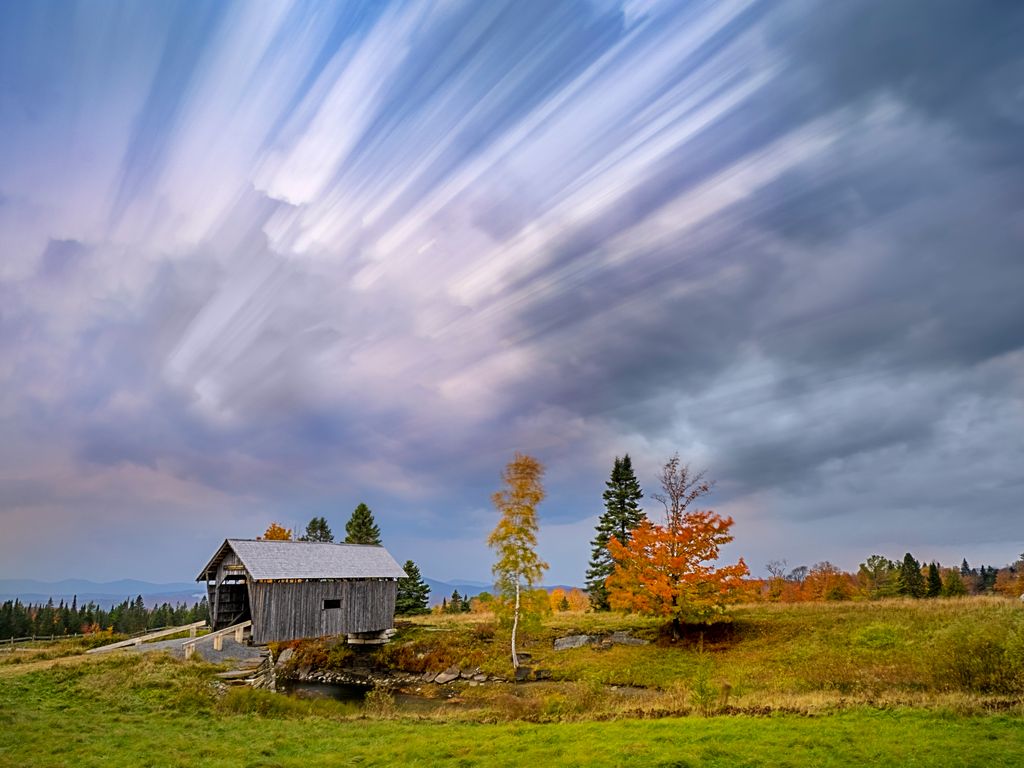
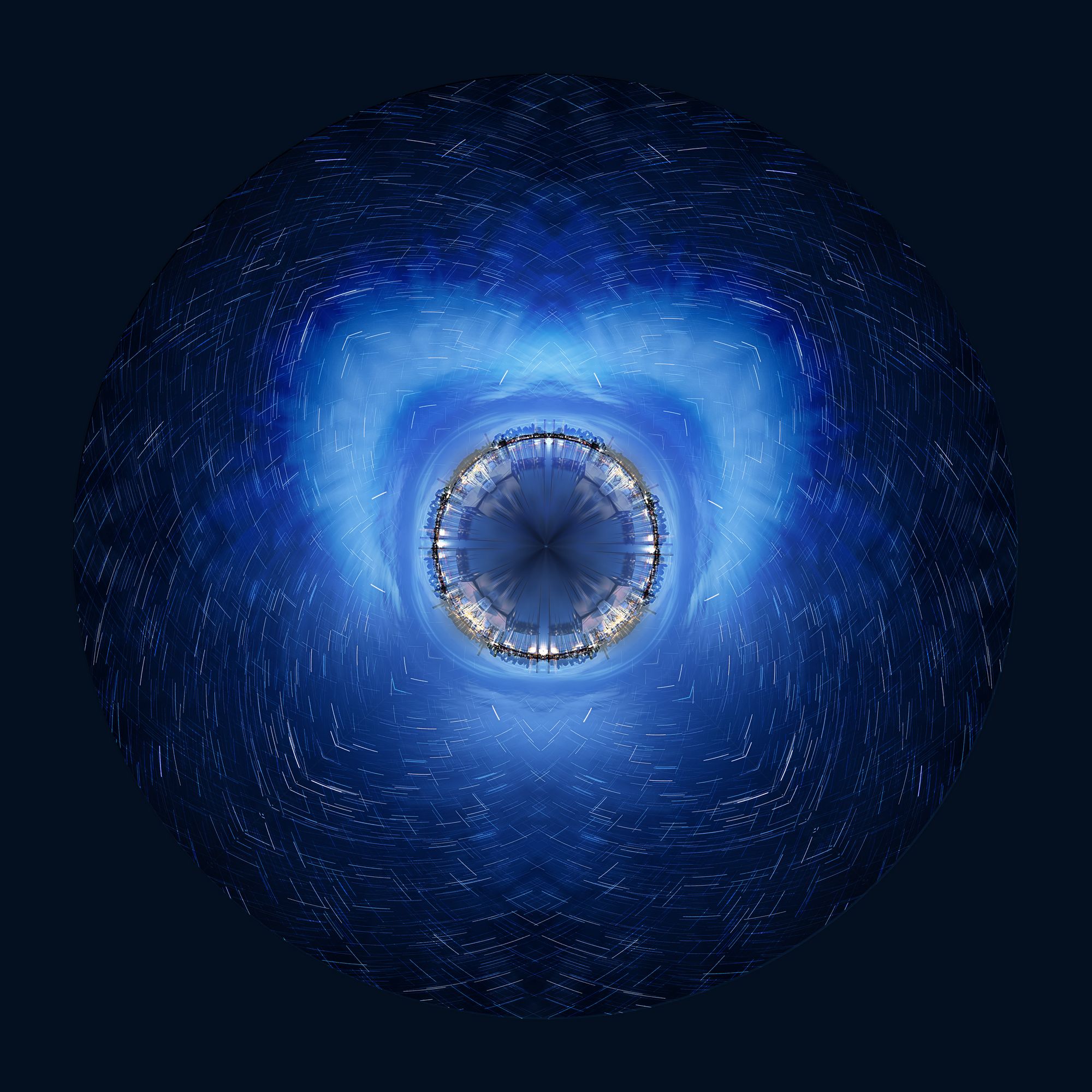
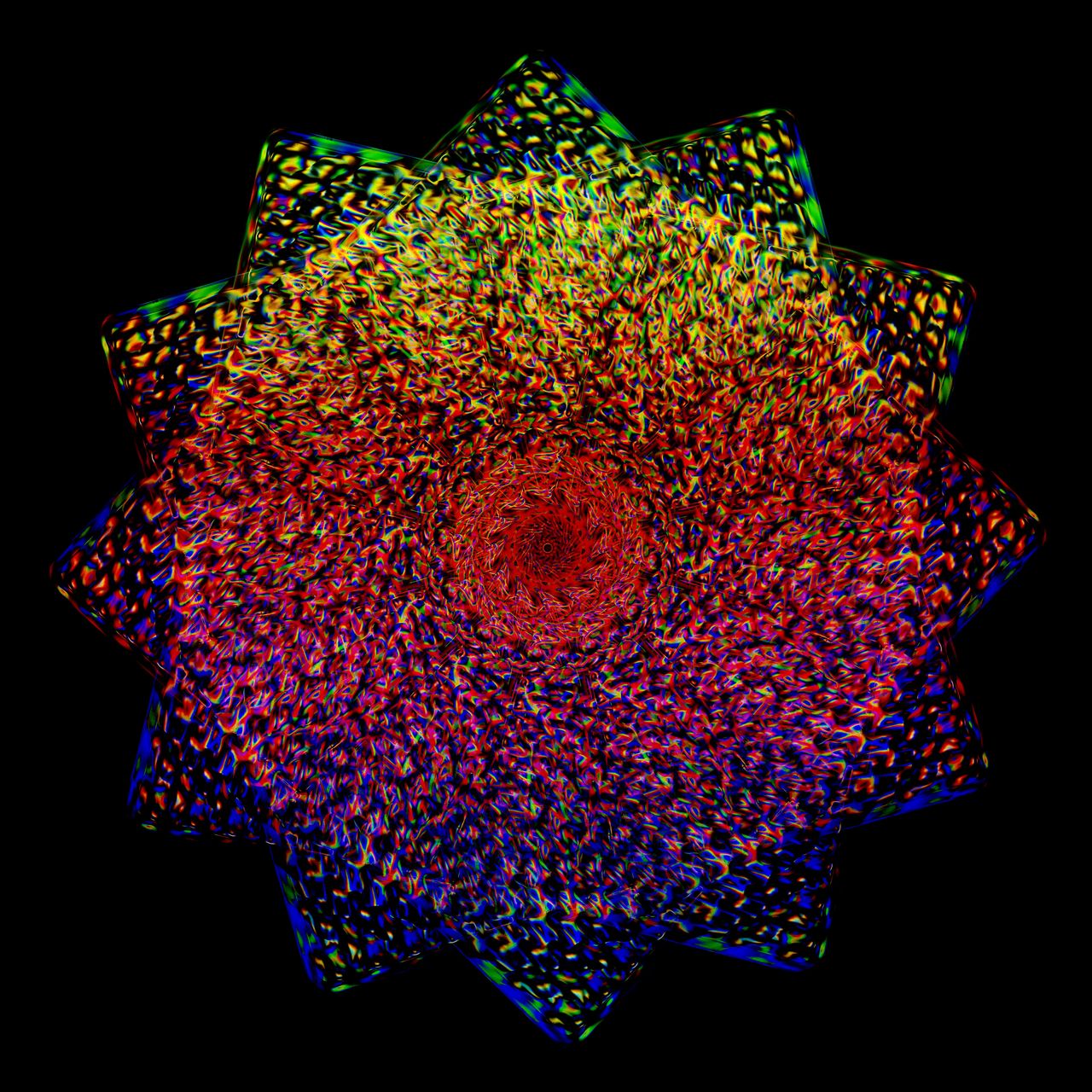
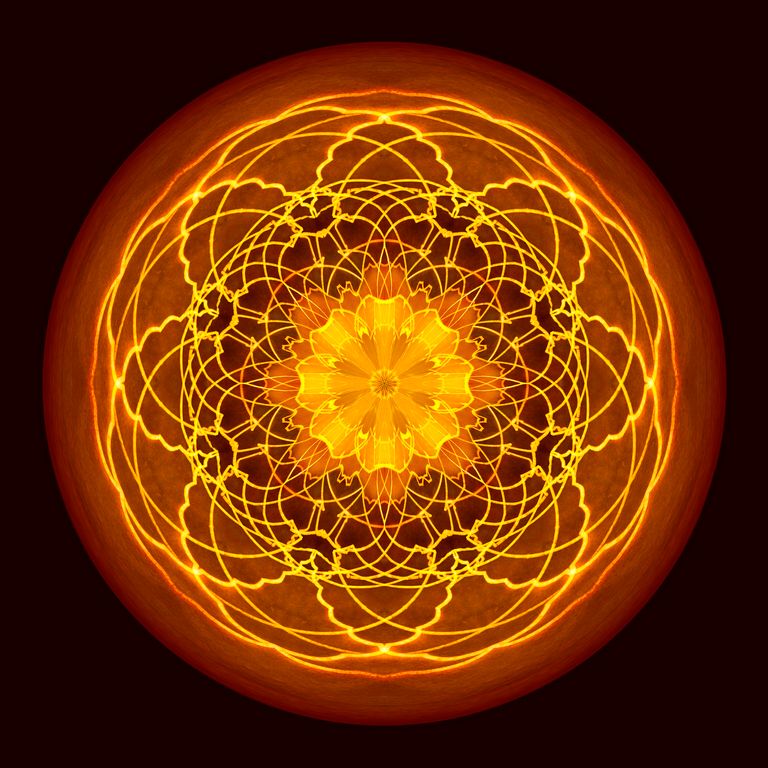
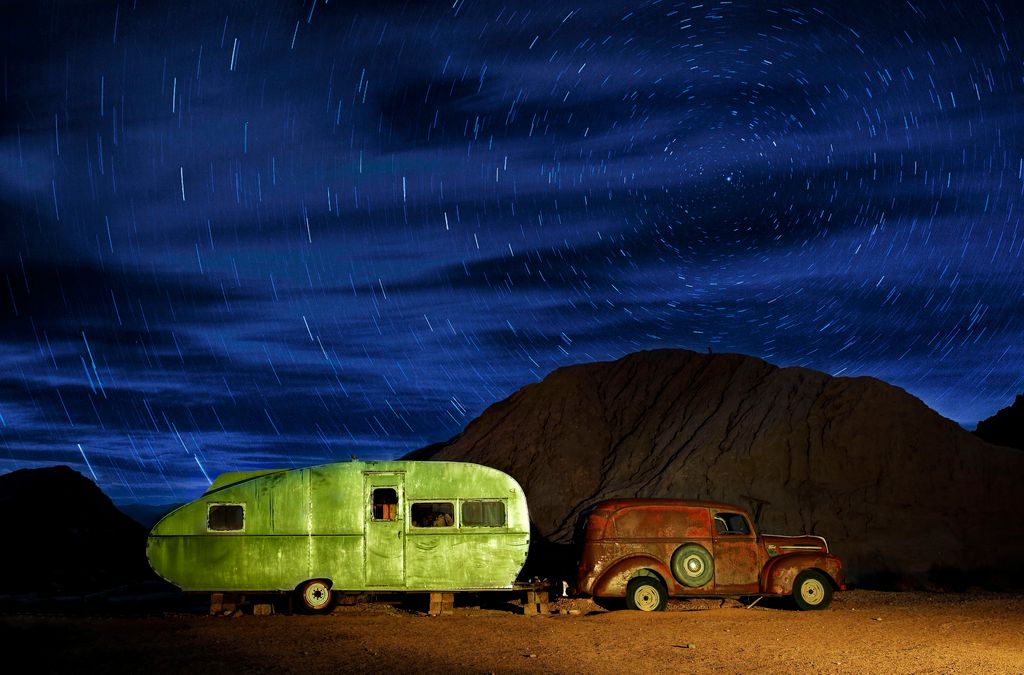
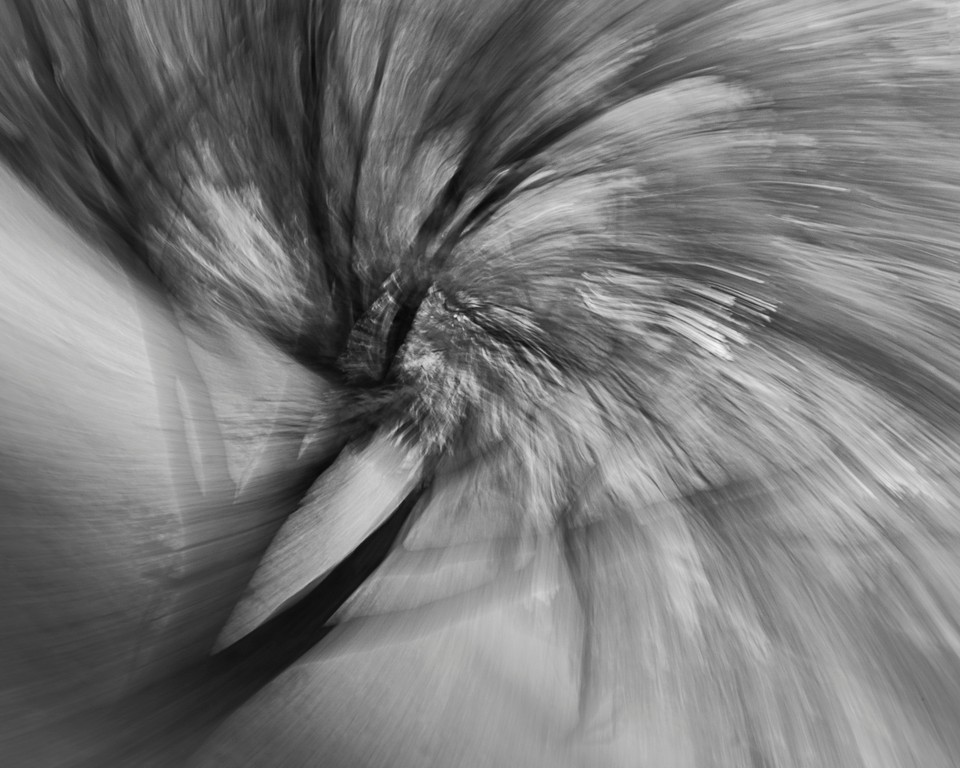
I use Olympus cameras so Olympus does live composite in-camera. You can achieve similar effects using Photoshop

Live composite involves taking a base (correct) exposure and then the Olympus technology freezes those pixels and only lets in new light, it is mainly used for star trails, but I use it for daylight live composite as well.

In this case the new light was made from the different color, size and shape leaves swirling around and around.

To do this in PS
Take your base exposure
Take subsequent images (an intervalometer is best since you will be taking 100-1000 images)

Open your base exposure

Open all of your layers and align them in a stack and then place them in a group. Copy the group to the base exposure and change the blend mode to lighten (Olympus cameras use lighten blend mode in-camera). Add a mask to the group if need be and mask out to reveal certain areas of the base exposure (like a light house or a fishing village with star trails above).

Live composite is mainly used for stars trails, but cloud stacking is so much fun with it, as is water swirls like this.
Oct 31st
41 Oct 20 Comment This is clever and unique. and I love love love the reflection! Oct 31st
41 Oct 20 Comment fun!
you picked a good subject for this

I would make the frame/duck larger in the (gray) frame
Oct 31st
41 Oct 20 Comment This is very creative, to take that starting image and warp the house and add all of those elements! wow! I like the house and the trees and the way you added the reflections in the water. Lots of detail, down to the red on the person on the steps

The birds do not match the color palette. When I do composites the last step is to add a new layer, change the blend mode to color, and then pick a color that sits over top of all of the layers, then reduce the opacity (maybe end up with 10-50%) and mask out what is too affected with a 50% black brush. Other people do the same tie in with LUTs
Oct 31st
41 Oct 20 Comment I commend you for traveling this way, to see what life really looks like, not just your resort. I never thought of hiring a cab for the day.

I love the colors and the way the reds pop out in the image! But there is a lot going on, like the far left car be cropped to eliminate the tan building

perhaps desaturate the yellows and green and simplify a tad.
Oct 31st
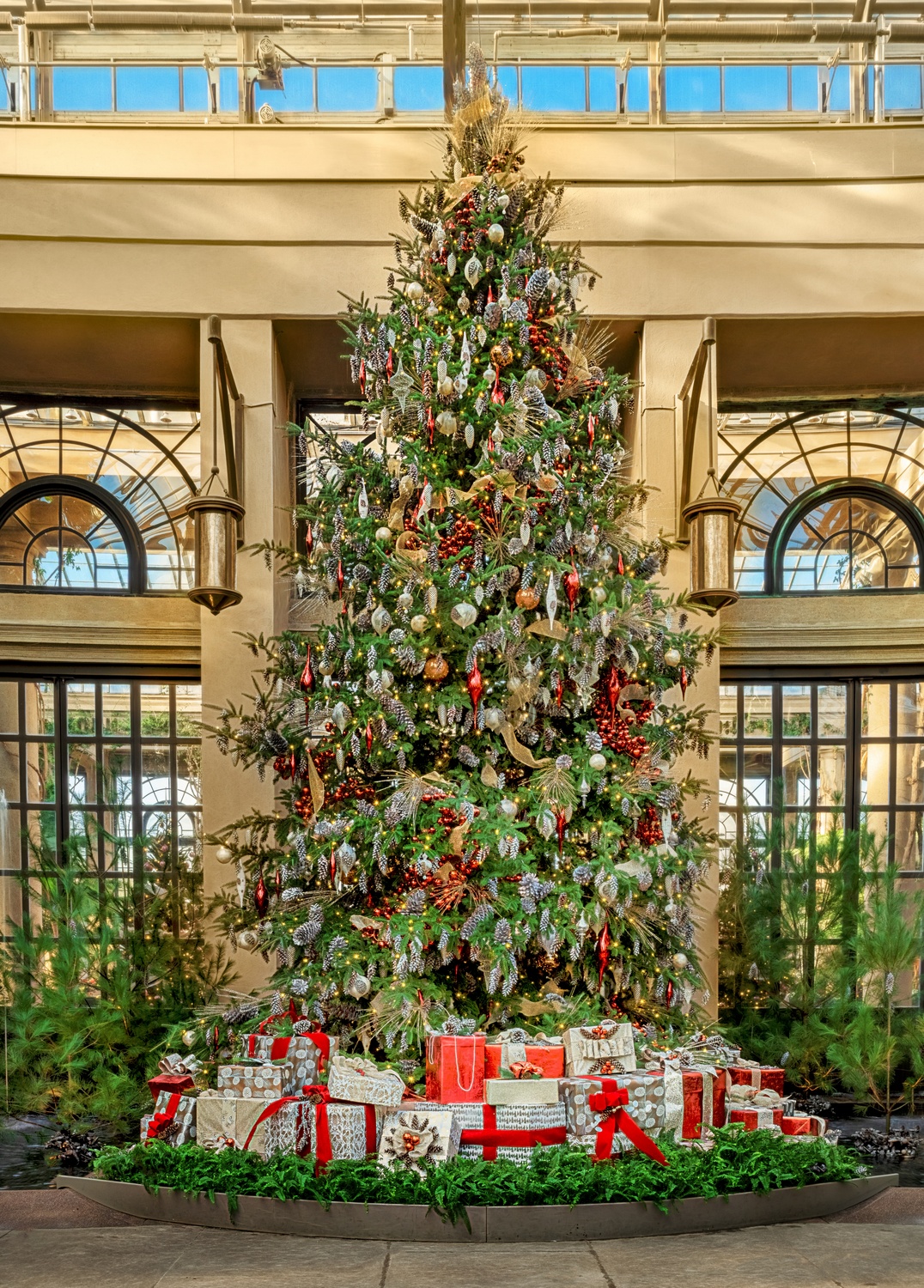
41 Oct 20 Comment I love this! The overall feel is wonderful. I so love the hats on the dogs!
You swapped out the wall and added the Christmas tree and the fireplace, wow, so neat!

The only thing I personally would like to see edited is the bright white lamp in the top left. It is the brightest thing in the image, so my eye is drawn to it, it is also the only white thing in the image, everything else is warm and cozy. Perhaps add color blend mode and take the color from the fun lamp and make the white warm.
Oct 31st
41 Oct 20 Reply I love the idea, but seems like a separate DD. About 20 years ago from ~2001-2011 we had a group that did just that, we rotated who chose the photos and then we all edited it. We learned a lot and had a lot of fun. Brad, if you want to submit the suggestion to Barbara for another group I would be IN Oct 31st
41 Oct 20 Comment I love the effect on the sunflower! Th image is powerful

topaz studio or a topaz plugin?
Which Topaz filter? There are so many!

However, I am with Kathy and Henry on not feeling that "rekindled" love, sorry.
Oct 31st

7 comments - 2 replies for Group 41

44 Oct 20 Comment Wanted to try it flipped and I selected the leaves and made the background darker Oct 31st
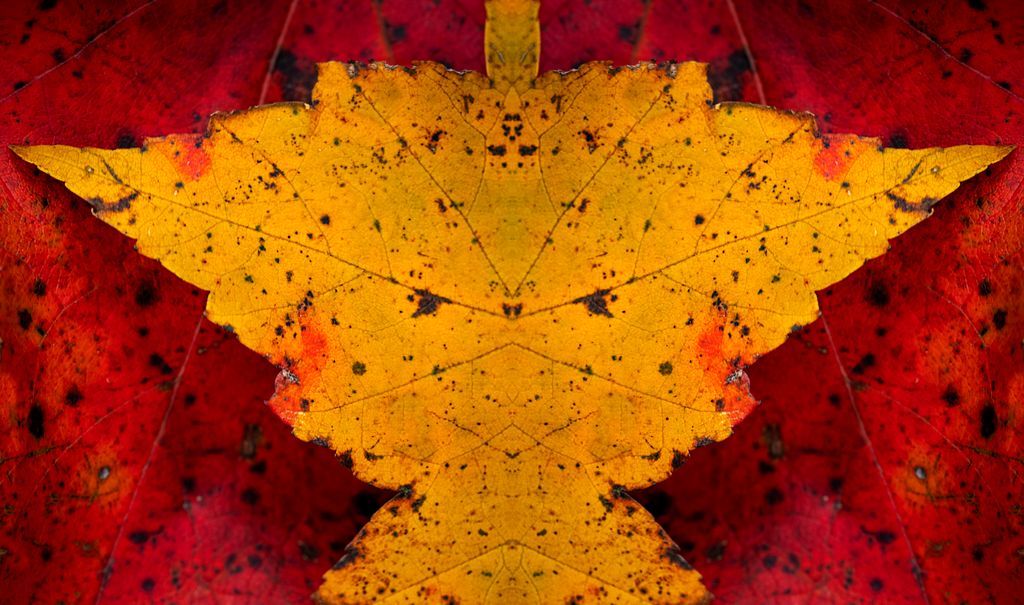
44 Oct 20 Comment I love this Max! Since the buds came out in the Spring to the Fall colors I have been photographing a lot of scenes like this because they are good covid-safe subjects and locations.

I might flip it -- and there is a cloning artifact in the middle leaf
Oct 31st
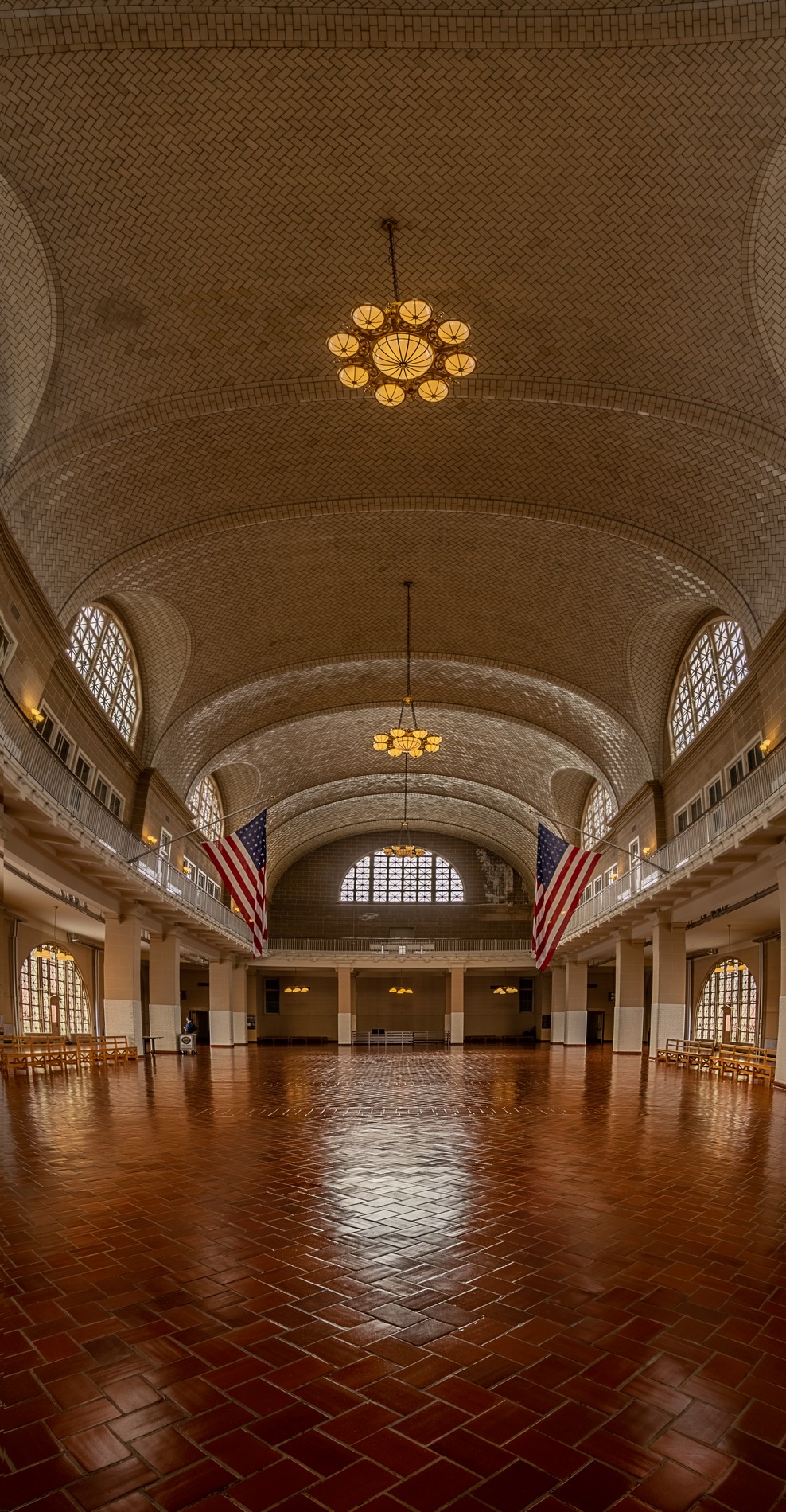
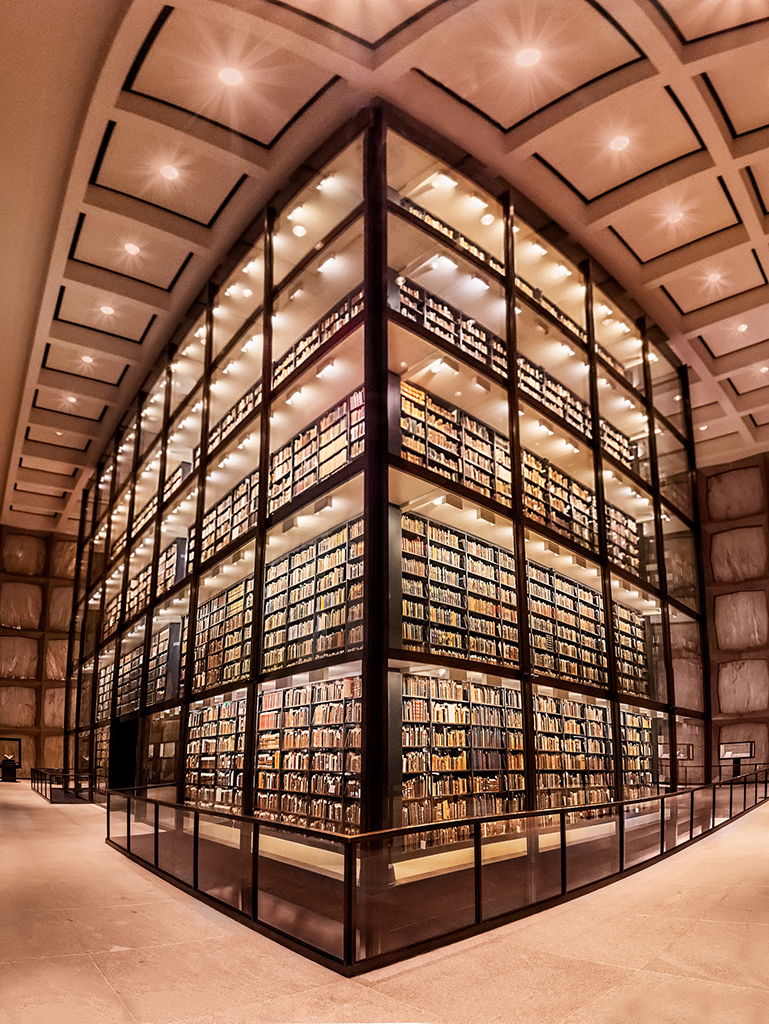
44 Oct 20 Comment Great composition and tone mapping on this church interior

The column on the right looks a tad distorted (bows up) and I would content aware remove the person on the left as they do not add to your beautiful image.
Oct 31st
44 Oct 20 Comment wow, looks like the cover of the hotel magazine, or a postcard. People can be hard to HDR and tone map properly, kudos.

one thing to tweak -- The horizon like a tad tilted.
Oct 31st
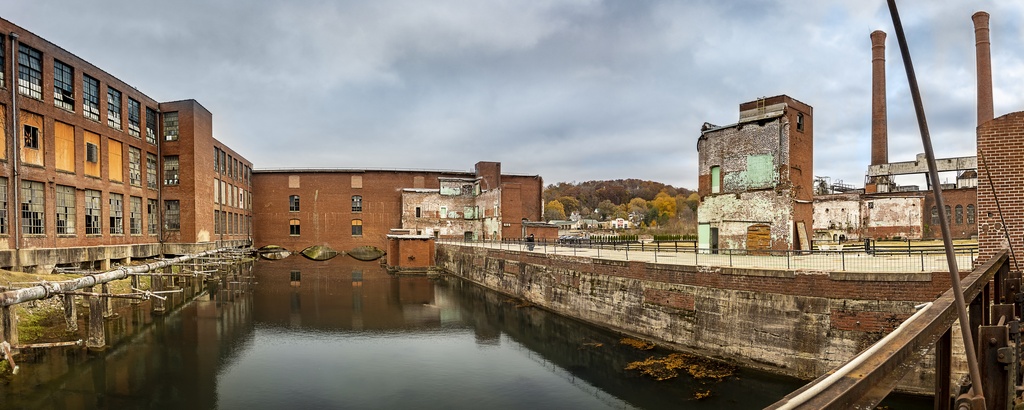
44 Oct 20 Comment I love the waterfall. Waterfalls can be tricky to tone map, and this is craftfully done. And thank you for the detailed information -- a lot of thought went into this.

The water looks very blue in contrast to the rocks which look too yellow.

I added a color blend mode and warmed up the water a tad, and reduced the yellow in the rocks and shifted the yellow evergreens to more green...
Oct 31st
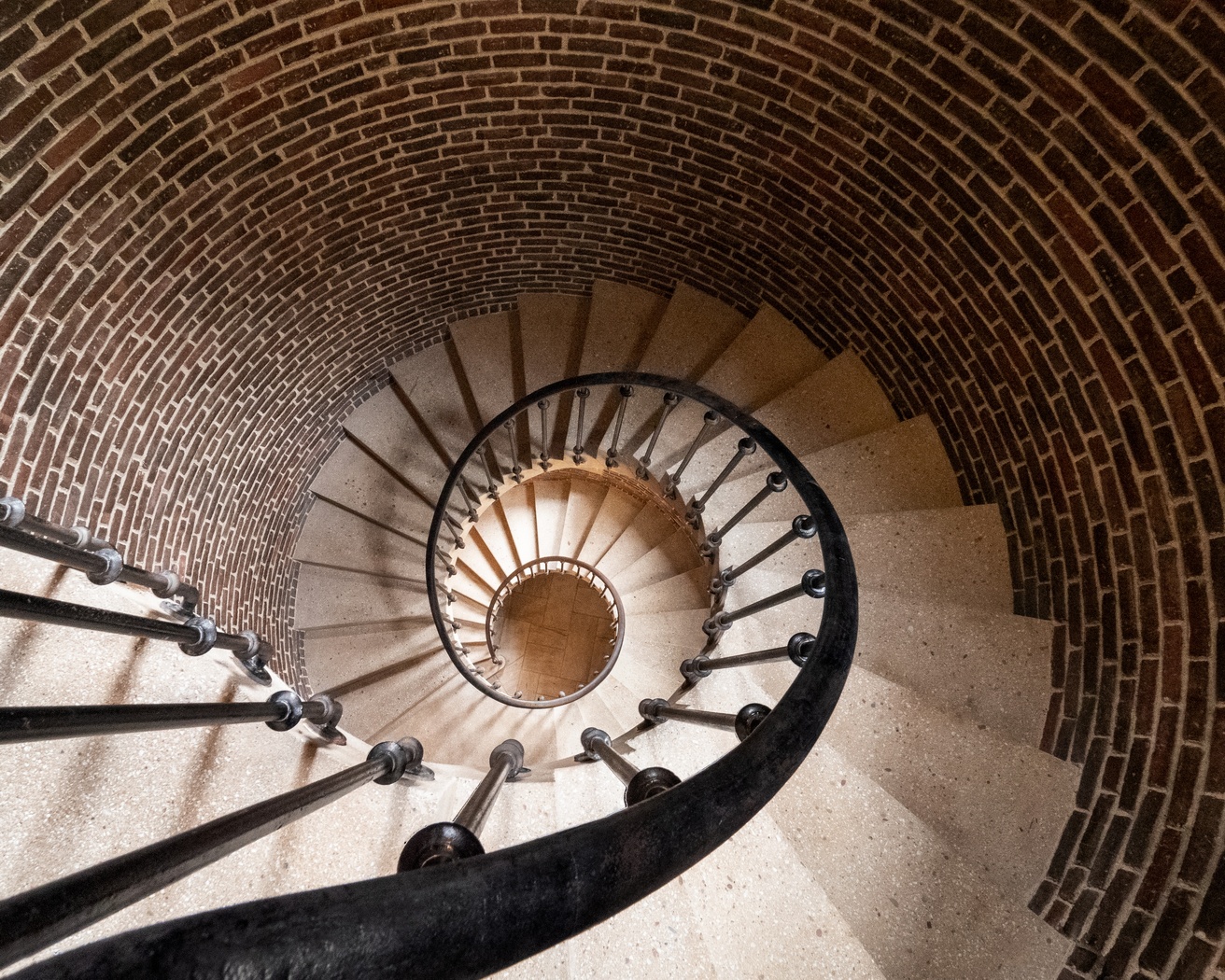
44 Oct 20 Comment I love it in B&W! The tone mapping is wonderful and the arches and flying buttresses lead our eyes to dance all over the frame.
Timeless

The very left edge may need a little more warp/distortion correction as the very bottom seems off, perhaps a tiny crop?
Oct 31st

6 comments - 0 replies for Group 44

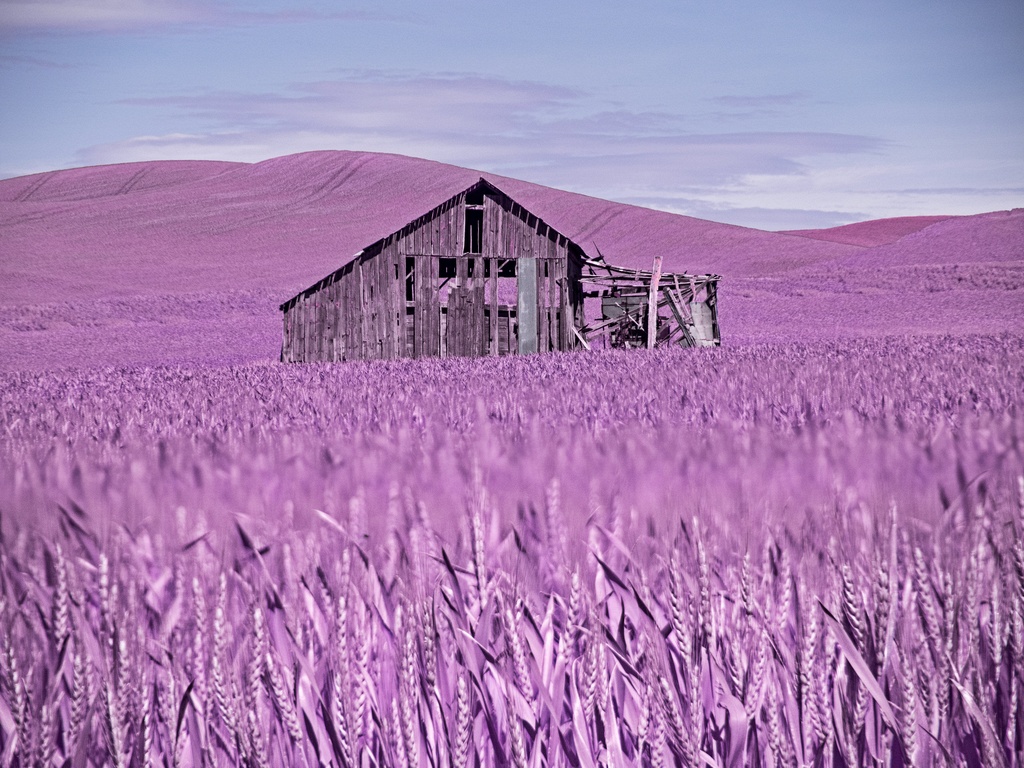
91 Oct 20 Comment or BW? Oct 31st
91 Oct 20 Comment I love how you got down low for the undersides of the mushroom. The DOF at f16 is great, but it also leaves the background with a lot of detail, perhaps focus stacking would have worked well here. The detail of the mushrooms are neat.

perhaps a little more pop?
Oct 31st
91 Oct 20 Comment I like the detail here. Doorknobs have always been a favorite subject for me. You have handled this well. Who knew that doorknobs had IR qualities.

I do wish the lock was completely in the frame. And the vertical vertical
Oct 31st
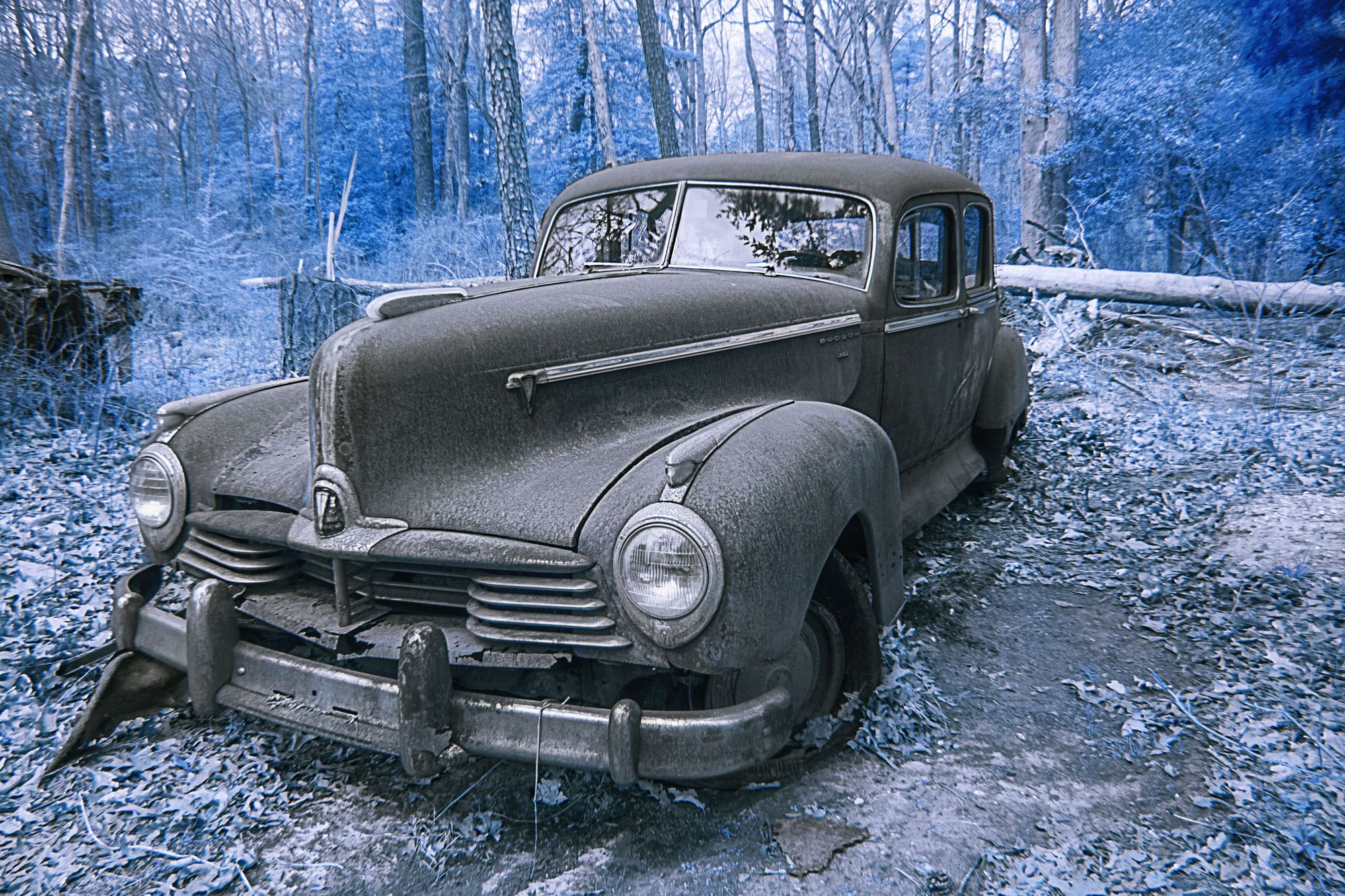
91 Oct 20 Reply oooh, it looks wonderful in BW!!! Oct 31st
91 Oct 20 Reply I like your edit! Oct 31st
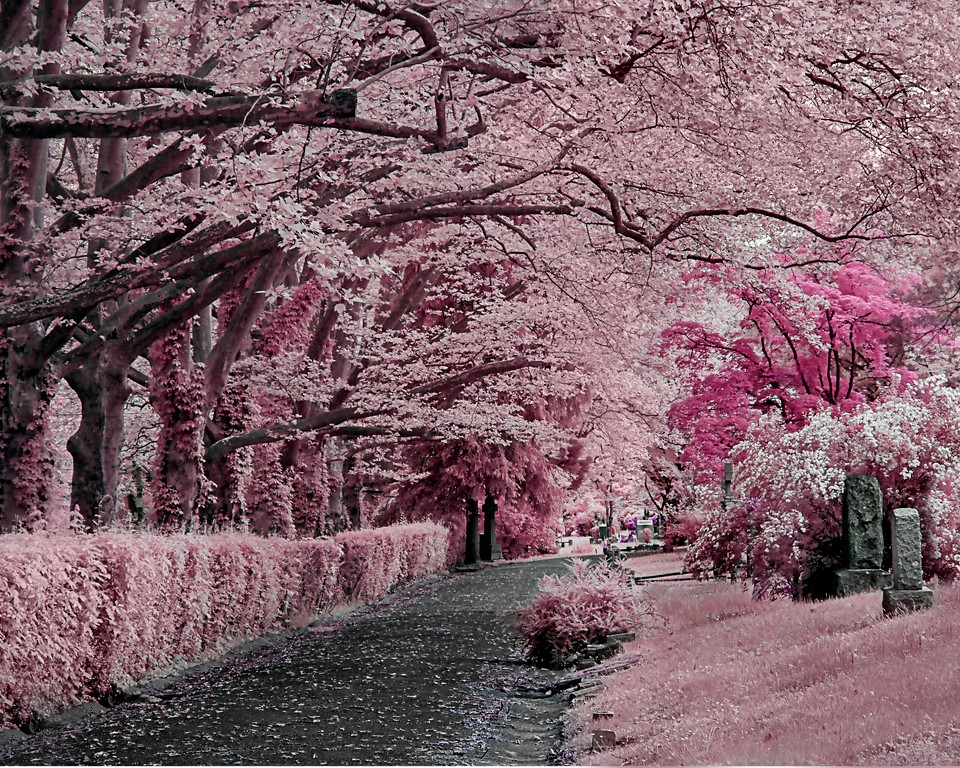
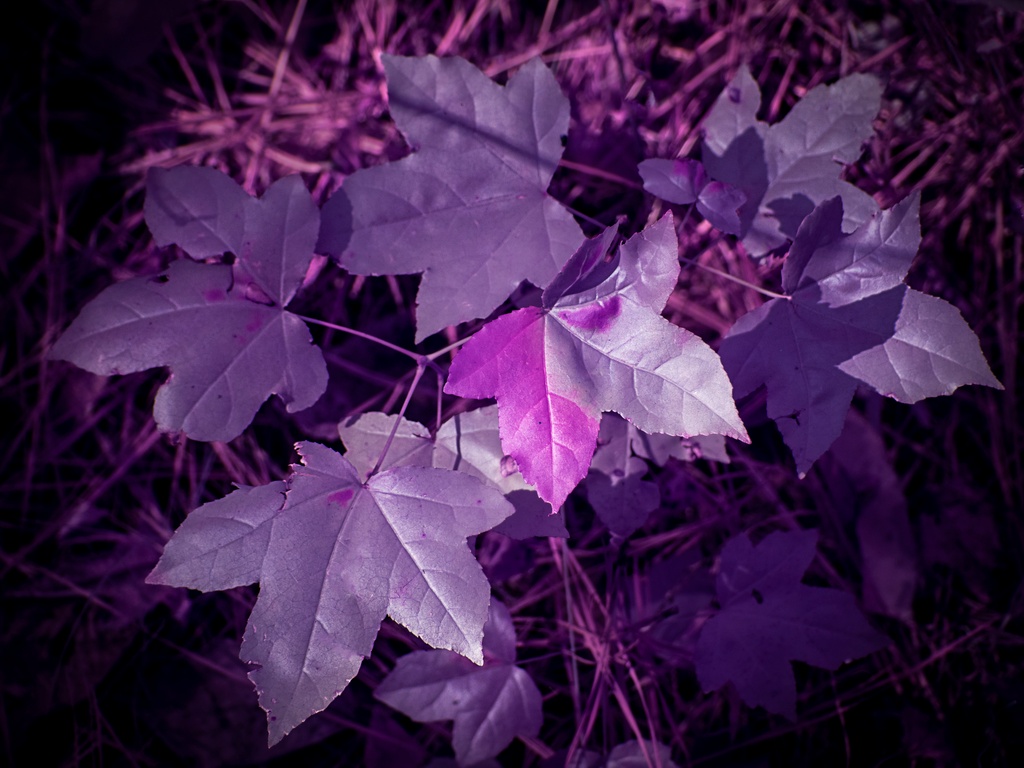
91 Oct 20 Comment I like your crop and the pink foliage. the framing really makes this composition pop.

I wish that there was a little more detail/light/color in the vertical mossy branches.

perhaps a little more blur to the water?
Oct 31st
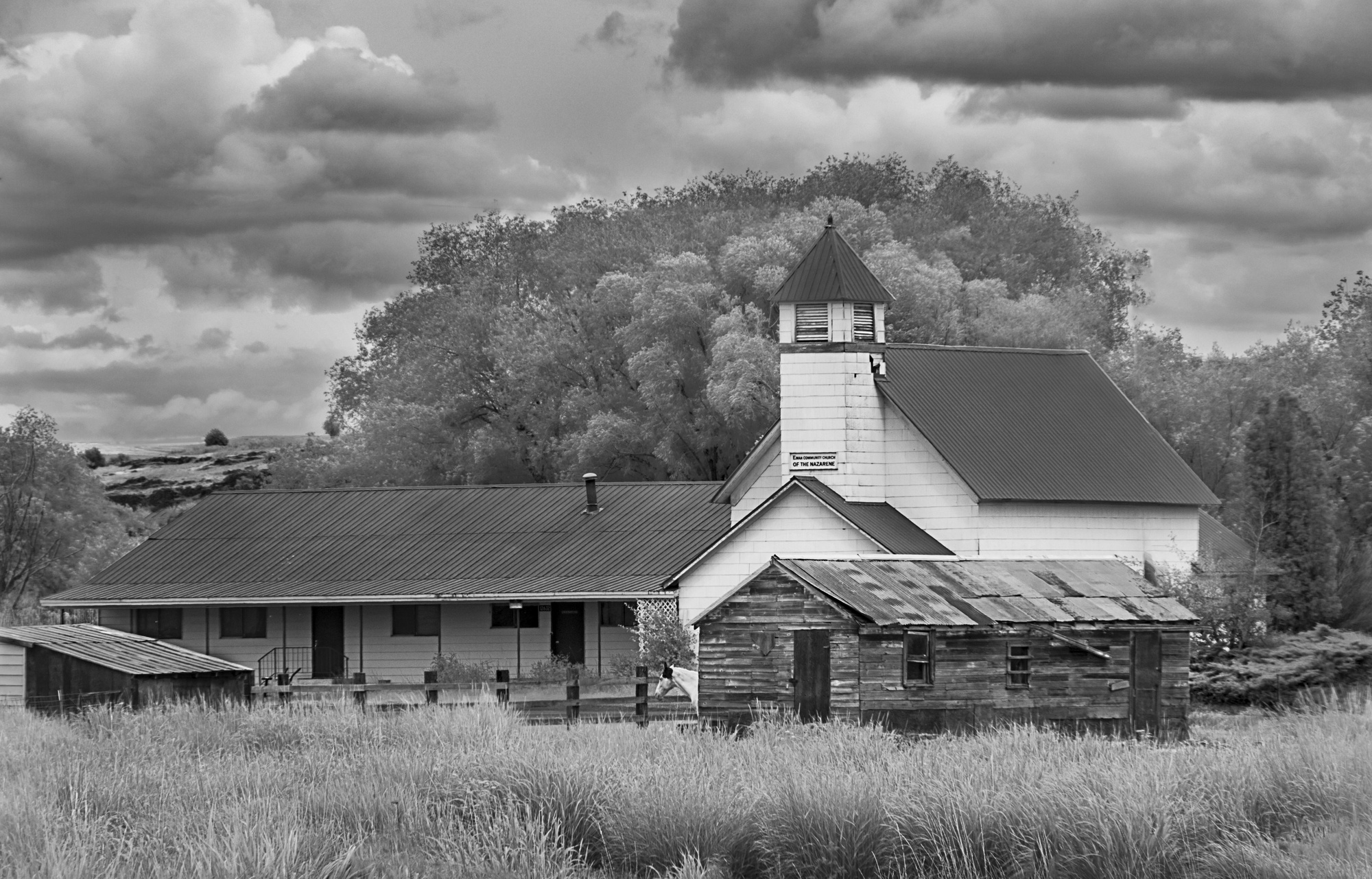
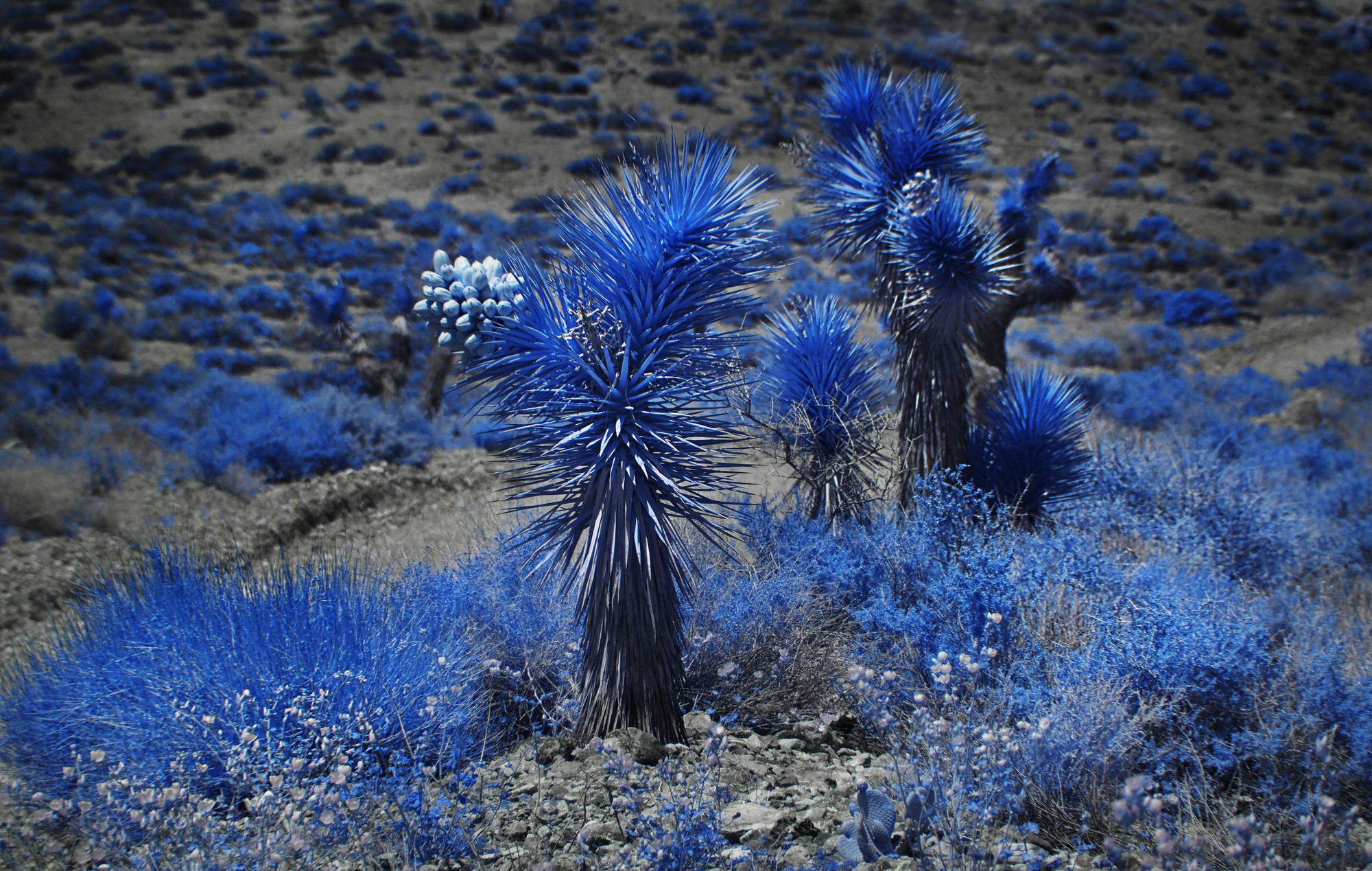
91 Oct 20 Comment I especially love the dance of the light along the shadows and modules of the hills. The images has interest to take you through all of the wonderful layers. The BW contrast levels work well here. I like that you cropped some off of the bottom. Oct 31st

5 comments - 2 replies for Group 91


18 comments - 4 replies Total


231 Images Posted

  = Current Round   = Previous Round
Group 41

Jan 25

Nov 24

Oct 24

Jul 24

Jun 24

Apr 24

Mar 24

Feb 24

Jan 24

Nov 23

Oct 23

Sep 23

Aug 23

Jul 23

Jun 23

May 23

Apr 23

Mar 23

Jan 23

Dec 22

Sep 22

Aug 22

Jul 22

Jun 22

May 22

Mar 22

Feb 22

Jan 22

Dec 21

Nov 21

Oct 21

Sep 21

Aug 21

Jul 21

May 21

Apr 21

Feb 21

Jan 21

Nov 20

Oct 20

Sep 20

Aug 20

Jul 20

Jun 20

May 20

Apr 20

Mar 20

Feb 20

Jan 20

Dec 19

Nov 19

Oct 19

Sep 19

Aug 19

Jul 19

Jun 19

May 19

Apr 19

Mar 19

Feb 19

Jan 19

Dec 18

Nov 18

Oct 18

Sep 18

Aug 18

Jul 18

Jun 18

Mar 18

Feb 18

Jan 18

Dec 17

Nov 17

Oct 17

Sep 17

Aug 17

Jul 17

Jun 17

May 17

Apr 17

Mar 17

Feb 17

Jan 17
Group 44

Jan 25

Nov 24

Oct 24

Aug 24

Jul 24

Jun 24

May 24

Apr 24

Mar 24

Feb 24

Jan 24

Nov 23

Oct 23

Aug 23

Jul 23

Jun 23

May 23

Apr 23

Mar 23

Jan 23

Dec 22

Nov 22

Sep 22

Aug 22

Jul 22

Jun 22

May 22

Mar 22

Feb 22

Jan 22

Dec 21

Nov 21

Sep 21

Aug 21

Jul 21

May 21

Apr 21

Feb 21

Jan 21

Dec 20

Nov 20

Oct 20

Sep 20

Aug 20

Jul 20

Jun 20

May 20

Apr 20

Mar 20

Feb 20

Jan 20

Dec 19

Nov 19

Oct 19

Sep 19

Aug 19

Jul 19

Jun 19

May 19

Apr 19

Mar 19

Feb 19

Jan 19

Dec 18

Nov 18

Oct 18

Sep 18

Aug 18

Jul 18

Jun 18

May 18

Apr 18

Mar 18

Jan 18

Dec 17

Nov 17

Oct 17

Sep 17

Aug 17

Jul 17

Jun 17

May 17

Apr 17

Mar 17

Feb 17

Jan 17
Group 46

Jan 25

Dec 24

Nov 24

Oct 24

Aug 24

Jul 24

Jun 24

May 24

Apr 24

Mar 24

Feb 24

Jan 24

Dec 23

Nov 23

Oct 23

Sep 23

Aug 23
Group 63

Jul 19

Jun 19

May 19

Apr 19

Mar 19

Feb 19

Jan 19

Nov 18

Sep 18

Aug 18

Jul 18

Jun 18

May 18

Apr 18

Mar 18

Feb 18

Jan 18

Nov 17

Oct 17

Sep 17

Aug 17

Jun 17

Jul 17

May 17

Apr 17

Mar 17
Group 64

Jan 17
Group 91

Apr 21

Feb 21

Jan 21

Sep 20

Aug 20

Jul 20

Jun 20

May 20

Apr 20

Mar 20

Feb 20

Jan 20

Dec 19

Nov 19

Oct 19

Sep 19

Aug 19

Jul 19

Close this Tab when done