|
| Group |
Round |
C/R |
Comment |
Date |
Image |
| 41 |
Jan 19 |
Comment |
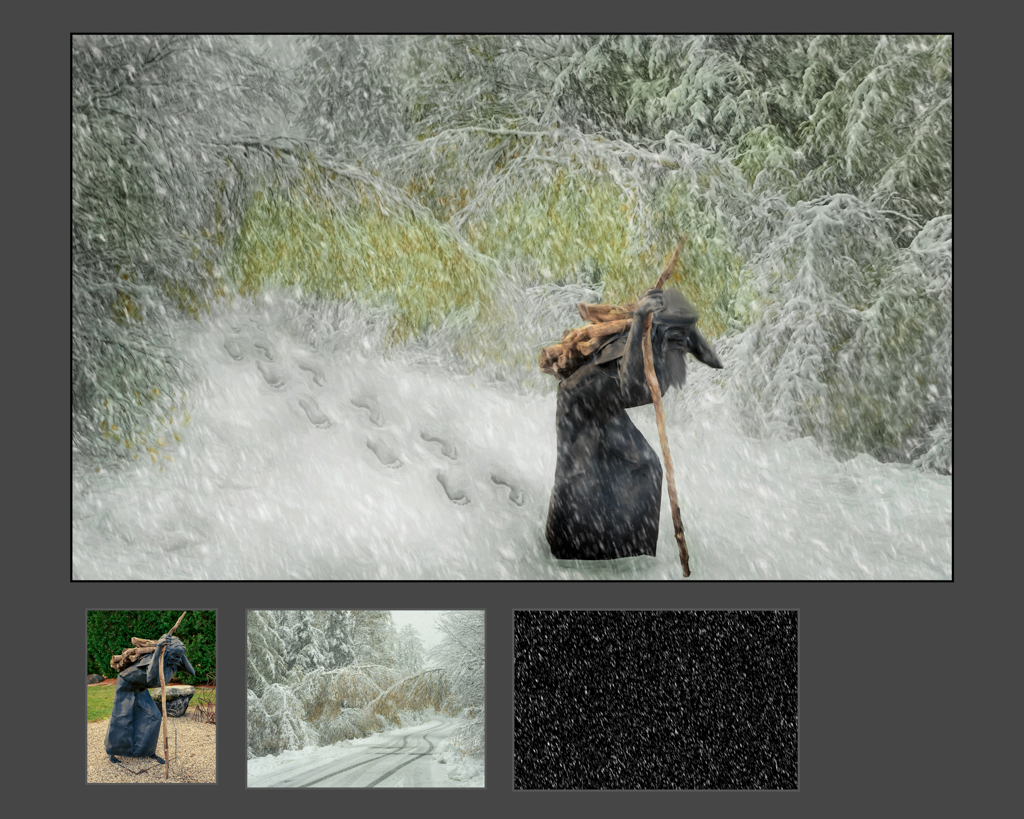
I love the imagination and all of the elements! Even a cell phone element. well imagined and well executed!
I really like how you warped the road.
The sky seems like the weak part, the texture and noise does not match the rest of the wonderful scene.
For the directional lighting -- use DxO (previously Nik) viveza) to add and subtract to change direction etc.
Perhaps add one th e vultures to the tree on the right side. |
Jan 26th |
| 41 |
Jan 19 |
Comment |
too funny! Love the scene and the dogs!
You extracted them nicely and composted them all together quite well.
You could have flipped the O#1 to get flowers on both sides -- or even made the yellow pink.
For compositing try to take some images without the subject-- that way you can add/composite them in. Like cake, the tablecloth with no wrinkles, etc.
I have been enjoying these very much! And appreciate the work -- while taking the images -- and when composting them |
Jan 26th |
| 41 |
Jan 19 |
Comment |
kudos to starting the process of learning layers and mask and blend modes and compositing! Keep at it!
I like the soft feel that the flowers impart, but wish that she was softer (lighting, shadows). The warm tones and OOF areas compliment.
Definitely when you are photographing learn to work it and move around and capture a bunch, it is easy to get enamored with your subject and miss the green stem in her face, we all do it, our emotions and reactions get the best of us. Learn to slow down and look around the frame -- and "chimp" more. |
Jan 26th |
| 41 |
Jan 19 |
Comment |
love the concept and execution!
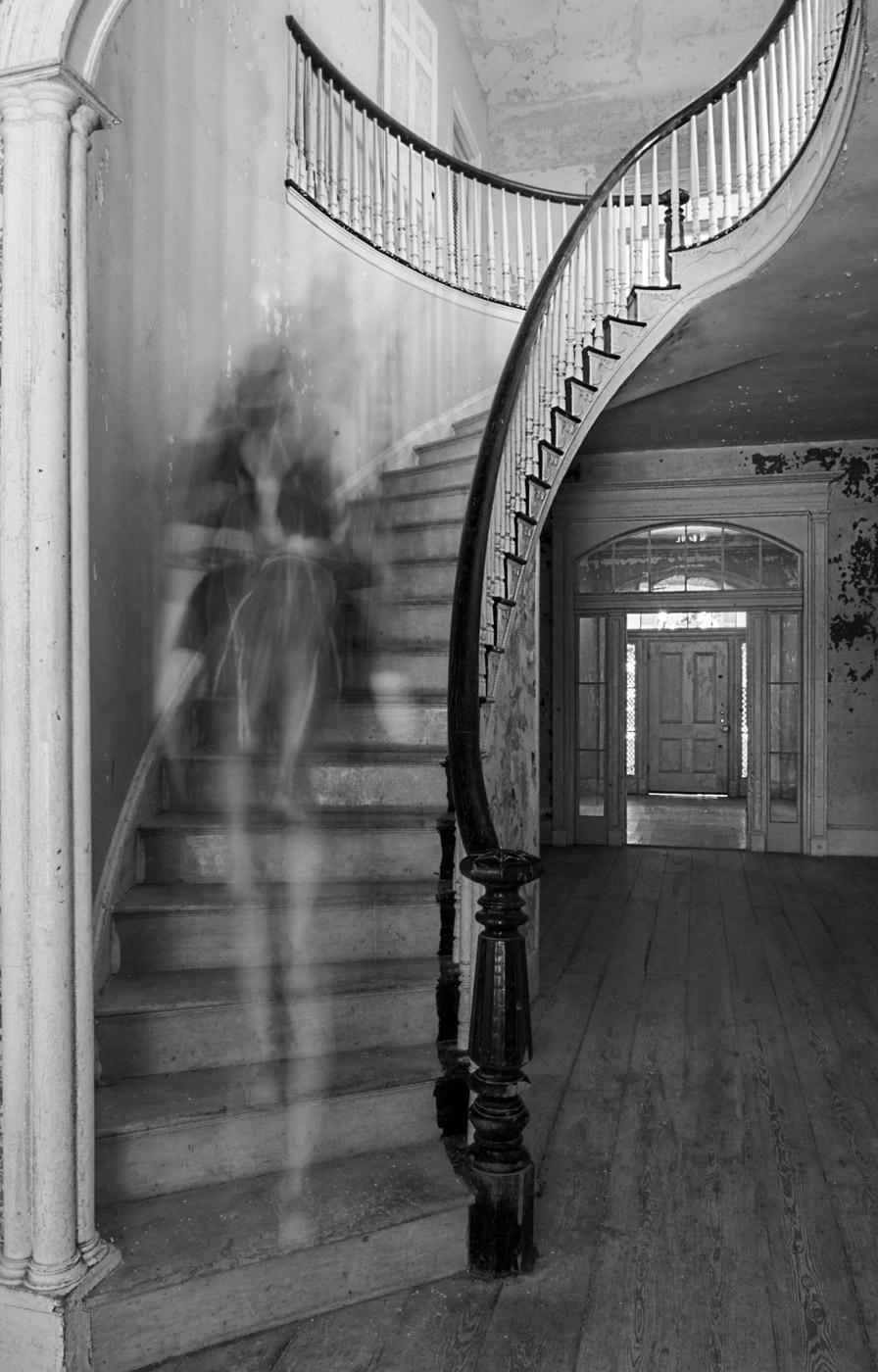
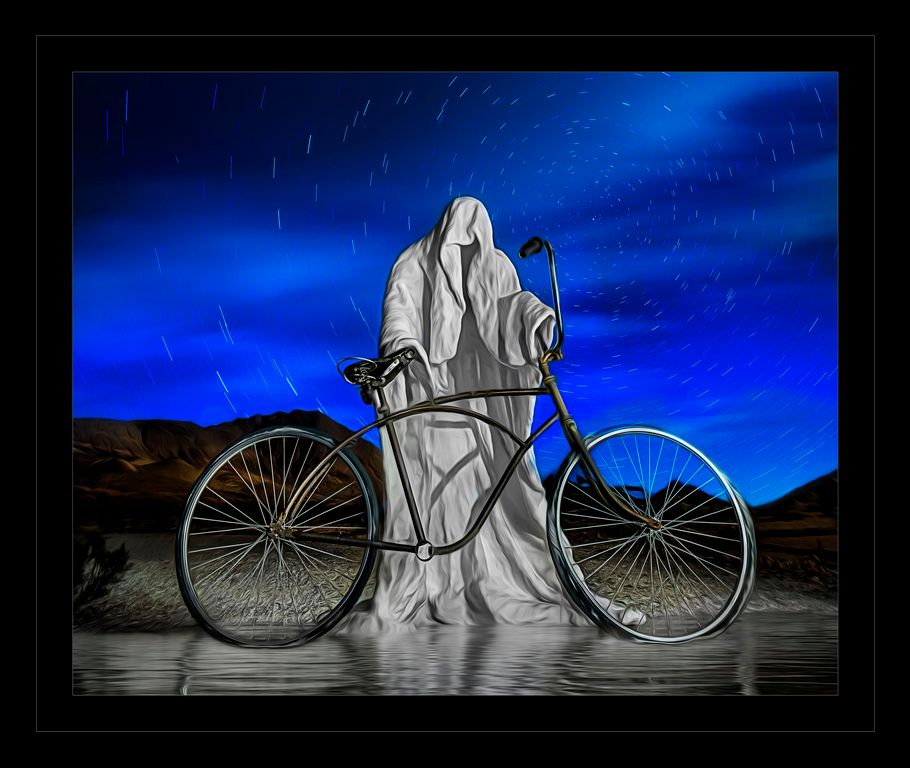
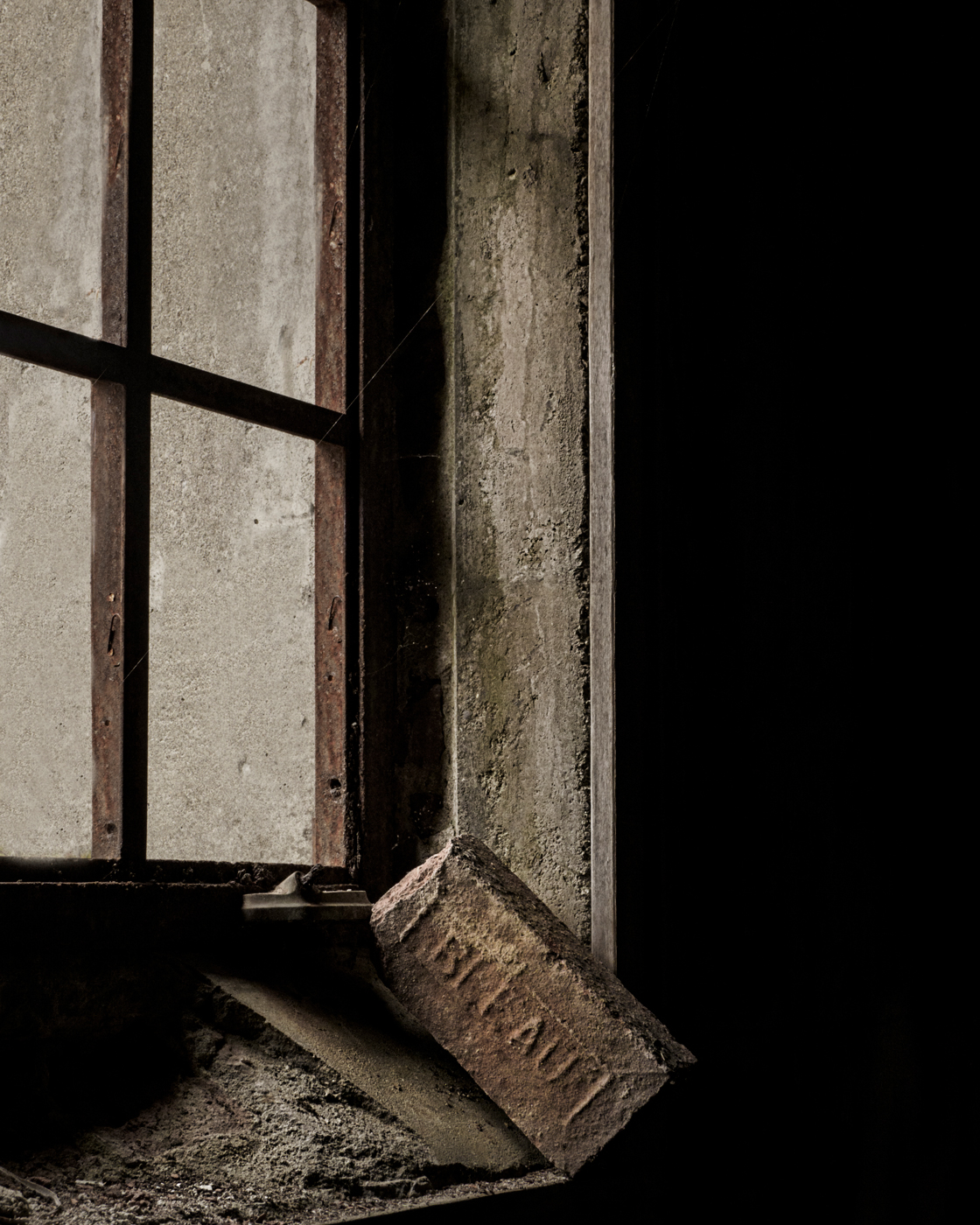
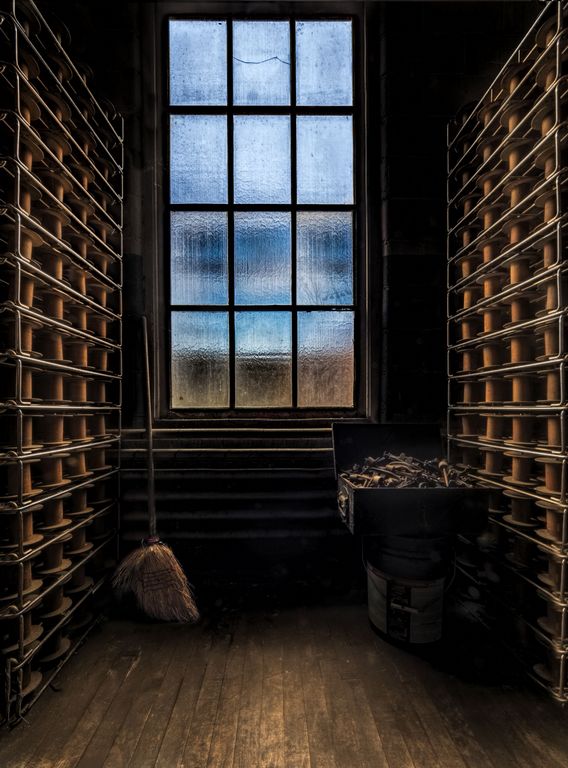
This window is perfect for a ghost, and what a weird and wonderful photo of your DH to composite with it.
I love the tones and the feel!
things to improve: perhaps remove the blue reflection and even the orangy tin in ton the sill. |
Jan 26th |
| 41 |
Jan 19 |
Reply |
I like the increased contrast |
Jan 26th |
| 41 |
Jan 19 |
Comment |
I like the hummingbird against the contrasting scene of the silky waterfall. The monochromatic feel works well.
The position of the hummingbird makes me look left and out of the frame, flipping it would lead your eye into the wonderful silky waterfall. Easy flip since you have it extracted |
Jan 26th |
| 41 |
Jan 19 |
Reply |
Thank you, I can see what you mean, perhaps I should have brought the finished TIFF back into ACR and played with shadows. I did send the SOOC image too, but it did not get posted. |
Jan 26th |
| 41 |
Jan 19 |
Reply |
sorry, no birds in this scene, it was later in the morning after the snow geese had blasted off. We were on our way to breakfast when I saw the trees reflecting. |
Jan 26th |
| 41 |
Jan 19 |
Reply |
I have seen images like that, but until reading your comments did not realize that those were composites! |
Jan 26th |
5 comments - 4 replies for Group 41
|
| 44 |
Jan 19 |
Reply |
Awe, thank you Max for purchasing it! Glad that you are enjoying it! |
Jan 30th |
| 44 |
Jan 19 |
Comment |
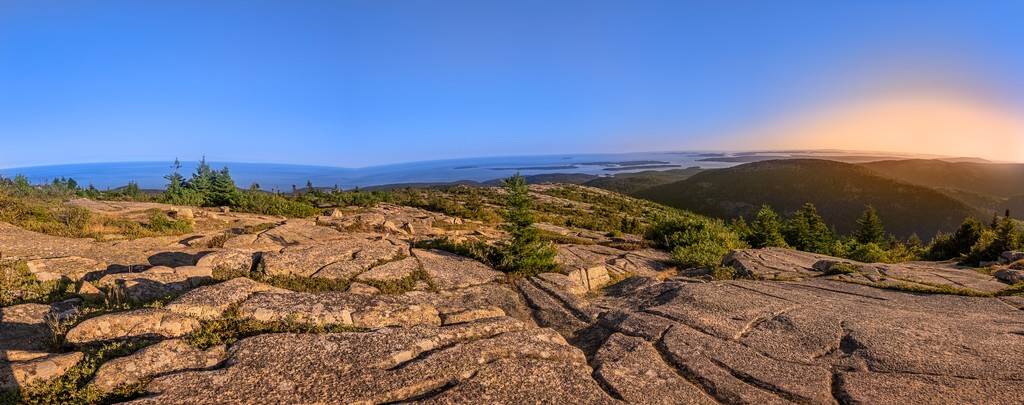
I like the patterns and the texture. This would make for some good "macro (closeup) images too. The tree on the right is a nice touch and keeps you from going out of the frame. I was surprised that you needed ten stops to capture all of the light and dark (5 exposures 2 stops apart). The rock is a tad over-sharpened. I would like to see what selective sharpening would do (sharpen on its own layer, black mask and then brush white to reveal sharpening only in certain areas, like just the reds) |
Jan 30th |
| 44 |
Jan 19 |
Comment |
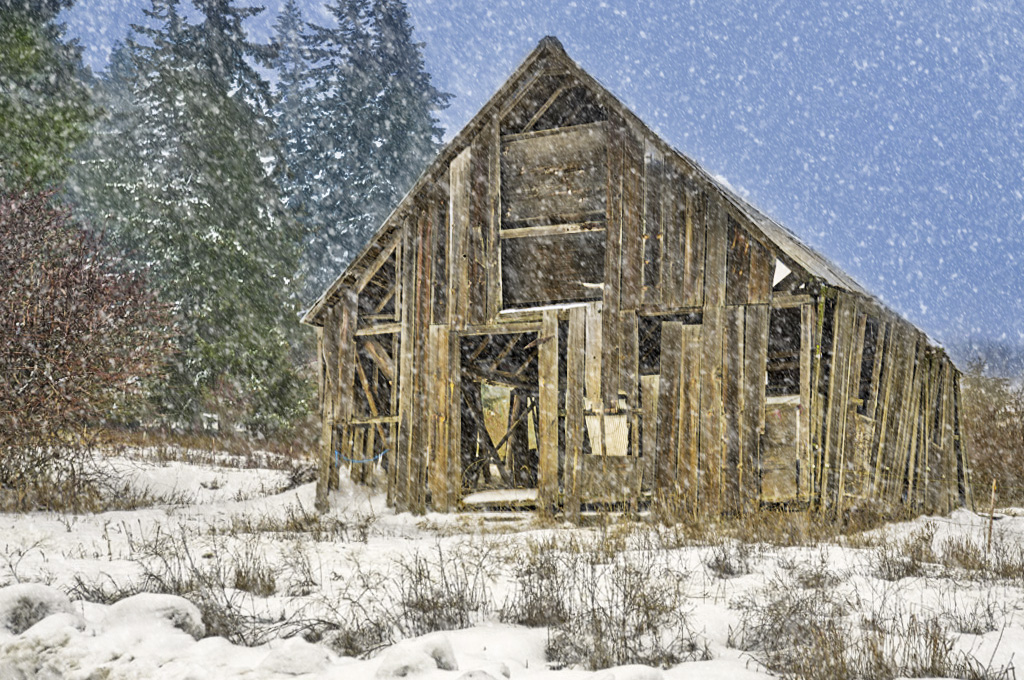
what about some snow? |
Jan 30th |
 |
| 44 |
Jan 19 |
Comment |
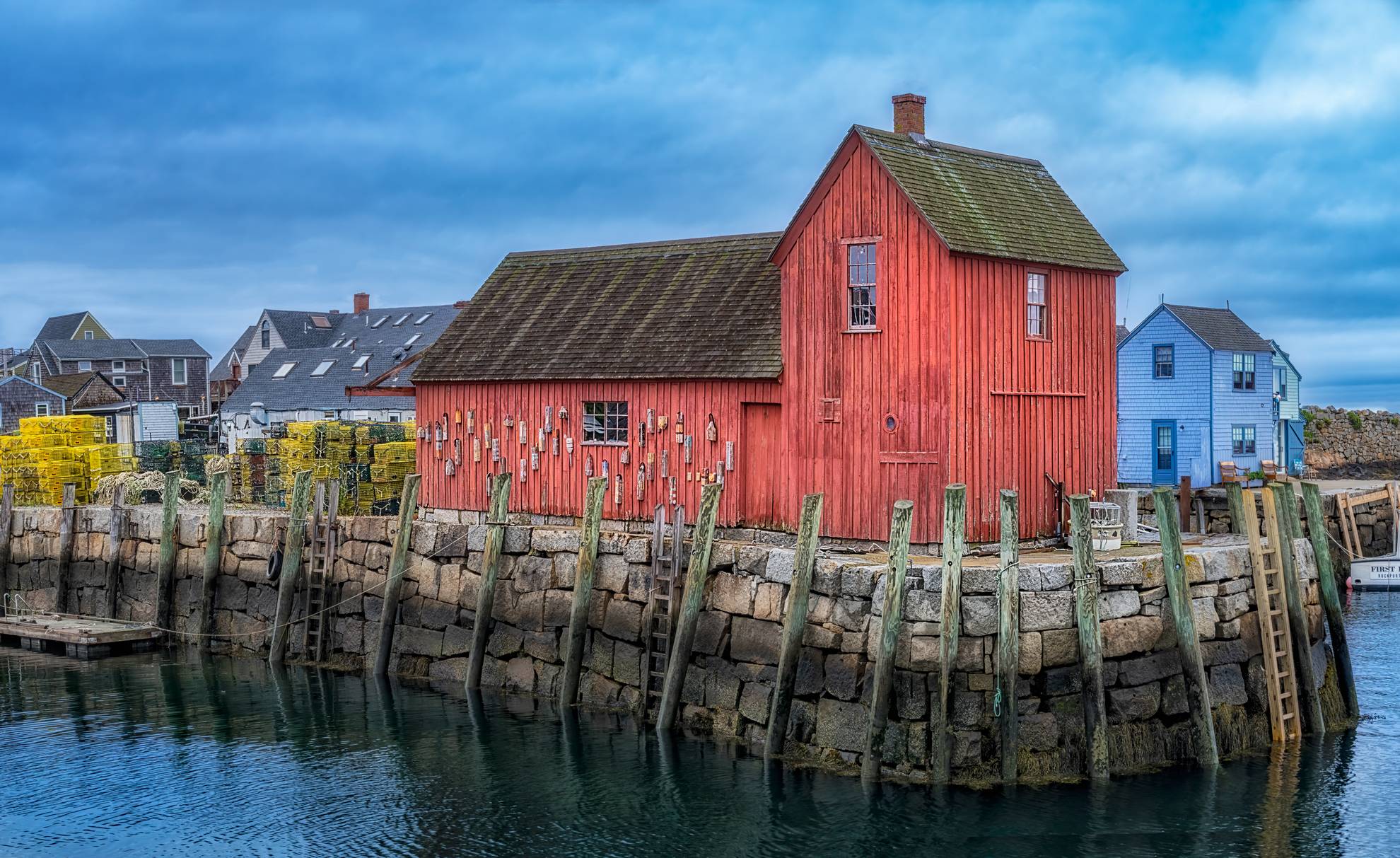
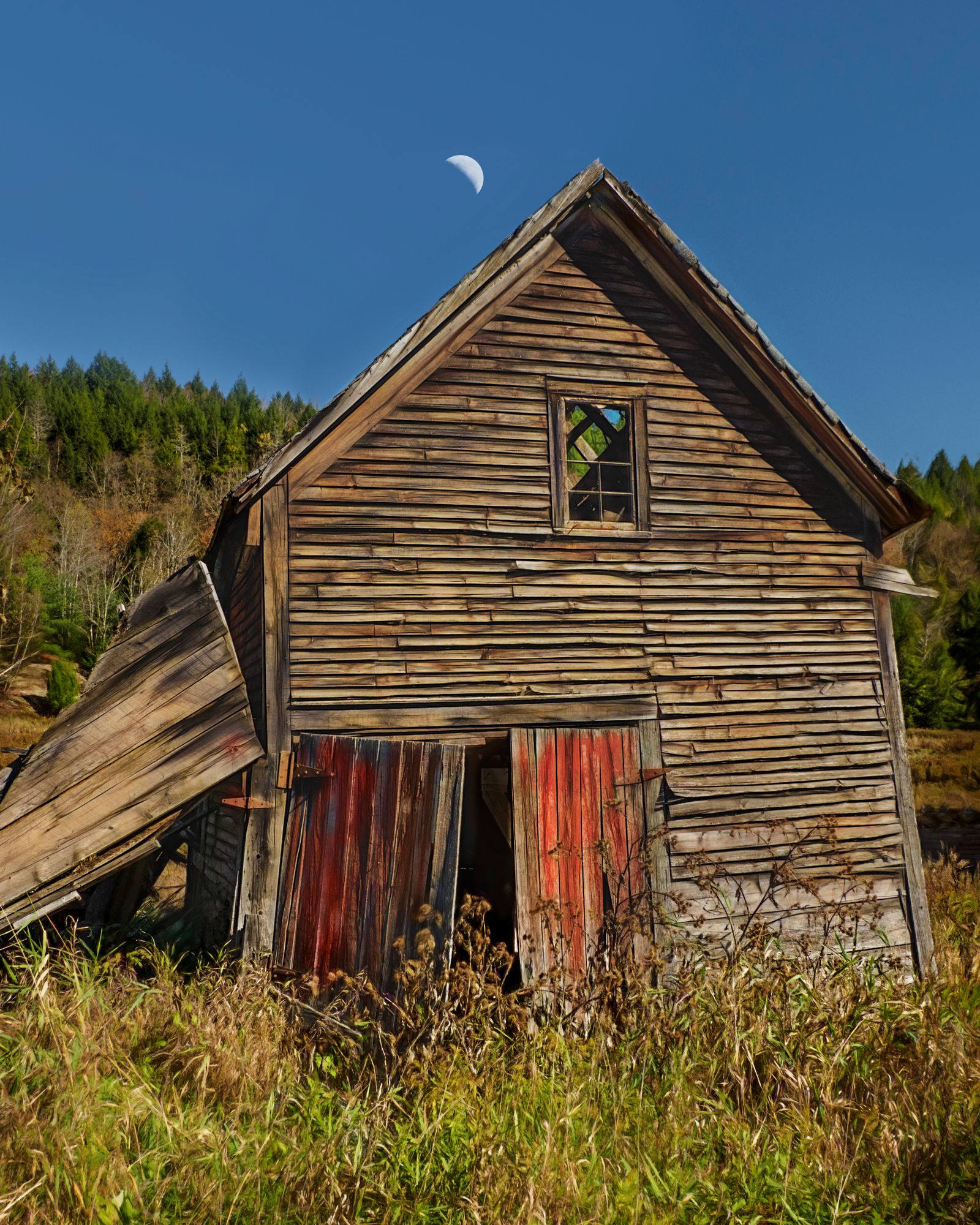
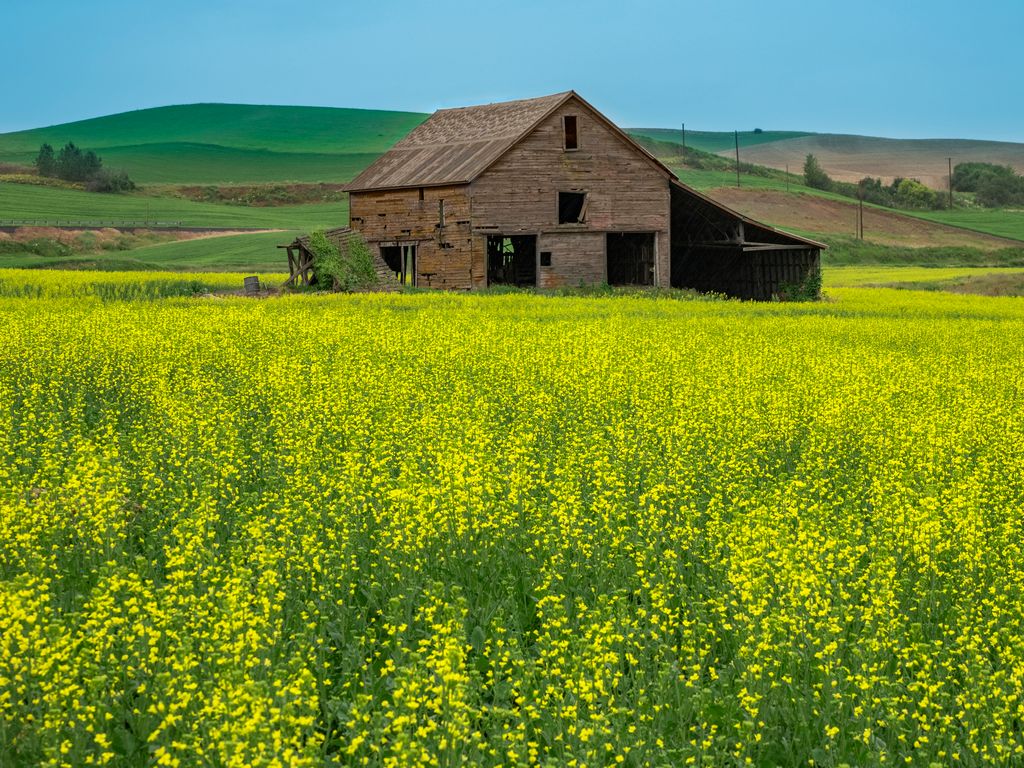
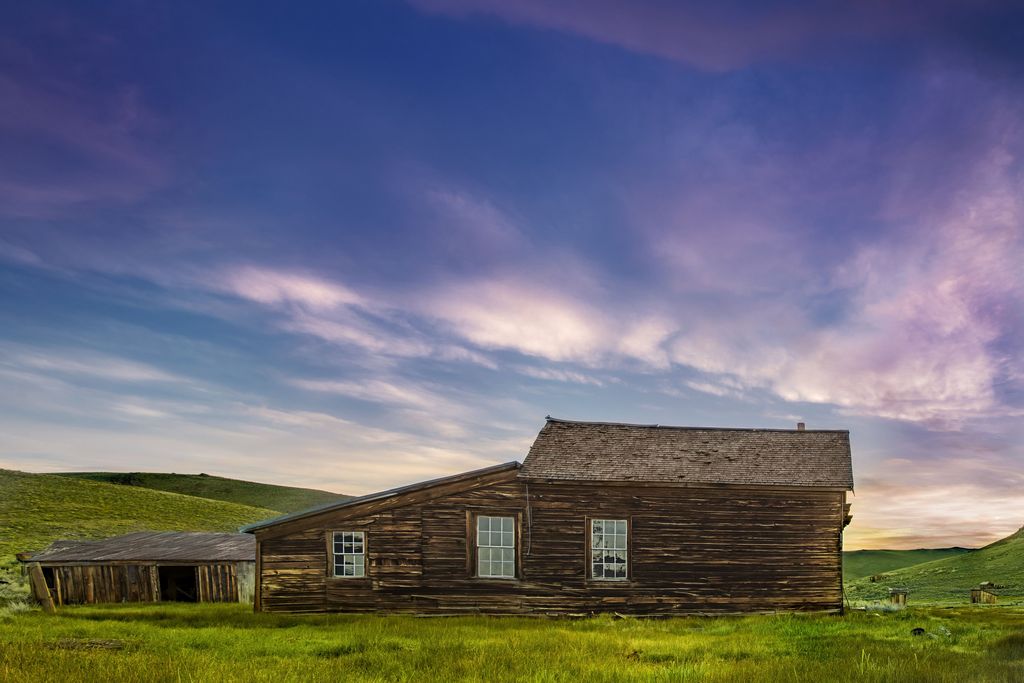
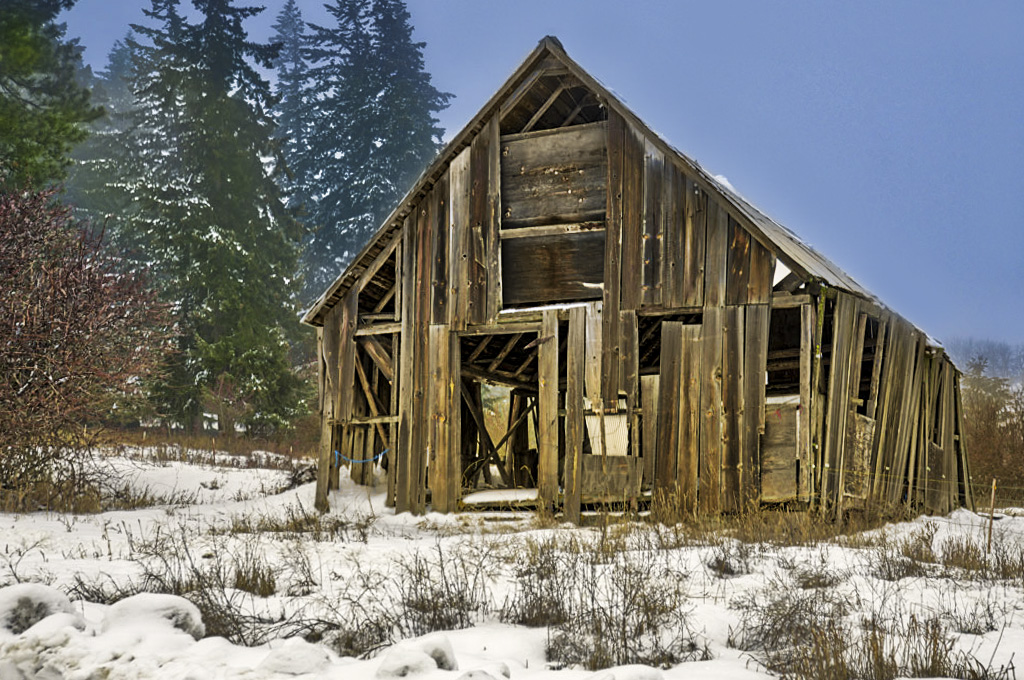
I love old and that includes old barns. I can see why this scene attracted you. I would definitely go back again. The placement of the barn is good and the negative space for te sky. Just seems like it needs contrast, HDR tends to make images flat and often I have to set the white and black points in ACR after tone-mapping.
Sinme the scene does not have a lot of contrast. I would like to see what the histogram for the "0" looked like. Was the histogram calling for HDR -- was it used just to bring out the inside of the barn? opening the "0" in ACR would adjusting shadows in ACR have revealed them?
For the sensor dust make sure that you are changing lenses with the camera body facing DOWN, with your nack to the wind and not in wet or windy conditions. After seeing the dust on the sensor I am so happy with my Olympus. My Canon had to be cleaned at least four times a year. My SONY had to be cleaned like once a week (they were like dust magnets). I have had the Olympus for well over two years (November 2016) and no dust, they claim dust just doesn't like to settle on its sensor because it has a thick filter. I have used wet cleaning on previous sensors, but always tried the Lenspen method first which works 99% of the time and is simple. birdsasart dot com/lenspens dot htm. Dust patrol looks like it uses the lenspen first and then has wet swabs for plan B |
Jan 30th |
 |
| 44 |
Jan 19 |
Comment |
I like scenes like this! I do agree with the above comments about the red being too bright (the barrel lid is fine but the body is over-saturated for me.
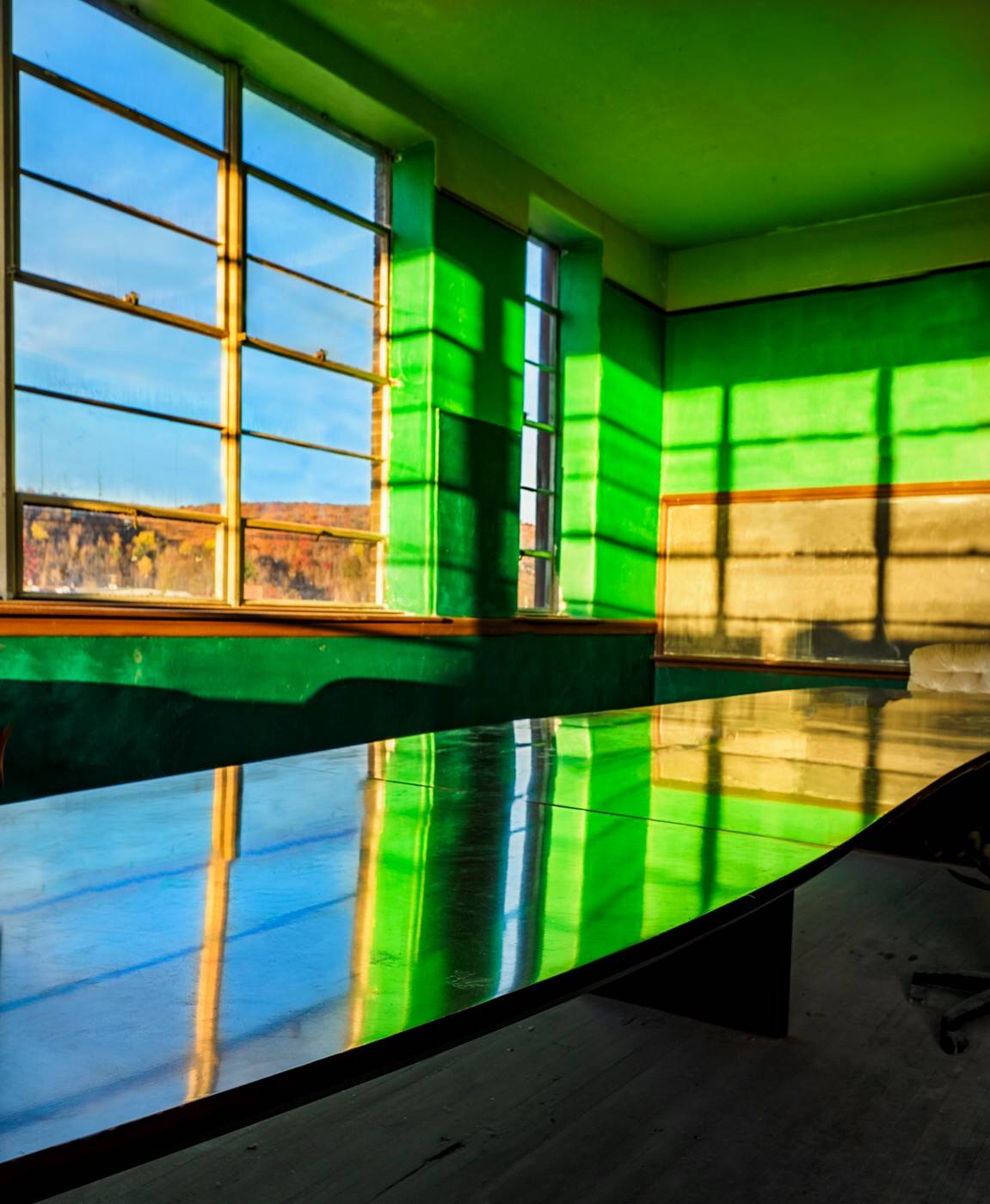
I love your out of the box fix to the bright window. The green tint and diffusion add to the concept. Well done! I have a program called "removing distractions" and now might have to find a scene where I can add an example like this :-)
I like the light and shadow on the left side, although the original has the table corner but it was cropped out of the edit. |
Jan 30th |
| 44 |
Jan 19 |
Comment |
welcome to our group!
I like your scene and all of the brightly clothed people and all that is going on. A single shot HDR can be good for people.
To clarify, from your description, it appears that you took the image with your Nikon and then sent it to your phone and used the app Snapseed to do the HDR. and then PicsArt for editing. It is hard to edit on your phone as the screen is small and it is harder to be precise. I own snapseed. I looked up PicsArt and was surprised that it was a subscription based editor. It said $7.99 a month. For $9.99 a month you can get Lightroom (easy to learn and edit your photos) AND Photoshop (harder to learn but more powerful).
Your edit did a nice job on the cobblestone, bringing out so much detail but not overdone.
I would content aware fill the sculpture on the right. |
Jan 30th |
| 44 |
Jan 19 |
Reply |
Multiple exposure HDR can be done by AEB or by just adjusting the exposure via shutter speed up one stop and down one stop (or two stops each or five on estops - but start with -1 0 and +1 so for your image manual and f7.1 amd 1/100 sec 1/200 sec and 1/400 sec.
Then in lightroom or PS merge to HDR and get a tonemapped dng file. |
Jan 28th |
| 44 |
Jan 19 |
Comment |
A great scene! Five stops with people and movement - wow. The exposure and composition are very good.
I would clone out the LCD screen right side bottom
For the mics, new merged layer, Gaussian blur until mics are gone, black mask and mask them out with white (good for stay hairs on people too)
I see a little moire or something on the top of the purple |
Jan 28th |
 |
| 44 |
Jan 19 |
Comment |
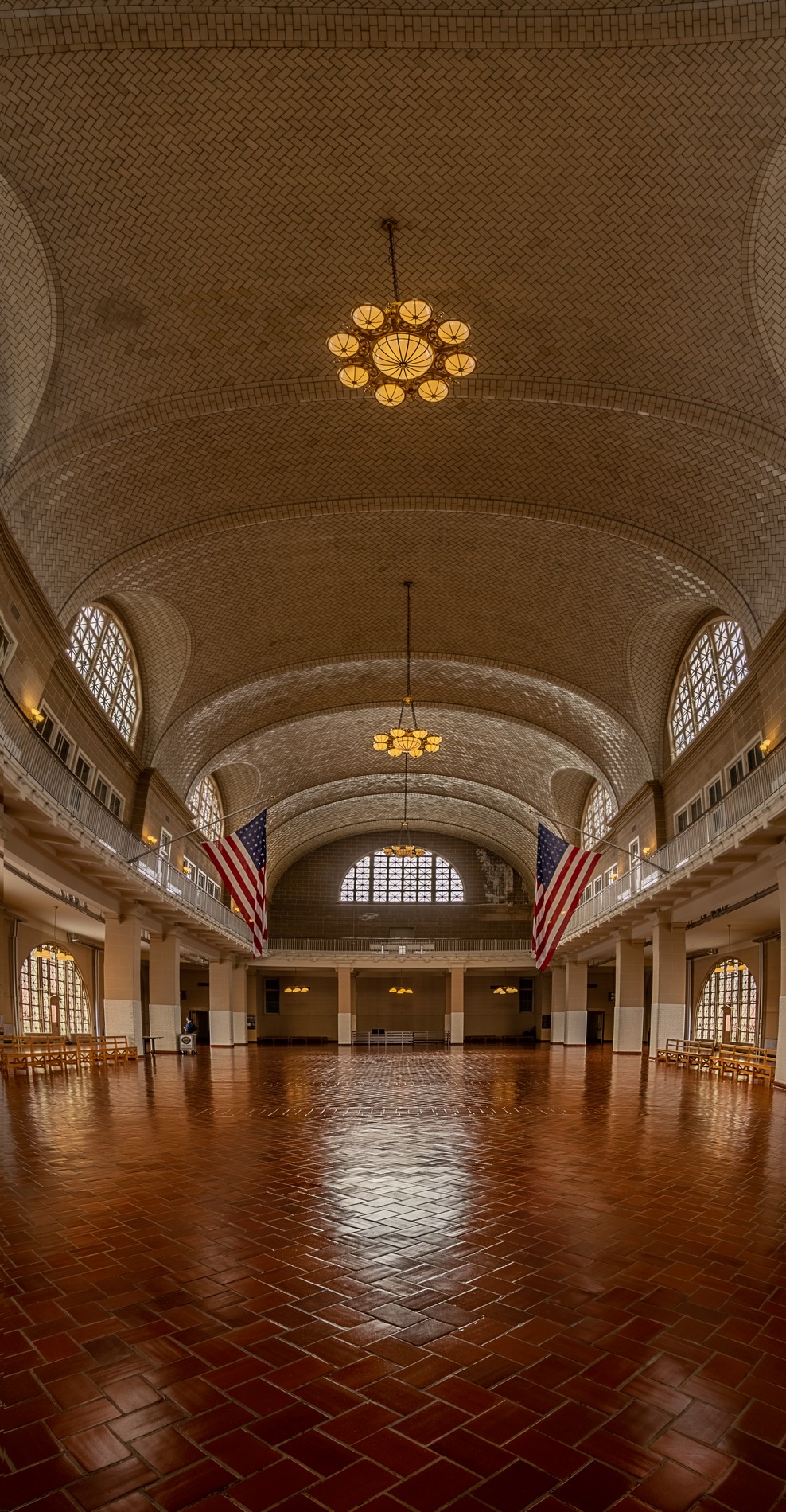
wow, what a height! Dramatic!
perhaps try a vertorama ?
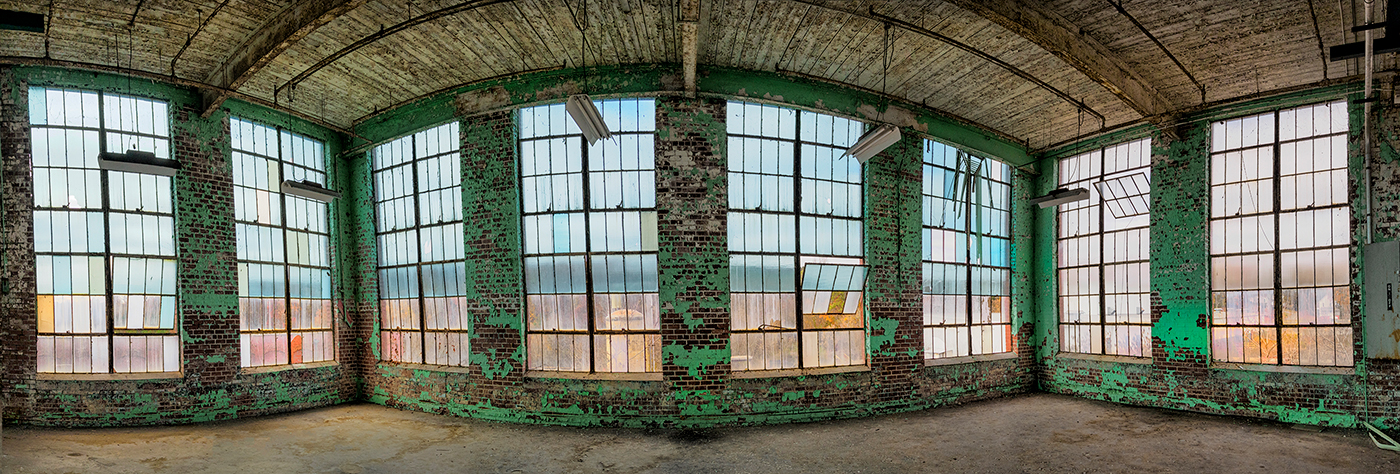
The colors and toning are nice! But I have trouble with the asymmetry and with the lines at the ceiling not being level. |
Jan 28th |
7 comments - 2 replies for Group 44
|
| 63 |
Jan 19 |
Comment |
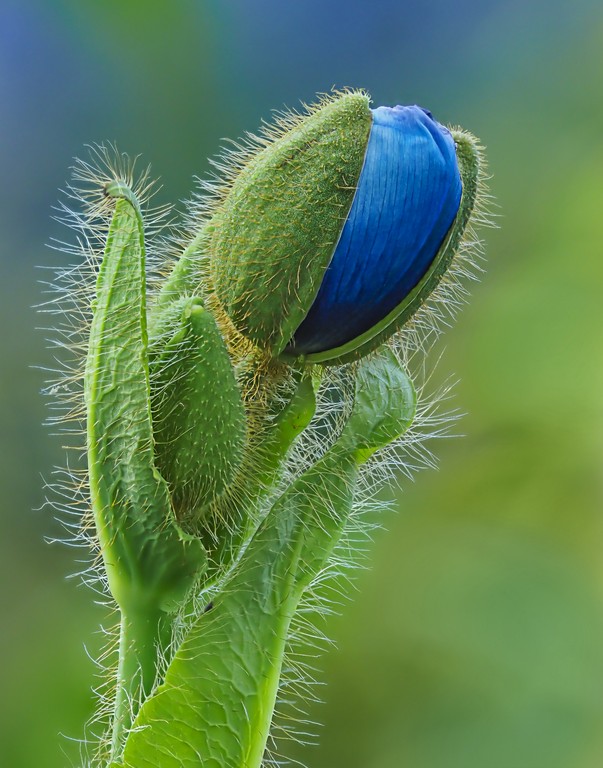
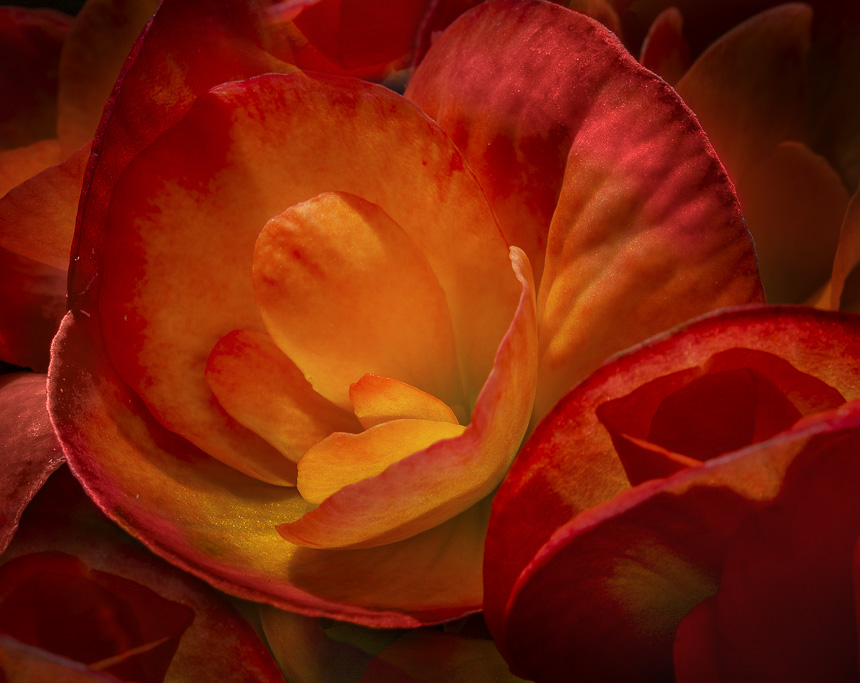
The flowers pops and the background complements it nicely and does not distract.
The colors and tones and textures are all there and come together
there is a little ebola shaped y shape in the top left that could be blurred or cloned or such. |
Jan 26th |
| 63 |
Jan 19 |
Comment |
I like the colors and the tones a lot! The f22 does well here, good choice. The tones walk me around the flowers like a scene from peru with the terraced landscapes.
The white edges -- light?? are distracting and a color blend mode would do well here.
Flipped it, added a color blend mode, filled in the white- -- and the blacks and then I darkened the edges
|
Jan 26th |
 |
| 63 |
Jan 19 |
Comment |
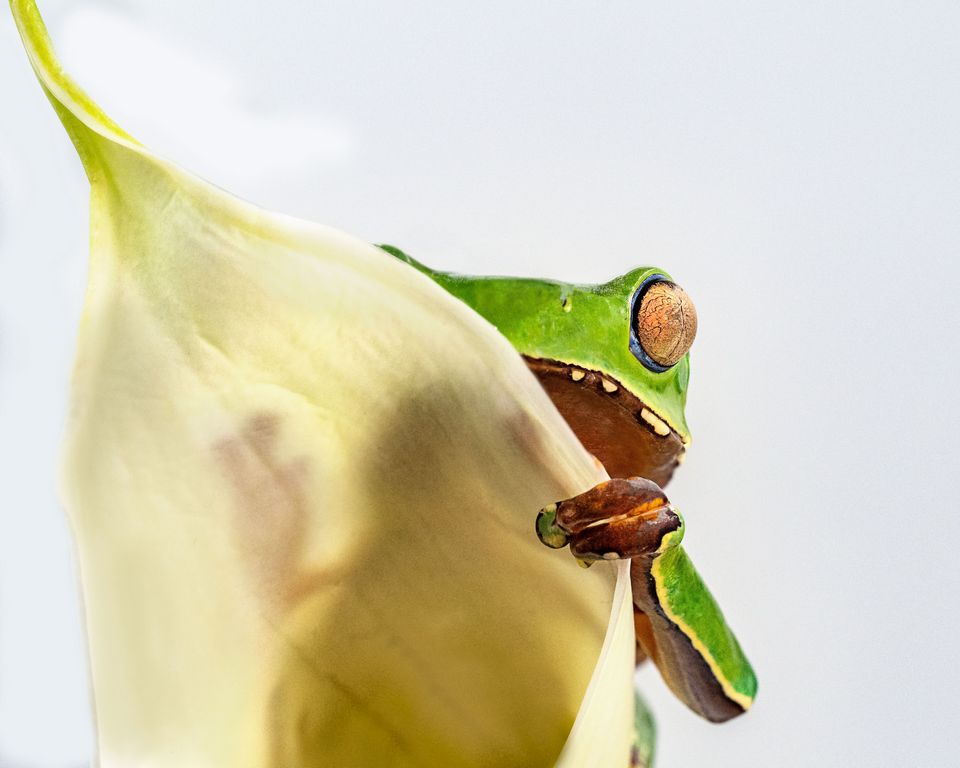
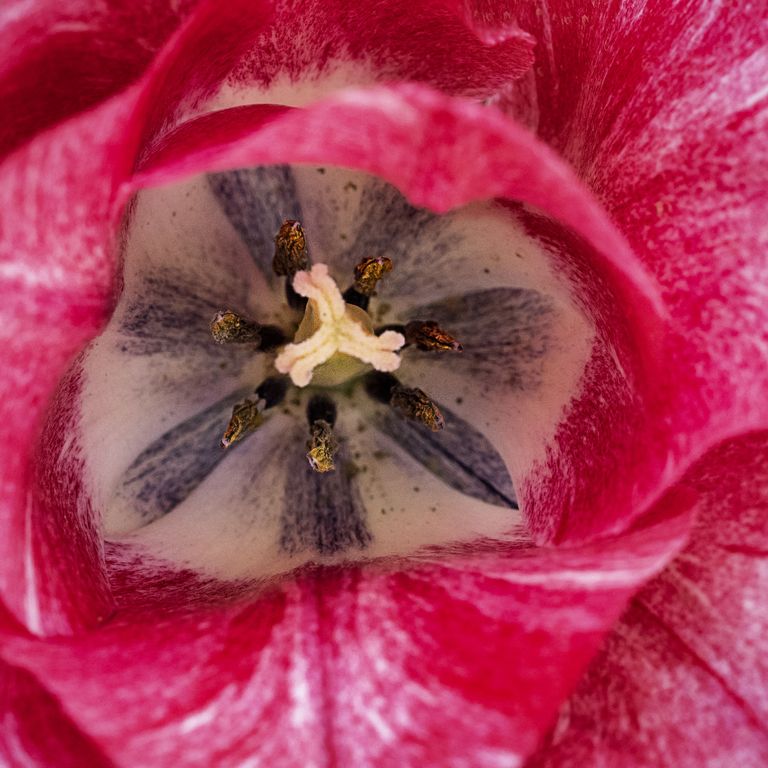
I just love this, the sharpness and composition and background -- all handled extremely well! It even reads well left to right
The fact that you were at f8 says that you also understand about macro and subjects and getting your subject parallel to the sensor. well done! I could stare at this for fours, it is mesmerizing! |
Jan 26th |
| 63 |
Jan 19 |
Comment |
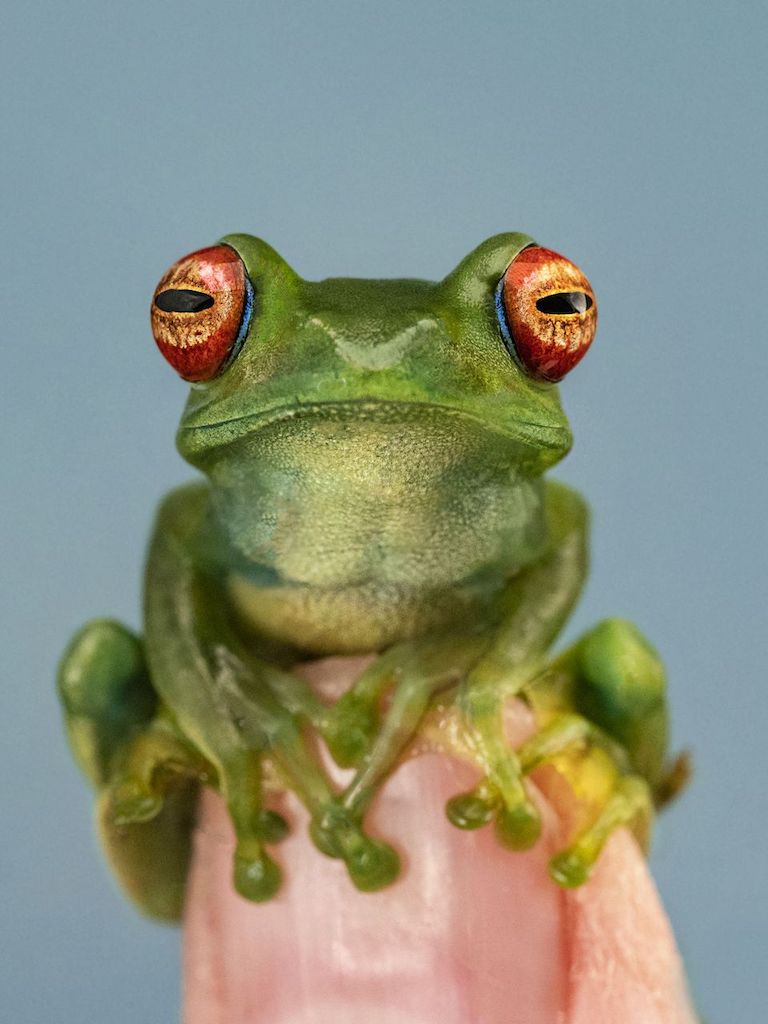
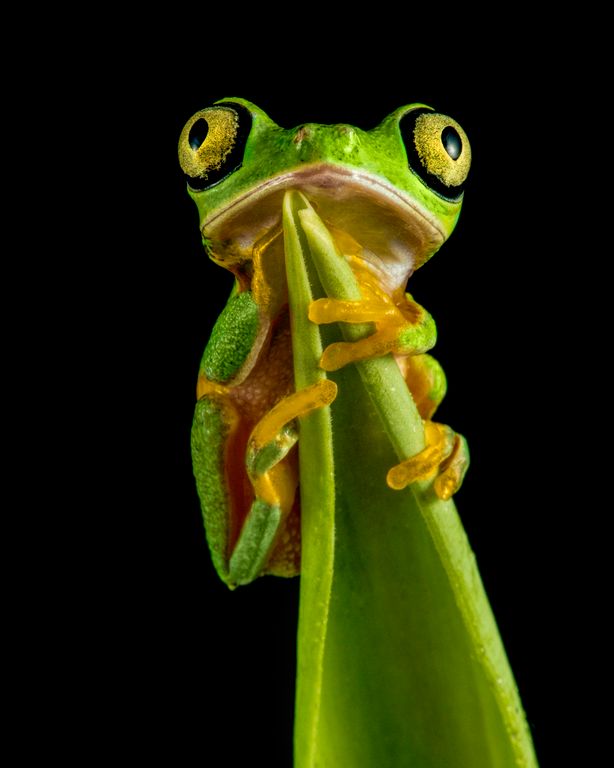
well done! How many images were stacked?
so hard to get the eyes and body sharp, wow
the shadow adds interest as well.
so hard to get all this sharp, front to back legs! wow!
only thing to improve -- go back into your stacks and check-- there are two soft areas in each of the second legs -- bet you have them and can mask them back in.
|
Jan 26th |
| 63 |
Jan 19 |
Comment |
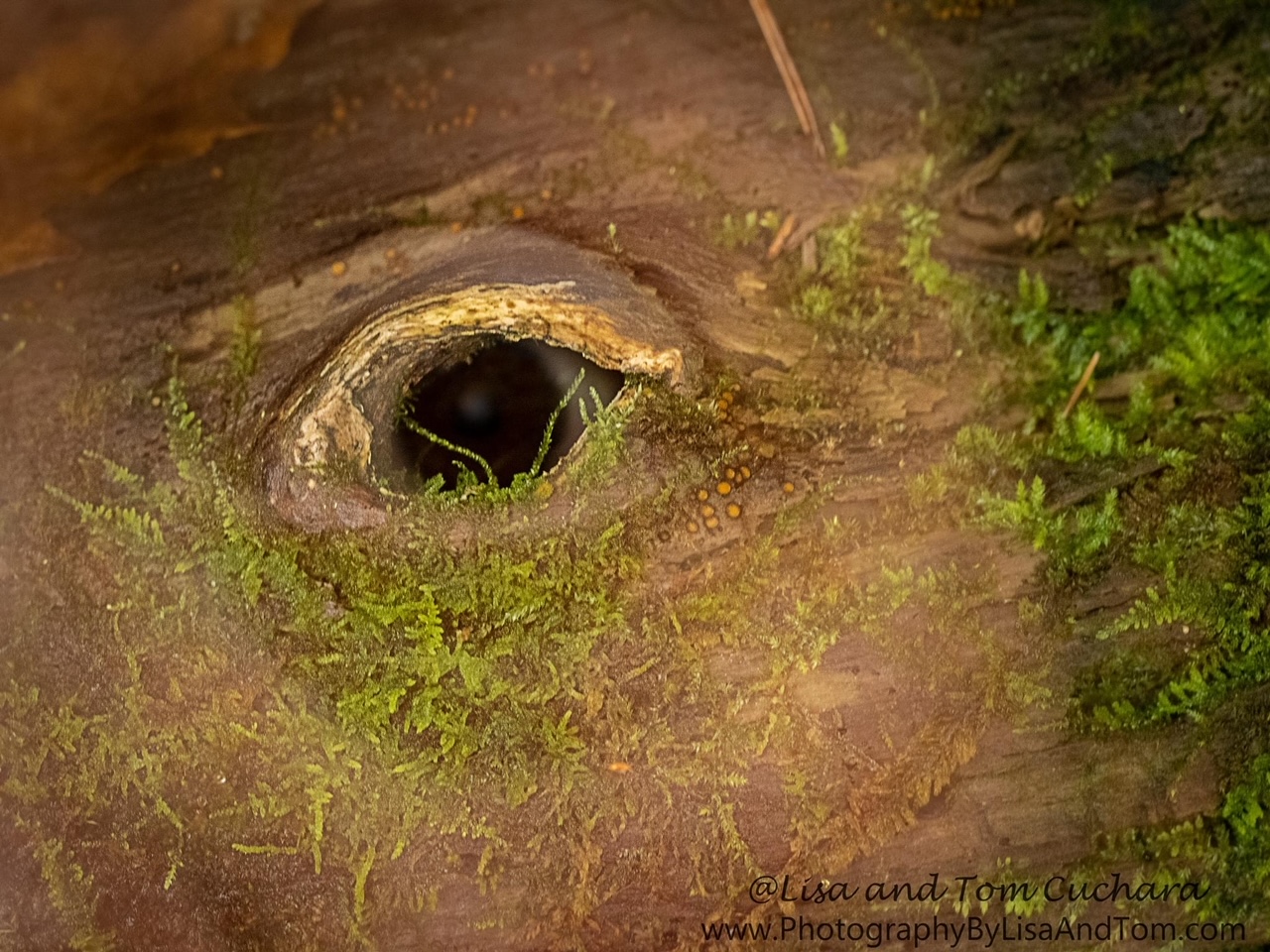
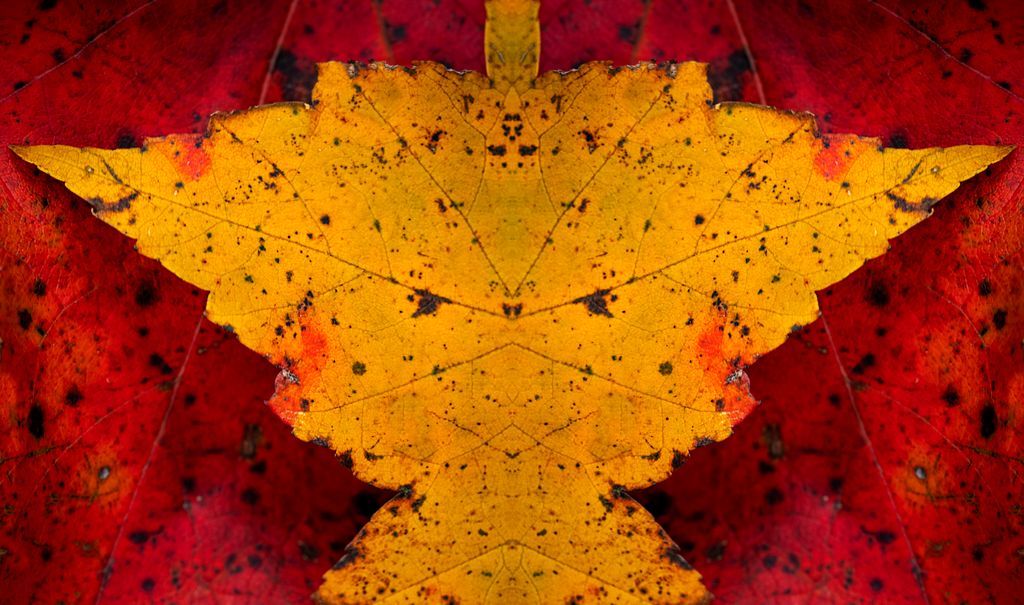
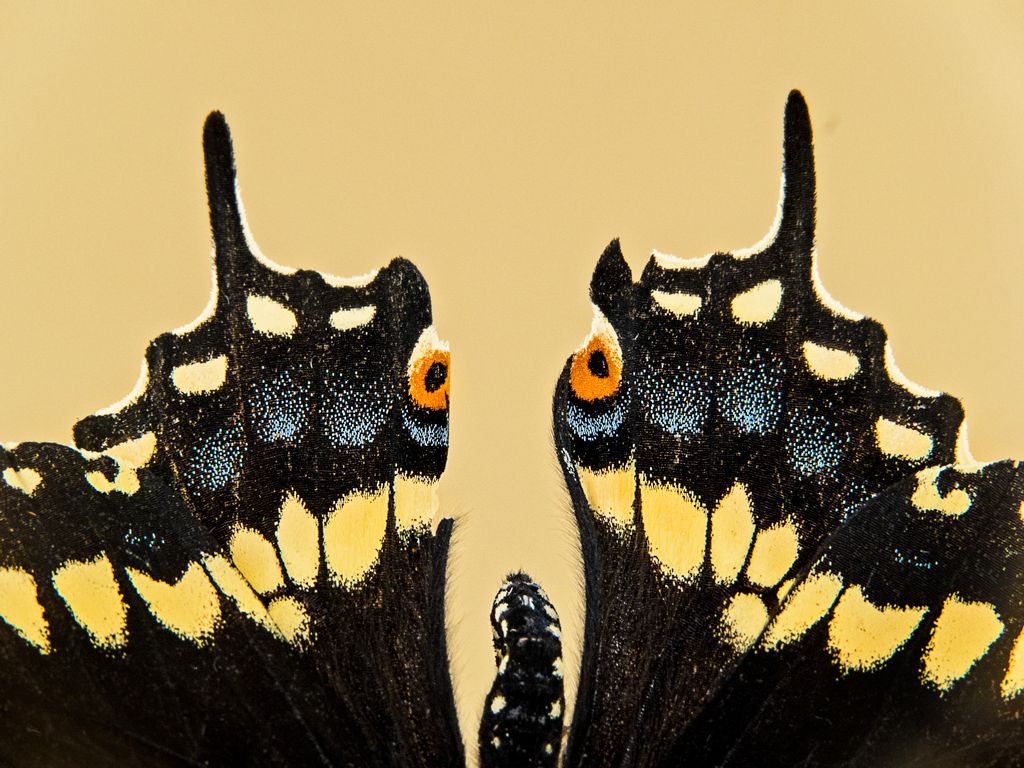
I love pareidolia!
I saw the woman right away, before reading your description. I can also see a dr seuss type cat character wearing sunglasses and smiling
I would darken the brighter areas of the left side a tad and I would do a selective color adjustment layer on the lighter parts of the white areas |
Jan 26th |
| 63 |
Jan 19 |
Reply |
my living room |
Jan 26th |
| 63 |
Jan 19 |
Reply |
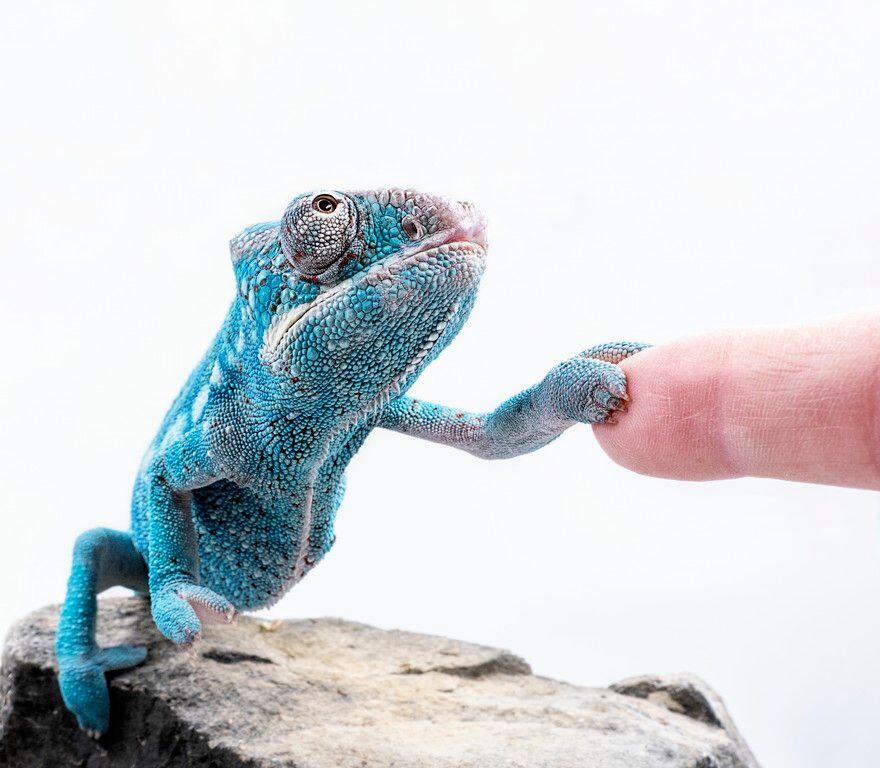
Yes, high key or low key is a matter of taste, like how much garlic to add to a meal.
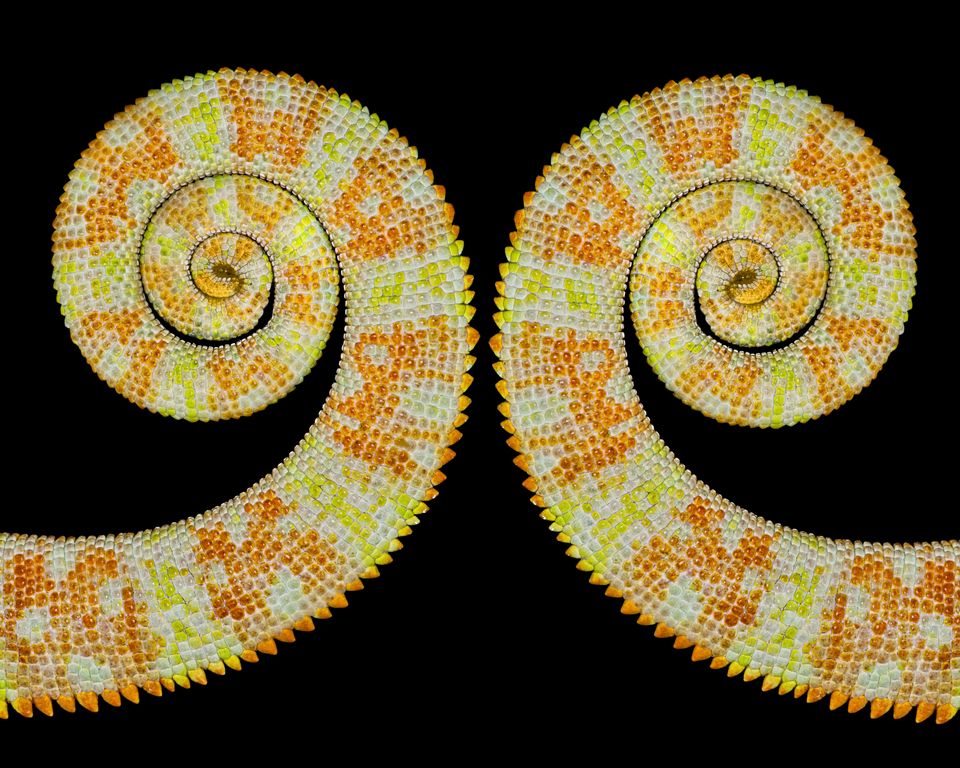
I have done the chameleons on dark backgrounds, and they do have a different feel. I tend to like the high key images, but sometimes dark pops too. |
Jan 26th |
 |
5 comments - 2 replies for Group 63
|
17 comments - 8 replies Total
|