Activity for User 460 - Lisa Cuchara - photographer67@comcast.net

avatar
Avatar

Close this Tab when done


1068 Comments / 292 Replies Posted

  = Current Round   = Previous Round
Group Round C/R Comment Date Image
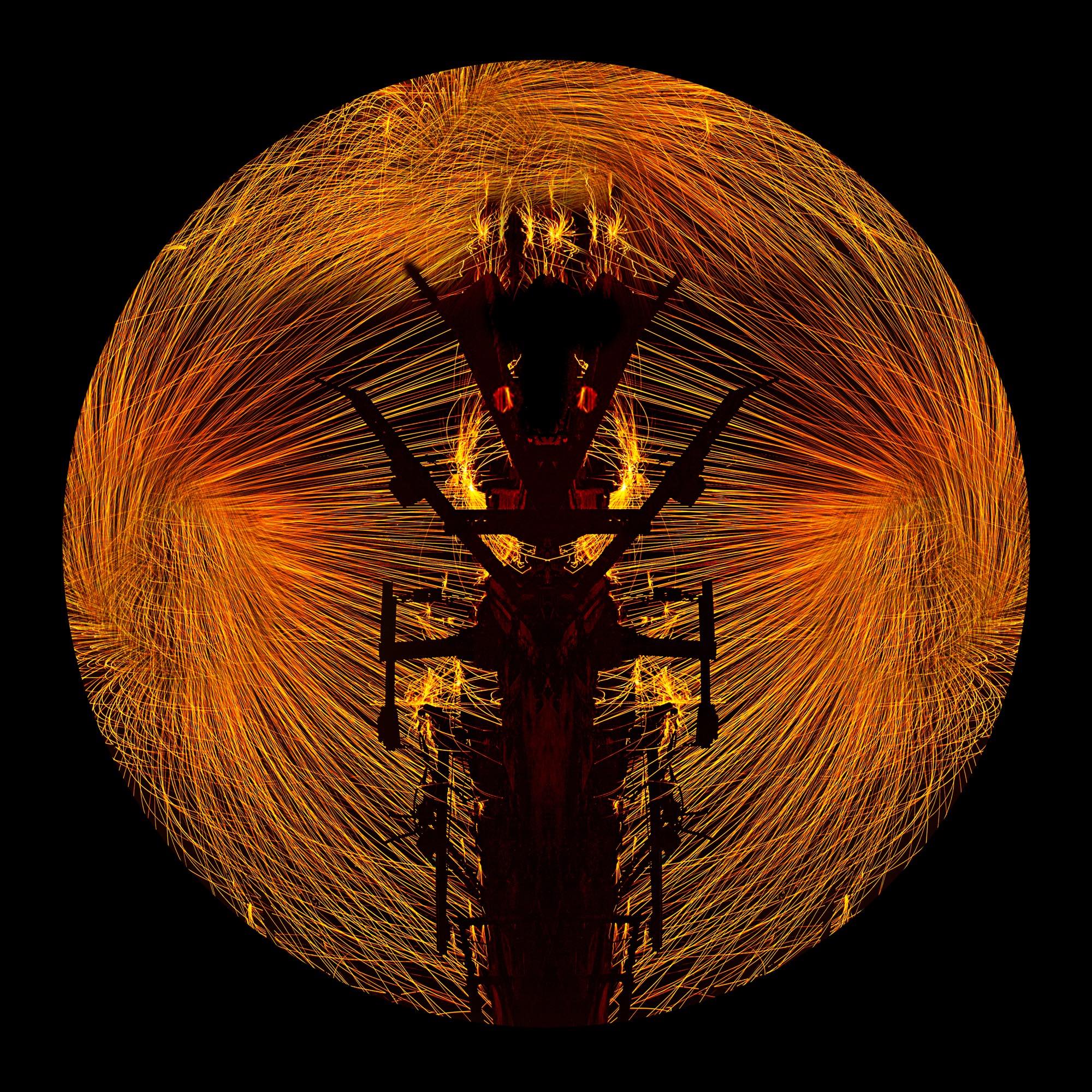
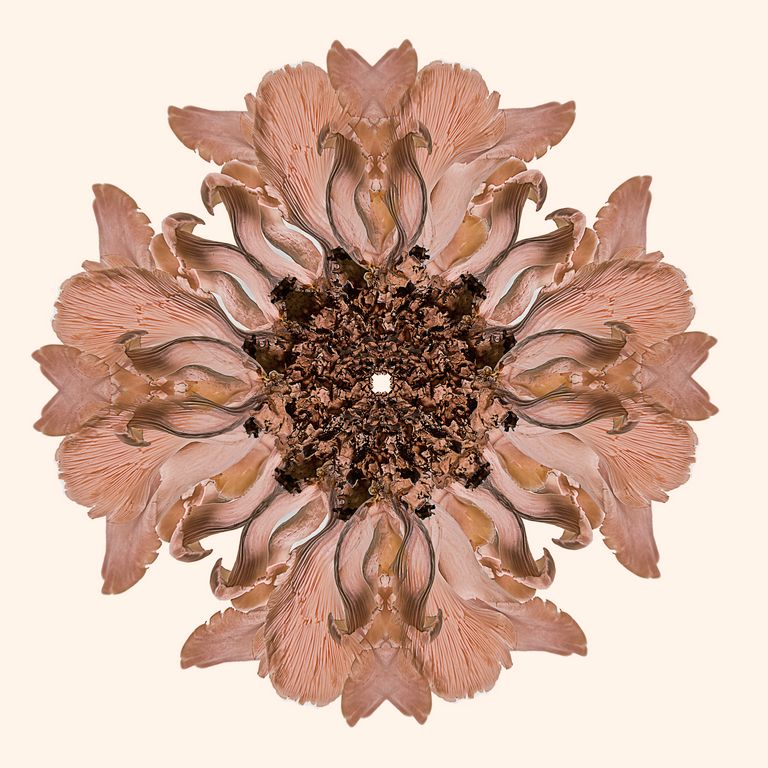
41 Jul 17 Comment stunning! I love circular repeated patterns, but did not realize that I was creating mandelas or what they signified. I love everything about it! Jul 24th
41 Jul 17 Comment Black and White fits for this image.
I would darken the noisy blank areas and crop some off of the right side
Jul 24th
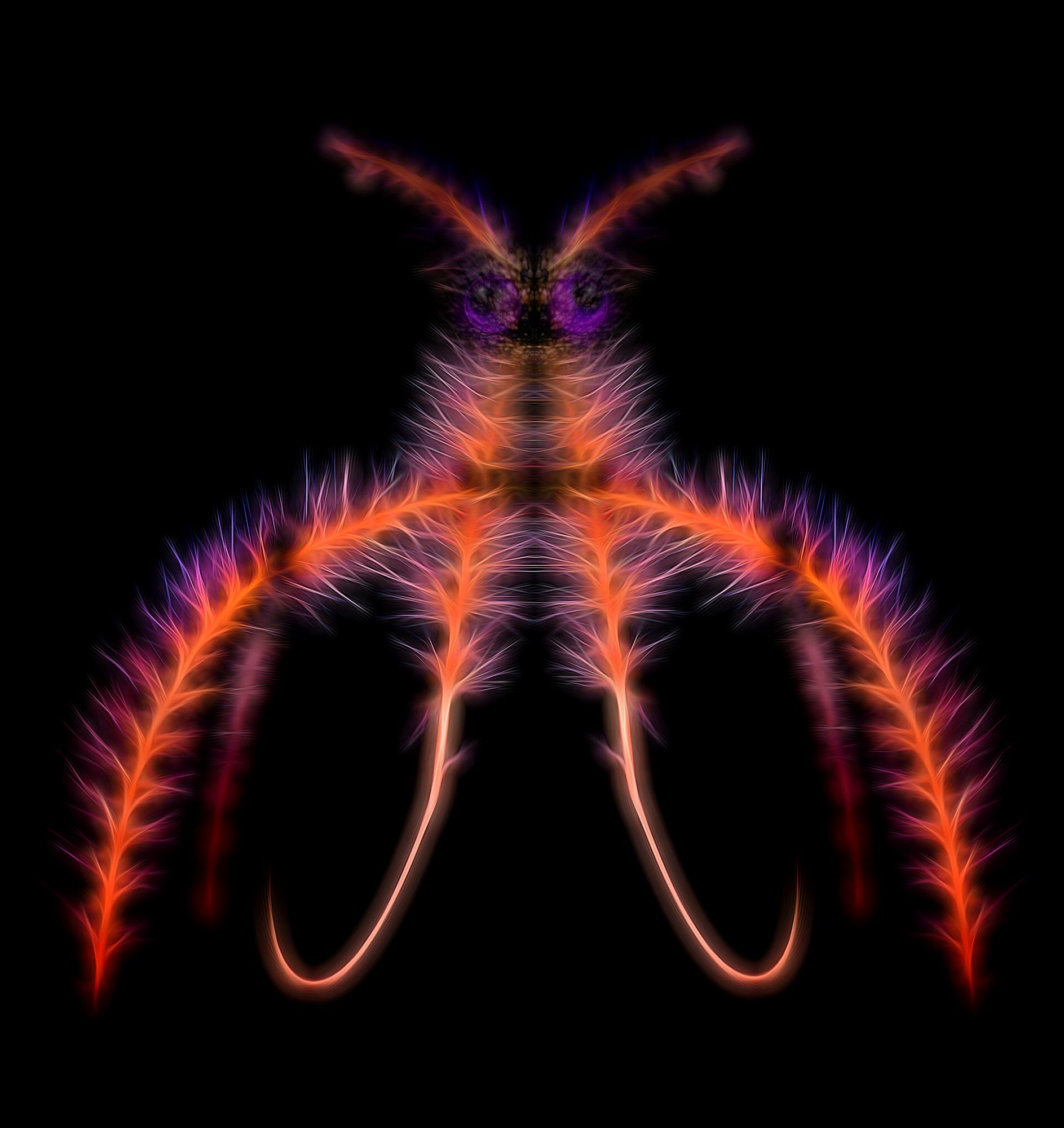
41 Jul 17 Comment love the zebras! I love mirror images and this one is especially effective! wow!

perhaps try a levels adjustment layer and add contrast.
Jul 24th
41 Jul 17 Comment I like the concept and appreciate the randomness of it, but perhaps simpler is better, omit the blue strip, the waterfall and make the rocks/mts on the left gold like the ones on the right Jul 24th
41 Jul 17 Comment very creative! the mushrooms work well merging into the house, along with the bark, etc. I really like this and am impressed with both your creativity and your execution!

The only thing I would try is to see how it looks like without the white p[icket fence.
Jul 24th
41 Jul 17 Comment wow, clever use of a color layer! I love the colors and selection and how you created such wonderful artwork from a PJ type sports capture. His expression really makes the action drops work too.

Personally, the red keystroke draws my eyes away from the fabulous expression and the creative artwork

nitpicky, but there are two white dots in his head, see capture. The image is just too good to let them remain

There is also a bit of grain, p[erhaps Topax Denoise?
Jul 24th

6 comments - 0 replies for Group 41

44 Jul 17 Reply Thanks Rick! Jul 25th
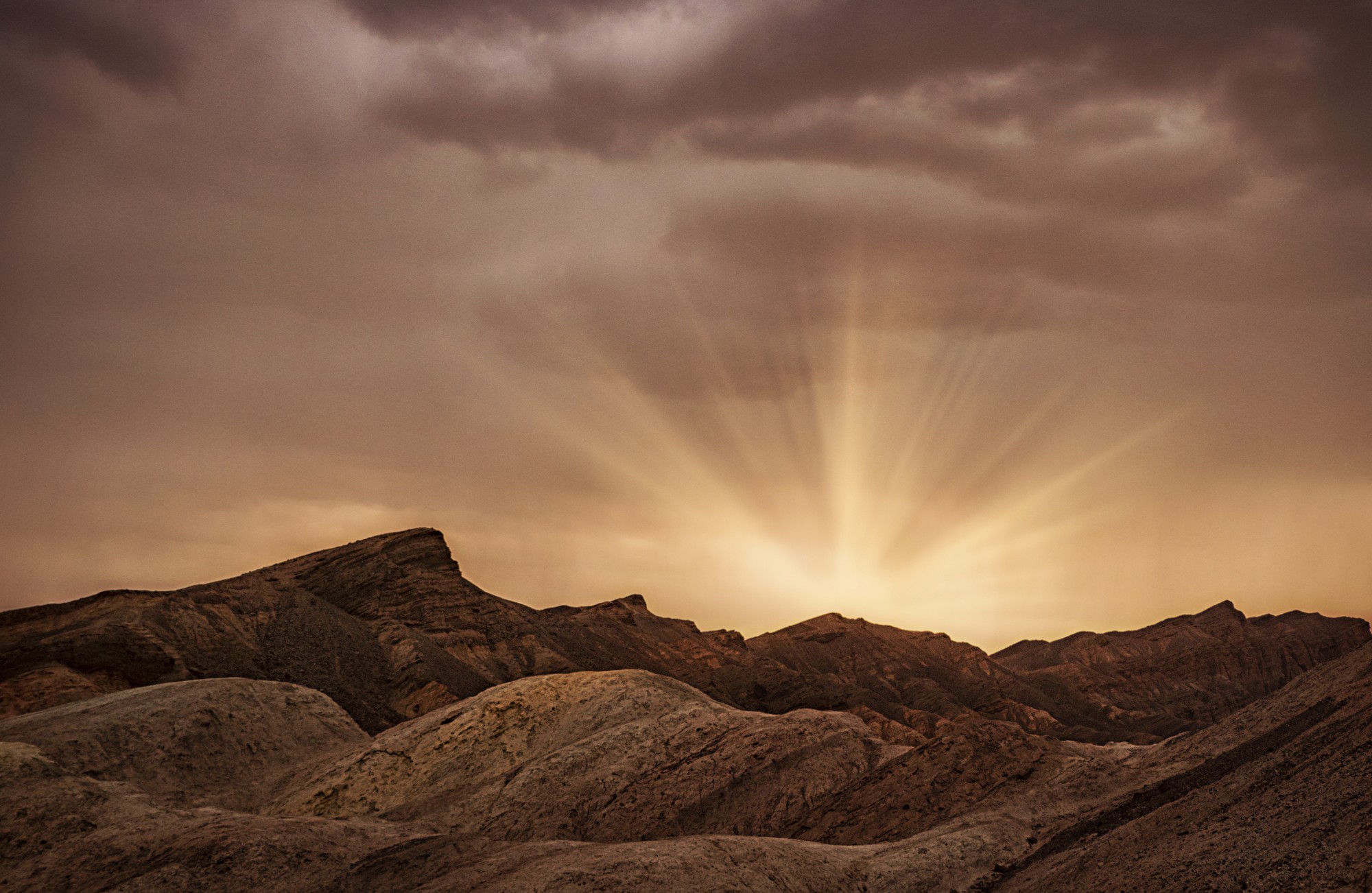
44 Jul 17 Comment I love the sun distortion. I love the sun rays (and at f11!)

There are is some halo around the rocks, the very top middle especially, the rest is mild and not distracting because the image itself has so much drama

which luminosity masking do you like best?
what about Seim?
Jul 24th
44 Jul 17 Comment Thank you for the detailed how you did it. I love this!

Why manual? I understand maybe ACR or photomaticx did not give you what you wanted, but Do you use any luminosity masking or such? Seim?

You manually toned very well.

as far as the power lines
You are the artist, this is your palette. In real life our brain often filters out power lines and such from the beauty we see.
Jul 24th
44 Jul 17 Comment powerful dramatic clouds, you chose your composition well to effectively emphasize the sky and clouds!

I think you needed one more stop for the highlights

"It was processed in Photoshop HDR"
Personally I never had good luck with HDR within photoshop -- do you have or can you try the same 3 images in Photoshop CC? If not I can send you my large file dropbox and I can try a tone mapping in ACR.


Would Nik Viveaz bring out ? Nik Detail Extractor?
Jul 24th
44 Jul 17 Comment love the tones and the textures. It has a timeless quality about it.
Just curious, what was the zero exposure histogram? Was this an image that ACR could have brought out highlight shadow detail??
Jul 24th
44 Jul 17 Comment wow, dramatic. What a skyline! Really love it. The structure feature of Viveza really worked on this image. And I will miss it when it stops working. I like Topaz Clarity a lot, but have not been able to replicate the structure feature of Viveza

I kind of like the magenta cast on the buildings
Jul 24th

5 comments - 1 reply for Group 44

63 Jul 17 Comment some things to try
flip the image
add a little more canvas so the flower part is not so close to the edge
take away the blue tones from the shadows using color balance shadows or selective color or a color blend mode

Jul 24th
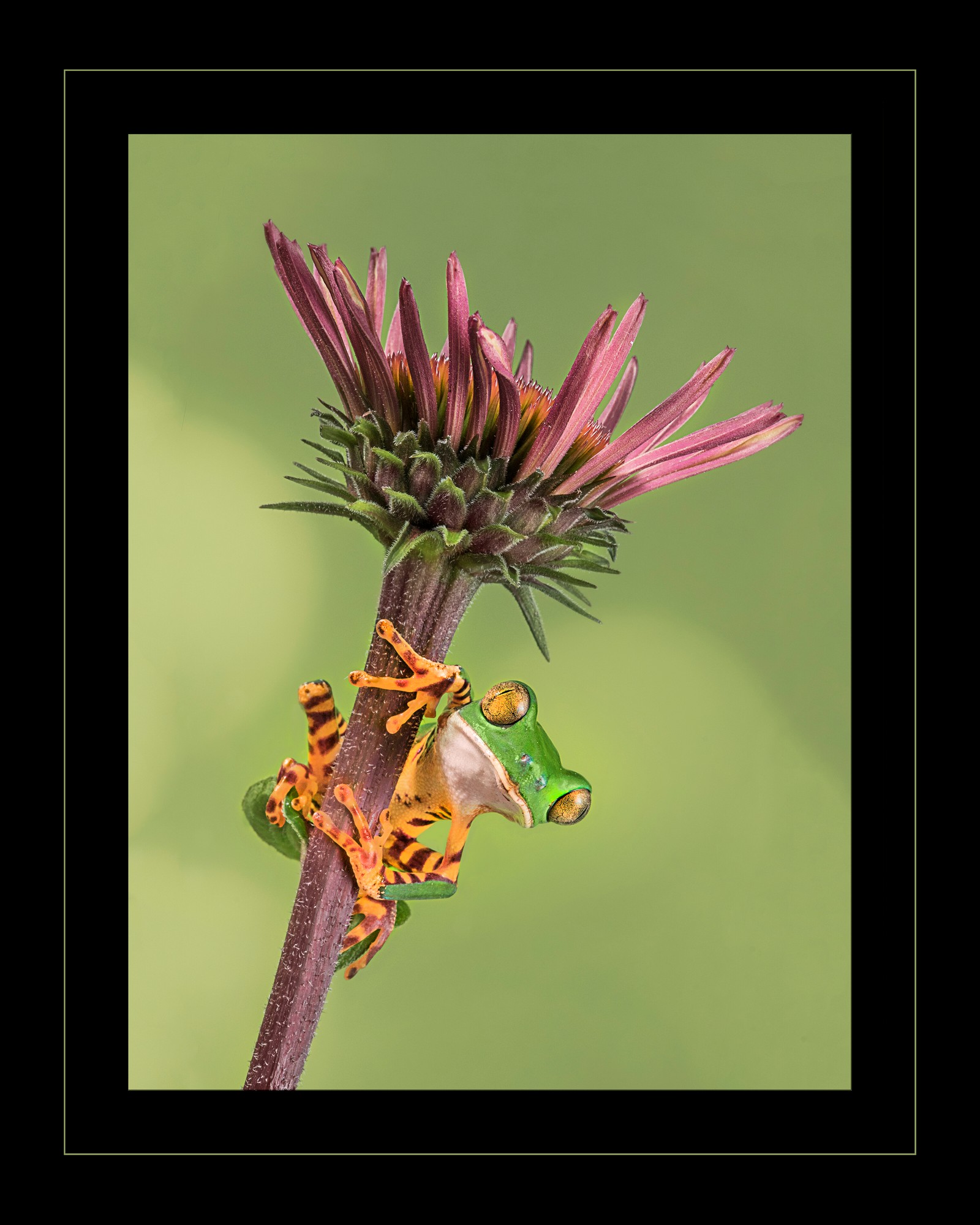
63 Jul 17 Comment your choice of flower, composition, and post-processing are stellar. The colors pop and the considering the location the background is good.
There is a clone line/post processing artifact
Jul 24th
63 Jul 17 Comment Great choice of background to make this thistle stand out. Many lower photogs choose their background first and then find an interesting flower subject. The flower has detail and color.
not sure what would improve it, perhaps try a square crop to chop off a little from the top and from the bottom??
Jul 24th
63 Jul 17 Comment I love this! The colors and composition just pops! You have detail and sharpness along with softness and the colors and vibrant but not oversaturated. wow

The only thing that would improve is flipping it, we read left to right so the darker stem would lead your eye right into the scene and the softer green on the left would keep your eye on the petals
Jul 24th
63 Jul 17 Comment you could do a soft Gaussian blur, the white flower is easy to select. Jul 24th
63 Jul 17 Comment I love the flower, you are correct about DOF. You also keep detail in the whites which is not easy.

There is a lot of are on the left and right, cropping could help a lot.

I would add a color blend layer and add color over top of the bright parts, the lighter values catch the eye and become distracting
Jul 24th
63 Jul 17 Comment I love the concept, the colors and shapes work well inside the globe, very unique. Sounds like it was well thought out, from the diffuser to the camranger (mine is still in its box).

personally, I find the blue thick keystroke distracting, as it takes your eye from the dice,

to take care of the distortion and overexposure at the top of the globe, make a layer copy, turn the layer upside down (edit transform) and mask the bottom (now on top) back in.
Jul 24th
63 Jul 17 Comment well done! lots of work but worth the effort
"the two leaves at the bottom; separating them onto their own layer"
I love the way the flower pops out of the diagonal and greets you! the background makes the flower pop. Sometimes, after all that masking, selecting and blurring I do lower the opacity by 10-30% and just let a little of the original show thru to avoid the completely plain background. I try it, sometimes I prefer 100% opacity, other times 90%.
Jul 24th

8 comments - 0 replies for Group 63


19 comments - 1 reply Total


231 Images Posted

  = Current Round   = Previous Round
Group 41

Jan 25

Nov 24

Oct 24

Jul 24

Jun 24

Apr 24

Mar 24

Feb 24

Jan 24

Nov 23

Oct 23

Sep 23

Aug 23

Jul 23

Jun 23

May 23

Apr 23

Mar 23

Jan 23

Dec 22

Sep 22

Aug 22

Jul 22

Jun 22

May 22

Mar 22

Feb 22

Jan 22

Dec 21

Nov 21

Oct 21

Sep 21

Aug 21

Jul 21

May 21

Apr 21

Feb 21

Jan 21

Nov 20

Oct 20

Sep 20

Aug 20

Jul 20

Jun 20

May 20

Apr 20

Mar 20

Feb 20

Jan 20

Dec 19

Nov 19

Oct 19

Sep 19

Aug 19

Jul 19

Jun 19

May 19

Apr 19

Mar 19

Feb 19

Jan 19

Dec 18

Nov 18

Oct 18

Sep 18

Aug 18

Jul 18

Jun 18

Mar 18

Feb 18

Jan 18

Dec 17

Nov 17

Oct 17

Sep 17

Aug 17

Jul 17

Jun 17

May 17

Apr 17

Mar 17

Feb 17

Jan 17
Group 44

Jan 25

Nov 24

Oct 24

Aug 24

Jul 24

Jun 24

May 24

Apr 24

Mar 24

Feb 24

Jan 24

Nov 23

Oct 23

Aug 23

Jul 23

Jun 23

May 23

Apr 23

Mar 23

Jan 23

Dec 22

Nov 22

Sep 22

Aug 22

Jul 22

Jun 22

May 22

Mar 22

Feb 22

Jan 22

Dec 21

Nov 21

Sep 21

Aug 21

Jul 21

May 21

Apr 21

Feb 21

Jan 21

Dec 20

Nov 20

Oct 20

Sep 20

Aug 20

Jul 20

Jun 20

May 20

Apr 20

Mar 20

Feb 20

Jan 20

Dec 19

Nov 19

Oct 19

Sep 19

Aug 19

Jul 19

Jun 19

May 19

Apr 19

Mar 19

Feb 19

Jan 19

Dec 18

Nov 18

Oct 18

Sep 18

Aug 18

Jul 18

Jun 18

May 18

Apr 18

Mar 18

Jan 18

Dec 17

Nov 17

Oct 17

Sep 17

Aug 17

Jul 17

Jun 17

May 17

Apr 17

Mar 17

Feb 17

Jan 17
Group 46

Jan 25

Dec 24

Nov 24

Oct 24

Aug 24

Jul 24

Jun 24

May 24

Apr 24

Mar 24

Feb 24

Jan 24

Dec 23

Nov 23

Oct 23

Sep 23

Aug 23
Group 63

Jul 19

Jun 19

May 19

Apr 19

Mar 19

Feb 19

Jan 19

Nov 18

Sep 18

Aug 18

Jul 18

Jun 18

May 18

Apr 18

Mar 18

Feb 18

Jan 18

Nov 17

Oct 17

Sep 17

Aug 17

Jun 17

Jul 17

May 17

Apr 17

Mar 17
Group 64

Jan 17
Group 91

Apr 21

Feb 21

Jan 21

Sep 20

Aug 20

Jul 20

Jun 20

May 20

Apr 20

Mar 20

Feb 20

Jan 20

Dec 19

Nov 19

Oct 19

Sep 19

Aug 19

Jul 19

Close this Tab when done