|
| Group |
Round |
C/R |
Comment |
Date |
Image |
| 25 |
Sep 23 |
Comment |
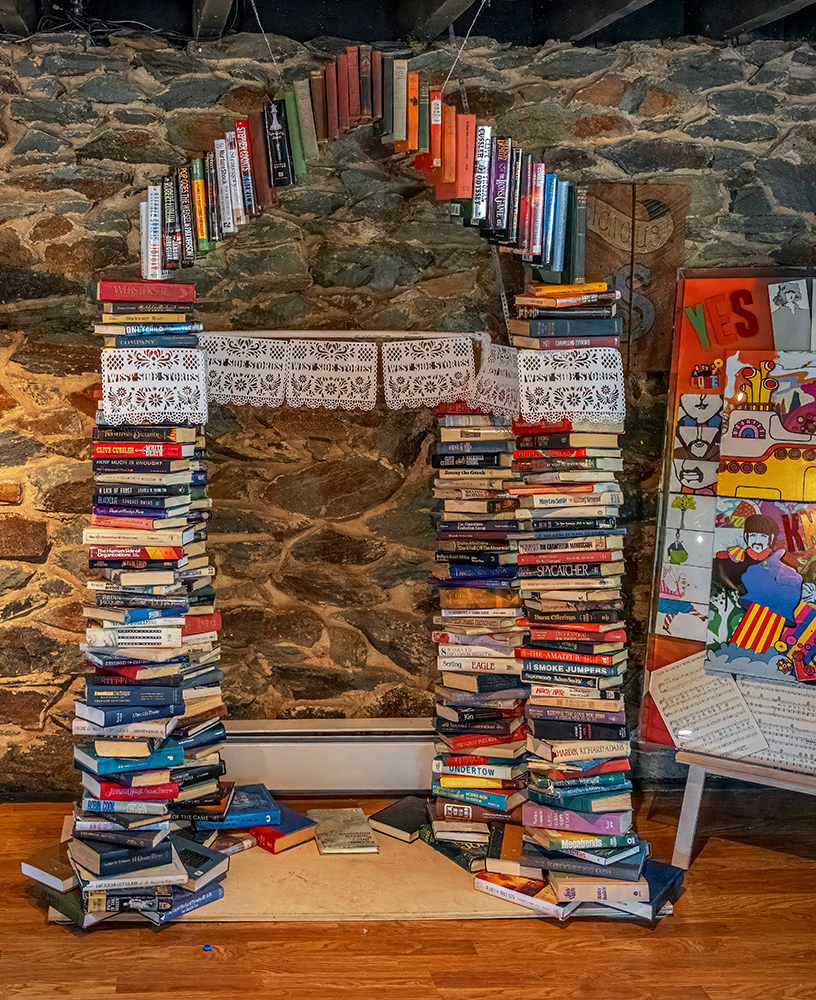
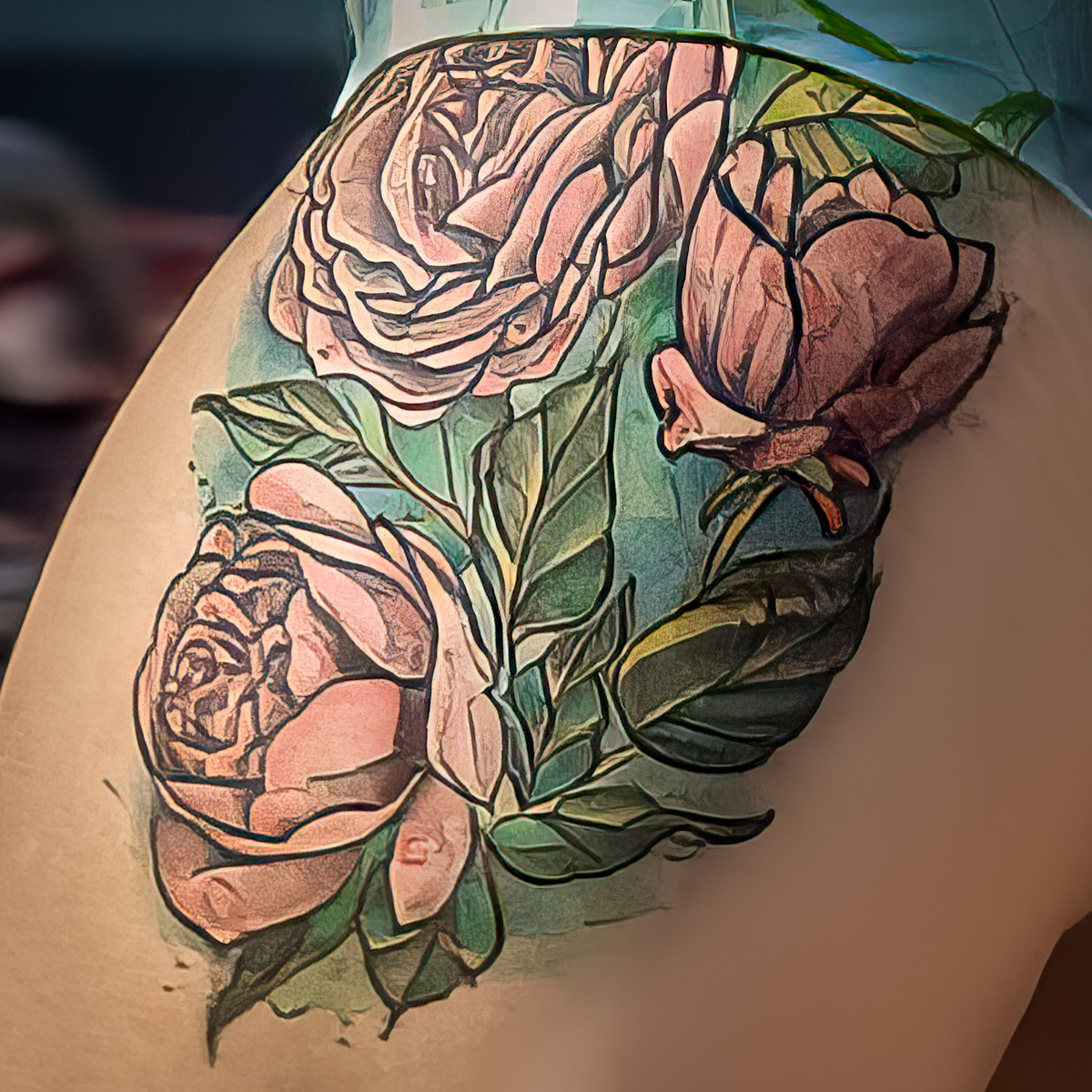
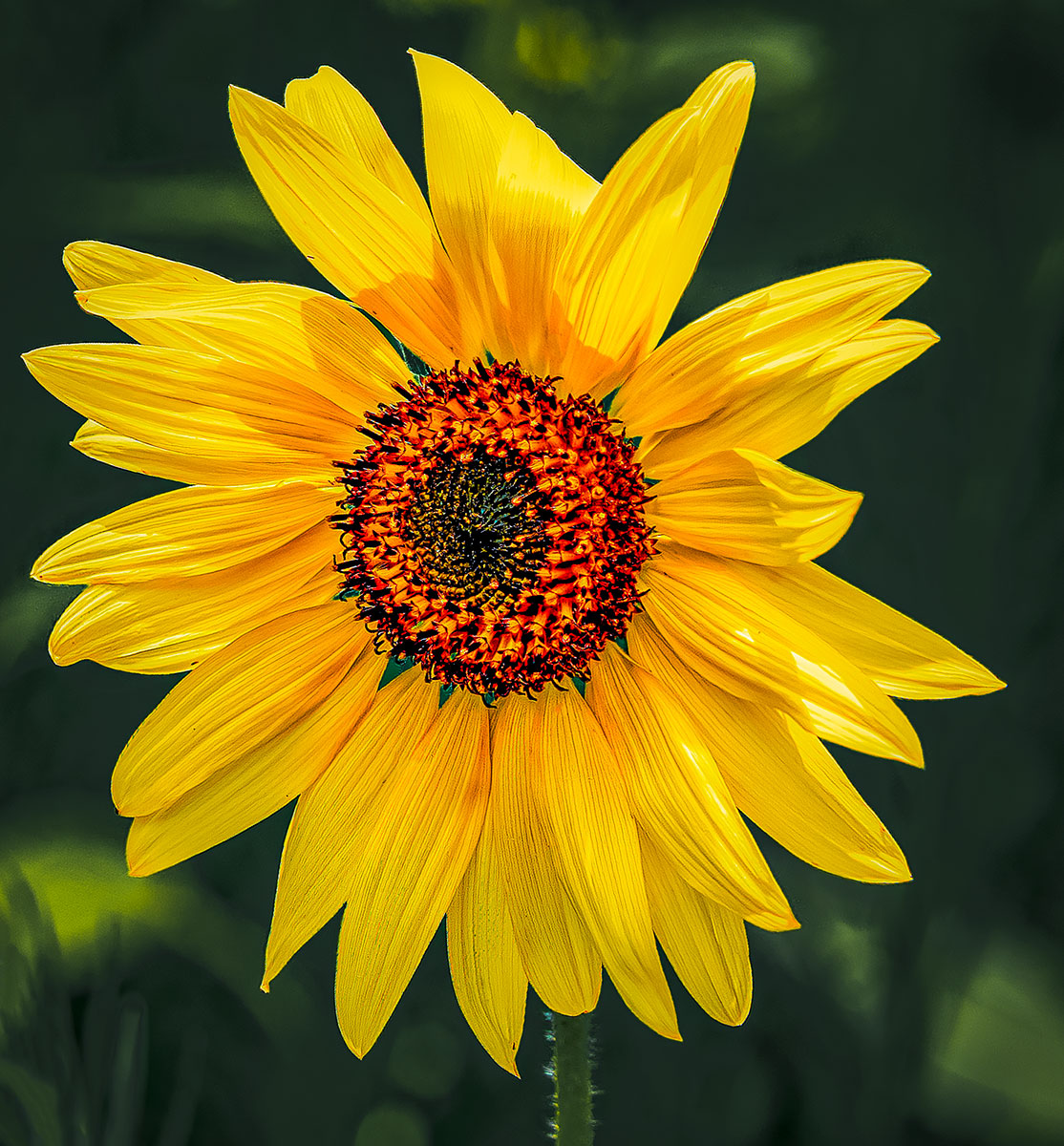
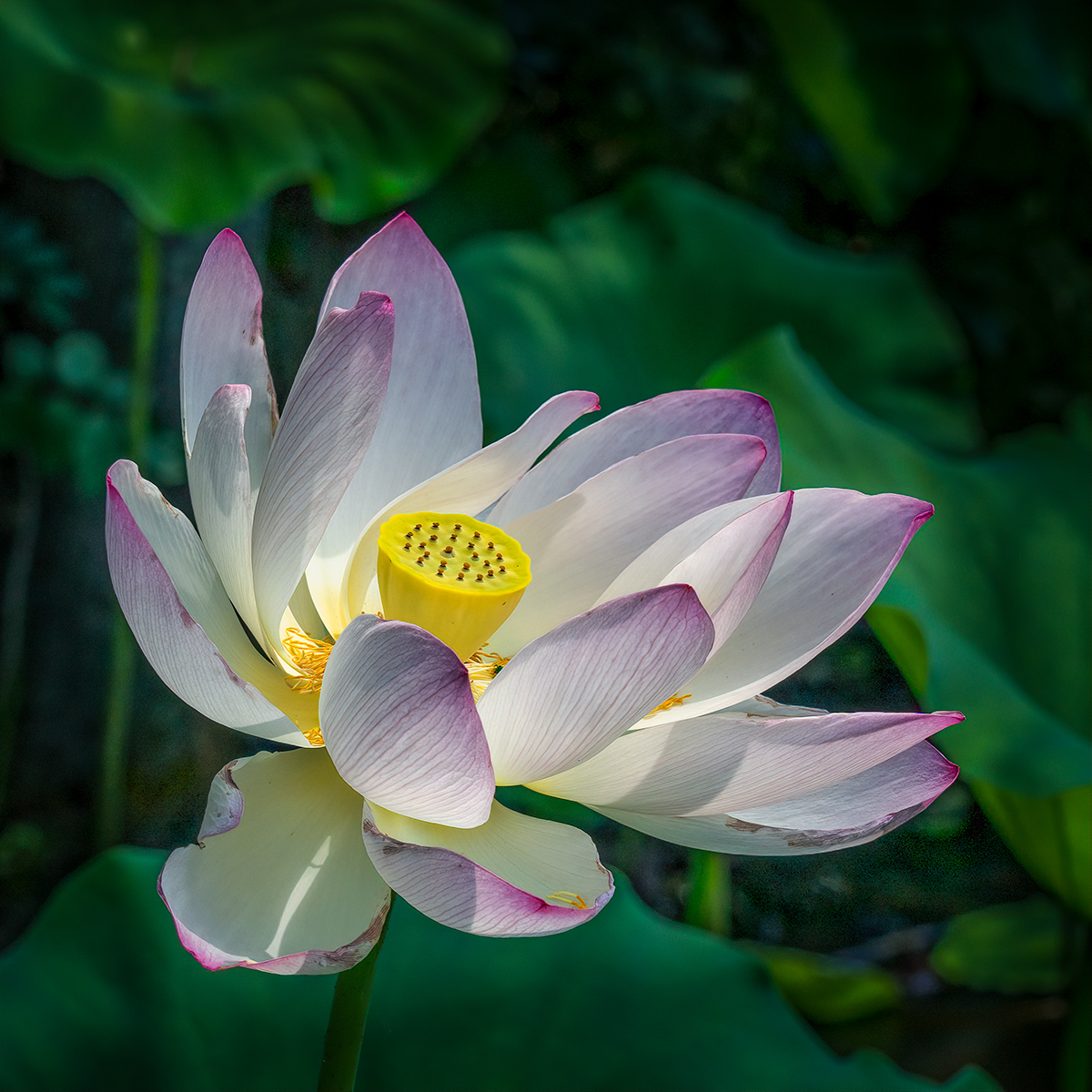
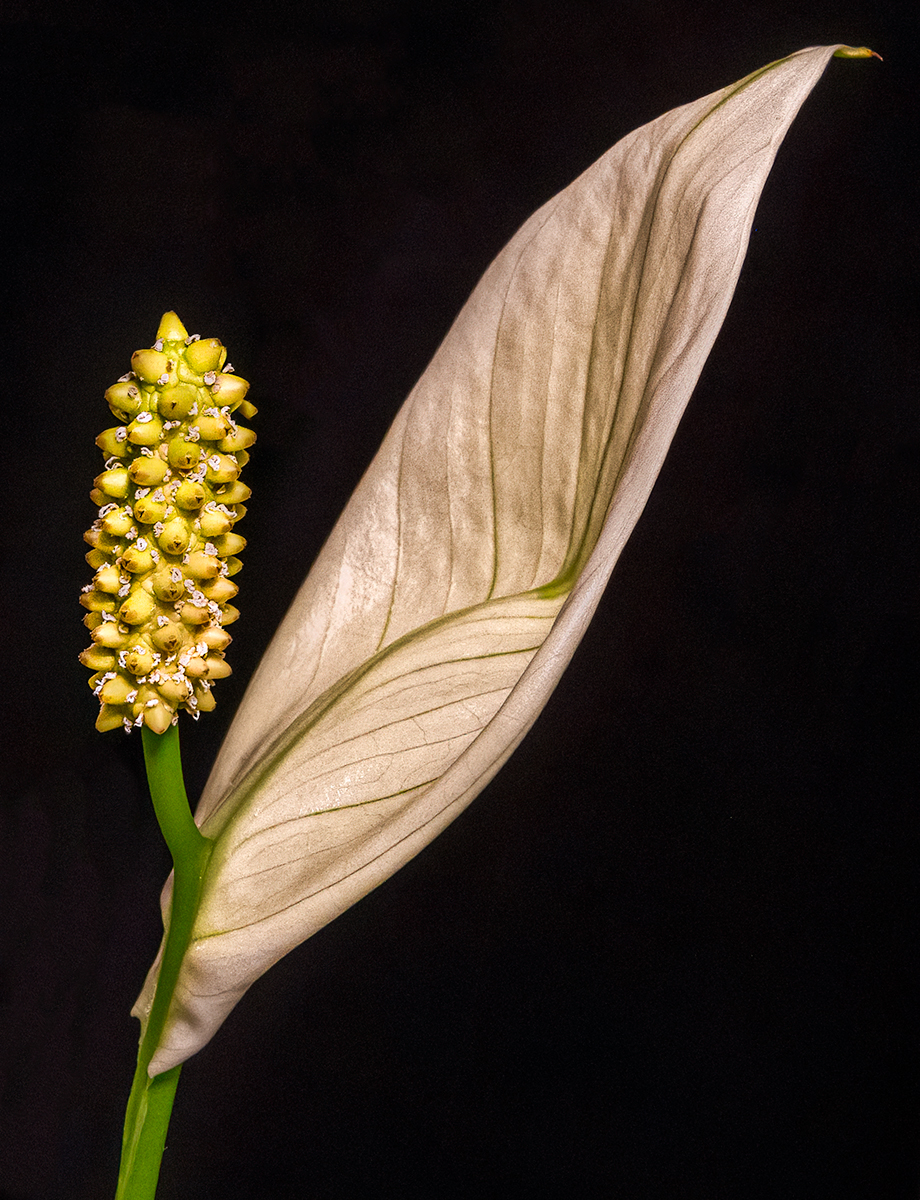
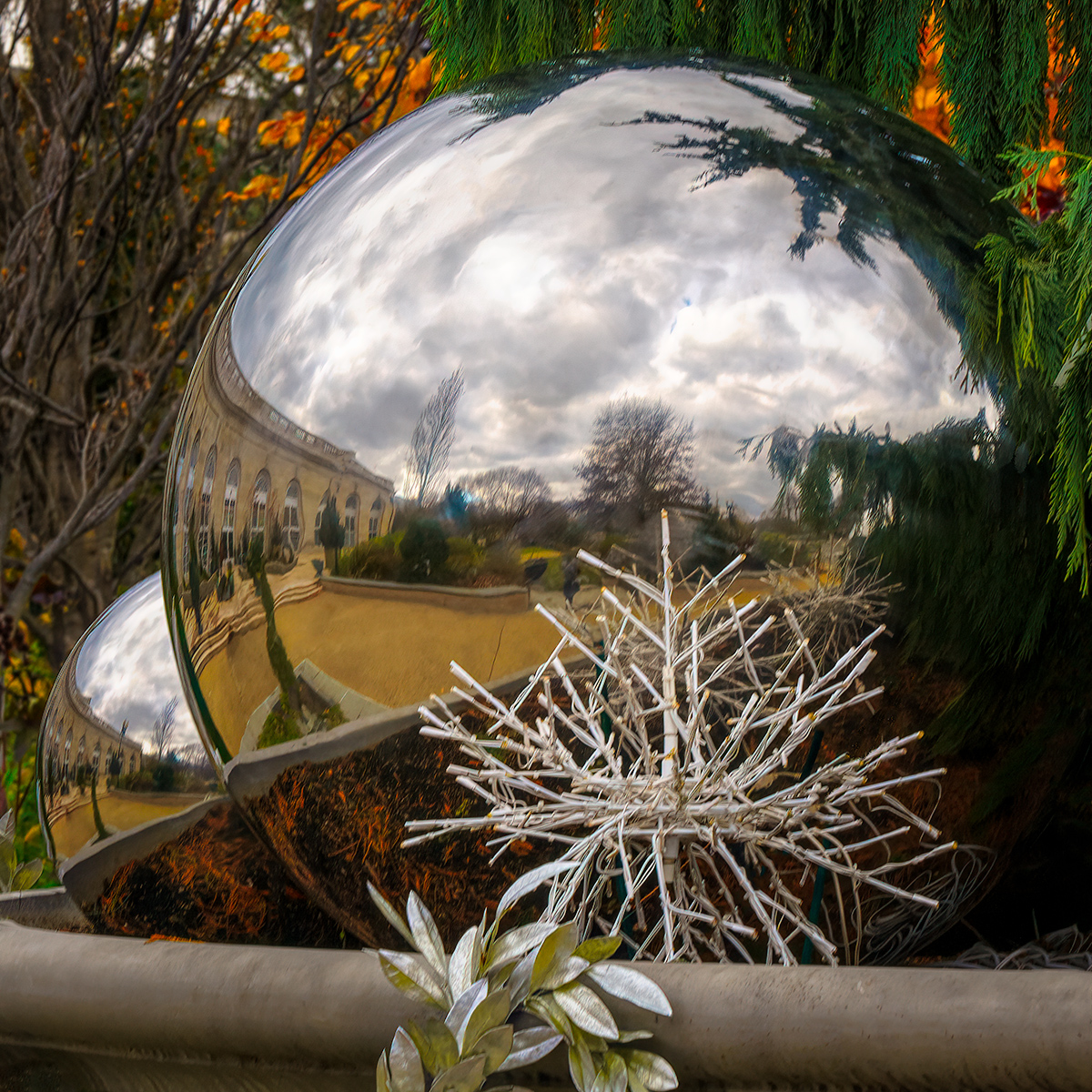
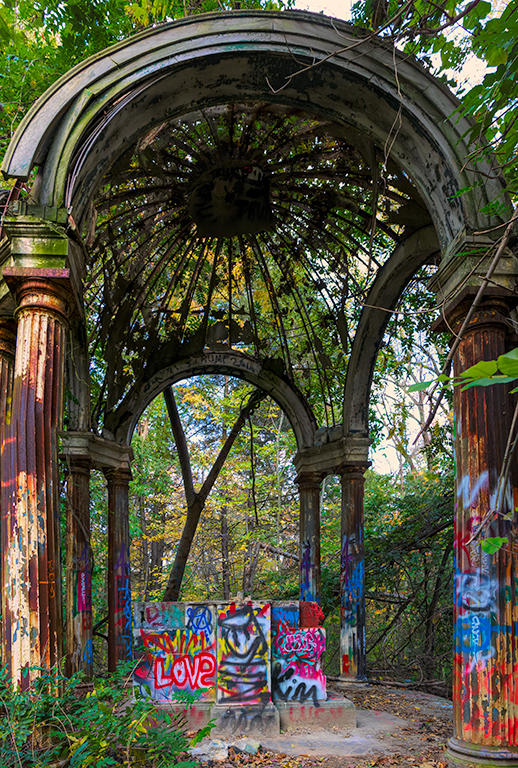
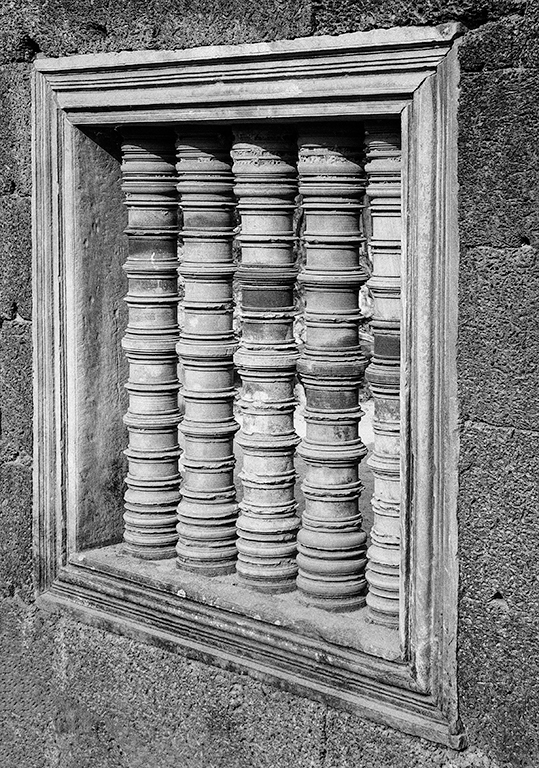
This is an interesting project you have assigned yourself. The composition is good with the repeating squares and round columns. As commented by others the tonal range can be expanded and depending on the background a stroke would help. If you are going to enter into a competition, I would suggest you check the edges. On the top the tips of the petals which make up the right column attract the eye, and the little bit of a step in the right bottom corner distracts. If it is not for competition, I would not worry about it. |
Sep 20th |
| 25 |
Sep 23 |
Comment |
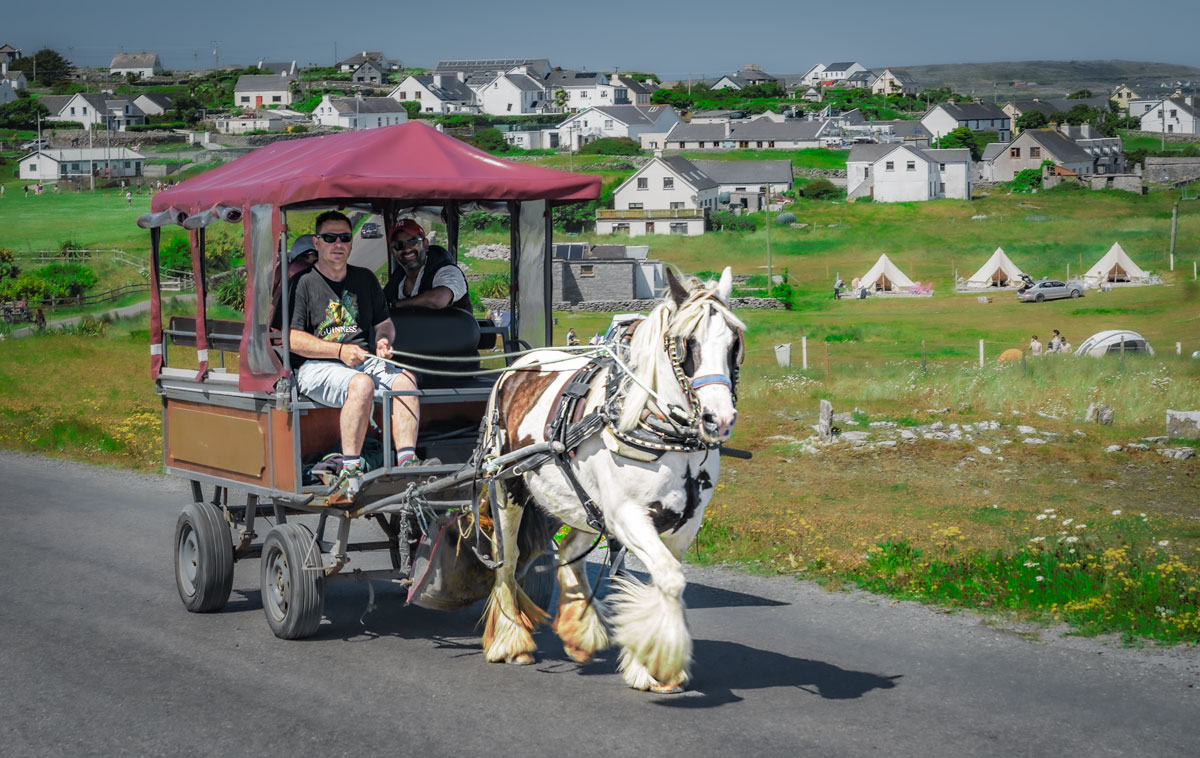
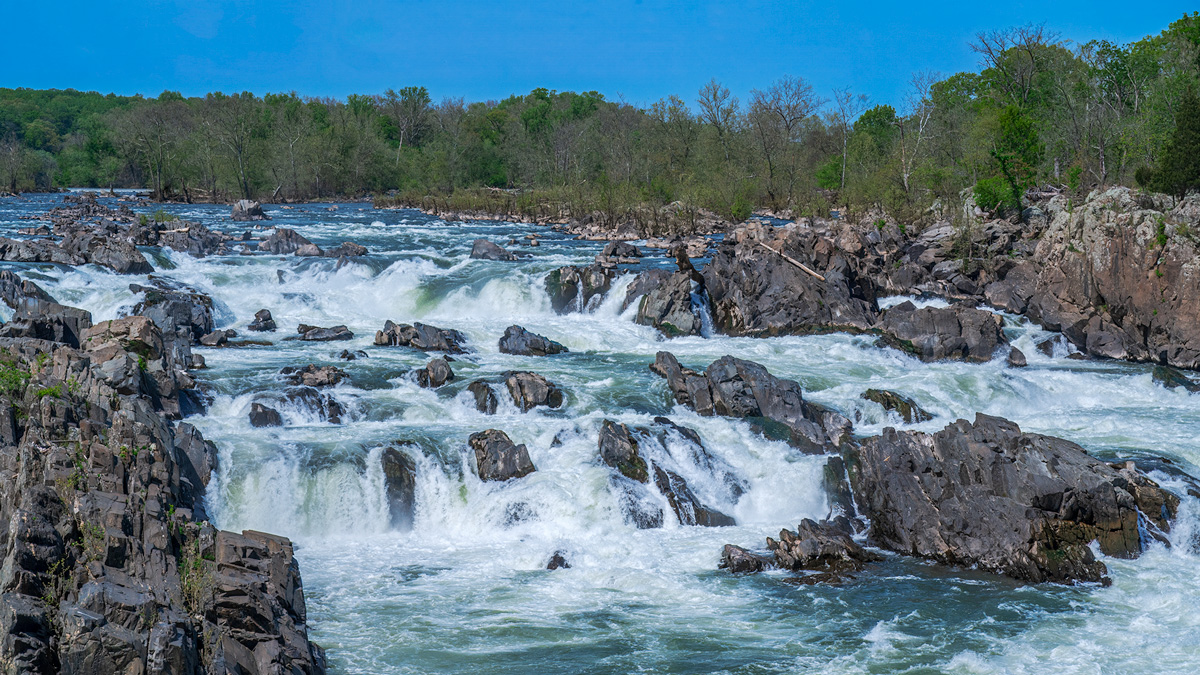
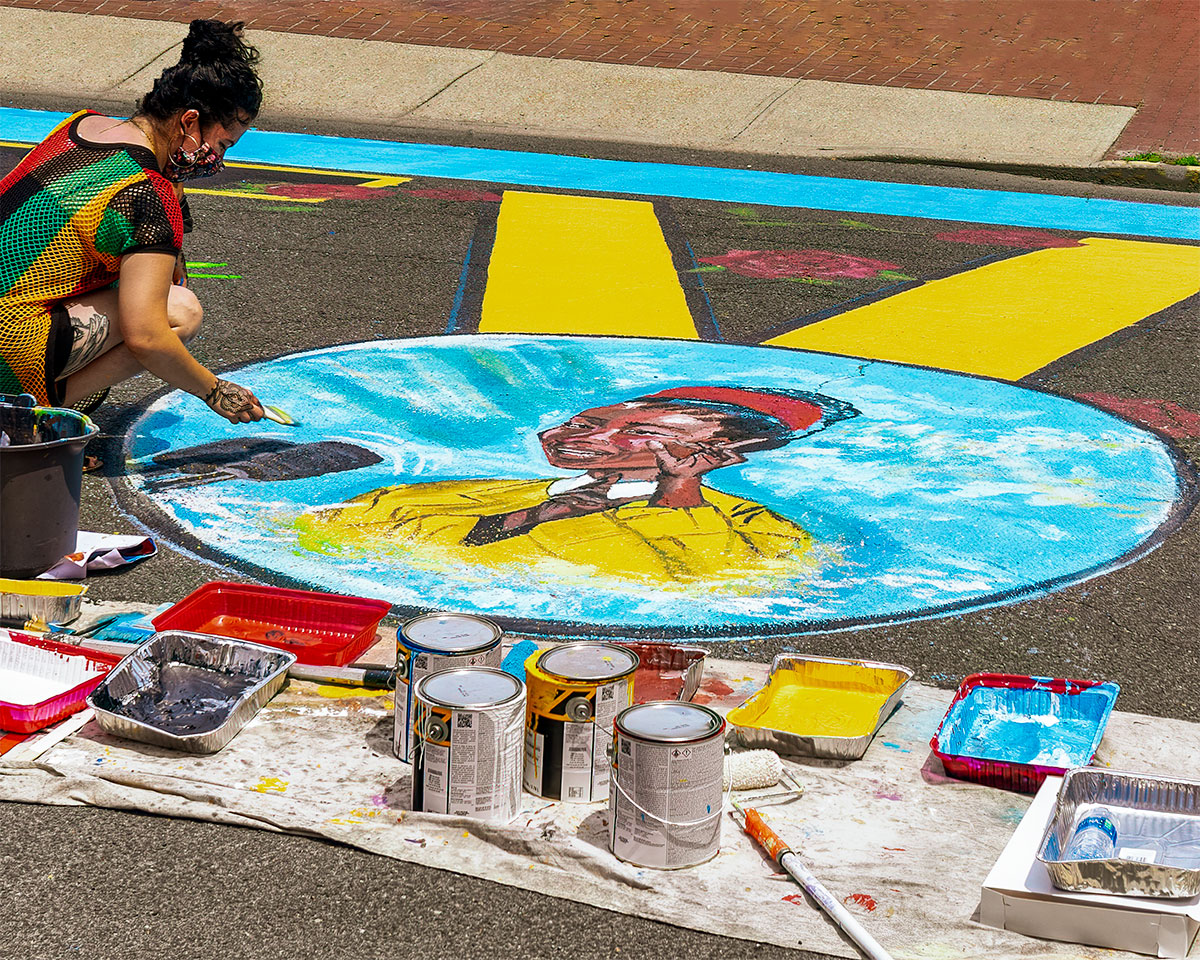
A great action shot with good color, composition, and lighting. My only suggestion is to do a little burning on those behind the initial 3, and along the right side where the bright light attracts the eye. |
Sep 20th |
| 25 |
Sep 23 |
Comment |
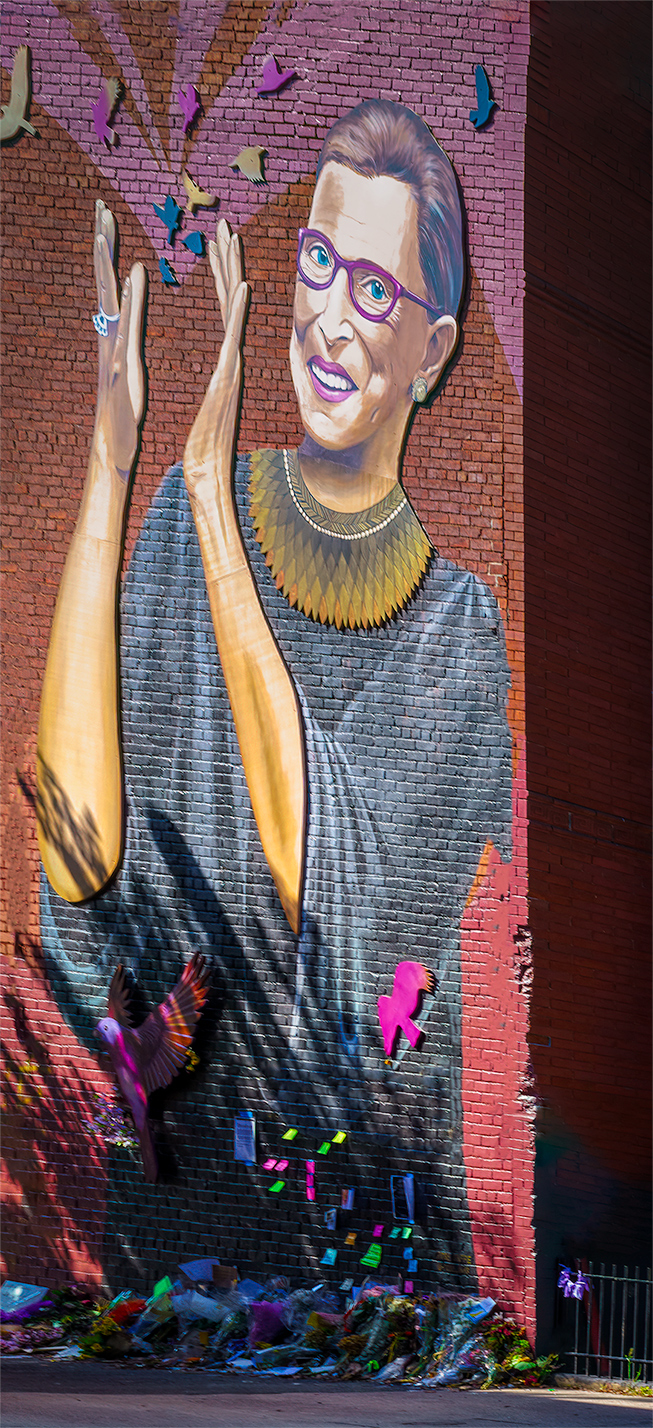
Nicely composed with great color. I have the same suggestions as Audry and Bollin. |
Sep 20th |
| 25 |
Sep 23 |
Comment |
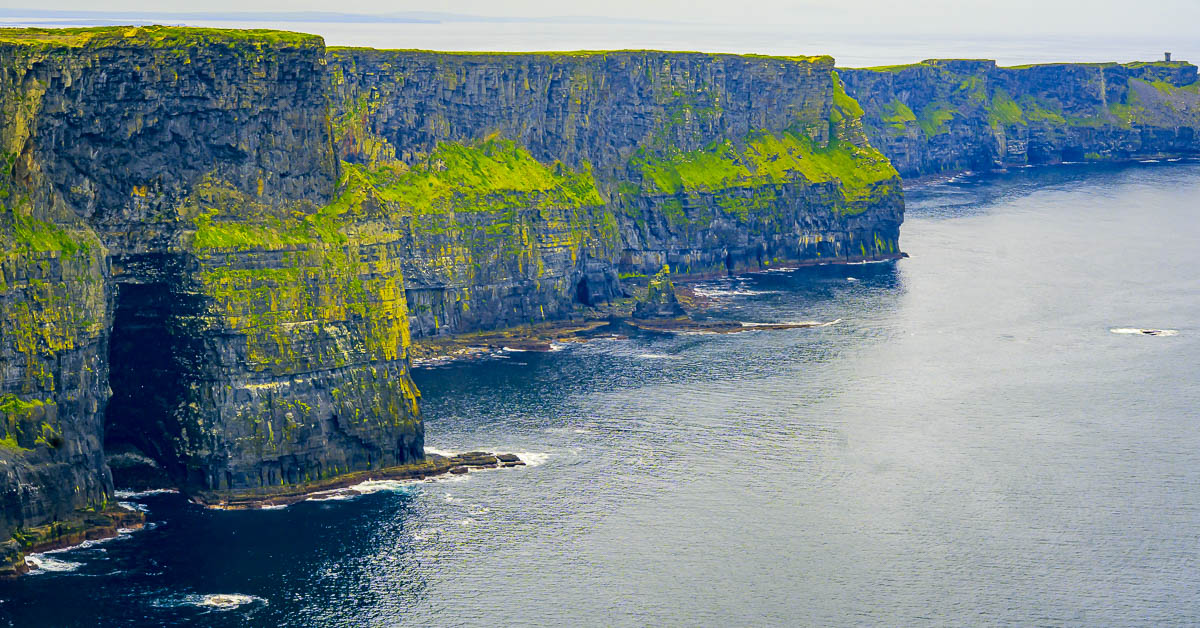
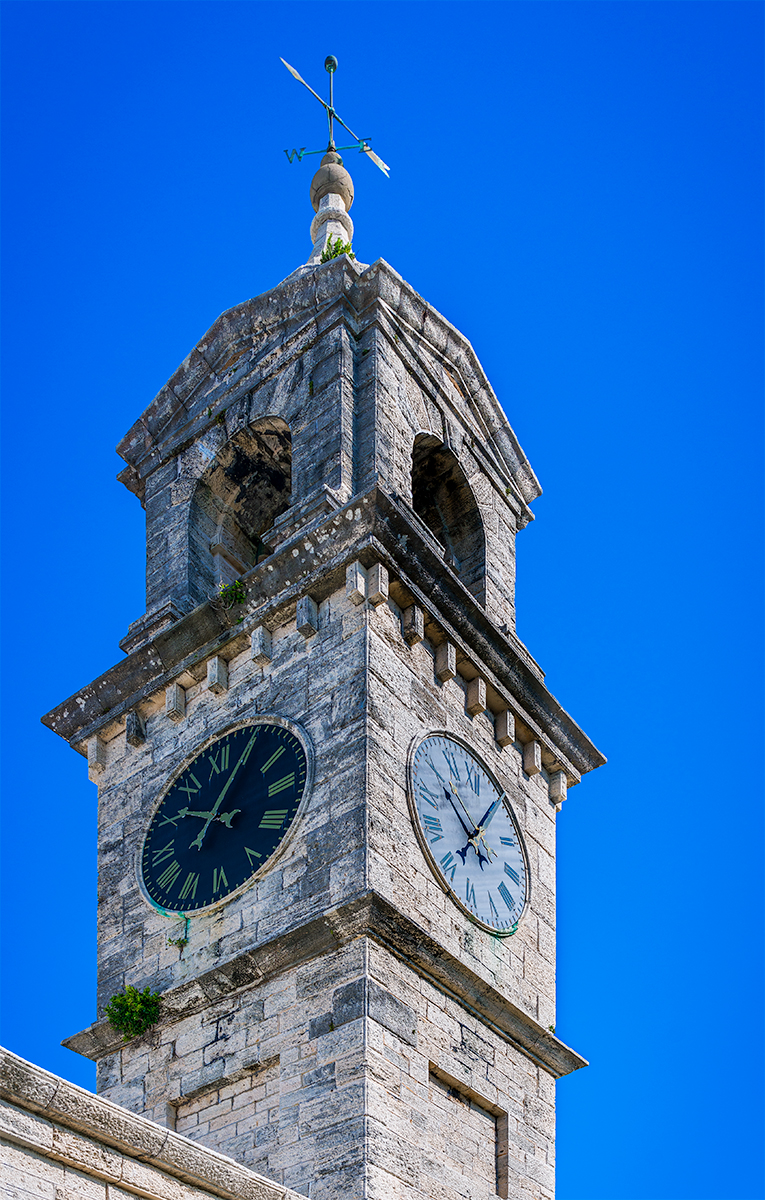
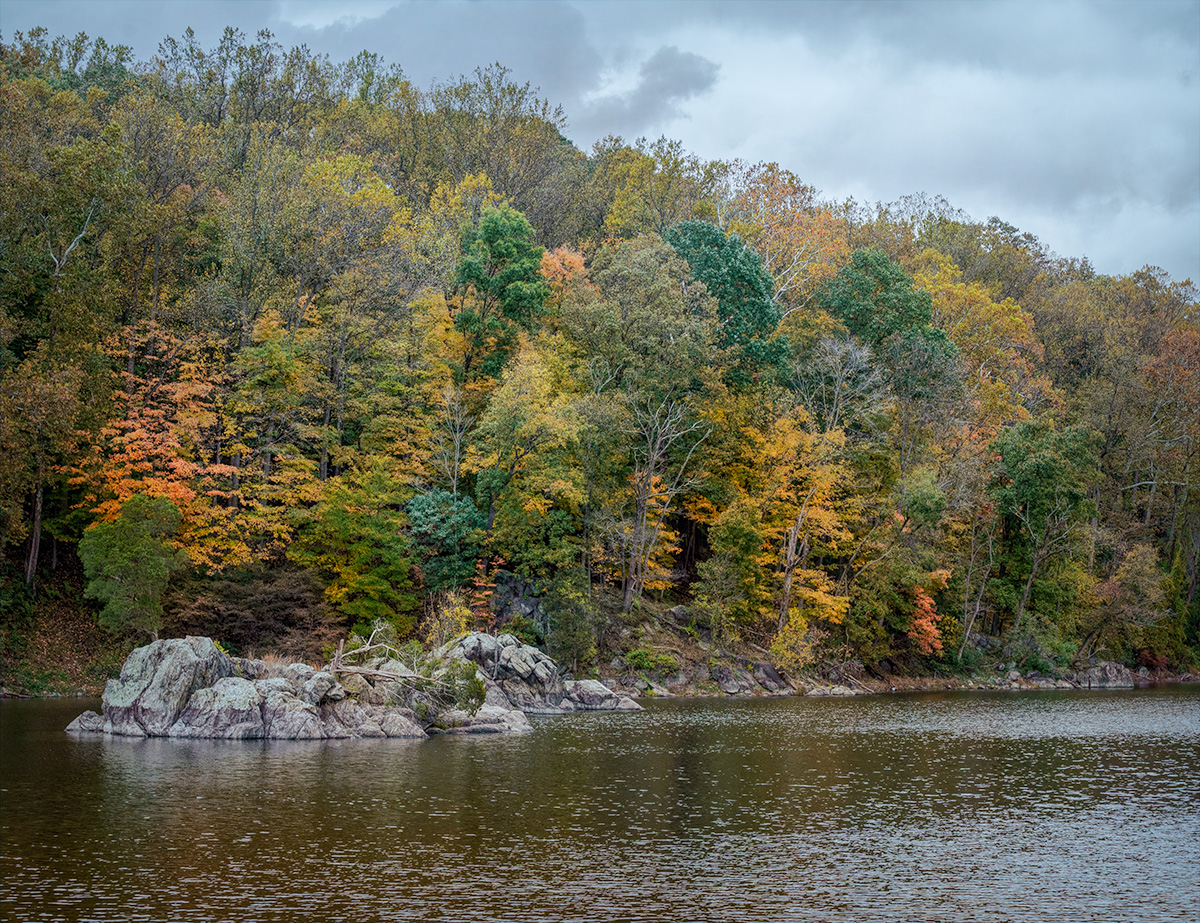
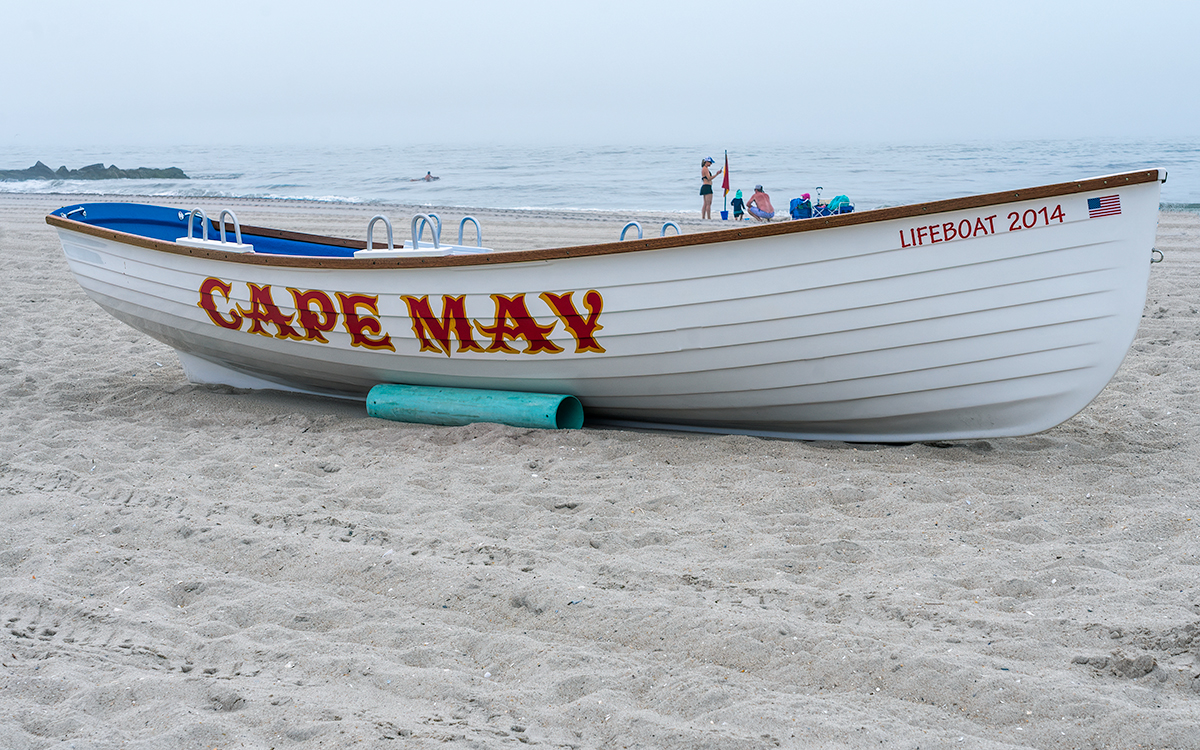
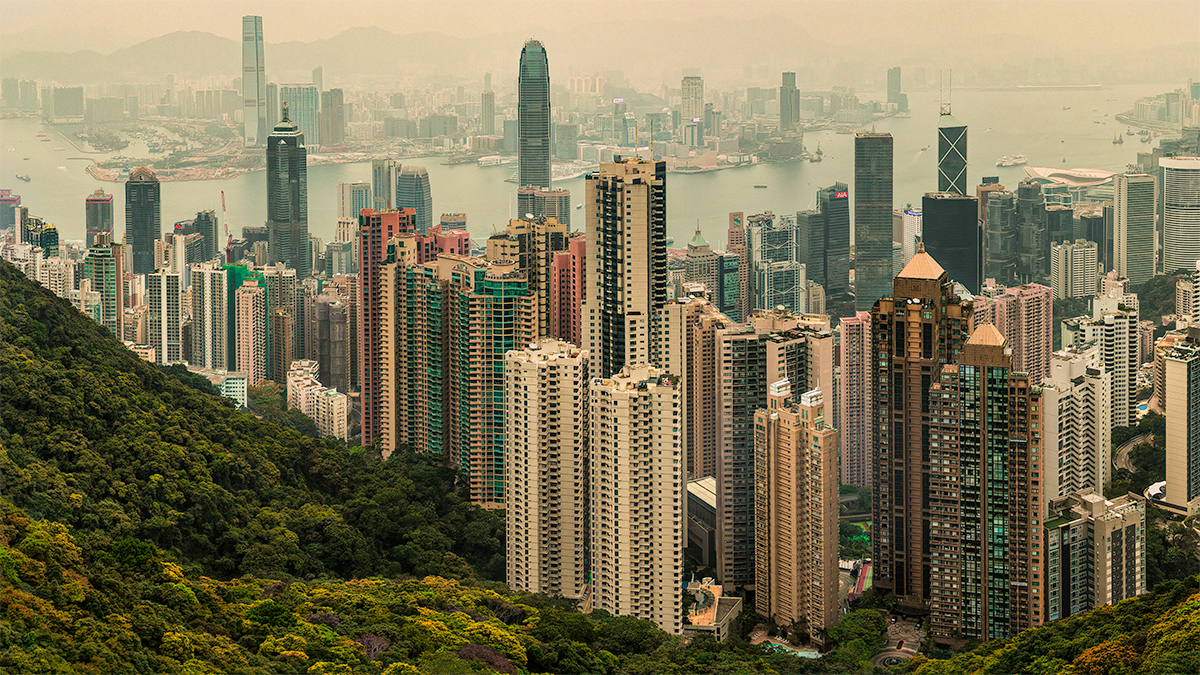
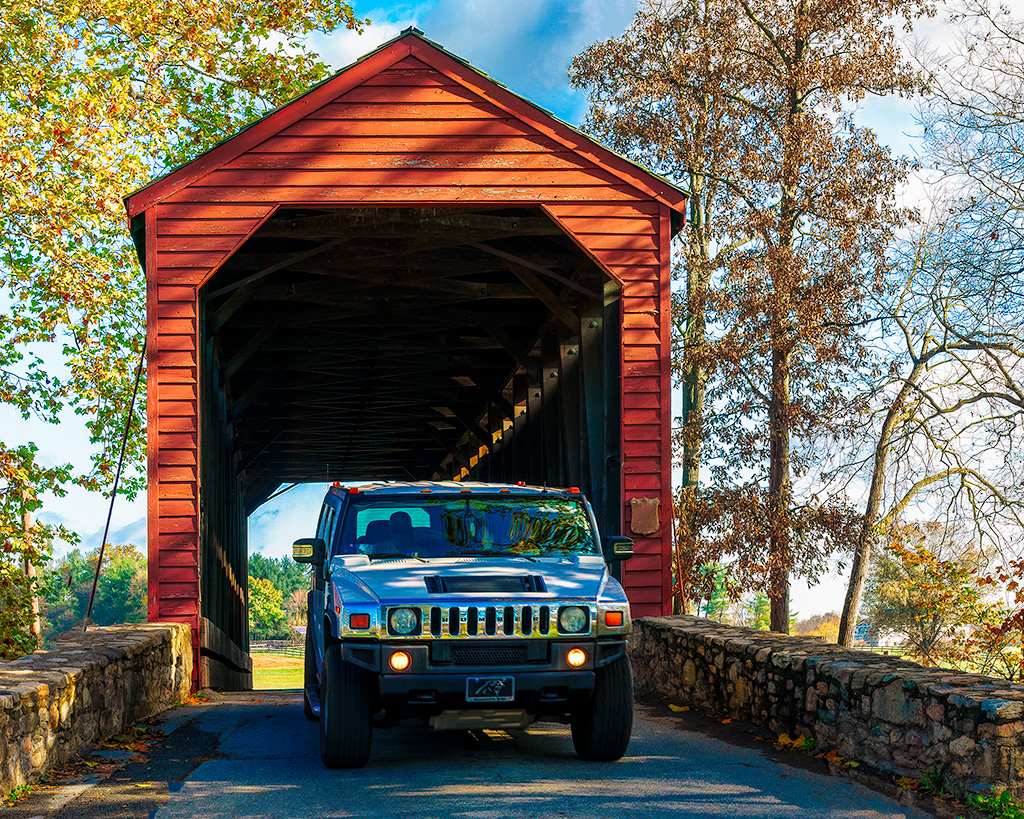
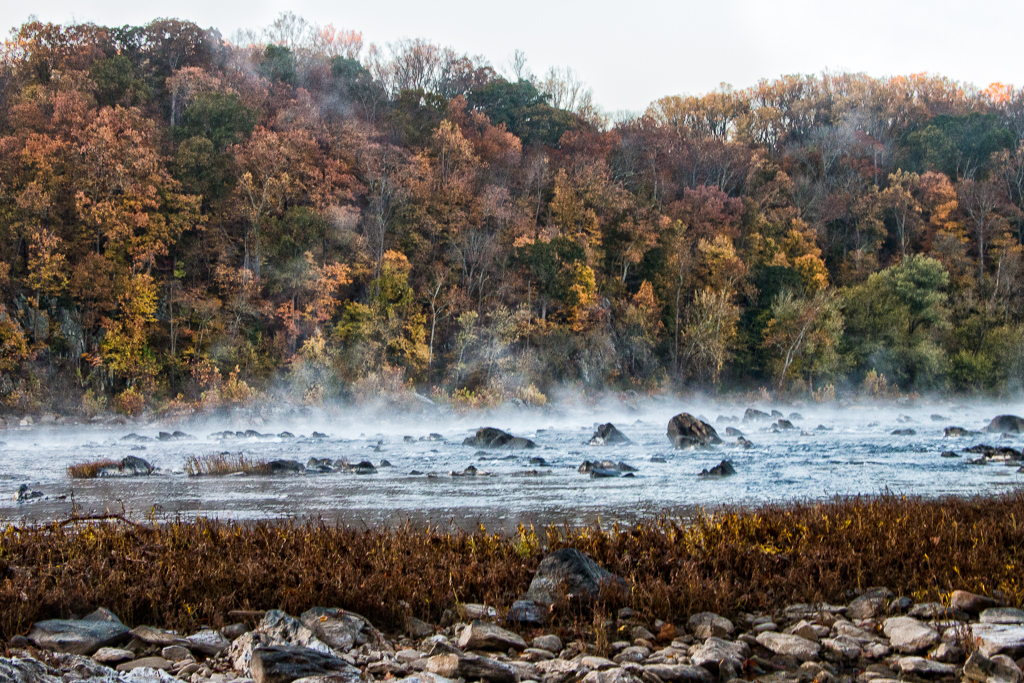
A beautiful image with great color, lighting, and composition. The changes you made going for a softer mellow look are really good. I find the empty sky a little too much negative space. You could crop it a little or find a replacement sky from another image you took and replace it in Photoshop. |
Sep 20th |
| 25 |
Sep 23 |
Comment |
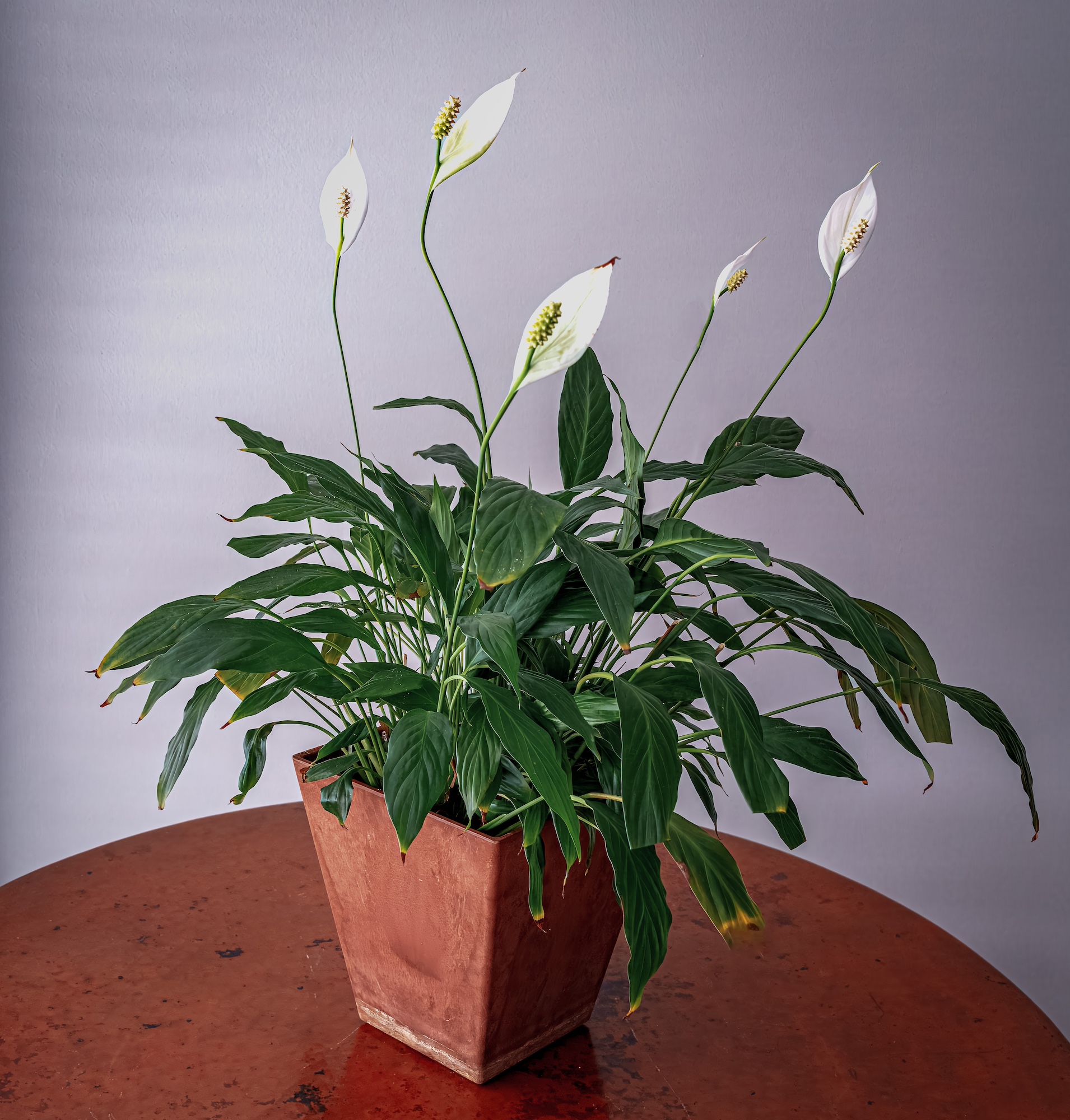
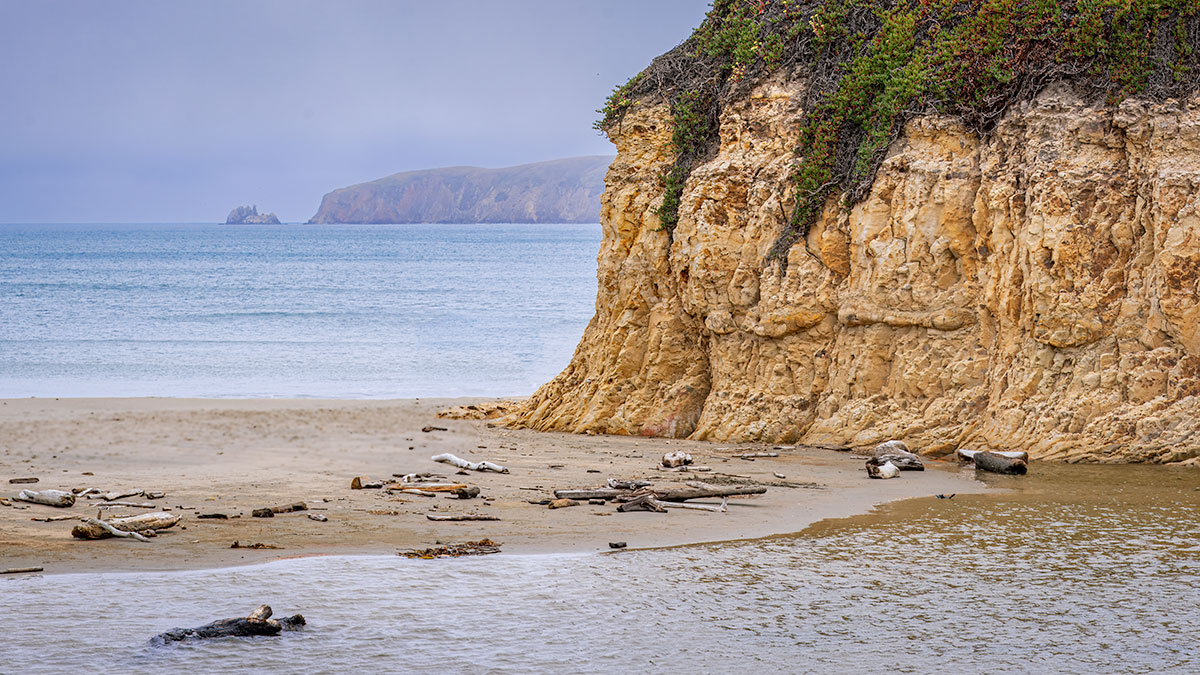
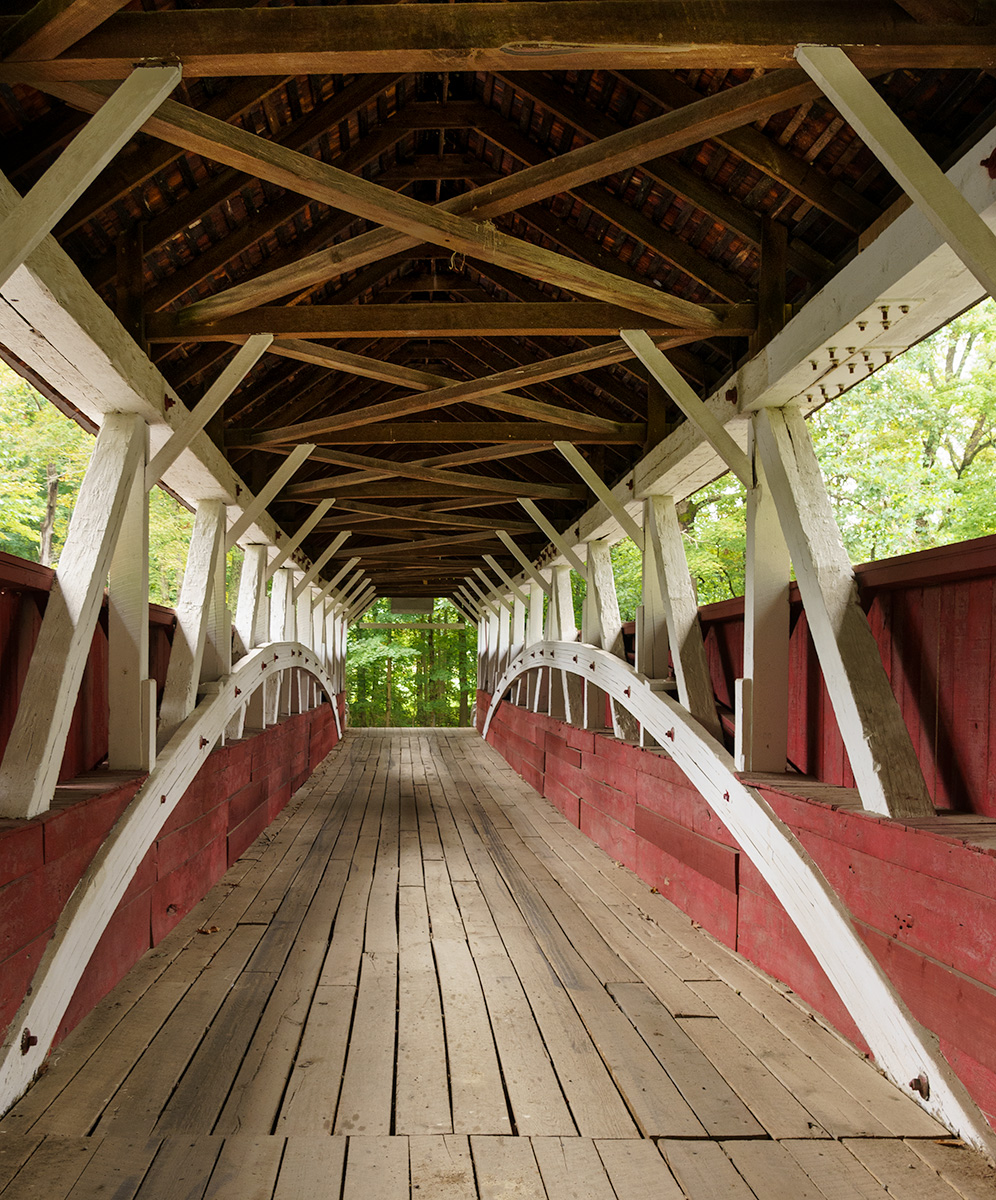
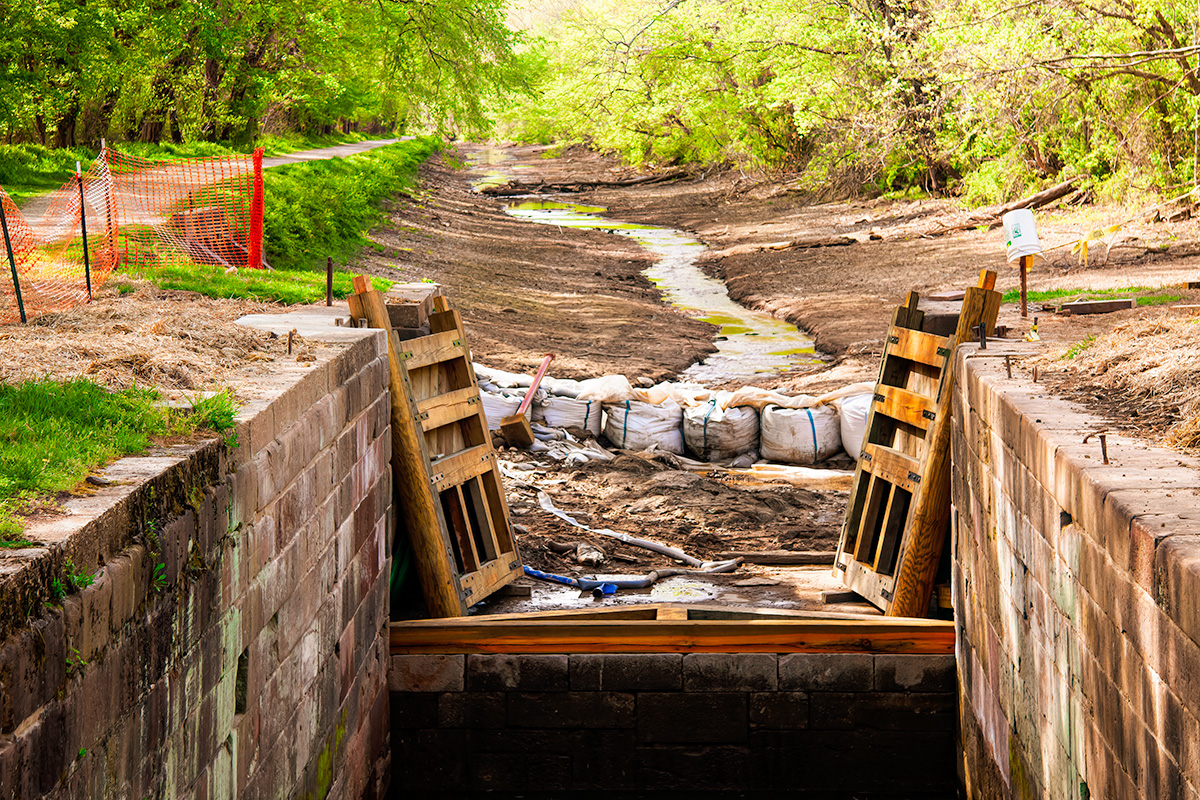
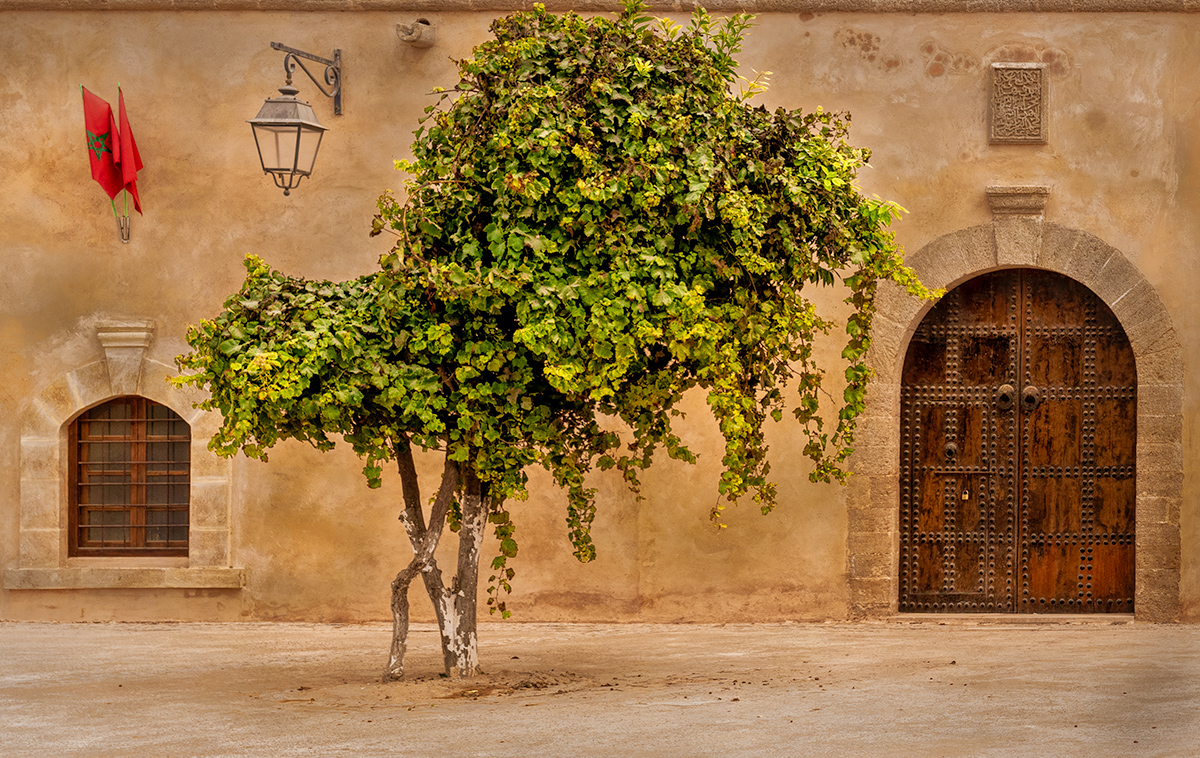
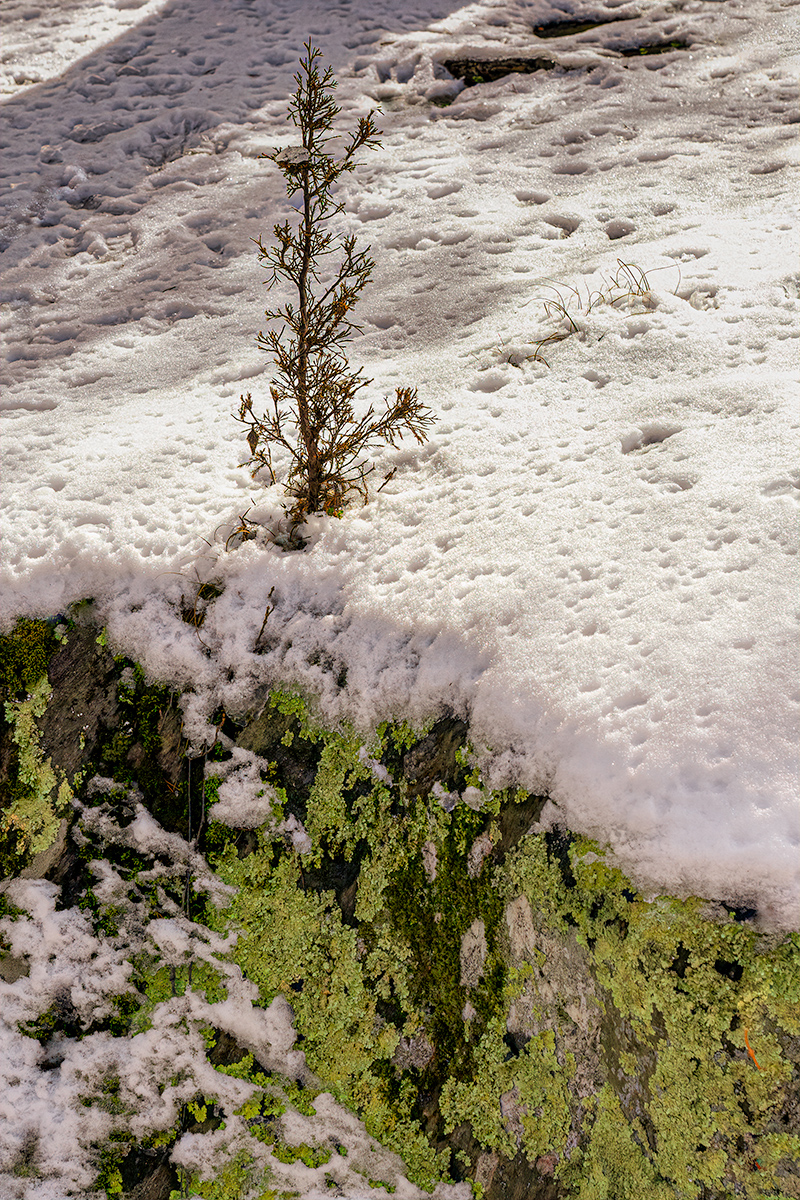
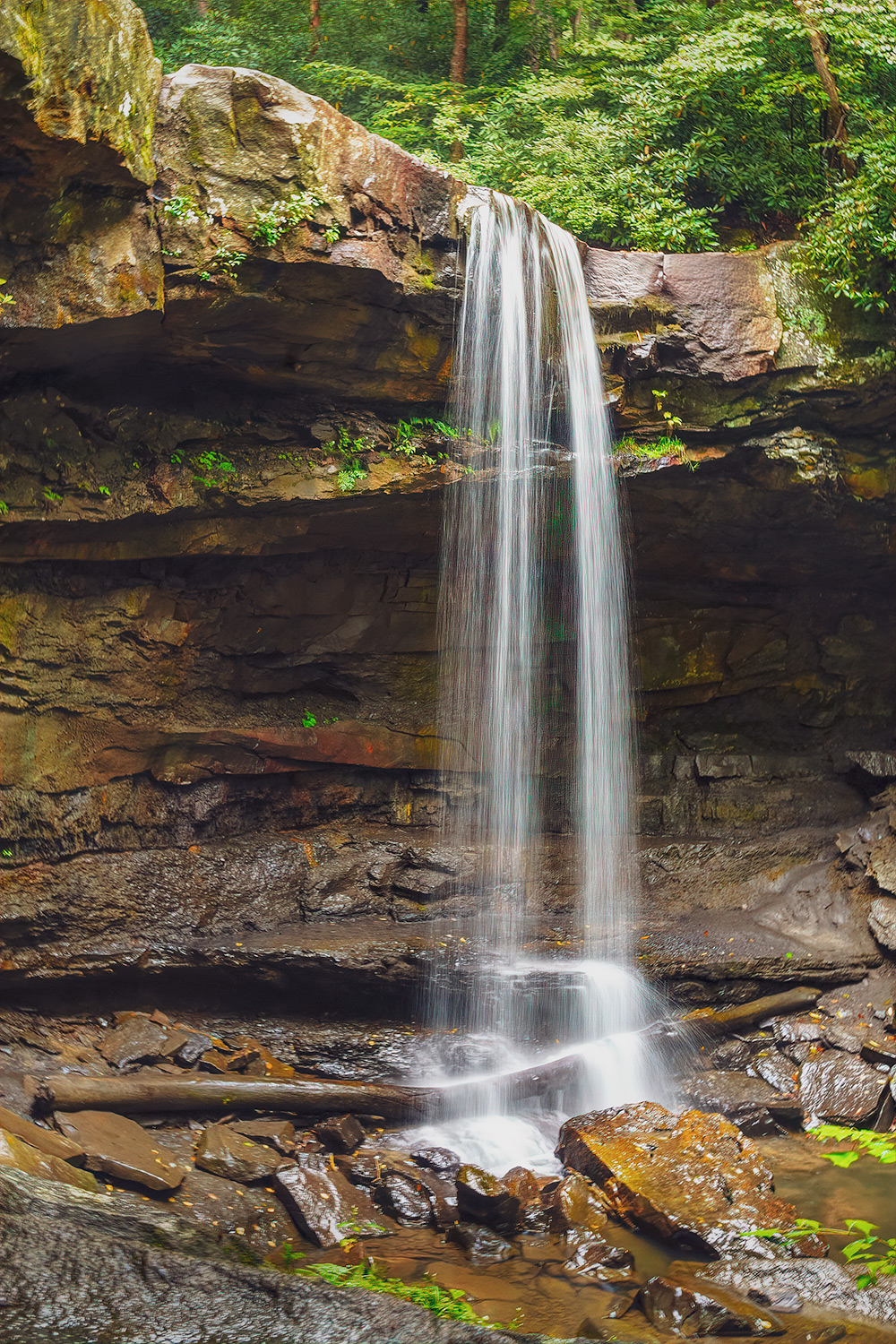
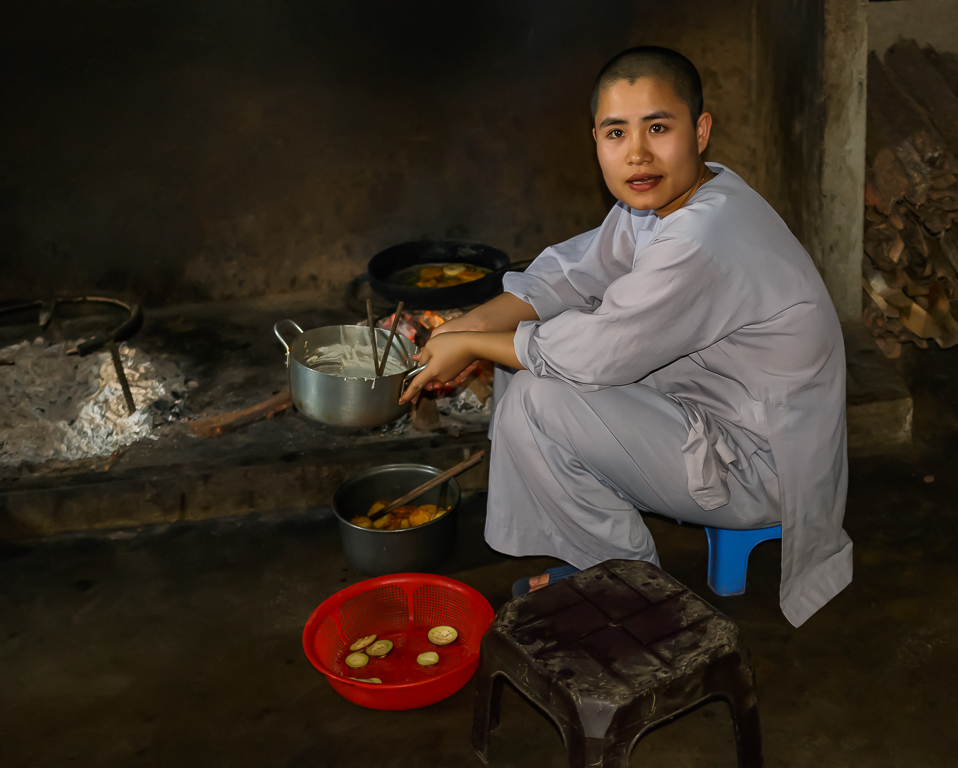
A great image with great color, texture, lighting and composition. When I first look at the image the wood chips attracted my eye, and they are not the subject. I would try cropping the bottom a bit to reduce their impact. Also, the few bright green leaves attract the eye, should be easy to remove. Glad you saw this image on your walk. |
Sep 20th |
| 25 |
Sep 23 |
Reply |
Hi Ruth, I am glad you liked my image. The Point Reyes National Seashore is a very interesting place. I responded to Bollin on what I did with dodging and burning. As for the steps, yes there are 130 and the number does not change for the return. |
Sep 20th |
| 25 |
Sep 23 |
Reply |
In the past I manly used presets for dodging and burning. You can make your own or download ones from photo educators. Matt Kloskowski has presets on his website which may be free. Recently, I saw a video, which I cannot find, on using the masking feature in Lightroom. The idea is to add depth by using different masks to dodge and burn. For this image after I had done my basic editing and cropping, I added 3 masks. 1) a linear gradient mask to darken the sea above the lighthouse; 2) A radial gradient to select the buildings and the immediate area around them and lightened them so they stand out more; and 3) invert the radial gradient and darken the area around the buildings A more precise way to add a vignette. |
Sep 20th |
5 comments - 2 replies for Group 25
|
5 comments - 2 replies Total
|