Activity for User 46 - Eric Schweitzer - eric@eschweitzer.net

avatar
Avatar

Close this Tab when done


464 Comments / 96 Replies Posted

  = Current Round   = Previous Round
Group Round C/R Comment Date Image
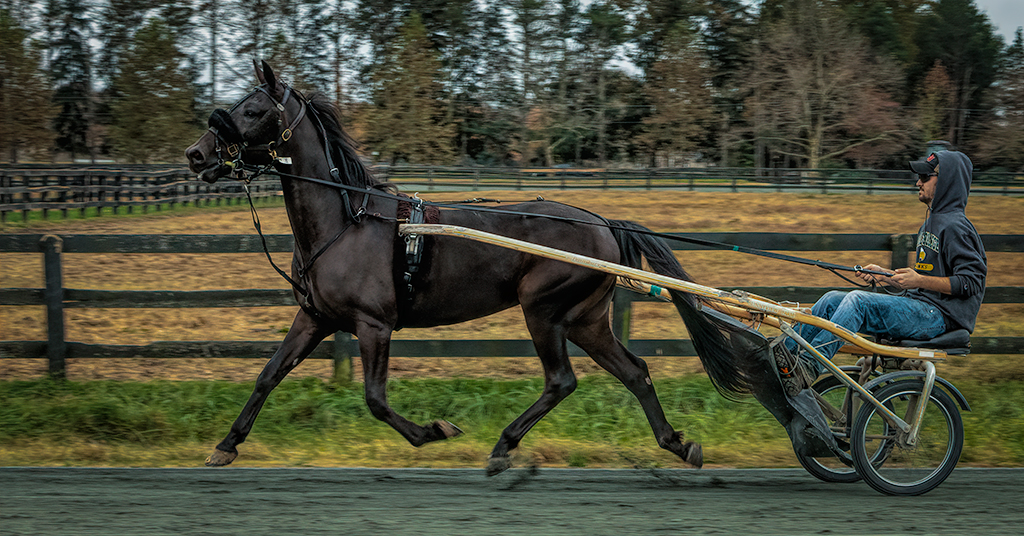
25 Sep 18 Reply I think to get the motion blur, get in a position where he is running from one side to the other, not away from you, put the camera on continuous shooting with single point focus. Pan the camera with the single point focus on him and a shutter speed at what you would use if he was standing still. The panning will create the blur. I have done that for auto racing and it is a lot of fun. To practice find a place where people are walking in one direction, pick one and pan with them while shooting. Try different shutter speeds and f-stops and see what you get. It puts another tool in your bag. Looking forward to seen the results. Sep 26th
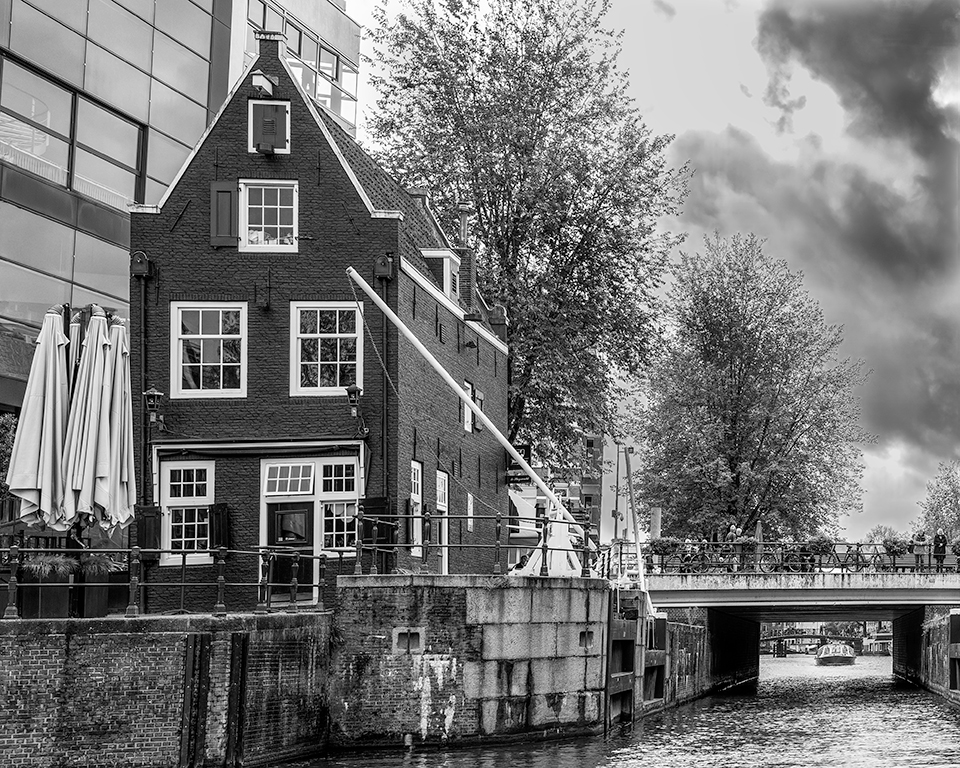
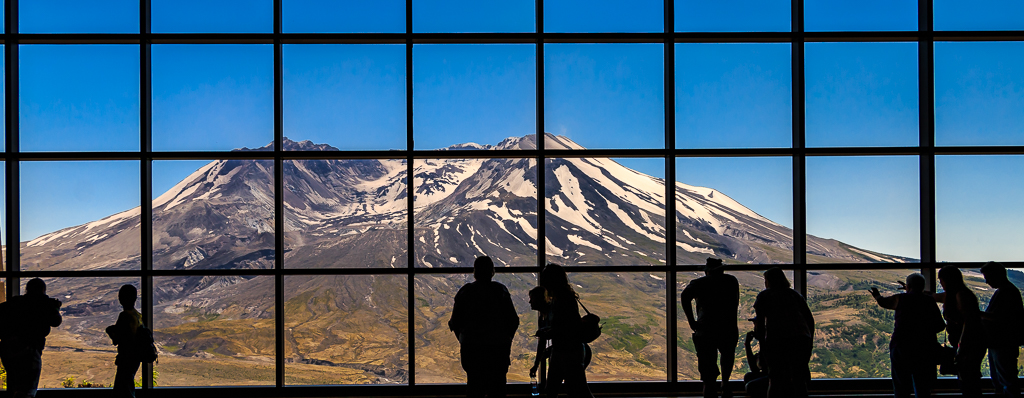
25 Sep 18 Reply Thanks, I am not sure about a waiting room wall with the angry clouds. Sep 26th
25 Sep 18 Reply Good point. Contrast is set to 0 and clarity at +38. What may be driving it is the +70 on the luminance orange slider. That really effects the sky. Sep 26th
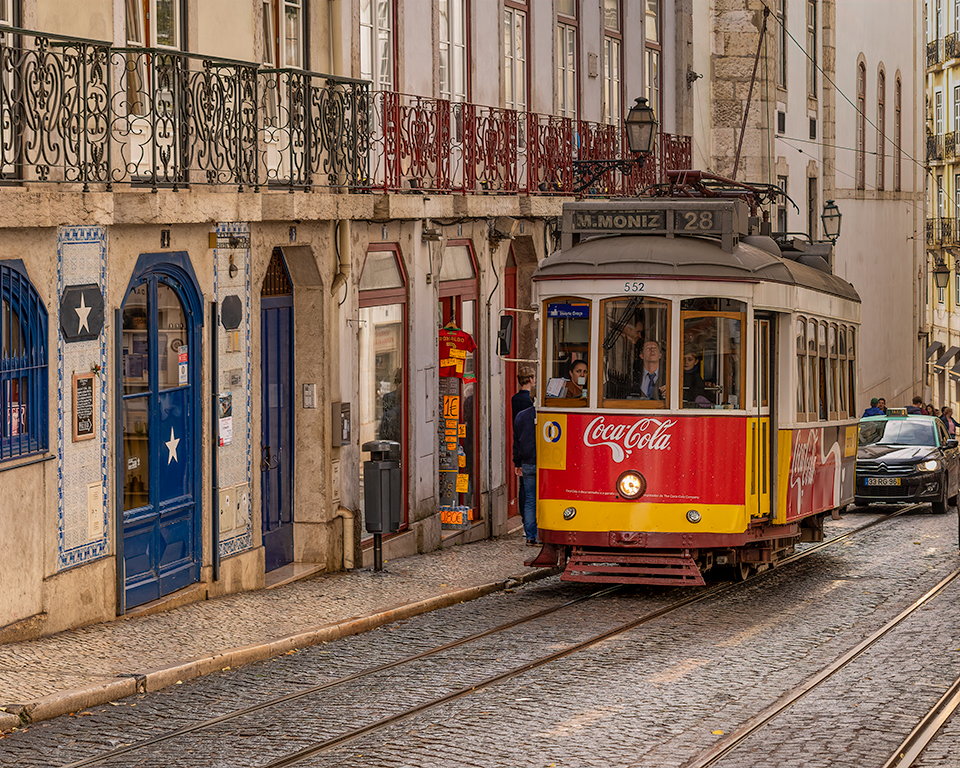
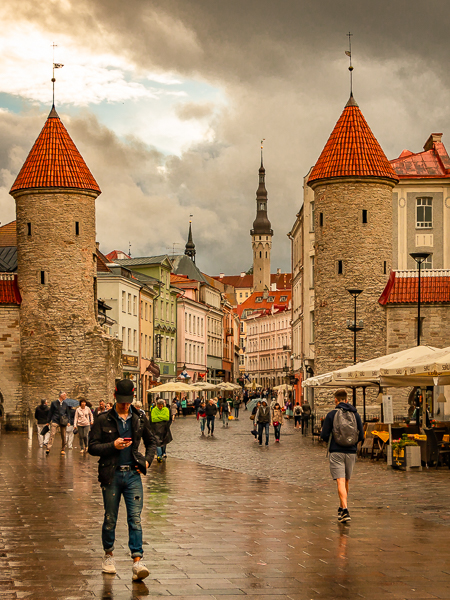
25 Sep 18 Reply Attached is the original. When I was shooting I was looking for a wider shot which included the flower stands and the outdoor seating. When processing I thought that was to busy and cropped to just include the gate and reflections. Some more room could be added to the sides, but that could result in more processing to eliminate distractions. The alternative would be no cropping at all, which I think is not as strong a photo. Sep 26th
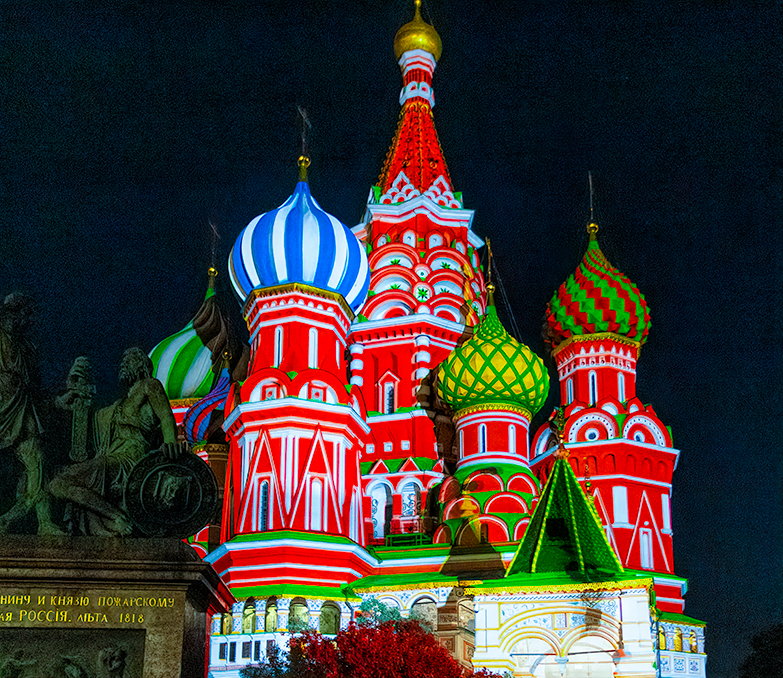
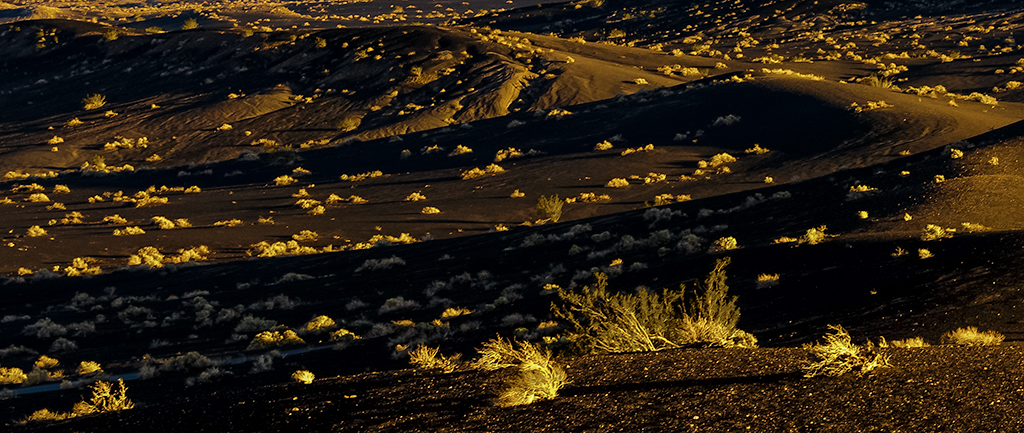
25 Sep 18 Comment Really wonderful image. When I first looked at it the brightness of the reflected golds and yellows held my eye and I had to force myself to look at the rest of the image. You may want to tone down the golds and yellows a tough to obtain a better balance. Congratulations on your win in the photo contest. Sep 23rd
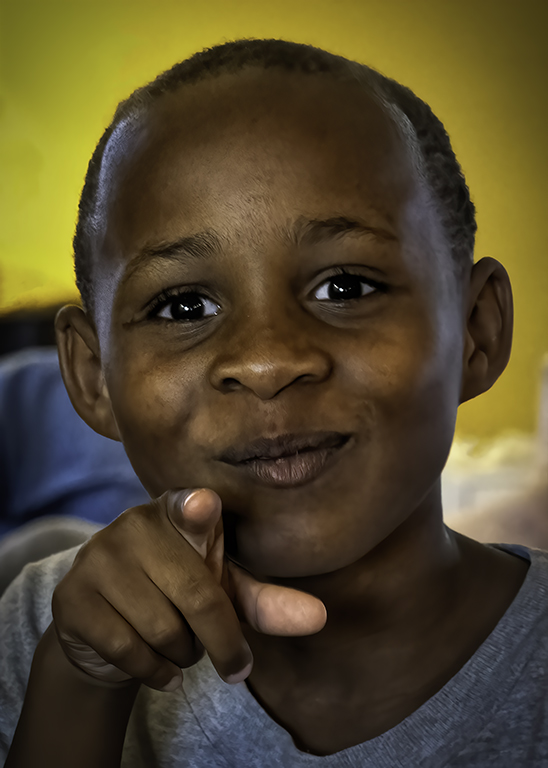
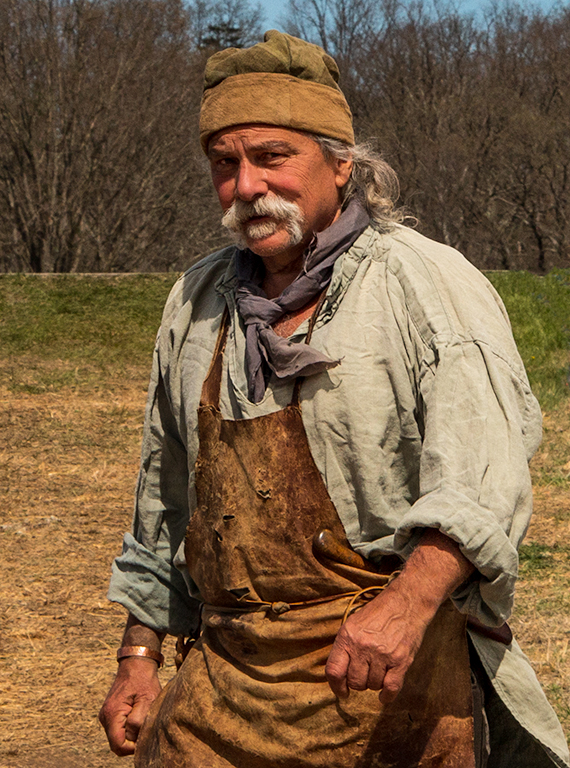
25 Sep 18 Comment A nice fun shot. Since it is not sharp, you may want to do some more distortion to make it clear you had no intention to have it sharp. This would also eliminate to issue which you have no control over - he is not looking at you. It definitely is an image which allows your creative juices in Lightroom to flow. Sep 23rd
25 Sep 18 Comment Children at play are always good subjects. What shutter speed and aperture did you use? You could do some adjustments to enhance the background blur to show is movement. I agree with Marla some of the left could be cropped out to counter the fact he is running away from the camera. I tried making it a square but it began to show individual pixels. I assume this is because on the compression done in sizing for the web. I also adjusted the highlights since his shirt is blown out. Sep 23rd
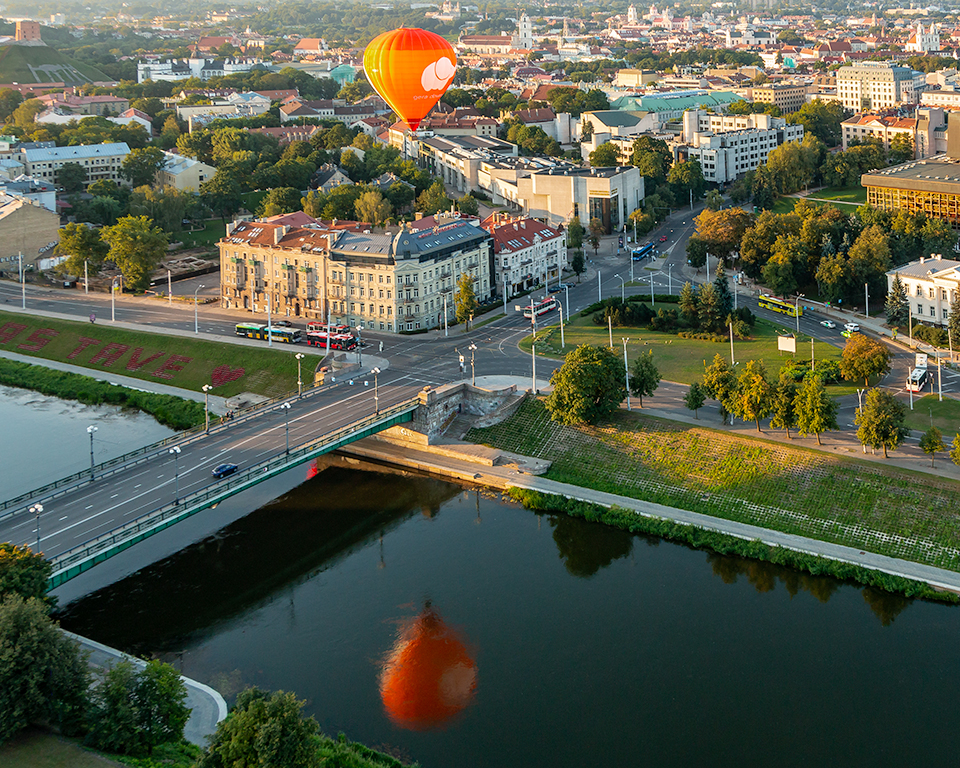
25 Sep 18 Comment As Audrey noted, getting everything the image is a good job. Did you hand hold or was the phone on a selfie stick? You may want to add a little contrast to darken it a bit. It looks a bit washed out. Sep 23rd
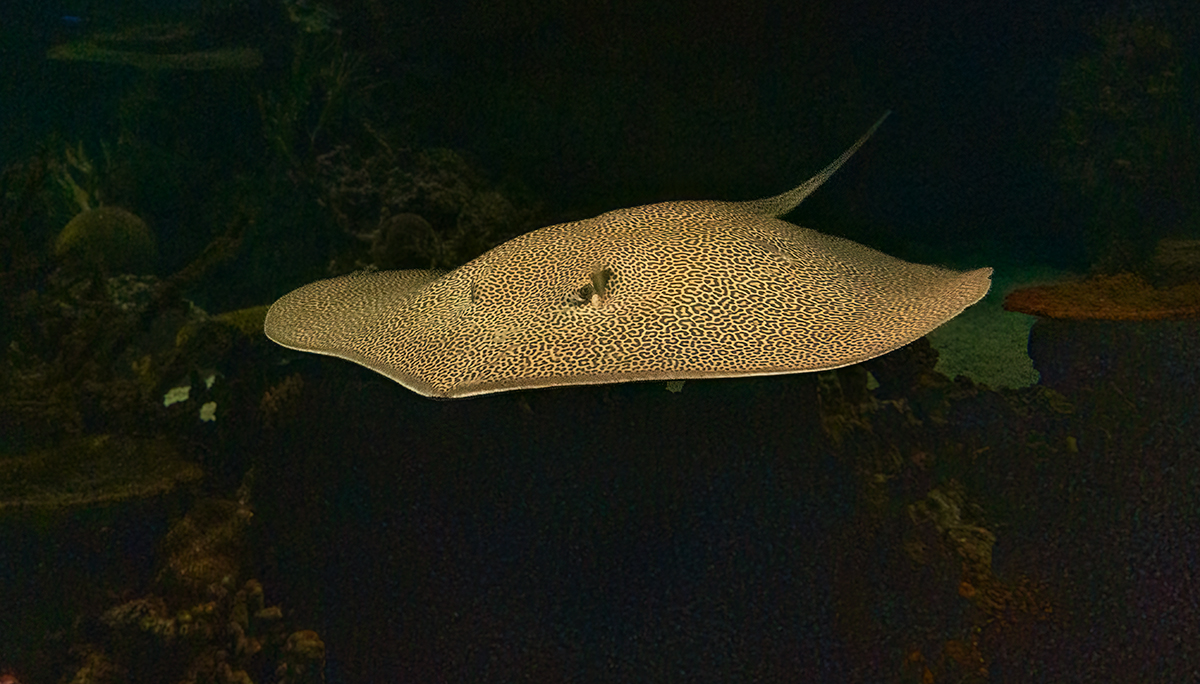
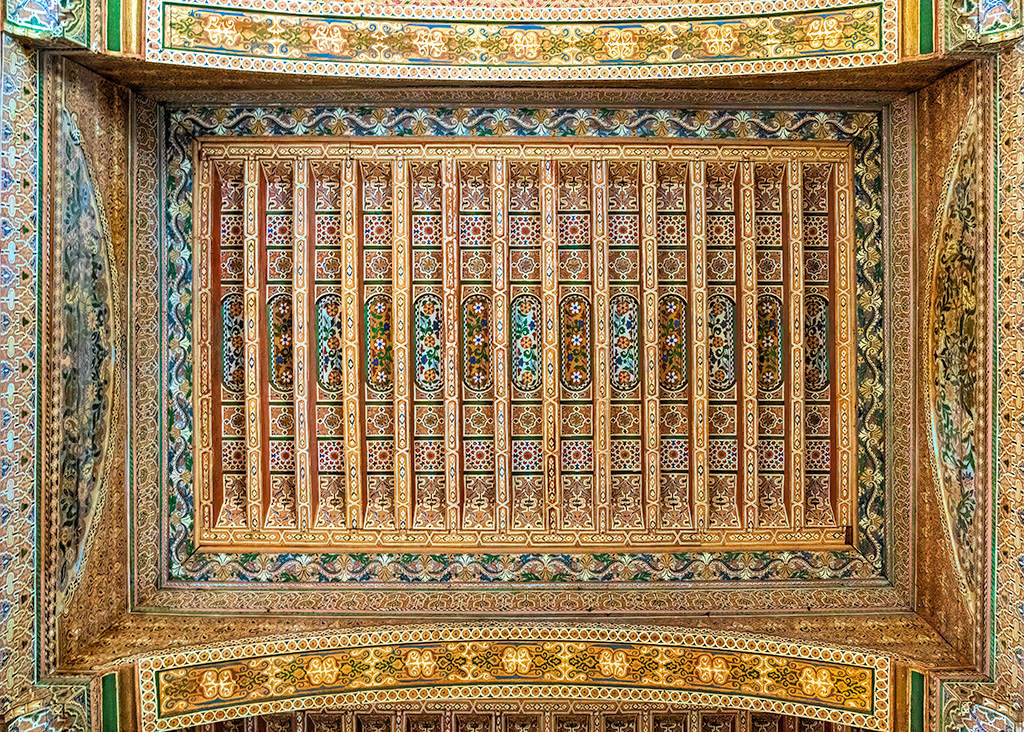
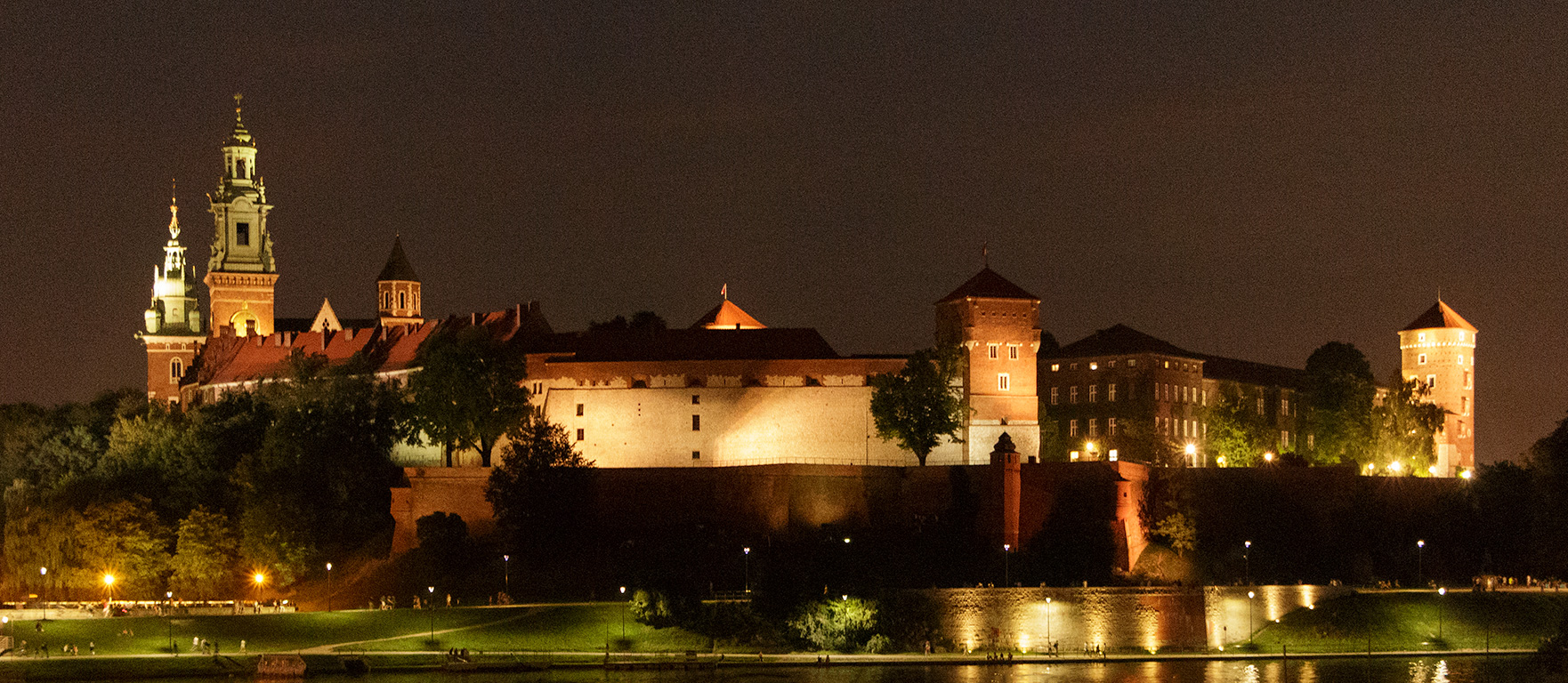
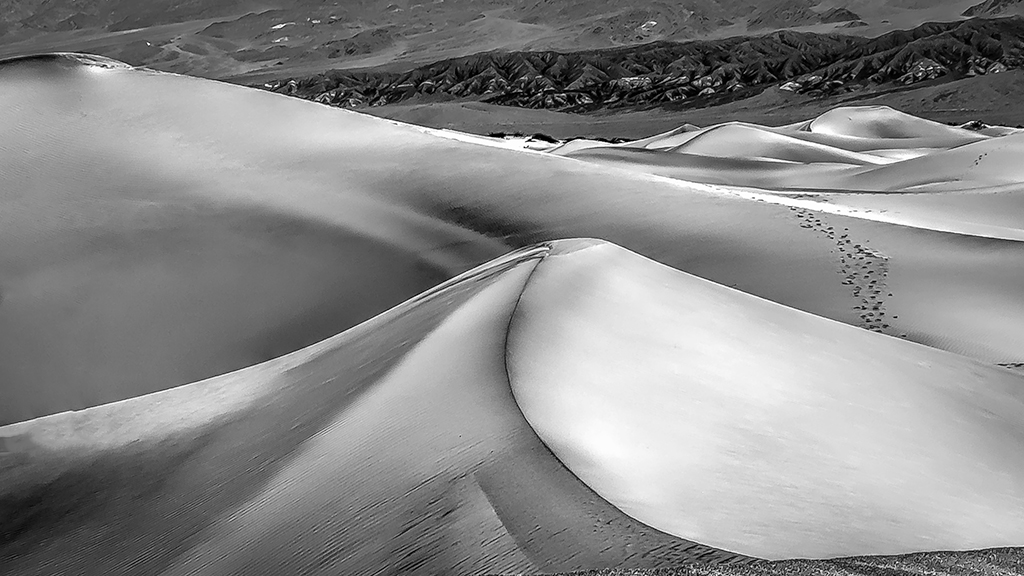
25 Sep 18 Comment Beautiful photo and your adjustments really bring out the textures and the colors. Since it is on a black background you might want to add a 1 pixel stroke to give the bottom a little more definition. Also I think this may look great as a pano. I would crop the top to just above the dark clouds and see how it feels. Sep 23rd

5 comments - 4 replies for Group 25


5 comments - 4 replies Total


101 Images Posted

  = Current Round   = Previous Round
Group 25

Dec 25

Nov 25

Oct 25

Sep 25

Aug 25

Jul 25

Jun 25

May 25

Apr 25

Mar 25

Feb 25

Jan 25

Dec 24

Nov 24

Oct 24

Sep 24

Aug 24

Jul 24

Jun 24

May 24

Apr 24

Mar 24

Feb 24

Jan 24

Dec 23

Oct 23

Sep 23

Aug 23

Jul 23

Jun 23

May 23

Apr 23

Mar 23

Feb 23

Jan 23

Dec 22

Oct 22

Sep 22

Jul 22

Jun 22

May 22

Apr 22

Mar 22

Feb 22

Jan 22

Dec 21

Nov 21

Oct 21

Sep 21

Aug 21

Jul 21

Jun 21

May 21

Apr 21

Mar 21

Feb 21

Jan 21

Dec 20

Nov 20

Oct 20

Sep 20

Aug 20

Jul 20

Jun 20

May 20

Apr 20

Mar 20

Feb 20

Jan 20

Dec 19

Nov 19

Sep 19

Aug 19

Jul 19

Jun 19

May 19

Apr 19

Mar 19

Feb 19

Jan 19

Dec 18

Nov 18

Oct 18

Sep 18

Jul 18

Jun 18

May 18

Apr 18

Feb 18

Jan 18

Dec 17

Nov 17

Oct 17

Sep 17

Aug 17

Jul 17

Jun 17

May 17

Apr 17

Feb 17

Jan 17

Close this Tab when done