|
| Group |
Round |
C/R |
Comment |
Date |
Image |
| 21 |
Jun 20 |
Reply |
Thanks Joan....good idea! |
Jun 26th |
| 21 |
Jun 20 |
Reply |
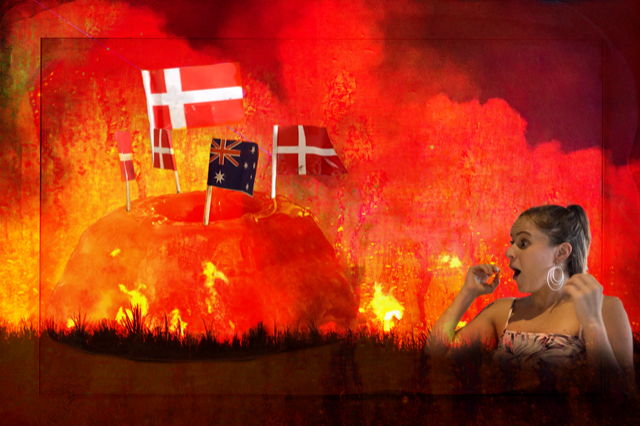
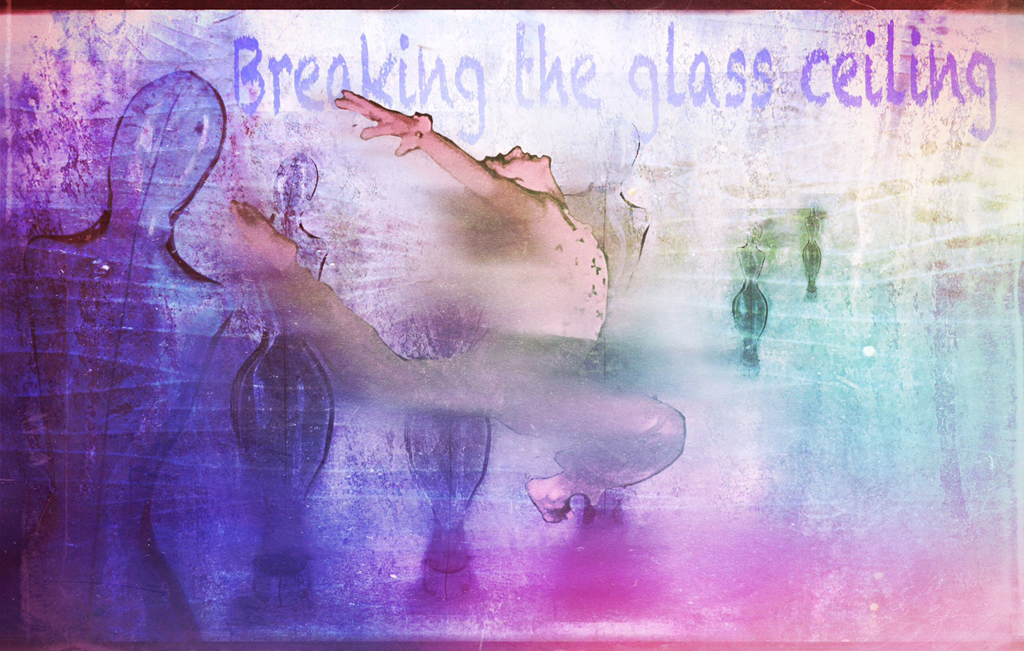
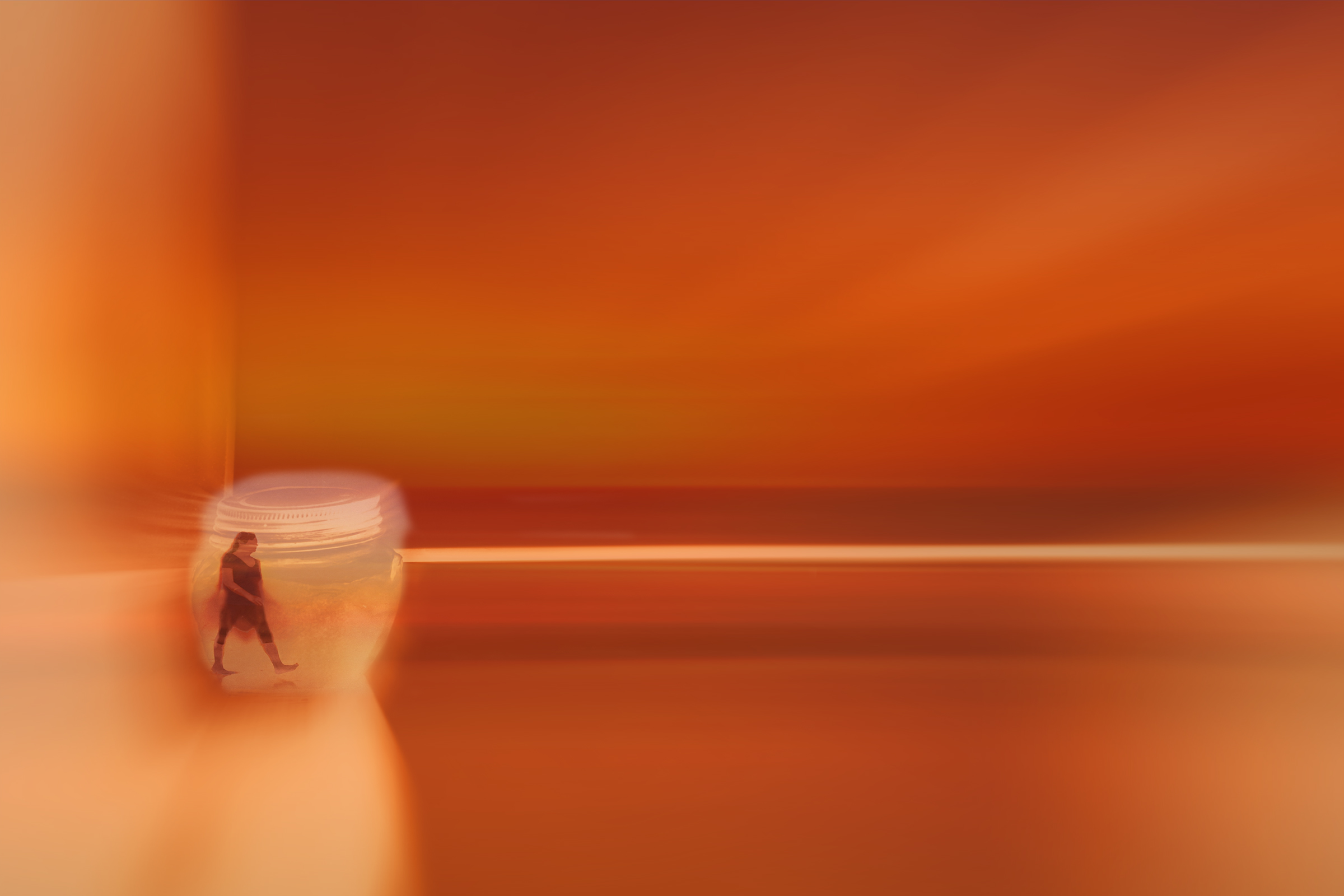
Thanks, Brian! It was done to indicate how impossible it is to travel at the moment but I definitely see your point! |
Jun 18th |
0 comments - 2 replies for Group 21
|
| 86 |
Jun 20 |
Reply |
Tom! You are never too old! A few years ago I gave a workshop at a convention and one of the local high schools brought a class of teenagers for my talk....you should have sent the expression on their faces when they saw the old woman out the front! Some of the boys came and asked me questions after. they had trouble keeping up! |
Jun 14th |
| 86 |
Jun 20 |
Reply |
HI Tom,
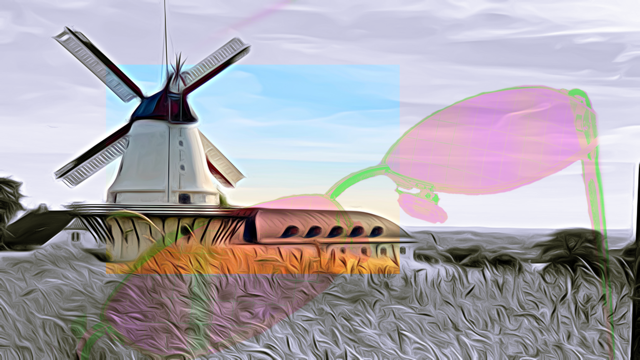
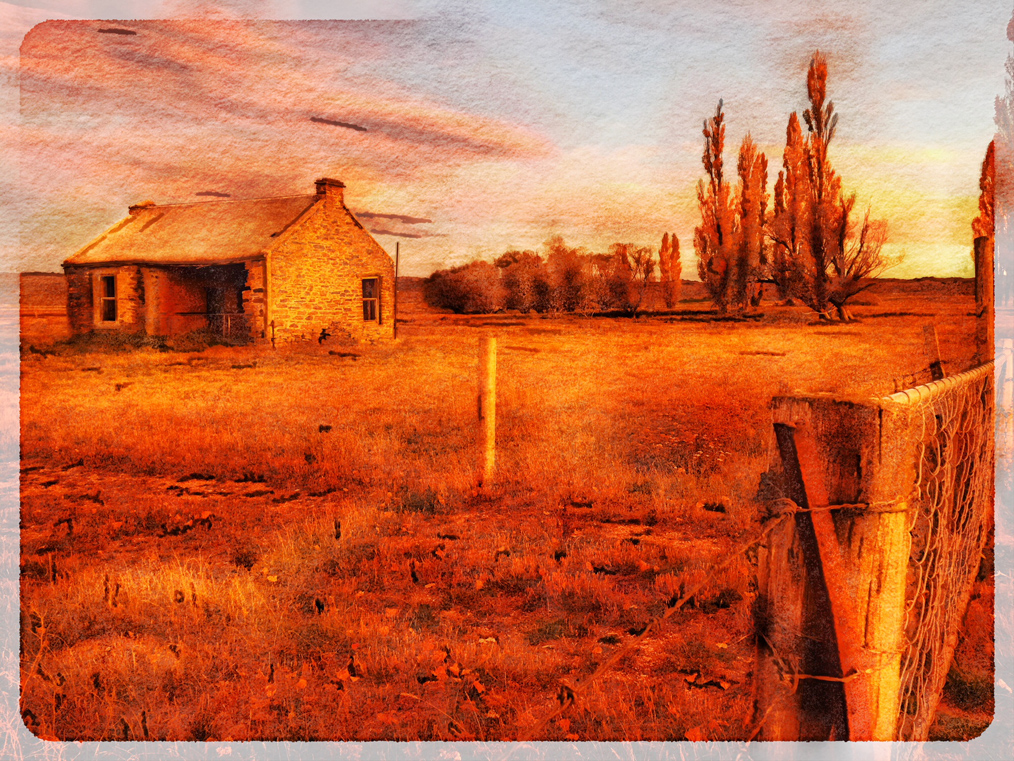
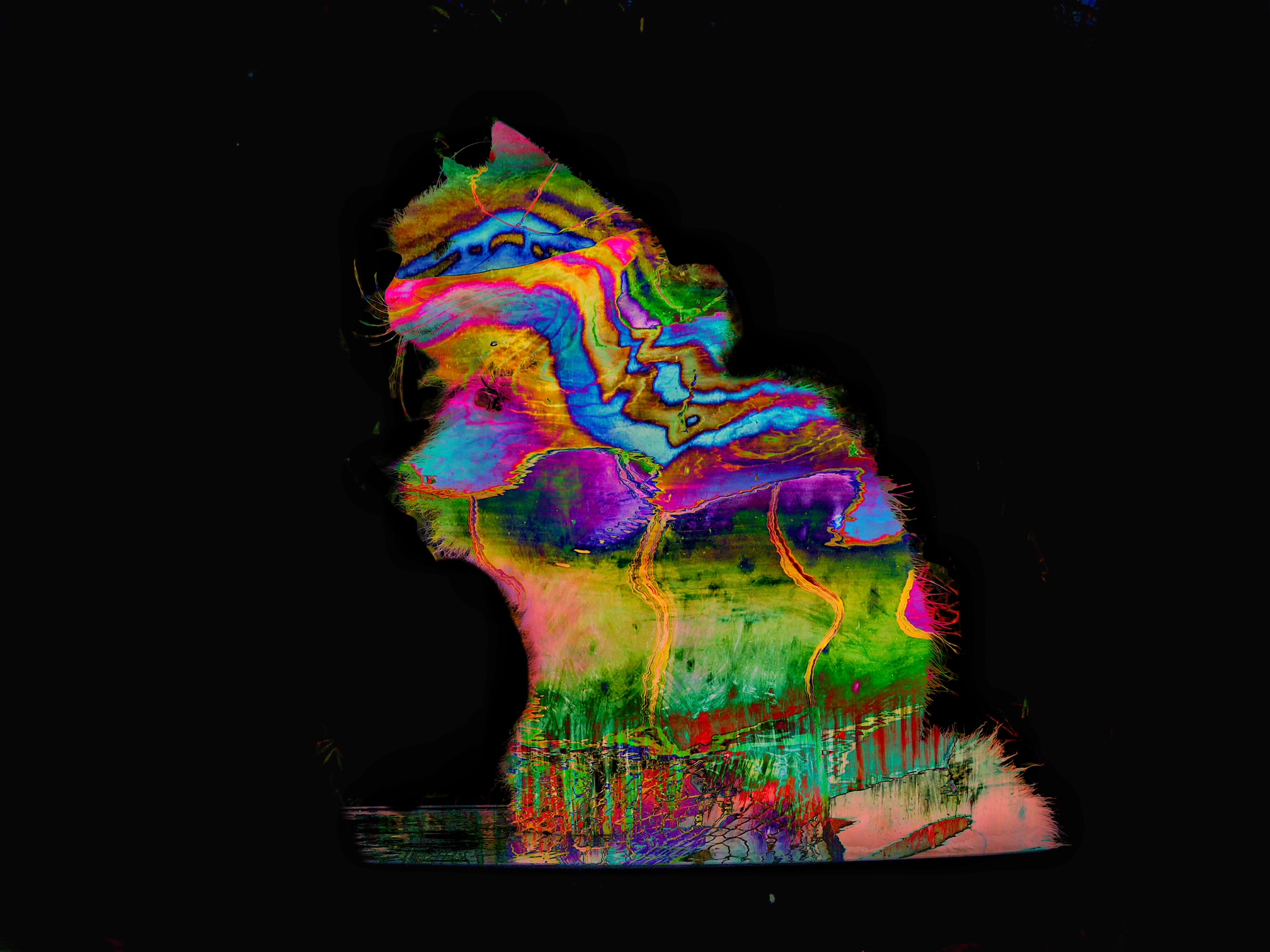
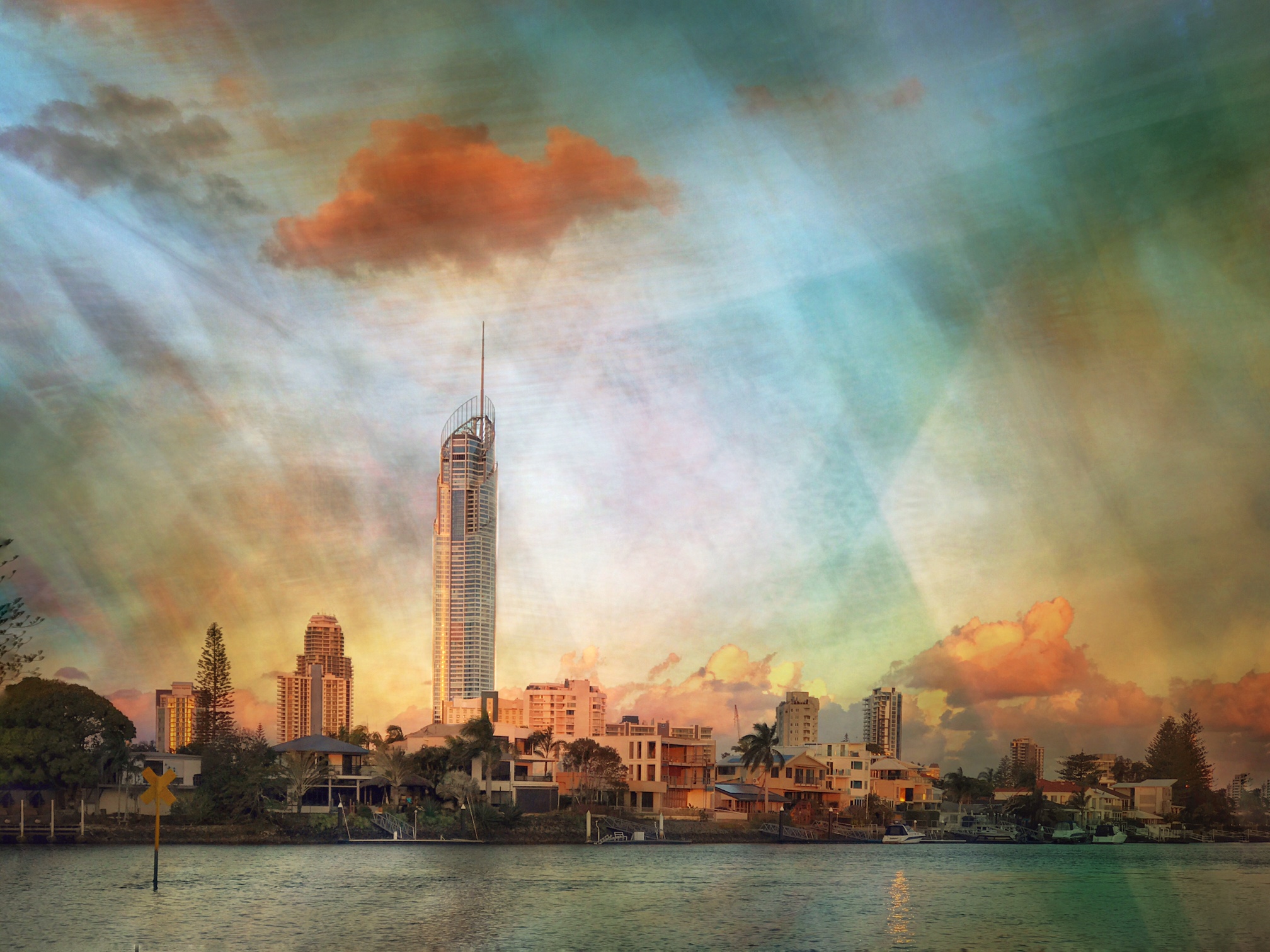
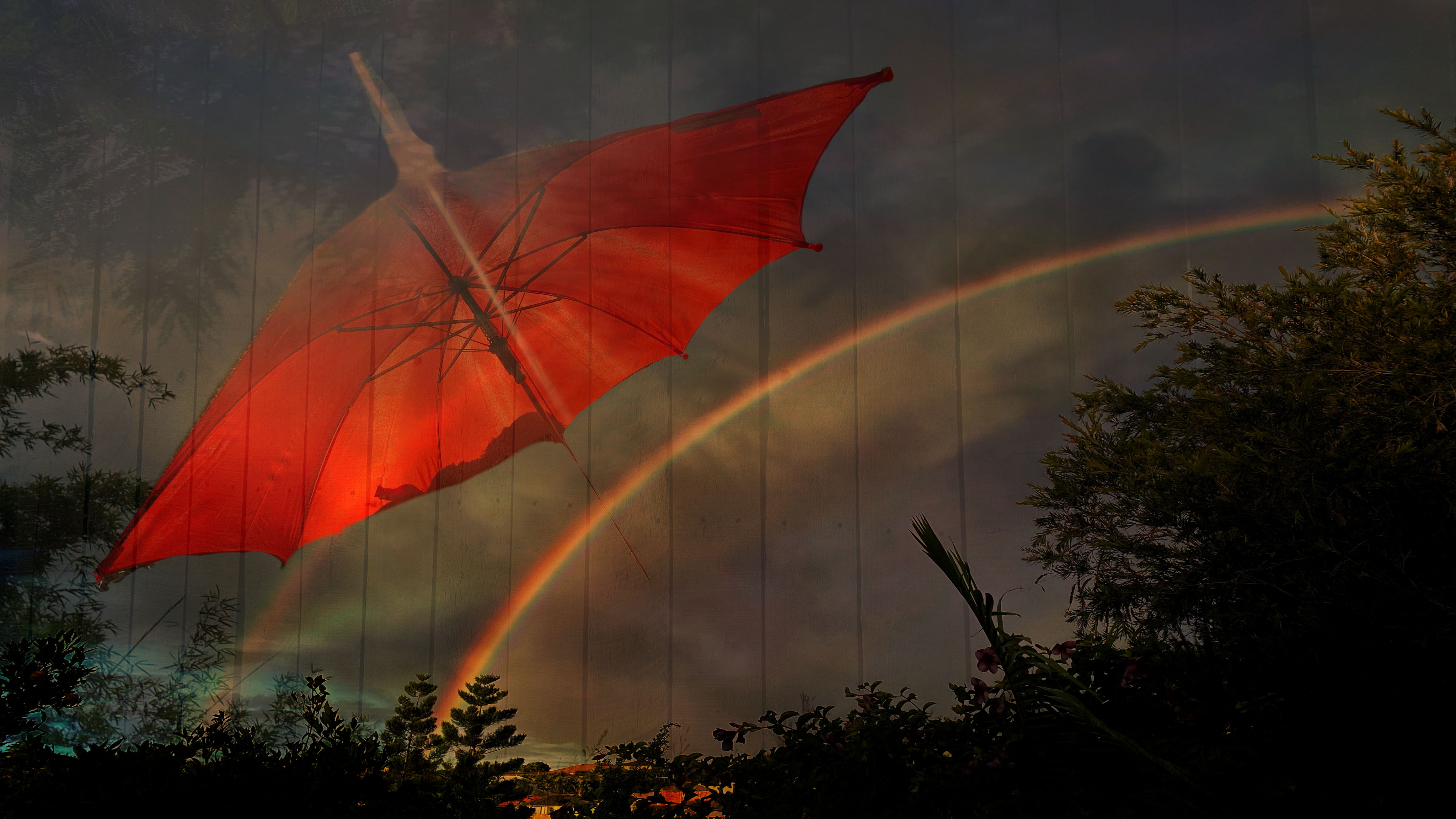
I darkened the rainbow in Snapseed then put the layers together in Superimpose. I DO like to do quirky things...they don't always work! The trees are part of the frame.
I was sitting under the Jacaranda tree. When the sun gets low I use the child's umbrella to keep the sun out of my eyes. I took a photo looking through the umbrella... hence the extra light on the top of the umbrella. Then I took a photo of the shadow of the trees on the fence. The rainbow came out just after I took a photo of the clouds. |
Jun 14th |
| 86 |
Jun 20 |
Comment |
VERY clever! Loved your image and your explanation.
In Superimpose, in the mask tool, you can go into the settings of the default brush and choose its strength. For blurring the edges I choose the feathered brush, make the brush smoothness softer and adjust the brush size to how big you want the blur to be then go around the edge of the layer so that it blends better with its background.
To adjust the opacity of the whole layer you go to "layers" at the bottom of the page then to the blend option (like photoshop blending modes) above this option is a slider which you can pull back to reduce the opacity. |
Jun 4th |
| 86 |
Jun 20 |
Reply |
We'll give it serious consideration! |
Jun 3rd |
| 86 |
Jun 20 |
Comment |
I am so sorry to hear about your friend.
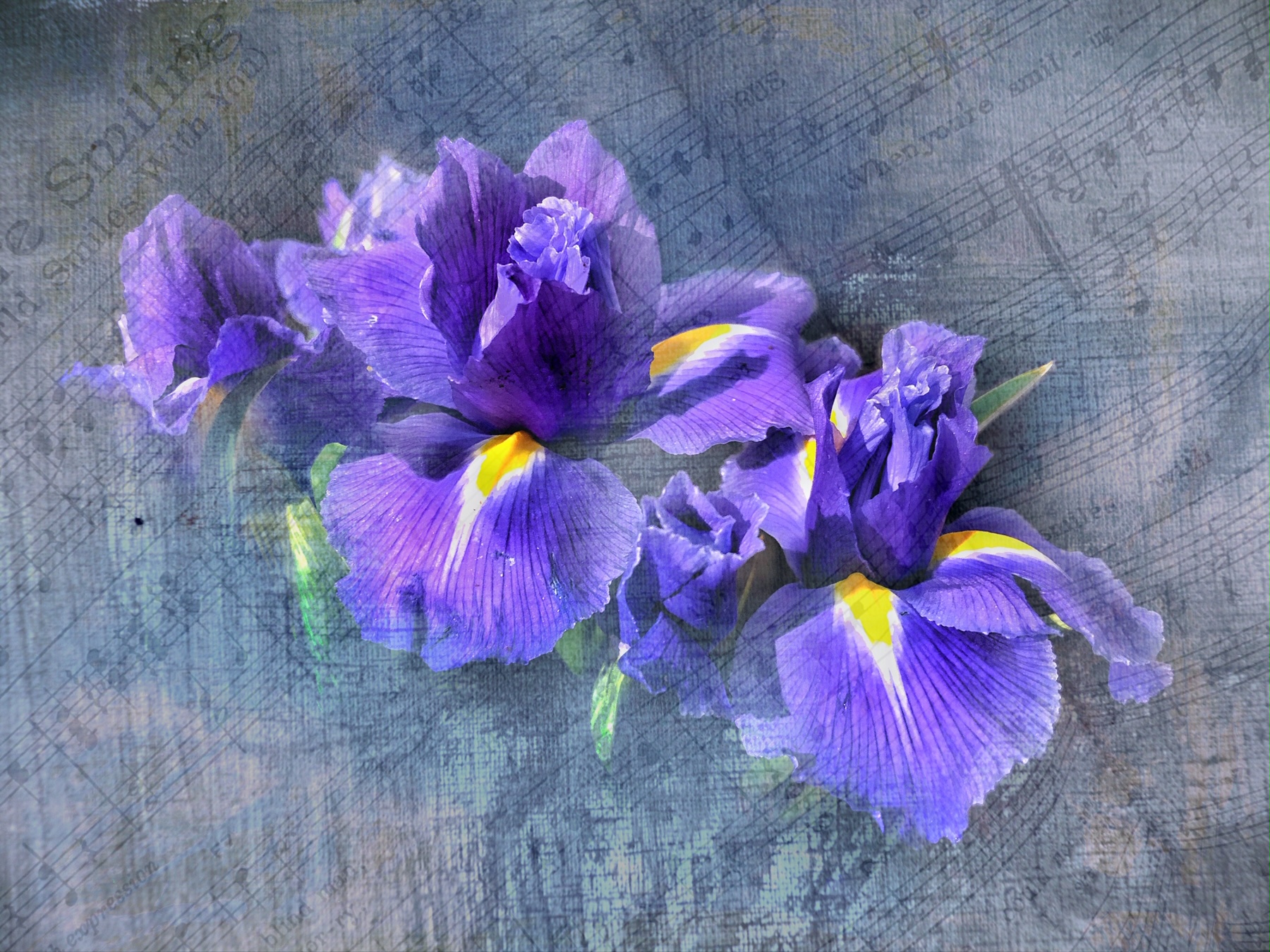
I really like your color and composition and I love that velvety type texture.
You have certainly found your way around snapseed!
Have you tried toning down the bright green in the front?
I'm very fond of color myself....so I am being picky! |
Jun 3rd |
| 86 |
Jun 20 |
Comment |
Hi Tom! Welcome to the group.
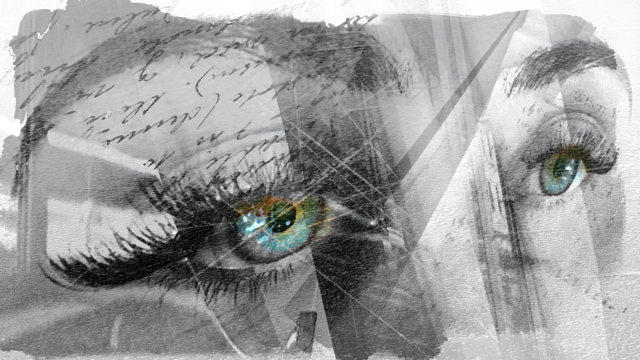
My first response is that I really like the colour of the original!
I looked back at your main image and suddenly there was the monster, about to jump out of the frame!
I really like the contrasty mono image and I think you have done really well with your first image! |
Jun 3rd |
3 comments - 3 replies for Group 86
|
3 comments - 5 replies Total
|