|
| Group |
Round |
C/R |
Comment |
Date |
Image |
| 56 |
Aug 18 |
Reply |
Sure, I will let you know, even if I don't win this year. I used to enter the PSA salons, but now I mostly get my husband to enter them. He's the gold-medal winner for this family. By the way, we enjoyed seeing your Pictorial Image of this month when we reached the Journal's last page! Congratulations, Cyril. |
Aug 11th |
| 56 |
Aug 18 |
Comment |
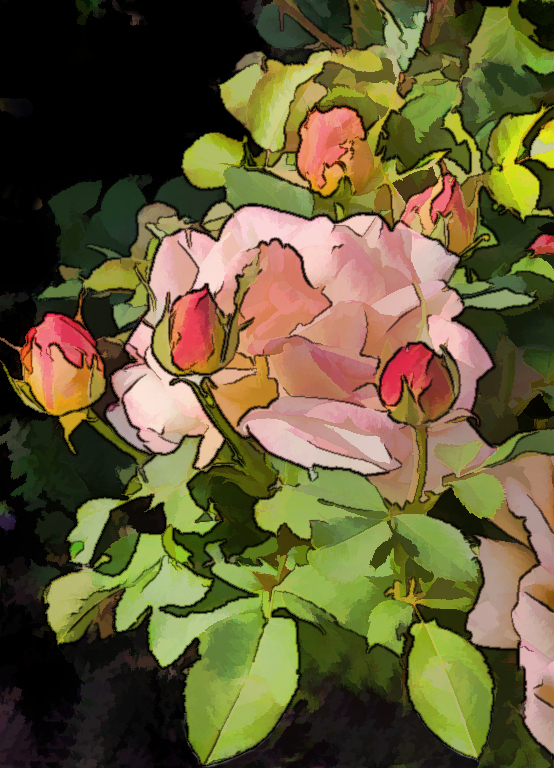
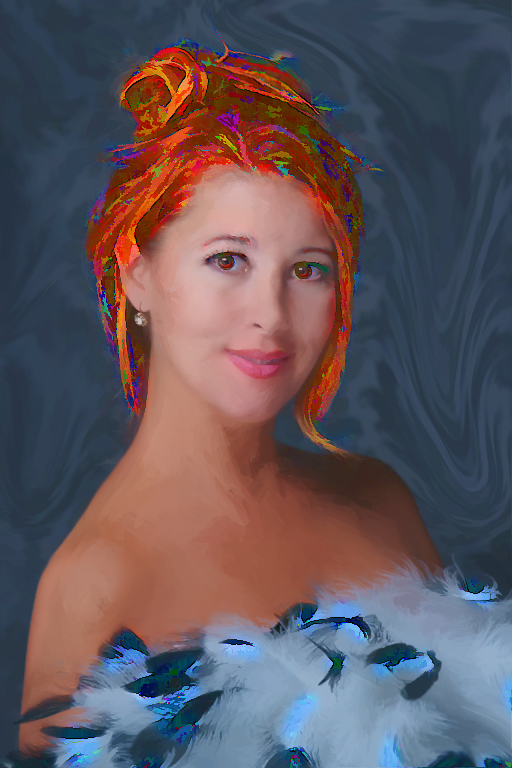
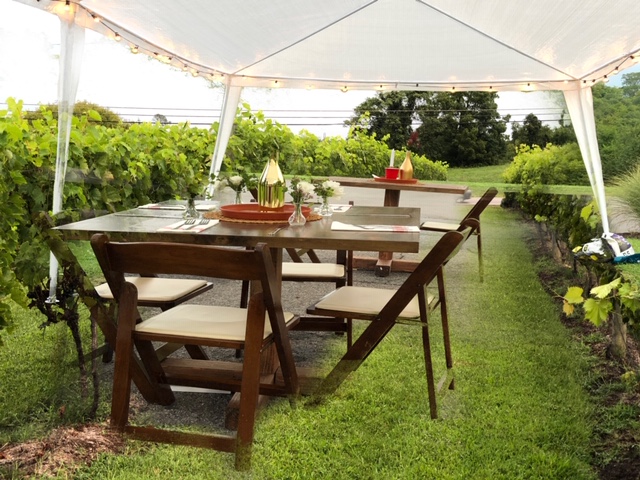
Wow, Elinor, you sure altered reality to get the effect you sought. The original was just a jumping-off place for you to pursue creating an image nearly from scratch, after eliminating most everything from a distracting reflection to the background and plant itself. Thanks for explaining exactly the steps you took to get your Photoshop to make a fake tree that you could mold into a different, yet real-enough plant. The vase and background look like painted silk. (Fabric like that would make a pretty blouse or dress, if you ask me.) |
Aug 10th |
| 56 |
Aug 18 |
Comment |
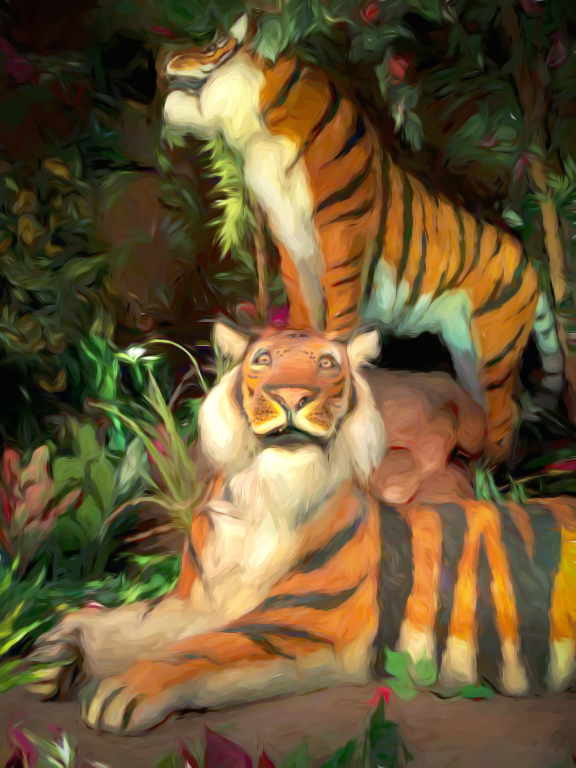
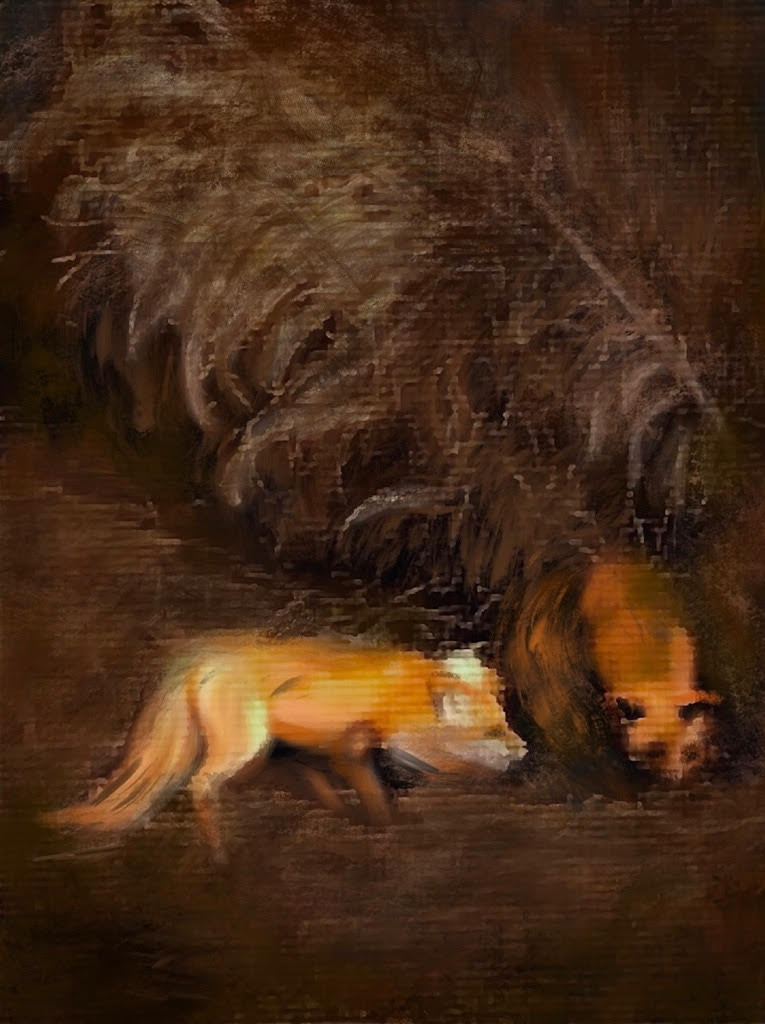
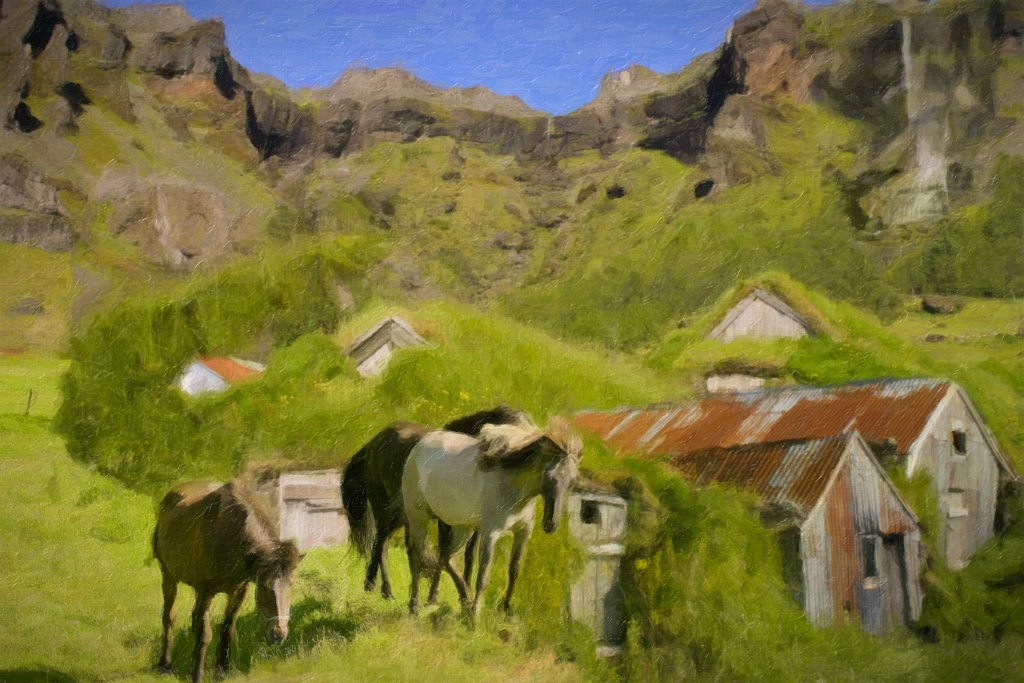
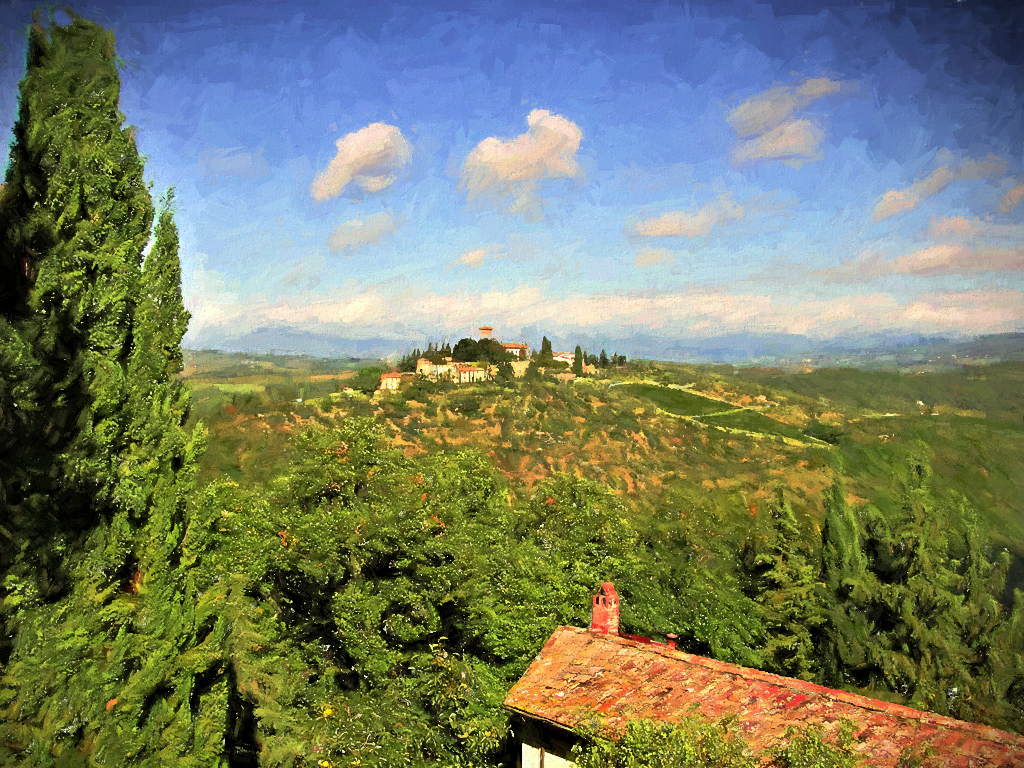
Both the original and the painting you rendered are just too wonderful for words. I love both the scene you found and your final creation. Great work, Jeanine!! You've inspired me to look for Cuddly Critter II and Buz Sim IV settings to play around with in the future. |
Aug 10th |
| 56 |
Aug 18 |
Comment |
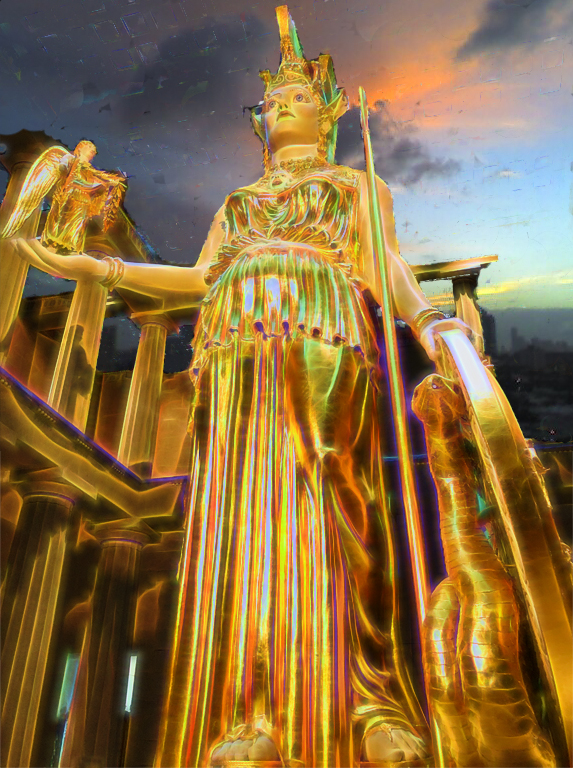
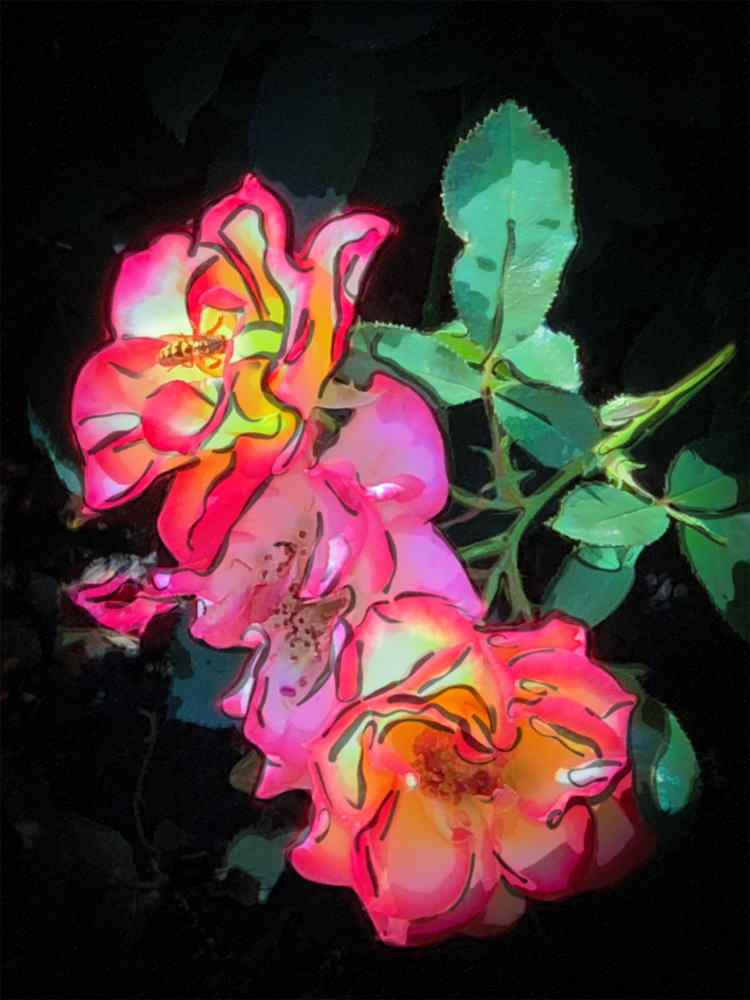
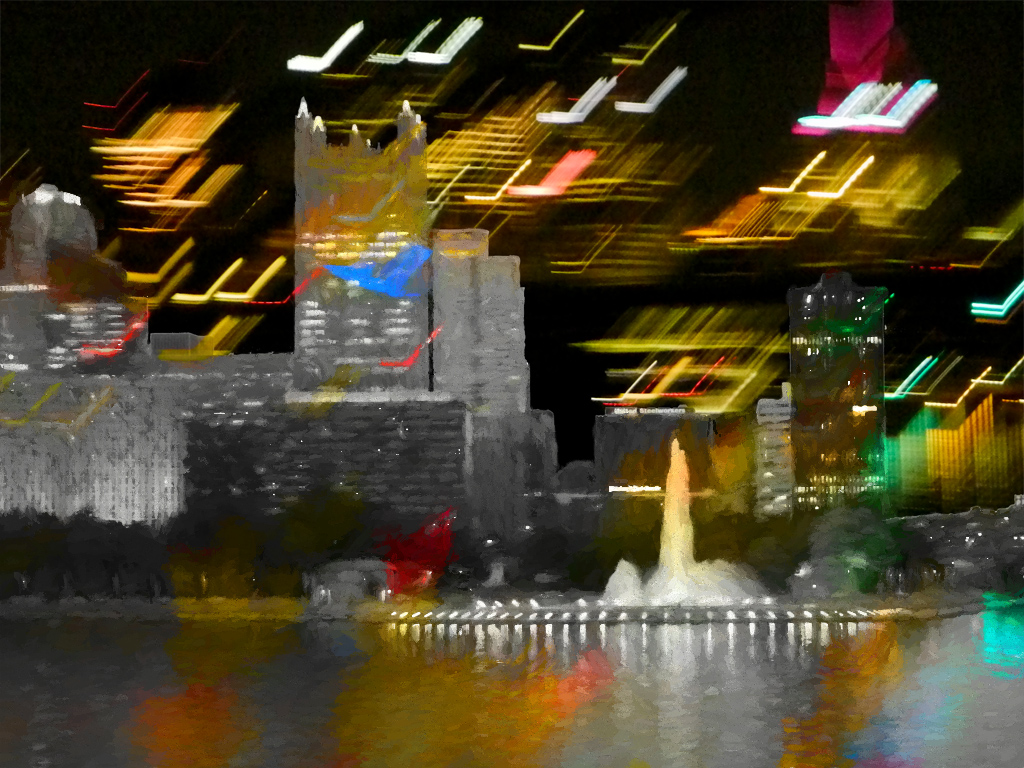
Pizazz is right! The tone of the original is rather dull, with a sepia-type look. Your choice of colors is spot-on and the rainbow-colored shaft of light leads the viewer right to the roulette wheel. It really adds something of depth or dimension. |
Aug 10th |
| 56 |
Aug 18 |
Comment |
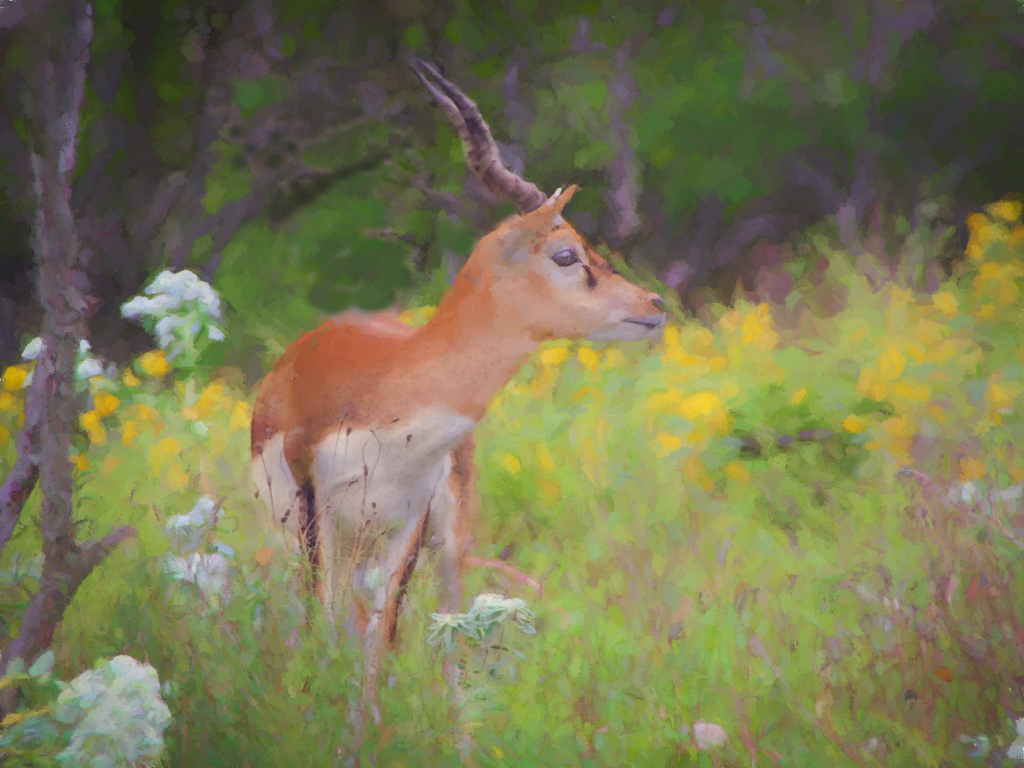
I like the deeper, more intense colors in the finished elephants of the painting. The group looks terrific! But I must not be very observant; after I read your description, my reaction was: What 4th elephant?! I had to go back to the original to see the extra legs of the hidden creature.
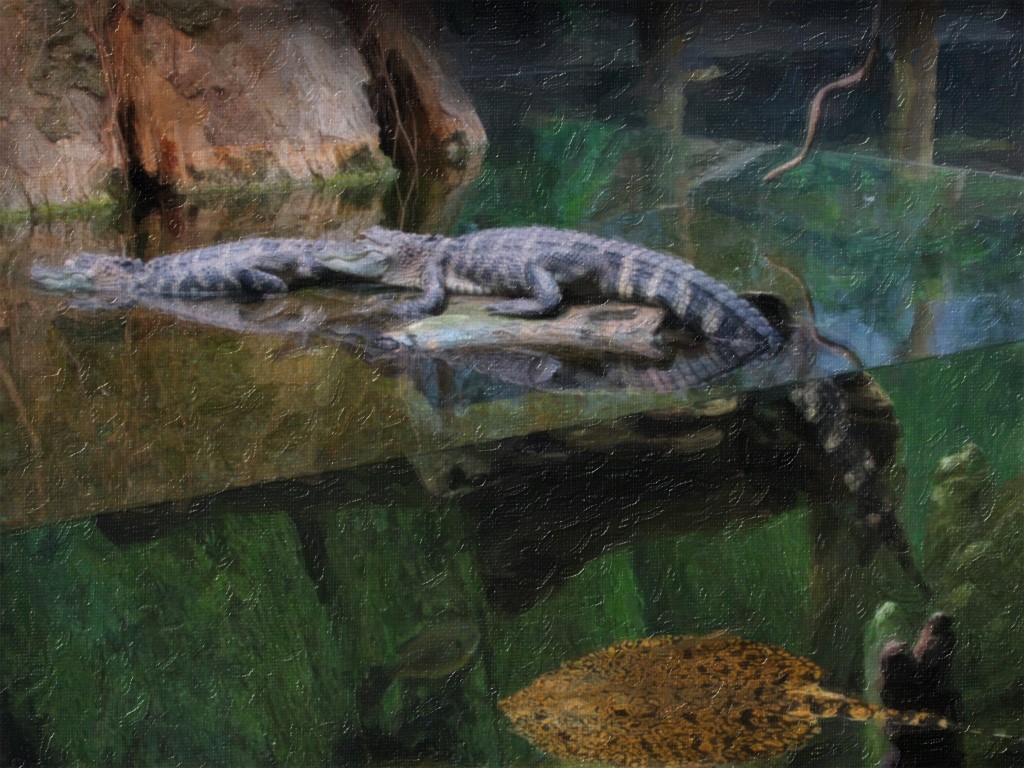
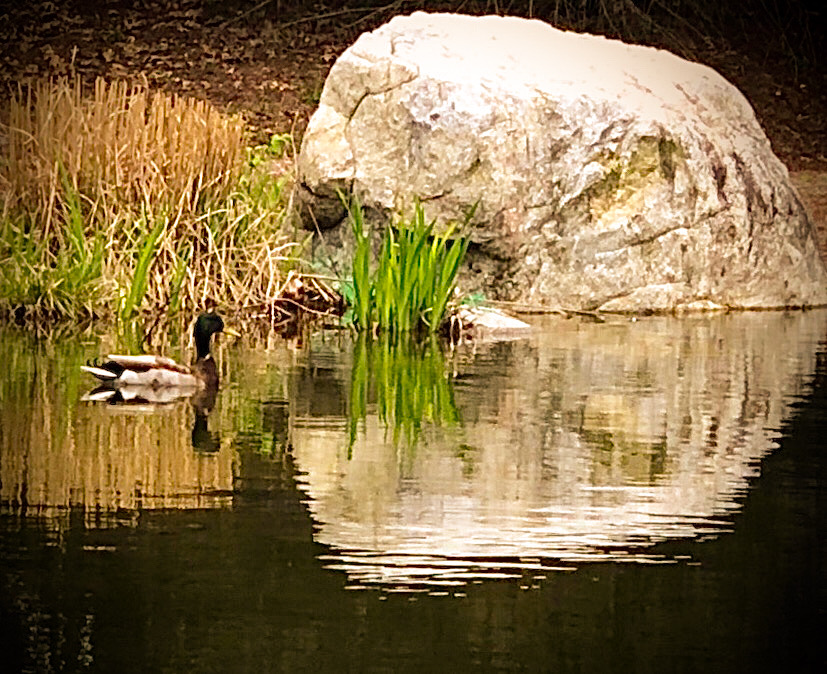
You didn't say what Photoshop tool you used to make the marble-y background. Is it something that Photoshop CC has now, but older versions like mine is lacking? Or maybe is it our old friend, the smudge tool? One slight suggestion: I would prefer to see the patch of grass in the water looking more natural, so one doesn't have to figure out what that area is. (I thought it was like an alligator's head, ha.) |
Aug 10th |
| 56 |
Aug 18 |
Comment |
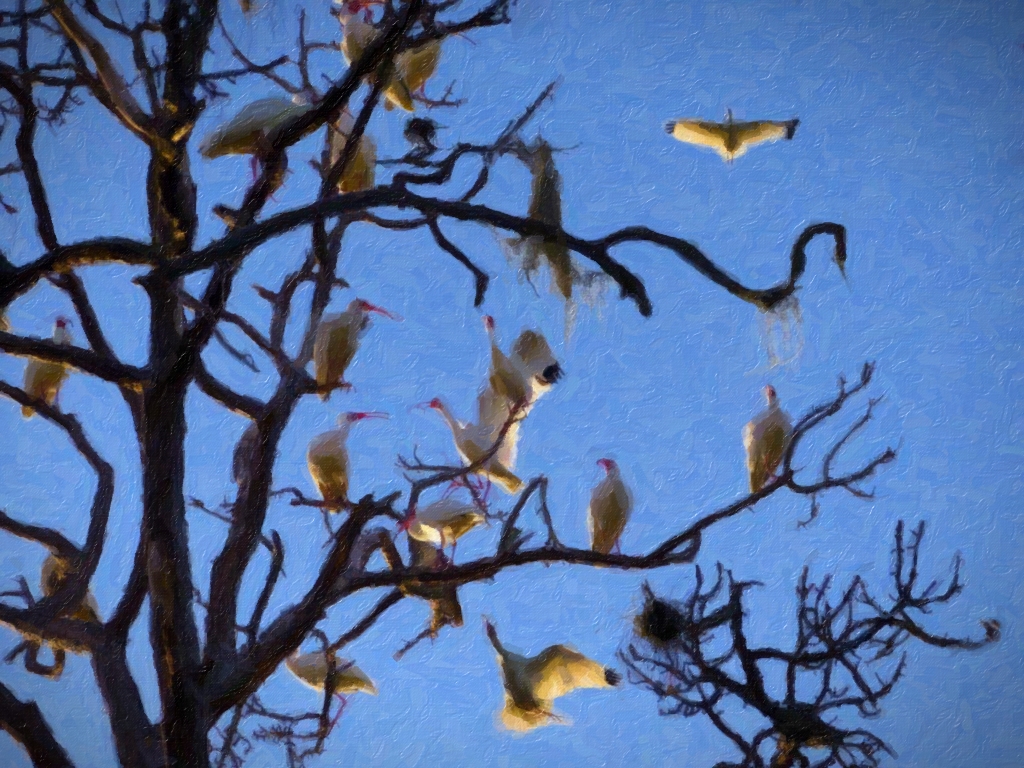
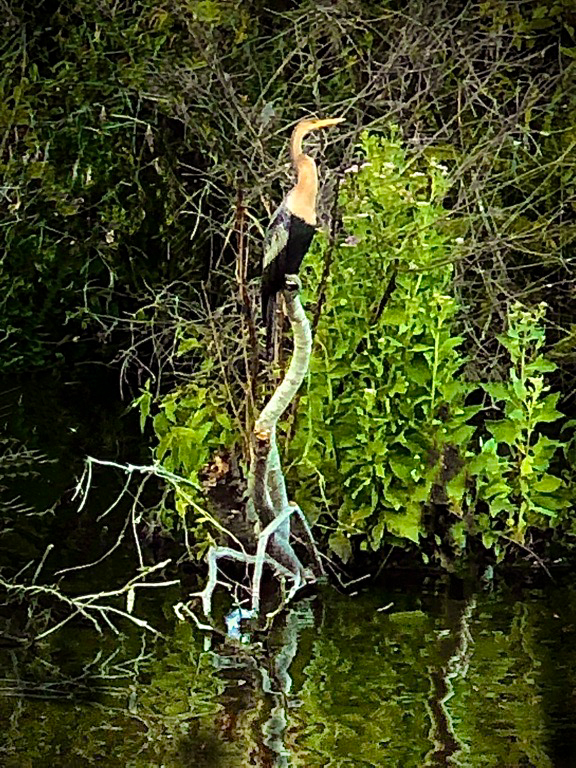
I love your background colors that you chose for the painting. They complement the bird's feather color. I, too, wish I could view a larger image. I tried saving your painting to see what dimensions it was and it's only 22kb (249x240). Most internet websites can handle larger images. (The one I sent in was 848kb and 1024x745px for comparison.)
Ditto what the others said about toning down the highlight, while darkening the branch a little more. |
Aug 10th |
| 56 |
Aug 18 |
Reply |
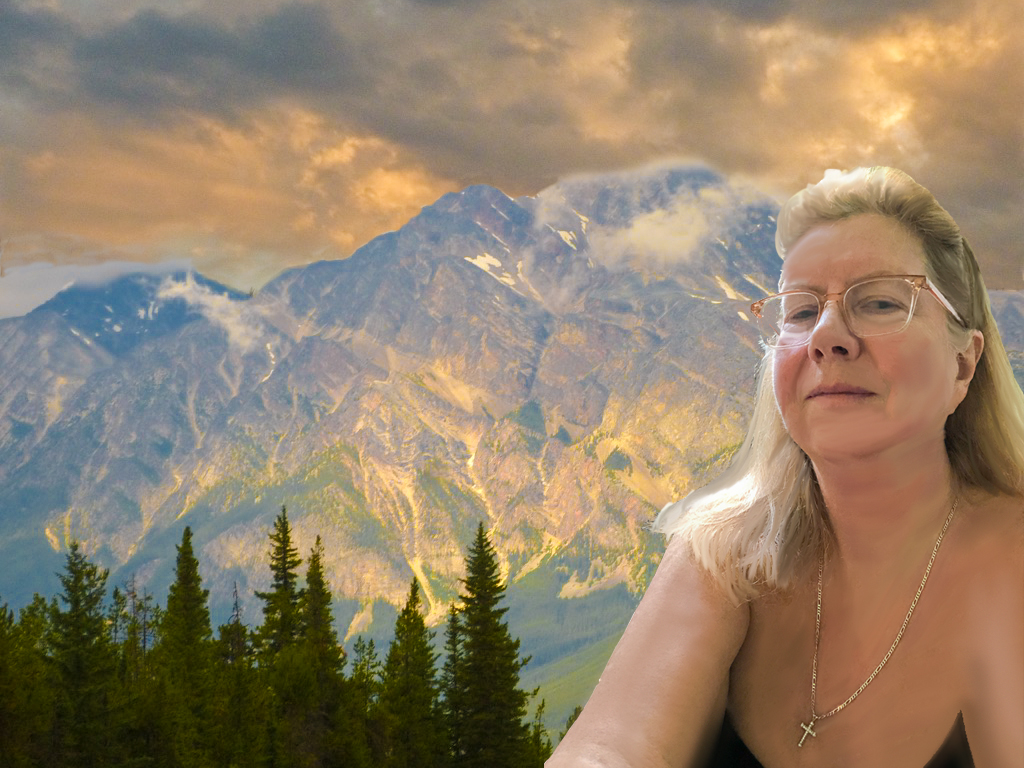
Thanks for your insights, Gerhard. After working closely on combining the two images for a few hours, I was wondering how it looks to fresh eyes and into which area one's eyes are drawn. |
Aug 10th |
| 56 |
Aug 18 |
Reply |
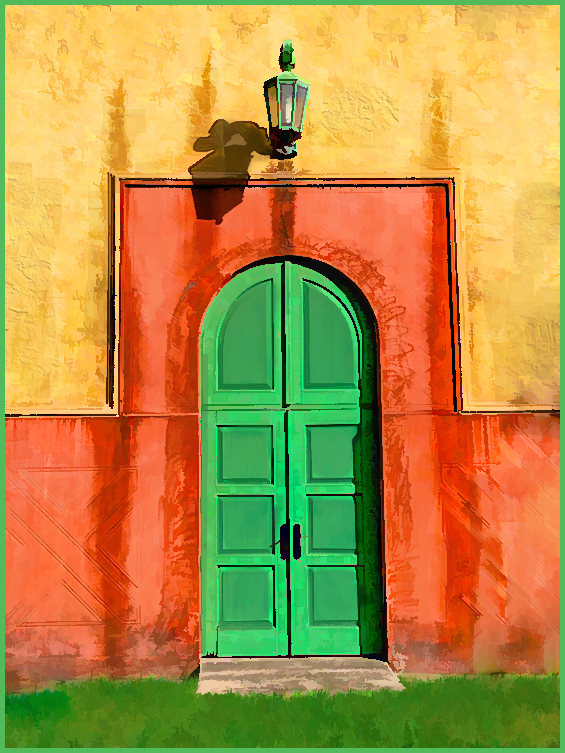
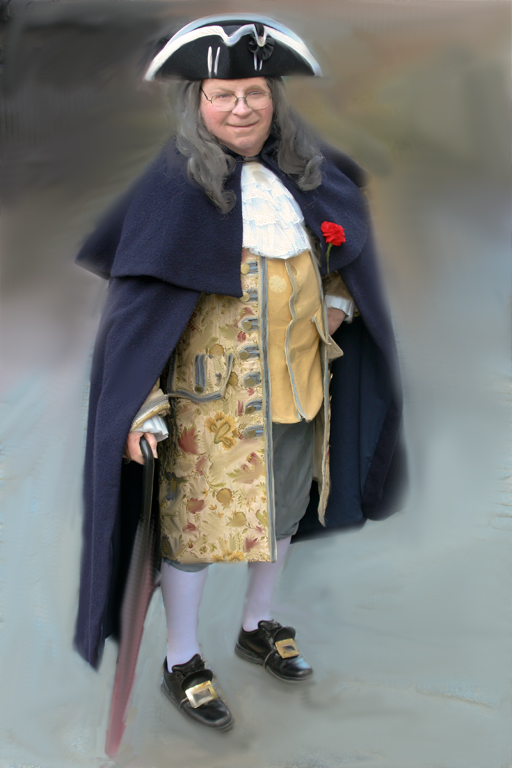
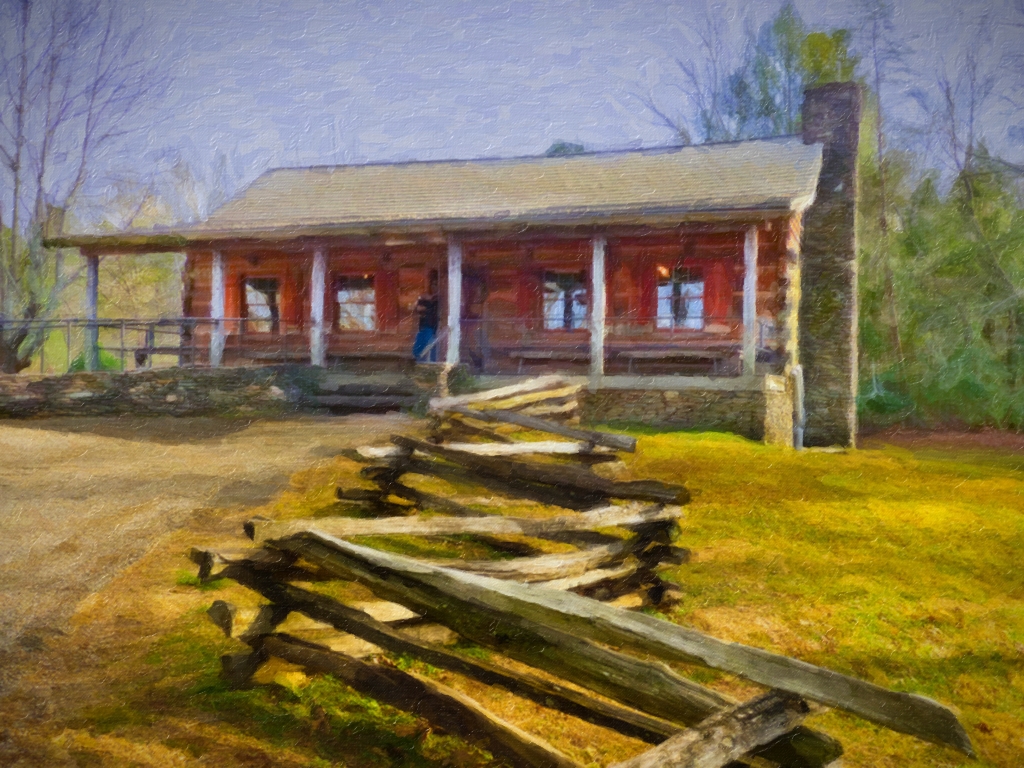
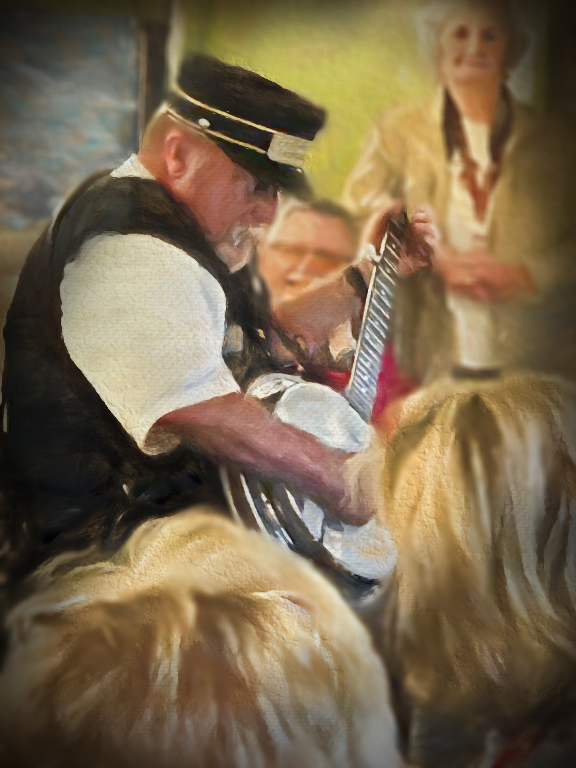
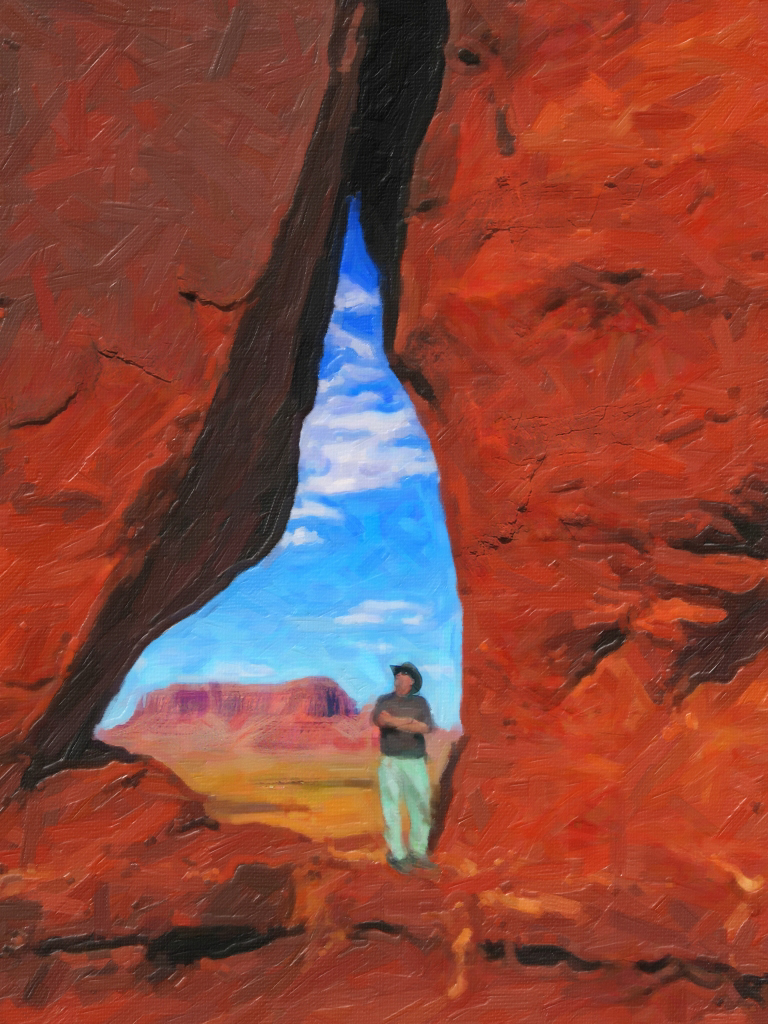
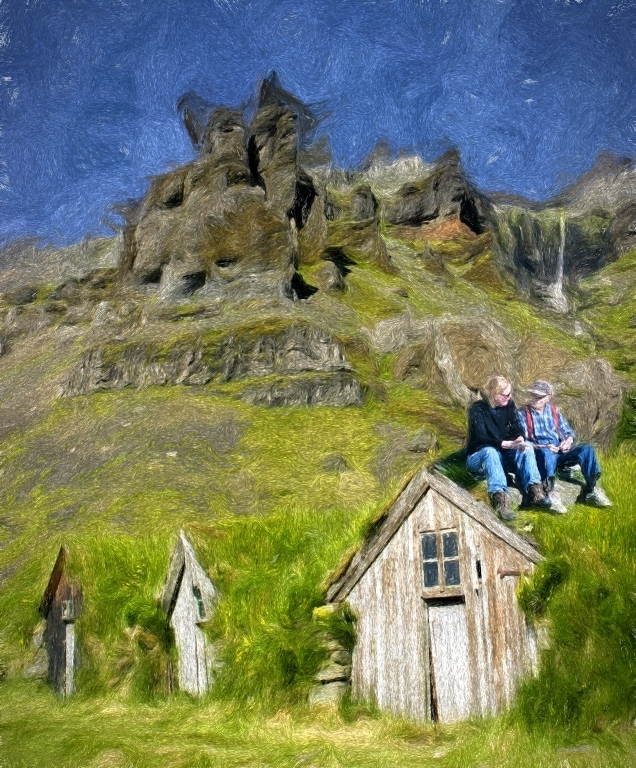
Cyril, I really liked your comment that it looked like I was standing at the scene, painting on an easel. Makes me feel like I succeeded in getting the scene to be a real painting. I am going to enter it as a print into our county fair competition tomorrow in the "Computer Manipulation/Alteration of Reality" category. (Of course the judges usually choose some really wacky over-the-top or obvious-looking images, but maybe some viewers will enjoy seeing a photo as a painting.) |
Aug 10th |
| 56 |
Aug 18 |
Reply |
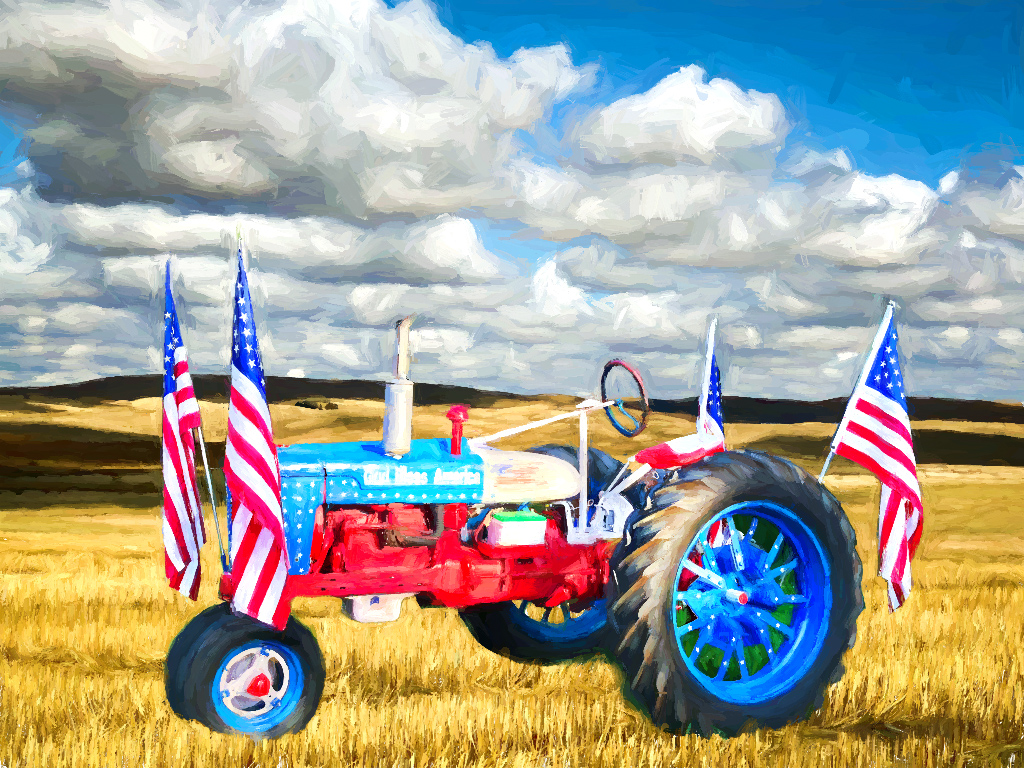
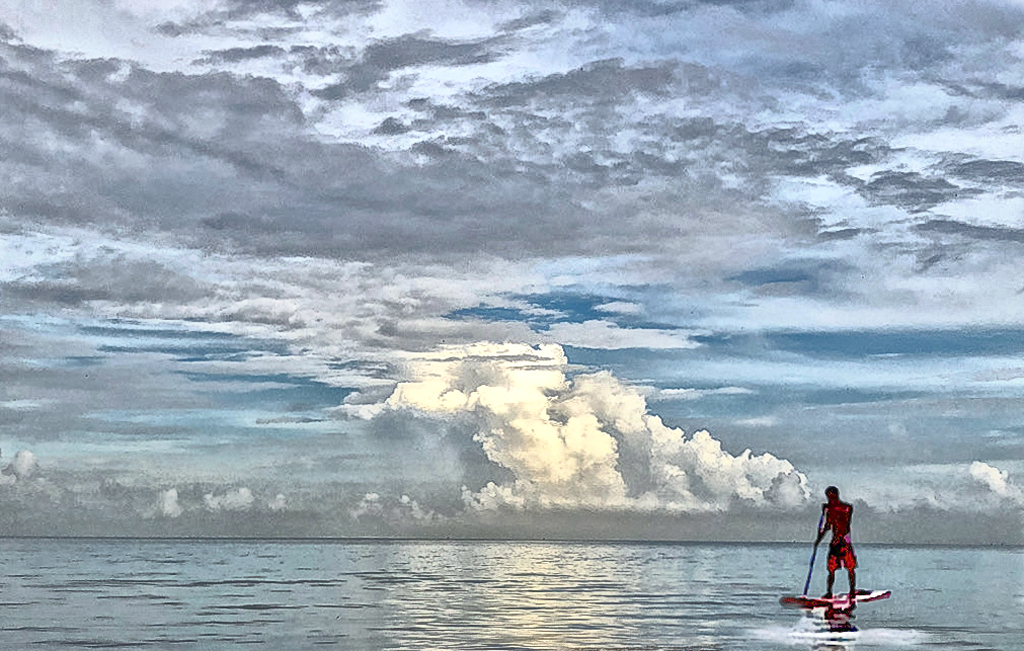
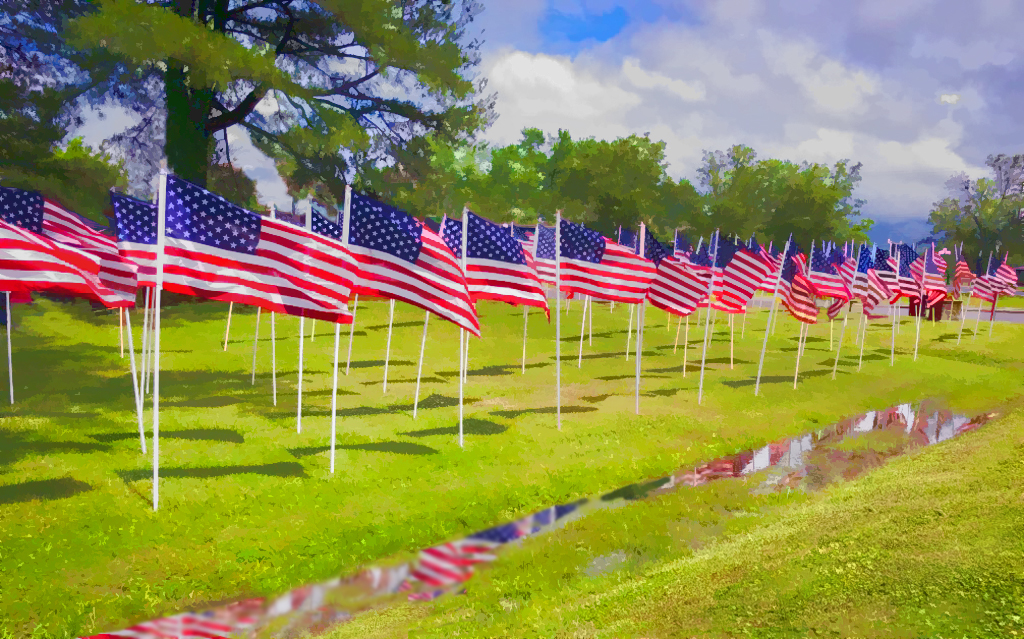
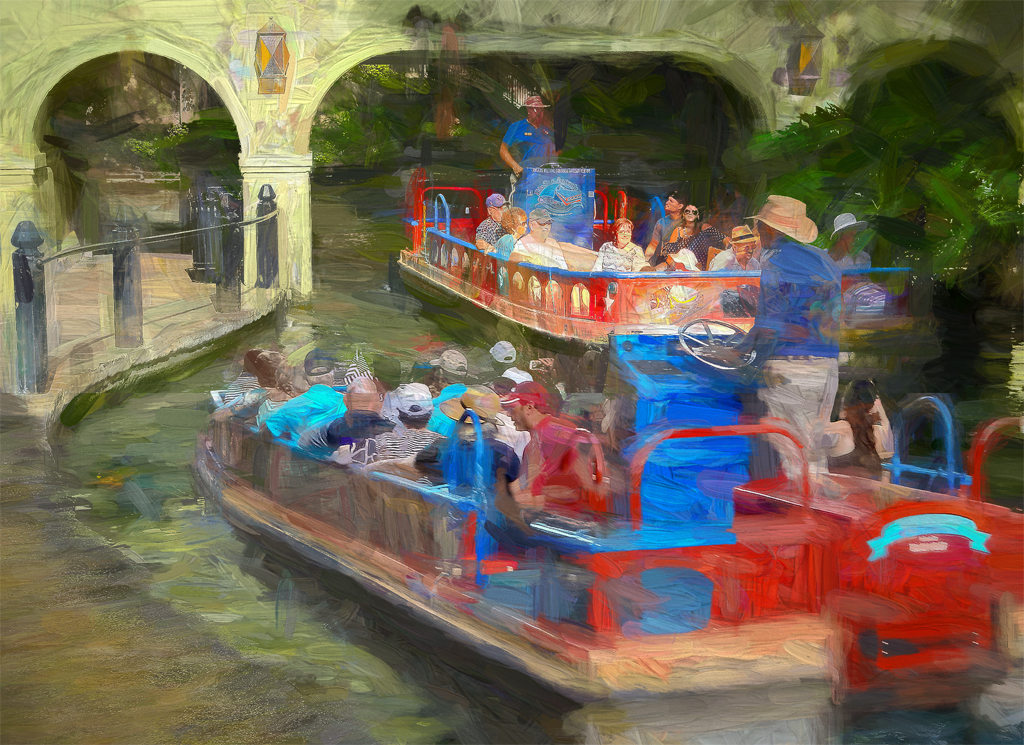
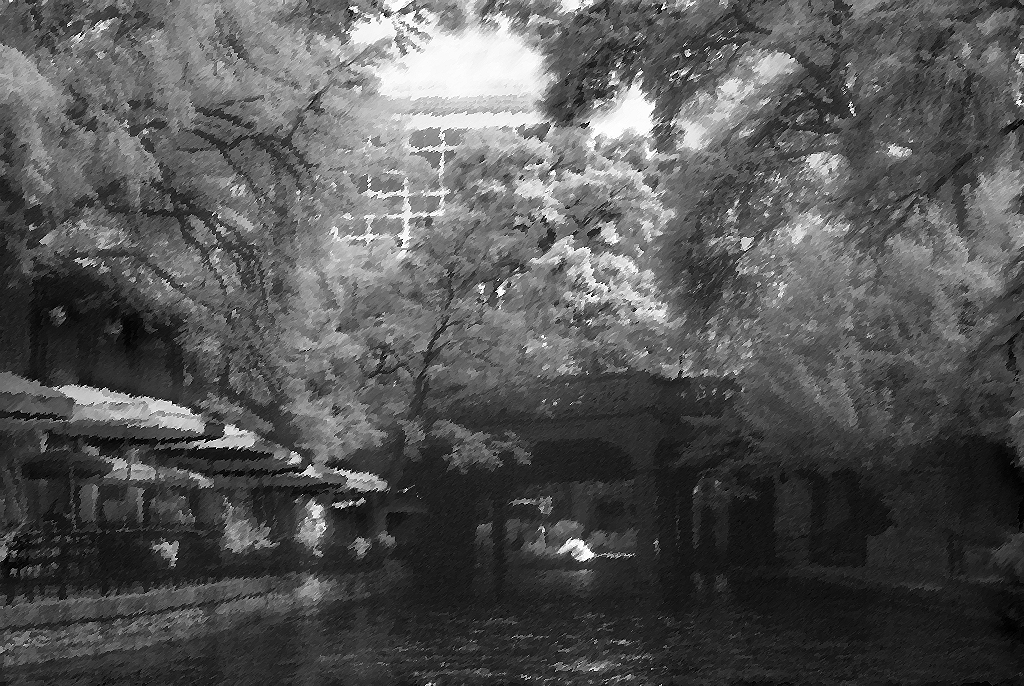
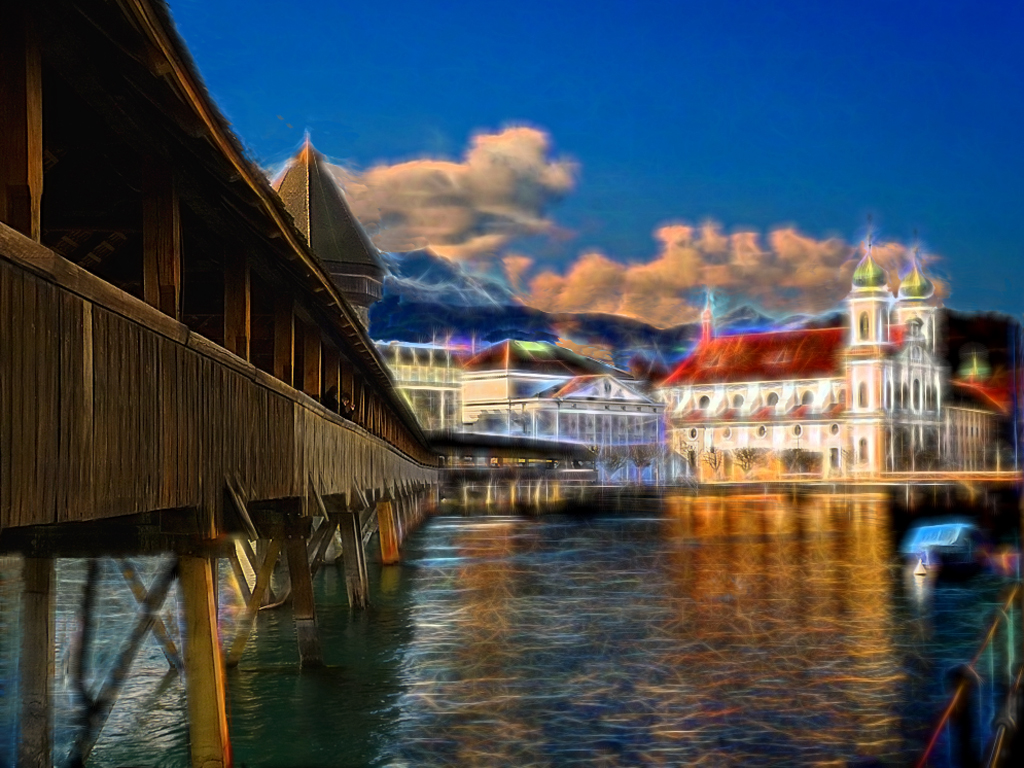
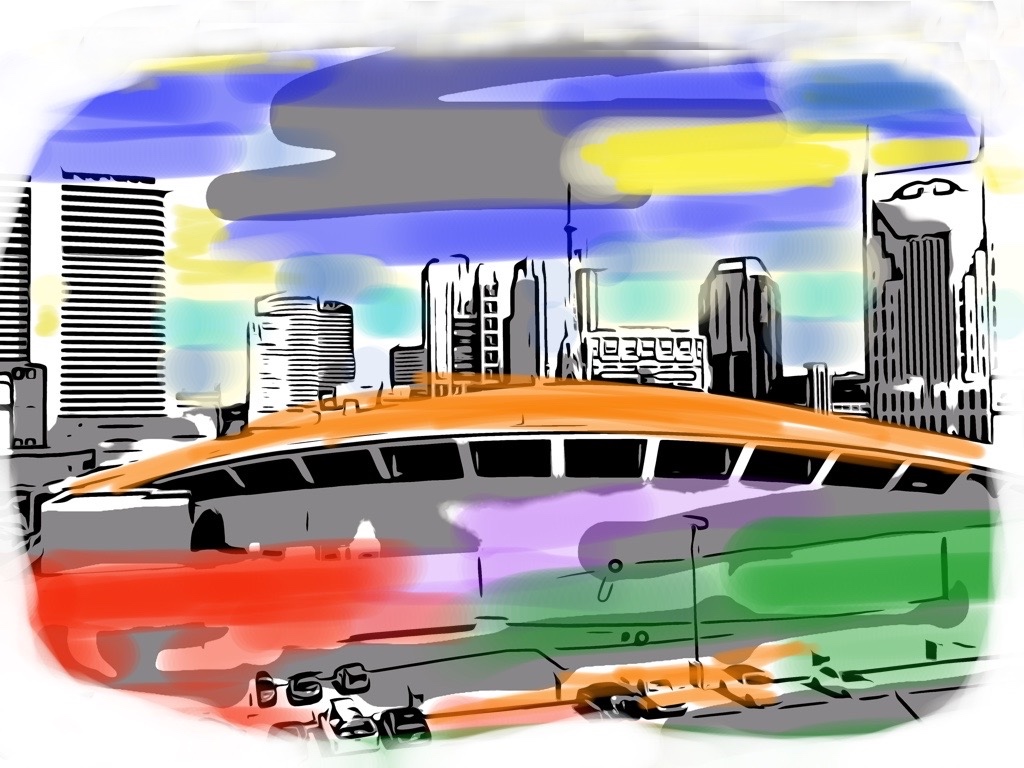
Thank you, Kathy for your thoughtful reply. I used Adobe Photoshop and merged all my layers together (CTRL+ALT+SH+E) into a separate layer at the top, to which I applied the Topaz effect. I don't think there's anything with bit depth, as the photos were taken close to the same time and I don't find much reason to change many images to 16-bit, especially when I will be planning to forfeit some detail in the painting process. I appreciate your suggestions. I just thought it odd that the Topaz had such an effect on the bridge, but not to the approaching boat and its occupants from the same original shot. |
Aug 10th |
| 56 |
Aug 18 |
Reply |
Nancy, thanks for your remarks and reply to my query. But after I go back and check, I DID have all my Adobe Photoshop layers merged into a combination layer at the top and that is the one which I put into the Topaz Impressions software to paint on. So it must be something else. |
Aug 10th |
| 56 |
Aug 18 |
Comment |
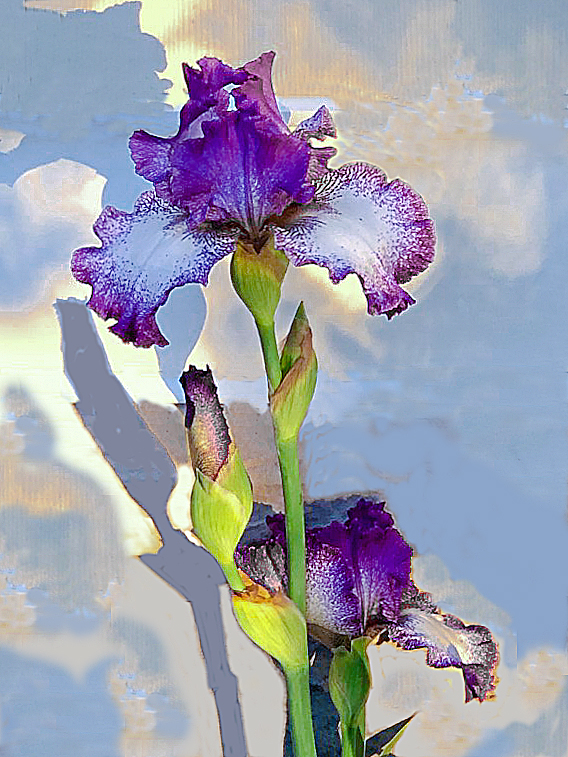
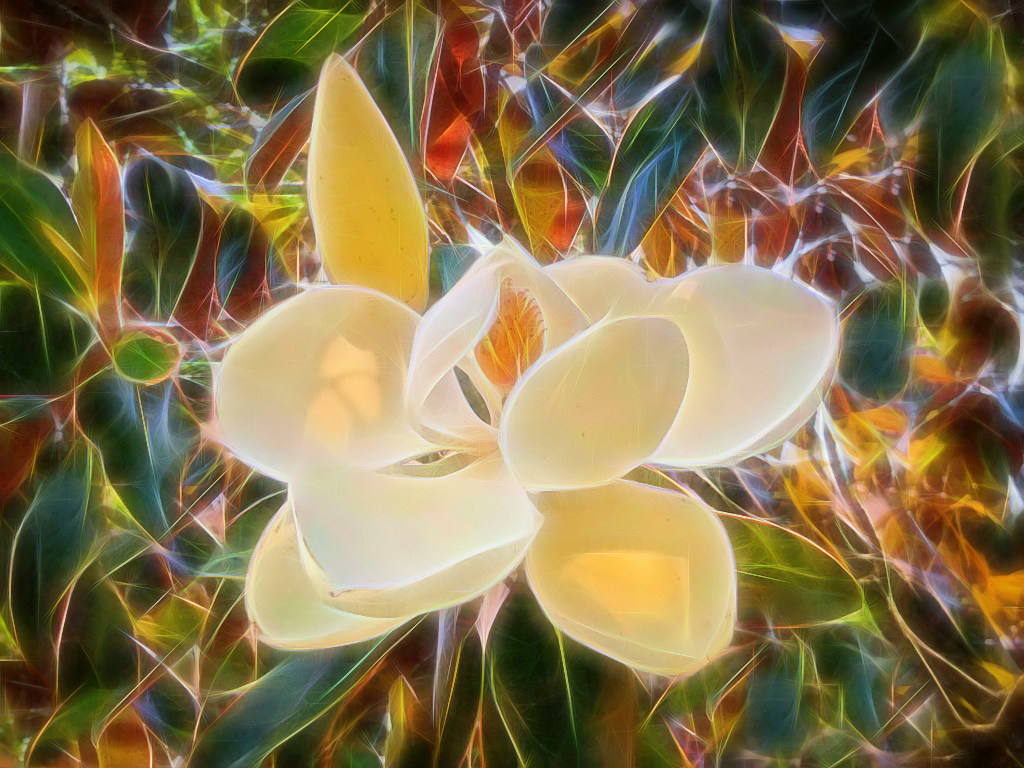
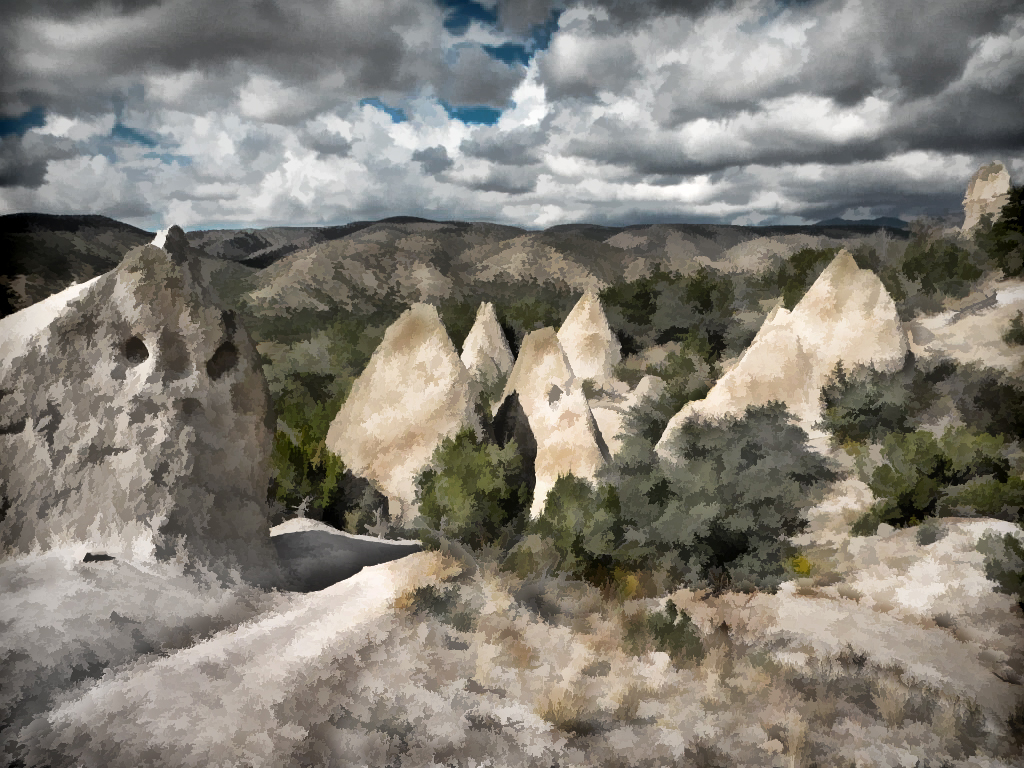
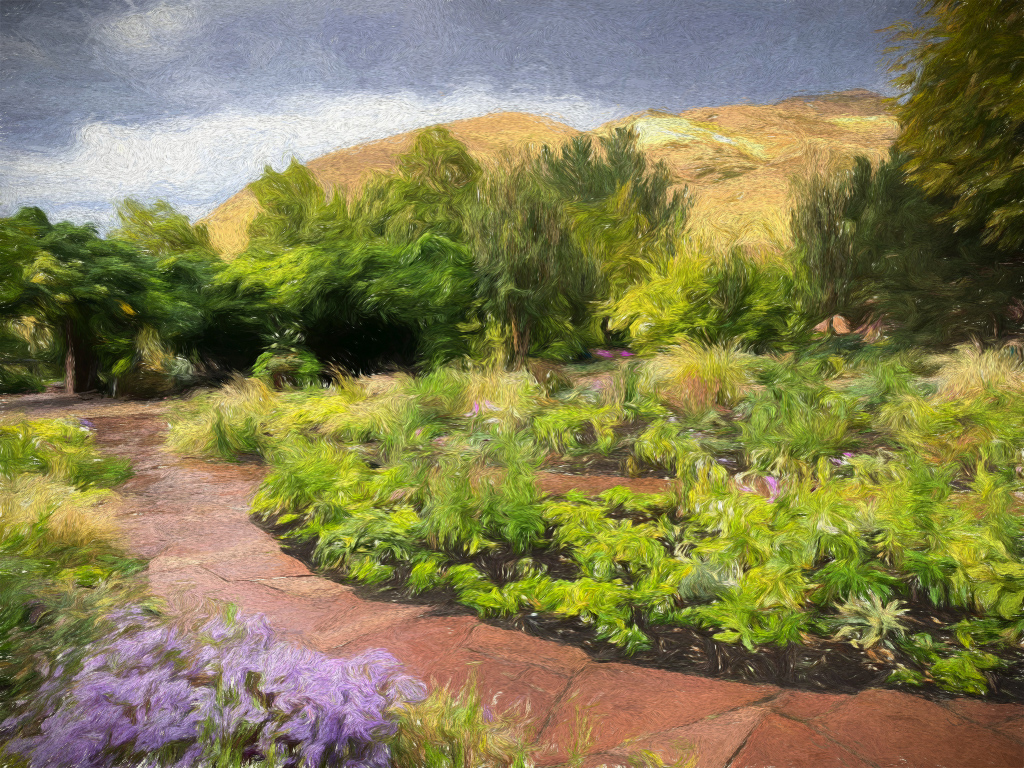
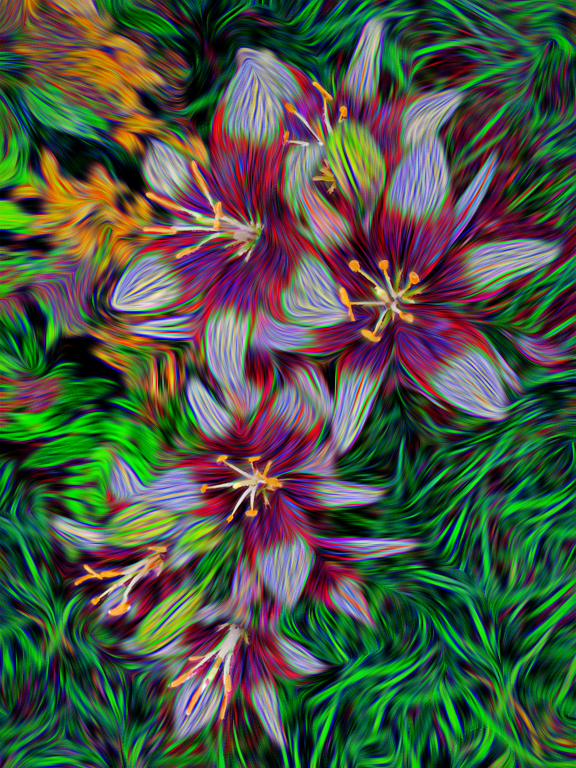
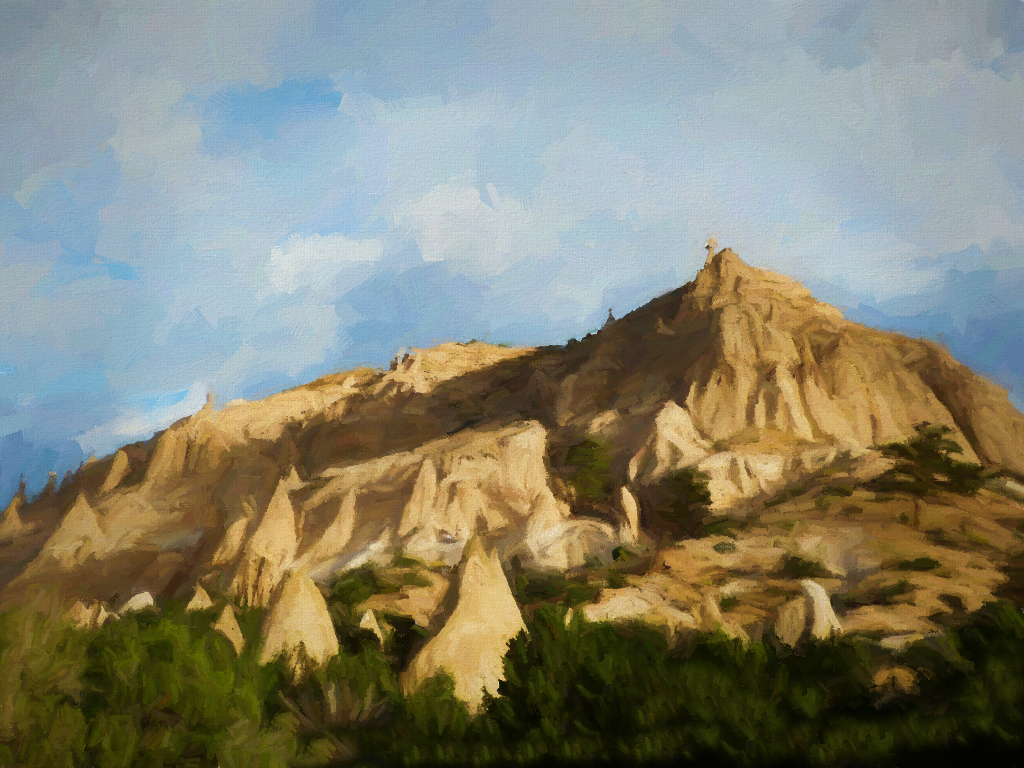
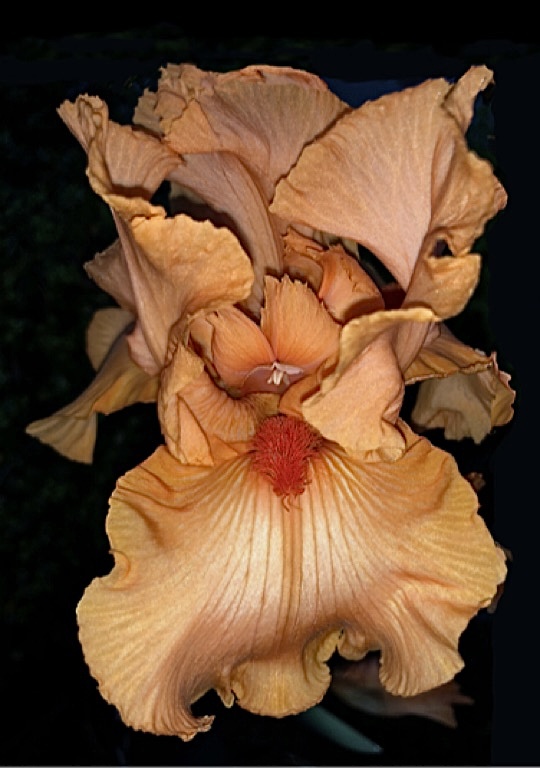
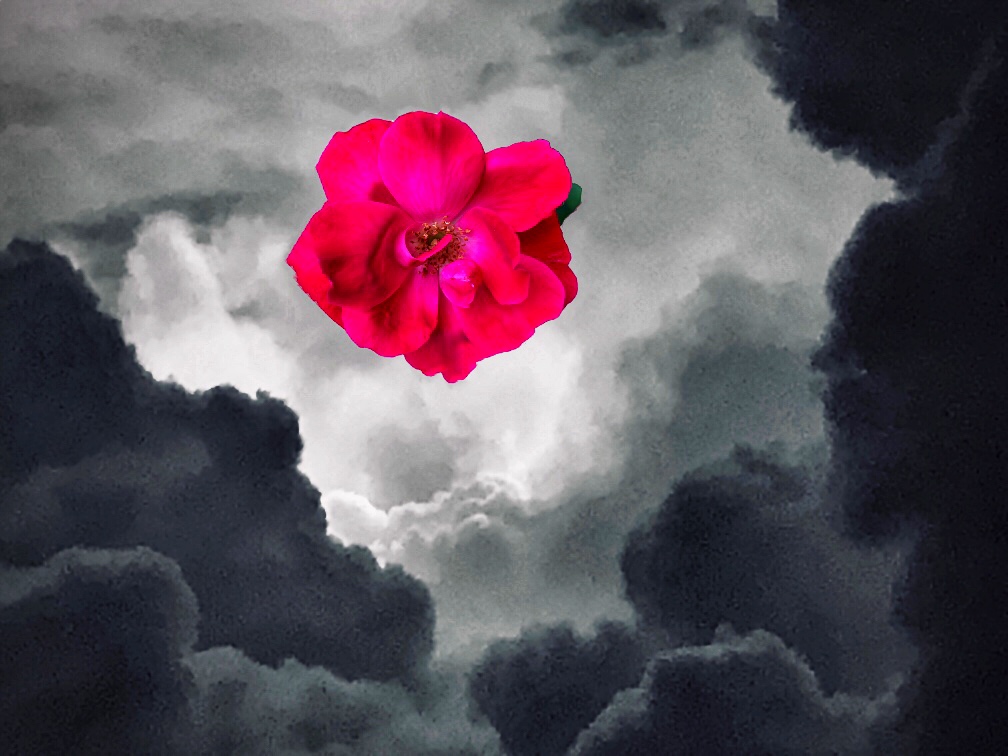
You kept what was best about the image: the composition and colors, while softening the elements to blend into a dynamic painting. I agree that you would want to keep the flower looking like a flower blossom. The paintstrokes in the sky make it look like an authentic painting. My only nitpick is a tiny white dot under the arch that the paint program introduced into the sky. Overall, your trip out West has paid off in great photo captures for your paintings. |
Aug 10th |
6 comments - 5 replies for Group 56
|
6 comments - 5 replies Total
|