|
| Group |
Round |
C/R |
Comment |
Date |
Image |
| 57 |
Apr 17 |
Reply |
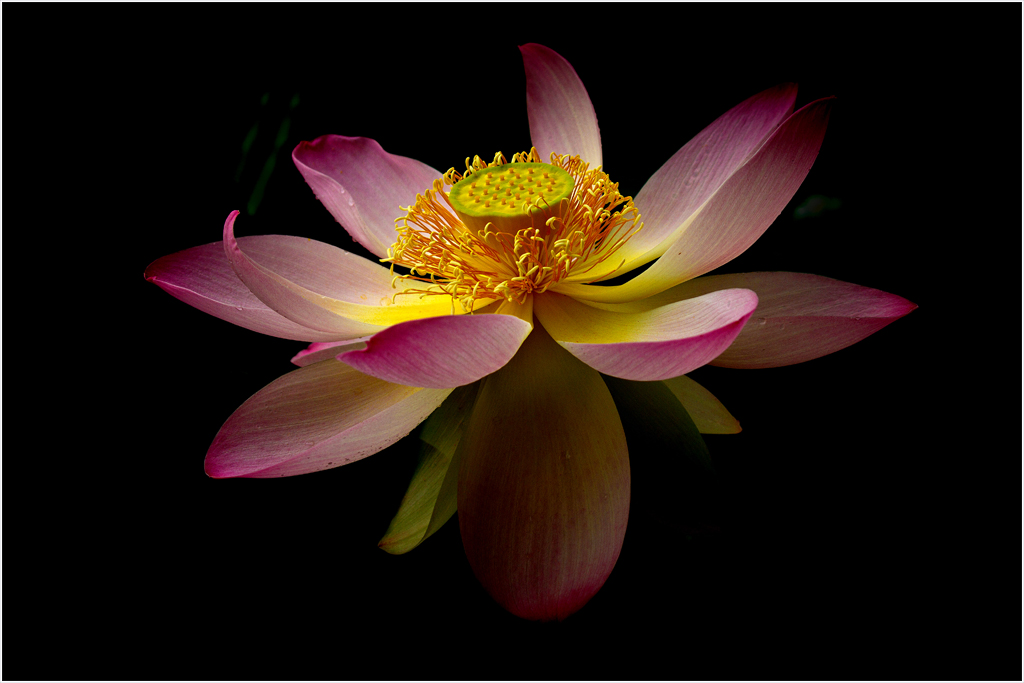
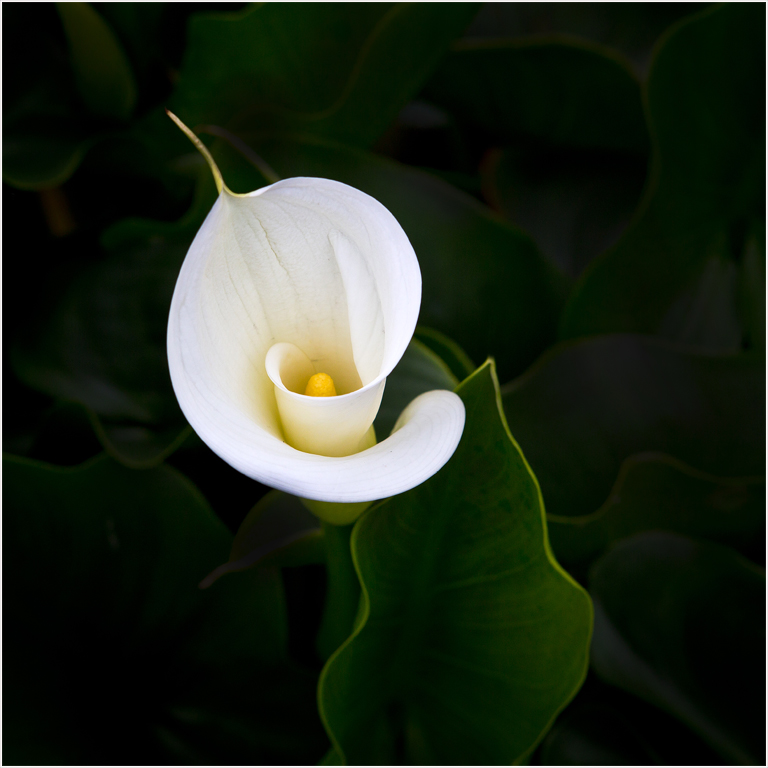
Marcela, I use photoshop burn tool to darken the background and the center of leaf, then dodge tool to brighten up the leaf line. Thank you very much for your comments. |
Apr 13th |
| 57 |
Apr 17 |
Comment |
I like the golden color. The backlight highlights the color and snail
so well. Since the snail looks down, you don't need to leave too much negative space above snail. Lovely image. |
Apr 12th |
| 57 |
Apr 17 |
Comment |
Wind can cause some challenging, faster shutter speed, higher ISO, distorted flower or leaf. You have done well to keep flowers in shape. The background is still distracting. The flower stands in the center which gives static feel. Recommend using Photoshop burn tool to darken the surrounding area so it will highlight the flower. |
Apr 12th |
| 57 |
Apr 17 |
Comment |
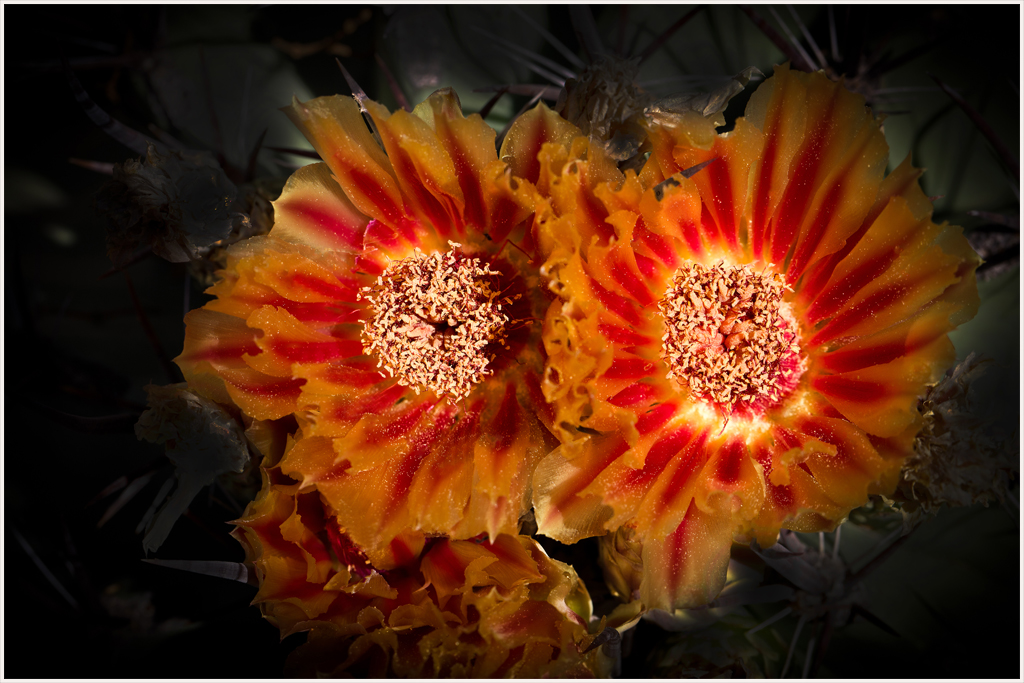
I enjoy the colors and the post processing. It is very artistic. |
Apr 11th |
| 57 |
Apr 17 |
Comment |
It certainly is a beautiful rose image. Darken the background that leads the viewer attentions to the main subject. All of the leading lines also lead to the center of the Rose. I like the center is brighter than the outer rose area. Only concern is that too many fine spay water drews do not look natural enough. |
Apr 7th |
| 57 |
Apr 17 |
Comment |
Beautiful and vivid colors of tulip. It is a very good quality image by iPhone. I suggest darken the left corner of bright leaf area and slightly darken right corner tulip stem. |
Apr 7th |
5 comments - 1 reply for Group 57
|
5 comments - 1 reply Total
|