|
| Group |
Round |
C/R |
Comment |
Date |
Image |
| 29 |
Jun 22 |
Reply |
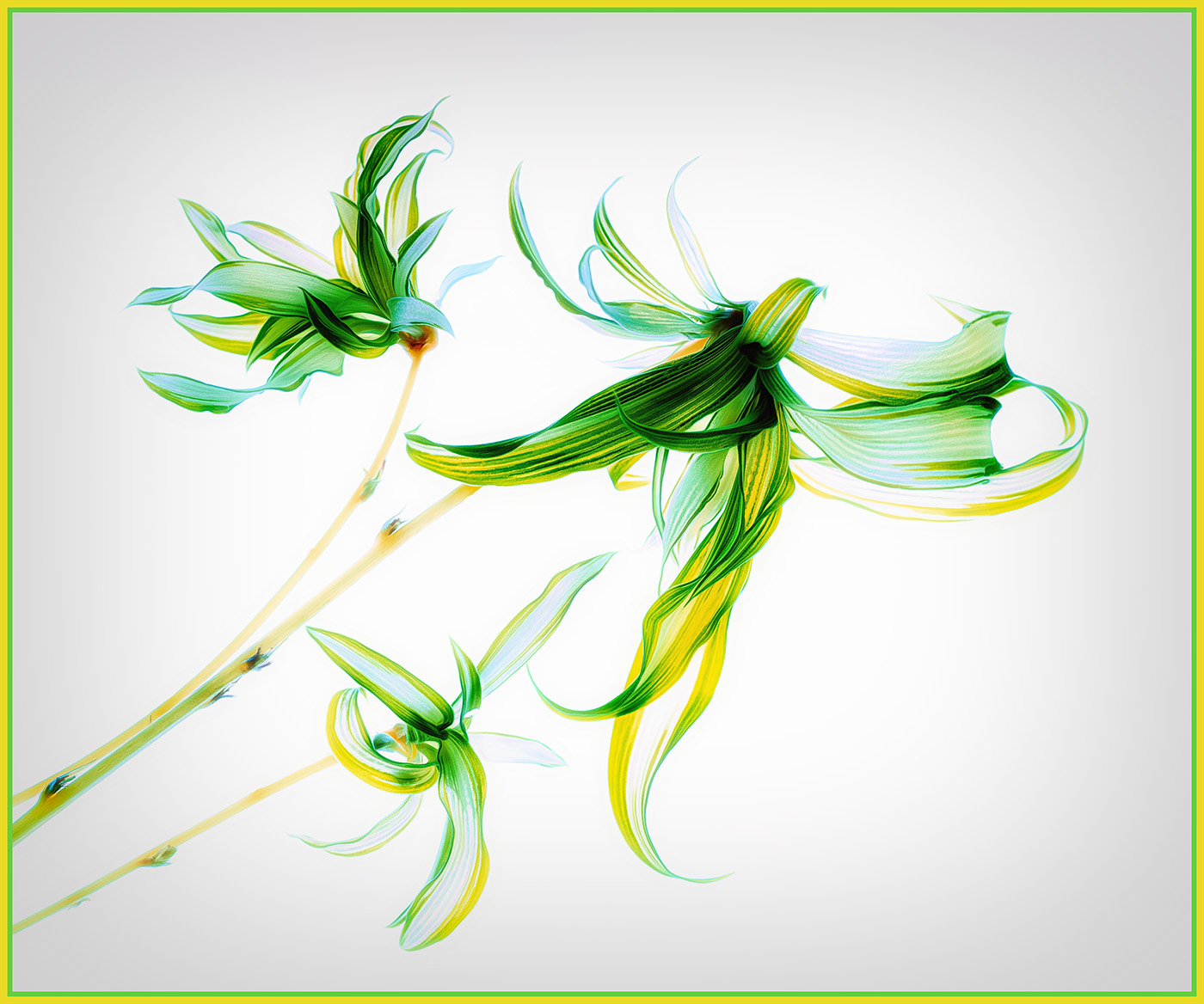
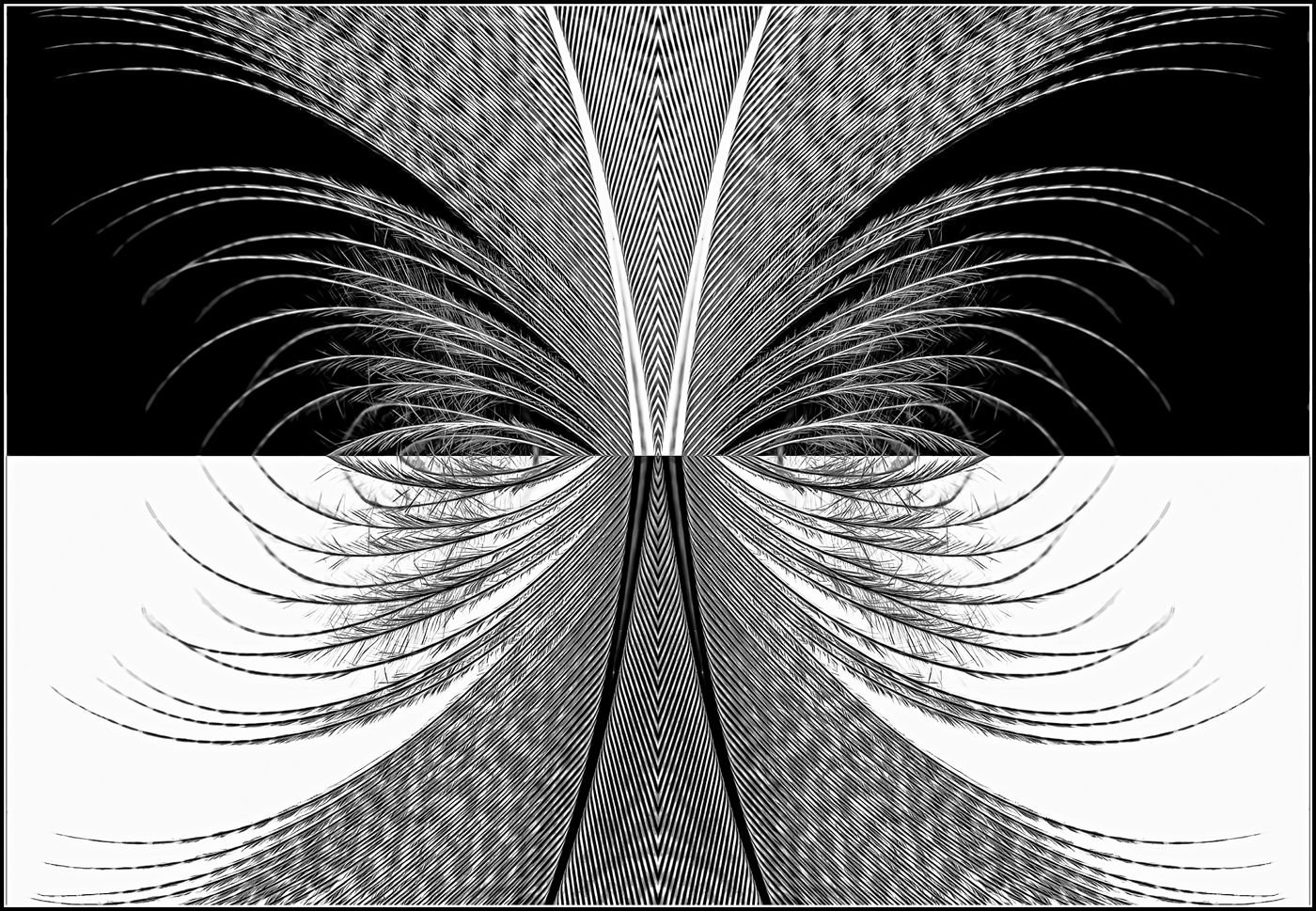
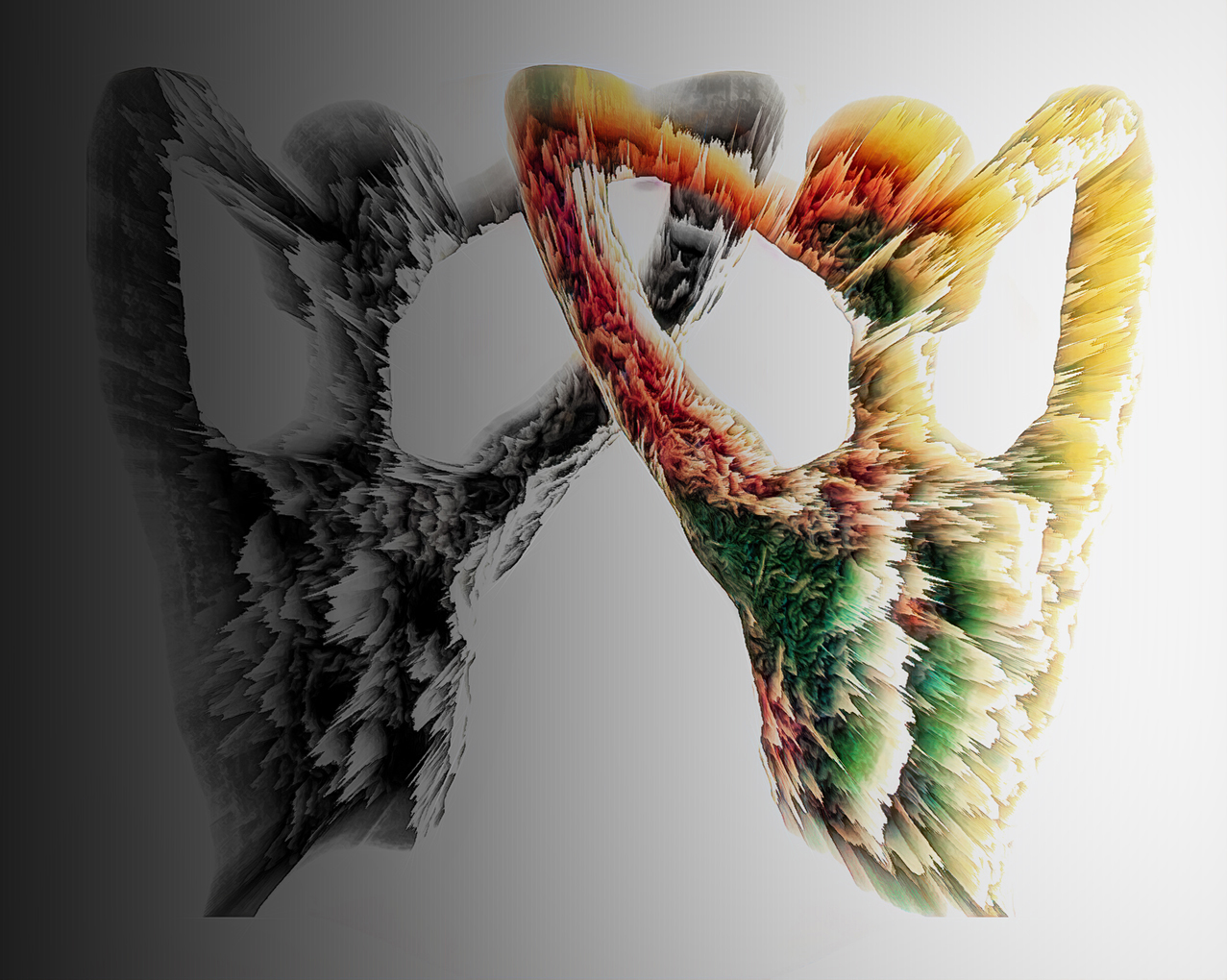
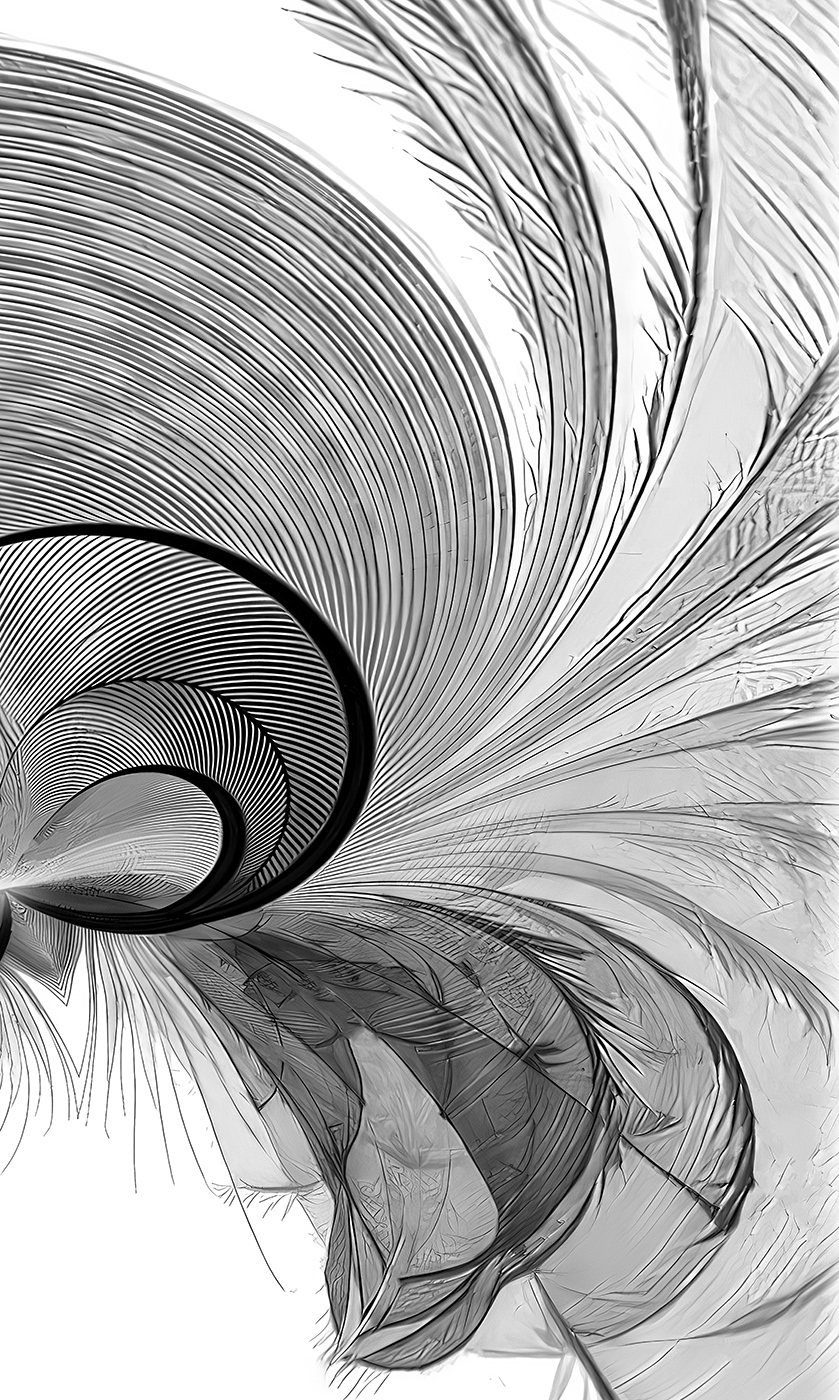
Ron - it's more than OK
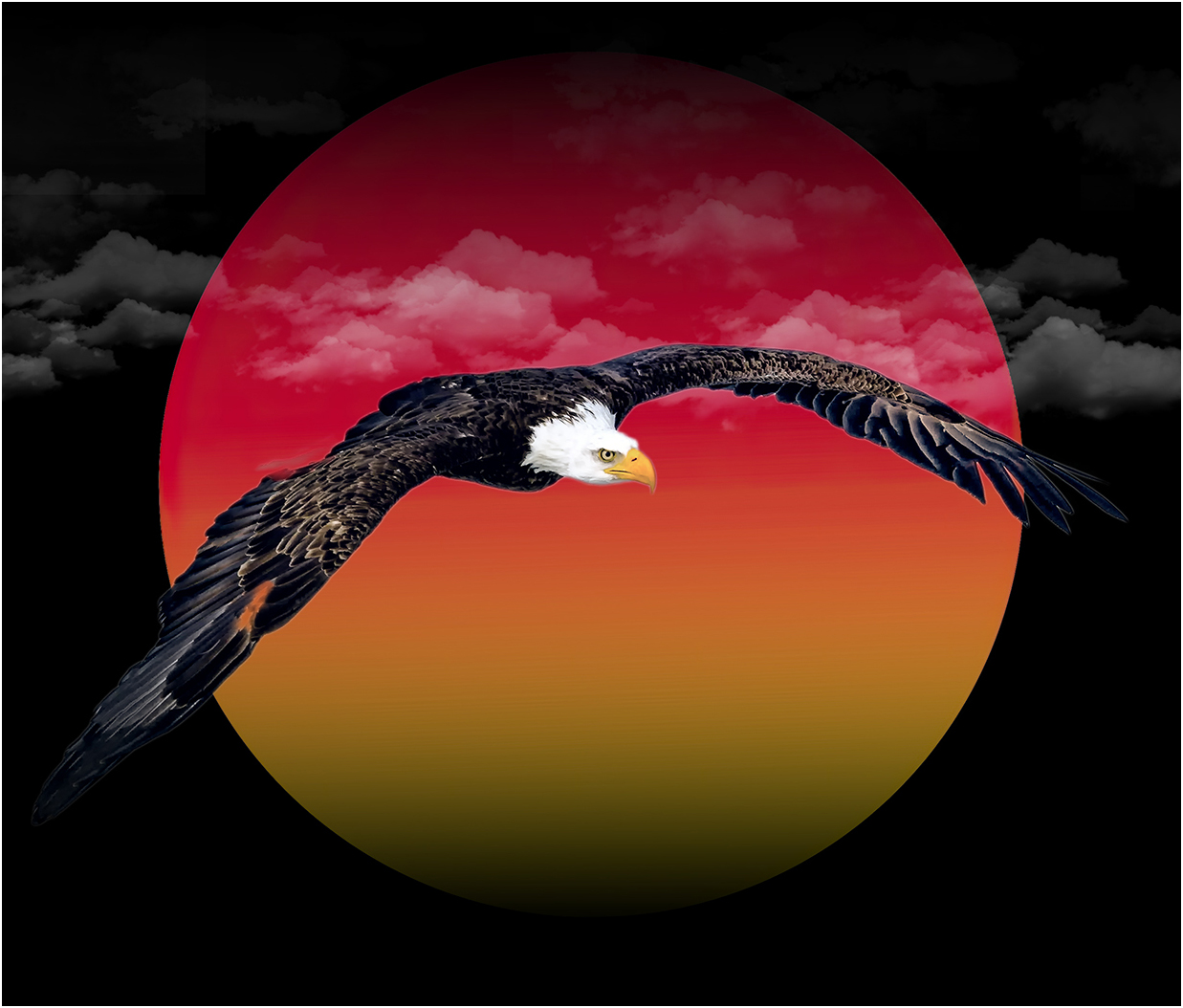
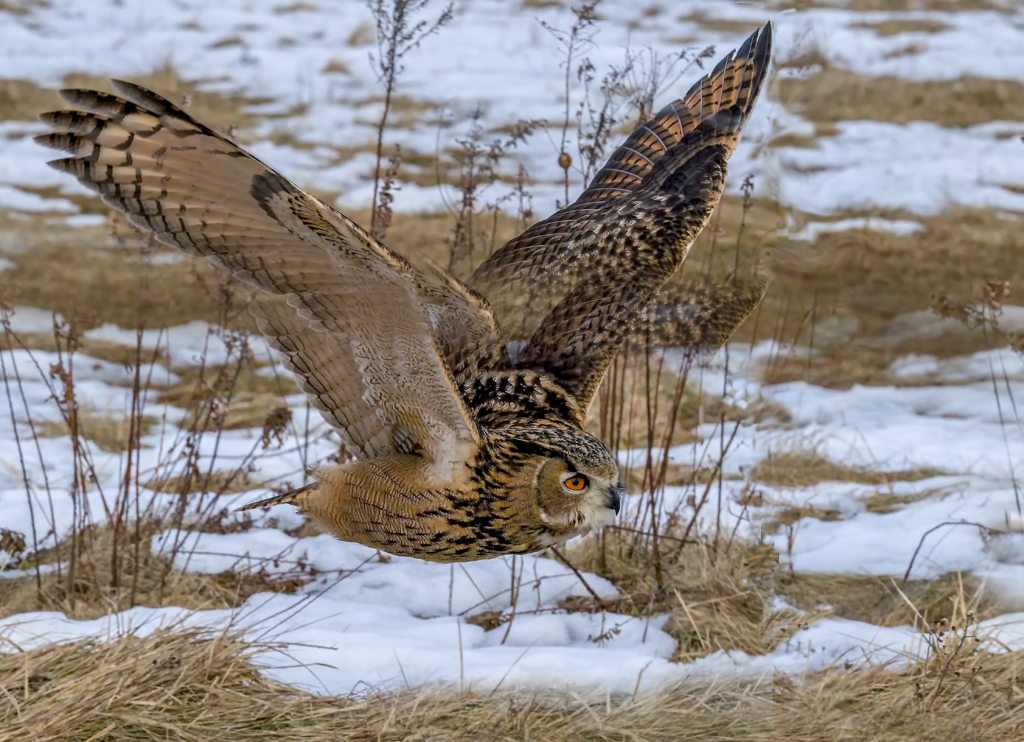
I'll send you a couple more "Feathers" in an eMail - good luck, Gunter |
Jun 18th |
| 29 |
Jun 22 |
Reply |
Thanks, Judy
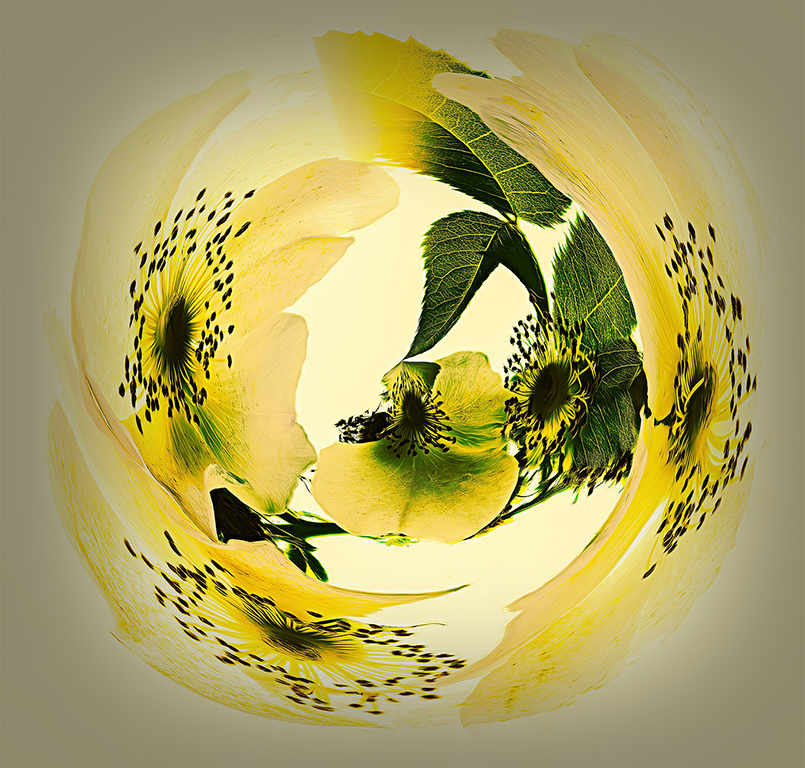
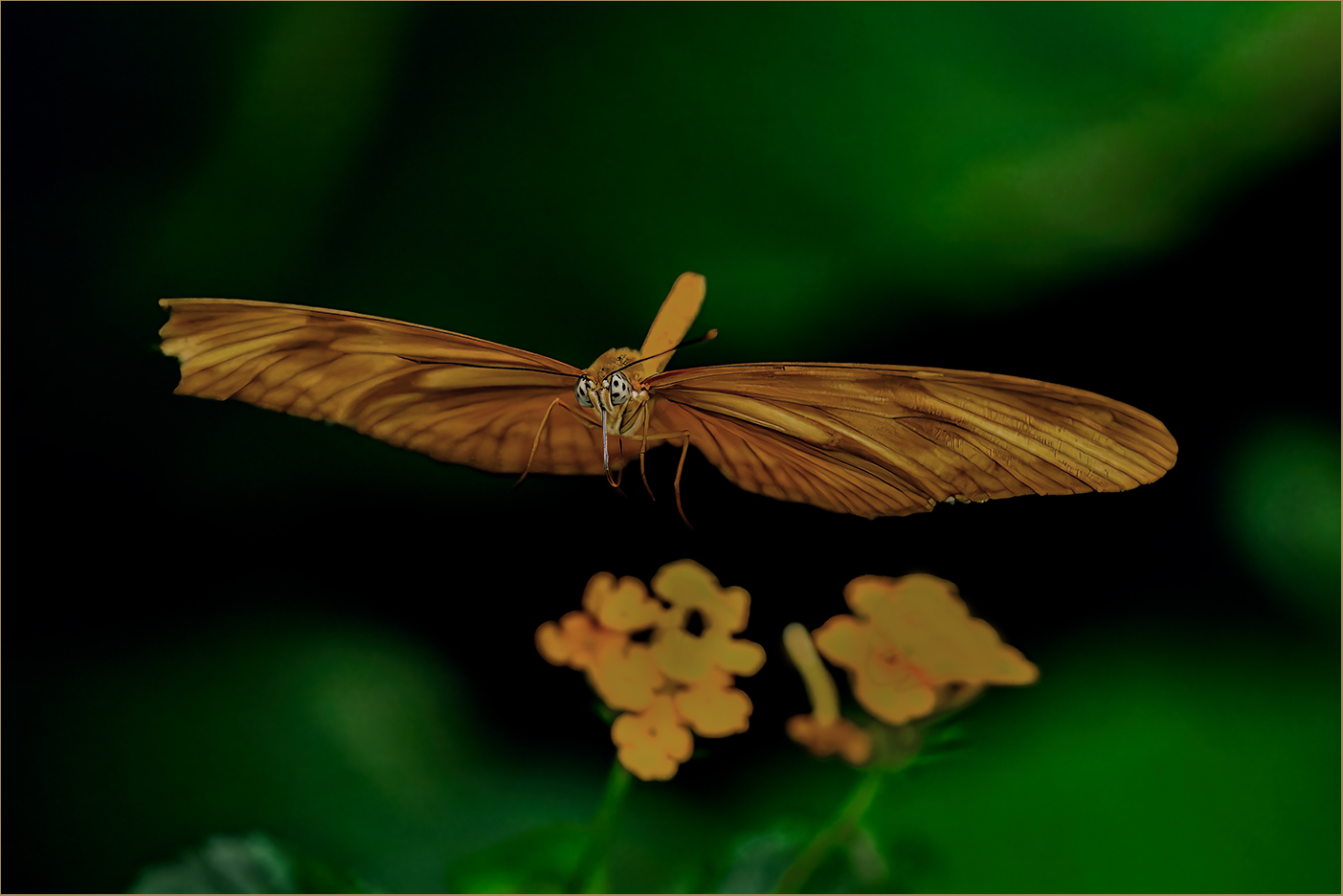
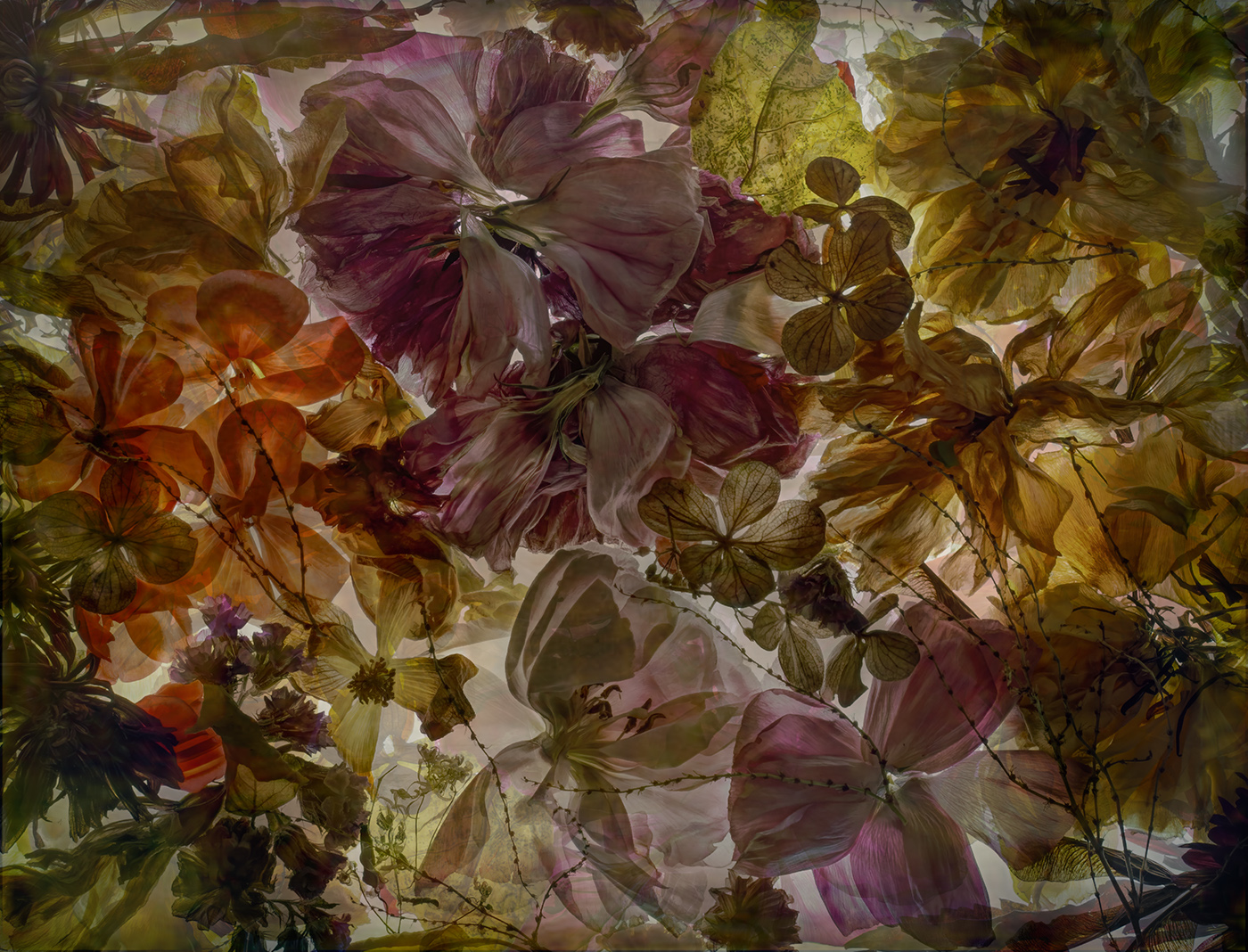
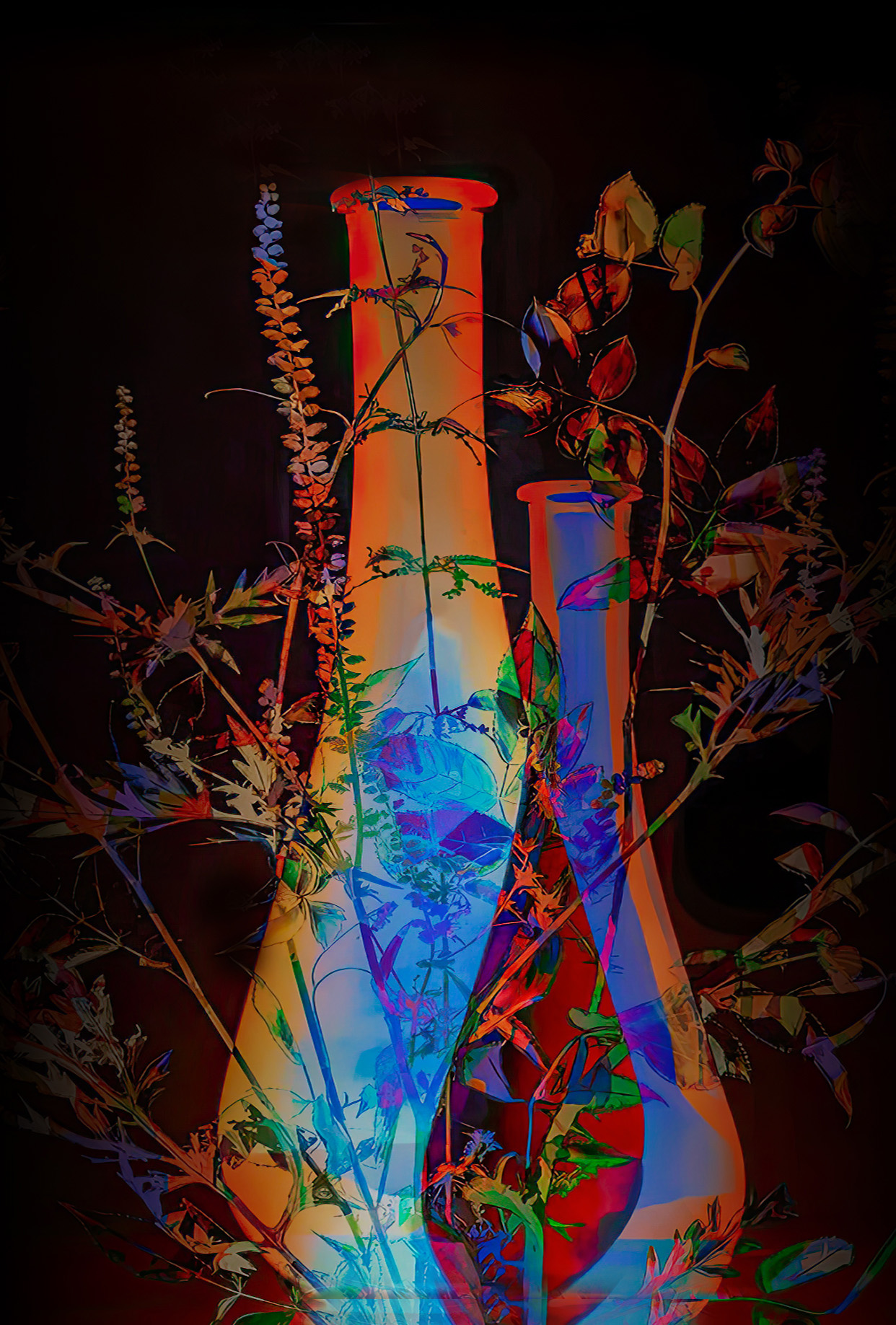
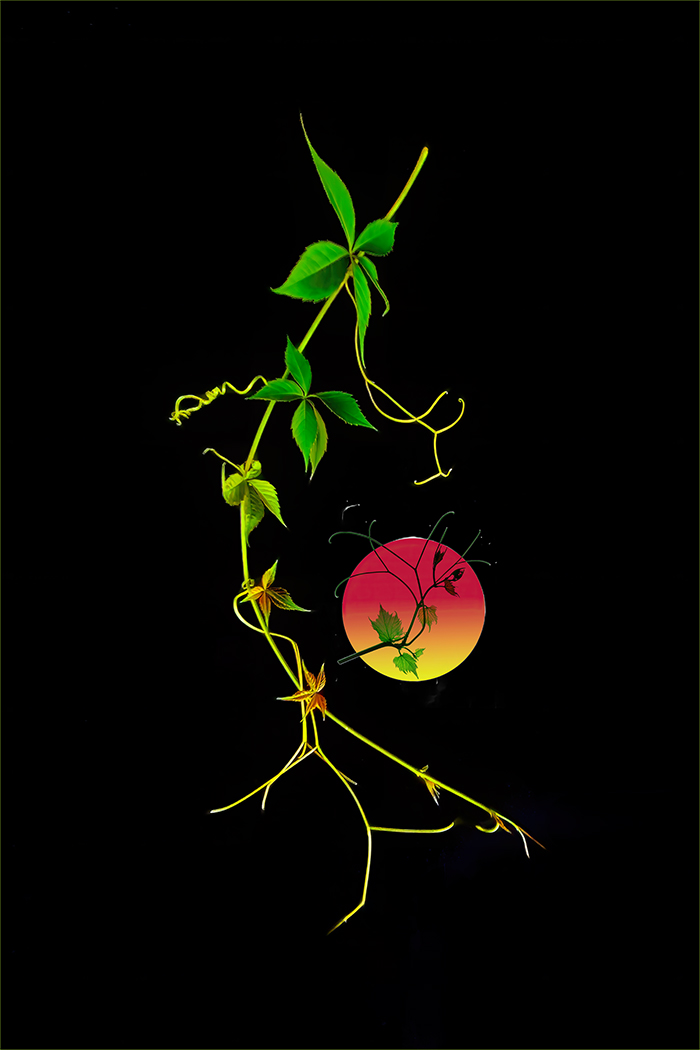
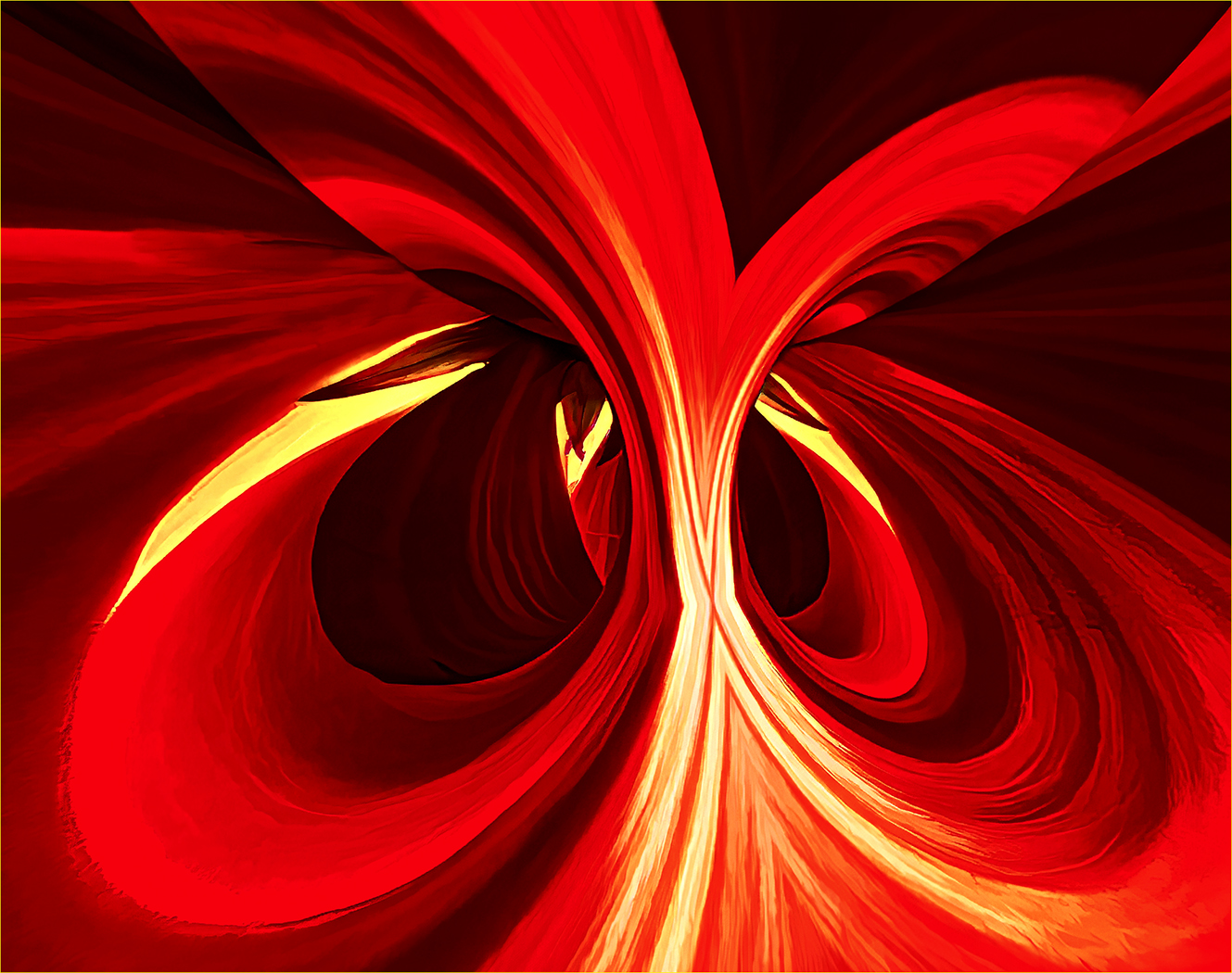
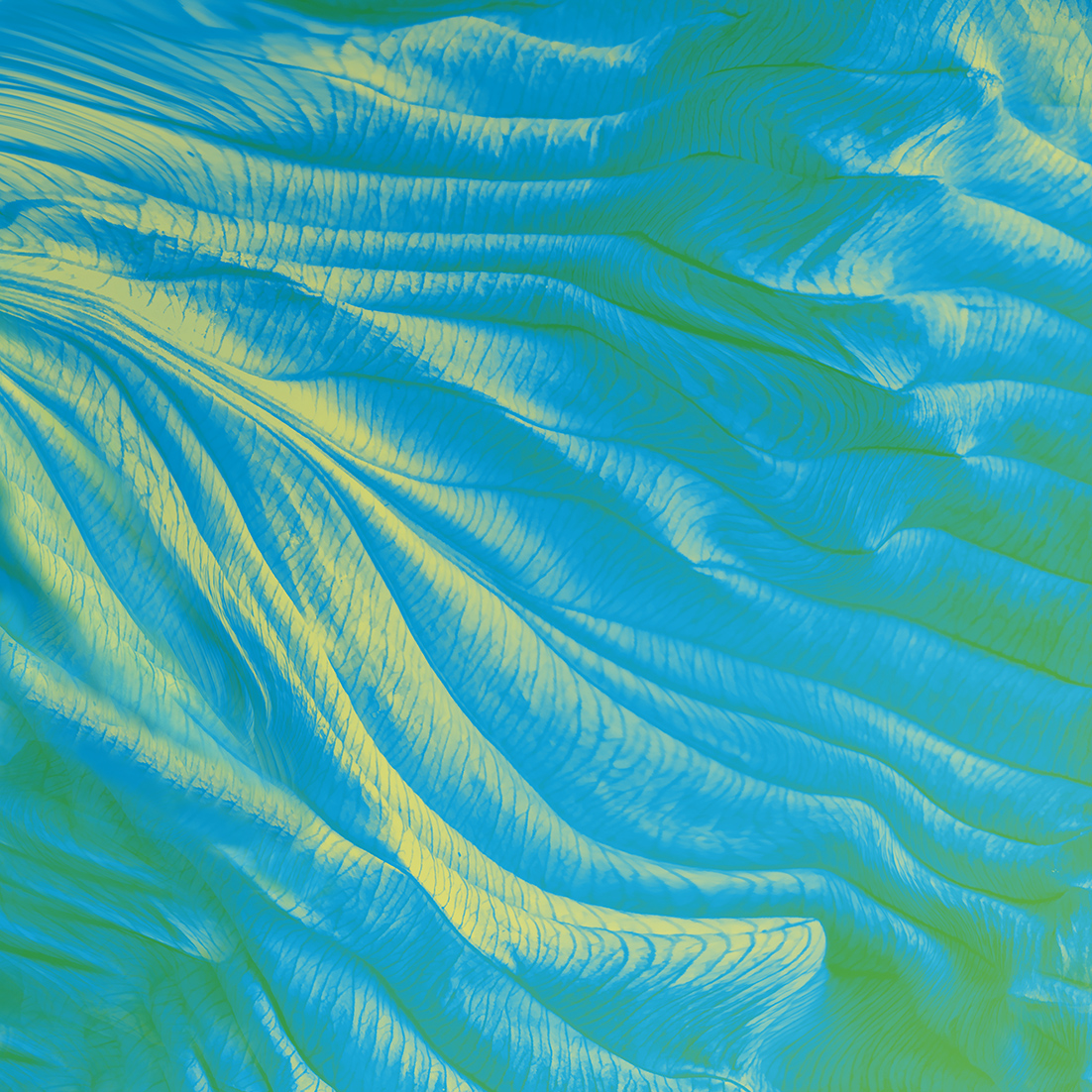
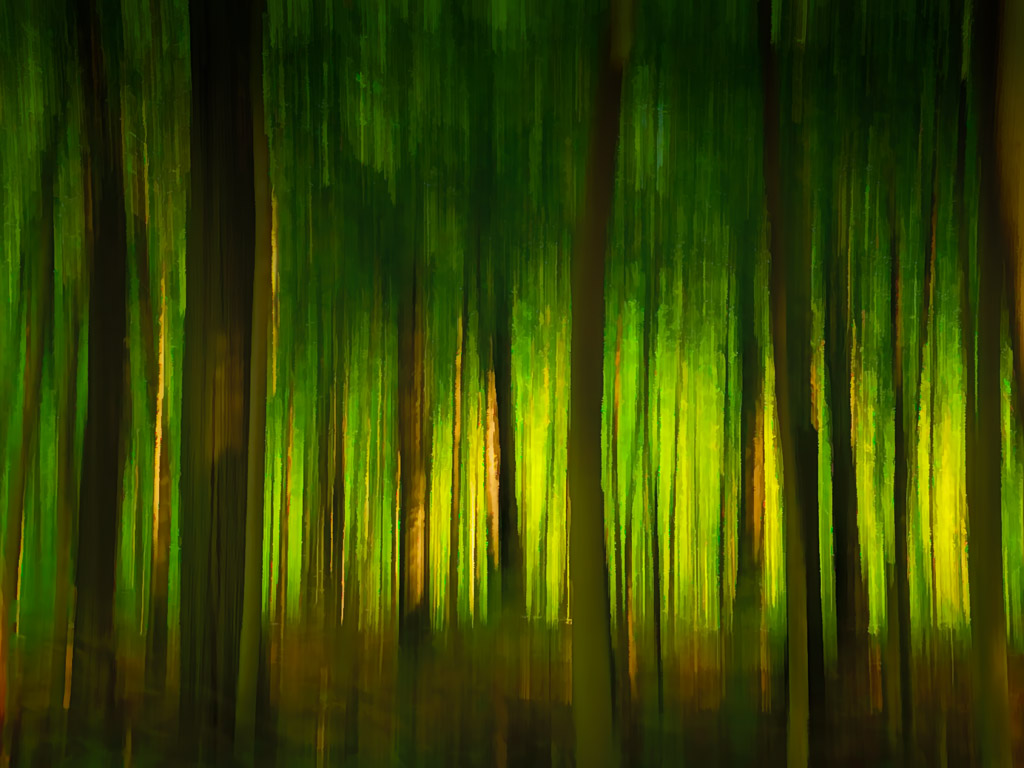
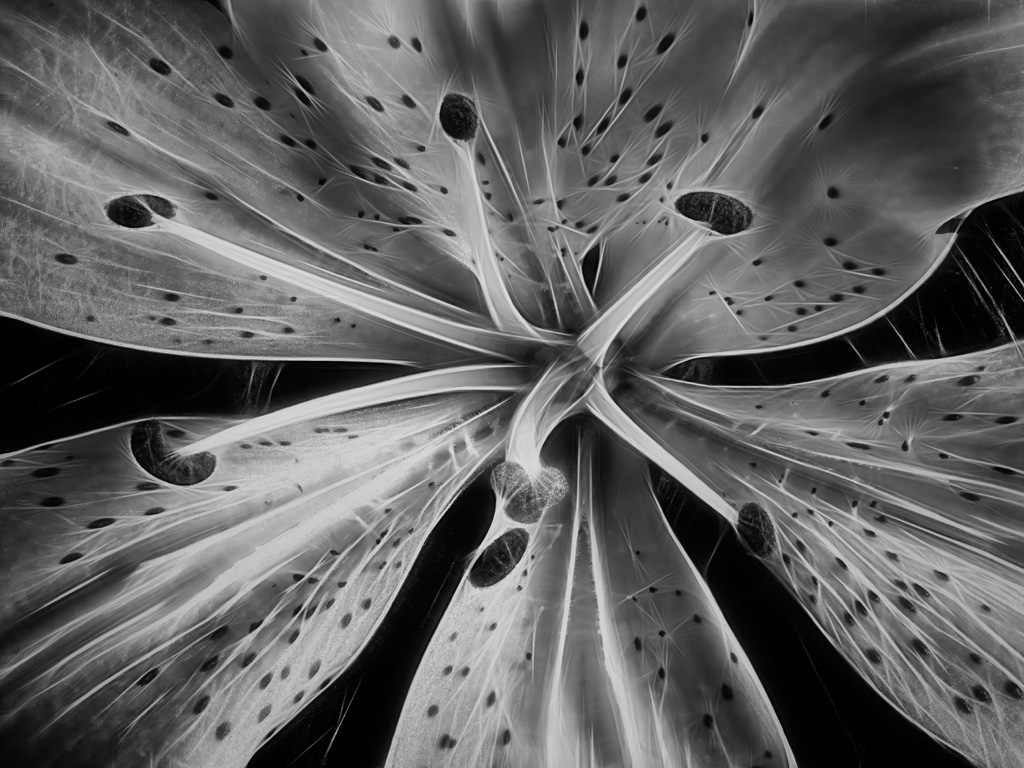
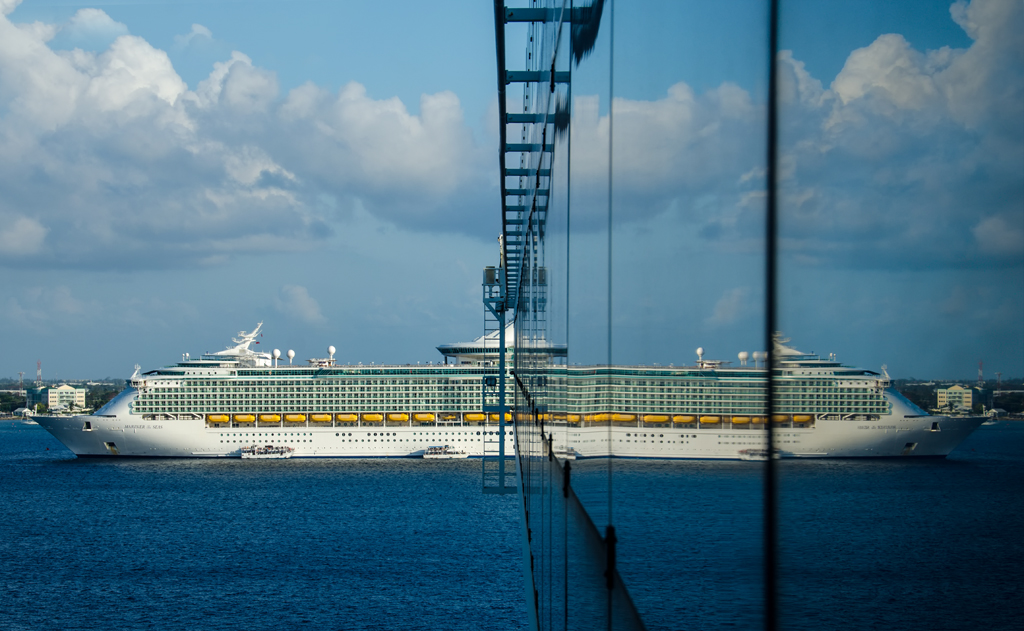
The major creative enhancement for this picture was Mirror Lab - did use Topaz Studio to do some fine tuning.
Not sure if Topaz comes in a package or if you have to buy the features separately. I use Studio extensively, but I also hear that it will be replaced and or just discontinued at some point as they're not doing any more work on it now. I also use Gigapixel, DeNoise, and Sharpening. As you know, there are a ton of plug ins available, but I'm mostly limiting myself to Topaz and NIK - as life is short!
All the best |
Jun 18th |
| 29 |
Jun 22 |
Reply |
Thanks, Karen
Really like the effect, and will explore it |
Jun 18th |
| 29 |
Jun 22 |
Reply |
Bob, thanks for letting me 'play' with your work. Selfishly, I learn a lot from this.
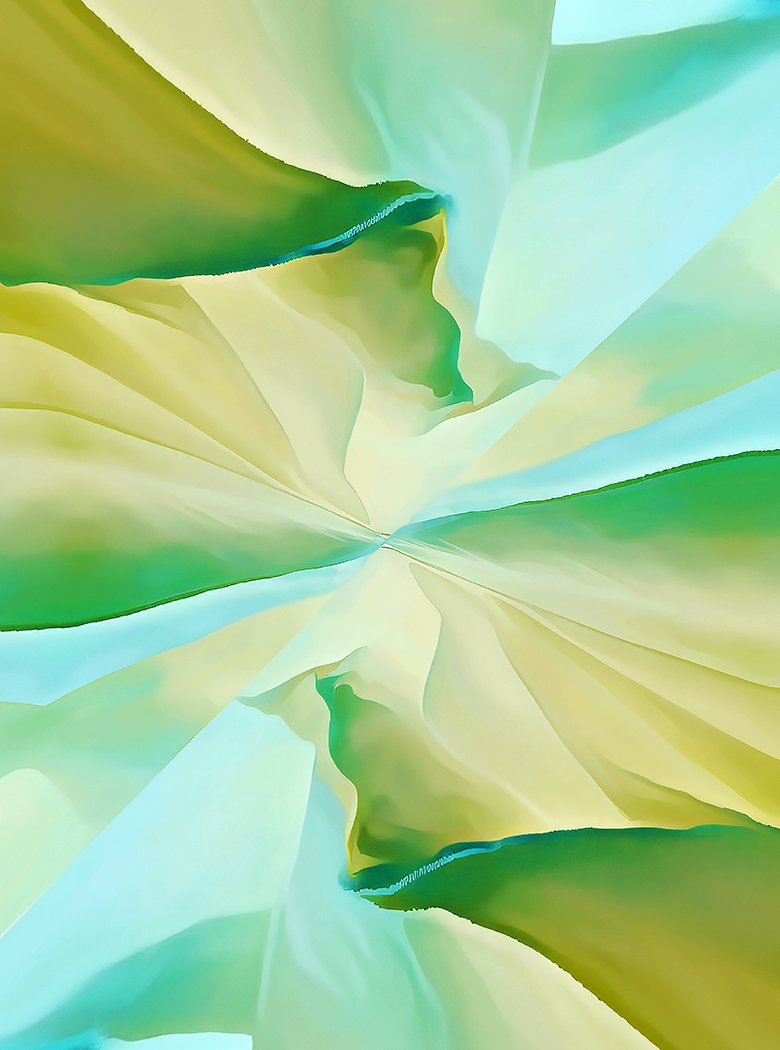
The portrait orientation is obviously not the image I posted, but an image I was in the process of working on, when I stopped to do the very tight crop. See attached.
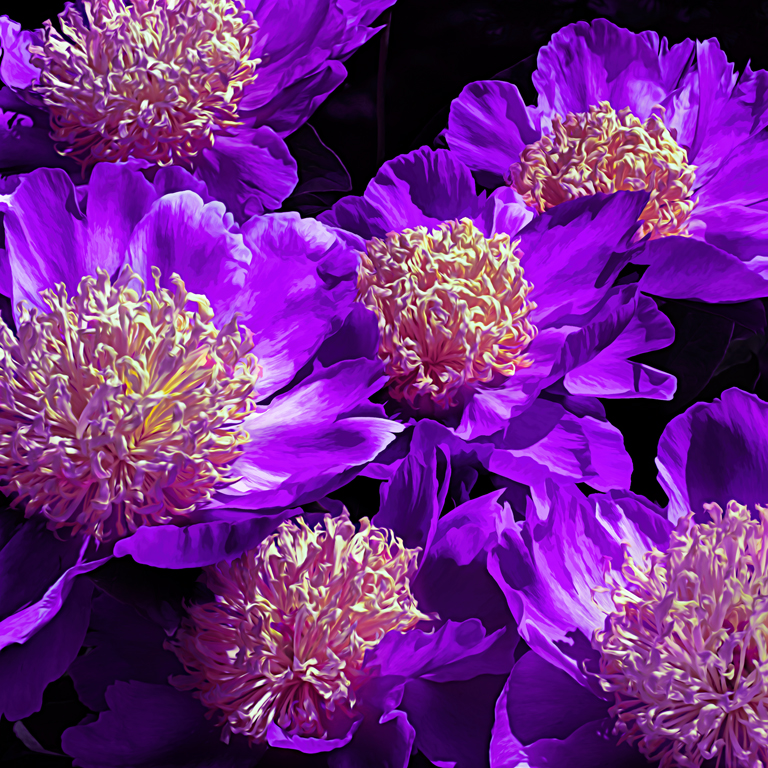
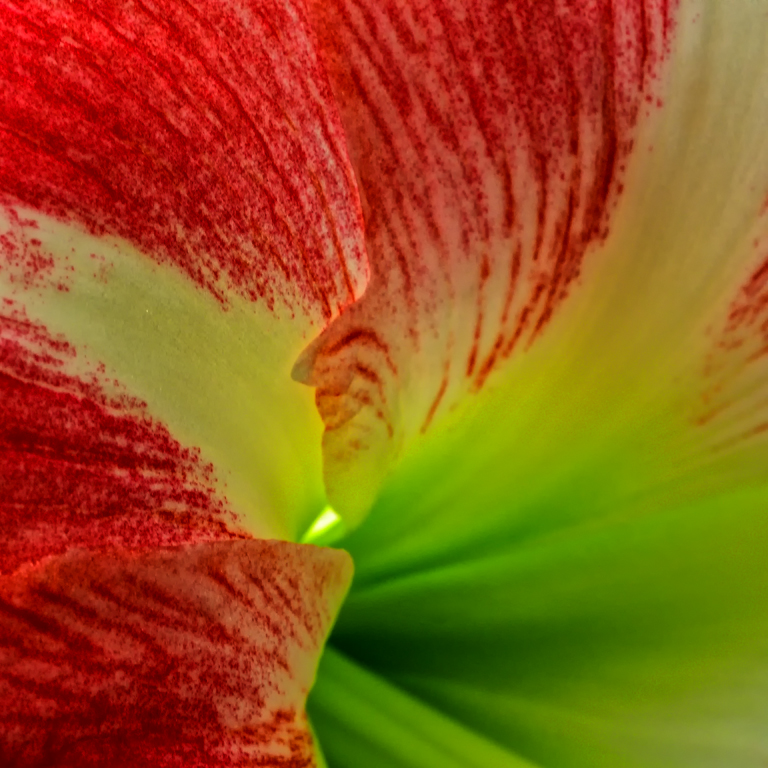
In terms of using leading lines to find ones way to the major point of interest - I think a very valuable approach and used a lot - however, for myself, I tend to also use colour and especially light to achieve the same result. In your Iris, my eyes went immediately to the yellow design and texture in the middle of the flower - so I saw no need for anything else to take me there. As for cropping the top of the petal - actually not much going on in the top half, and did not want the eyes taken away from the POI. .....and that's why there is vanilla and chocolate ice cream! Thanks again for the opportunity |
Jun 12th |
 |
| 29 |
Jun 22 |
Reply |
Thanks, Karen
Would you share with me what software you used for the gorgeous butterfly? Always on the lookout for more creative ideas - thanks |
Jun 12th |
| 29 |
Jun 22 |
Comment |
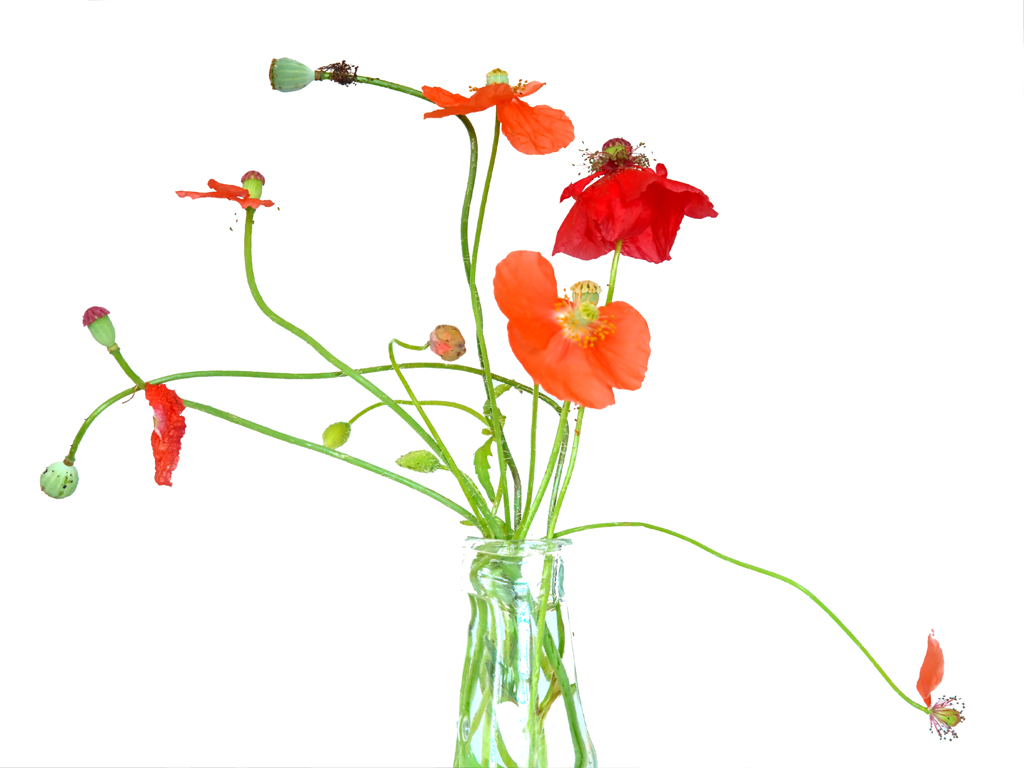
An interesting subject, for sure. I'm assuming you were looking for a selective focus and glow/blur effect - the focal point being the 4 coloured blooms. With an f2.8 setting the DOF is very shallow, and in this case I can only see 2 or 3 red tips and the bottom of the open bloom in focus, and everything else blurred. For me, there is not enough in focus to enjoy this arrangement. Also too many blown highlights. I messed with it a bit - hope you don't mind - cropped the bottom, took some of the blur out (not very successfully), and cleaned it up a bit - but at the end of the day, still not a very successful selective focus image - my opinion only. |
Jun 10th |
 |
| 29 |
Jun 22 |
Comment |
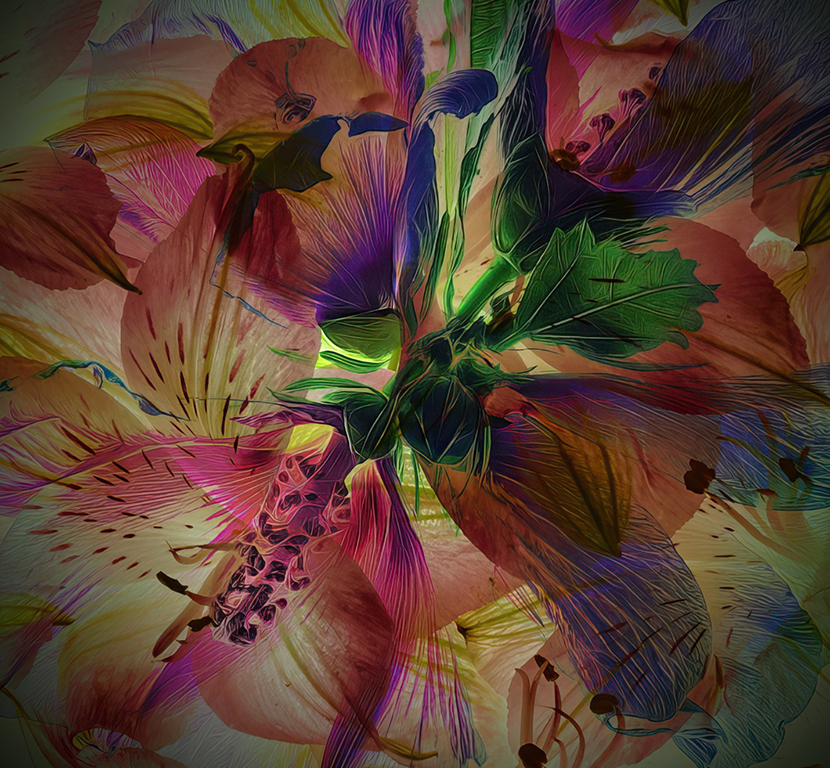
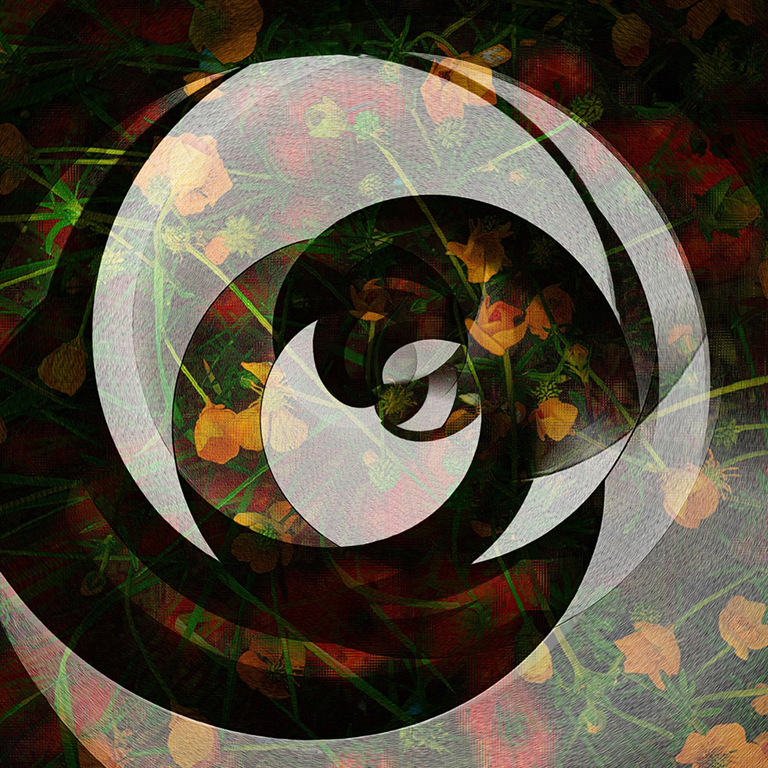
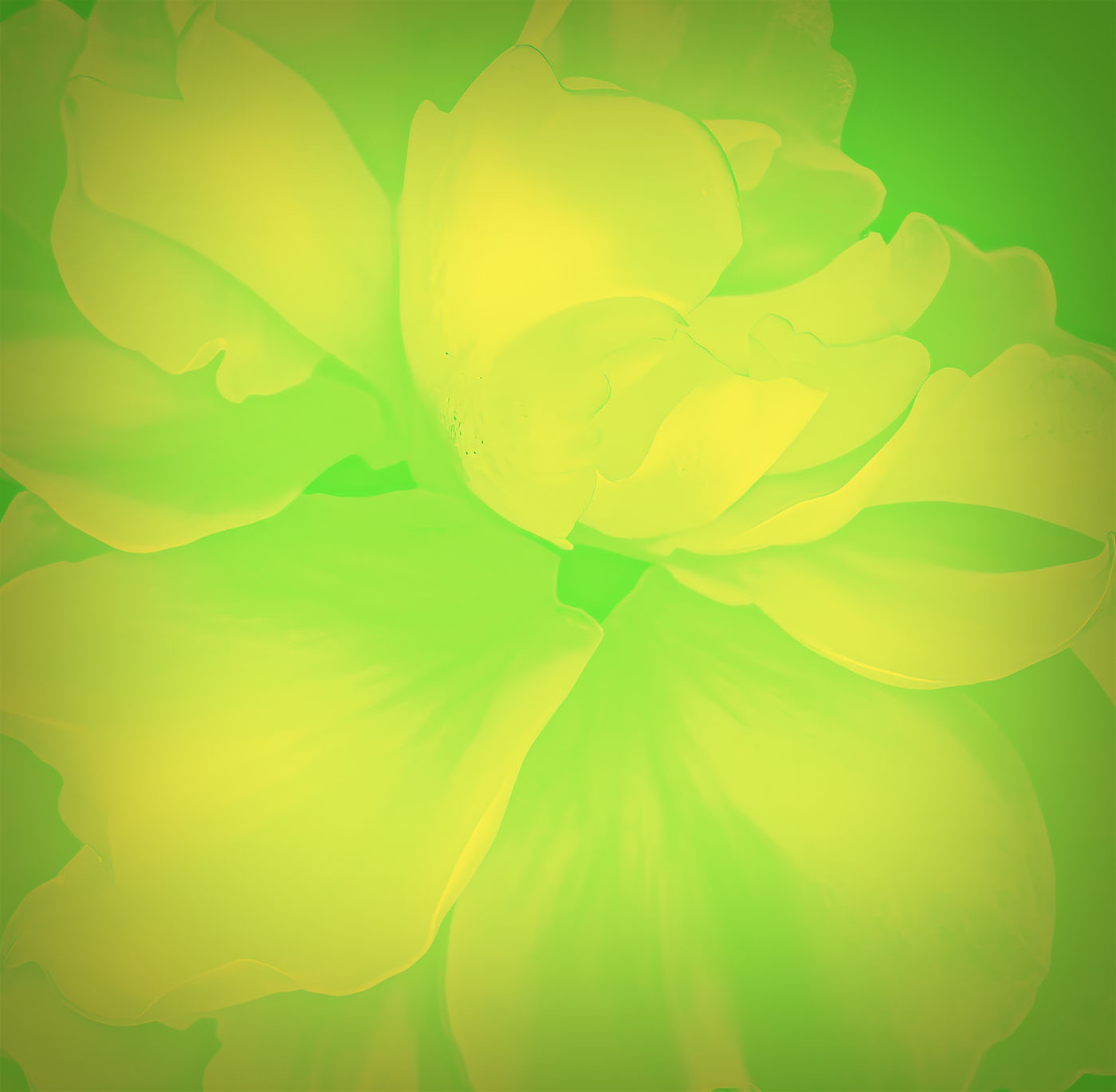
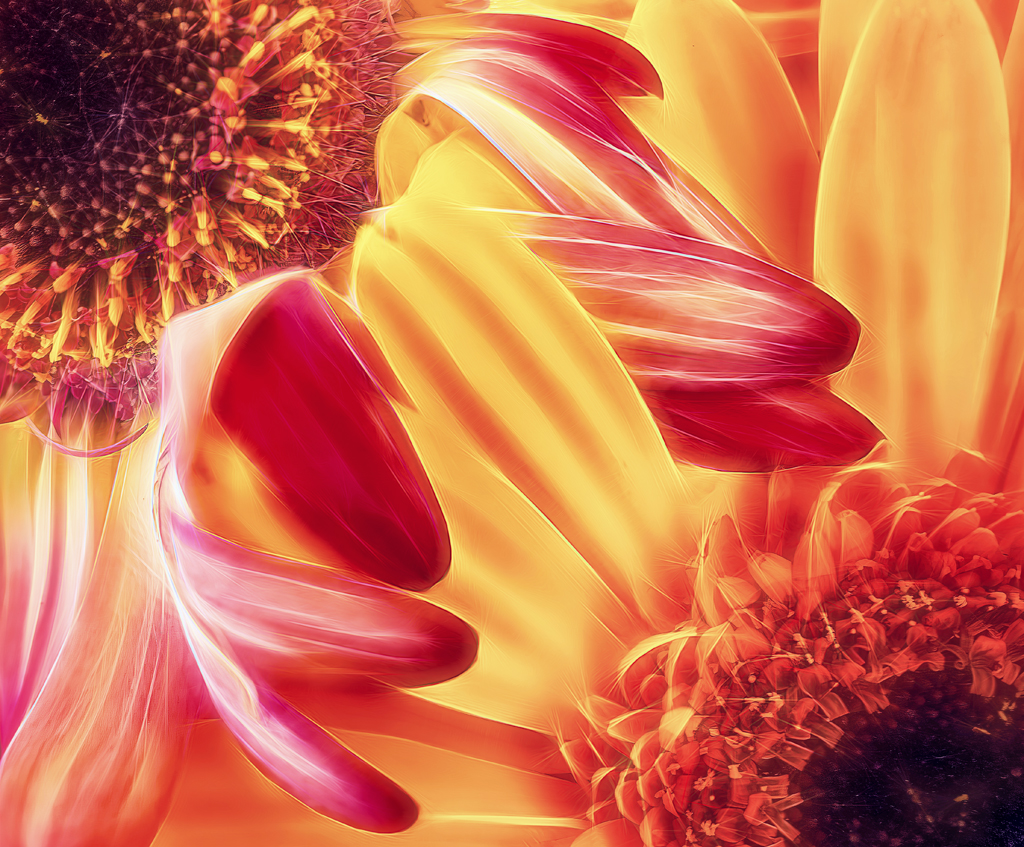
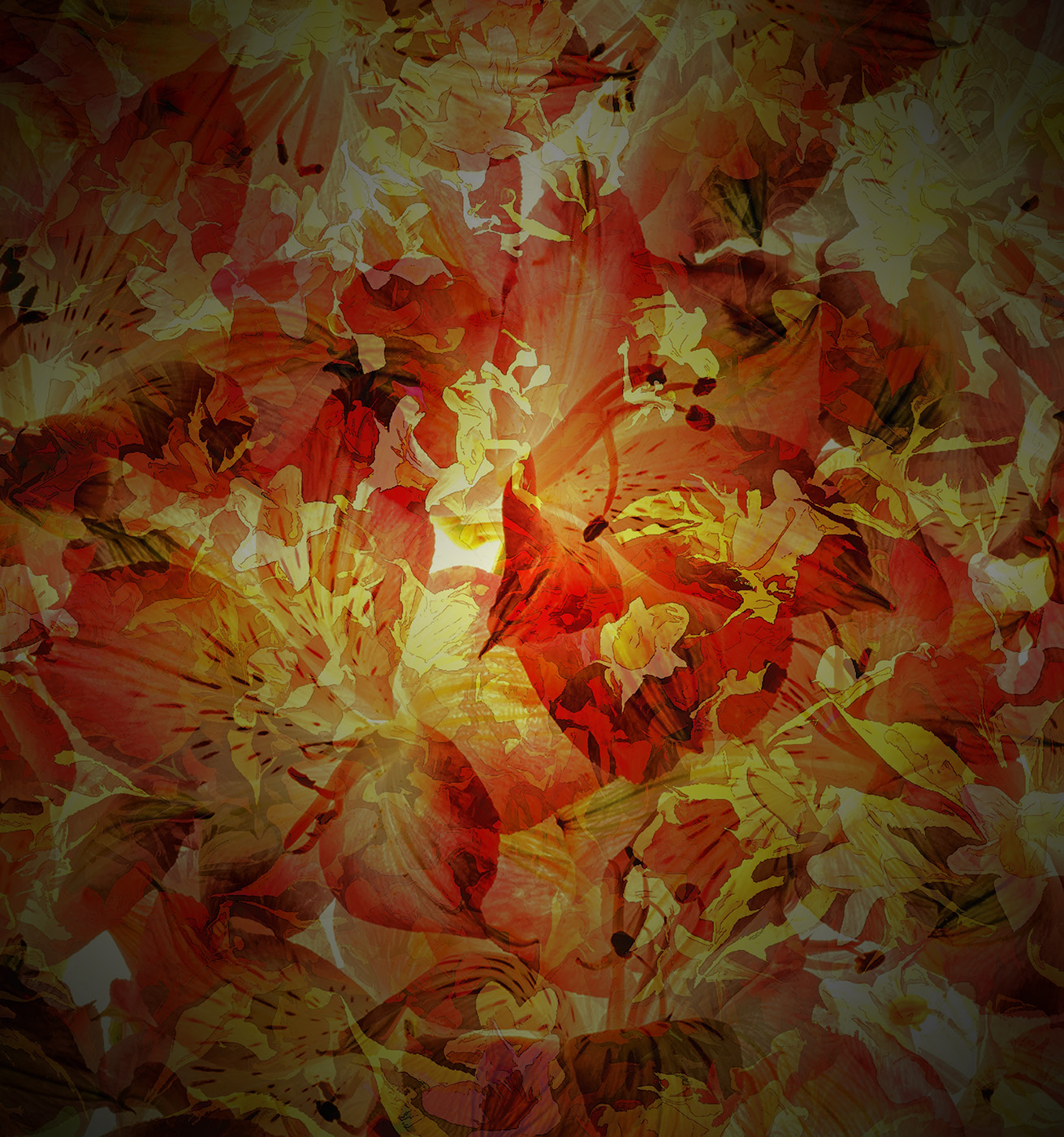
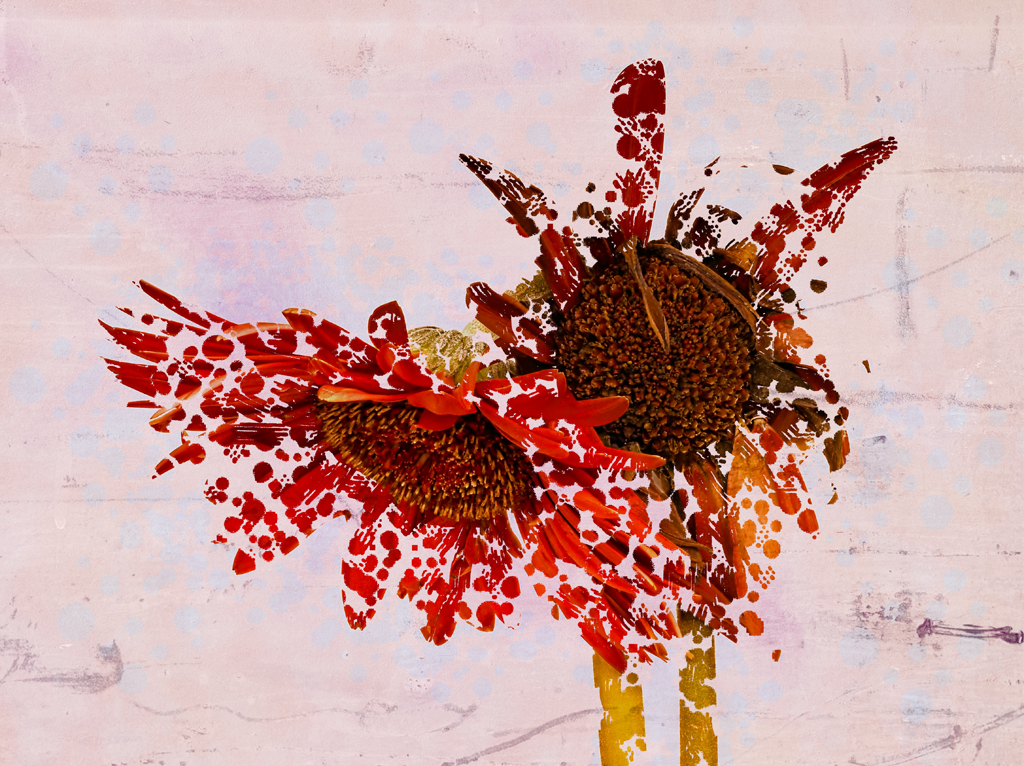
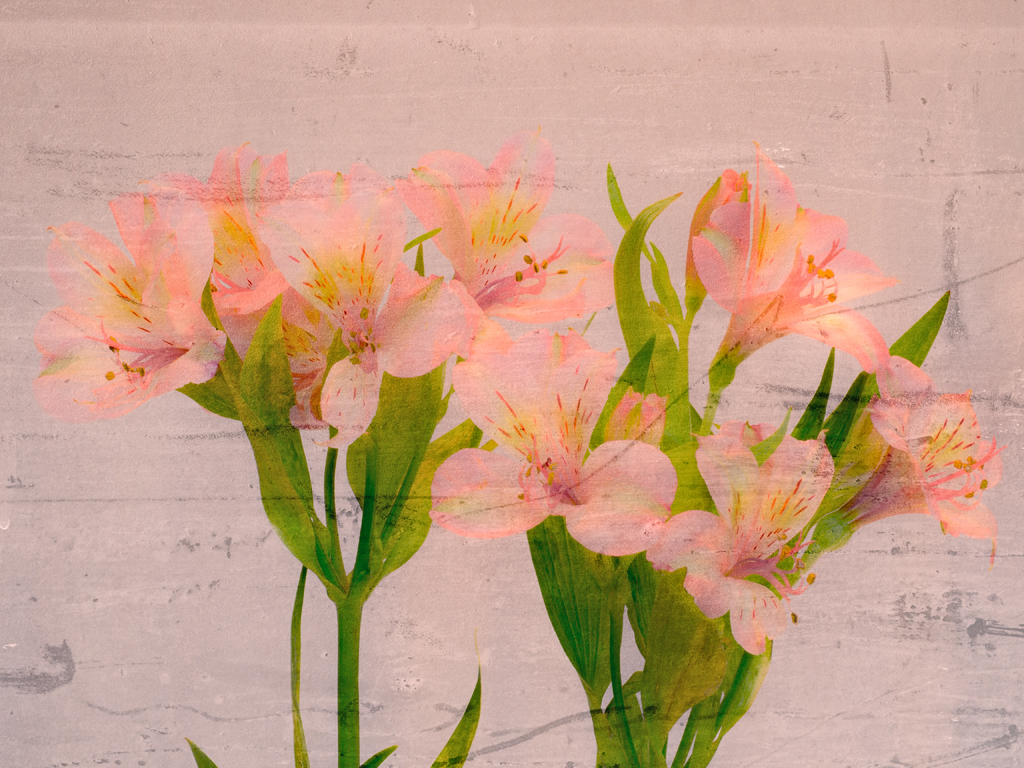
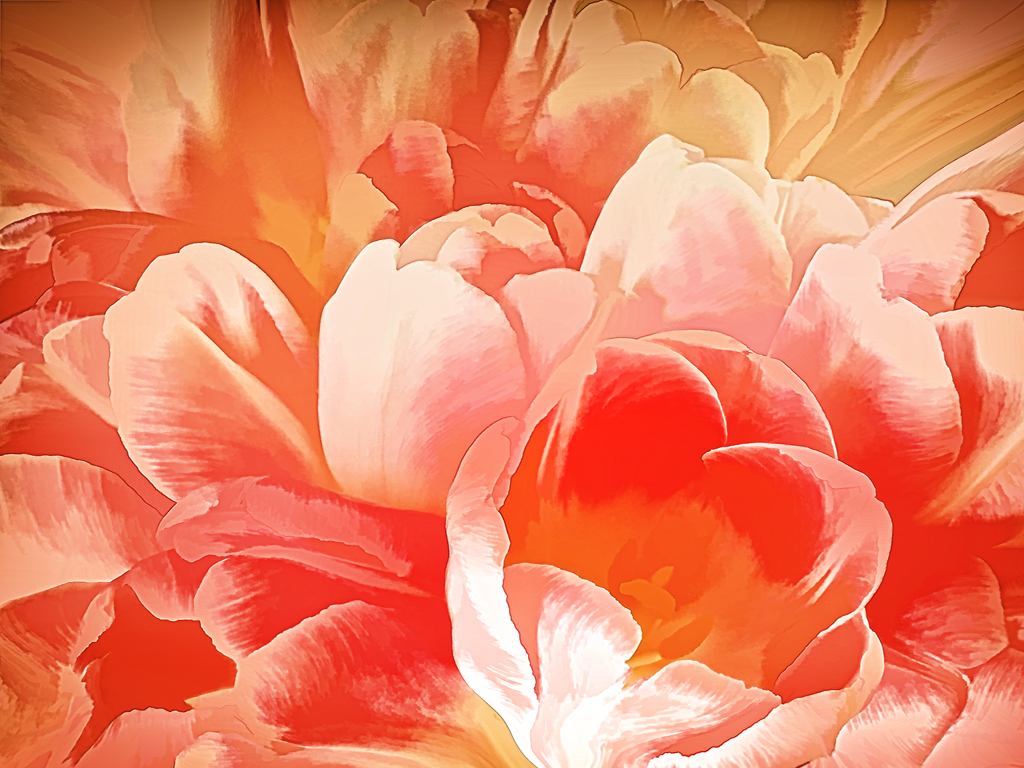
What an 'eye-popper' - no problem with finding the point-of-interest. I like this interpretive Iris quite a bit - think the flower is suited to this type of treatment - love the colours and texture. My only suggestion was going to be to do a portrait orientation in order to eliminate what I consider distraction around the outside. (Hope you don't mind if I 'played' with this a bit!)
So when I cropped it, which I liked, I thought what about cropping more to isolate the intricate design near the middle of the flower. Have attached this copy. Be interested in your comments.
|
Jun 10th |
 |
| 29 |
Jun 22 |
Comment |
I like this picture a lot - great colours and texture, and like the grasses in front of the moose, and the sharpness of the eye. Great nature shot - would not change a thing - well maybe one thing on the nitpicky scale. Would prefer just a bit more space around the moose - for a large animal the space seems a bit tight to me.
|
Jun 10th |
| 29 |
Jun 22 |
Comment |
Ahhhhhh - a breath of fresh air!!! Love this picture because it is so real - the more clutter, the better, because that's a big part of the story. As per usual, this picture is technically very well executed. Exposure, composition, sharpness, colours and textures. Kudos on a beautiful documentary image.
I like Karens adjustments to the barnboards, but would not touch the sky - her sky is so striking it completes with the barn, and I prefer the original. But that's me.
|
Jun 10th |
| 29 |
Jun 22 |
Comment |
Can't go wrong with pictures of roses! This is no exception. Although not super sharp, it does have a nice glow. Also congratulate you on the fine touch with the colouring - Some of us, me included, often try to 'improve' on nature by using all editing options, and often do not improve the image. In this case, I think cropping it to remove some of the fence and busy background makes sense. Bob is right, with limiting editing capabilities, one needs to move around quite a bit to get close to the final composition you would like.
As for acquiring an editor, I suggest that Photoshop might be a bit of a 'reach' for a relative beginner - learning curve can be brutal and frustrating. I've used another Adobe product for 15 or so years, and it's been terrific - it's called Elements. Really great as it gives you the options for the amount of editing, everything from one-touch to very detailed Photoshop-like adjustments. I use about 75% of Element capabilities, so I don't plan to upgrade to Lightroom/Photoshop. My 2 cents worth!!
Good luck in your journey, and we're all here to help if you need it.
|
Jun 10th |
| 29 |
Jun 22 |
Comment |
I like this picture quite a bit - super colours, interesting composition, interesting background. I like the look of concentration on the person as well. Although in doubt as to who he is or what he's doing - so it gives me the freedom to imagine. I imagine he is a hiker, looking at a map. 2 suggestions - eliminate the halo around the head and eliminate (crop) about 1/3 the sky on top - as it is, it appears the sky is in competition for 'star of the show'. |
Jun 10th |
6 comments - 5 replies for Group 29
|
| 34 |
Jun 22 |
Comment |
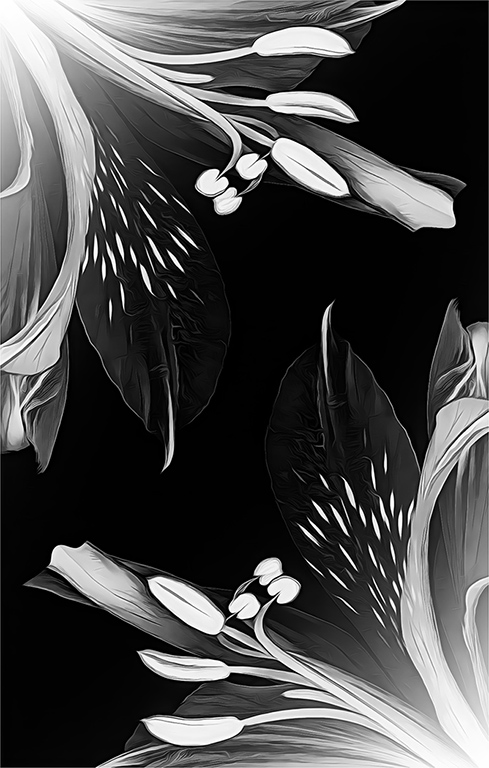
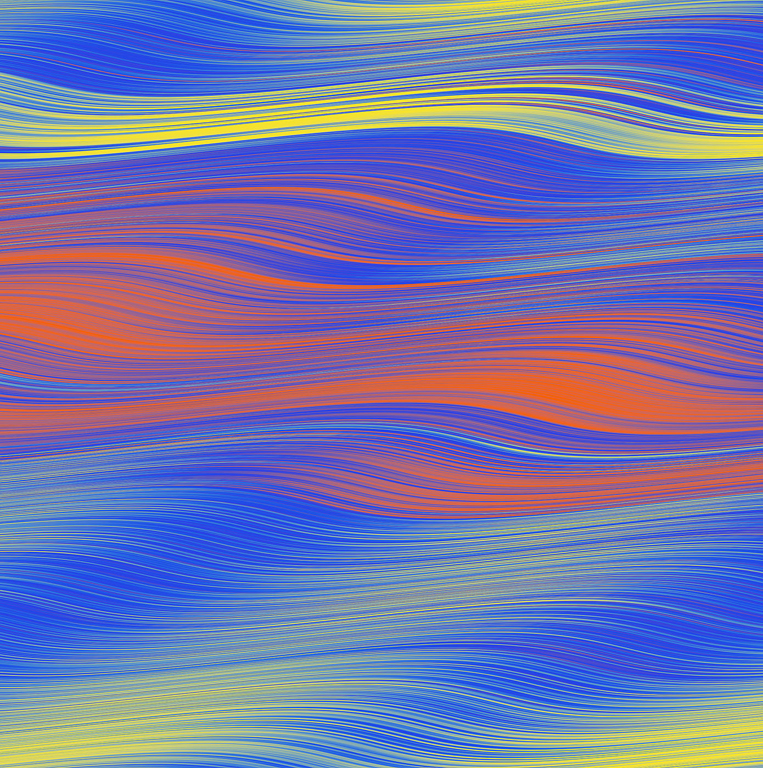
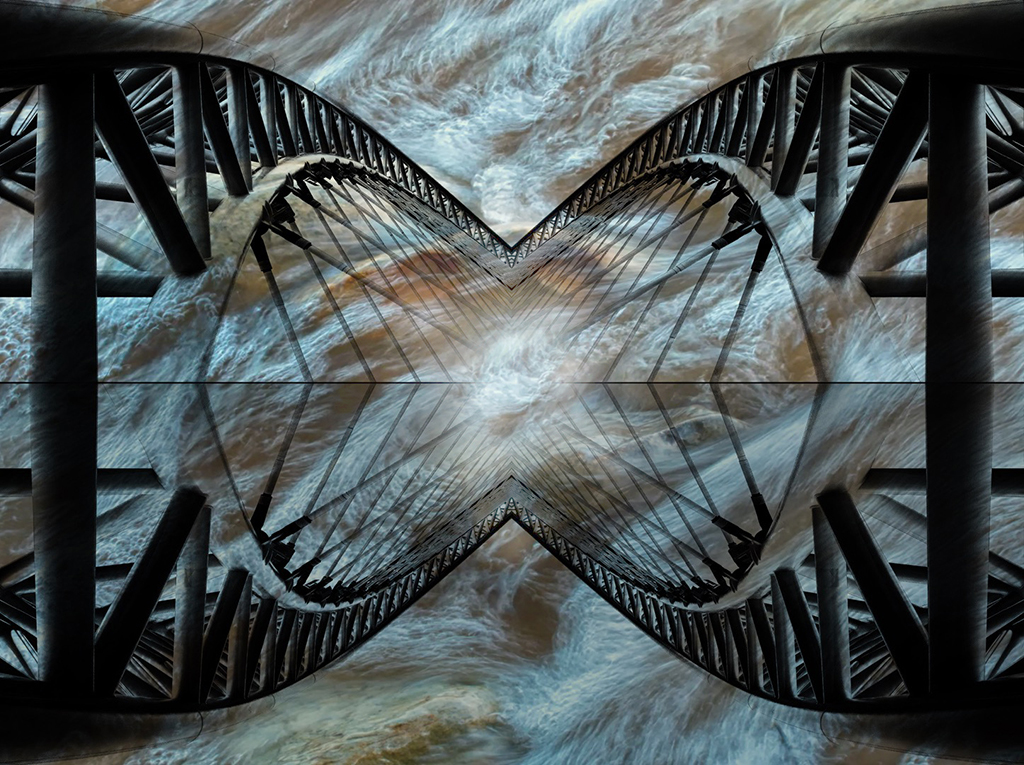
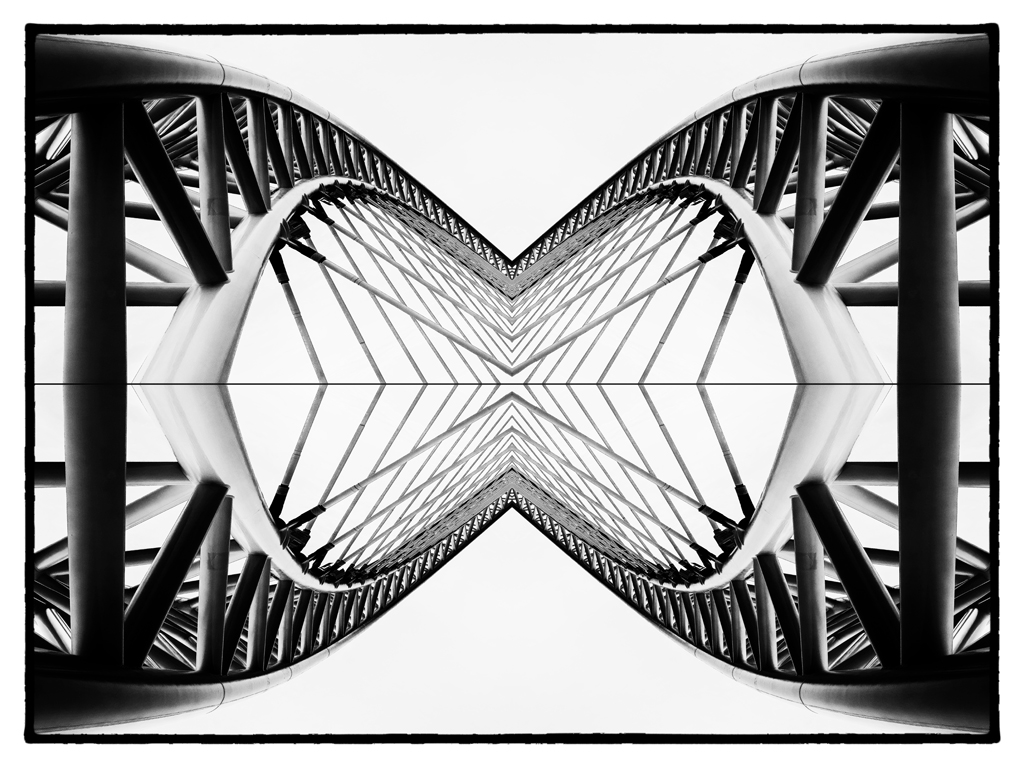
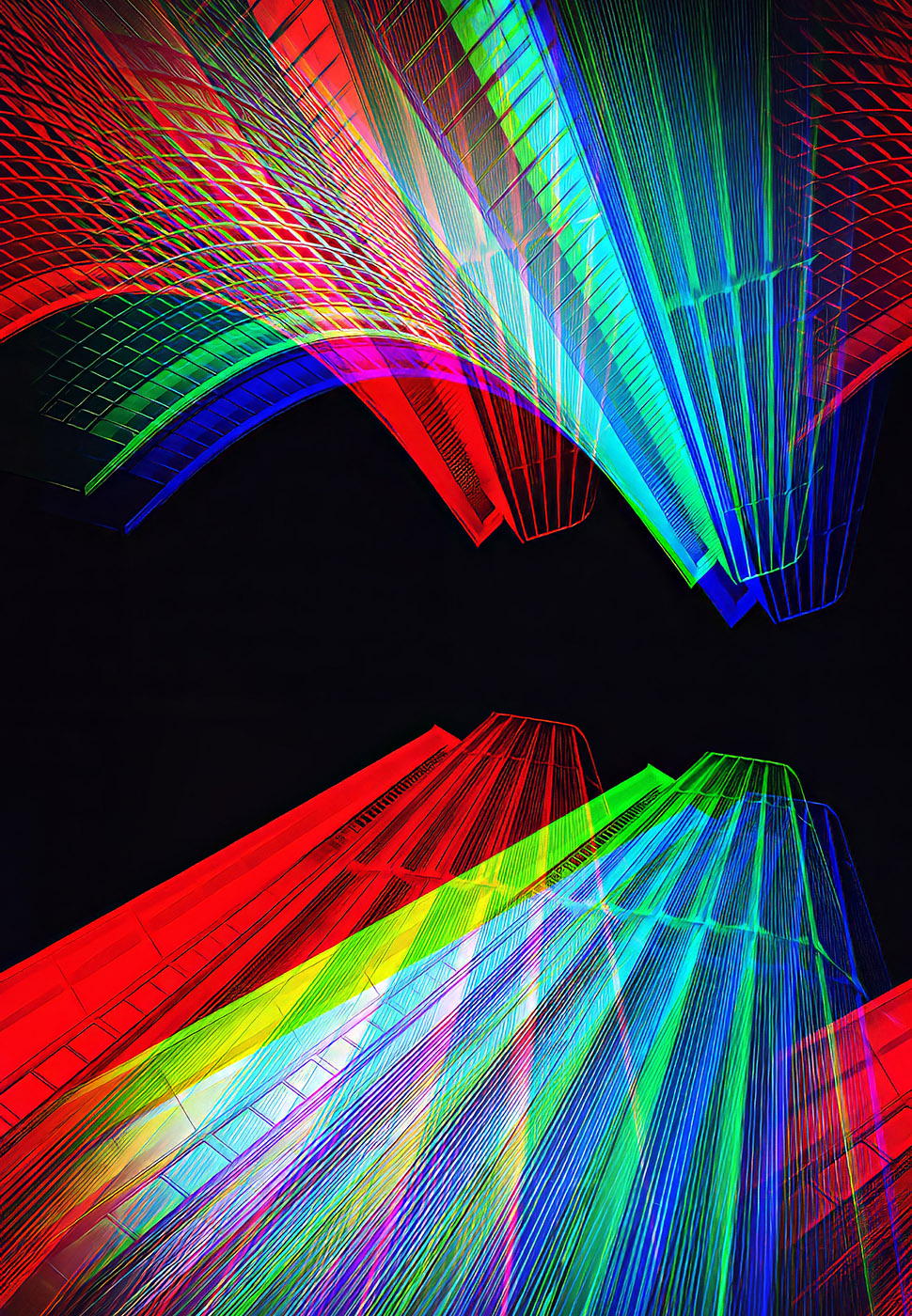
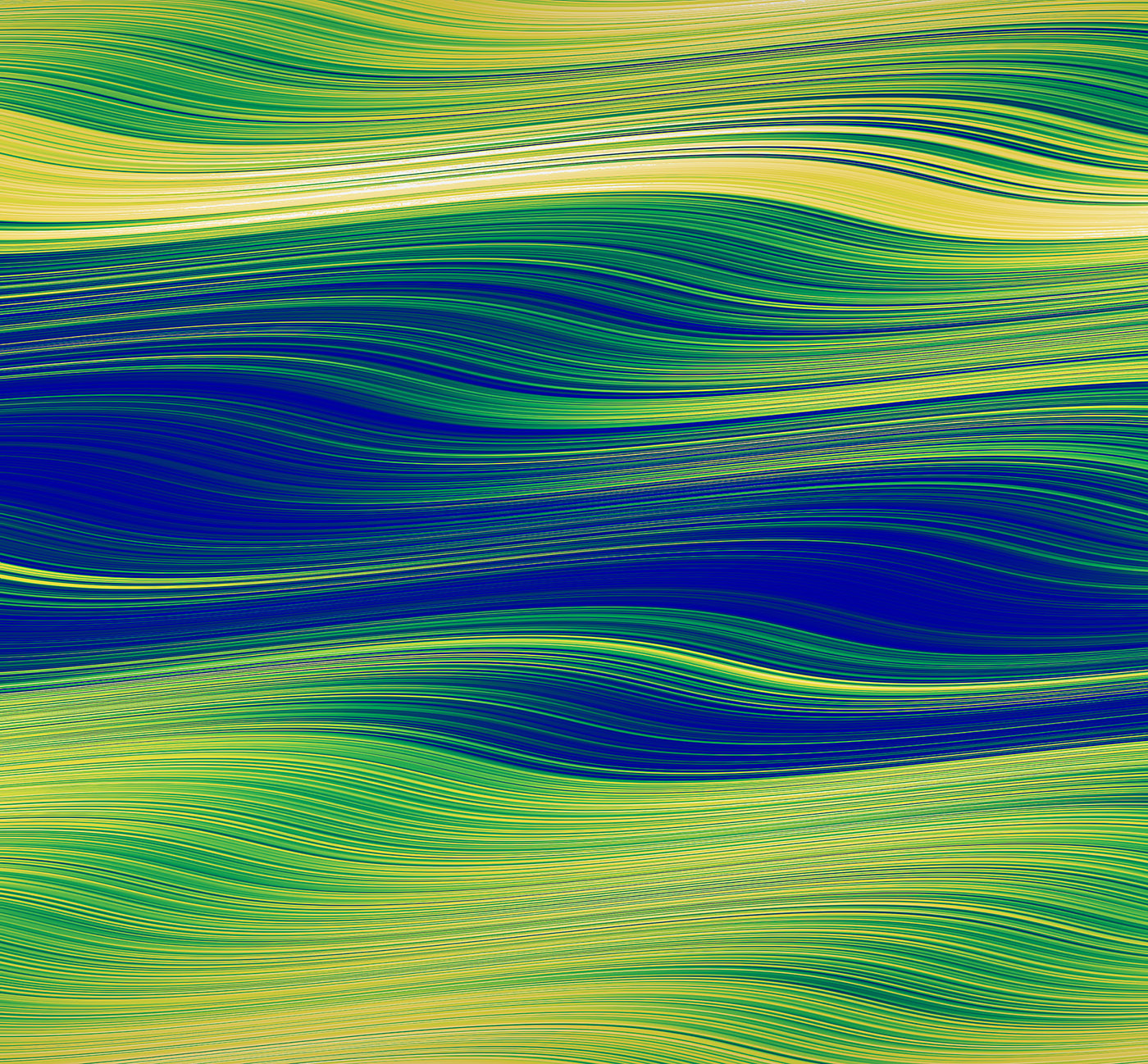
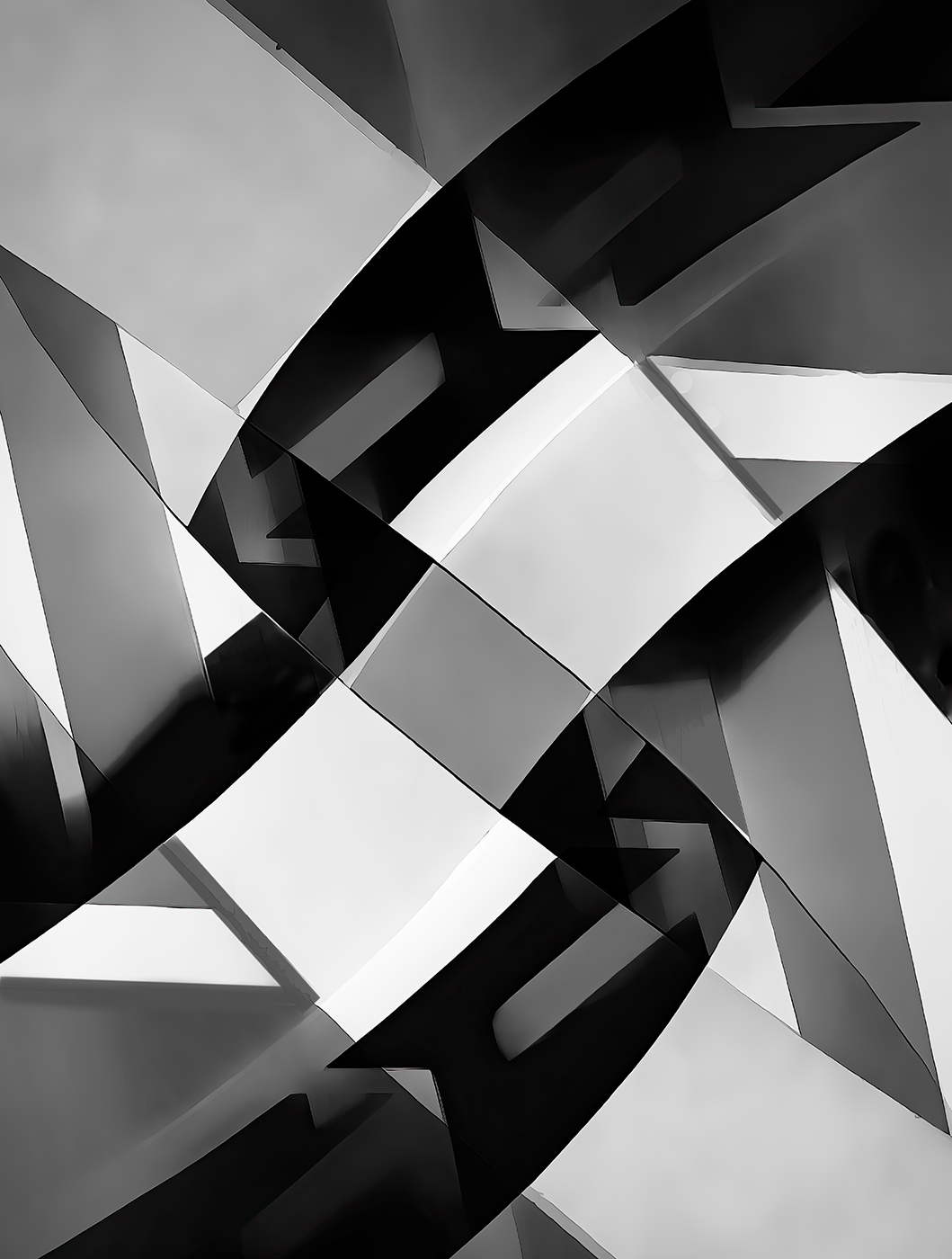
The 2 originals are shown under Steves comments. The white Hydro lines and towers were originally a colour image - I converted it to B&W, and reversed the result. |
Jun 27th |
| 34 |
Jun 22 |
Reply |
Hi Frans - Fortunately Candy's white flower had a pretty good tonal range to start with. So I just "pushed" it a bit. Used "Levels Adjustment Layer" to get more separation between darks and lights, and used "Soft Light" blending mode.
BTW - I'm a follower of Blake Rudis P.S. education series - and he suggests that in almost all images the 3 primary tools are - Composition, Tonal Values, Colour. This of course on top of the normal settings of sharpness, exposure, etc |
Jun 27th |
| 34 |
Jun 22 |
Reply |
Candy - OOOOps - Just had another look at the alternate version I send - and I'm flabbergasted that I did this - my quality control impulses certainly were not on the ball!!! The only positive thing I can say about this effort is, that it's a good example of heavy-handed, over processing that needs to be avoided at all cost - sorry I did that to your image.
|
Jun 21st |
| 34 |
Jun 22 |
Comment |
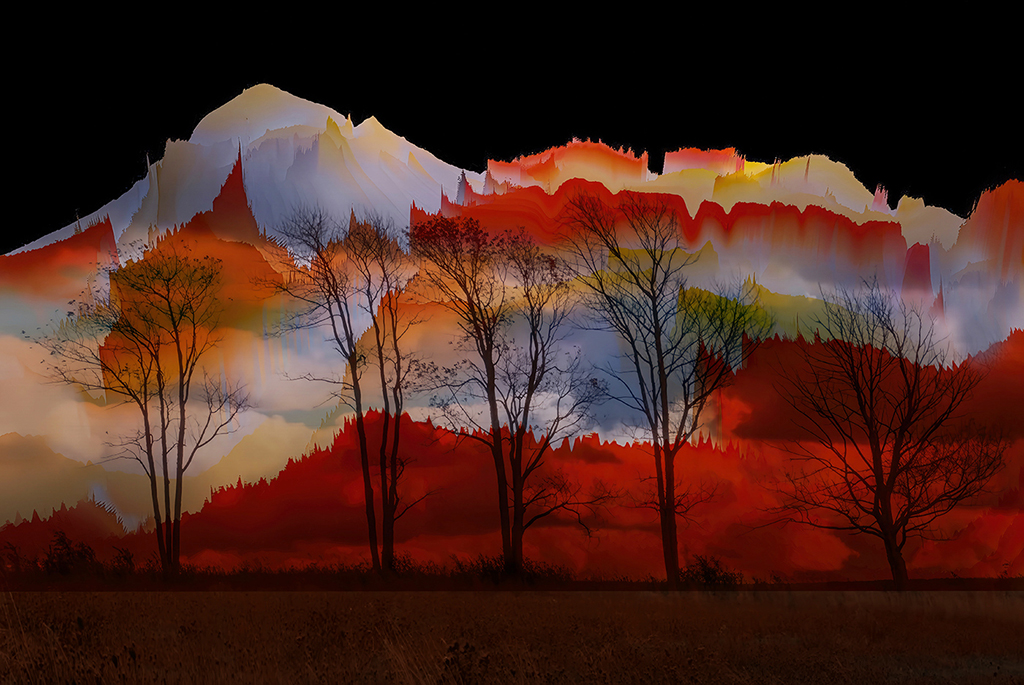
I find myself at a significant disadvantage as I know little (almost nothing) of the Australian/New Zealand Aboriginal culture. So my input is strictly from an artistic photo art perspective. And not surprisingly, I got nothing - everything that I would say about, as an example, composition, would likely trample on the Aboriginal culture and storyline. What I will say - thank you Brian, for making this relevant and instructional. |
Jun 14th |
| 34 |
Jun 22 |
Comment |
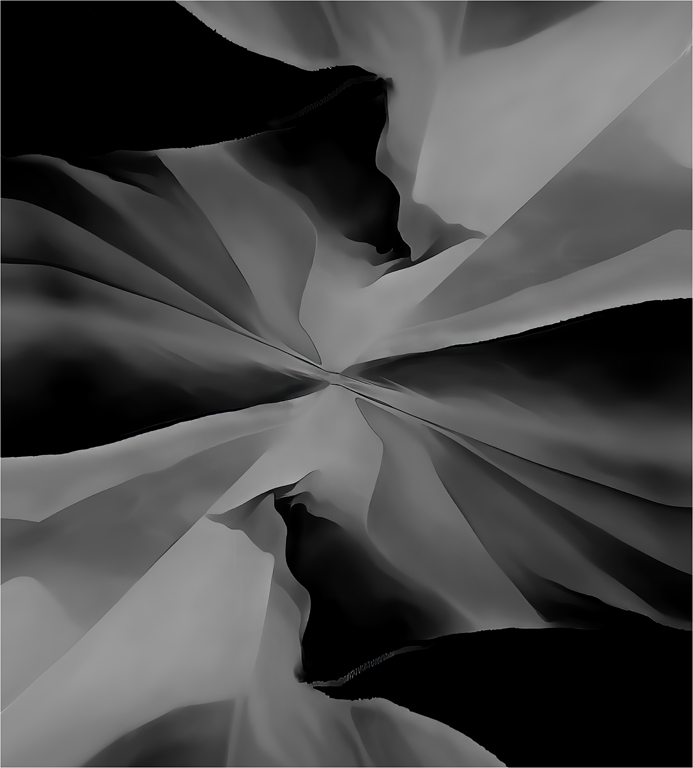
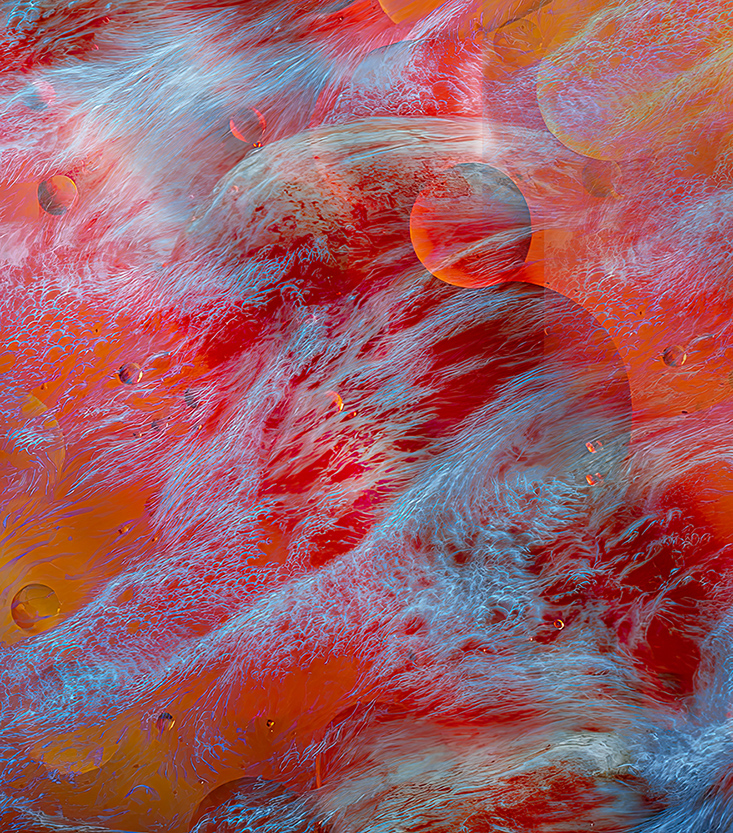
Congrats on this very nice Abstract. I like the variety of colours, shapes, and textures. I especially like the bottom left third of this image - the lines and colours drew my eyes and I enjoyed the journey. I'm just in the beginners phase of experimenting with Abstracts, and I'm getting better at identifying how to enjoy this genre. I hope you don't mind, but I played with your picture a bit - I focused on the areas I loved, and cropped everything else out. I also lightened and gave it more contrast. Finally I played with the composition, and found that flipping it suited my eyes a bit better. Obviously all very subjective. What do you think? Oh yes, I will now find my own rusty piece of metal and see what I can do. Thanks for the inspiration.
|
Jun 14th |
 |
| 34 |
Jun 22 |
Comment |
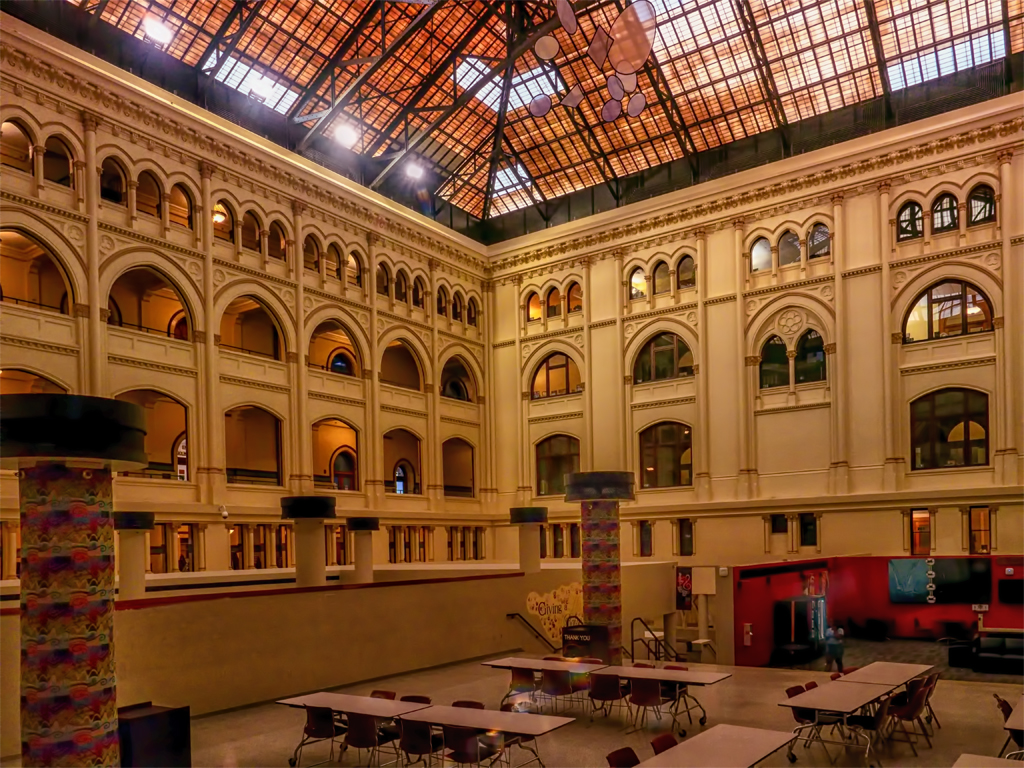
Welcome, Frans - hope you enjoy our activities, and looking forward to other shots from you. I really like your documentary church picture - what a beautiful and interesting building. I have 1 suggestion - there are 4 people with bright red clothing that I would clone out - they attract too much attention take the attentions away from the unique features of this church. Unfortunately I don't see any evidence that this image is an "altered reality"/ abstract type of picture.
|
Jun 13th |
| 34 |
Jun 22 |
Comment |
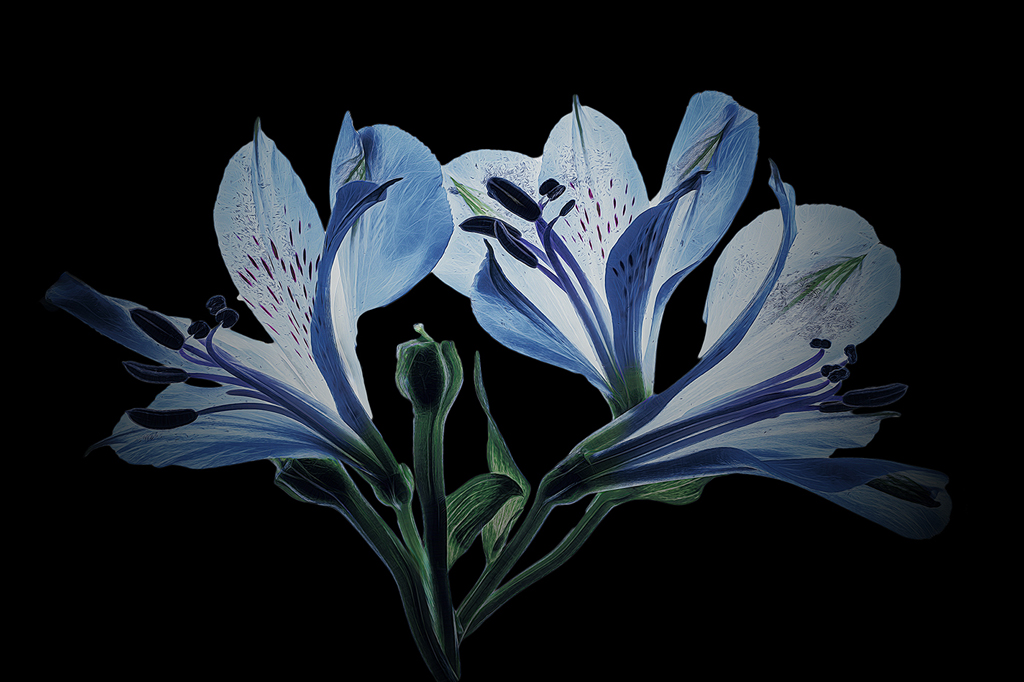
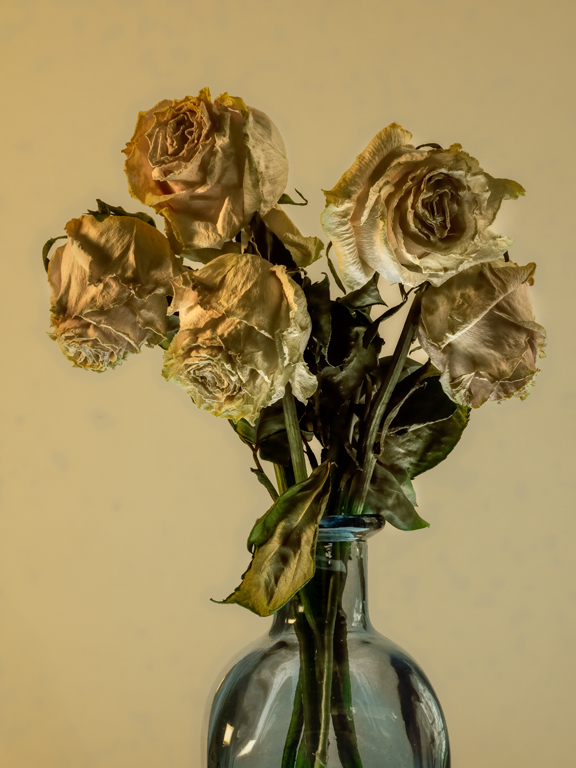
I like this image quite a lot. BTW - I refer to my many failures as experiments - a little kinder! A lot of thought has gone into this picture. Certainly a candidate for hanging on a wall. Beautiful background and nice, light touch on the flower. White flowers are actually my favourite to photograph, especially on my light box. I also had a crack to look at an alternate version - not better, but different - depending on your taste. I attempted to put more focus on the flower, which I found much more interesting than the leaves. Also lightened the flower just a titch more and added a wee bit of sharpening. I'd be interested in your take on this version.
|
Jun 13th |
 |
| 34 |
Jun 22 |
Comment |
Really like the 'young/old' story line. Also the treatment of both, however individually. I'd like to see the older tulip tie in a bit more with the younger - like adding a bit of red. I made a crude attempt to paint in a bit of the red. See what you think. I also like the creative background - well done. |
Jun 13th |
 |
| 34 |
Jun 22 |
Reply |
Jan - thanks for your comments. See my response to Steve - re:POI. For me, the area of interest is right in the middle of the picture. For me, rays radiating out in the lower area would not really fit in with my story, but thanks for the suggestion, |
Jun 13th |
| 34 |
Jun 22 |
Reply |
Thanks Bryan - not sure what you mean by 'warp'. |
Jun 13th |
| 34 |
Jun 22 |
Reply |
|
Jun 13th |
 |
| 34 |
Jun 22 |
Reply |
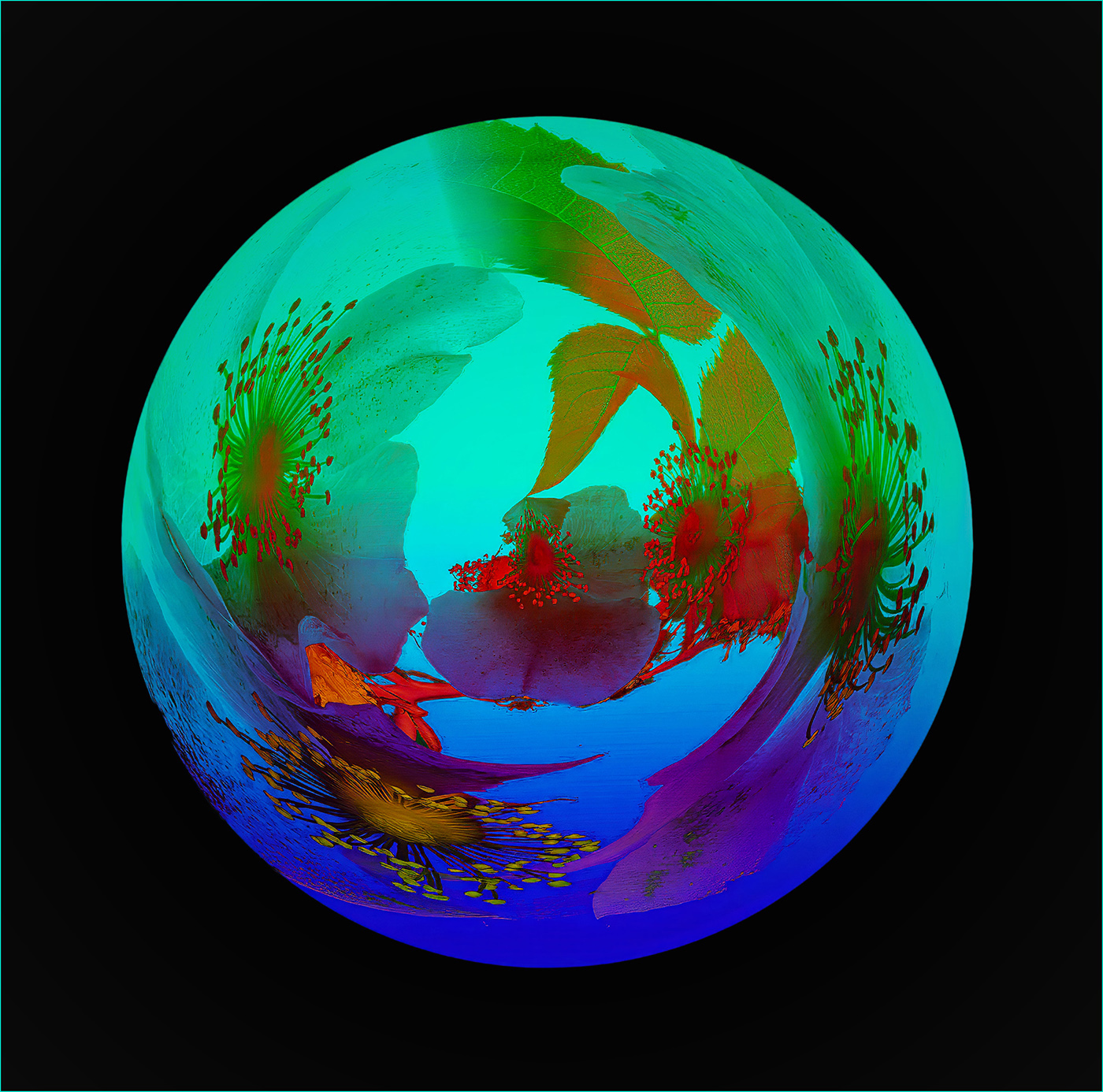
Steve - thanks for your comments - attached find the 2 images. Unfortunately I don't remember the Blending Mode used - I find when considering a blending mode, I go though all of them to find the one I want to use - the effects are so dependent on the images, that for me this works the best. FYI also used Dodge/Burn quite a bit on this piece. POI - I'm a bit of a contrarist (not sure that's the word) - I think it should be called AOI - Area Of Interest. For me, often there is no Point, but an Area or even the whole image itself. |
Jun 13th |
 |
6 comments - 6 replies for Group 34
|
12 comments - 11 replies Total
|