|
| Group |
Round |
C/R |
Comment |
Date |
Image |
| 25 |
Jun 24 |
Reply |
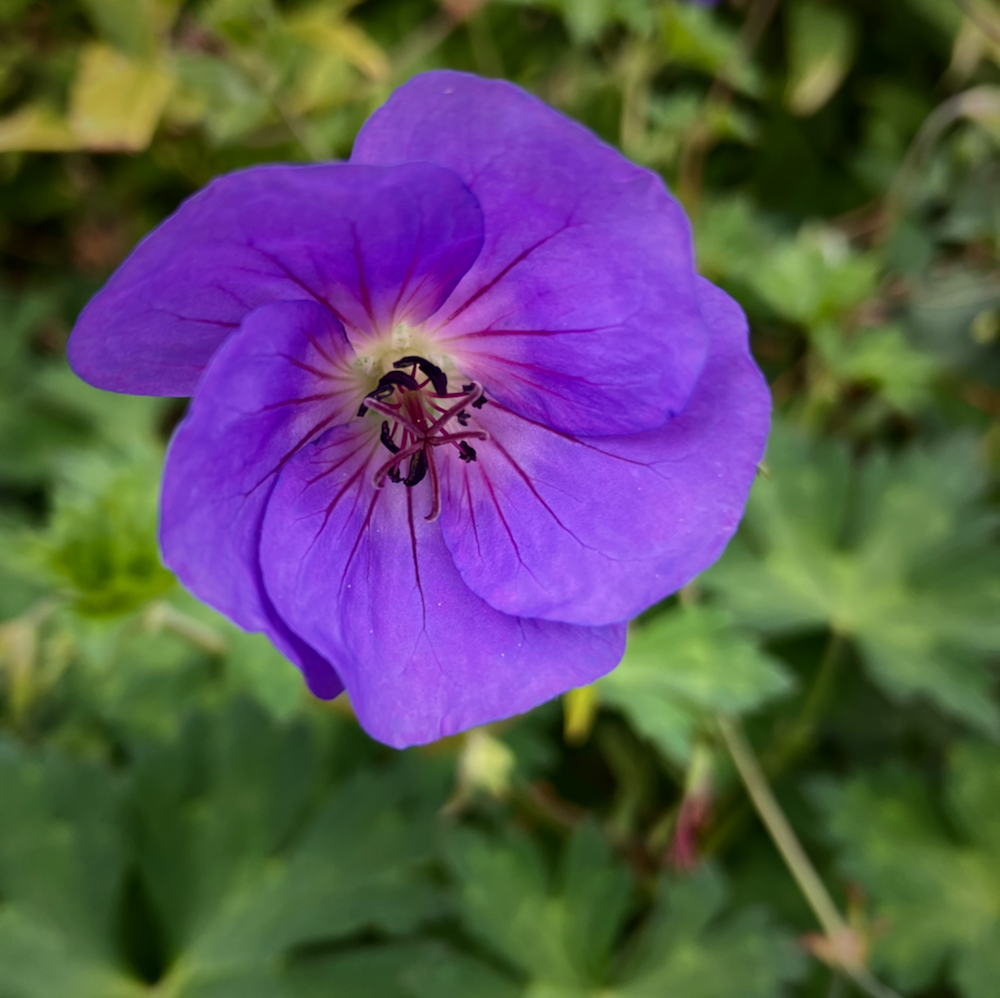
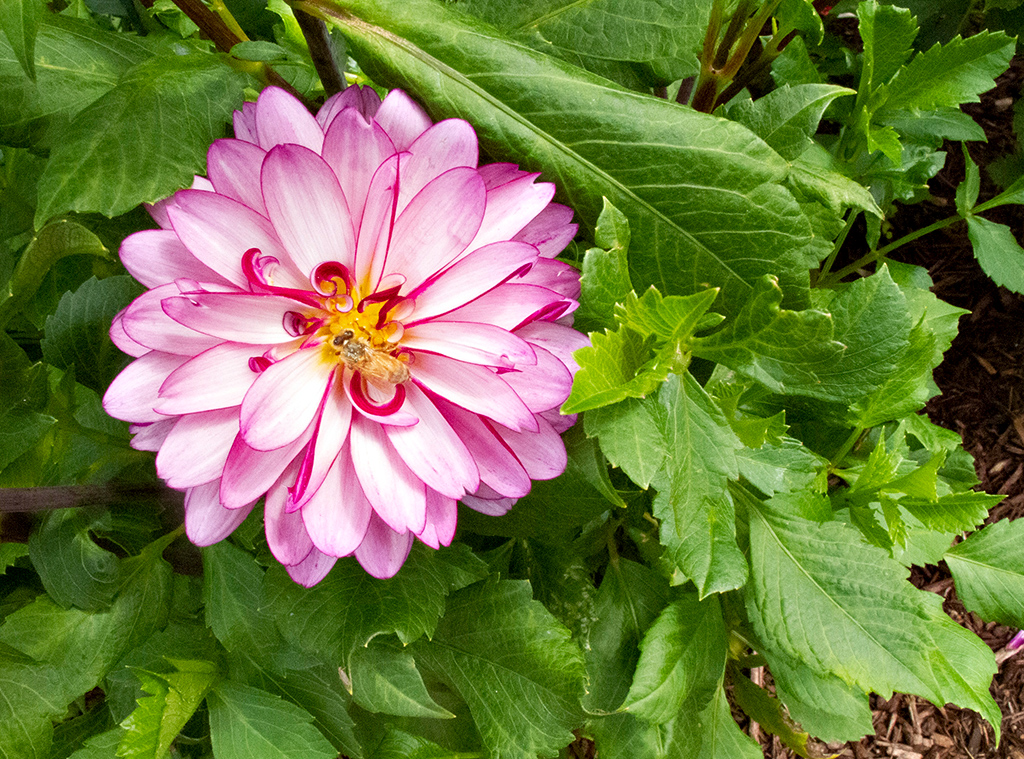
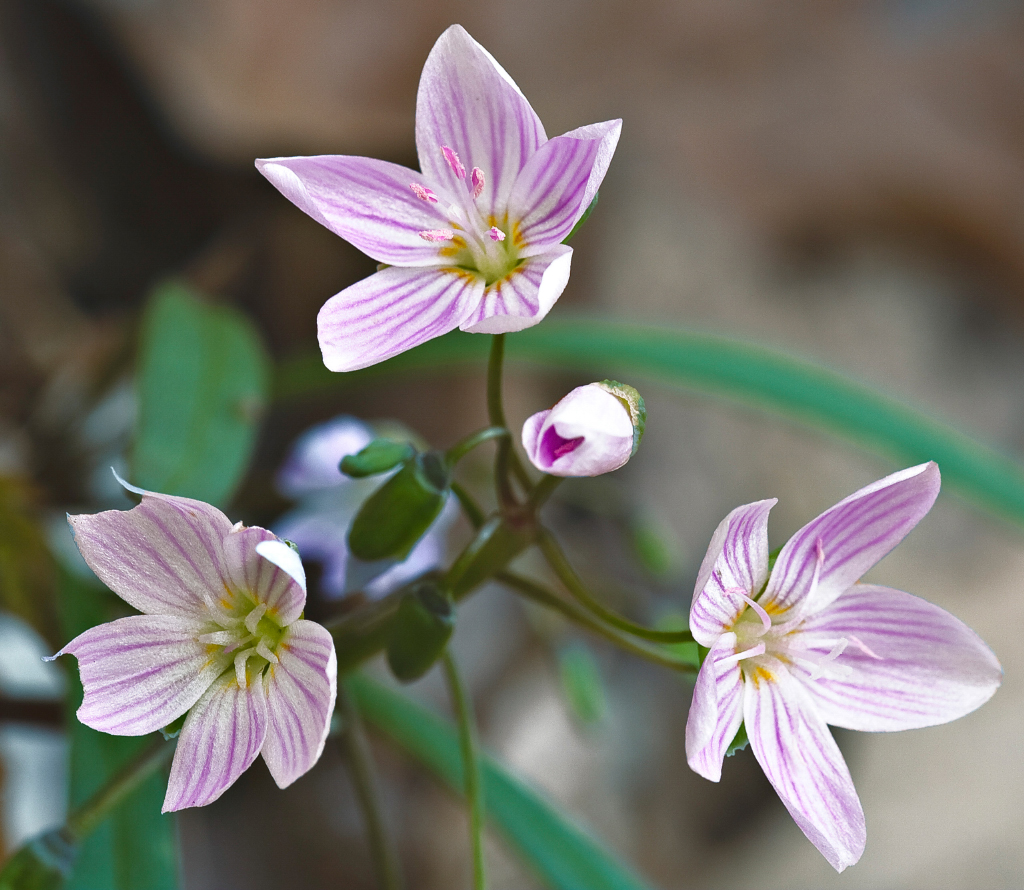
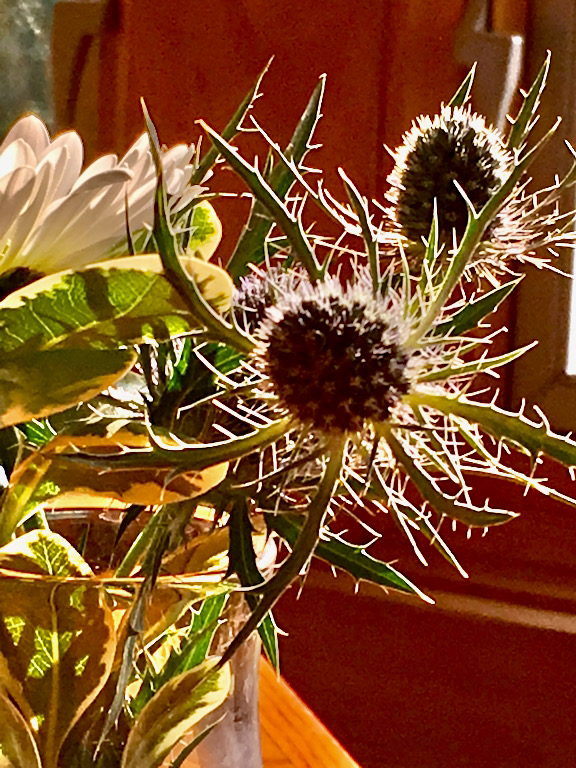
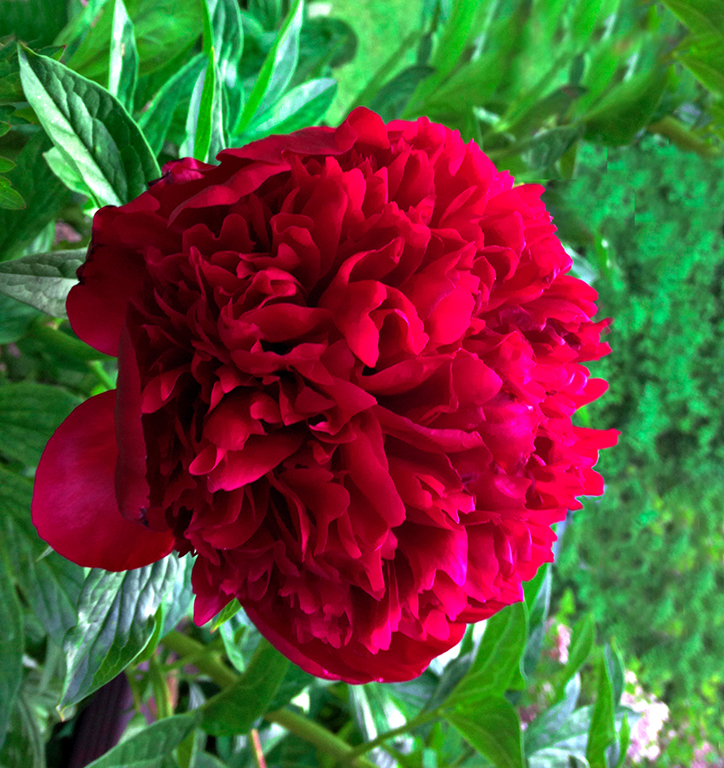
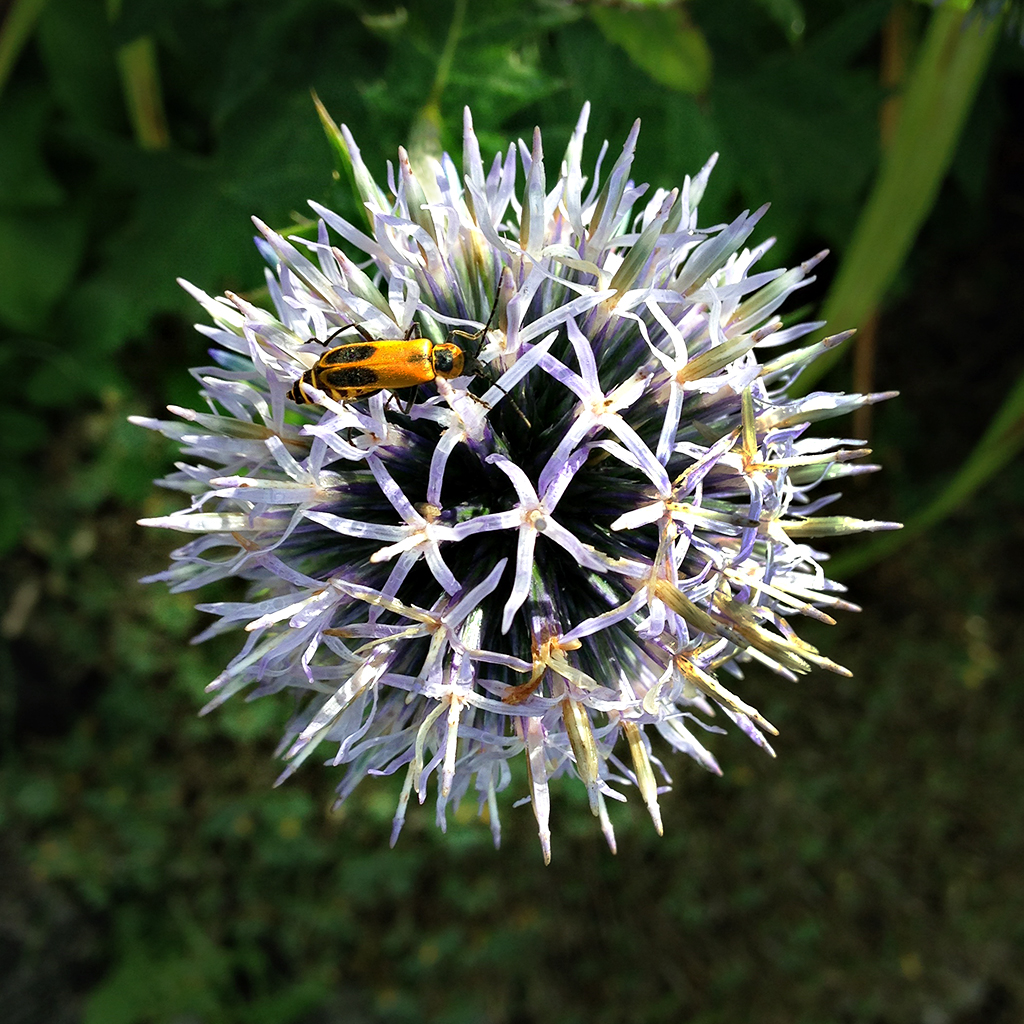
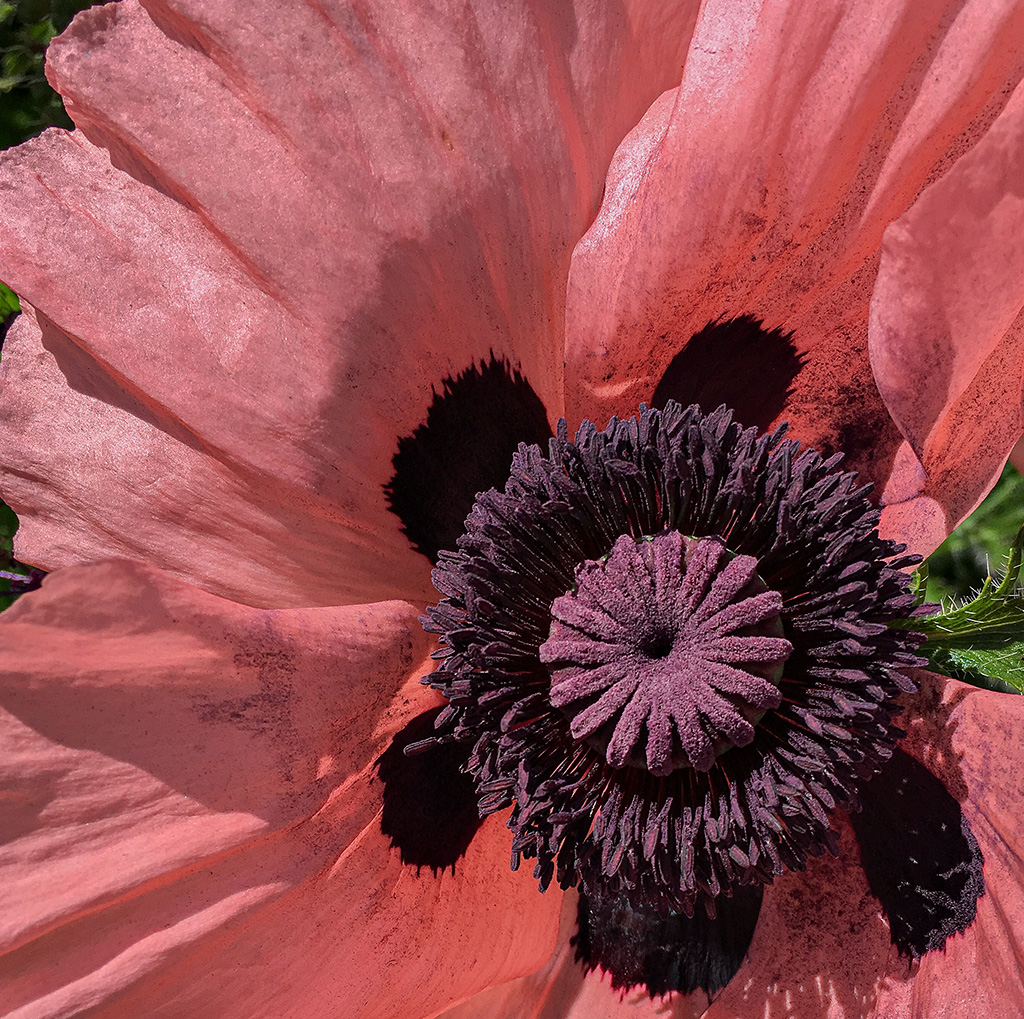
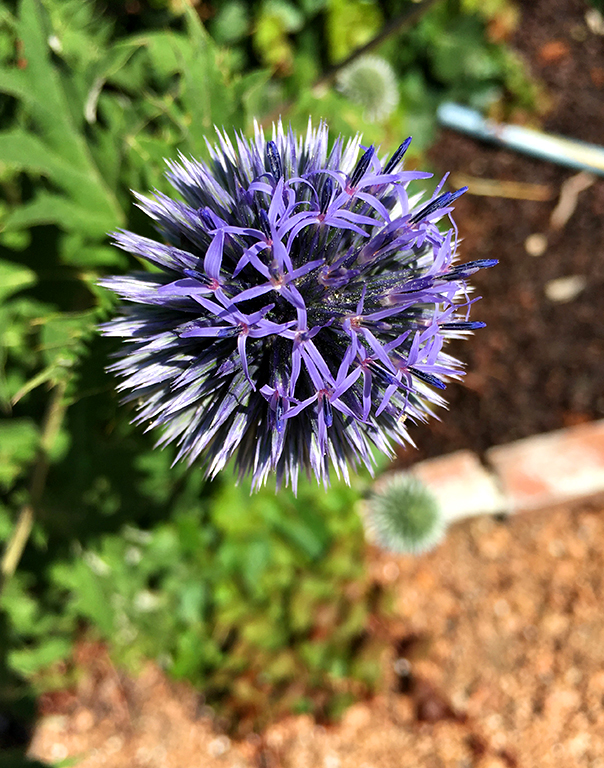
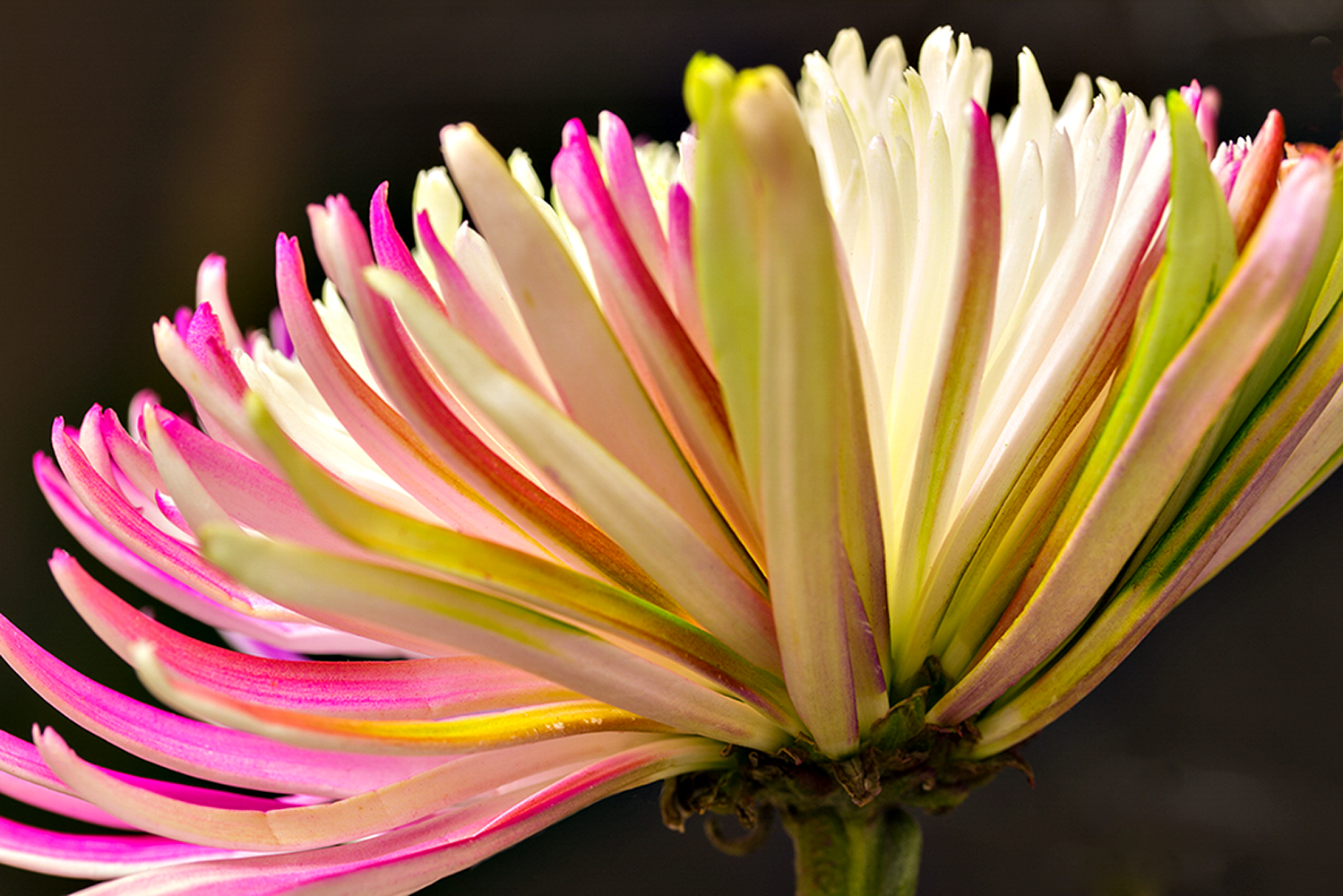
I used the 'Quick Selection Tool" in Photoshop. It's very easy - you just choose the tool and go over the part you want to select. You can also add to the selection and subtract from the selection. With your flower it was quite precise because of the distinct lines and color difference in the flower. In my version of PS there is a short "help" video, but there's probably lots of info online. |
Jun 22nd |
| 25 |
Jun 24 |
Reply |
Somewhere between my original and Brian's adjustment gives me the feeling I get of an impending storm -- there's often a point where the sky and surroundings seem to actually feel somehow "green" and foreboding, especially if it's going to be a bigger storm. I doubt the camera could "see" it, but Brian's adjustment made me think of it. |
Jun 20th |
| 25 |
Jun 24 |
Comment |
Wow! Seven hundred years of patching -- no wonder it looks so rounded and thick. You picked a good angle to show the bulk of the thatch. And the simplicity of the colors and the structure help to tell the story. |
Jun 20th |
| 25 |
Jun 24 |
Comment |
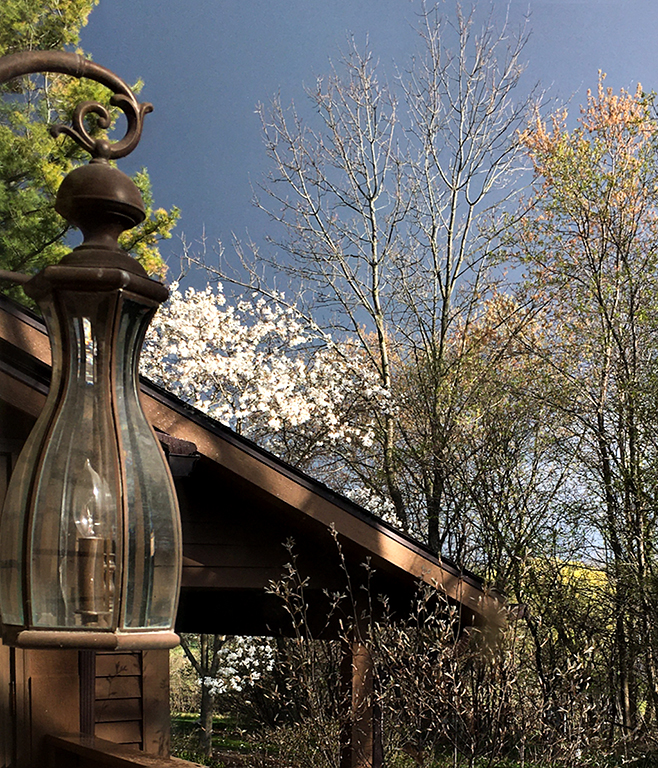
This would make the perfect cover for the classic thriller novel which traditionally opens with the line "It was a dark and stormy night . . . "
One thing I can't resolve in my mind is the apparent discontinuity where the handcuff is. Why the different metals below and above? And how is the upper metal structure supported since it doesn't appear to continue on down to the ground? But then, perhaps some mysteries are best left unresolved --
|
Jun 20th |
 |
| 25 |
Jun 24 |
Comment |
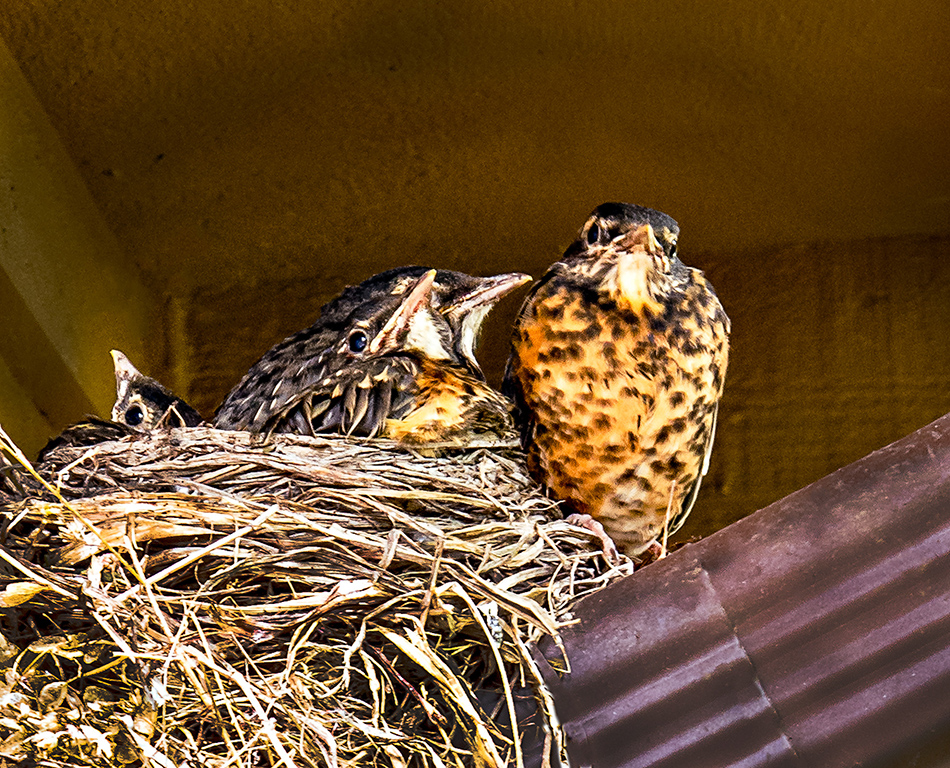
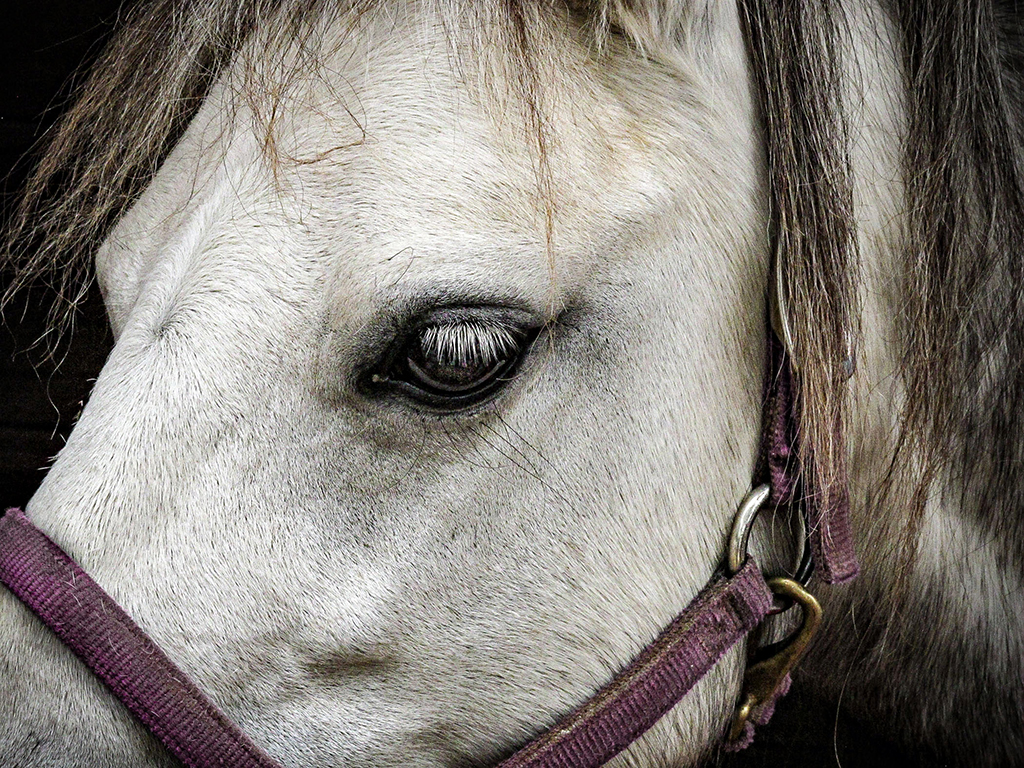
I would like to a hint of a catch-light in the eye, but wondered if, from the angle of the head, it would not be visible to the camera. I took the image into Photoshop and zeroed in so I could see the eye up close, and sure enough there were some lighter pixels. I worked on the enlarged section of the image using the brightness/contrast adjustment and brought out the existing light in the eye. It's quite subtle, and best seen if you click on the thumbnail and compare with your original. |
Jun 20th |
 |
| 25 |
Jun 24 |
Comment |
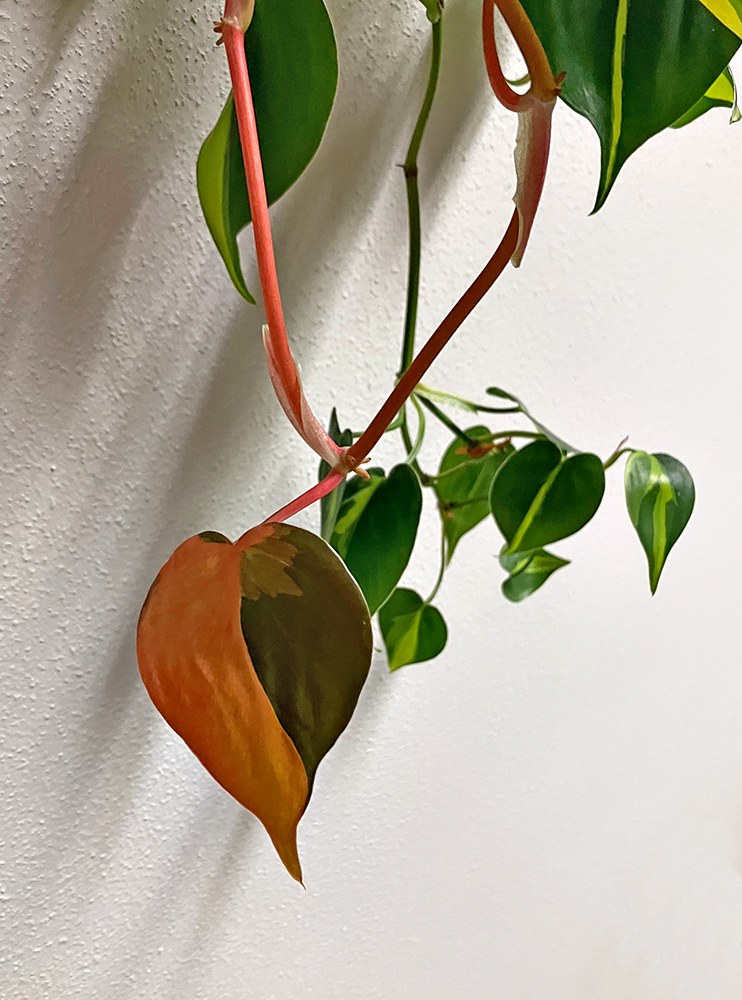
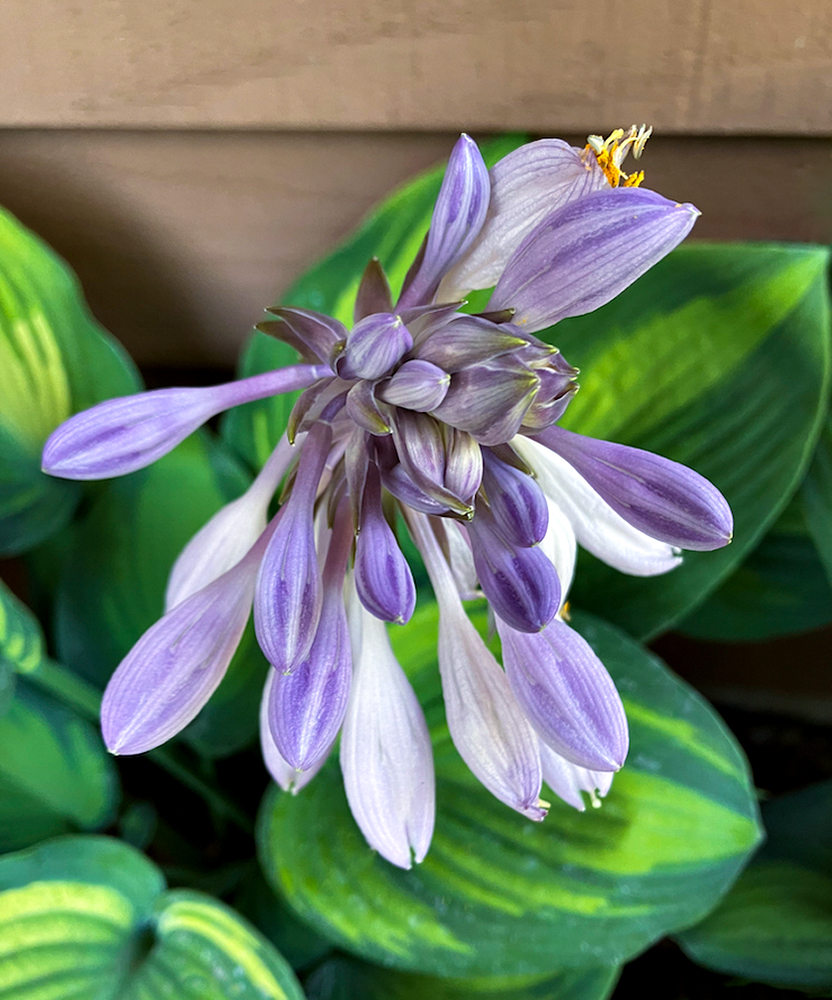
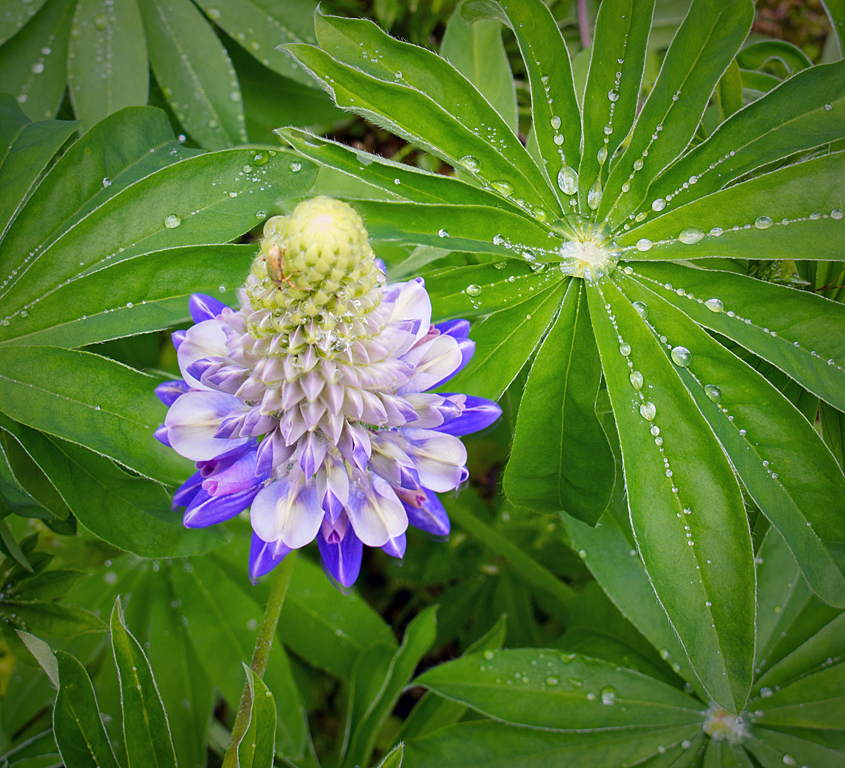
I liked Brian's vignette, but I wondered if it would be possible to blur the background. I'm not keeping up with the changes to Photoshop, but I did try selecting the leaves and putting a Gaussian blur. I didn't want to take it too far, so this is what I came up with. |
Jun 20th |
 |
| 25 |
Jun 24 |
Comment |
It may not be possible, but I would really like there to be some (very slight) indication that the ball is moving. Is there any way to accomplish that? |
Jun 20th |
| 25 |
Jun 24 |
Reply |
Thanks, Jenny. I was wondering about the trailing, and you explained it very well. |
Jun 18th |
| 25 |
Jun 24 |
Reply |
I guess I'm still not sure how long your shutter was open for this photo. From your description it sounds like it was open on manual from 7PM to 9:30PM. I've done so little night photography that I'm not sure how to interpret this. |
Jun 17th |
| 25 |
Jun 24 |
Reply |
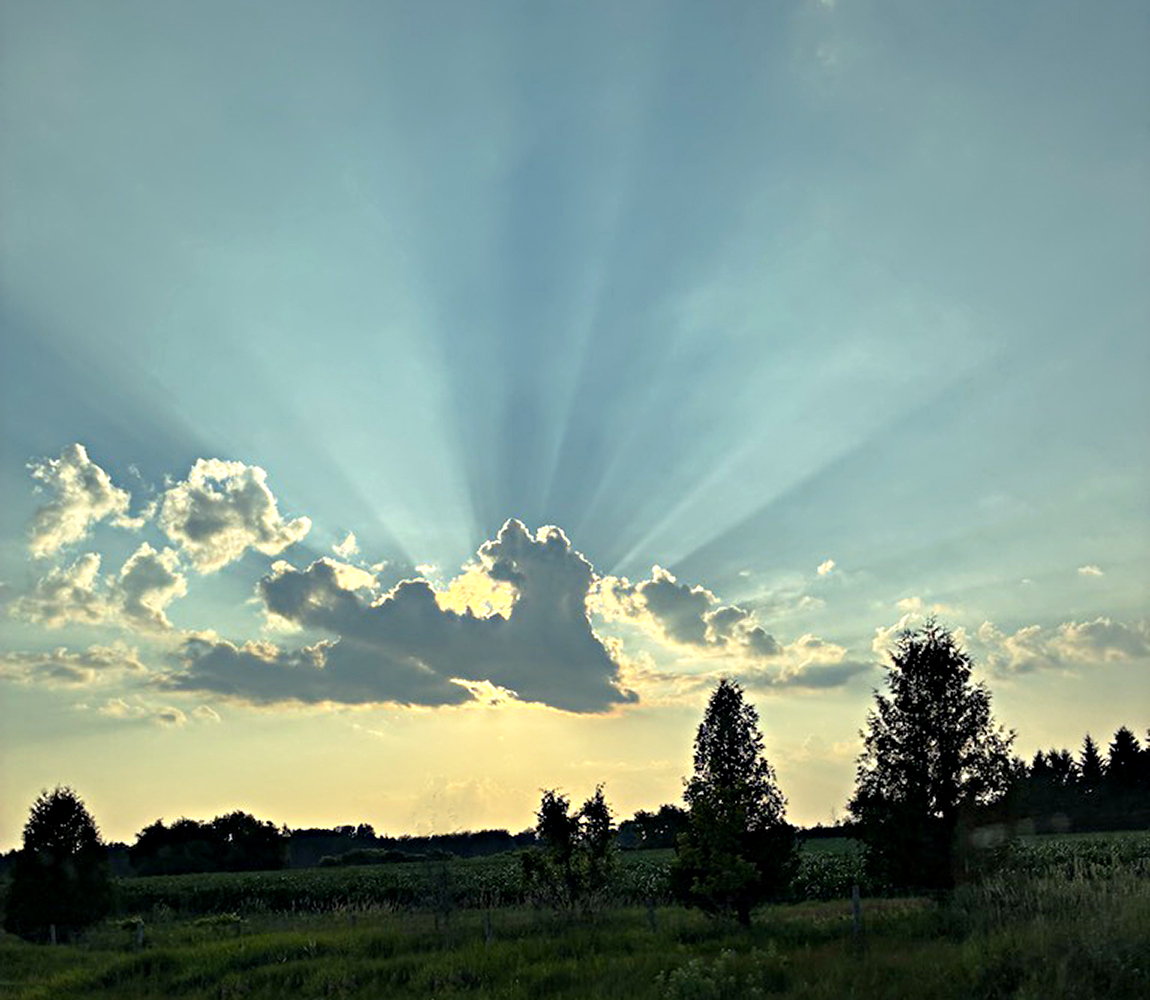
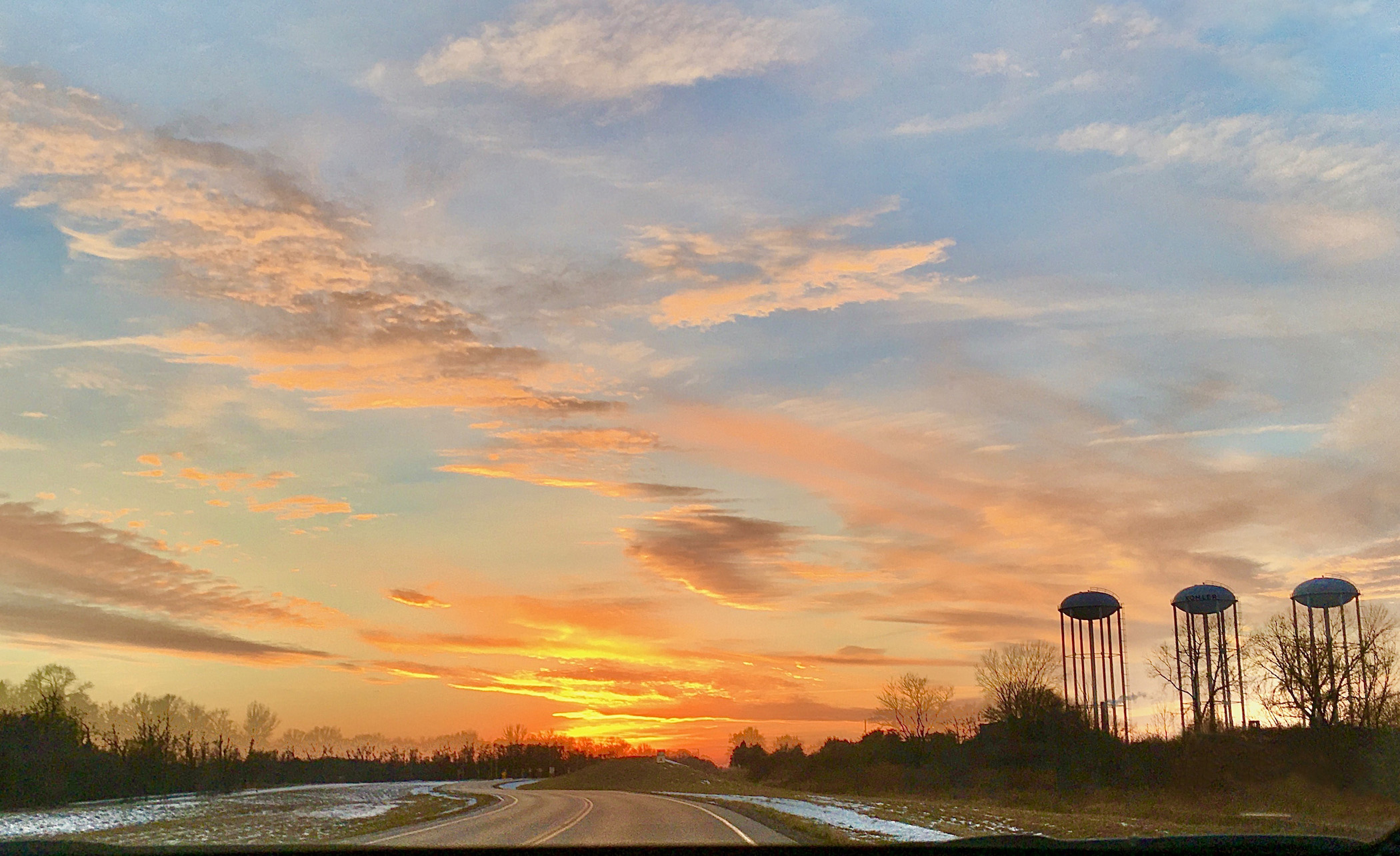
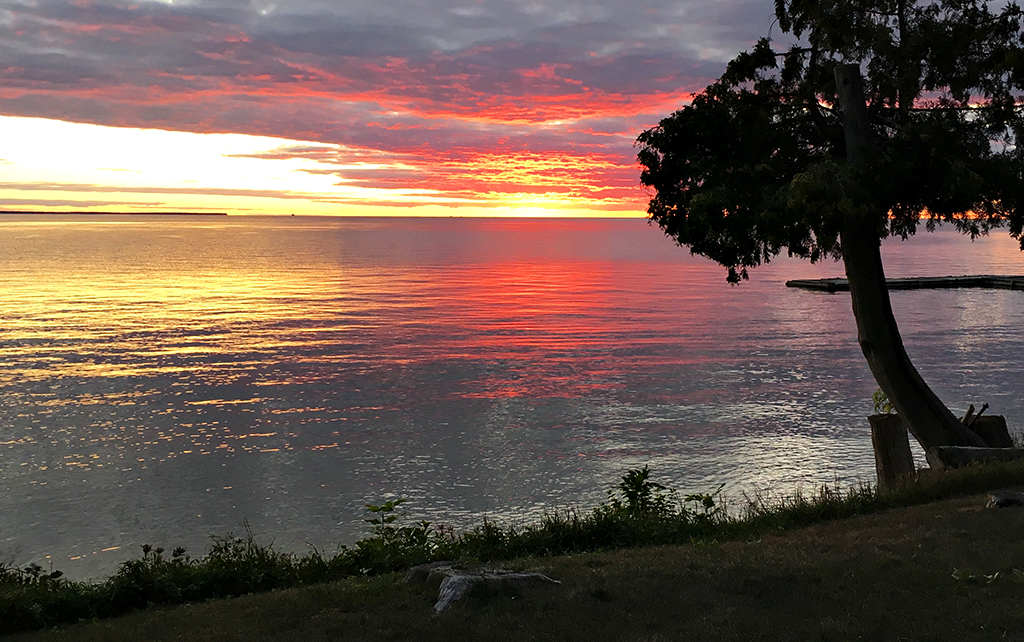
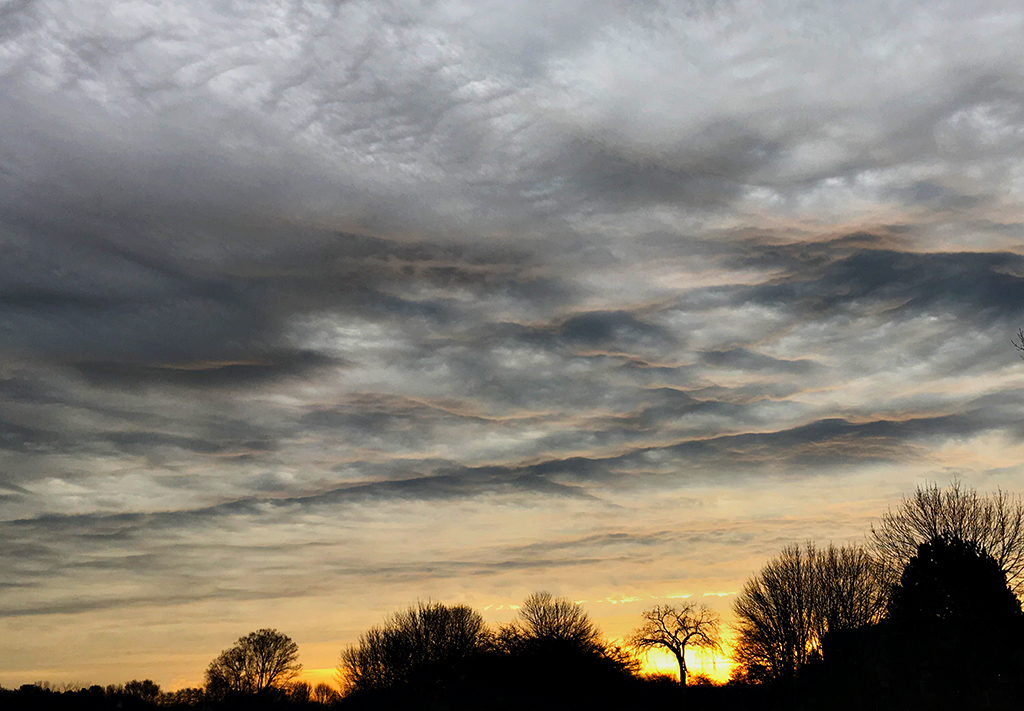
I really like the enhanced cloud colors. Sometimes the camera can capture hues you can feel, but can't quite see; and this is a case where that is exactly what you brought out. Thanks for reminding us to look for the art in our photos. |
Jun 17th |
5 comments - 5 replies for Group 25
|
5 comments - 5 replies Total
|