|
| Group |
Round |
C/R |
Comment |
Date |
Image |
| 49 |
Jun 19 |
Reply |
I rarely enter anything except "pictorial" … I don't have to worry about what "tricks" I can perform in post processing :-) |
Jun 24th |
| 49 |
Jun 19 |
Reply |
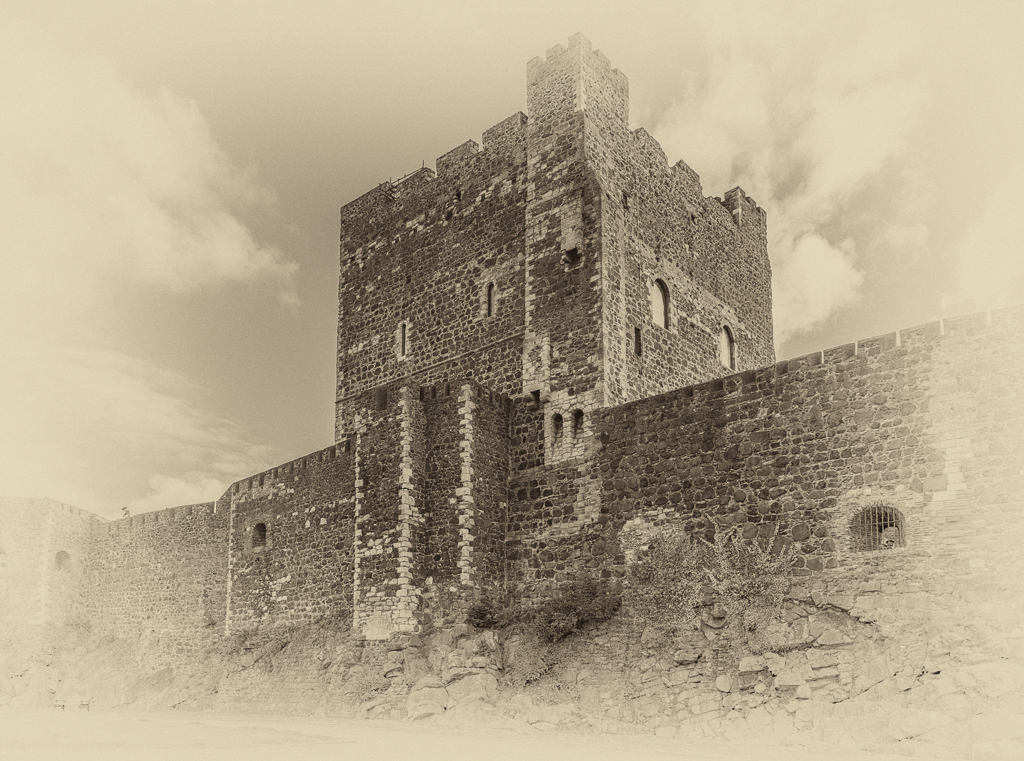
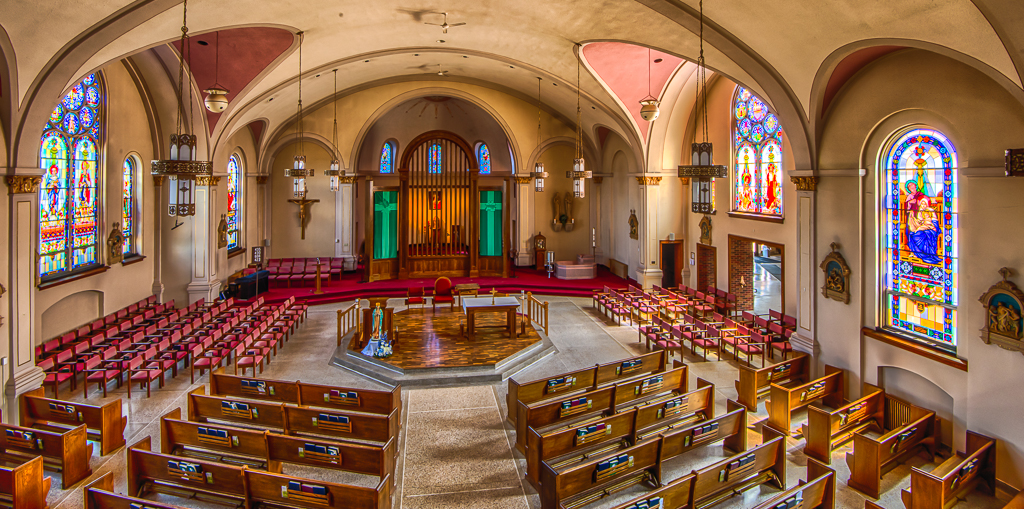
And that is the beauty of digital photography. I have had "modern" photography described as a two step process, one to take the image, the other to process that image. We now have at our hands the ability to create photos ("create" … carefully chosen word) that would never be possible without additional processing in either the camera itself or in post processing. For example, HDR techniques allows us to create a photo as we would see it with our eyes, i.e. detail in the highlights and in the shadows. Panoramas are another example where in camera and/or post processing allow us to create a photo that could not be duplicated in a single image.
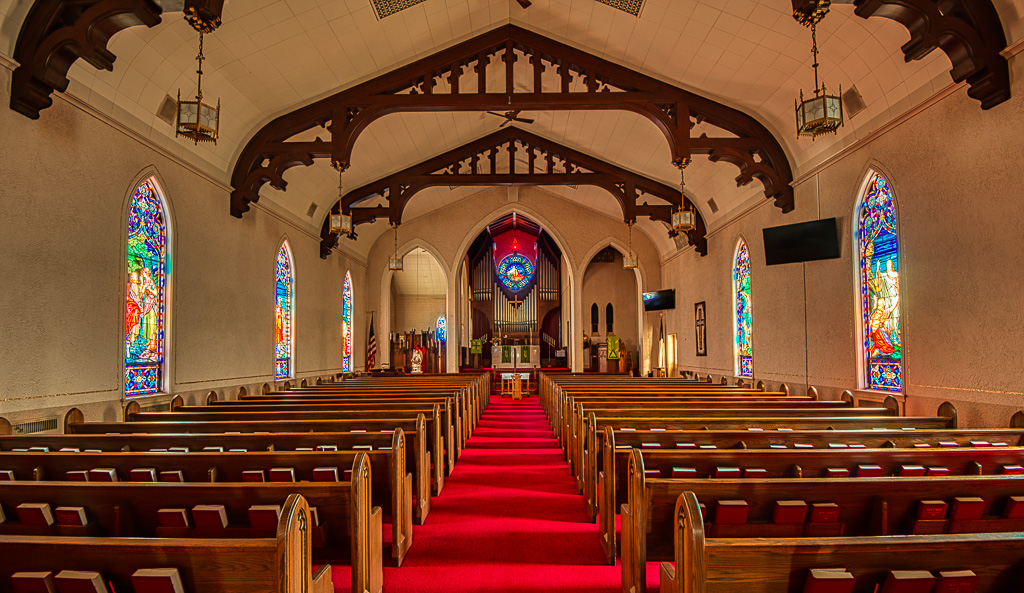
I agree that one should strive to "get it right in the camera". It just makes post processing all that easier. Sometimes you have no choice but to "fix" it in post processing. For example, lately I find myself doing a lot of architectural photography (churches, castle ruins, etc) using a wide angle lens with resultant keystone effect. I don't have a shift/tilt lens (expensive) but I am able to correct for the keystone effect in post processing. |
Jun 24th |
| 49 |
Jun 19 |
Reply |
Hi Tom! Great discussion and comments we have going. Glad to respond to your question... I just checked the rules for an upcoming circuit sponsored by F2 Sociedad Fotografia for their travel section. I don't know exactly where they get their rules, but I am assuming they are the same as PSA.
"Techniques that add, relocate, replace or remove any element of the original image, except by cropping, are not permitted. The only allowable adjustments are removal of dust or digital noise, restoration of the appearance of the original scene, and complete conversion to greyscale monochrome. Other derivations, including infrared, are not permitted. All images must appear natural."
This is pretty much the same as what you would see for photojournalism - you can't do anything :-) Our club recently redid our salon rules in response to membership requests. Both nature and photojournalism topics do not limit post processing as long as it looks natural and does not change the story. At the same time we do tell our members that they must be aware of differences in the rules of other organizations that they may want to submit their photos to.
|
Jun 24th |
| 49 |
Jun 19 |
Reply |
I have to agree, but if I were to enter this in a travel category, that sort of thing typically aren't allowed. |
Jun 23rd |
| 49 |
Jun 19 |
Reply |
Thanks Tom. Good point that I will add before entering it in a salon. |
Jun 23rd |
| 49 |
Jun 19 |
Comment |
I have been thinking about this for a few days. What I like about the original photo is with the lily pads in the foreground, it has "depth". Cropping them out the photo loses this depth.
On the other hand, it is almost as if there are two photos, the bridge and the lily pads. They aren't really connected except for the water which for the most part is blank space.
I brought your photo into LR and tried both the gradient and brush tools but was unable to get what I had in my mind. You can do some with a vignette but I don't think this is what you want to do. It is too obvious what was done. Many judges object to vignetting.
|
Jun 23rd |
| 49 |
Jun 19 |
Comment |
I would suggest cropping in tighter, get rid of some of that white space. |
Jun 17th |
| 49 |
Jun 19 |
Comment |
Wonderful!! I can think of nothing I would change. Thanks for sharing with us. |
Jun 17th |
| 49 |
Jun 19 |
Comment |
I like this image; I could see it hanging on my wall. I believe the bridge is the center of interest, so I would darken the foreground. It tends to draw your eye away from the bridge. |
Jun 17th |
| 49 |
Jun 19 |
Comment |
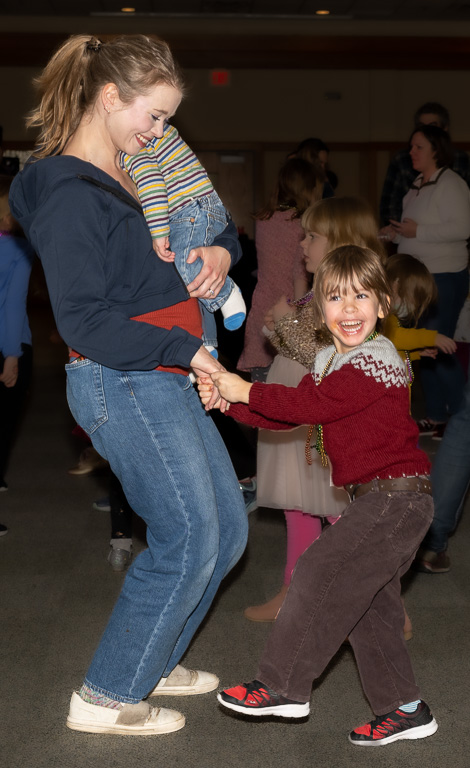
I agree with Beverly. A different background would be nice, but that is not what you had. Cropping like you did helps a lot. Lightening like Beverly did brings out the girls further back in the image and makes them part of the group. |
Jun 17th |
| 49 |
Jun 19 |
Comment |
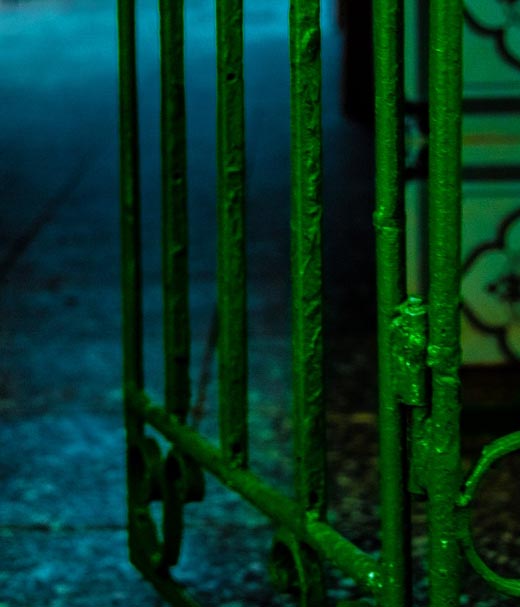
The gate is interesting, but the upper left tends to draw my eye away from the main gate, and I keep wondering what it is. If possible I would suggest a rather severe crop and lightening the entire image.
I tried increasing exposure of the image after cropping but did not like the results. I selected the left portion of the image and did increase exposure of that. |
Jun 17th |
 |
| 49 |
Jun 19 |
Comment |
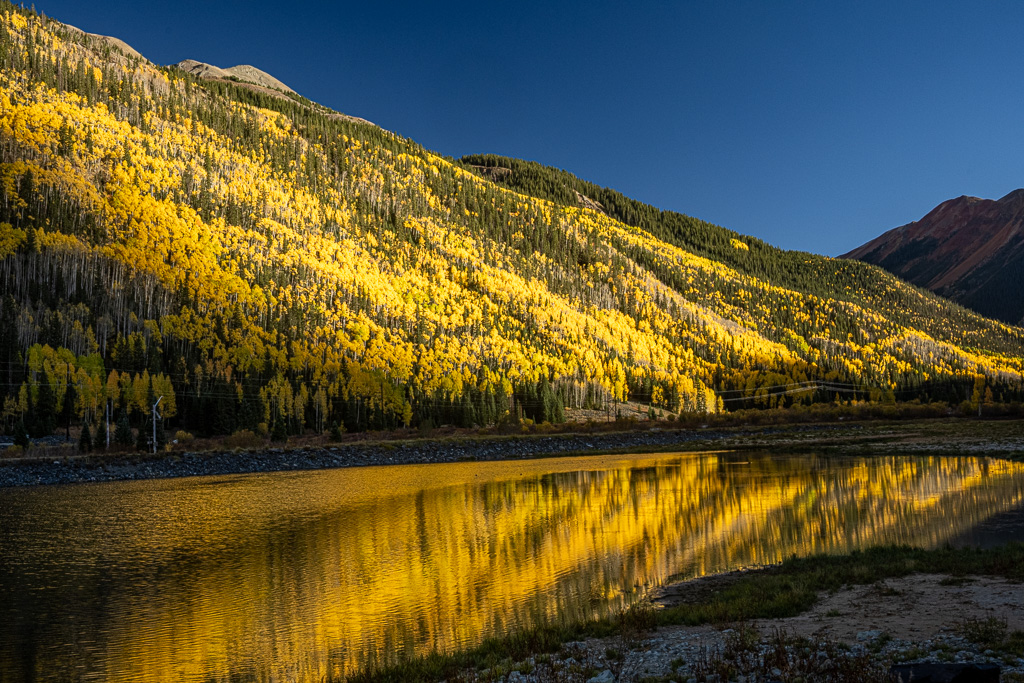
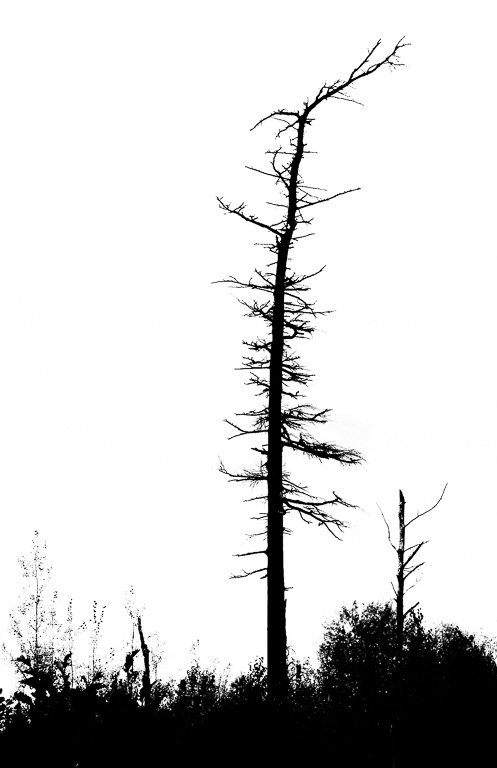
Interesting photo; it catches your eye just as the original scene did. You may want to try a slight, unnoticeable vignette. The right side of the image is rather bright and tends to draw your eye away from the aspen. |
Jun 17th |
7 comments - 5 replies for Group 49
|
7 comments - 5 replies Total
|