|
| Group |
Round |
C/R |
Comment |
Date |
Image |
| 3 |
Feb 25 |
Reply |
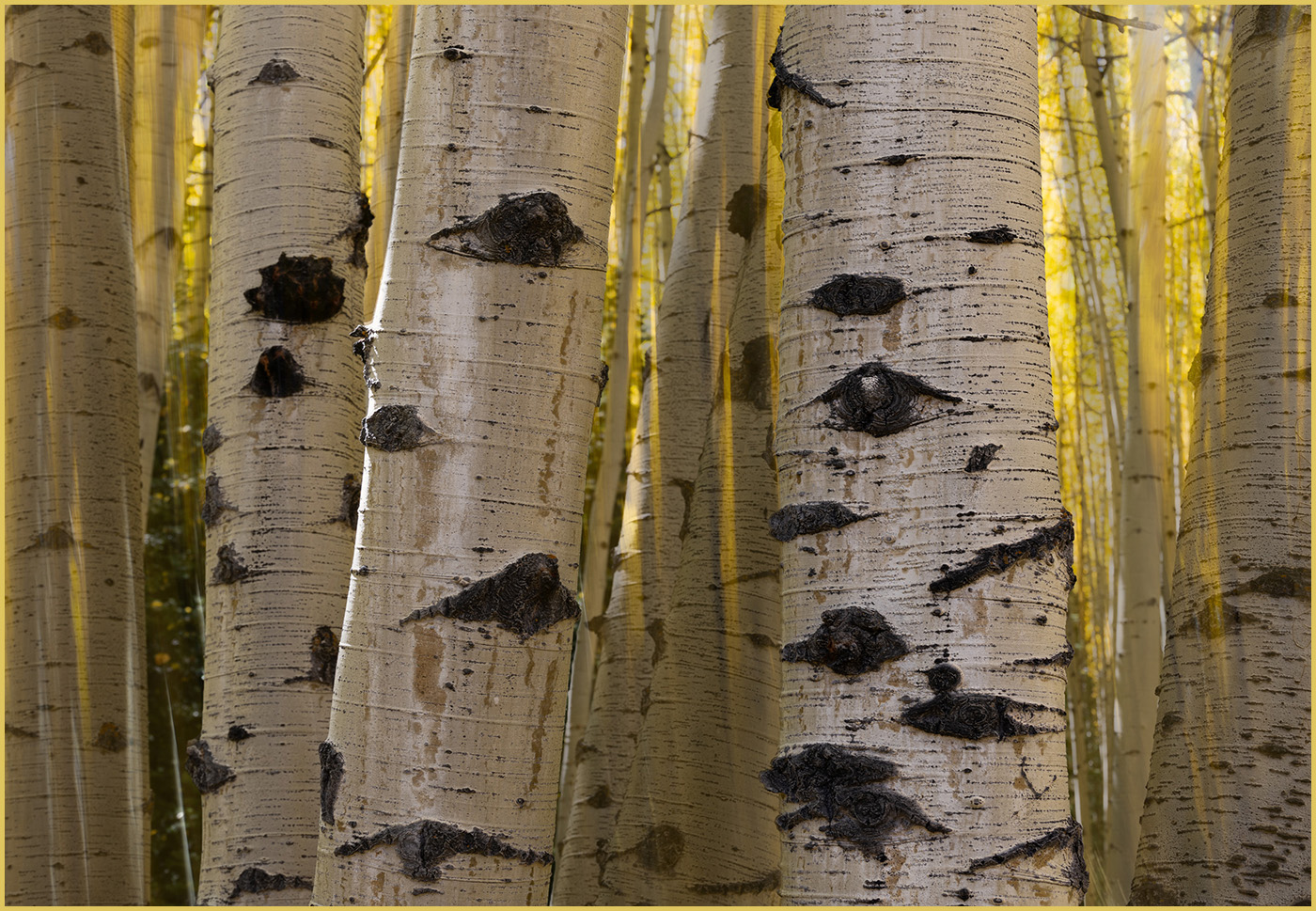
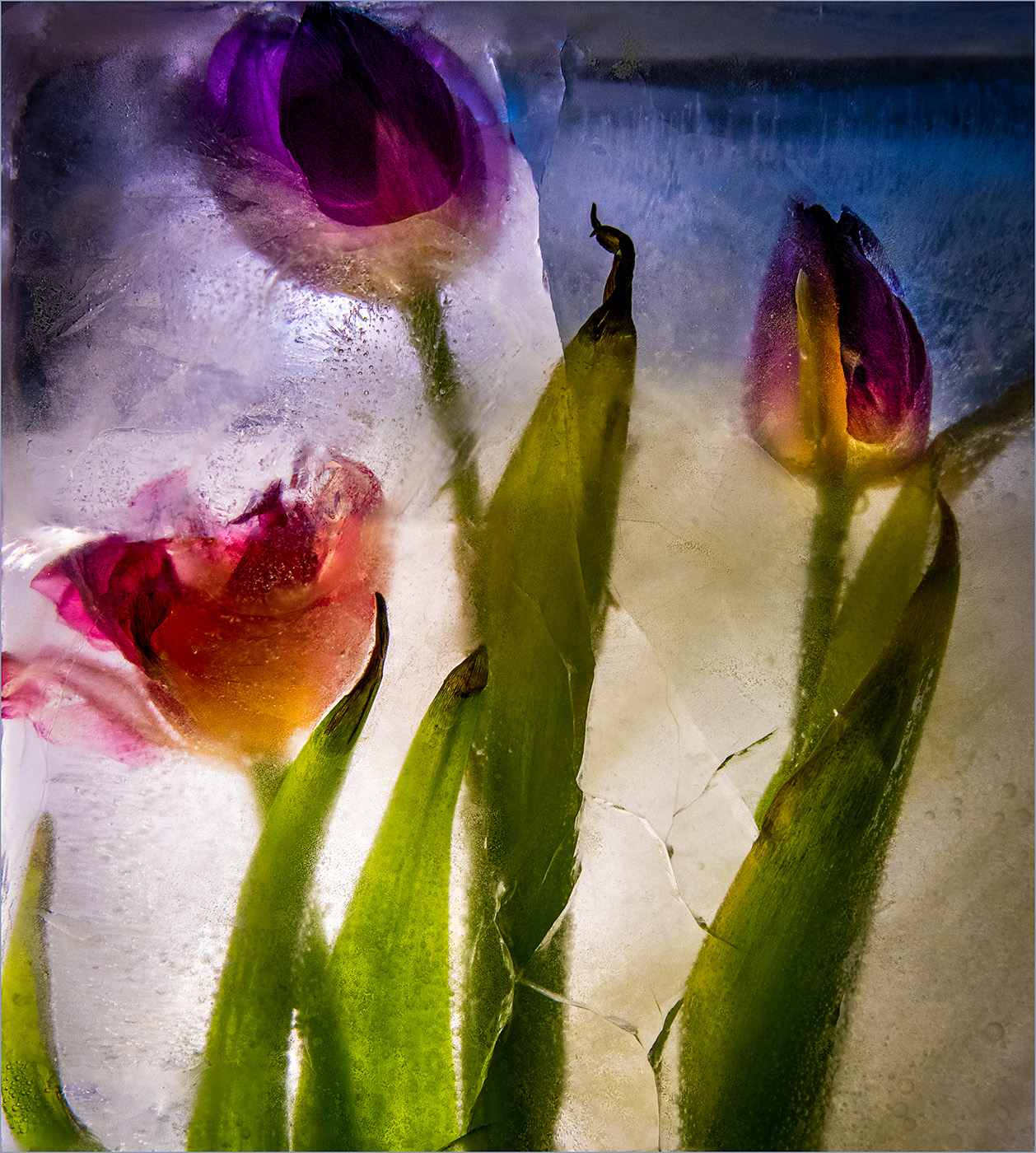
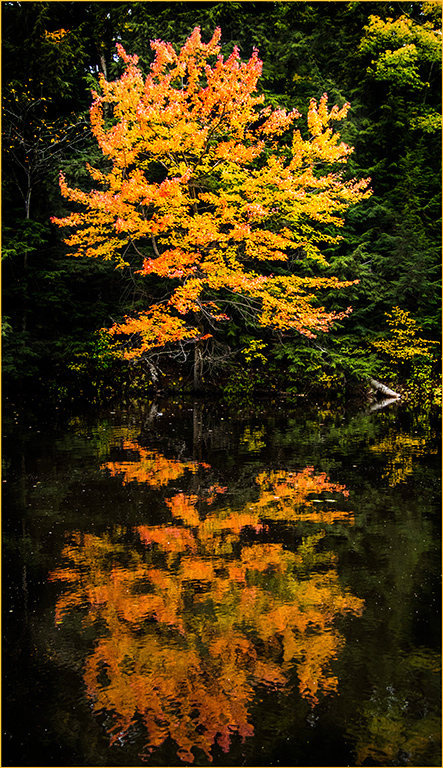
Joan, thank you for your explanation. Now I understand the bluish cast in the original and how you took out the blue by lowering the saturation. You've created a dreamy, abstract look with your adjustments. |
Feb 22nd |
| 3 |
Feb 25 |
Comment |
Joan, I was intrigued that you decided to experiment with adjusting the Clarity slider to the left instead of the right. The idea of using this adjustment to produce a dreamy look is new to me. I like the bright leaves against the subdued background. Like Kieu-Hanh, I wondered why the trees in your original were blue. |
Feb 14th |
| 3 |
Feb 25 |
Reply |
Robert, nice job on figuring out how to flip the bird around in your image. I selected the bird in Photoshop with the Rectangular Marquee tool. Then I flipped the bird with the Edit Transform tool. I used cloning to complete the fencing line that was removed. Kudos for learning new techniques! |
Feb 11th |
| 3 |
Feb 25 |
Comment |
Your photo of the snow piled in the background of your bird feeder makes me shiver. Brrrr! The bluebird has wonderful positioning with his wings out and feet lifted. Plus, the bird is sharp with his eye visible and beautiful coloring. The bird feeder with a pile of snow helps to tell the story. The only thing I wish is that the bird was coming towards the feeder instead of away. If you're using this as a nature photo, then you can't change that. However, if you're using this in a more open category, then you could make the flip. |
Feb 11th |
 |
| 3 |
Feb 25 |
Reply |
I agree about the cigarette. Her assertive style of drawing in adds character to the image. |
Feb 8th |
| 3 |
Feb 25 |
Reply |
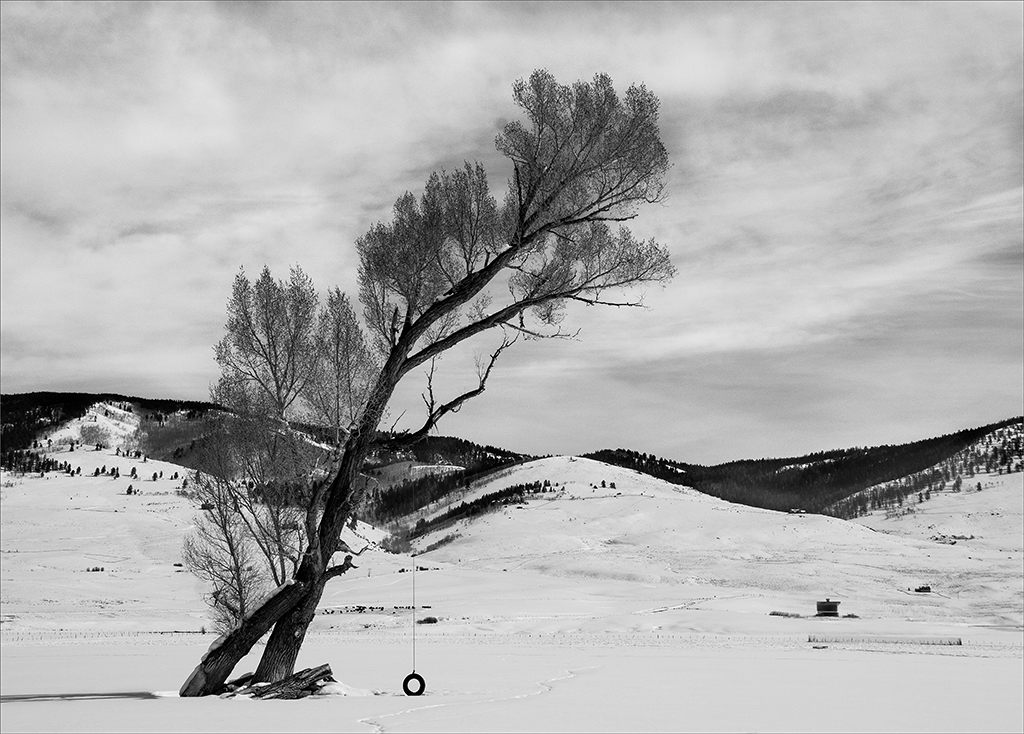
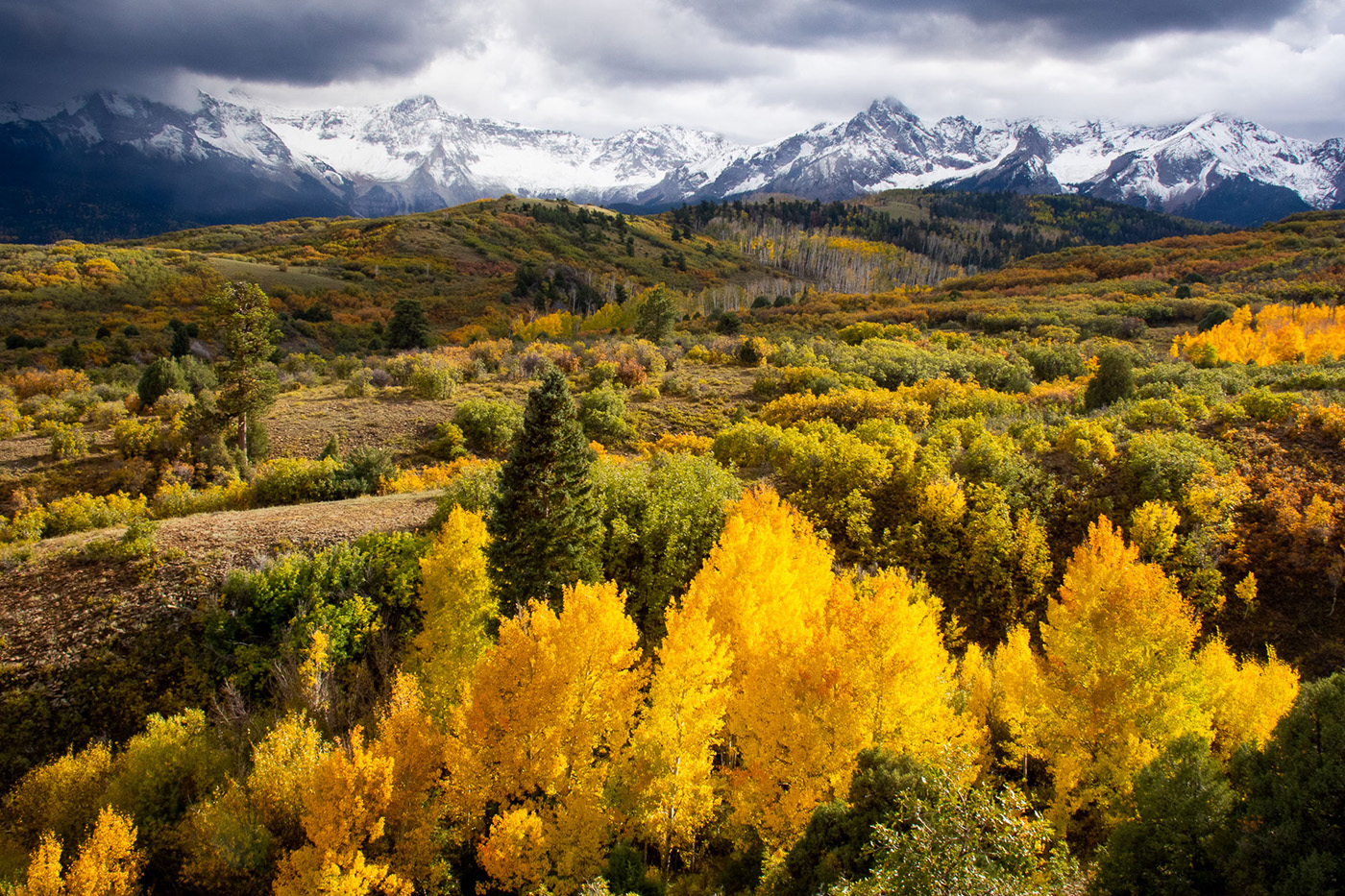
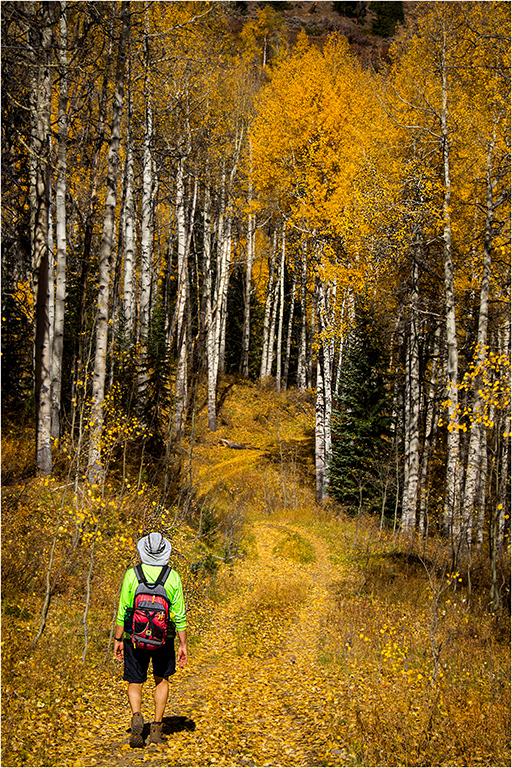
Andres, thanks for your input. I agree that cropping off the trees would help the composition. |
Feb 6th |
| 3 |
Feb 25 |
Reply |
Michael, thanks for your comments. I agree that cropping off the top row of trees helps with the balance of the composition. |
Feb 6th |
| 3 |
Feb 25 |
Reply |
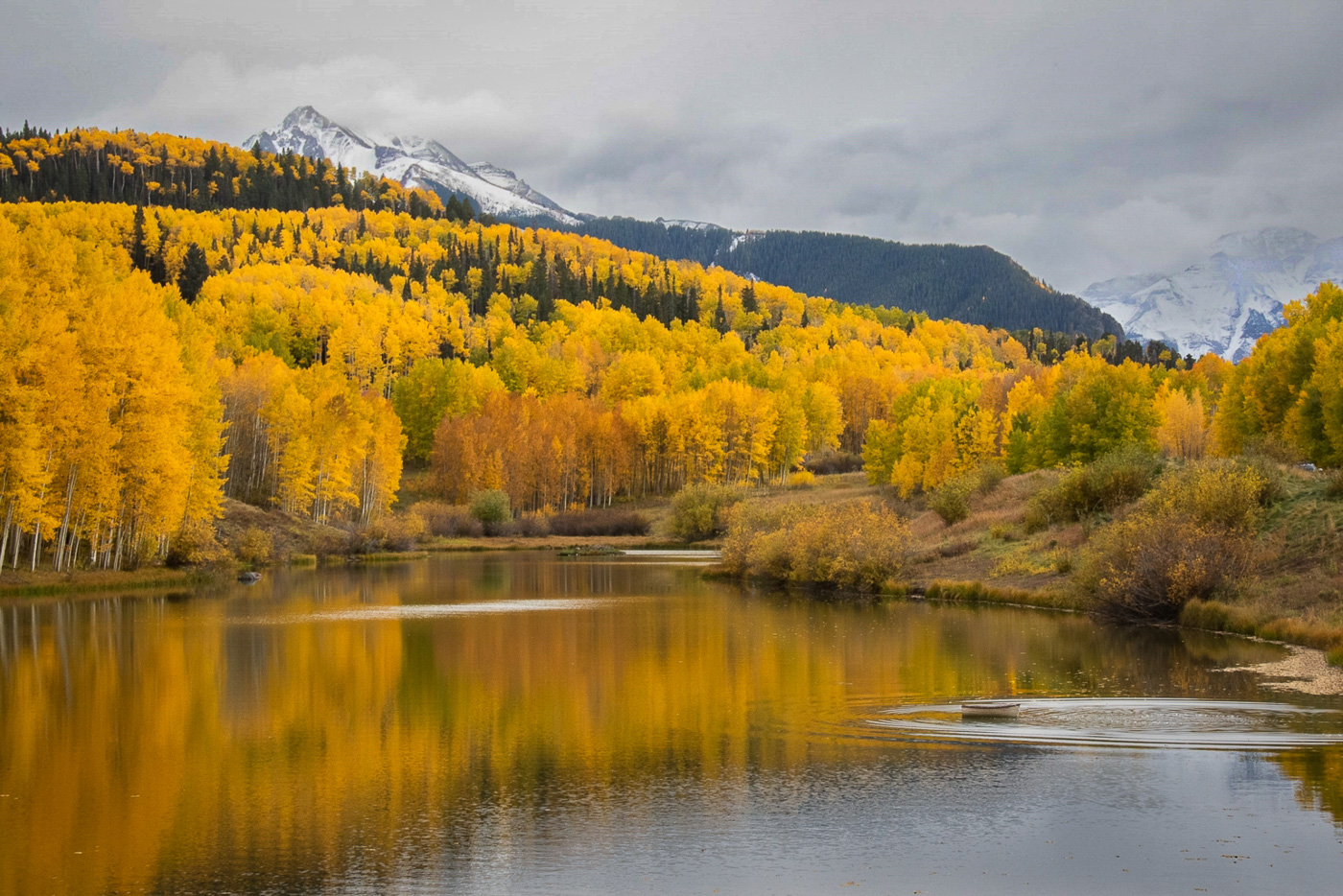
Kieu-Hanh, thank you for your comments and suggestions. I agree with you and Michael that the line of trees is too close on the top of the frame. I was looking for photos to submit for a monochrome category in club photo competition, so I was only considering black and white. However, you're right that the autumn trees are beautiful in color. |
Feb 6th |
| 3 |
Feb 25 |
Comment |
Mary Ann, how fortunate that the deer is "posing" so nicely with his head turned towards you. The lighting is challenging due to the deep shadows across part of the buck. You've done a good job of bringing up the shadows for more even light. An example is how much more even the light is on the deer's ears. I agree with Michael that selecting the background and making adjustments on it separate from the deer allows further focus on the buck. Kudos for your work on post processing. |
Feb 6th |
| 3 |
Feb 25 |
Comment |
Kieu-Hanh, your trip to India and the camel festival sound amazing. The cart with its canopy and all the bright colors of the blankets communicate the excitement and traditions of the festival. I too noticed the closeness of the crop by the camel's head. Was there a reason that you needed to crop tightly on that side? I know it's sometimes hard to get a quick shot when there's a lot of action and a crowd. |
Feb 6th |
| 3 |
Feb 25 |
Comment |
Michael, I agree with you that the woman has an intriguing look. The reflection in the glass table is definitely a bonus. You've included just the right amount of objects on the table to give a sense of place. The tonal quality of the color looks a bit "edgy" which fits the leaning forward pose of this French woman. |
Feb 6th |
| 3 |
Feb 25 |
Comment |
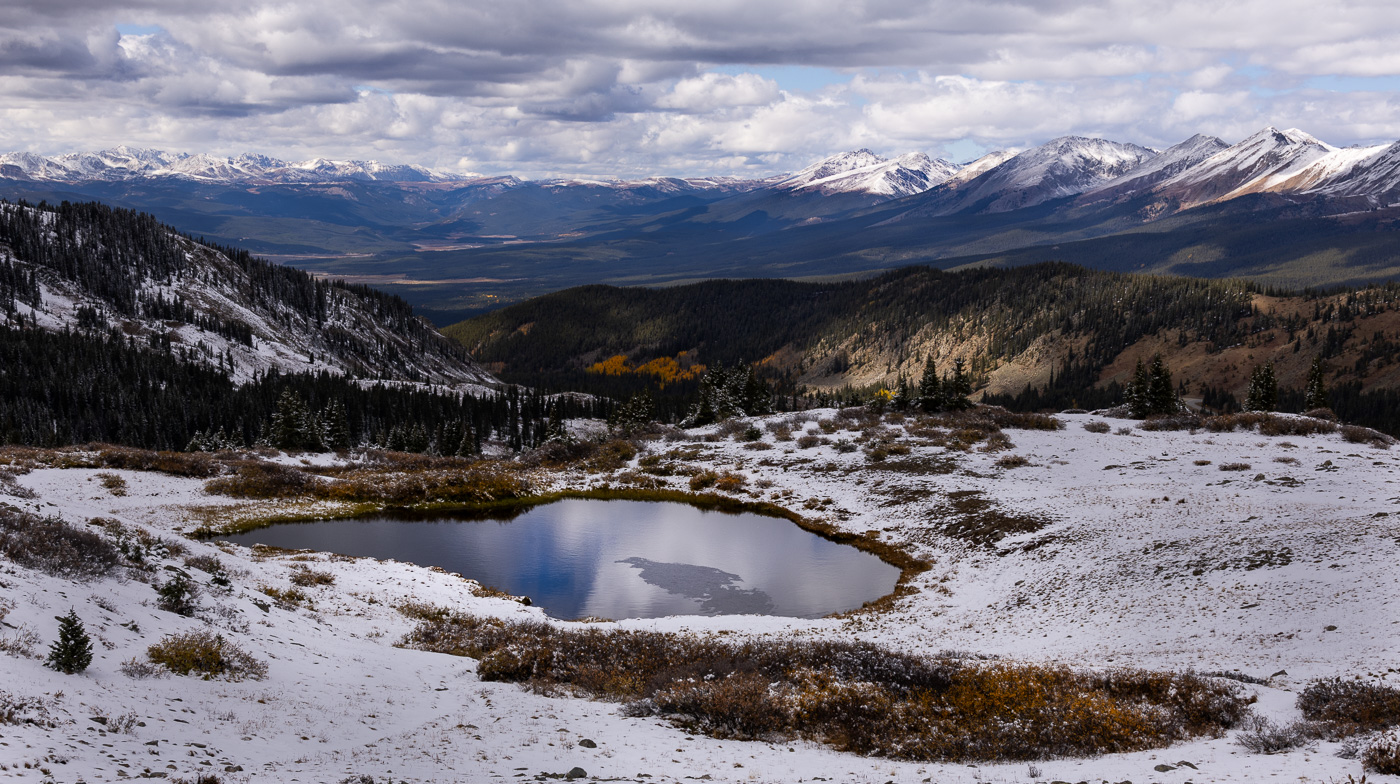
Andres, the snow on the lava rocks creates amazing lines and shapes. I agree with Michael that monochrome emphasizes these lines and shapes. I have found that increasing the contrast as well as adjusting the whites and blacks can make a monochrome more dramatic. Your trip to Sicily sounds fantastic. |
Feb 6th |
6 comments - 6 replies for Group 3
|
6 comments - 6 replies Total
|