|
| Group |
Round |
C/R |
Comment |
Date |
Image |
| 10 |
Apr 18 |
Comment |
The pen tool is a vector-based selection tool. All vector-based tools are found in the PATH panel. On my computer, the path panel the layers panel and the channel panels were altogether. Another way of showing the path panel would be to go to Windows>PATH. To create a selection is a two-step process. The first step involves using the pen tool to create the path and then opening up the paths panel and immediately double-clicking on it to convert it from a working path into a named path. If you don't do this, then the next time you try to use the tool, you will erase the path. You then have to start all over again. After you have a named path you then need to convert the path to a selection and you do that by one of two methods. The first method is to go to the drop-down menu at the very right side of the path panel and choose SELECT PATH. The other method is to go down to the buttons at the bottom of the path panel and click the third button from the left. Either of these methods will create a selection, ie the marching ants. You can then switch over to the layer panel and your selection will remain in place. Hope this helps. |
Apr 14th |
| 10 |
Apr 18 |
Comment |
A REALLY nice capture, Herb. The storytelling on this image is really nice. The exposure, the focus, and the color balance is quite good. I especially like your skillful use of vignettes to draw our eye to the center of interest. Unfortunately, the rope over her face creates a fused edge tangent which tends to confuse the eye. While it is very difficult to capture these kids, this image might be even stronger for the tangent not there. Nevertheless, this is a very, very nice capture. |
Apr 14th |
| 10 |
Apr 18 |
Comment |
A really nice documentary image, David. The use of the complementary yellow and blue color scheme works very nice for this image. Nice job |
Apr 14th |
| 10 |
Apr 18 |
Comment |
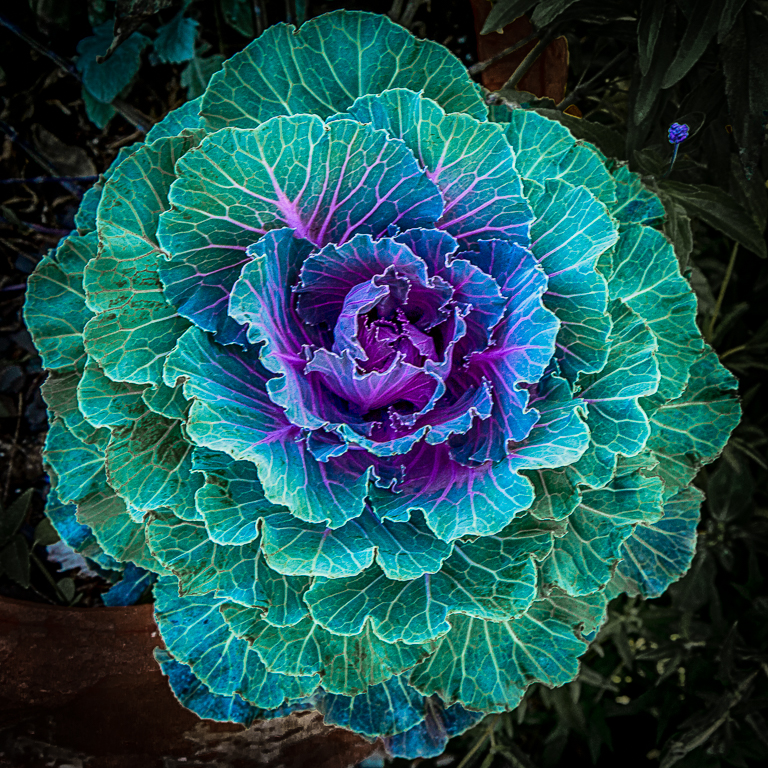
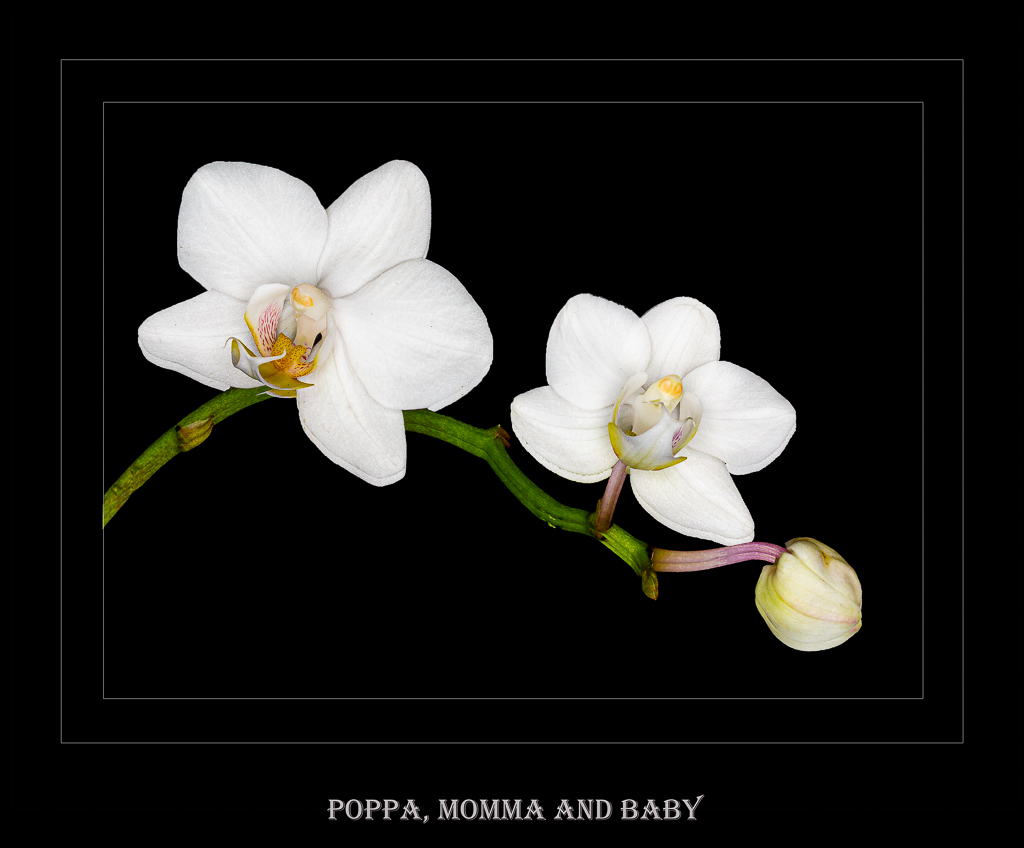
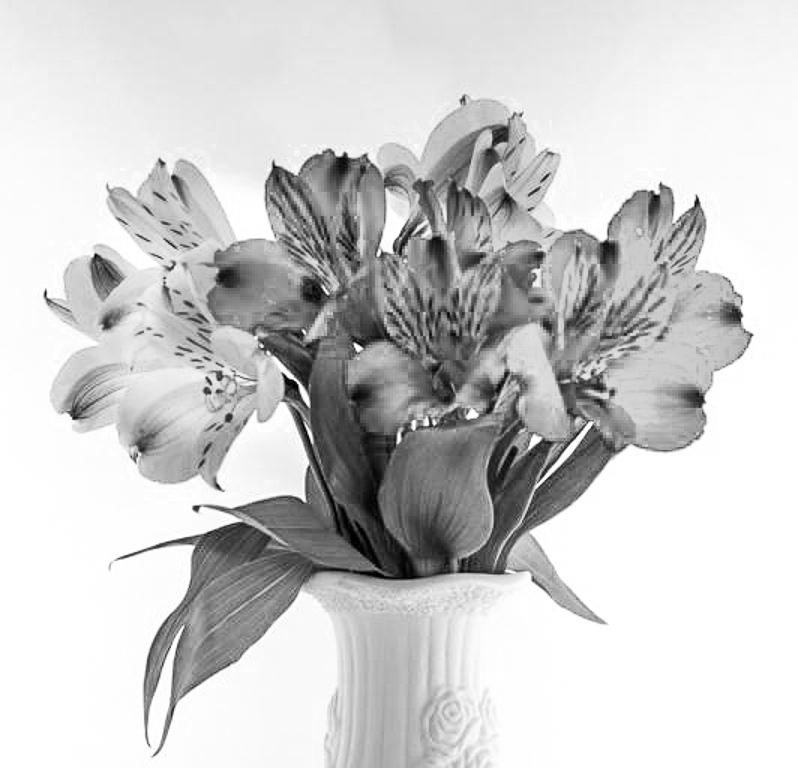
A nice first job on a very complex subject. Floral photography can be very hard to do well. The best images that I've seen involve a single object or perhaps three objects that you can place in a triangular type setting. It is critical in floral photography have a nice background of some sort. The images also have to be tack sharp to get the best results. the bright colors in this image tend to confuse the eye and you don't know quite where to look. This image might be enhanced by converting to black and white. See VF. For some creative ideas regarding floral photography check out Karen Nakamura photography. |
Apr 14th |
 |
| 10 |
Apr 18 |
Comment |
Nice job, Rich. I really like the storytelling, the composition, and focus. From a purely technical standpoint, the image might be enhanced by decreasing some of the highlights particularly in the sky and bumping up the contrast a bit more. See VF. |
Apr 14th |
 |
| 10 |
Apr 18 |
Comment |
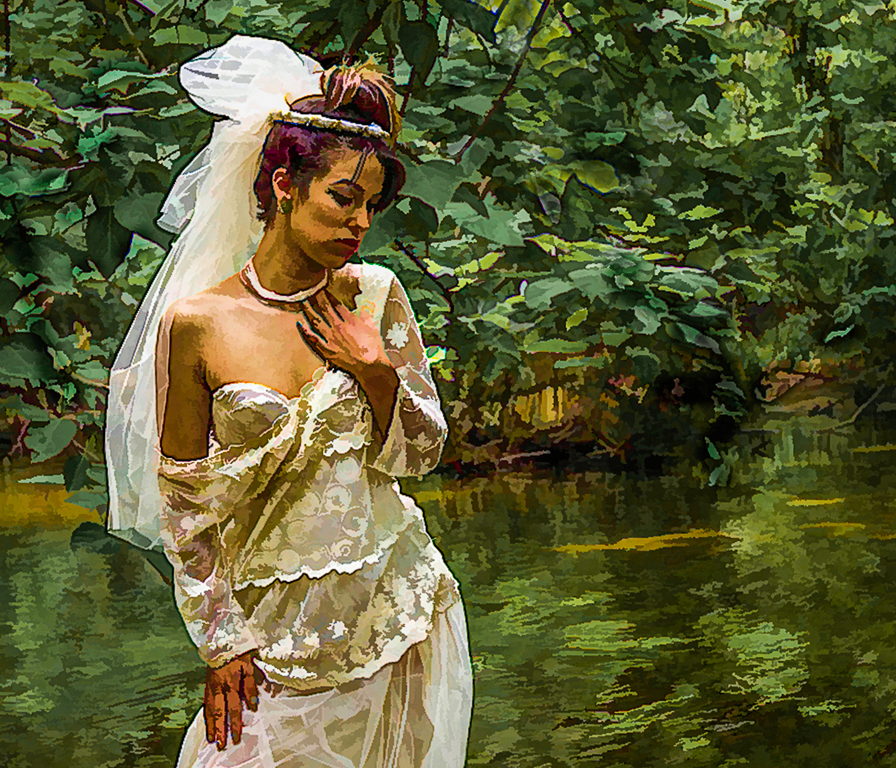
WOW!!! I really like what you're trying to do here. This is a very nice creative image. I particularly like the composition with the subject eccentrically posed and placed in a very feminine pose. My only nitpick would be that the top of the bride's veil appears to be a bit blown out and might be enhanced by decreasing some of the highlights slider. In addition, the bright green color tends to draw my eye away from the subject. By decreasing some of the saturation and luminance in the green, you remove this distraction and push your eye towards the center of attention-the bride. NICE JOB!!!!! |
Apr 14th |
 |
| 10 |
Apr 18 |
Comment |
A really nice PJ shot. I like the fact that you were able to capture the action, it is sharply in focus and it seems to be very well composed. My only nitpick would be that the goal in the background seems to be extremely bright white and draws my eye away from the main subject. The image might be enhanced by toning down the white a bit as well as the white windows in the background. Let me know what you think. See VF |
Apr 14th |
 |
| 10 |
Apr 18 |
Comment |
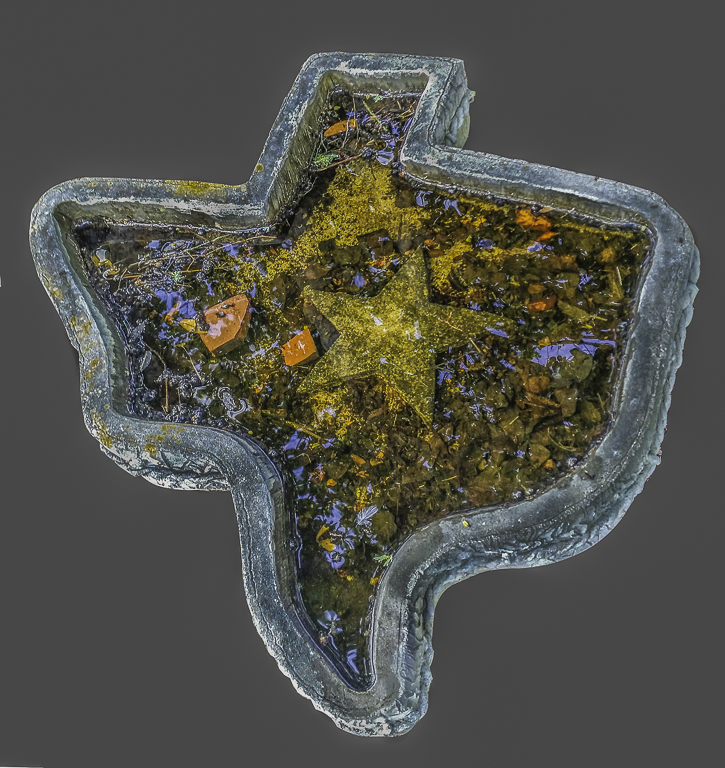
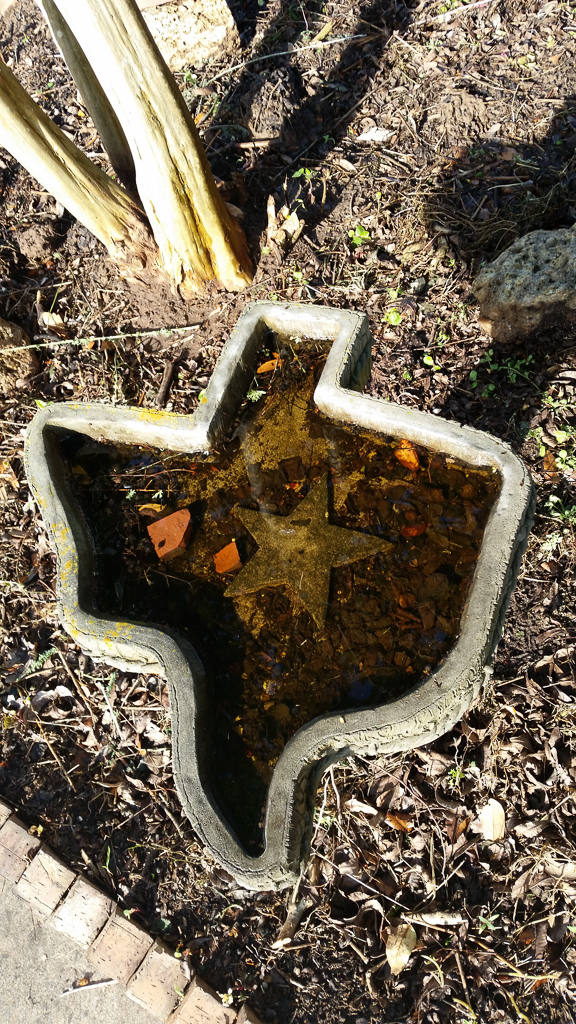
The curvature pen tool is DEFINITELY an arrow that you want in your quiver. It is an extremely accurate selection device and is now much easier to use than the previous pen tool. Julianne Kost from Adobe has a nice video on this. To answer your question, the birdbath was actually that shape but there were so many distracting details that I felt it would be better if it were put on a plain background. See the attached original file and I think you'll see what I'm talking about. |
Apr 14th |
 |
8 comments - 0 replies for Group 10
|
8 comments - 0 replies Total
|