|
| Group |
Round |
C/R |
Comment |
Date |
Image |
| 15 |
Jan 18 |
Comment |
Rick:
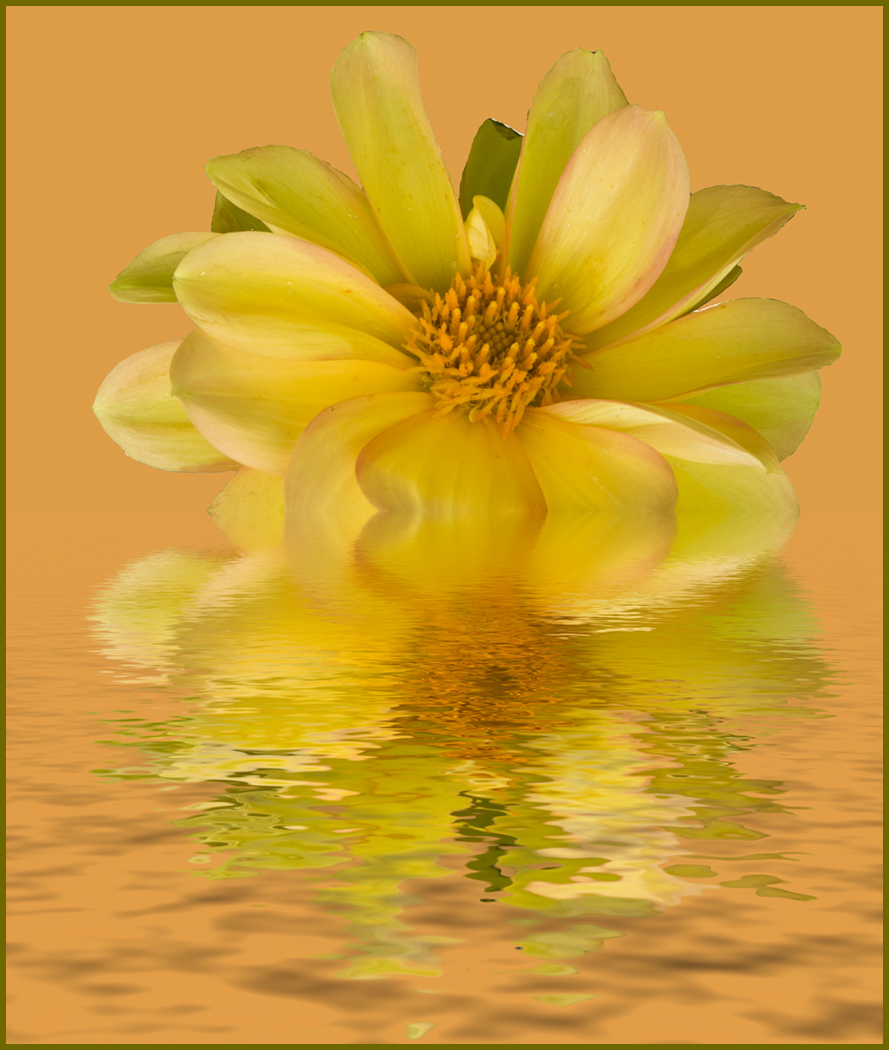
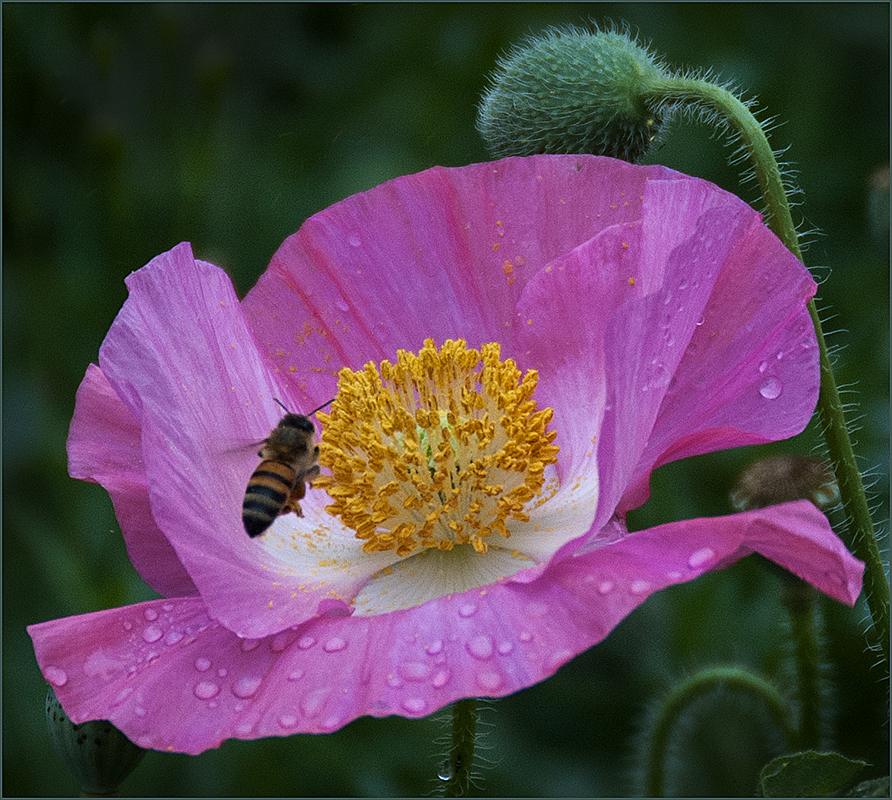
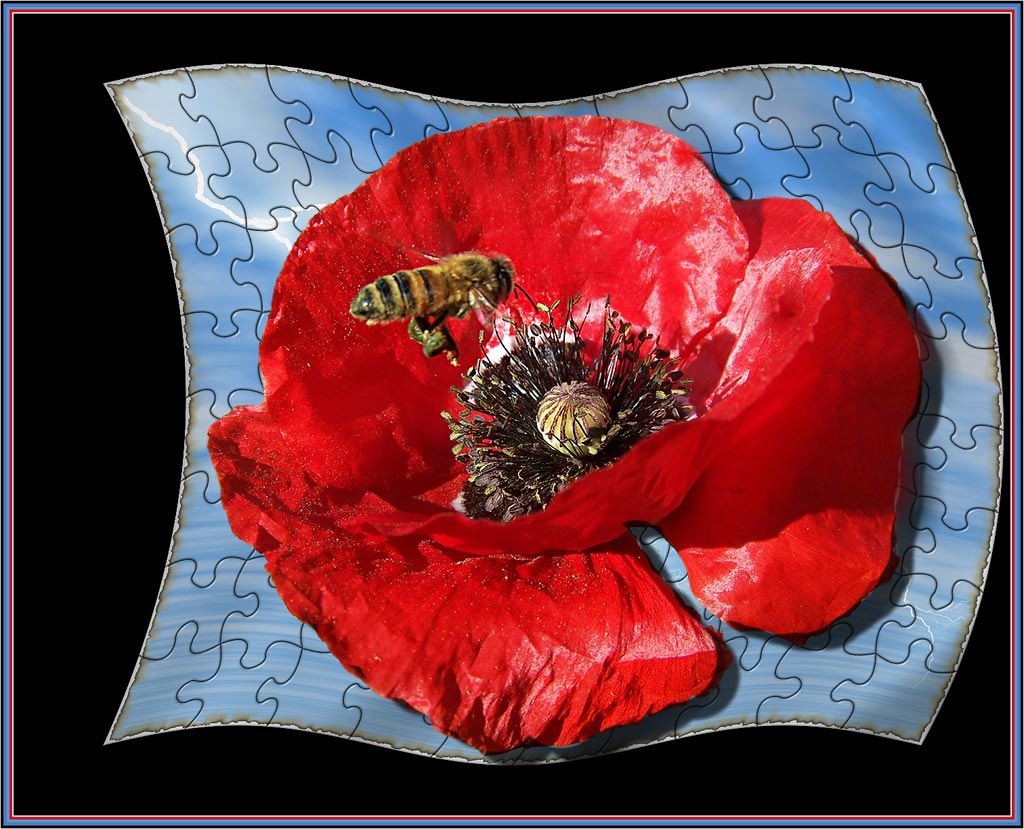
I isolated the poppy (from your picture using Quick Mask)and copied it to a new layer. Use whatever selection technique you like best, just so you get a selection that you can use to isolate your image. In that layer I clicked the fx at the bottom of the layers panel. When the menu comes up on the lower right side, I chose "drop shadow" and adjusted the width and angle that I wanted to use. After that you can carry on with the merging and flattening etc. as usual.
Hope this helps. If I have not been clear, I can send you the procedure in an email. Carmen |
Jan 14th |
| 15 |
Jan 18 |
Comment |
LuAnn
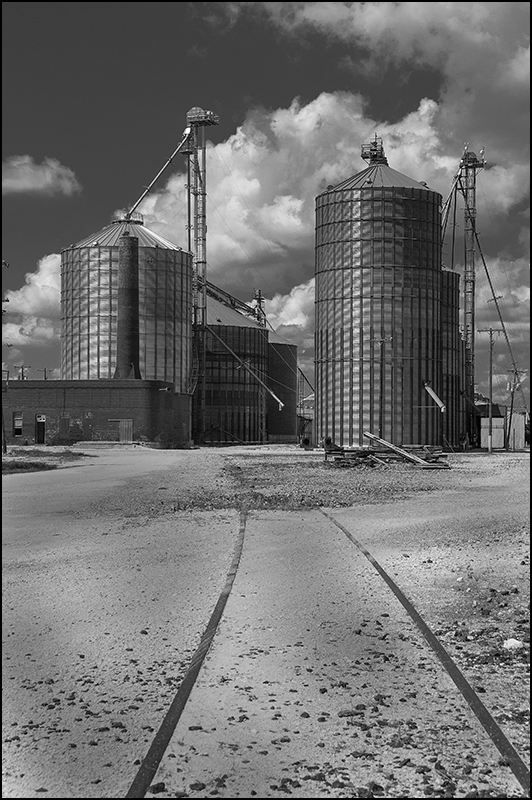
Nice Architectural shot but it seems a little soft to me. When I try to enlarge it to see for sure it pixelates. |
Jan 14th |
| 15 |
Jan 18 |
Reply |
Thank you, Rick. |
Jan 14th |
| 15 |
Jan 18 |
Comment |
Hi Rick, Once again you have created a colorful and fun image. I took the liberty of adding a drop shadow to the poppy to establish a little more connection to the puzzle flag,just for grins. What do you think?
|
Jan 14th |
 |
| 15 |
Jan 18 |
Comment |
Hi Tianji,
How fortunate to catch all the elements at once and so beautifully. Shooting from the floor was brilliant. Can't add anything more to the discussion. One suggestion though. Since we are displaying our images against a black background, it would help define the image to place a narrow stroke, 2 or 3 pixels wide in a subtle color on the image, especially when there are dark area on the image.
Carmen |
Jan 11th |
| 15 |
Jan 18 |
Comment |
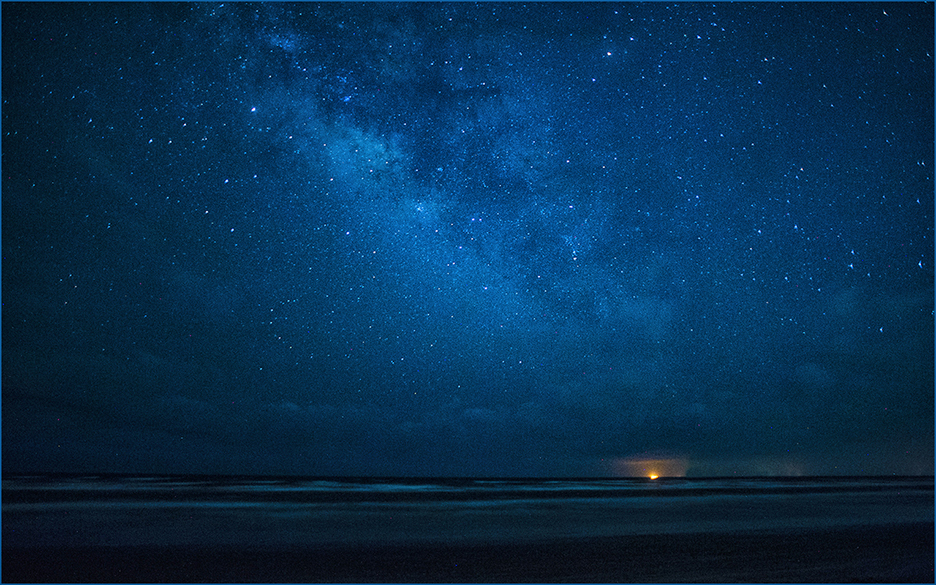
Joan,
I live at 50 feet above sea level,at 10,000 feet I would not be able to get a breath, never mind a 30" exposure with such good composition, lighting and stars. Stars can move a long way in 30" but the resulting image is quit good in my book.
Carmen |
Jan 11th |
| 15 |
Jan 18 |
Comment |
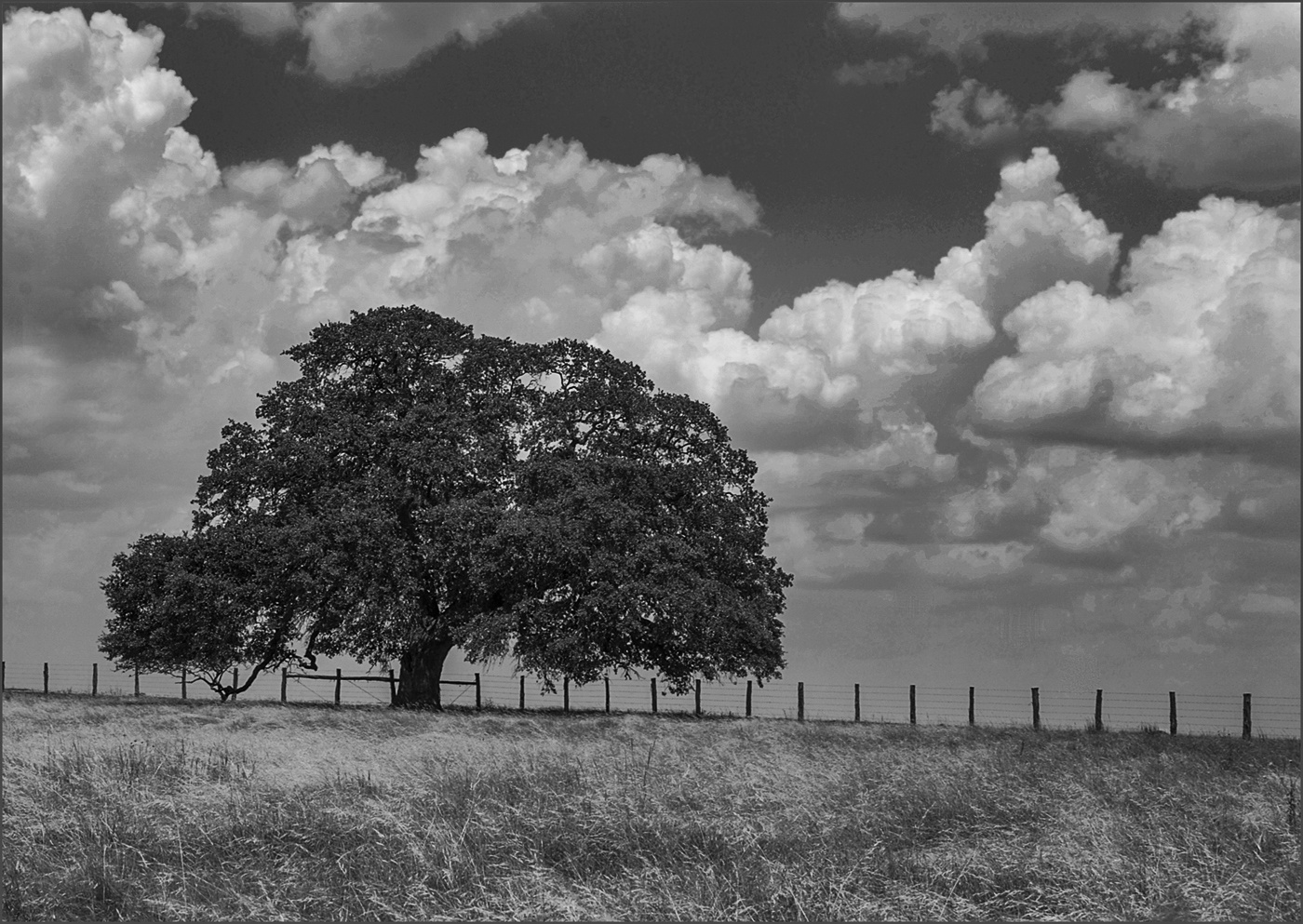
Hi George,
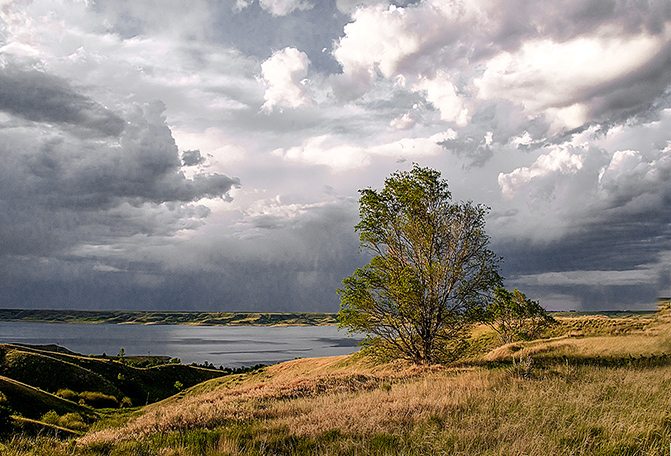
Lovely scene. The clouds are spectacular. There is a white line down the right side that I would like to see go away. Maybe gently darken the lower right hand corner just a bit as it draws the eye away from the rain and clouds. I took the liberty of darkening the corner for comparison. |
Jan 11th |
 |
| 15 |
Jan 18 |
Comment |
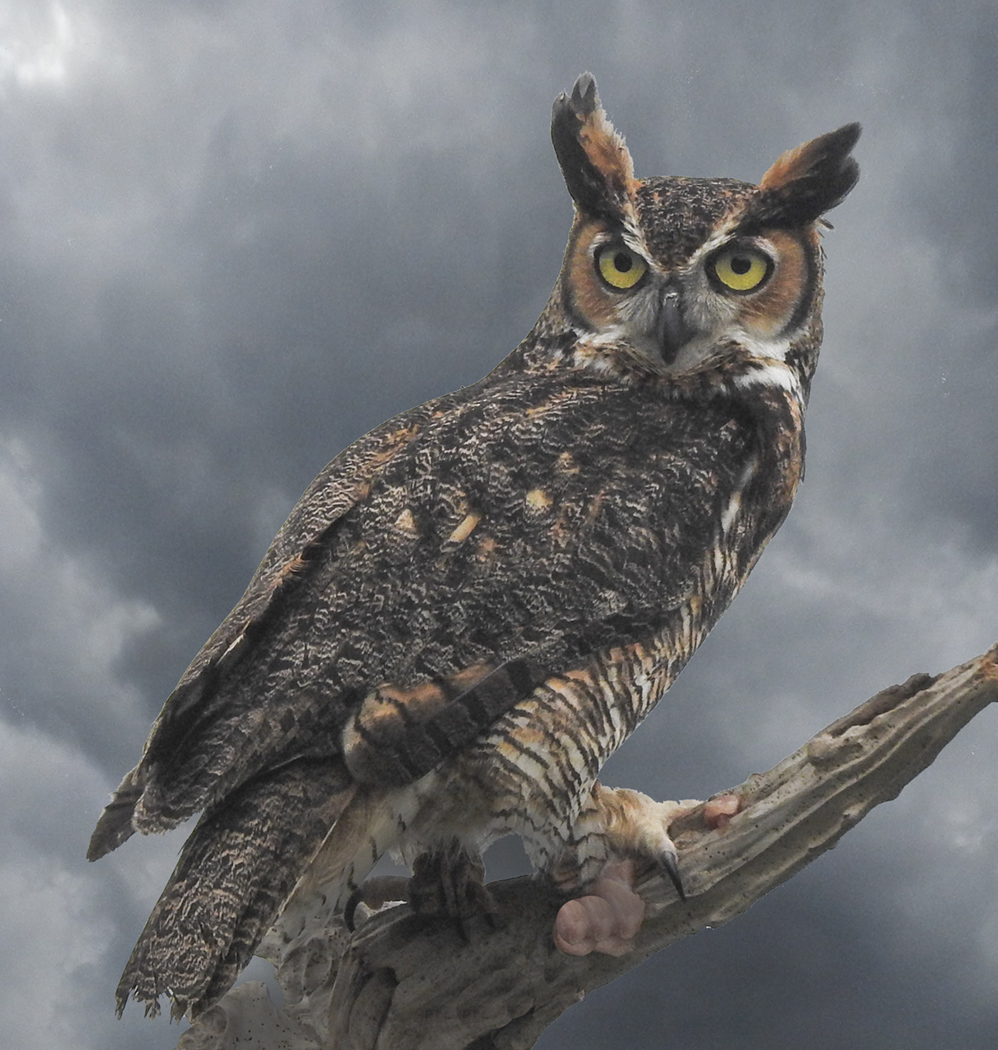
Hi LuAnn,
I appreciate your taking time to evaluate my image. As an Advanced Photoshop Instructor, I am aware of the tools you described. I did use some dodge and burn, a lot actually, but at some point it begins to look fake and I was approaching that point. I used the Silver Efex Pro 2 as well. By the way, Silver Efex Pro 2 does not adjust globally unless you tell it that's what you want to do. I did the best I could with the image I started with. Perhaps it was just a poor choice to begin with.
Carmen |
Jan 11th |
7 comments - 1 reply for Group 15
|
7 comments - 1 reply Total
|