|
| Group |
Round |
C/R |
Comment |
Date |
Image |
| 31 |
Mar 20 |
Comment |
Hi Ian... thanks for your comments.. this was a fun a fun project.. but.. as I mentioned previously, a lot of work... now that most of us are at home... my creative juices are fast at work... stay tuned. |
Mar 24th |
| 31 |
Mar 20 |
Reply |
John... thanks for your feedback... sort of a fun project … but, it was a lot of work. |
Mar 14th |
| 31 |
Mar 20 |
Comment |
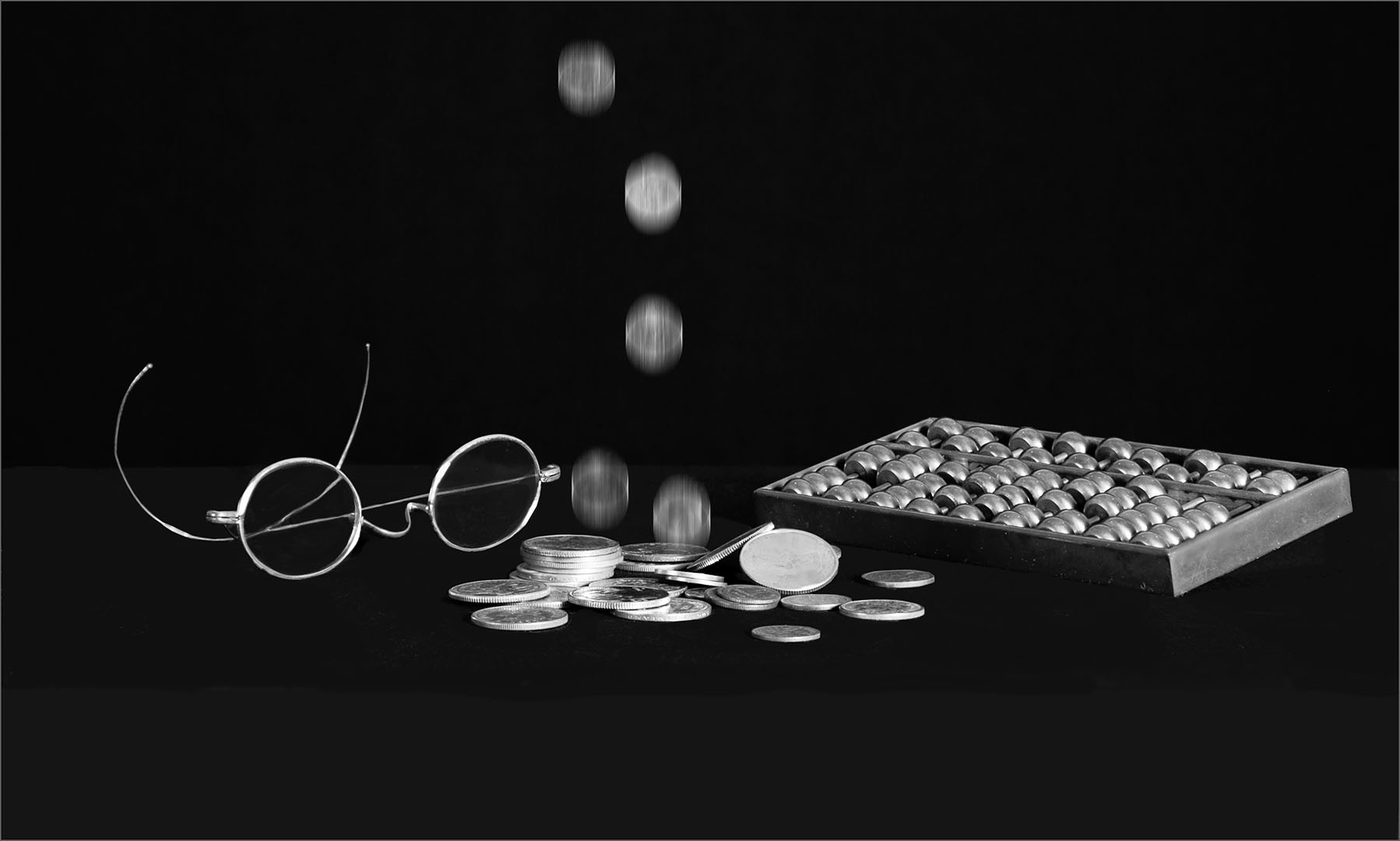
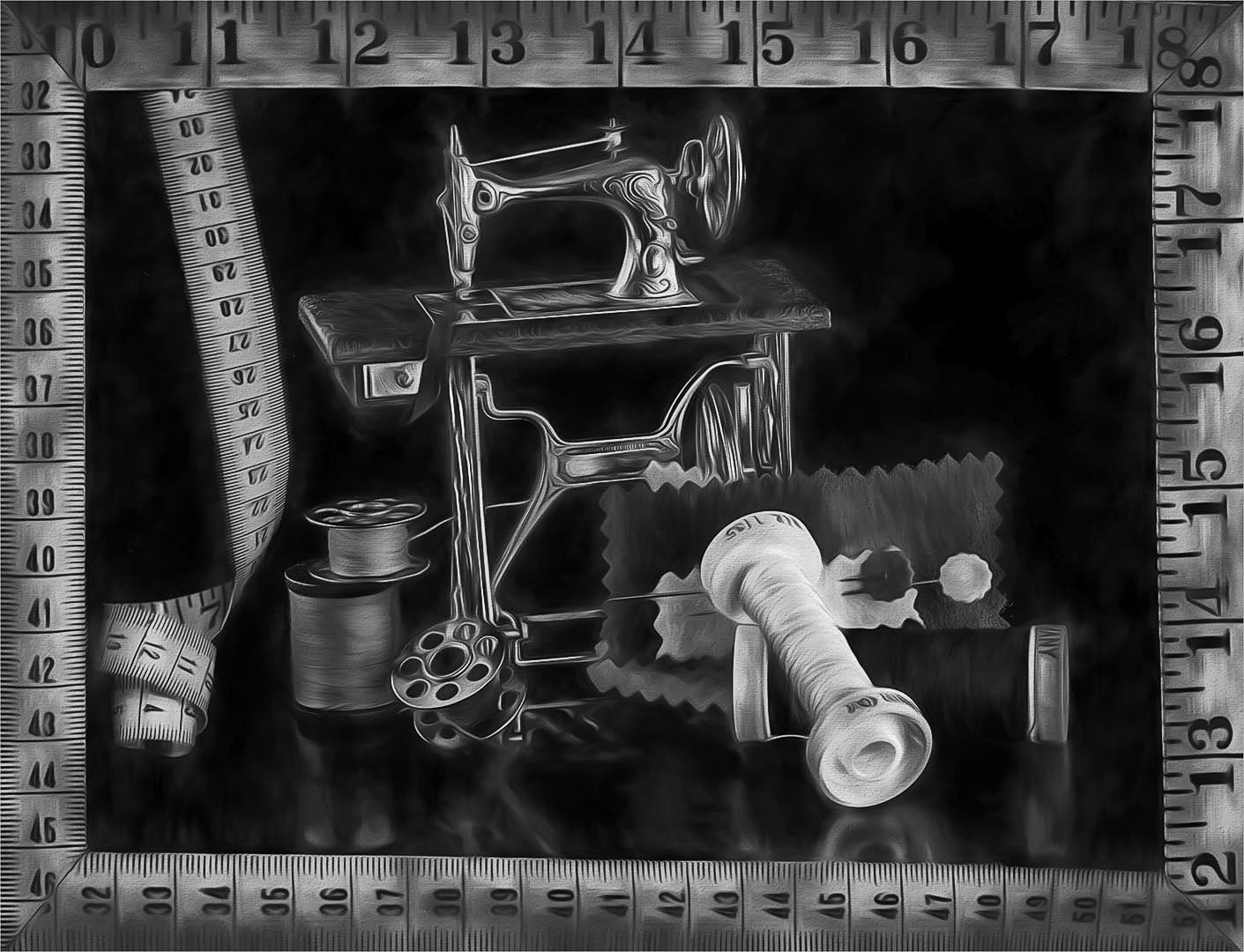
Hi Paul... Thanks for your comments. I first stacked the images in photoshop and saved the file...Then duplicated that file, then added a swirlie line filter and used a mask "erase" and show some detail in the spools from the layer below. Finally I added the boarder of tape measure as a frame and added the y bit in the layer below the frame. Actually, quite a bit of work... but a fun little project. It was converted in NIK.. and, called it done... the color version is sort of cool as well. |
Mar 14th |
| 31 |
Mar 20 |
Comment |
Ed... thanks for your feedback |
Mar 9th |
| 31 |
Mar 20 |
Reply |
HI Beverly.. thank you for visiting our group. This was a fun still life and the sewing machine is a teeny-weeny mini that actually has moving parts... without the real life size sewing items it would be hard to tell it was a miniature. Thanks for your feedback |
Mar 8th |
| 31 |
Mar 20 |
Reply |
Peter... thanks for your feedback... I added the spools, bobbins, pins, and, tape in real size... because the sewing machine is a teeny weeny mini...and, I wanted to show its scale. When I shot the sewing machine by itself, it was hard to tell that it was a miniature because it actually has moving parts and the drawer opens as well...it looked like a real life-size machine. |
Mar 8th |
| 31 |
Mar 20 |
Comment |
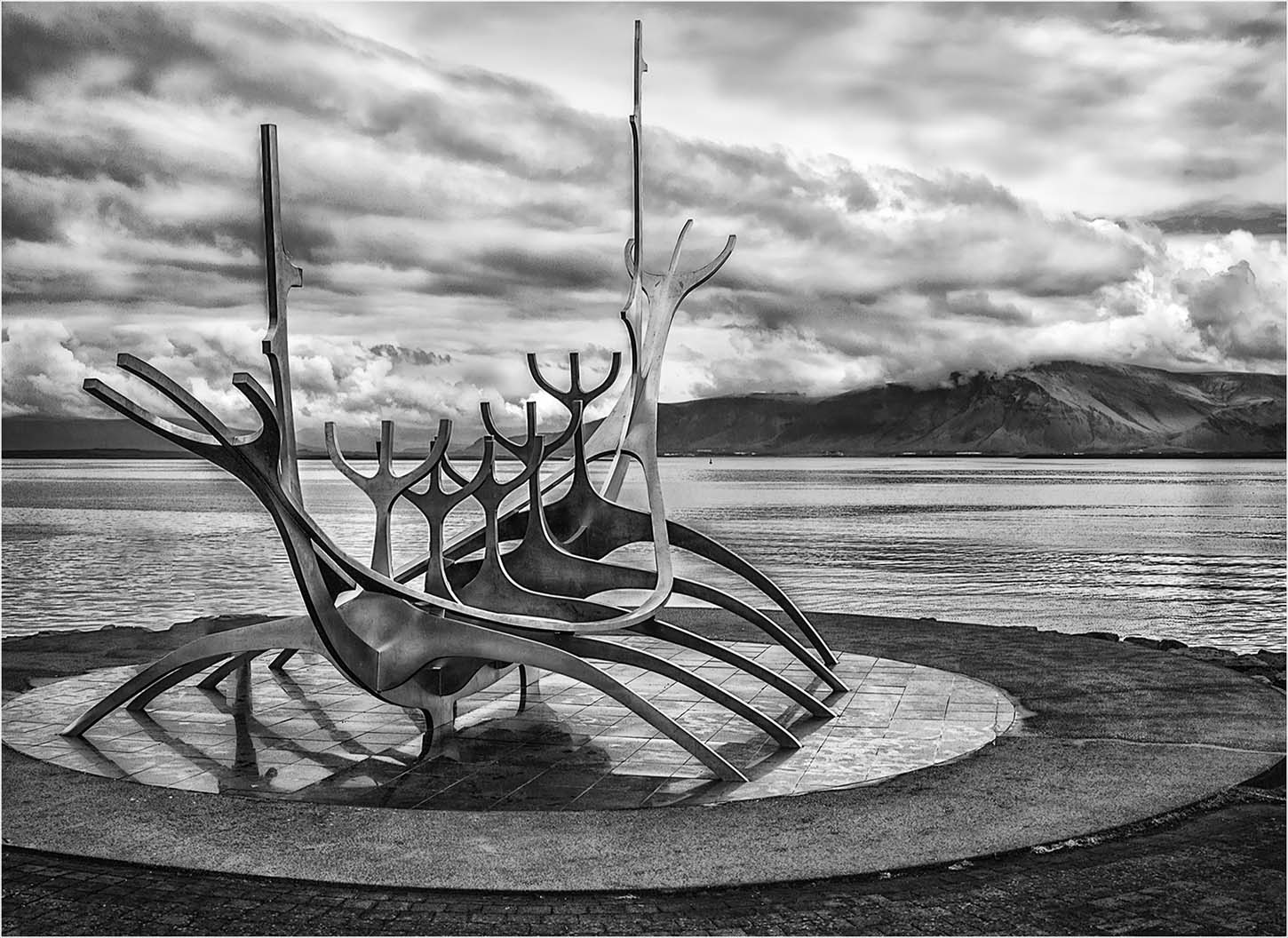
Hi Ian... what a cool shot! I like the lighting and shapes of the craft. Nicely done. |
Mar 7th |
| 31 |
Mar 20 |
Comment |
Hi Ed: Just my 2 cents on strokes... If I apply a stroke, I do it AFTER the image is sized appropriately, then use 2 (occasionally a 3 px) light grey center stroke (there are 3 choices inside, center and outside). I NEVER use white for a stroke, and, will always use a shade of grey, and will only apply a colored stroke (more than 2 - 3 pixels) for an image in the creative color category. Less in the stroke department, is usually more. If submitting for competition, judges tend to view strokes especially large white or colored ones as distracting from the image.
For this submittal, to my eye, your crop is a bit tight for the subject of working wind turbines. Perhaps another angle where there would be more separation between subjects might give more context to the image? Just a thought. |
Mar 5th |
| 31 |
Mar 20 |
Comment |
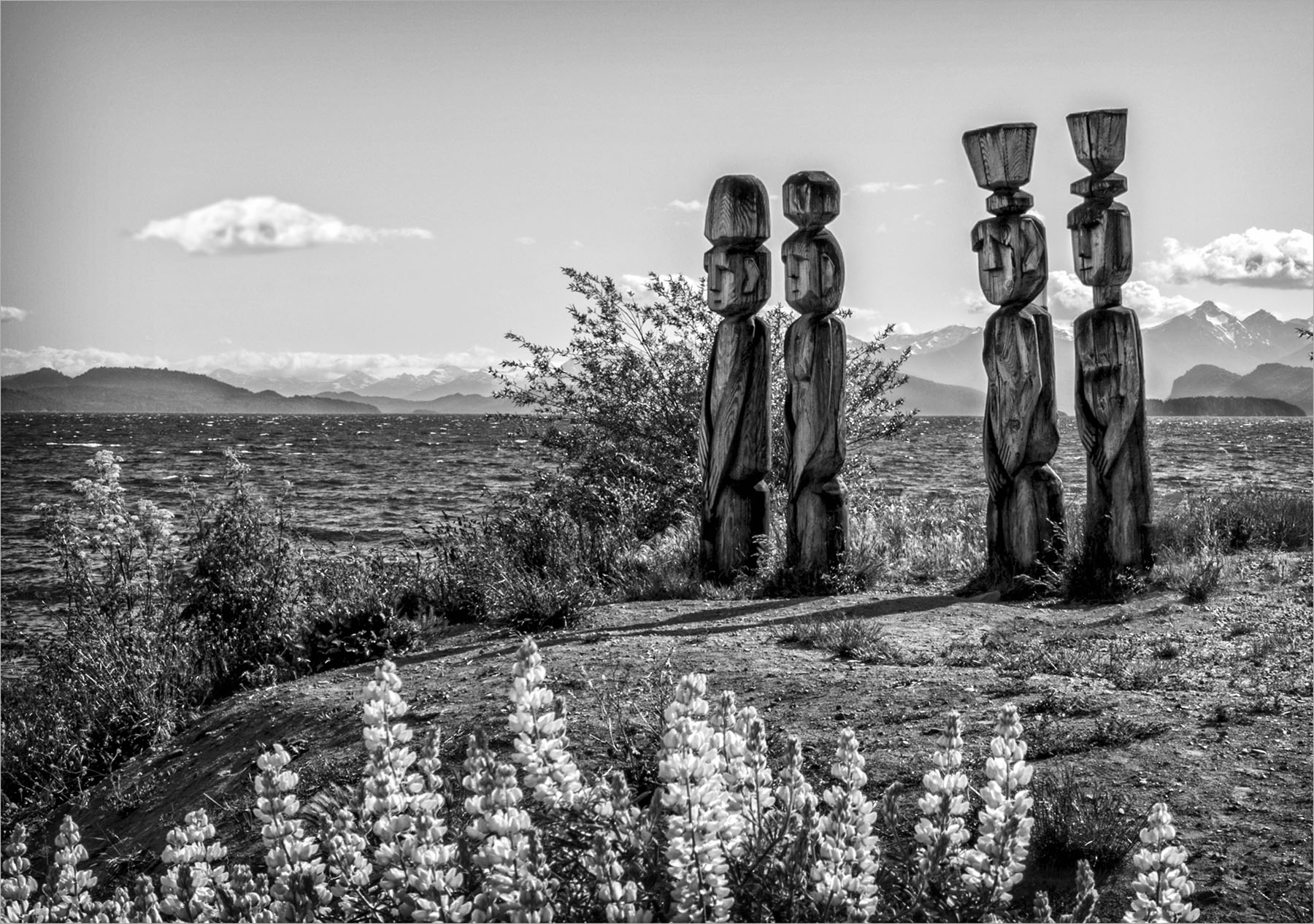
Hi Michael: Living in Arizona, I am accustomed to seeing Native American Rock Art. My wish, as I look at these, is that there would be a book for a translation. Nice image, and, might add very difficult to capture. |
Mar 4th |
| 31 |
Mar 20 |
Comment |
HI Peter: Very nice image...My only comment is the sky on the right hand side appears noisy … maybe my glasses. There should not be noise with ISO 400... Reading your comments about granularity in the sky caused by mask layers explains what happened. |
Mar 4th |
| 31 |
Mar 20 |
Comment |
Paul... this image tells a sad story. The two white bags at the top right image seems to draw attention away from your subject. If this were my image, I might consider either cloning those bags out or darkening them to give the viewer full attention to your subject. Your subject is sharp, and there is good detail in his attire and facial features. |
Mar 4th |
| 31 |
Mar 20 |
Comment |
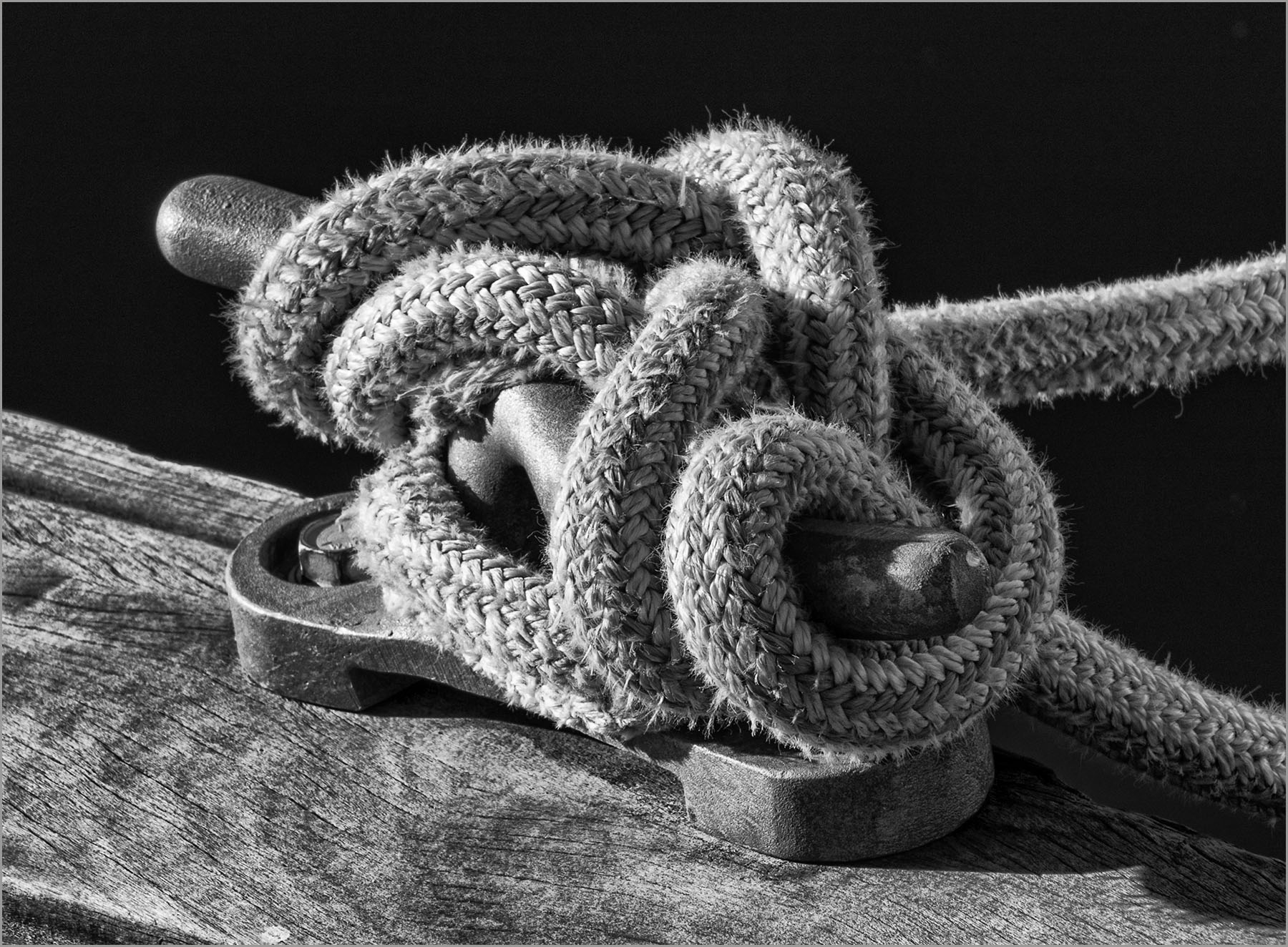
HI John: A really nice image! I like the reflections of the boats on the water. You captured a nice leading line with the mooring rope as well. Good tonal values and, to my eye, sharp. Nice capture! |
Mar 4th |
| 31 |
Mar 20 |
Comment |
Hi Michael... I did not shoot the spools separately... but, did stack of 35 of the original image, then added a creative filter and used a mask to bring out the detail in the spools.
Thank you for your comments |
Mar 1st |
10 comments - 3 replies for Group 31
|
10 comments - 3 replies Total
|