|
| Group |
Round |
C/R |
Comment |
Date |
Image |
| 31 |
May 20 |
Reply |
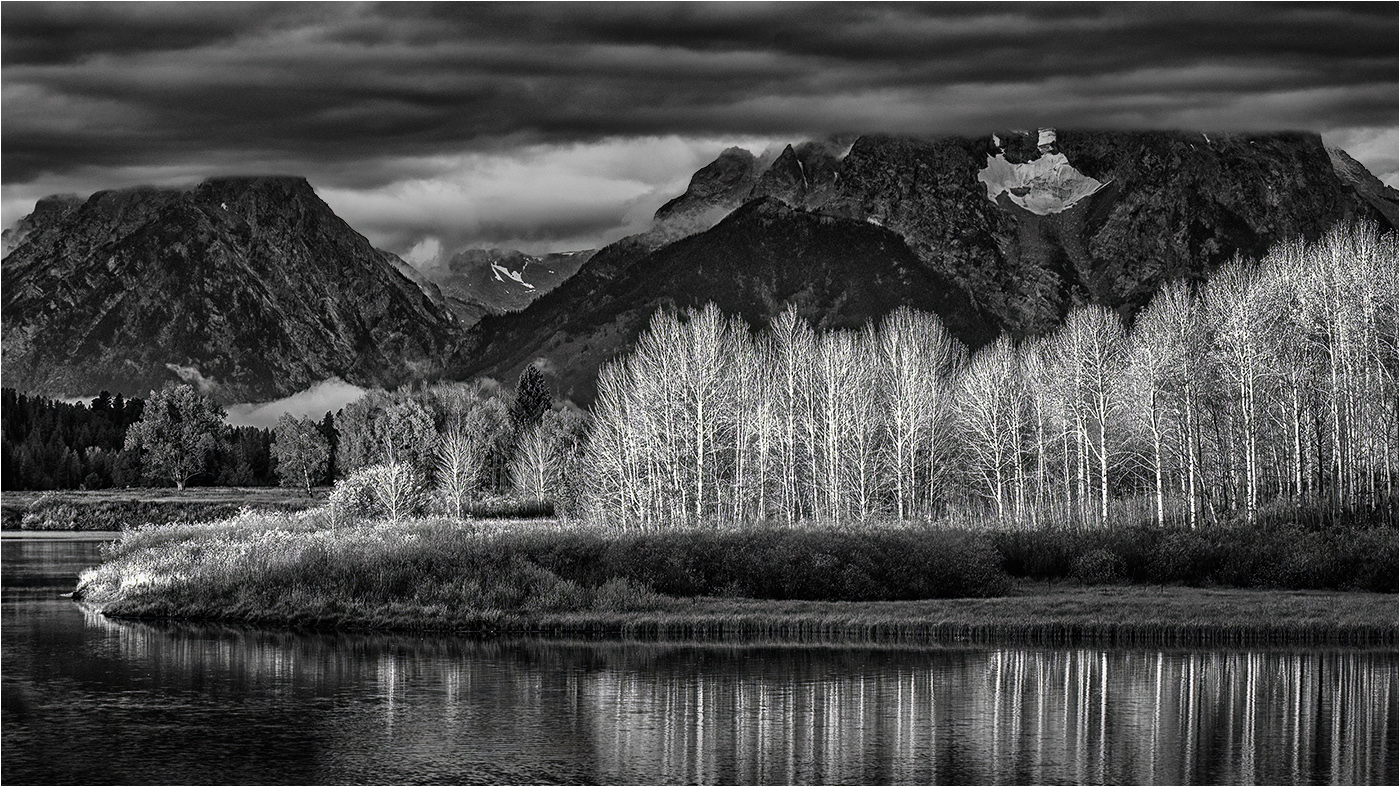
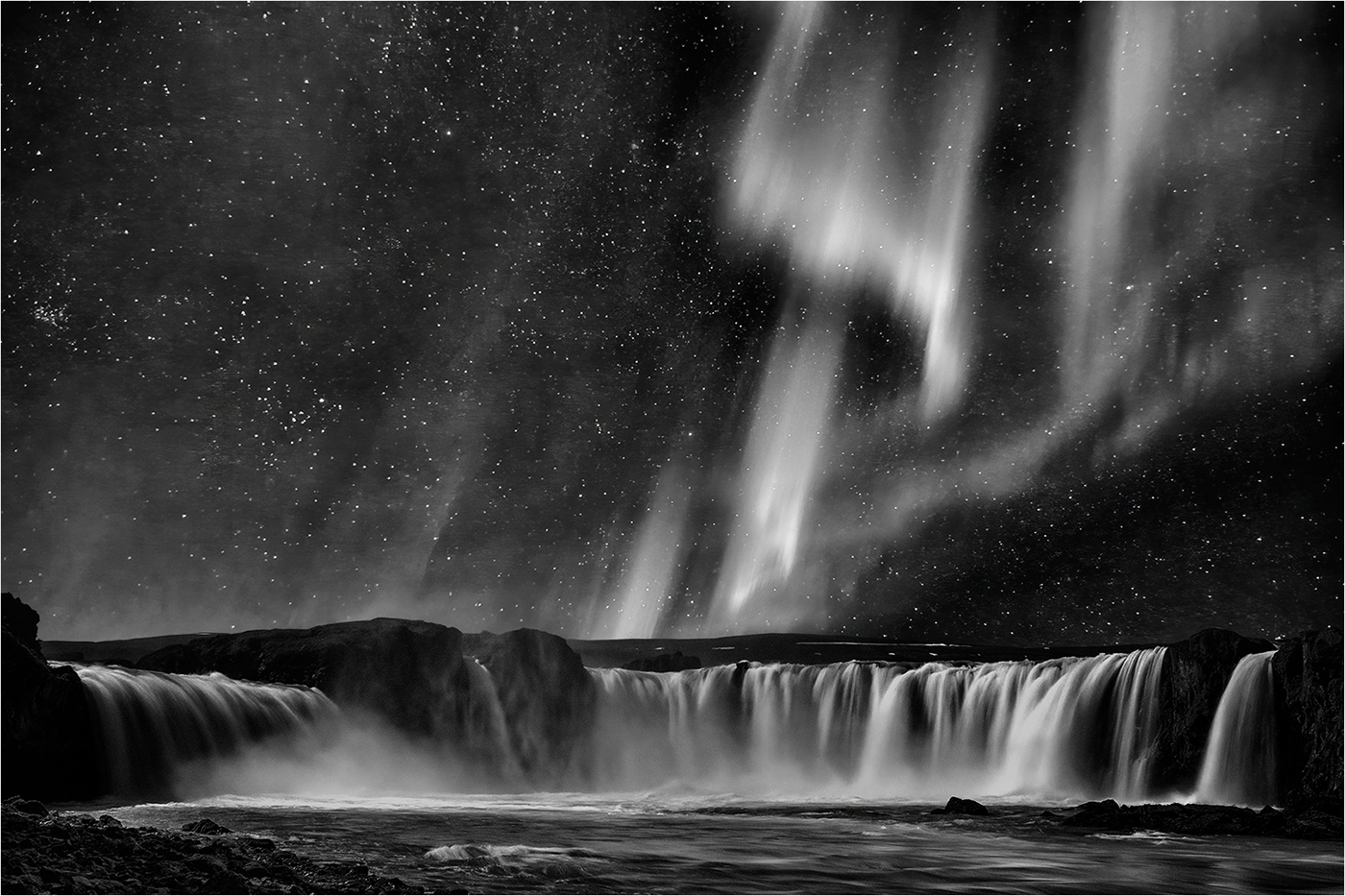
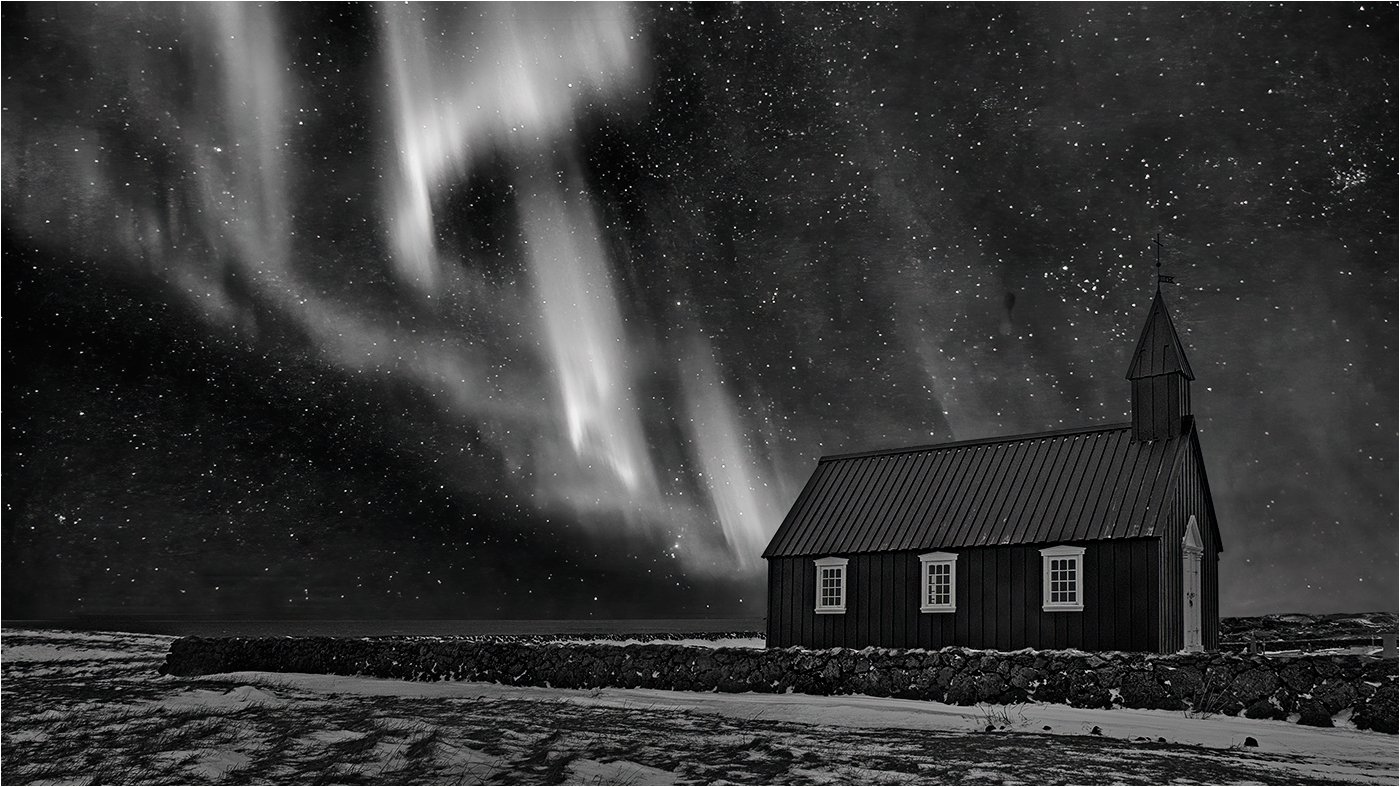
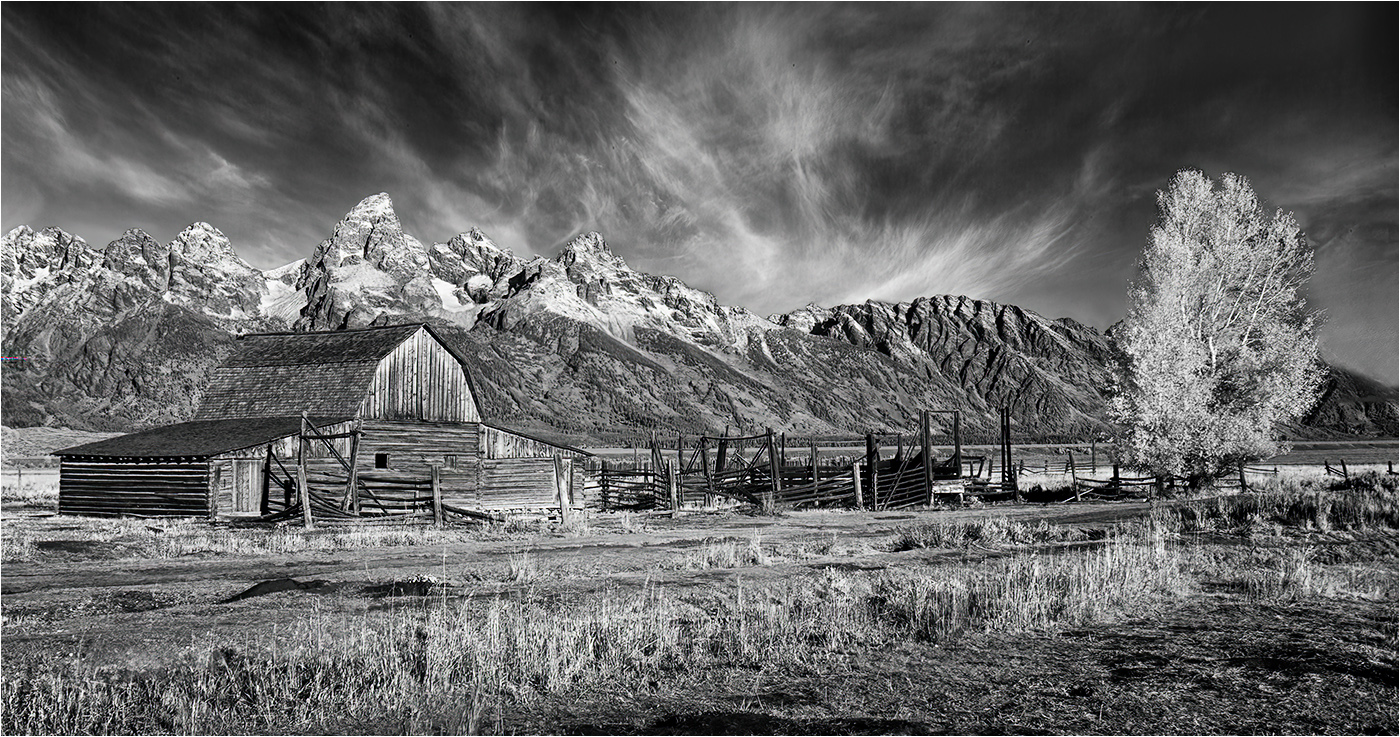
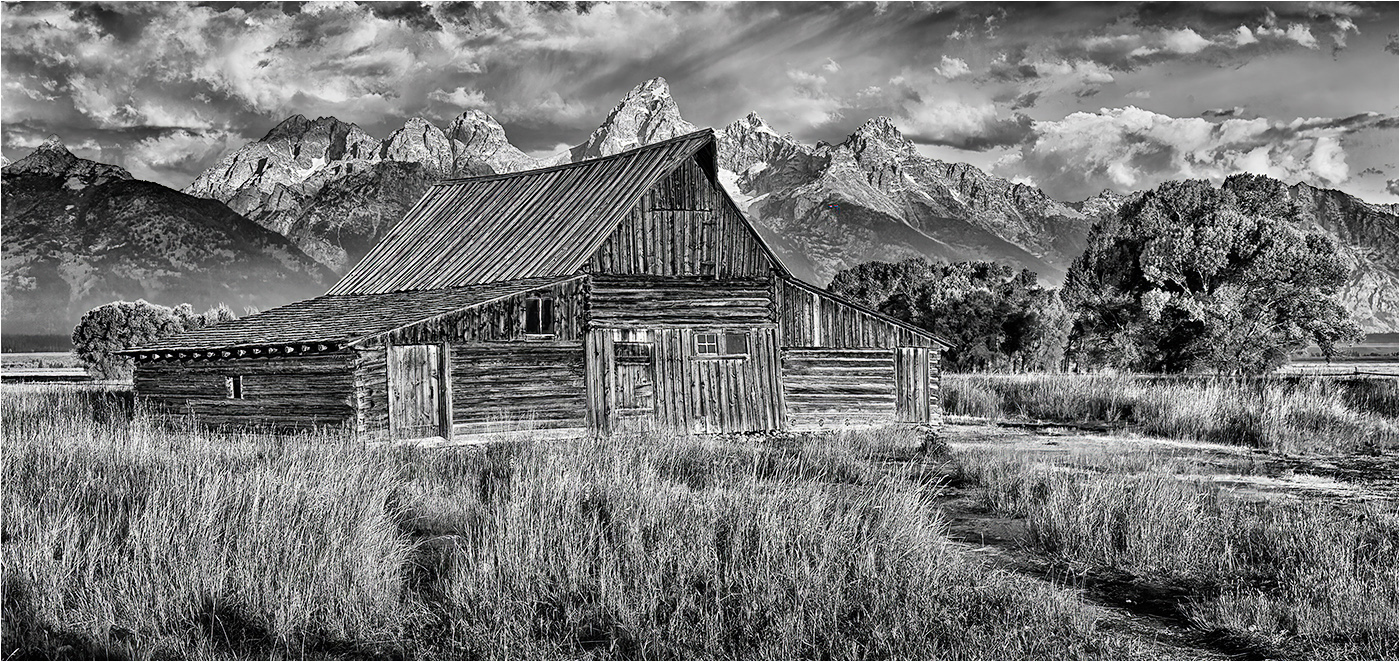
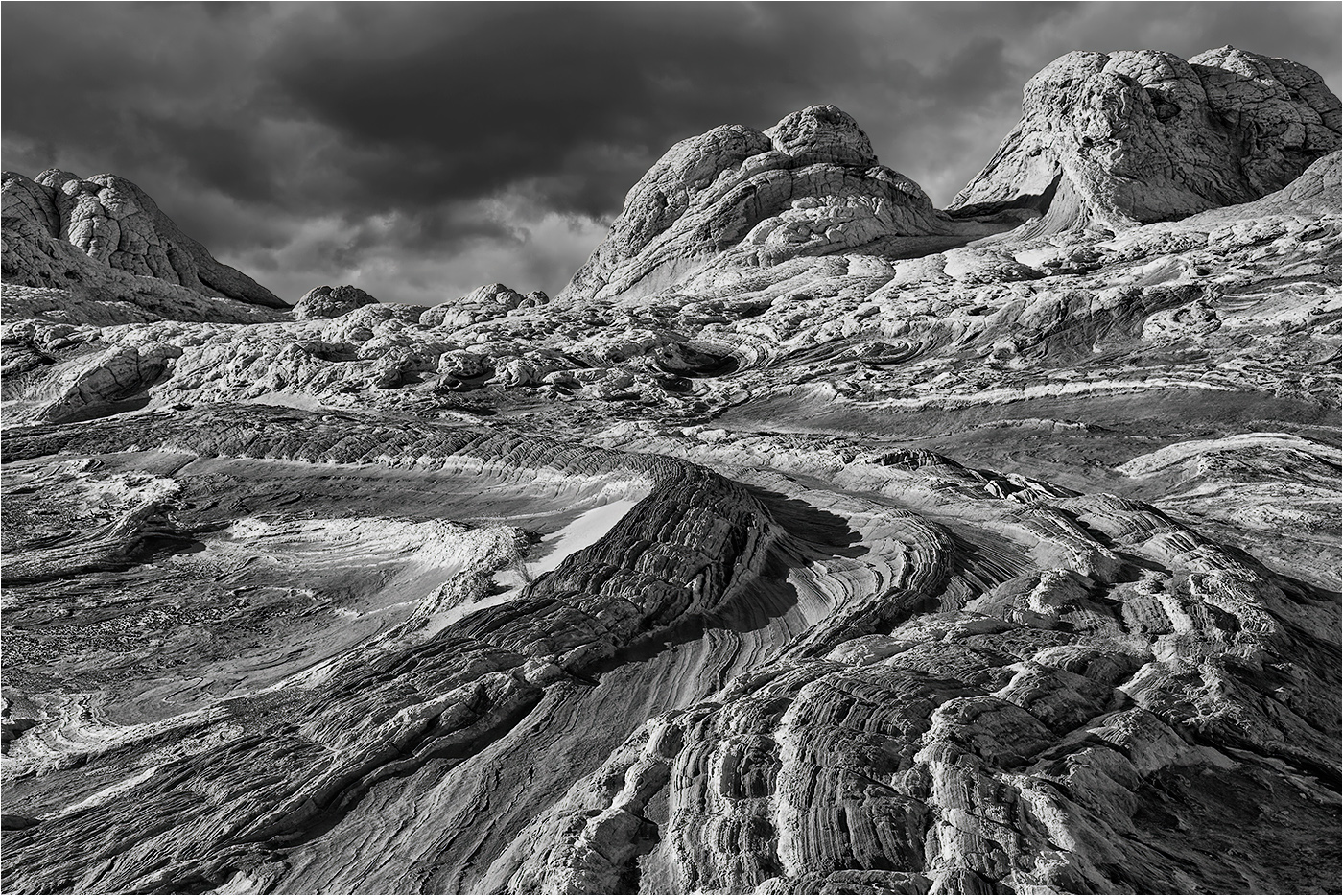
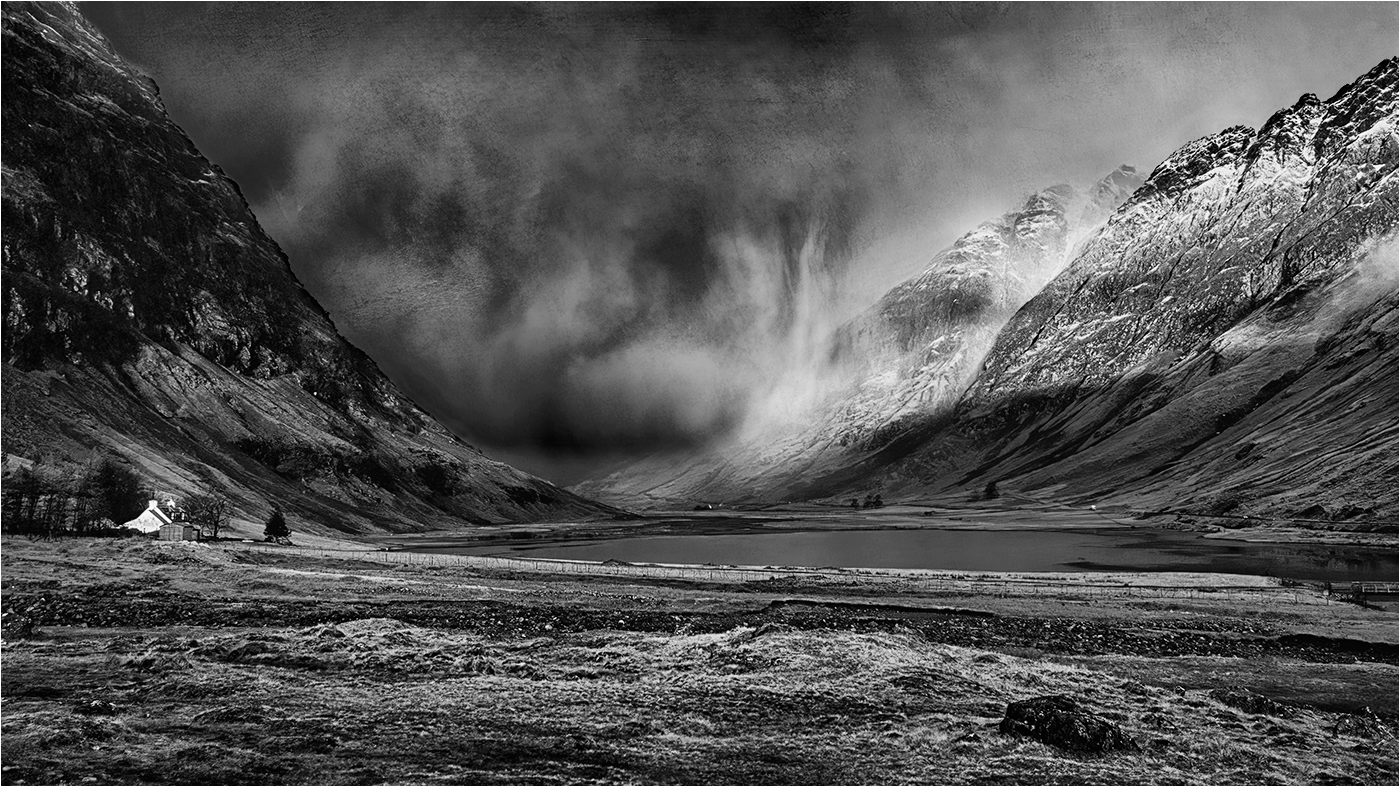
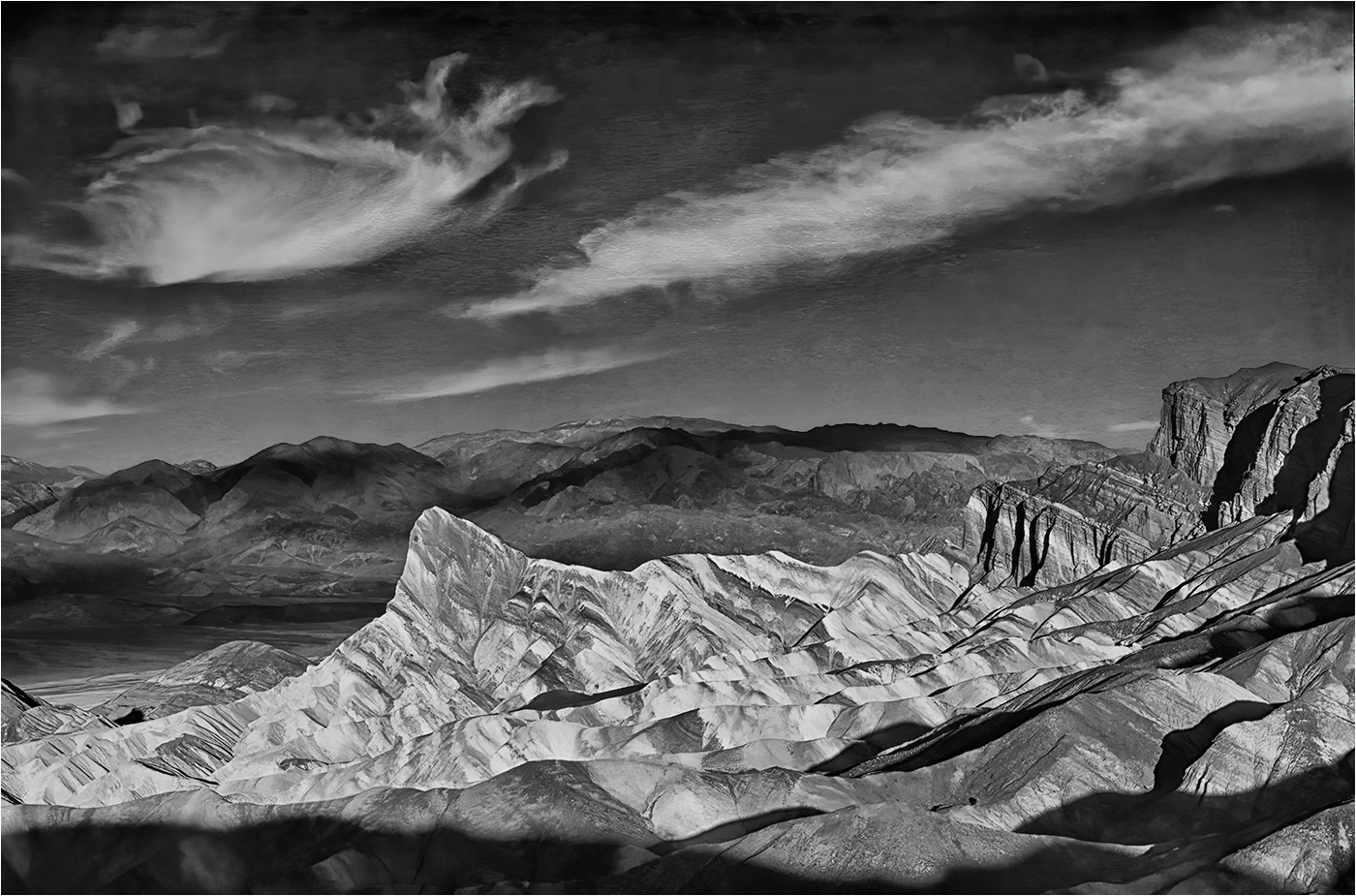
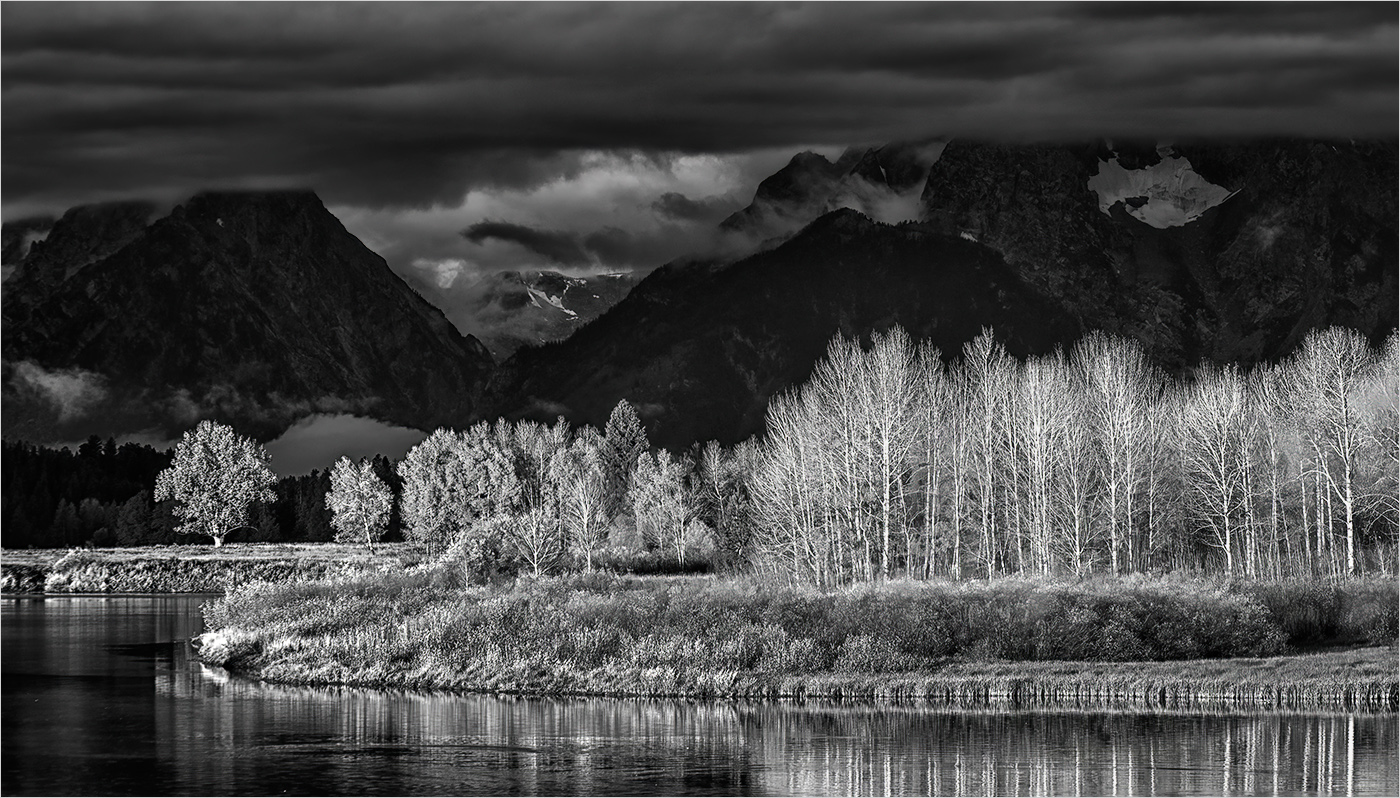
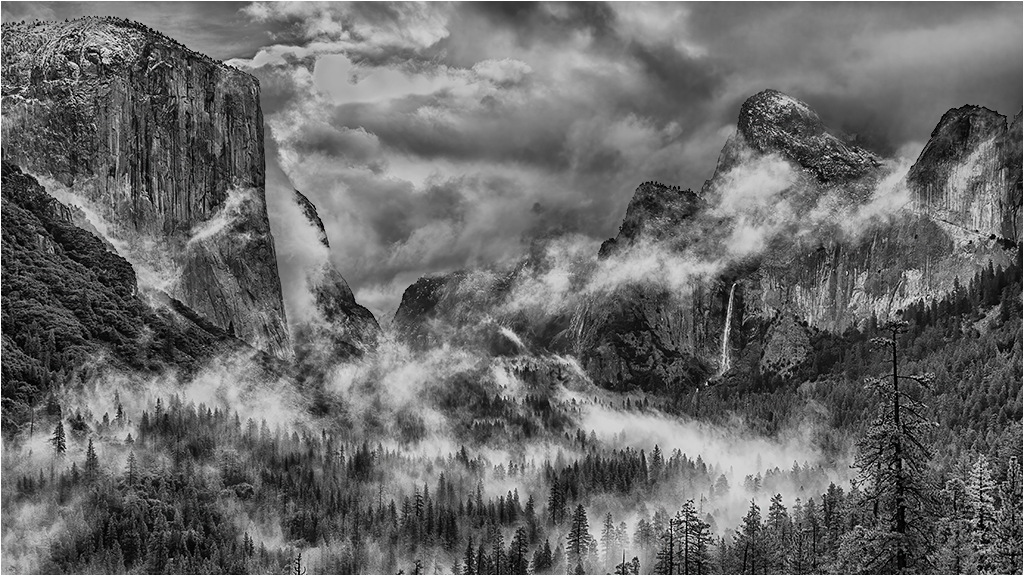
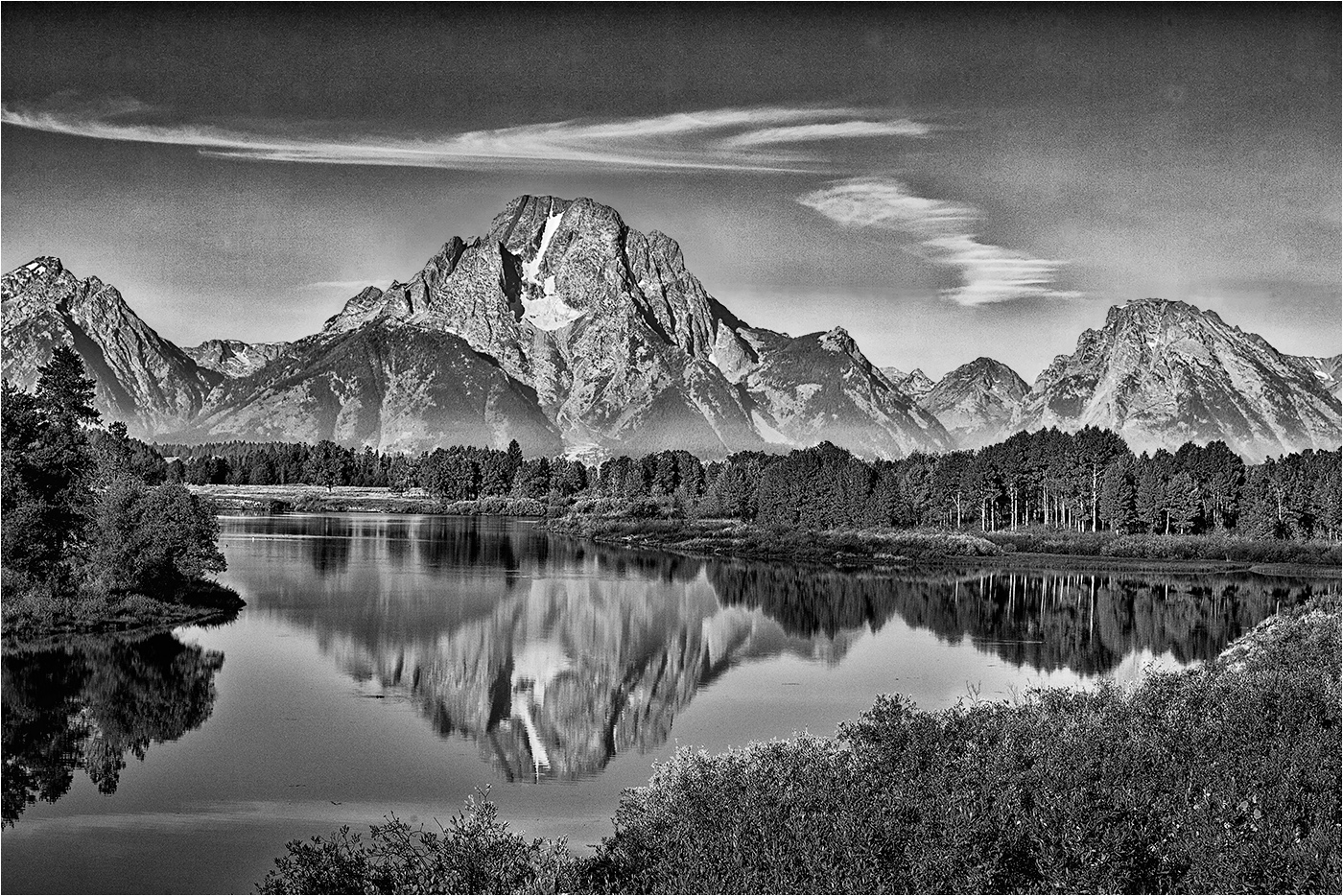
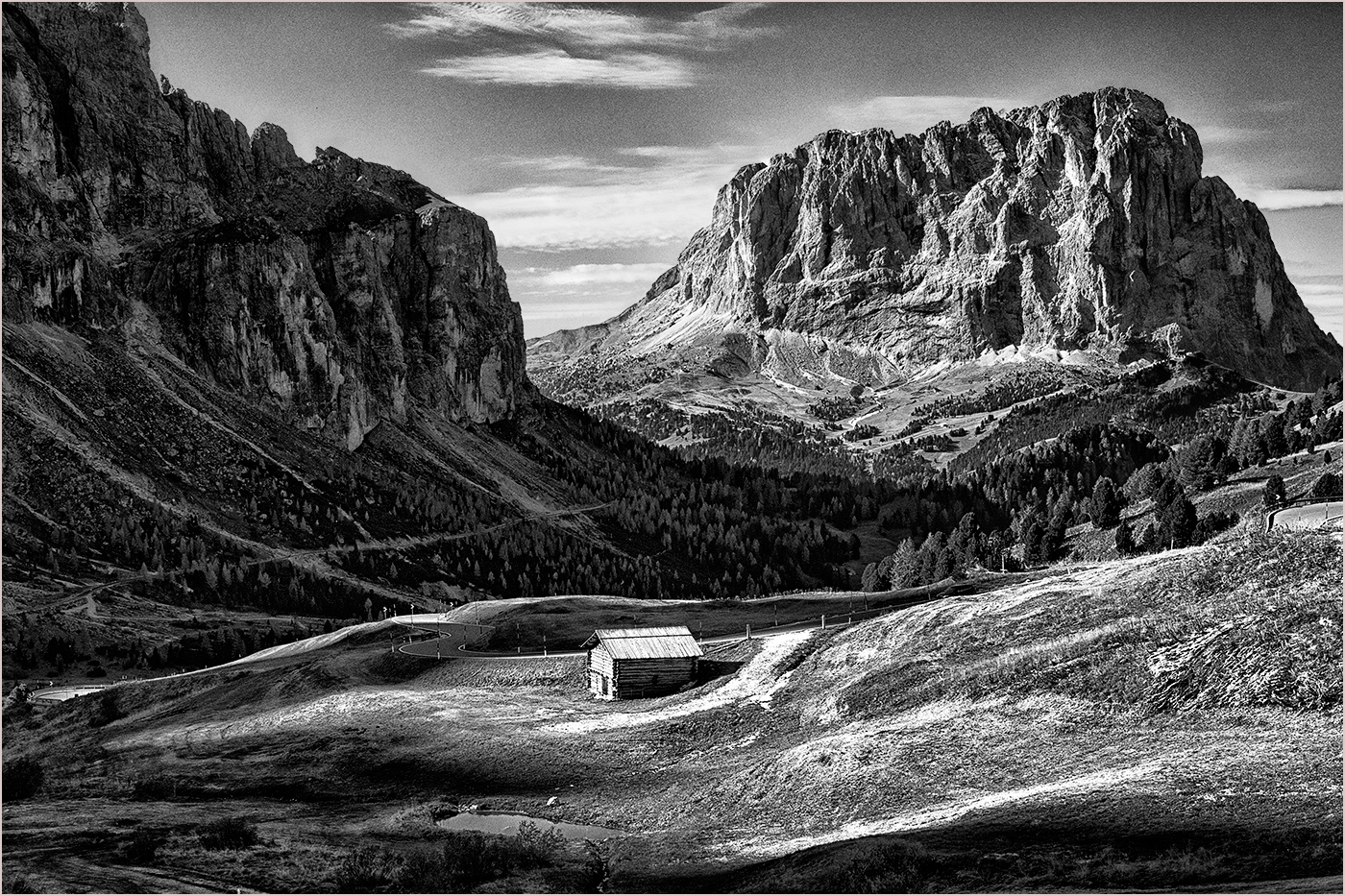
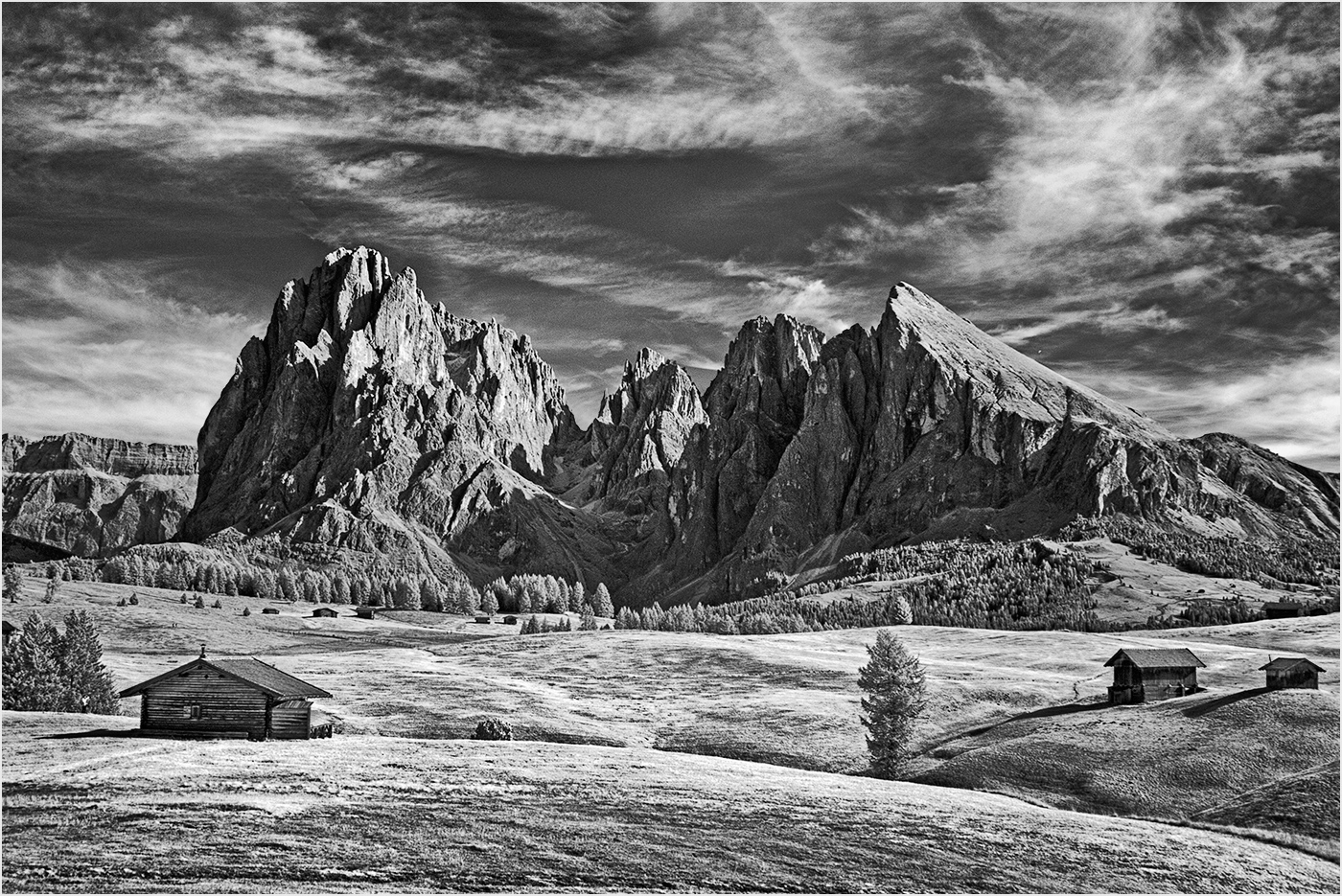
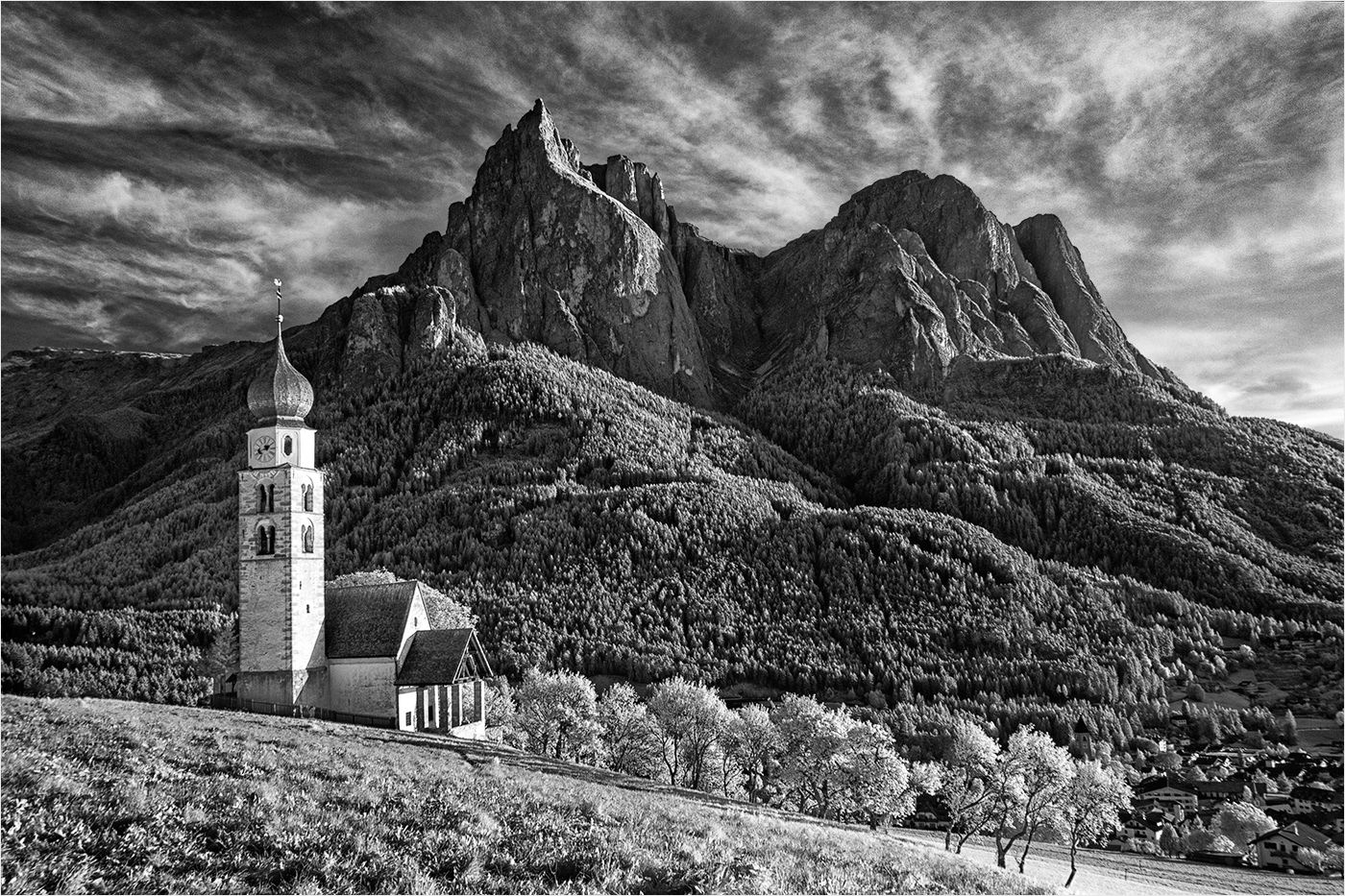
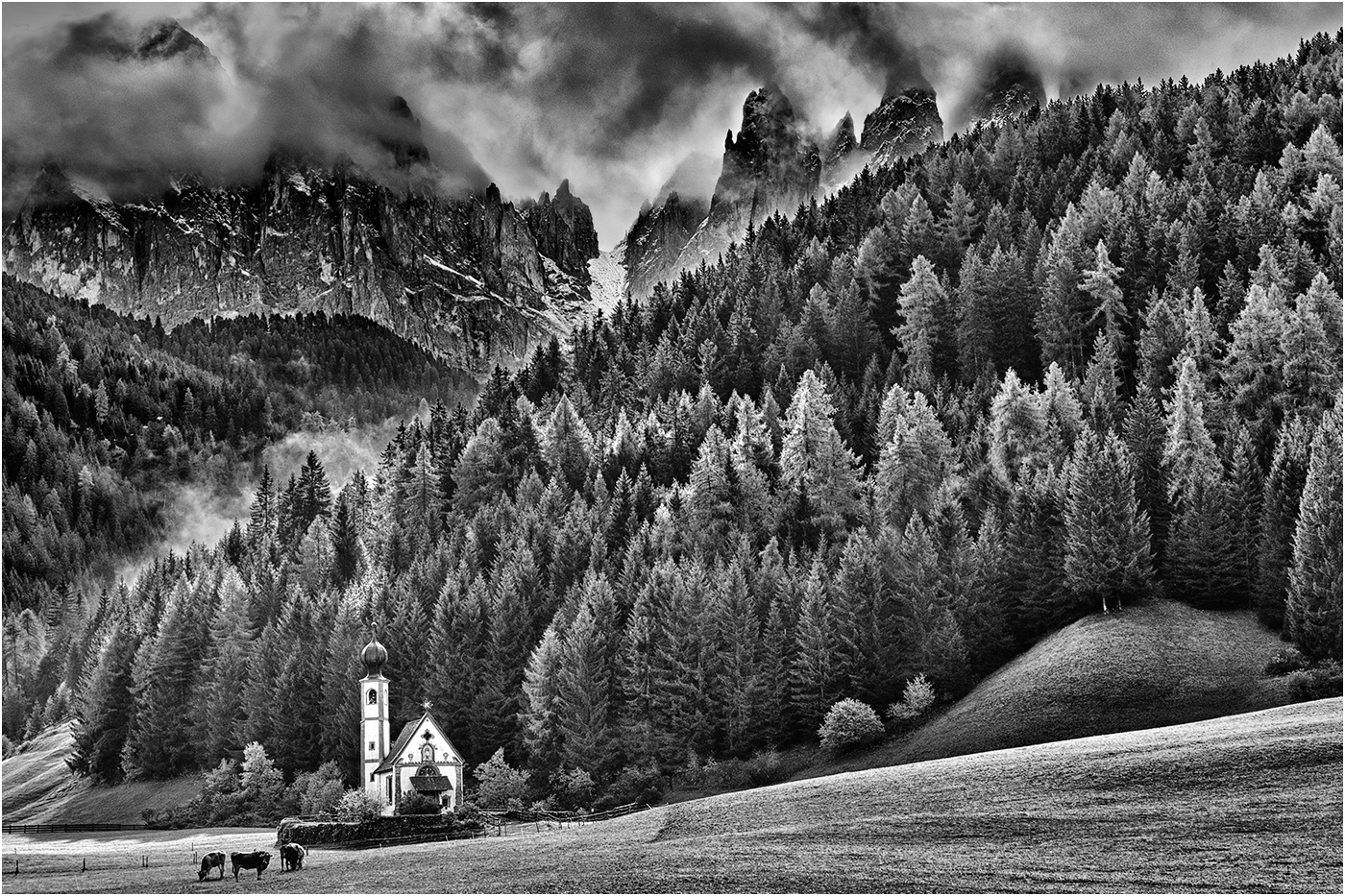
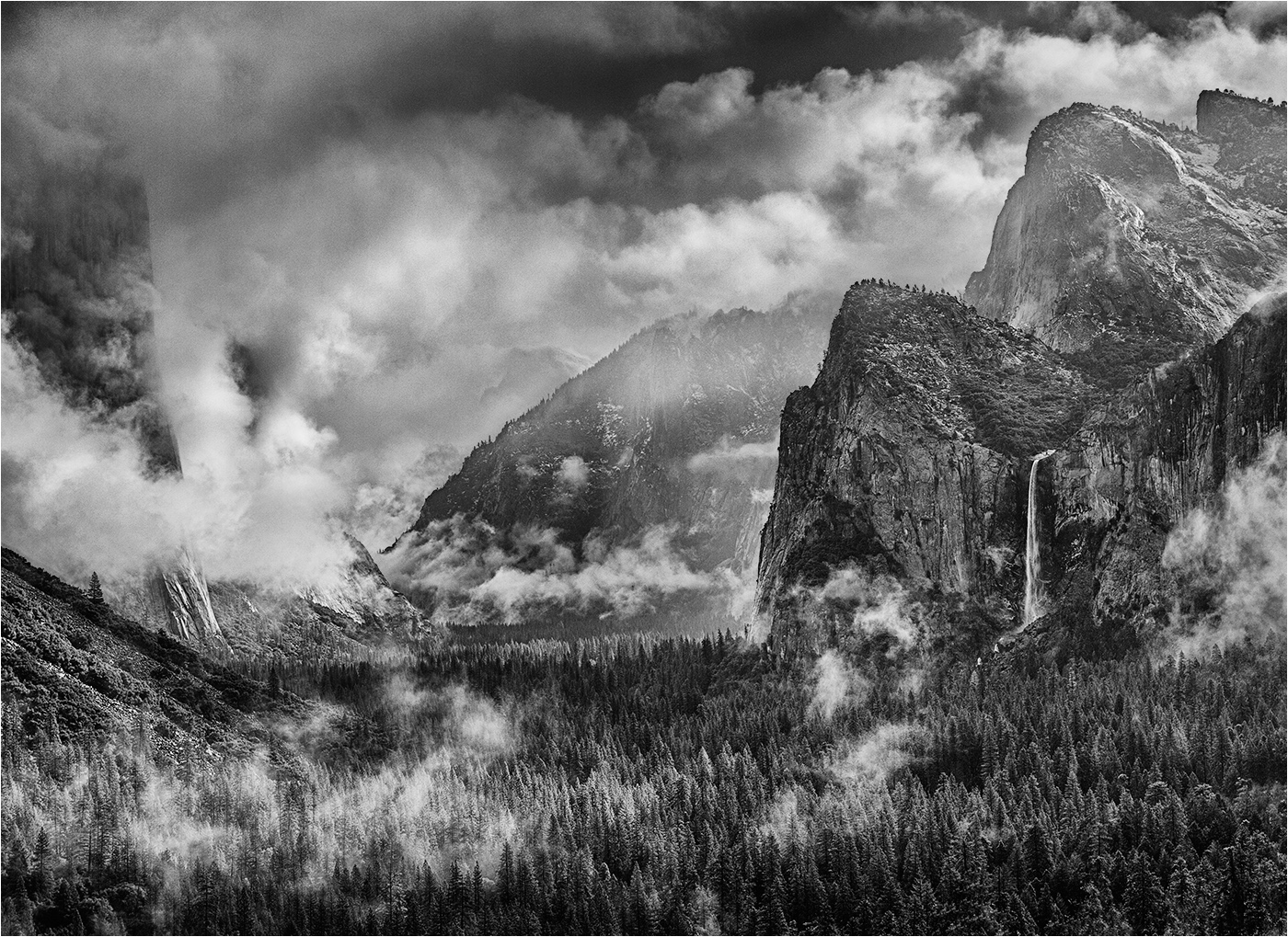
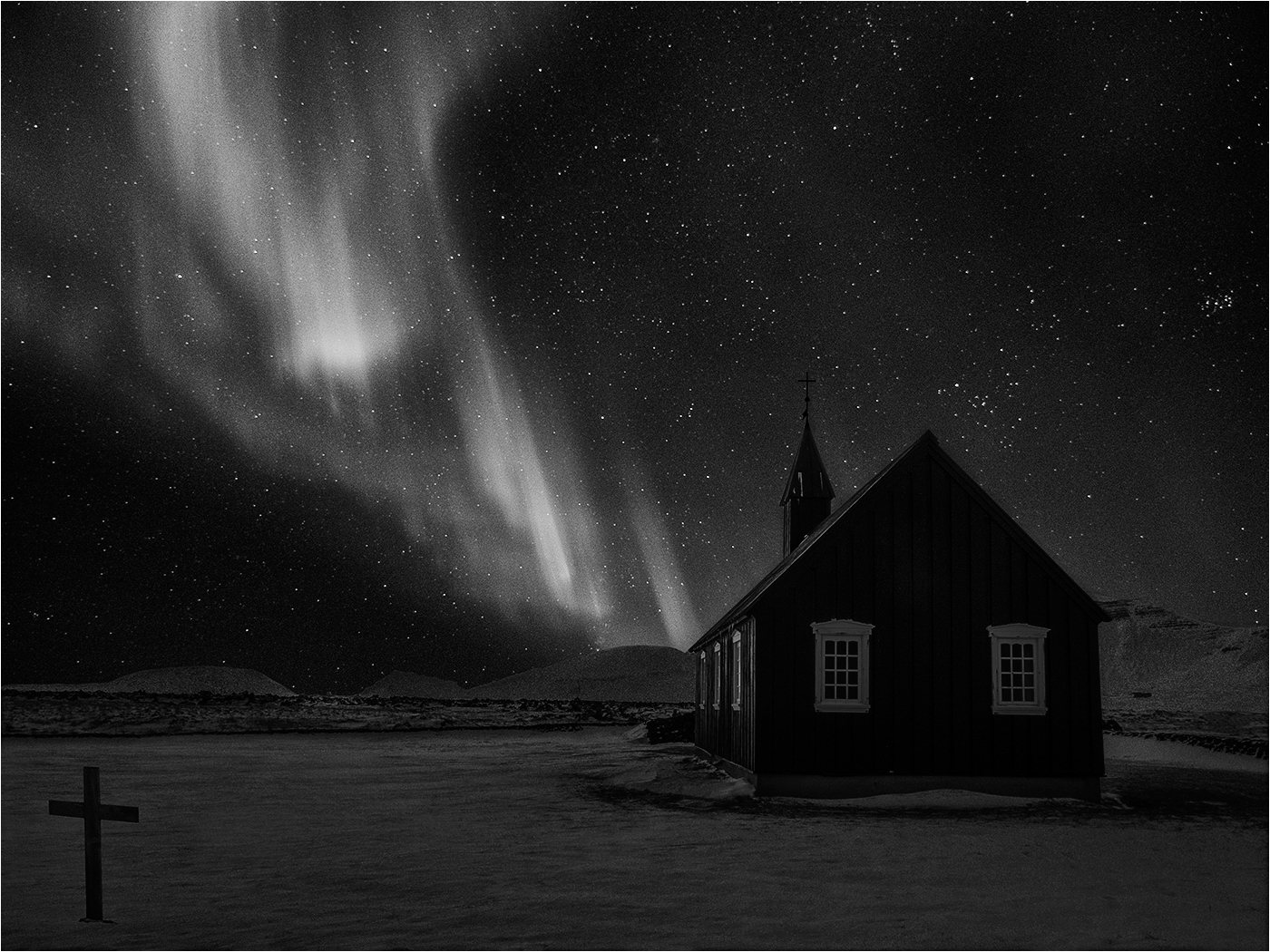
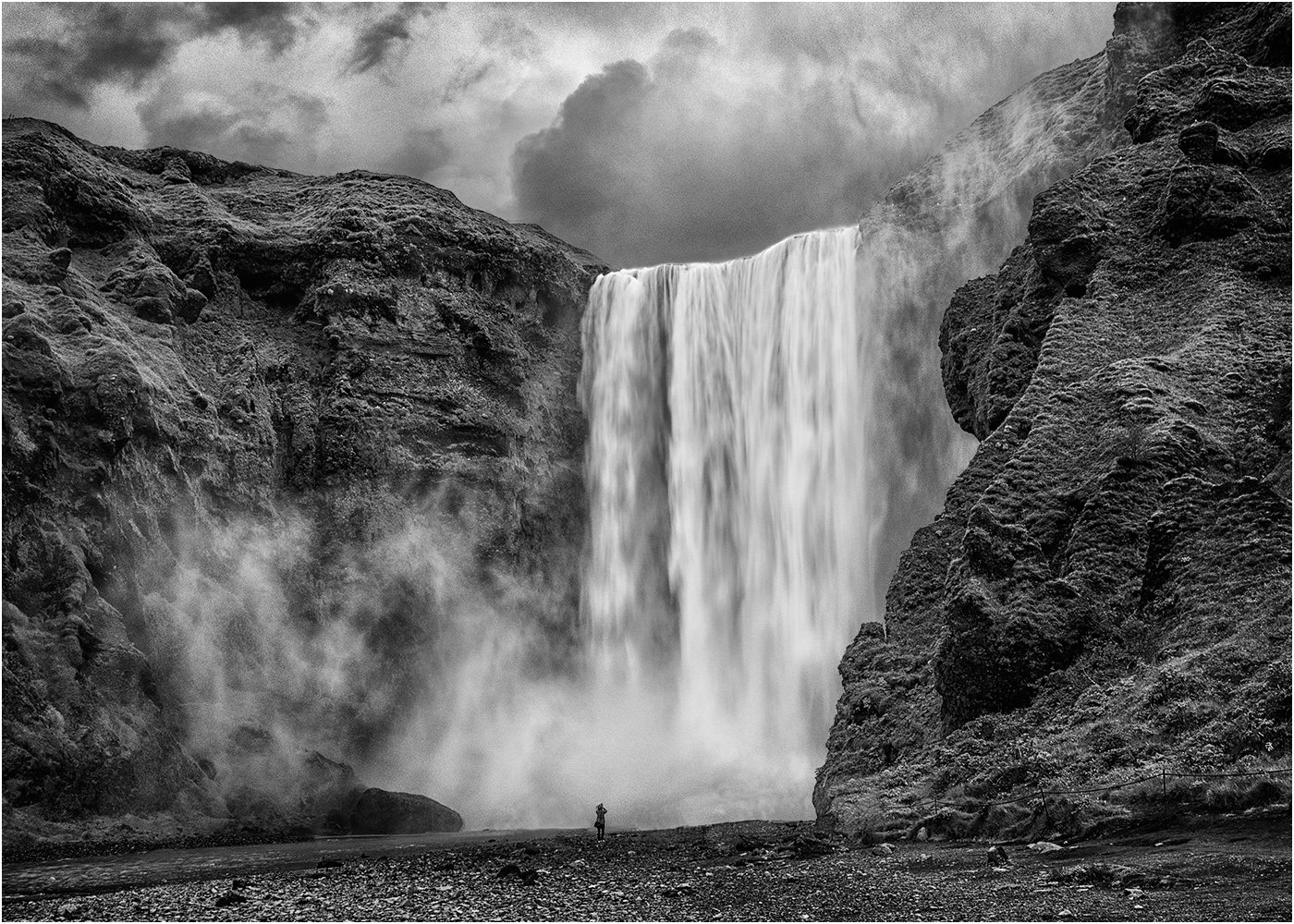
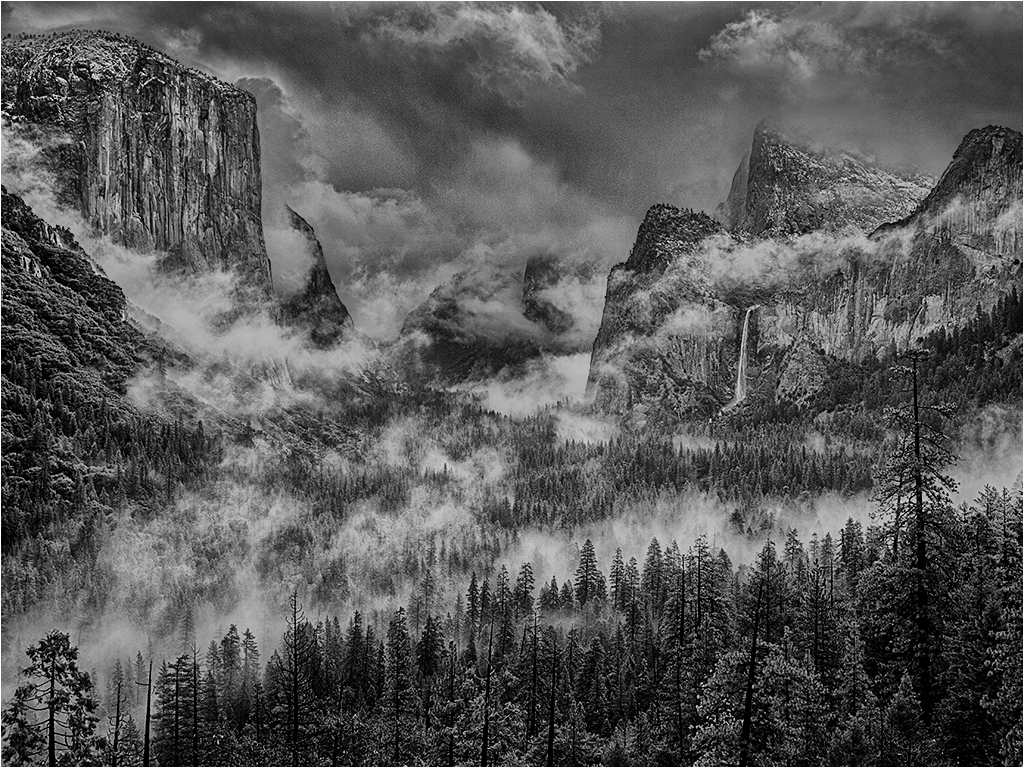
Michael - you are in luck! The first image processed from this location was a hit on the International Exhibition circuit gaining many acceptances in various divisions (Print and PDI)and a handful of awards. I think my processing skills have moved on since the image was processed in 2010, but nevertheless this image is similar to the one in this post, but the sky (from Grand Tetons) is different and more dynamic (?)
BTW - I'm sure we would all be interested in your feedback to the suggestions made on your image in this round. |
May 19th |
 |
| 31 |
May 20 |
Comment |
"I need to learn how to use masked curves"
Ed - When you apply any form of Adjustment Layer to an image you will have noticed that it is accompanied by a white rectangle - this is the mask. By default it is white which equals transparency and any adjustment is applied globally to the image. If you activate the mask by clicking on it and paint on the image in black the adjustment is masked out in the painted areas i.e. the image in the masked (black) area is shielded from whatever adjustment that has been applied. The opacity of the mask may be varied by using the brush at reduced opacity in different areas and if on second thoughts you want to remove or reduce the degree of masking in certain areas paint on the mask in white at 100% opacity to remove the masking in that area completely or at a reduced opacity to reduce the degree of masking in that area. When the mask is active the Properties box shows a slider which can be used to adjust the opacity of the mask overall.
Conversely you can make an adjustment looking at a specific area of the image (the whole image will of course be affected) and then fill the mask with black (Edit > Fill > Black) to mask out the adjustment. Then paint on the image in white to restore the adjustment in the specific area(s) either at 100% or at reduced opacity.
A mask can also be added to an image layer such as a Nik adjustment applied on a separate layer (Nik Settings > After clicking OK apply the filtered effect to a separate layer) by clicking on the Add a Vector Mask icon at the bottom of the layers palette (to the right of fx). The effect of the Nik adjustment can then be masked as required.
|
May 10th |
| 31 |
May 20 |
Reply |
Yes Paul - I made a few subtle adjustments to lift the blacks in the sky and to lighten the remainder of the image |
May 8th |
| 31 |
May 20 |
Reply |
I prefer the colour version to the mono - the limited palette is interesting and effective. |
May 8th |
| 31 |
May 20 |
Comment |
Hi Ella - another well composed and lit still life! I think the image would benefit from relieving the blacks of the central flowers to give a hint of detail in those areas. |
May 8th |
| 31 |
May 20 |
Comment |
Hi Paul - the mountains of Patagonia are very impressive and, as usual, you have captured their majesty. Good balance between the peaks and a little drama in the sky adds to the image. |
May 8th |
| 31 |
May 20 |
Comment |
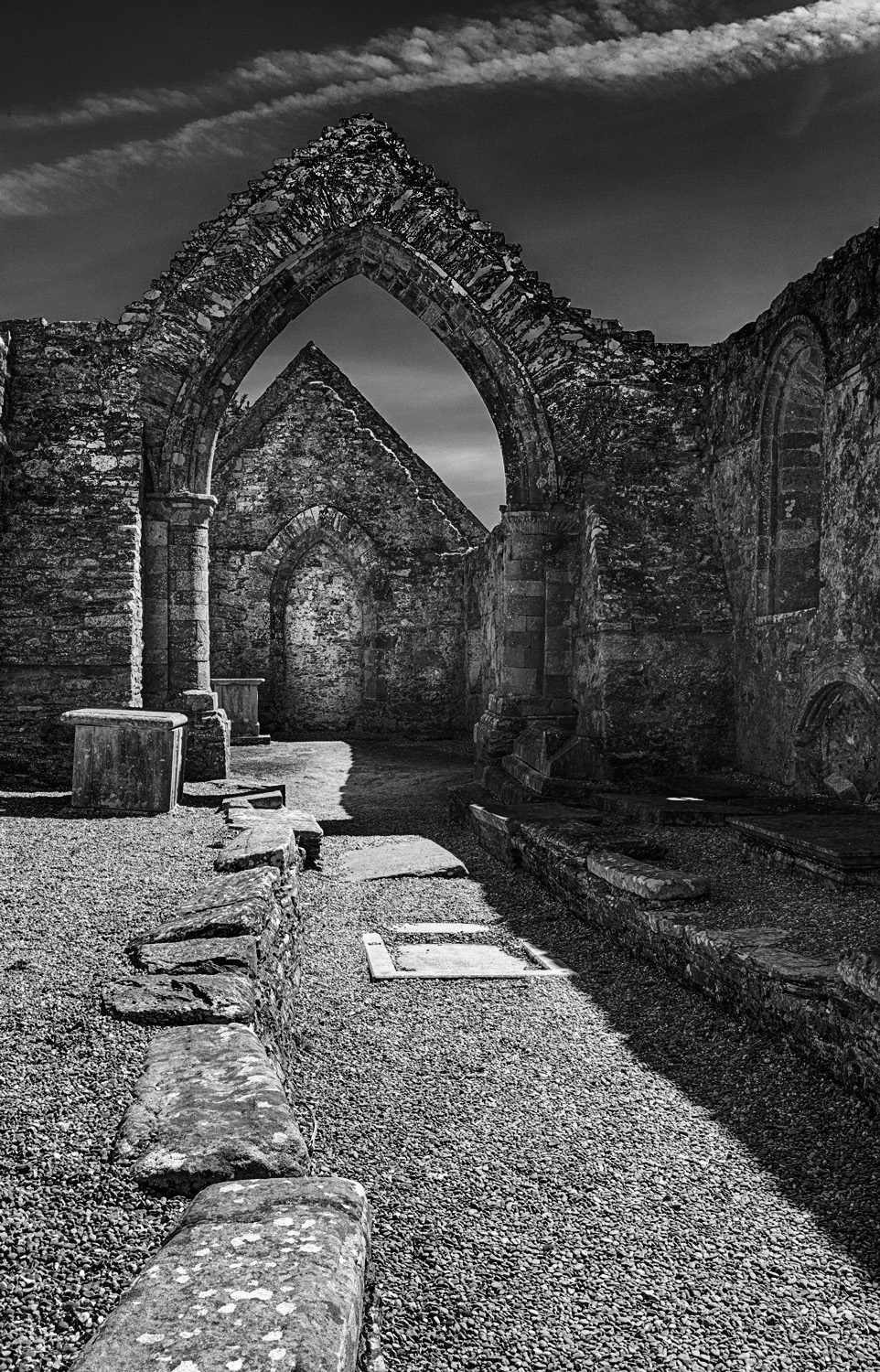
Hi Ed - a strong composition with the paving stones leading the eye to the building within the arch. Photomatix has handled the contrast range well and your processing has worked out fine. However I feel that the image is a little on the light side overall and the shadow areas a little flat.
I took the liberty of further adjusting the image on a series of masked curves - rough edit below ....
|
May 8th |
 |
| 31 |
May 20 |
Comment |
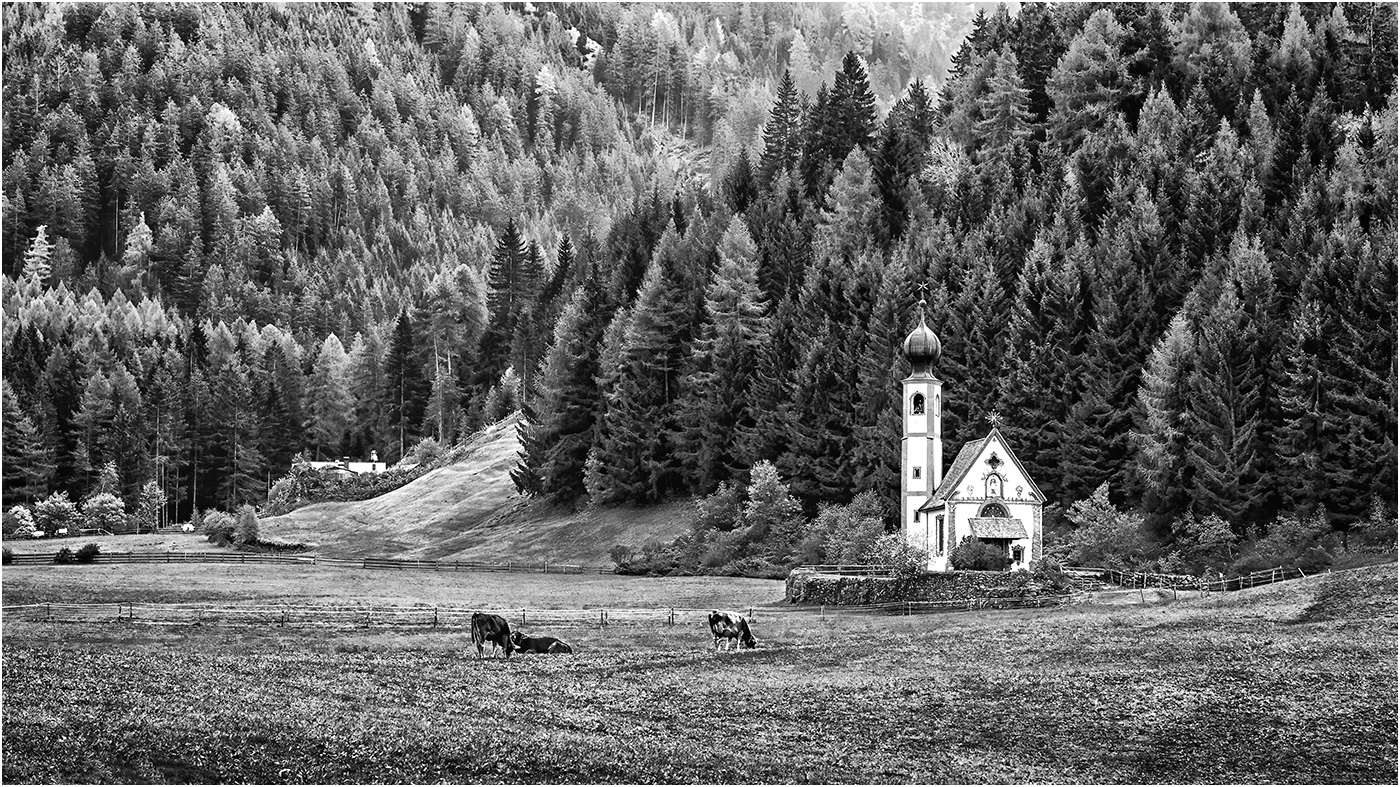
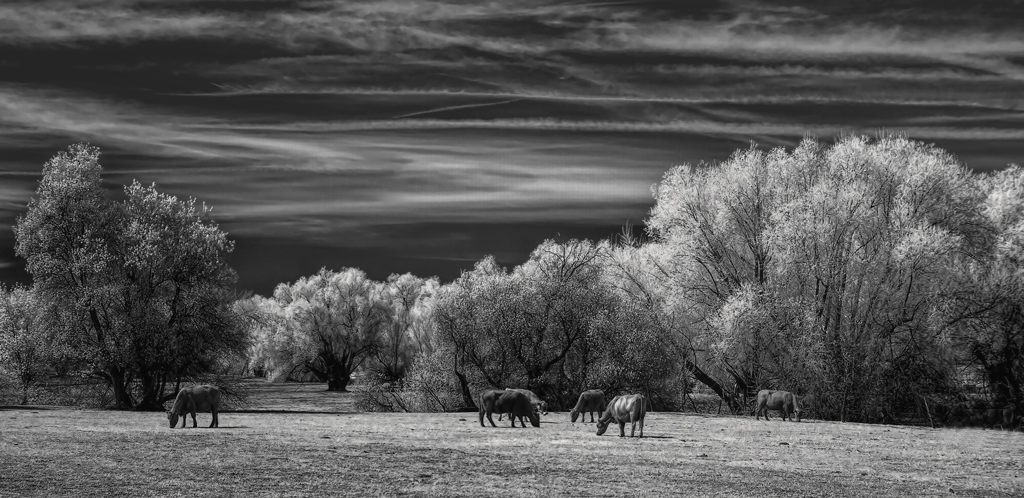
Hi Michael - a pastoral image well suited to the use of infrared.The sky is great, but I feel that it is over emphasized in that the blacks would benefit from lifting a bit to add delicacy to that area.
I don't know what your views are re. removing items from an image(when permitted, i.e. not in PT), but I felt that the image would be more balanced by the removal of the cows on the right. Just my take on the image, see rough edit below .... |
May 8th |
 |
| 31 |
May 20 |
Comment |
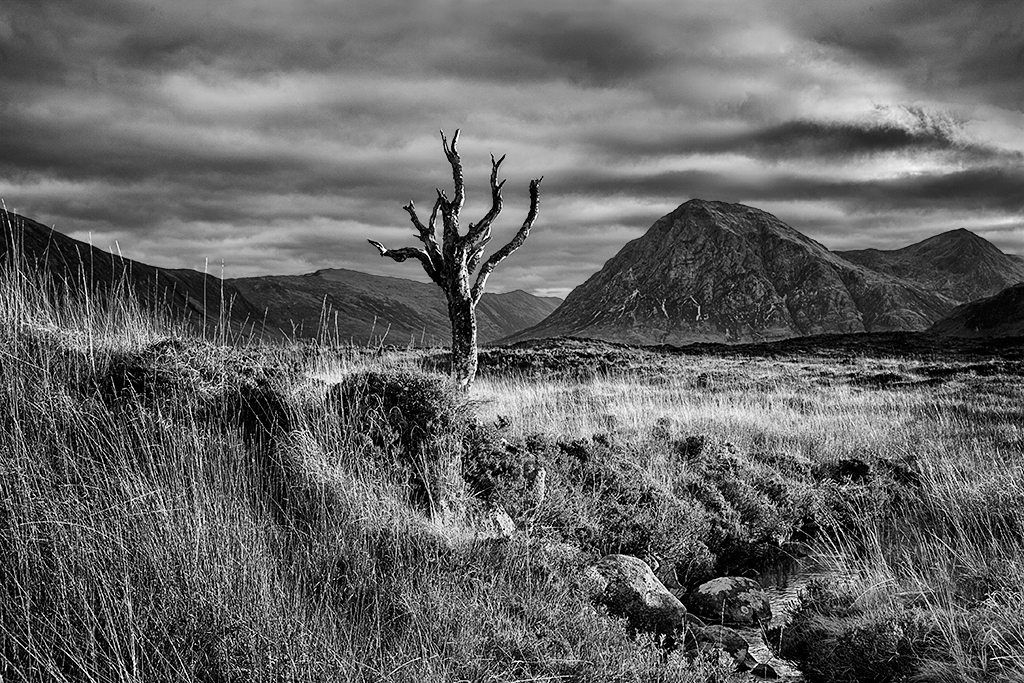
Hi Ian - that tree has certainly had a hard life which is emphasized by it's isolation and presumably remote location. Nicely captured, framed and processed and the strength of the sky is a bonus. I would consider marginally darkening the marram grass in the foreground and adding a touch more contrast in that area. |
May 8th |
| 31 |
May 20 |
Comment |
Hi John - I'm in two minds as to whether or not this image works in mono and would love to see the colour version.It's a good abstract with a limited, but generally balanced, tonal range apart from the area of reflected sky which although it drags the eye does add context to the image.
Not really my sort of image and I will remain 'sitting on the fence'! |
May 8th |
7 comments - 3 replies for Group 31
|
7 comments - 3 replies Total
|