|
| Group |
Round |
C/R |
Comment |
Date |
Image |
| 31 |
Nov 18 |
Comment |
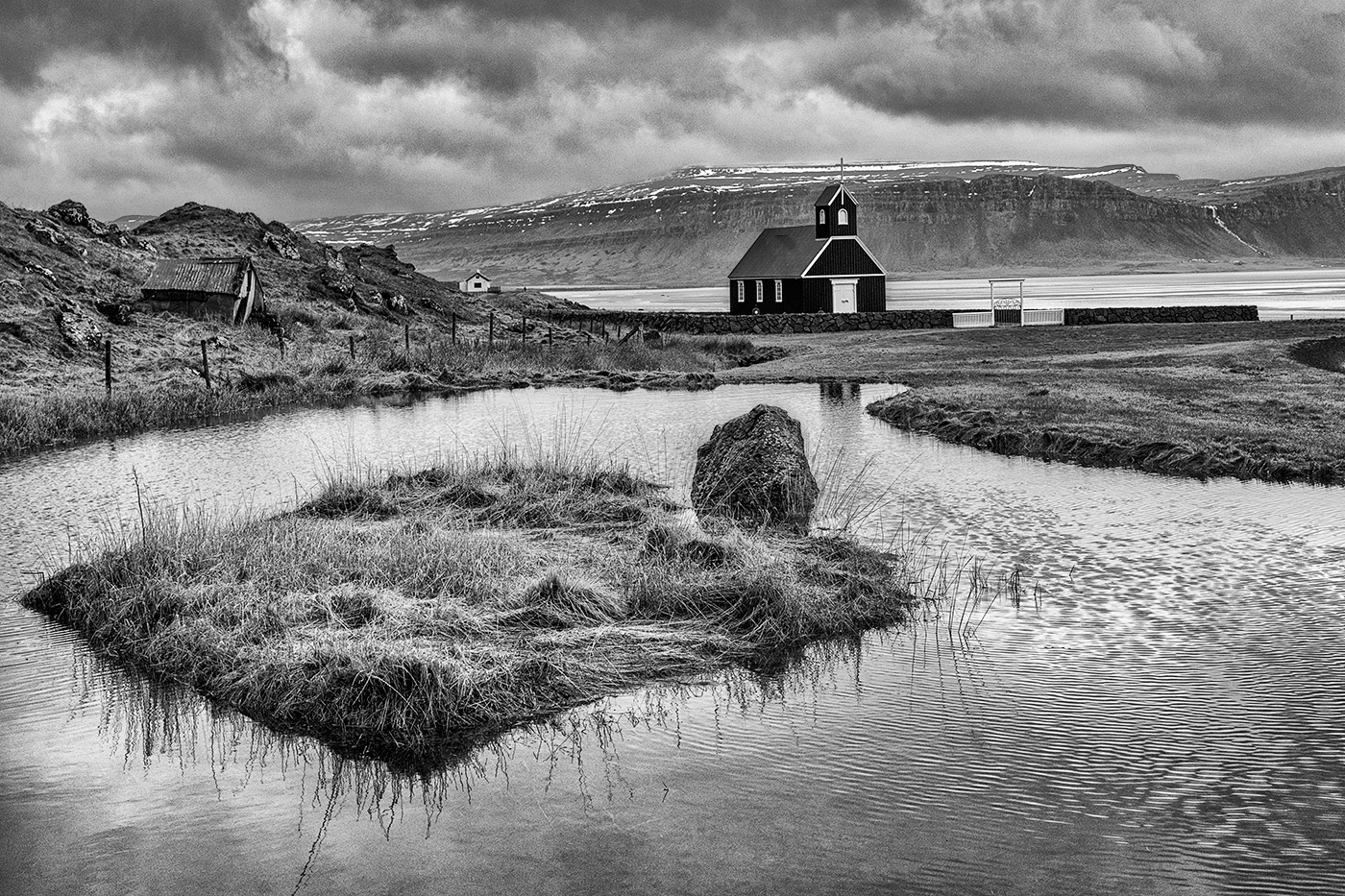
Ed - this is better, but I think you have created difficulties for yourself in your initial processing - 'Change the B&W version from 16 bit to 8 bit and from RGB to GRAY SCALE'.
There is absolutely no need to convert to grey scale, leave the image in RGB. In grey scale the way in which the Curves adjustment layer works changes and limits the nature of the adjustment possible as you are working in only one channel (grey scale) as opposed to three channels (Red, Green & Blue) in RGB.
In the rework below I converted your grey scale image to RGB - Image > Mode > RGB Color, applied a Curve and pulled the black end to the right to darken the rocks and give the image more impact.
I must say that I preferred the original crop with the rocks at the bottom of the image giving it a base. Likewise the inclusion of the small rock on the LHS gives some balance and adds a stopper on that side in the water, clipped off or not!
|
Nov 18th |
 |
| 31 |
Nov 18 |
Reply |
You're welcome - more than happy to help out! |
Nov 17th |
| 31 |
Nov 18 |
Comment |
Hi Rashid
My apologies for confusing you with the phrase 'In my book' - little used I guess, but John has made the meaning clear - 'from my point of view'.
All my image editing is done in Photoshop CS6 in conjunction with the Nik plug ins which I find indispensable, especially Nik Colour Efex Pro 4 and Silver Efex Pro 2 - Lightroom is not installed on the computer.
Details of the processing of your image ….
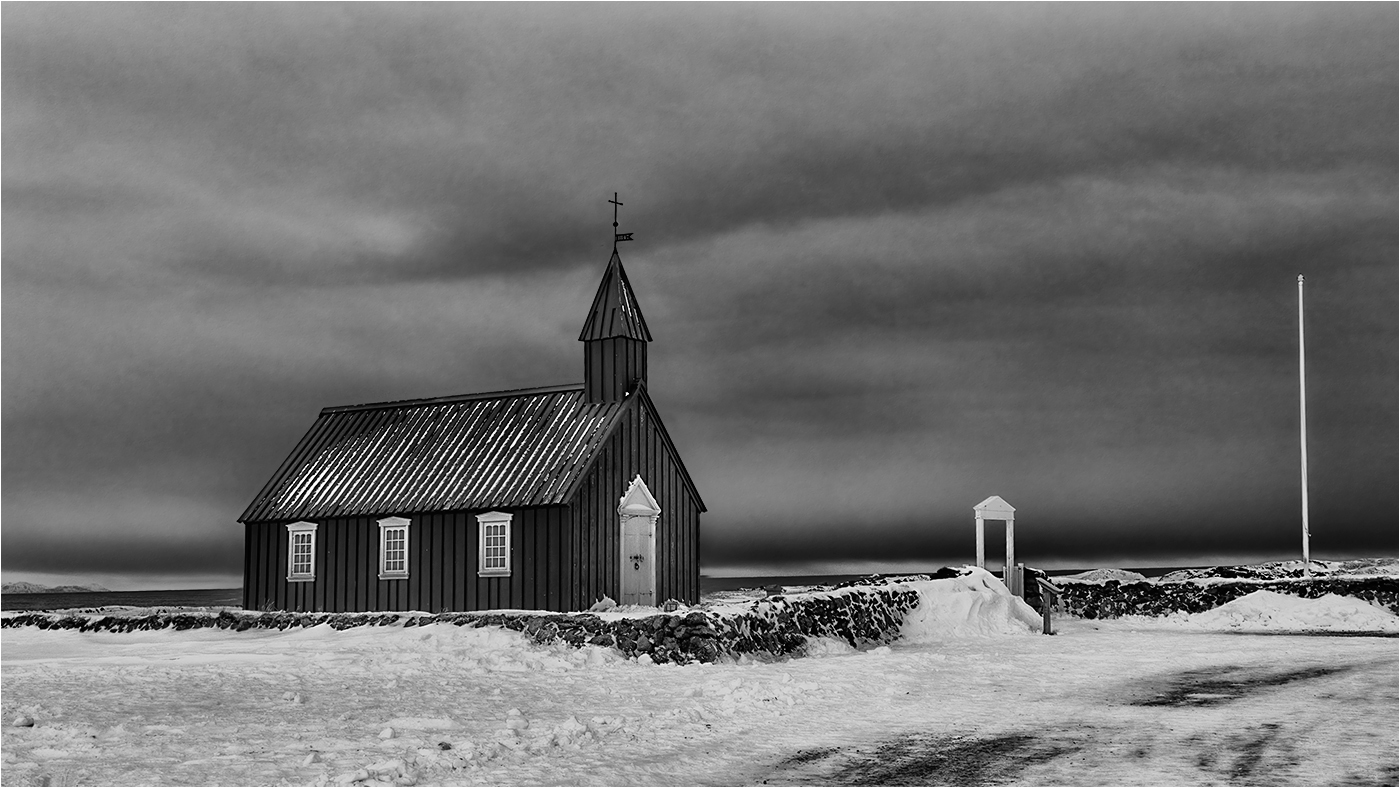
â€Ά Open image in PS and crop to suit - 16x9 in this case
â€Ά Apply Nik Colour Efex Pro 4 - Detail Extractor with default settings and configured to be applied to a new layer.
â€Ά Apply Nik Colour Efex Pro 4 - Tonal Contrast with default settings and configured to be applied to a new layer.
â€Ά Apply a Curves Adjustment Layer to lighten the foreground and sign - sky masked off.
â€Ά Apply a Curves Adjustment Layer to darken the sky using the mask above inverted.
â€Ά Merged Visible to the top of the layer stack and used the Clone Tool in Darken mode at ~25% opacity put some detail in the burnt out areas of the sky and in Lighten or Darken mode to clone out the OOF power cables running horizontally across the image.
â€Ά Apply a masked Curves Adjustment Layer to reduce the brightness of the sign supports.
â€Ά Merge Visible again and apply Nik Colour Efex Pro 4 - Lighten/Darken Centre to put a custom vignette around the edges of the image - just a marginal darkening to concentrate the eye into the image.
â€Ά Footnote 1 - in many images the opacity of the Detail Extractor and Tonal Contrast layers may be reduced and sometimes a mask will be applied to control the areas affected by the plug in.
â€Ά Footnote 2 - when processing a colour image the Curves layers would be put in Luminosity mode to prevent the adjustment from altering the colours. Sometimes do this on the CEP layers too. Not an issue in Mono!
|
Nov 17th |
 |
| 31 |
Nov 18 |
Comment |
Rashid - my first impression was that the image was very flat and gloomy and I was not attracted to it. In particular the use of a wide aperture has rendered the trees OOF which I find very distracting, but I could see the potential for developing the image further.
I have taken the liberty of subjecting your image to my normal workflow along with a crop and would be interested to read your reaction.In my book this is still a work in progress. Hope you don't mind! |
Nov 15th |
 |
| 31 |
Nov 18 |
Comment |
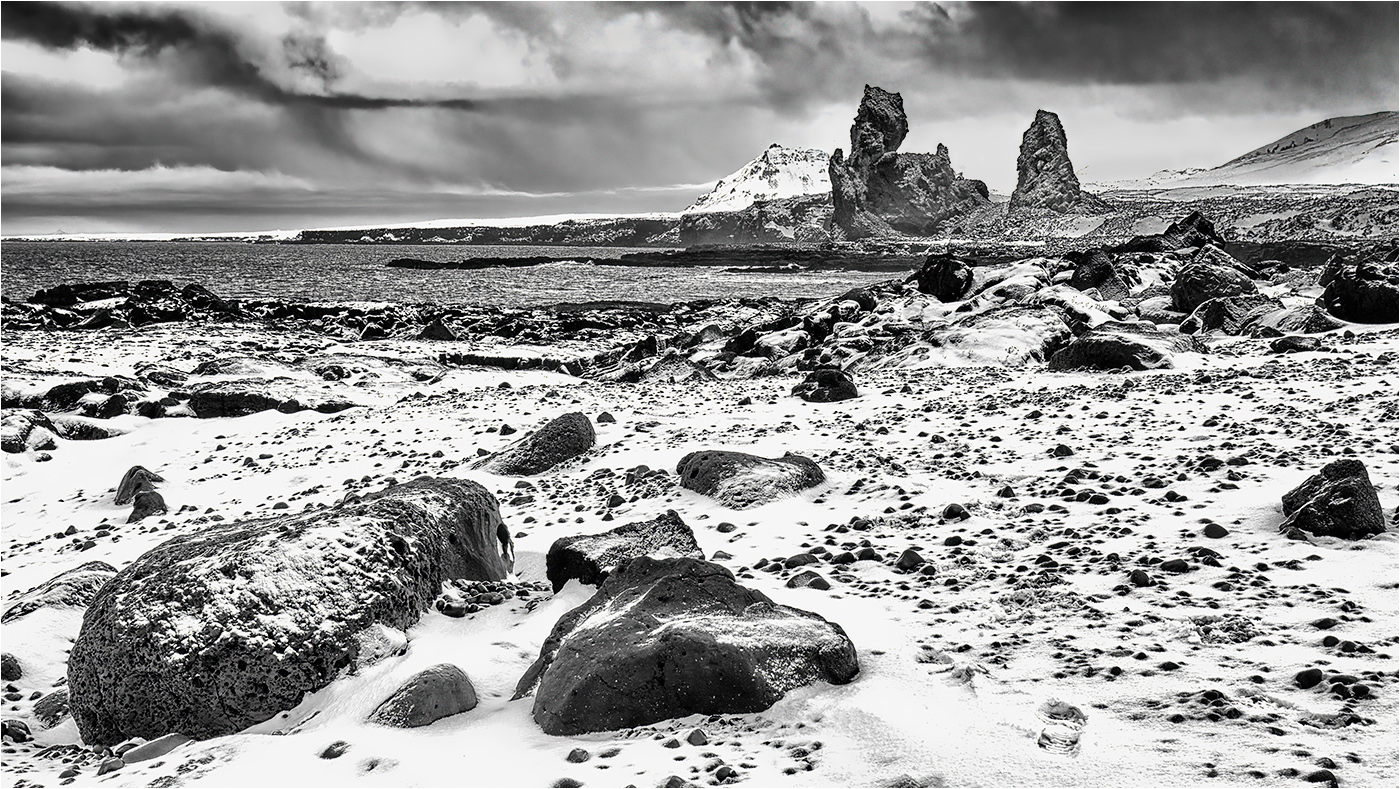
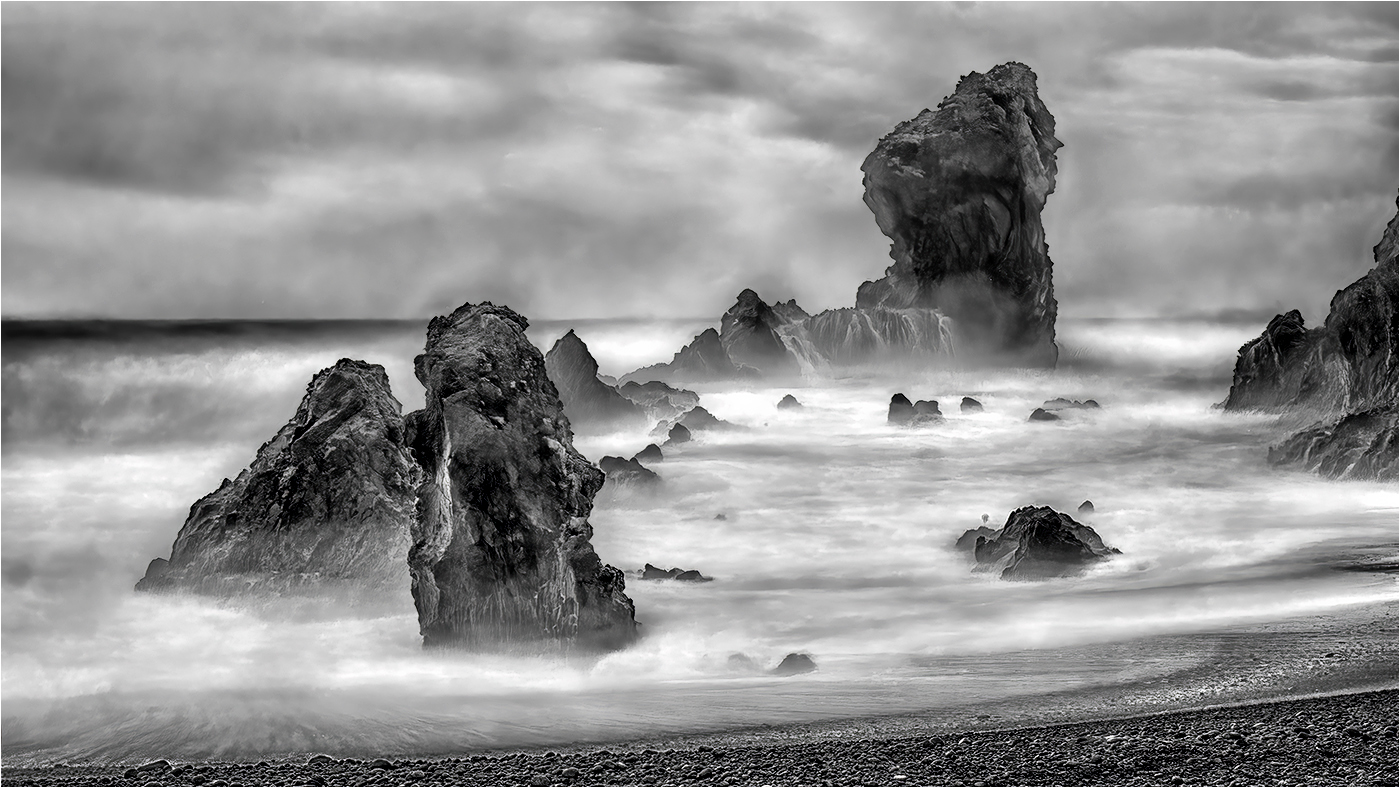
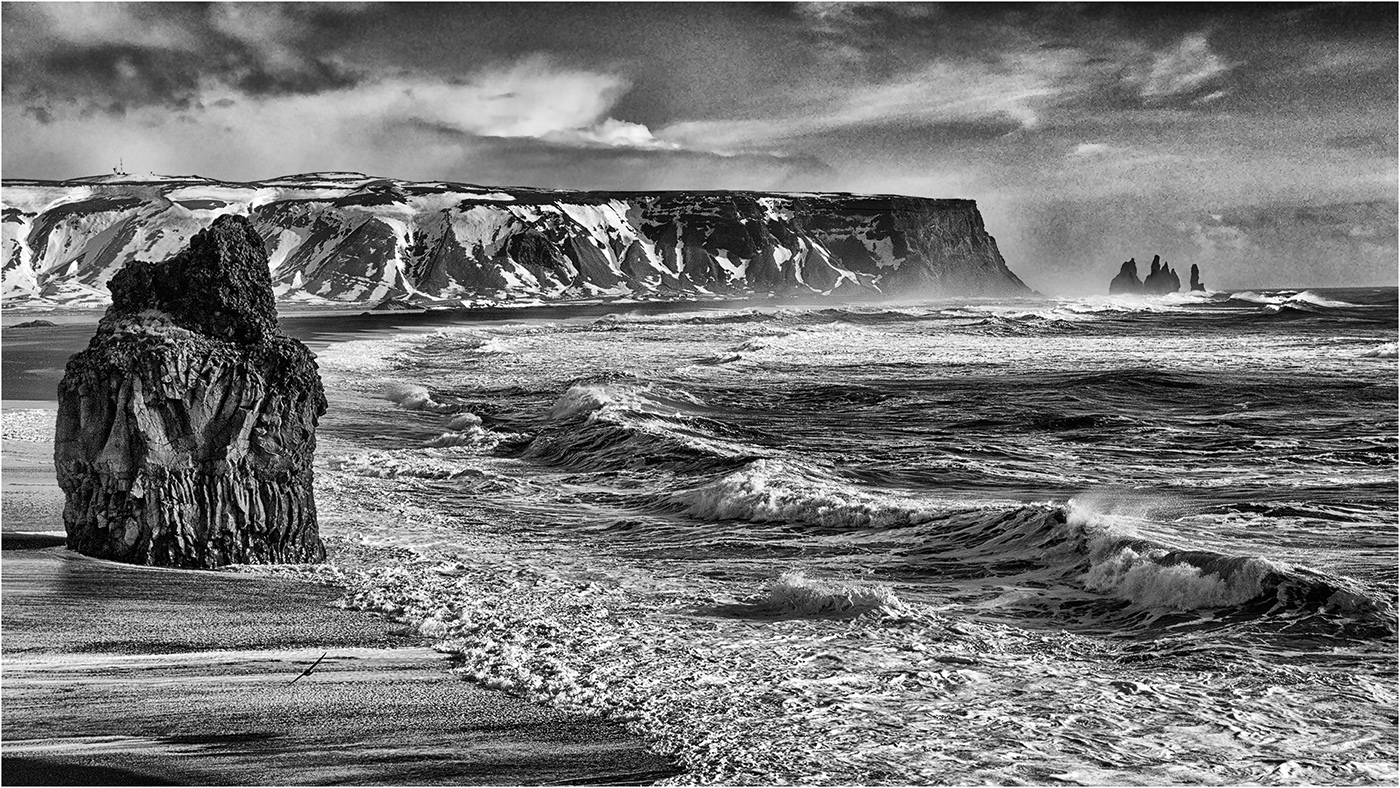
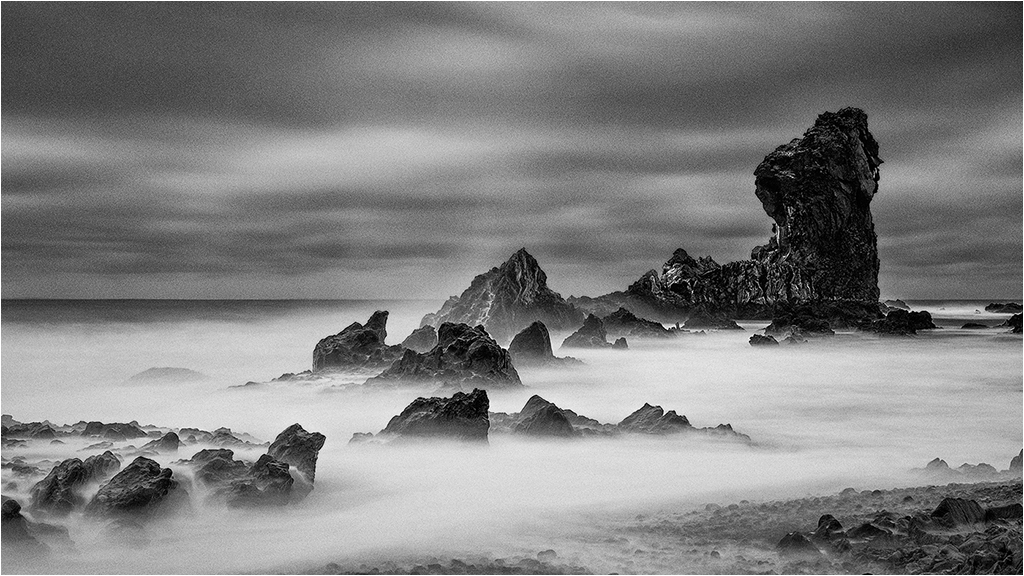
Ed - the sea is surely turbulent, but IMO lacks any drama, e.g. splashing waves thundering against the rocks with clouds of spray. Your composition is well thought out, but I feel that I want to see more of the rocks at the top of the frame. Although you have captured and processed the detail in the sea well the rocks are very flat and would benefit from an increase in contrast.
A very minor point, but a little more space between the isolated rock on the LHS would be beneficial. As it stands the edge of the rock is just clipped off by the edge of the frame. |
Nov 7th |
| 31 |
Nov 18 |
Comment |
John - the low viewpoint gives instant drama to the image and the crop you have selected works well in the frame. The detail in the sky is more than a bonus - it is an integral part of the image. A bland sky would have done you no favours.
As a footnote I'm not a fan of capturing images in monochrome as I believe that a lot of detail is lost compared to a RAW capture. If your Fuji T400 is incapable of capturing RAW files shoot in colour and have absolute control over the conversion. Just my 2 pence (cents) worth!. |
Nov 7th |
| 31 |
Nov 18 |
Comment |
Ian - an outstanding image,creatively lit and so well processed - even the hat is not lost against the background. Great character, excellent pose and I guess he does look a little shady!
You may gather that I rather like this image - one of the best portraits, if not the best, that you have posted here. |
Nov 7th |
| 31 |
Nov 18 |
Comment |
Paul - I think this is the strongest of the images that you have posted from this mountain range in Patagonia.The main peaks are nicely arranged and the foreground shapes, with plenty of detail, tend to mimic that arrangement. The strong sky is an added bonus here. |
Nov 7th |
| 31 |
Nov 18 |
Comment |
Ella - another high quality portrait! I love the way in which you have captured his sense of hopelessness and his facial detail shows that he has had a hard life. i also like the darker band around the underside of the brim of the hat and the rim lighting around the edge which separates it nicely from the dark background. The soft lighting is very beneficial here.
If I felt inclined to suggest how the image could be improved I would say darken down the cords below his shirt collar a little, but that's probably being too picky! |
Nov 7th |
| 31 |
Nov 18 |
Comment |
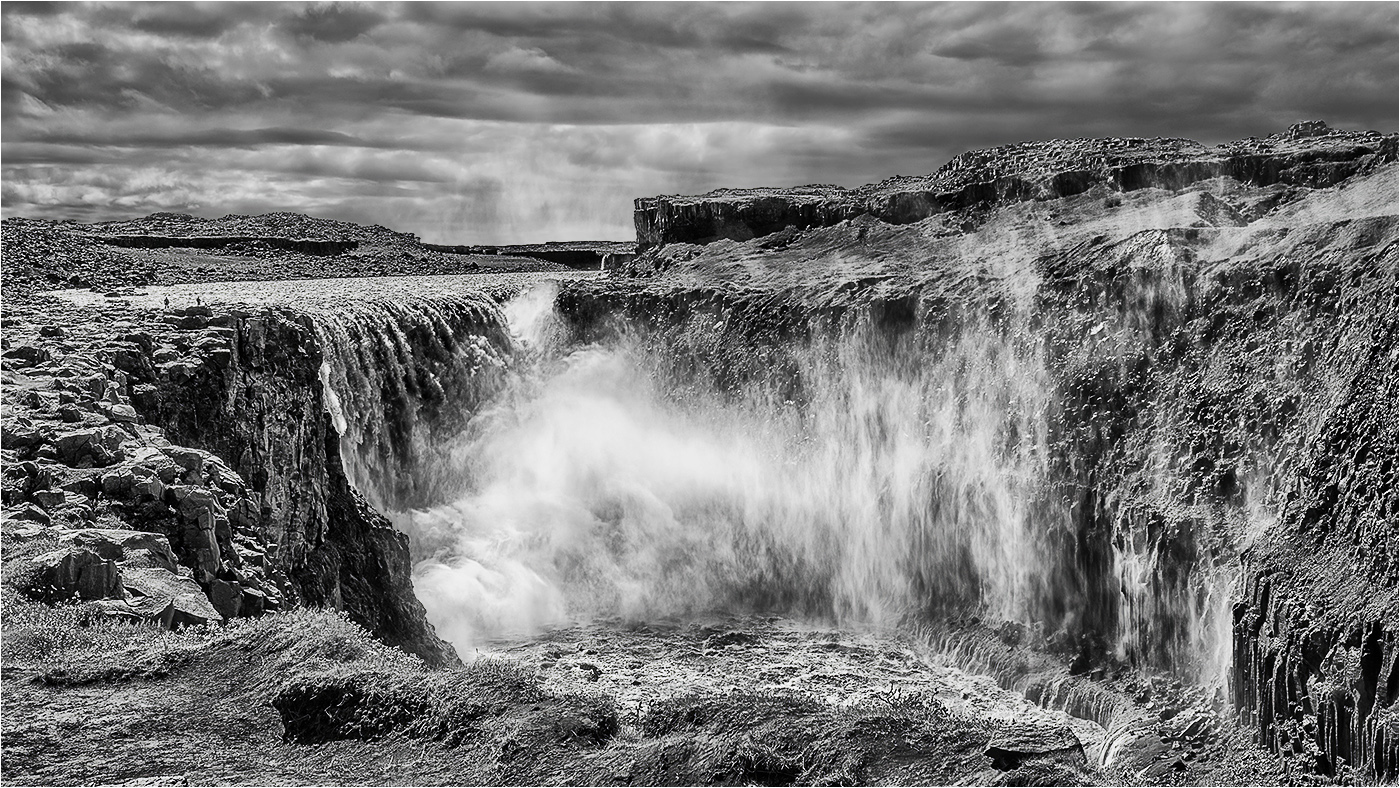
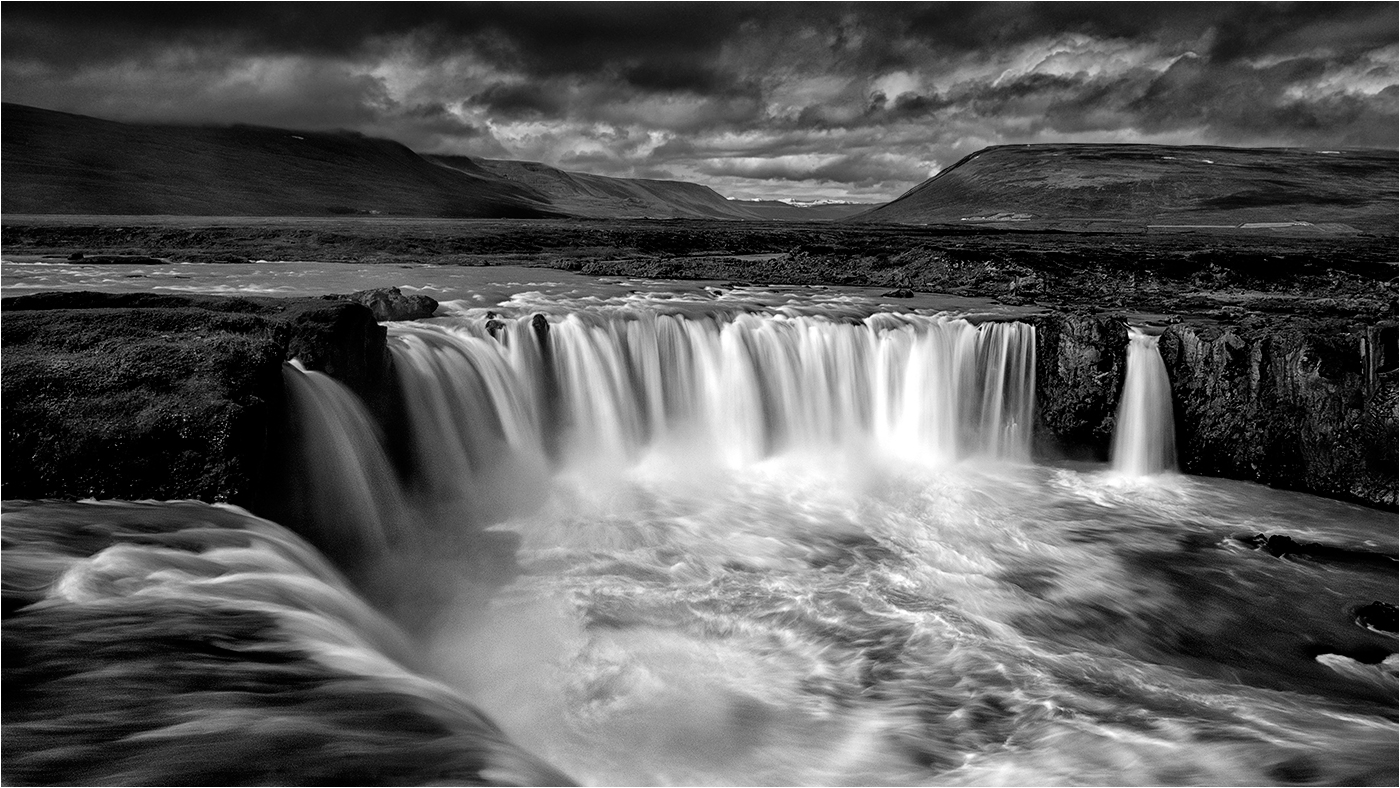
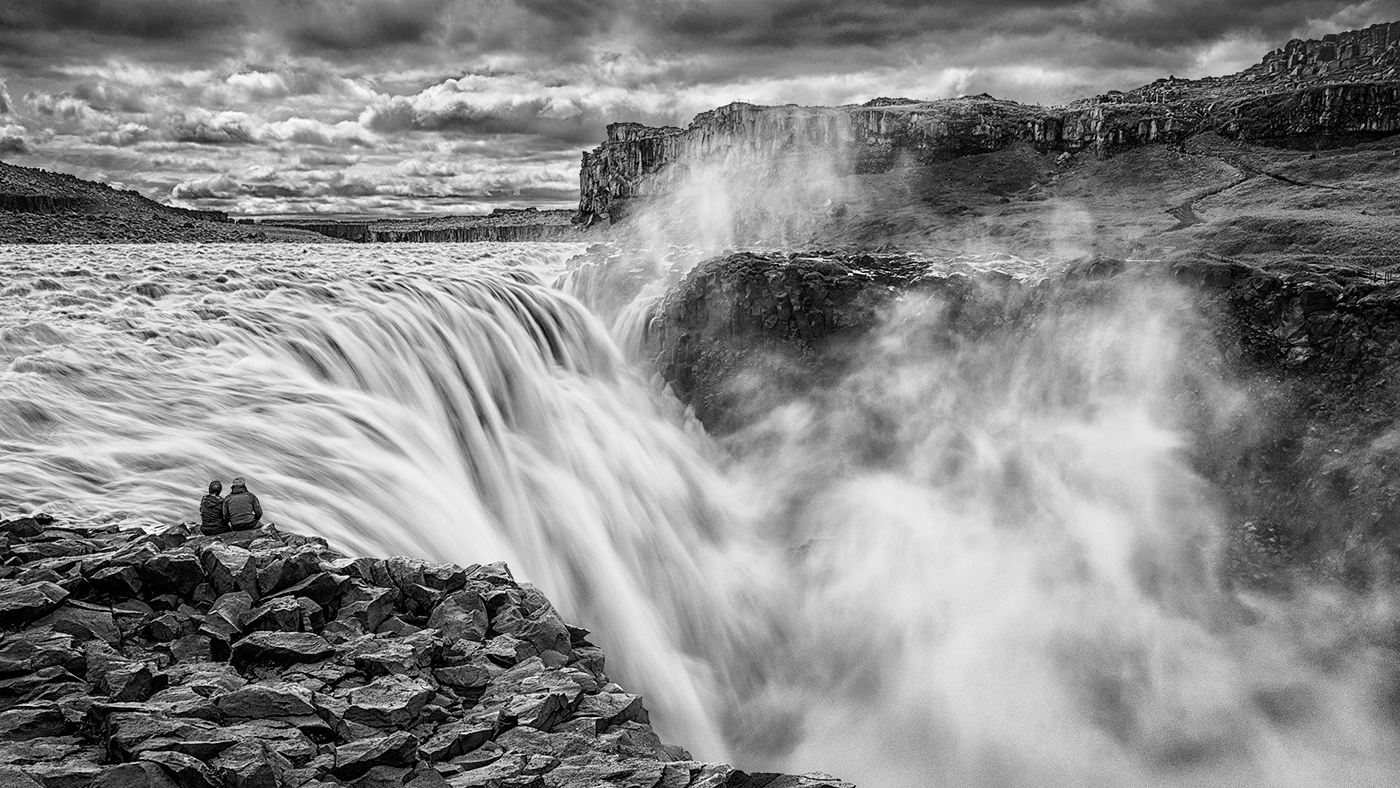
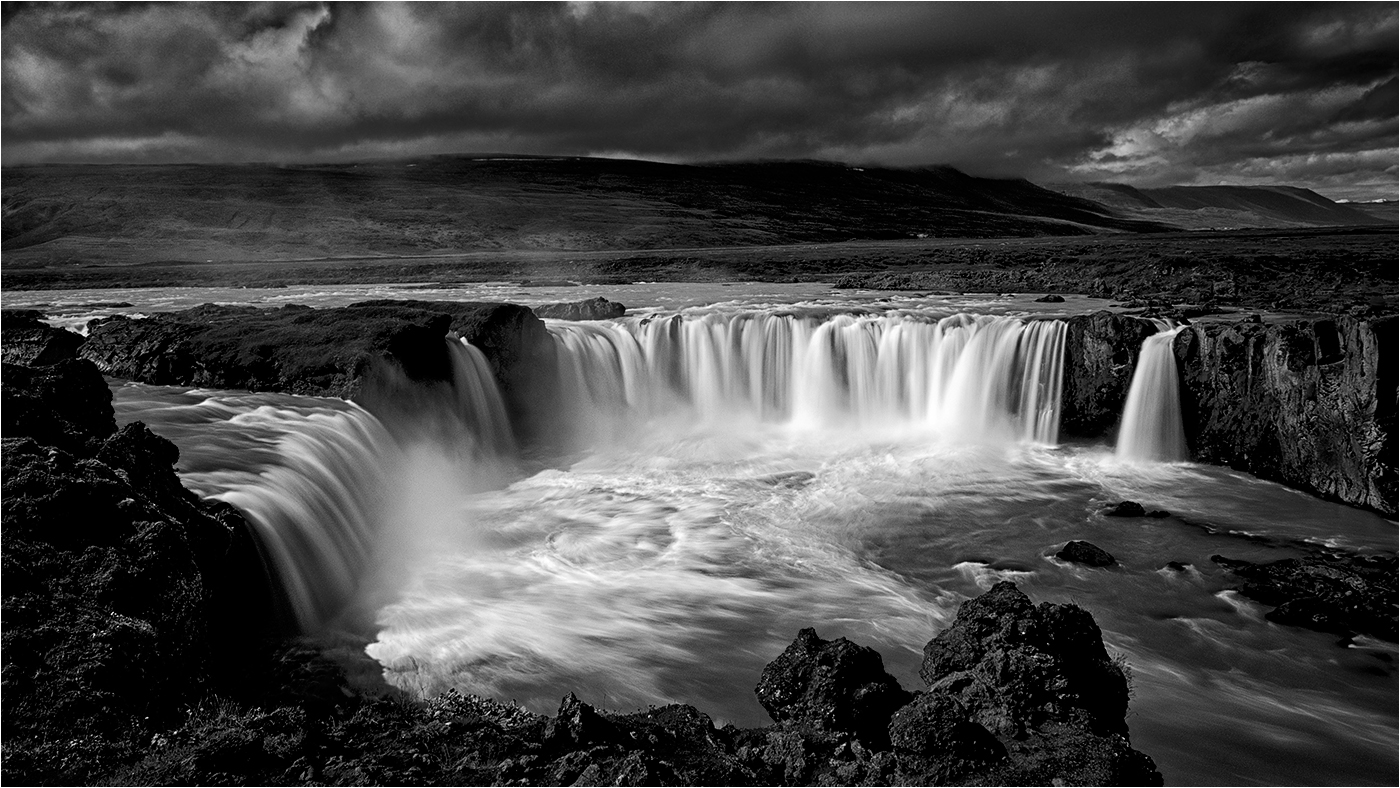
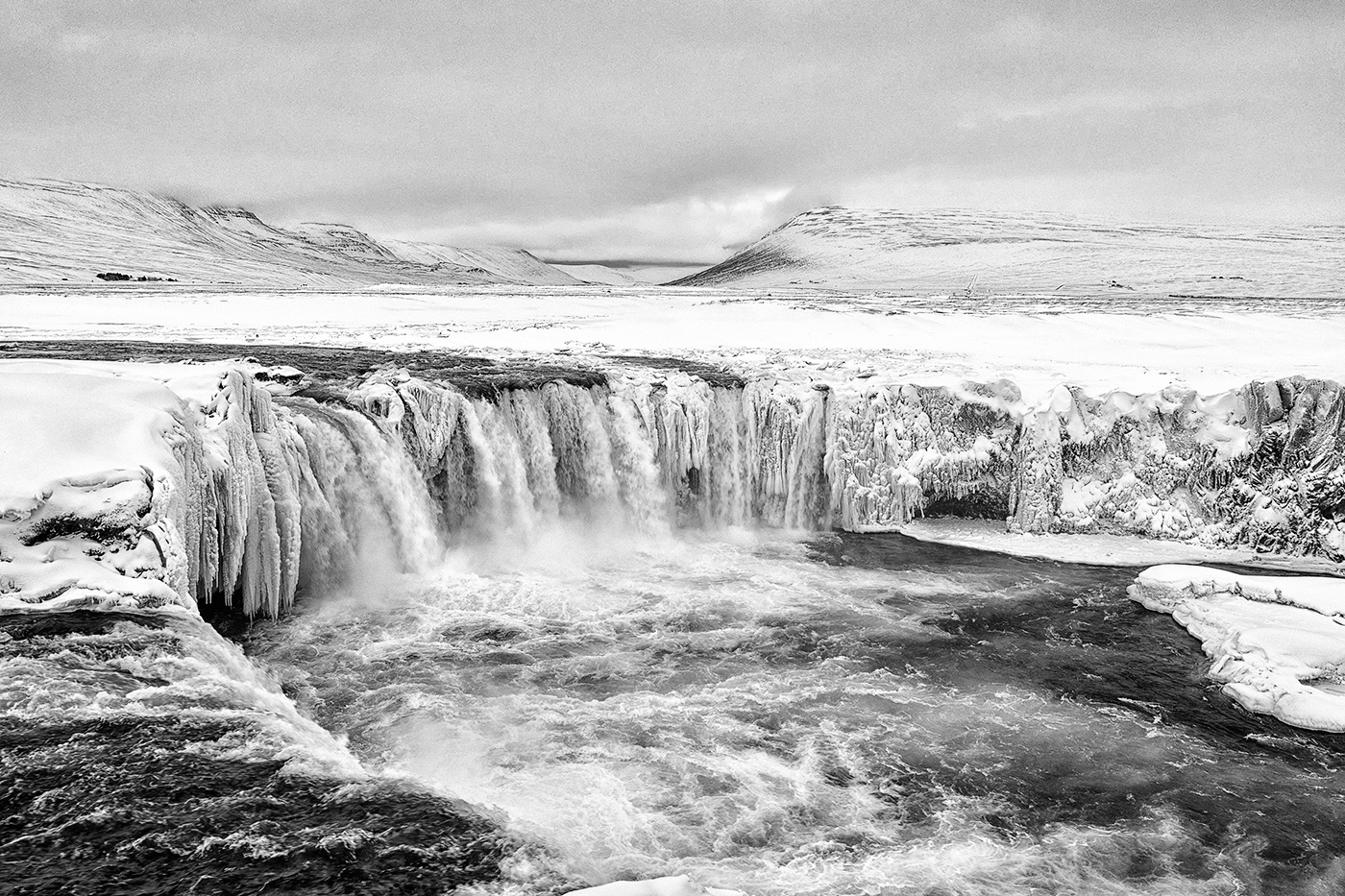
Reviewing this month's image - Edge of the Falls Dettifoss I was not completely satisfied with the way it turned out - I have revisited it and made a few tweaks which I feel add a little more drama .... |
Nov 5th |
 |
9 comments - 1 reply for Group 31
|
9 comments - 1 reply Total
|