|
| Group |
Round |
C/R |
Comment |
Date |
Image |
| 22 |
Jun 19 |
Reply |
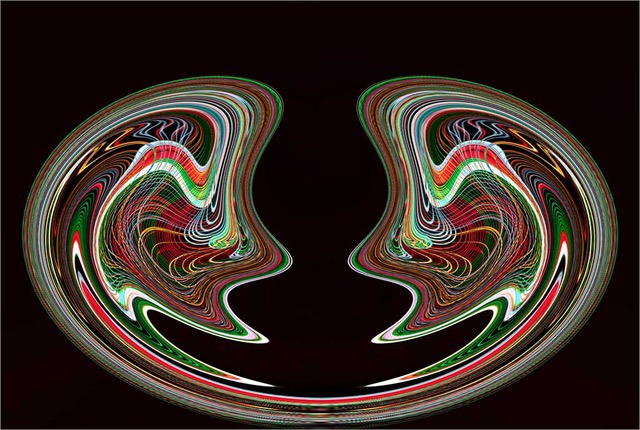
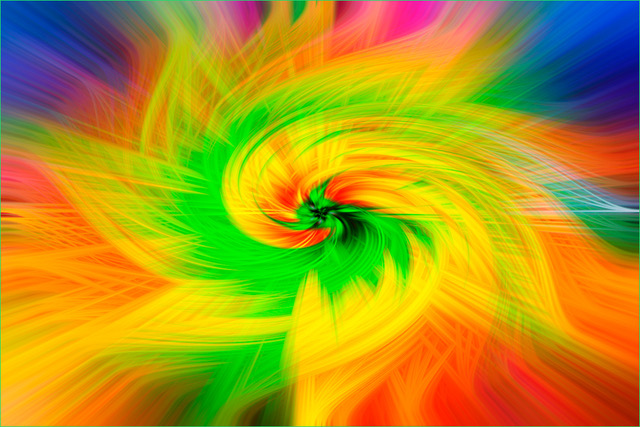
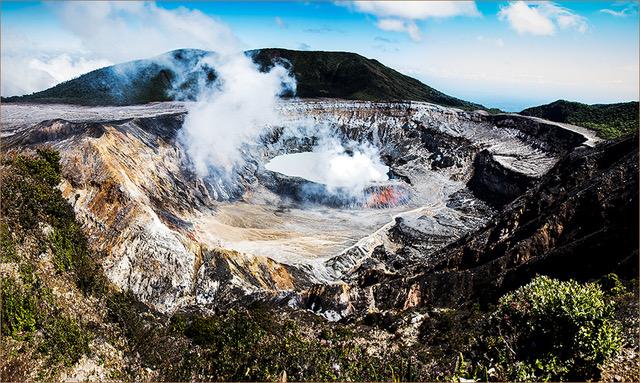
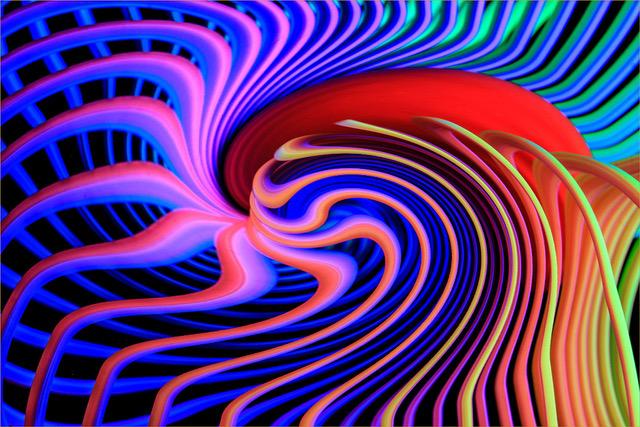
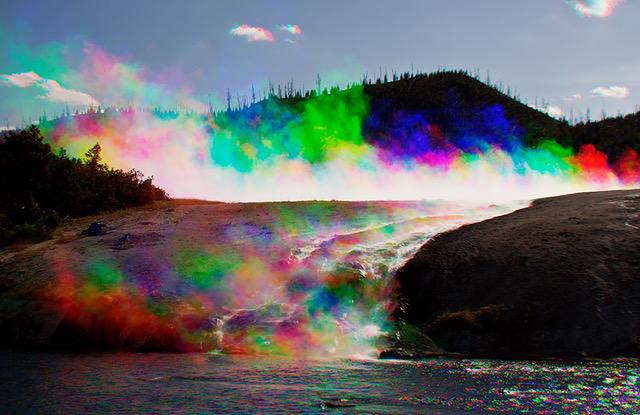
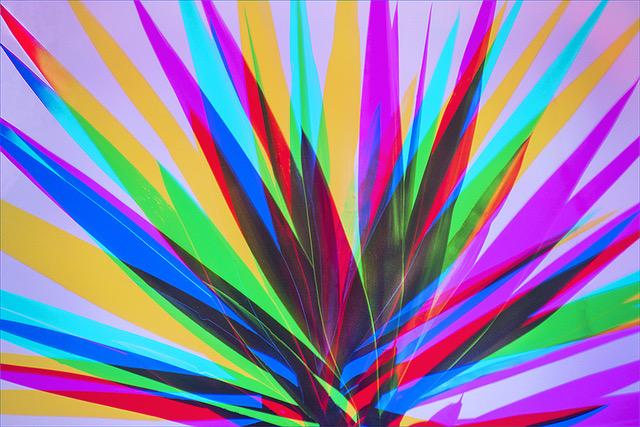
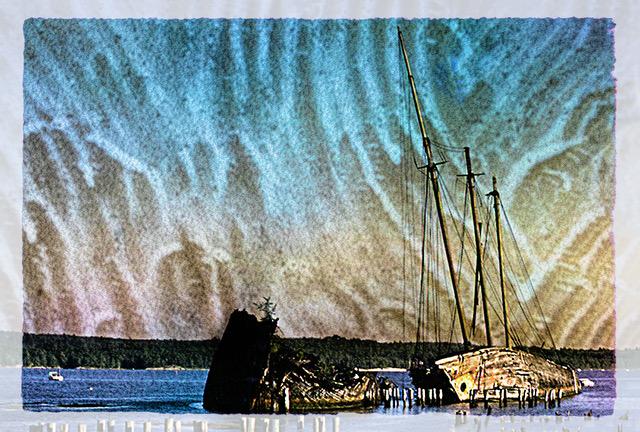
Peggy, this is a fun technique and it is very simple. You do need a camera that is able of taking multiple images on one frame, but if you do not have one, then three images can be taken separately, each with a different filter, within a few seconds apart and then combined in Photoshop.
There must be some motion from the subject, or create motion by moving the camera, center, left & right. . . With camera on tripod and set for three exposures, take three photos, each one a few seconds apart and each one with a different filter; Red, Green & Blue. See also explanation above. If this sounds confusing, I can try to explain it differently.
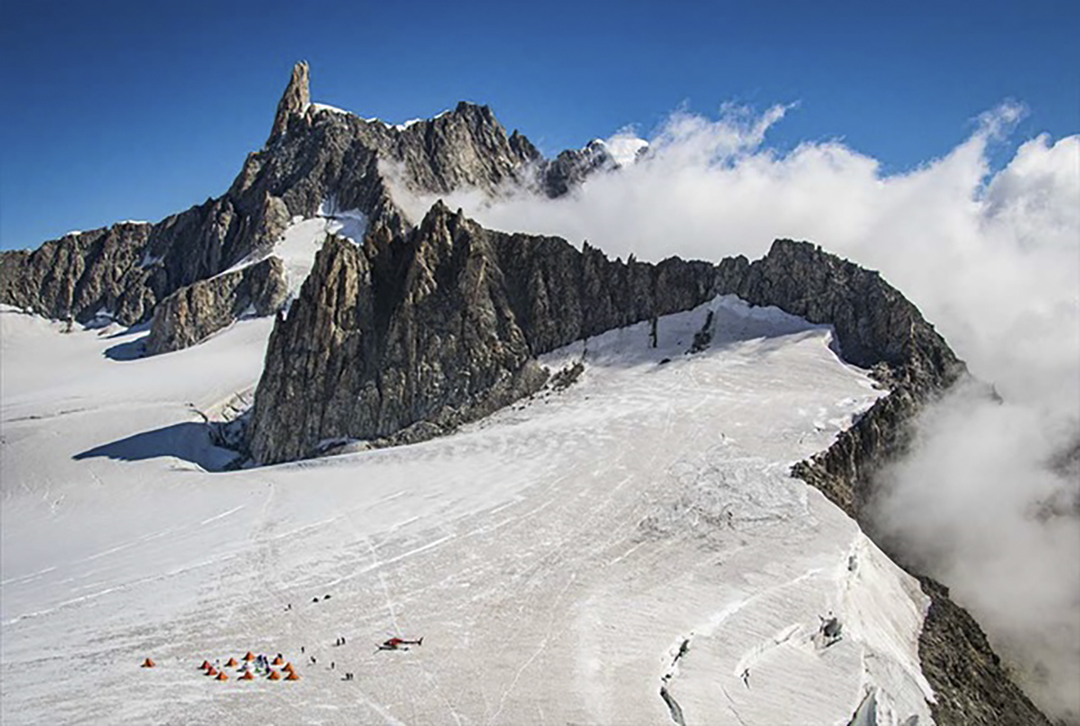
Please note, that where there is no motion, everything looks normal, such as the mountain slope and the white steam, where all three colors blend onto each other. You see color or a variation of colors, only where the colors do not blend onto each other. This is based on the fact that the color of light, is Red, Green and Blue.
Marti, since the image was created from three exposures a few seconds apart, the motion of the clouds also create multiple images and different colors. You can achieve what you desire by deleting the multicolor clouds and then copy and paste the original clouds onto the multicolor image. |
Jun 21st |
| 22 |
Jun 19 |
Comment |
and keep the attention on the dragonfly. |
Jun 21st |
| 22 |
Jun 19 |
Comment |
Yes Al, I too agree on all counts. However, what counts the most is your creative ability of making a common image become uncommon. Yes, excellent work on the eliminations, but I think that eliminating the more dominant posts and the tilt on the left side, could improve it, or not?.
|
Jun 18th |
| 22 |
Jun 19 |
Reply |
Thank you for your appreciation Al. Yes, I like to play with colors, shapes and patterns. Actually, this is a pretty simple process, once one gets the idea of how these colors blend with each other. The same or similar results can be achieved using different methods, such as three exposures on one image, running the filters in front of the camera with one exposure, projecting three colors with one exposure or combining images digitally. |
Jun 18th |
| 22 |
Jun 19 |
Comment |
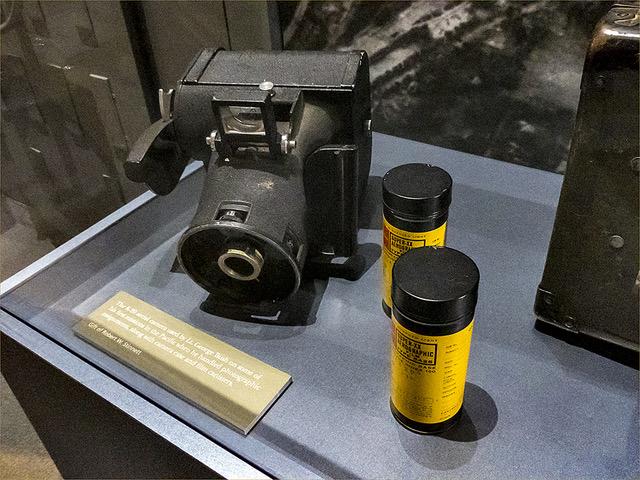
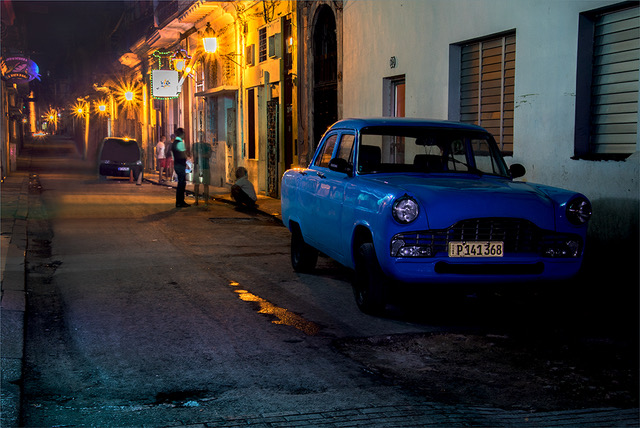
I agree with Jerry and Al. This is also a great idea and well planned. But like Al, at first look, my thoughts were of that semi barreling down the road. The sharpness is most impressive considering the 200mm and 1/125th of a sec., hand held. Yes, most impressive. |
Jun 18th |
| 22 |
Jun 19 |
Comment |
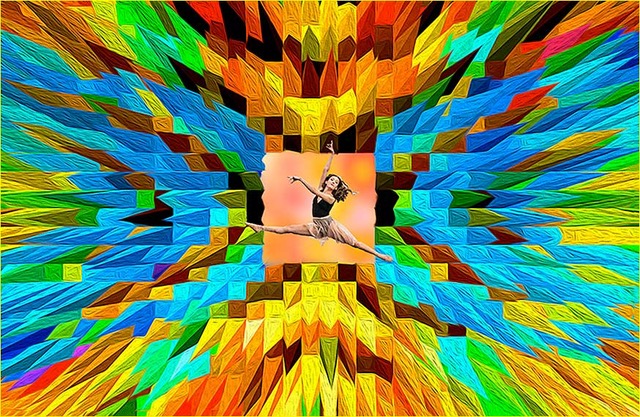
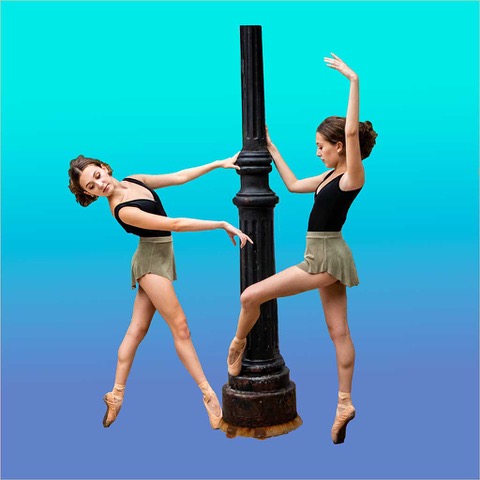
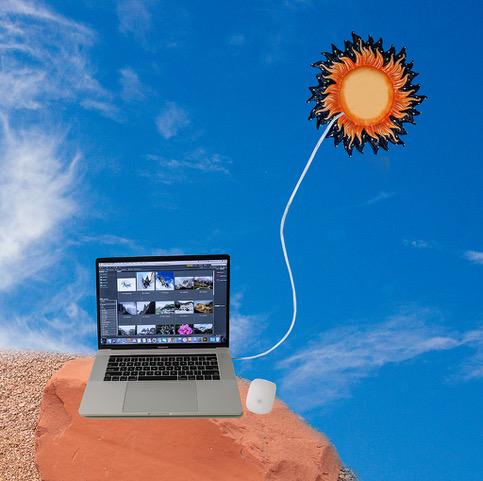
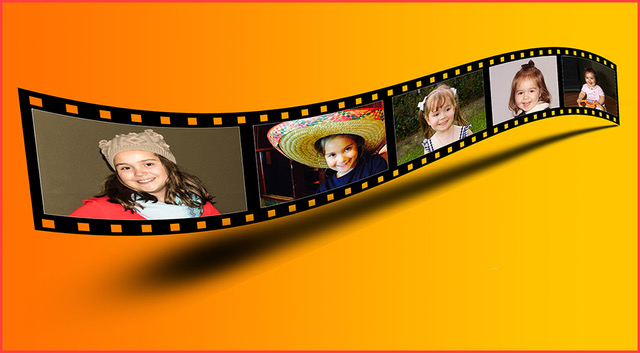
Jerry, I not only compliment you on the neat work you did with this collage, but also for visualizing this idea in the first place, which is more innovative than the work you did. I like very much Stephen's ideas, which would surely stump some viewers and hopefully the judge as well and give you a '9'.
|
Jun 18th |
| 22 |
Jun 19 |
Comment |
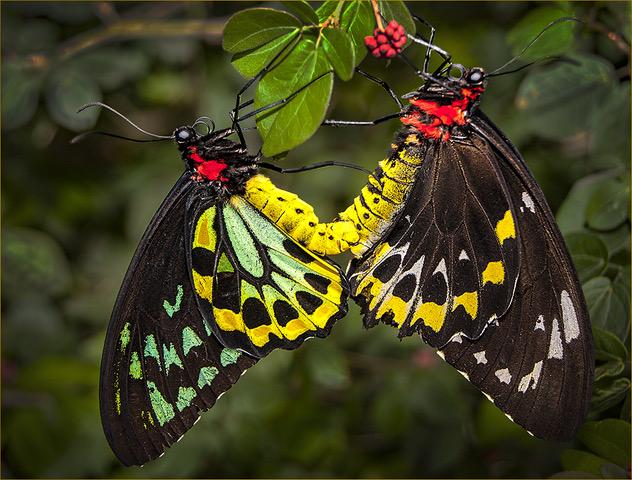
Peggy, it is amazing of the sharpness you achieved from wing to wing and after cropping so closely. I am not bothered by the bright left and bottom right areas, they kind of compliment each other.
|
Jun 18th |
| 22 |
Jun 19 |
Comment |
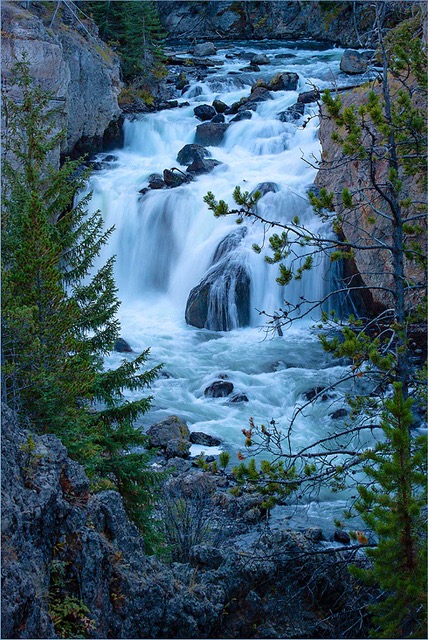
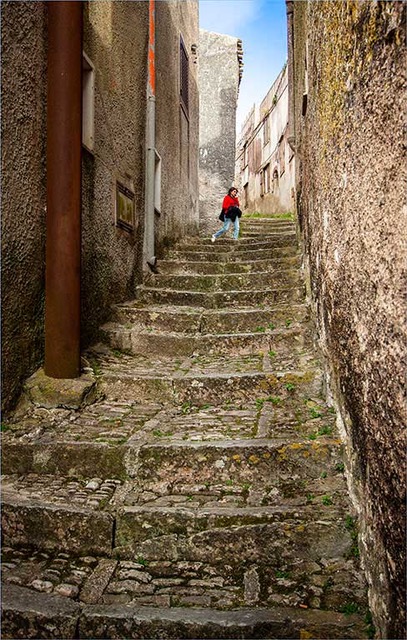
Marti, your Smoky Mountain Stream is very soothing and pleasing to look at. Looking from the top to the bottom, it appears that the stream is flowing down to the right, almost forming an 'S' curve. I would have liked to see a bit less from the top and a bit more from the bottom.
|
Jun 18th |
6 comments - 2 replies for Group 22
|
6 comments - 2 replies Total
|