|
| Group |
Round |
C/R |
Comment |
Date |
Image |
| 78 |
Sep 24 |
Comment |
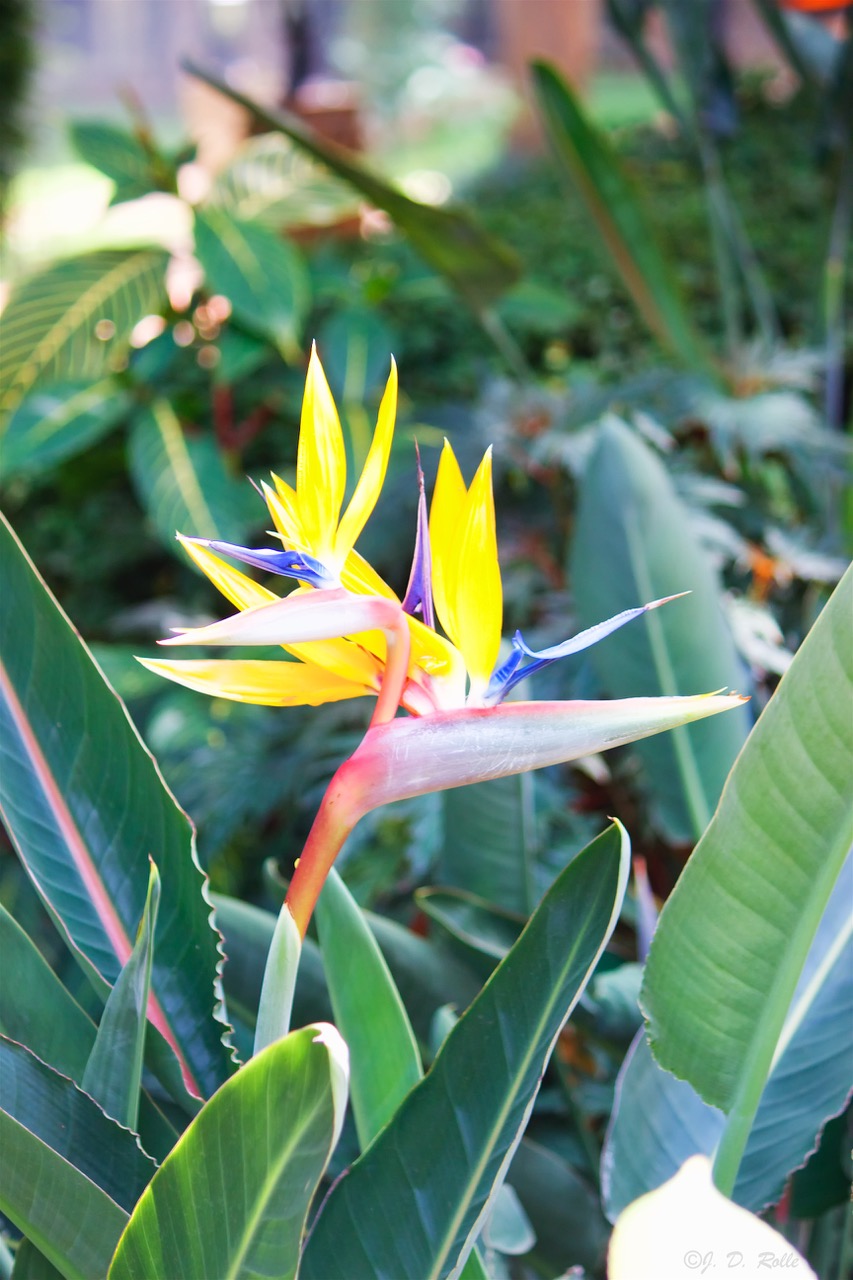
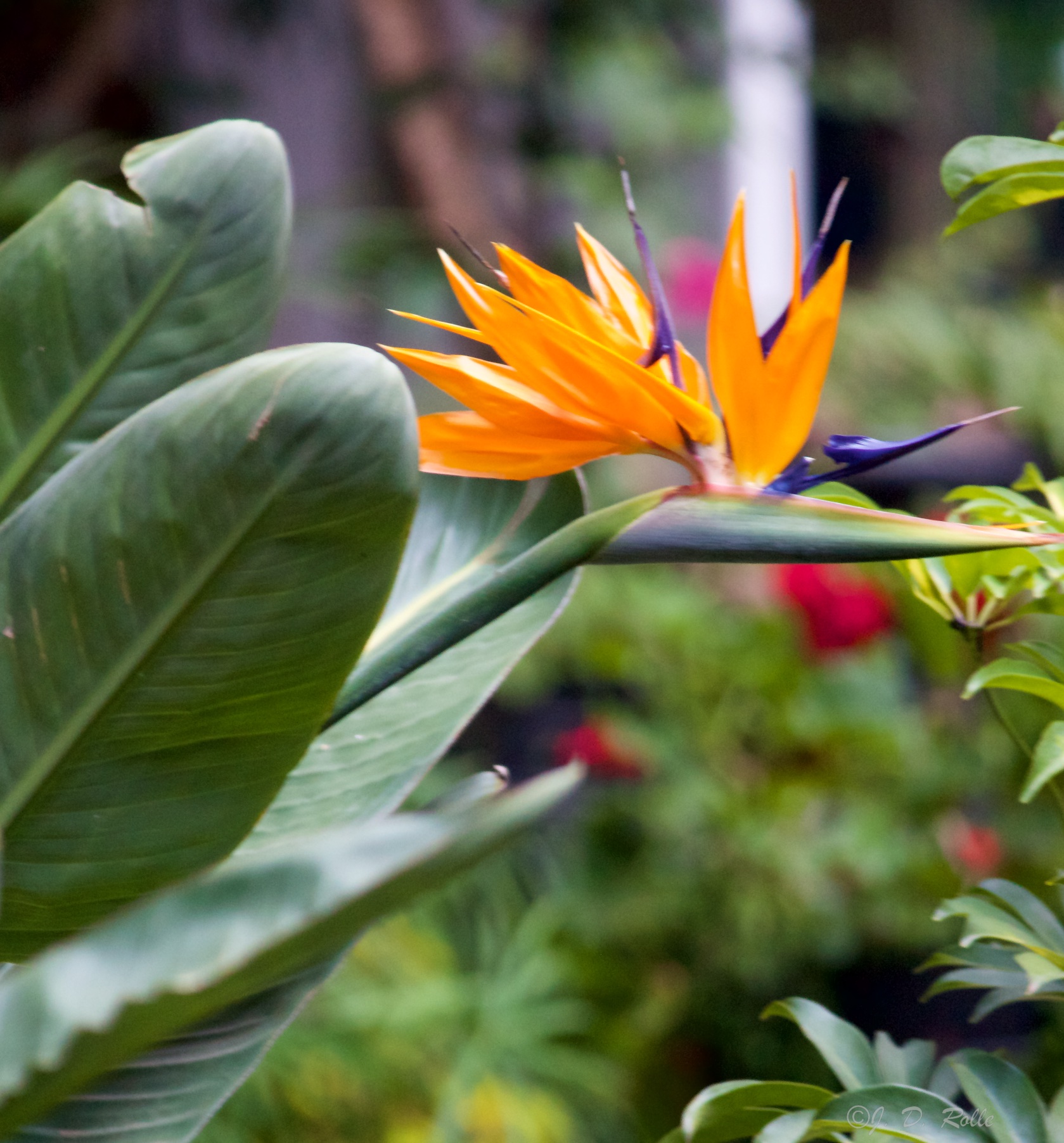
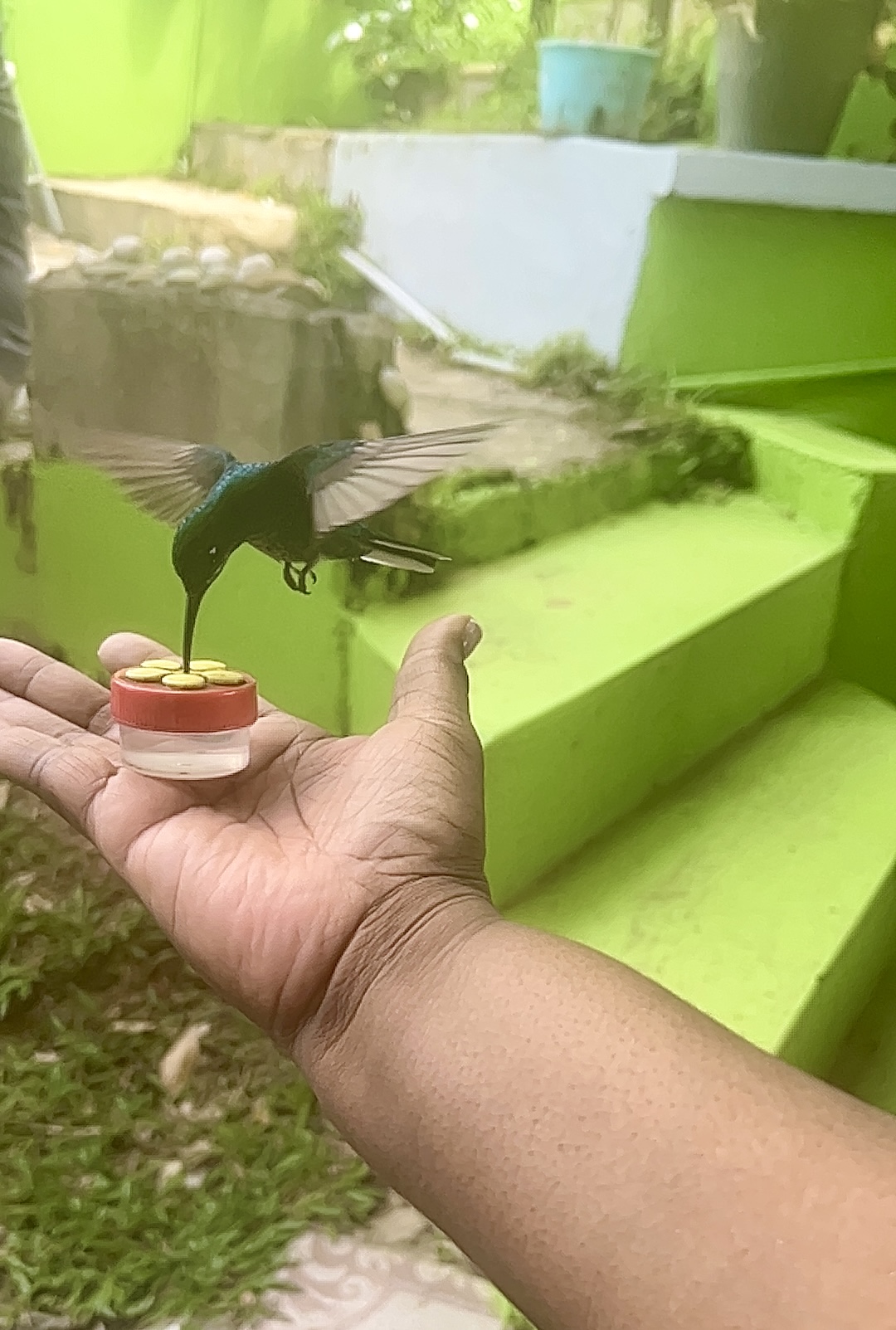
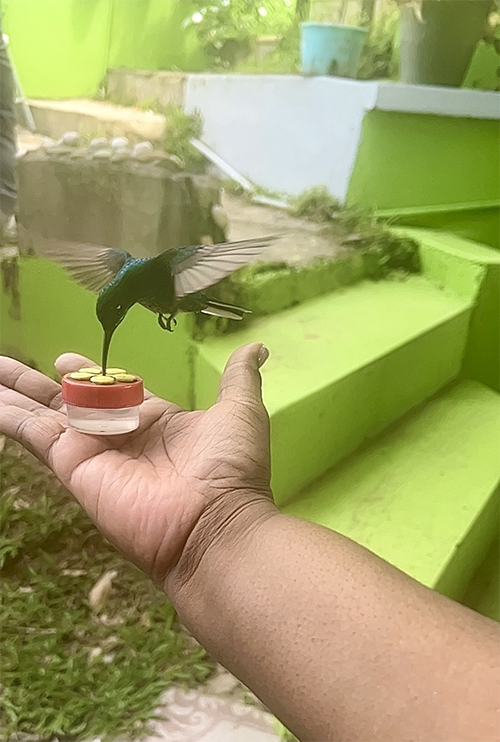
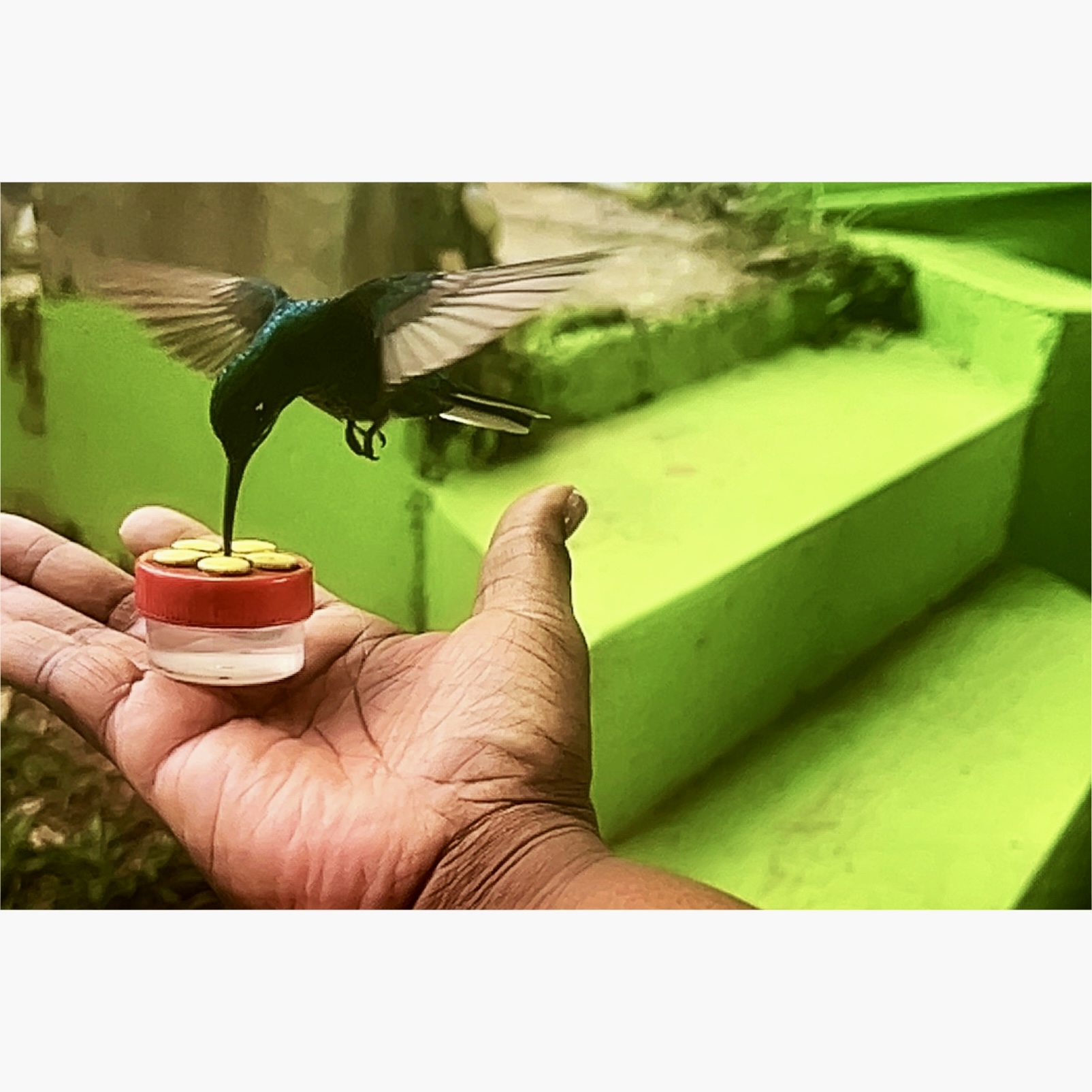
I used an app, Pic to go classic to enhance the color, sharpen details so the humming bird color would be more distinctive from the background. In Pic to go newer version I tried to cut out the background but it took out everything. I then cropped out everything to the uppermost left of the bird and bottom where the arm was to focus more on the hummingbird in flight hovering over the hand. Hopefully this improves the overall image.
J. D. Rolle ~ |
Sep 16th |
 |
| 78 |
Sep 24 |
Comment |
I agree. The bright lights around the subject are distracting. I think Jim's revision improves the image by enhancing the focus on the colors and designs, which really brings out the details. |
Sep 15th |
| 78 |
Sep 24 |
Comment |
I was fine with the original branch touching the head of the Buddha-metaphorically, it felt like nature reaching out to connect with the essence of the Buddha. I also appreciate the revision, where the Buddha is separate from nature, as if kneeling in awe of its presence. Both versions are beautiful, each telling a unique and meaningful story. |
Sep 15th |
| 78 |
Sep 24 |
Comment |
I like how the image was reimagined with a focus on the blacksmith and his work. I agree with Ed that reducing the area around the anvil would enhance the realism of the image. |
Sep 15th |
| 78 |
Sep 24 |
Comment |
Robert your composite from multiple iPhone shots is incredible! The stained glass windows are beautifully represented, with the colors and design really standing out. The mosaic-like effect adds to the artistic appeal while still keeping the overall composition cohesive.
I can relate to your experience with using the Canon-after two knee replacements and dealing with back pain, I also appreciate having the iPhone as a lighter option for photography when I'm on the move. While I often carry both, I usually opt for the lighter device. I've been practicing and taking iPhone photography classes for several years now.
Have you tried using the RAW feature on the iPhone? I've found it really helps improve image quality and adds more flexibility when editing. |
Sep 15th |
| 78 |
Sep 24 |
Comment |
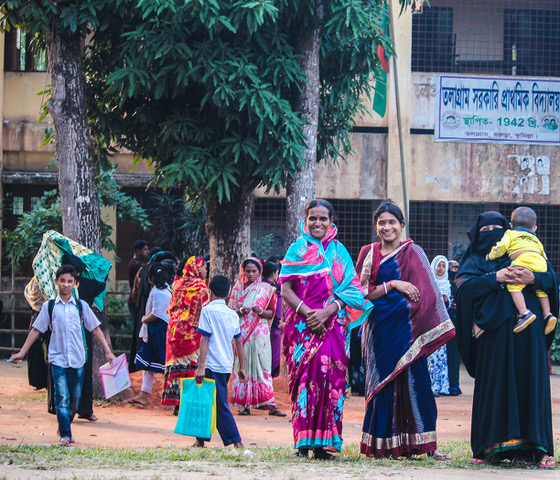
I love the energy of the image. It's great when every element-like the background, people, and environment-comes together to tell a story of engagement and collaboration. That dynamic interaction is what makes the shot feel alive! |
Sep 15th |
| 78 |
Sep 24 |
Comment |
I think both versions offer something unique. The original definitely gives a broader perspective, making it feel more expansive and inclusive, while the revised version really hones in on the key details, giving it a more focused and intimate feel. It's amazing how small changes can shift the narrative of an image. Both stories are compelling in their own way! |
Sep 15th |
| 78 |
Sep 24 |
Reply |
Brenda thank you for the kind words and thoughtful suggestions! I agree-the background and lighting were a challenge in this shot. I'll definitely keep your tips in mind for the future, especially about simplifying the background and adjusting the angle to get better light on the subject. It's all part of the learning process, and I'm excited to keep improving! Appreciate your feedback! |
Sep 15th |
| 78 |
Sep 24 |
Reply |
Thank you! I'm glad you liked the photo, and I agree-Ed's suggestion really enhanced the final result. Capturing that moment with the hummingbird was tricky but definitely rewarding. It's great to be able to share it with the group and get such helpful feedback! |
Sep 15th |
| 78 |
Sep 24 |
Reply |
Thanks, Robert! I agree, the iPhone's ability to freeze the motion of the hummingbird is pretty incredible, especially for such a fast-moving subject. The Pro series really shines in moments where you're juggling multiple tasks to get the shot. The AI upgrades in the iPhone Pro 16 sound exciting-I'm sure they'll make capturing dynamic images even easier! It's amazing how far smartphone photography has come, and I can't wait to use the new tech.
|
Sep 15th |
| 78 |
Sep 24 |
Reply |
Love how you handled the revisions, Ed! It's impressive what you were able to do, especially with the generative fill and cropping-definitely cleaned it up nicely. I completely relate to your struggle with boosting shadows; it can be tricky sometimes. Photoshop is such a powerful tool, and I'm excited to be experimenting more soon! I was juggling capturing, posing, and shooting all at once, it was a challenge. Looking forward to seeing how my skills evolve-thank you! |
Sep 15th |
7 comments - 4 replies for Group 78
|
| 81 |
Sep 24 |
Comment |
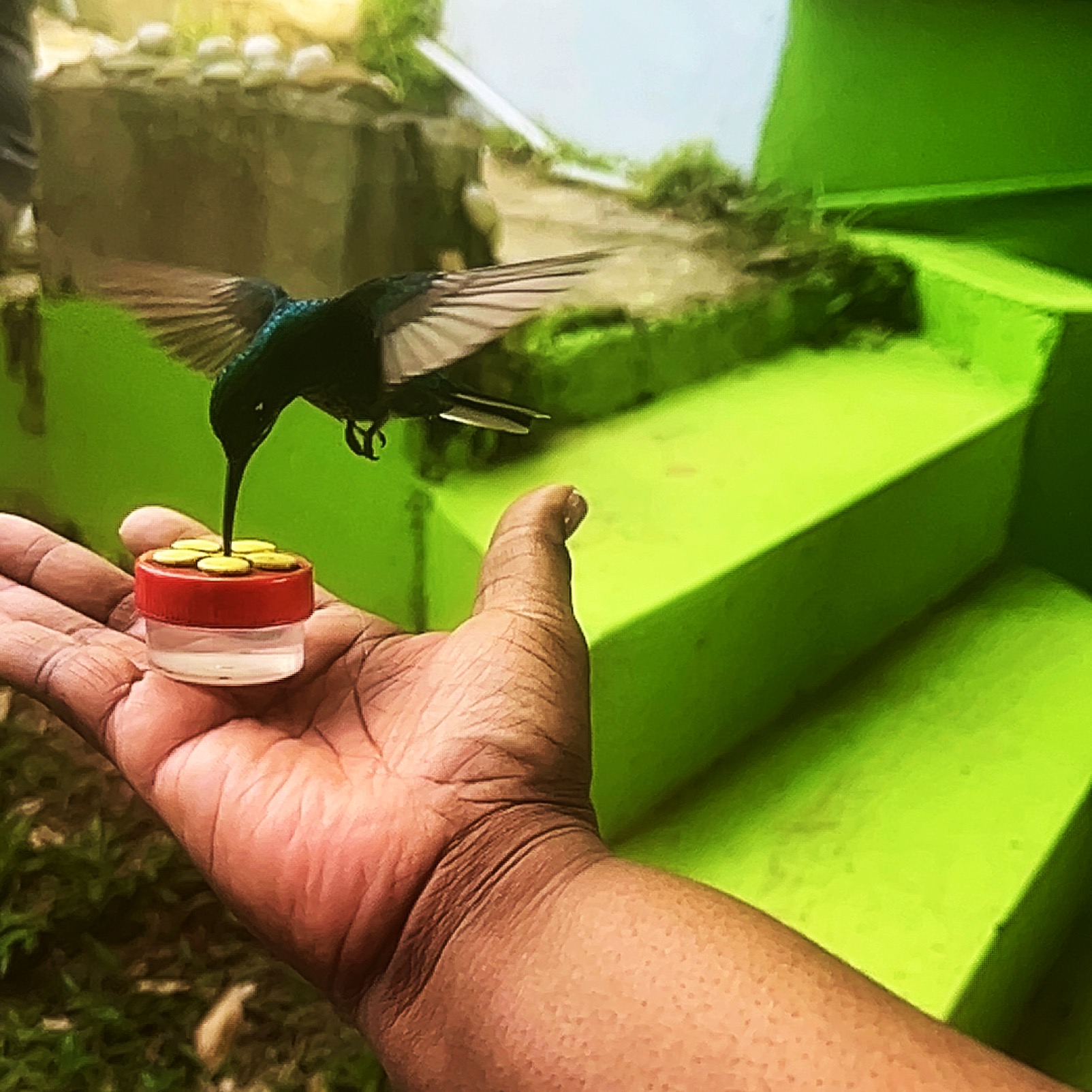
Thanks everyone! I used the Pic and Go app to crop and enhance color. |
Sep 16th |
 |
1 comment - 0 replies for Group 81
|
8 comments - 4 replies Total
|