Activity for User 313 - Henry Roberts - hbroberts2314@gmail.com

avatar
Avatar

Close this Tab when done


904 Comments / 459 Replies Posted

  = Current Round   = Previous Round
Group Round C/R Comment Date Image
40 Jun 17 Reply Hi Andrew,

Thanks for the reply. I mainly work in Photoshop and Camera Raw, rarely Lightroom, but I should learn Lightroom.

I opened a noisy image in PS Camera Raw, went to the Detail module, Noise Reduction and moved the Luminance slider to the right. It works!

By the way as I am sure you know, Camera Raw is nondestructive also. You may have noticed that the files I submit have a suffix of p-1,2, etc. Whenever I am not in Camera Raw and work on a file, I save it as p something so that my original file is never changed. There is probably a better way to do this but for now this is my convention.

Thanks,

Henry
Jun 18th
40 Jun 17 Comment Ah, Karen, a wonderful portrait of a wide eyed frog resting up before the big jump. I like the framing - it looks as though big frog is ready to jump out onto my desk!

I don't know how you achieved the grainy appearance - however you did it, the enhancement is far better than a straight photograph.

I would disagree with Andrew as I think you need the catch lights in the eye to contrast with the black.
Jun 18th
40 Jun 17 Comment Curtis, welcome to the group!

Curtis, I like the rose blossoms, I like the weathered wood, I like the sharpness of the weathered wood and flower, I like the blurred background. But for me, the composition does not work. As I have a preference for verticals, if I had been taking this image I would have tried for a vertical format.

I look forward to more of your exciting work.

Jun 18th
40 Jun 17 Comment Jamie, your black and white rendition really works for this image. Yes, a sharper image would be better but this works.

If you had left this as a colored image, I would want the indistinct grass blades included but in black and white I don't think they would work.

The comments of the others all have merit.
Jun 18th
40 Jun 17 Comment Bai, you are a master at night time images! You are really creative they way you combined several images for the final result. I like the motion of the road curving through the image and the interest of the building on the right.

I wondered about doing some cropping. I tried cropping out the building on the right but it is an essential part of the composition. I tried cropping out some of the bottom but that would leave the grass stems sticking up without support. So your cropping is fine.
Jun 18th
40 Jun 17 Comment Susan, your combining two differently exposed images really works. And your vertical cropping really works. I like the depth of the image implied by the sharpness of the orchid and artwork in the foreground and foliage in the background. There is a lot to enjoy and contemplate in this image. You really had good artistic judgement in placing the orchid and art work. I find a slight distraction that window lines are not vertical but maybe they don't need to be because this is an artistic creation of yours. Jun 18th
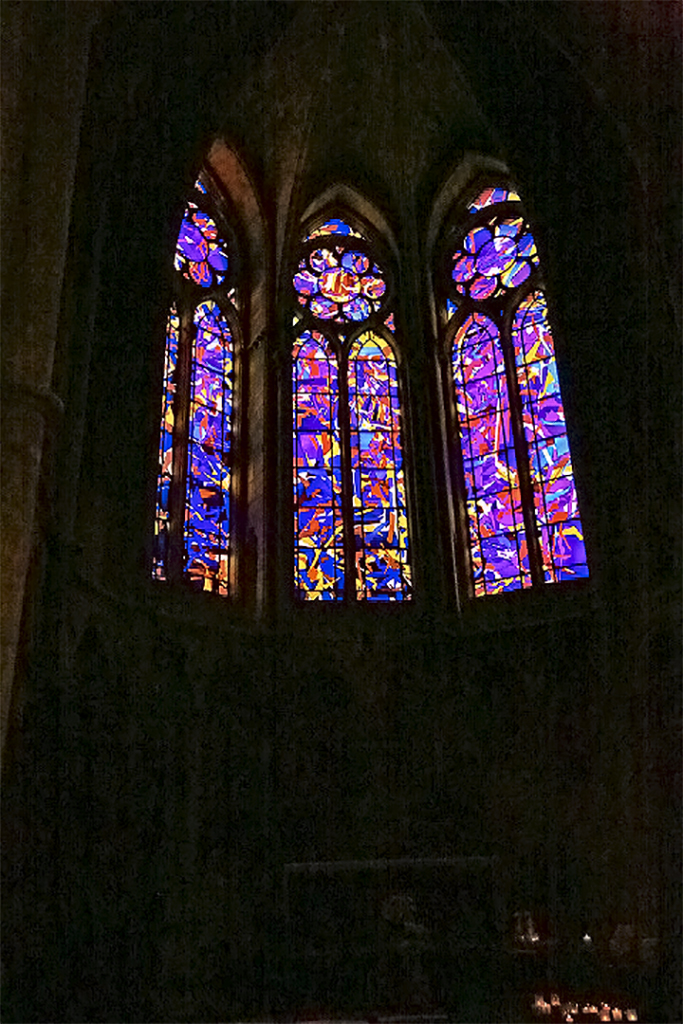
40 Jun 17 Comment Andrew, you did a beautiful job of centering on this church art work. Now for some of my own personal preferences which don't necessarily match that of others. I like the rich color balance of the original. I also would like the inclusion of the windows on the left and the figures on the right because they add to the story that this is in a cathedral. Of course one would have to dodge and burn these areas to make them fit in. Well, each of us to our own tastes.

You did a beautiful job of de-noising. How did you do this? In photoshop or in a plug in?

Now, after reading the comments of the others, I would agree with them and think your response image is much better. But I would still like inclusion of the left and right sides that have been cropped out to tell a fuller story.
Jun 18th
40 Jun 17 Comment Hi Susan,

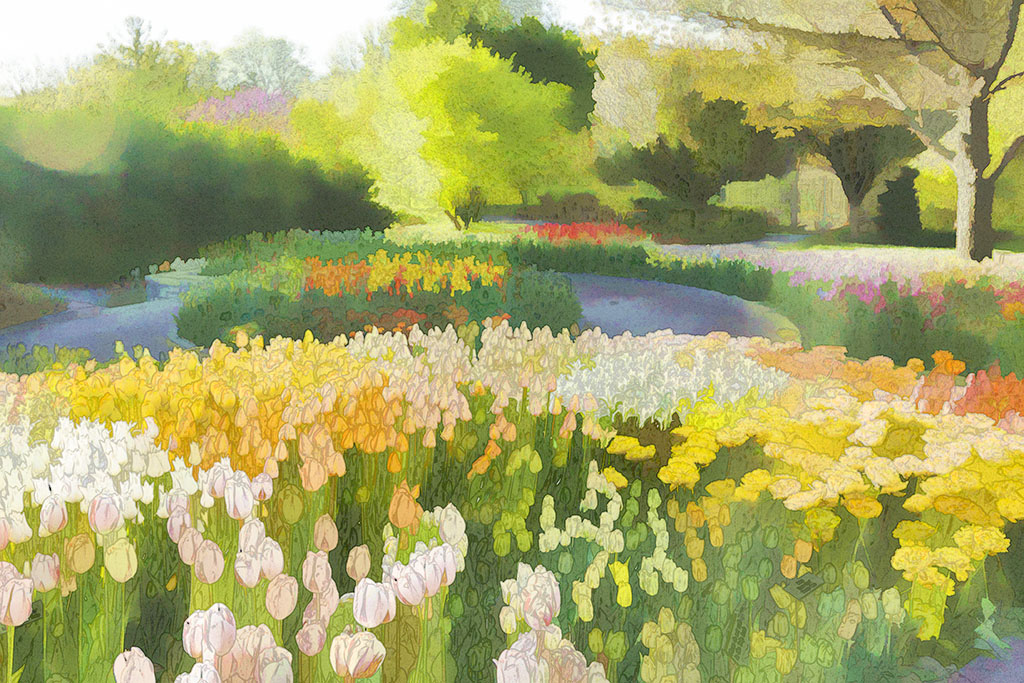
You have a good idea to imply more trees to the right.

Henry
Jun 9th

7 comments - 1 reply for Group 40


7 comments - 1 reply Total


153 Images Posted

  = Current Round   = Previous Round
Group 40

Oct 25

Sep 25

Jul 25

Jun 25

May 25

Apr 25

Mar 25

Feb 25

Jan 25

Dec 24

Nov 24

Oct 24

Sep 24

Aug 24

Jul 24

Jun 24

May 24

Apr 24

Mar 24

Feb 24

Jan 24

Dec 23

Nov 23

Oct 23

Sep 23

Aug 23

Jul 23

Jun 23

May 23

Apr 23

Mar 23

Jan 23

Dec 22

Nov 22

Oct 22

Sep 22

Aug 22

Jul 22

Jun 22

Apr 22

Mar 22

Feb 22

Jan 22

Dec 21

Nov 21

Oct 21

Sep 21

Aug 21

Jul 21

Jun 21

May 21

Mar 21

Feb 21

Jan 21

Dec 20

Nov 20

Oct 20

Sep 20

Aug 20

Jul 20

Jun 20

May 20

Apr 20

Mar 20

Feb 20

Jan 20

Dec 19

Nov 19

Oct 19

Sep 19

Aug 19

Jul 19

Jun 19

May 19

Apr 19

Mar 19

Feb 19

Jan 19

Dec 18

Nov 18

Oct 18

Sep 18

Aug 18

Jul 18

Jun 18

May 18

Apr 18

Mar 18

Feb 18

Jan 18

Dec 17

Nov 17

Oct 17

Aug 17

Jul 17

Jun 17

May 17

Apr 17

Mar 17

Feb 17

Jan 17
Group 41

Apr 23

Mar 23

Jan 23

Dec 22

Oct 22

Sep 22

Aug 22

Jul 22

Jun 22

Apr 22

Mar 22

Feb 22

Jan 22

Dec 21

Nov 21

Oct 21

Sep 21

Aug 21

Jul 21

Jun 21

May 21

Mar 21

Feb 21

Jan 21

Dec 20

Nov 20

Oct 20

Sep 20

Aug 20

Jul 20

Jun 20

May 20

Apr 20

Mar 20

Feb 20

Jan 20

Dec 19

Nov 19

Oct 19

Aug 19

Jul 19

Jun 19

May 19

Apr 19

Mar 19

Feb 19

Jan 19

Dec 18

Nov 18

Oct 18

Sep 18

Aug 18

Close this Tab when done