|
| Group |
Round |
C/R |
Comment |
Date |
Image |
| 34 |
Dec 20 |
Reply |
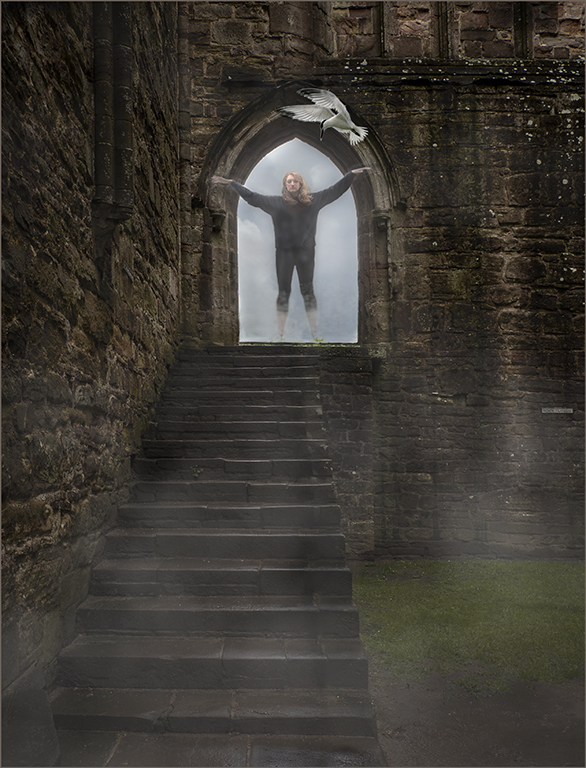
Thank you so much for you comments. I had thought of fairy wings at first but didn't use them. Maybe I will. Happy New Year. Hope it is a better year. |
Dec 27th |
| 34 |
Dec 20 |
Comment |
The softness of the images is what appeals to me. The bird wings on the plane are perfect, just the right size and angle. As a bird photographer, I think there needs to be a little more space on the left for the plane to fly into. And I believe that the back wires of the bird cage should be shown through the open door of the cage. Good job. |
Dec 13th |
| 34 |
Dec 20 |
Comment |
Beautiful color palette, and the green of the trees completes a frame for the image. The texture of the house is a good contrast to the smoothness of the leaves and cloak. The image is worked well. |
Dec 13th |
| 34 |
Dec 20 |
Comment |
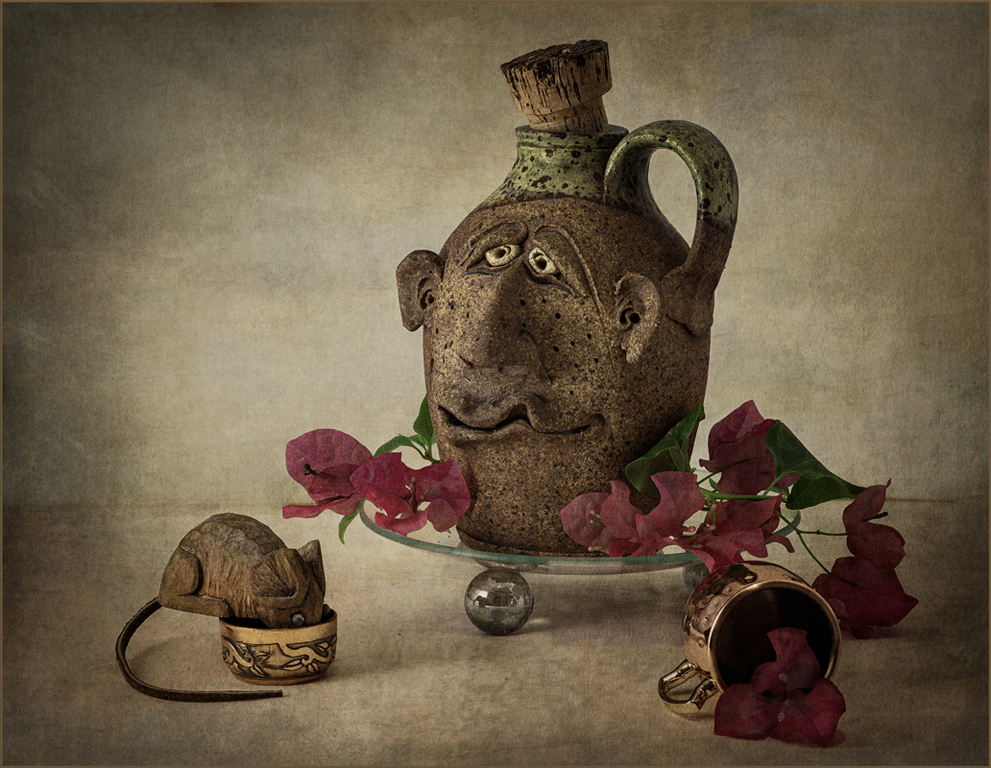
I love the mix of colors and patterns. A very light horizontal (horizon) line to make a distinction between the background and table might be helpful. Good job placing yourself on the saucer. |
Dec 13th |
| 34 |
Dec 20 |
Reply |
Thank you, I appreciate your insight. |
Dec 13th |
| 34 |
Dec 20 |
Reply |
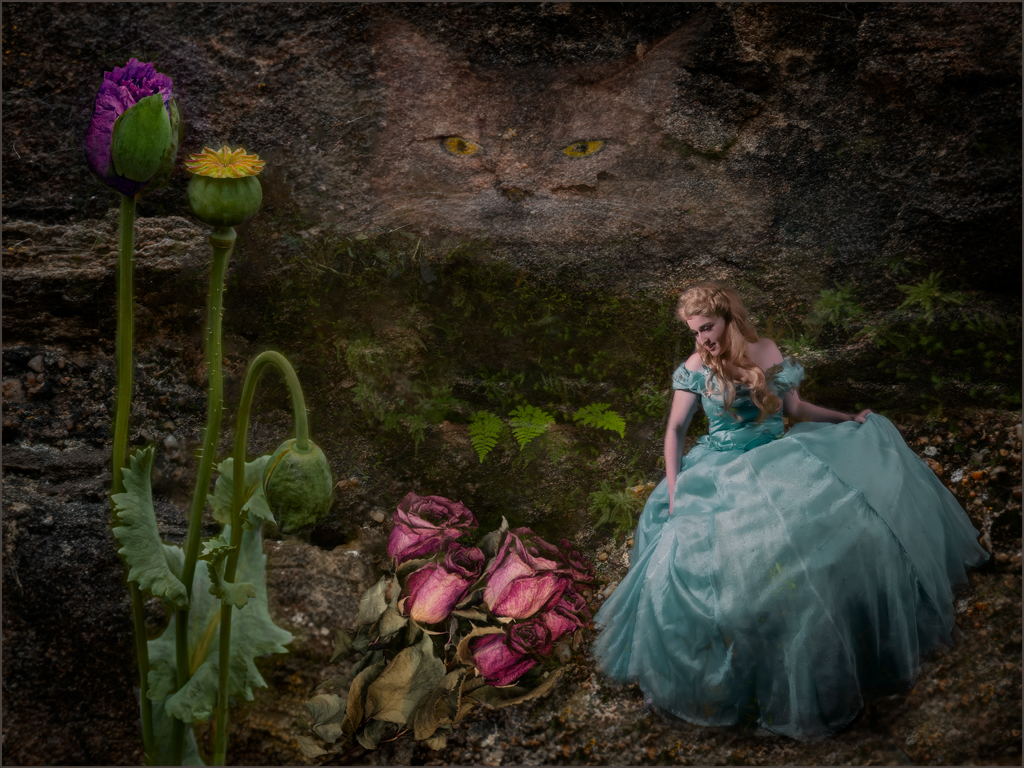
Thanks, Alan, my original idea was to use some ideas from known fairy tales, but make it different. Your idea to make the girl less real is something I will visit as well as changing the cat's eyes. |
Dec 13th |
| 34 |
Dec 20 |
Reply |
Glad I was able to help. |
Dec 9th |
| 34 |
Dec 20 |
Comment |
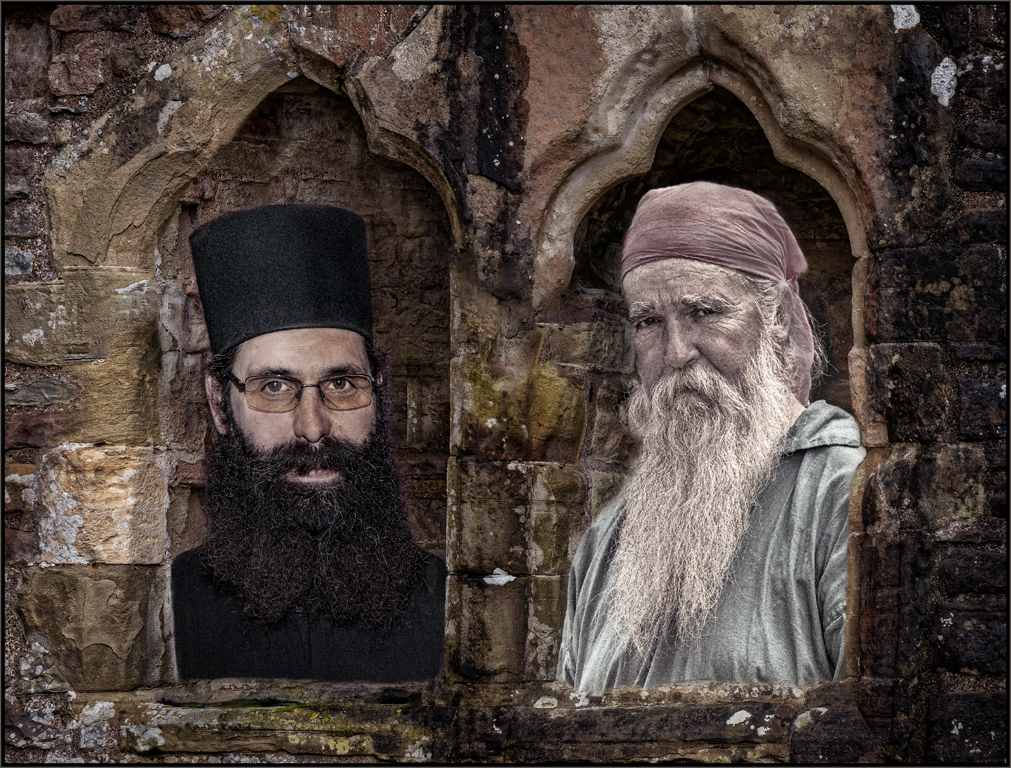
Alan, I love the muted grey and red color palette that you have in the final image. The shiny grey cobblestones are a nice addition. I do agree that the men need an anchoring shadow for their shoes. The man on the left seems to be floating. You have an image that calls for the viewer to linger to see what else there is to find. |
Dec 8th |
| 34 |
Dec 20 |
Comment |
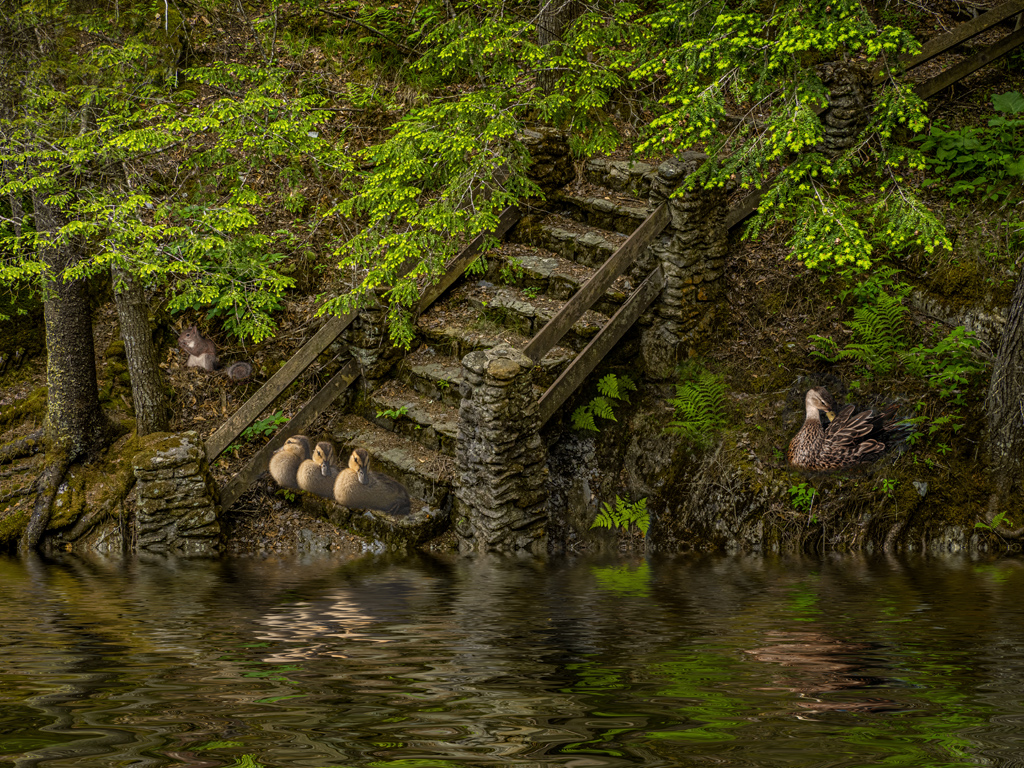
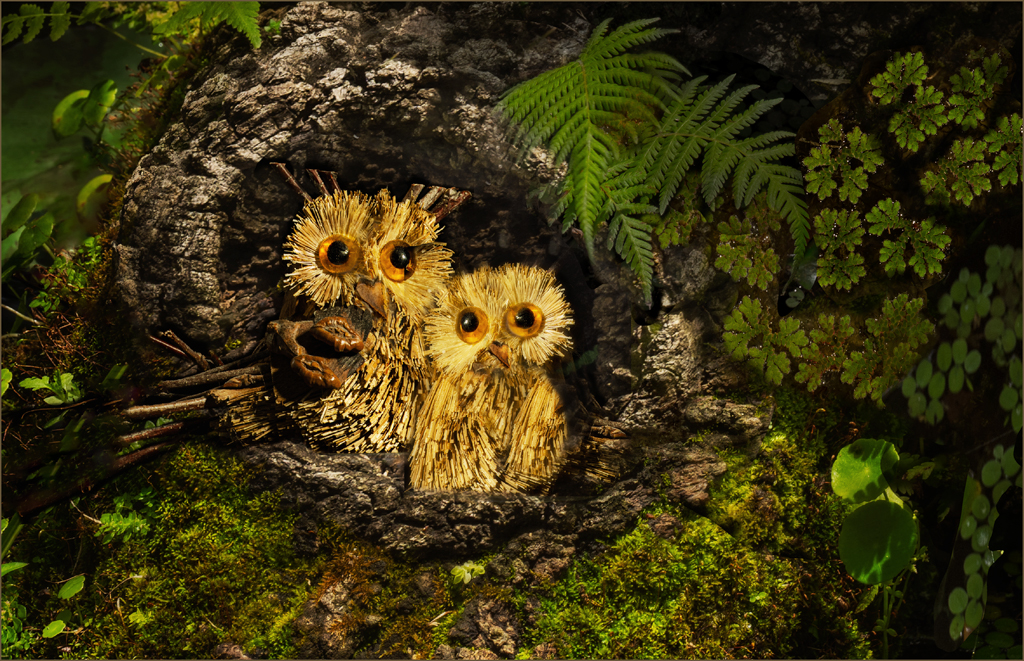
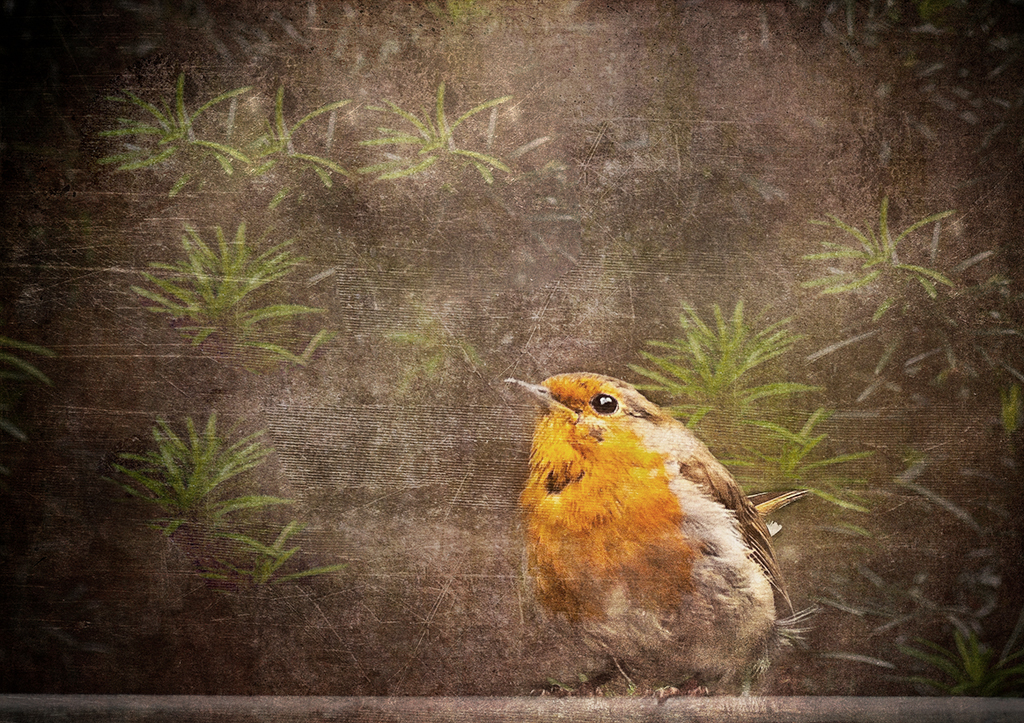
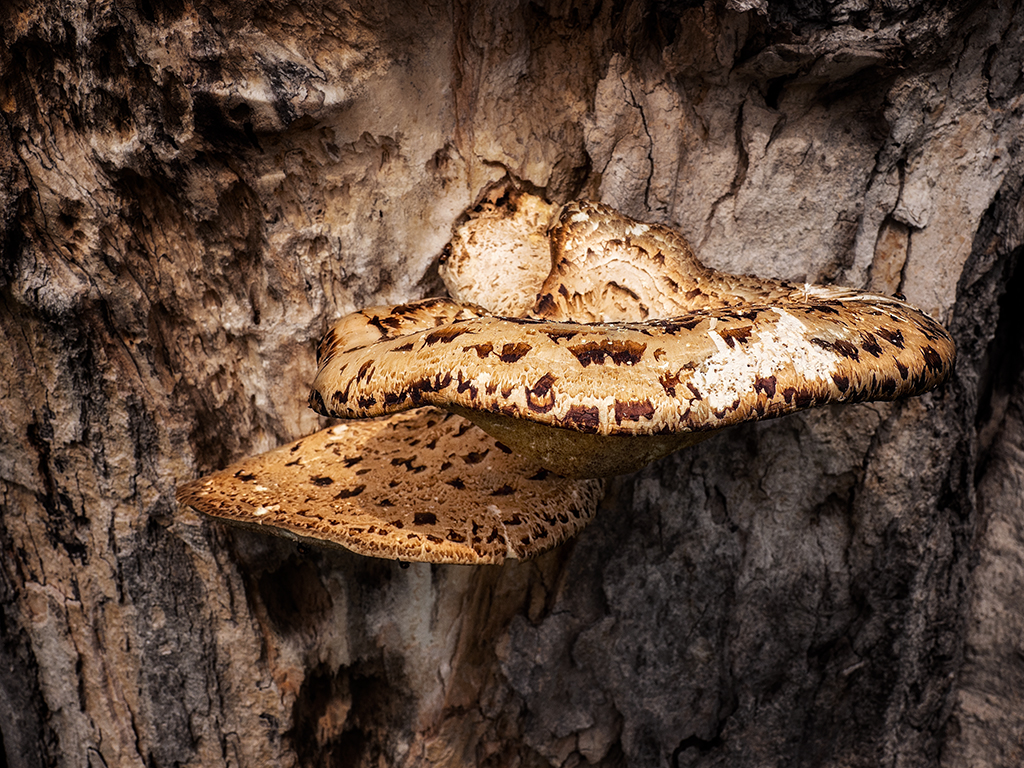
Steve, you created a well composed image. The various fungi march around the frame and stand out of the forest as if they are little creatures in the forest. And Madame Fall has a watchful eye over the scene. It has a restful mood, and the color palette of natural brown tones is a nice finish. |
Dec 8th |
5 comments - 4 replies for Group 34
|
| 69 |
Dec 20 |
Comment |
Excellent, Brenda. The eye is now outstanding. Happy Holidays and New Year to you and your family. |
Dec 24th |
| 69 |
Dec 20 |
Comment |
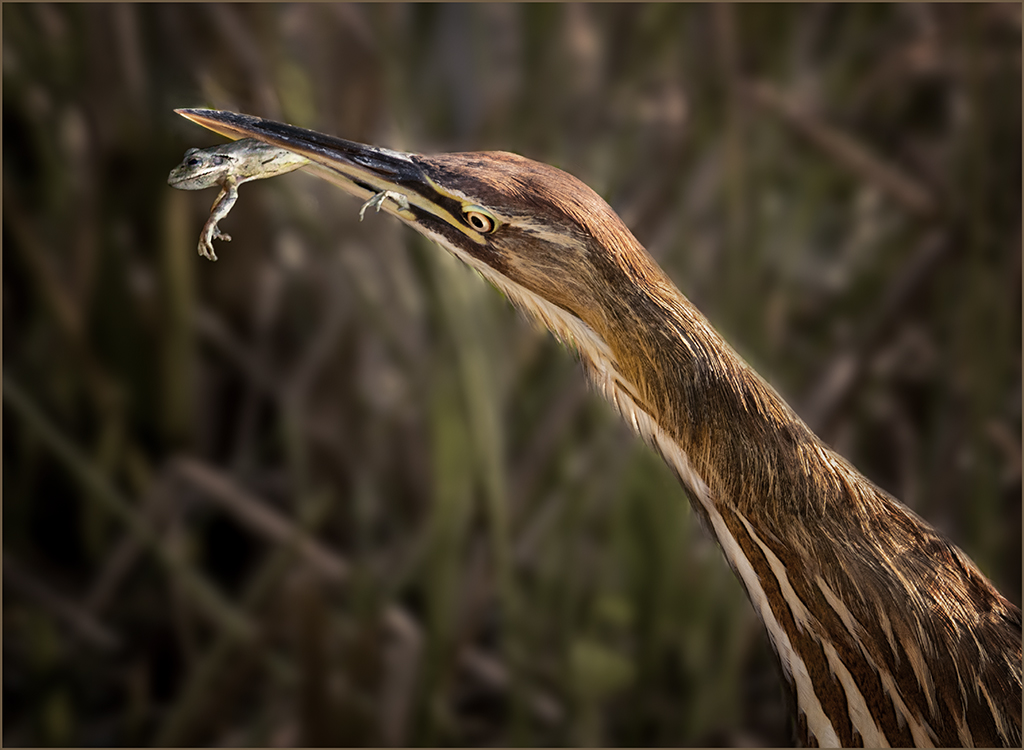
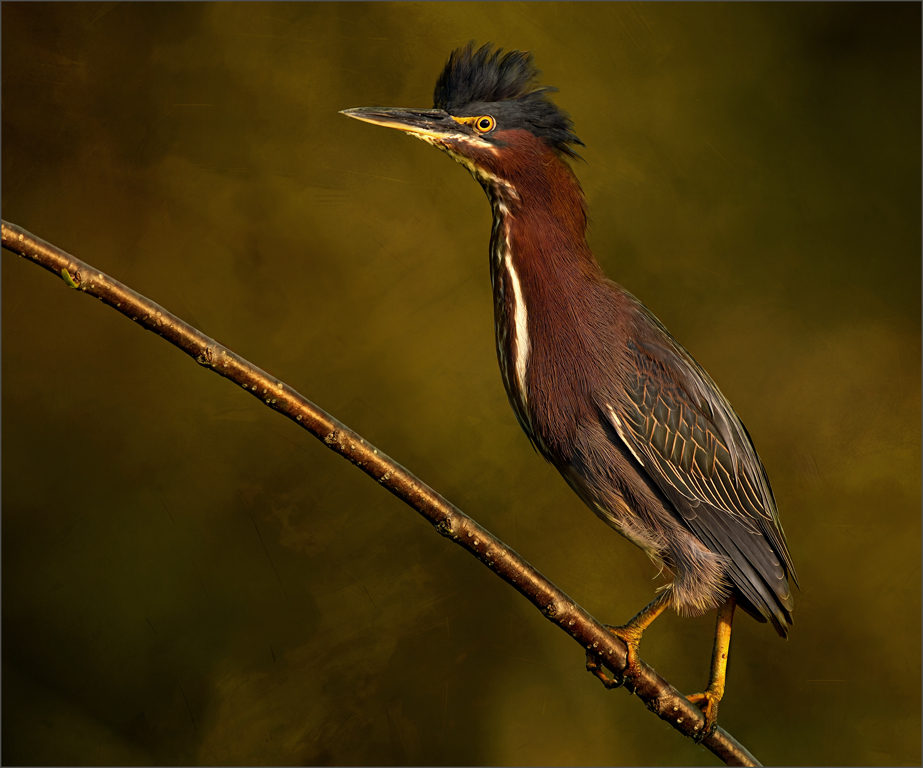
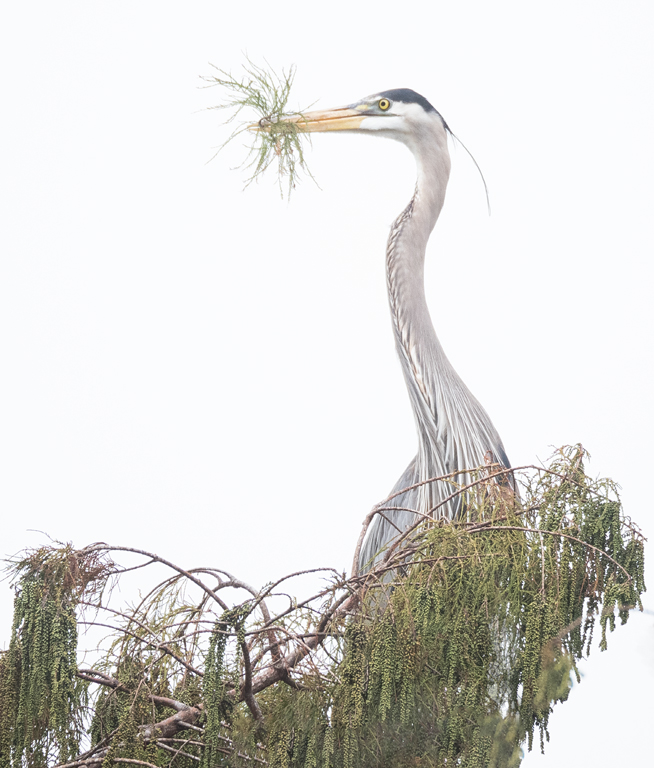
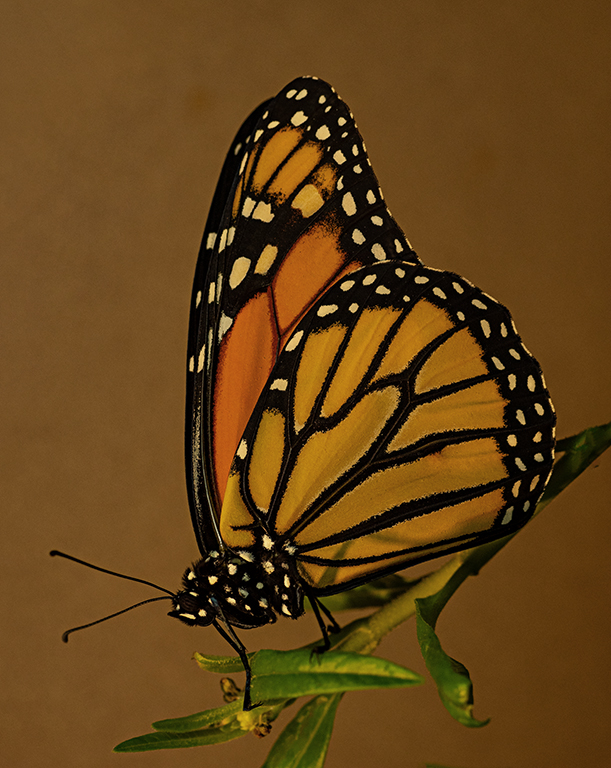
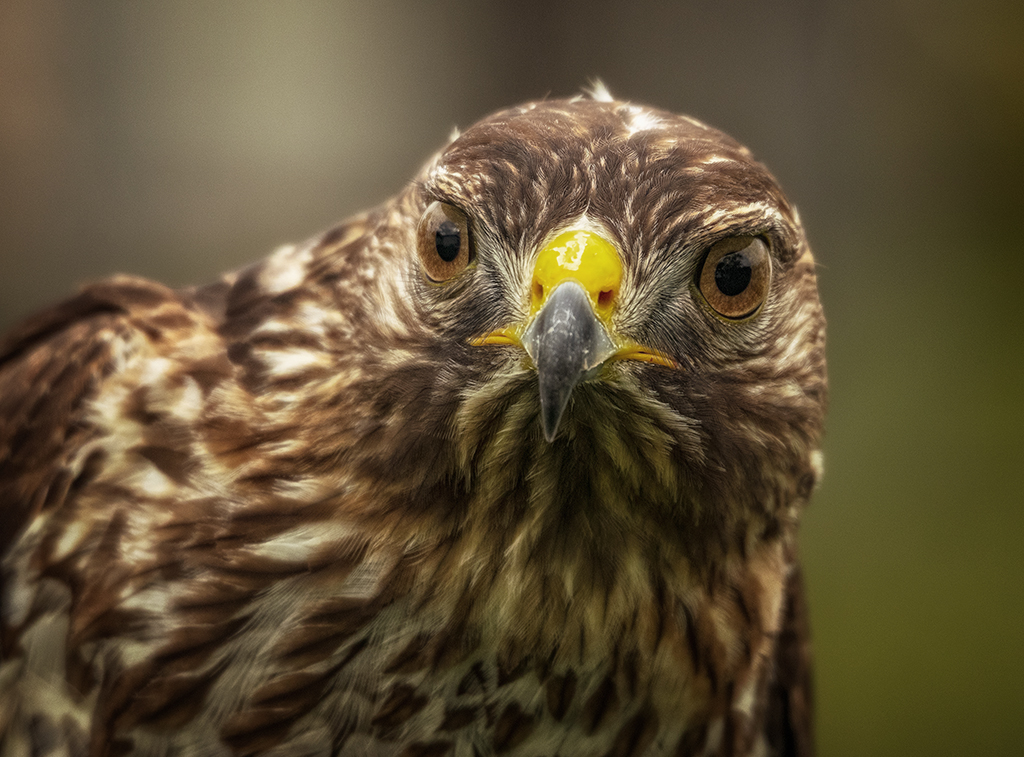
Nice color palette with the red, yellow and neutral browns which added to the angle of the butterfly presents a nice image. The yellow flower should be toned down. The backlighting, especially on the head, really helps the image. You have excellent sharpness on the front of the bird. |
Dec 7th |
| 69 |
Dec 20 |
Comment |
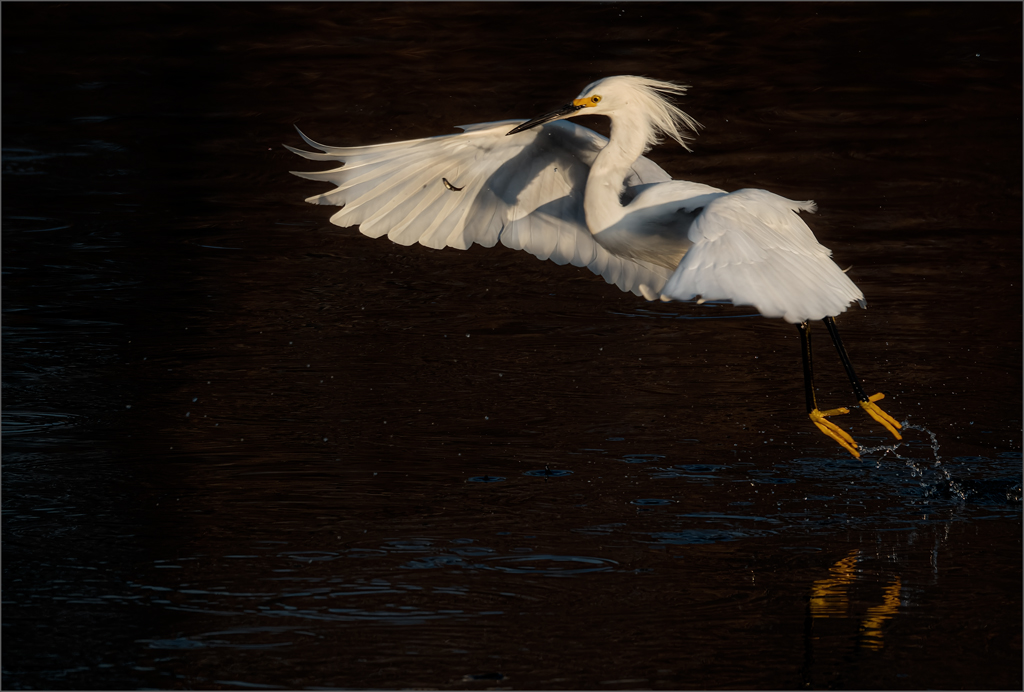
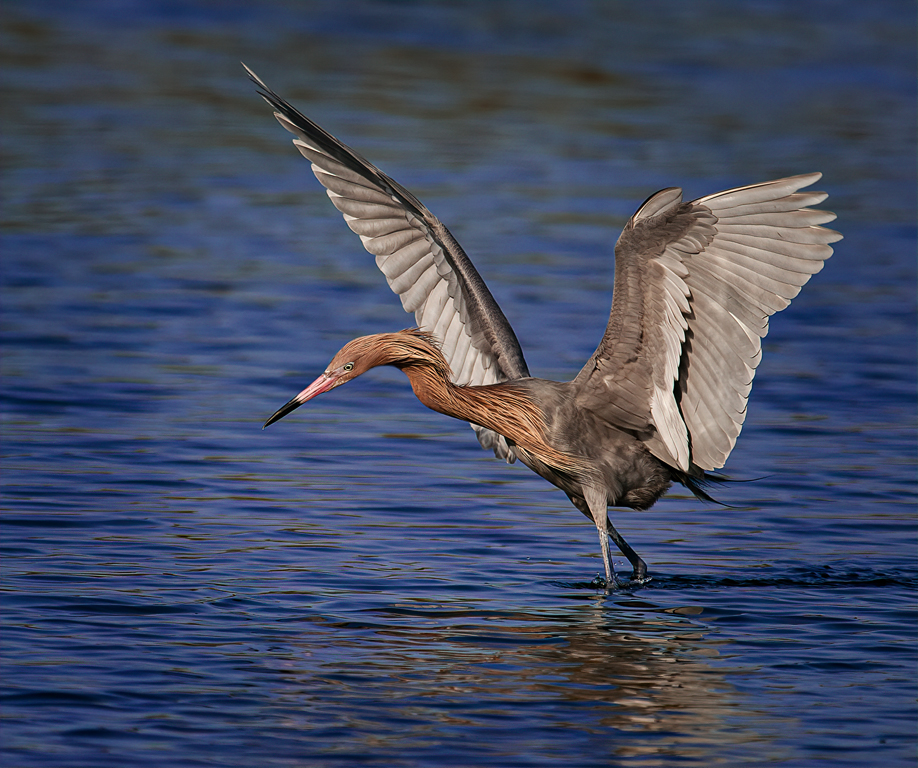
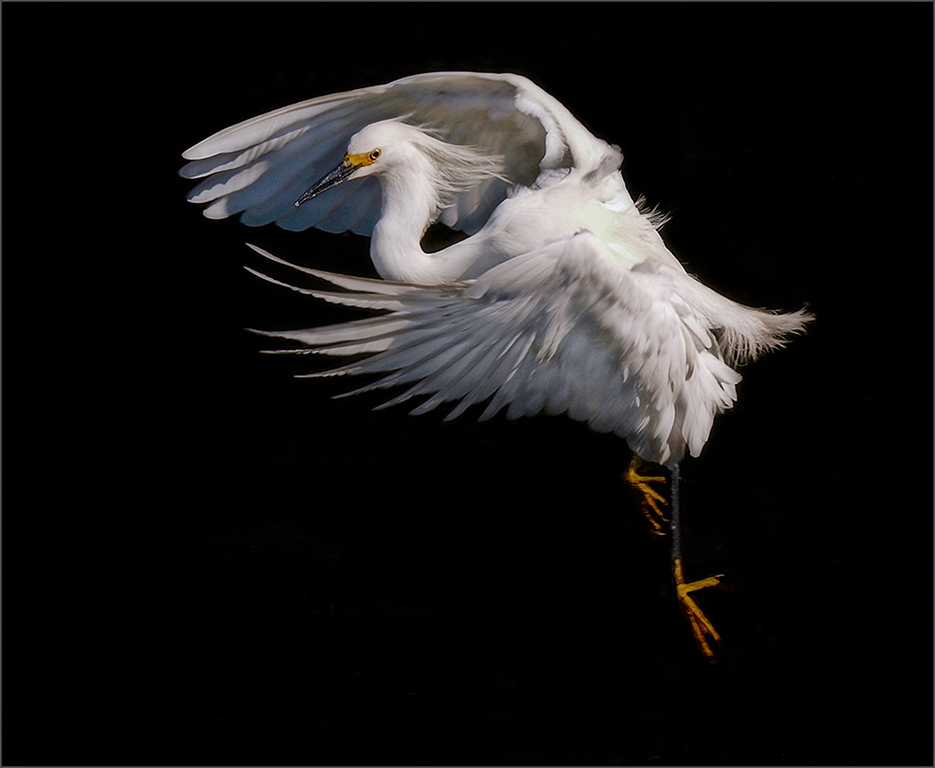
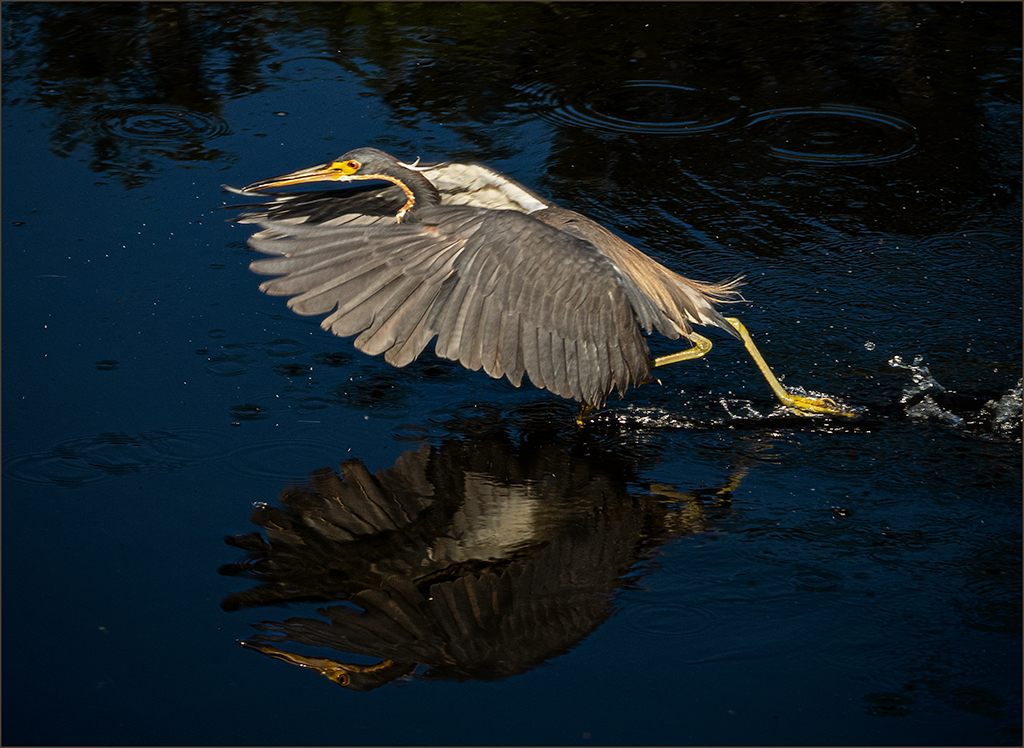
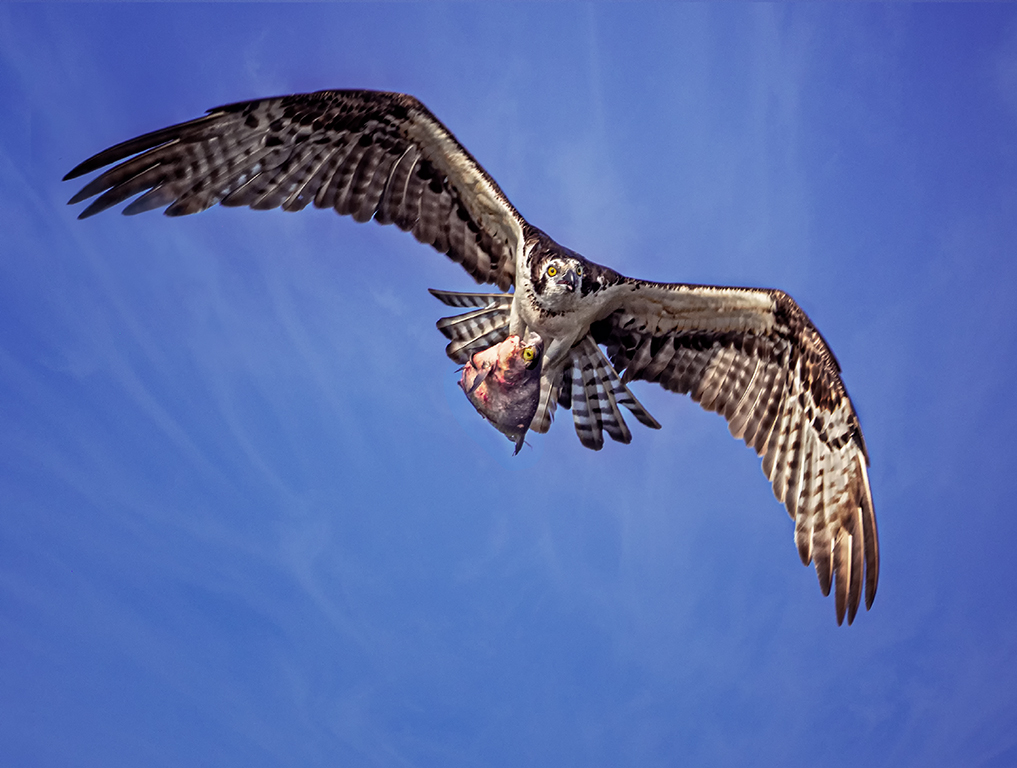
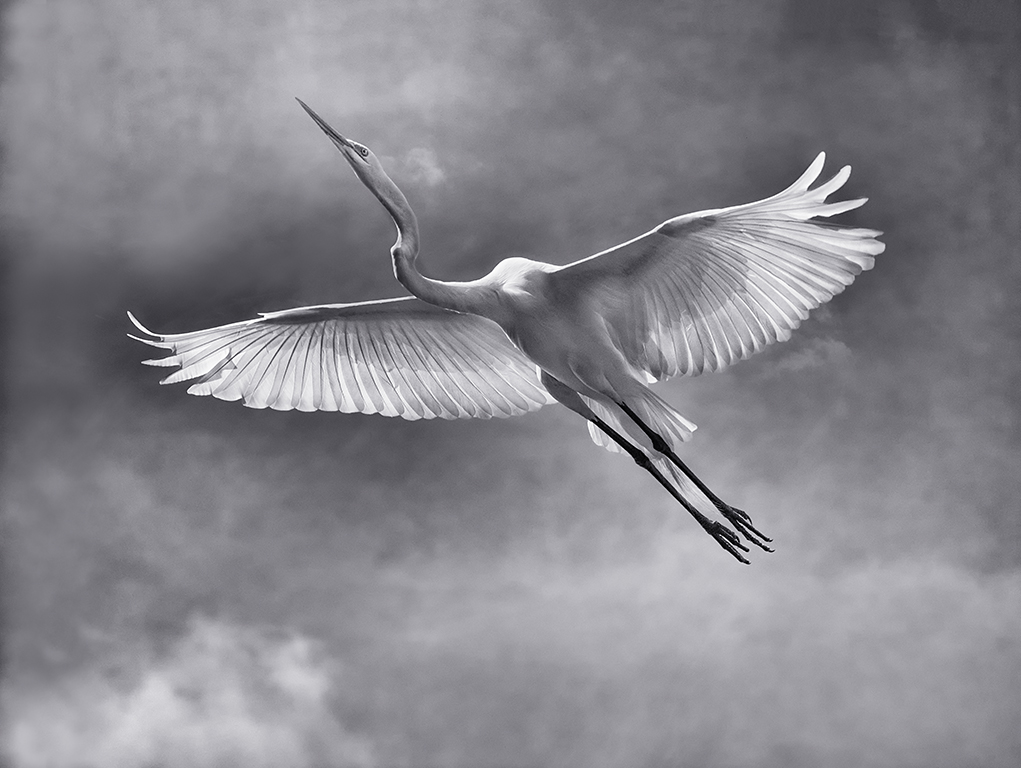
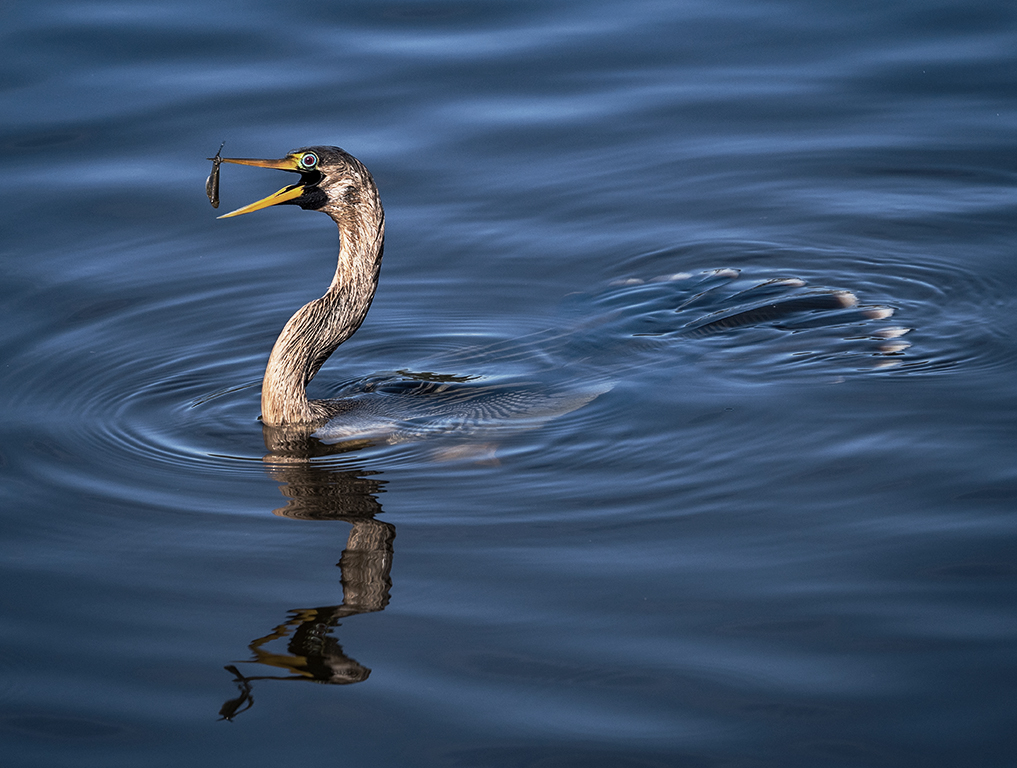
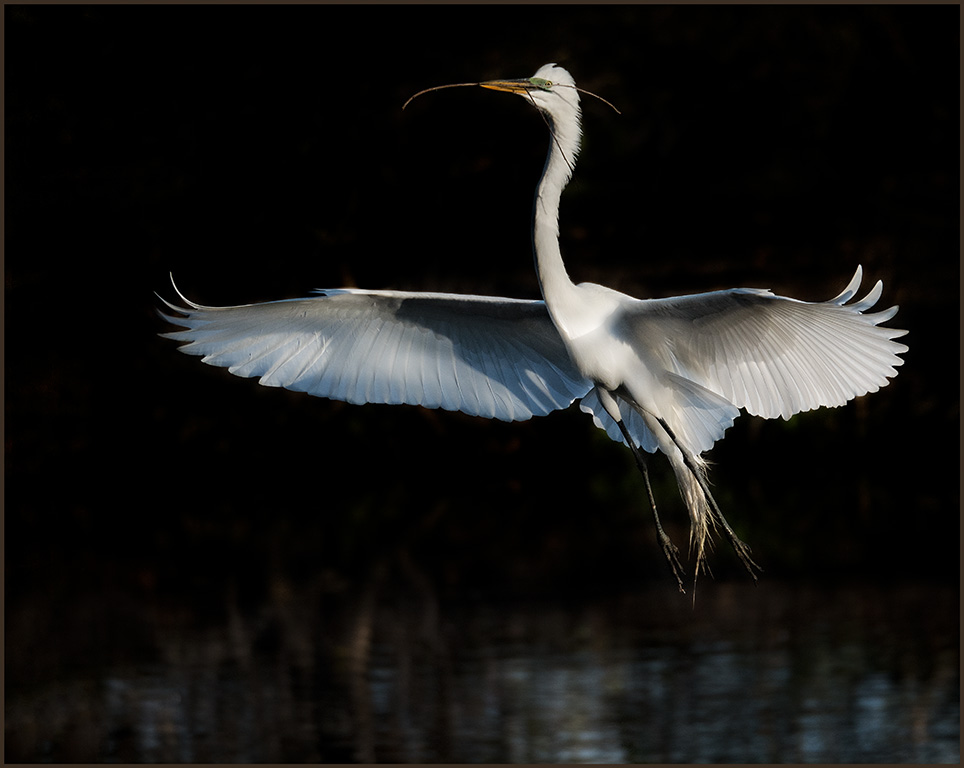
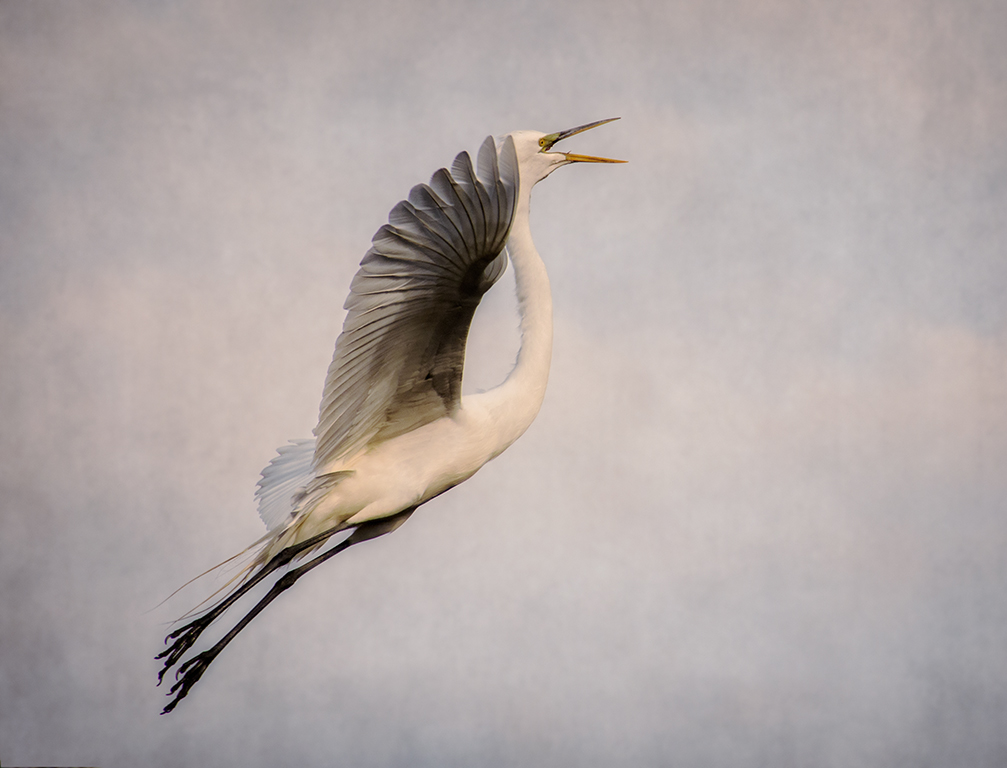
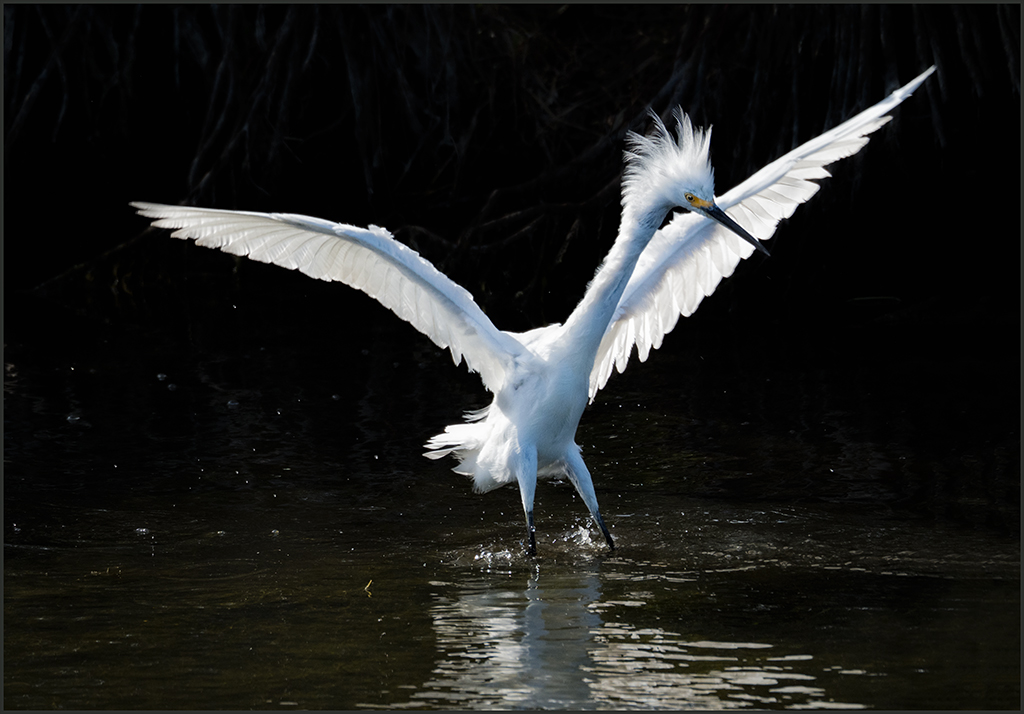
Brenda, good post processing to bring the bird out of the swamp and good reflection. It is good that it is an action shot with the reflection. The legs are too bright and should be toned down. Judges (PSA) always say that there should be separation of the head and wings which this does not have, but it does have an artistic look. You have good separation of the bird from the background. I don't know if nature allows it, but a stroke would help to show where the image starts and stops. |
Dec 7th |
| 69 |
Dec 20 |
Comment |
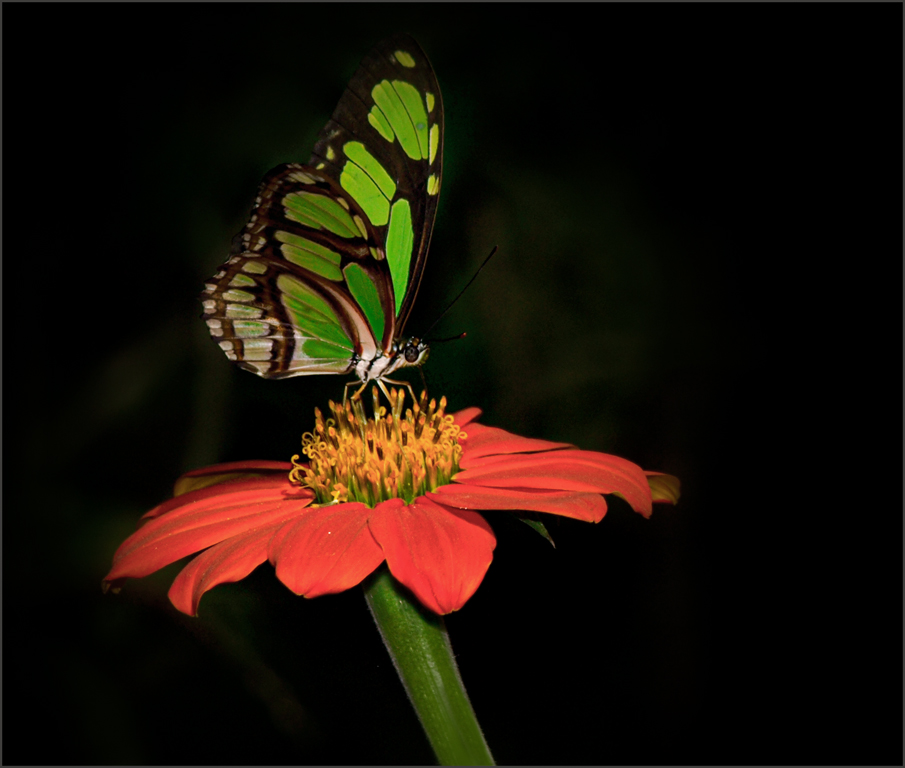
Nice color palette, Jacob. The butterfly is sharp with good detail. All the judges say always use a perfect specimen. It is always best to find an uncluttered, simple image with a clean background. |
Dec 7th |
| 69 |
Dec 20 |
Comment |
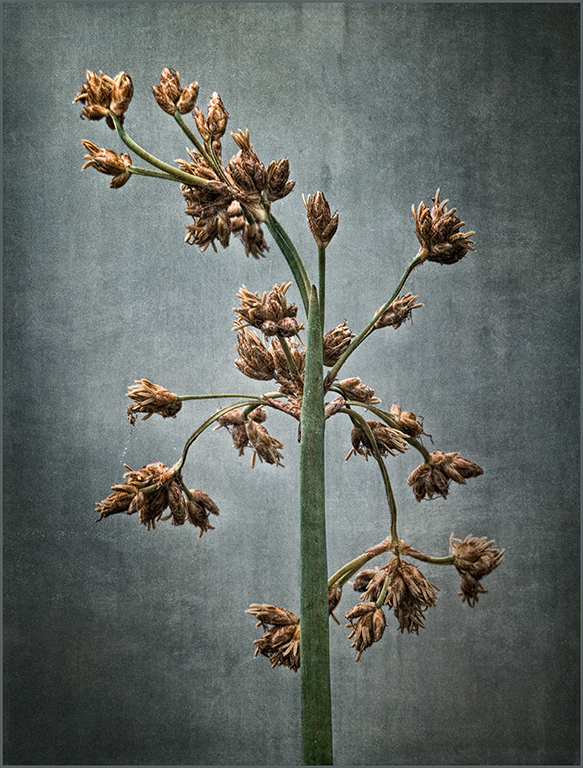
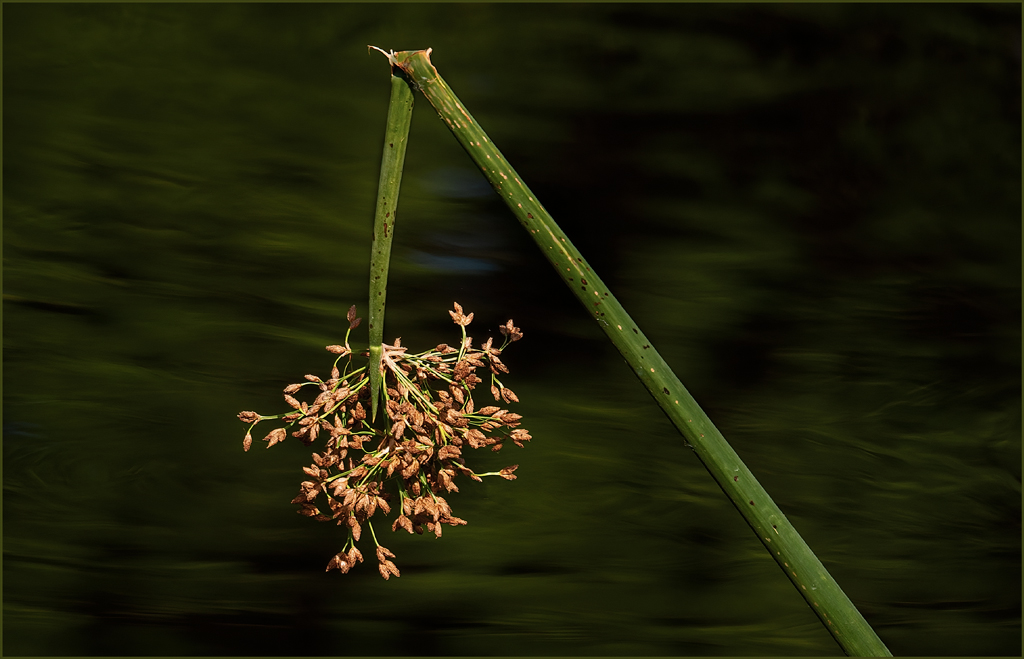
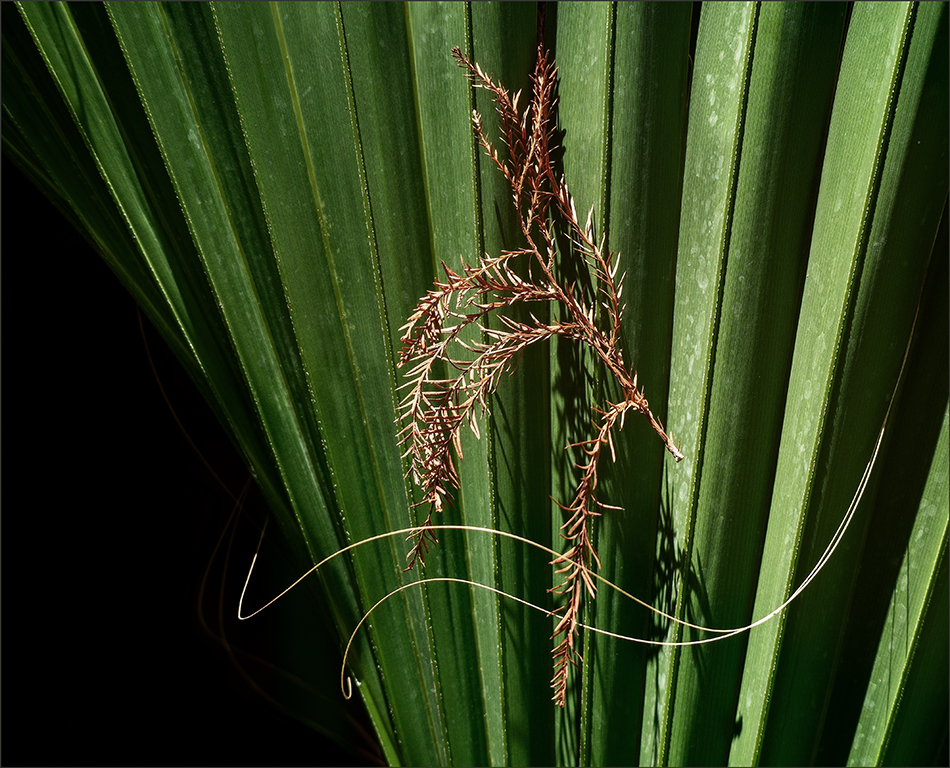
A simple, but beautiful image. The background with the hint of green opposite the neutral, empty milkweed pods holds the image together so very nicely. The angle of the pods creates strong leading lines, and the wisp of milkweed silk brings the viewer to a complete finish. |
Dec 7th |
| 69 |
Dec 20 |
Comment |
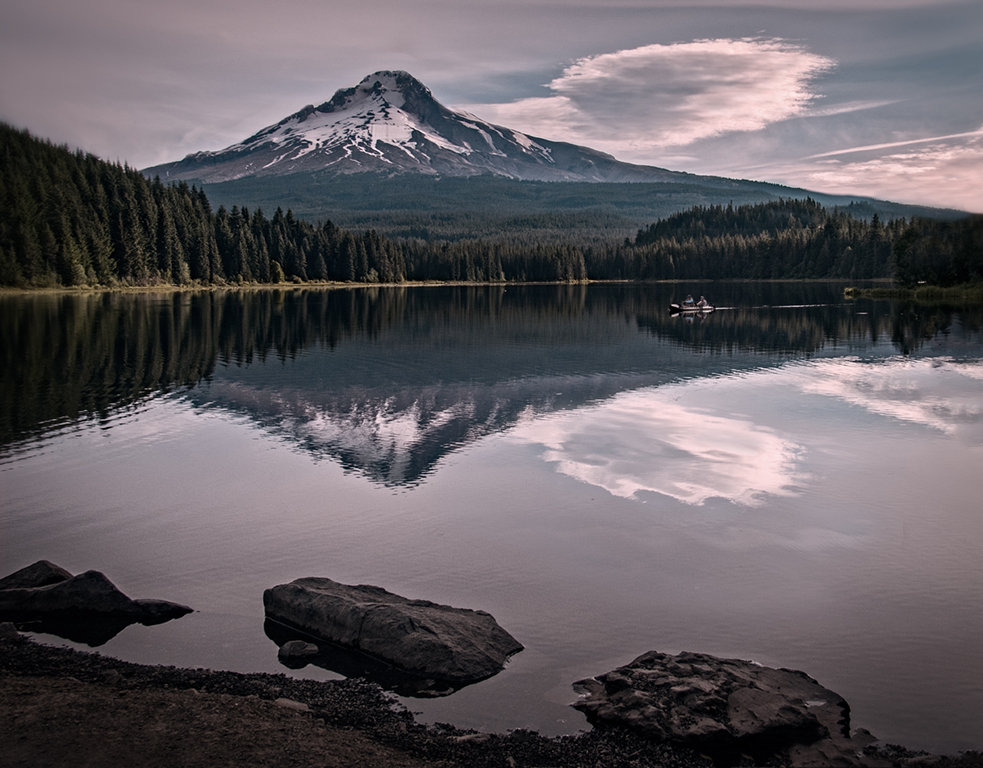
The beautiful sky and reflections and almost silhouetted trees give this image distinct mood that brings the viewer in and holds their attention. Good use of black and white especially in the dark sky with white clouds. |
Dec 7th |
| 69 |
Dec 20 |
Comment |
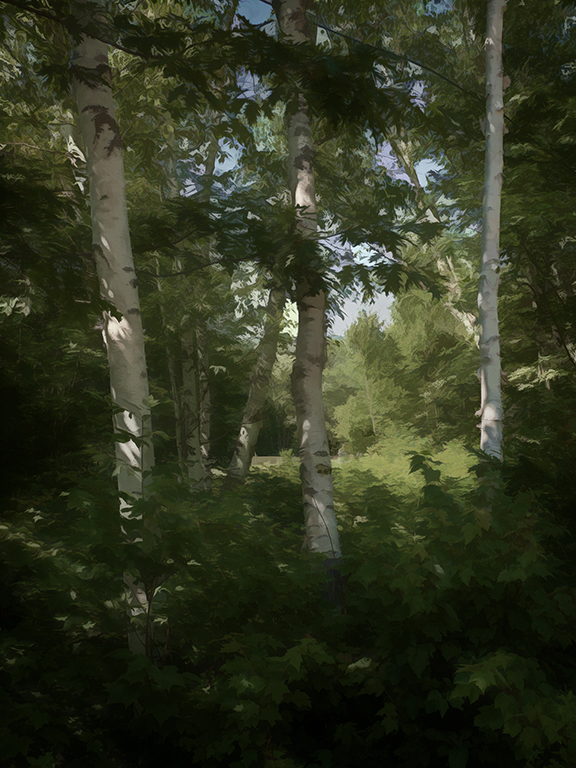
Nice leading line, that is well illuminated, through the fall trees. The scattered reds help to brighten the image. The light moving from the whiter trees in the foreground to the darker trees in the deep forest gives a good contrast. |
Dec 7th |
| 69 |
Dec 20 |
Reply |
yes, I didn't see it until after it was sent. |
Dec 6th |
| 69 |
Dec 20 |
Reply |
Thanks, Brenda |
Dec 5th |
| 69 |
Dec 20 |
Reply |
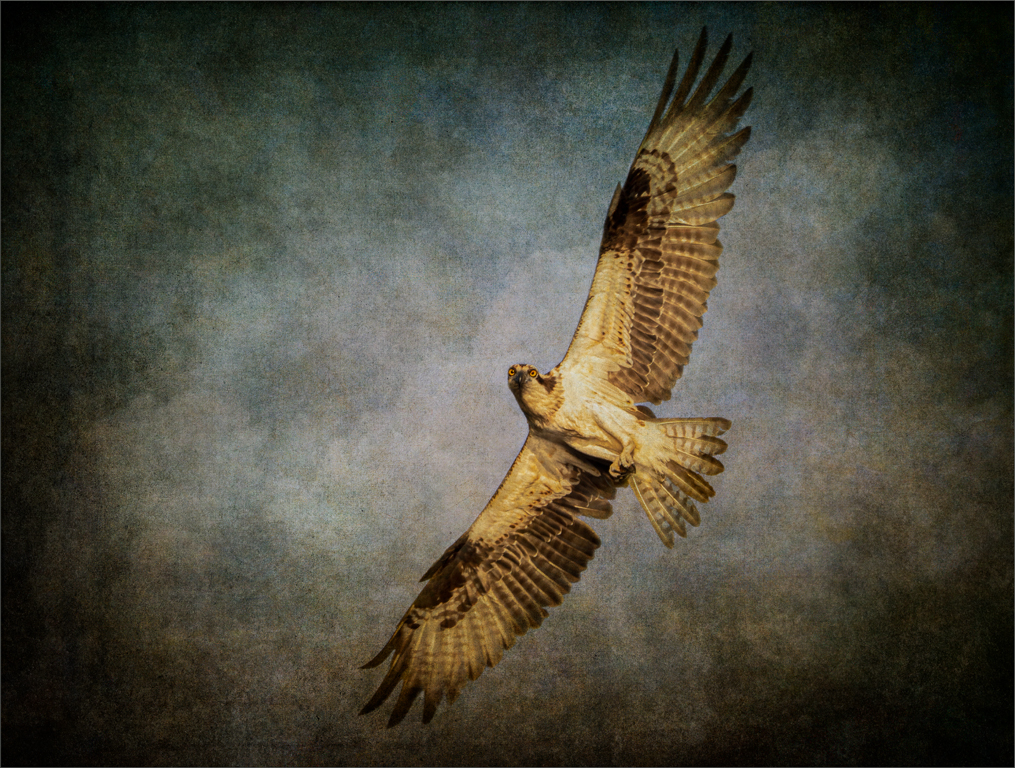
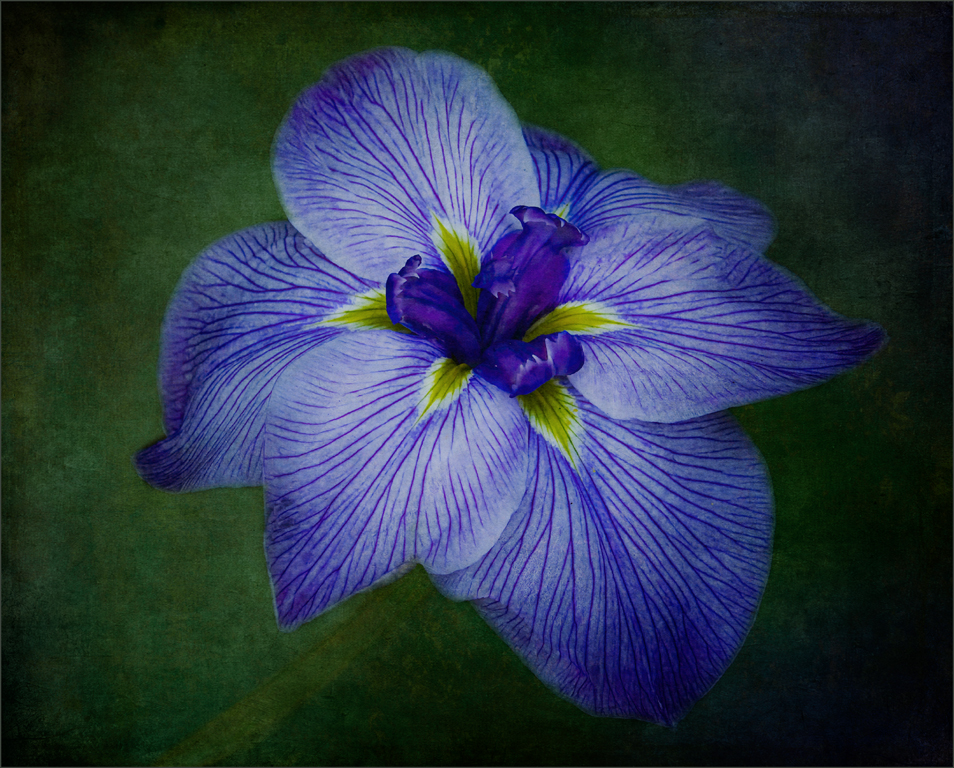
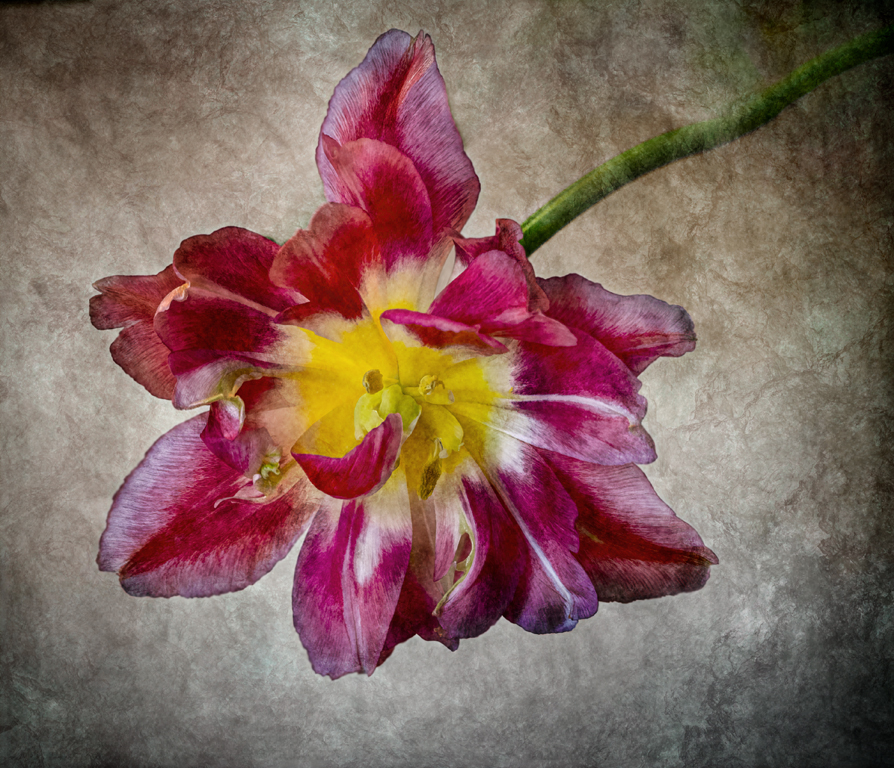
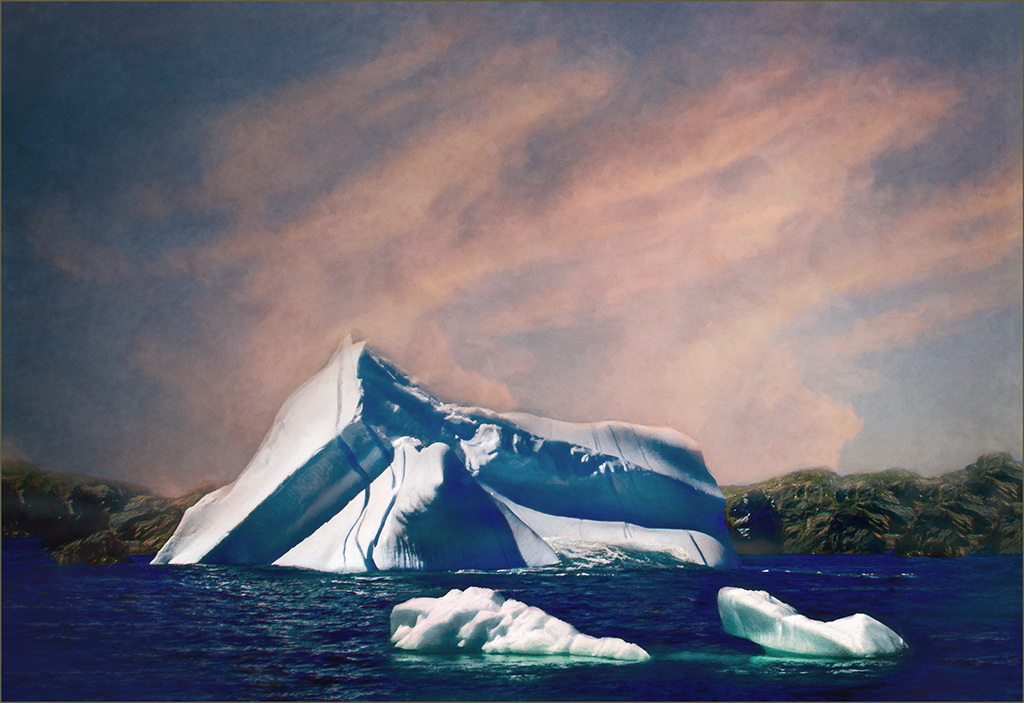
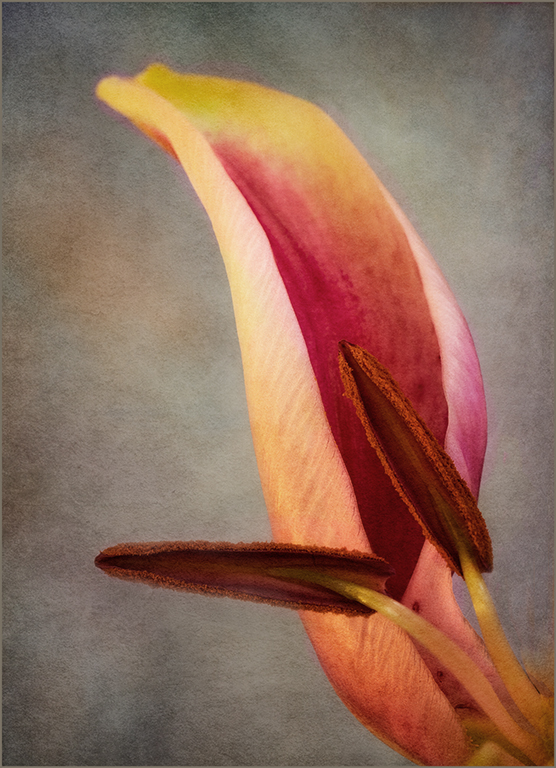
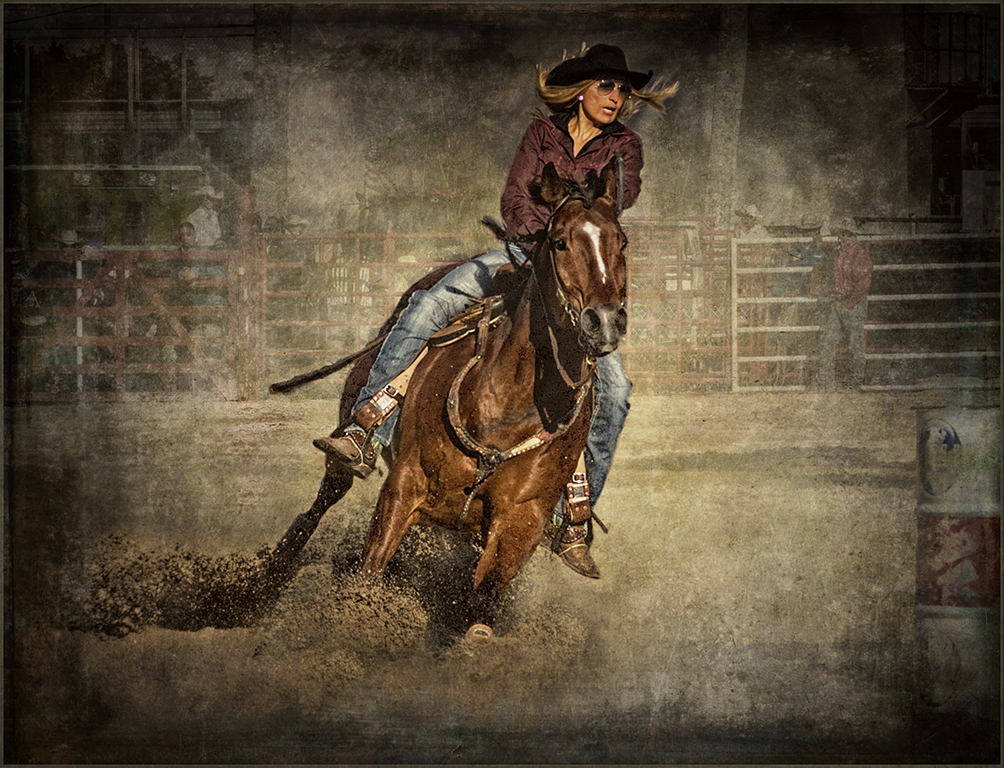
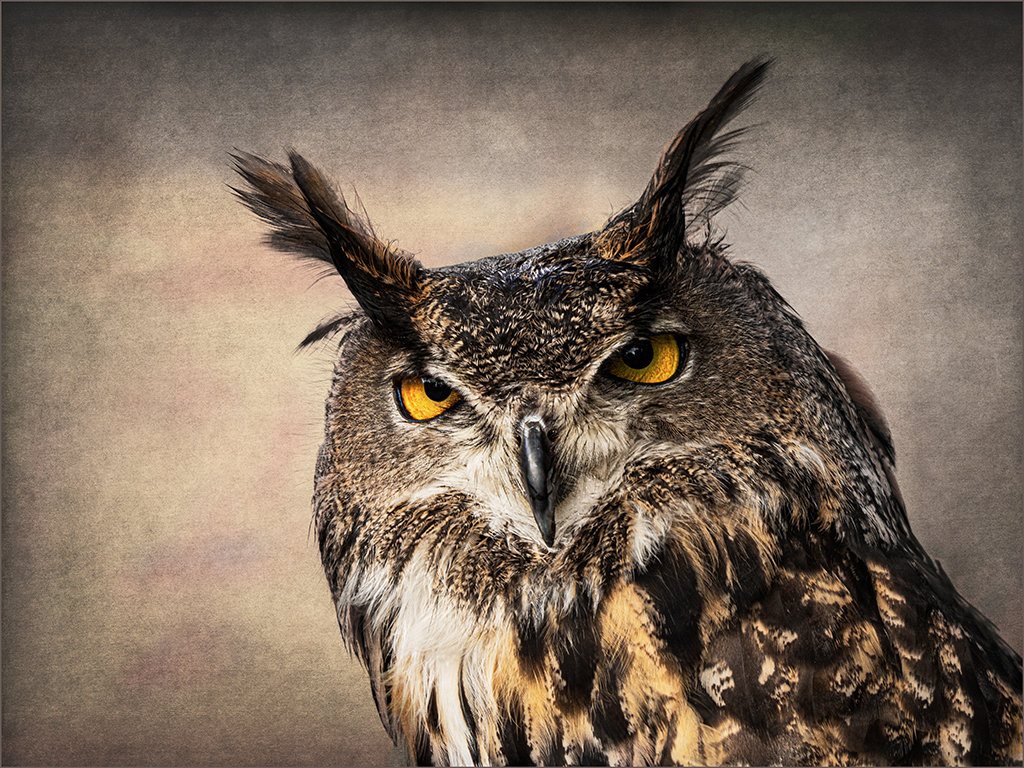
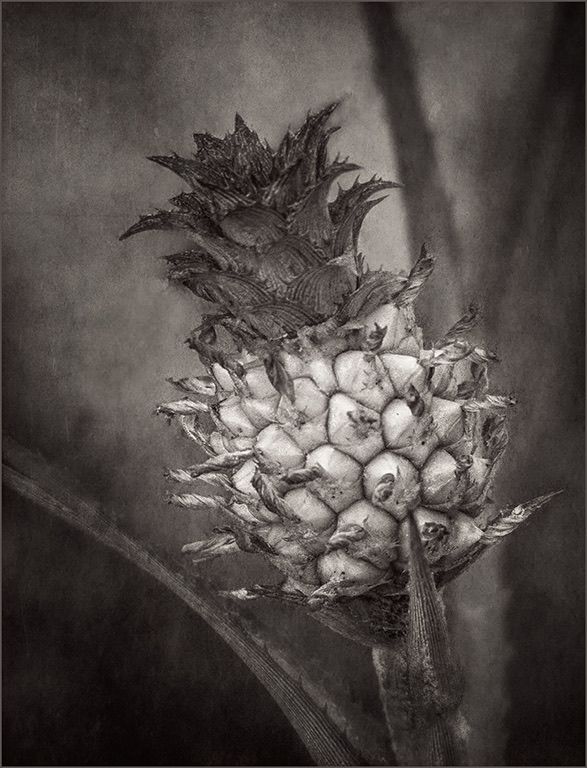
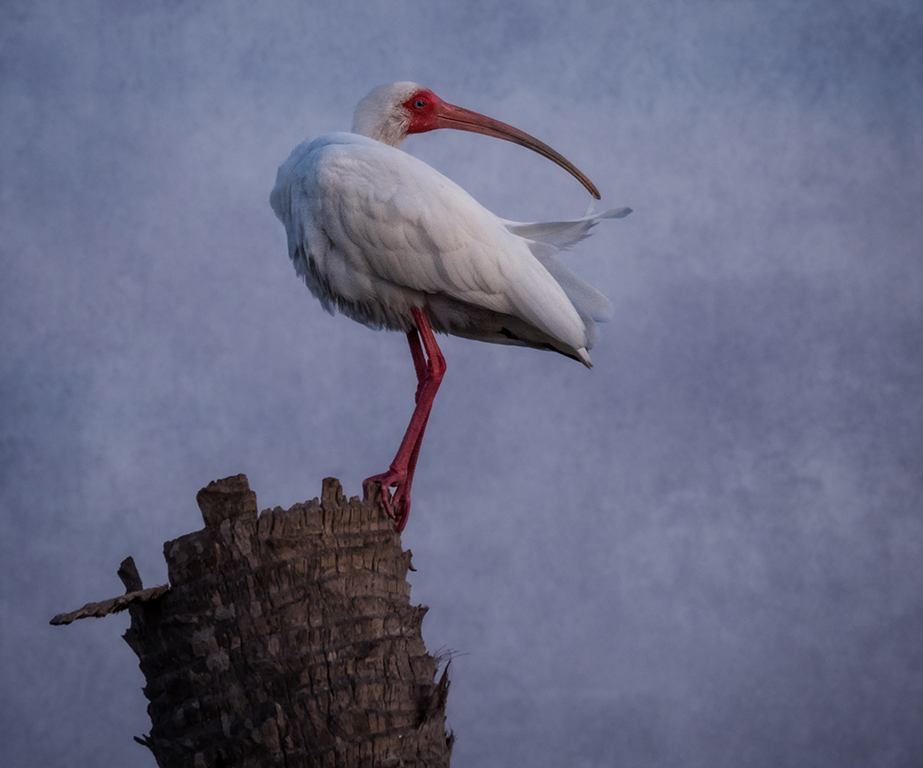
Geoffrey, the texture was added in Photoshop. Any version of PS will work as long as it supports layers. You need to find a texture that basically looks like crumpled paper. It needs to be B&W (grey tones) and usually needs some gaussian blur to remove some of the detail. Paste the flattened texture on your image. Use edit-transform scale to match the size of the image and texture. Change blend mode-usually to soft light or overlay and usually reduce the opacity. It takes some trial and error to find the right texture-one that you like. I would be happy to help you further if needed. |
Dec 5th |
7 comments - 3 replies for Group 69
|
12 comments - 7 replies Total
|