|
| Group |
Round |
C/R |
Comment |
Date |
Image |
| 34 |
Nov 19 |
Reply |
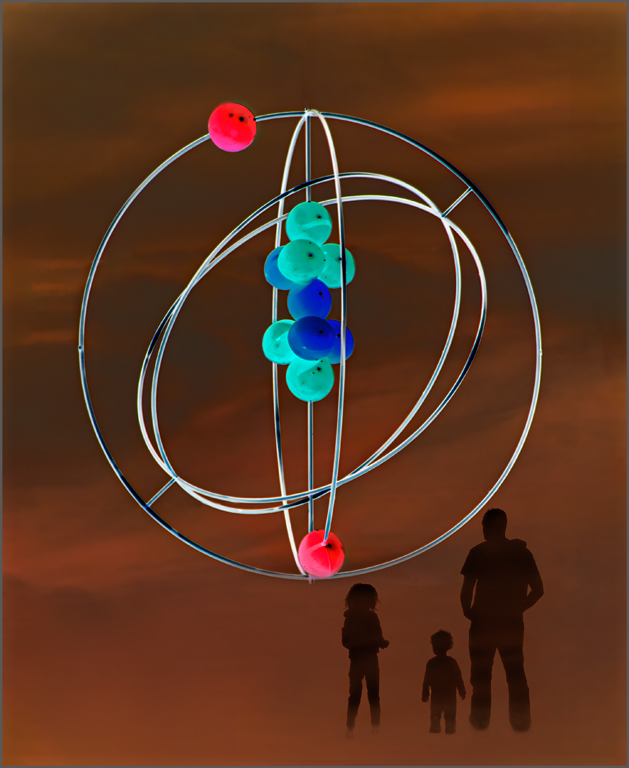
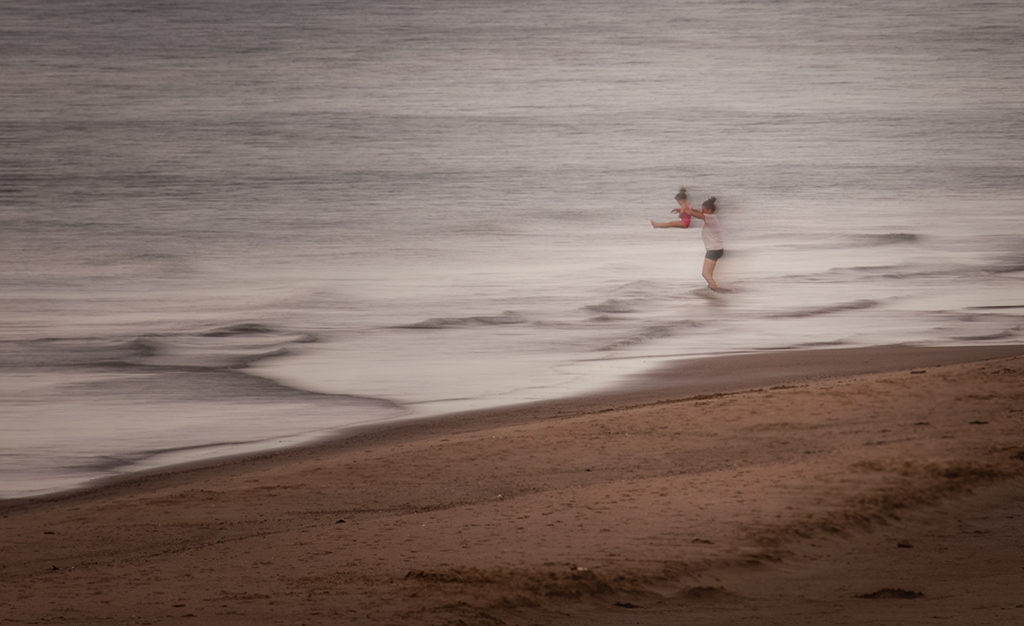
Thanks, Mark. You are right about the pants. I will fix that. |
Nov 30th |
| 34 |
Nov 19 |
Comment |
Georgianne, you have put the pieces of your image together well. The placement of the water, lighthouse and cattails work well together. I would have been tempted to remove the tree and bush attached that are slightly to the right in the image. That grouping is somewhat distracting to me and seems to cut the image into two parts. I would also like to see some detail from the original, and less of the painting effect. The lighthouse seems to be leaning more than it was in the original. Maybe it is an effect of the painting filter. |
Nov 9th |
| 34 |
Nov 19 |
Comment |
Excellent work, Denise. There is wonderful texture in the statue from the fountain. Beautiful job with the selections and extraction on the art work. The cloud addition is perfectly placed, and the blue of the sky adds the needed contrast. |
Nov 9th |
| 34 |
Nov 19 |
Comment |
Jan, you have created a beautiful image. The softness of colors gives a feeling of peacefulness. The fog/mist and floating balloons add to that. The girl on the dock in the soft green dress anchors the image. Wonderful work. |
Nov 9th |
| 34 |
Nov 19 |
Comment |
Good job , Helen. It was an excellent idea to flip Original 1 to create the path and frame for the man. The blue and orange set each other off well. Good job with the sky. |
Nov 8th |
| 34 |
Nov 19 |
Comment |
An interesting image Alan. It is hard for me to imagine a camel with only one complete leg. And a rope that is tight but is not attached or held by anything or one. The boy's front foot seems to be floating even though there is a shadow. |
Nov 8th |
| 34 |
Nov 19 |
Comment |
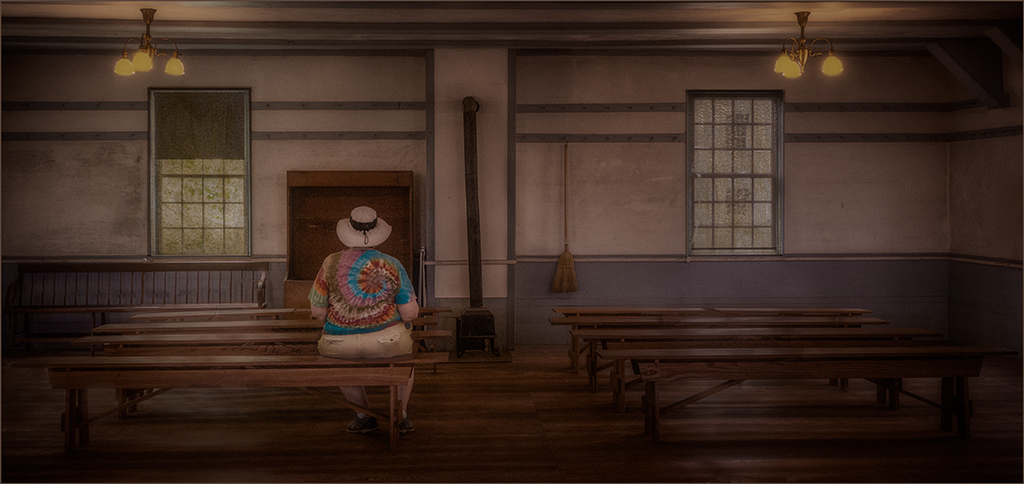
Every detail of this composite is so very interesting, Steve. You have put it together so well. I really like having all the details and history explained. The Ten Commandments seem to finish it perfectly. Love the sheep. Only one preference, I would like less opacity on the pews to reduce the grass bleed through. Love it |
Nov 8th |
6 comments - 1 reply for Group 34
|
| 69 |
Nov 19 |
Reply |
Brenda, I will email you about the stroke. It will be a few days. |
Nov 30th |
| 69 |
Nov 19 |
Comment |
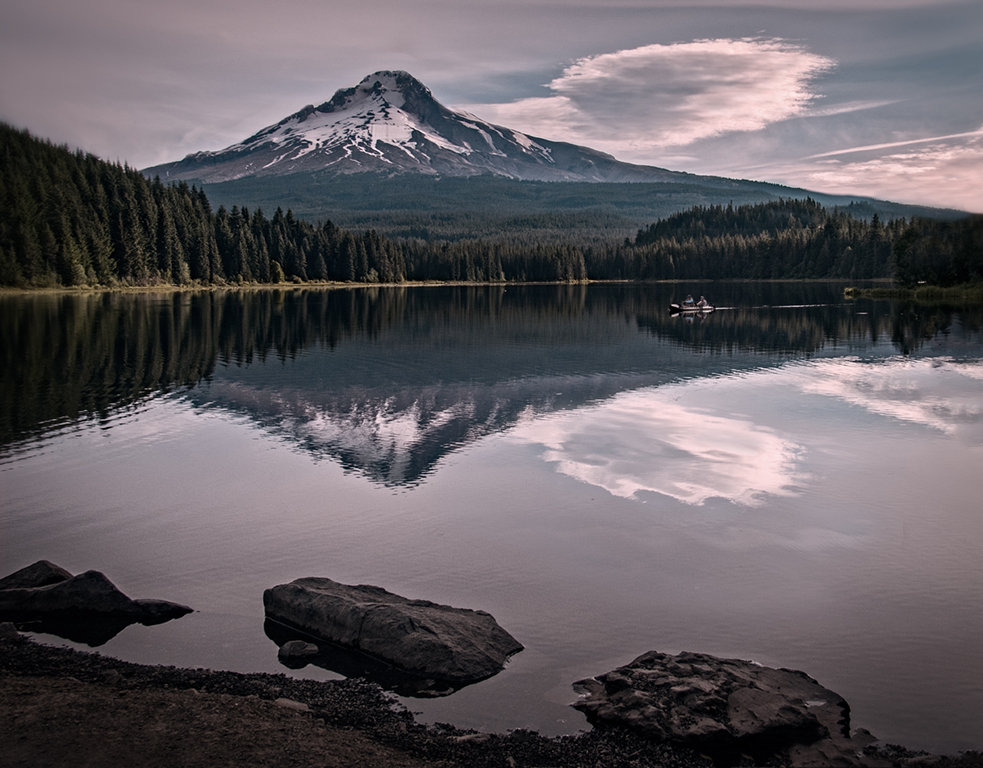
Dean, this was the perfect image to convert to black and white. It seems to have good contrast. The image has good sharpness. In my opinion, I would have cropped off the trees on the left that appear broken and falling down. the reflection adds to the beauty of the image, and having the horizon line weighted to the top balances the image. Usually in an image like this one something that is different to draw the eye is needed-a twisted or curvy tree, for example. |
Nov 9th |
| 69 |
Nov 19 |
Reply |
The canvas you have added in the front is perfect. I would still take a little off the back, not too much. |
Nov 9th |
| 69 |
Nov 19 |
Reply |
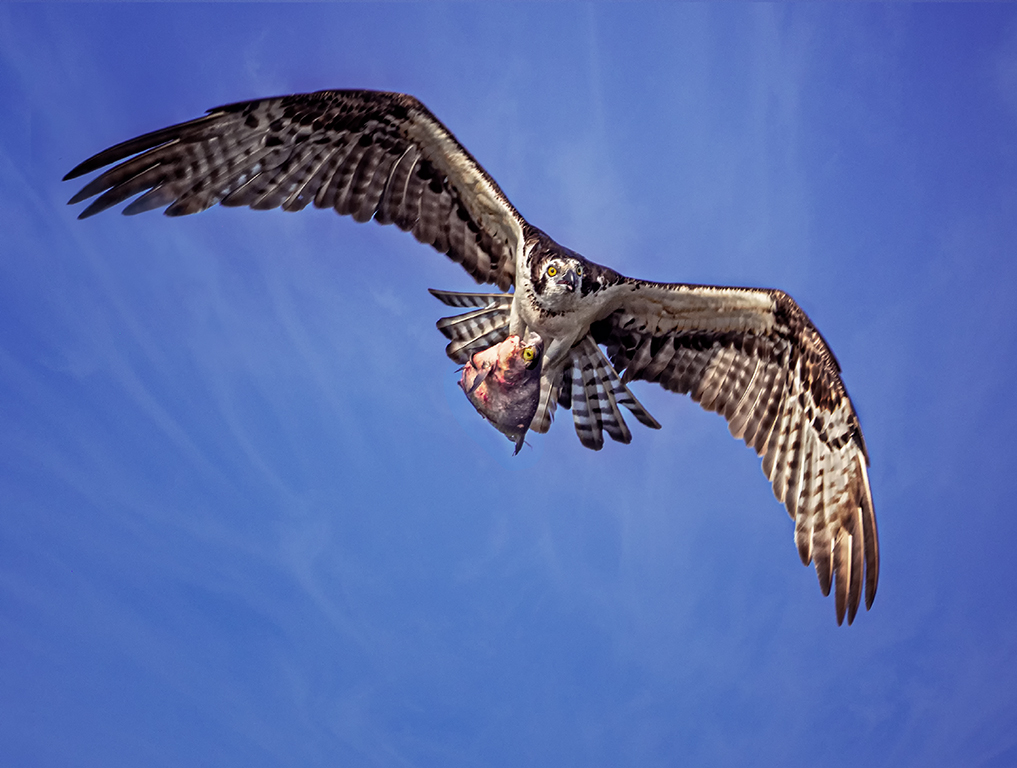
Usually , even with a high stabilization, at 600 mm some kind of stabilization is needed especially at that low shutter speed. Not necessarily a tripod, but boardwalk railing, leaning against a post or tree, or something else to decrease shake. |
Nov 9th |
| 69 |
Nov 19 |
Comment |
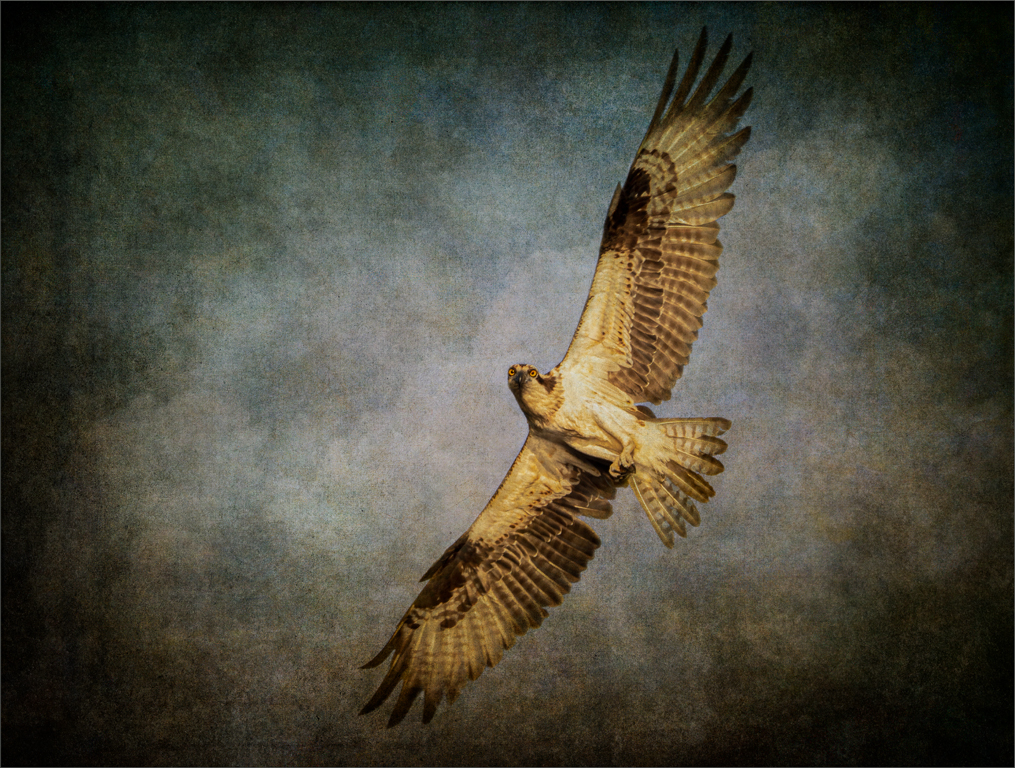
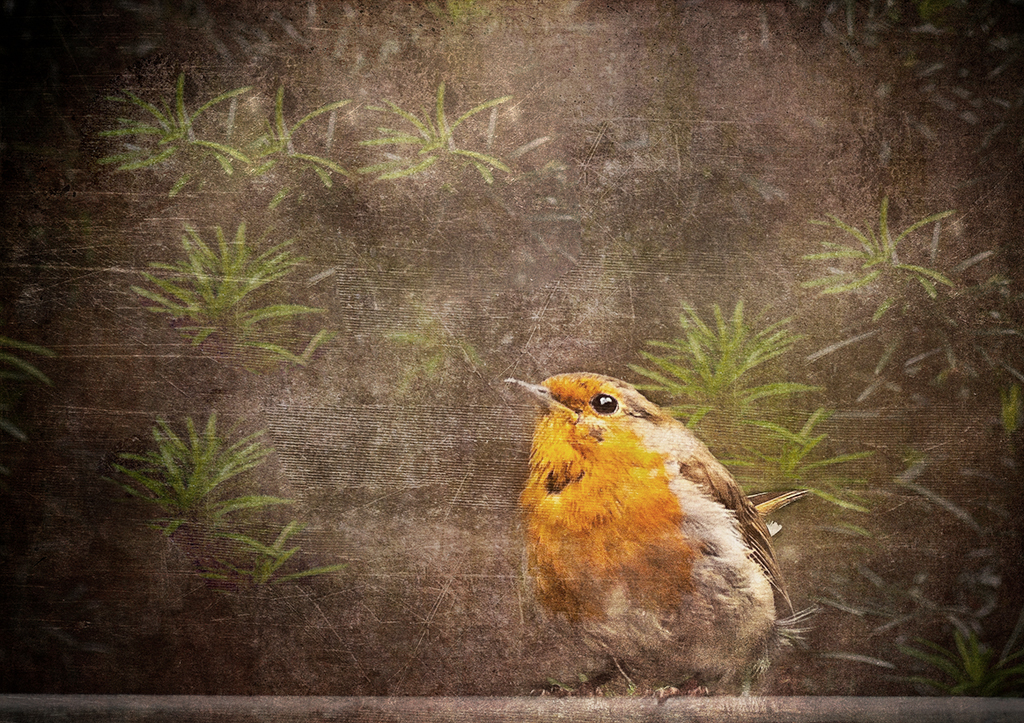
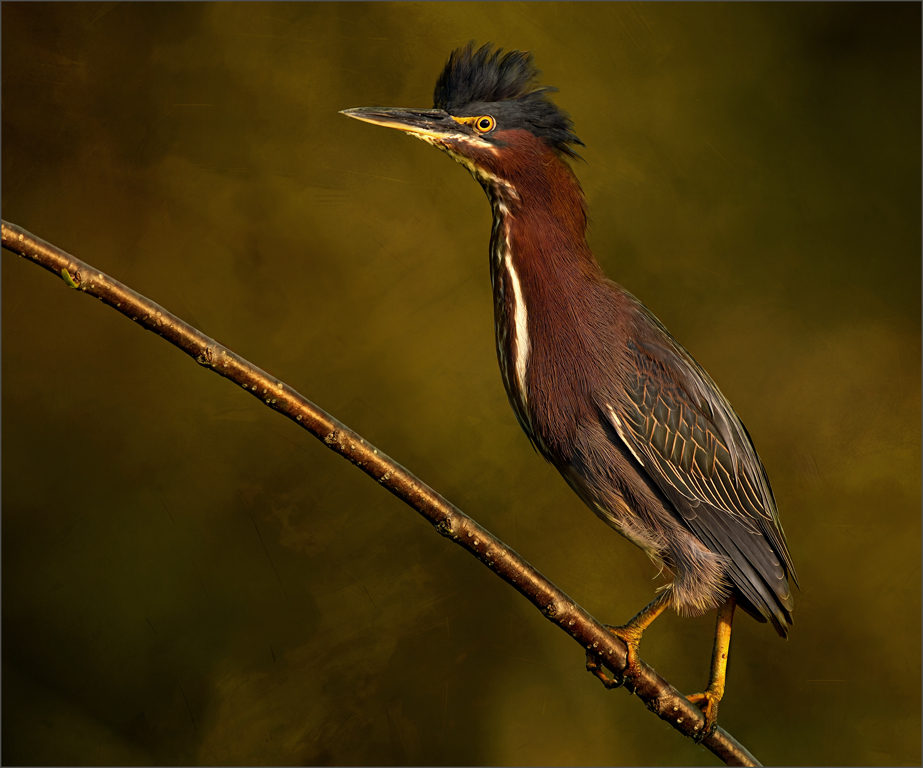
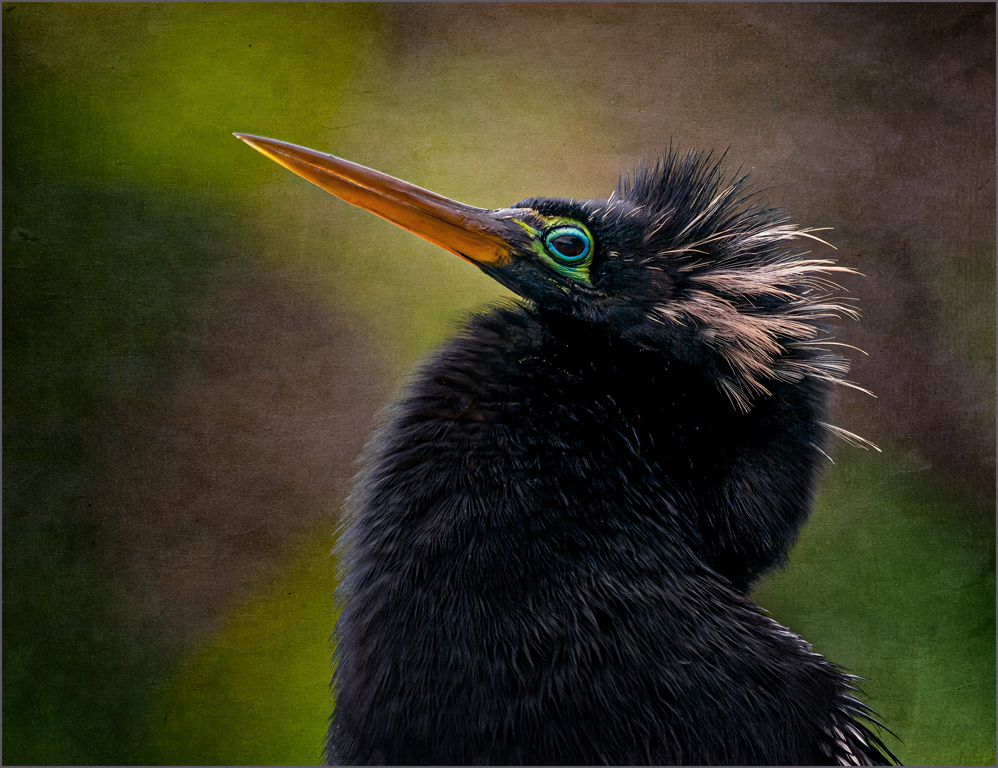
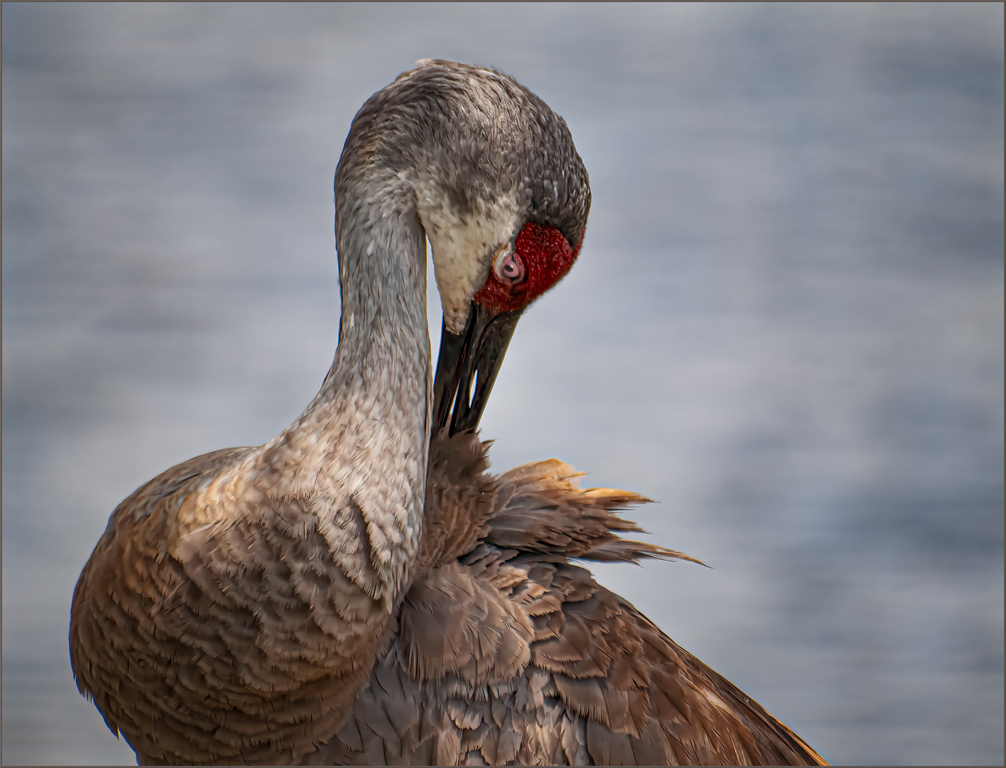
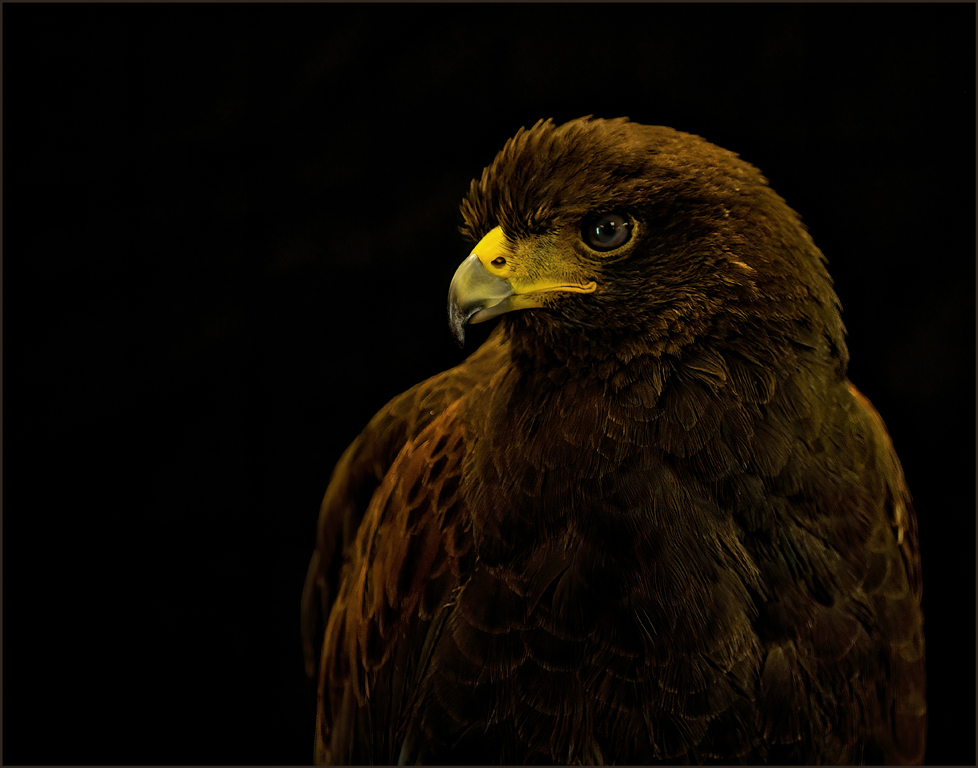
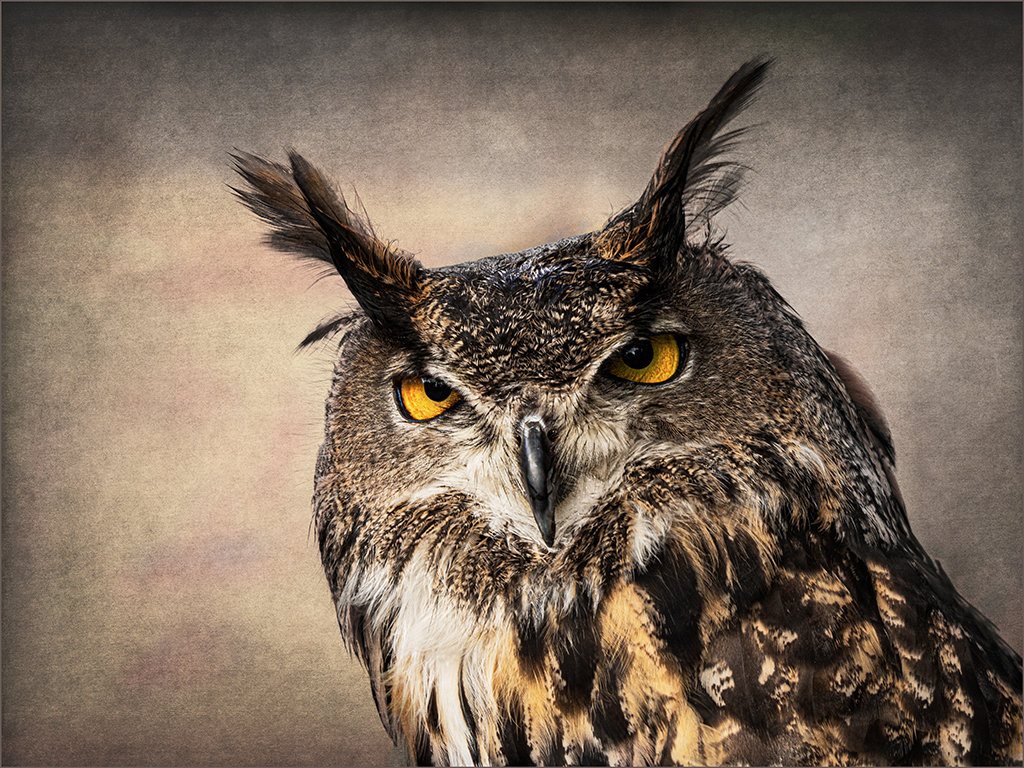
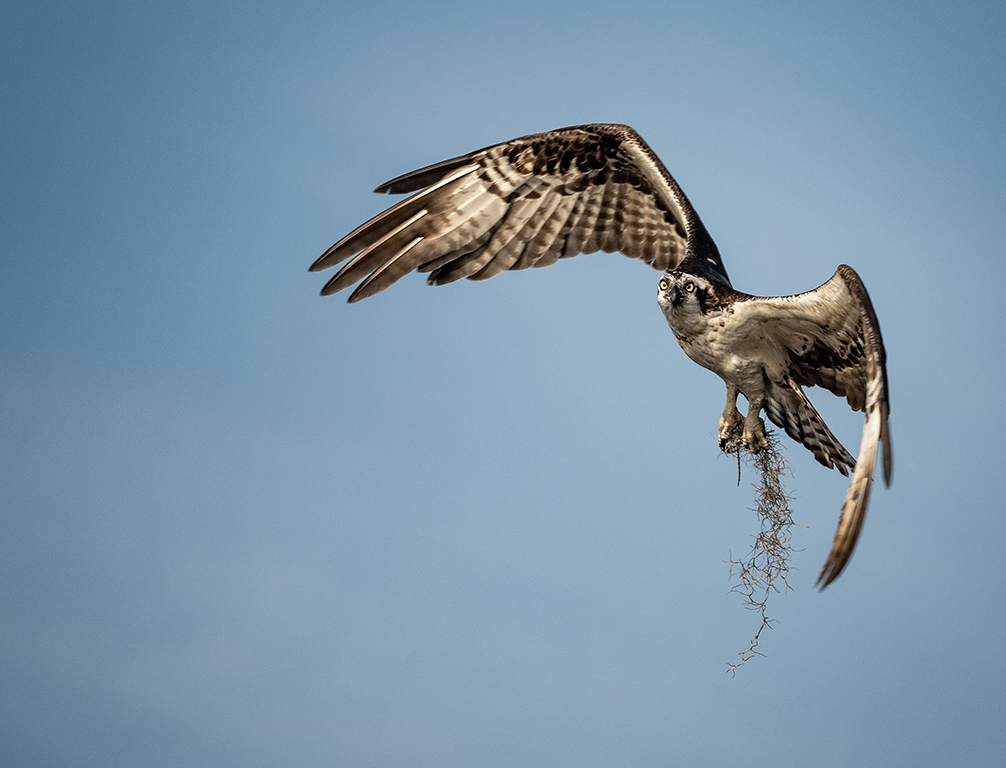
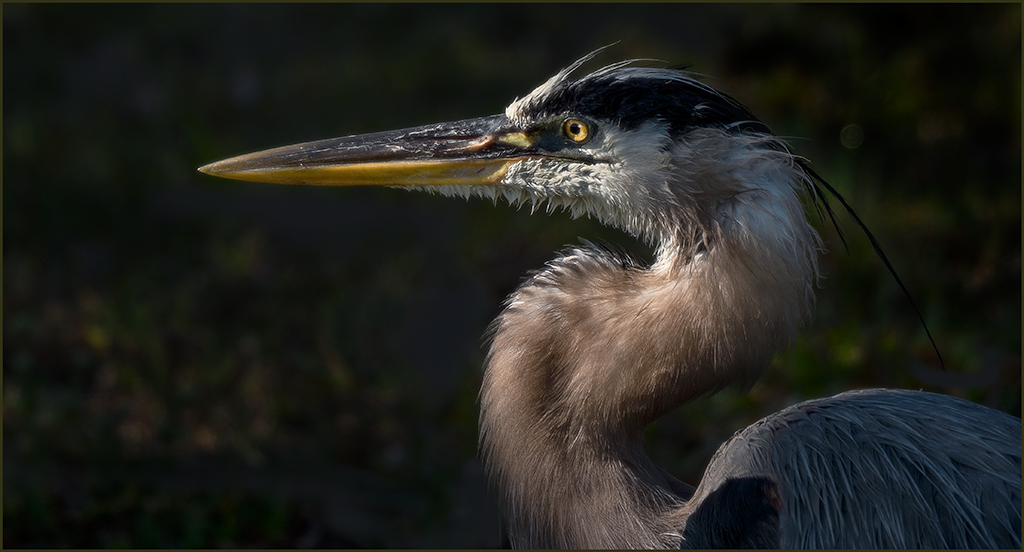
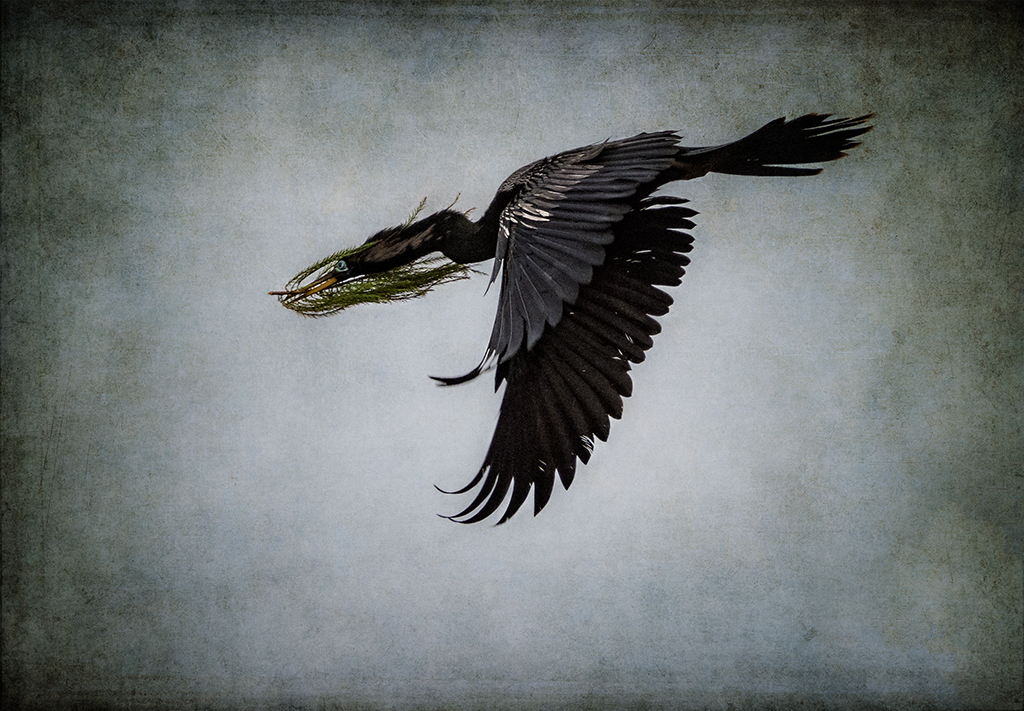
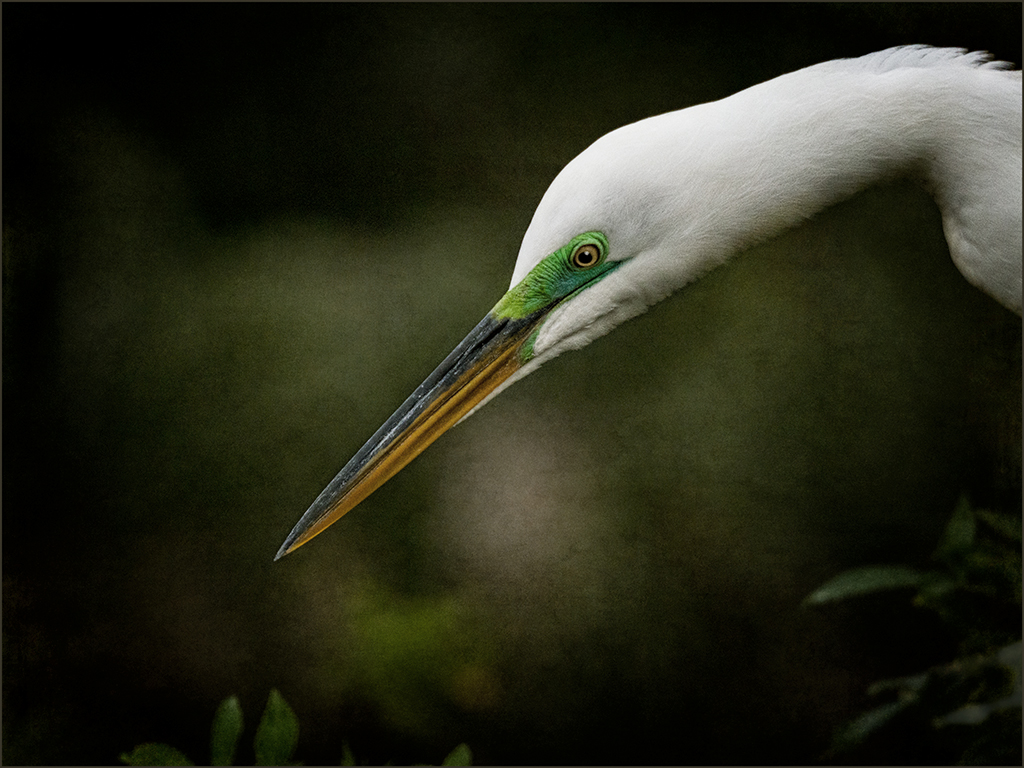
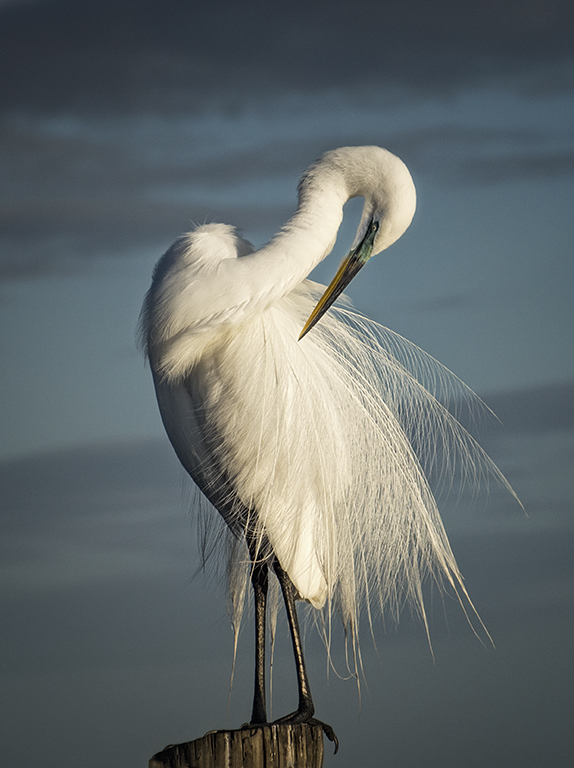
Beautiful bird, Geoffrey. The feather detail is nice, and background is nicely out of focus. The eye is tack sharp with a highlight. I do feel that it would be helpful to crop a tiny bit off the right and add canvas on the left to give the bird more room to move. |
Nov 8th |
| 69 |
Nov 19 |
Comment |
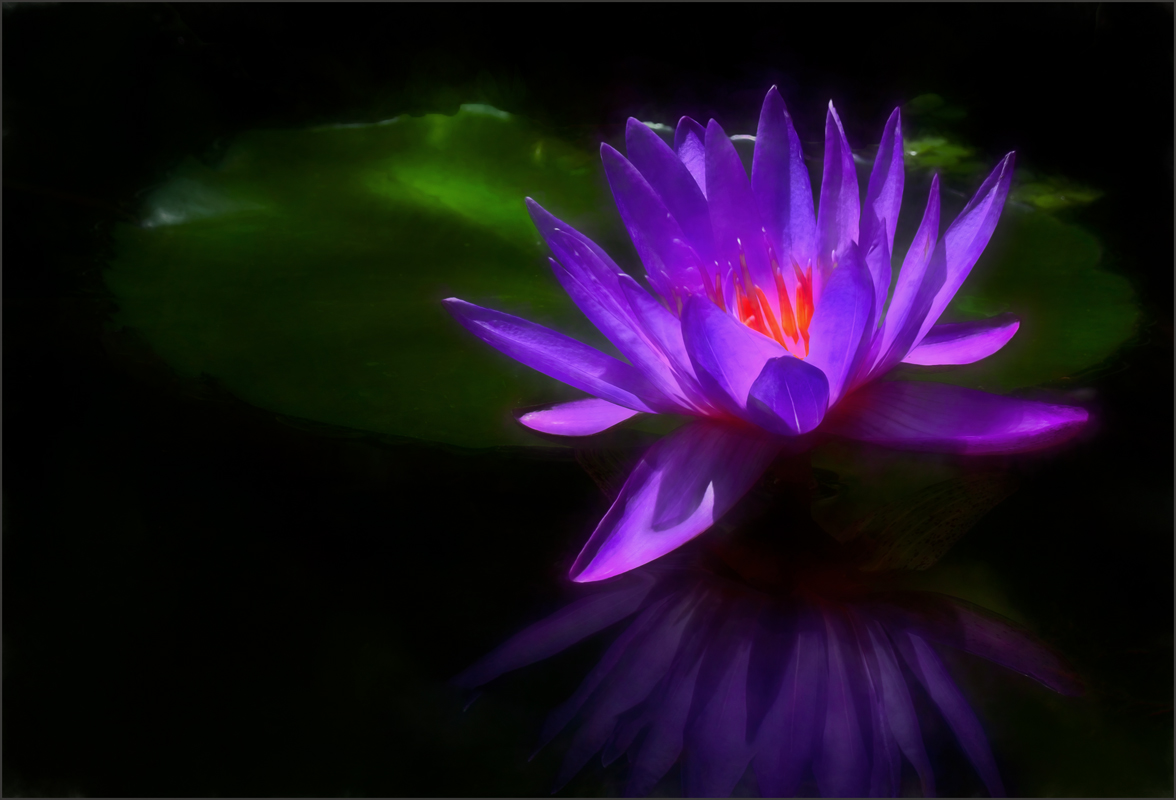
Brenda, the lilies are beautiful as well as the reflection. It is a nice composition with the one lily to the left of the others, and the brighter lily at the top. I might have cropped down a little from the top. I do feel that the horizontal green leaves are distracting and would darken them. Your eye is drawn to them first because it is the brightest and most colorful area. The image might be helped with the use of a stroke to set it off from the background. |
Nov 8th |
| 69 |
Nov 19 |
Comment |
Nice fall color, Jacob. Good work with your phone, however as has been said cropping a small file reduces the quality even more. The image could use a little brightening. Do you have the Camera Raw filter in your version of Photoshop? It can do a really good job in increasing the quality of an image. The color does seem a bit over saturated. Keep working with your images, and you will quickly learn how to better process and what works and what doesn't. |
Nov 8th |
| 69 |
Nov 19 |
Comment |
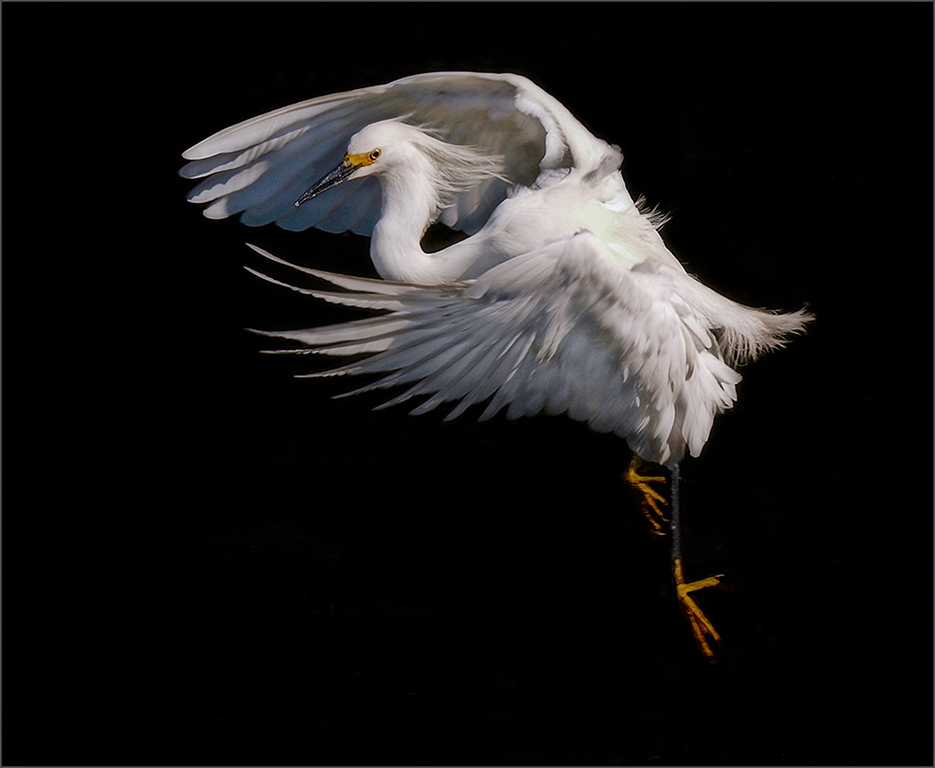
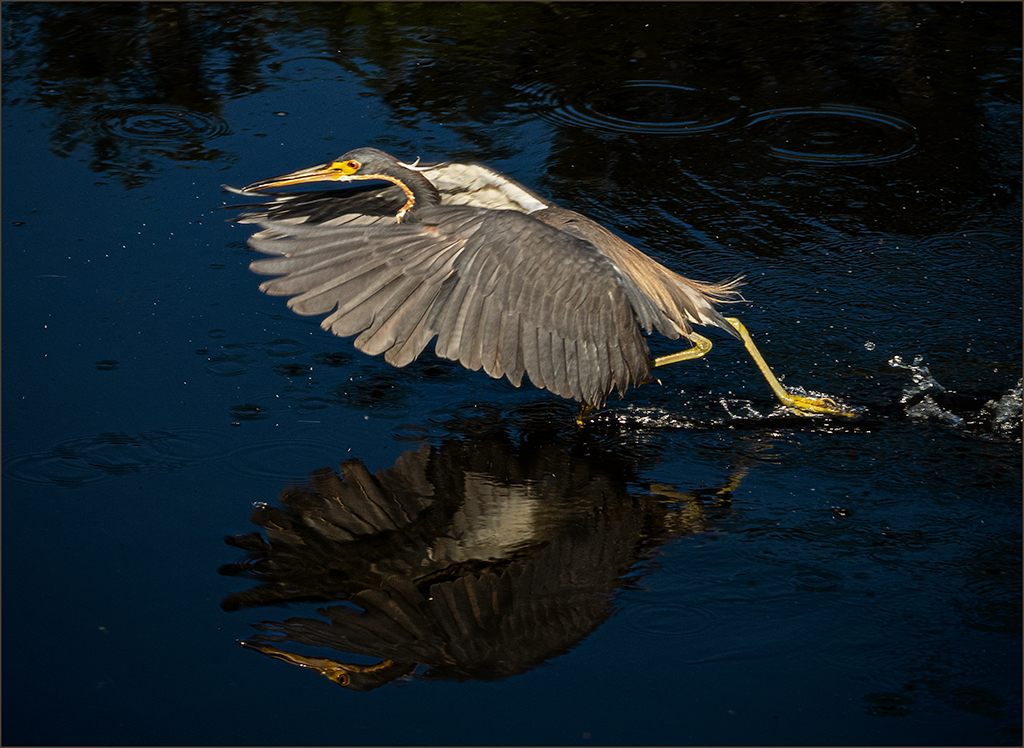
Pierre, you have captured the pelican with an excellent wing angle. There is a nice reflection of the bird, also. The exposure on the bird is well done except for a small white area behind the neck which appears a little over exposed. Cropping the image to include less of the water might remove some of the distractions from the water. The bird appears a little soft and might be helped by using one of the sharpening choices. An increase in the contrast might be helpful. |
Nov 8th |
| 69 |
Nov 19 |
Comment |
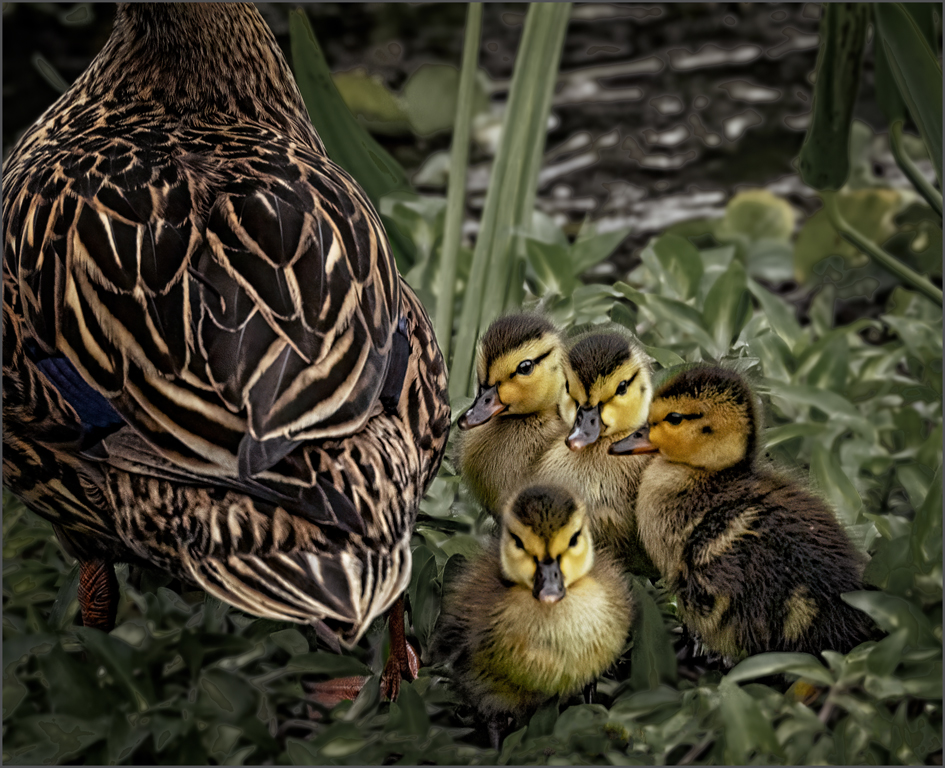
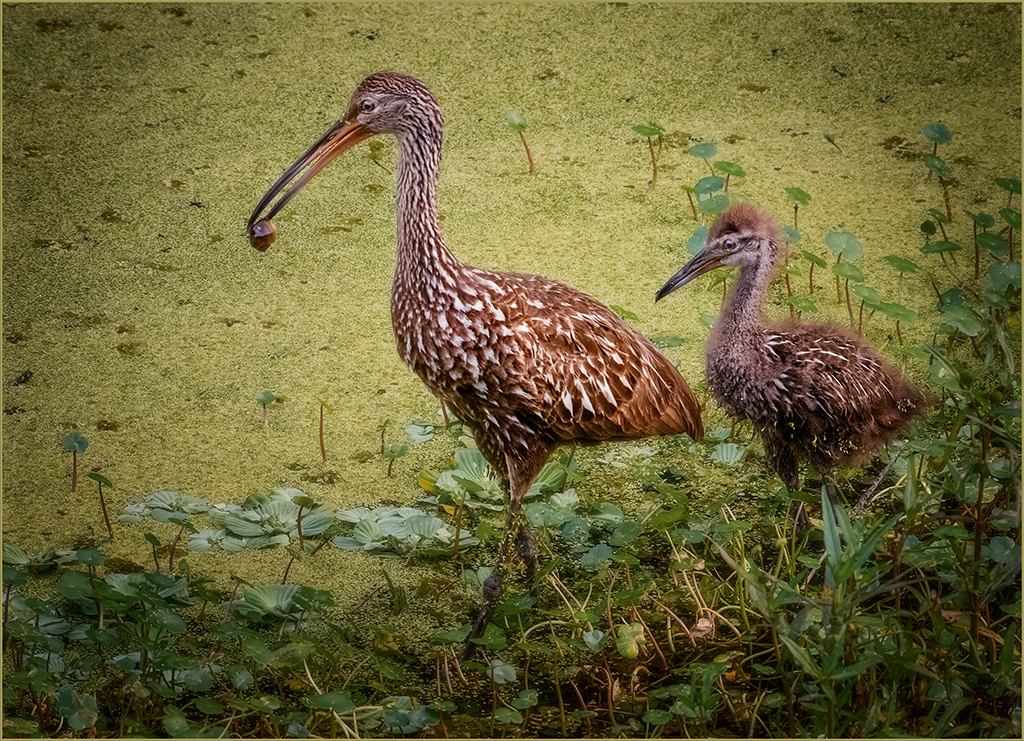
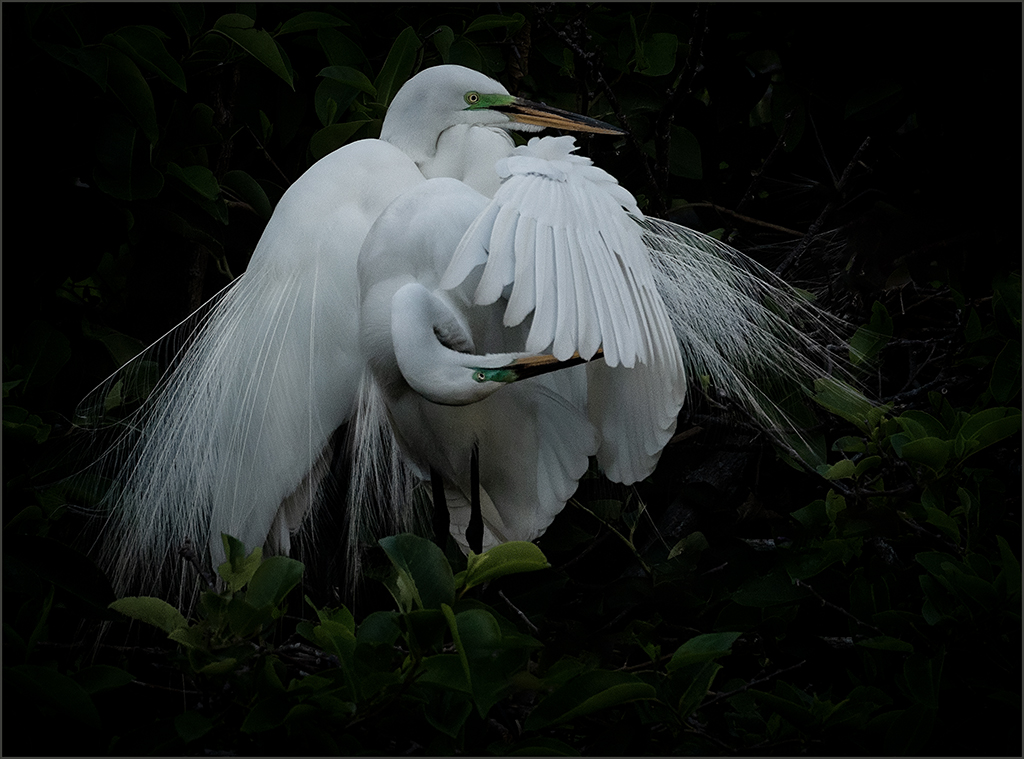
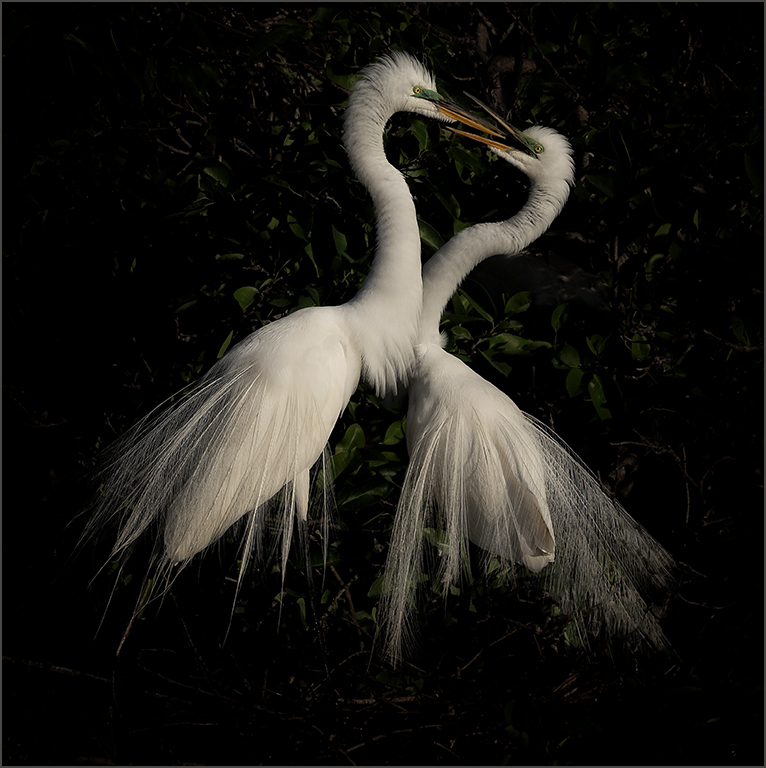
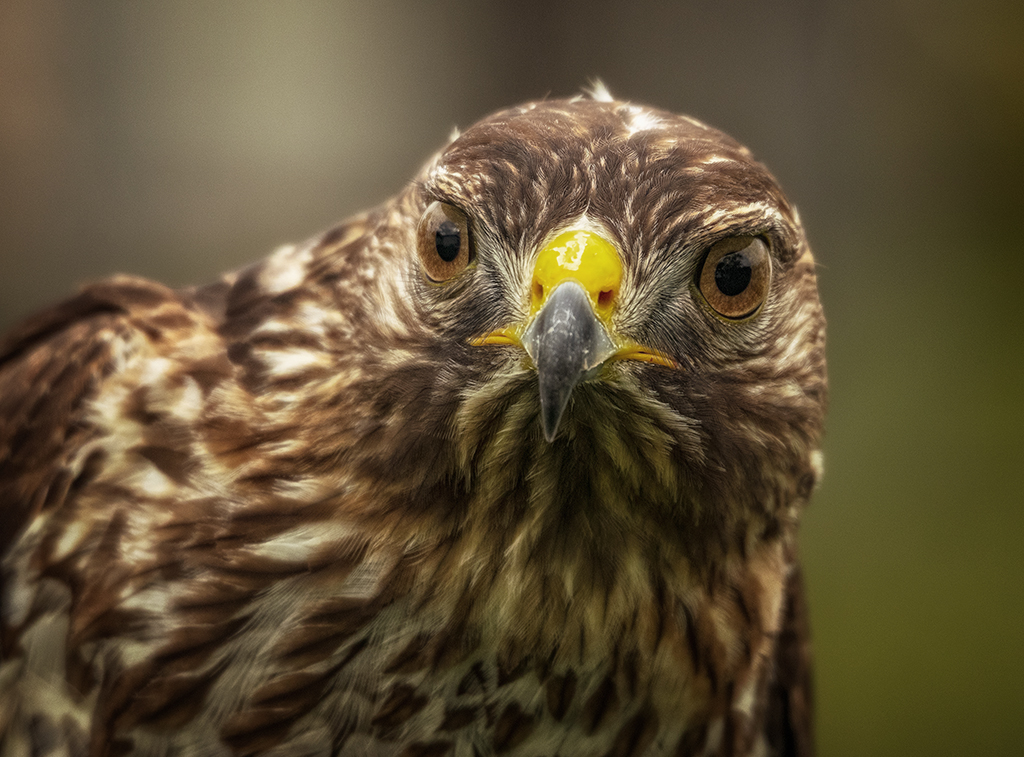
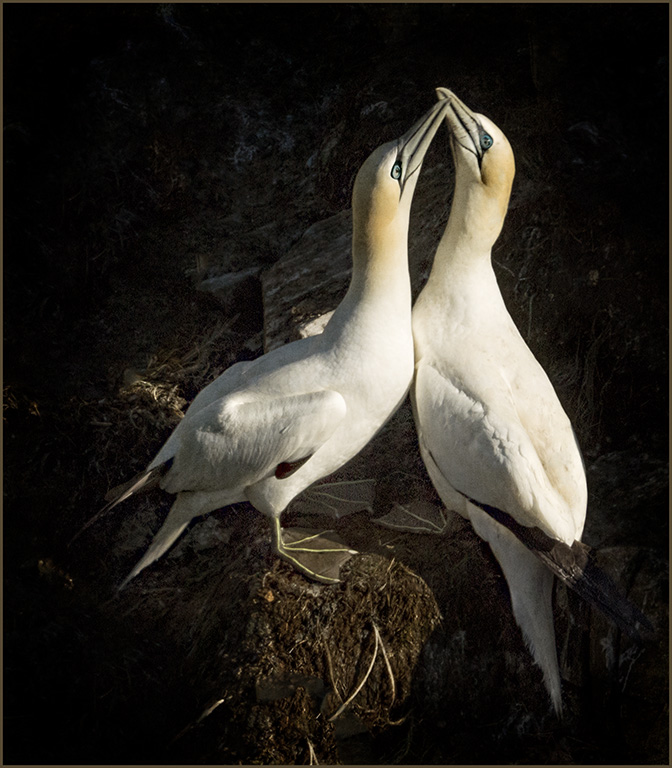
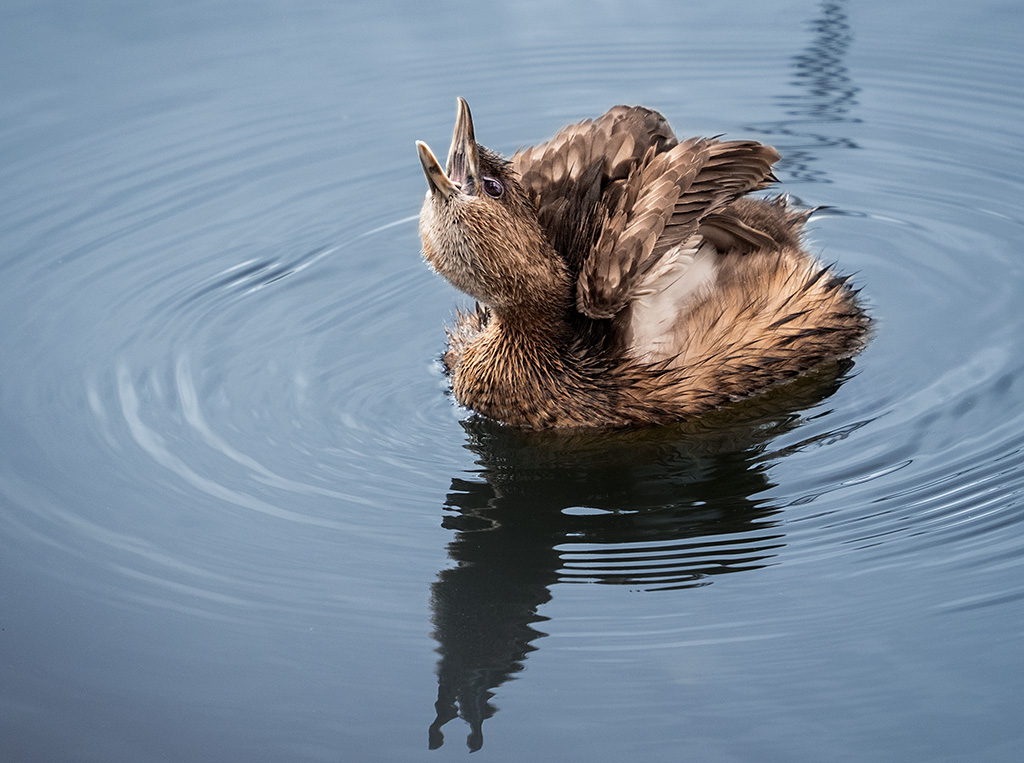
Nice capture, Mervyn. There is beautiful detail in the feathers, and the background is nicely blurred. The two birds are crisp. The beaks create leading lines, and the adult has a catch light in the visible eye. A stroke might be helpful to separate the image from the background. |
Nov 8th |
6 comments - 3 replies for Group 69
|
12 comments - 4 replies Total
|