|
| Group |
Round |
C/R |
Comment |
Date |
Image |
| 34 |
Jun 19 |
Comment |
Steve, I like what you have done with the background. The work on her eyes is a big improvement. You have created much better lighting than the original. All the blood is not something that does much for me. But overall, you have given the image interest. |
Jun 8th |
| 34 |
Jun 19 |
Comment |
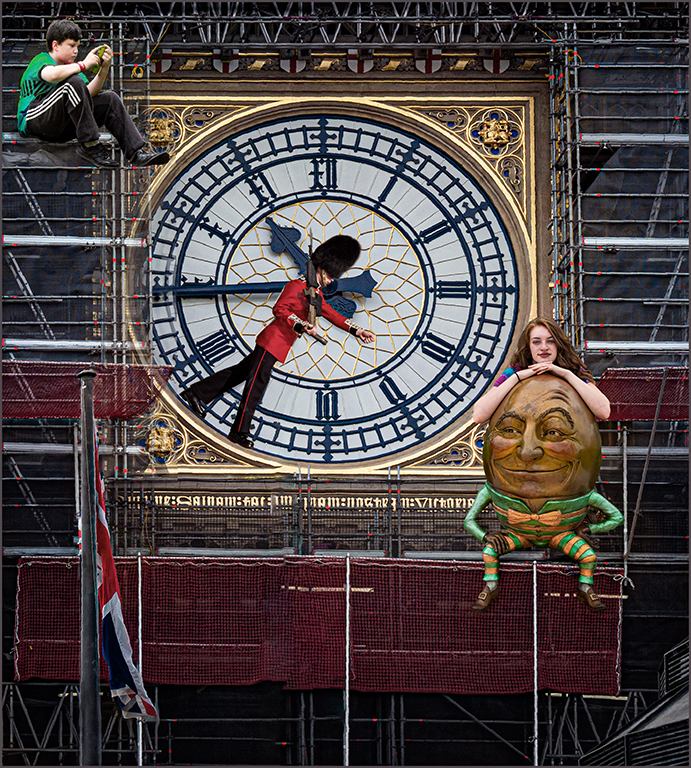
Jan, you have such an imagination. This creation would make anyone smile. Every element seems to fit perfectly and gives the feeling that it should be there. The only thing that I might change-just my opinion- is the lantern glow. My feeling is that it should become less intense as the glow moves further away from the lantern, more of a hint of a glow. |
Jun 8th |
| 34 |
Jun 19 |
Comment |
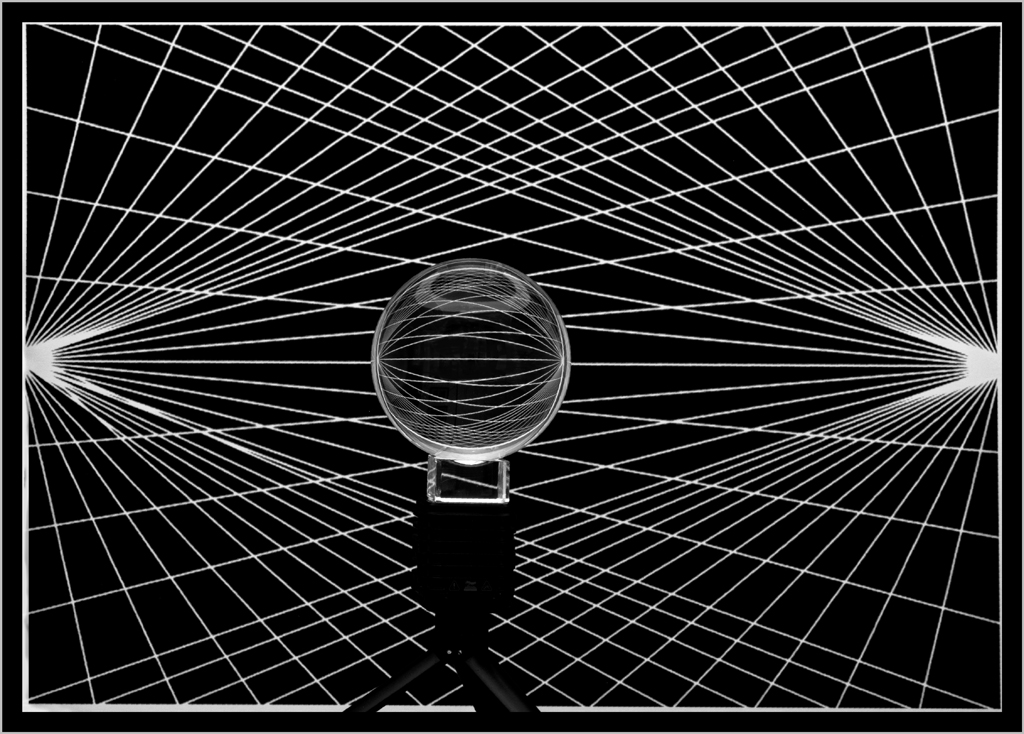
Denise, it is always interesting to see what develops with the twirl effect. This one is very lovely using all the tones of blue. The circle of hearts/teardrops holds the image together. Good work. |
Jun 8th |
| 34 |
Jun 19 |
Comment |
Alan, the ballerina is well placed and gives the feeling that she is dancing to the sounds of the ocean waves while the music floats away. The man, piano and paper floating away give me the feeling that the music was lost on this day. Just my take. The image is well put together. The ocean scene creates a peaceful mood. |
Jun 8th |
| 34 |
Jun 19 |
Comment |
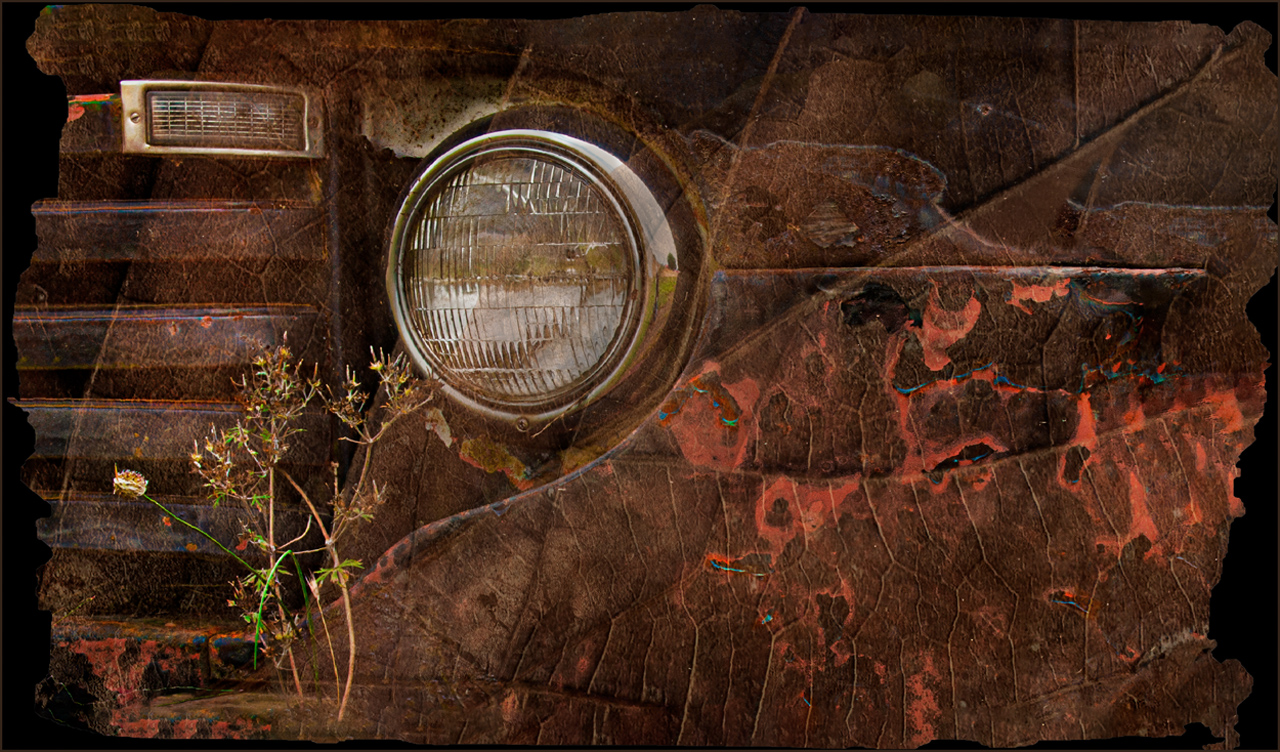
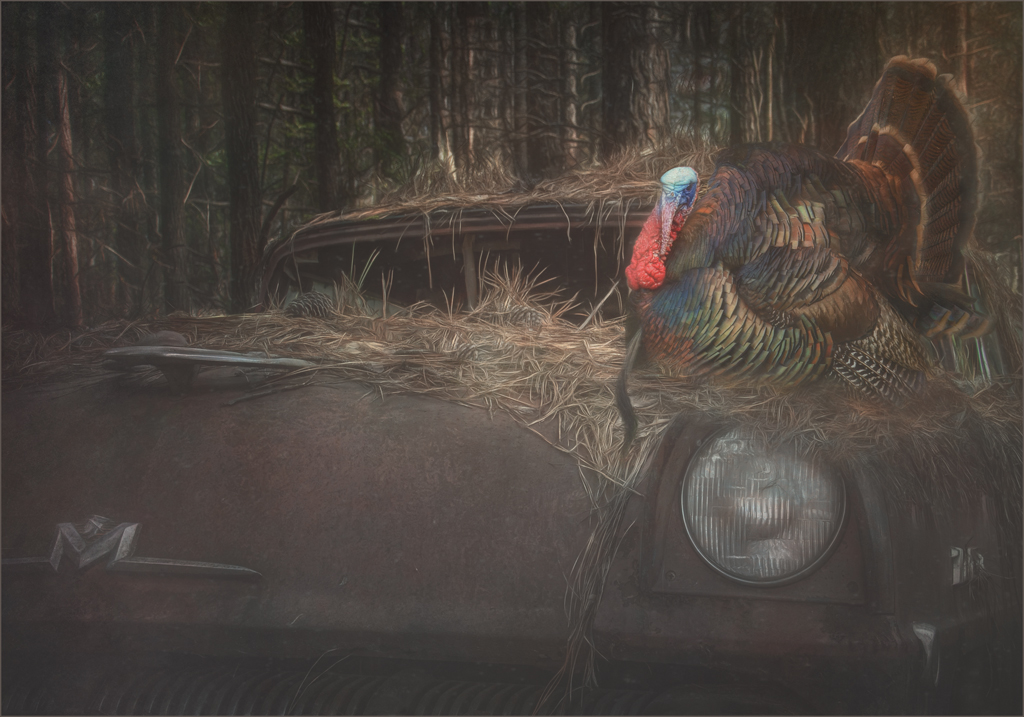
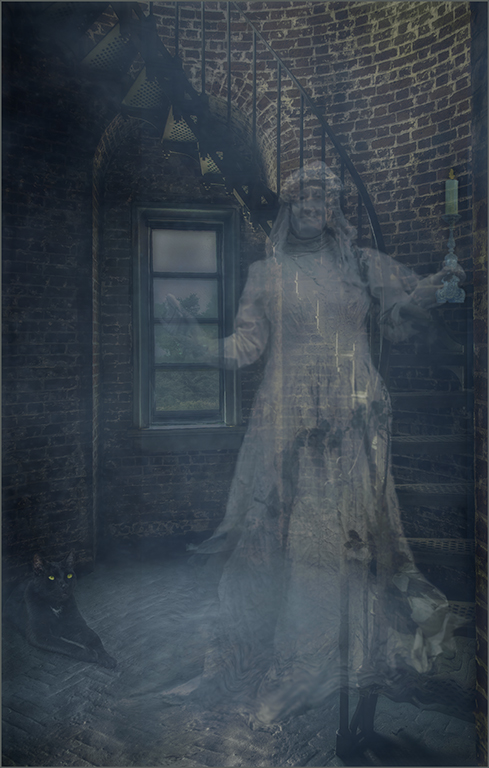
Georgianne, this image is just lovely. You have done such a grand job with every part. I love everything that you have done. Darkening the whole image was brilliant.
My husband and I spent a week on Cumberland Island quite a few years ago. We enjoyed seeing the horses, mansions, and the rusting old cars. |
Jun 8th |
5 comments - 0 replies for Group 34
|
| 69 |
Jun 19 |
Comment |
Dean, the softening of the background is well done and improves the image greatly. I agree with the others that the whites are still too bright. And I find the shadows are harsh. That can be helped by using the clone tool in PS to soften the edges. I am not at home with my computer and cannot show a way that I might lower the brightness, etc. However, usually the Camera Raw Filter works well by lowering highlights, up contrast and use a little dehaze. Selective sharpening of the flower would probably be effective as well as a subtle vignette. |
Jun 28th |
| 69 |
Jun 19 |
Reply |
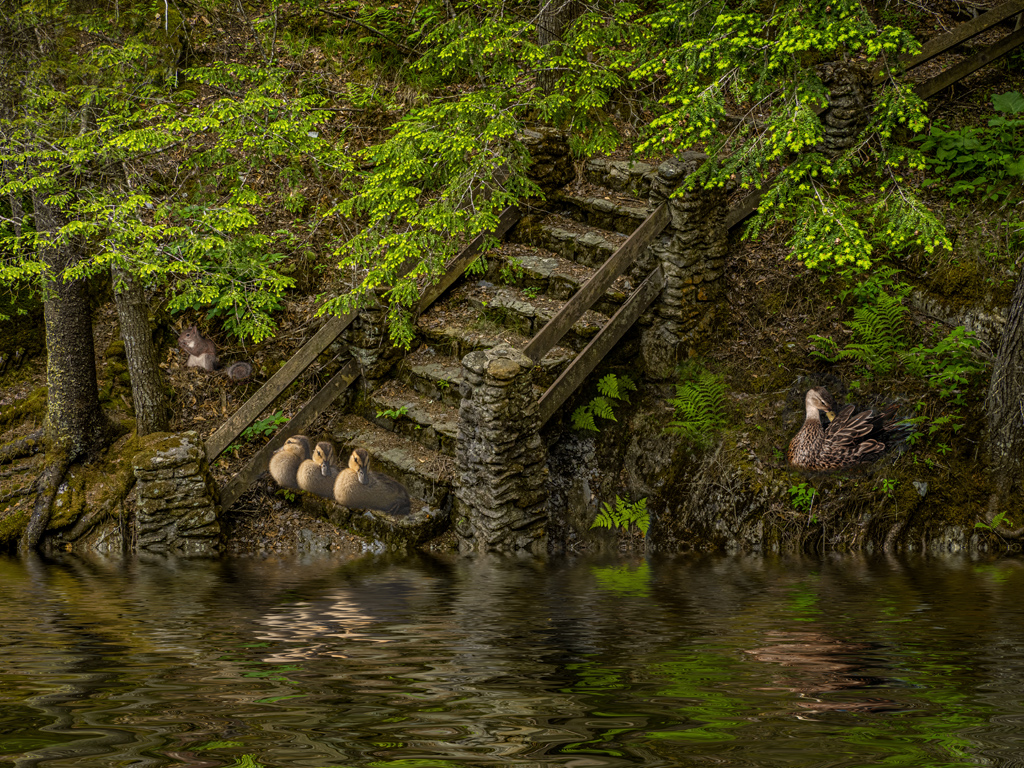
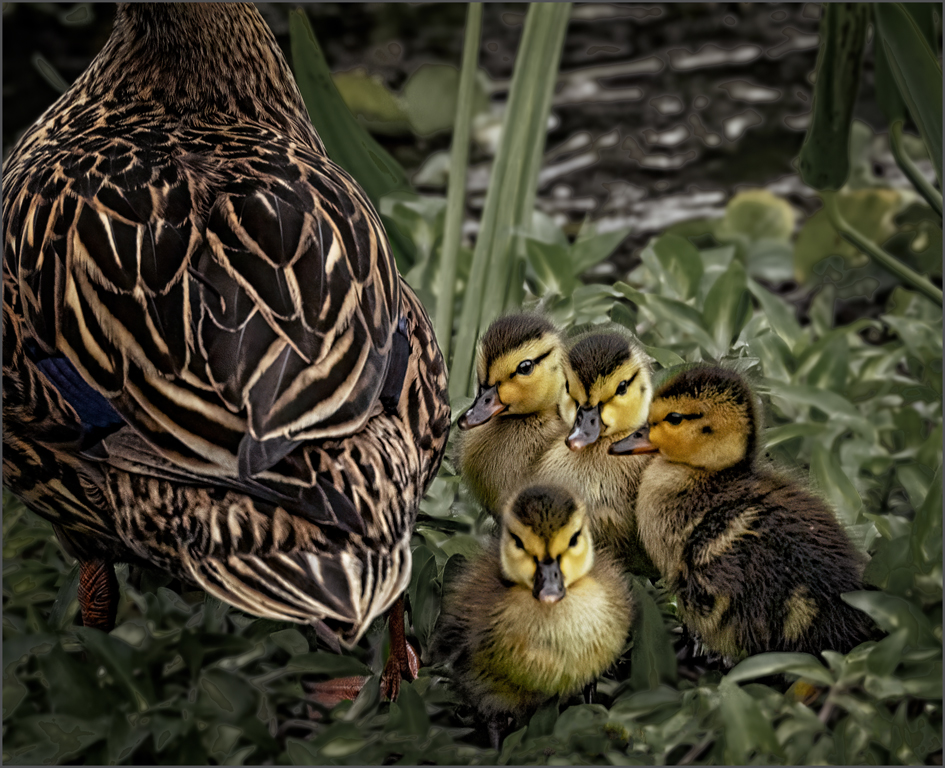
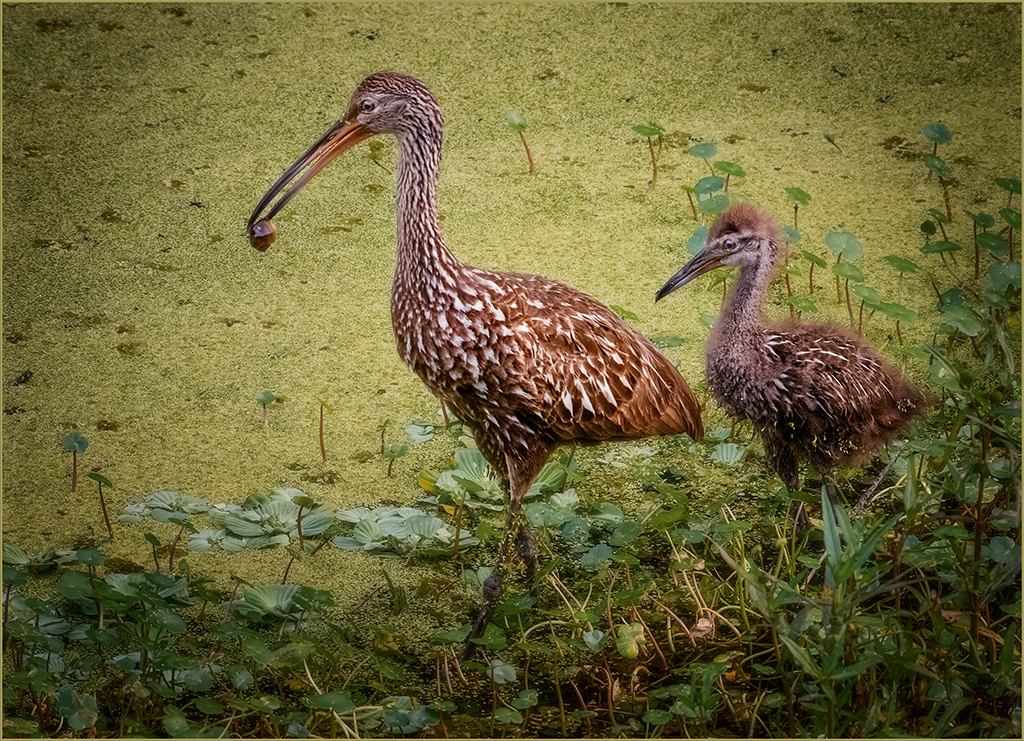
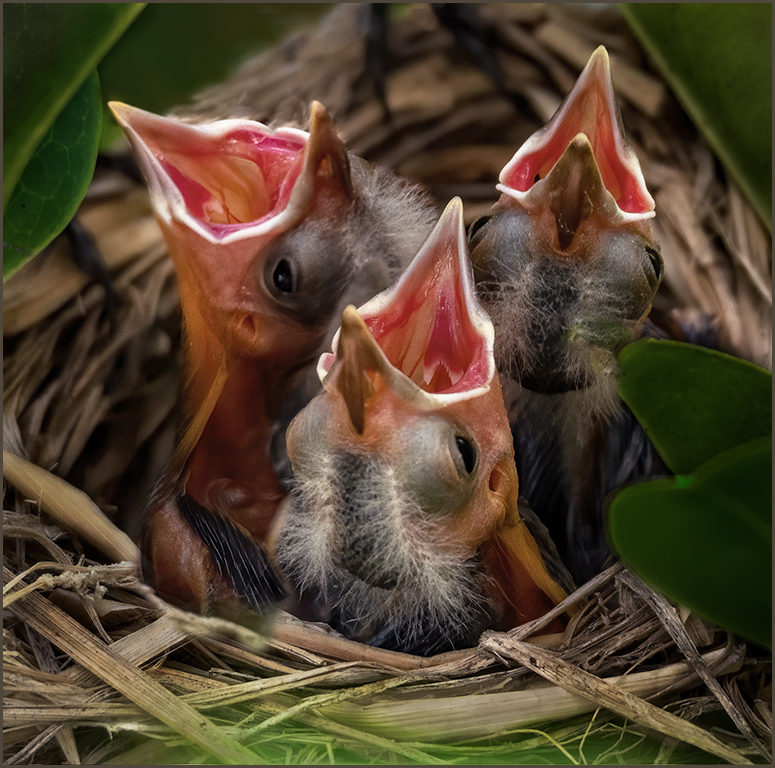
Two images were taken with everything remaining the same except which bird was focused on. Then I put a loop around the in focus second image of the slightly out of focus bird, placed it over the out of focus bird and blended it in with a mask using different opacities and brush sizes and a soft brush. The birds were all the correct size since the only thing that was changed was the focal point. The mother was off searching for food. She returned routinely to feed the chicks. |
Jun 28th |
| 69 |
Jun 19 |
Comment |
Your choice of black and white was a good call. I feel that the B&W has much more impact than the color. The clouds are beautiful and create a good contrast to the dune. The dark diagonal lines in the dune on the left create an inpactful contrast with the lighter half on the right. The crisp, dark lines on the left contrast well with the softer light lines on the right. Good job. |
Jun 8th |
| 69 |
Jun 19 |
Comment |
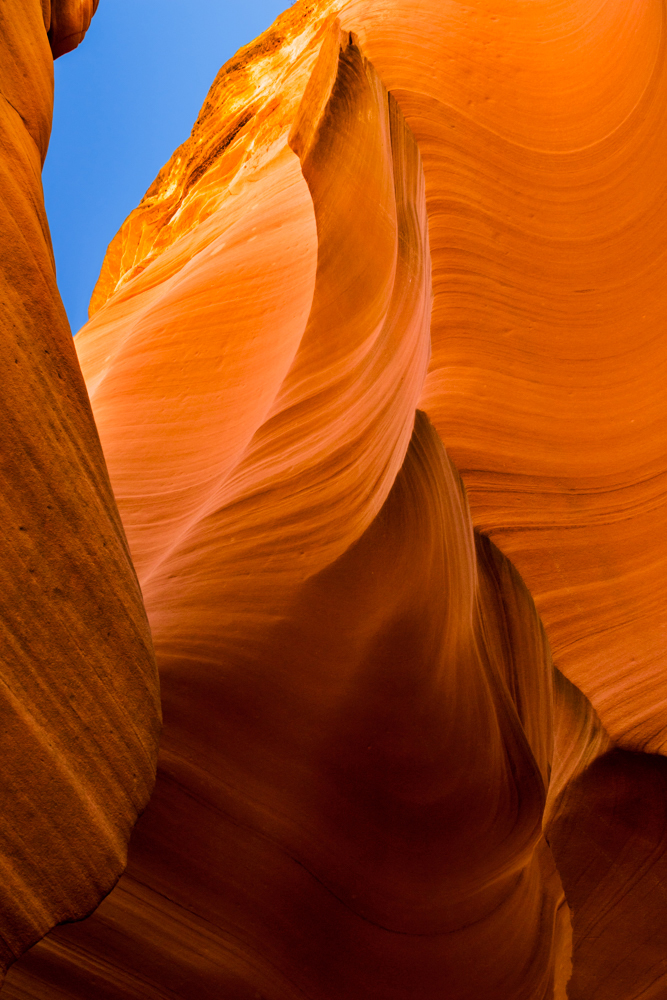
Brenda, this is so lovely. Good job with the editing. I feel that you found the right color with the vibrance. If you increase the clarity much above 12, with an edge like sky or something similar you will usually see the appearance of halos along the edges. In my opinion, the ridges in the sand could use more crispness. I used the high pass filter just on the canyon to bring up the ridges. |
Jun 8th |
 |
| 69 |
Jun 19 |
Comment |
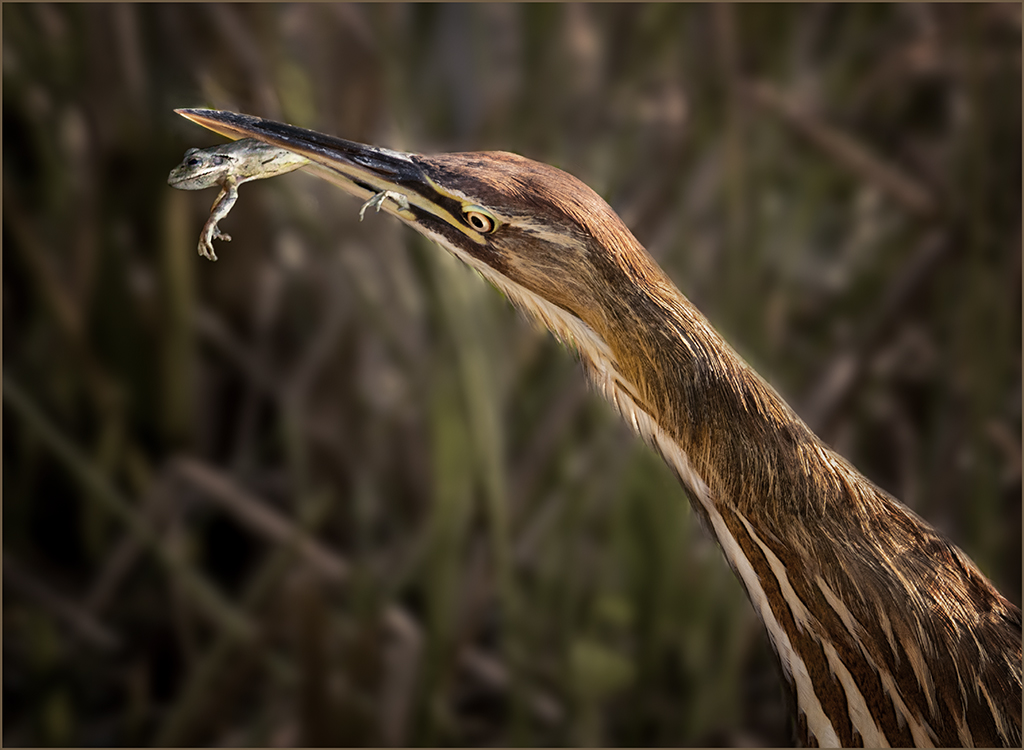
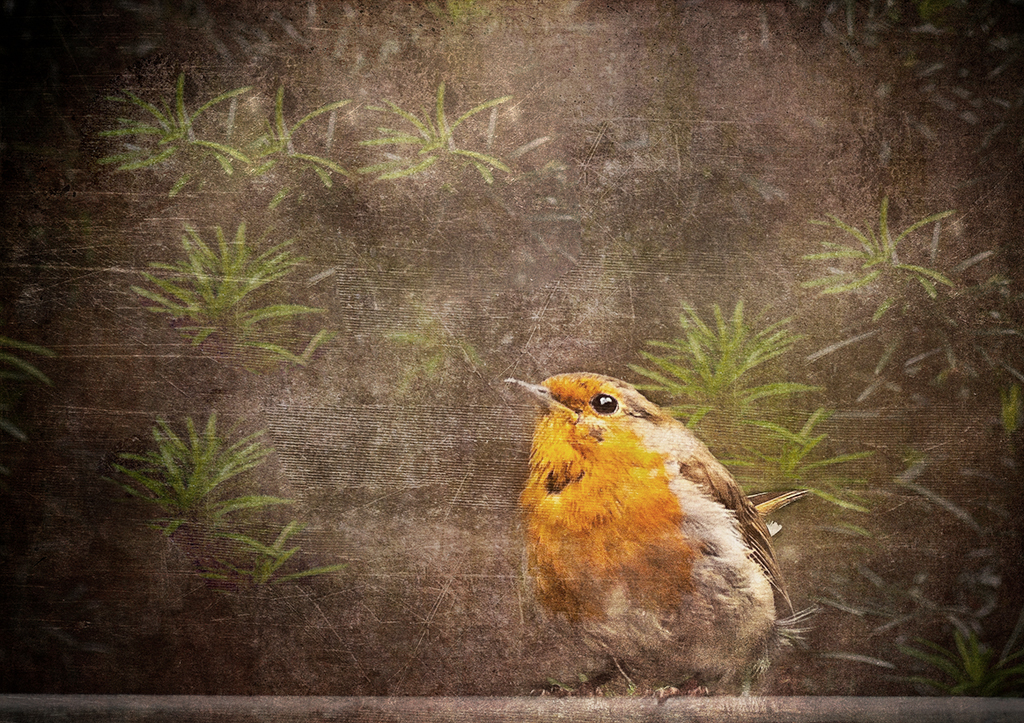
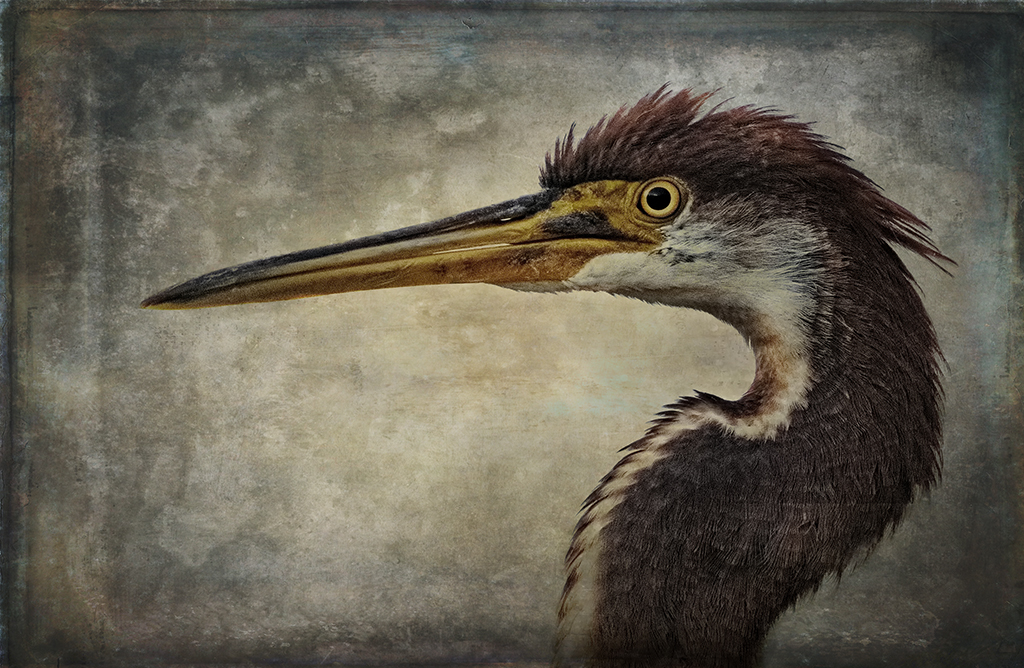
Donna, it is a beautiful image. The muted colors and soft background are stunning. The bird is at an interesting angle that complements the image. The eye is beautifully defined and the bird is sharp and stands out so well from the background. |
Jun 8th |
| 69 |
Jun 19 |
Comment |
Yes I would use this technique at any focal length if it would improve the image. I frequently take a shot of each item or critter in an image with more than one item or individual with the intention of changing out certain parts to have complete depth of field for each individual. It depends on the f stop as to whether the image that contains multiple individuals is sharp throughout or to retains the depth of field throughout. |
Jun 8th |
| 69 |
Jun 19 |
Comment |
Pierre, the raptors seem to be able to adapt to any environment. This is a wonderful image, and the story adds so much. I love the bird walking the plank back to the nest. A little selective sharpening of the bird, especially the head, would improve the image. |
Jun 8th |
| 69 |
Jun 19 |
Comment |
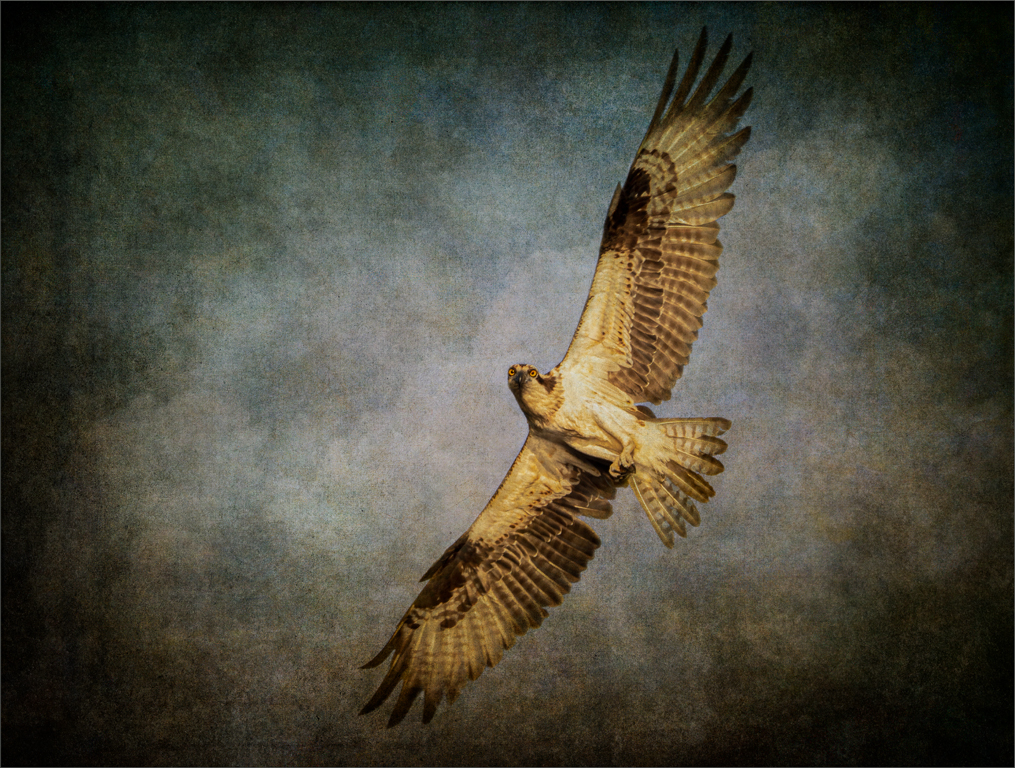
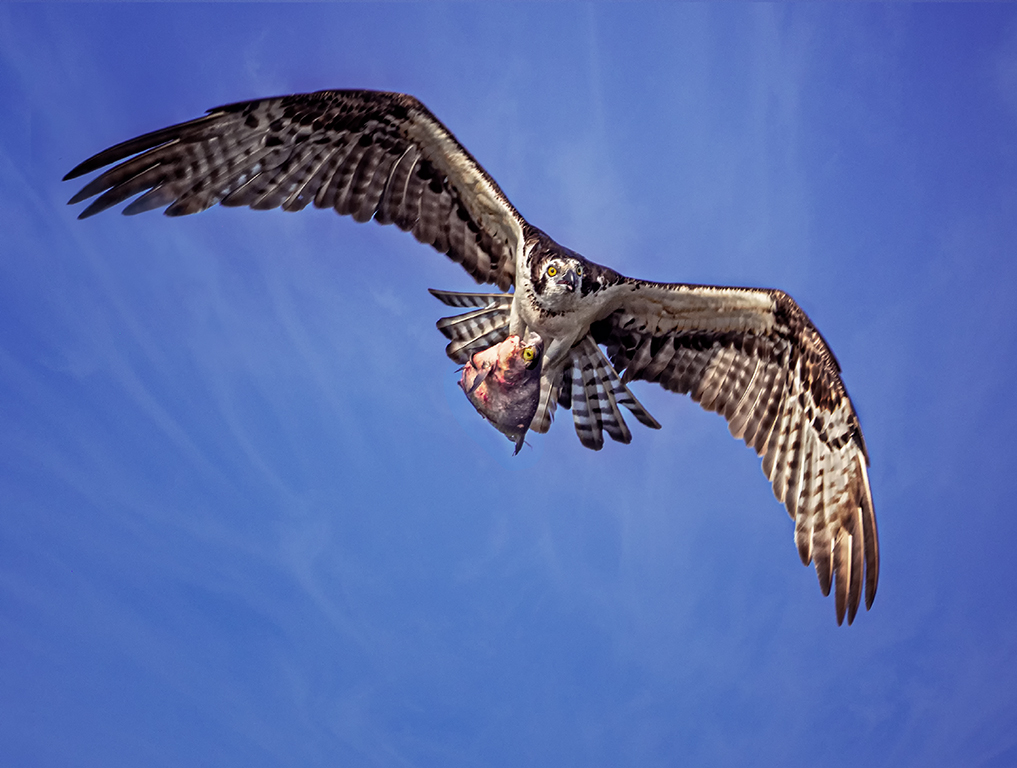
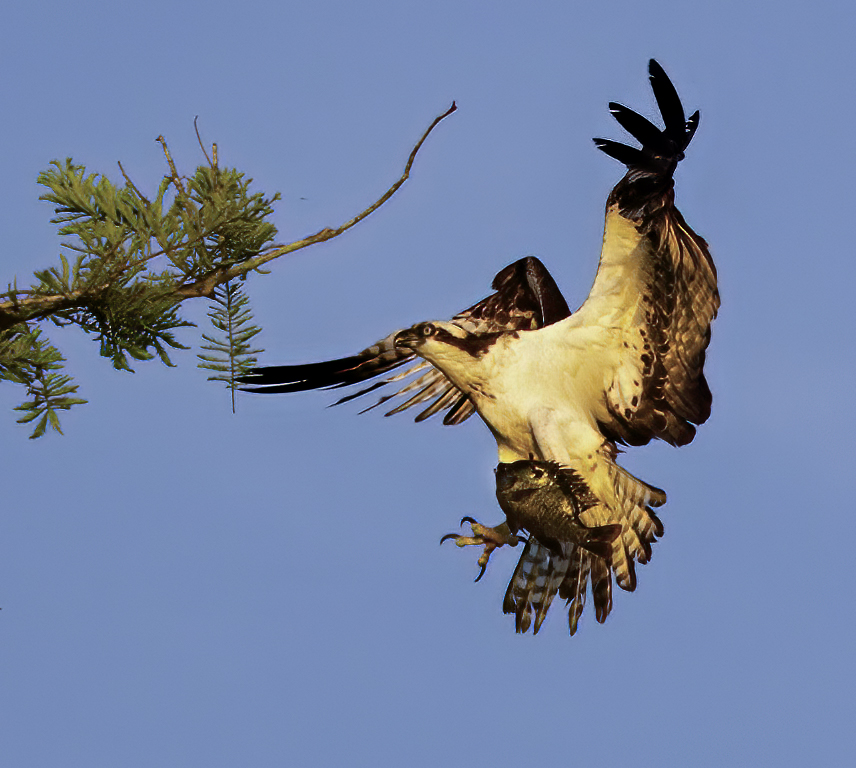
Mervyn, The beauty os this image is the bird with a huge fish ready to land.I agree, however, that the image is noisy and the color is off.Usually I like to have the bird's head above the wing rather than a merge. Sometimes you cannot avoid it. I used Topaz's new AI noise software, camera raw filter for the color and burn tool for the head. |
Jun 8th |
 |
7 comments - 1 reply for Group 69
|
12 comments - 1 reply Total
|