Activity for User 307 - Candy Childrey - childrey_ohern@bellsouth.net

avatar
Avatar

Close this Tab when done


874 Comments / 219 Replies Posted

  = Current Round   = Previous Round
Group Round C/R Comment Date Image
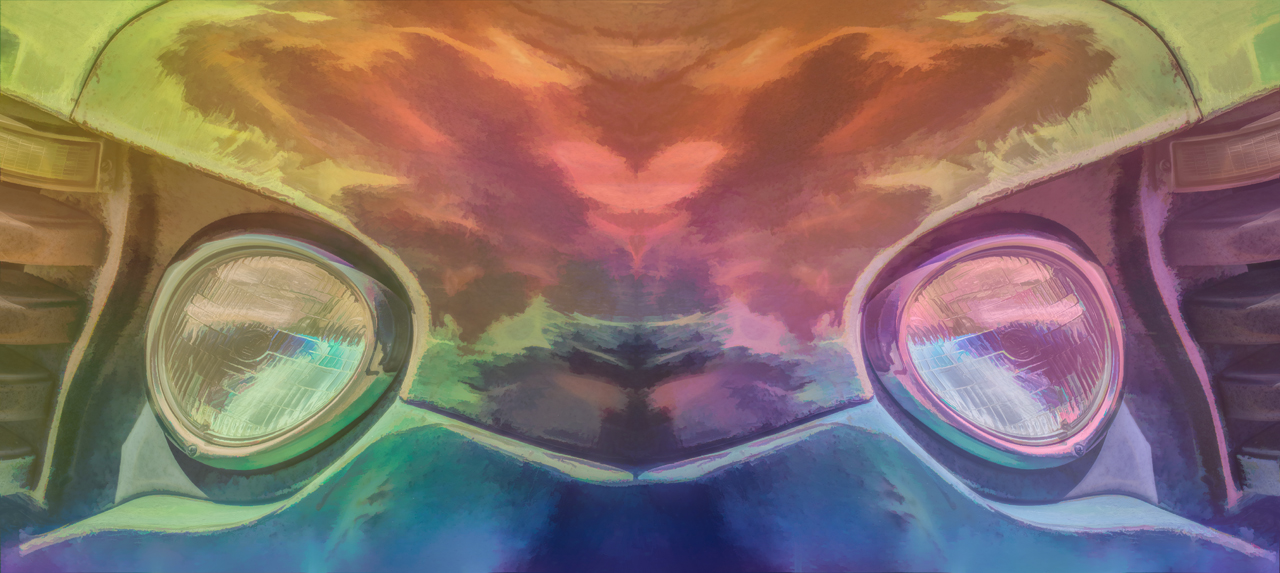
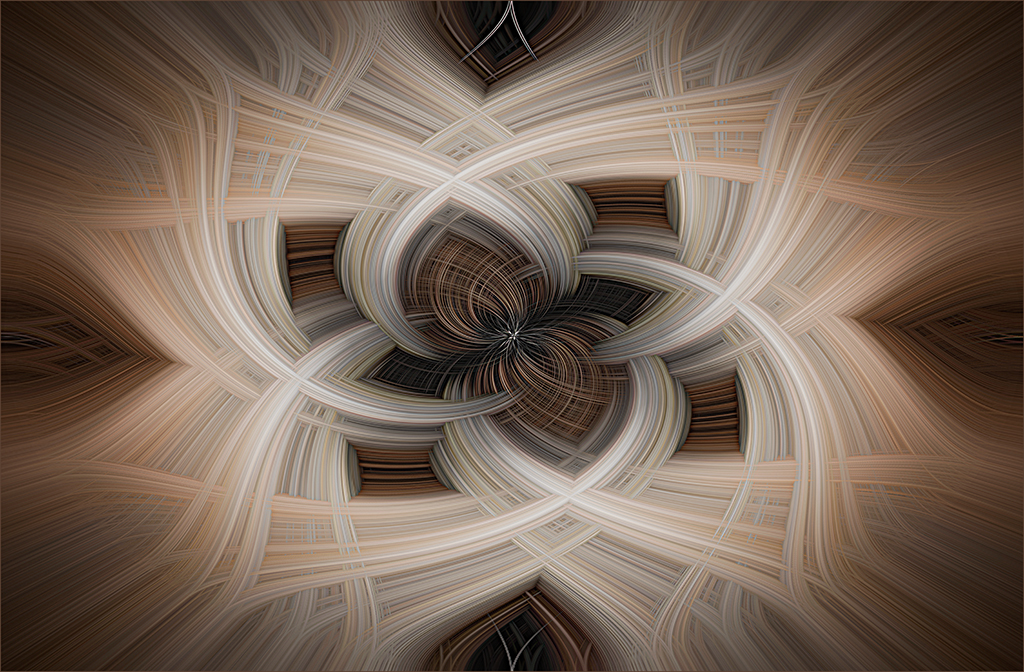
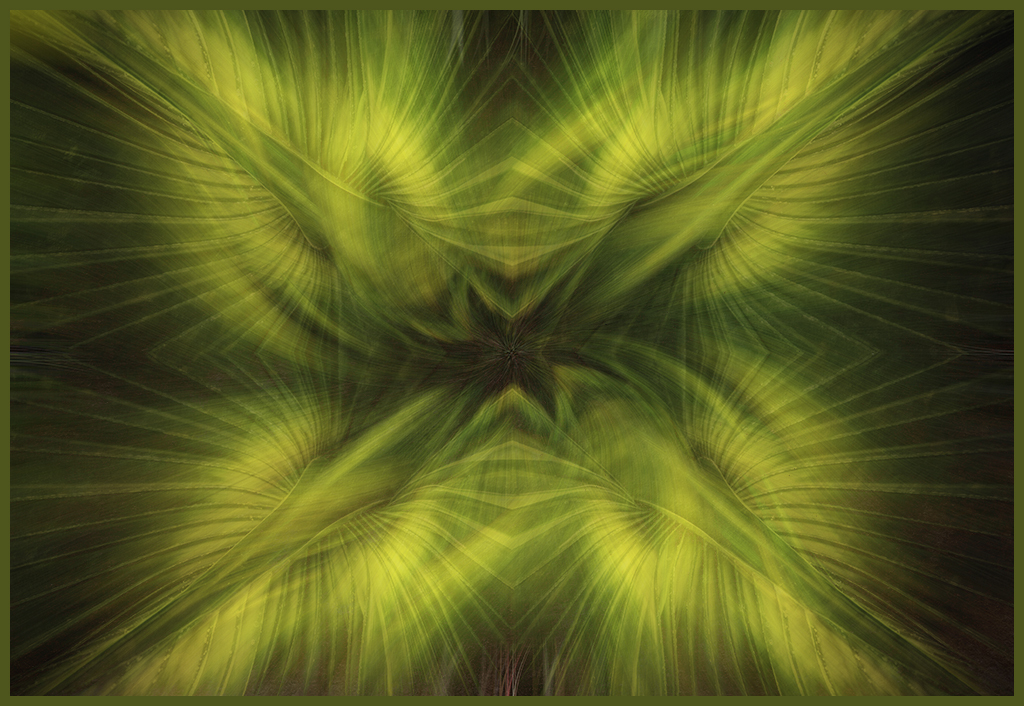
34 May 18 Comment Christine's directions (modified for newer CC version) for the "Twirl". Start with a merged or flattened image in PS. Go to Filter-Pixelate-Mezzotint:short lines. Go to Filter-Blur-Radial Blur: 100%, Zoom, Best. Copy the layer to duplicate the filter. Duplicate the layer. Go to Filter-Distort-Twirl 75 or -75 (top layer only). Changing this number makes incredible twirls. Go to Filter-Distort-Twirl. Opposite of last step use BOTTOM LAYER. Set top layer blending mode to Lighten. May 17th
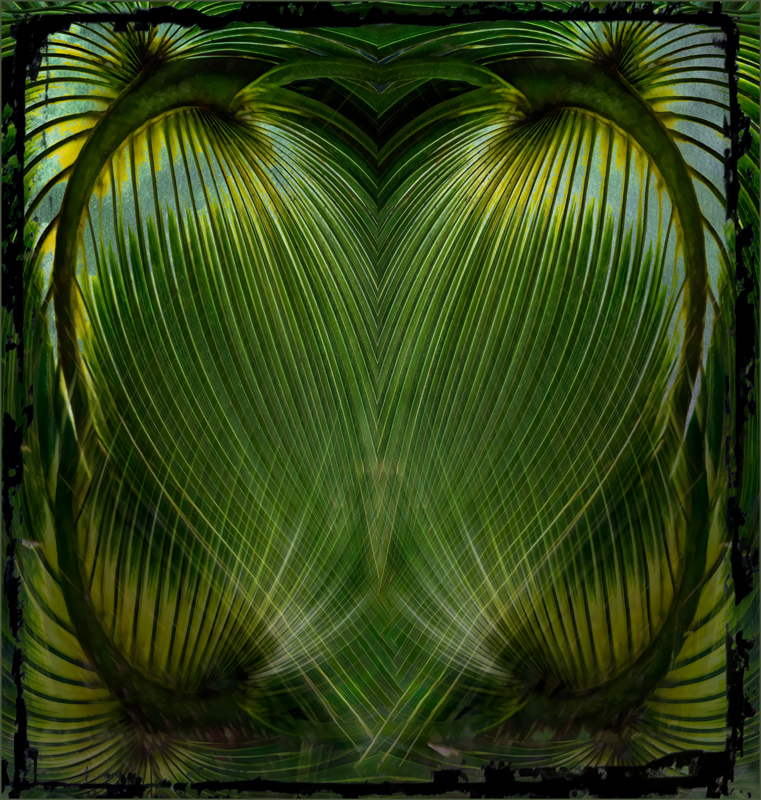
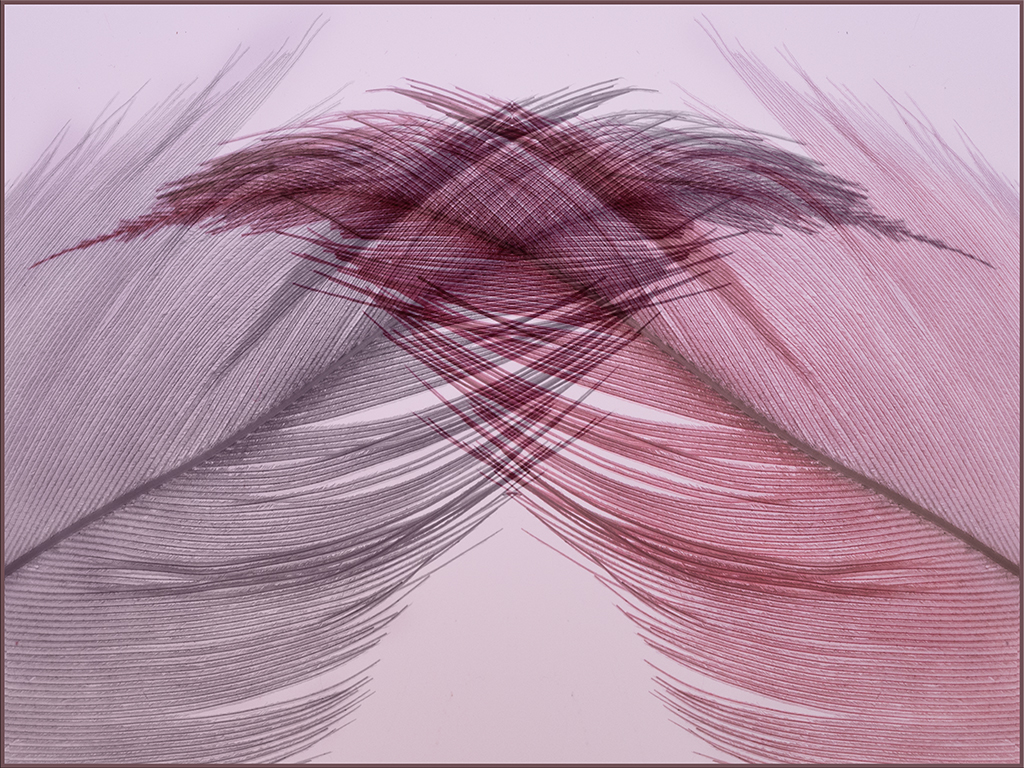
34 May 18 Comment Helen, you found beautiful lines and curves in this creation. The slight hint of blue along with the grey and white lend enough contrast in the muted image, in my opinion. May 17th
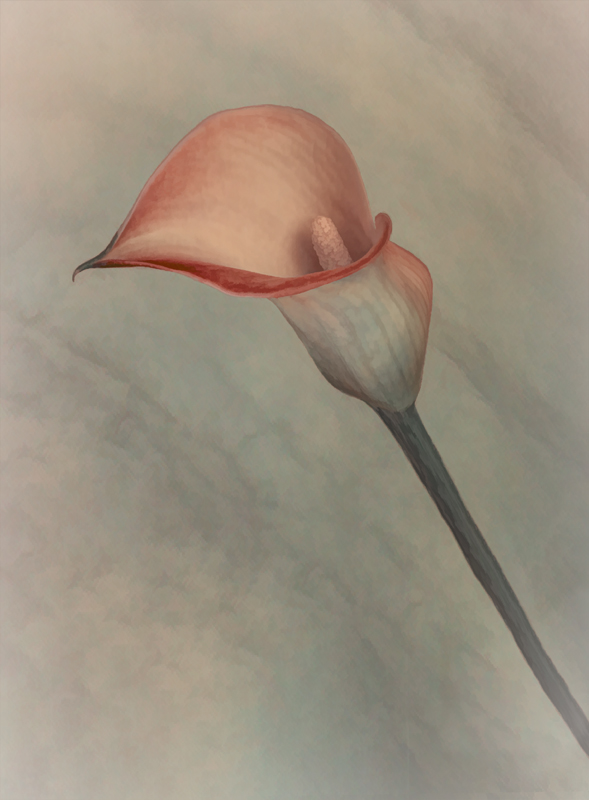
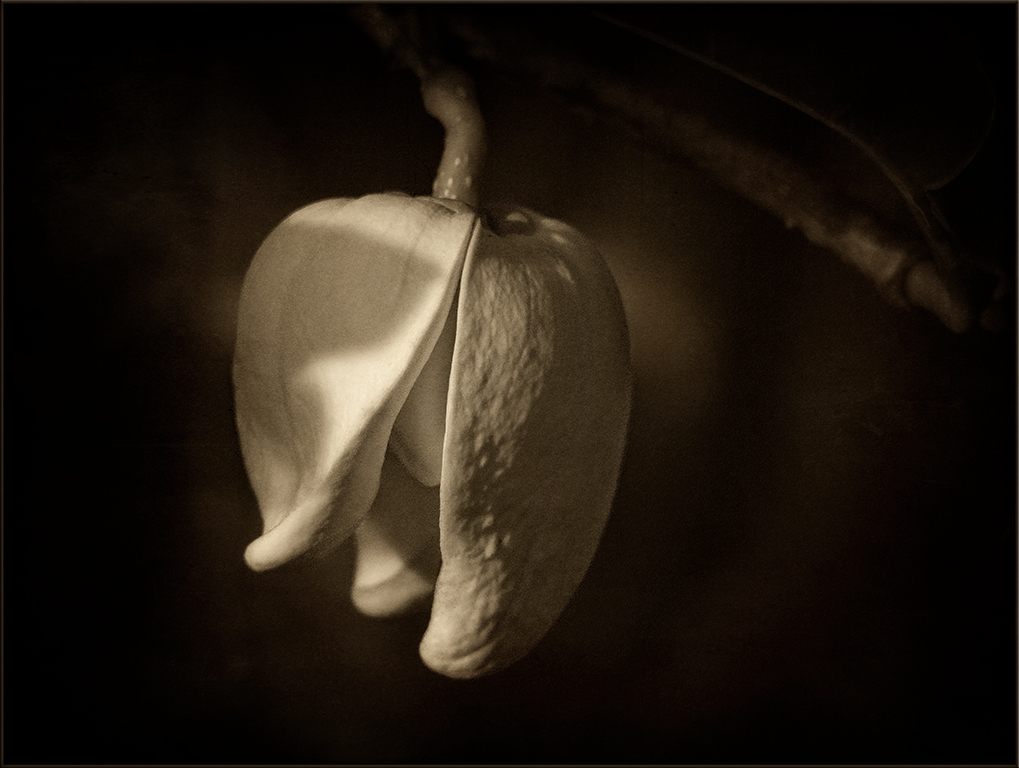
34 May 18 Comment Beautiful, dreamy rose. You found the perfect recipe to showcase this rose. May 17th
34 May 18 Comment Georgianne, this is quite a complex and detailed image with lots of work. In particular, I feel that the bursting flowers on the tree mirror the stars in the sky which creates and sets up the image. The atmospheric disturbance adds to the mystery of the tree. the strong shadow underneath the tree does bother me. Maybe darkening the grass would improve the shadow problems. May 17th
34 May 18 Comment Nice color selections, Phil. You did a good job of adding the layers together. Steve's corrections to the background did help to clean up a few perfections. In my opinion the flower stalks appear a bit crowded. I would prefer to see them more spread out-not piled on top of each other. The flowers on the sides seem to need more space as there are several flowers, buds and leaves that are touching the edges. May 17th
34 May 18 Comment You have a good crop Steve with removal of the excess at the top and the partial hand.The piercing eyes and leading line of the pointing finger do a good job of setting up the image.The red which repeats throughout the image brings the eye in and moves it through the image.Christine's improvement to the background really helps to set off your Dracula. The hair is obviously a wig and distracts from the image. Maybe blurring the hair a bit and softening the hairline would help. May 17th

6 comments - 0 replies for Group 34


6 comments - 0 replies Total


155 Images Posted

  = Current Round   = Previous Round
Group 34

May 25

Mar 25

Feb 25

Jan 25

Nov 24

Sep 24

Aug 24

Jul 24

Jun 24

May 24

Mar 24

Feb 24

Dec 23

Nov 23

Oct 23

Sep 23

Aug 23

Jul 23

Jun 23

Apr 23

Mar 23

Feb 23

Jan 23

Dec 22

Nov 22

Oct 22

Aug 22

Jul 22

Jun 22

May 22

Apr 22

Mar 22

Dec 21

Nov 21

Oct 21

Sep 21

Aug 21

Jul 21

Jun 21

May 21

Mar 21

Feb 21

Jan 21

Dec 20

Nov 20

Oct 20

Sep 20

Aug 20

Jul 20

Jun 20

May 20

Apr 20

Mar 20

Feb 20

Jan 20

Dec 19

Nov 19

Oct 19

Aug 19

Jun 19

Jul 19

May 19

Apr 19

Mar 19

Feb 19

Jan 19

Dec 18

Nov 18

Oct 18

Sep 18

Aug 18

Jul 18

Jun 18

May 18

Apr 18

Mar 18

Feb 18

Jan 18

Dec 17

Nov 17

Oct 17

Sep 17

Aug 17

Jul 17

Jun 17

May 17

Apr 17

Mar 17

Feb 17

Jan 17
Group 69

Aug 22

Jul 22

Jun 22

May 22

Apr 22

Mar 22

Feb 22

Dec 21

Nov 21

Oct 21

Sep 21

Aug 21

Jul 21

Jun 21

May 21

Apr 21

Mar 21

Feb 21

Jan 21

Dec 20

Nov 20

Oct 20

Sep 20

Aug 20

Jul 20

Jun 20

May 20

Apr 20

Feb 20

Jan 20

Dec 19

Nov 19

Oct 19

Sep 19

Aug 19

Jul 19

Jun 19

May 19

Apr 19

Mar 19

Feb 19

Jan 19

Dec 18

Nov 18

Oct 18

Sep 18

Aug 18

Jul 18

Jun 18

Apr 18

Mar 18

Feb 18

Jan 18

Dec 17

Nov 17

Oct 17

Sep 17

Aug 17

Jul 17

Jun 17

May 17

Apr 17

Mar 17

Feb 17

Jan 17

Close this Tab when done