|
| Group |
Round |
C/R |
Comment |
Date |
Image |
| 34 |
Jun 22 |
Reply |
Hi Frans
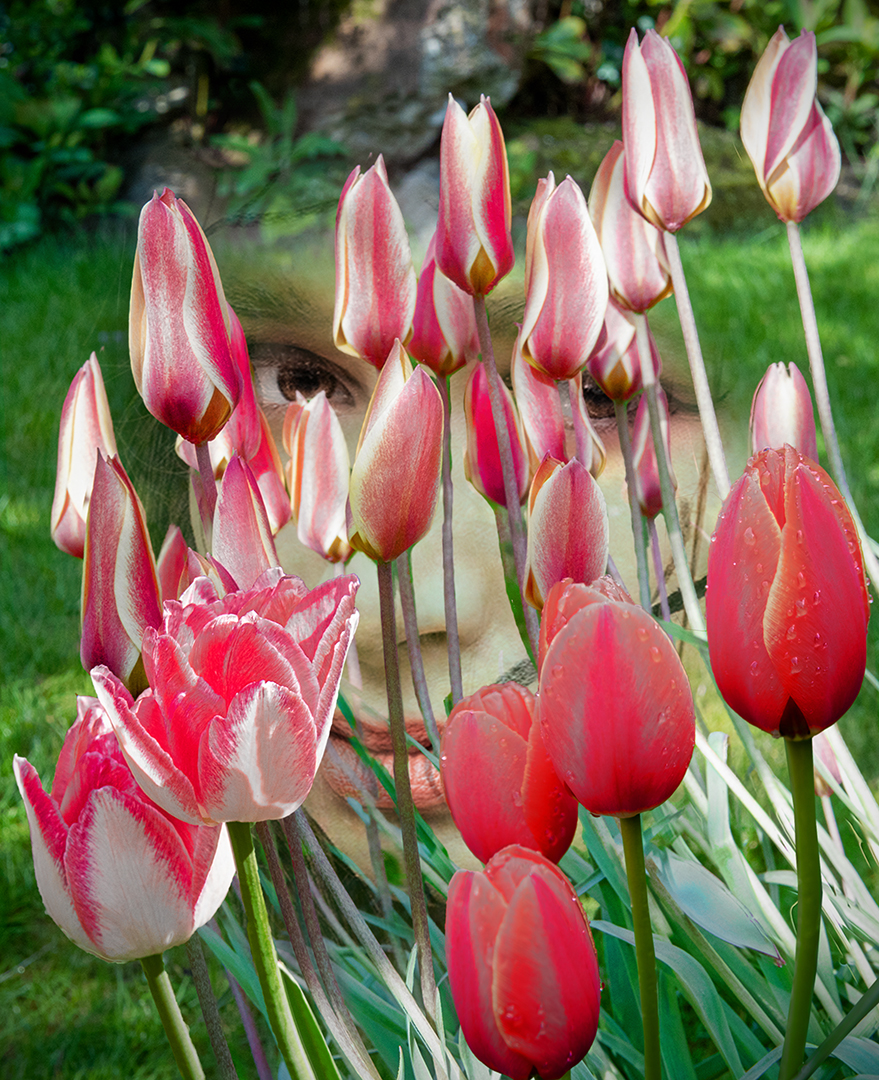
I used the 'Remove Background' tool (from the quick actions dropdown menu) and refined it with the standard selection tools.
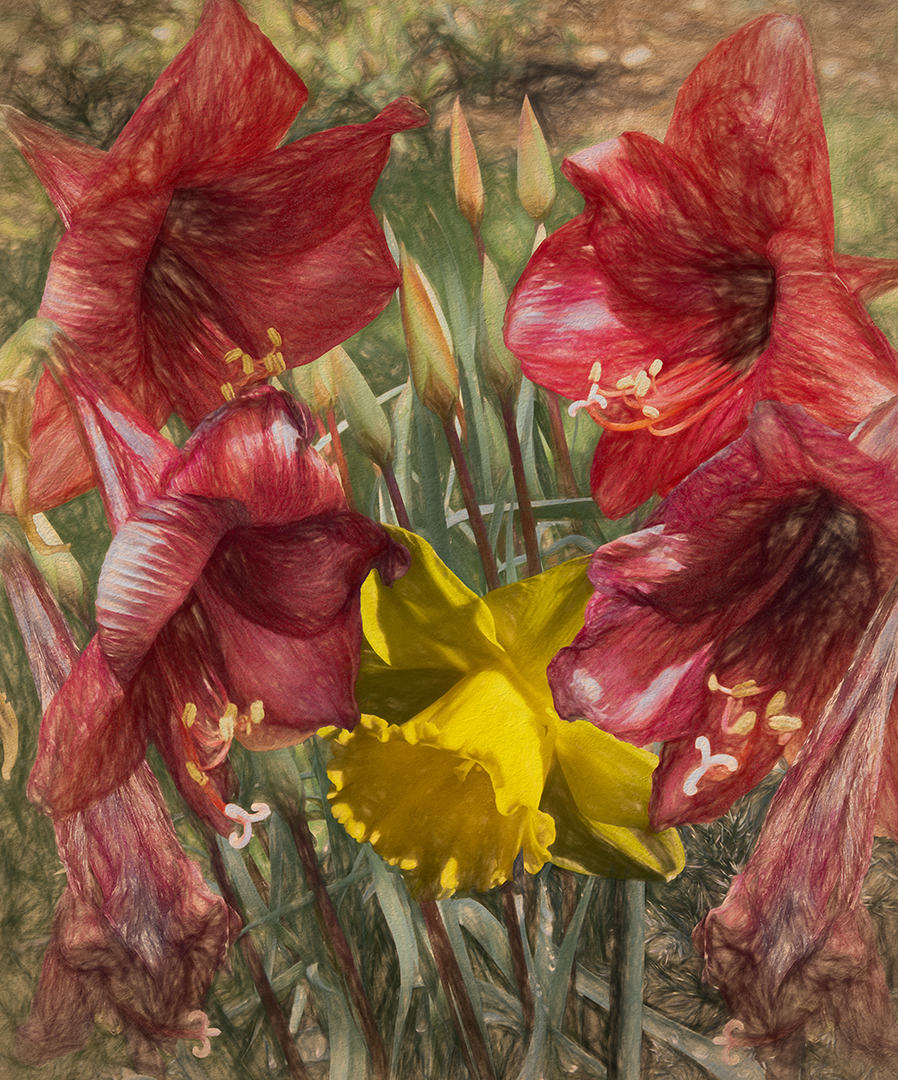
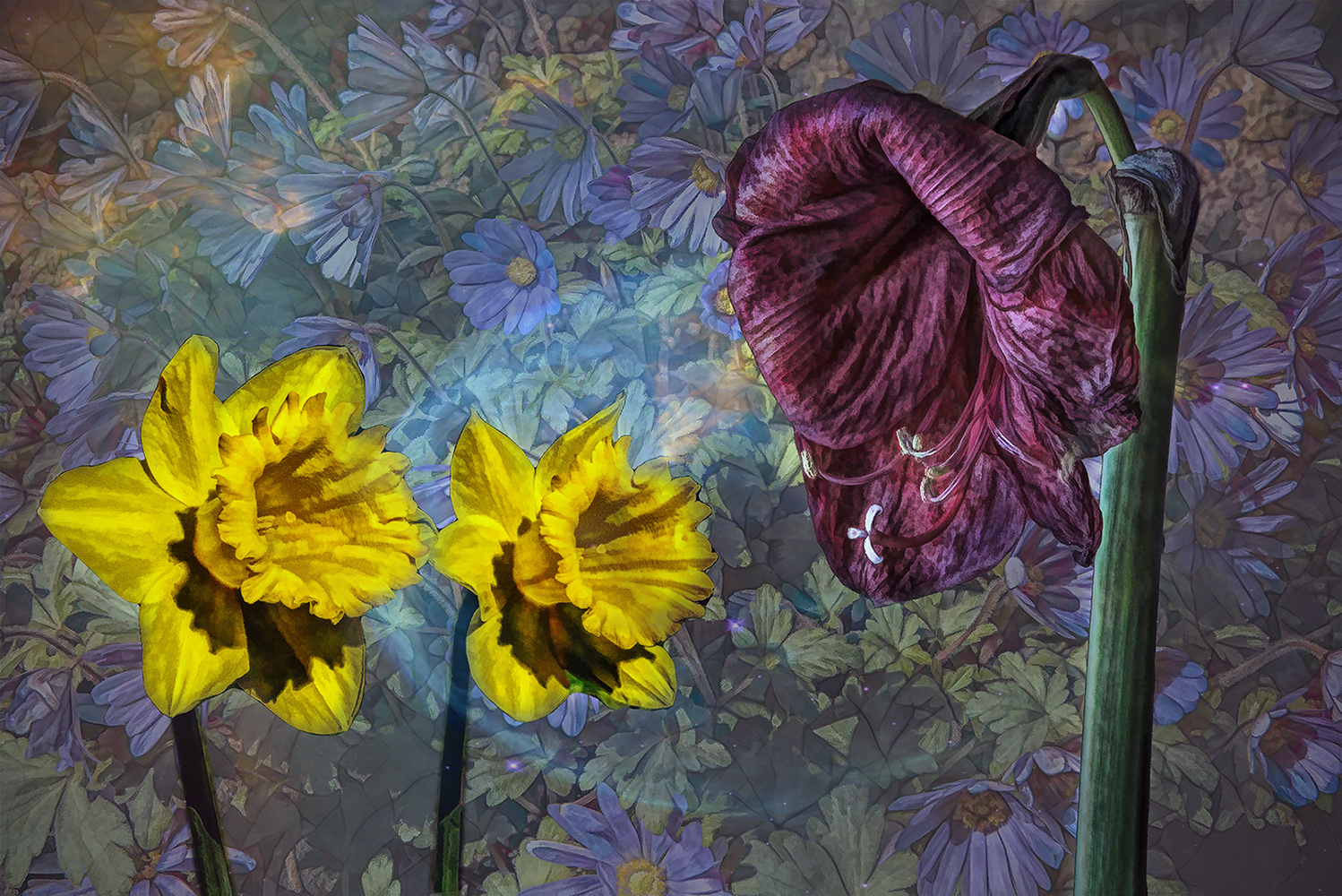
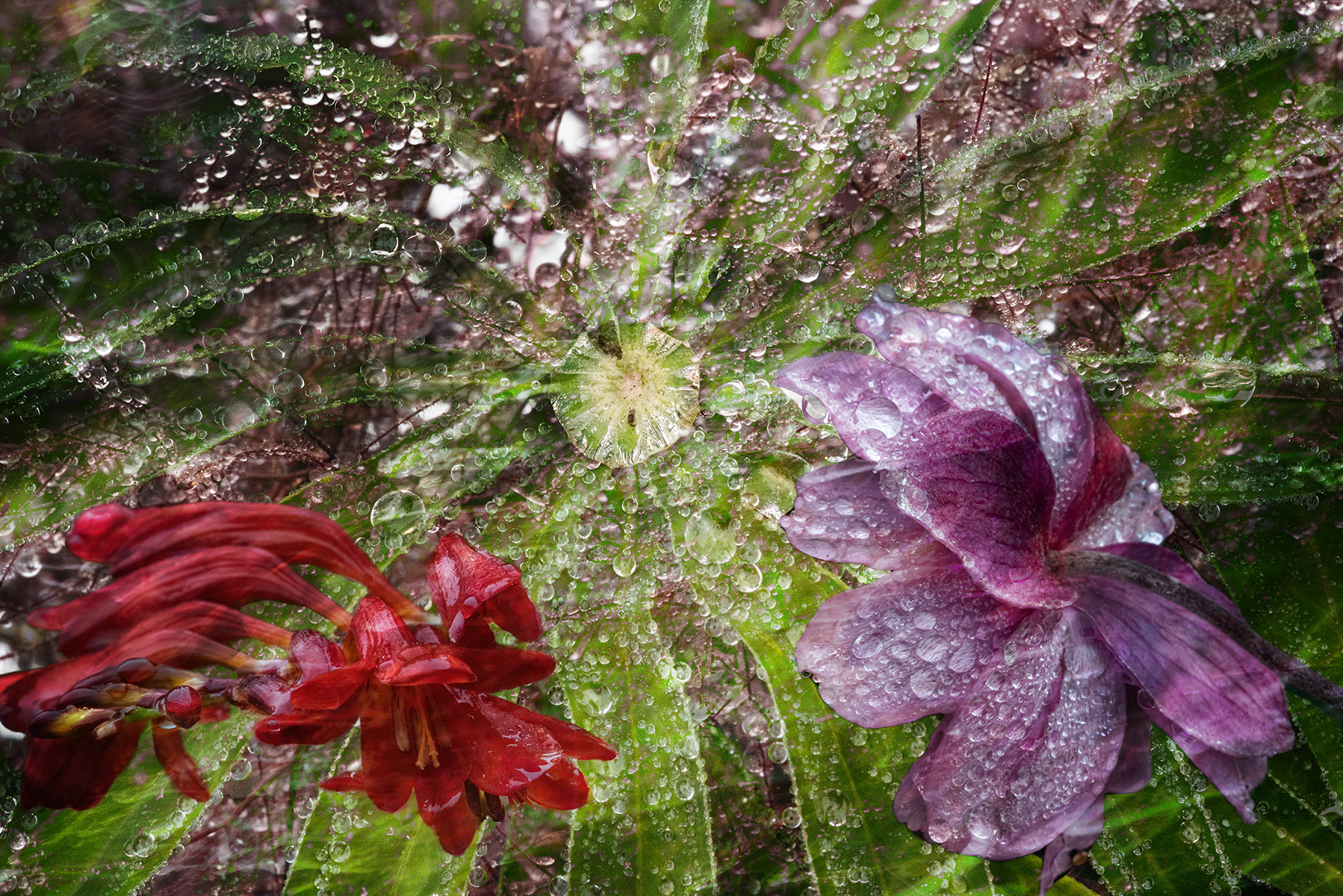
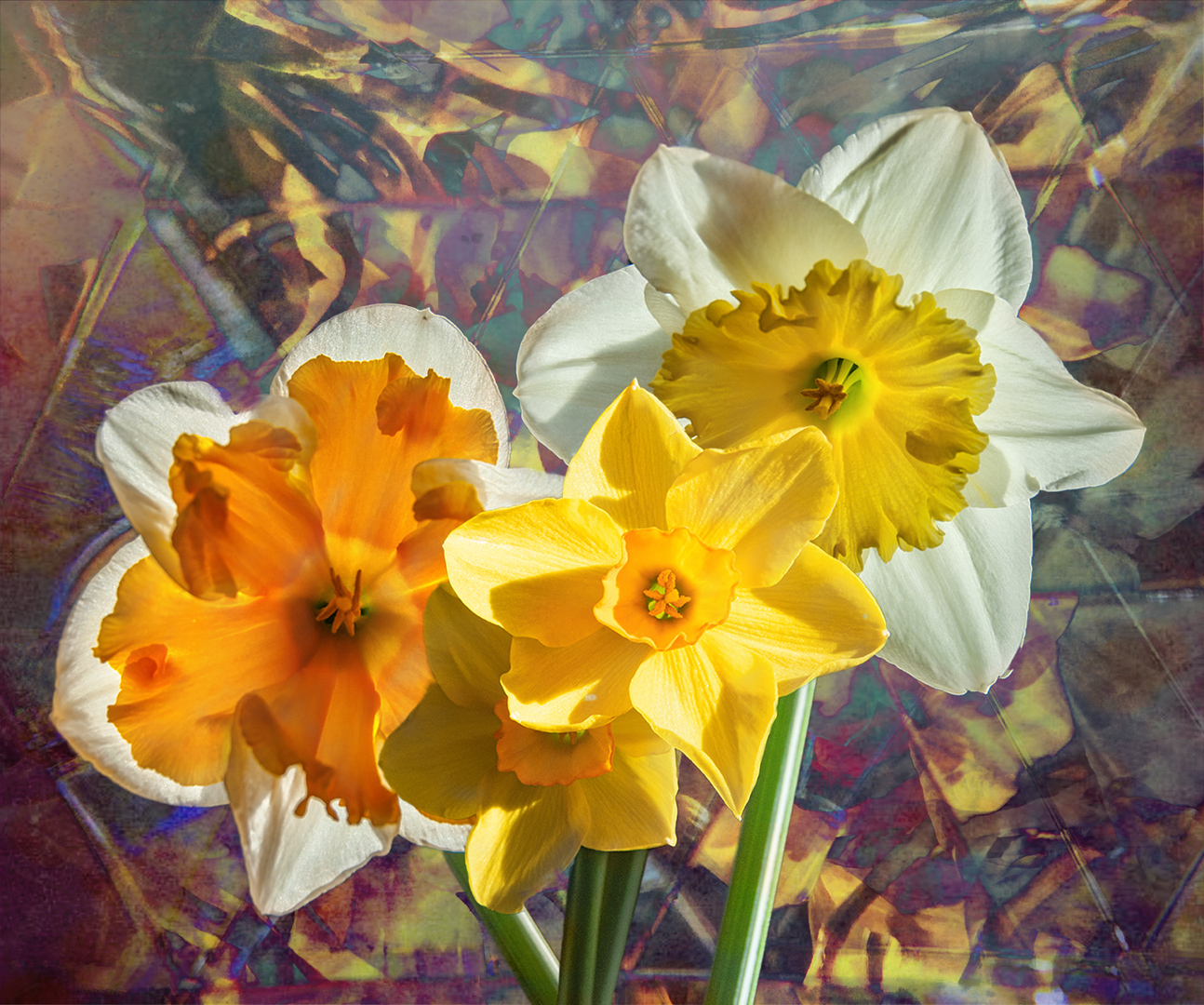
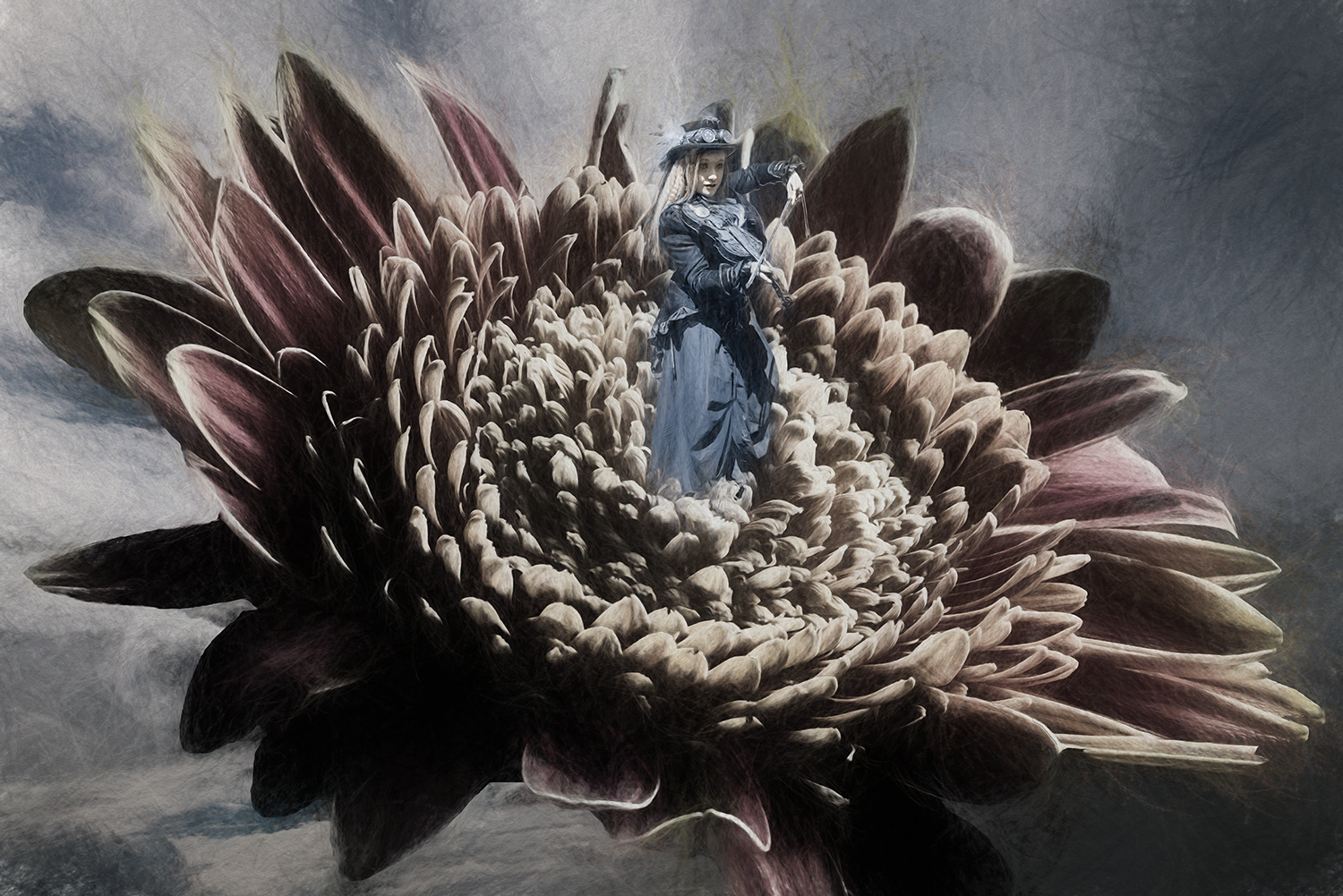
The lines in the 'New' tulip were created using Redfield Quad Pencil plugin - the Redfield plugins always bring up warnings when downloading for installation, but I always ignore them, and I've had no problems with them for over 10 years. |
Jun 27th |
| 34 |
Jun 22 |
Reply |
Hi Jan
Sorry about the 'past it' flower. I just love the textures they produce - I'll try to make up next month as the peonies are looking good just now.
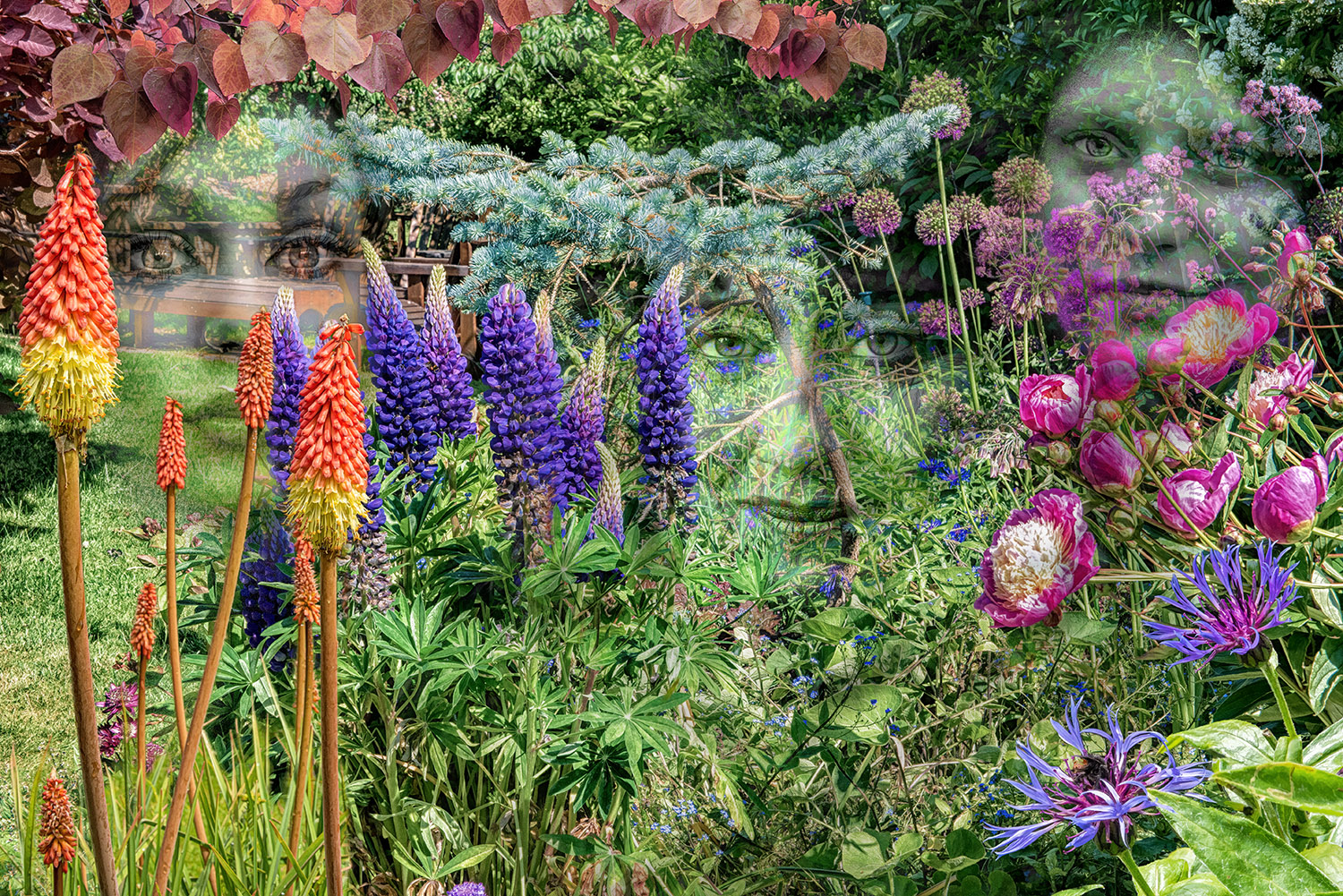
The garden is a good place to be, full stop! |
Jun 18th |
| 34 |
Jun 22 |
Reply |
Thanks Candy
I would have tried with the same flower but the weather was against me - so much wind and rain that it was impossible to get before and after shots of both flowers - maybe next year! |
Jun 18th |
| 34 |
Jun 22 |
Reply |
Thanks Gunter
I like that! |
Jun 13th |
| 34 |
Jun 22 |
Comment |
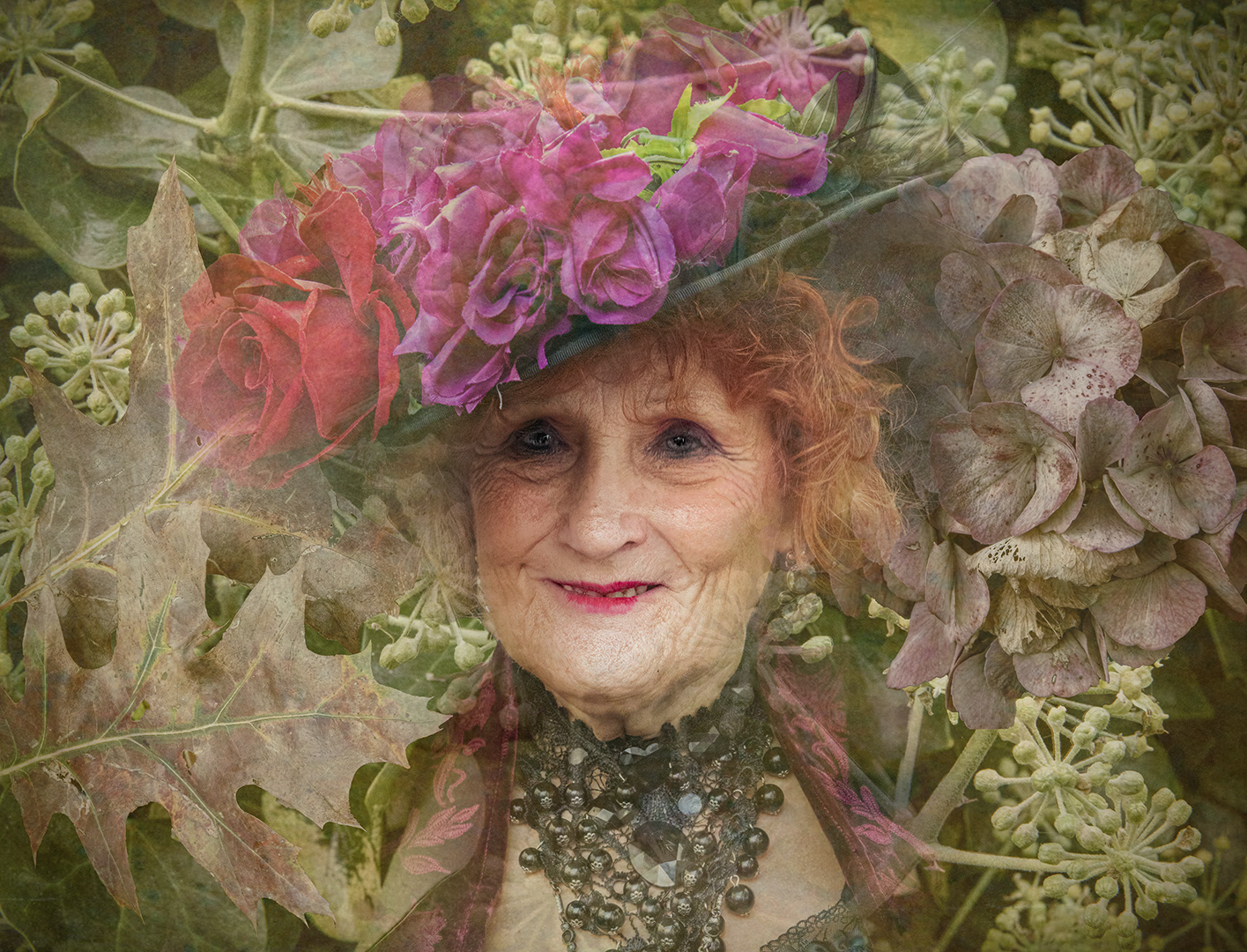
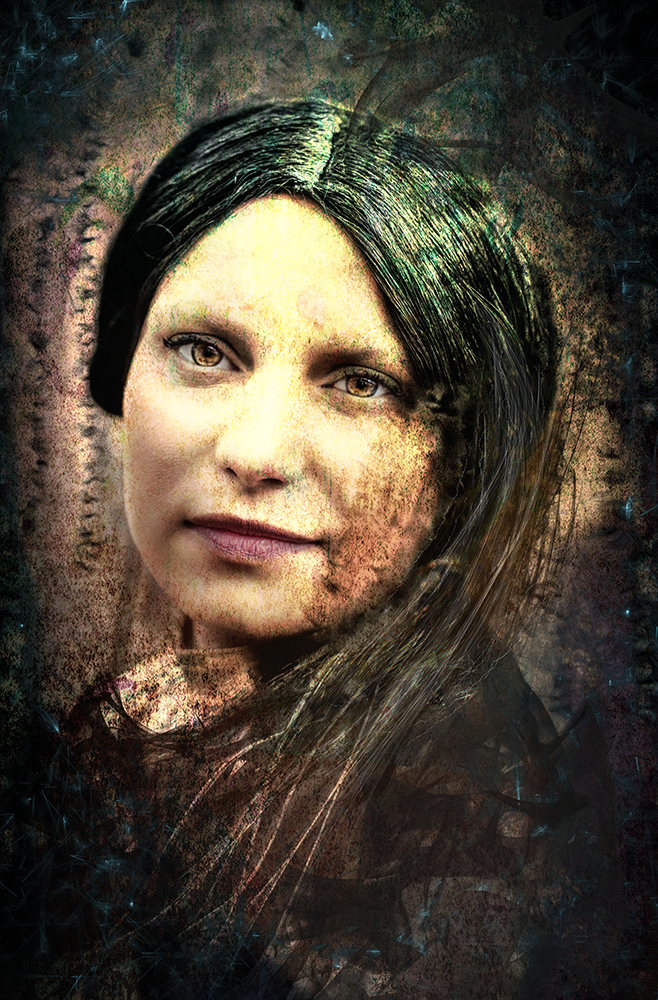
The final image is very well merged. Well done.
Restricting yourself to a single lens is a good discipline. I usually carry a 24-70 mm f/2.8 which has a good range for landscape and portraiture. The wide aperture makes it quite creative.
I would hope to see more 'altered reality' for this group. You've created an excellent image, but not what we'd call 'creative' to the PSA definition. Please get in touch if you'd like any help with this.
Welcome to the group. |
Jun 9th |
| 34 |
Jun 22 |
Reply |
Thanks Georgianne.
The remove background tool is located in the 'Quick Actions' dropdown which appears below the properties panel. This dropdown doesn't appear with a background layer - the layer maust be made into a working layer (double click it in the layers palette) to unlock it. |
Jun 5th |
| 34 |
Jun 22 |
Comment |
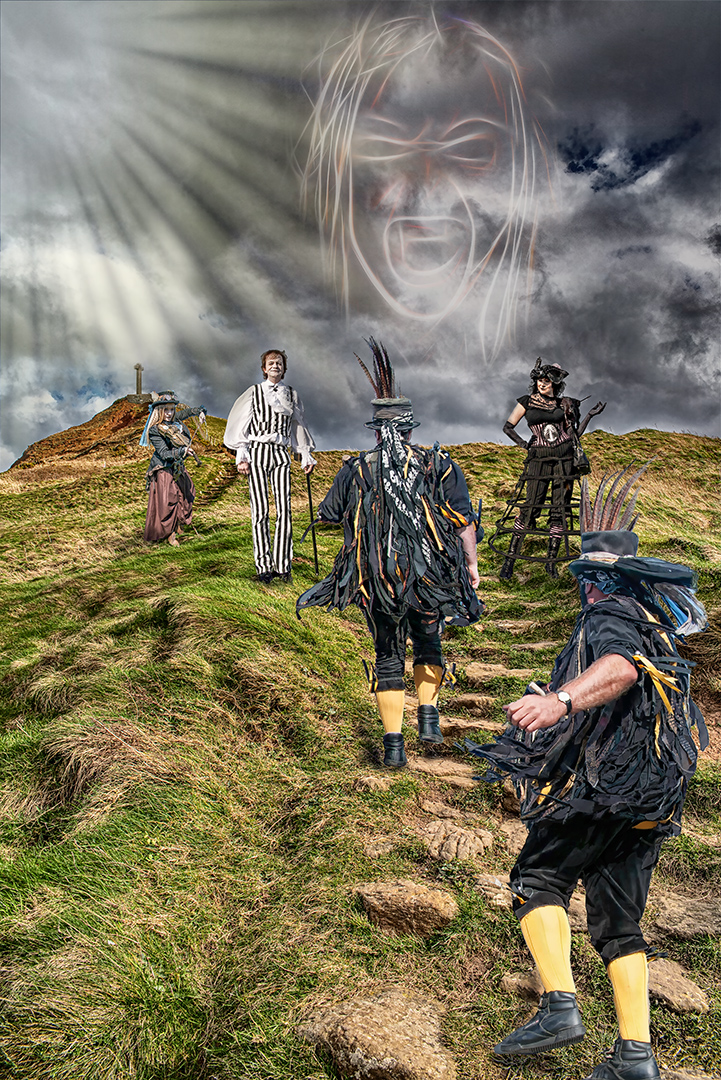
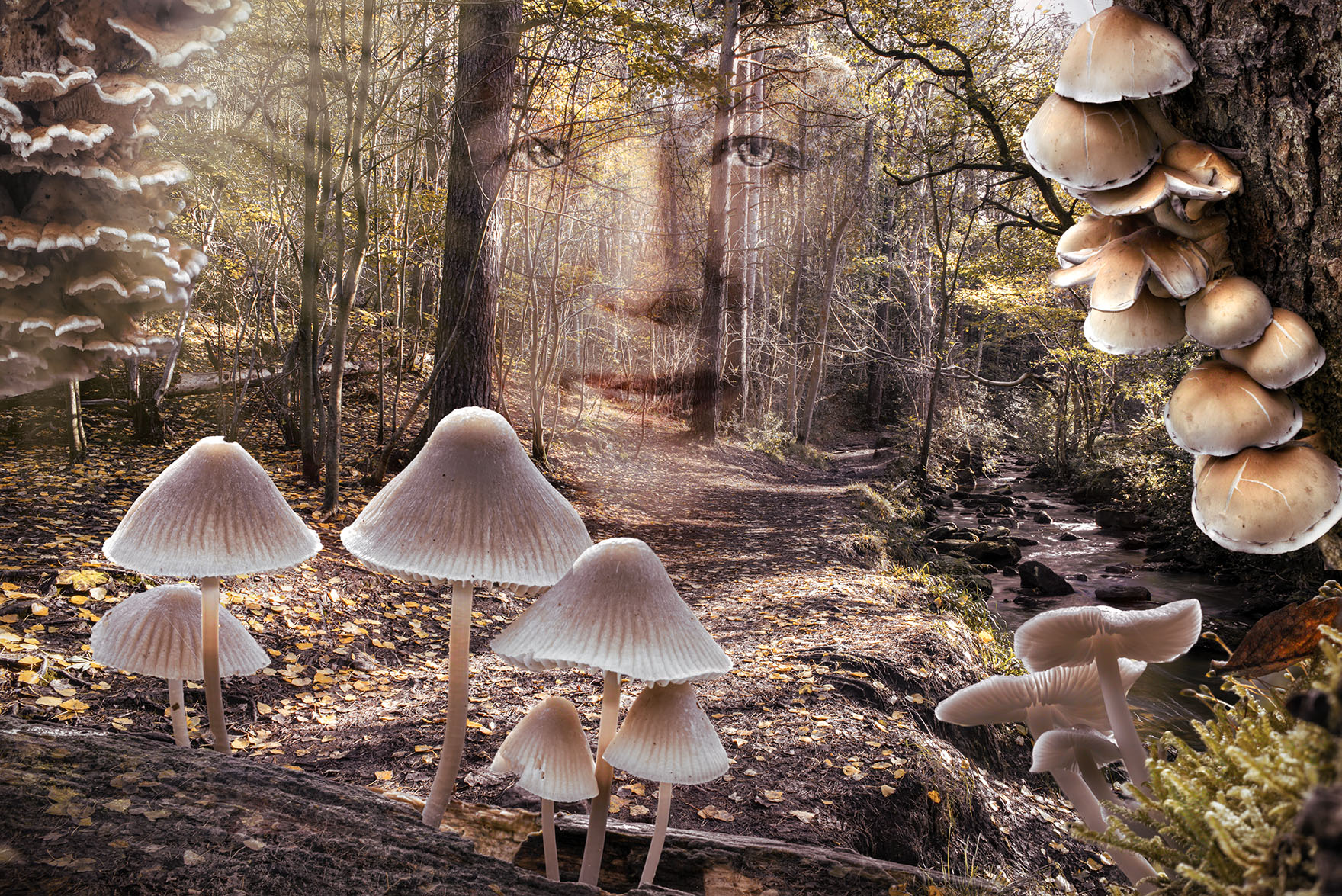
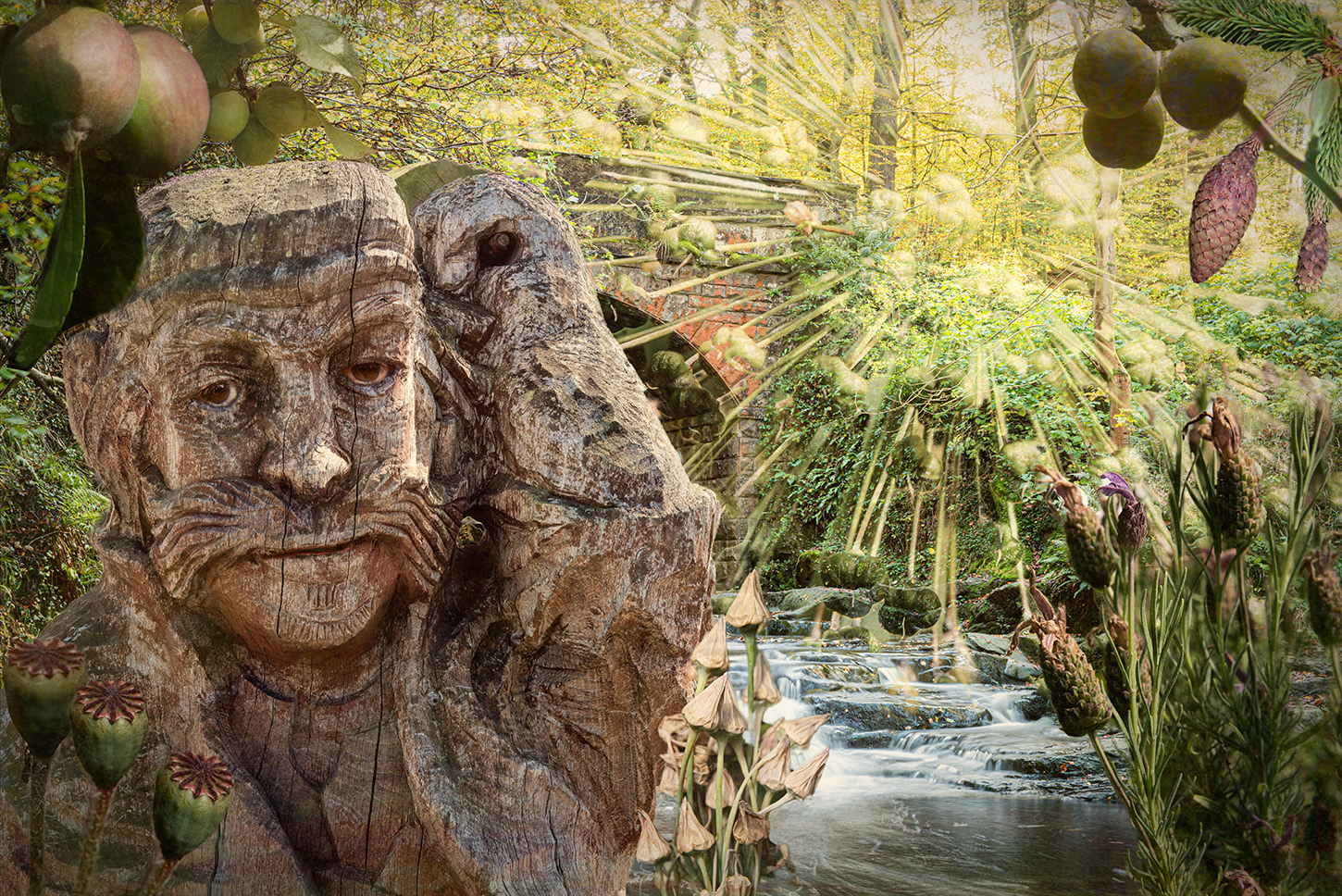
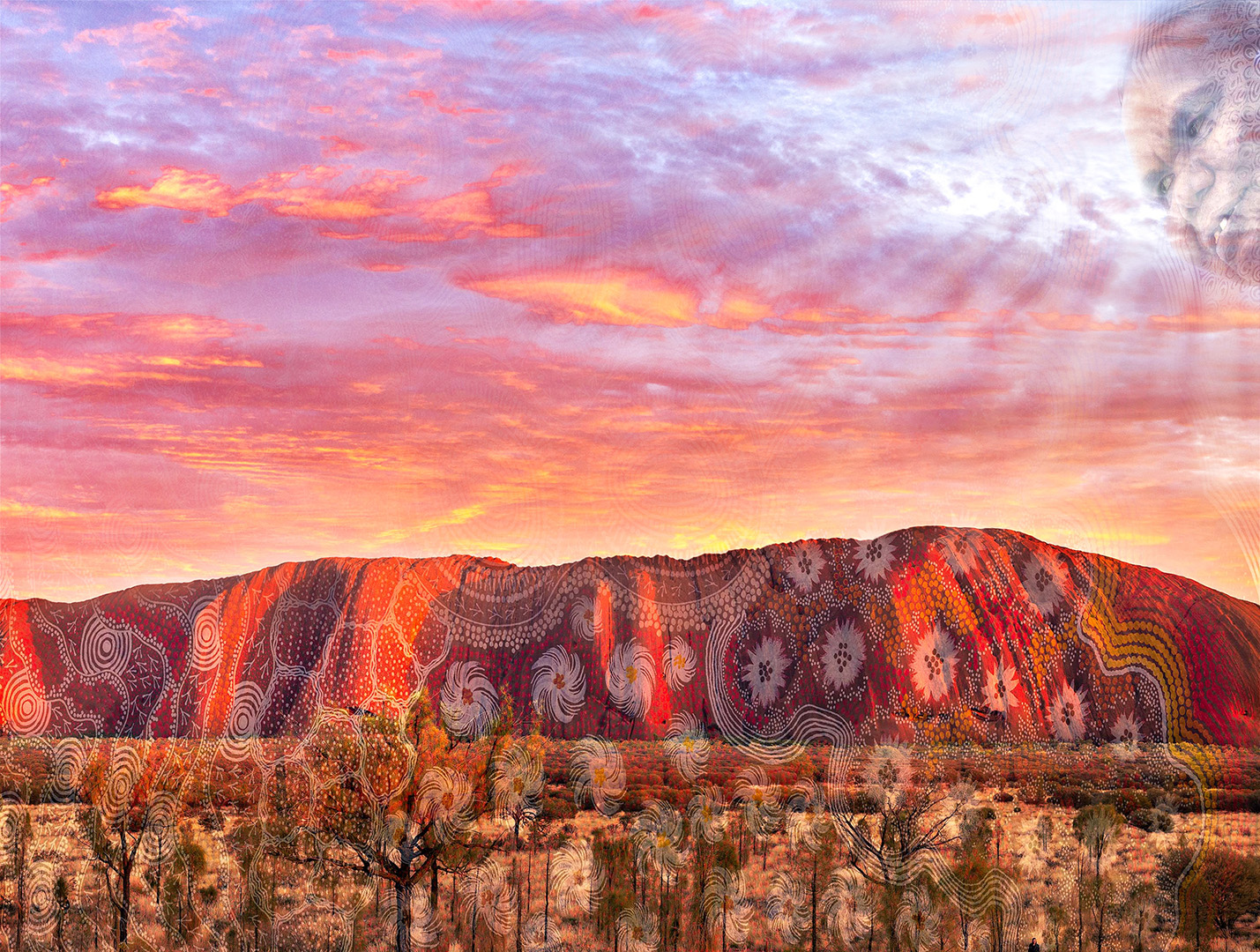
An interesting idea, well put together and certainly portaying the spirit of the Aboriginal culture.
I felt that the artwork looked just a bit 'pasted on', so I removed a lot of it from the sky and added some rays to bring the attention more to the face in the sky. I think maybe somne of the foreground could be brought out a little more too. |
Jun 3rd |
 |
| 34 |
Jun 22 |
Comment |
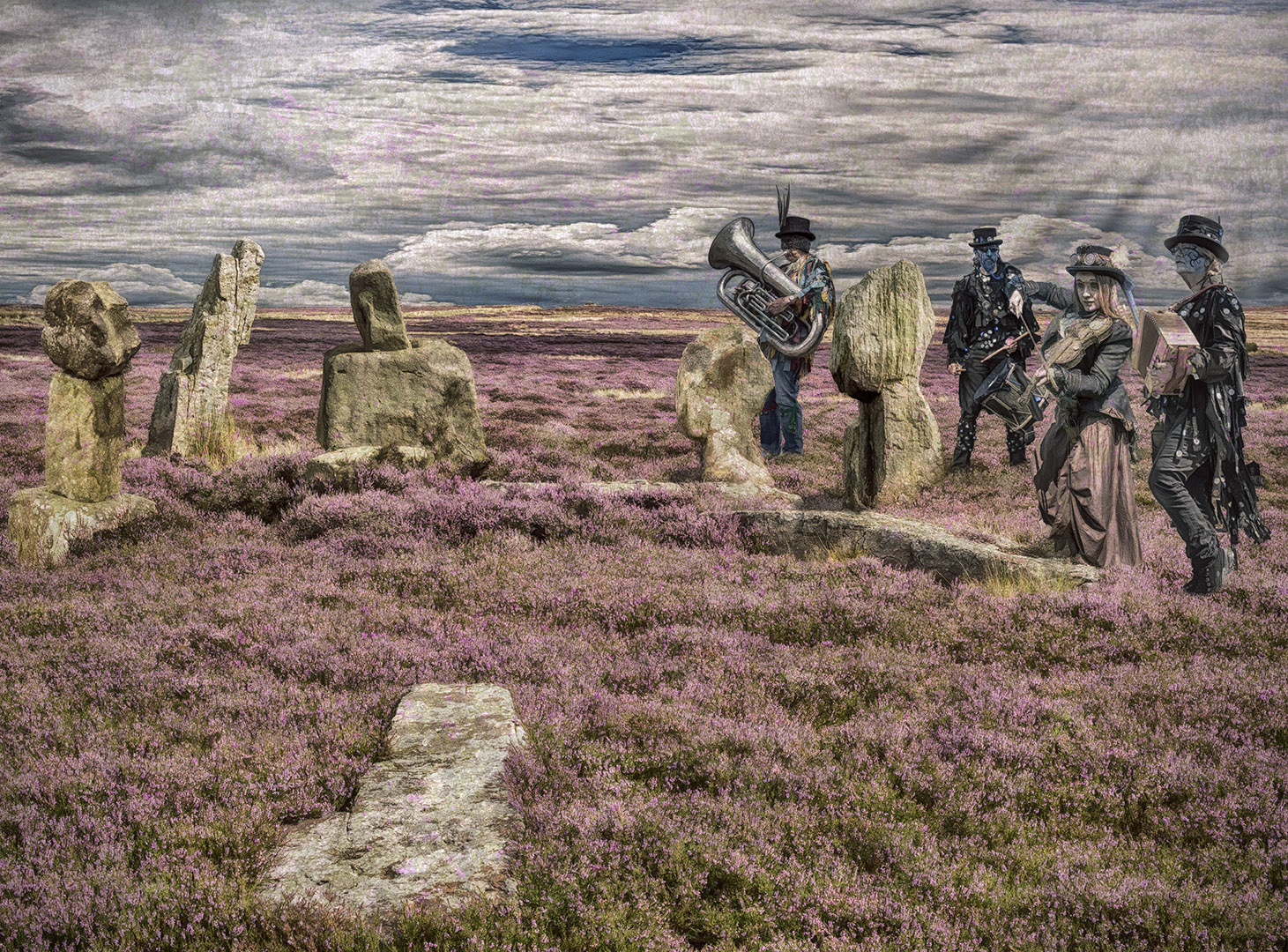
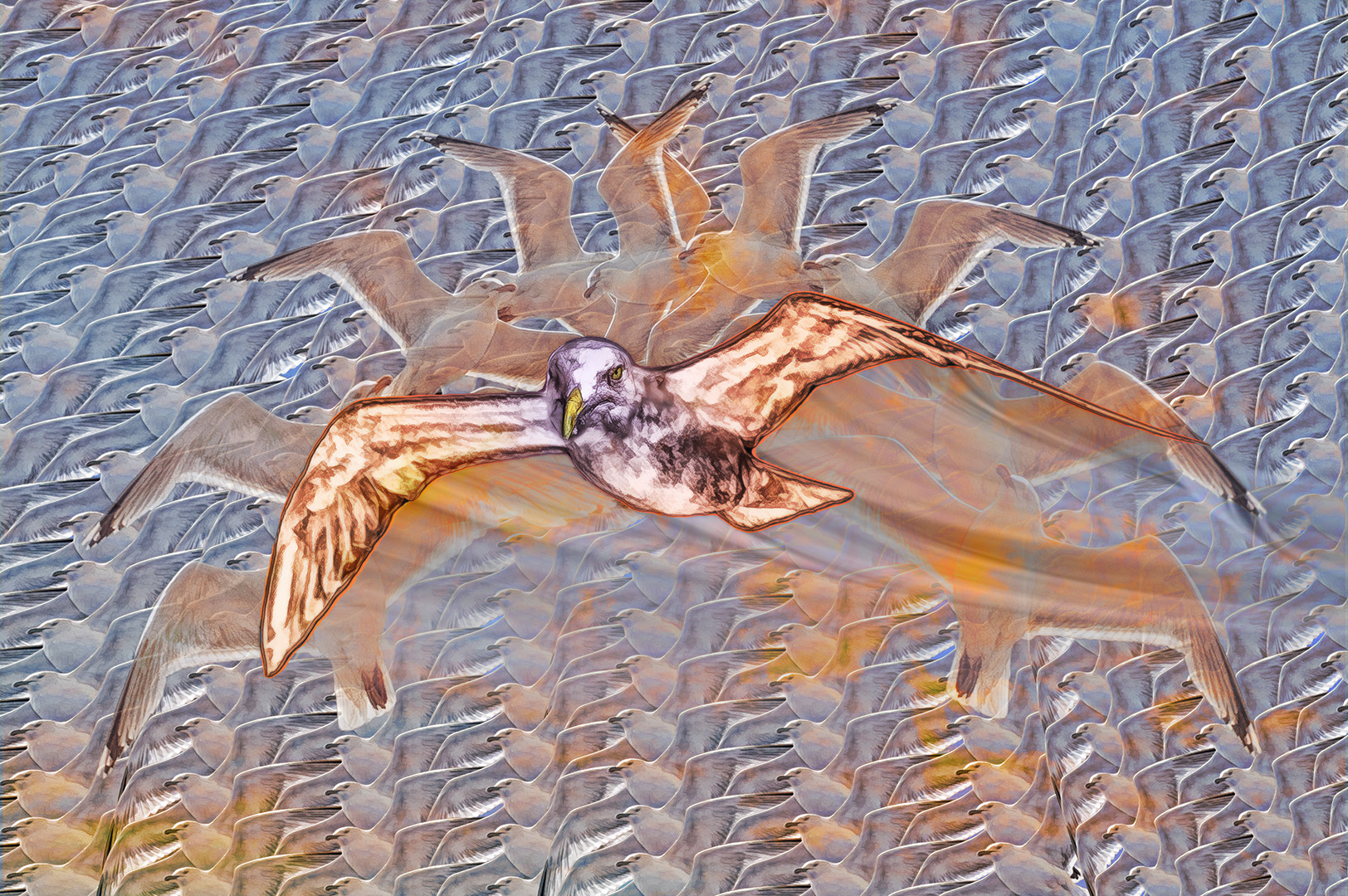
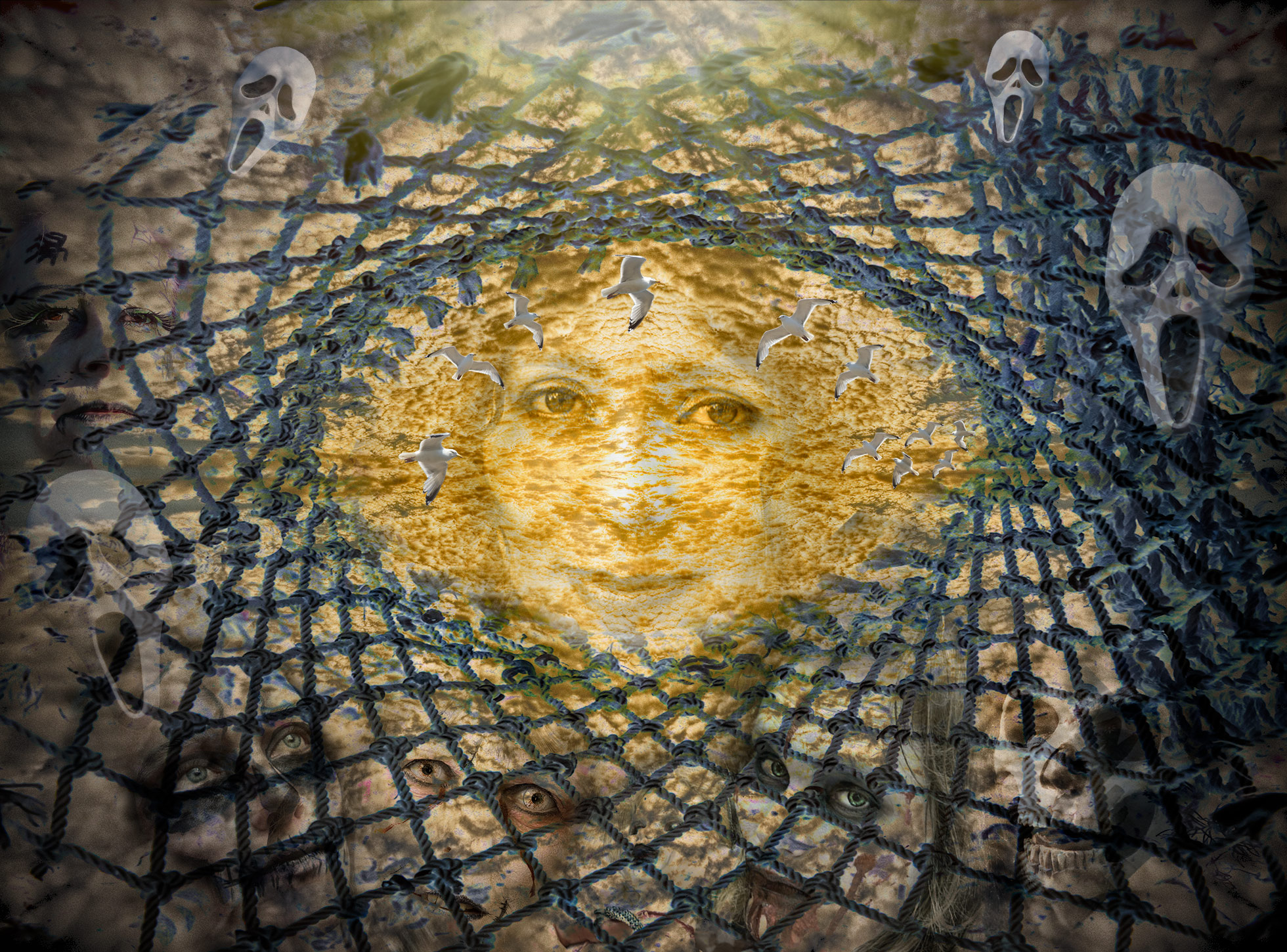
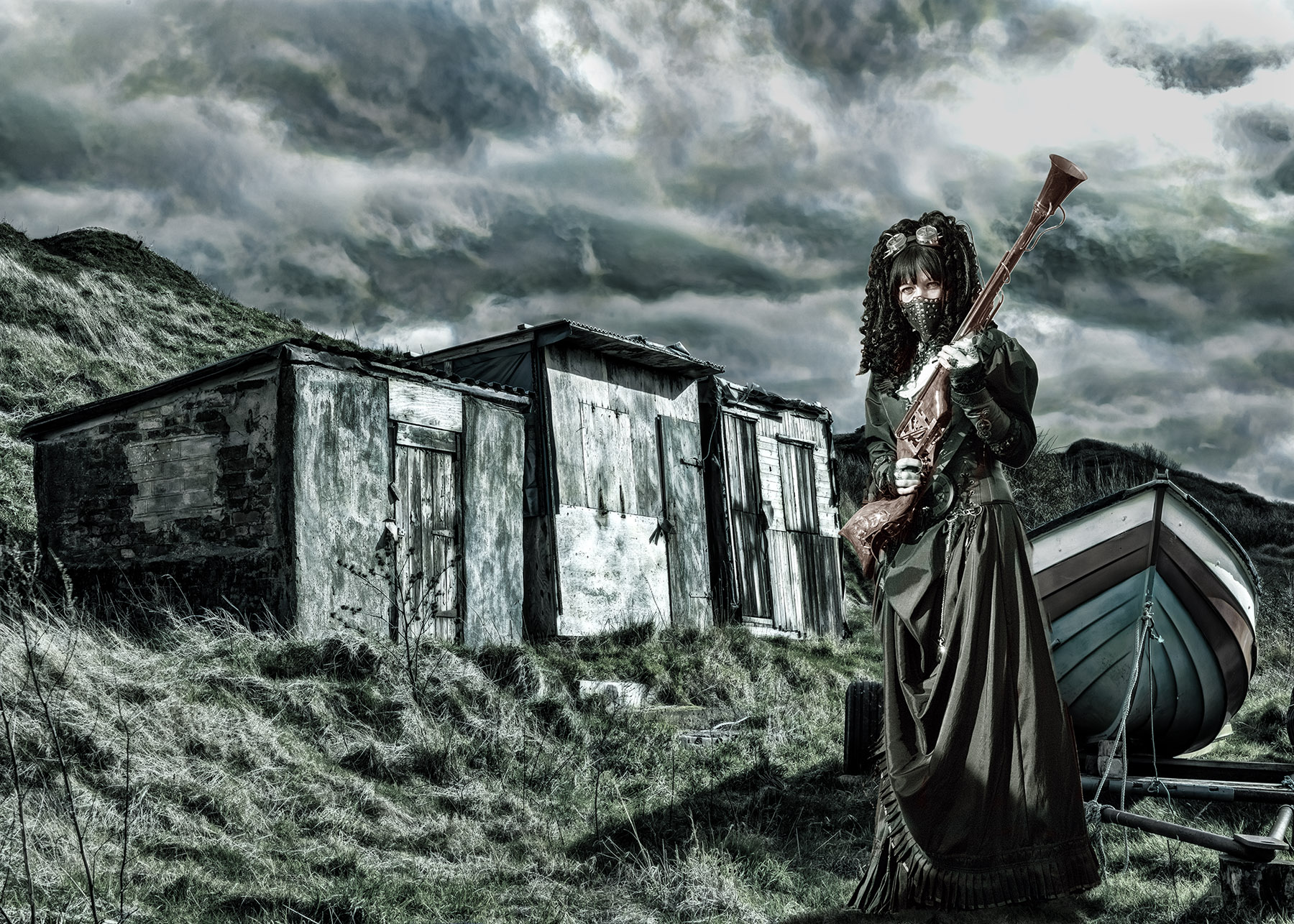
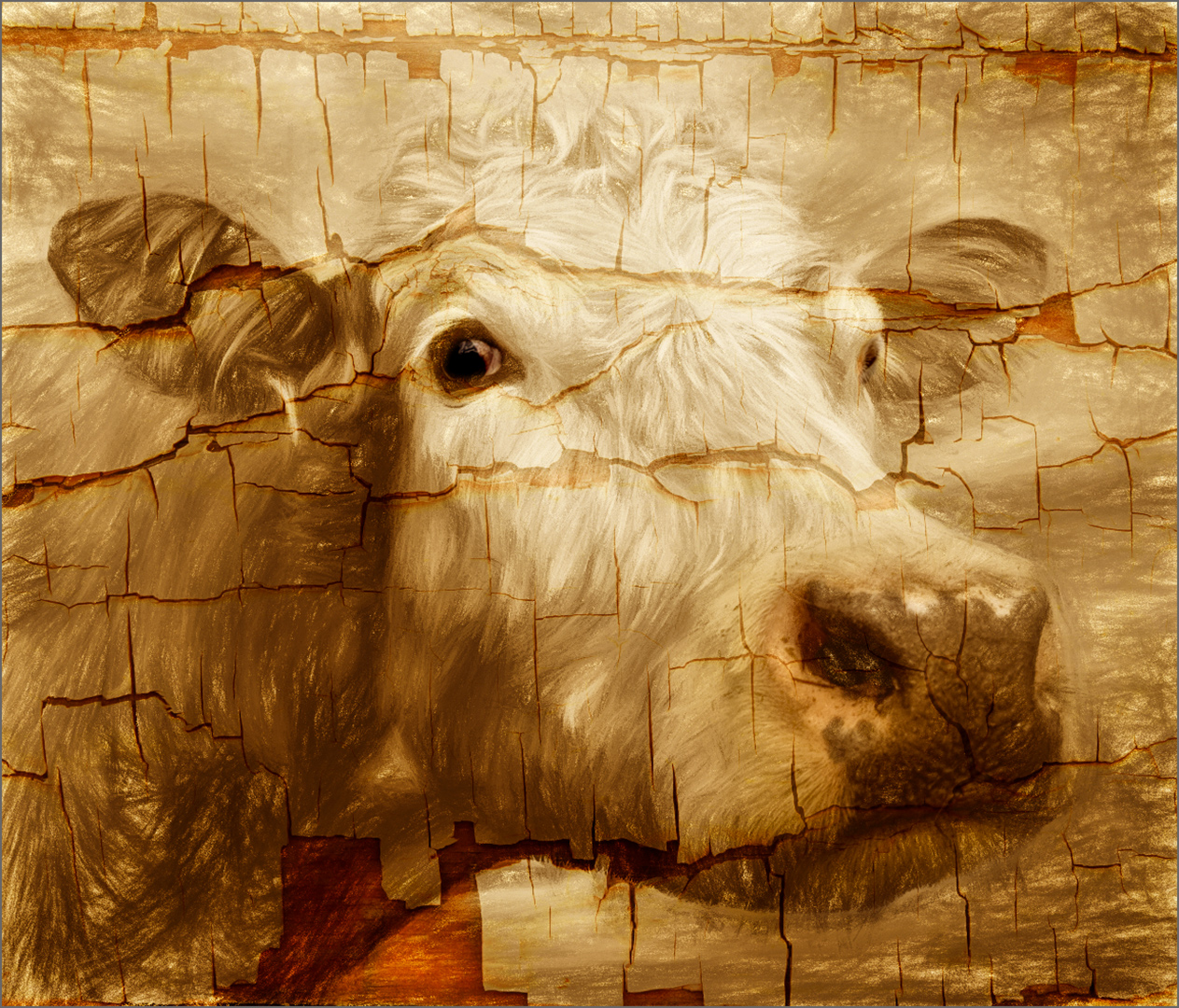
Excellent! What a difference in the treatment from last month. Last month you used the same image to create a relaxing, peaceful scene, while this displays almost entropy!
It has impact, but some disquiet.
Playing with blending modes can obviuously produce wonderful effects - I applaud your experimentation.
Well done. |
Jun 3rd |
| 34 |
Jun 22 |
Comment |
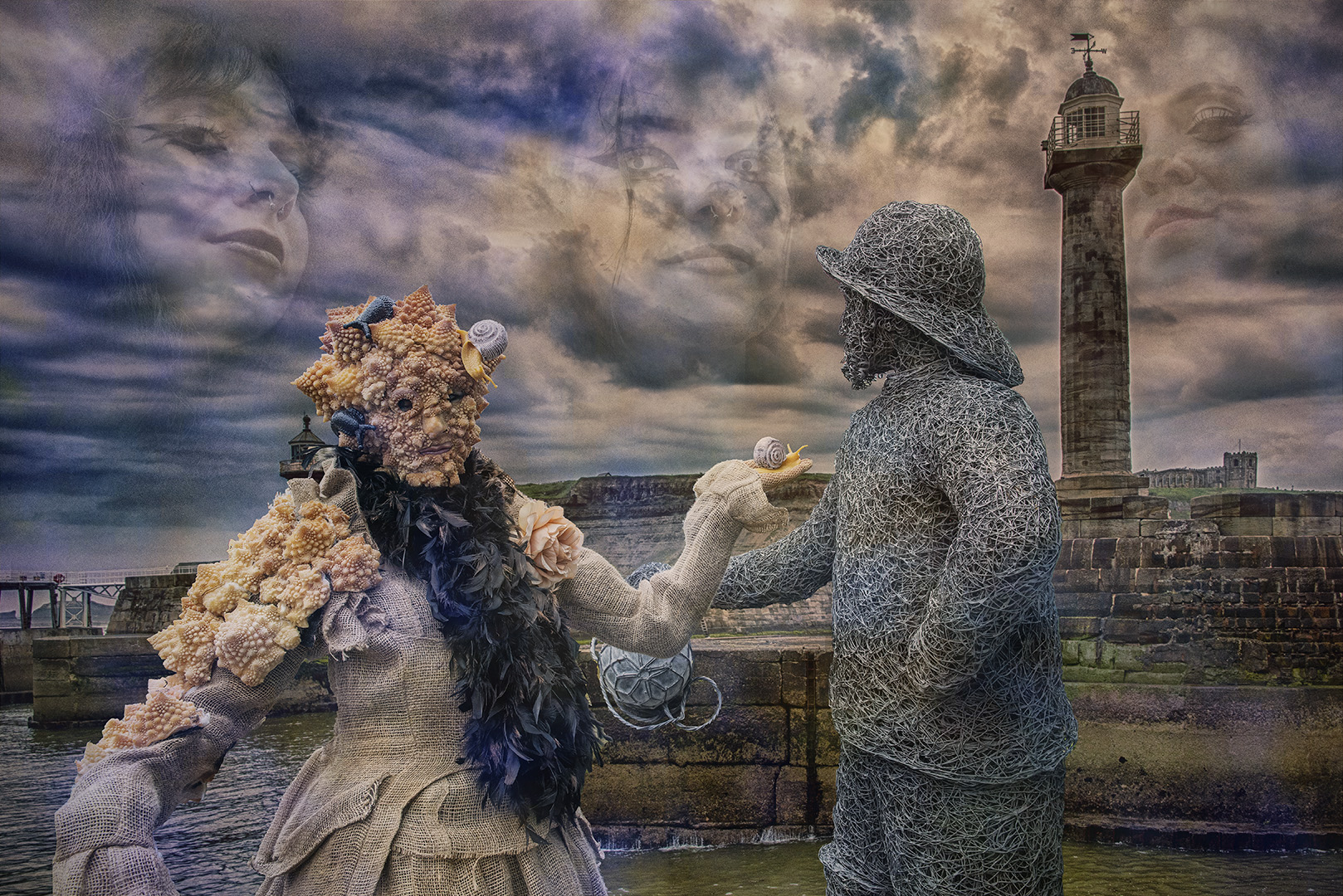
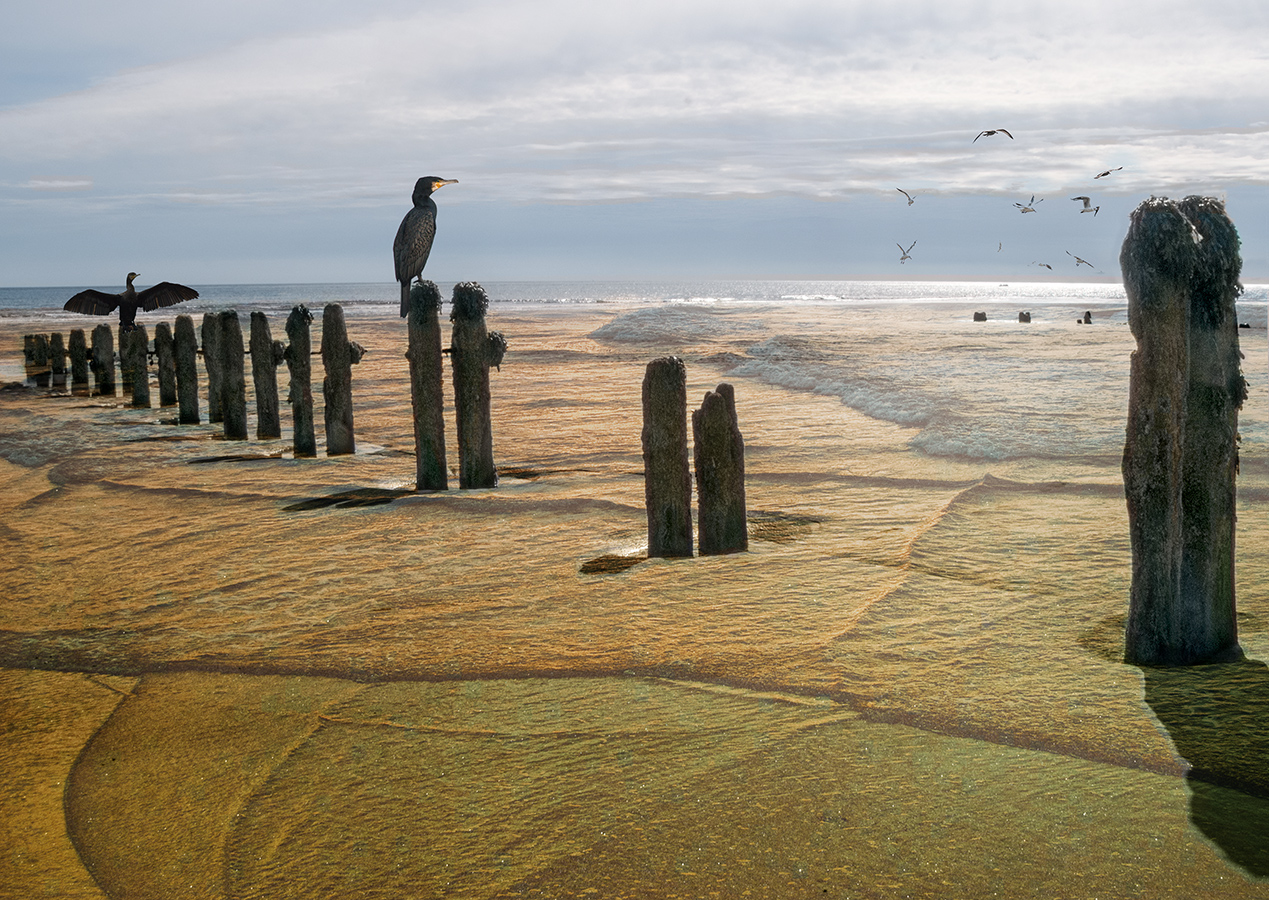
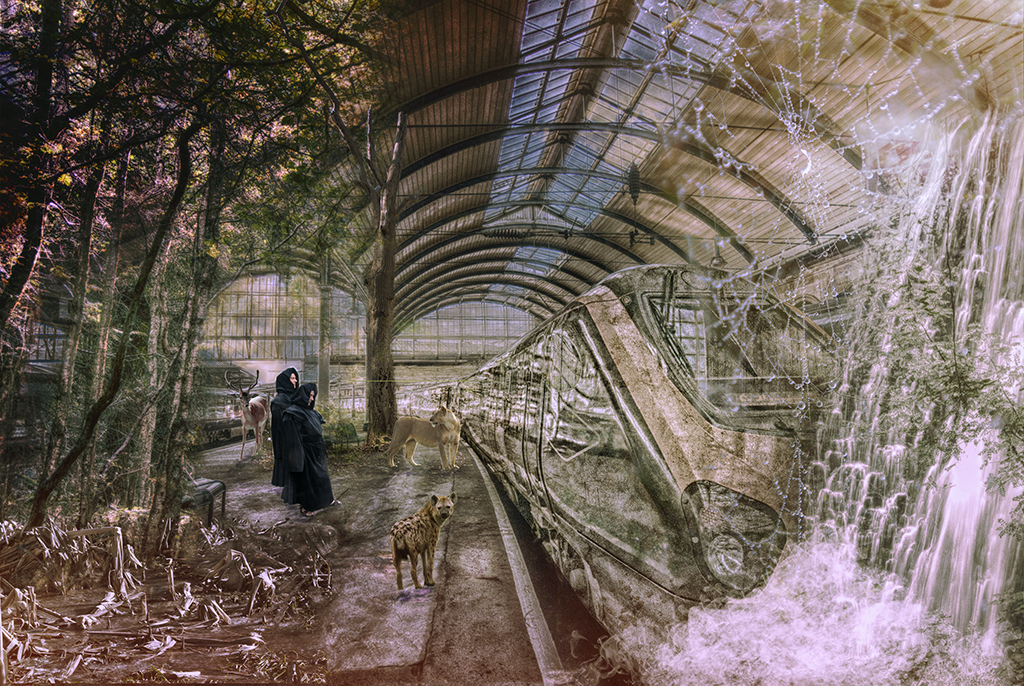
I think this image has real impact (almost said 'power').
I'd be interested to see the originals and some description of the blending modes you used.
The image is quite surreal and it tells the story you were looking for.
I prefer a point of focus, which this vaguely has. The lead lines of the pylons works to lead the eye into it, but I'd prefer something to be lead to.
It's a very effective image. Well done. |
Jun 3rd |
| 34 |
Jun 22 |
Comment |
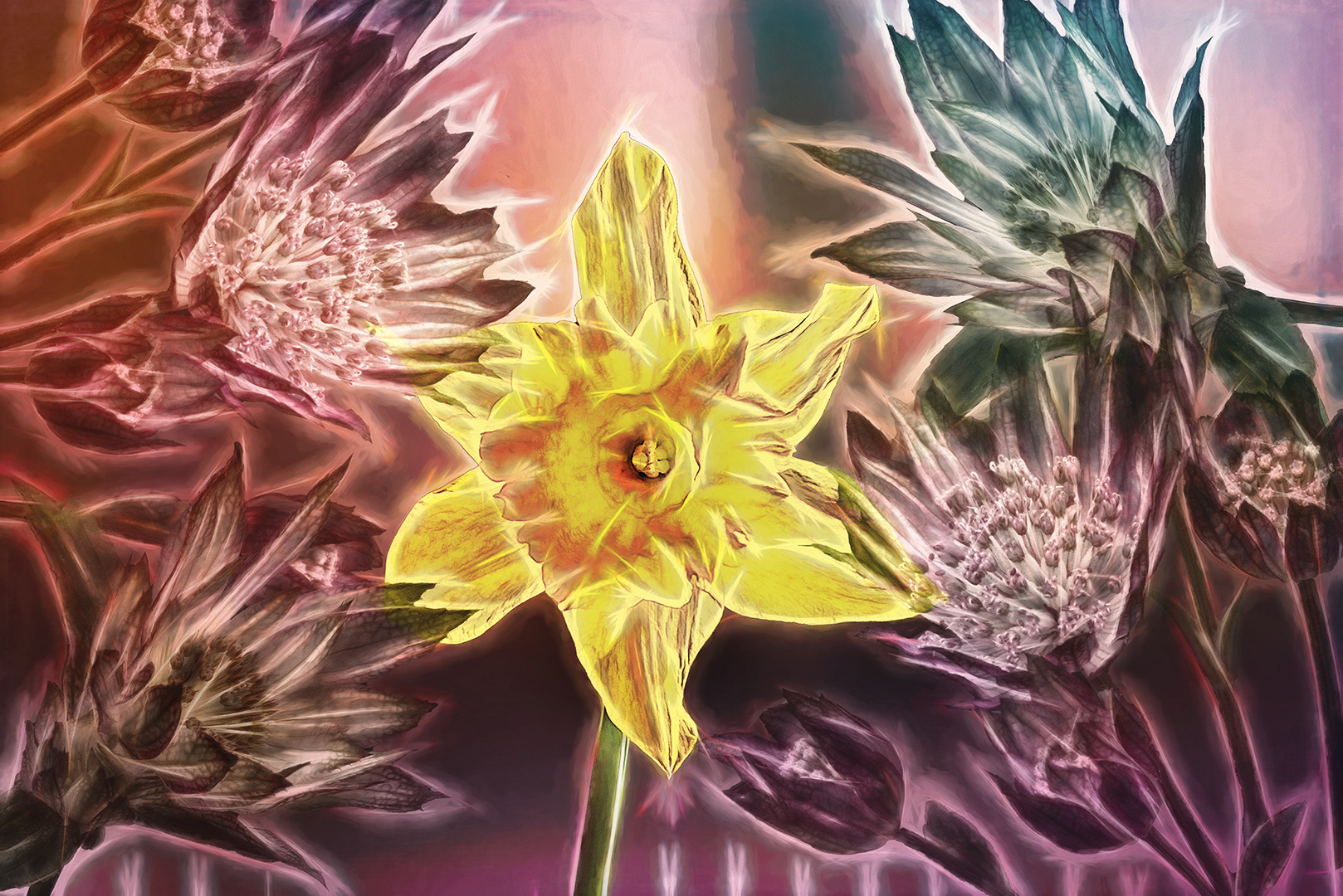
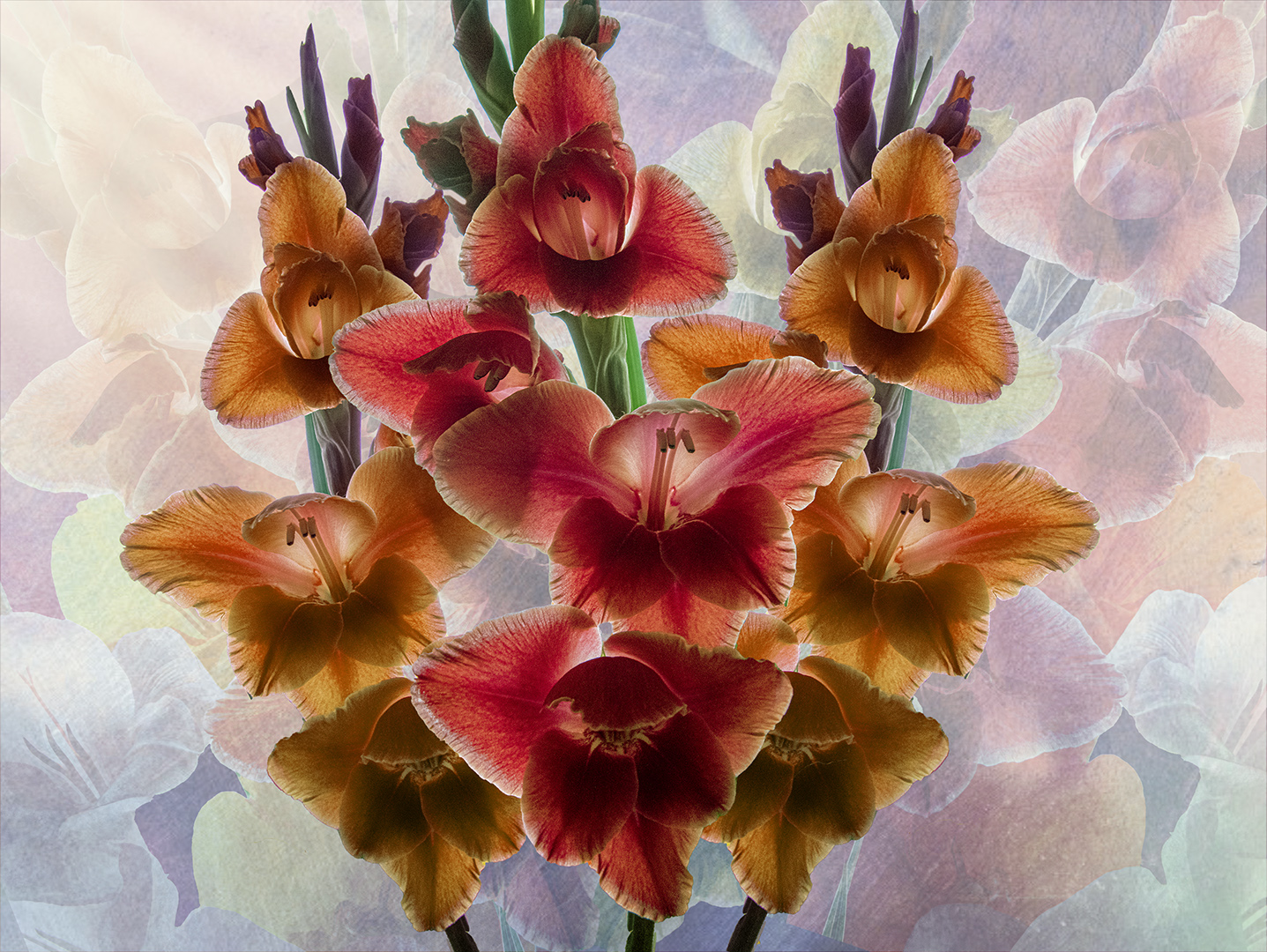
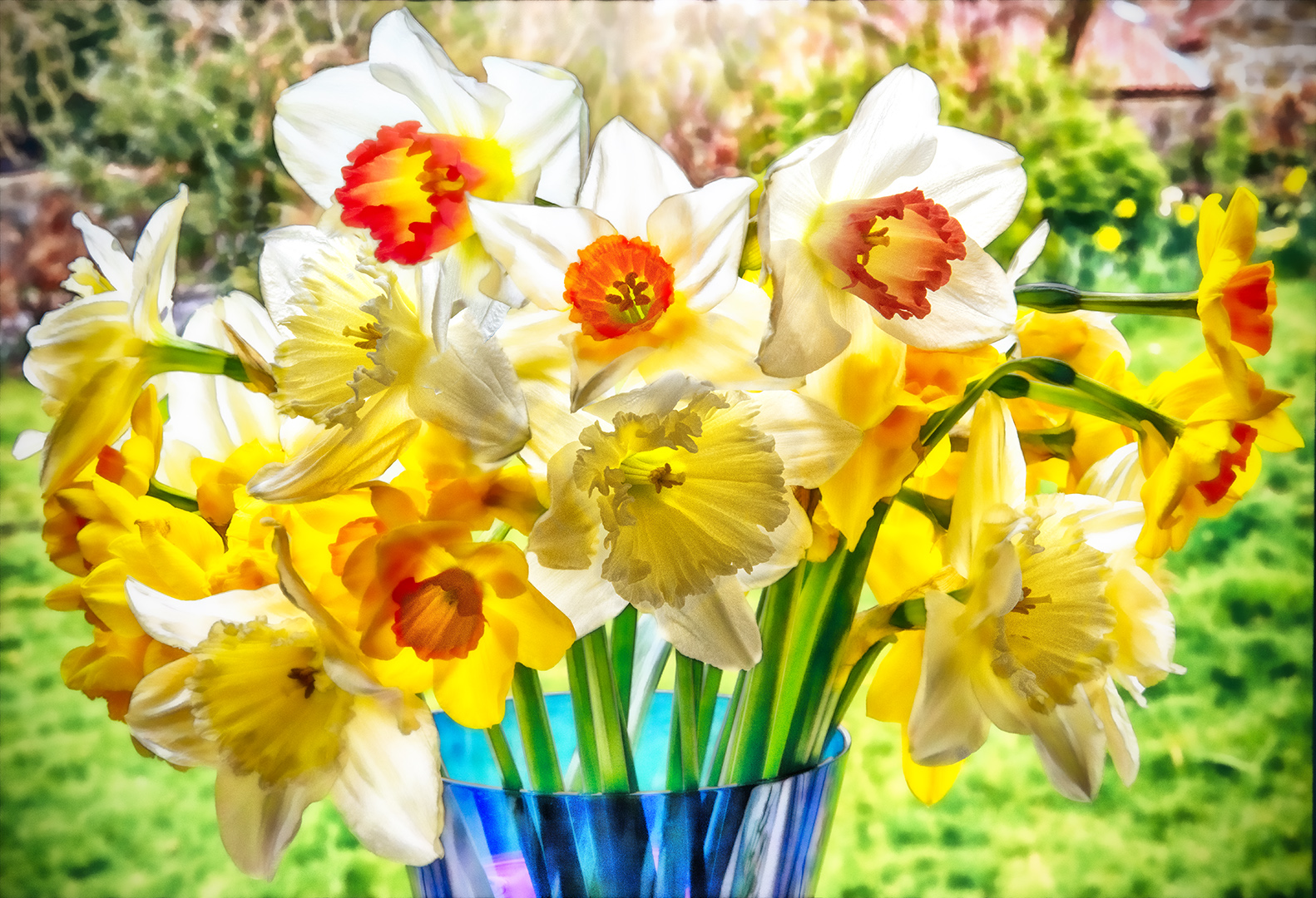
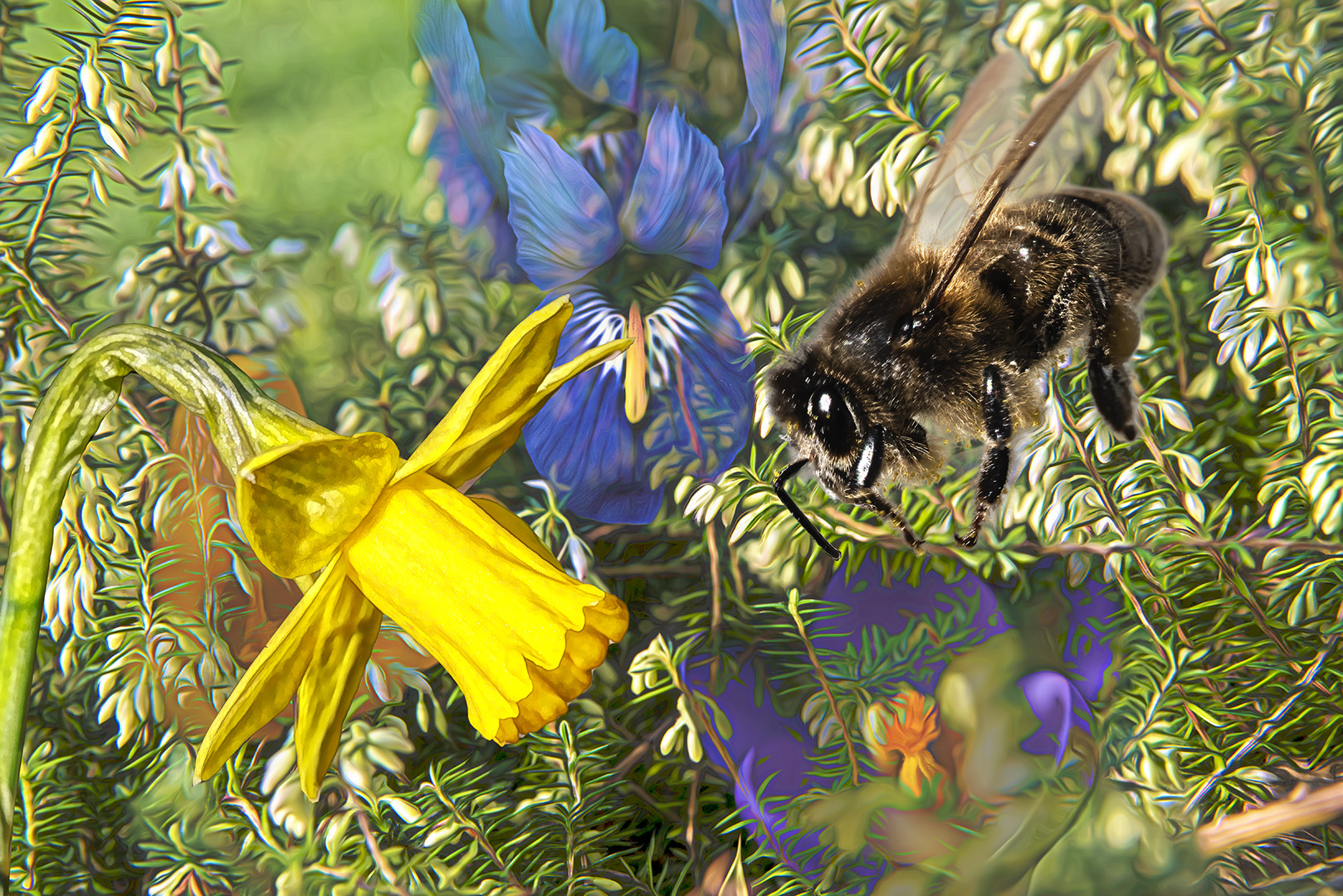
You've created a wonderful image with your well controlled treatment. It shows that perseverence has its rewards.
The detail you've brought out in the flower is superb and the simpification of the leaves with the textures works really well.
I think it would look very good printed and framed. |
Jun 3rd |
5 comments - 5 replies for Group 34
|
5 comments - 5 replies Total
|