|
| Group |
Round |
C/R |
Comment |
Date |
Image |
| 34 |
Jan 22 |
Reply |
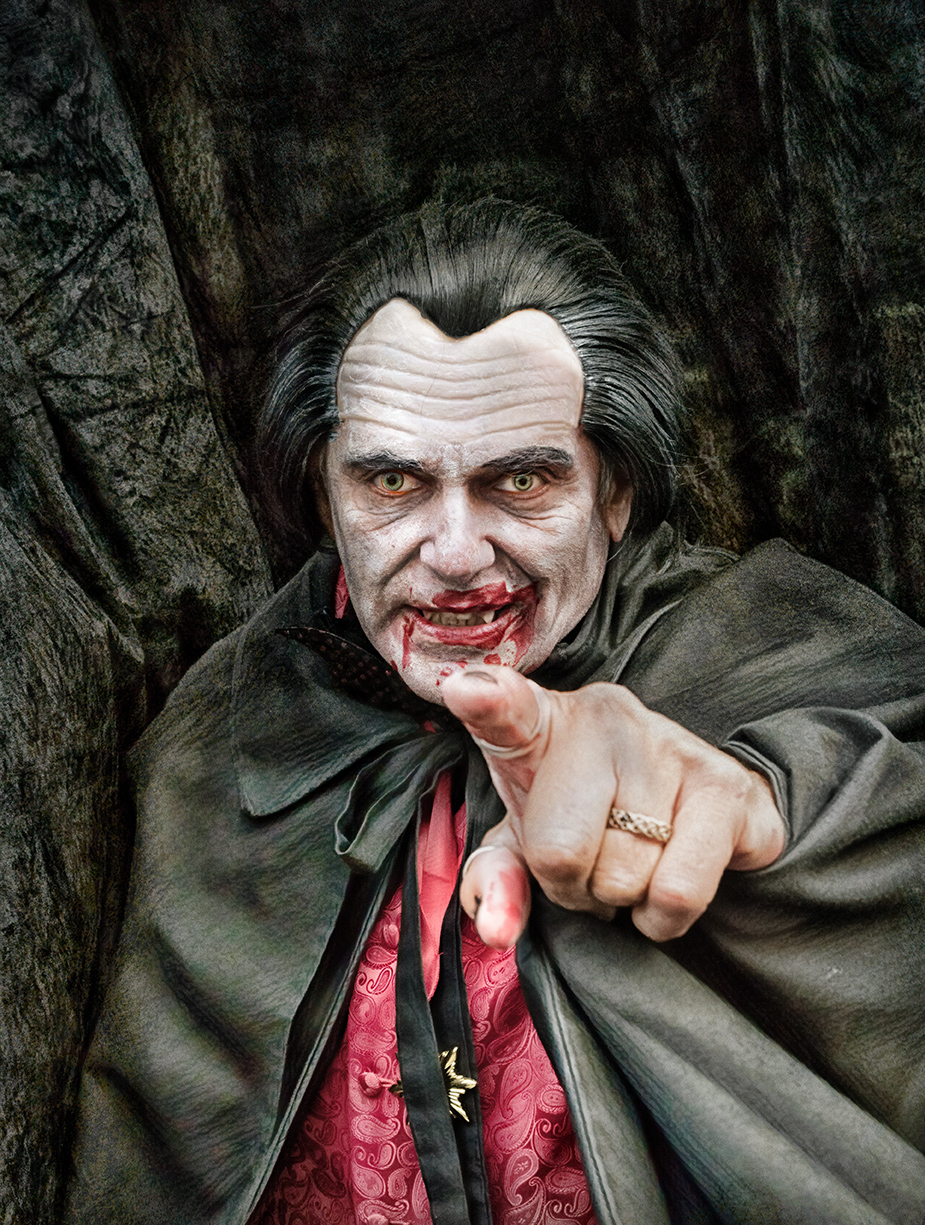
Thanks Brian
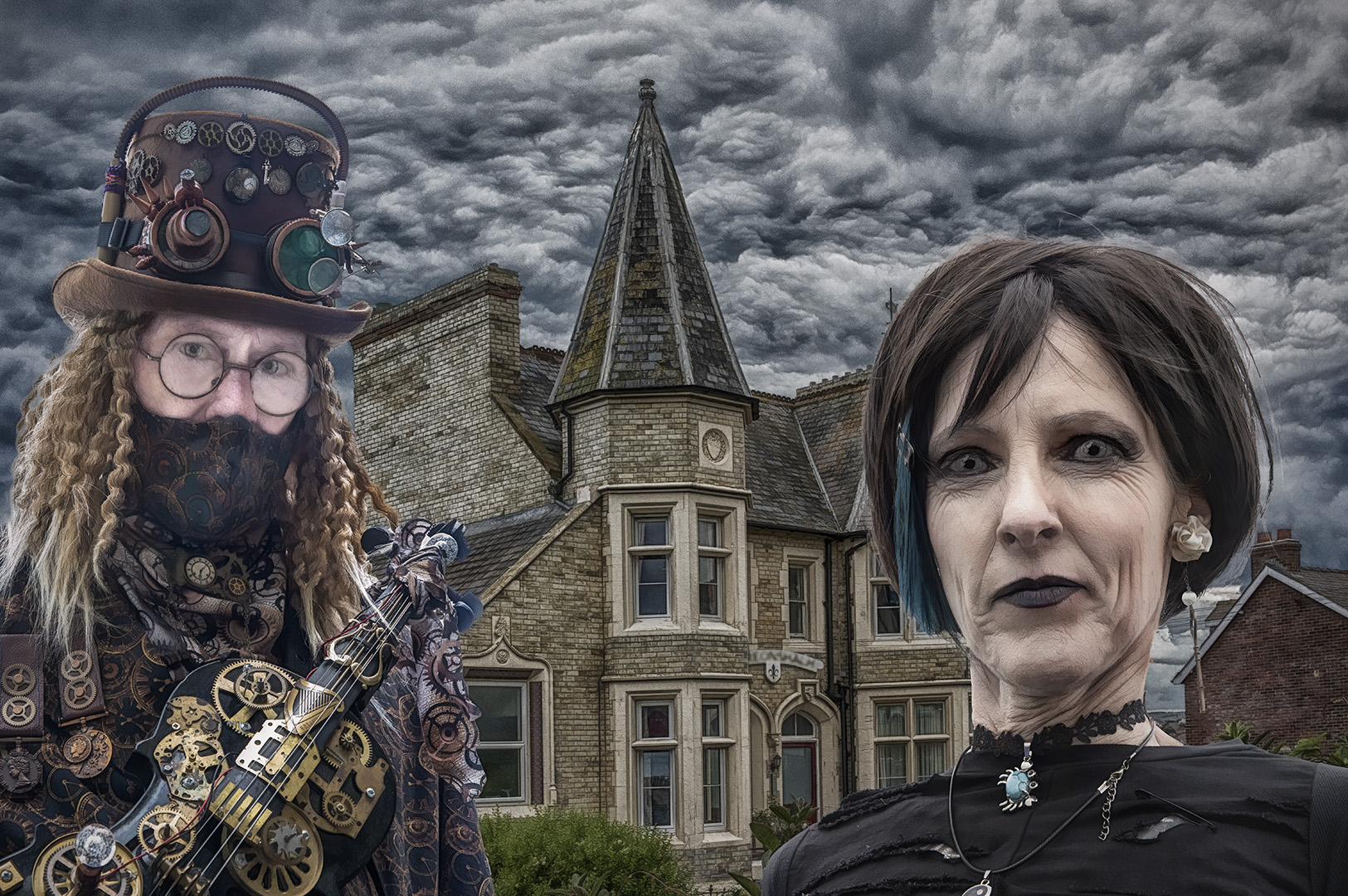
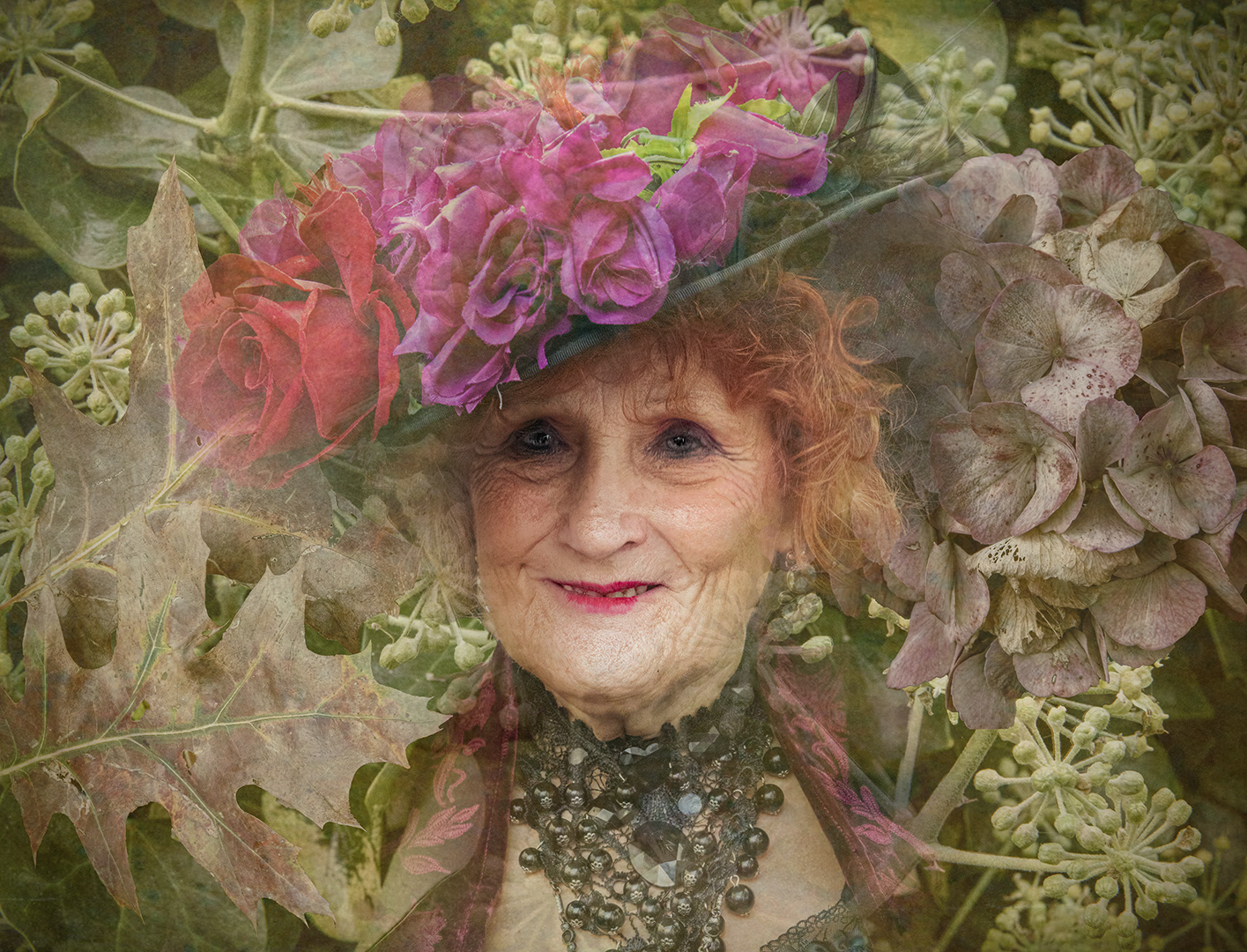
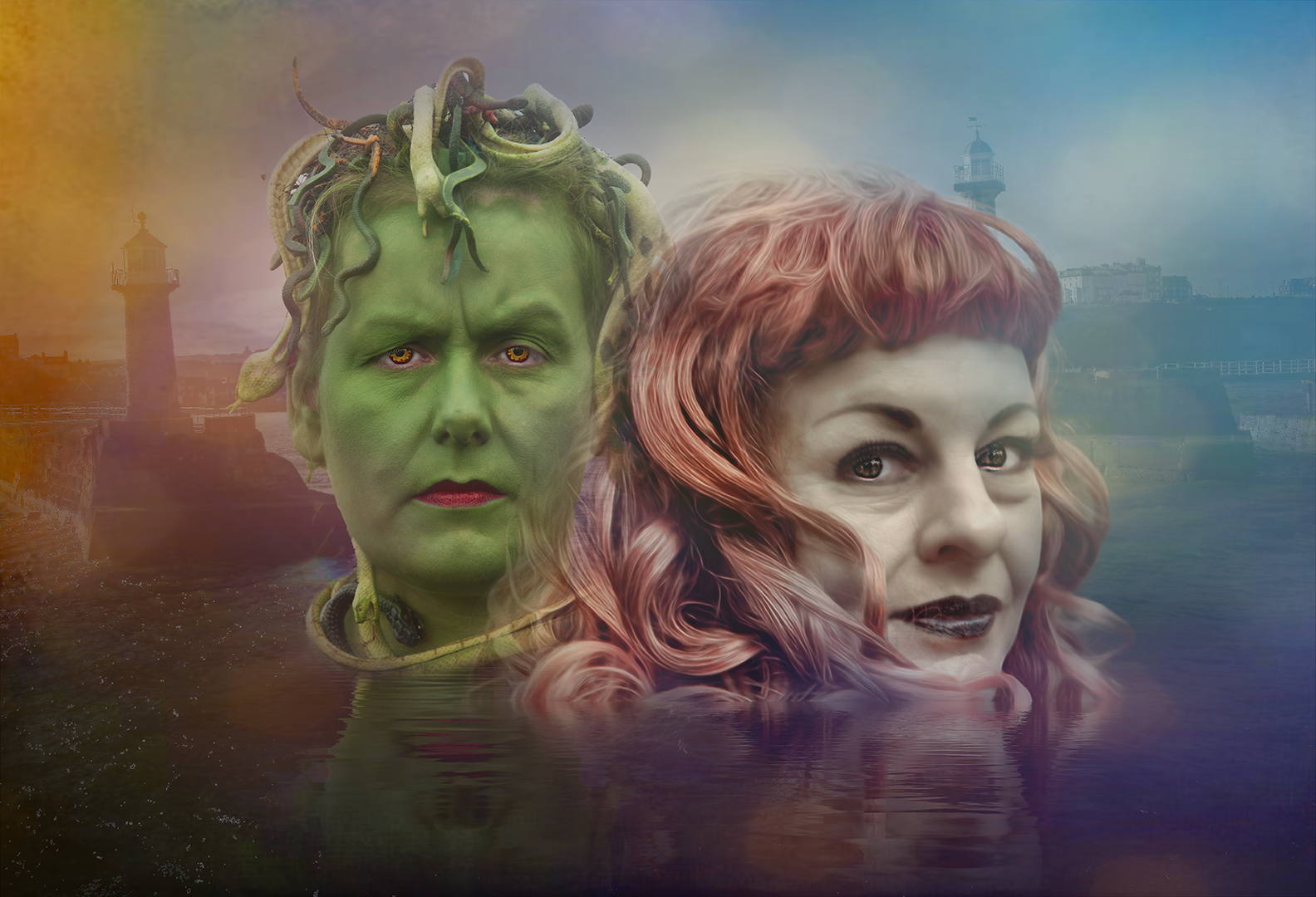
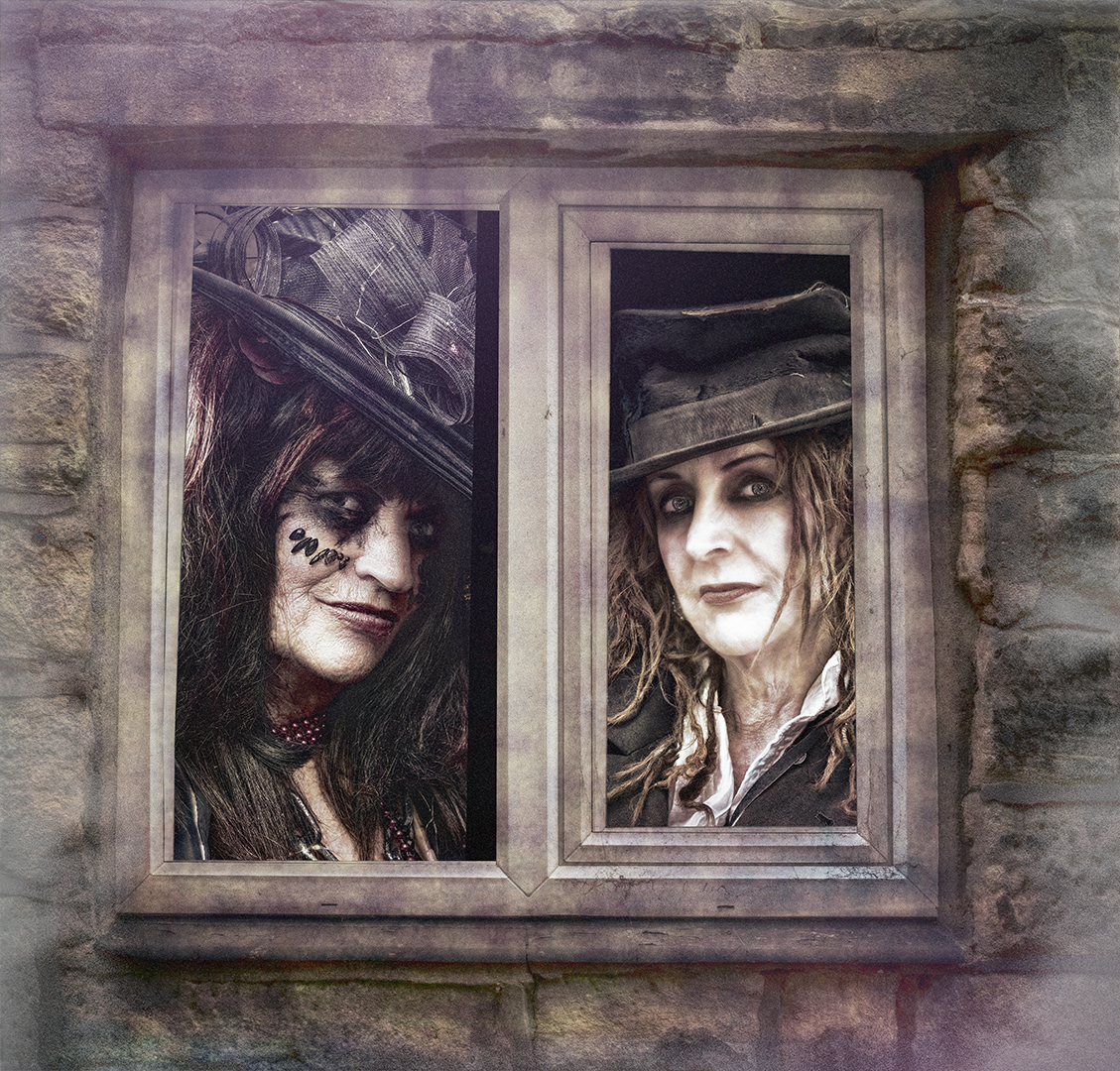
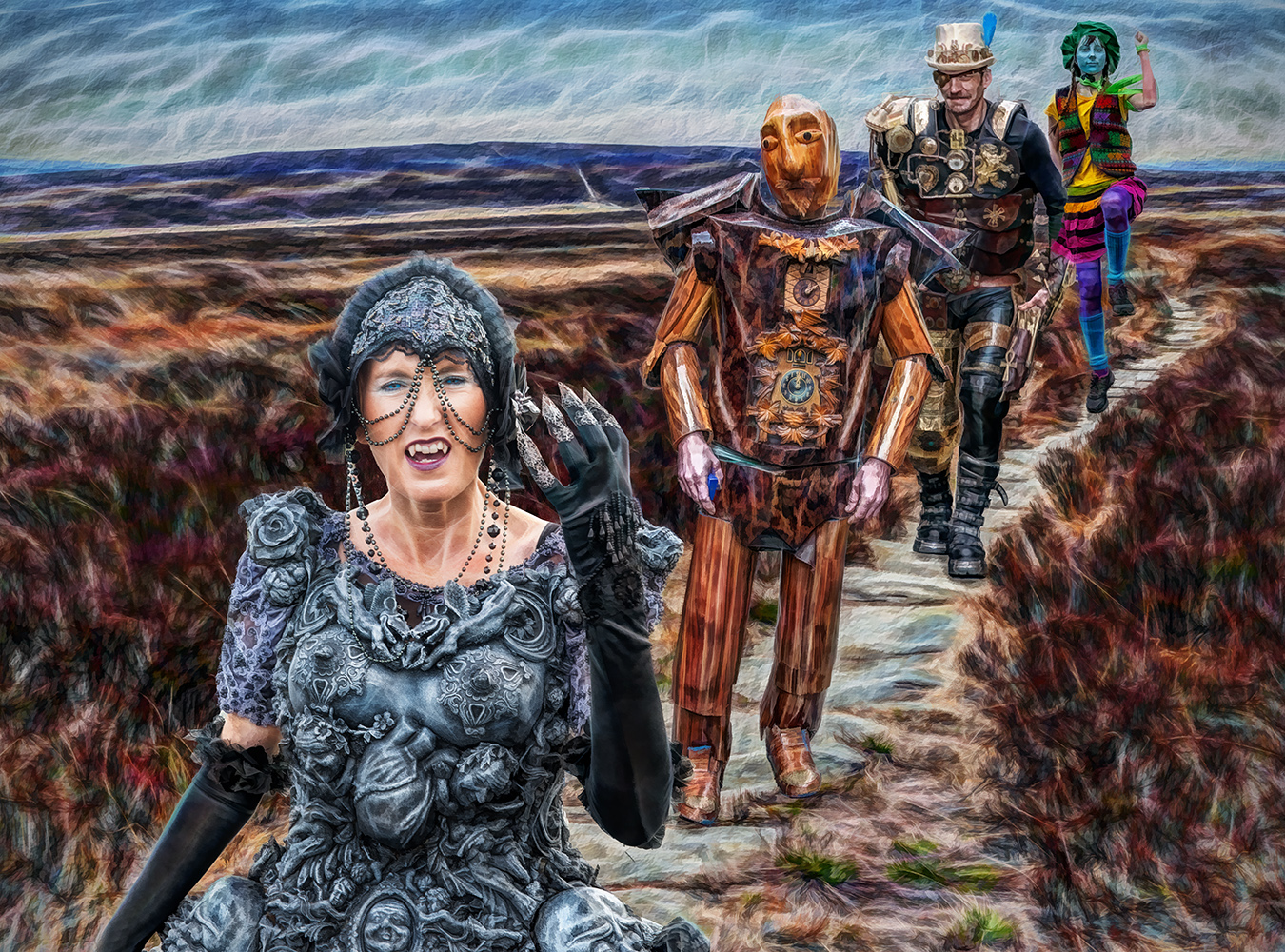
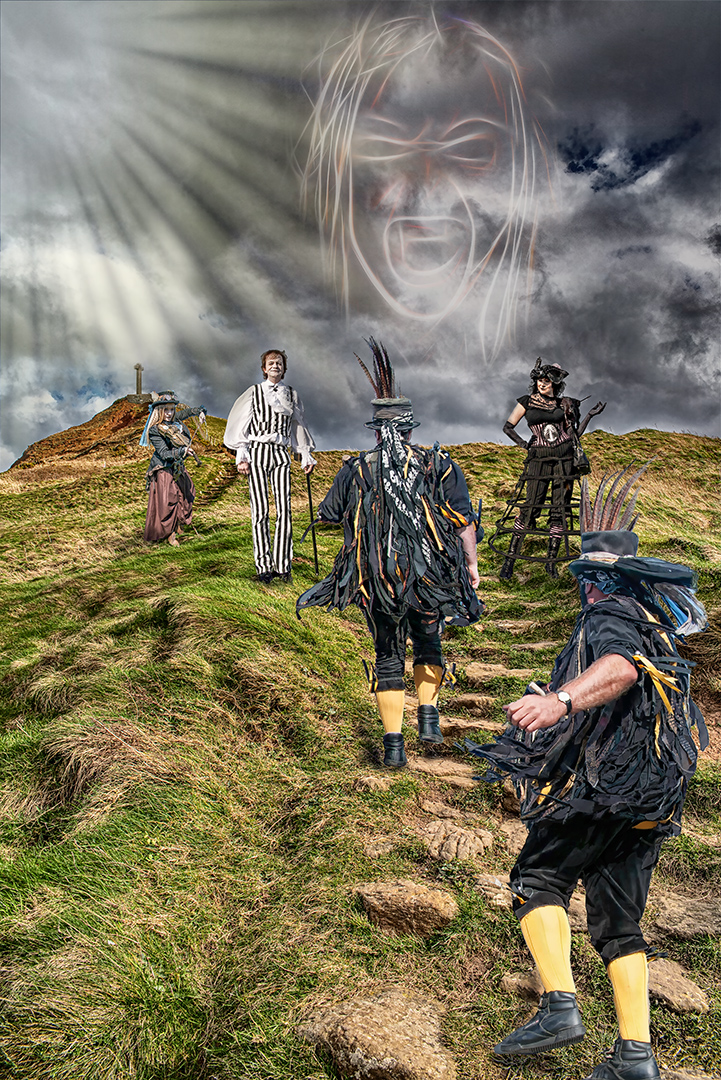
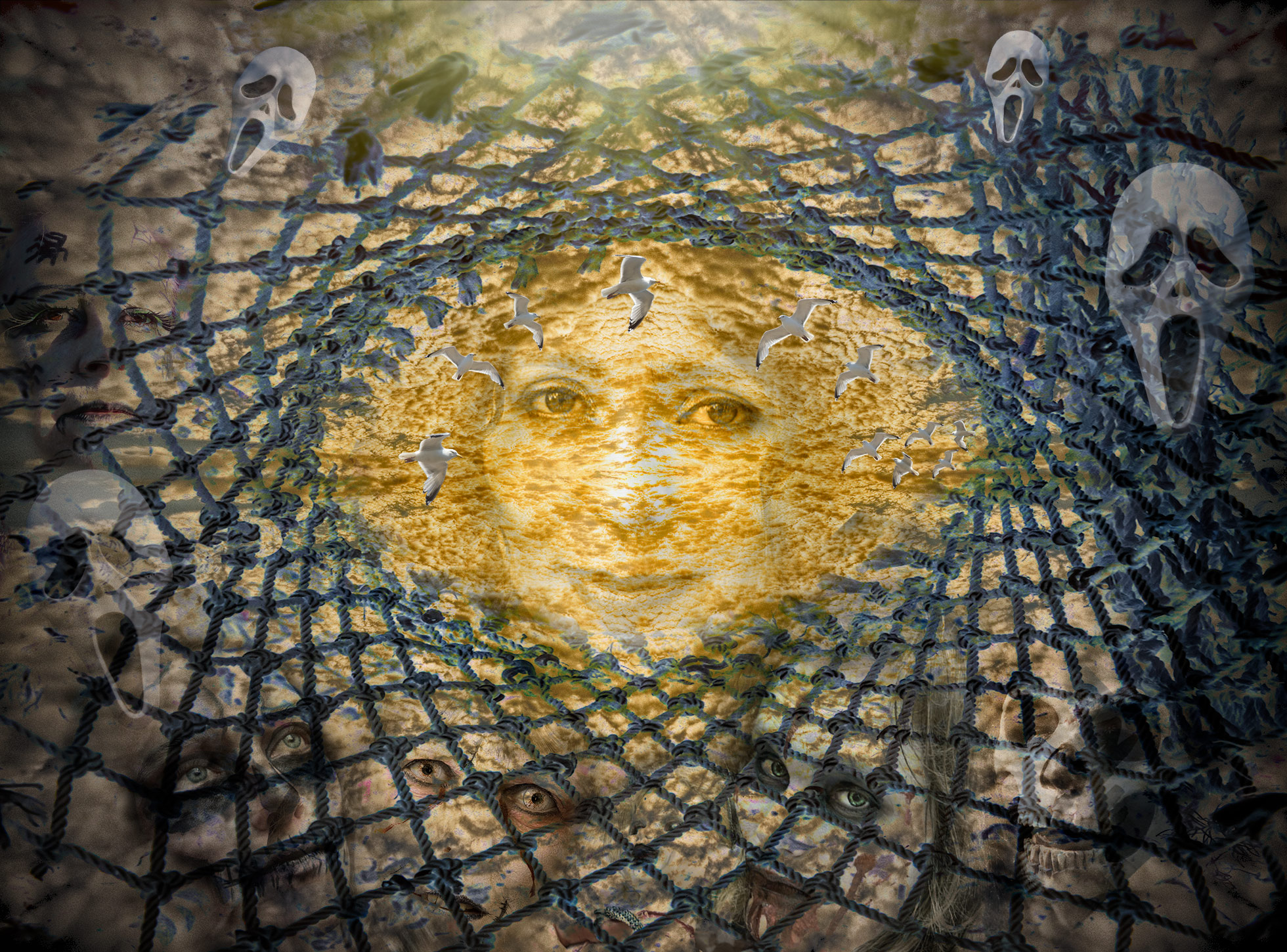
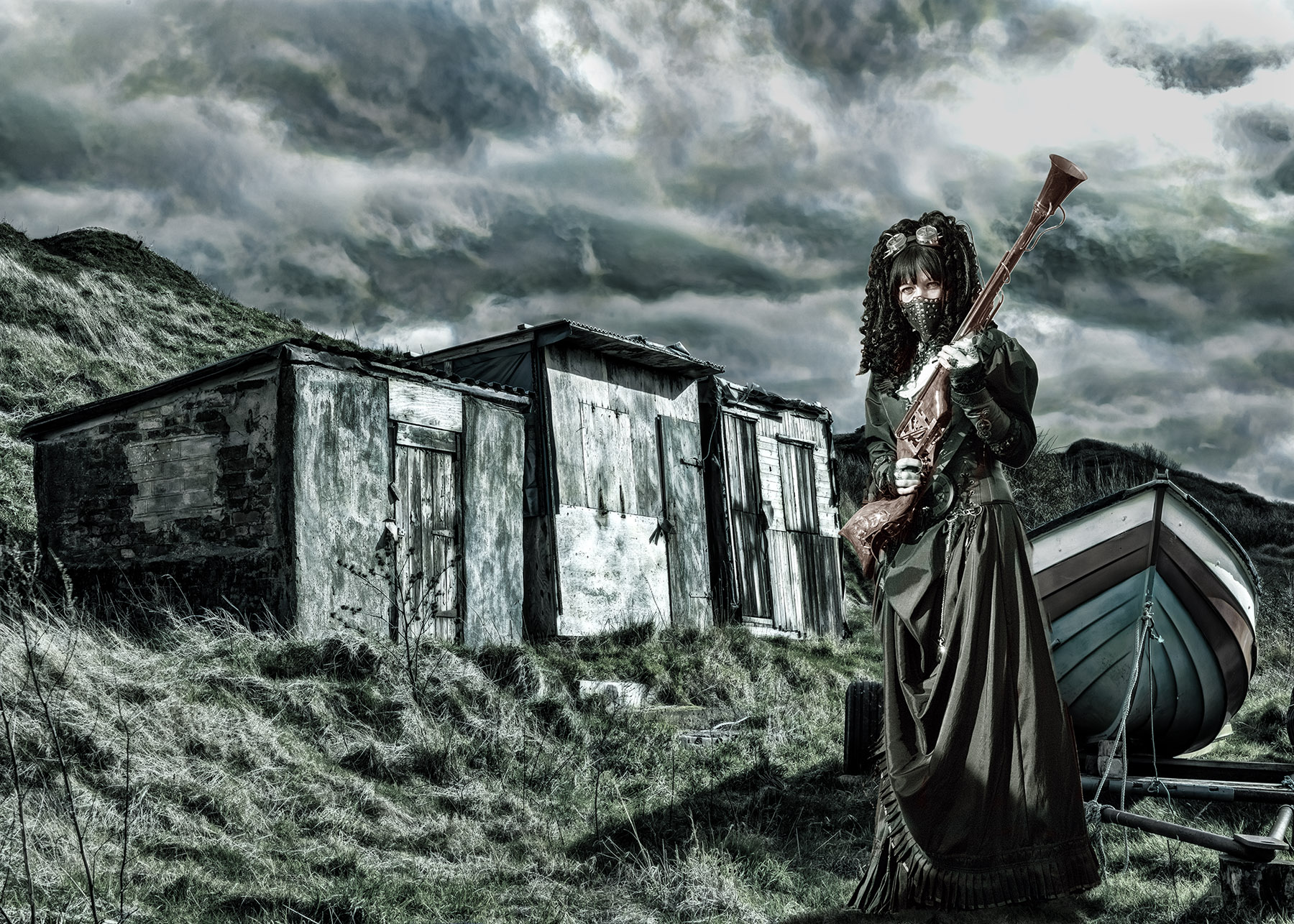
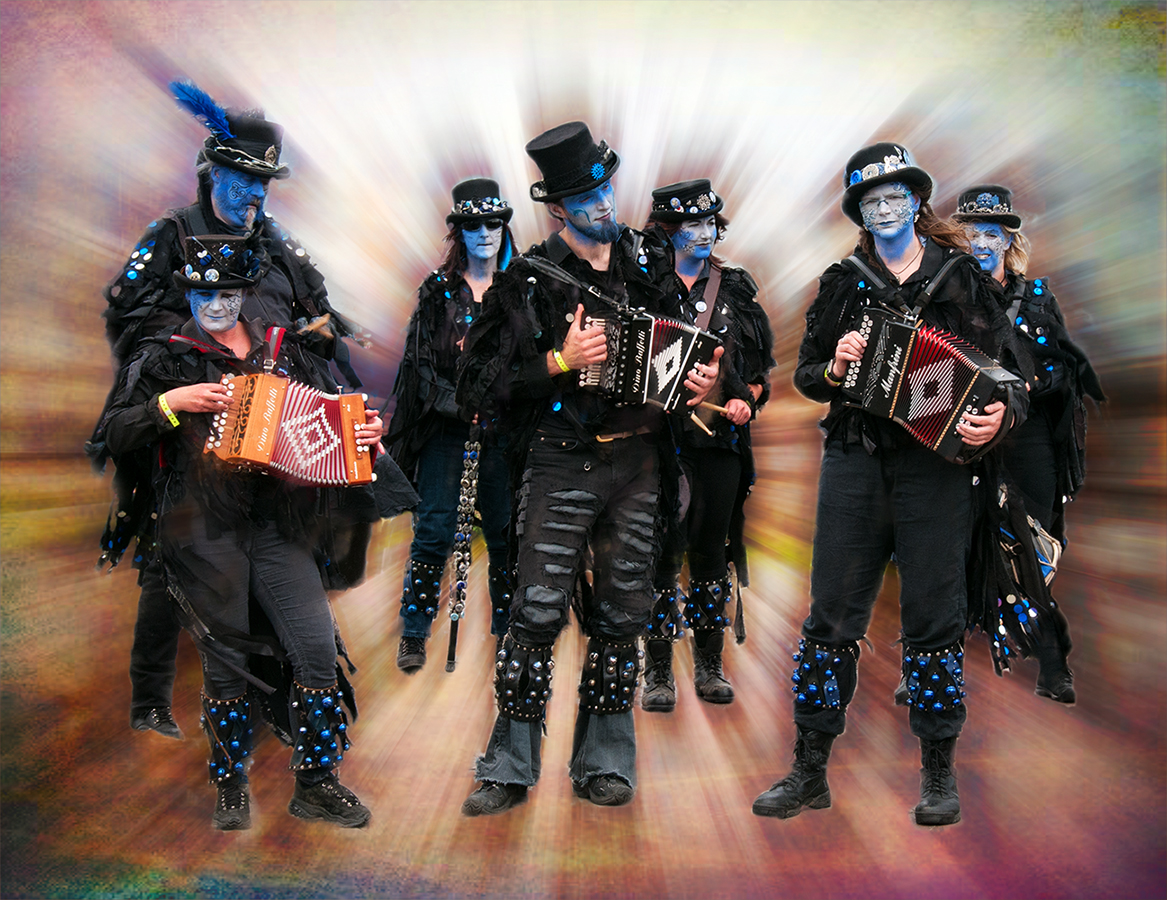
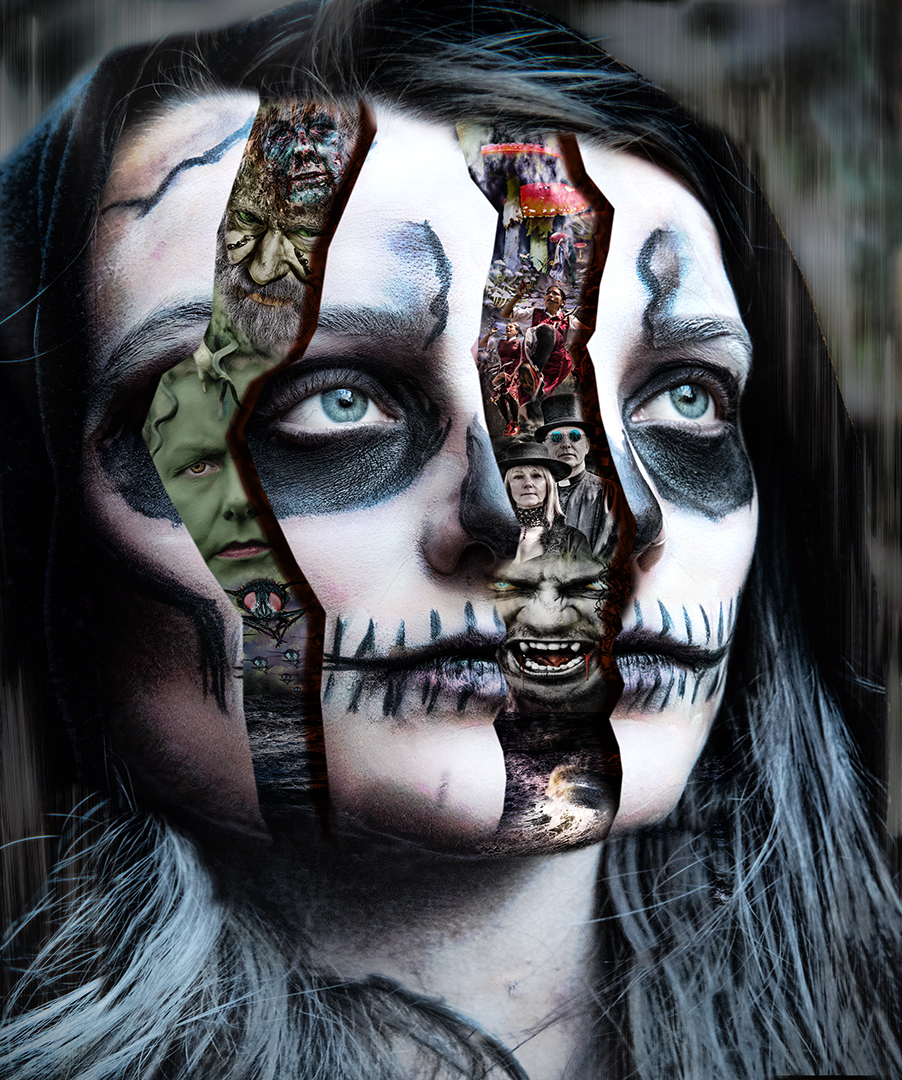
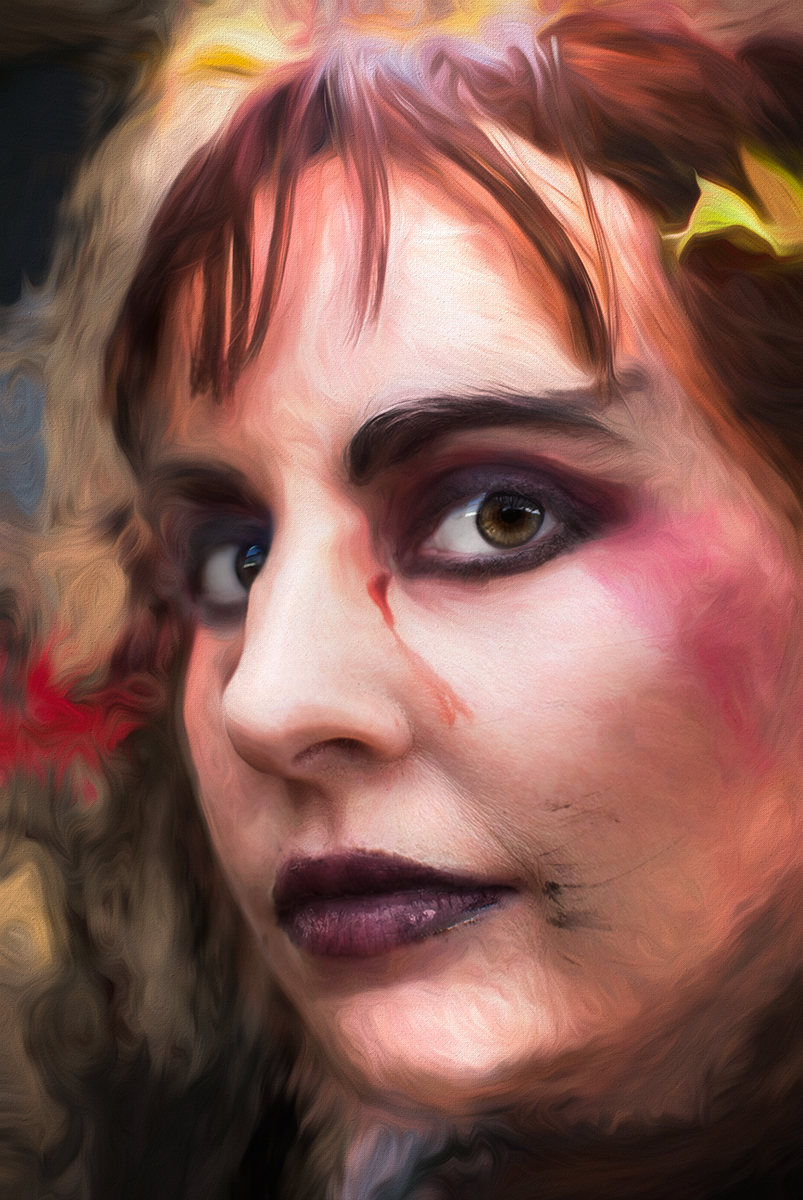
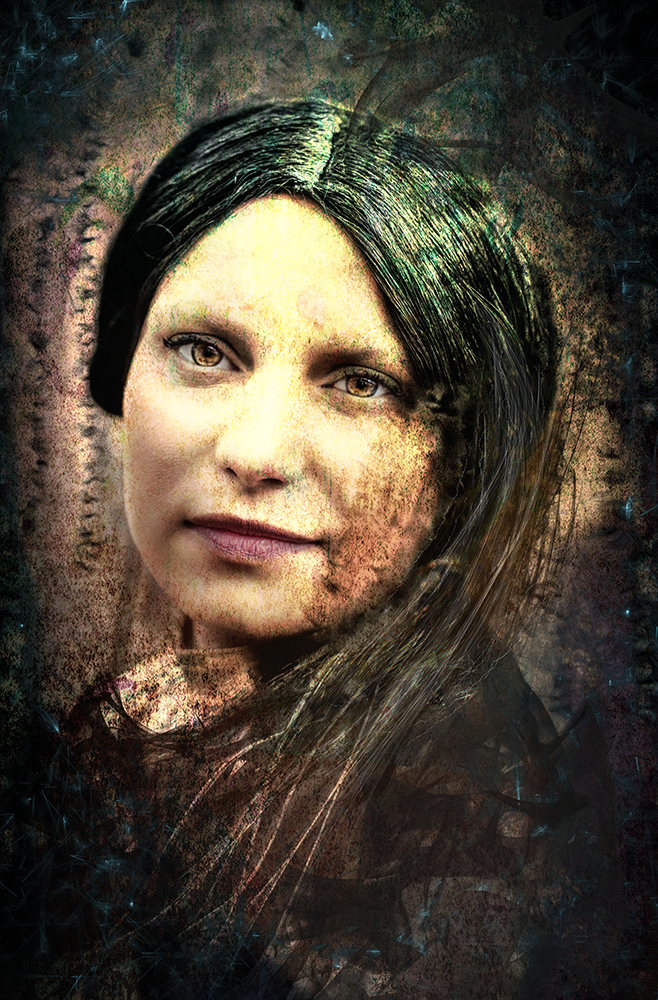
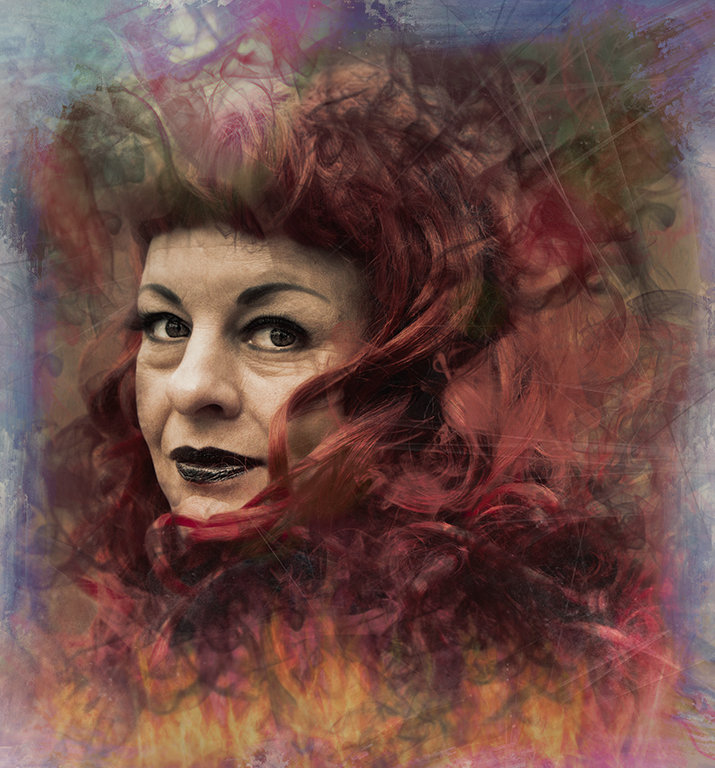
Most of the Goths who visit are really noce people who just like to have a bit of fun! We're due another festival in April - can't wait! |
Jan 24th |
| 34 |
Jan 22 |
Reply |
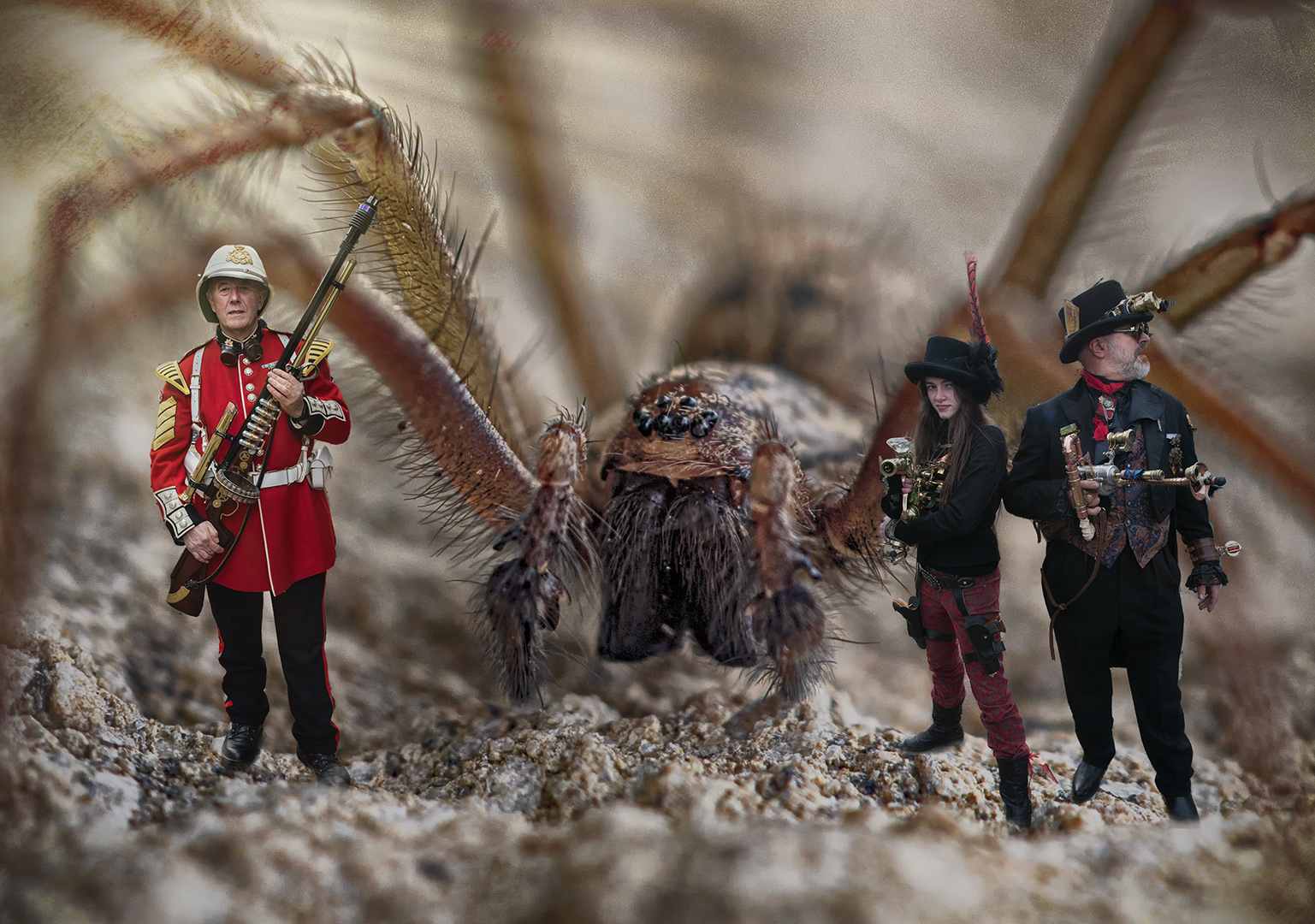
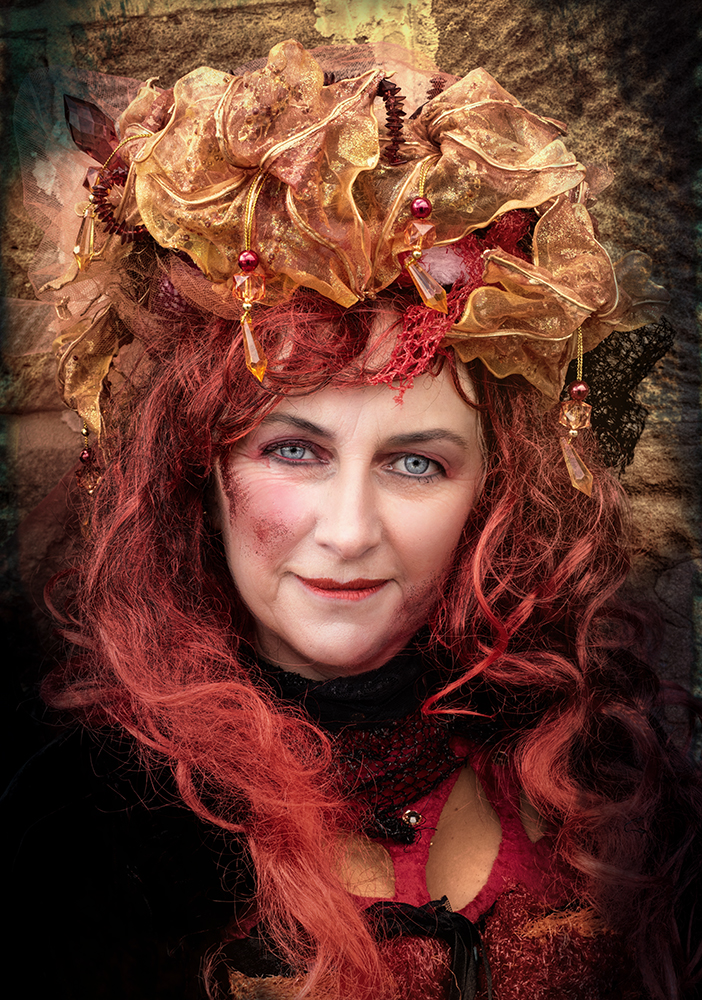
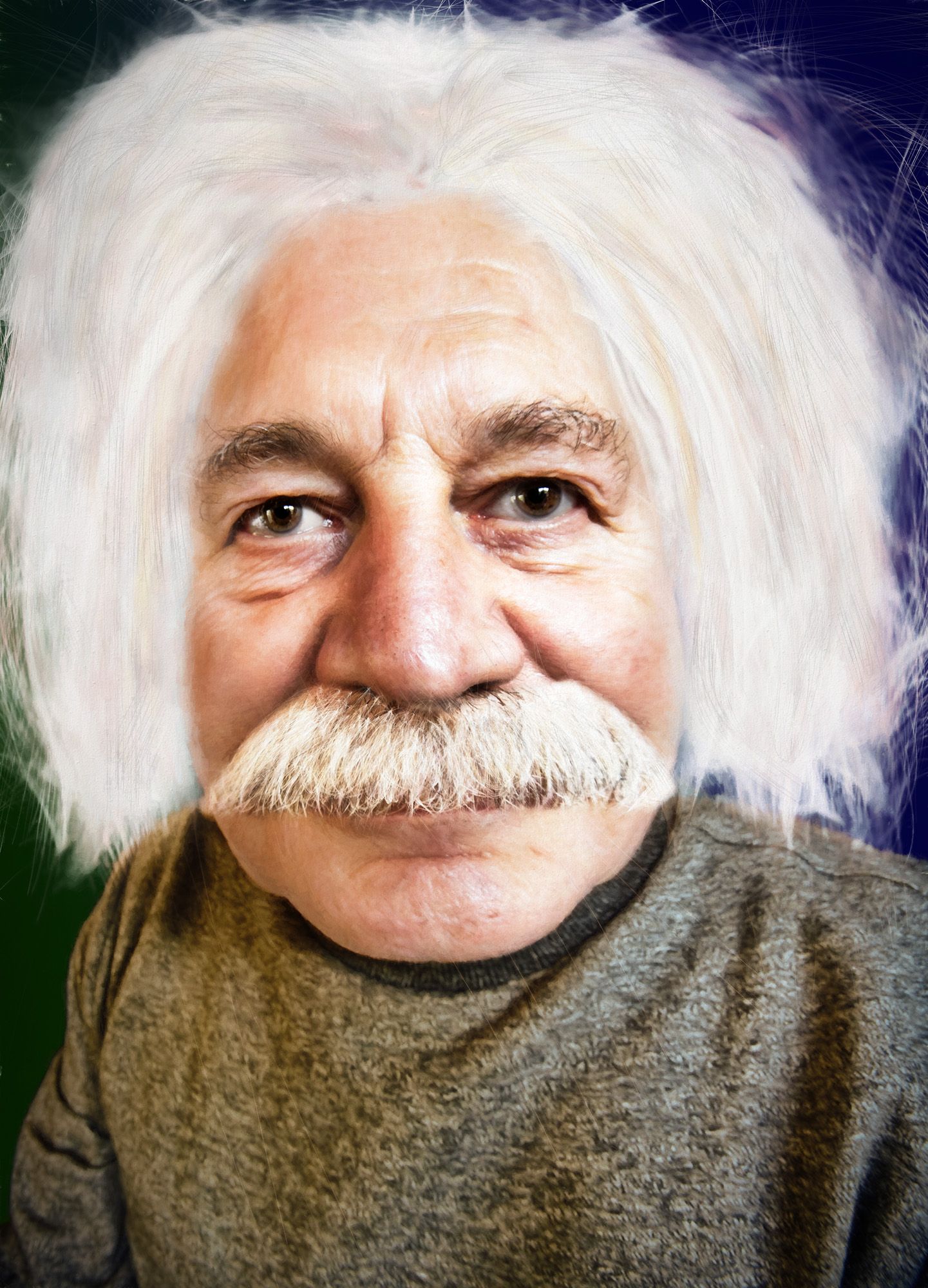
Thanks Jan
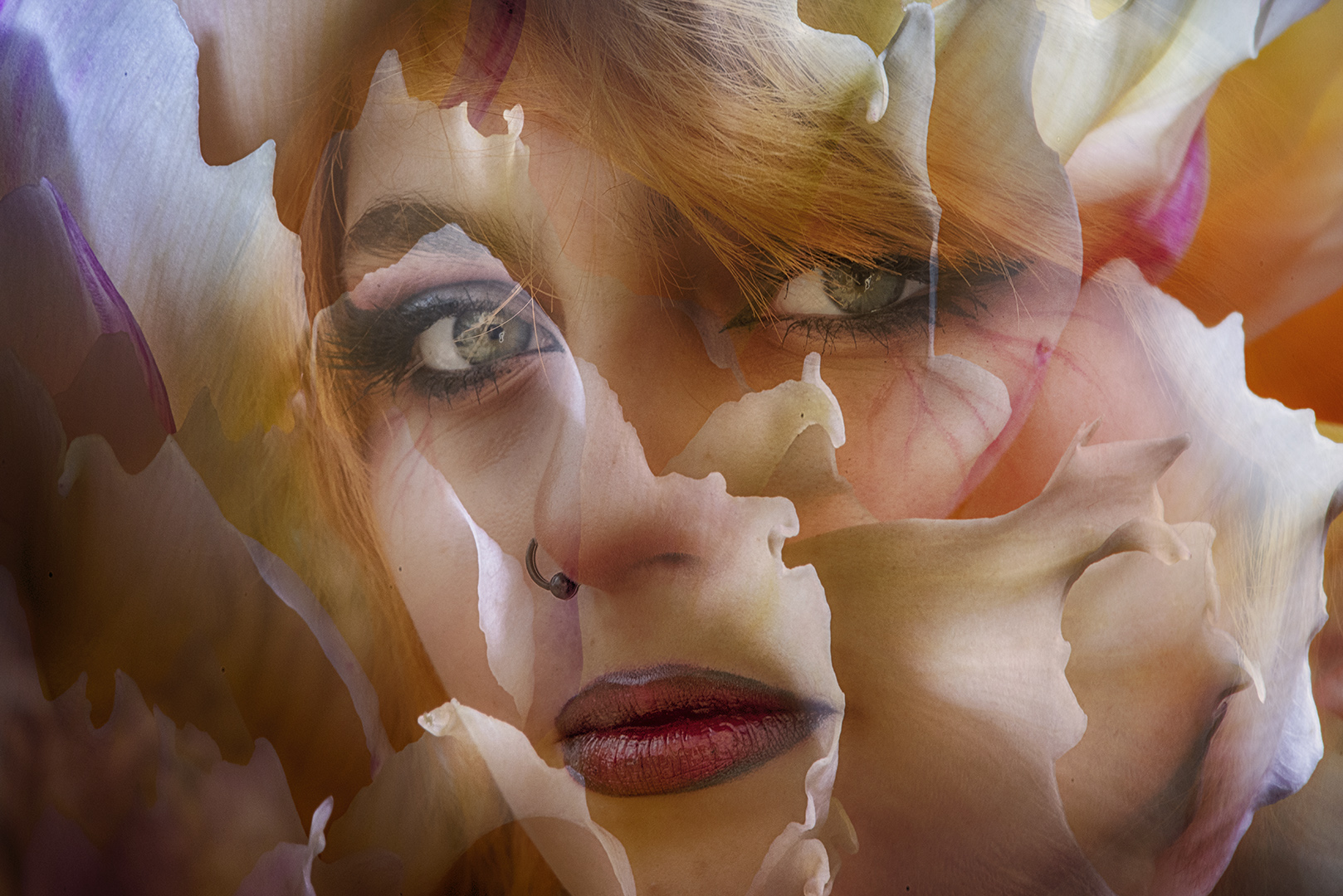
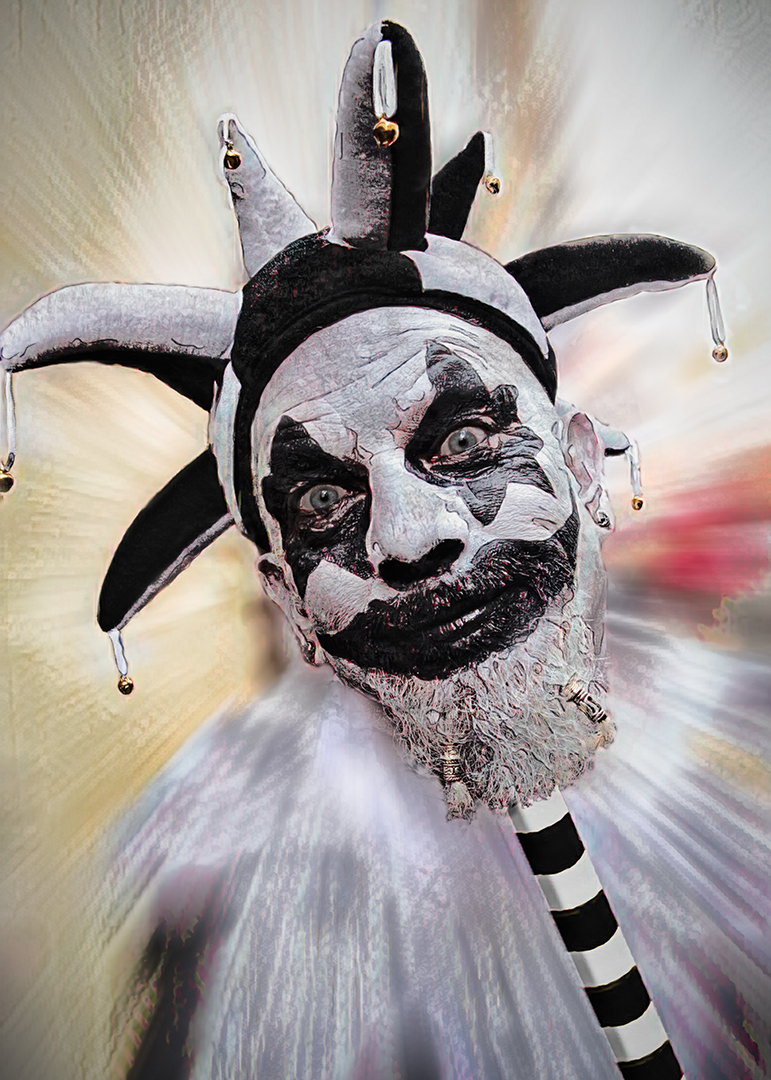
I've brightened her eyes as much as I can (and given them a green tinge), but I think she was wearing black contact lenses - funny people some of these Goths! |
Jan 12th |
 |
| 34 |
Jan 22 |
Comment |
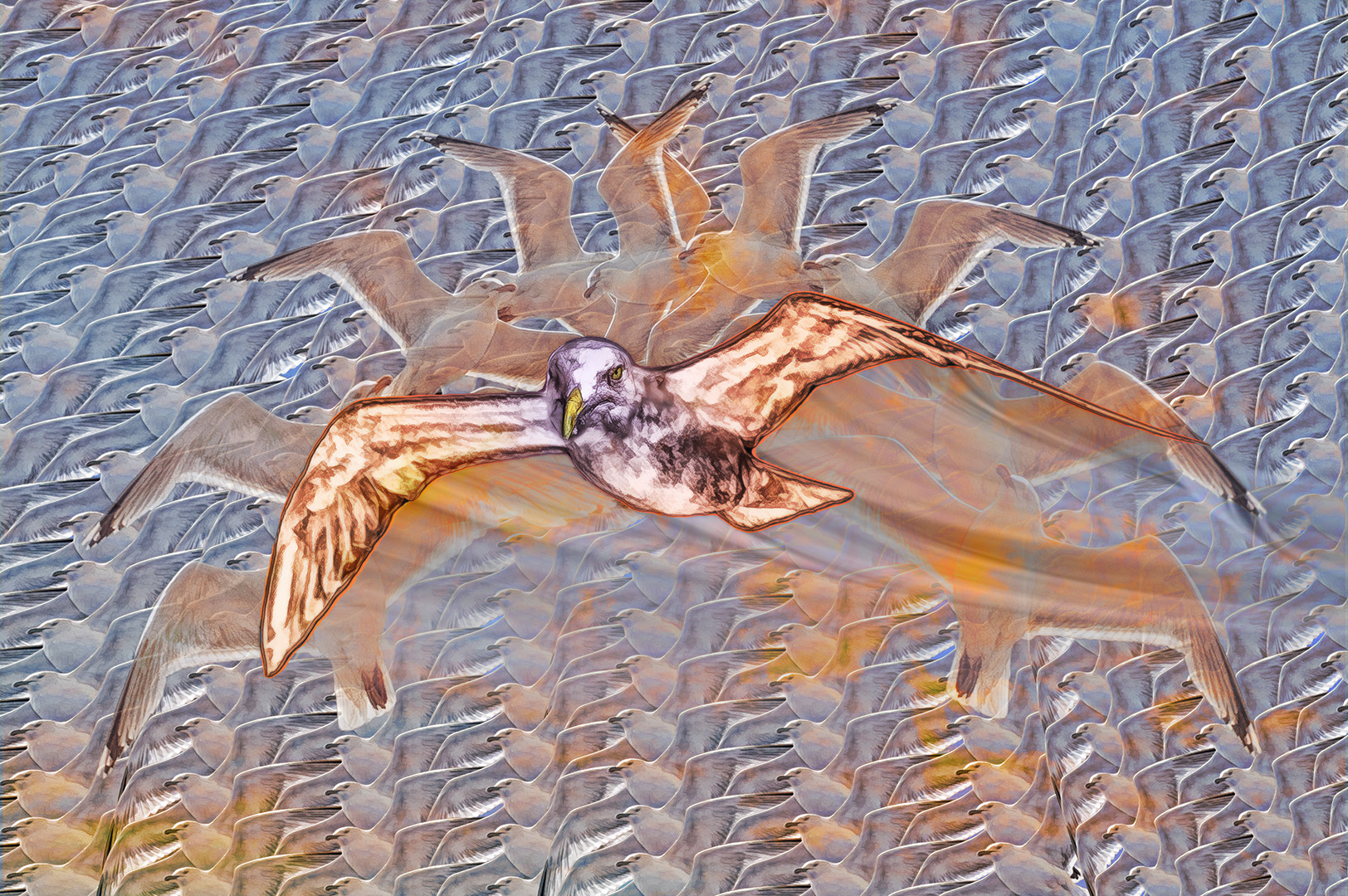
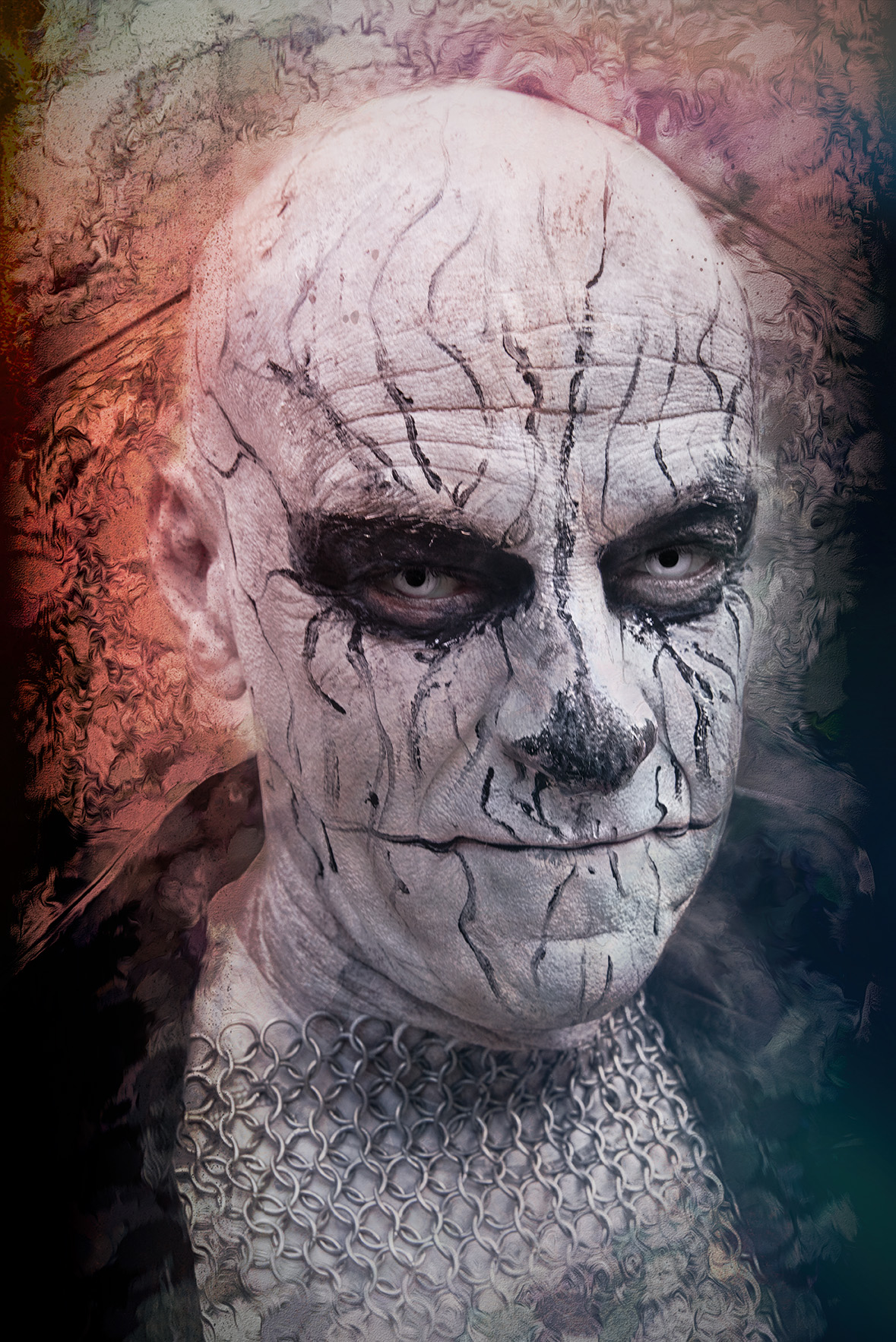
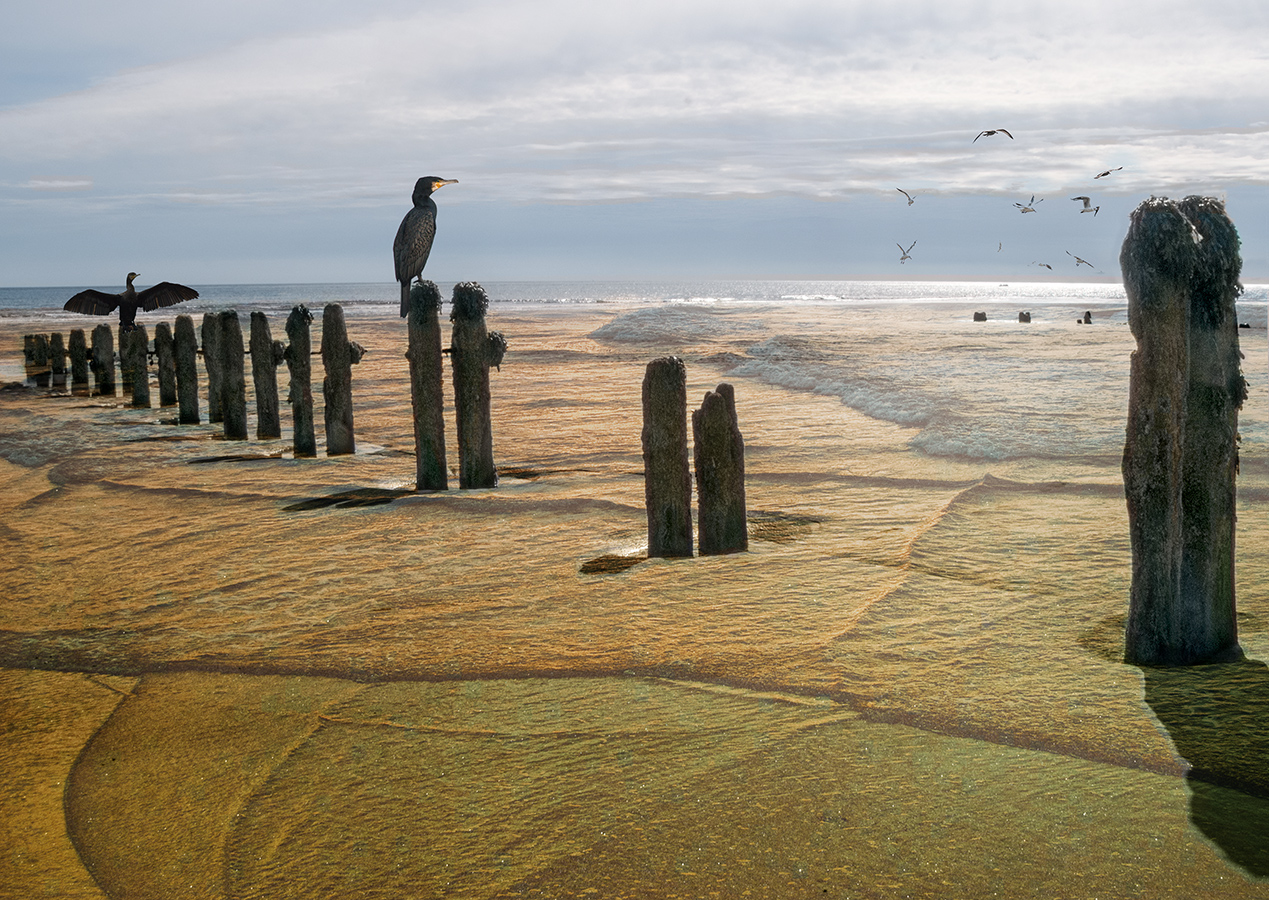
You've created a fun image with lots of additional interest when we get over the first impact of the King. I particularly like the frogs.
A small suggestion - maybe the birds are a little sharp - by reducing the saturation / opacity in some of them they'd look more like a flock, rather than all being at the same distance.
It's good that you're having fun with Photoshop - that's what it's all about! |
Jan 4th |
| 34 |
Jan 22 |
Comment |
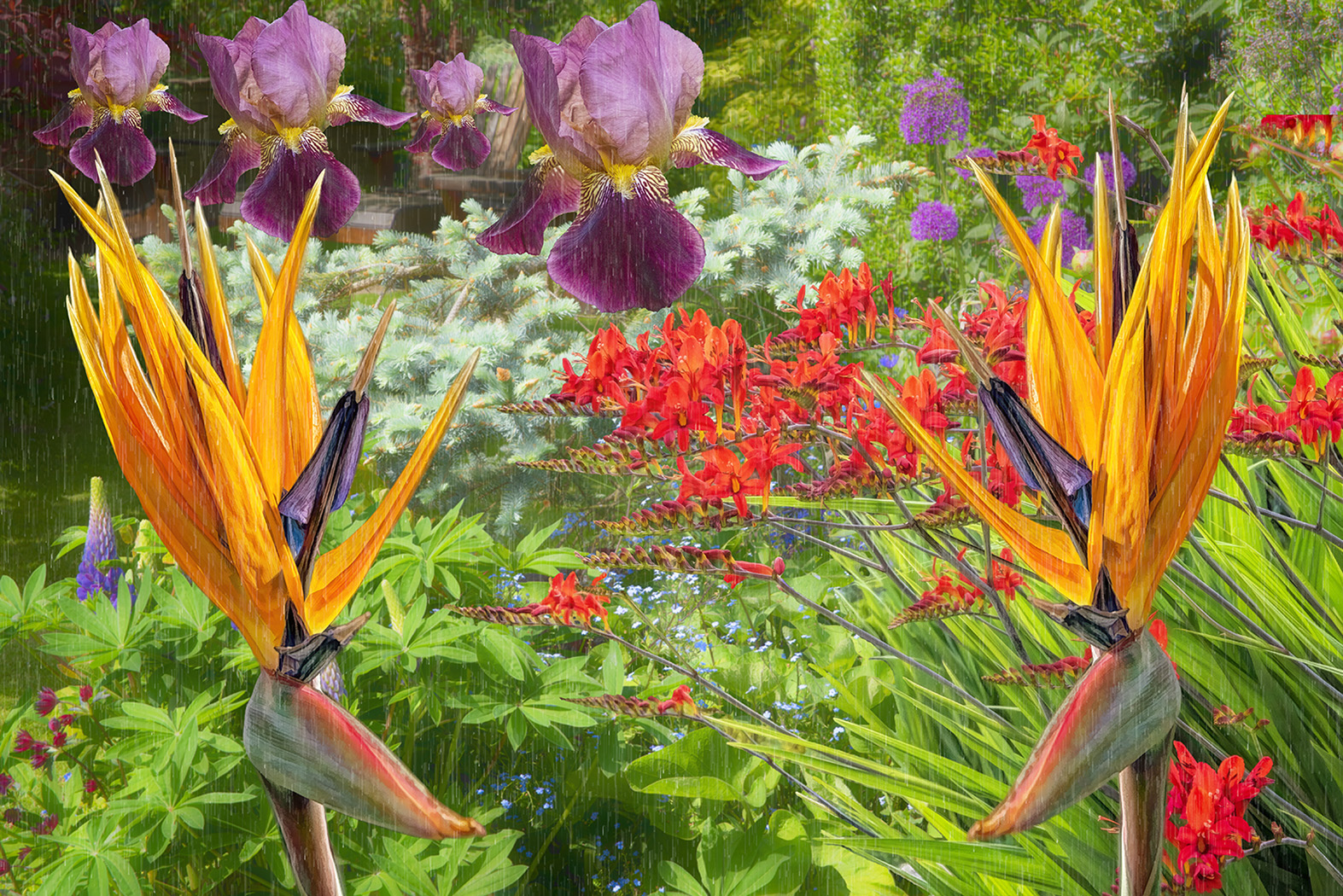
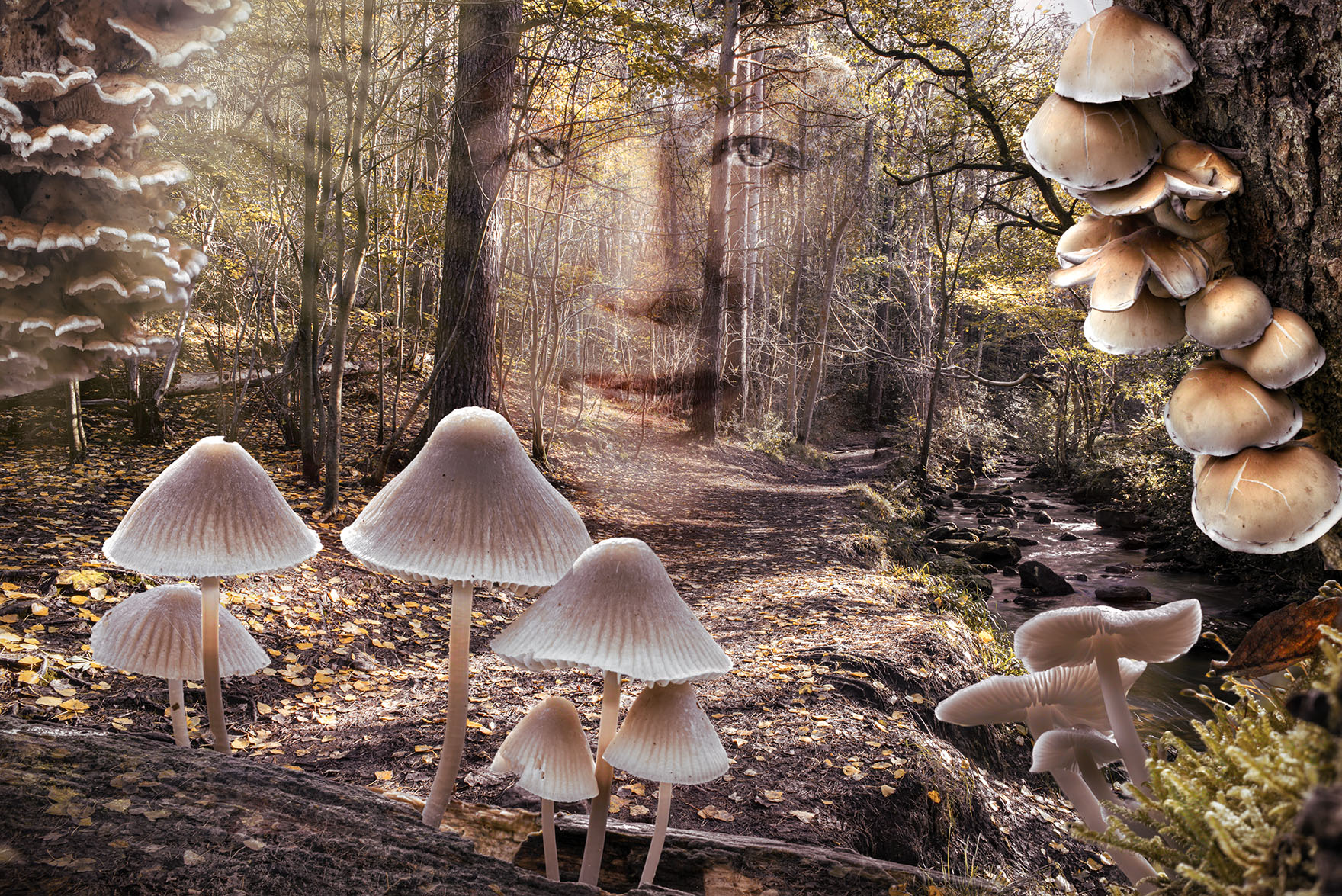
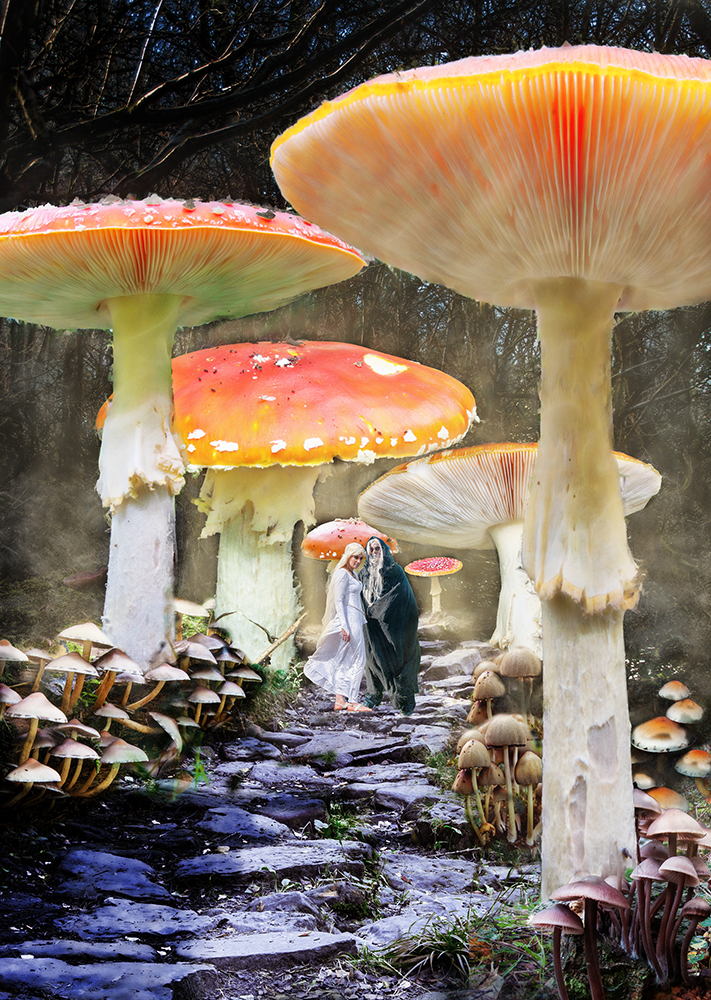
An excellent treatment of the various elements to create yet another masterpiece. The way you've given such depth by using Gaussian bur on the background is really good.
The work you've done on the door is pretty impressive too. The additional elements fit perfectly. The smoke makes it look welcoming and the texture and dripping water makes it soooo wet outside!
I'm a bit of a fanatic with mushrooms - the beauty that can come from a fungal growth never ceases to amaze. They're quite a resource, particularly with a macro lens. |
Jan 4th |
| 34 |
Jan 22 |
Comment |
There's a lot going on here. I like the sentiment about the organised religion and as an engineer I agree about there being nothing on the other side of death - the system dies and then it's just scrap.
I also like your take on social media - if only people could get away from the me-me-me it could be a useful tool, but I can't see that going down well.
I like the different layers you've used on the 'photographer' screens, with the trees creeping out from the back one.
An uncomfortable, excellent image. Thanks |
Jan 4th |
| 34 |
Jan 22 |
Comment |
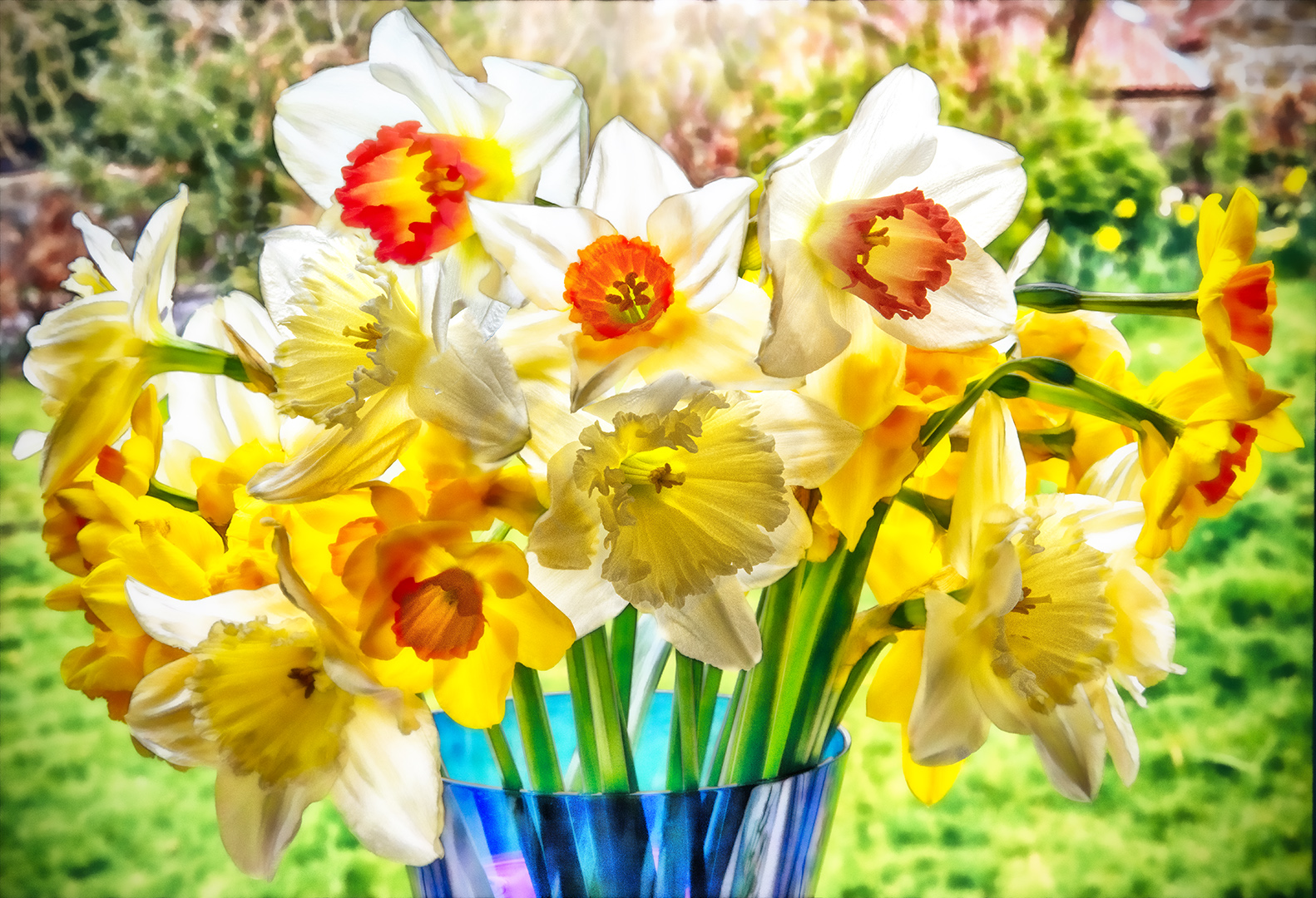
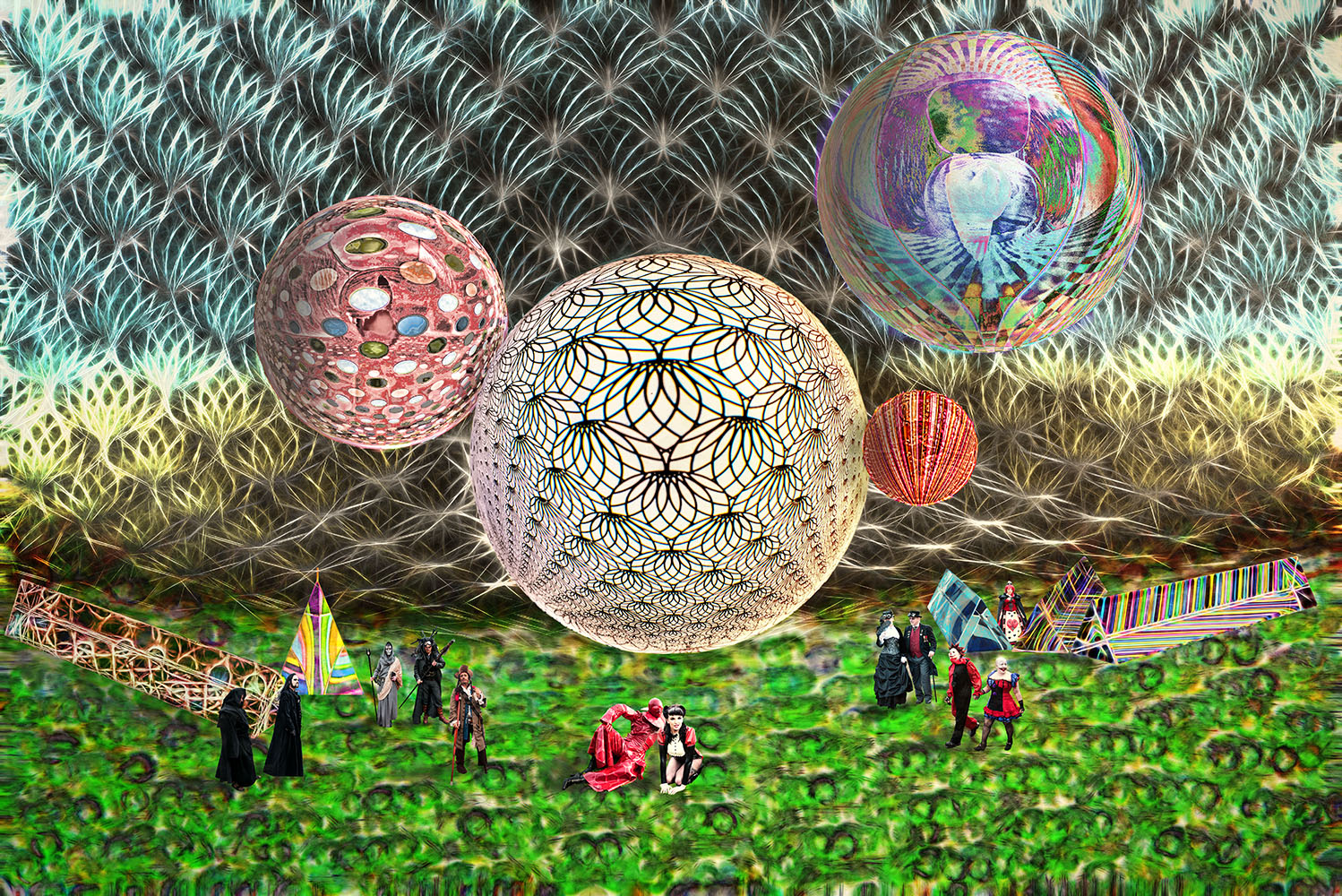
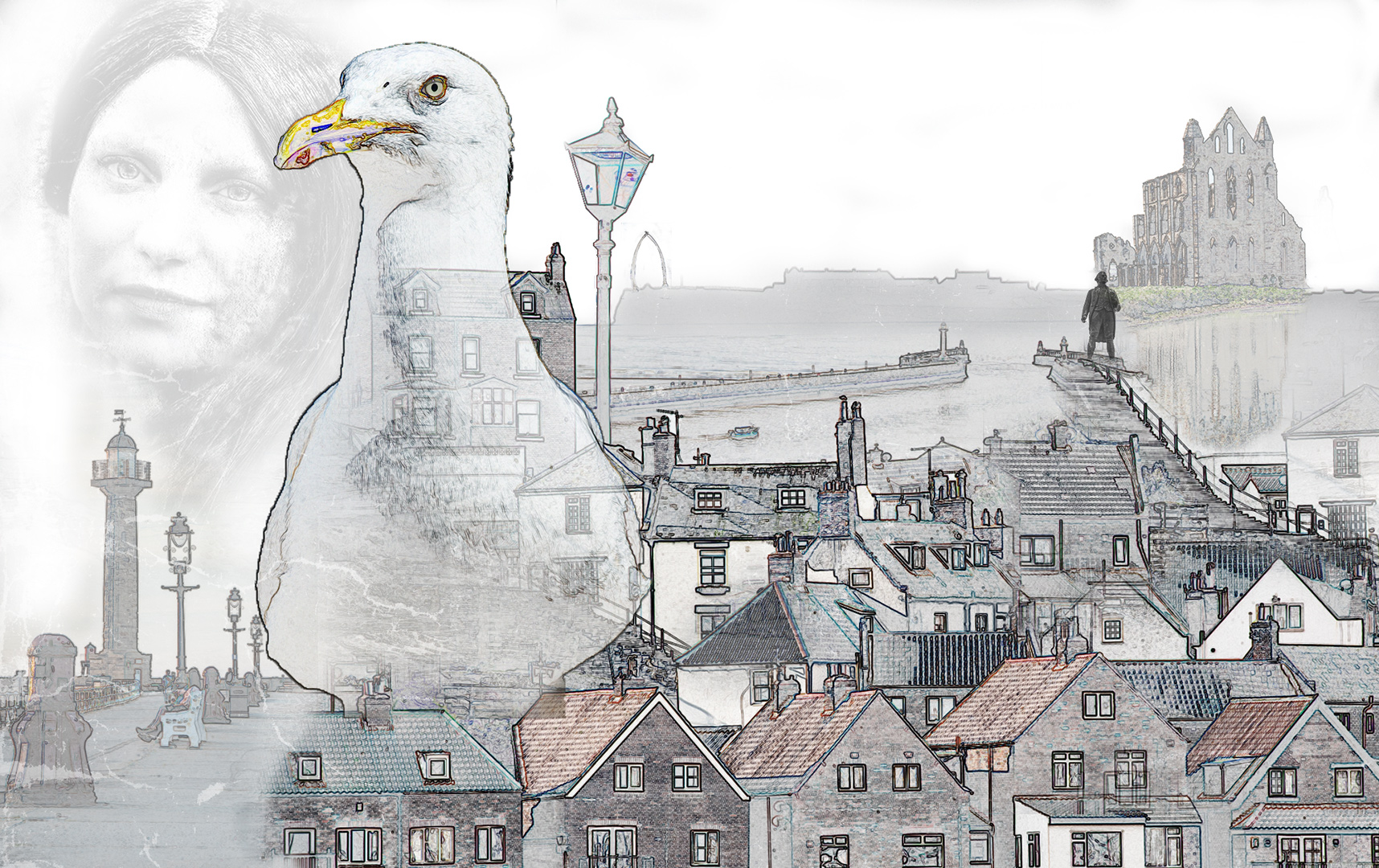
What a lot of fun. I really like your composition. I've added some outlines. If your individual elements are selections on separate layers just add a stroke to that layer.
I increased the size usiung Topaz Gigapixel AI, then duplicated the layer, made a selection of the first object (say the tree), selected inverse and deleted the rest of that layer. Selected Inverse again, so that only the tree existed on that layer, then used Add Later Style icon and selected stroke. I used 2 px stroke Inside the selection, then deselected. Then on to the next object and so on. The skyline was just a drawn line on a new layer. I hope that's what you were looking for. I took longer to write about it than do it! |
Jan 4th |
 |
4 comments - 2 replies for Group 34
|
4 comments - 2 replies Total
|