|
| Group |
Round |
C/R |
Comment |
Date |
Image |
| 34 |
Dec 19 |
Reply |
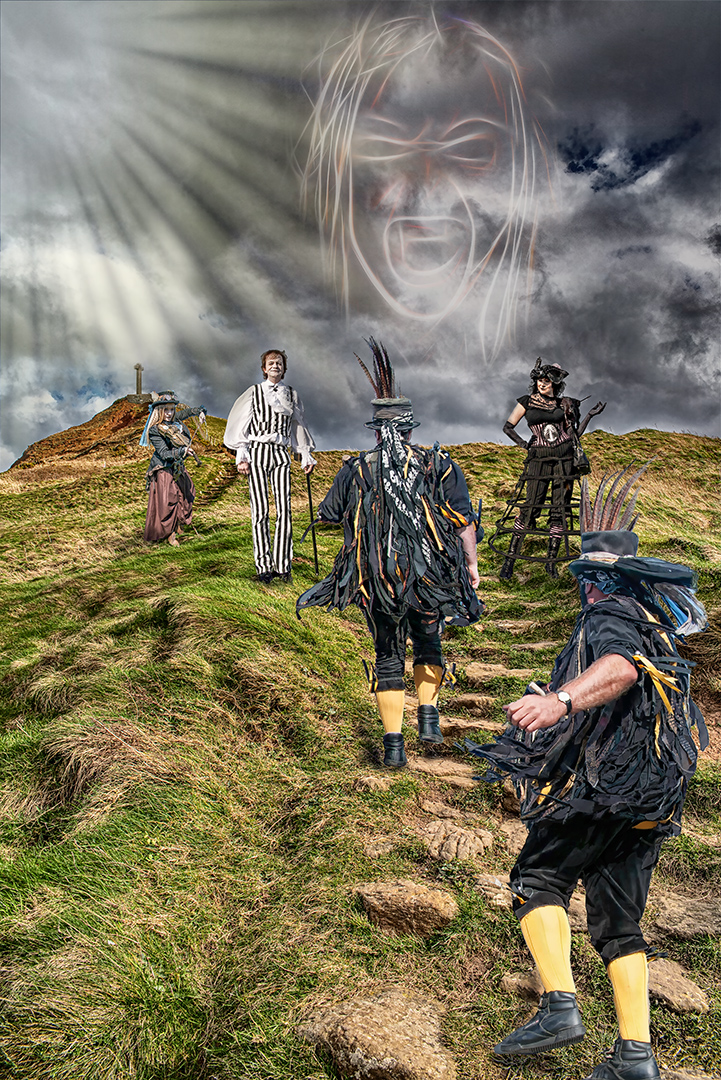
Thanks Mark
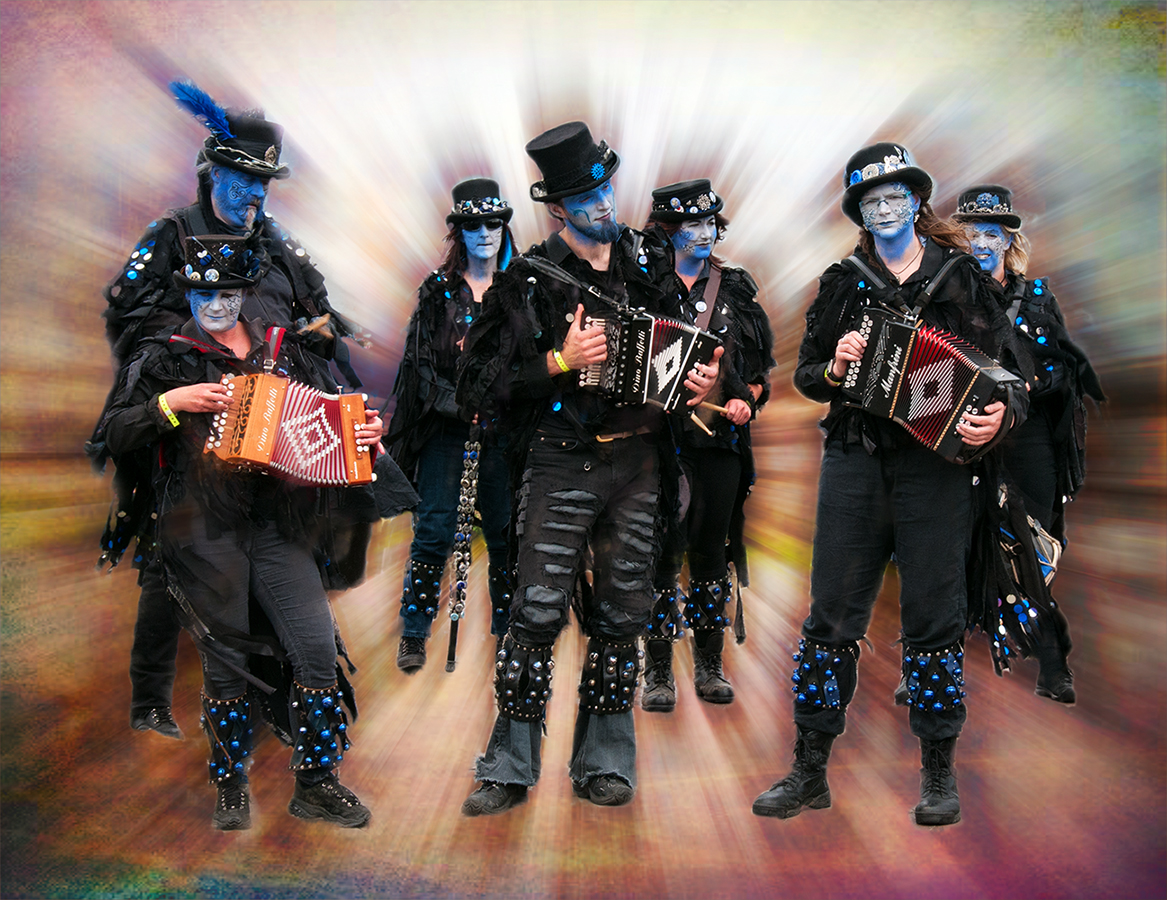
I thought about toning the bright area down a bit, but I was trying for the backlight to contrast with the blackness of the band.
Thanks for visiting. |
Dec 18th |
| 34 |
Dec 19 |
Reply |
Hi Georgianne.
Sorry you don't like it. It was intended to be 'fun' and that seems to have gone down well with the judges. Thanks for your comments - I'll try to remember for future images. |
Dec 14th |
| 34 |
Dec 19 |
Comment |
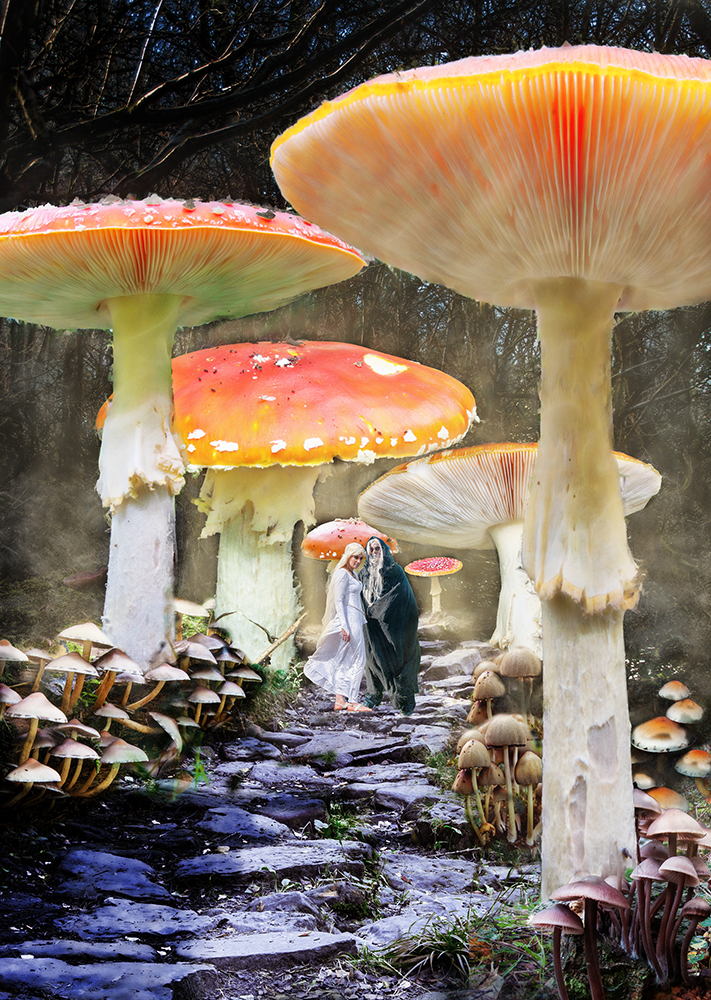
This is just beautiful - perfect!
I love your reasoning as you put it together and the way you've done it is superb. The blending of the steps; the painting of the roots and the addition of the interesting bits work so well. My favourite image this month.
Now if you could just move over a bit to make more room by the fire I'll bring the brandy - is there room for two? |
Dec 7th |
| 34 |
Dec 19 |
Comment |
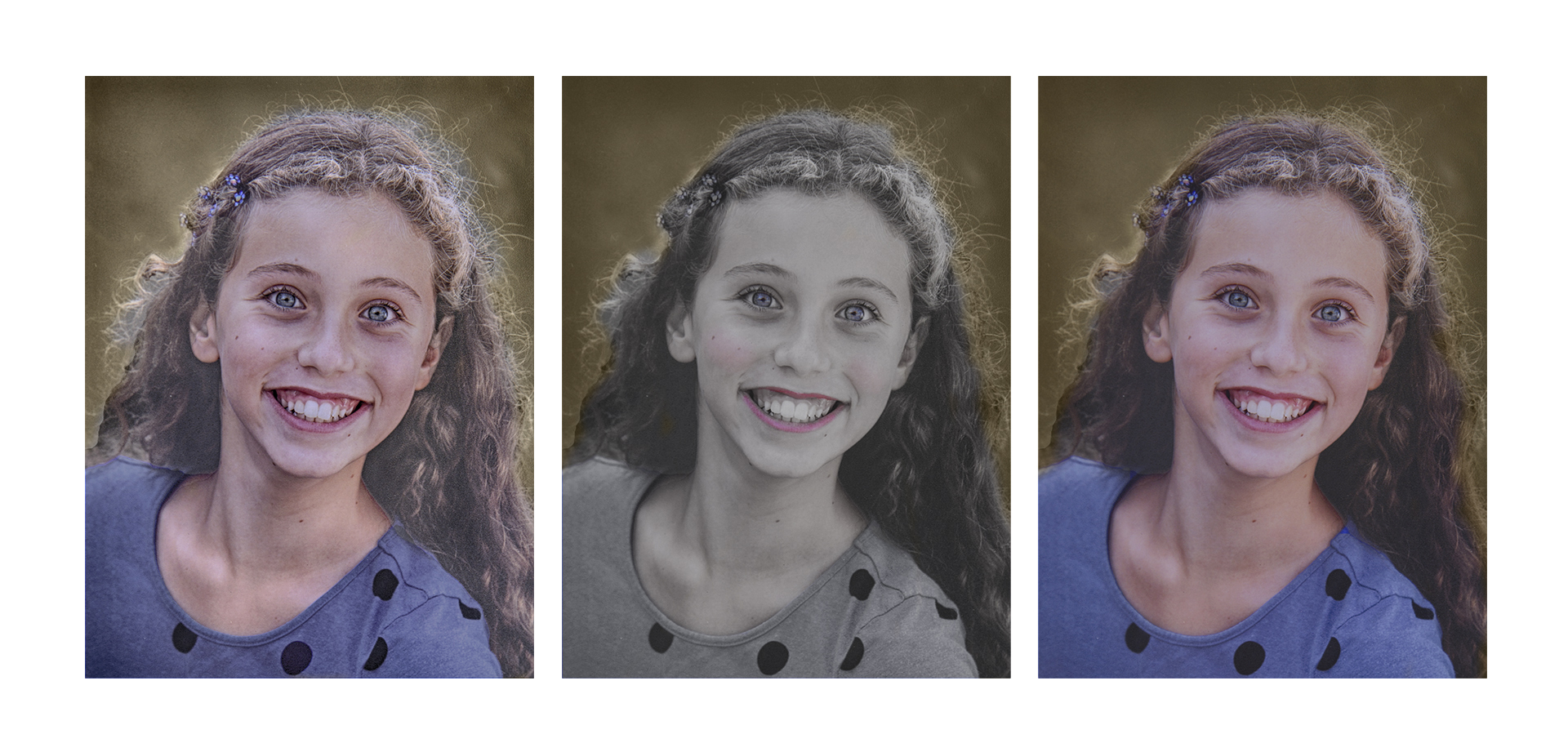
Another fine present for your Granddaughter.
I'd have been tempted to use Portrait Pro to lift the original before applying the changes to the other versions. That way they maybe wouldn't have seemed so 'washed out'. Did you consider a sepia version to make more of a companion for Original 1? I've done one, reduced the opacity and then brought back Raquel from your final image, so the background will look a little more like Original 1. |
Dec 7th |
 |
| 34 |
Dec 19 |
Comment |
An entertaining image with a story (thanks to the truck!) Maybe I could ask you to organise a 'tummy tuck' for me!
Particle shop has some interesting effects, but I find many of them work at their best with smaller images - I think I'd have used Eye Candy for the flames.
I think your positioning and sizing of the truck are fine and the scorched earth look is right for the location and the image.
Well done.
|
Dec 7th |
| 34 |
Dec 19 |
Comment |
A fine image, showing the delapidated buildings to good advantage. Well done. I think maybe I'd have reduced the opacity on the rust layer slightly, but that's just my personal preference.
You can also create an inverted mask by holding the Alt key when selecting the mask icon. |
Dec 7th |
| 34 |
Dec 19 |
Comment |
A fun image! I'd have been tempted to use the dancer on the floor from Original 2 - that's probably the position I'd find myself in if I'd been riding a prancer!
I sometimes use groups to organise layers if they're getting out of hand, so for instance, all your shadows could go into one group to tidy up the layer stack. Lots of effects / modes / opacity etc can be applied to the whole group if required, which can save a lot of time too. |
Dec 7th |
| 34 |
Dec 19 |
Comment |
You've worked this well. The additional bergs and rocks have improved the composition and the sky has added interest.
It does appear to me that more care should have been taken with the masking of the berg and the background, because the sky appears to be merging with the top of the berg and also causing a pink mist on the water and the hills of the background - or is that intentional?
Have you looked at Anthropics Landscape Pro? It allows changes to the sky which can be applied to the rest of the image, so that a pink sky would also affect the rest of the image (including reflections in the water).
I still like what you've done - it's an impressive image. |
Dec 7th |
6 comments - 2 replies for Group 34
|
6 comments - 2 replies Total
|