|
| Group |
Round |
C/R |
Comment |
Date |
Image |
| 34 |
Jul 19 |
Reply |
Hi Jan
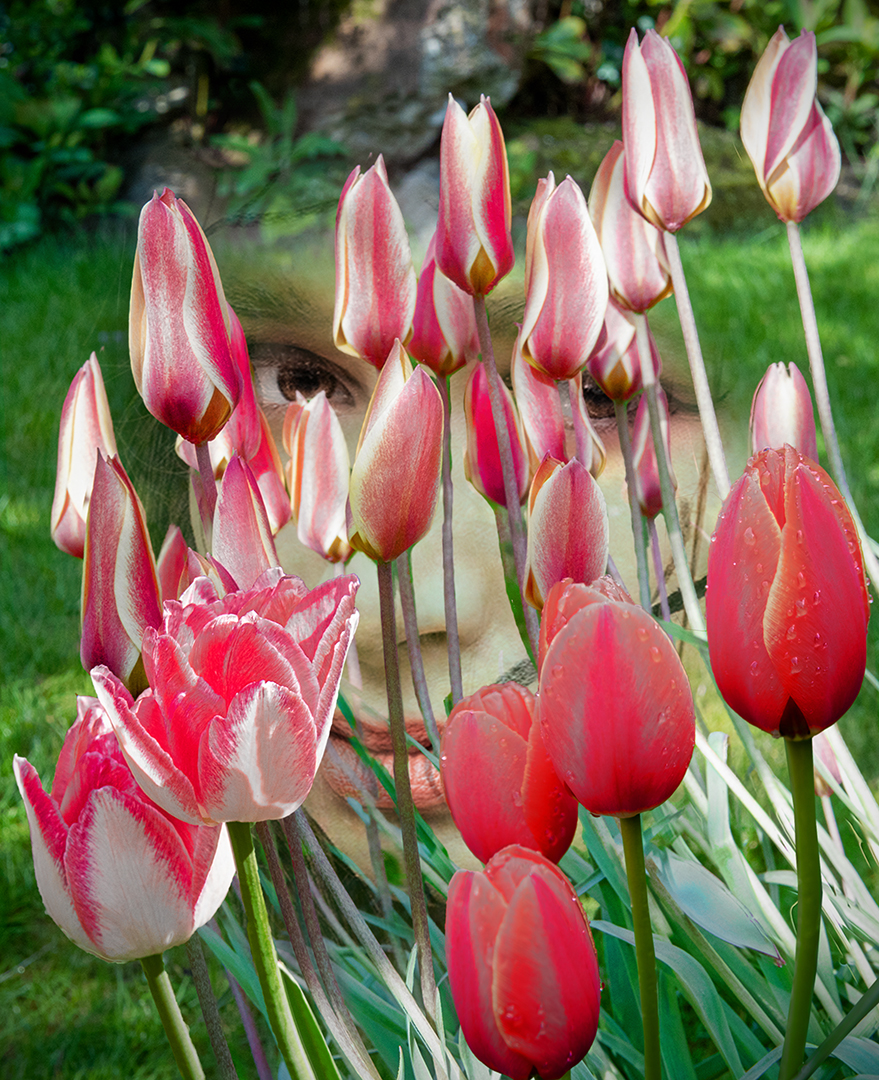
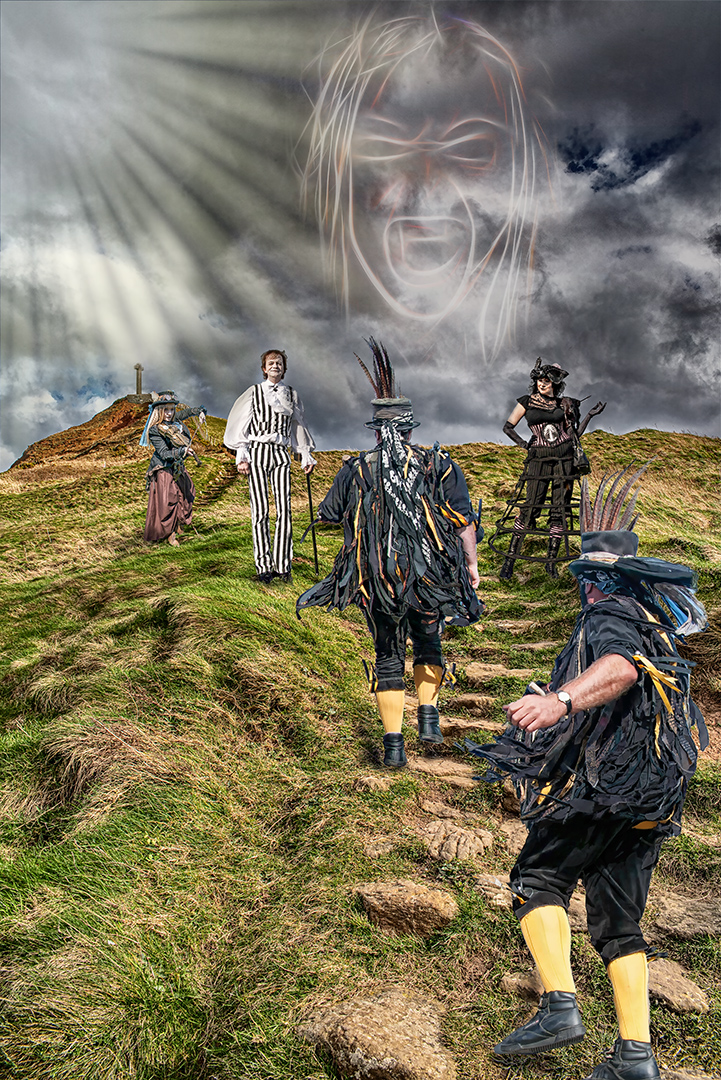
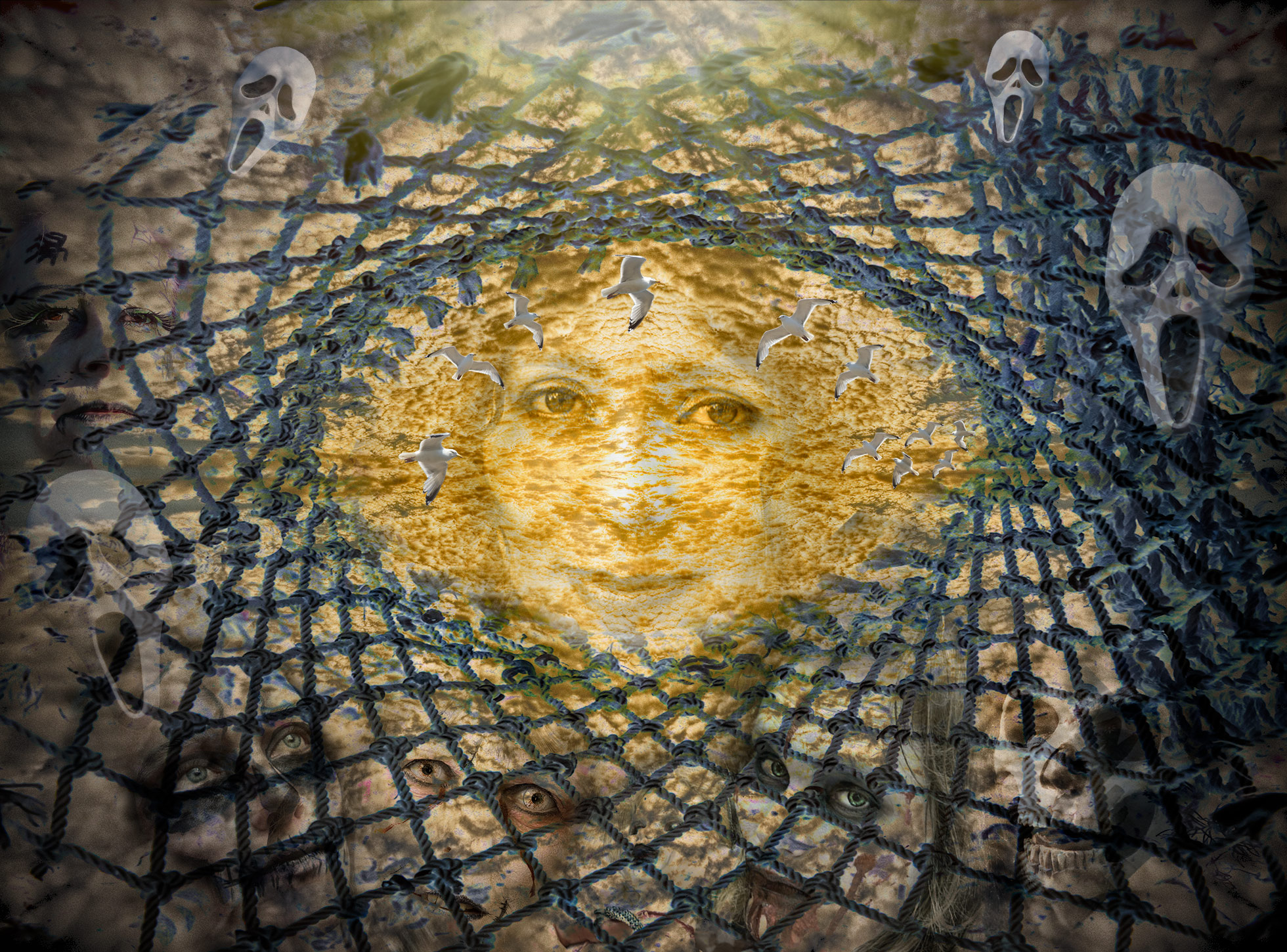
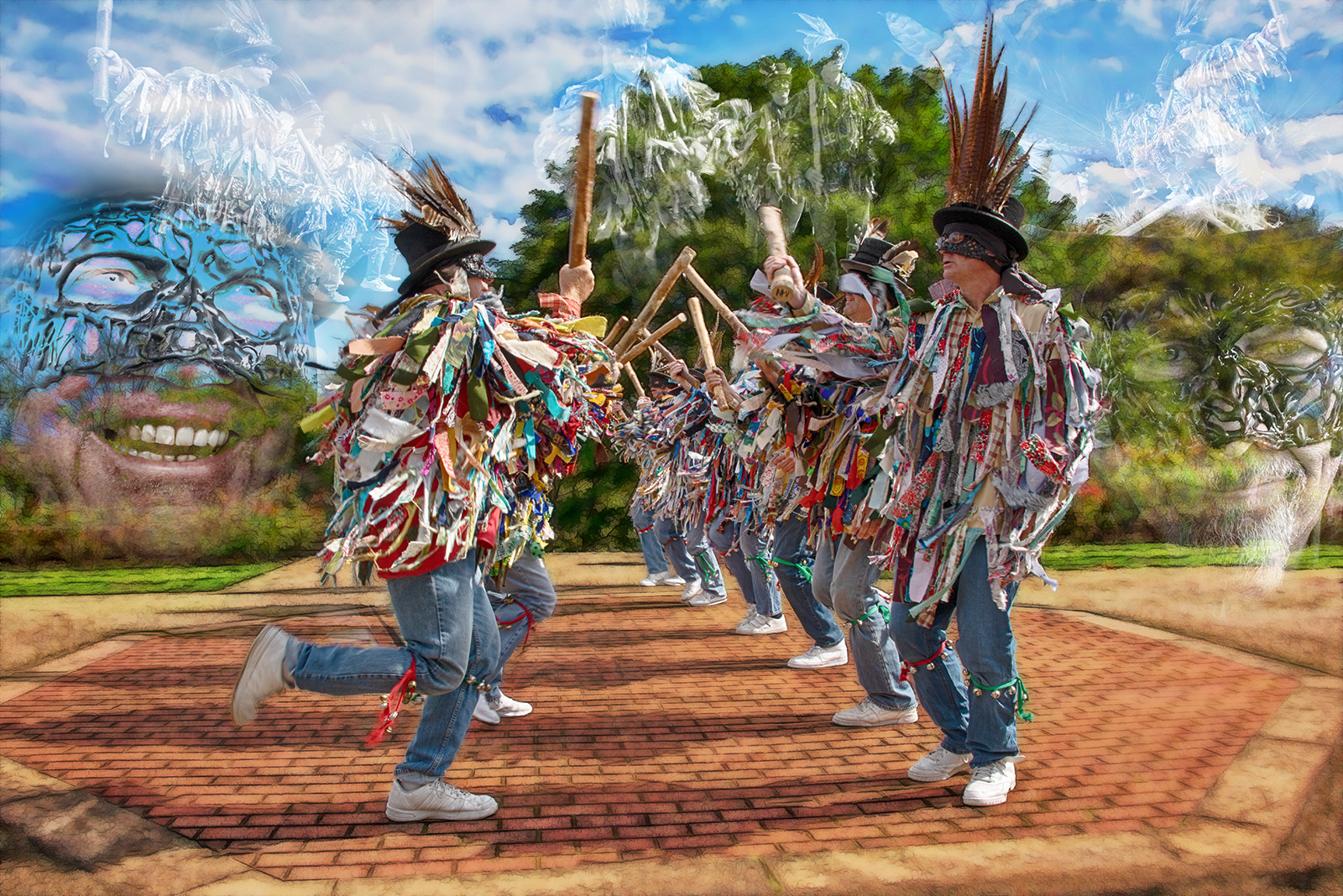
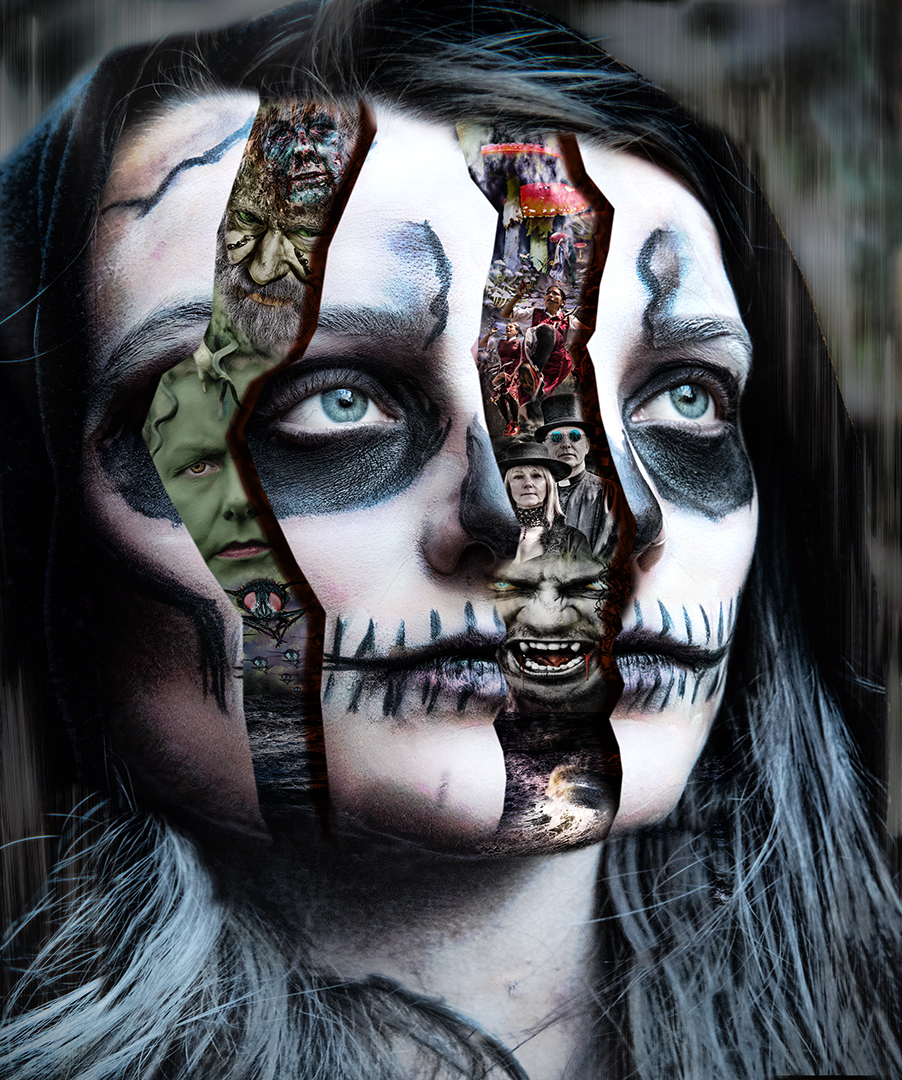
It was all quite easy really, as all the images inside her head were ones I had already finished. Just a matter of putting them in the order required and masking them.
The image with the mouth was placed somewhere near and then just moved / resized with the navigate tool, then the face widened (again with the navigate tool) until the smiley mouth fitted the gap. |
Jul 12th |
| 34 |
Jul 19 |
Comment |
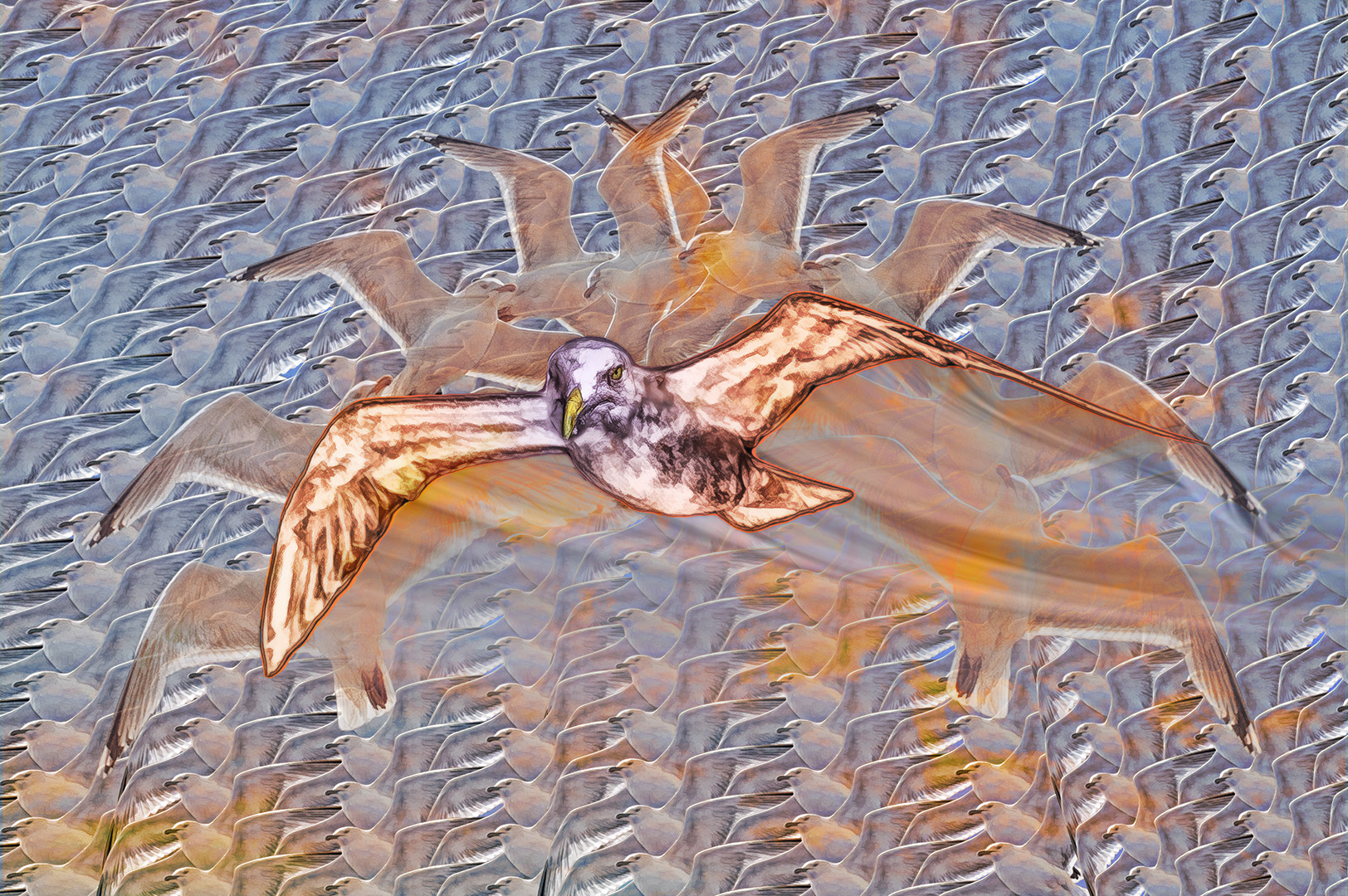
I really like this. The way you created the background is excellent - thanks for the instruction.
The treatment of the individual birds is wonderful - I find it amazing that each element can have different effect requirements to make them work. You've obviously spent a long time experimenting and playing (which I think is what creativity is all about).
The placement of the birds is intriguing too - there doesn't seem to be any pattern to their grouping, which makes it even more interesting.
The PSA definition of creative photography is 'altered reality' - this hits the mark 110% |
Jul 9th |
| 34 |
Jul 19 |
Comment |
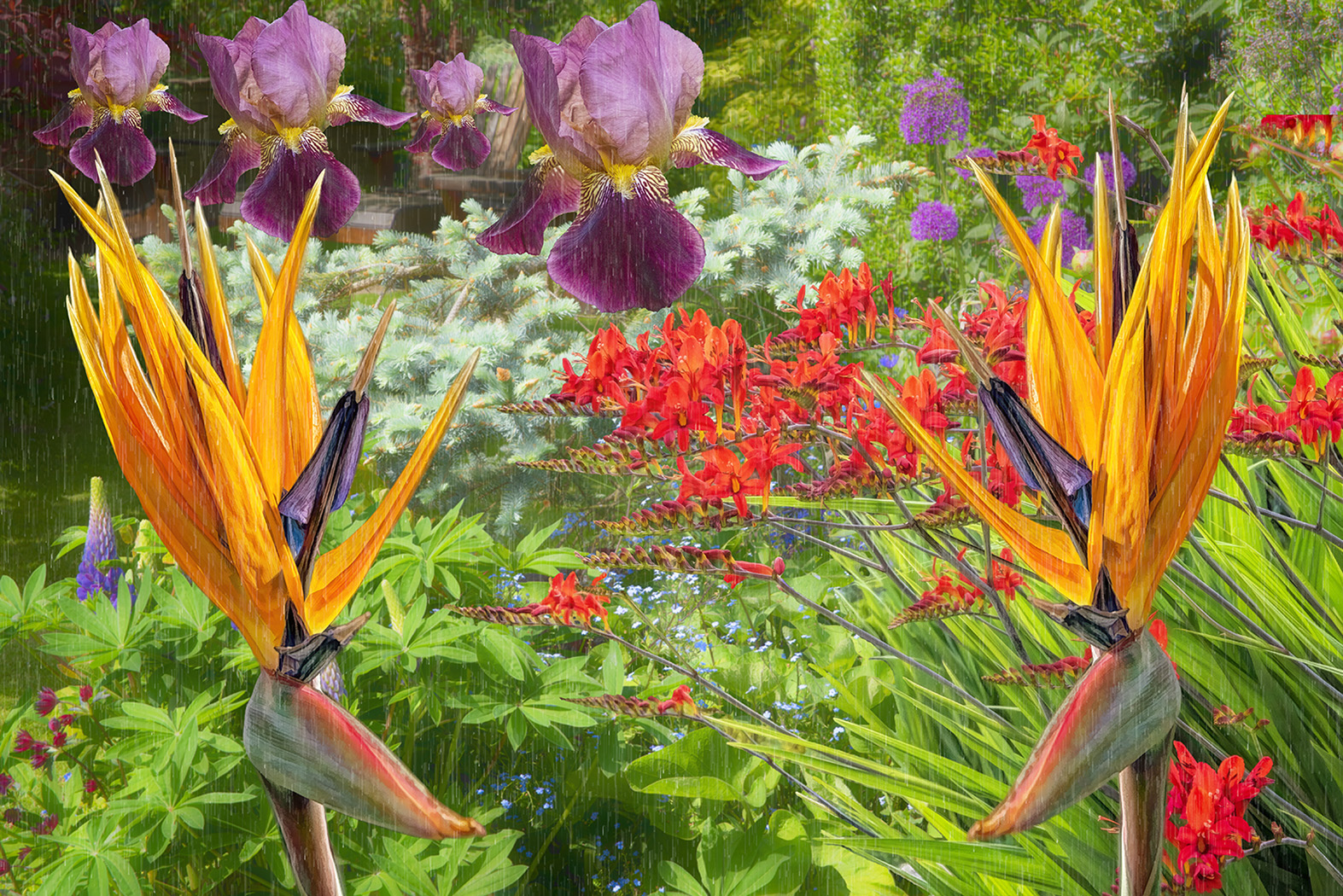
An interesting kaleidoscope. Polar co-ordinates offer a whole new world! You've taken it a bit further to a good result. Well done. |
Jul 9th |
| 34 |
Jul 19 |
Comment |
What a wonderful mix of nursery rhymes! It's very well put together. Good composition and lots of interesting elements.
Well done. |
Jul 8th |
| 34 |
Jul 19 |
Comment |
What fun! I could see it being used as the duck equivalent of the frog chorus! Let's hope the singing duck doesn't have a frog in it's throat!
Thanks for the instructions - I can see them being very useful. |
Jul 8th |
| 34 |
Jul 19 |
Comment |
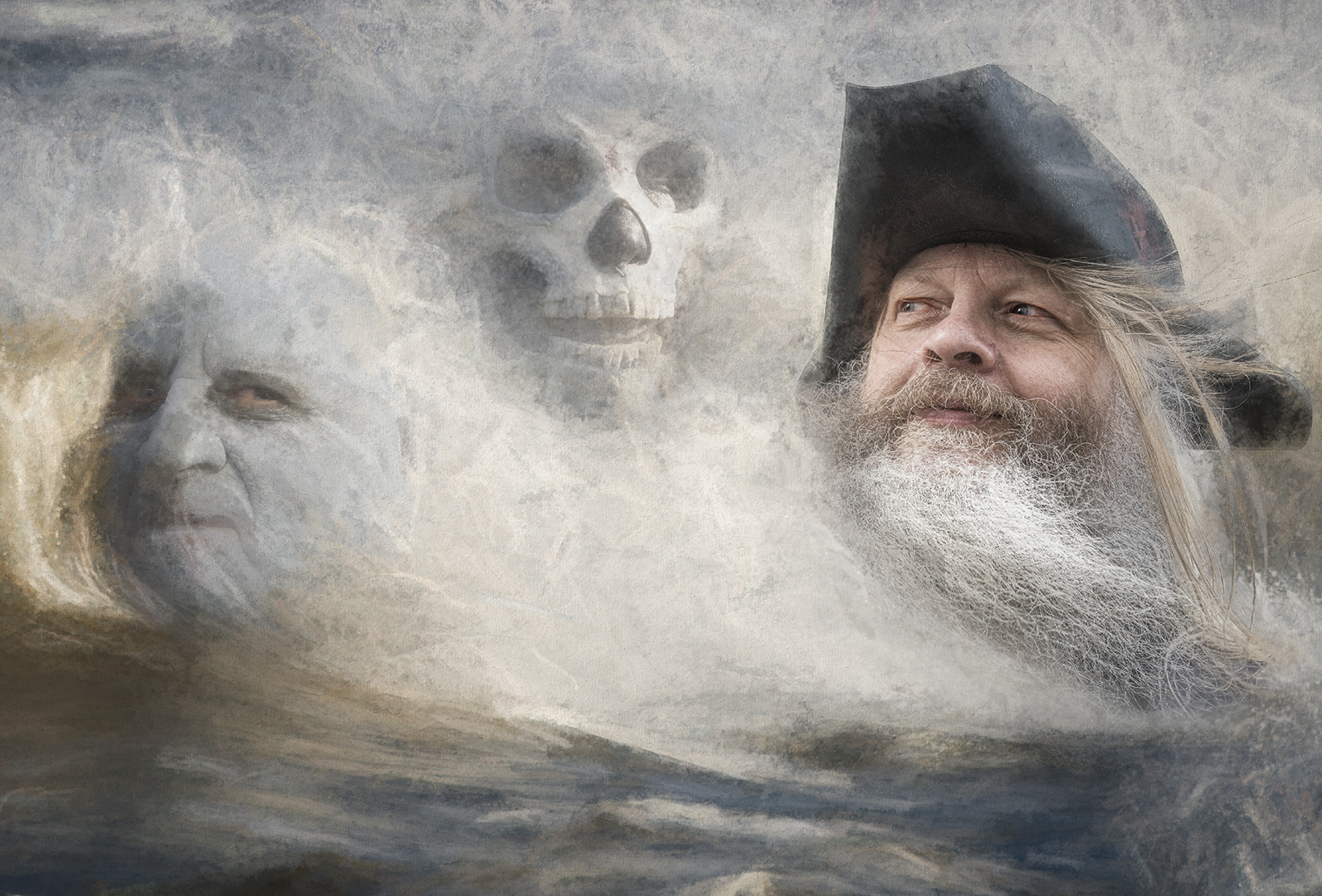
I'm not too sure about this one. It seems to me that the balance is wrong, with all the action being in the lower half of the image, while the upper half is almost blank.
The mayor's shadow is in the wrong position, compared to the one from his hand - it should be shorter and darker (as in the original).
I've found that converting an image to B&W then using screen blending mode produces good ghost like images. (you can tie the original and B&W layers together using the link layers tool to give yourself more versatility) |
Jul 8th |
| 34 |
Jul 19 |
Comment |
A lovely image of your granddaughter.
My own preference would have more contrast in your granddaughter's image - she seems to have become much softer in your processing
I think I prefer the light vignette - mainly because she looks more prominent - the darker vignette tends to highlight the soft edges where her hair is blended into the image, whereas they seem sharper with the lighter vignette. |
Jul 8th |
6 comments - 1 reply for Group 34
|
6 comments - 1 reply Total
|