|
| Group |
Round |
C/R |
Comment |
Date |
Image |
| 34 |
Dec 17 |
Reply |
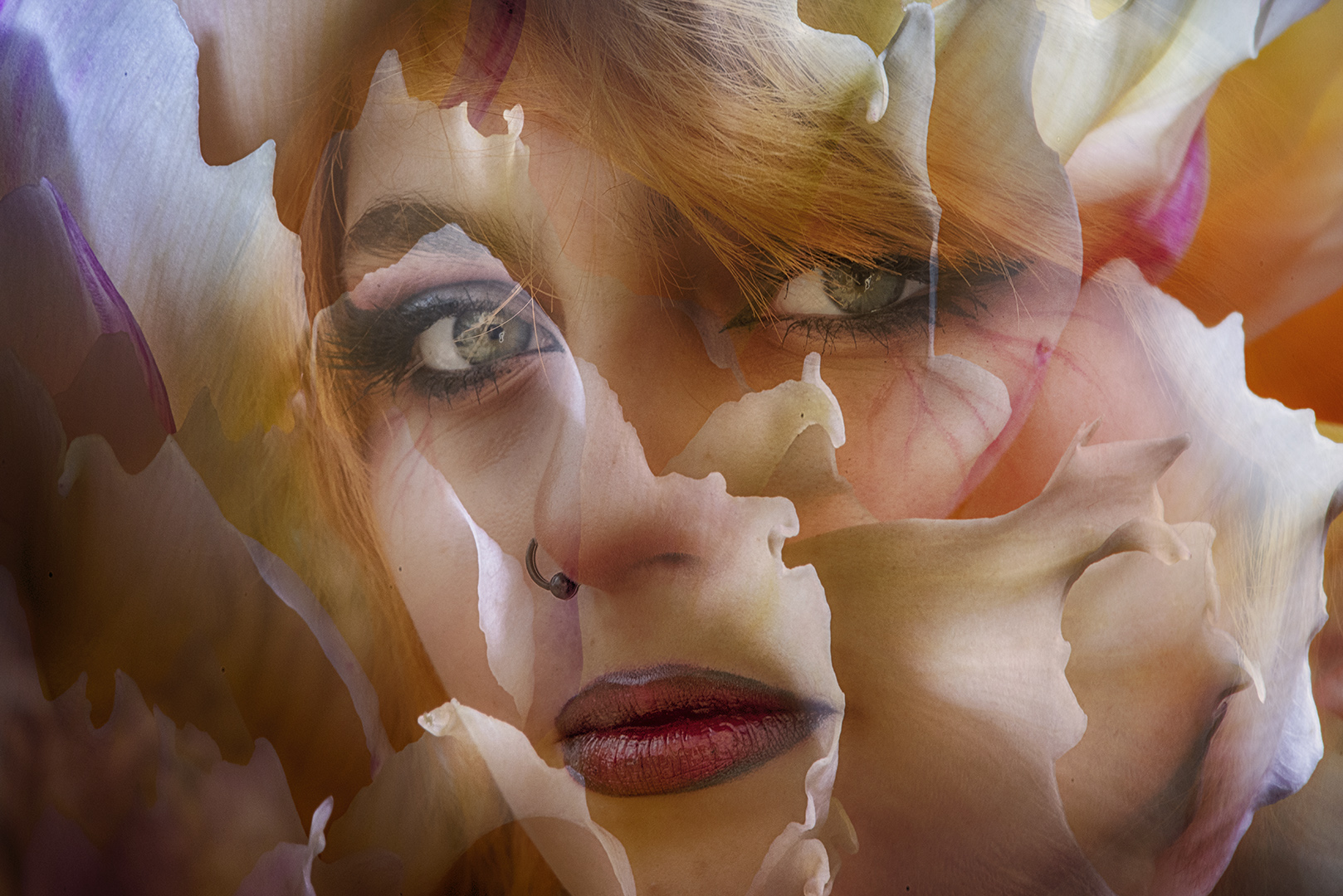
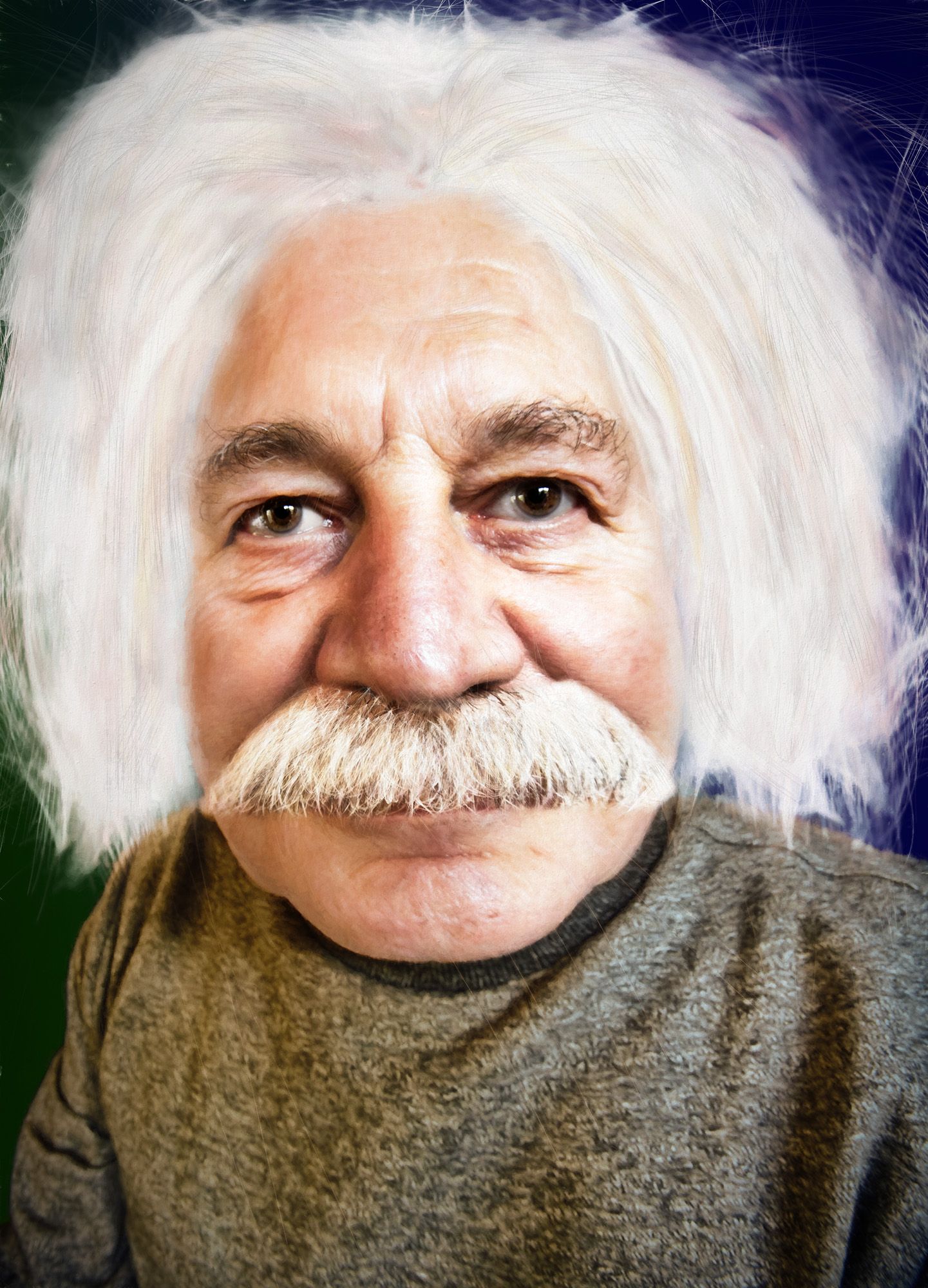
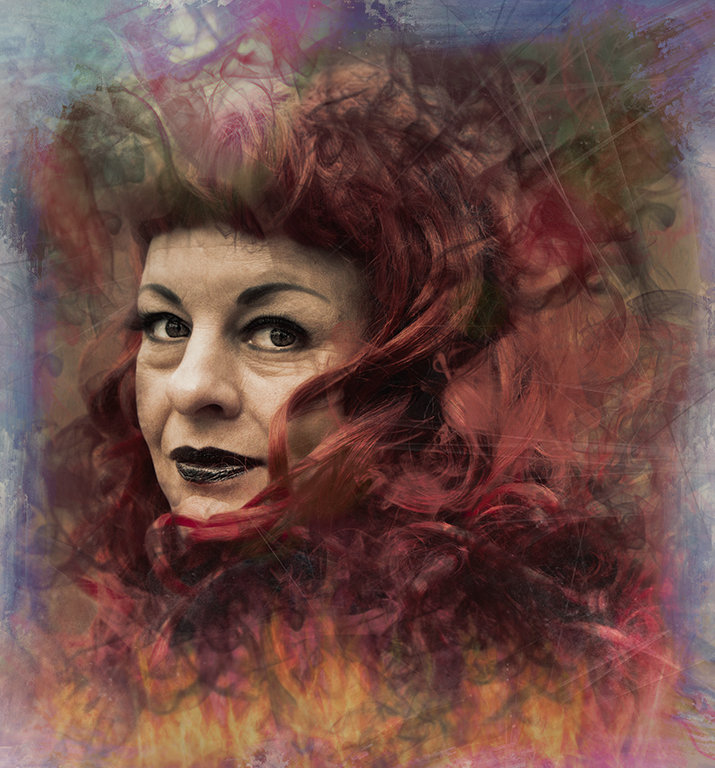
I can't afford to remove any hair! and the grey ring is probably cataract!
Thanks for your suggestions - it was never intended to be a serious image, so I'll just let them ride for now. |
Dec 12th |
| 34 |
Dec 17 |
Comment |
Once again you've got my image of the month. This is amazing.
I relate to the playing with effects - that's where I'm happiest. And I'm not much of a drawer either - that's why my self portrait was done using the camera instead.
Good that you're using PS filters along with iPad apps too.
Thanks for providing all this food for thought! |
Dec 6th |
| 34 |
Dec 17 |
Comment |
As you say - easy on the eyes, but also pleasing on the eyes.
I really like what you've done here - playing is what it's all about for me. That's where the pleasure is.
Original 3 is good too, but for me your final is better as there's less conflict of line directions.
Don't worry about making compositions - creative photography comes in many guises and composite images are only one of them. This image shows that you have the creativity - just play as you are doing and enjoy it. |
Dec 6th |
| 34 |
Dec 17 |
Comment |
You've changed the image so much - and for the better. Well done. I like the effect and I like the crop.
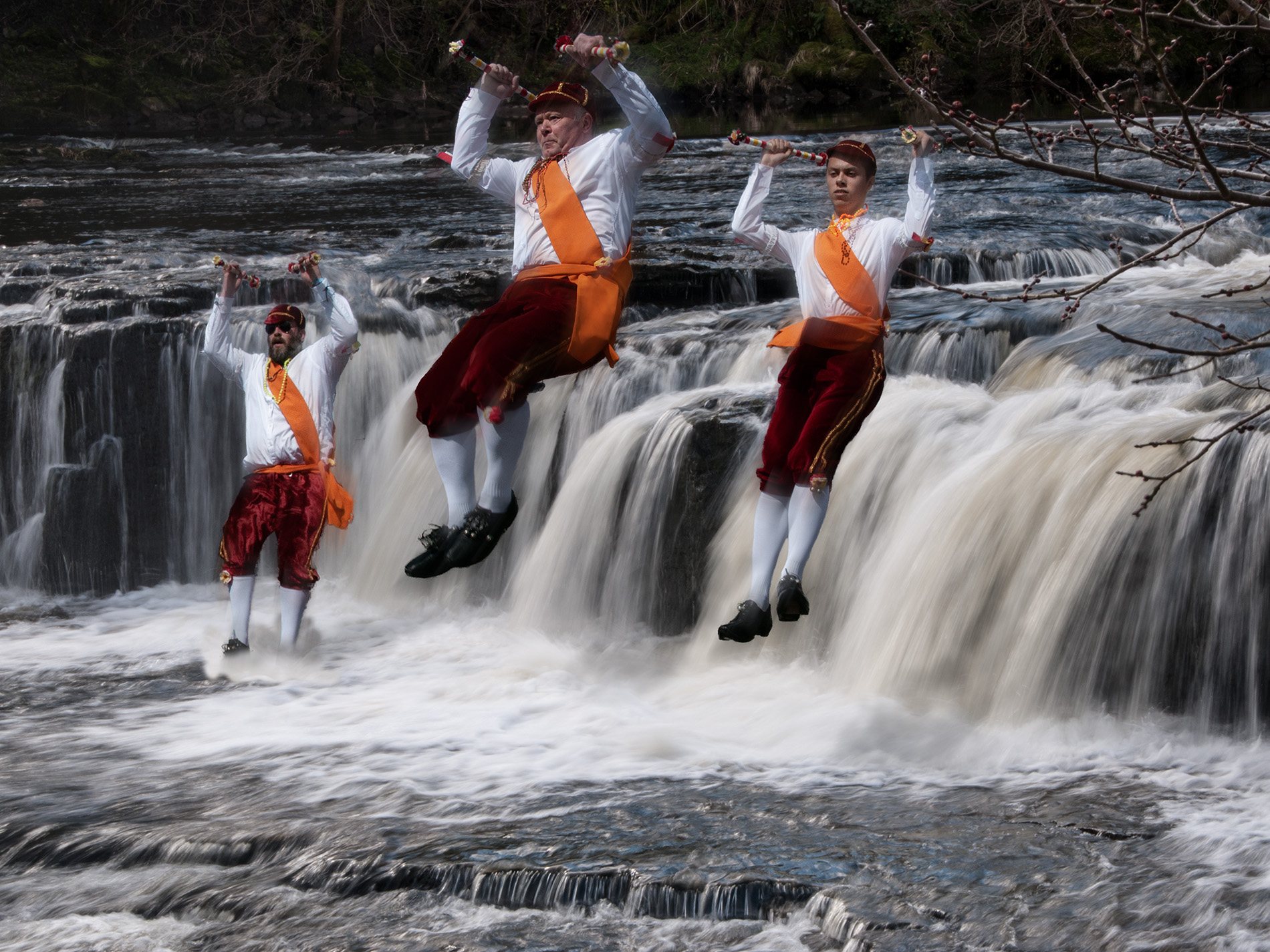
And a very fine mini flood! Thanks for letting me know about the new version - I've upgraded. A word of warning about the photography pack - I bought it ages ago and haven't been impressed. Flood is good, but I wouldn't bother with the rest. |
Dec 6th |
| 34 |
Dec 17 |
Comment |
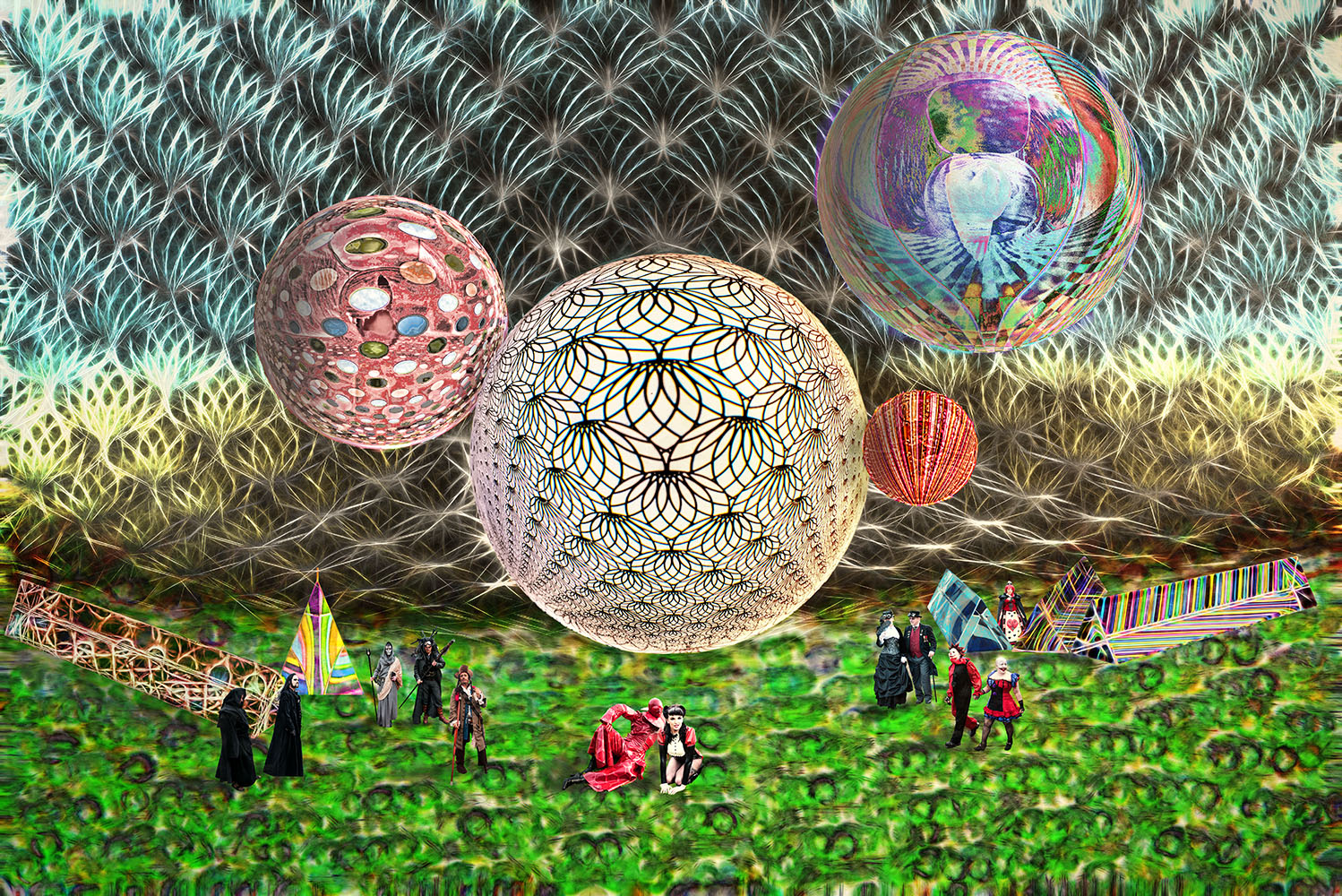
There's quite a lot going on here. You've put a lot of work into the treatment of the various parts and achieved some good effects, but I'm afraid it doesn't work too well for me. To me it seems that there are too many distractions to what I assume is the point of focus in the infinity hole - the brightness and saturation of the background pull the eye away from the hole.
How about shrinking the dancer and moving her further up the road, so that the little girl is watching her? That would give more of a lead-in to the image.
There is some good work in the creation of the geometric layer. I feel it just needs toning back a bit to give the image a focus.
Thanks for sharing it with us. |
Dec 6th |
| 34 |
Dec 17 |
Comment |
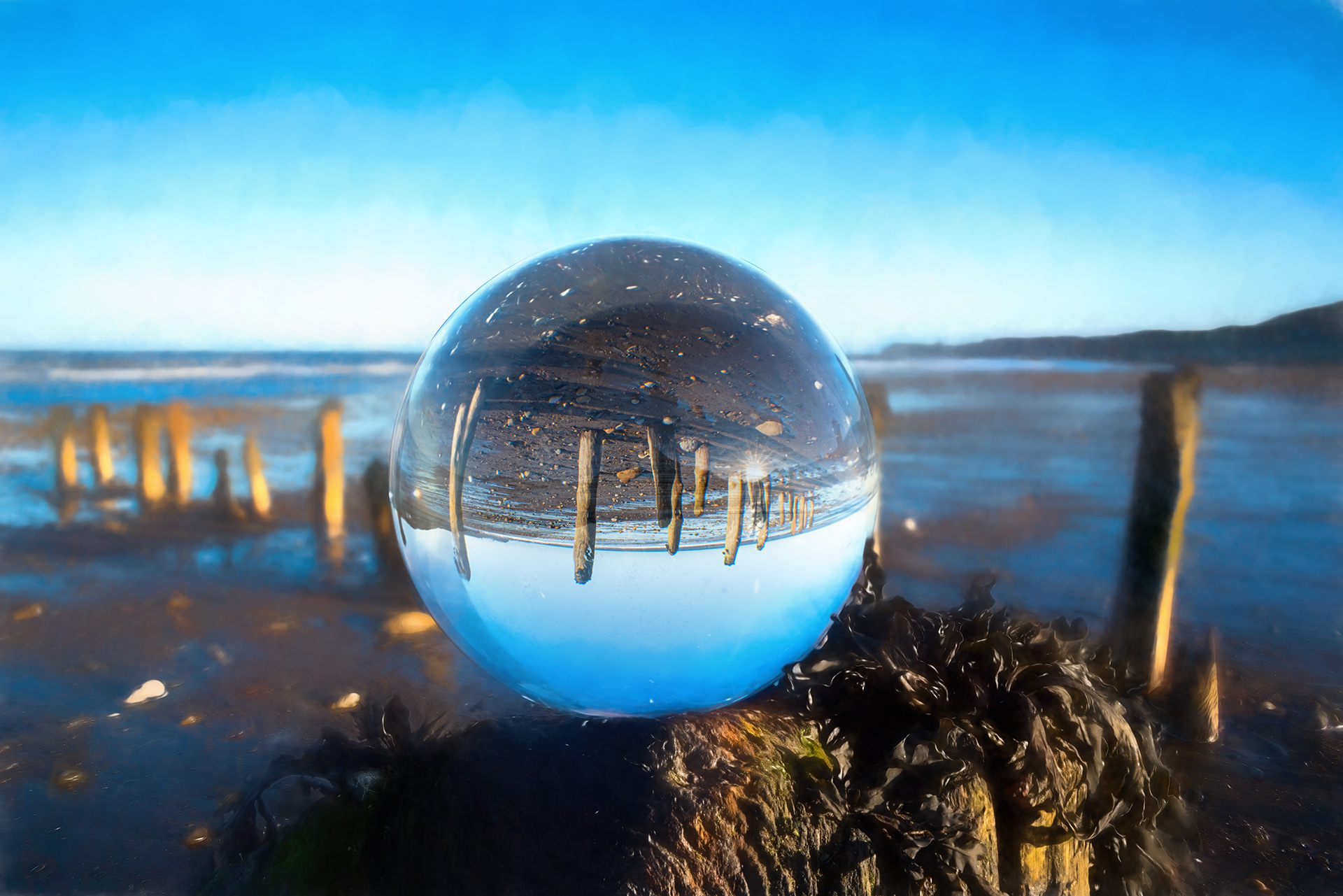
What a good idea and very well executed. Well done.
I agree with Jan about the two vertical lines, but they're minor when you look at the rest of the image.
I like the desaturation / grunging of the outside are - it really helps the contrast with the image in the mirror.
To help the 'blues' saturation, how about saving it as a TIF - you could increase the image size with On1 Resize if necessary. |
Dec 6th |
| 34 |
Dec 17 |
Reply |
Hi Jan
I got Particle Shop as a freebie with Corel Paintshop. There are some basic brushes with it, but I found that I wanted more. I just bought the whole collection during the Black Friday deals.The brushes are a lot of fun but not if the image is too big - max 2000 pix width. The smoke brushes work pretty well also flames, mist etc.
Corel are forever having deals, so don't pay full price! |
Dec 5th |
5 comments - 2 replies for Group 34
|
5 comments - 2 replies Total
|