|
| Group |
Round |
C/R |
Comment |
Date |
Image |
| 34 |
Feb 17 |
Reply |
Hi Jan
I downloaded the brushes from File Silo which comes as part of Photoshop Creative magazine, which you'd have to subscribe to. The zipped downloaded file is 352 MB, so I wouldn't be able to send it to you (the e-mail wouldn't allow that sort of size).
I'd recommend the magazine - it keeps me going when I'm struggling for ideas!
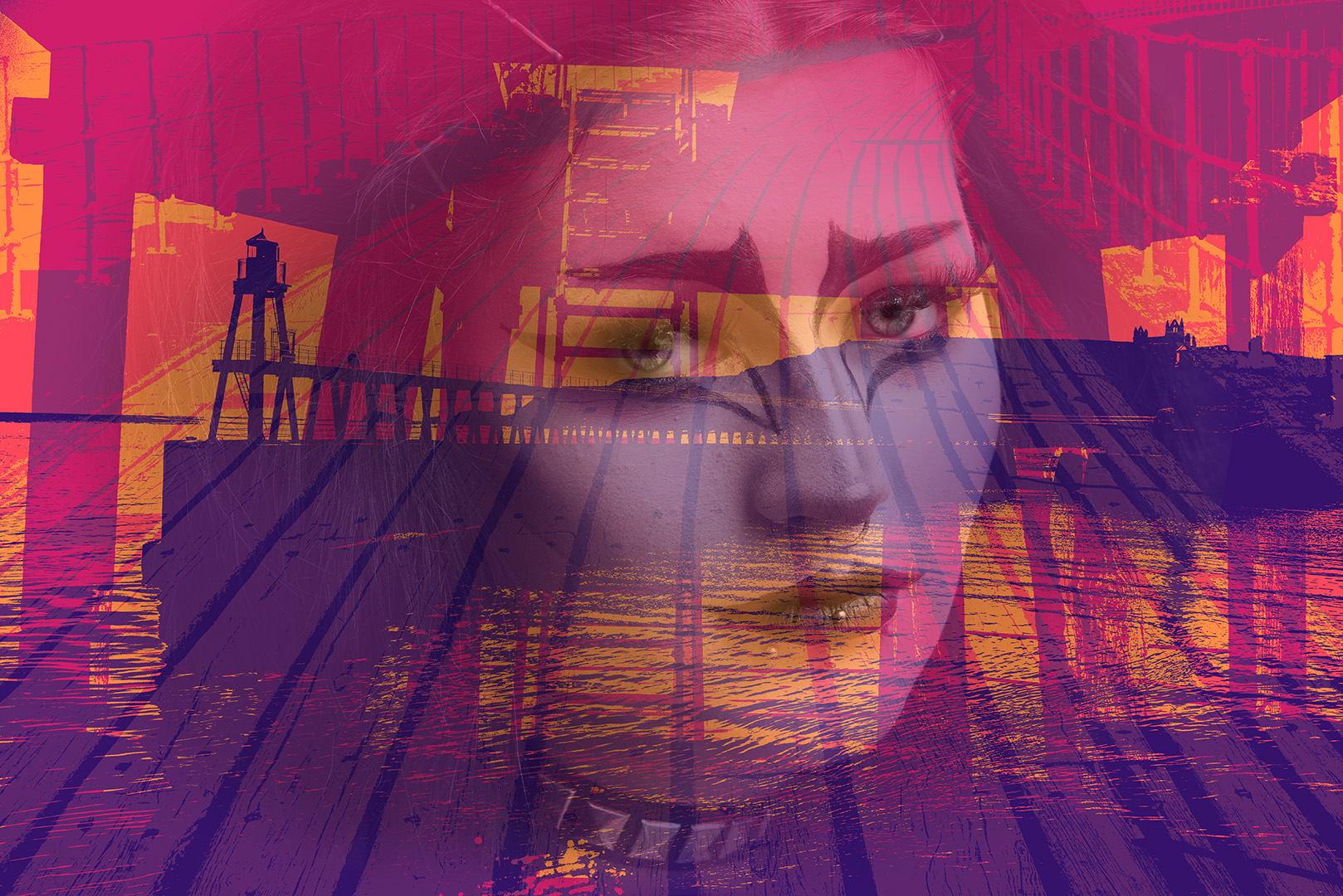
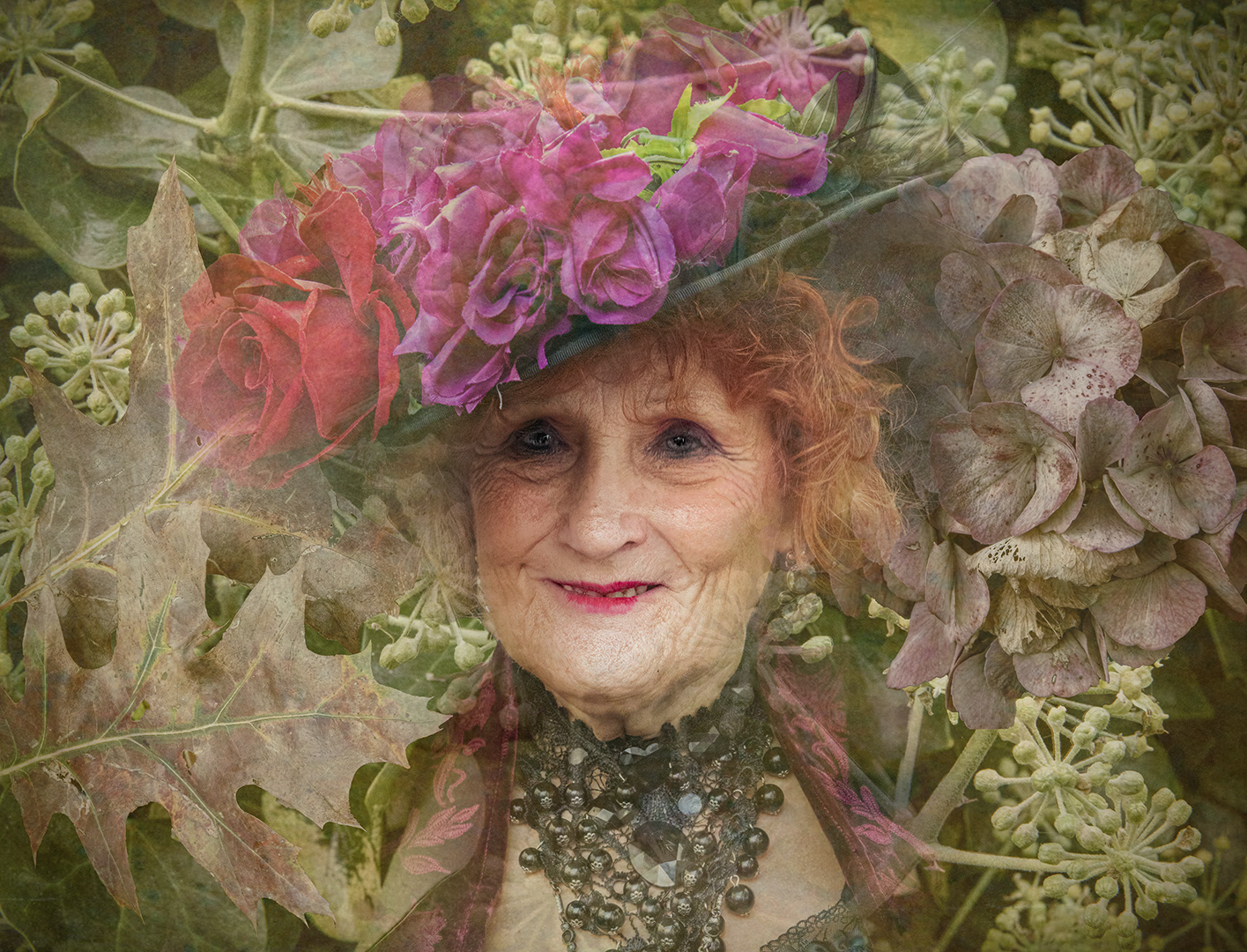
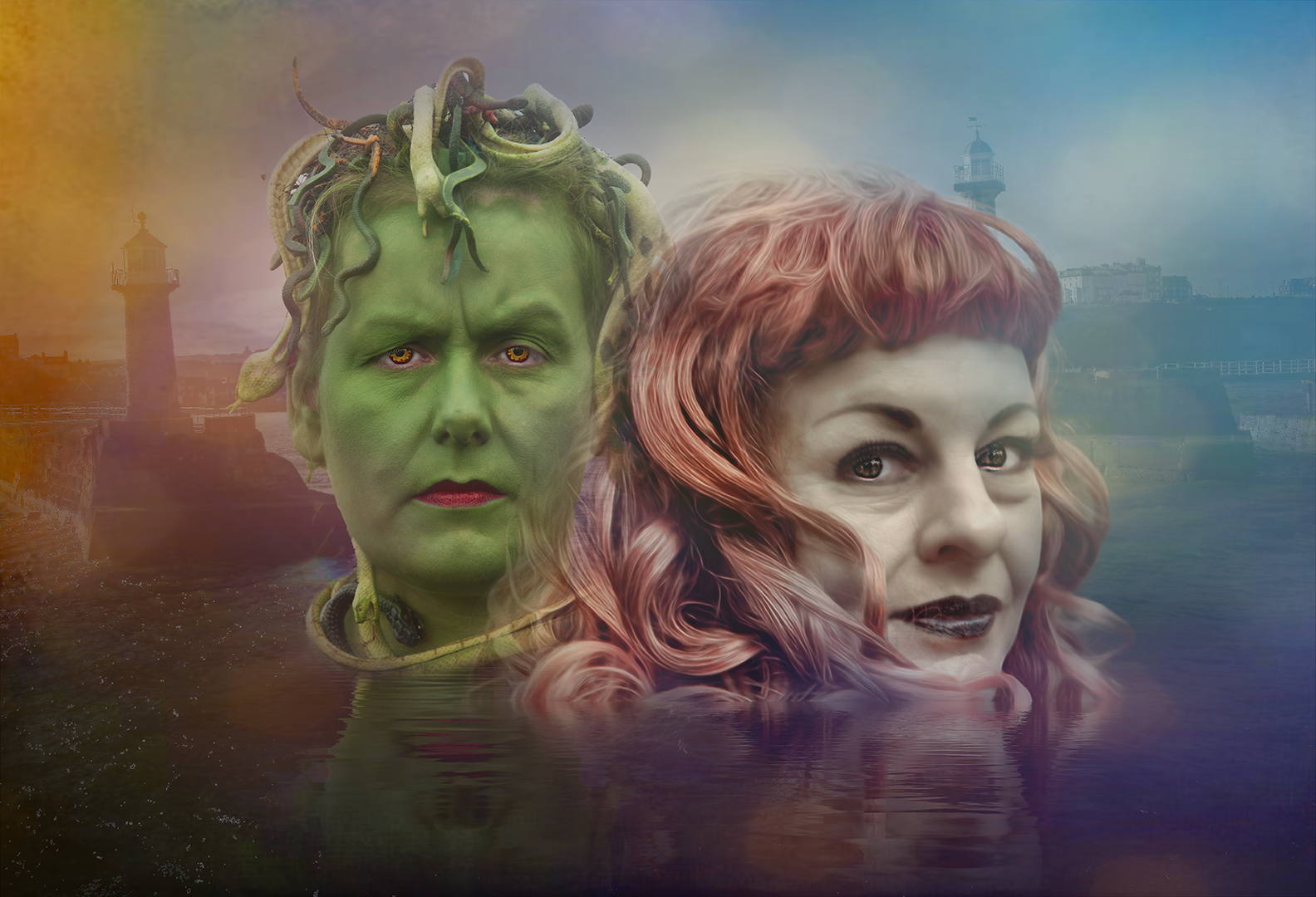
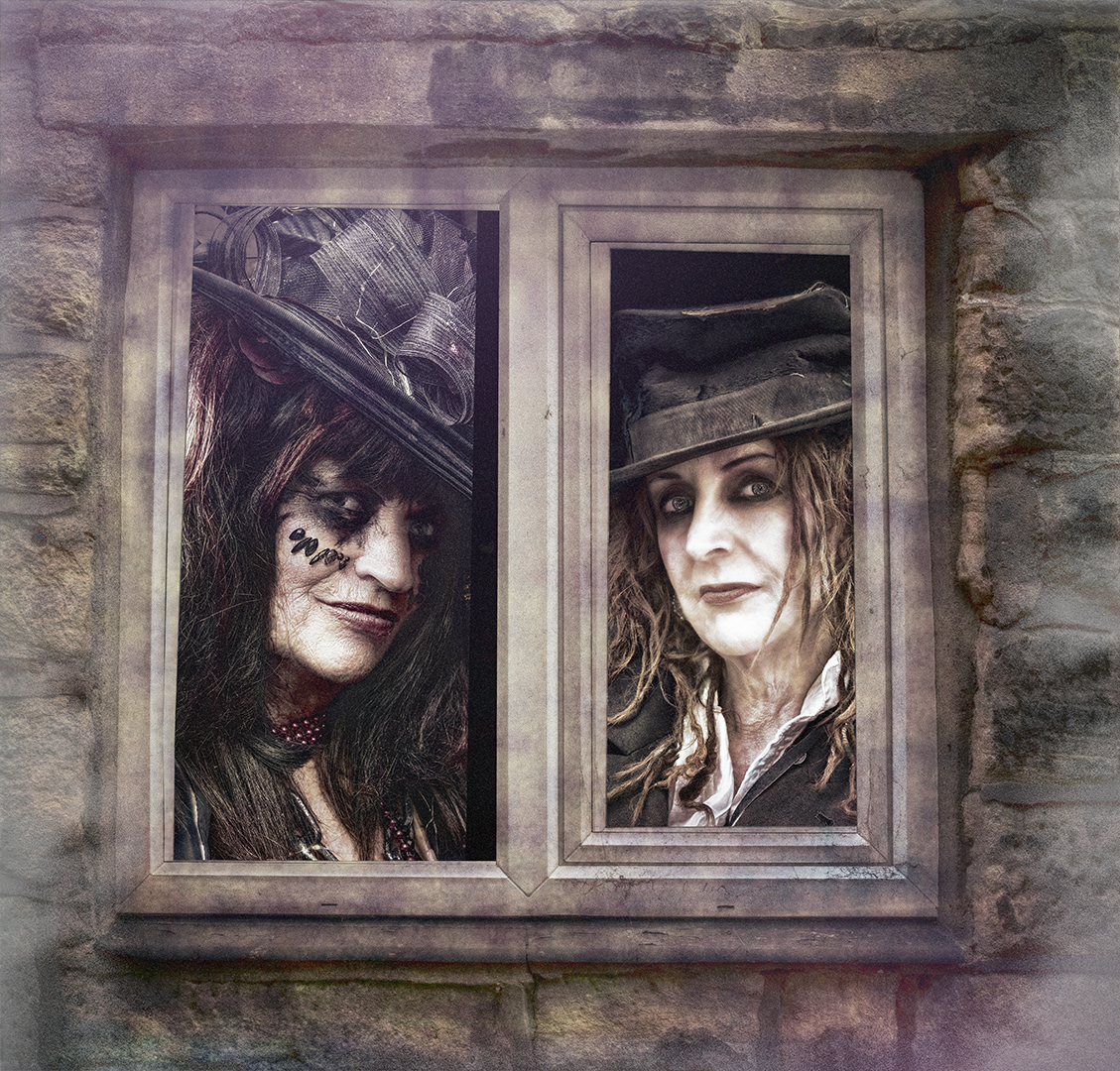
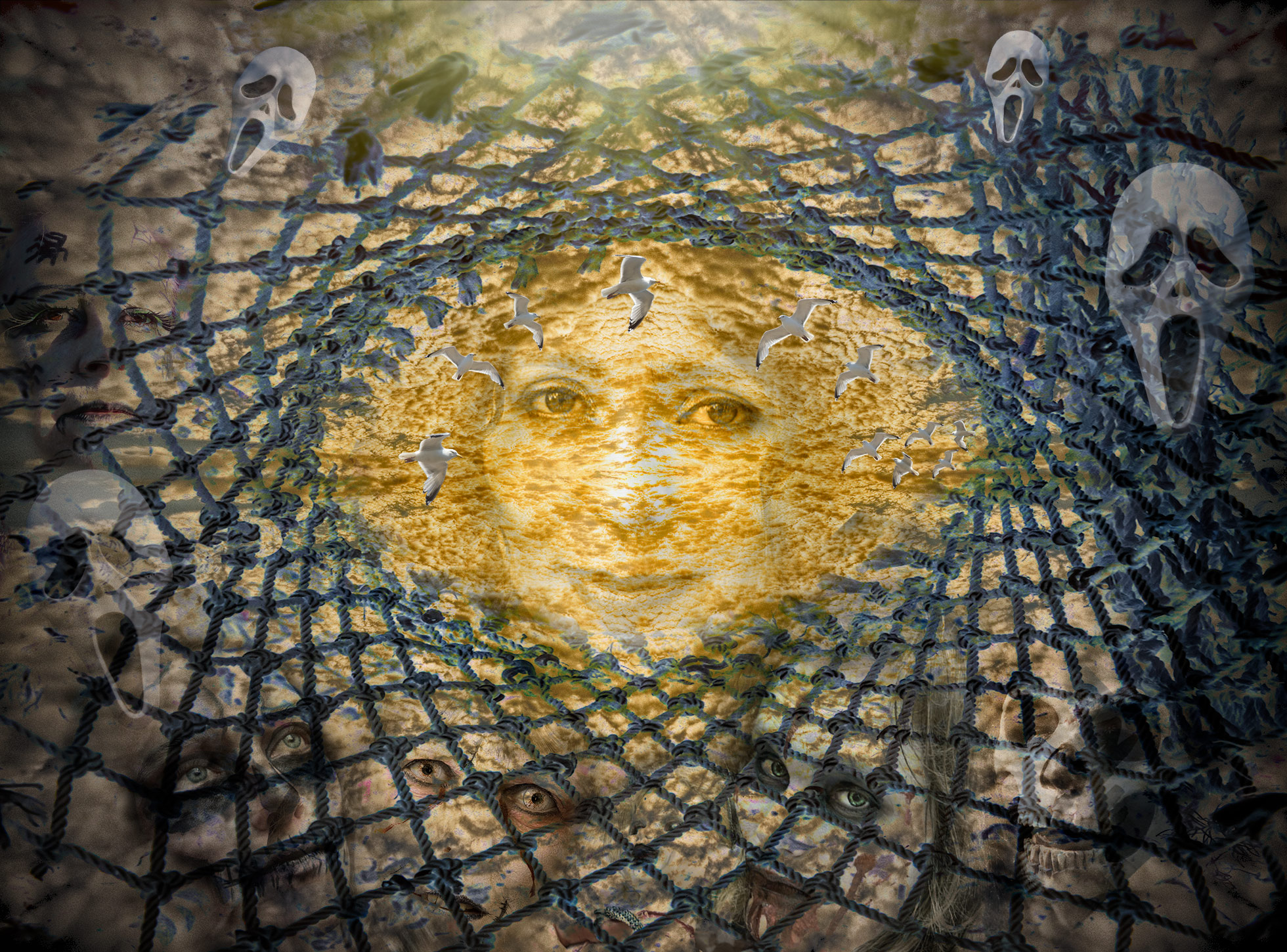
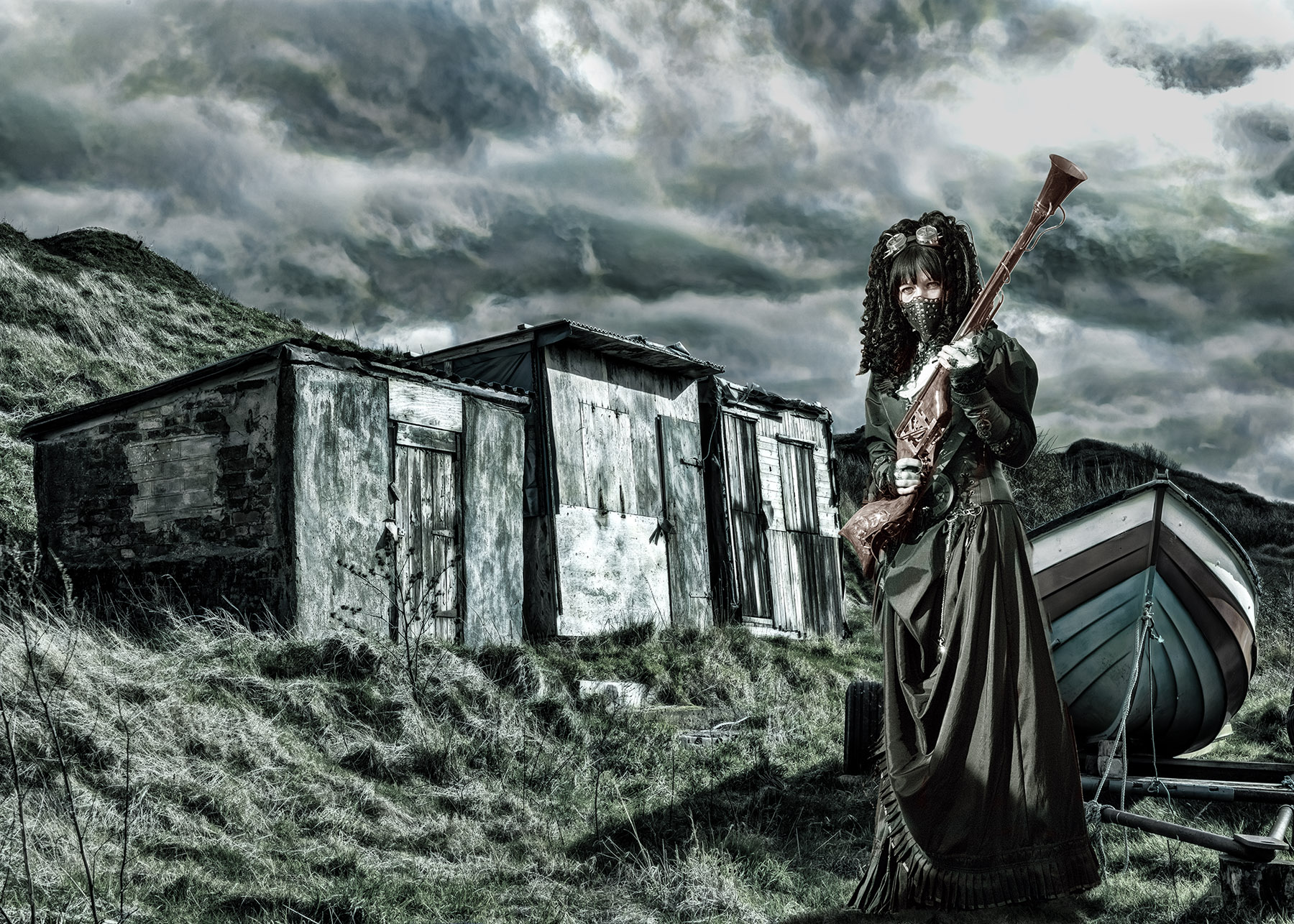
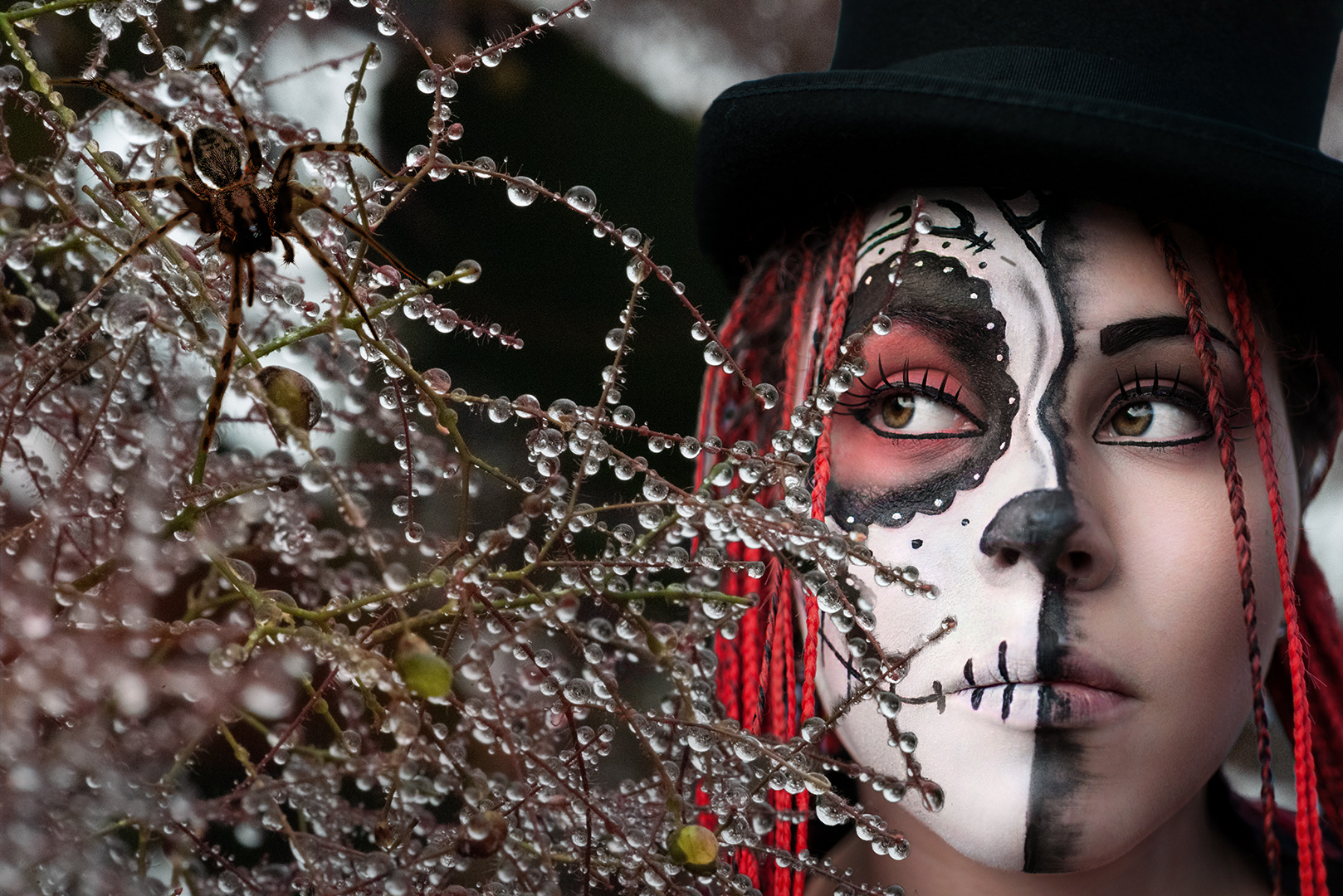
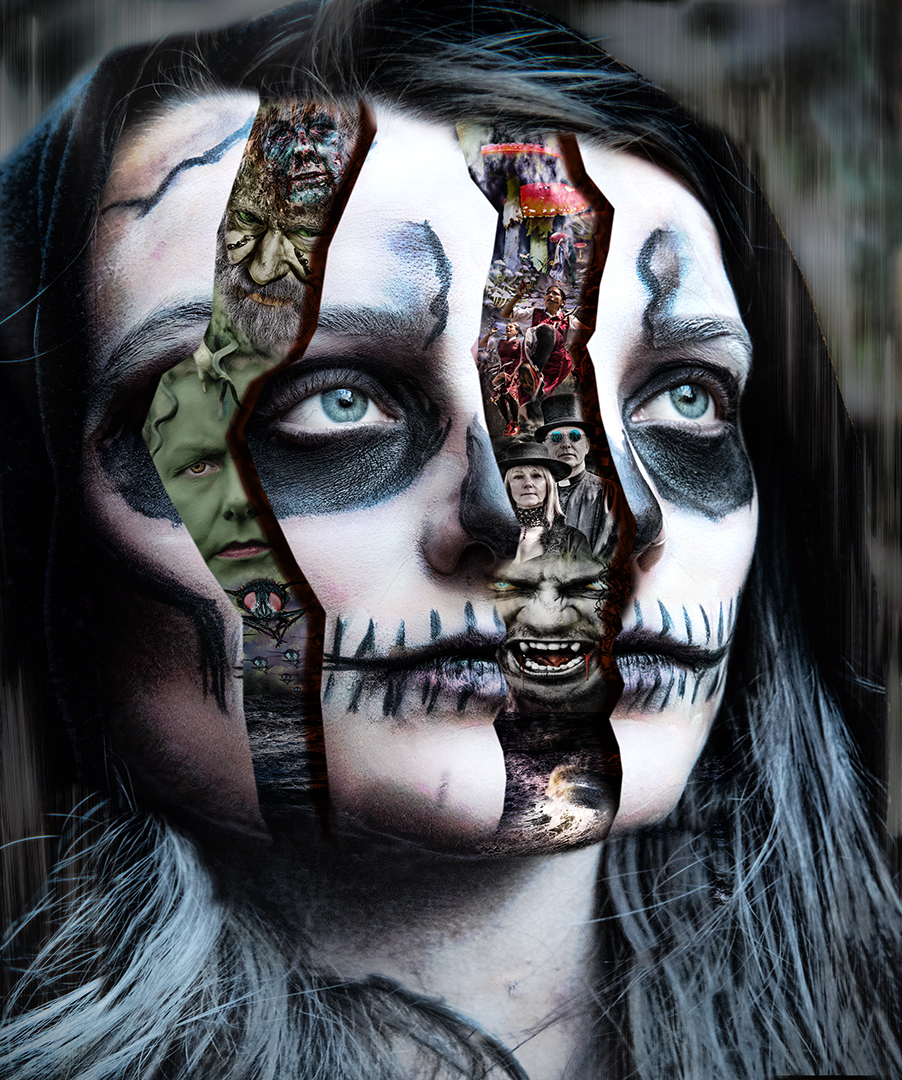
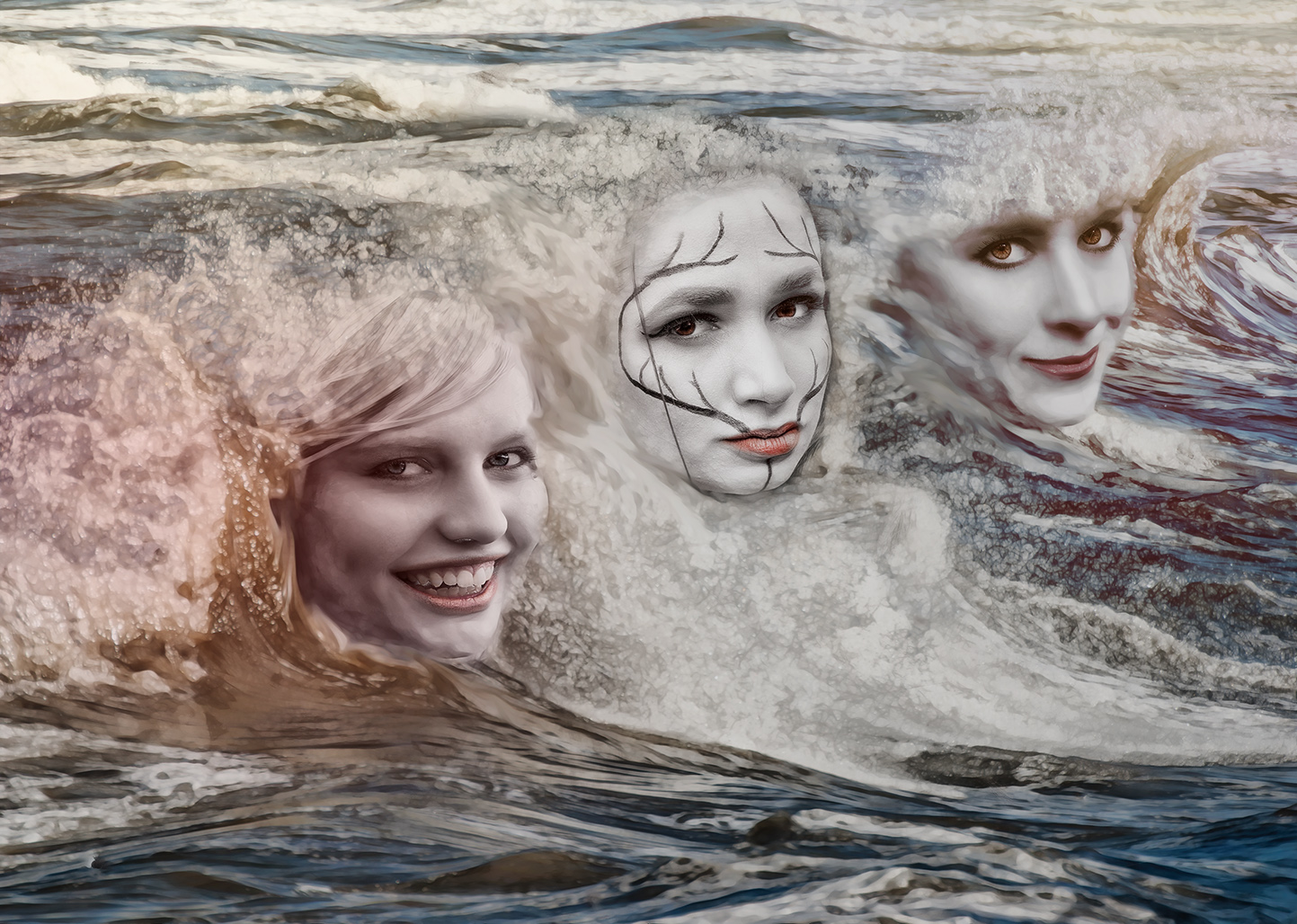
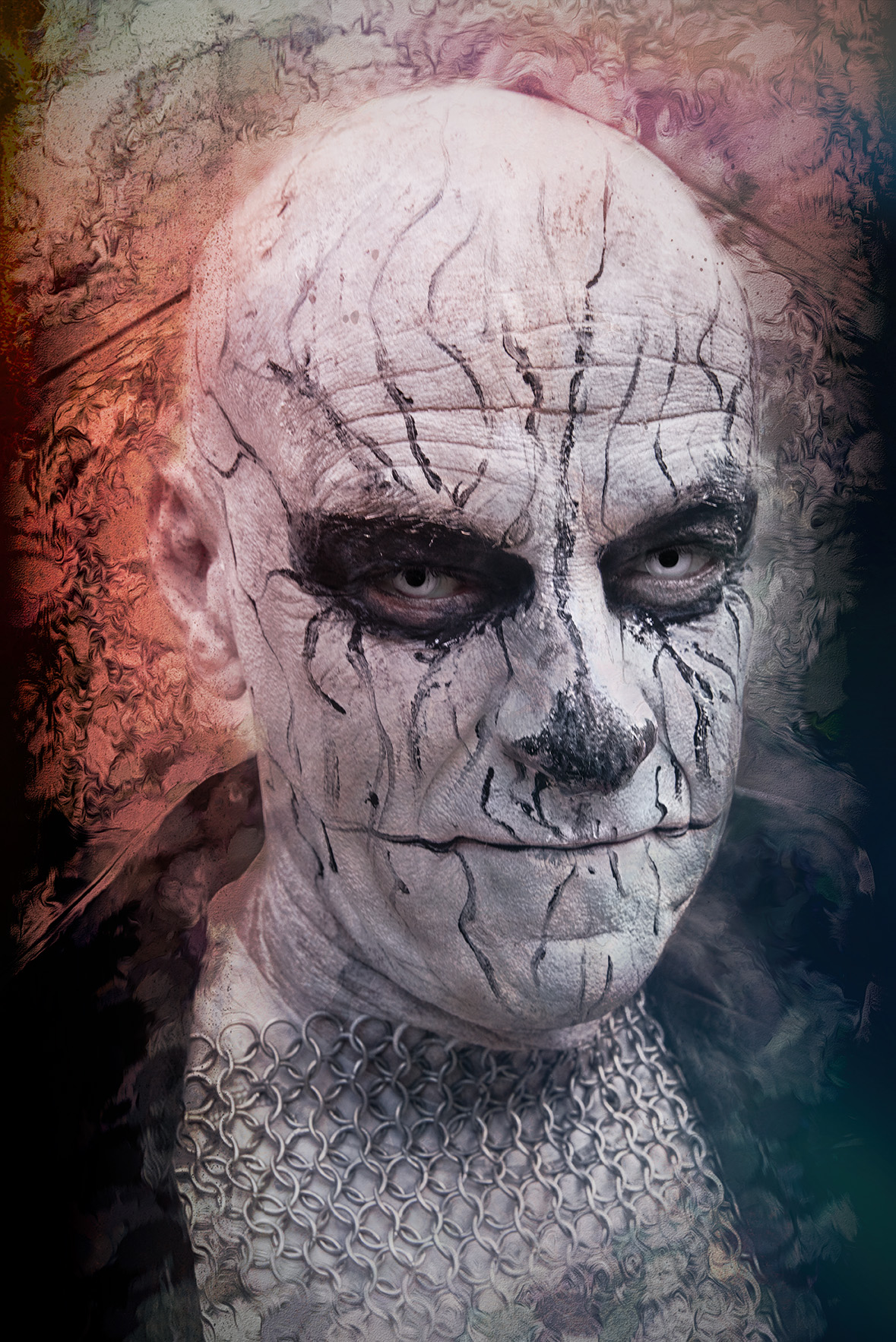
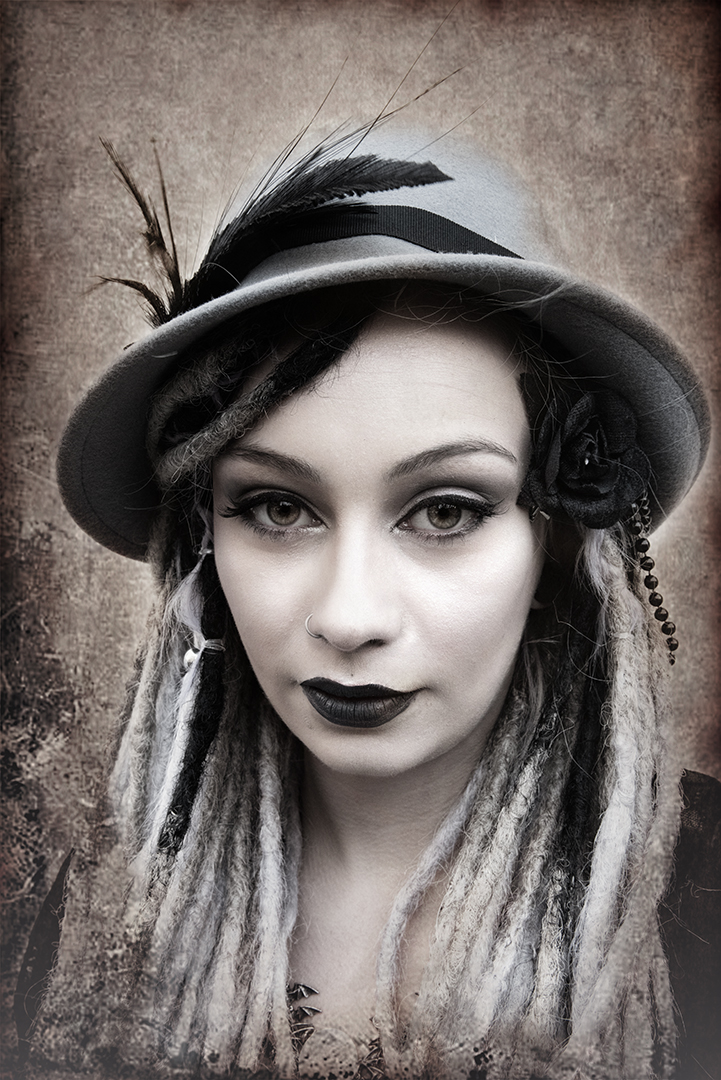
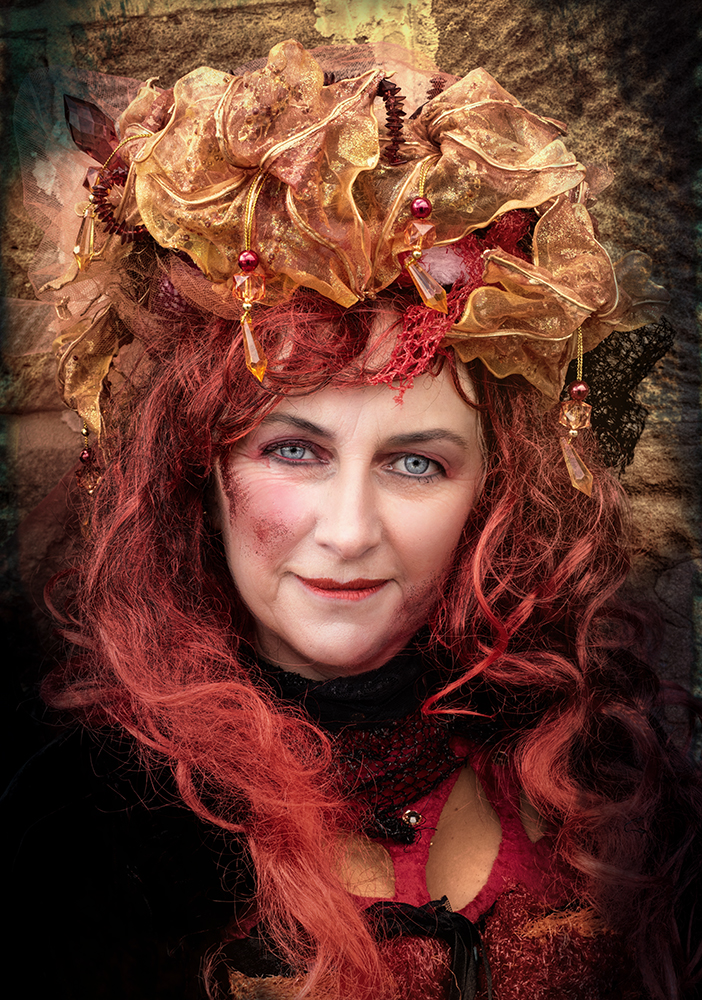
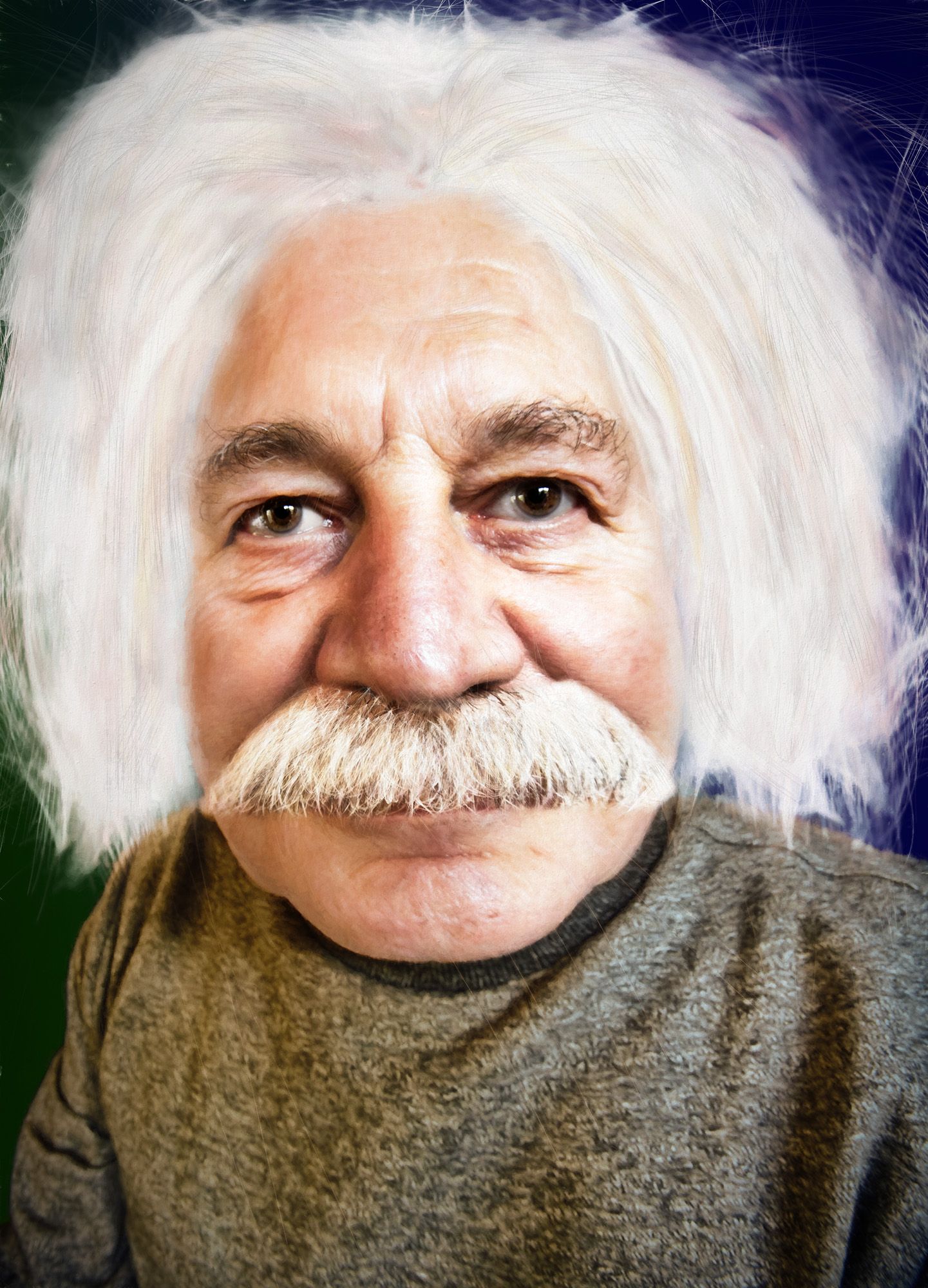
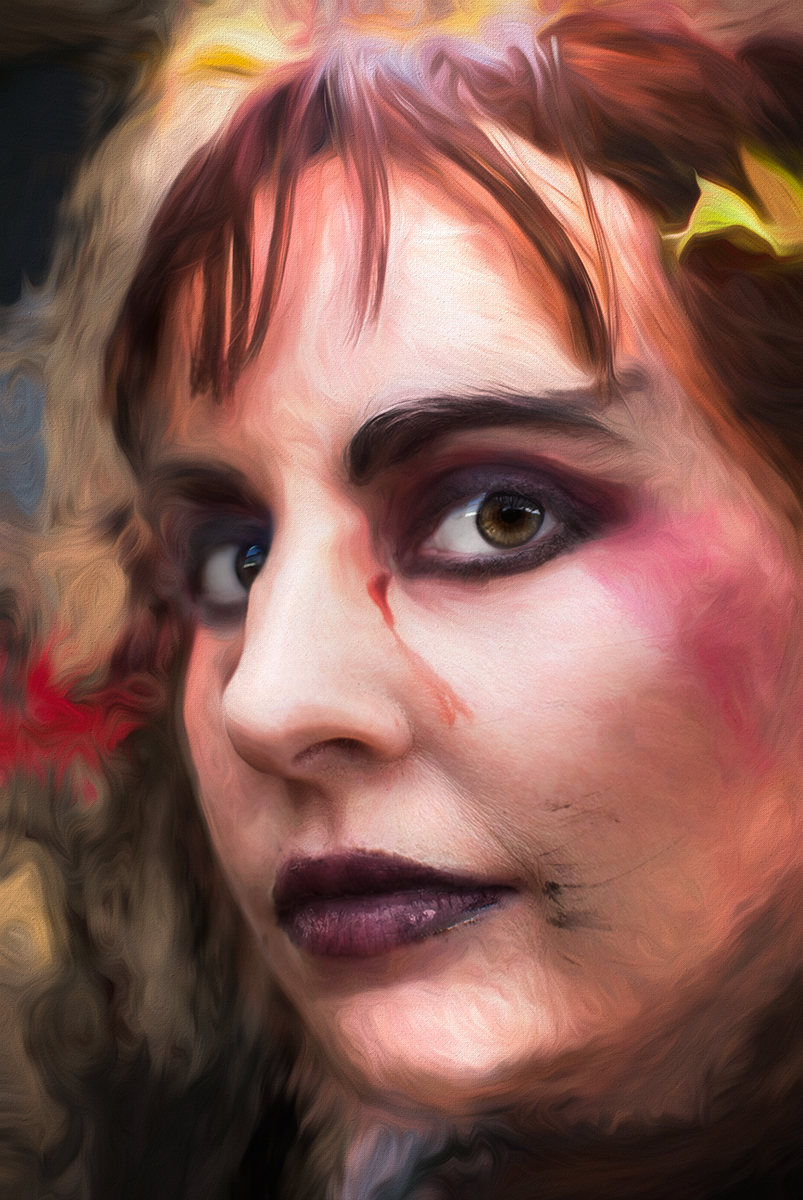
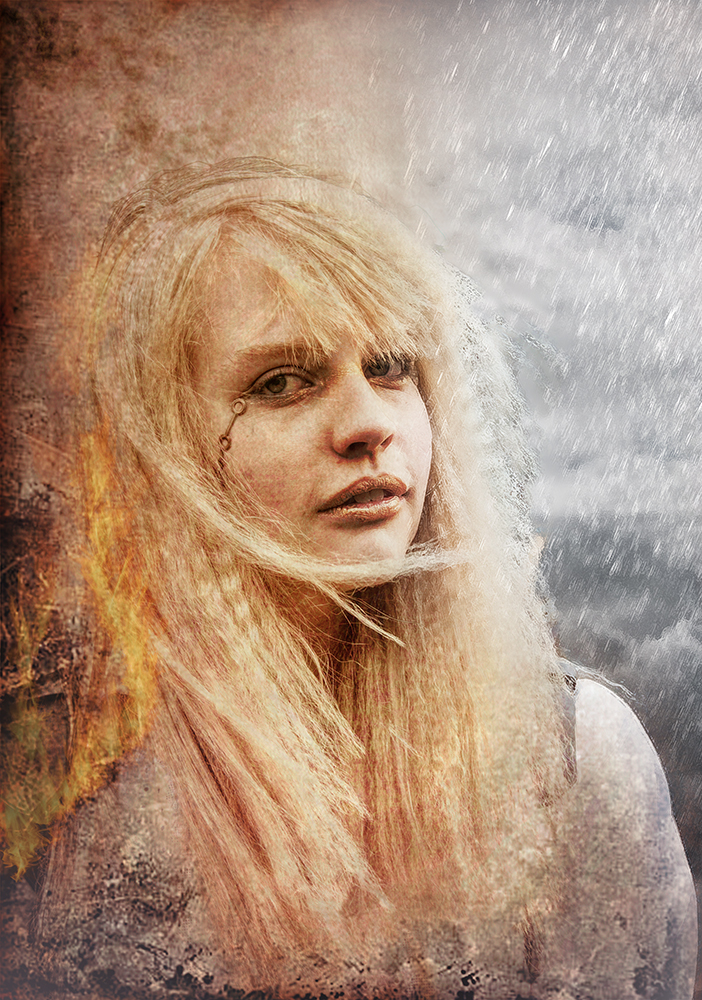
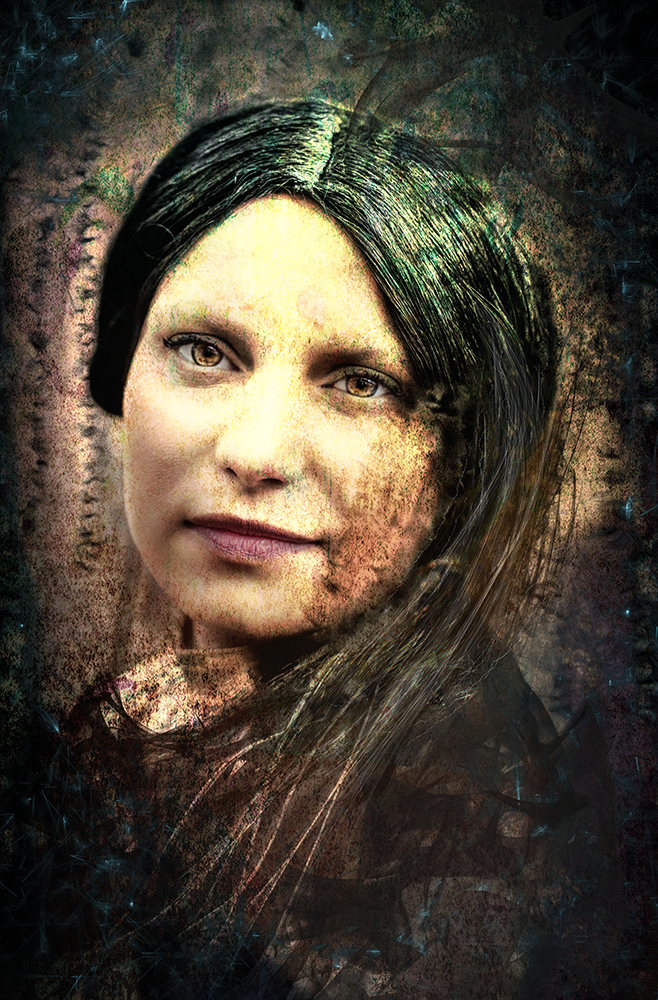
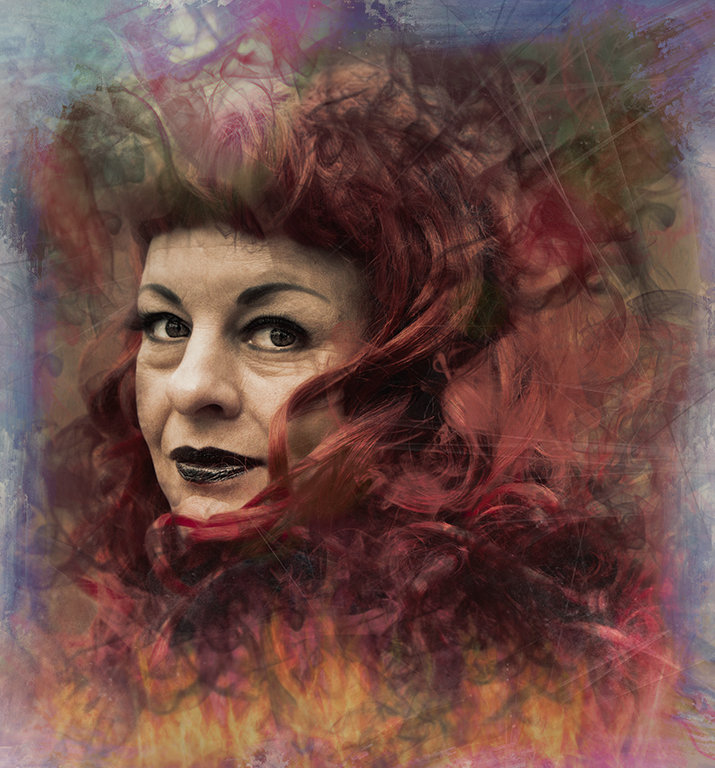
Thanks for taking a few years off her - she deserves it!
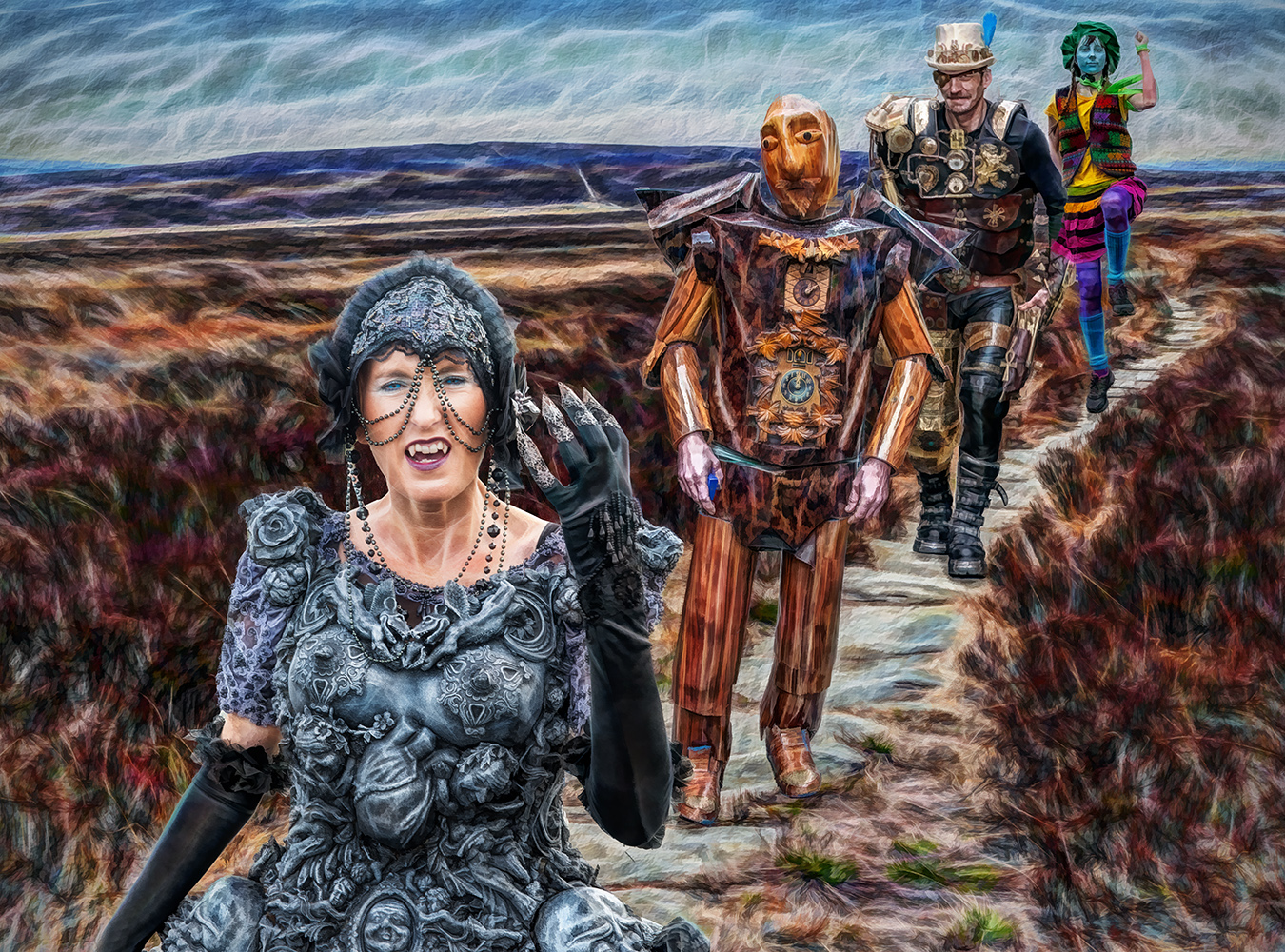
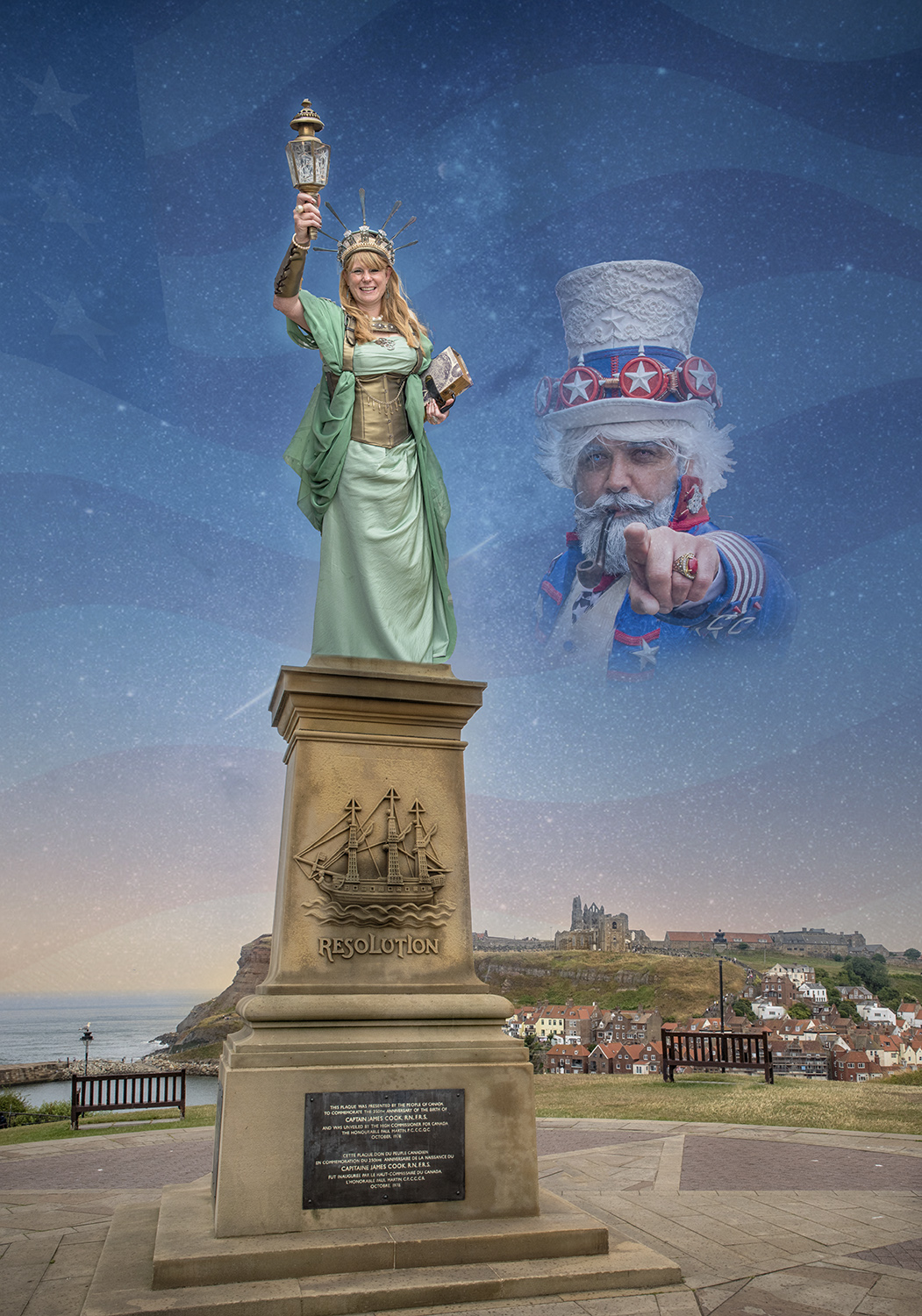
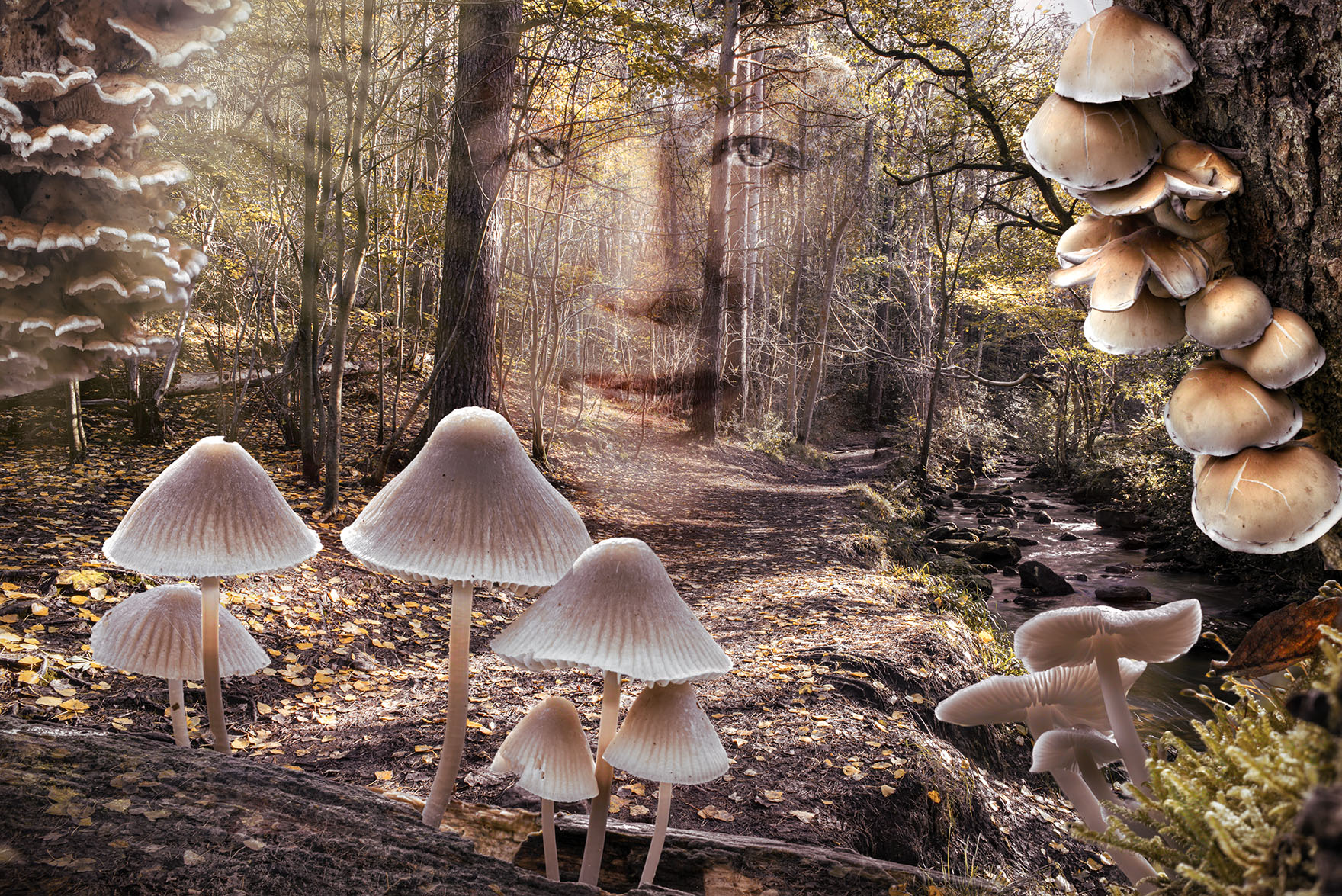
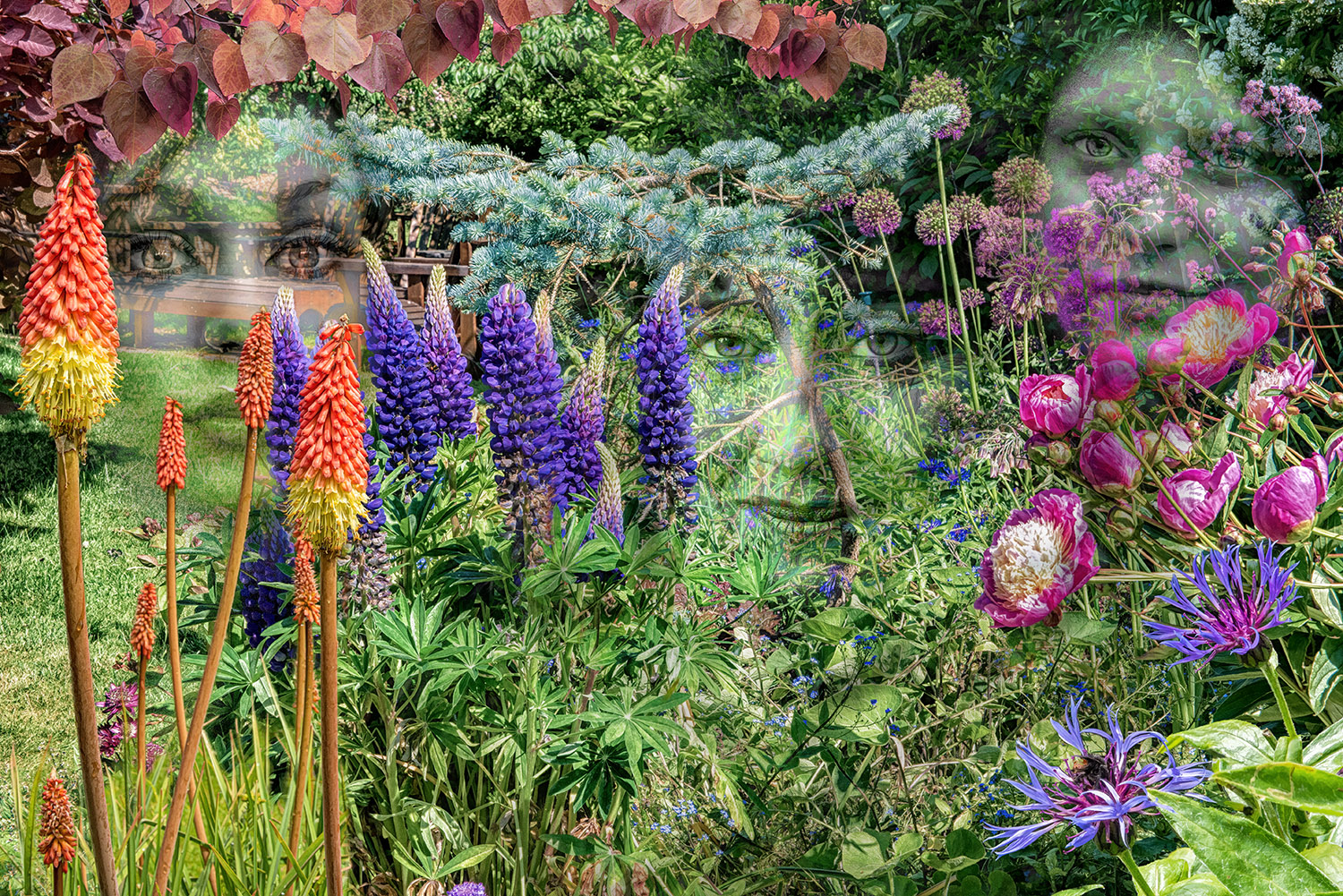
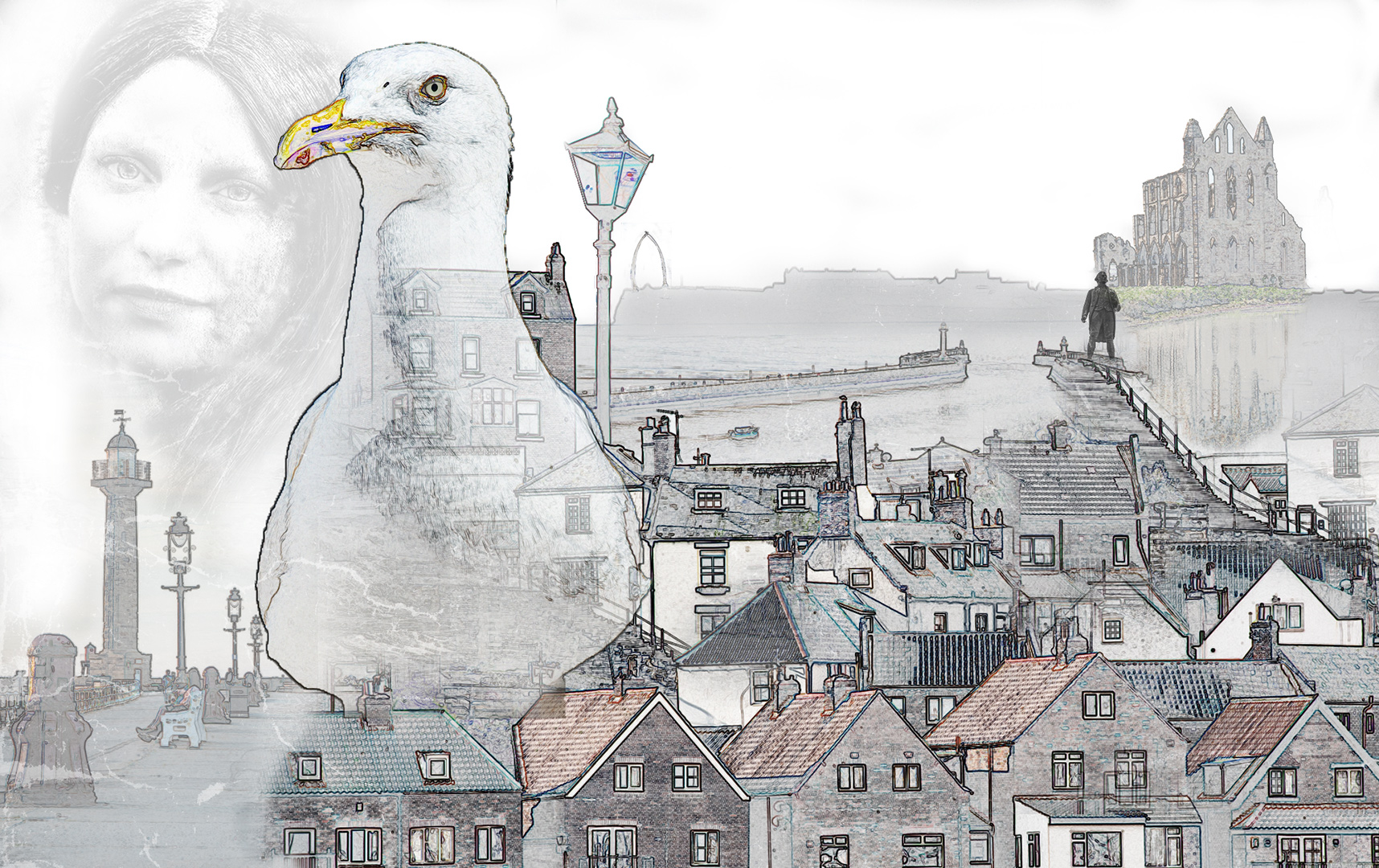
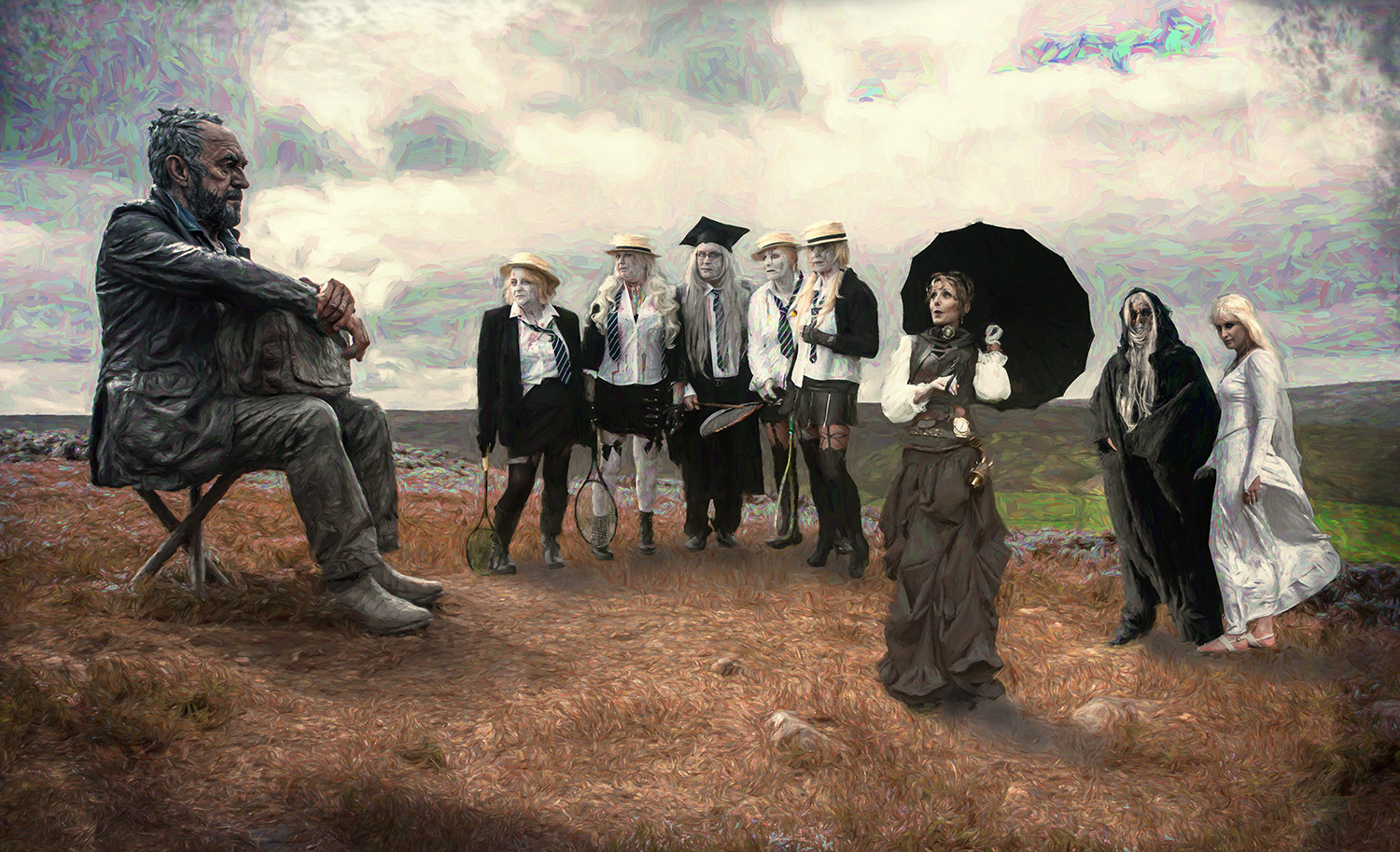
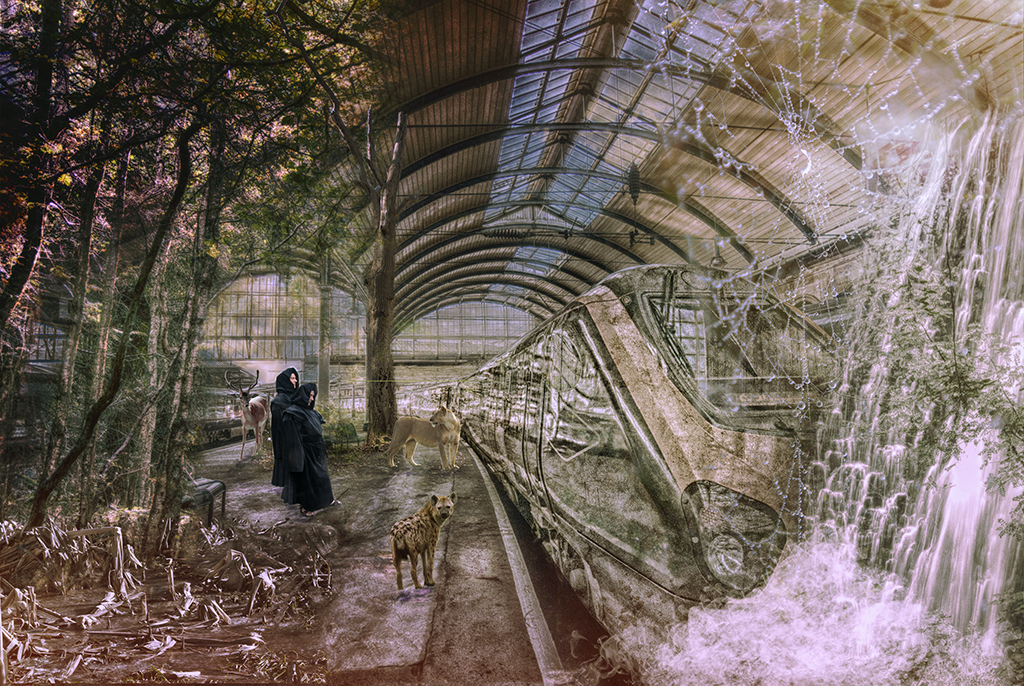
I first used her as part of a composite, which did very well in exhibitions (also featured in the PSA journal) which is what's below. You'll recognise the venue in next month's image!
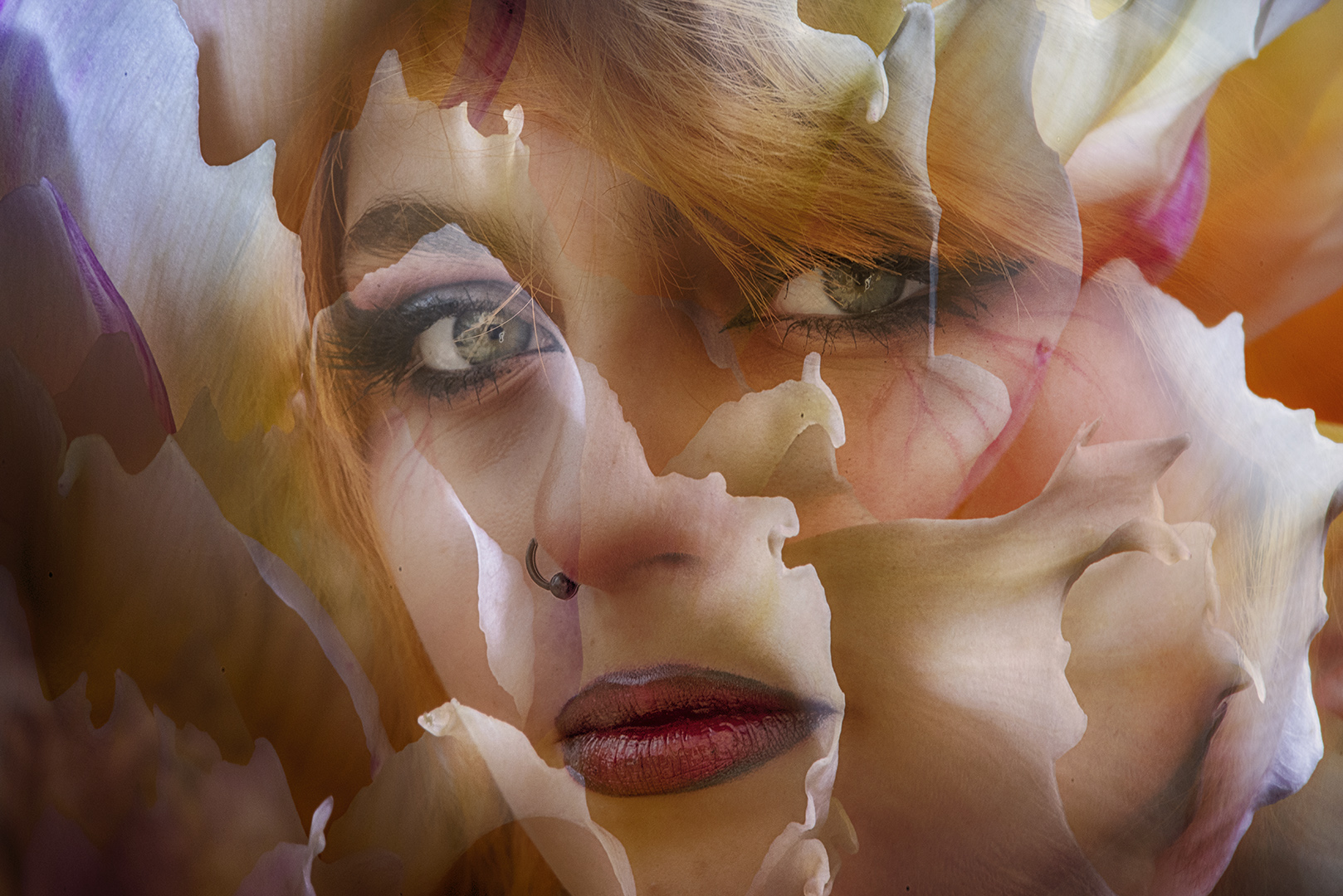
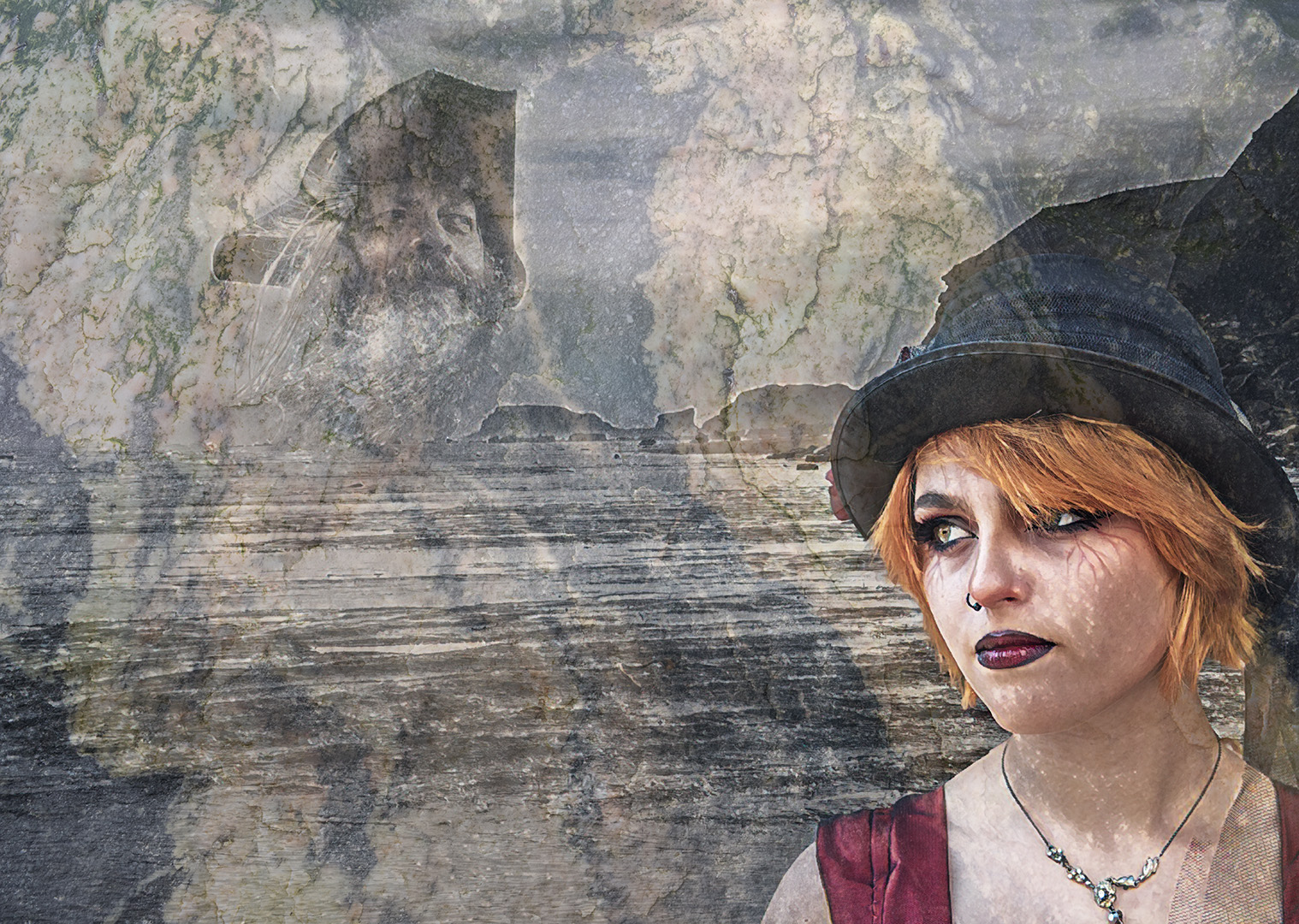
As a straight portrait, she didn't get any acceptances. Original 2 did well and this remake has been popular too.
It's good to play! |
Feb 11th |
 |
| 34 |
Feb 17 |
Reply |
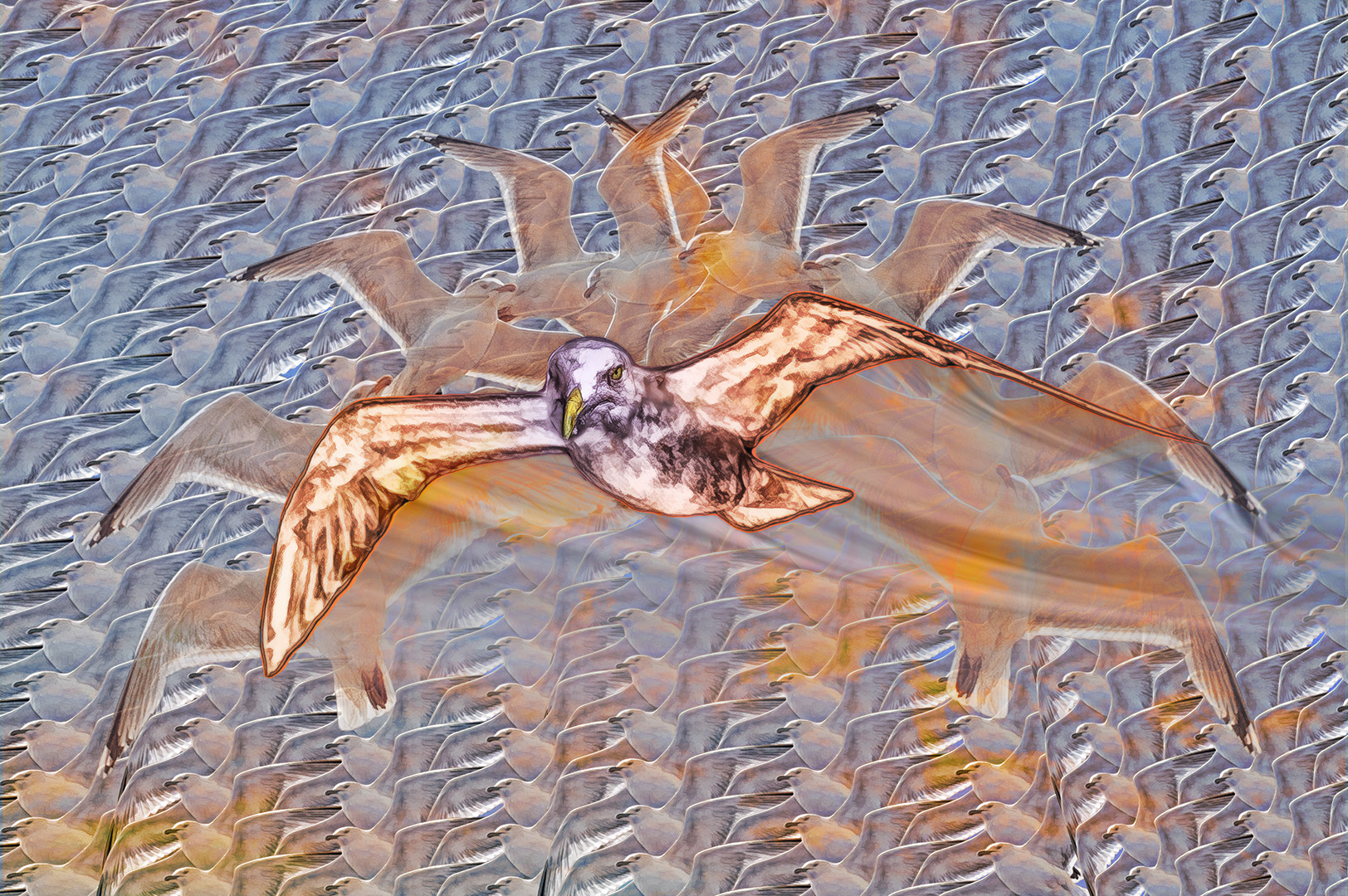
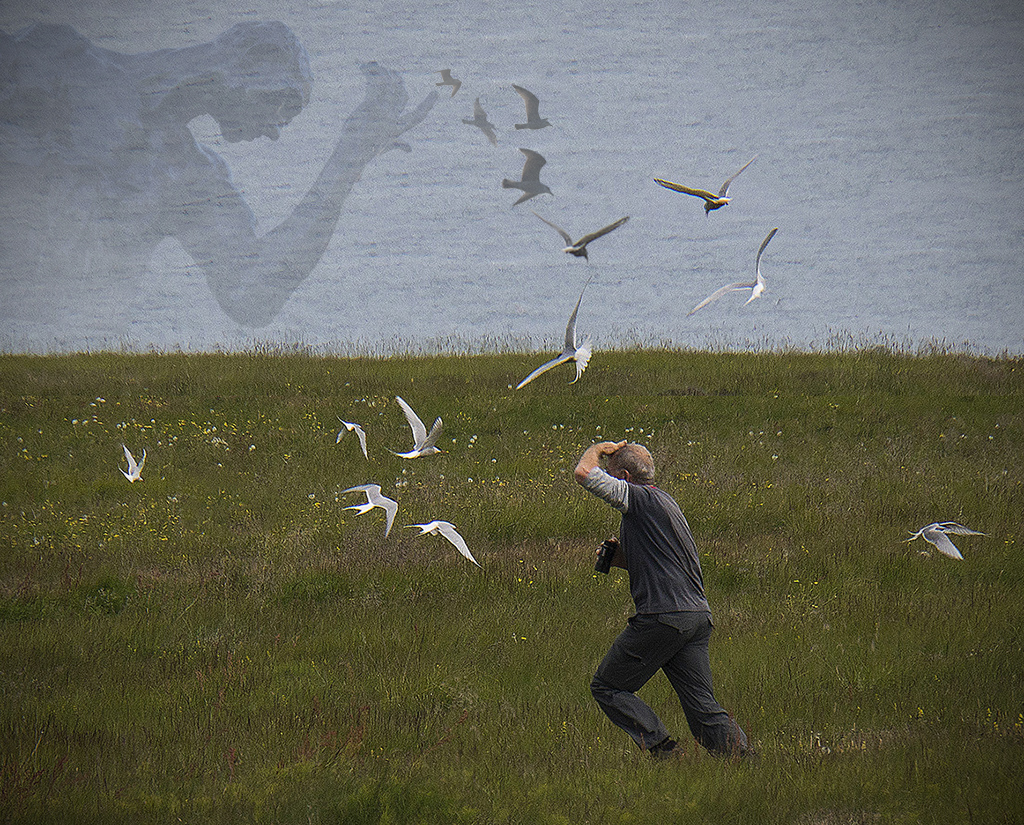
The gulls are from my own sources - there's no shortage of them around here! |
Feb 10th |
| 34 |
Feb 17 |
Comment |
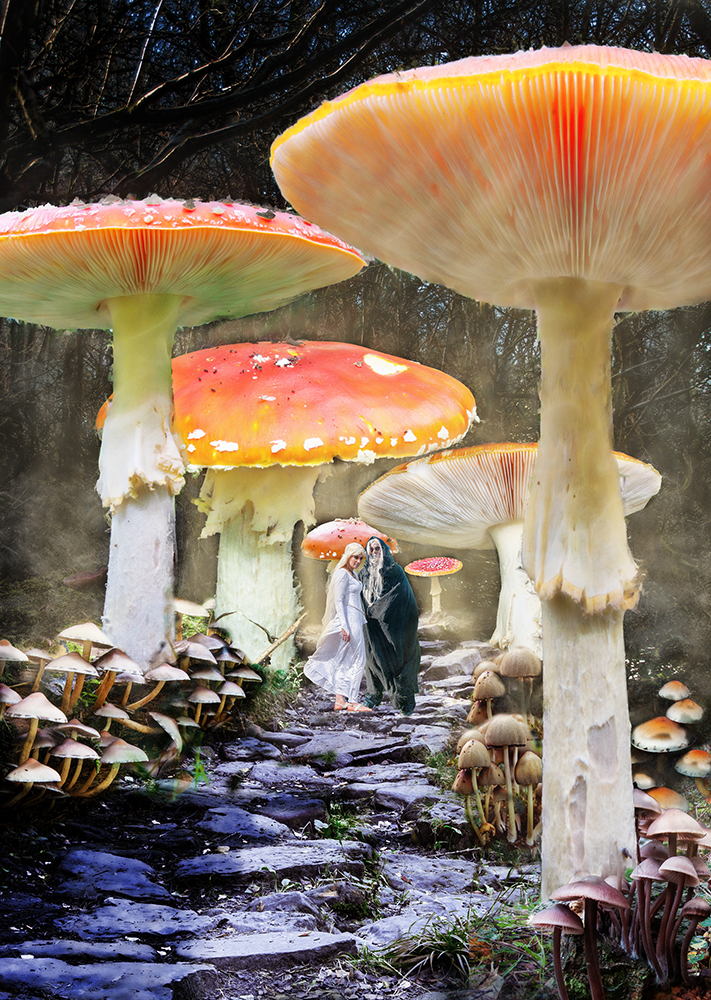
This is excellent! Your control with the colours is superb. You must be pleased with the results (I certainly would be).
A good idea to use several layers - I tend to do it with all my images. It's good to have the ability to add and remove them as things develop.
Well done - my favourite this month. |
Feb 9th |
| 34 |
Feb 17 |
Comment |
A good idea and you've done well.
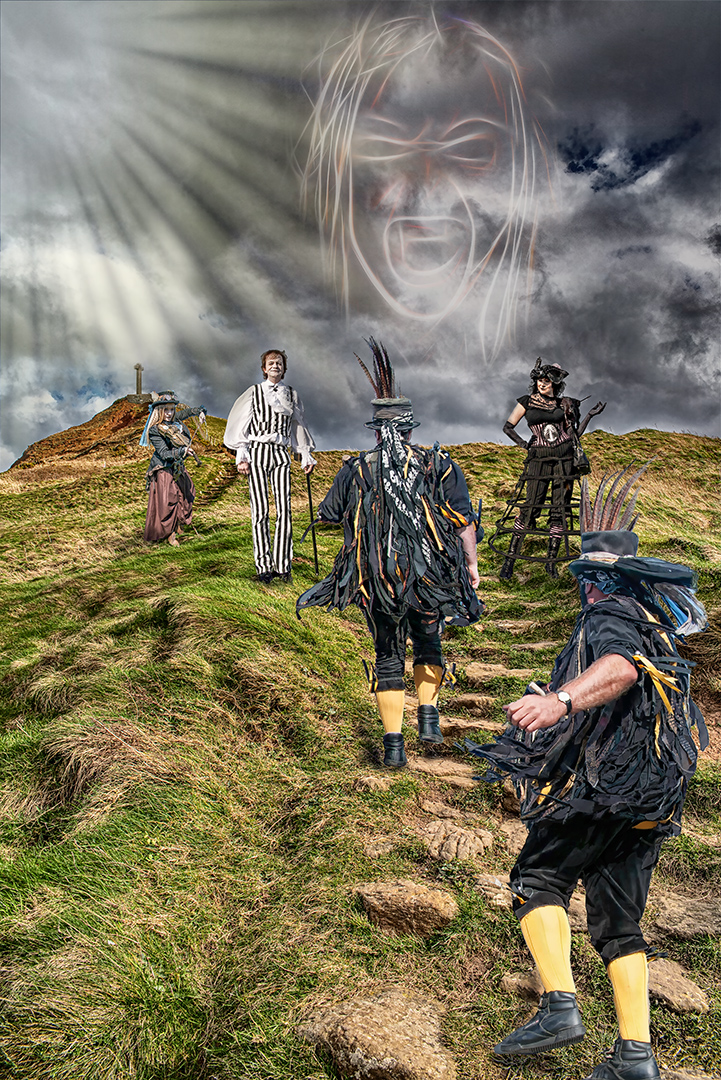
I feel that the birds need to be 'tied back' to the god, so that he's hurling them at the intruder, so I've added a few of my own and also given that vignet that you talked about.
Of course these are only my suggestions - you've created an entertaining image with what you've produced. Keep it coming! |
Feb 9th |
 |
| 34 |
Feb 17 |
Comment |
An interesting treatment with good effects. Well done.
I think it's a shame that the treatment has made the hay look as though the horse is dribbling, so I've cloned it out - and put a slight highlight into her eye. |
Feb 9th |
 |
| 34 |
Feb 17 |
Comment |
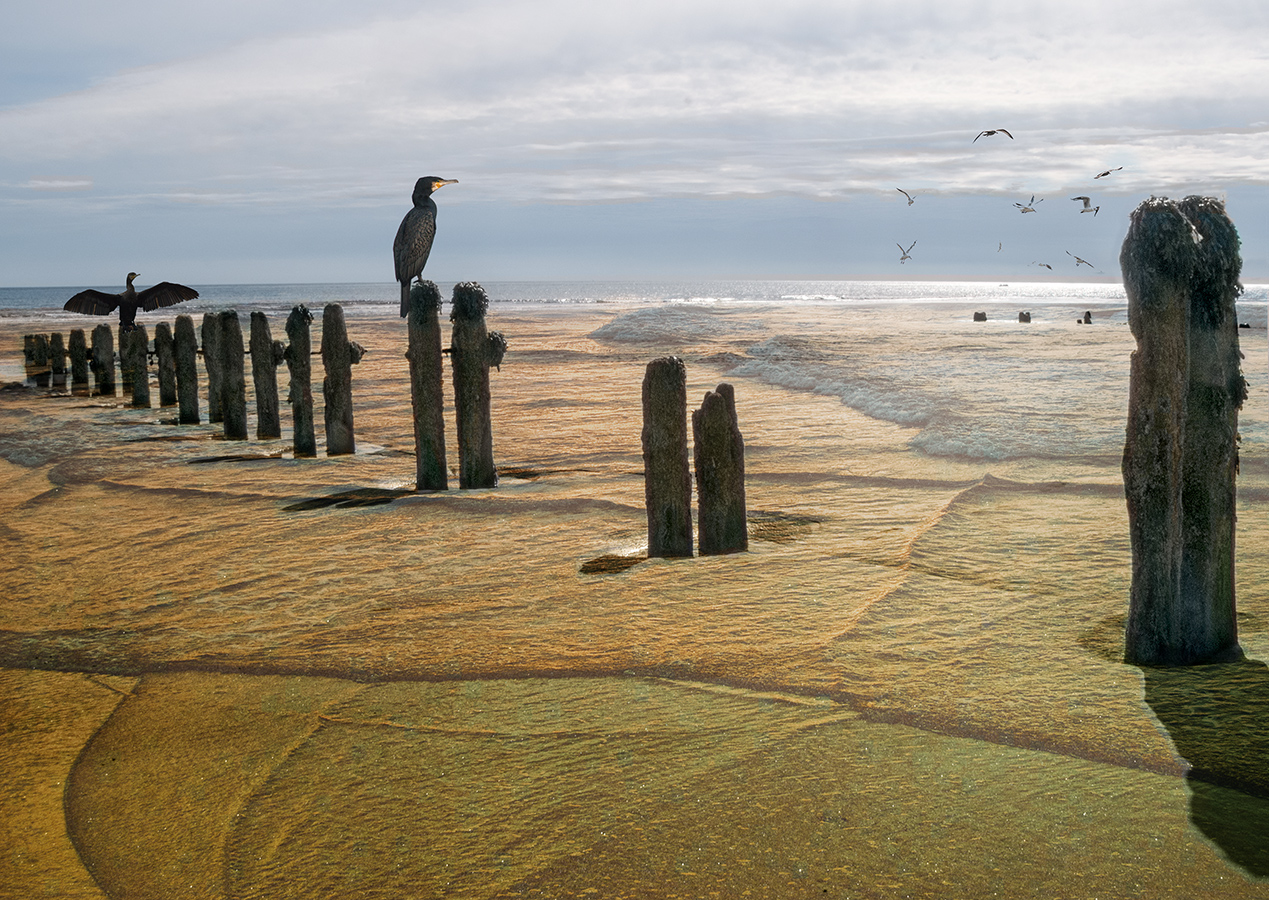
I really like what you've done here. You've brought out lots of interest in the wet sand and the underside of the pier.
I agree with you about creating a tunnel effect - I used a levels adjustment layer to darken it and then a soft, low opacity brush on the adjustment layer mask to bring back the light, using radial strokes.
Yours is an excellent image - well done. |
Feb 9th |
 |
| 34 |
Feb 17 |
Comment |
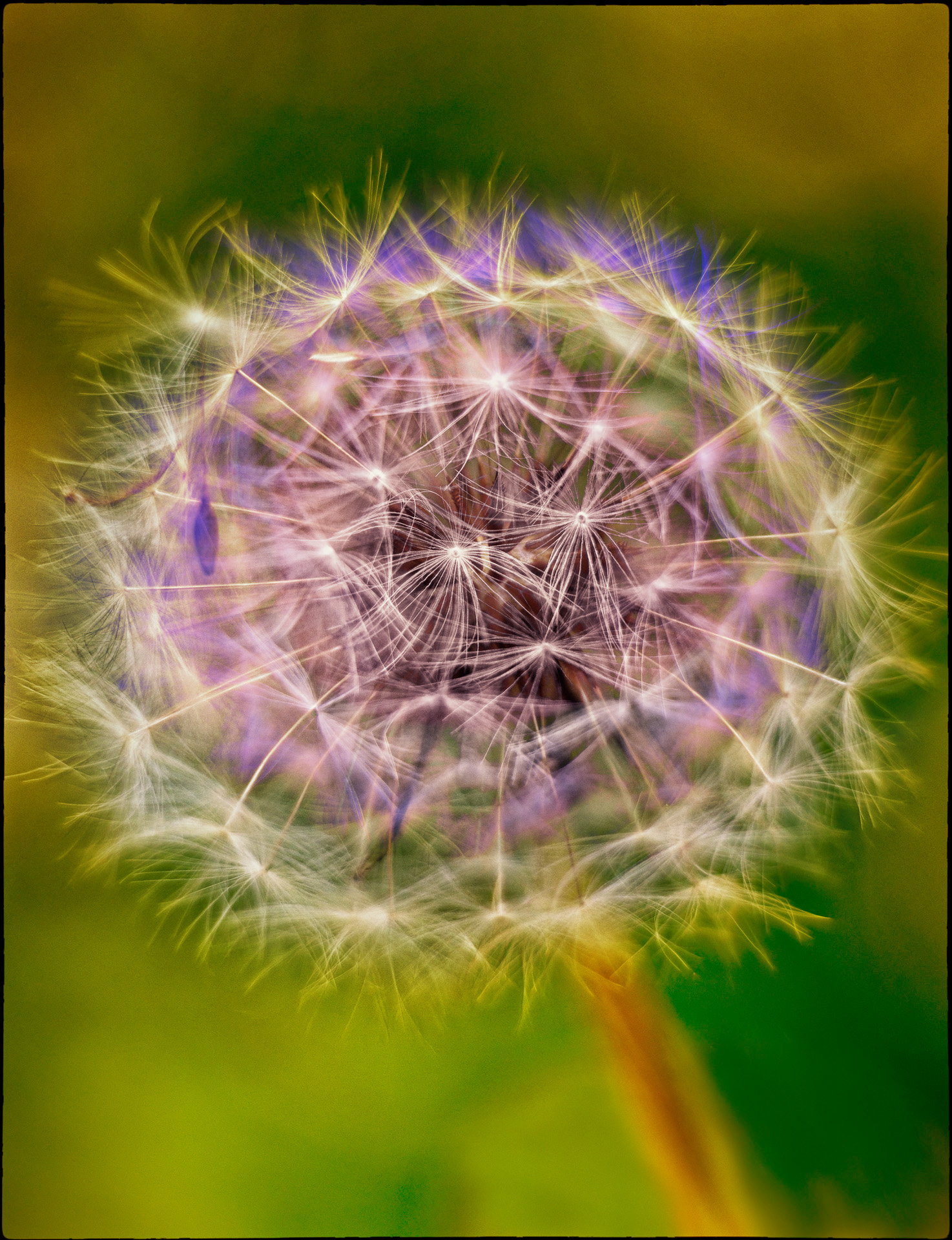
Well seen and worked. You've certainly brought out the patterns from the original.
For me, it needs a little more work to increase the interest, because it needs a point of focus - maybe the spot to the left of the image, where the lines seem to emanate from?
I've tried using a gradient map and the the gradient tool to blend in the two layers - still not quite what I'd like, but maybe a step in the right direction.
The blackhole has potential - it would be better at a larger size for viewing here. |
Feb 9th |
 |
| 34 |
Feb 17 |
Comment |
You've really transformed this shot and made a stunning final image.
The cropping and treatment are just right. I like what you've done with the sand - it's brought so much movement into the scene.
Well done. |
Feb 6th |
6 comments - 2 replies for Group 34
|
6 comments - 2 replies Total
|