Activity for User 30 - Joan Field - joan421@comcast.net

avatar
Avatar

Close this Tab when done


957 Comments / 143 Replies Posted

  = Current Round   = Previous Round
Group Round C/R Comment Date Image
15 May 22 Comment Kristi, I love your high key approach. This is a perfect type of shot to make high key because the lovely little girl has light hair and a light complexion. I think you have done a wonderful l job with this whether it was an accident or not. Cropping out the background as much as you could was also a good call. She is so lovely wit her bright hair streaming around and framing her face. She will appreciate having that in her memory colllection. May 20th
15 May 22 Comment Jeri,
You have shown us an interesting angle of the duck, which is what makes the image. The cropping is not necessary to keep the size in check. You just need to go into the sizing section of your program and make sure that the total size is less than 1 meg. I usually go to a dpi of 72 and make my maximum size 10 - 12". Once in awhile that's too large so you should check the total size in kbytes. I do like your panorama crop as it definitely makes it more about the duck and less the environment. Also the eye is really quite funny. She has her eye on you for sure. My biggest problem is that the image is not very sharp and there's really no way to fix that after the fact. But it is a fun image and we do appreciate it.
May 20th
15 May 22 Comment Rick,
This is the sane guy as last time, this tie in profile. Whatever you have done, it works so well and is wonderful. I can offer no changes.
May 20th
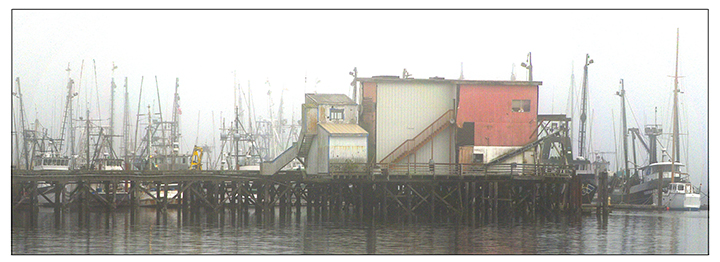
15 May 22 Comment Christine,
I love the exposure and wonderful colors of the house and reflections in the water. The composition is excellent because of the strong diagonal effect you have achieved. The only change I would suggest is to straighten the houses on the right hand side using for instance the Transform tool in Photoshop. I assume there is sometiing similar in Lightroom. When you call up the Transform too, (Command - T), it has four corners. I would access the upper right hand corner and using Command-Option, pull it out to the right and also up to keep it from getting squat.
I am enclosing my efforts. The lower part of the image is missing because the newer screen shot in PS includes a bunch of stuff that I don't want to show, so I have cut it out. I have to figure out how go get around that.
May 20th
15 May 22 Reply Thanks,Barbara, Always happy to have non-group members comment. May 20th

4 comments - 1 reply for Group 15

21 May 22 Reply I've never used Gimp, but I should look into it. Thanks for the heads up. Jul 21st
21 May 22 Reply I've never used Gimp, but I should look into it. Thanks for the heads up. May 24th
21 May 22 Comment Mike,
So glad you pulled a concept first and then made the final product to match your idea. I always feel that these are the strongest creative images, but that's just me.
You did a great job putting this together and it sounds like a Lott of work to get that money in the fountain.
I can understand Steve's cpmments abut the coins, but this is creative, of course, so really anything goes. The concept is there.
In the future, I would suggest that you put up to three or four originals as separate images. I had trouble seeing the much smaller pics when they are put together like that. My eyes are going bad with macular degeneration, unfortunately.
May 20th
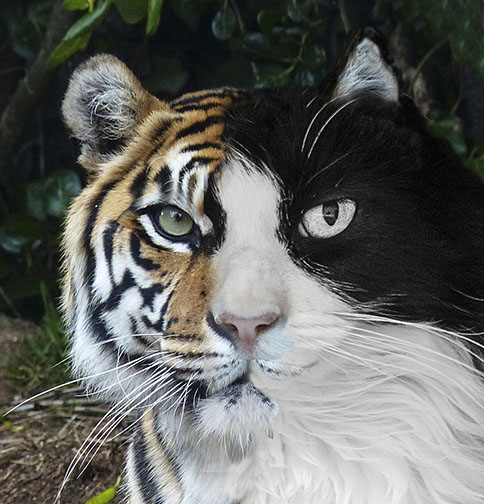
21 May 22 Comment Hazel,
I hope I got the correct final product where it belonged. I thought the flowers at the base of the kittens was a sweet touch, hiding the normally rambunctious kitties to scratch at anything where possible. The final product is so soft and cuddly except for the eyes which are sharp and marvelous. You did a great job with them and I congratulate you. Makes me wish our cats were a bit younger
May 20th
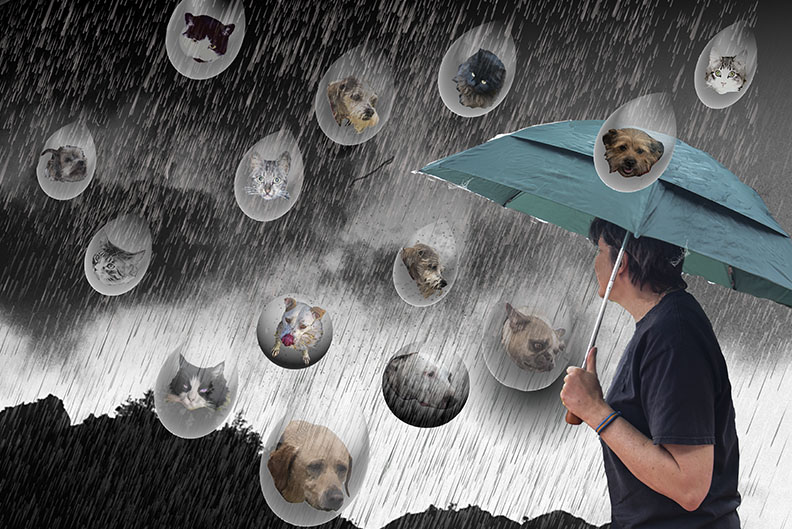
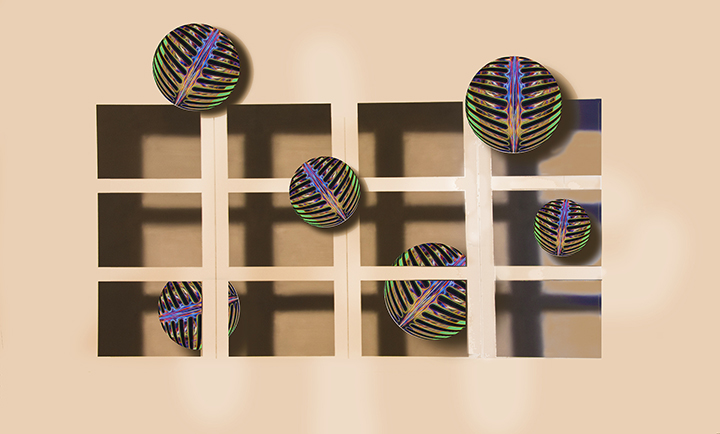
21 May 22 Comment The use of the fisheye lens is quite marvelous, giving the curvature to the whole image. It sounds like you went through a lot of work to achieve the outcome I am curious how you have found rainbow-like gradients to use for the skies you have been showing us. I find that the newer versions of Photoshop do not have them any more and now it is almost impossible to make a rainbow in the program, whereas earlier it was easy. Now, having said that, I think I would like to not see so much rainbow, maybe just substituting some other sky. I suspect that the Sky Selection tool in the new Photoshop might help you get a fantastic selection of the sky, allowing you to put In any sky you want. How about one with cumulus clouds? May 20th
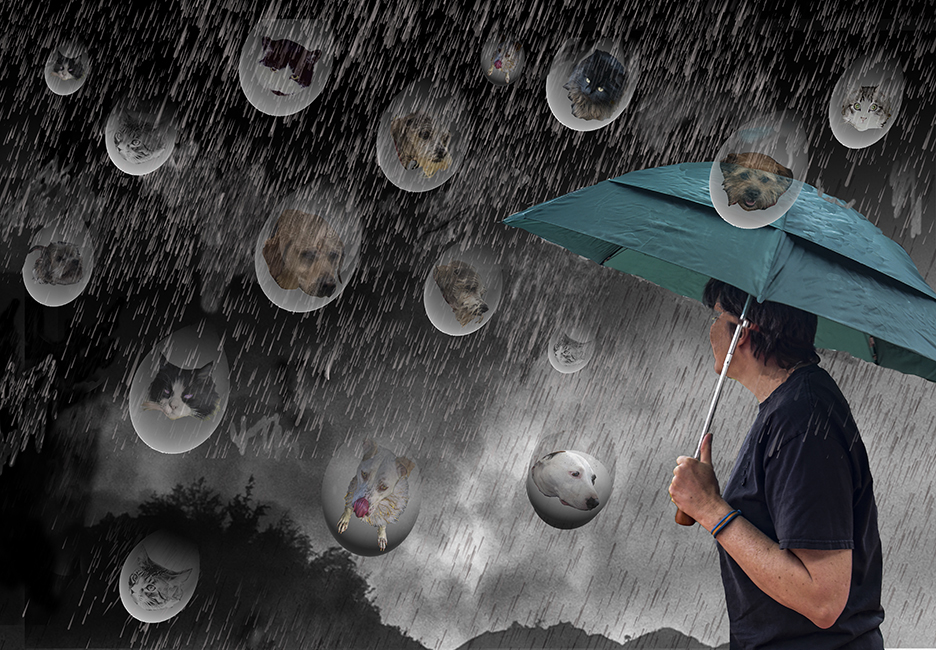
21 May 22 Reply Thanks for you input, Brian. I realize this is very much in process. I have it laid out in my mind and I hope by next time I will have a finished product that will fulfill the cats and dogs idea. May 20th
21 May 22 Reply Steve,
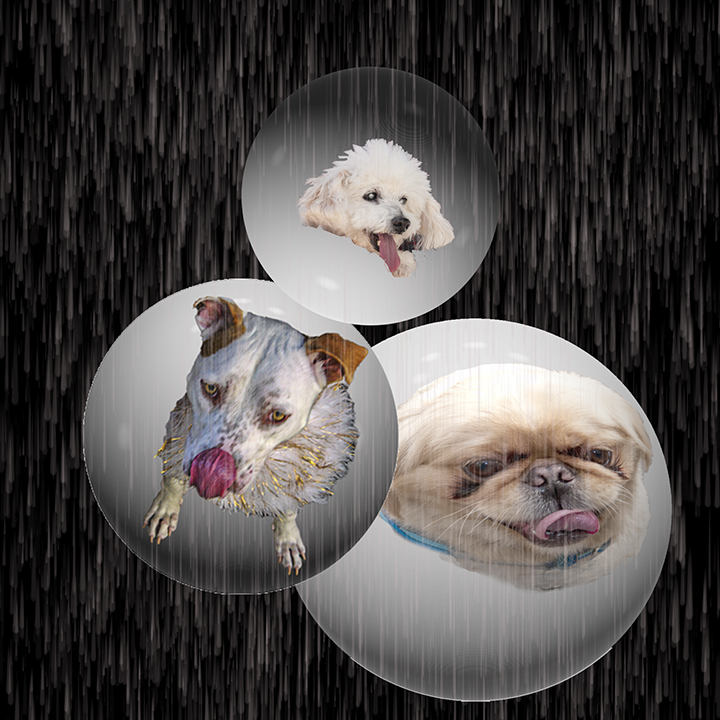
You are right. the sphere have different lighting on them. This was a fast try too put something together for this round. I plan to put the dogs and cats I will have into raindrops, rthater than spheres.
May 20th

3 comments - 4 replies for Group 21


7 comments - 5 replies Total


196 Images Posted

  = Current Round   = Previous Round
Group 03

Dec 25

Nov 25

Oct 25

Sep 25

Aug 25

Jul 25

May 25

Apr 25

Mar 25

Feb 25

Jan 25

Nov 24

Oct 24

Sep 24

Jul 24

Jun 24

May 24

Apr 24

Mar 24

Feb 24

Jan 24

Oct 23

Sep 23

Aug 23

Jul 23

Jun 23

May 23

Apr 23

Mar 23

Feb 23

Jan 23

Dec 22

Nov 22

Oct 22
Group 15

Aug 22

Jul 22

Jun 22

May 22

Apr 22

Mar 22

Feb 22

Jan 22

Dec 21

Nov 21

Oct 21

Sep 21

Aug 21

Jul 21

Jun 21

May 21

Apr 21

Mar 21

Feb 21

Dec 20

Nov 20

Oct 20

Sep 20

Aug 20

Jul 20

Jun 20

May 20

Apr 20

Feb 20

Jan 20

Dec 19

Nov 19

Oct 19

Sep 19

Aug 19

Jul 19

Jun 19

Apr 19

Mar 19

Feb 19

Jan 19

Dec 18

Nov 18

Oct 18

Sep 18

Aug 18

Jul 18

Jun 18

May 18

Apr 18

Mar 18

Feb 18

Jan 18

Dec 17

Nov 17

Oct 17

Sep 17

Aug 17

Jul 17

Jun 17

May 17

Apr 17

Mar 17

Feb 17

Jan 17
Group 18

Nov 25

Oct 25

Sep 25

Aug 25

Jul 25

May 25

Apr 25

Mar 25

Feb 25

Nov 24

Oct 24

Sep 24

Jul 24

Jun 24

May 24

Apr 24

Mar 24

Feb 24

Jan 24

Oct 23

Sep 23

Aug 23

Jul 23

Jun 23

May 23

Apr 23

Mar 23

Feb 23

Jan 23

Dec 22

Nov 22

Oct 22
Group 21

Aug 22

Jul 22

Jun 22

May 22

Apr 22

Mar 22

Feb 22

Jan 22

Dec 21

Oct 21

Sep 21

Aug 21

Jul 21

Jun 21

May 21

Apr 21

Mar 21

Feb 21

Dec 20

Nov 20

Oct 20

Sep 20

Aug 20

Jul 20

Jun 20

May 20

Apr 20

Feb 20

Jan 20

Dec 19

Nov 19

Oct 19

Sep 19

Aug 19

Jul 19

Jun 19

Apr 19

Mar 19

Feb 19

Jan 19

Dec 18

Nov 18

Oct 18

Sep 18

Aug 18

Jul 18

Jun 18

May 18

Apr 18

Mar 18

Feb 18

Jan 18

Dec 17

Nov 17

Oct 17

Sep 17

Aug 17

Jul 17

Jun 17

May 17

Apr 17

Mar 17

Feb 17

Jan 17
Group 41

Dec 25

Close this Tab when done