|
| Group |
Round |
C/R |
Comment |
Date |
Image |
| 15 |
May 21 |
Comment |
Kristi,
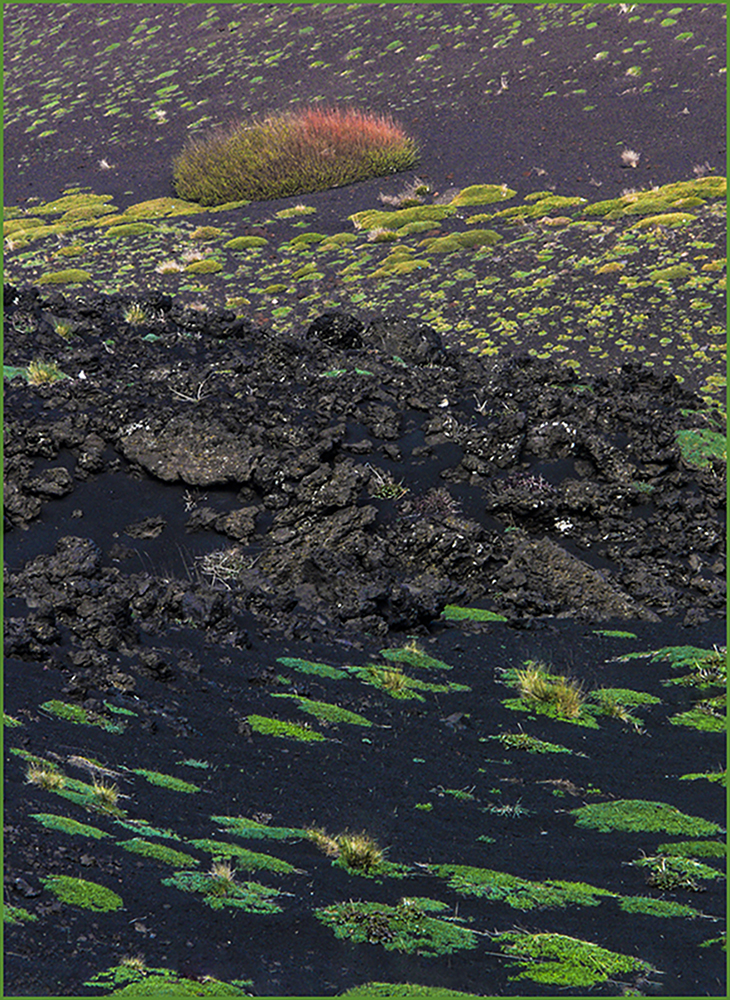
I like both versions. Tthe original because it has more of a nest effect, as you say. Tthe copped- in version is also nice. There is clearly a center of interest, the yellow flowers. The saturation doesn't bother me at all. I think it is good seeing, spotting the fallen blossoms amid the green moss. |
May 24th |
| 15 |
May 21 |
Comment |
Jeri,
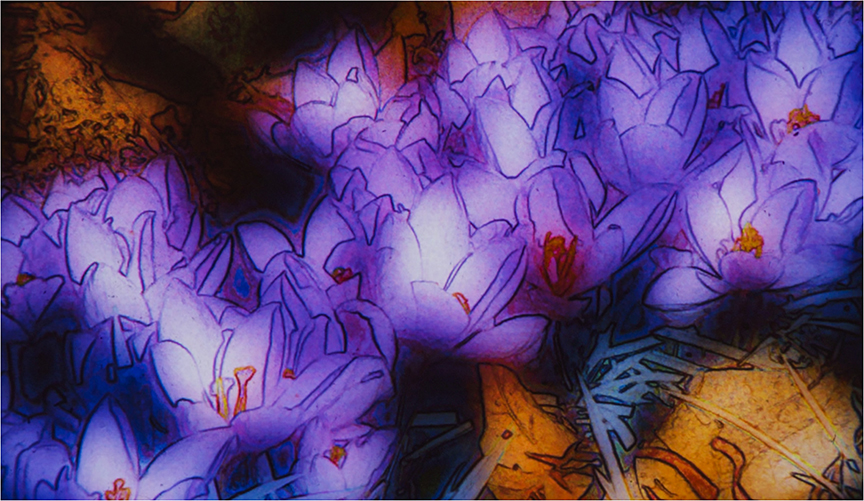
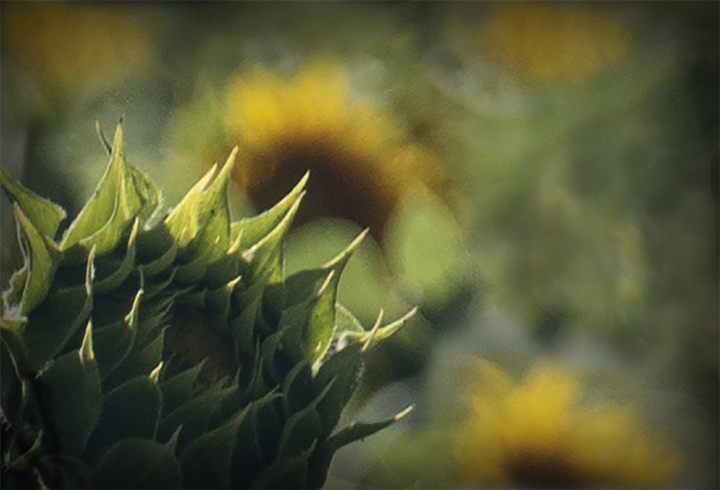
Great flower close-up. I have to admit that the flowers shown by Kristi and Bev are preferable to me than the rather strong vignette. I feel that it dulls the flower down too much. Cropping in like that makes the center really stand out and makes it look almost like a daffodil.
|
May 24th |
| 15 |
May 21 |
Comment |
Rick,
I love horses to start with. Your cropping is much better than the original. The lighting is perfect and keeping the blue sky a wise decision. Just one nit: The one ear is just cut off by the frame. Do you know how to add space on a side in Photoshop? It's fairly complicated, but not too bad. I won't go into it as you probably are not using PS. Otherwise, a really lovely image of a really lovely horse. |
May 24th |
| 15 |
May 21 |
Reply |
Kristi.
Sorry, I unintendedly removed your picture. It has the unfortunate words "Remove" directly under the photo and I do not think that should be there. I have done this before. My eyesight is poor because of macular degeneration. So if you have a chance to replace your version of the horse, please do so. |
May 24th |
| 15 |
May 21 |
Comment |
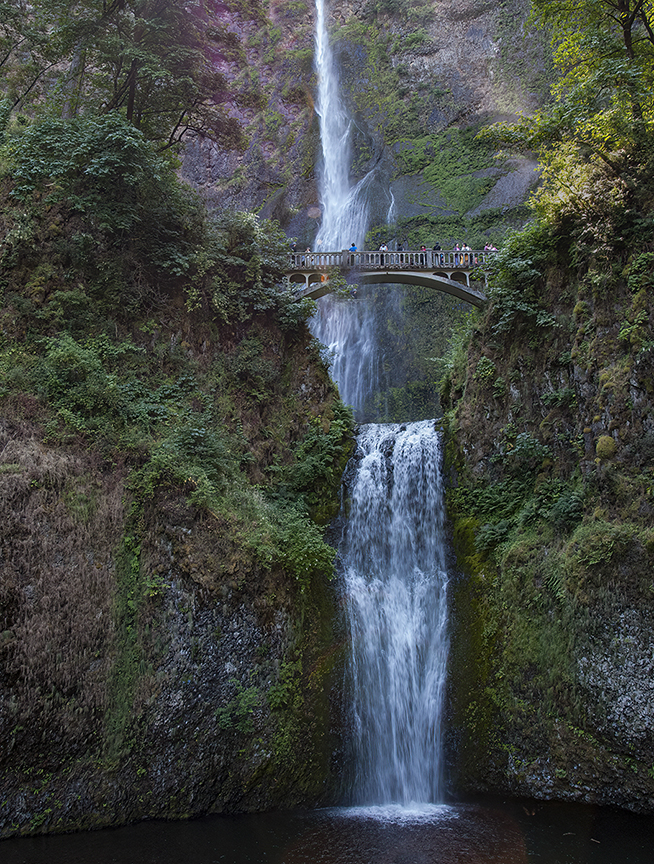
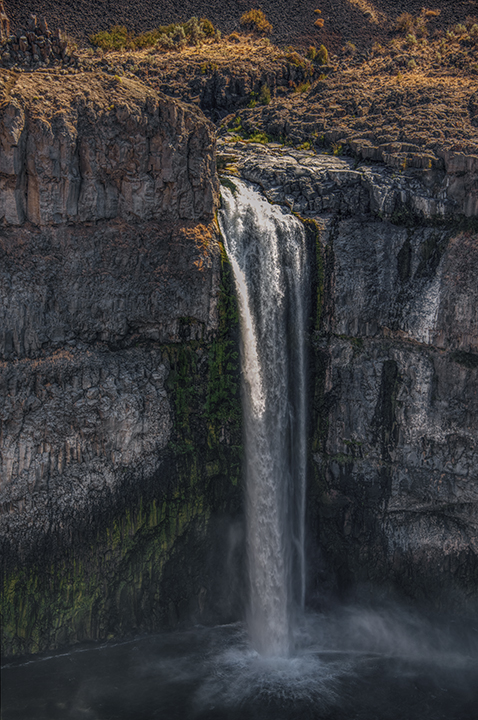
Billy, This is an interesting combination of a man-made waterfall and the continuation of the water down below. Three seconds seems to work well to give you the soft water swirling over the falls and among the rocks below. I like the little tree, well placed, and it breaks up the image giving us a center of interest. I don't know if you can do it in Lightroom, but is there any way to lighten the falls by themselves, taking away the brownish cast in Lightroom? It may be that there is a lot of tannic acid in the water causing the color. Good place to try our your neutral density filter. |
May 24th |
| 15 |
May 21 |
Comment |
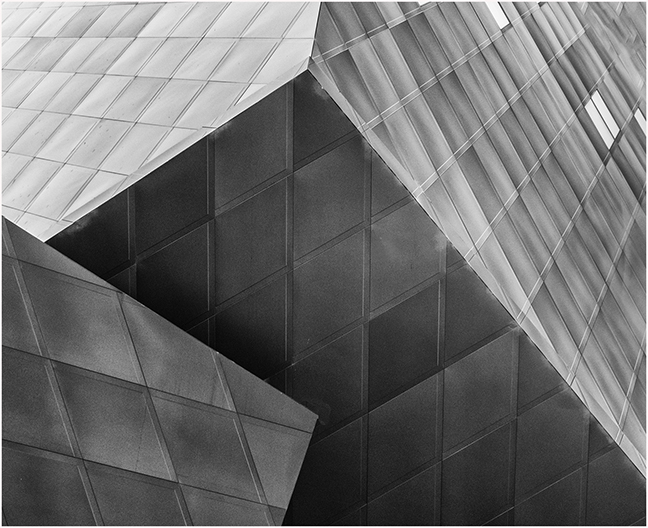
Linda,
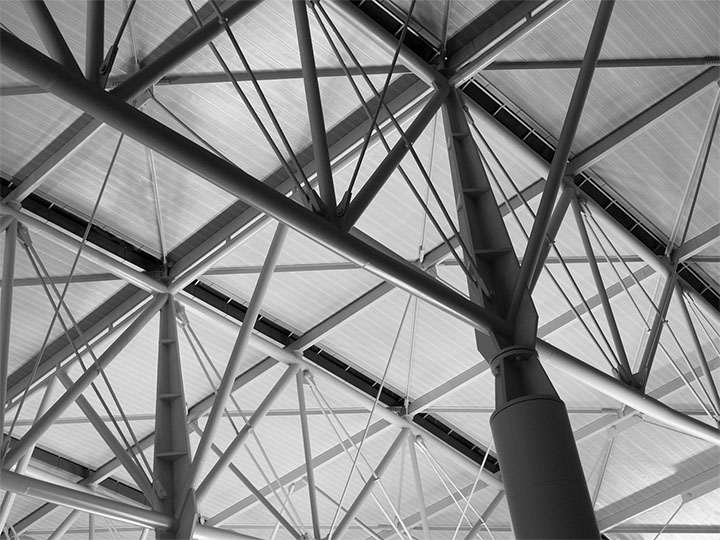
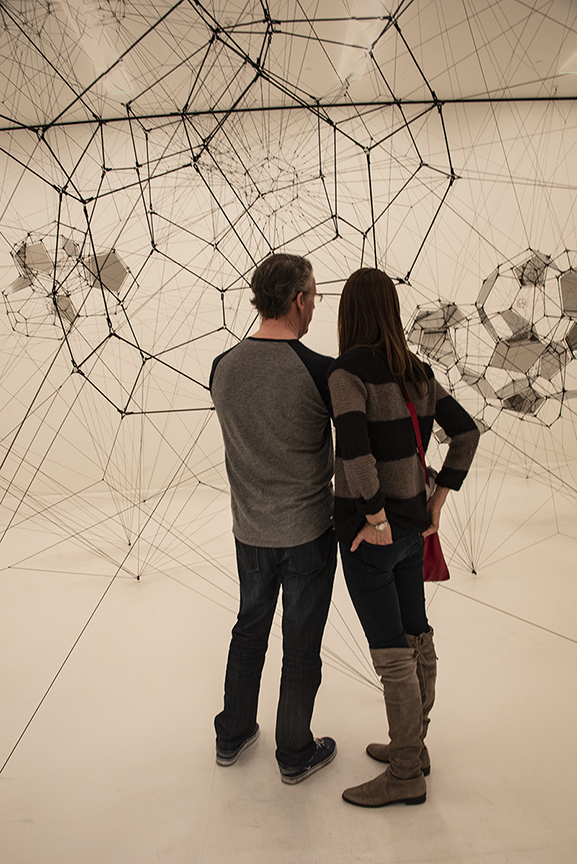
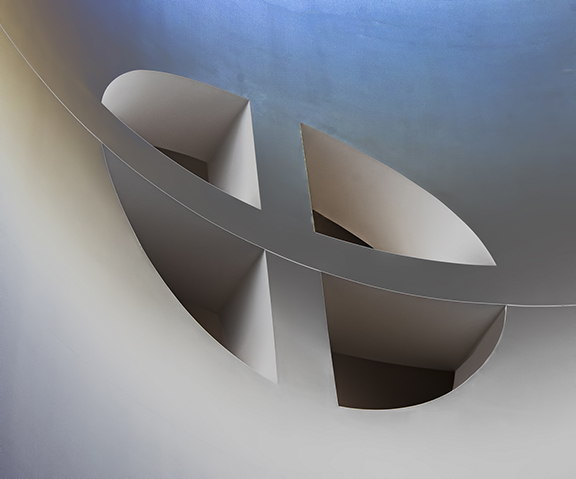
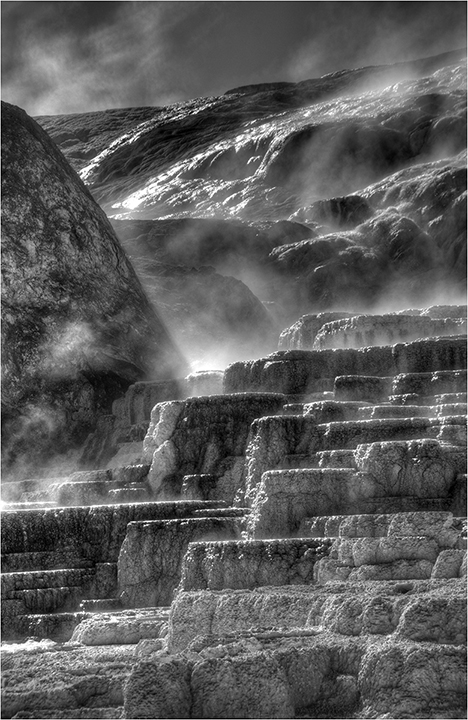
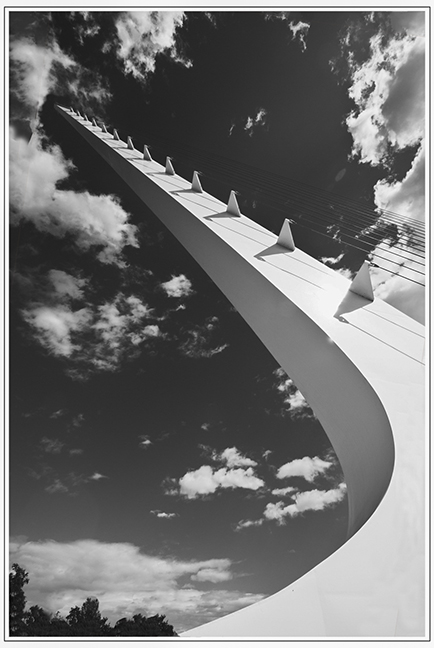
I think you had your eyes about you when you found such a combination of architectural effects all in one place. The top half of your image is the most interesting to me. The lower half, which looks like a Frank Gehry building (titanium tiles is his calling card), is to me, a bit too much. I suggest cropping it at about the half-way point so that all of your styles have equal strength. For some reason the tiles down below remind me of a mattress. Not sure why. But you have a wonderful combination of lines and curves, making an unusual image. |
May 24th |
5 comments - 1 reply for Group 15
|
| 21 |
May 21 |
Comment |
Just a last comment that I echo the maker's hope for life. |
May 27th |
| 21 |
May 21 |
Comment |
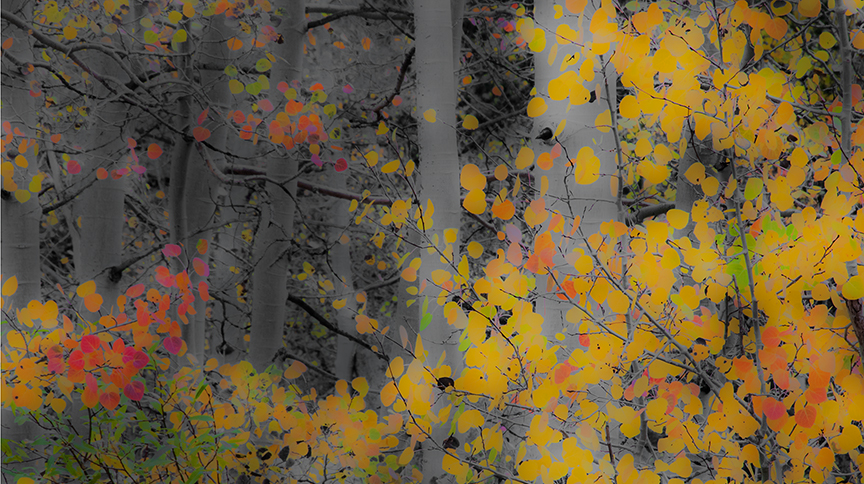
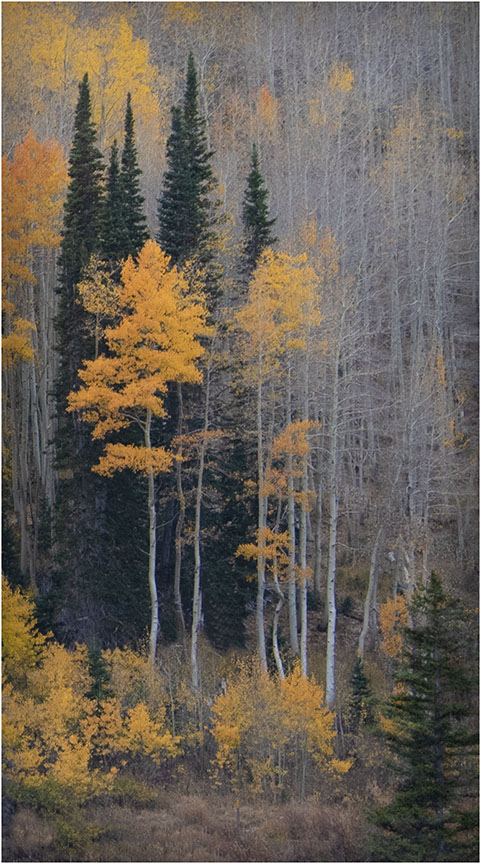
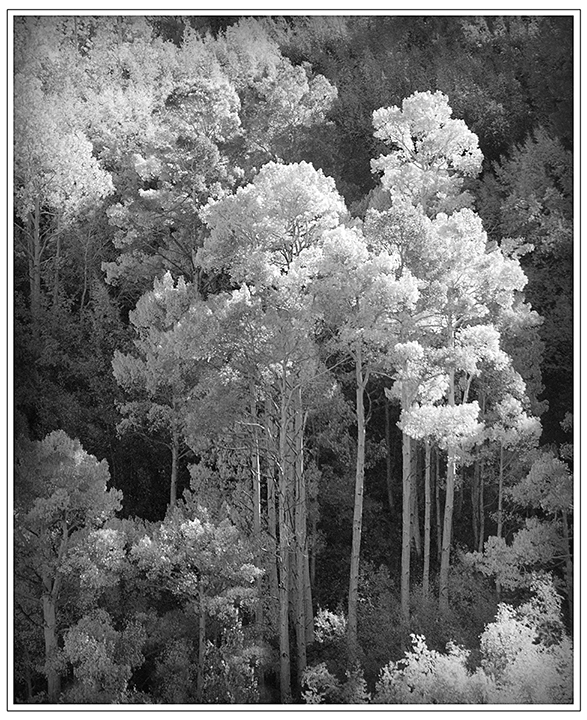
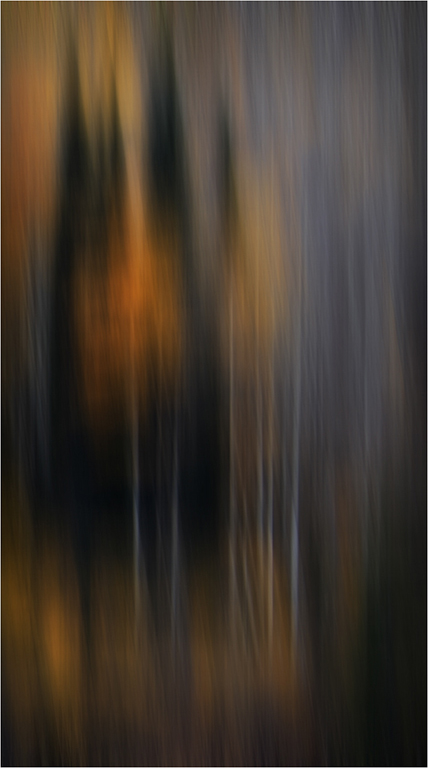
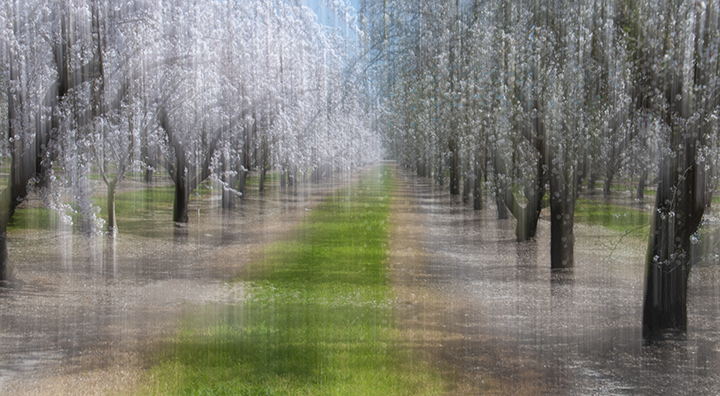
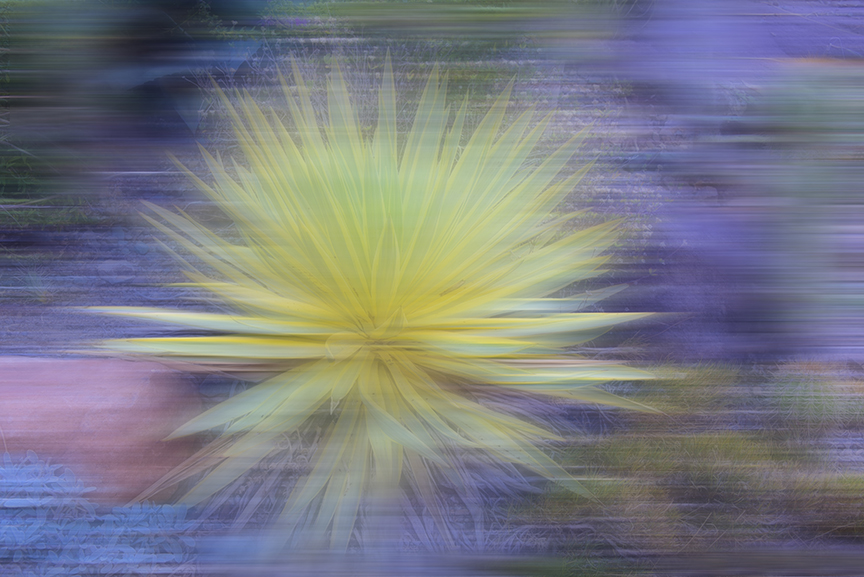
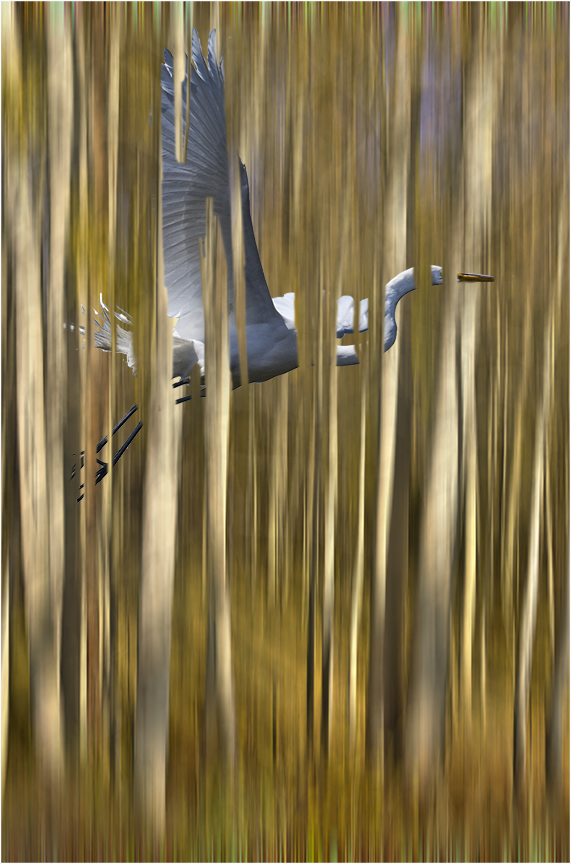
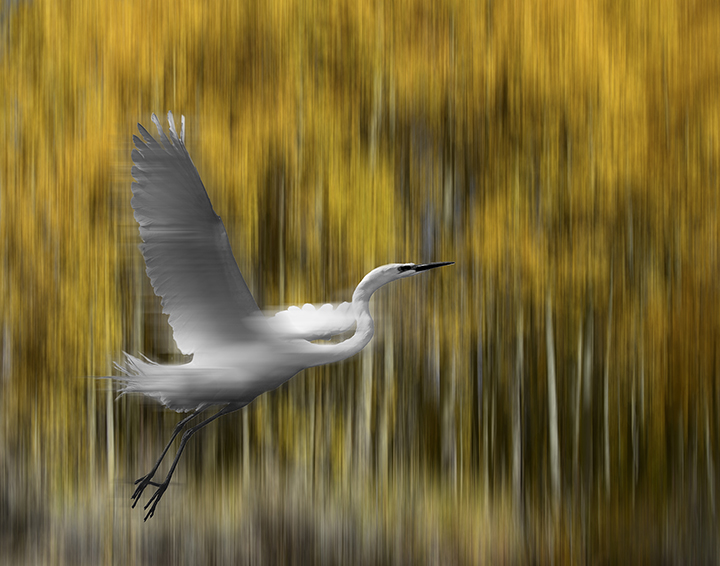
Interesting that so many of us used in-camera techniques this time. Your final image is a standard-bearer of the moving the camera up and down to blur the tree trunks. The colors that stand out to me are really springlike, greens and yellows. I don't see the darkness of the leaves of the dogwoods, but I really love your final product.
The tree that is lightened near the middle reminds me of the famous aspen tree photo by Ansel Adams. |
May 24th |
| 21 |
May 21 |
Comment |
Hazel,
I think you have used Photoshop very well to make a combined image of both the original and the zoom version. It makes the woods look very mysterious and yet inviting. The zoom alone would keep me out. Brian's version with the far right removed works well, makes the image a bit cleaner. Peter's version , which I deleted by accident, does give it more punch. There are so many things that can be done in PS, you could never reach an ending. Nicely done.
|
May 24th |
| 21 |
May 21 |
Comment |
Oops, I did it again, removed the damn image from Peter. Sorry about that. I will ask Tom Pickering, our webmaster to either get rid of that option altogether or at lease not have it there under the picture. I keep thinking it will enlarge the image. |
May 24th |
| 21 |
May 21 |
Comment |
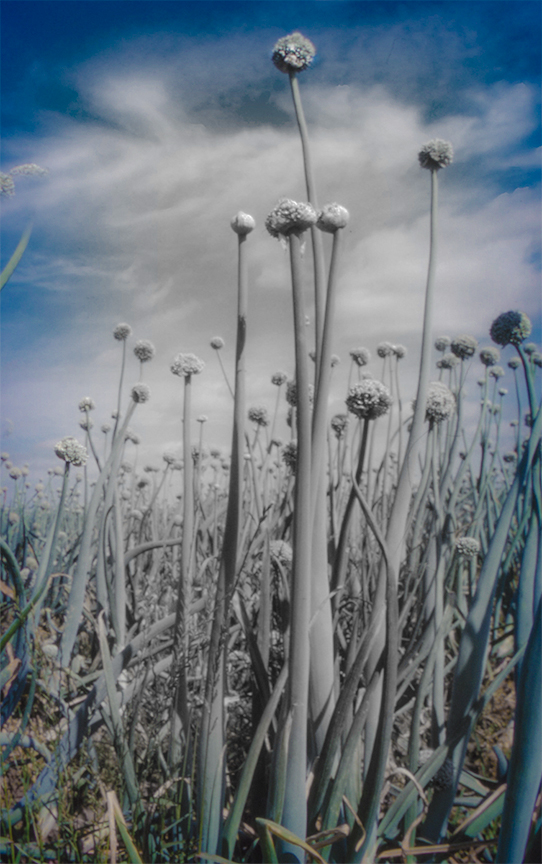
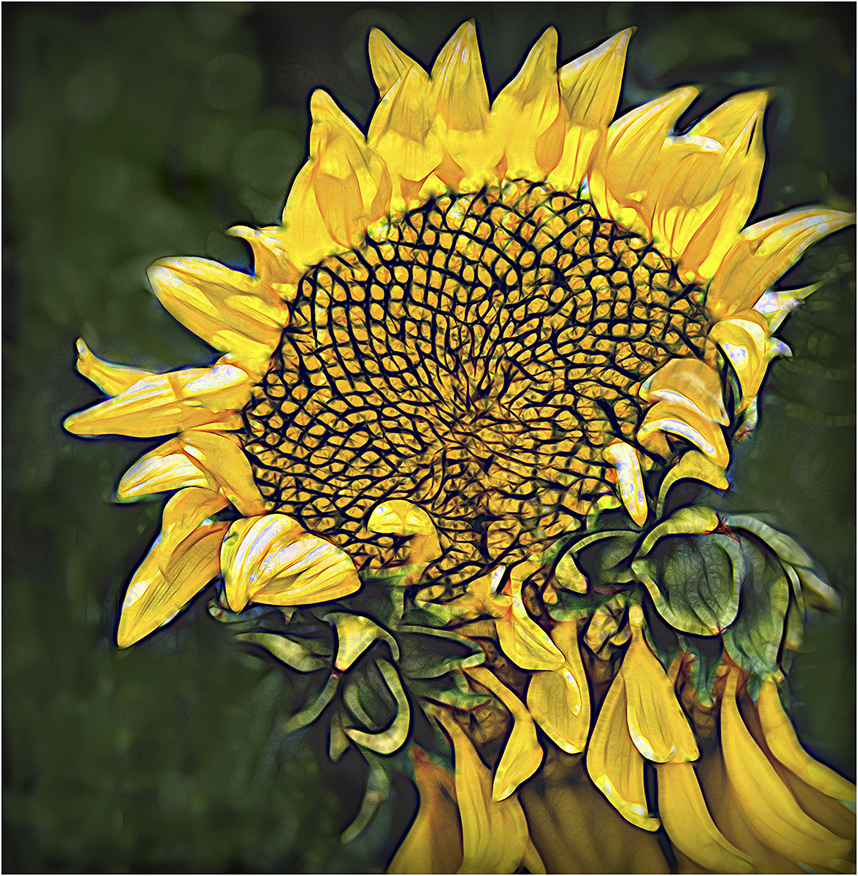
You found a great field of sunflowers. I noticed that there are dead sunflowers by the shack. Since you had mentioned that you left a little yellow to dispel the depressing feel of the black and white shack, I was thinking that you might have left the color of those old flowers to boost and coordinate the look. The sunflower field is much larger than the house, out of proportion, so to speak. Not sure if that works for me. Since this is creative, there's no reason why the flowers have to be an appropriate size, but, still...
By the way, I did not look at the other comments before I made mine. |
May 24th |
| 21 |
May 21 |
Comment |
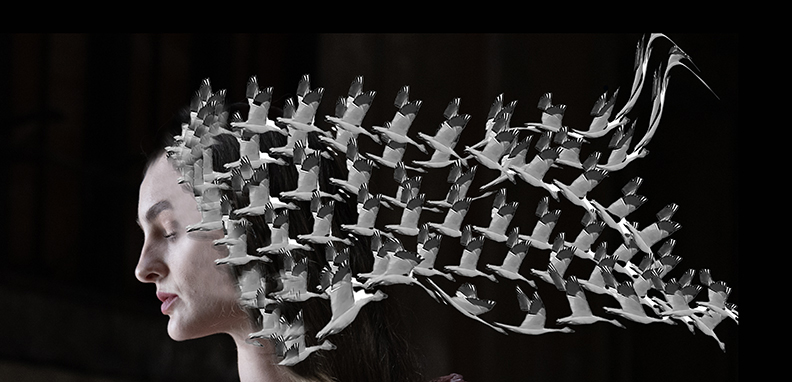
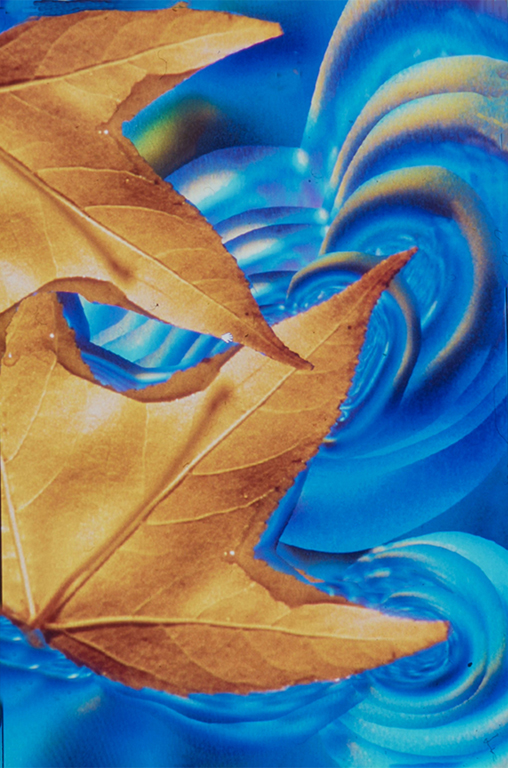
Your final image with the sandwich works for me because the woman looks like she is swathed in softness around he head. I think I might have removed the leaf near her right eye so her face stands out a bit better. As for the color, I'm not sure. I was thinking originally that some more attractive color would work better, but I don't know what to suggest. Maybe blue. But you do have an autumnal feel to this which makes the chosen color more appropriate. BTW, I couldn't get the music as it was no longer available.
|
May 24th |
| 21 |
May 21 |
Reply |
Brian,
Thanks for the suggestion. You are no doubt correct in your changes. The only thing it loses is it watery look down below because there is not as much reflection with the cropping. |
May 24th |
6 comments - 1 reply for Group 21
|
11 comments - 2 replies Total
|