Activity for User 30 - Joan Field - joan421@comcast.net

avatar
Avatar

Close this Tab when done


957 Comments / 143 Replies Posted

  = Current Round   = Previous Round
Group Round C/R Comment Date Image
15 Oct 20 Comment Also I am glad the everyone is spending time with great suggestions, thoughts and back and forth discussion. That's exactly what the DD's are about. Oct 24th
15 Oct 20 Comment Kristi, Even with your extensive descriptions of what you did, I find this basically an abstract. I really like the blues that you brought up. I can't see it as broken glass. For some reason, I think of the scales of justice with everything above in balance. Oct 24th
15 Oct 20 Comment Jeri, I have read all the comments. It took awhile to figure out what you were photographing. You were lucky to have the wavy glass at the window, which makes a wonderful abstract. I wonder if you thought about changing the colors to make them more dynamic. As they are, it is OK, but maybe a lot more editing with blue or red as the primary color. Don't know what can be one in Liminar, but in PS, you can select a color and, when selected, you can change the color. Might be worth a try. Otherwise, I think it's great seeing and very interesting photography to produce such an unusual abstract. Oct 24th
15 Oct 20 Comment Rick, Nice catch. The rainbow colors could include more blues and greens as suggested, but I don't know how you'd achieve this. You could try bringing up the saturation on blues and greens in Hue-Saturation in PS, but you would first have to exclude the trees from the H-S by circling the rainbow with the lasso tool.. Sorry, I don't know Luminar at all, so can't give any advice there. It seems like a great program for getting results that is easy to use. Oct 24th
15 Oct 20 Comment Bob, I think your choice of leaving the foreground is a wise one. There is more than one way to divide a horizon in half. In this case, if you made it into a long, narrow panoramic, it would divide the colors in half. I like having one color, the blue, in great proportion than the orange. I like it just the way it is. Oct 24th
15 Oct 20 Comment Thank you for your kind words. The process, which is mostly the photography is pretty simple. The layers in PS are really an easy learn. If you check out Harold Davis's videos, you will see that It is not a difficult thing. Oct 24th
15 Oct 20 Reply Bob,
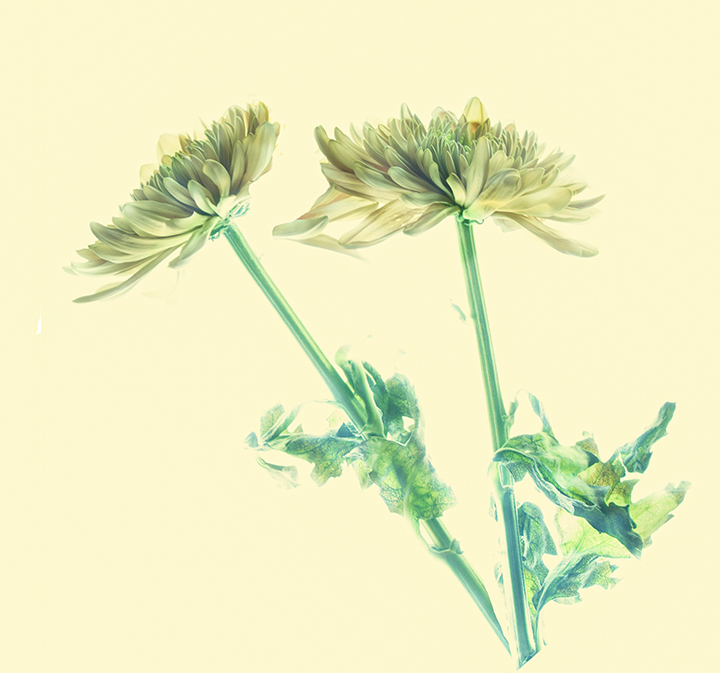
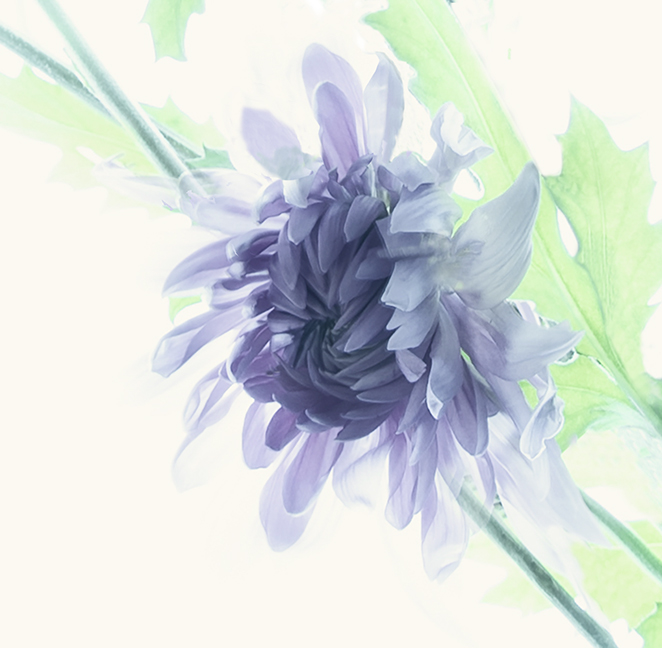
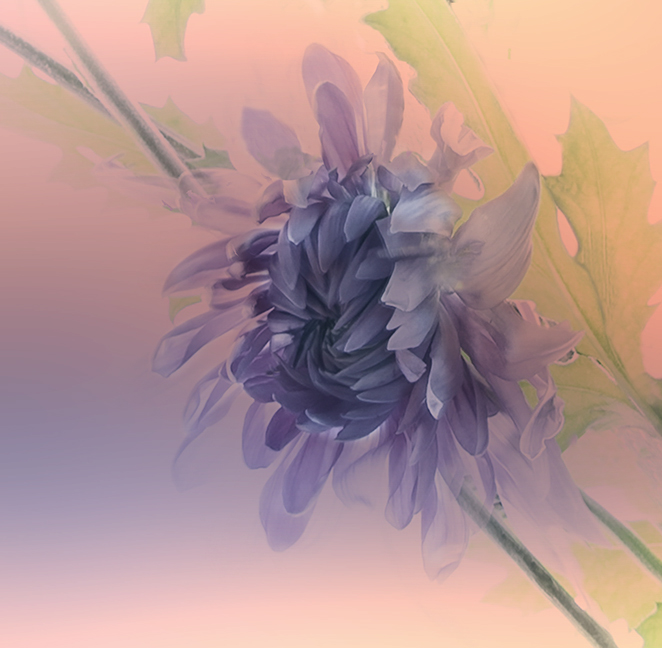
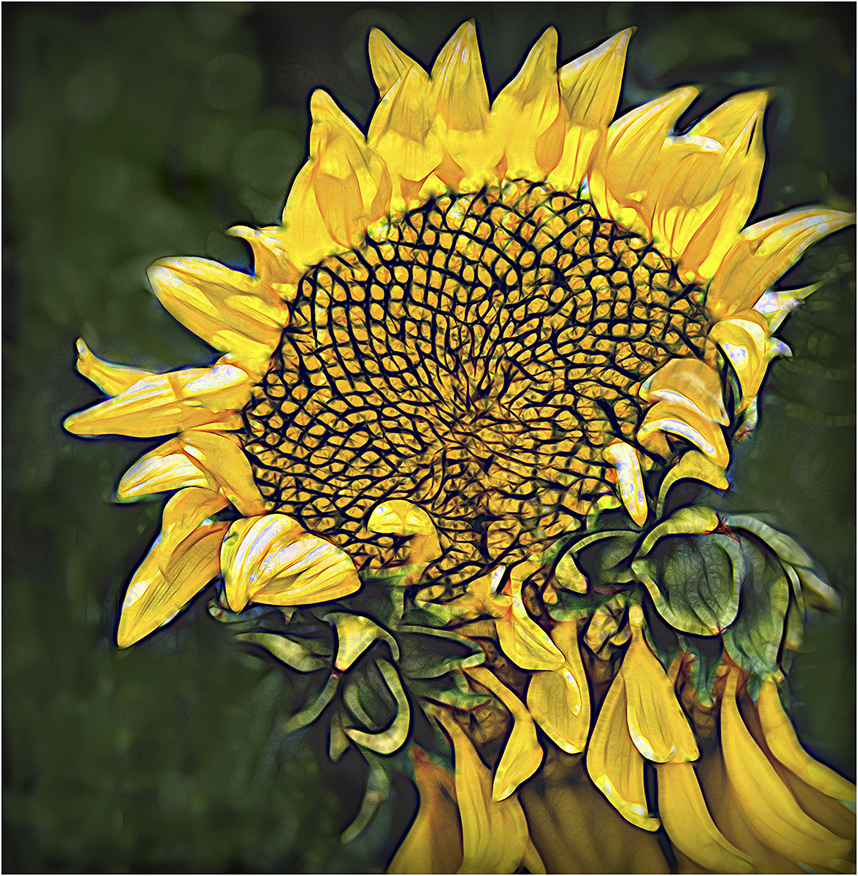
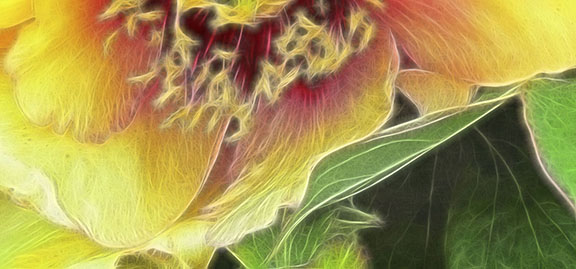
The center of the flower is too thick to show transparency. The leaves appealed to me to leave then overexposed, so it is a preference. The flower was actually plucked off the stem and turned so that it was mostly facing up. I don't know what to suggest. There is a very light BG. You might check out my version of it in DD Study Group 21 where I entered it as creative. The BG is much more interesting. Thanks for you comments.
Oct 15th

6 comments - 1 reply for Group 15

21 Oct 20 Comment Phill,
I'm glad Brian referred to Turner as the painter who might have put this together.
He is one of my favorites, having beaten the impressionists by many years. Anyway, you di an excellent job putting the two layers together to produce something much more interesting than the original. I fo think the water reflections are perfect, not too sharp, but still able to draw our attention to them. The placement of the boat doesn't bother me as it is off-center enough for my sensibilities. The flip so the lines come in from left to right is possible, but, again, it doesn't bother me.
Nice work for the iPhone. Did you take both photos on the phone?
Oct 24th
21 Oct 20 Comment Steve,
I can see the robot, now that t's pointed out. He looks like he's very dynamic with all of the cold swaths either coming out of him or going into him. They do call attention to the center of the frame.
Better not to try to simplify this despite its busyness. This was a good try to make something interesting out of a mish-mash. This could be an exercise for all of us. Take something that really looks like shit and try to make it into something more remarkable..
Oct 24th
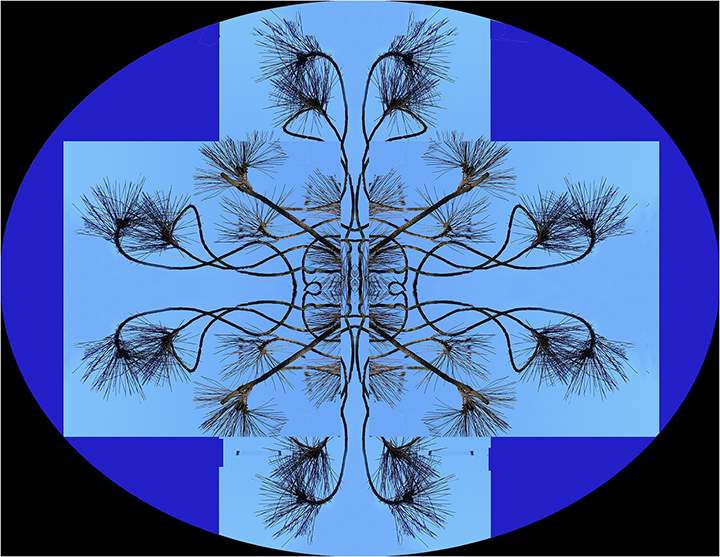
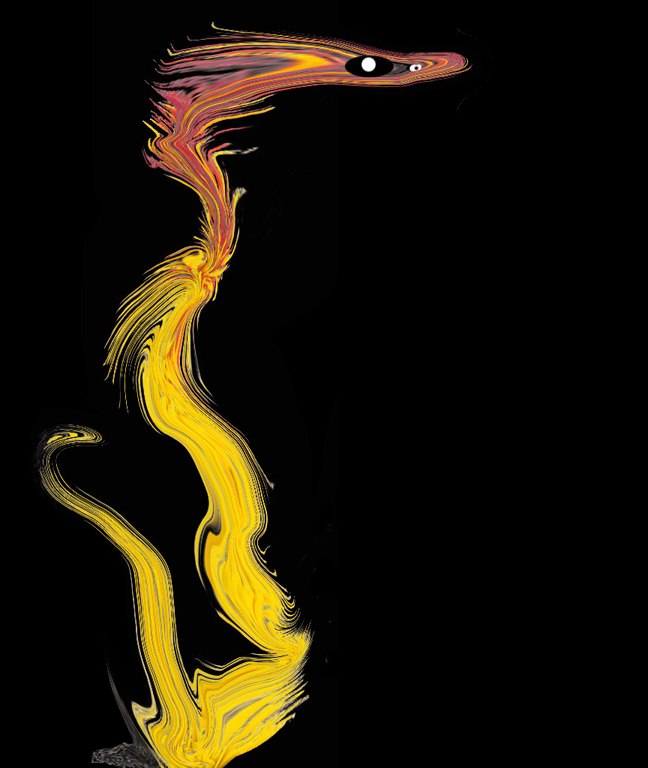
21 Oct 20 Comment Peter, This really catches my eye, partly because the colors are bright and dominant against the black background. I read all of the things you did to achieve your goal and they are way beyond my usage of PS. I do agree with Brian that there may be too much negative space in the middle. Maybe put in some ethereal creature or move the "hands" closer together by rotating a little more. Your use of the play tools is remarkable, and I do love the outcome. Oct 24th
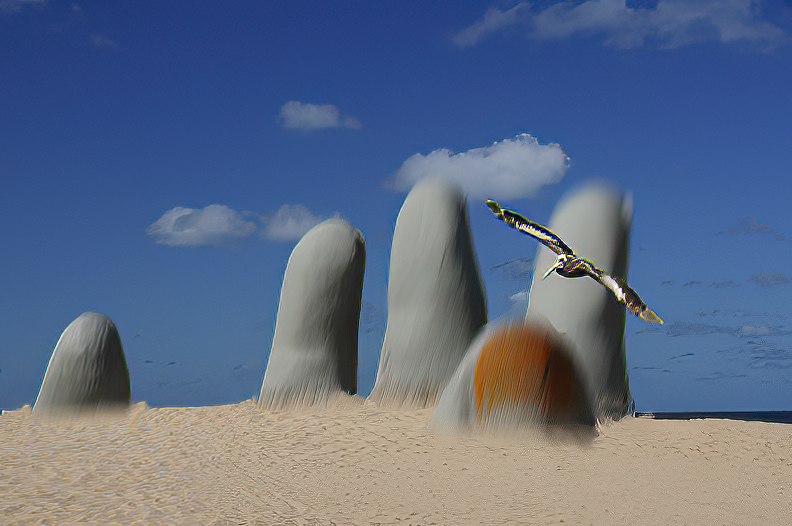
21 Oct 20 Comment Brian, You have put together a composite that would do well in a MOMA. The figures are the focal point as they are the sharpest. I'm not sure how you create the artifact of the dove, but that works well also. The blues and tans work well together and the two posts sort of mirror the two figures. The whole effect has a feeling of being printed on metal. One suggestion would be the reduce the size of the border, maybe by half on the right and left sides.
The heavy blue acts as a base for the figures, so works well.
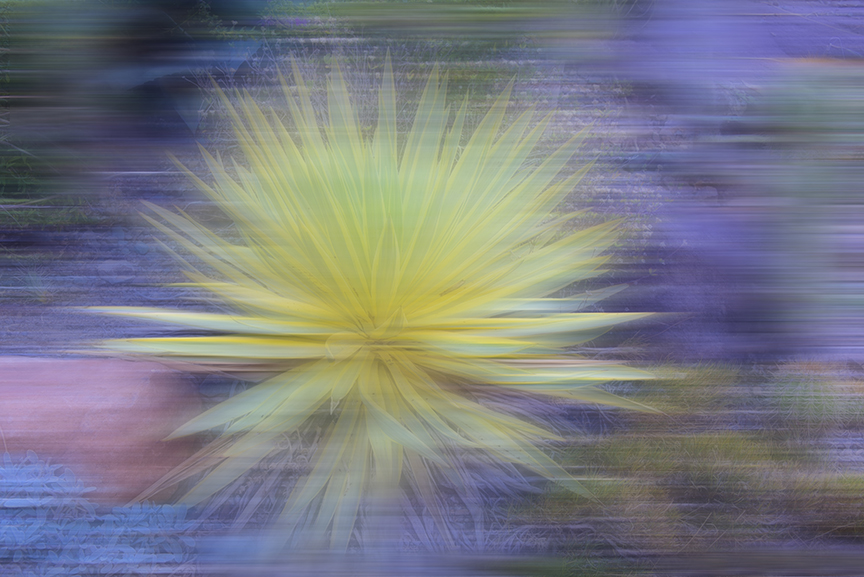
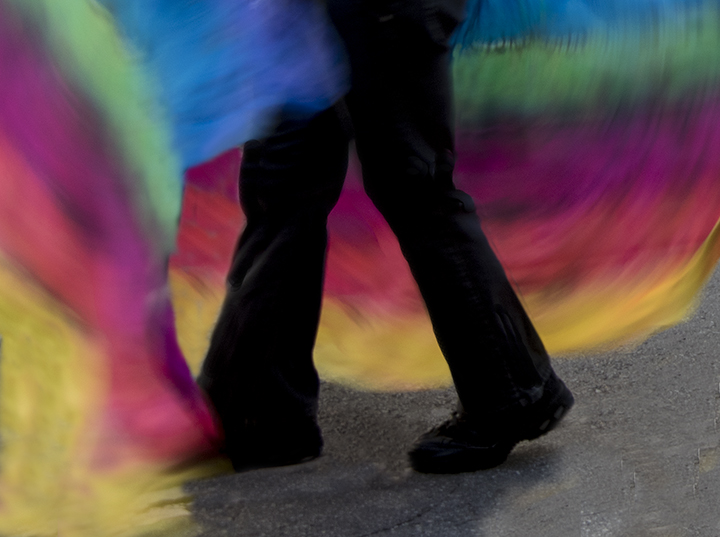
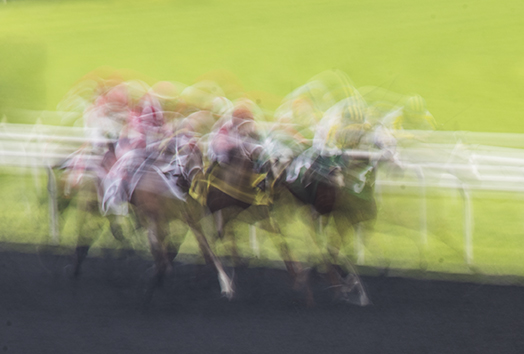
Altogether, I really like the blurred effect. A lovely abstract with, yet, a feeling of reality.
Oct 24th

4 comments - 0 replies for Group 21


10 comments - 1 reply Total


196 Images Posted

  = Current Round   = Previous Round
Group 03

Dec 25

Nov 25

Oct 25

Sep 25

Aug 25

Jul 25

May 25

Apr 25

Mar 25

Feb 25

Jan 25

Nov 24

Oct 24

Sep 24

Jul 24

Jun 24

May 24

Apr 24

Mar 24

Feb 24

Jan 24

Oct 23

Sep 23

Aug 23

Jul 23

Jun 23

May 23

Apr 23

Mar 23

Feb 23

Jan 23

Dec 22

Nov 22

Oct 22
Group 15

Aug 22

Jul 22

Jun 22

May 22

Apr 22

Mar 22

Feb 22

Jan 22

Dec 21

Nov 21

Oct 21

Sep 21

Aug 21

Jul 21

Jun 21

May 21

Apr 21

Mar 21

Feb 21

Dec 20

Nov 20

Oct 20

Sep 20

Aug 20

Jul 20

Jun 20

May 20

Apr 20

Feb 20

Jan 20

Dec 19

Nov 19

Oct 19

Sep 19

Aug 19

Jul 19

Jun 19

Apr 19

Mar 19

Feb 19

Jan 19

Dec 18

Nov 18

Oct 18

Sep 18

Aug 18

Jul 18

Jun 18

May 18

Apr 18

Mar 18

Feb 18

Jan 18

Dec 17

Nov 17

Oct 17

Sep 17

Aug 17

Jul 17

Jun 17

May 17

Apr 17

Mar 17

Feb 17

Jan 17
Group 18

Nov 25

Oct 25

Sep 25

Aug 25

Jul 25

May 25

Apr 25

Mar 25

Feb 25

Nov 24

Oct 24

Sep 24

Jul 24

Jun 24

May 24

Apr 24

Mar 24

Feb 24

Jan 24

Oct 23

Sep 23

Aug 23

Jul 23

Jun 23

May 23

Apr 23

Mar 23

Feb 23

Jan 23

Dec 22

Nov 22

Oct 22
Group 21

Aug 22

Jul 22

Jun 22

May 22

Apr 22

Mar 22

Feb 22

Jan 22

Dec 21

Oct 21

Sep 21

Aug 21

Jul 21

Jun 21

May 21

Apr 21

Mar 21

Feb 21

Dec 20

Nov 20

Oct 20

Sep 20

Aug 20

Jul 20

Jun 20

May 20

Apr 20

Feb 20

Jan 20

Dec 19

Nov 19

Oct 19

Sep 19

Aug 19

Jul 19

Jun 19

Apr 19

Mar 19

Feb 19

Jan 19

Dec 18

Nov 18

Oct 18

Sep 18

Aug 18

Jul 18

Jun 18

May 18

Apr 18

Mar 18

Feb 18

Jan 18

Dec 17

Nov 17

Oct 17

Sep 17

Aug 17

Jul 17

Jun 17

May 17

Apr 17

Mar 17

Feb 17

Jan 17
Group 41

Dec 25

Close this Tab when done