Activity for User 30 - Joan Field - joan421@comcast.net

avatar
Avatar

Close this Tab when done


957 Comments / 143 Replies Posted

  = Current Round   = Previous Round
Group Round C/R Comment Date Image
15 Mar 19 Comment Rick,
I really like what you were doing here. Maybe the mattress people could take it as another way to advertise their stuff. I like that you colored the young man so that he almost looks like he came from a color shot. Because of your title, I would never have thought of hot coals. You do have beautiful sunsets to call upon. Looking forward to your next attempt.
Mar 27th
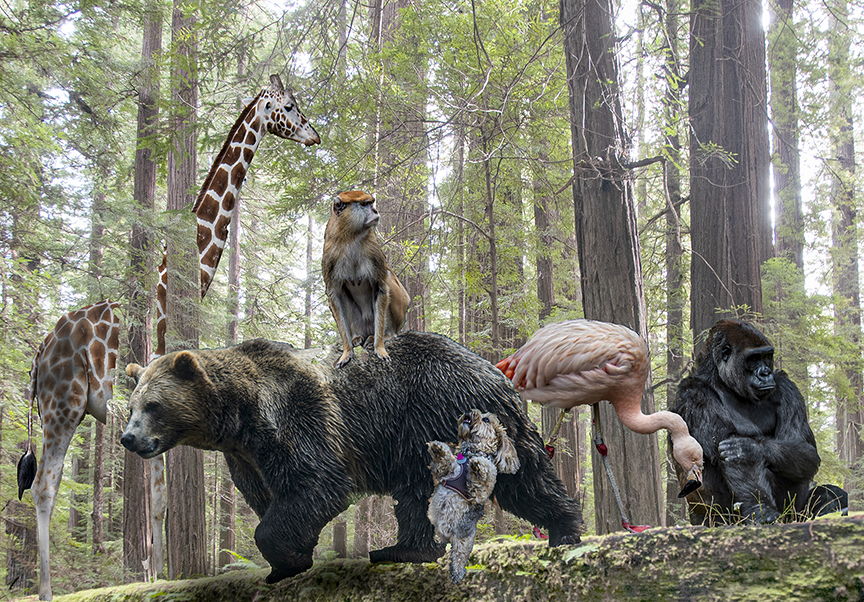
15 Mar 19 Comment The title is perfect. I would love to find myself there and sit down and enjoy the surroundings which clearly have redwoods. The dark vignette is Ok as it brings me even further into the depth of the woods.
In the future, when you give us information about your image, you should also include the place it was taken, the specifics of upgrading it using third party methods. Thanks.
Mar 27th
15 Mar 19 Comment Thank you all for your kind comments. Mar 27th
15 Mar 19 Comment Linda,
It would help us if you gave us more details, what camera, what time of day, any corrections you made, etc.
Mar 27th
15 Mar 19 Comment Linda,
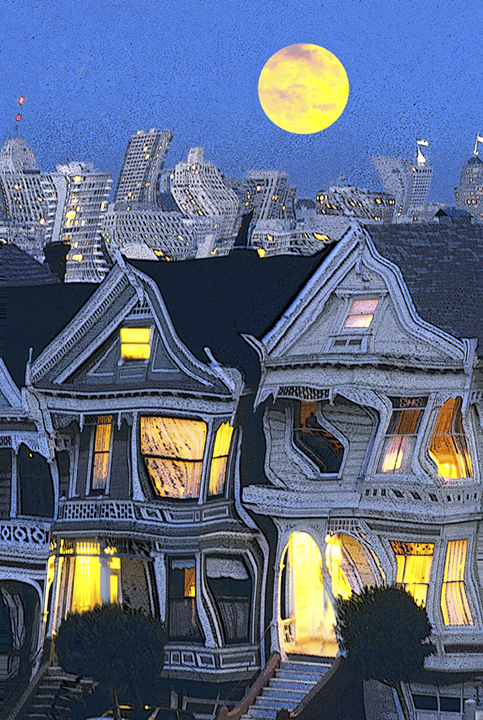
Great time of day for this photo. I never knew that one cold walk across the Brooklyn Bridge at a higher level than the cars. Making the photo symmetrical was a good idea. Sometimes the judge says that this causes a static feeling, but for something so symmetrical to begin with, I think it works well. You chose the blue hour so that the yellows of the lights and the blue in the sky work so well to complement each other. Fascinating shot!
Mar 27th
15 Mar 19 Comment Jeri,
The first thing that comes to mind has nothing to do with the background, which looks fine to me. It is that you constricted the image from right to left, squeezing it so that the individuals look too skinny. That is easy to fix. Just go back into Photoshop and with Command Option >C extend the horizontal width of the canvas by about two inches. Then using the Transform tool, hold down the Command key and pull on the right hand and left hand handles to pull out the image. You should probably choose only the original image, not the added space, for the Transform tool. I wonder if you ever had the feet and car tires in the image. If so, be sure to include them, as well.
Mar 10th

6 comments - 0 replies for Group 15

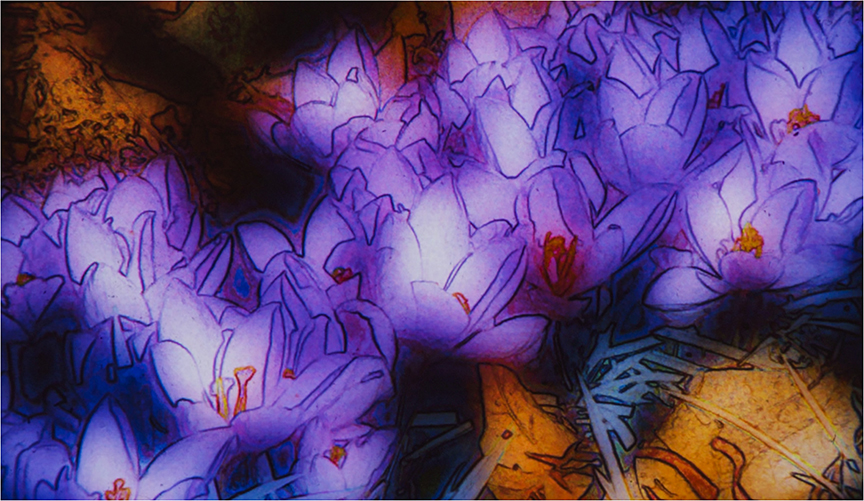
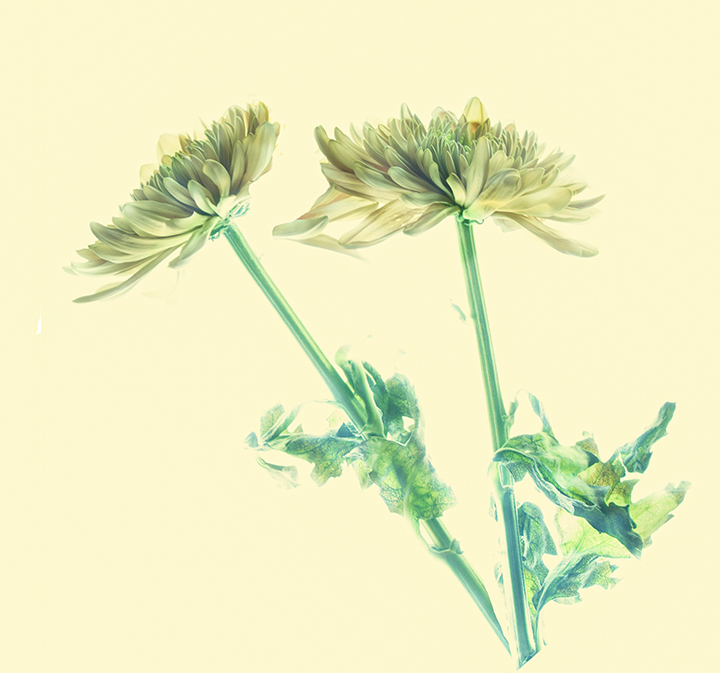
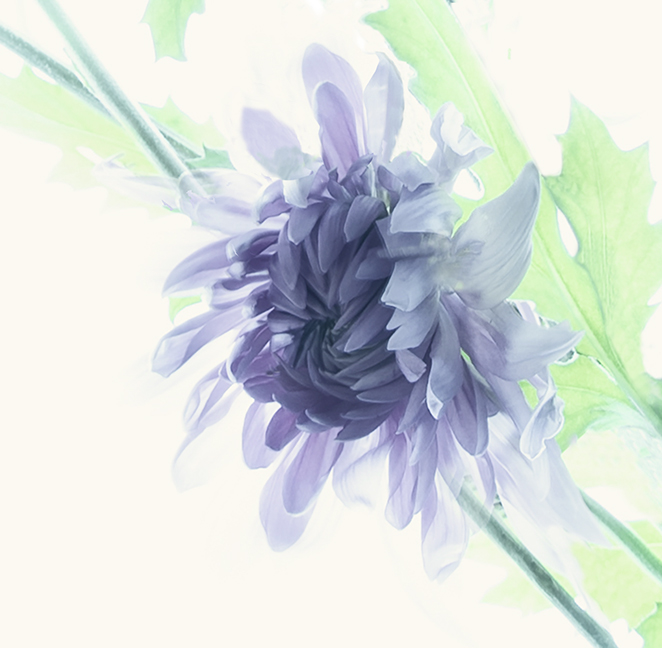
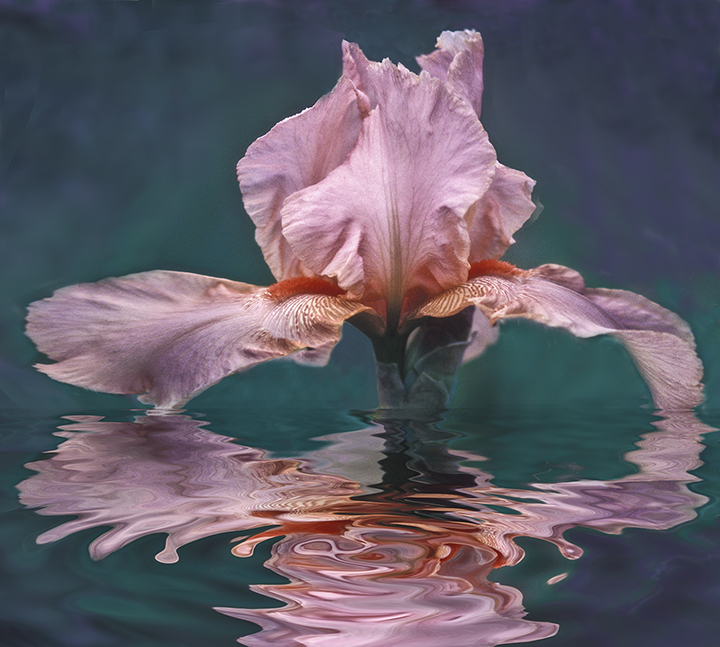
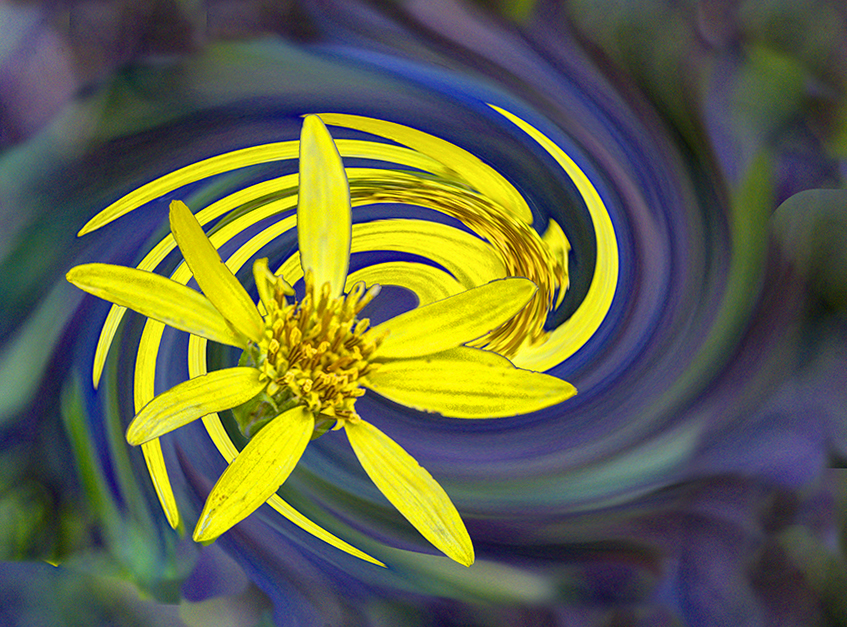
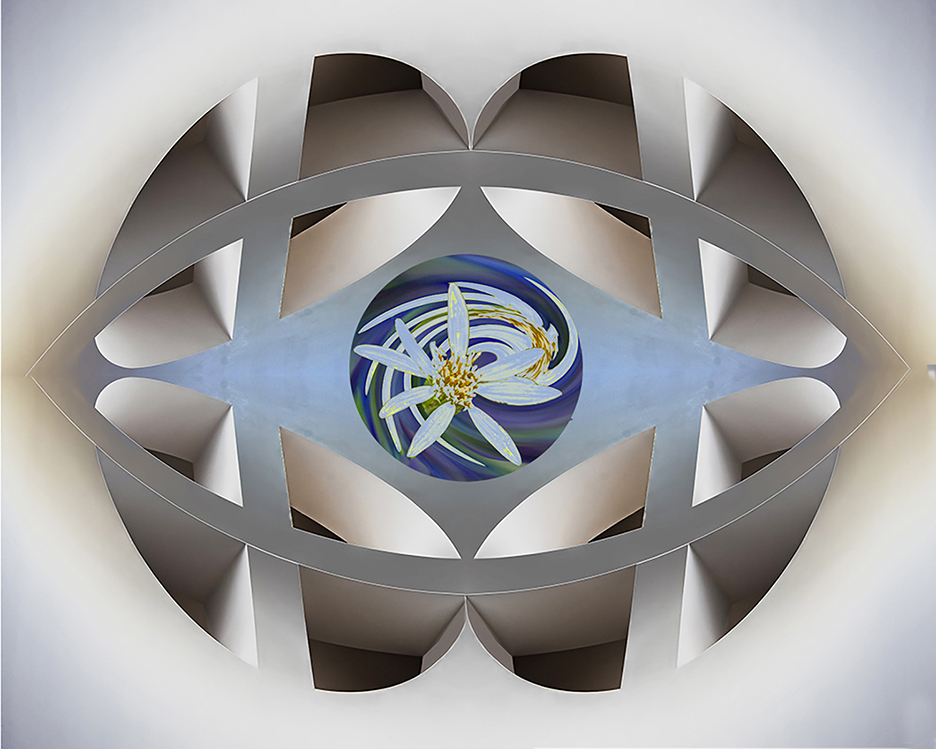
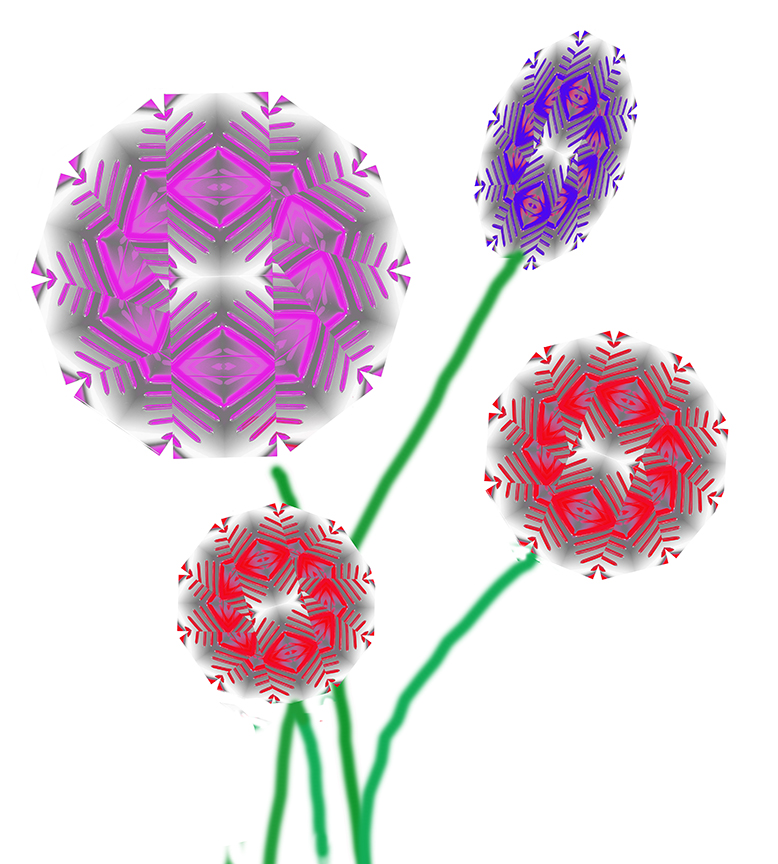
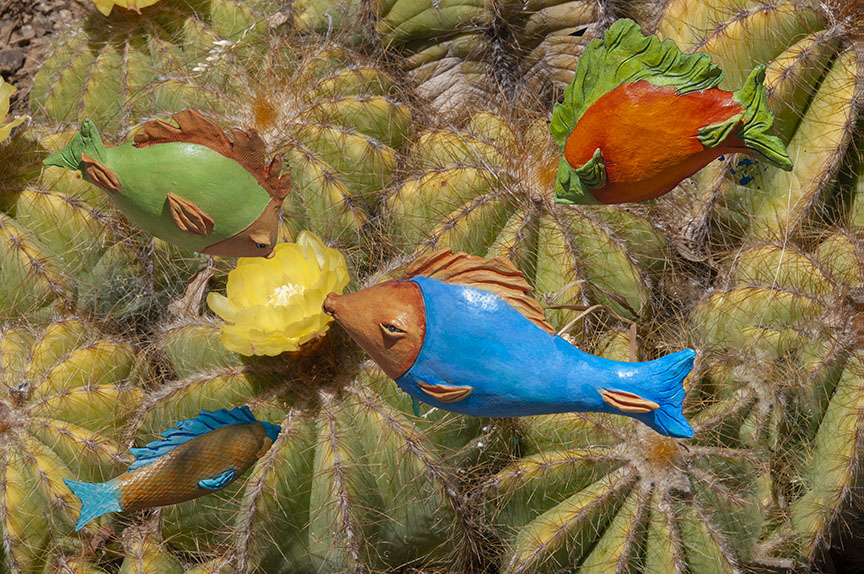
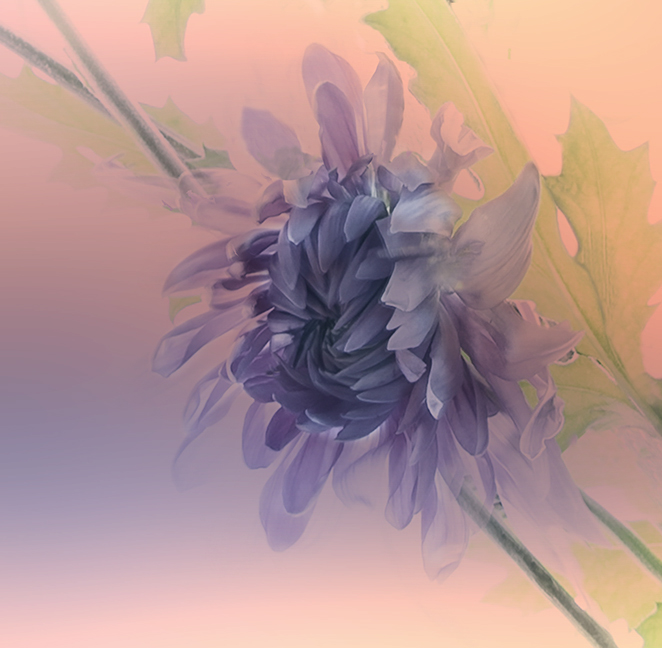
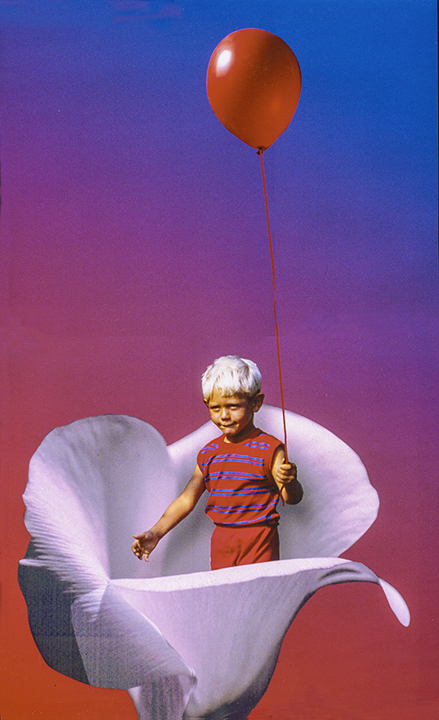
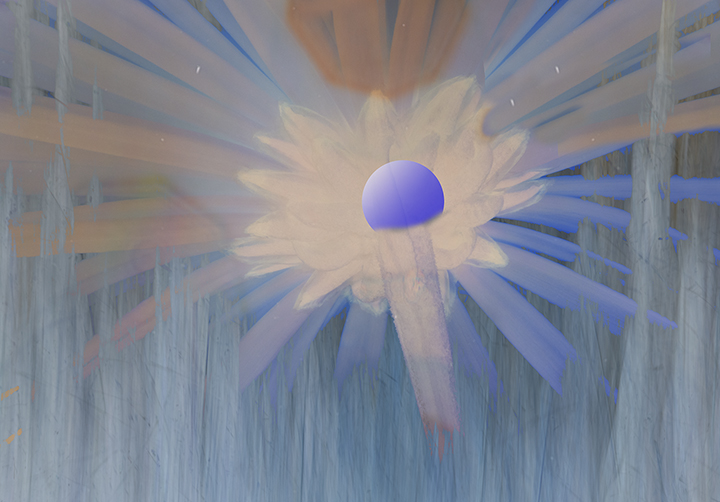
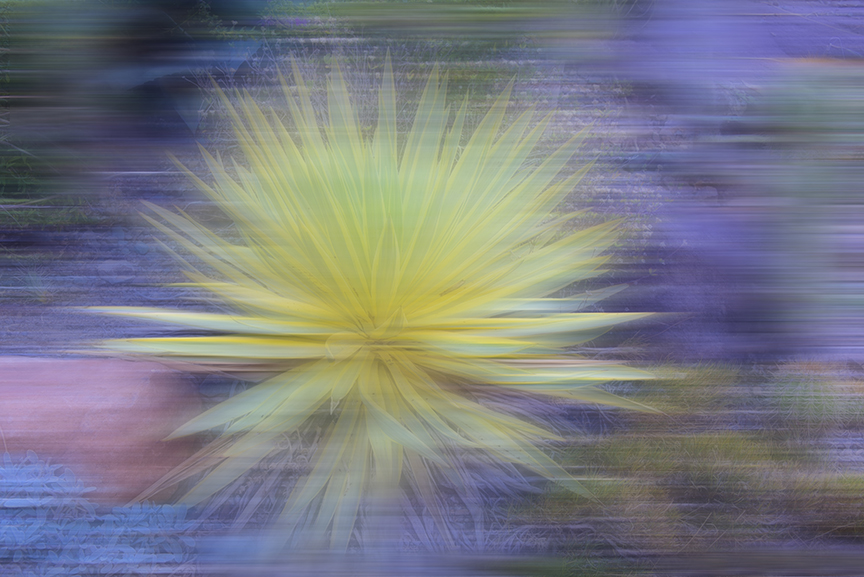
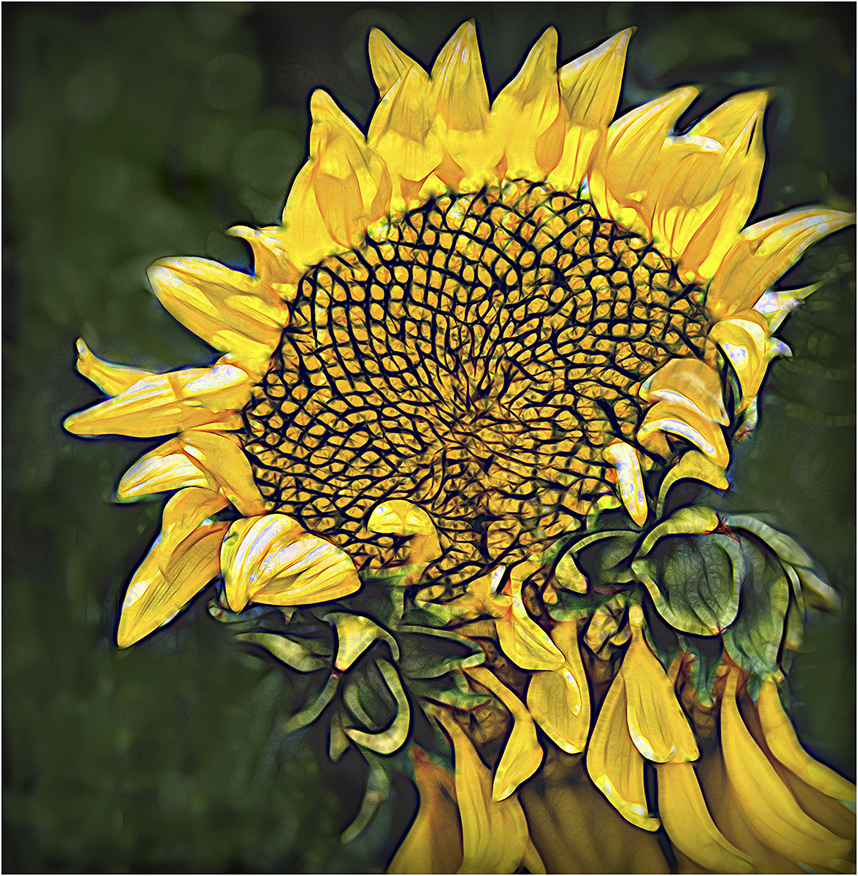
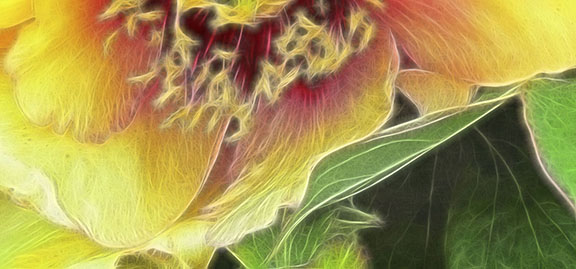
21 Mar 19 Comment The fish are a mysterious addition to this. It's sort of like looking for Waldo, hard to find them. I'm not sure what you used to produce that wonderful swirly parts on the flower, but I can't imagine working for 14 hours without breaks on a single image. Kudo's for that! I enjoy the color, but on picking up the fish, I have a slight recoil feeling. Mar 27th
21 Mar 19 Comment John,
This is very well done. The zoom of the background really sets off the player, who, although moving fast, is in this case caught in the act. Ironic that the background moves and the player is static, but nevertheless, he makes a wonderful center of interest. Great that you caught him hanging onto the basket and the ball there for us all to see. Really good job!
Mar 27th
21 Mar 19 Comment I like this one, Barrie. Simple, good framing and the use of lines works really well. I've never been one to worry too much about the left to right flow, partly because it could just as well come from the left into her face which is, of course, turned from us. I also know that you are very aware of that flow and have commented on it many times in the past.
It appeals to me just the way it is.
Mar 27th
21 Mar 19 Reply Peter,
Thanks for taking the time. I really like the final color palette of your image, but I would like to see it a bit lighter.
We really learn from each other.
Mar 27th
21 Mar 19 Reply Brian,
I am flattered that you have taken the time to improve my image. I did feel that it was a bit light and I kept increasing the contrast, but didn't achieve your top image. I think I'll stick with the original colors, however.
Thanks
Mar 27th
21 Mar 19 Comment Brian,
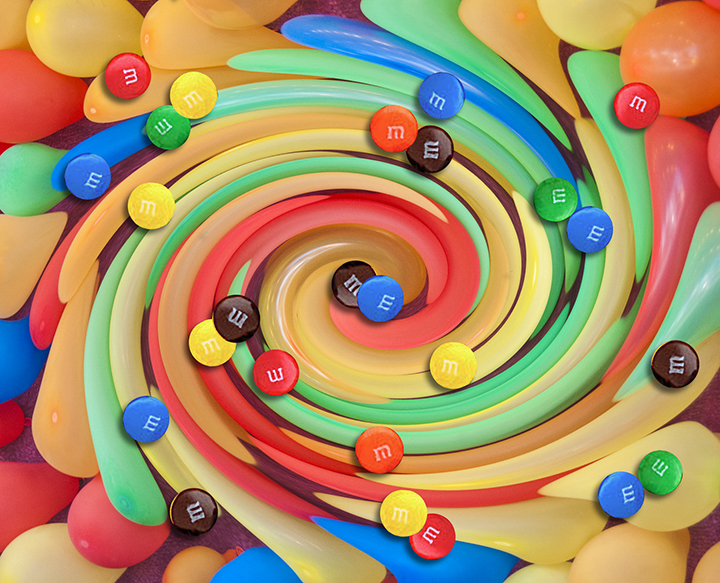
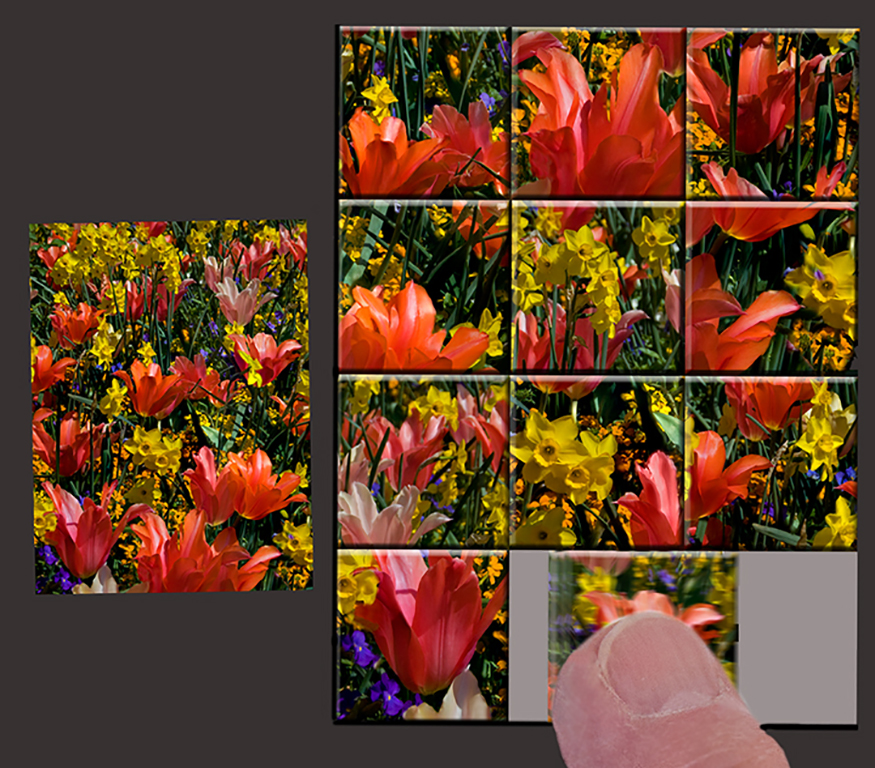
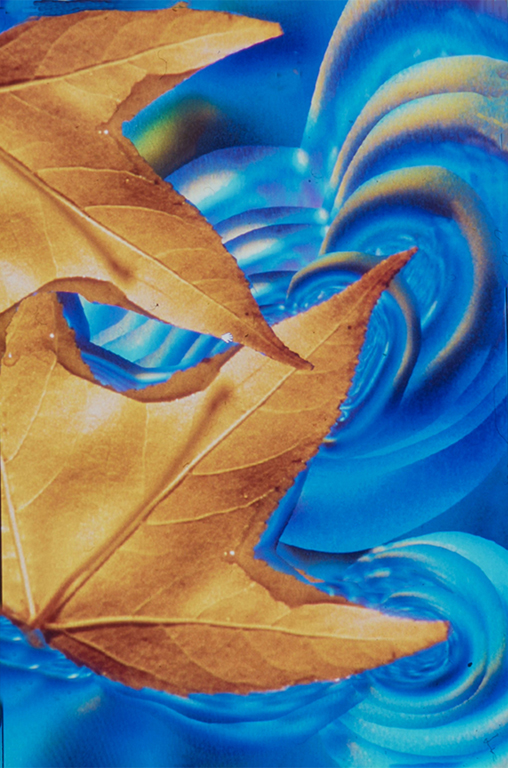
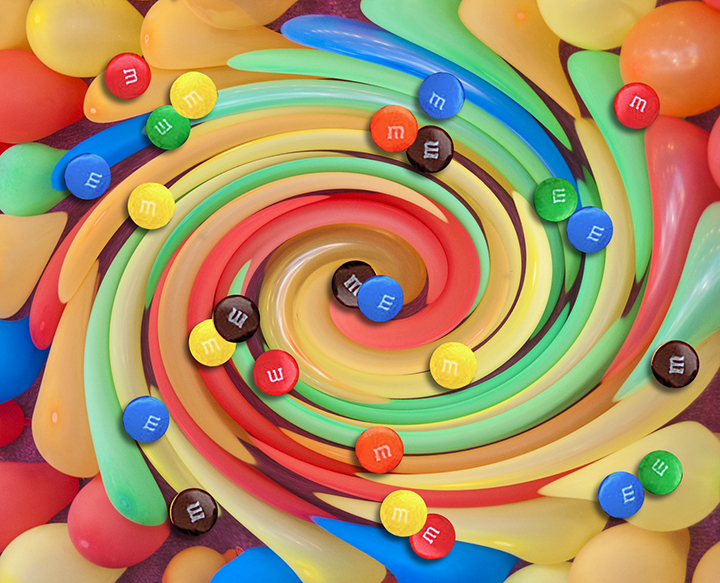
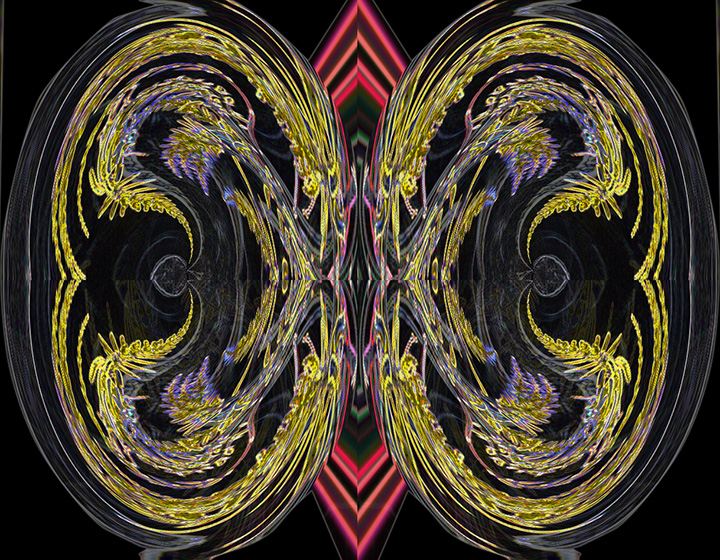
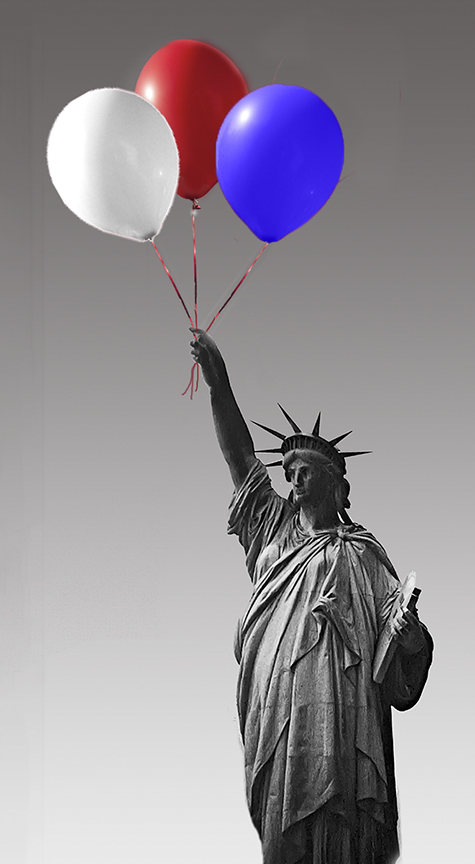
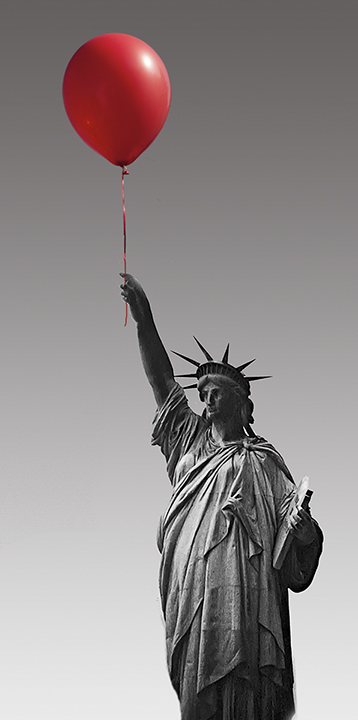
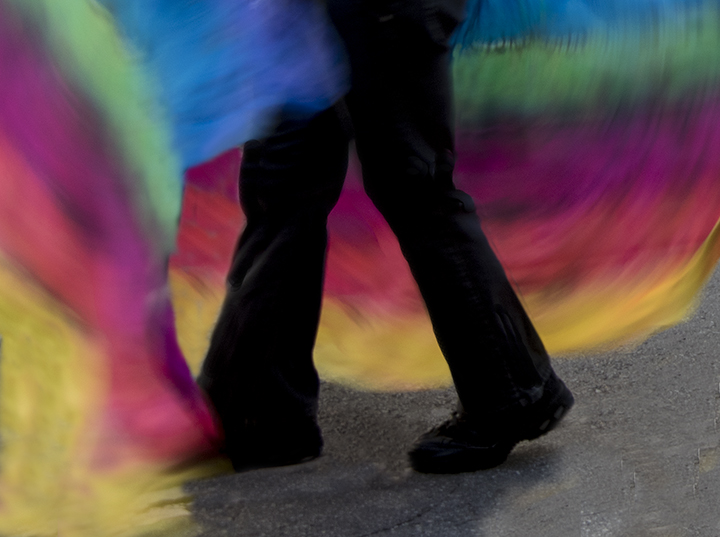
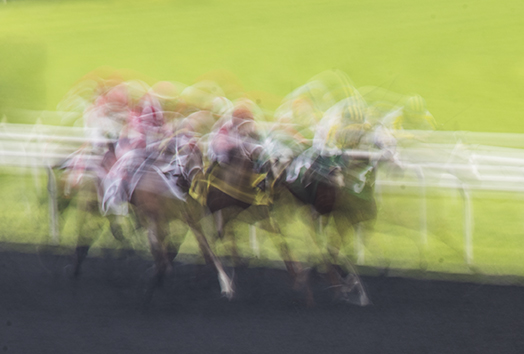
I admire your creativity and reminding us that one can do many things in the camera. We don 't always need to use Photoshop. Your sequence in which each time the image gets a little more distorted is a good one. Red is such a wonderful starting color, you can hardly go wrong. Some interesting suggestions by other group members. Keep giving us new ideas!
Mar 27th
21 Mar 19 Comment Steve,
This is indeed a weird cemetery. Although the color of the grass is definitely creative, to me, it is a bit disturbing because it is so far from the original color and so bold a color. I am very curious. What is the layer mode "grain-merge." I never heard of it and I've been using PS and layer modes for years. I like the fact that you used the iWarp tool to distort the landscape, much more interesting and the light green place markers for the deceased are also quite interesting. On the left side of the tombstone, you left a few black areas, probably from the erase tool treatment. I'm not sure what color would grip me for the grass; maybe a light blue. What do others think?
Mar 1st

5 comments - 2 replies for Group 21


11 comments - 2 replies Total


196 Images Posted

  = Current Round   = Previous Round
Group 03

Dec 25

Nov 25

Oct 25

Sep 25

Aug 25

Jul 25

May 25

Apr 25

Mar 25

Feb 25

Jan 25

Nov 24

Oct 24

Sep 24

Jul 24

Jun 24

May 24

Apr 24

Mar 24

Feb 24

Jan 24

Oct 23

Sep 23

Aug 23

Jul 23

Jun 23

May 23

Apr 23

Mar 23

Feb 23

Jan 23

Dec 22

Nov 22

Oct 22
Group 15

Aug 22

Jul 22

Jun 22

May 22

Apr 22

Mar 22

Feb 22

Jan 22

Dec 21

Nov 21

Oct 21

Sep 21

Aug 21

Jul 21

Jun 21

May 21

Apr 21

Mar 21

Feb 21

Dec 20

Nov 20

Oct 20

Sep 20

Aug 20

Jul 20

Jun 20

May 20

Apr 20

Feb 20

Jan 20

Dec 19

Nov 19

Oct 19

Sep 19

Aug 19

Jul 19

Jun 19

Apr 19

Mar 19

Feb 19

Jan 19

Dec 18

Nov 18

Oct 18

Sep 18

Aug 18

Jul 18

Jun 18

May 18

Apr 18

Mar 18

Feb 18

Jan 18

Dec 17

Nov 17

Oct 17

Sep 17

Aug 17

Jul 17

Jun 17

May 17

Apr 17

Mar 17

Feb 17

Jan 17
Group 18

Nov 25

Oct 25

Sep 25

Aug 25

Jul 25

May 25

Apr 25

Mar 25

Feb 25

Nov 24

Oct 24

Sep 24

Jul 24

Jun 24

May 24

Apr 24

Mar 24

Feb 24

Jan 24

Oct 23

Sep 23

Aug 23

Jul 23

Jun 23

May 23

Apr 23

Mar 23

Feb 23

Jan 23

Dec 22

Nov 22

Oct 22
Group 21

Aug 22

Jul 22

Jun 22

May 22

Apr 22

Mar 22

Feb 22

Jan 22

Dec 21

Oct 21

Sep 21

Aug 21

Jul 21

Jun 21

May 21

Apr 21

Mar 21

Feb 21

Dec 20

Nov 20

Oct 20

Sep 20

Aug 20

Jul 20

Jun 20

May 20

Apr 20

Feb 20

Jan 20

Dec 19

Nov 19

Oct 19

Sep 19

Aug 19

Jul 19

Jun 19

Apr 19

Mar 19

Feb 19

Jan 19

Dec 18

Nov 18

Oct 18

Sep 18

Aug 18

Jul 18

Jun 18

May 18

Apr 18

Mar 18

Feb 18

Jan 18

Dec 17

Nov 17

Oct 17

Sep 17

Aug 17

Jul 17

Jun 17

May 17

Apr 17

Mar 17

Feb 17

Jan 17
Group 41

Dec 25

Close this Tab when done