Activity for User 30 - Joan Field - joan421@comcast.net

avatar
Avatar

Close this Tab when done


957 Comments / 143 Replies Posted

  = Current Round   = Previous Round
Group Round C/R Comment Date Image
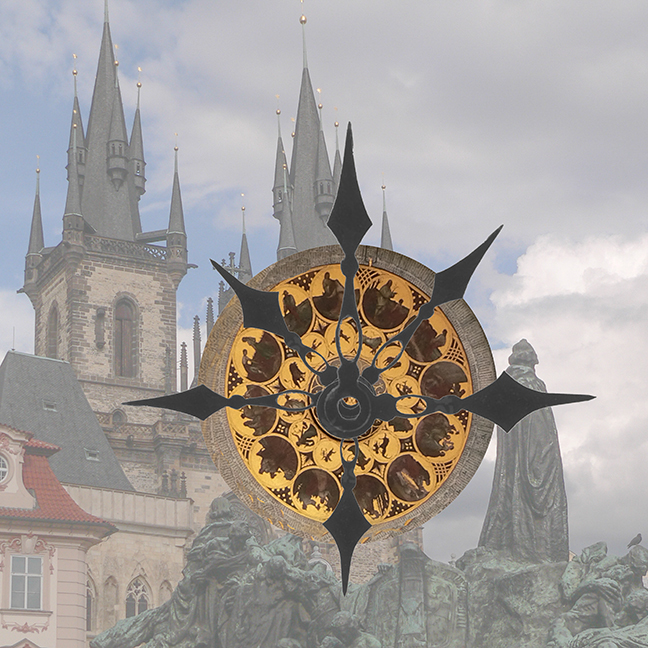
15 Jan 19 Comment How about a darker red and a darker blue for the frame. This is really fantastic; I love it. It looks like a lot of work went into it and I commend you on your patience to produce such an interesting result. I'm amused by all the little fishy-looking things you threw into this. The upper right corner helps balance all of the clocks. Very Daliesque. Jan 25th
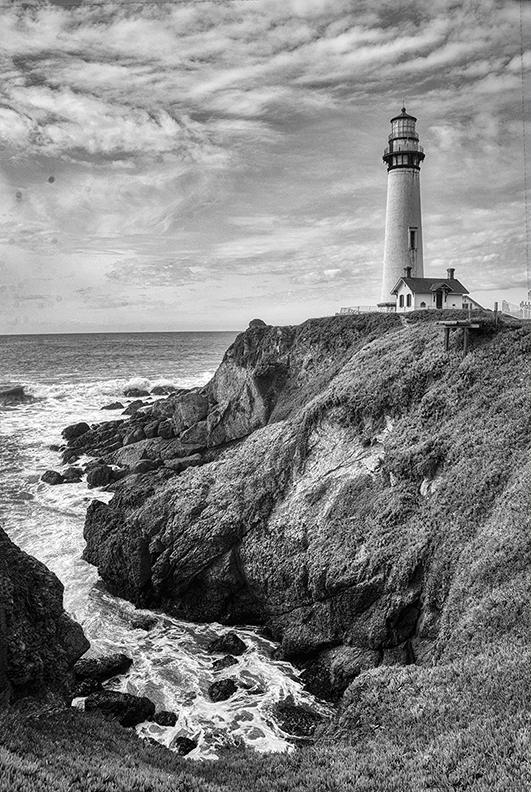
15 Jan 19 Comment Simple, nice in Black and White. It's sharp, well-placed in the frame, maybe take a little bit off the top of the sky down to a little bit over the middle clouds. We didn't have the color image to compare it with, or did I forget to put it in? To me, there's a little bit of drabness to it. I would play with contrast and other means to give it a little more punch. But nice seeing. Jan 25th
15 Jan 19 Comment I agree that Rick and company did a great job. Getting rid of the passers-by gives it so much more impact, and, in fact, a movie poster look. That is a bit of a job, especially the two behind her, but she would love, first of all, your photo of her, and second what was done with it to make it better. She's well-placed in the frame, does indeed invoke a Judy Garland feeling or or her daughter Liza in Cabaret. Jan 25th
15 Jan 19 Comment Although it has a reminiscence of a fire, I really like the sky in this. I feels like a winter sunset. The only think I'd suggest is to remove the top branch sticking down into the frame. The tree branch on the left is OK. You were so lucky to get a sharp photo from the car, but that's why it's always a good idea to have some kind of camera handle. Jan 25th

4 comments - 0 replies for Group 15

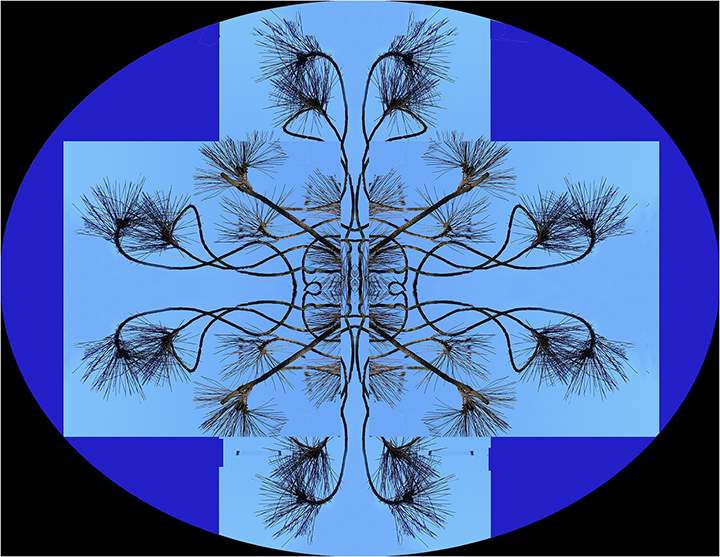
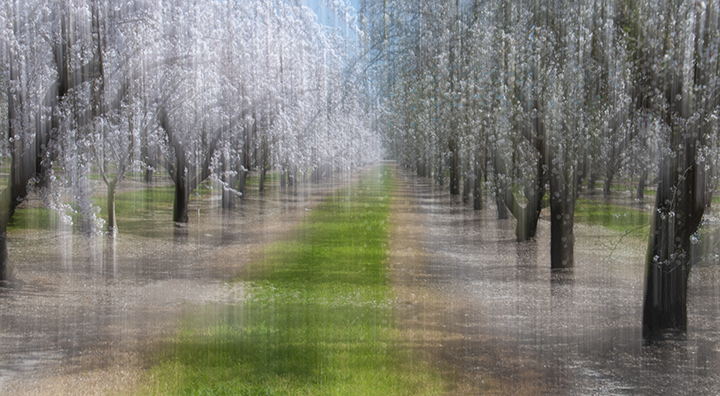
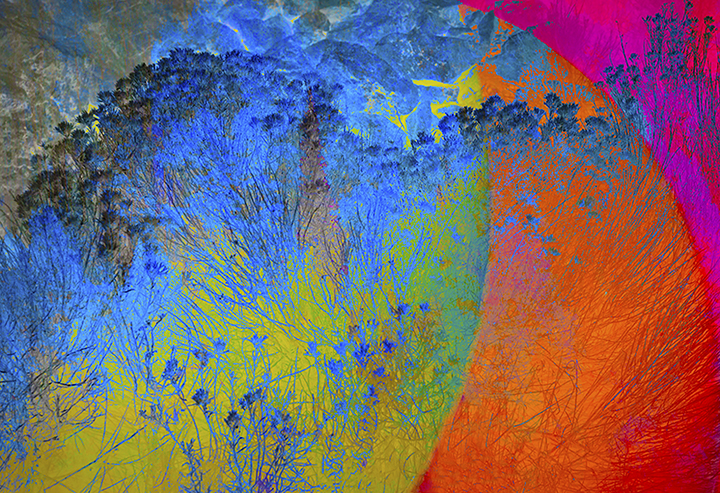
21 Jan 19 Comment To me, the color inversion version is much more exciting. Your concept of multiple exposures of the group of trees seems to work well with your positioning of your feet. This is something I had never thought of for multiples. Good idea.
I enjoy everyone's comments on the image with their own versions. The red trees works well also. The background, the residual outside of the trunks of the trees, is interesting because you apparently have used a gradient stronger on the right side going to quite a bit weaker on the left side. This gives a lot more interest and makes it less like a simple pattern shot.
Jan 25th
21 Jan 19 Comment Steve,
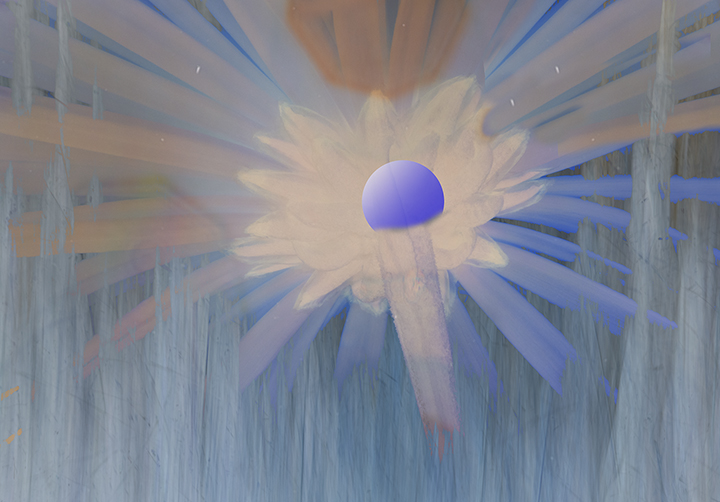
I admire your dedication to 3D. This image holds my attention; no question about the center of interest. The colors work together quite well and even without the 3D apparatus. you would need in Group 68, it still has a strong three-dimensional feeling to me. There seems to be a hole in the center, for example, with the star shooting out. I wonder what it would look like if you twirled it slightly, a pinwheel?
Jan 25th
21 Jan 19 Comment Susan,
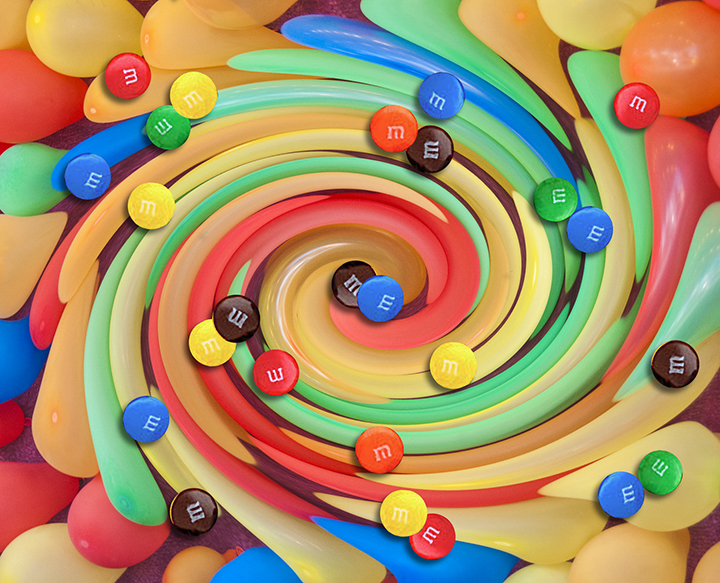
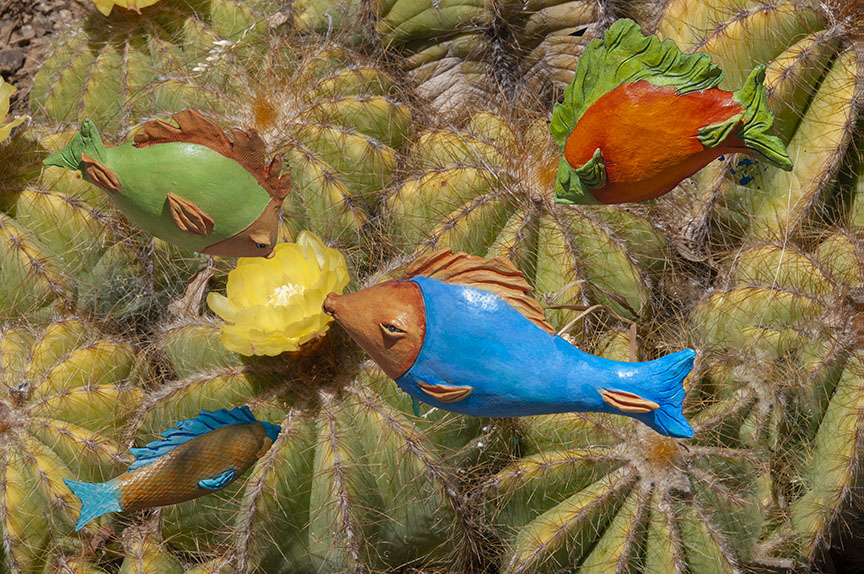
This is so beautiful, the colors, the composition, everything works here to make it look like an underwater scene, almost in real life. To me I wouldn't change a thing. The color reversal can be so exciting; we should all try it more often. Also try it in monochrome; can make for some interesting results. Since there are a rainbow of tropical fish in existence, I would not be surprised to find purple fish among them.
Jan 25th
21 Jan 19 Comment Well, well said can easily be seen twice.
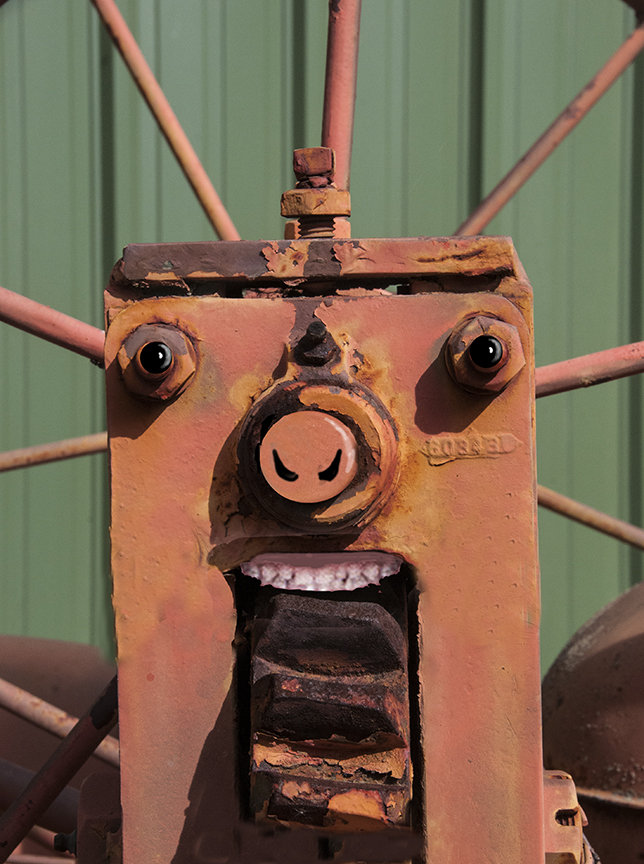
John, I love what you created from seemingly a very simple subject. It certainly looks like an anime to me, eyes, mouth, and nose. Both the black and white version and the color version are excellent. Sounds like a fair amount of work on your part. I have been disappointed by the spherize filter in Photoshop because it doesn't produce a really spheric look. Some other third party apps had that ability, but I think they are also no longer available. You did a great job with this.
Jan 25th
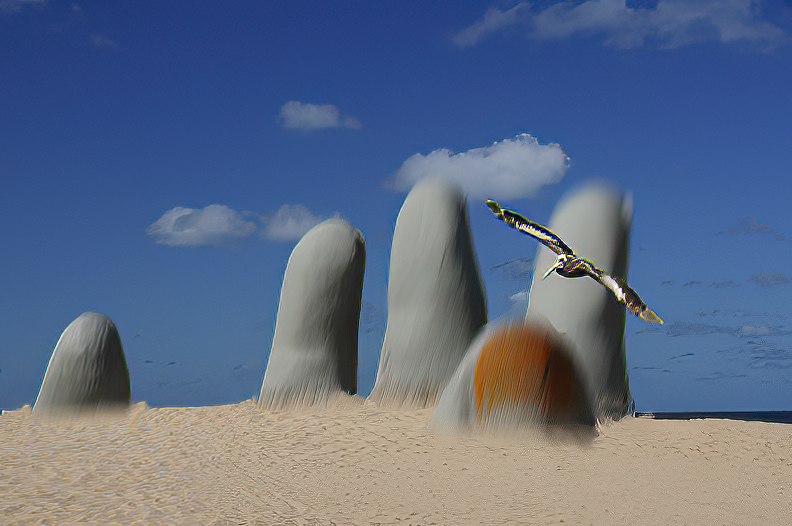
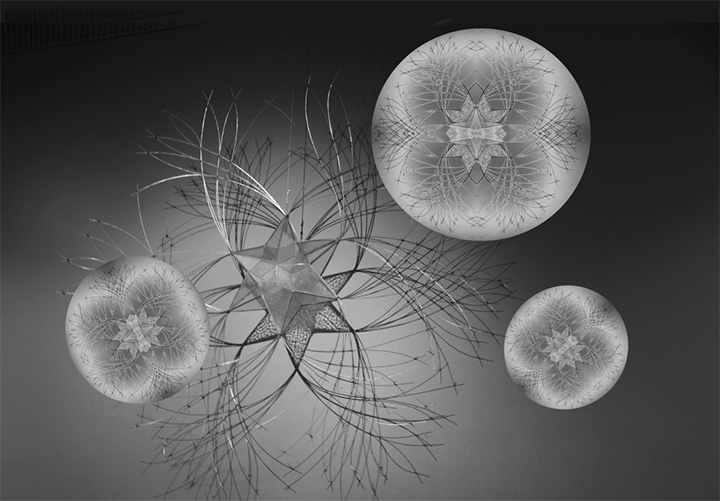
21 Jan 19 Comment Sorry to be so late again. Most of what could be said about this, has been. The fractalius filter was one I admired years ago, but, as said, is not available for the Mac. I have used the Topaz glow filter, which comes close but doesn't exactly emulate the Fractalius effect. As for your image, very well placed in the frame; I like the dark lower right hand section in black as it balances the upper left corner quite well. The balance doesn't need to be the same size for a good composition.
Nicely done, Brian.
Jan 25th

5 comments - 0 replies for Group 21


9 comments - 0 replies Total


196 Images Posted

  = Current Round   = Previous Round
Group 03

Dec 25

Nov 25

Oct 25

Sep 25

Aug 25

Jul 25

May 25

Apr 25

Mar 25

Feb 25

Jan 25

Nov 24

Oct 24

Sep 24

Jul 24

Jun 24

May 24

Apr 24

Mar 24

Feb 24

Jan 24

Oct 23

Sep 23

Aug 23

Jul 23

Jun 23

May 23

Apr 23

Mar 23

Feb 23

Jan 23

Dec 22

Nov 22

Oct 22
Group 15

Aug 22

Jul 22

Jun 22

May 22

Apr 22

Mar 22

Feb 22

Jan 22

Dec 21

Nov 21

Oct 21

Sep 21

Aug 21

Jul 21

Jun 21

May 21

Apr 21

Mar 21

Feb 21

Dec 20

Nov 20

Oct 20

Sep 20

Aug 20

Jul 20

Jun 20

May 20

Apr 20

Feb 20

Jan 20

Dec 19

Nov 19

Oct 19

Sep 19

Aug 19

Jul 19

Jun 19

Apr 19

Mar 19

Feb 19

Jan 19

Dec 18

Nov 18

Oct 18

Sep 18

Aug 18

Jul 18

Jun 18

May 18

Apr 18

Mar 18

Feb 18

Jan 18

Dec 17

Nov 17

Oct 17

Sep 17

Aug 17

Jul 17

Jun 17

May 17

Apr 17

Mar 17

Feb 17

Jan 17
Group 18

Nov 25

Oct 25

Sep 25

Aug 25

Jul 25

May 25

Apr 25

Mar 25

Feb 25

Nov 24

Oct 24

Sep 24

Jul 24

Jun 24

May 24

Apr 24

Mar 24

Feb 24

Jan 24

Oct 23

Sep 23

Aug 23

Jul 23

Jun 23

May 23

Apr 23

Mar 23

Feb 23

Jan 23

Dec 22

Nov 22

Oct 22
Group 21

Aug 22

Jul 22

Jun 22

May 22

Apr 22

Mar 22

Feb 22

Jan 22

Dec 21

Oct 21

Sep 21

Aug 21

Jul 21

Jun 21

May 21

Apr 21

Mar 21

Feb 21

Dec 20

Nov 20

Oct 20

Sep 20

Aug 20

Jul 20

Jun 20

May 20

Apr 20

Feb 20

Jan 20

Dec 19

Nov 19

Oct 19

Sep 19

Aug 19

Jul 19

Jun 19

Apr 19

Mar 19

Feb 19

Jan 19

Dec 18

Nov 18

Oct 18

Sep 18

Aug 18

Jul 18

Jun 18

May 18

Apr 18

Mar 18

Feb 18

Jan 18

Dec 17

Nov 17

Oct 17

Sep 17

Aug 17

Jul 17

Jun 17

May 17

Apr 17

Mar 17

Feb 17

Jan 17
Group 41

Dec 25

Close this Tab when done