Activity for User 30 - Joan Field - joan421@comcast.net

avatar
Avatar

Close this Tab when done


957 Comments / 143 Replies Posted

  = Current Round   = Previous Round
Group Round C/R Comment Date Image
15 Feb 17 Comment The clouds lead us to the tiny church, making the Prairie Church so diminutive in the scene that it seems like the hand of God is coming down on it (the clouds), thus making it a very strong image. You need all of the foreground and background to achieve this effect.
Feb 27th
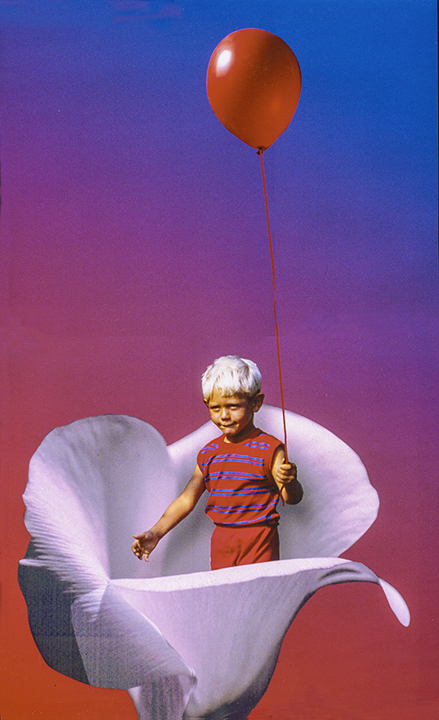
15 Feb 17 Comment Nicely done composite. It looks realistic except for his angle. He feels like he's coming in from the sky, a superhero. Your clouds are great behind him and good old Flood really helps put it together. Feb 27th
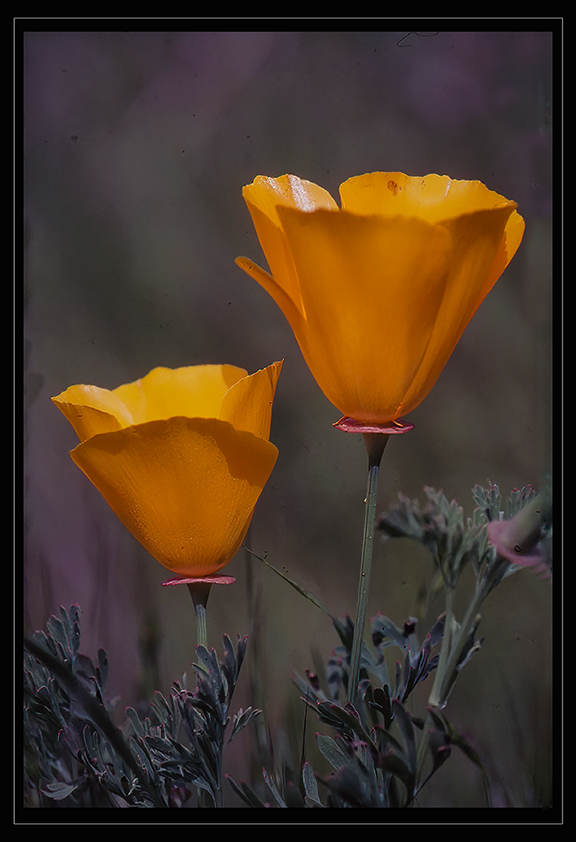
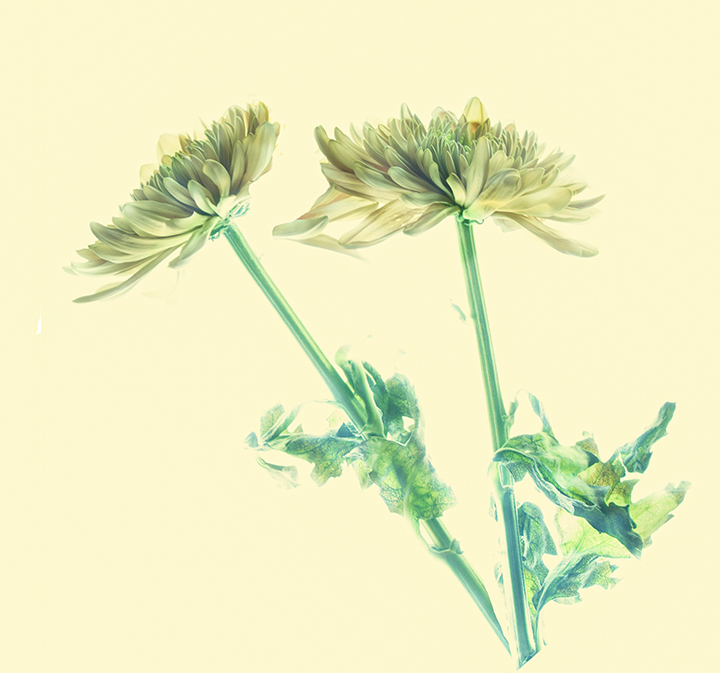
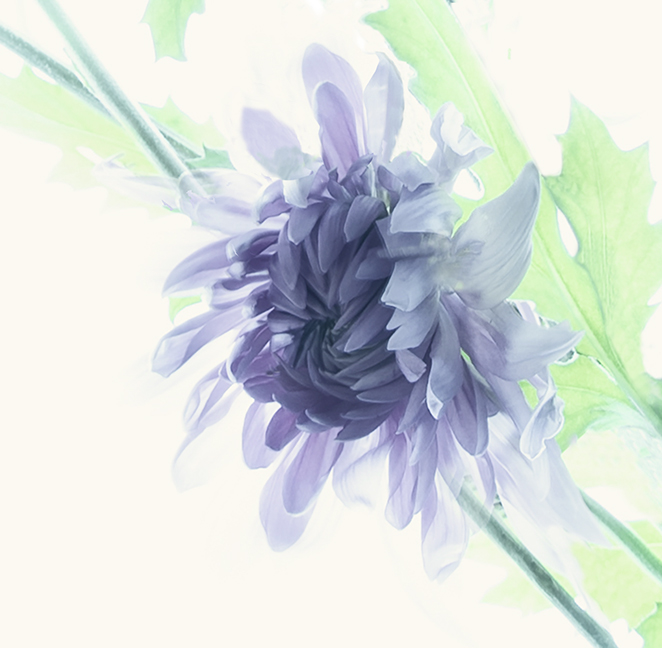
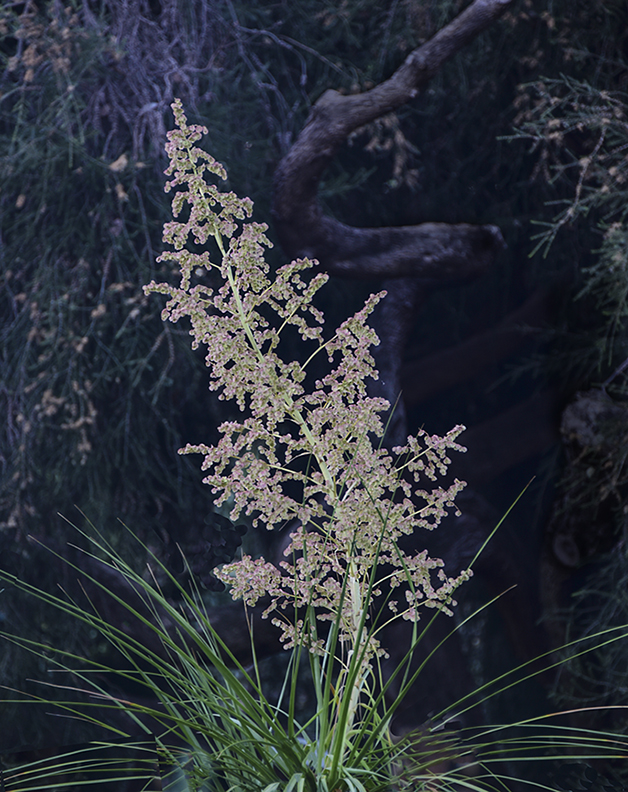
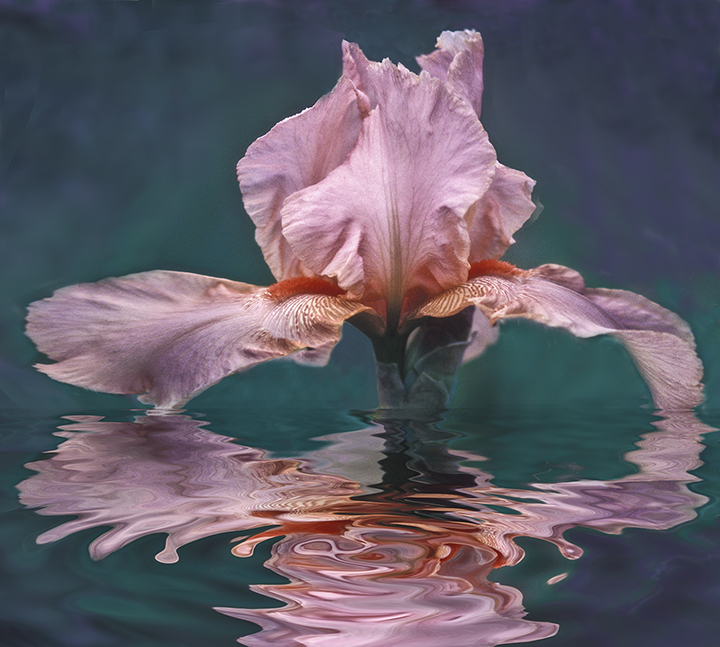
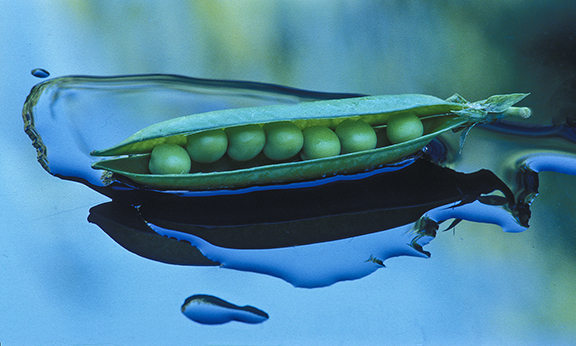
15 Feb 17 Comment The Glow from Topaz works very well. This is a beautiful flower shot to admire. I love the way the blues and greens flow into each other and the graceful curve of the stem. The bright spots didn't bother me for some reason.
As for Linda's question, it depends on what you will be using it for mainly. If you do a lot of Photoshop and Lightroom work on your images, I would recommend the desktop. Nice big screen. If you do a lot of travel and need a computer for downloading, then the laptop.
Feb 27th
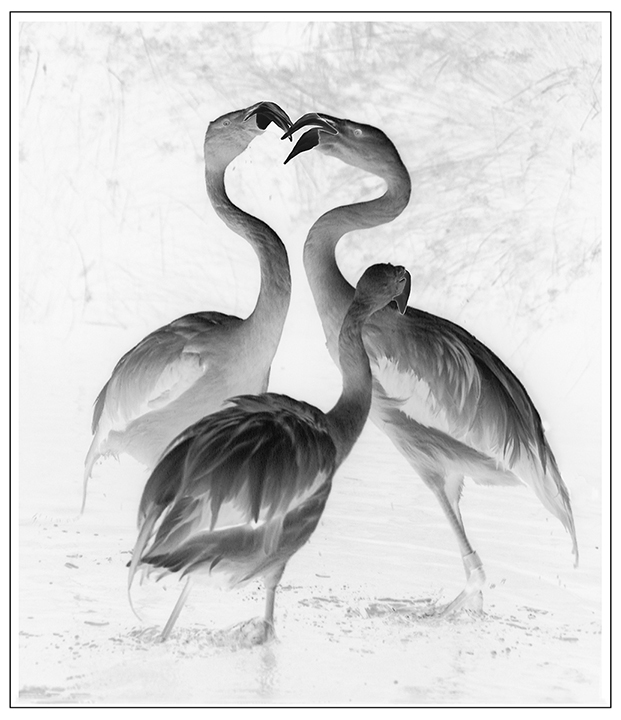
15 Feb 17 Comment Your image of the crane and young one is very well done. Love the lighting. I've seen lots of crane pictures but I can't remember seeing any with chicks before. The background is a little harsh and I'm thinking over sharpened. To avoid that, try the High Pass method of sharpening. Duplicate your layer. Go to Filters>Other> High Pass. If it's a .jpg you're working with keep the number very low in the 2-4 range, avoiding any show of color, if possible. You should be able to see the lines. Then go to the Blend controls and change Normal to Soft Light. Then flatten and you have a nicely sharpened image with no light fringes showing anywhere. Feb 27th

4 comments - 0 replies for Group 15

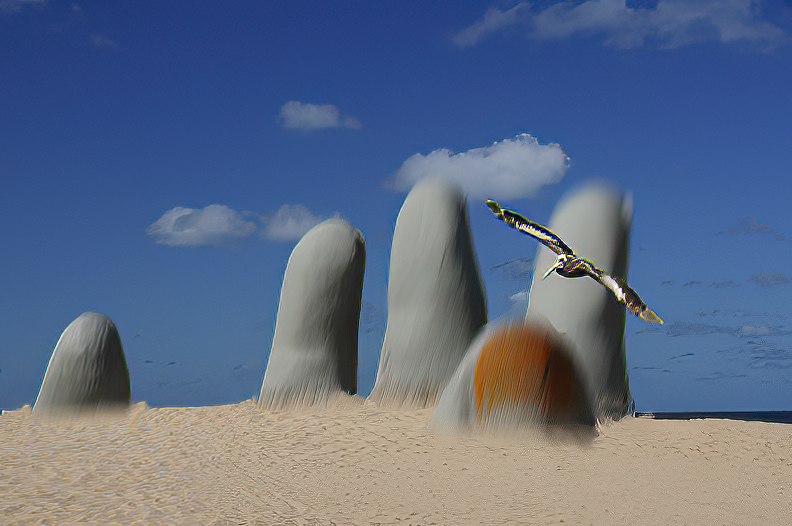
21 Feb 17 Reply Barrie,
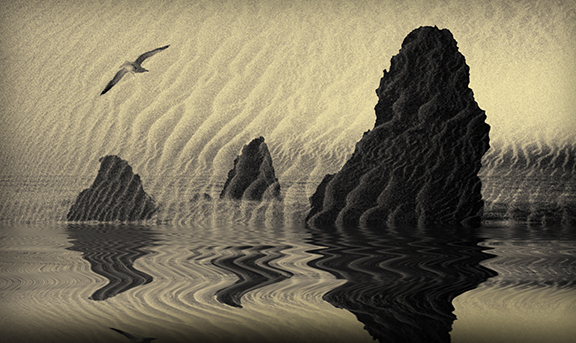
The gull is flying into the picture if you look closely.
Feb 27th
21 Feb 17 Reply Flood is the beloved filter from Flaming Pear which does a marvelous job creating reflections in water, height of your choosing, in so many different ways. It almost always look realistic. Feb 27th
21 Feb 17 Comment Ojars, this is one of my favorites of yours. The lighting is perfect and the placement of the buildings is compositionally strong. The water area could well be more desert as it seems a little out of place here. I get the feeling of aridness and dryness, no water. It also would make the set of buildings to the back right more realistic, arising from land, not water. Your color for me is a late day sky, which actually warms up the image.
I love the impression it makes.
Feb 27th
21 Feb 17 Comment Nancy, once again great work. You really have a love affair with classic cars. I agree with all above. The removal of the darkness from the windows does have the drawback that part of that should show the other side of the car. You complicated wood frame is so well done, excellent job. Feb 27th
21 Feb 17 Comment Well, after all of the comments about placement, I don't have much to say. I agree the angle is better of her shadow. If you gave the rocks shadows, it would definitely interfere with the impact of the the lone figure. They don't seem to need shadows for some reason, and better without them.
Overall, I love your concept of the huge moon really lighting up the landscape. Your final iteration loses the light circle of the moonlight, but, in my opinion, it works better without it now that we have gone off center.
Nice work.
Feb 27th
21 Feb 17 Comment Very nice, Barrie. She fills the frame beautifully and your work on her works for me. I like the neutral feel of this with the purple shadow making an interesting counterfoil. Outlining the shadow makes this more of a graphic image. Lovely model in 1970. Feb 27th

4 comments - 2 replies for Group 21


8 comments - 2 replies Total


196 Images Posted

  = Current Round   = Previous Round
Group 03

Dec 25

Nov 25

Oct 25

Sep 25

Aug 25

Jul 25

May 25

Apr 25

Mar 25

Feb 25

Jan 25

Nov 24

Oct 24

Sep 24

Jul 24

Jun 24

May 24

Apr 24

Mar 24

Feb 24

Jan 24

Oct 23

Sep 23

Aug 23

Jul 23

Jun 23

May 23

Apr 23

Mar 23

Feb 23

Jan 23

Dec 22

Nov 22

Oct 22
Group 15

Aug 22

Jul 22

Jun 22

May 22

Apr 22

Mar 22

Feb 22

Jan 22

Dec 21

Nov 21

Oct 21

Sep 21

Aug 21

Jul 21

Jun 21

May 21

Apr 21

Mar 21

Feb 21

Dec 20

Nov 20

Oct 20

Sep 20

Aug 20

Jul 20

Jun 20

May 20

Apr 20

Feb 20

Jan 20

Dec 19

Nov 19

Oct 19

Sep 19

Aug 19

Jul 19

Jun 19

Apr 19

Mar 19

Feb 19

Jan 19

Dec 18

Nov 18

Oct 18

Sep 18

Aug 18

Jul 18

Jun 18

May 18

Apr 18

Mar 18

Feb 18

Jan 18

Dec 17

Nov 17

Oct 17

Sep 17

Aug 17

Jul 17

Jun 17

May 17

Apr 17

Mar 17

Feb 17

Jan 17
Group 18

Nov 25

Oct 25

Sep 25

Aug 25

Jul 25

May 25

Apr 25

Mar 25

Feb 25

Nov 24

Oct 24

Sep 24

Jul 24

Jun 24

May 24

Apr 24

Mar 24

Feb 24

Jan 24

Oct 23

Sep 23

Aug 23

Jul 23

Jun 23

May 23

Apr 23

Mar 23

Feb 23

Jan 23

Dec 22

Nov 22

Oct 22
Group 21

Aug 22

Jul 22

Jun 22

May 22

Apr 22

Mar 22

Feb 22

Jan 22

Dec 21

Oct 21

Sep 21

Aug 21

Jul 21

Jun 21

May 21

Apr 21

Mar 21

Feb 21

Dec 20

Nov 20

Oct 20

Sep 20

Aug 20

Jul 20

Jun 20

May 20

Apr 20

Feb 20

Jan 20

Dec 19

Nov 19

Oct 19

Sep 19

Aug 19

Jul 19

Jun 19

Apr 19

Mar 19

Feb 19

Jan 19

Dec 18

Nov 18

Oct 18

Sep 18

Aug 18

Jul 18

Jun 18

May 18

Apr 18

Mar 18

Feb 18

Jan 18

Dec 17

Nov 17

Oct 17

Sep 17

Aug 17

Jul 17

Jun 17

May 17

Apr 17

Mar 17

Feb 17

Jan 17
Group 41

Dec 25

Close this Tab when done