|
| Group |
Round |
C/R |
Comment |
Date |
Image |
| 20 |
Feb 19 |
Comment |
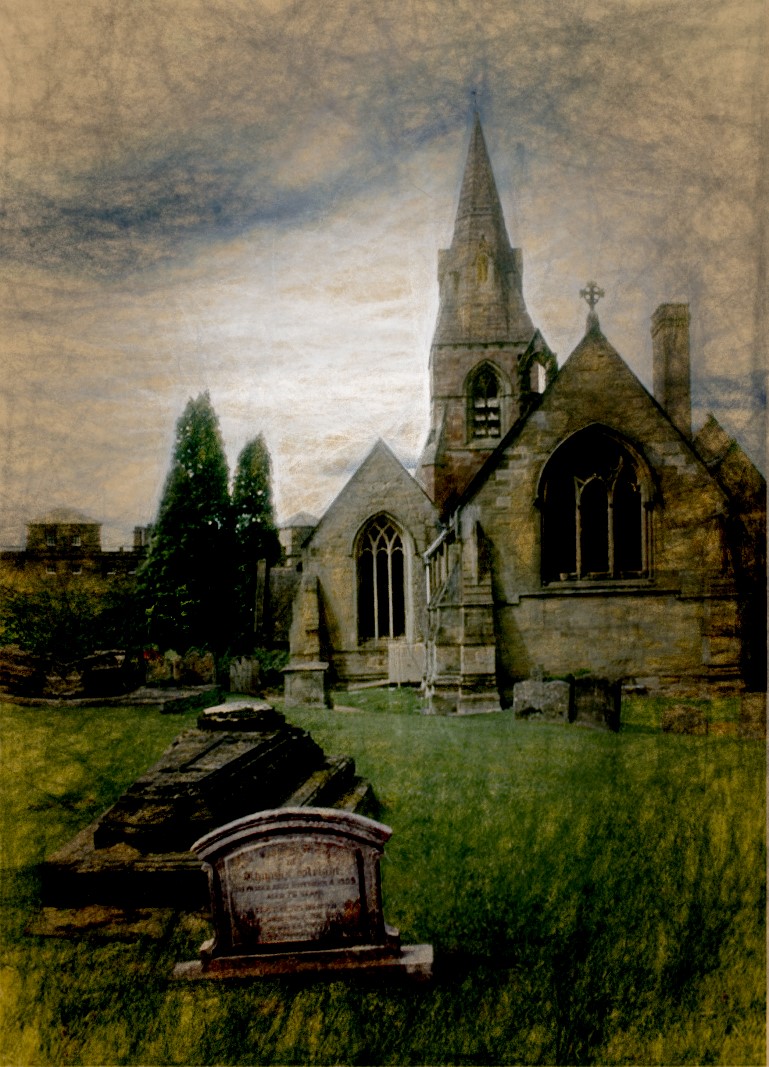
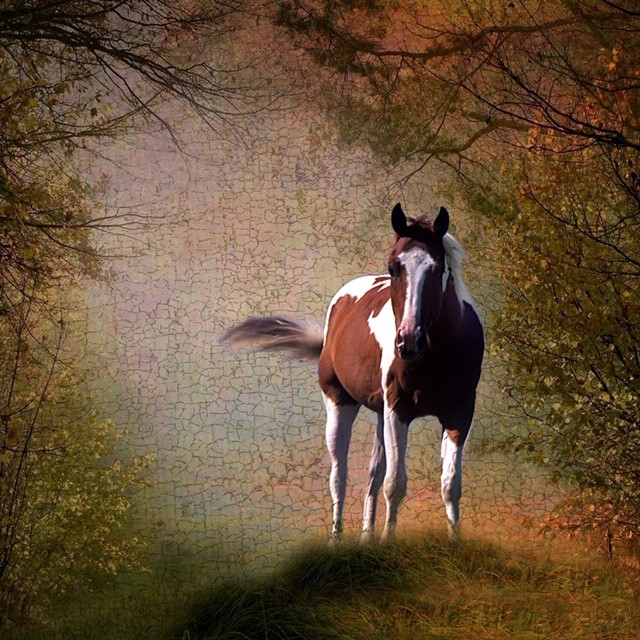
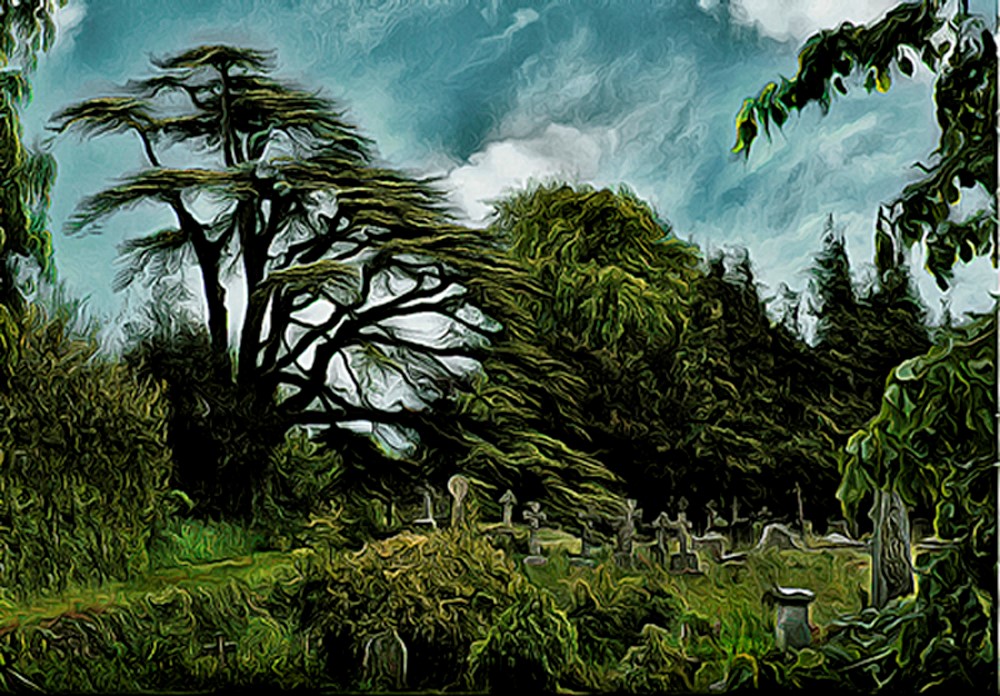
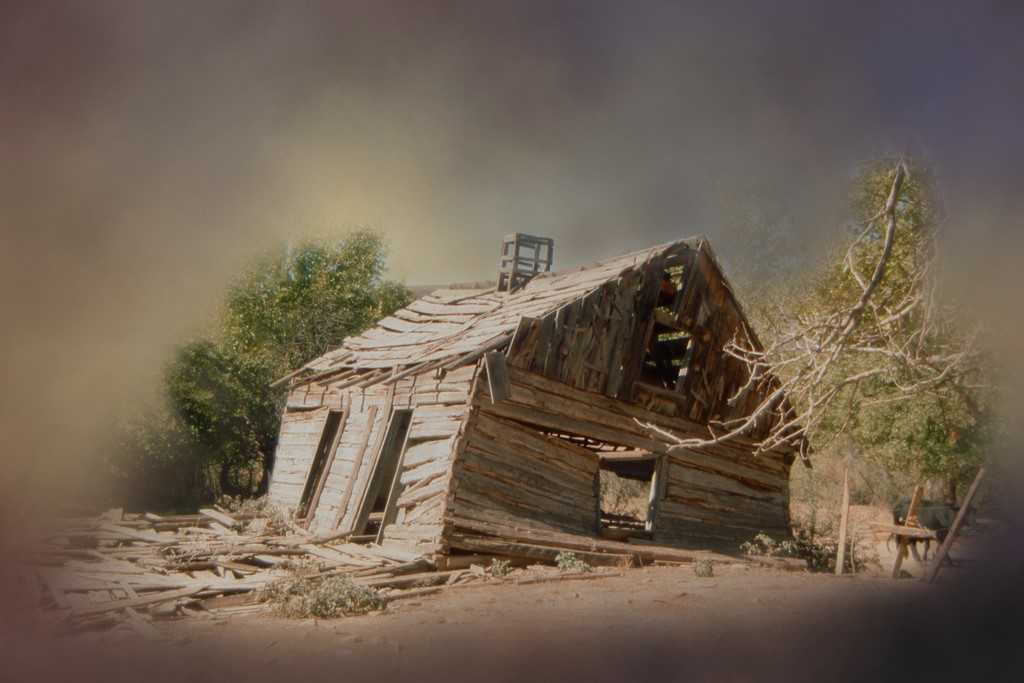
I too like your Original Two better than the One and the final image looks great. The only thing I would change would be to soften the harsh white strokes in the sky and clone out the ones in the tops of the trees. |
Feb 10th |
| 20 |
Feb 19 |
Comment |
Elongating the glass image and then using the Topaz filter greatly improved the original - really adding interest. You should offer that suggestion to Mr. Chihuly! |
Feb 10th |
| 20 |
Feb 19 |
Comment |
Cute. Very cute little dolls with those appealing eyes. And your treatment of swirling the flowers around them was just the right touch, showing them off very nicely. |
Feb 8th |
| 20 |
Feb 19 |
Comment |
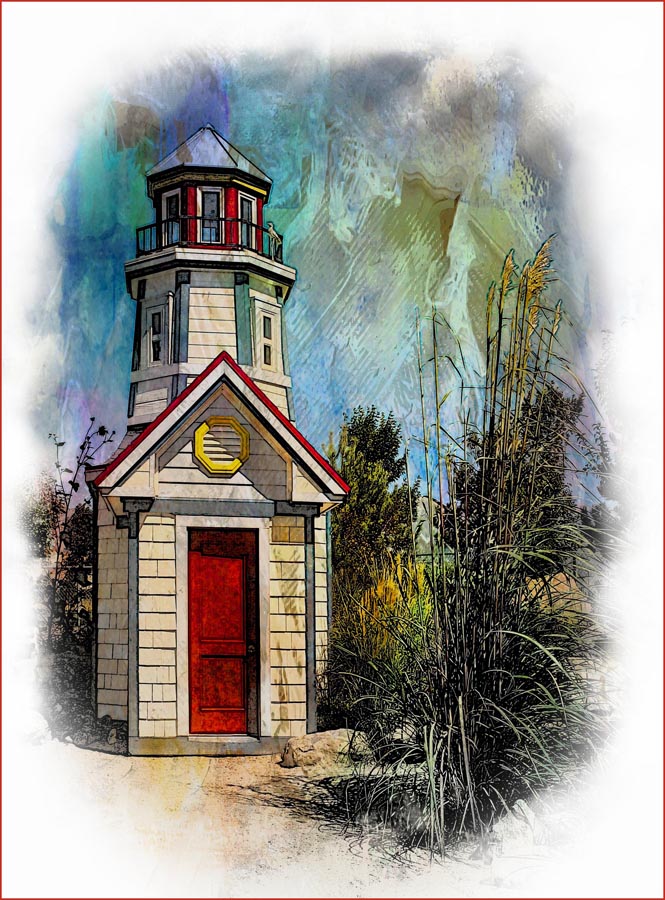
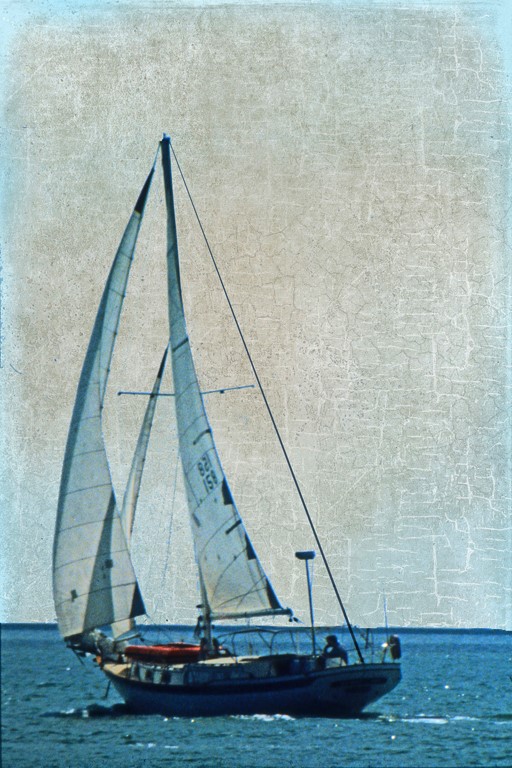
You did an outstanding job on your original image with the filters. The only thing I would have changed would be cloning out the wires and poles at the top. |
Feb 8th |
| 20 |
Feb 19 |
Comment |
Poster Edges worked well on the tomatoes and lettuce but it made the grey in the background far too dominant. I would have just used the filter selectively - only on the vegetables and left the background alone. |
Feb 8th |
| 20 |
Feb 19 |
Reply |
Hi Cindy,
In my rush to get my entry off to you in time I forgot to say that the "weather" image was one that I had purchased from Shutterstock. I couldn't produce anything that clever! I'm just a novice.
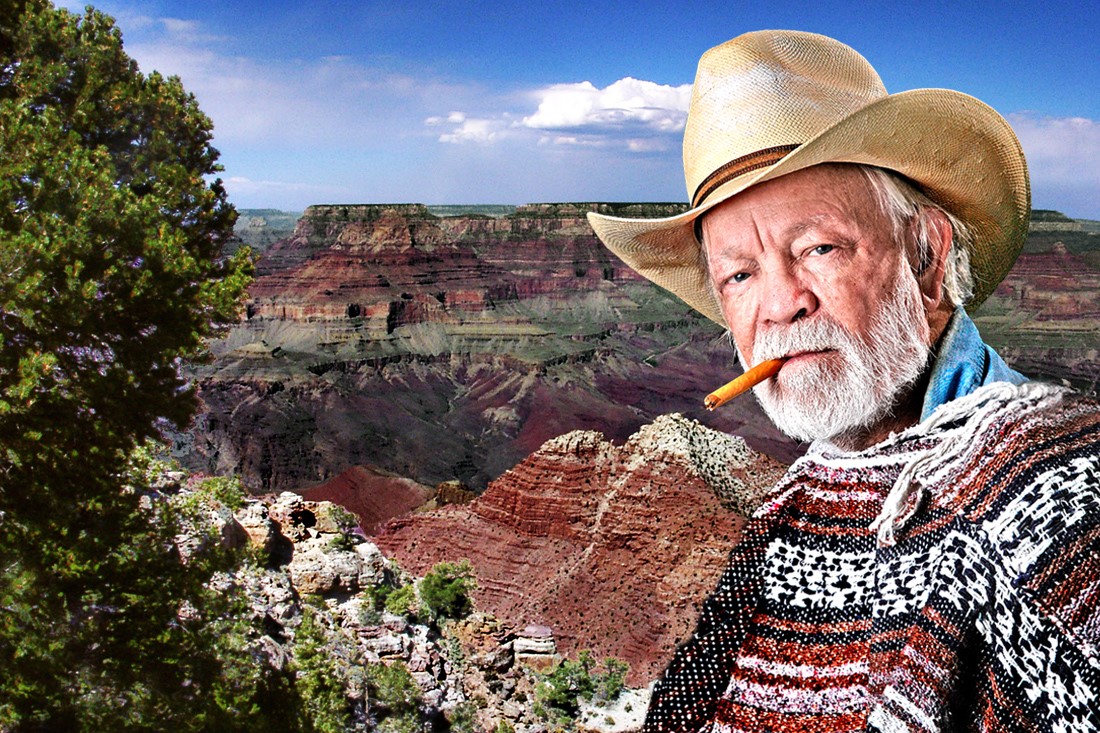
As for extractions from an image, it's nothing too clever. I use the Magic Wand Tool as much as possible. When I have outlined my subject I go to Select>Modify>Expand. I expand by one or two pixels. I then invert the selection (Control, Shift I). Next, Control C, Control V and drag the selection to where I want it.
|
Feb 7th |
5 comments - 1 reply for Group 20
|
5 comments - 1 reply Total
|